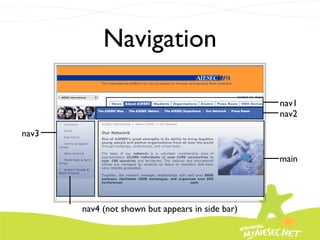
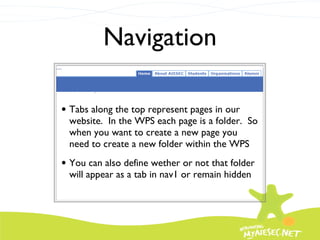
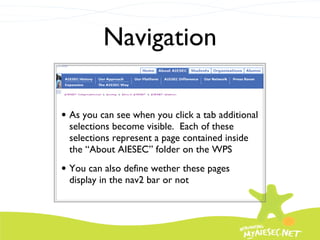
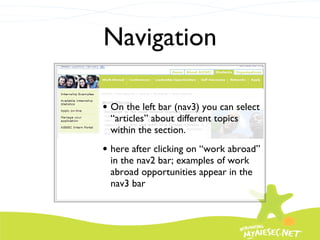
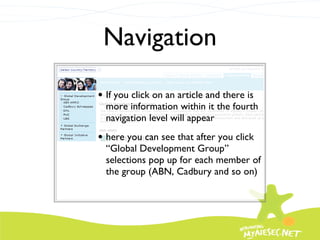
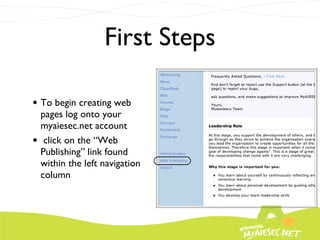
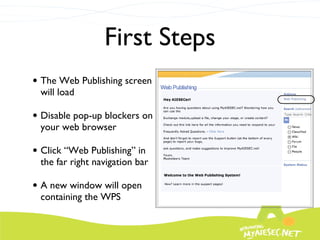
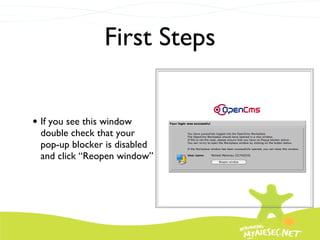
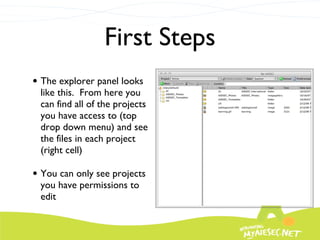
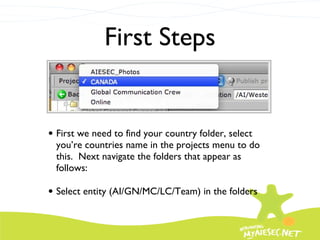
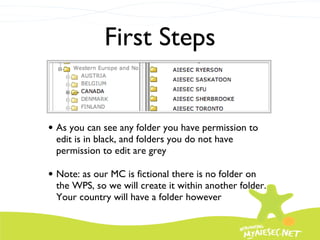
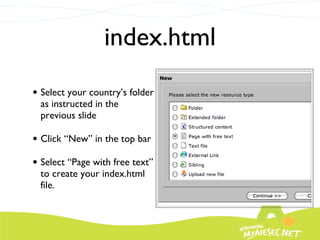
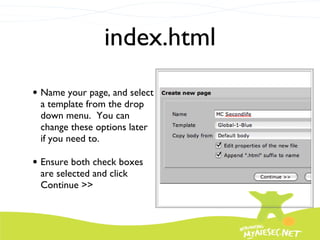
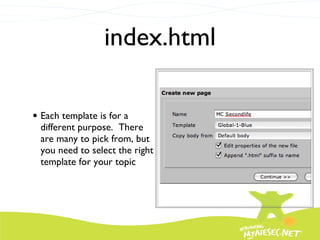
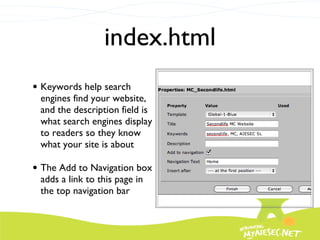
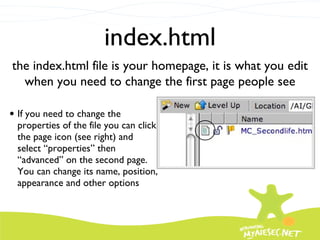
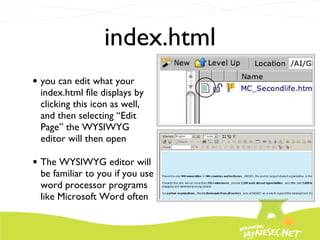
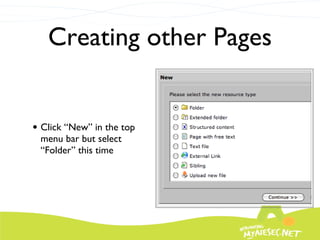
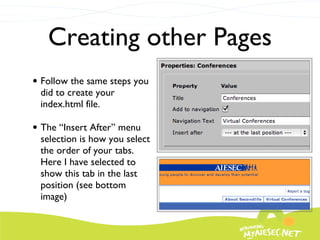
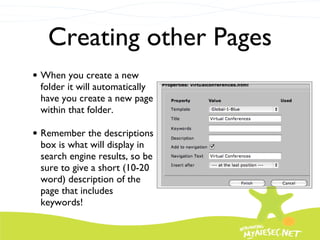
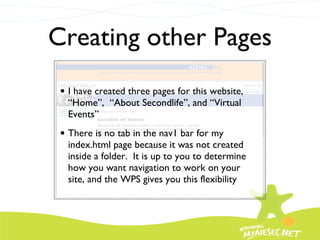
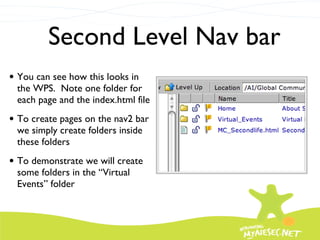
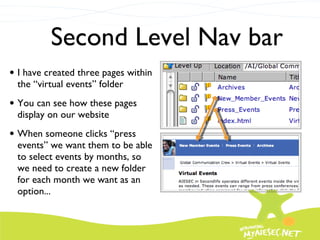
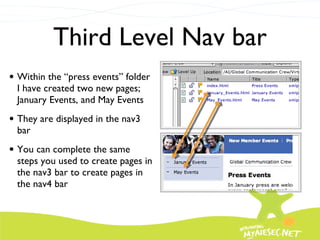
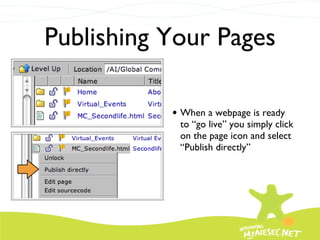
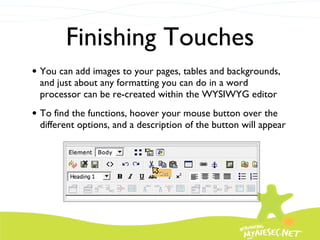
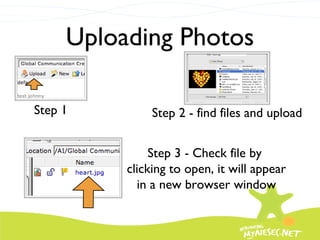
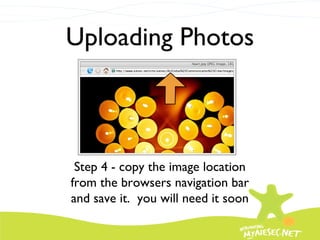
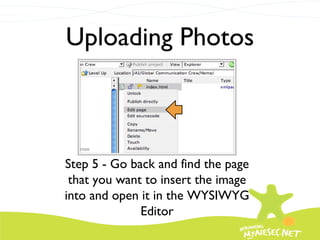
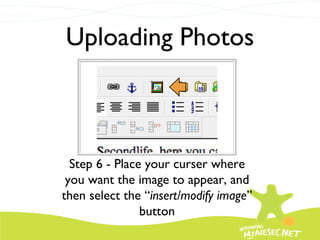
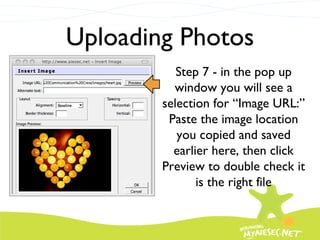
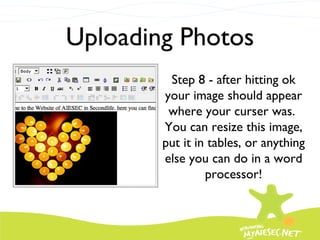
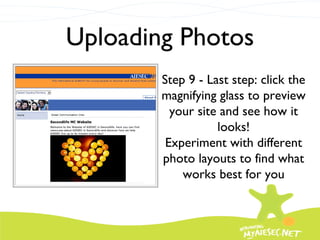
This tutorial demonstrates how to create a website using the myaiesec.net web publishing system (WPS). It shows how to set up the basic page structure and navigation, create a sample website for a fictional Member Committee called "Secondlife", and add pages, folders, images and content. Key steps include creating an index.html homepage, adding additional pages through new folders, uploading and inserting images, and publishing pages live on the website. The WYSIWYG editor allows dragging and dropping content like in a word processor.