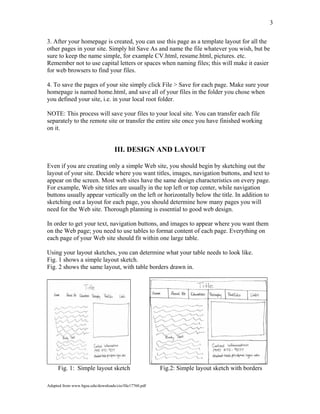
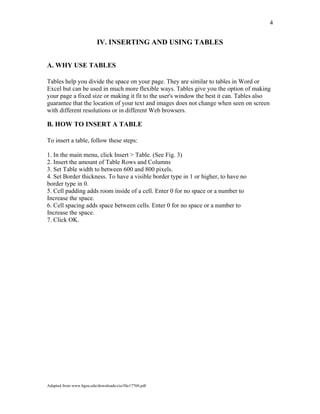
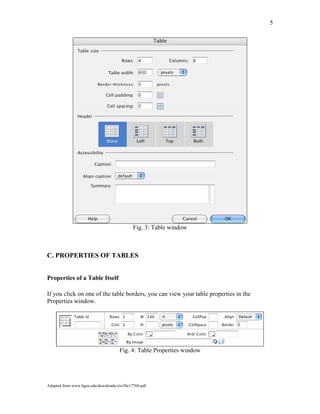
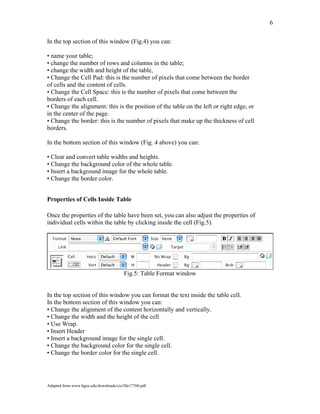
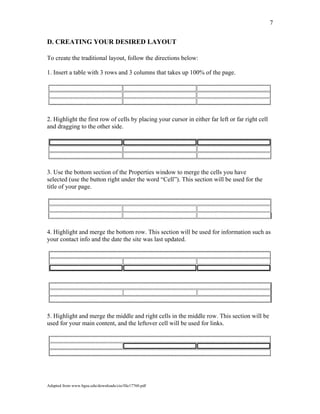
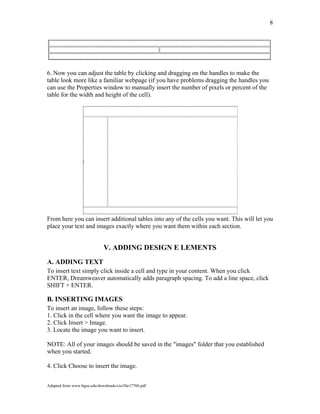
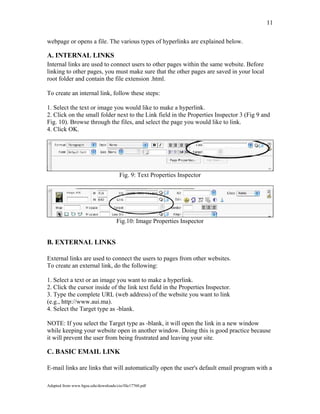
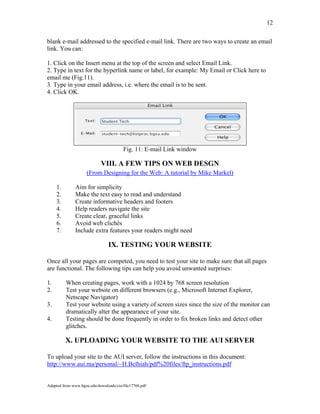
This document provides a tutorial on using Adobe Dreamweaver CS3 to create websites. It discusses getting started by creating a local root folder to store website files. It then covers inserting tables to layout webpages, including properties of tables and cells. Steps are provided to create a basic webpage layout with a title, images, and text within a three row, three column table structure that spans the full page width. The document aims to teach the basic functions of Dreamweaver needed to design and build a website.