Identifying
     Similarities and
       Differences
• Basic to human thought
• Possibly the core to
  learning
• Higher-order on Bloom’s
 • Level 4: Analysis
Why is this important?
• Leads to deeper student understanding of
  the content.
• Students make connections with old
  knowledge to new knowledge.
• The brain works by building connections
  and associations constantly.
• The brain remembers more easily things
      that are unusual or different.
Identifying
    Similarities and
      Differences
• Comparing
• Classifying
• Creating Metaphors
• Creating Analogies
Comparing
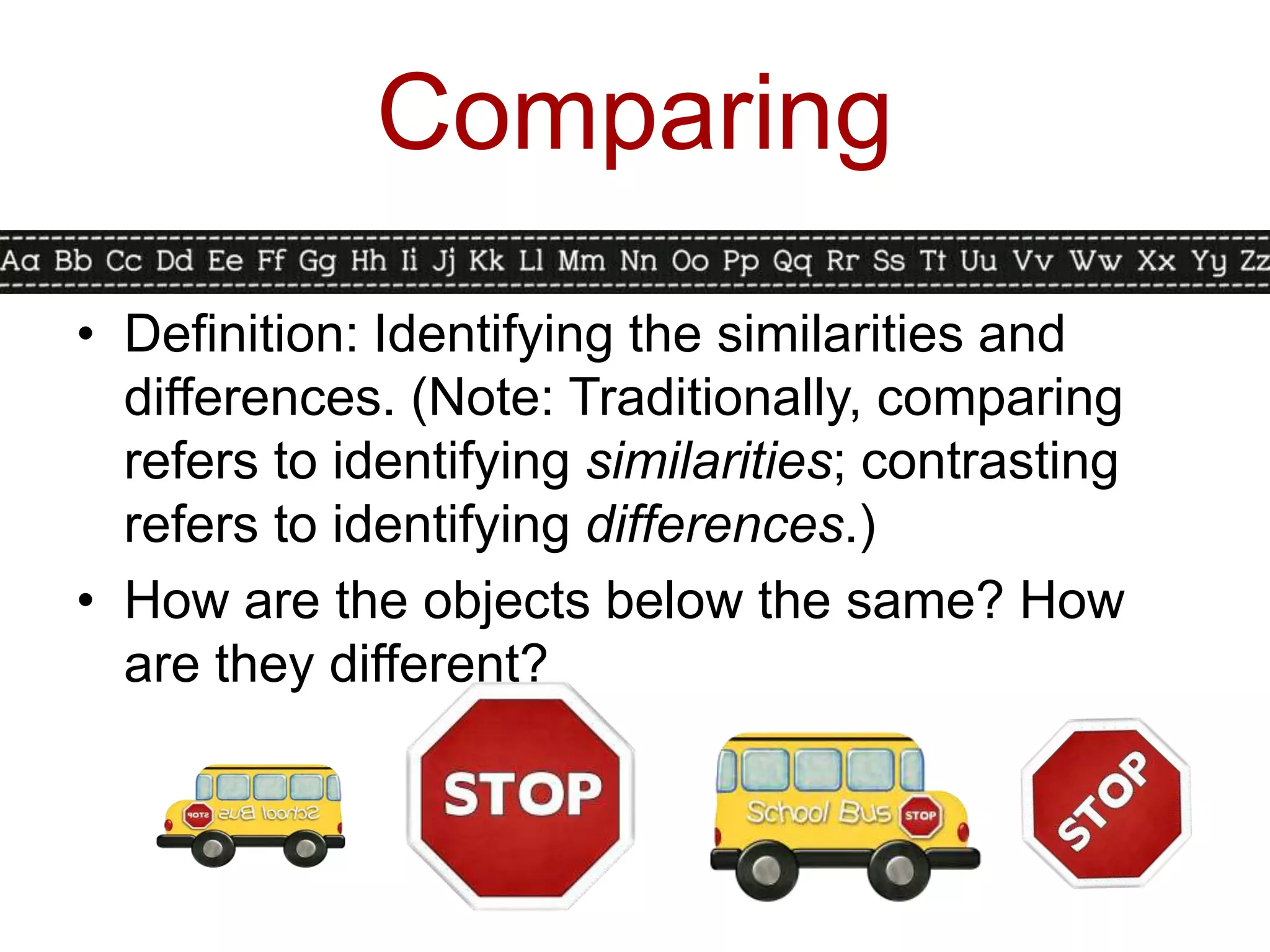
• Definition: Identifying the similarities and
  differences. (Note: Traditionally, comparing
  refers to identifying similarities; contrasting
  refers to identifying differences.)
• How are the objects below the same? How
  are they different?
Comparing in Action
• When introducing the activity, start very
  structured, explicit, and teacher-directed. Use
  familiar and simple content.
• Teacher-directed: Teacher selects items to
  compare and how to compare.
• Student-directed: Teacher selects items,
  students decide how to compare.
• Advanced student-directed: Students select
  items to compare and how to compare.
Comparing in Action

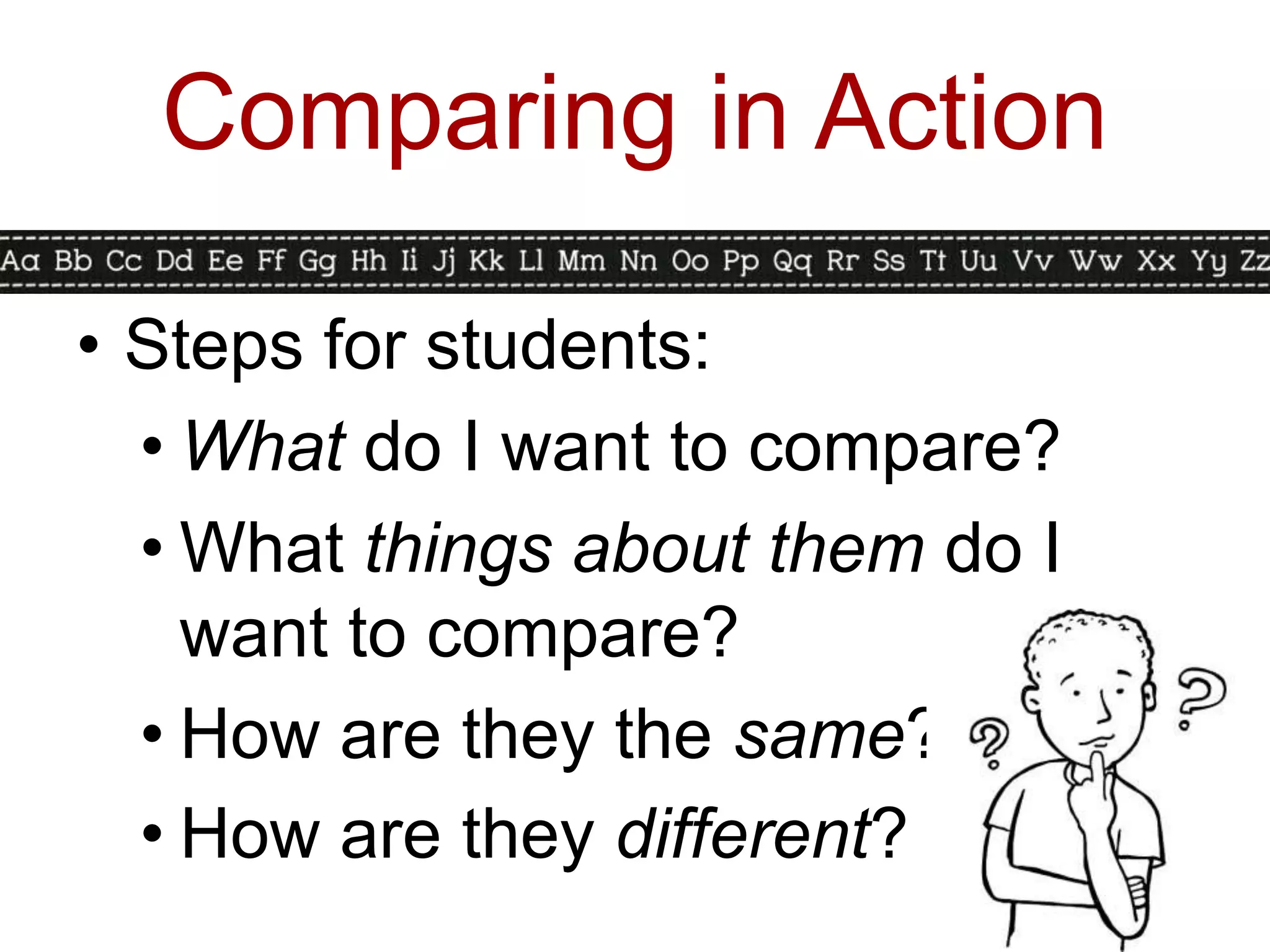
• Steps for students:
  • What do I want to compare?
  • What things about them do I
    want to compare?
  • How are they the same?
  • How are they different?
Graphic Organizers for
     Comparing
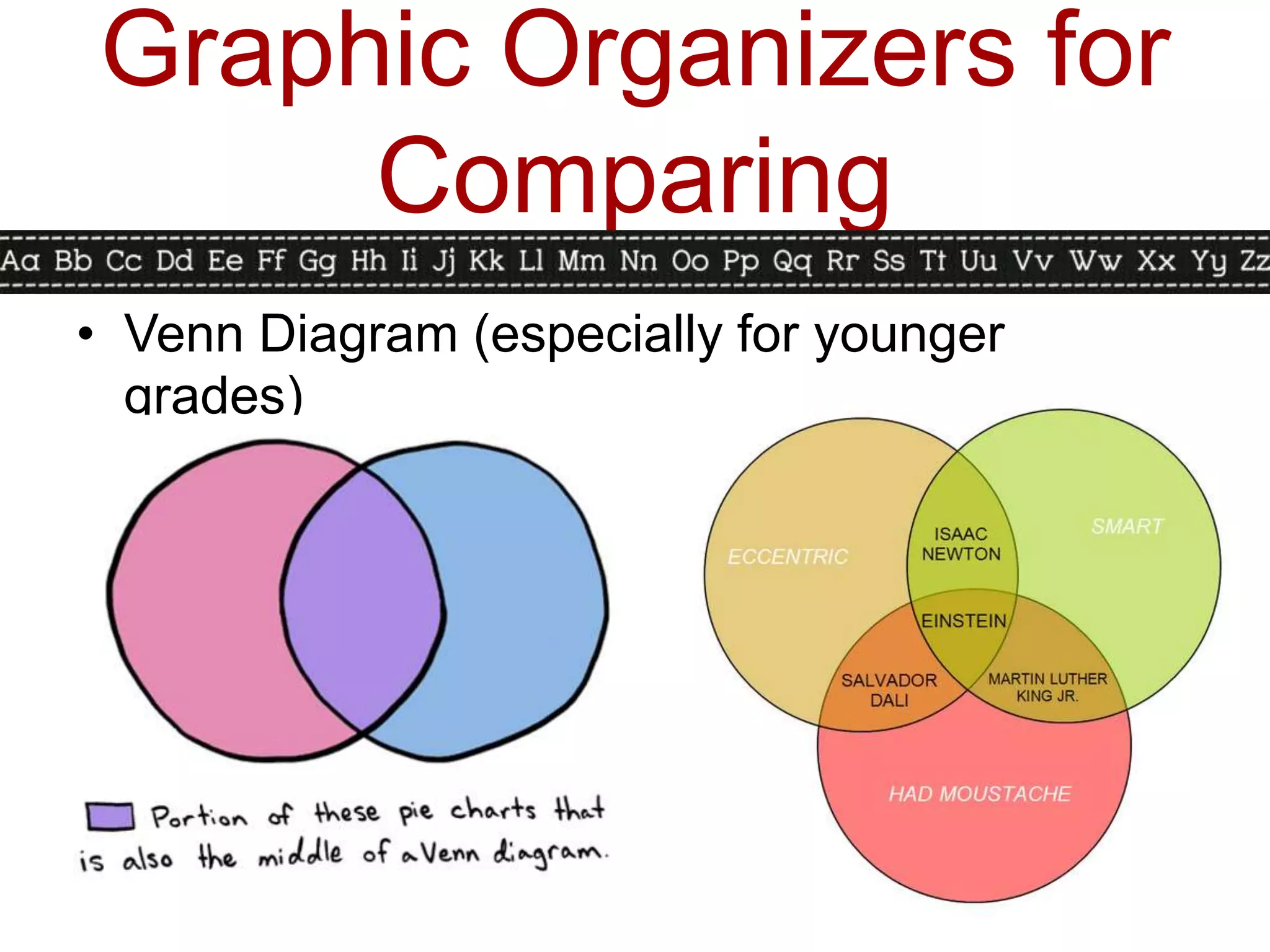
• Venn Diagram (especially for younger
  grades)
Graphic Organizers for
     Comparing
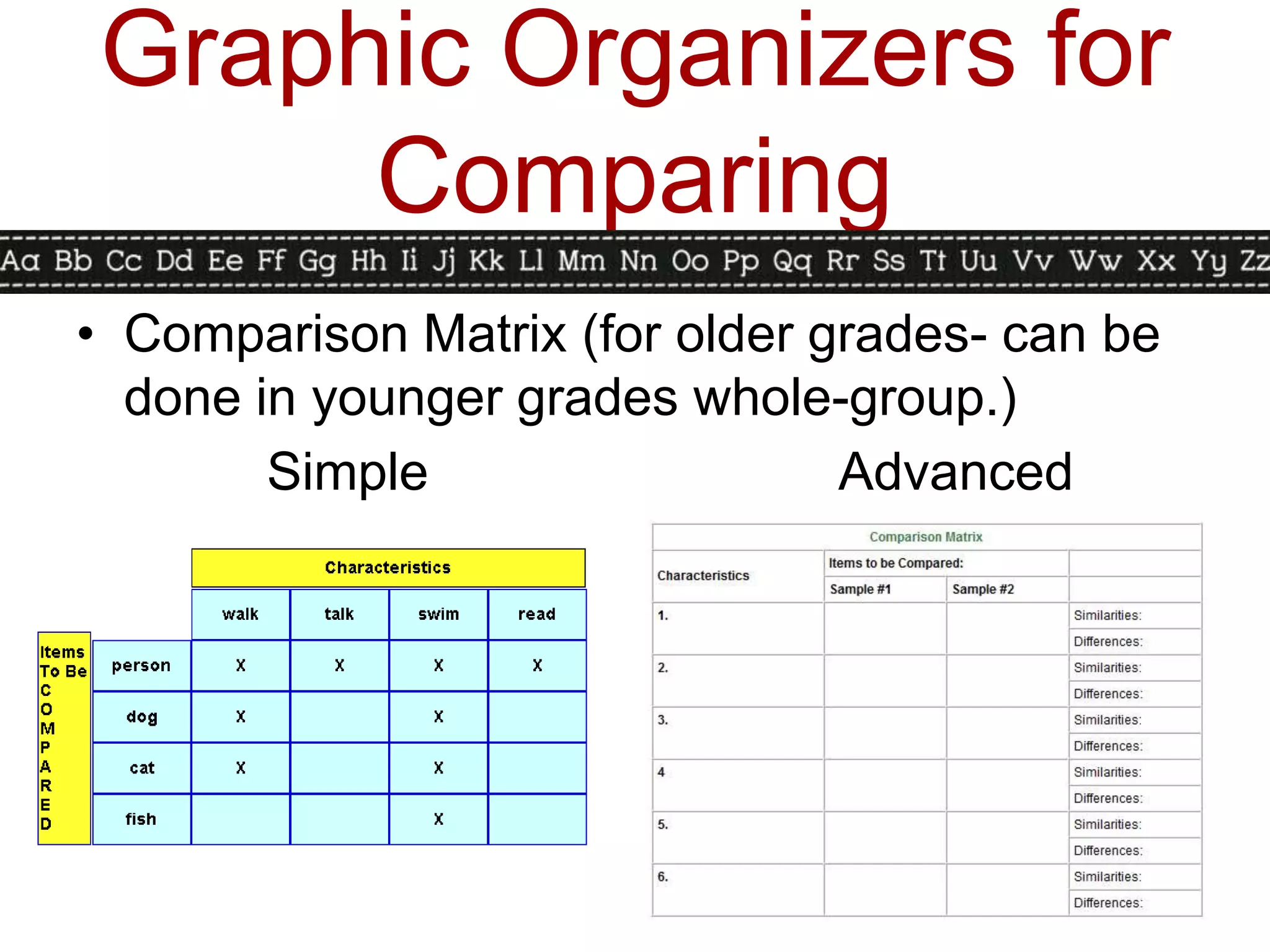
• Comparison Matrix (for older grades- can be
  done in younger grades whole-group.)
        Simple                  Advanced
Comparison Activity Time!
 1. Get your Comparison Matrix out.
 2. Work with your table to complete
    the matrix for five minutes.
 3. Stop working and talking when
    the timer goes off. (Thanks!)
 4. Reward yourself with some
    candy- you deserve it!
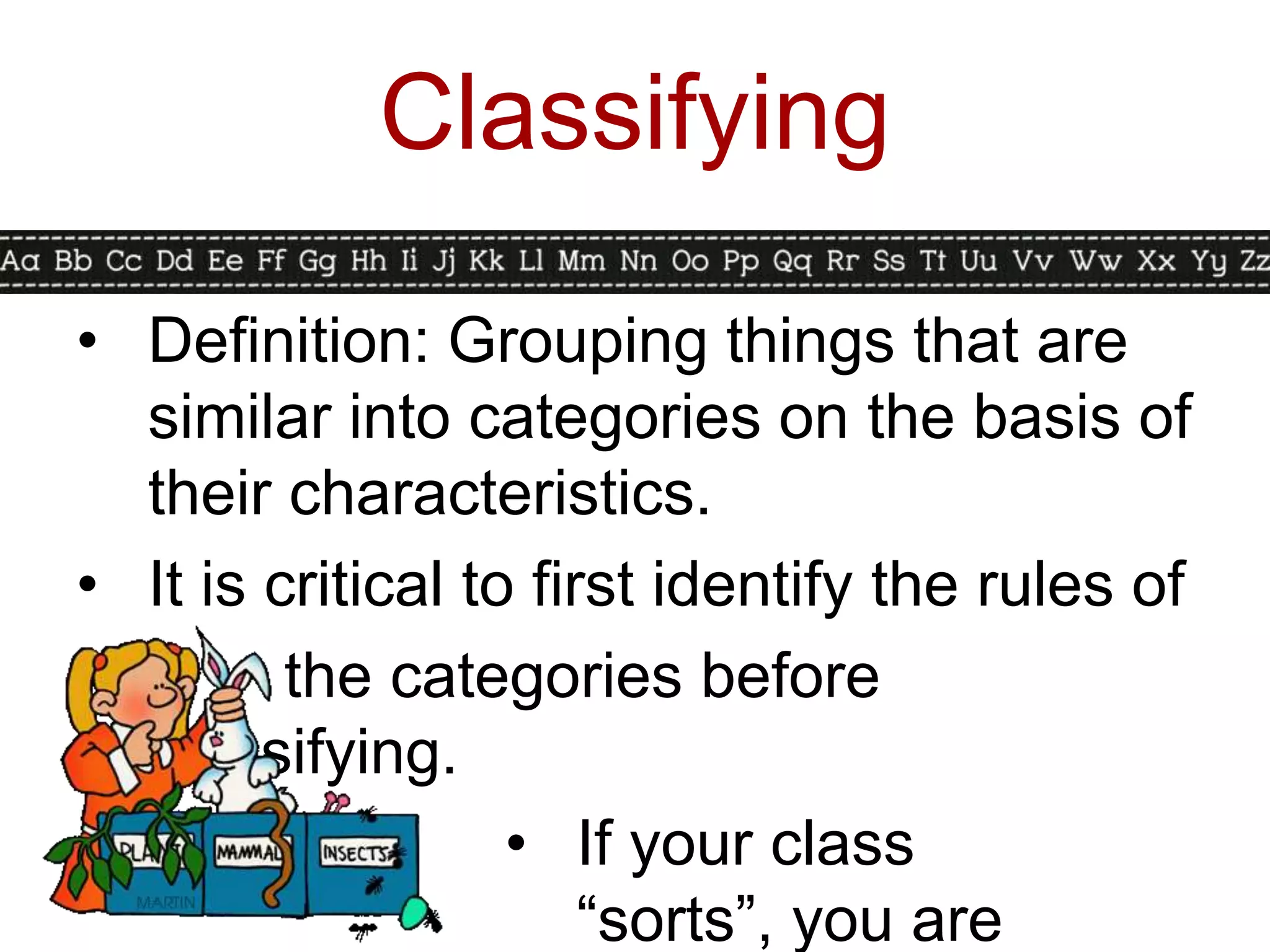
Classifying

• Definition: Grouping things that are
  similar into categories on the basis of
  their characteristics.
• It is critical to first identify the rules of
         the categories before
  classifying.
                   • If your class
                       “sorts”, you are
Classifying in Action
• Remember to model and start out very
  structured when introducing. Emphasize
  how you are grouping them and why you
  are grouping them.
• Teacher-Directed: Students are given the
  elements to classify and the categories.
• Student-Directed: Students are given the
  items but come up with their own
  categories.
• Advanced Student-Directed: Students
  come up with the items to classify and the
Classifying in Action

• Steps for classifying:
 •   What to classify?
 •   What things can I group?
 •   How are the things alike?
 •   Can I make the groups another way?
 •   Does everything fit into a group?
 •   Would it be better to split up any of the
     groups or combine any groups?
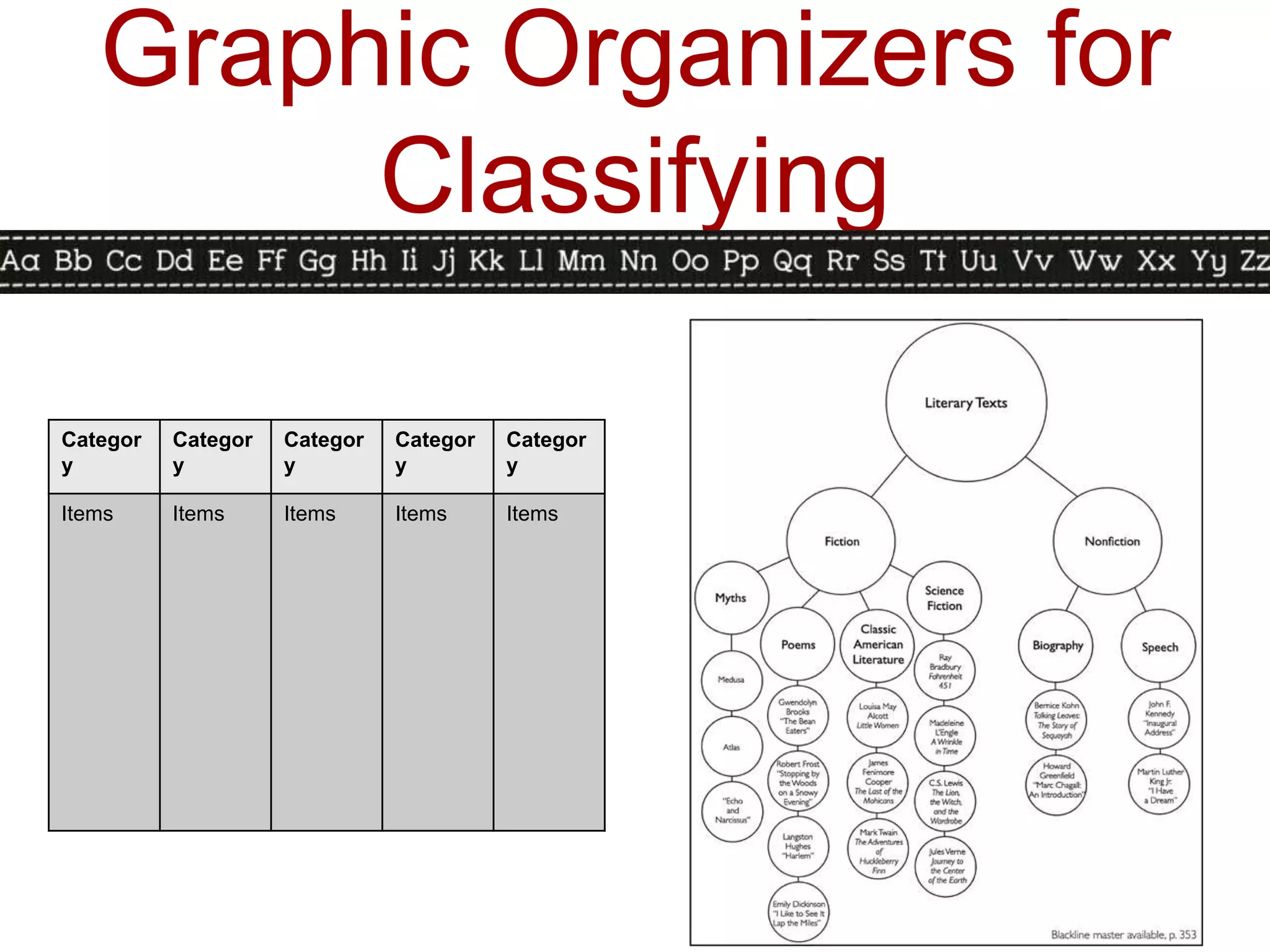
Graphic Organizers for
        Classifying

Categor   Categor   Categor   Categor   Categor
y         y         y         y         y

Items     Items     Items     Items     Items
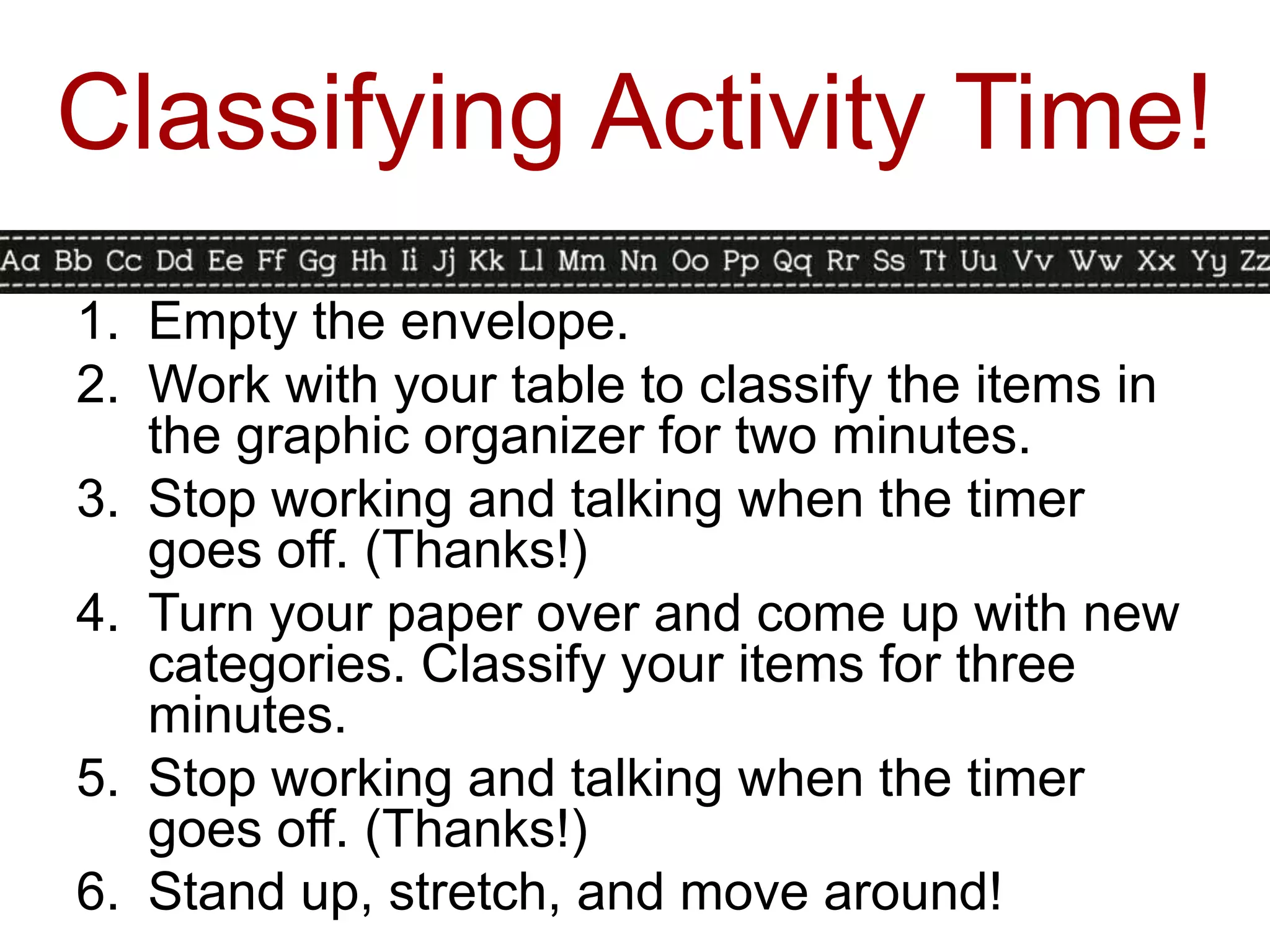
Classifying Activity Time!
1. Empty the envelope.
2. Work with your table to classify the items in
   the graphic organizer for two minutes.
3. Stop working and talking when the timer
   goes off. (Thanks!)
4. Turn your paper over and come up with new
   categories. Classify your items for three
   minutes.
5. Stop working and talking when the timer
   goes off. (Thanks!)
6. Stand up, stretch, and move around!
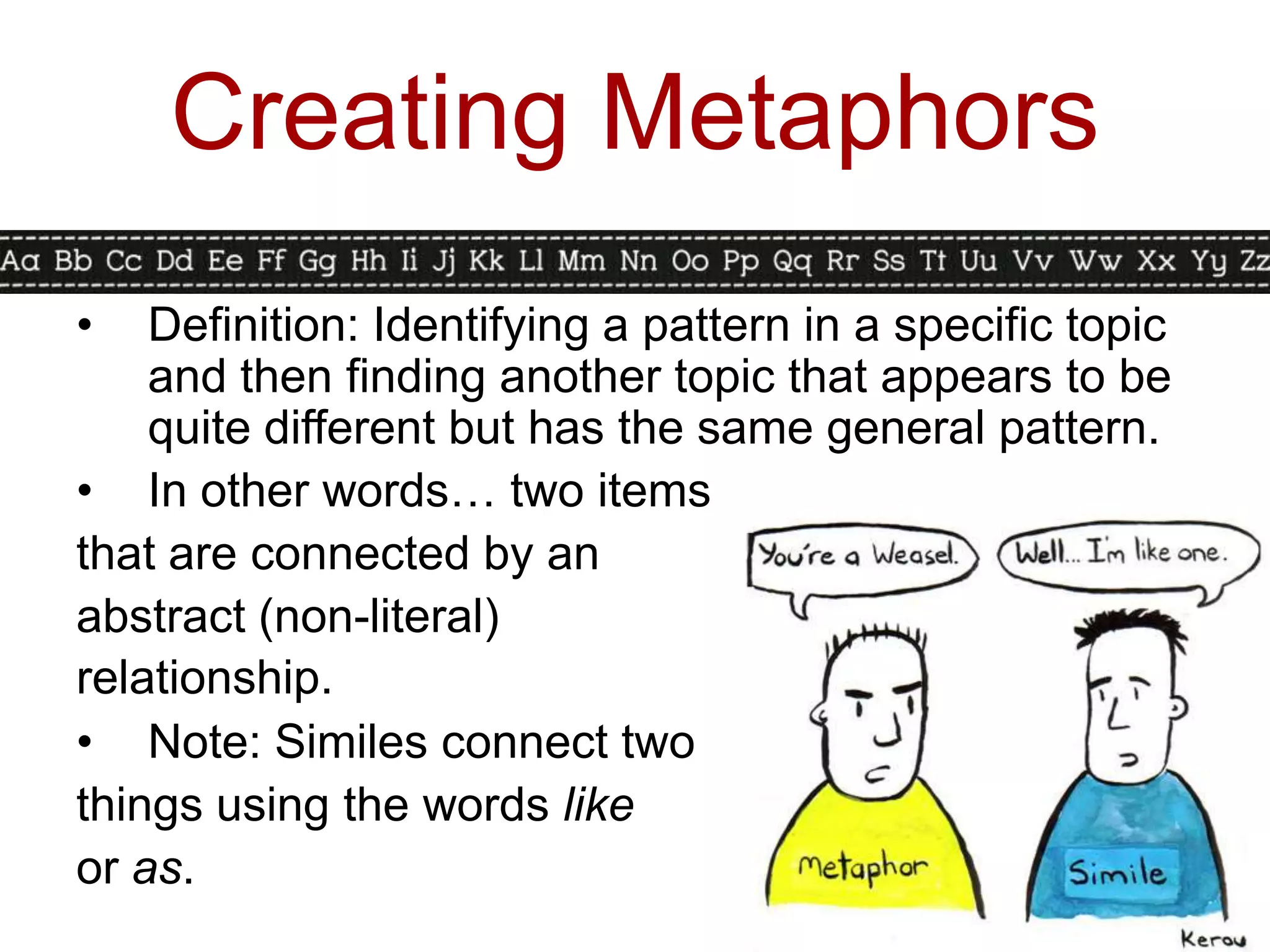
Creating Metaphors
•   Definition: Identifying a pattern in a specific topic
    and then finding another topic that appears to be
    quite different but has the same general pattern.
• In other words… two items
that are connected by an
abstract (non-literal)
relationship.
• Note: Similes connect two
things using the words like
or as.
Creating Metaphors in
            Action
•   Teacher-Directed: Teacher provides the first
    element and the abstract relationship.
•   Student-Directed: Teacher provides first
    element and the student identifies the
    second element and the relationship.
    •   The brain is _______________.
    •   Love is ____________.
•   For younger students, starting out with
    similes may help them understand the
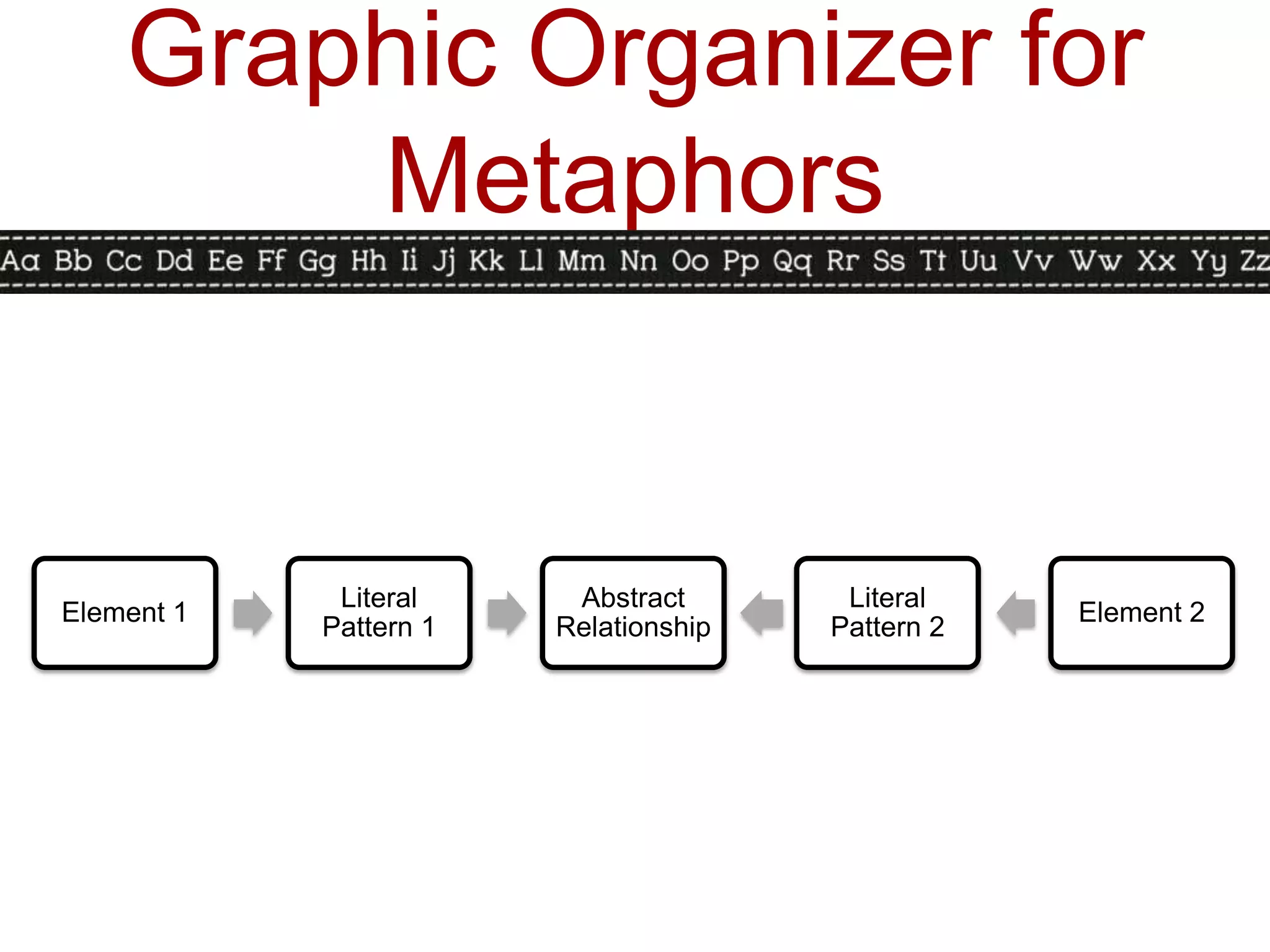
Graphic Organizer for
        Metaphors


             Literal     Abstract       Literal
Element 1                                          Element 2
            Pattern 1   Relationship   Pattern 2
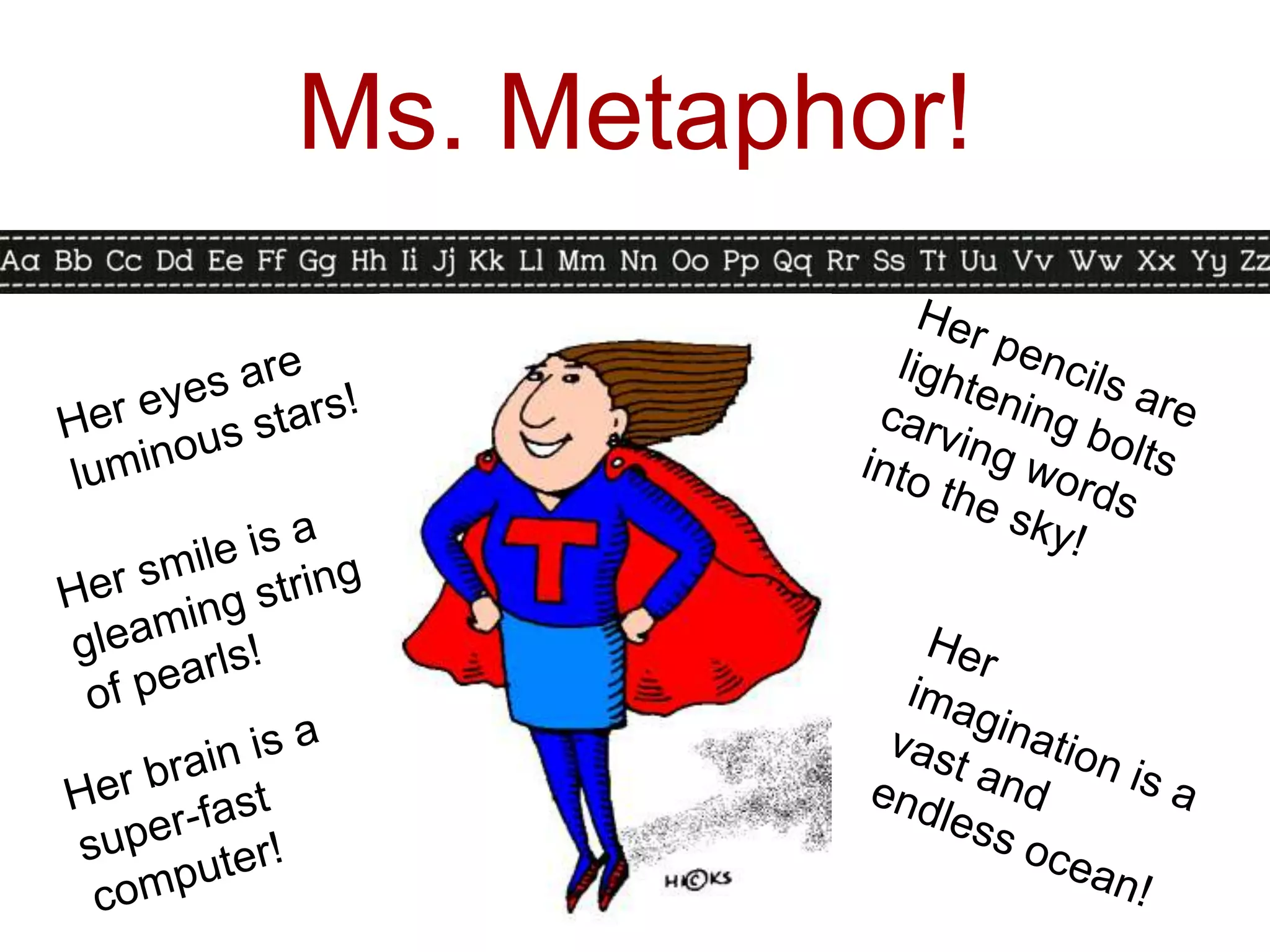
Ms. Metaphor!
Metaphor Activity Time!
                 (5 minutes)

1. Read the metaphors describing the Internet.
2. Choose the one that you think best
   describes the Internet.
3. Explain your choice to an elbow buddy.
4. Come up with your own Internet metaphor
   either on your own or with your elbow buddy.
5. Be willing to share your metaphor when the
   timer goes off.
6. Enjoy another piece of candy or another
   stretch! We’re almost done!
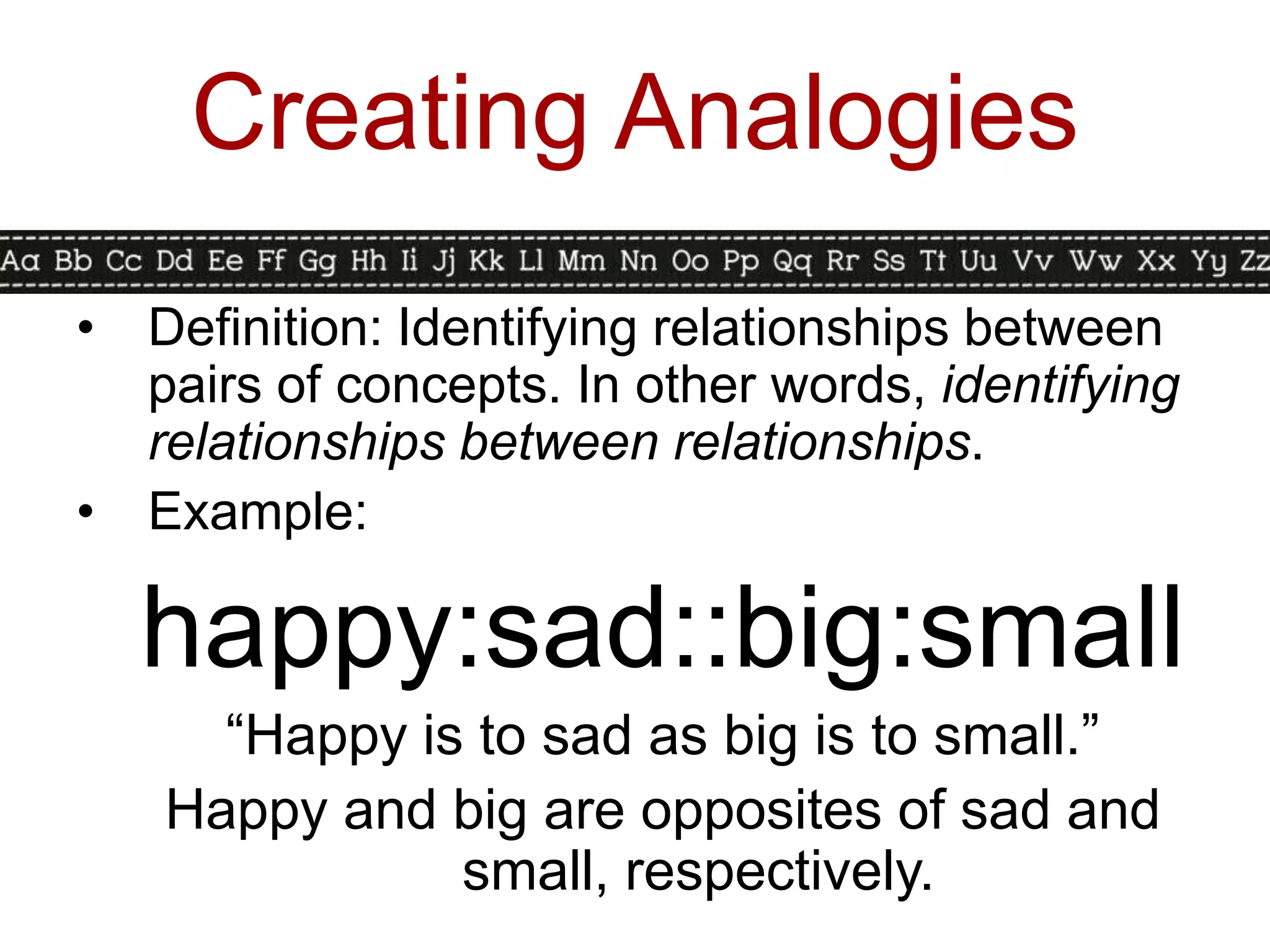
Creating Analogies
•   Definition: Identifying relationships between
    pairs of concepts. In other words, identifying
    relationships between relationships.
•   Example:

    happy:sad::big:small
      “Happy is to sad as big is to small.”
    Happy and big are opposites of sad and
               small, respectively.
Creating Analogies
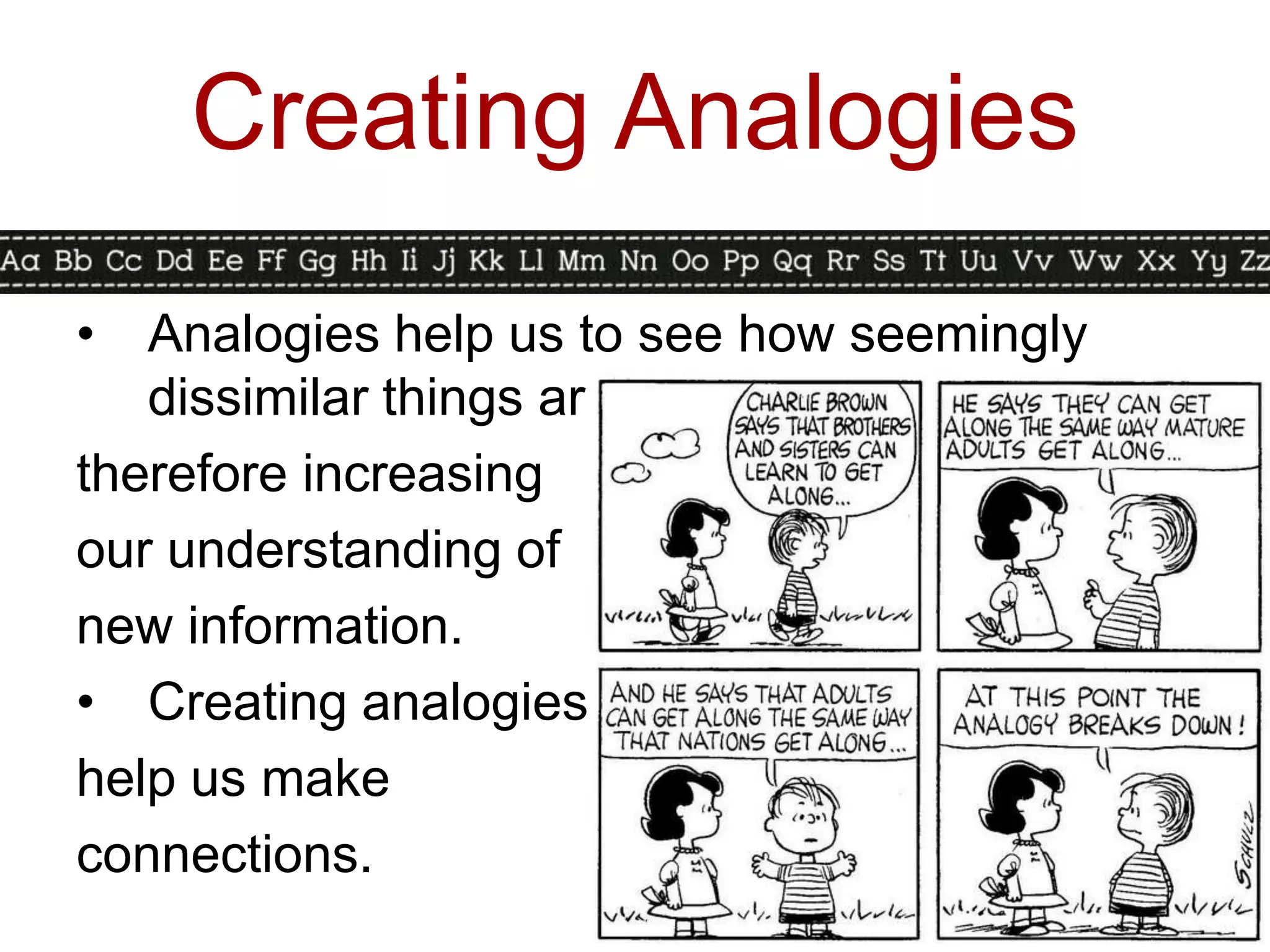
•  Analogies help us to see how seemingly
   dissimilar things are similar,
therefore increasing
our understanding of
new information.
• Creating analogies
help us make
connections.
Creating Analogies in
         Action
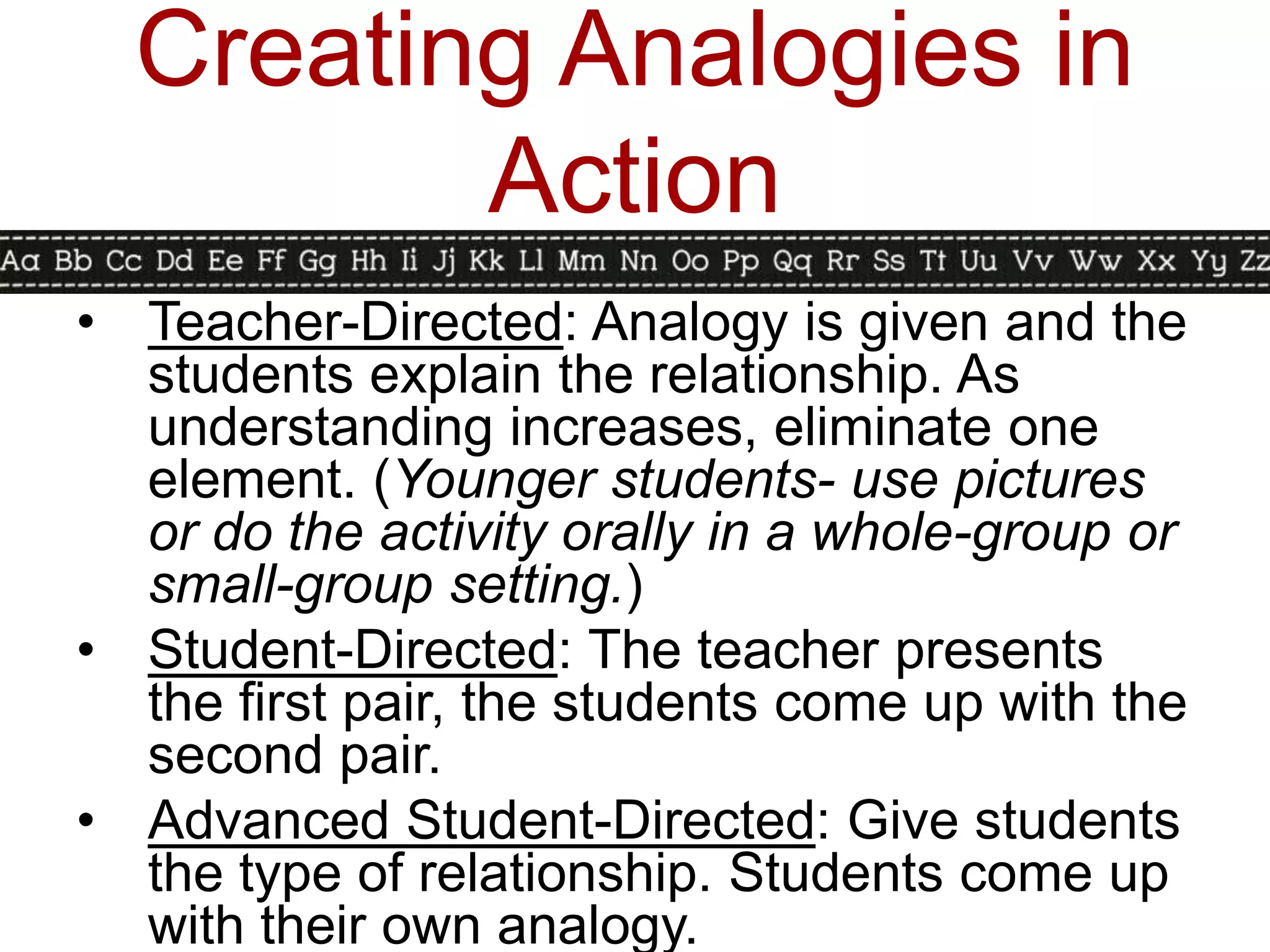
• Teacher-Directed: Analogy is given and the
  students explain the relationship. As
  understanding increases, eliminate one
  element. (Younger students- use pictures
  or do the activity orally in a whole-group or
  small-group setting.)
• Student-Directed: The teacher presents
  the first pair, the students come up with the
  second pair.
• Advanced Student-Directed: Give students
  the type of relationship. Students come up
  with their own analogy.
Types of Analogies
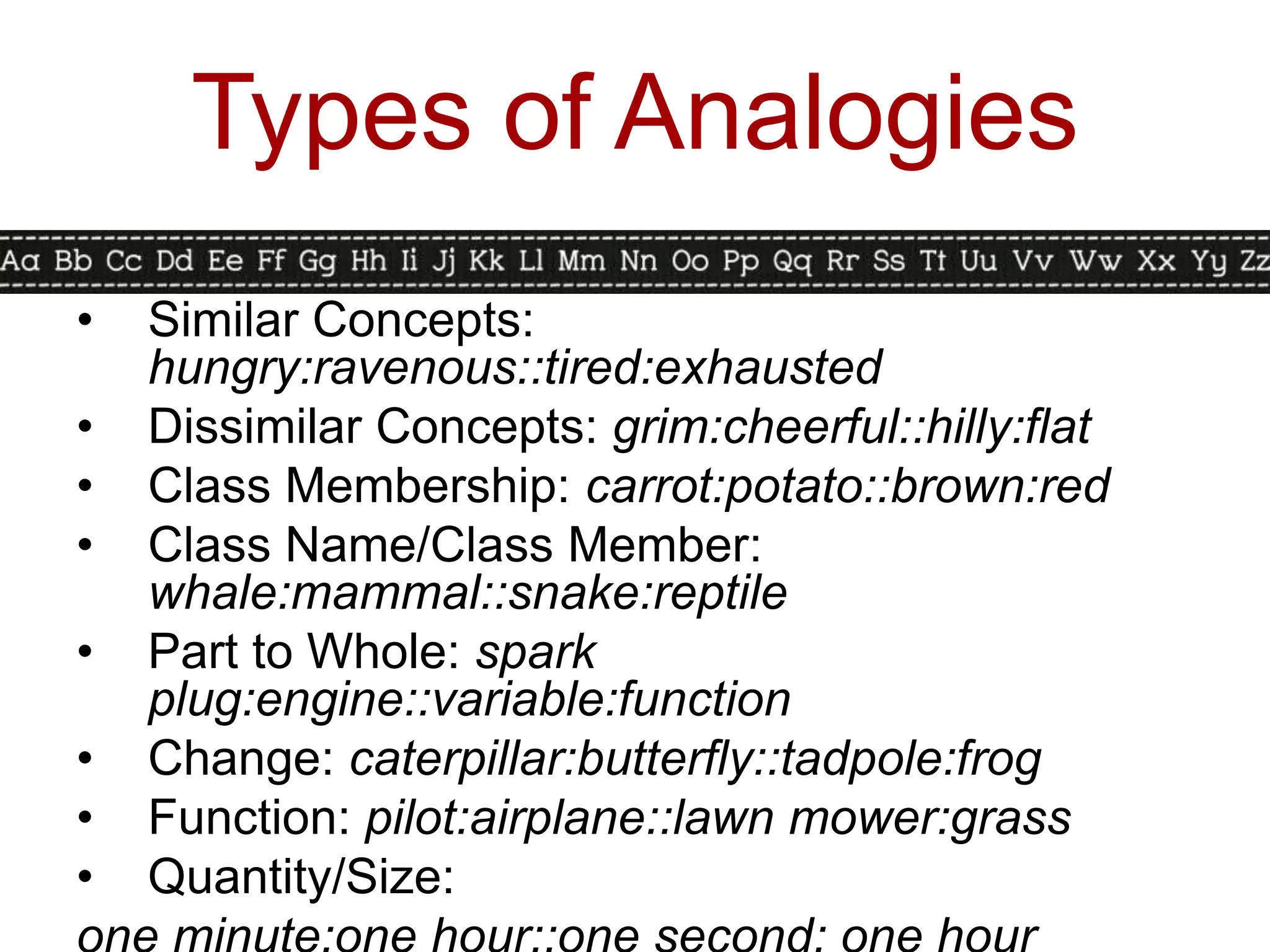
•   Similar Concepts:
    hungry:ravenous::tired:exhausted
•   Dissimilar Concepts: grim:cheerful::hilly:flat
•   Class Membership: carrot:potato::brown:red
•   Class Name/Class Member:
    whale:mammal::snake:reptile
•   Part to Whole: spark
    plug:engine::variable:function
•   Change: caterpillar:butterfly::tadpole:frog
•   Function: pilot:airplane::lawn mower:grass
•   Quantity/Size:
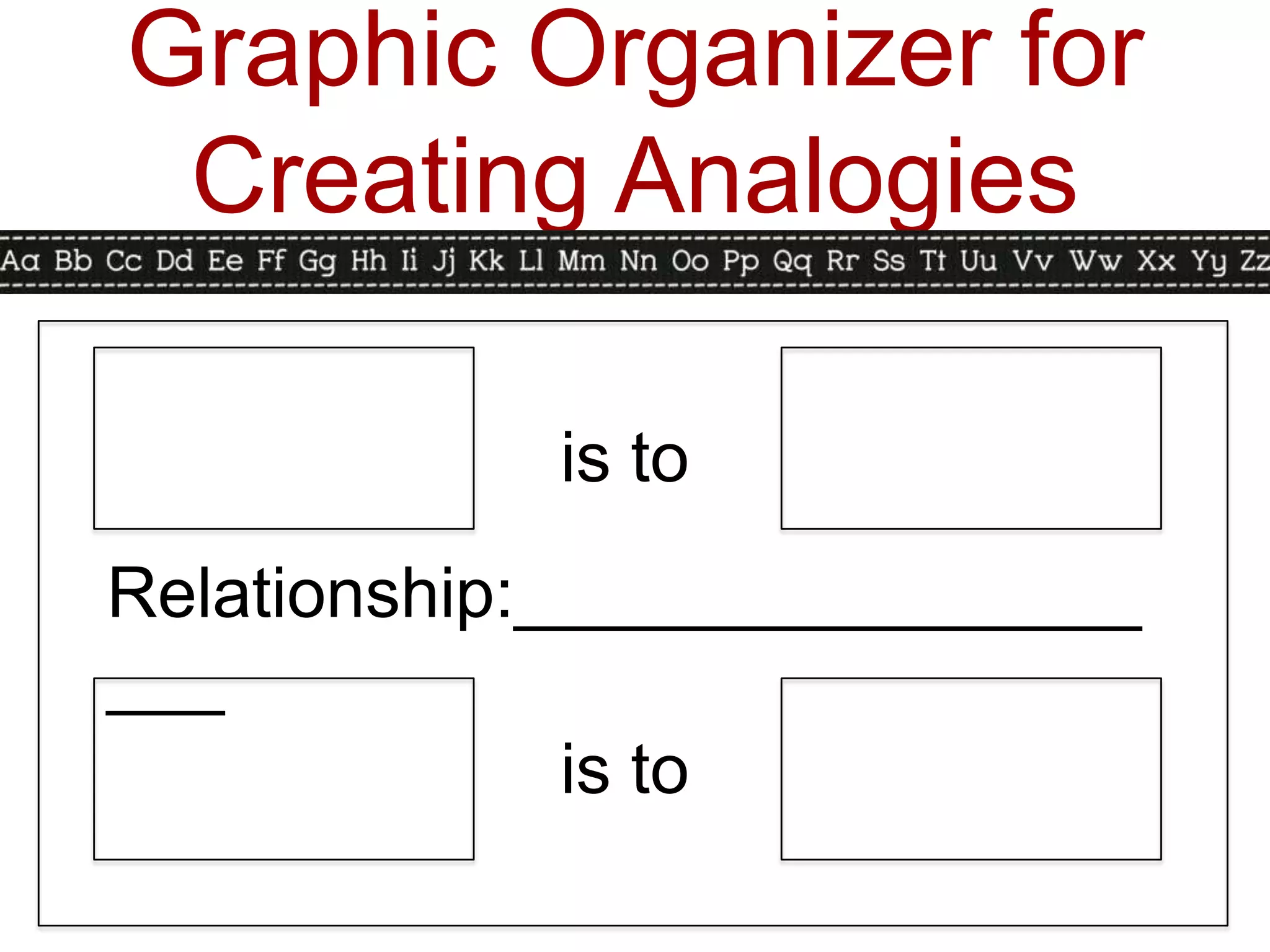
Graphic Organizer for
 Creating Analogies

            is to
Relationship:________________
___
              is to
Analogy Activity Time!
                 (5 minutes)

1.   Open the envelope and distribute the
     analogies.
2.   Complete the missing element.
3.   Sort the analogies by relationship.
4.   Stop talking when the timer goes off.
     (Thanks!)
5.   Say a cheer because we covered the
     whole chapter! Woooooo!
6.   Look at the resources and attachments
     and get excited about using them!
Resources
•       Venn Diagrams Galore:
    •    http://www.math-aids.com/Venn_Diagram/
•       Comparison Matrix, Bubble Maps, and
        more:
    •    http://www.fresno.k12.ca.us/divdept/sscience/
         GraphicOrganizers/MarzanoGraphicA.pdf
•       Metaphors and Analogies Graphic
        Organizers:
    •    http://www.fresno.k12.ca.us/divdept/sscience/
         GraphicOrganizers/MarzanoGraphicB.pdf
Attachments to
        PowerPoint
•   (On cardstock) Similarities and
    Differences Cue Cards- cut them
    up, punch a hole in the corner, and
    put them on a ring for a quick time-
    filler.
•   Metaphor Match.
•   List of analogies for younger
    grades.
References
•   Classroom Instruction that Works, A
    Handbook for Classroom Instruction
    that Works. Robert Marzano, Debra
    Pickering, Jane Pollock.
•   Google Images
•   Youtube.com
•   Helloliteracy.weebly.com
•   Enchantedlearning.com
•   Havefunteaching.com

Marzano Identifying Similarities and Differences

  • 2.
    Identifying Similarities and Differences • Basic to human thought • Possibly the core to learning • Higher-order on Bloom’s • Level 4: Analysis
  • 3.
    Why is thisimportant? • Leads to deeper student understanding of the content. • Students make connections with old knowledge to new knowledge. • The brain works by building connections and associations constantly. • The brain remembers more easily things that are unusual or different.
  • 4.
    Identifying Similarities and Differences • Comparing • Classifying • Creating Metaphors • Creating Analogies
  • 5.
    Comparing • Definition: Identifyingthe similarities and differences. (Note: Traditionally, comparing refers to identifying similarities; contrasting refers to identifying differences.) • How are the objects below the same? How are they different?
  • 6.
    Comparing in Action •When introducing the activity, start very structured, explicit, and teacher-directed. Use familiar and simple content. • Teacher-directed: Teacher selects items to compare and how to compare. • Student-directed: Teacher selects items, students decide how to compare. • Advanced student-directed: Students select items to compare and how to compare.
  • 7.
    Comparing in Action •Steps for students: • What do I want to compare? • What things about them do I want to compare? • How are they the same? • How are they different?
  • 8.
    Graphic Organizers for Comparing • Venn Diagram (especially for younger grades)
  • 9.
    Graphic Organizers for Comparing • Comparison Matrix (for older grades- can be done in younger grades whole-group.) Simple Advanced
  • 10.
    Comparison Activity Time! 1. Get your Comparison Matrix out. 2. Work with your table to complete the matrix for five minutes. 3. Stop working and talking when the timer goes off. (Thanks!) 4. Reward yourself with some candy- you deserve it!
  • 11.
    Classifying • Definition: Groupingthings that are similar into categories on the basis of their characteristics. • It is critical to first identify the rules of the categories before classifying. • If your class “sorts”, you are
  • 12.
    Classifying in Action •Remember to model and start out very structured when introducing. Emphasize how you are grouping them and why you are grouping them. • Teacher-Directed: Students are given the elements to classify and the categories. • Student-Directed: Students are given the items but come up with their own categories. • Advanced Student-Directed: Students come up with the items to classify and the
  • 13.
    Classifying in Action •Steps for classifying: • What to classify? • What things can I group? • How are the things alike? • Can I make the groups another way? • Does everything fit into a group? • Would it be better to split up any of the groups or combine any groups?
  • 14.
    Graphic Organizers for Classifying Categor Categor Categor Categor Categor y y y y y Items Items Items Items Items
  • 15.
    Classifying Activity Time! 1.Empty the envelope. 2. Work with your table to classify the items in the graphic organizer for two minutes. 3. Stop working and talking when the timer goes off. (Thanks!) 4. Turn your paper over and come up with new categories. Classify your items for three minutes. 5. Stop working and talking when the timer goes off. (Thanks!) 6. Stand up, stretch, and move around!
  • 16.
    Creating Metaphors • Definition: Identifying a pattern in a specific topic and then finding another topic that appears to be quite different but has the same general pattern. • In other words… two items that are connected by an abstract (non-literal) relationship. • Note: Similes connect two things using the words like or as.
  • 17.
    Creating Metaphors in Action • Teacher-Directed: Teacher provides the first element and the abstract relationship. • Student-Directed: Teacher provides first element and the student identifies the second element and the relationship. • The brain is _______________. • Love is ____________. • For younger students, starting out with similes may help them understand the
  • 18.
    Graphic Organizer for Metaphors Literal Abstract Literal Element 1 Element 2 Pattern 1 Relationship Pattern 2
  • 19.
  • 20.
    Metaphor Activity Time! (5 minutes) 1. Read the metaphors describing the Internet. 2. Choose the one that you think best describes the Internet. 3. Explain your choice to an elbow buddy. 4. Come up with your own Internet metaphor either on your own or with your elbow buddy. 5. Be willing to share your metaphor when the timer goes off. 6. Enjoy another piece of candy or another stretch! We’re almost done!
  • 21.
    Creating Analogies • Definition: Identifying relationships between pairs of concepts. In other words, identifying relationships between relationships. • Example: happy:sad::big:small “Happy is to sad as big is to small.” Happy and big are opposites of sad and small, respectively.
  • 22.
    Creating Analogies • Analogies help us to see how seemingly dissimilar things are similar, therefore increasing our understanding of new information. • Creating analogies help us make connections.
  • 23.
    Creating Analogies in Action • Teacher-Directed: Analogy is given and the students explain the relationship. As understanding increases, eliminate one element. (Younger students- use pictures or do the activity orally in a whole-group or small-group setting.) • Student-Directed: The teacher presents the first pair, the students come up with the second pair. • Advanced Student-Directed: Give students the type of relationship. Students come up with their own analogy.
  • 24.
    Types of Analogies • Similar Concepts: hungry:ravenous::tired:exhausted • Dissimilar Concepts: grim:cheerful::hilly:flat • Class Membership: carrot:potato::brown:red • Class Name/Class Member: whale:mammal::snake:reptile • Part to Whole: spark plug:engine::variable:function • Change: caterpillar:butterfly::tadpole:frog • Function: pilot:airplane::lawn mower:grass • Quantity/Size:
  • 25.
    Graphic Organizer for Creating Analogies is to Relationship:________________ ___ is to
  • 27.
    Analogy Activity Time! (5 minutes) 1. Open the envelope and distribute the analogies. 2. Complete the missing element. 3. Sort the analogies by relationship. 4. Stop talking when the timer goes off. (Thanks!) 5. Say a cheer because we covered the whole chapter! Woooooo! 6. Look at the resources and attachments and get excited about using them!
  • 28.
    Resources • Venn Diagrams Galore: • http://www.math-aids.com/Venn_Diagram/ • Comparison Matrix, Bubble Maps, and more: • http://www.fresno.k12.ca.us/divdept/sscience/ GraphicOrganizers/MarzanoGraphicA.pdf • Metaphors and Analogies Graphic Organizers: • http://www.fresno.k12.ca.us/divdept/sscience/ GraphicOrganizers/MarzanoGraphicB.pdf
  • 29.
    Attachments to PowerPoint • (On cardstock) Similarities and Differences Cue Cards- cut them up, punch a hole in the corner, and put them on a ring for a quick time- filler. • Metaphor Match. • List of analogies for younger grades.
  • 30.
    References • Classroom Instruction that Works, A Handbook for Classroom Instruction that Works. Robert Marzano, Debra Pickering, Jane Pollock. • Google Images • Youtube.com • Helloliteracy.weebly.com • Enchantedlearning.com • Havefunteaching.com