Marketing MattersPart ThreePresentation for Chartergroup- 24 August 2011 Claire GriffithsLighthouse Marketing Ltd
Presented byClaire GriffithsDirector Lighthouse Marketing LtdOver 15 years B2B marketing experienceProfessional services/finance sector expertiseOffer strategy, planning, implementationCommunications, PR, eventsTraditional and digital/social media marketing
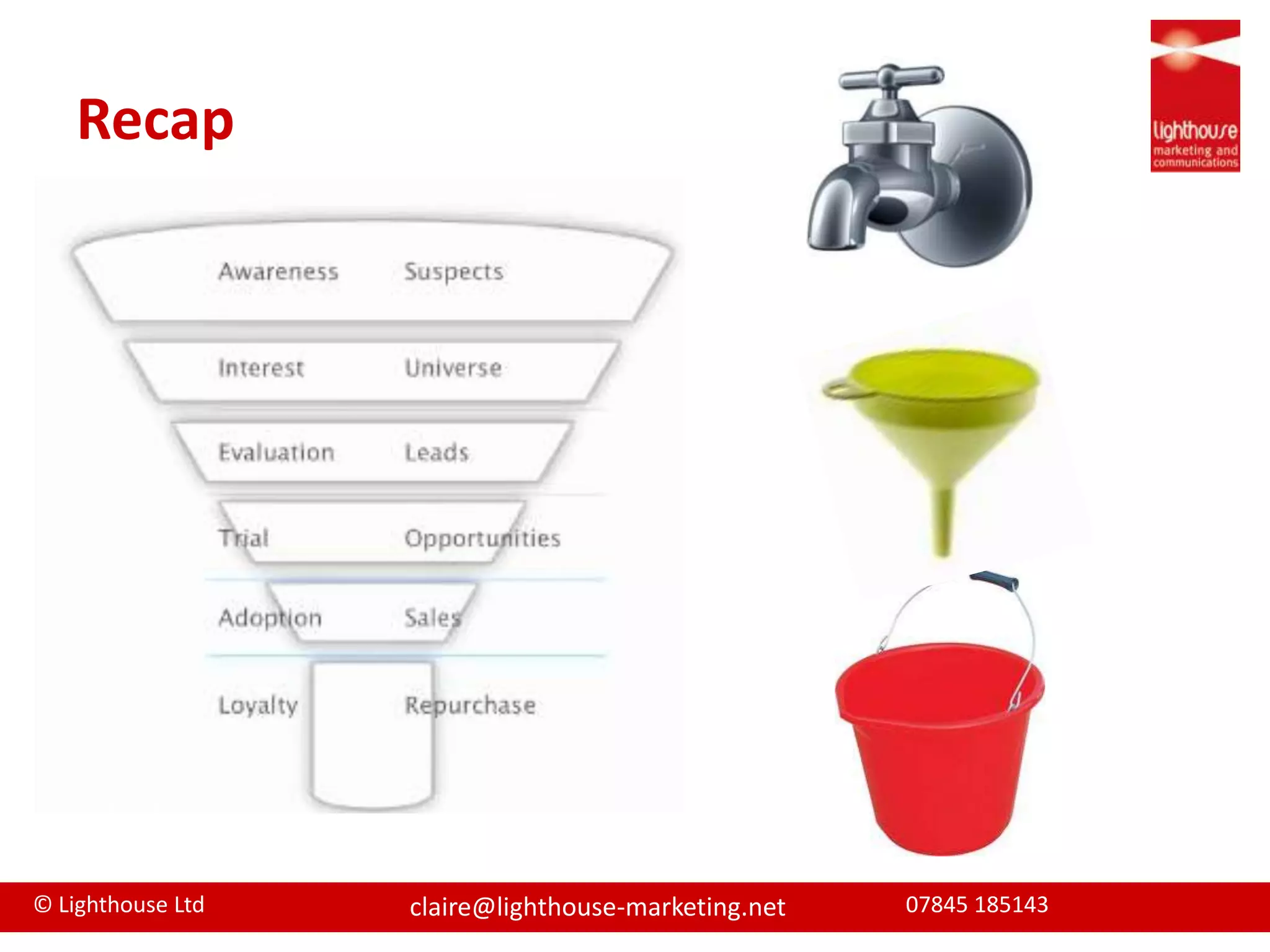
Recap
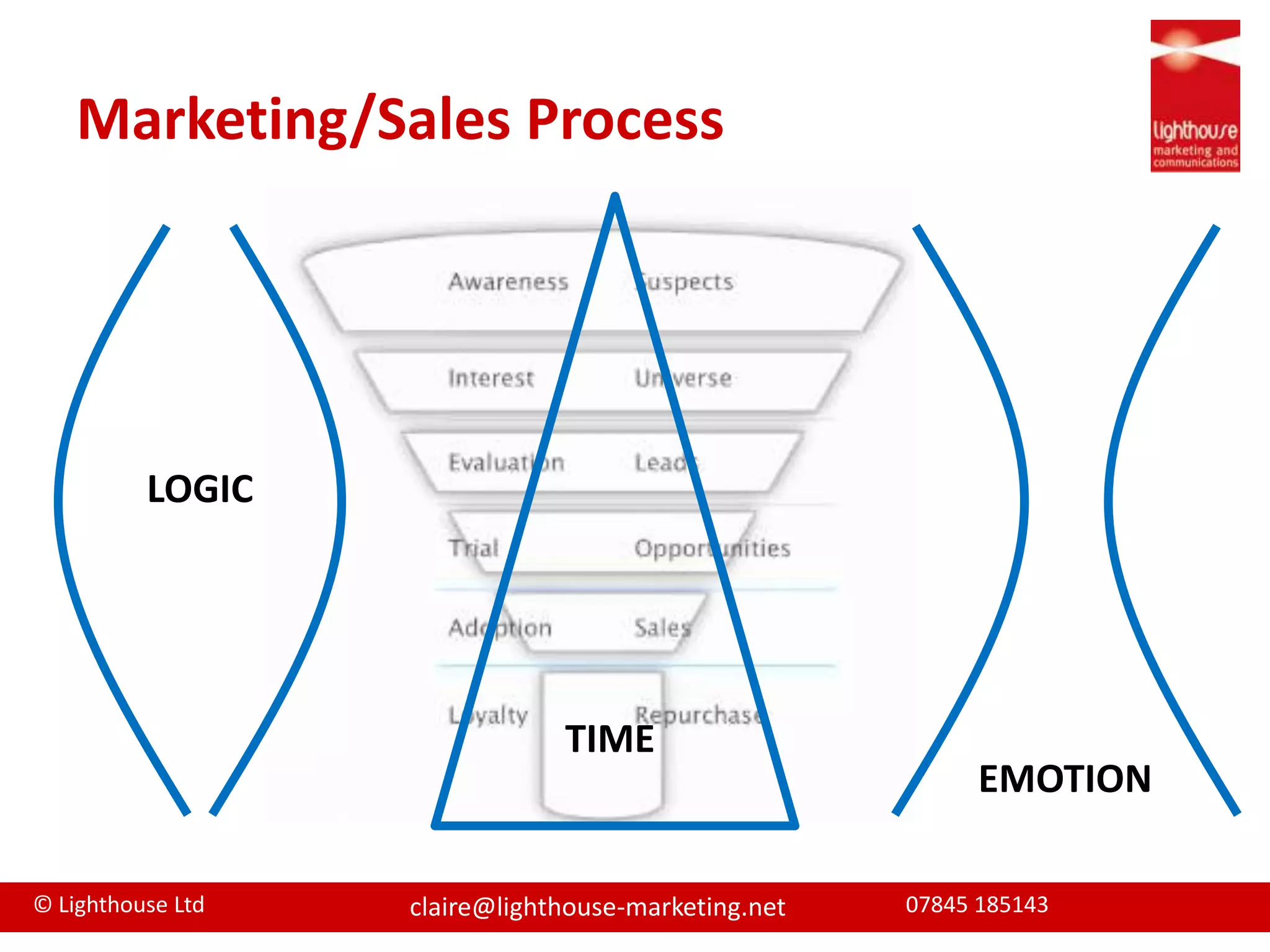
Marketing/Sales ProcessLOGICTIMEEMOTION
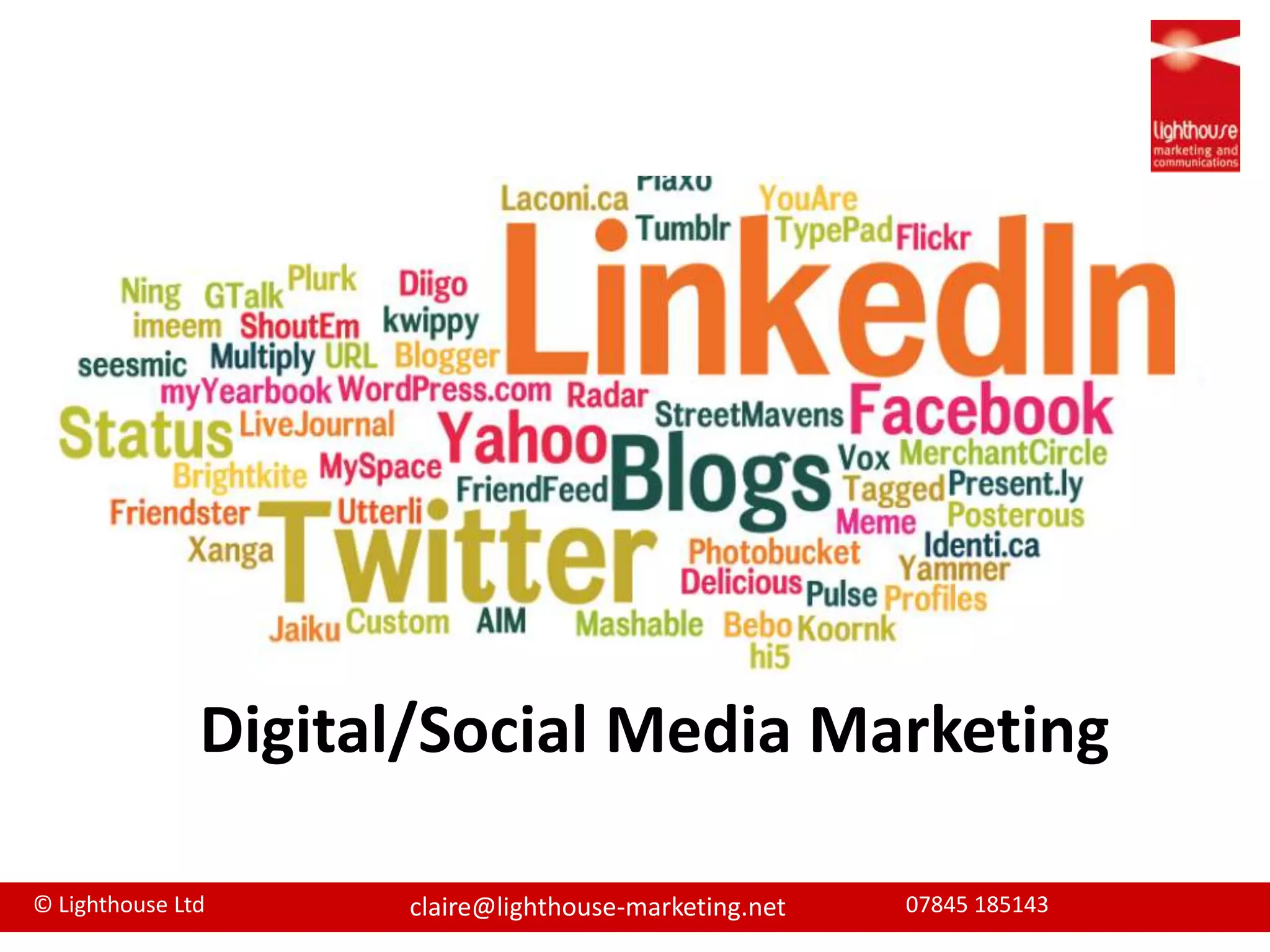
Digital/Social Media Marketing
AgendaWhat is social mediaSocial media & marketingAvailable toolsTop tools & some tipsManaging digital and social media
What is social media“Social media is an umbrella term that definesthe various activities that integrate technology,social interaction, and the construction ofwords and pictures.”Source: Wikipedia
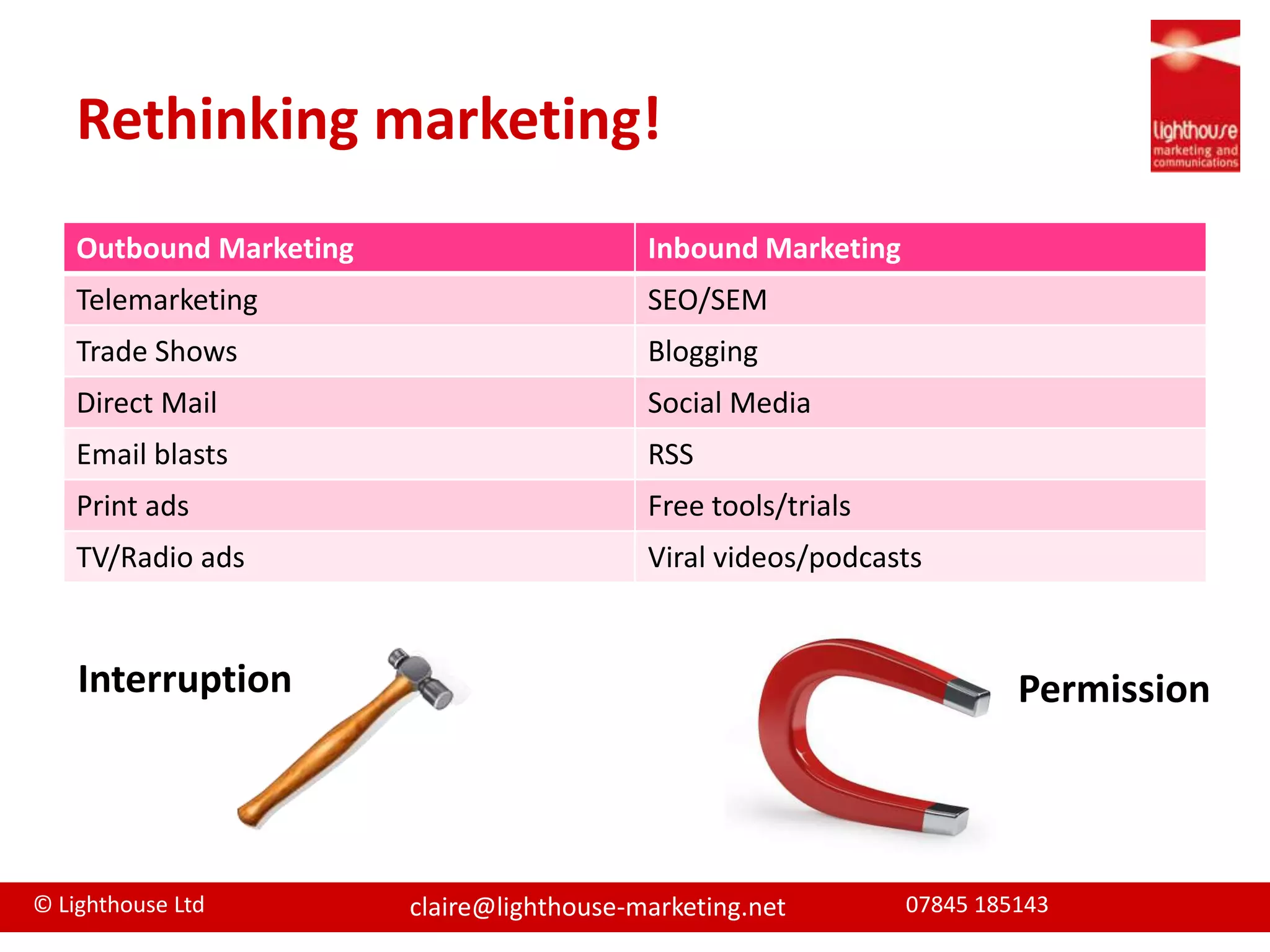
Rethinking marketing!InterruptionPermission
http://www.youtube.com/watch?v=QLd9q88ohUs&feature=fvwSocial Media Fad or Fact?
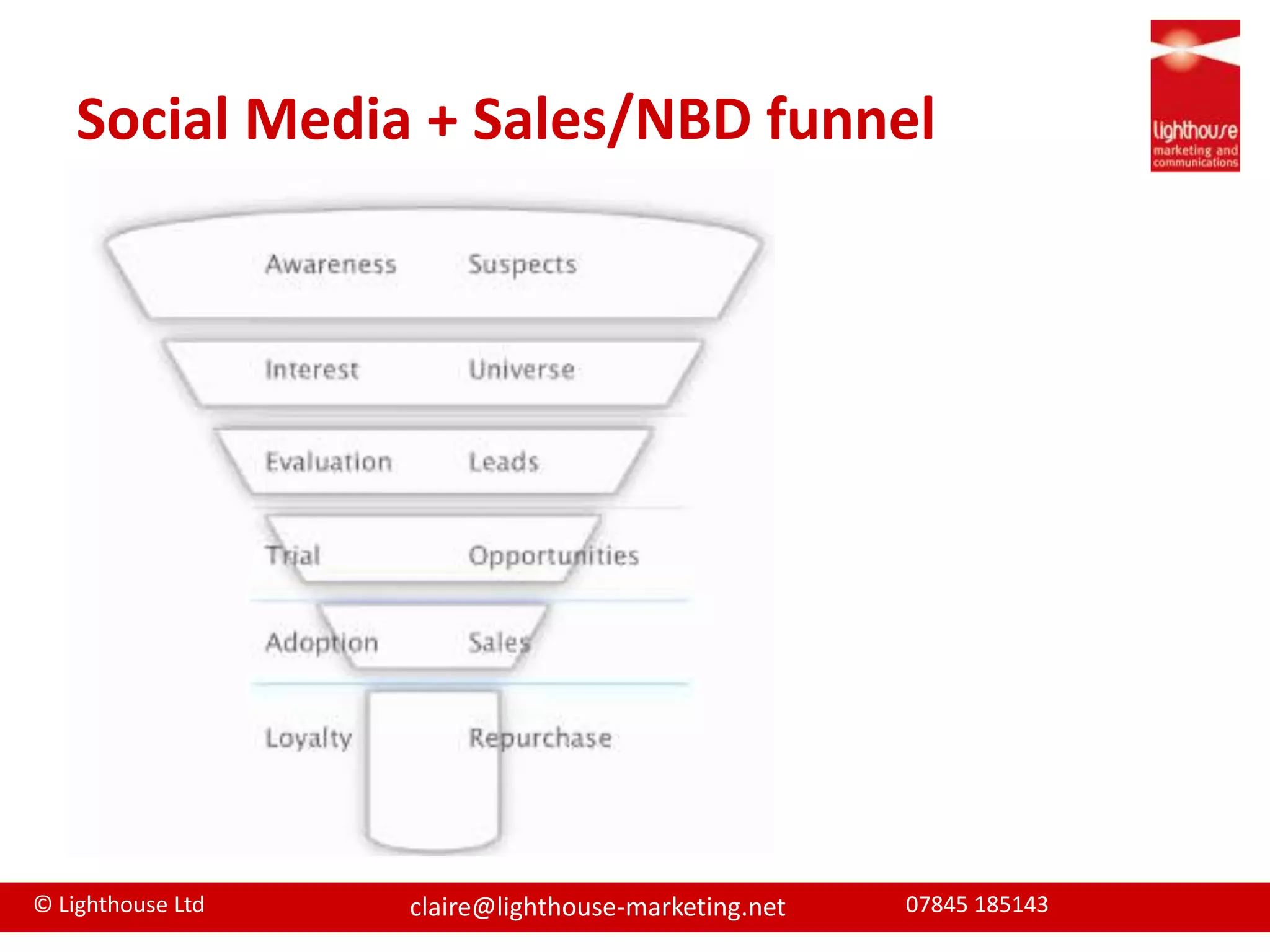
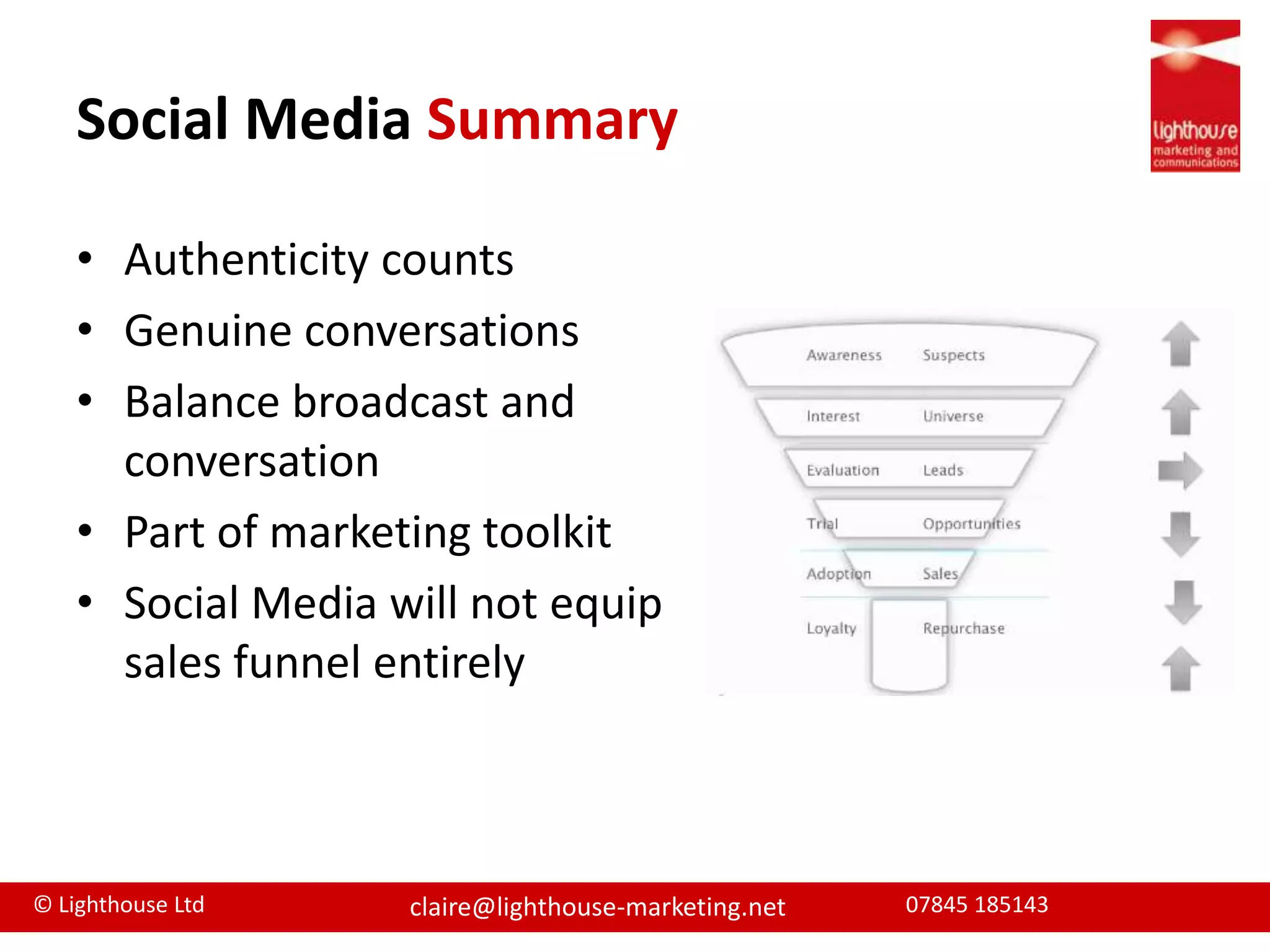
Social Media + Sales/NBD funnel
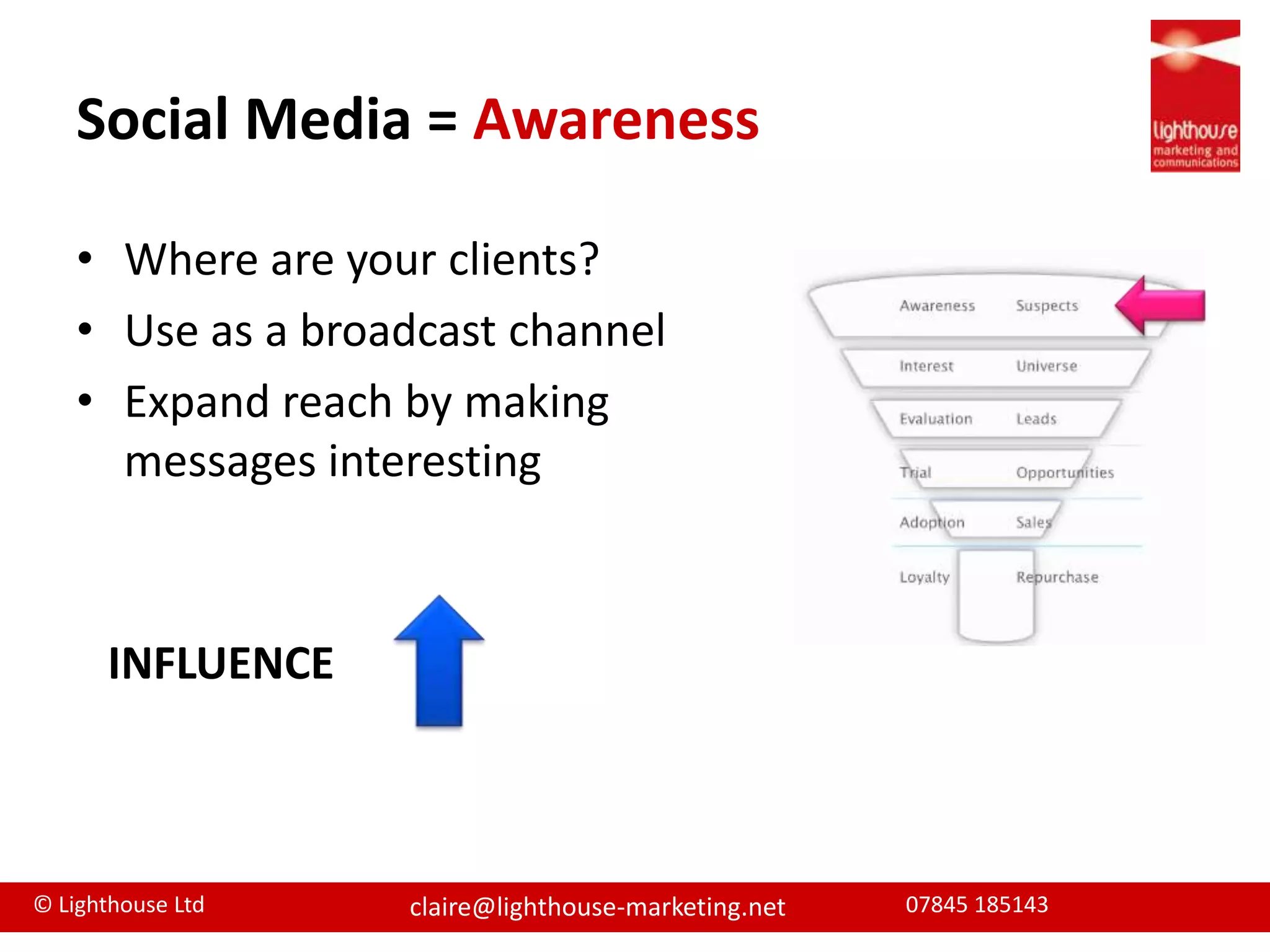
Social Media = AwarenessWhere are your clients?Use as a broadcast channelExpand reach by making messages interestingINFLUENCE
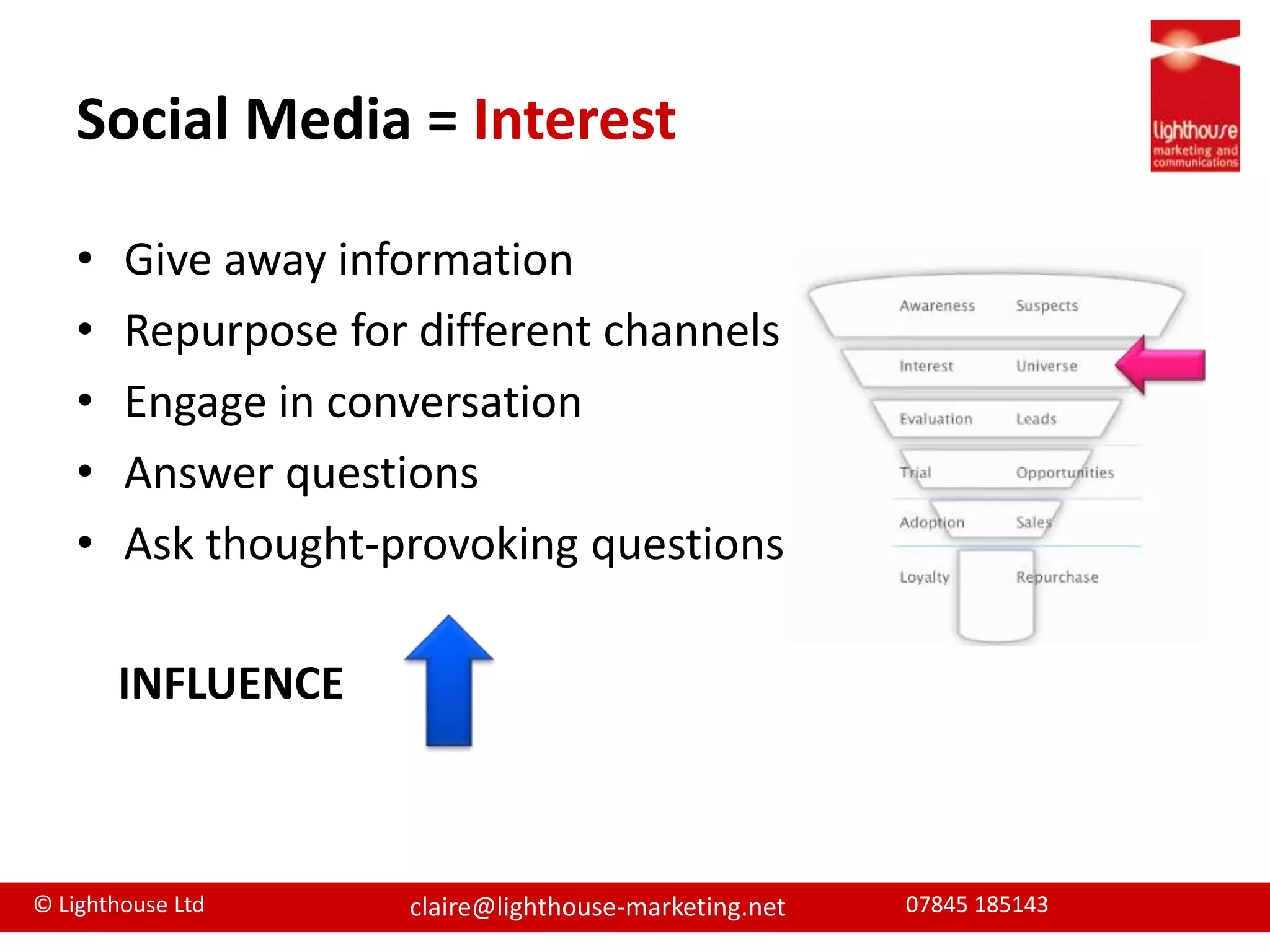
Social Media = InterestGive away informationRepurpose for different channelsEngage in conversationAnswer questionsAsk thought-provoking questionsINFLUENCE
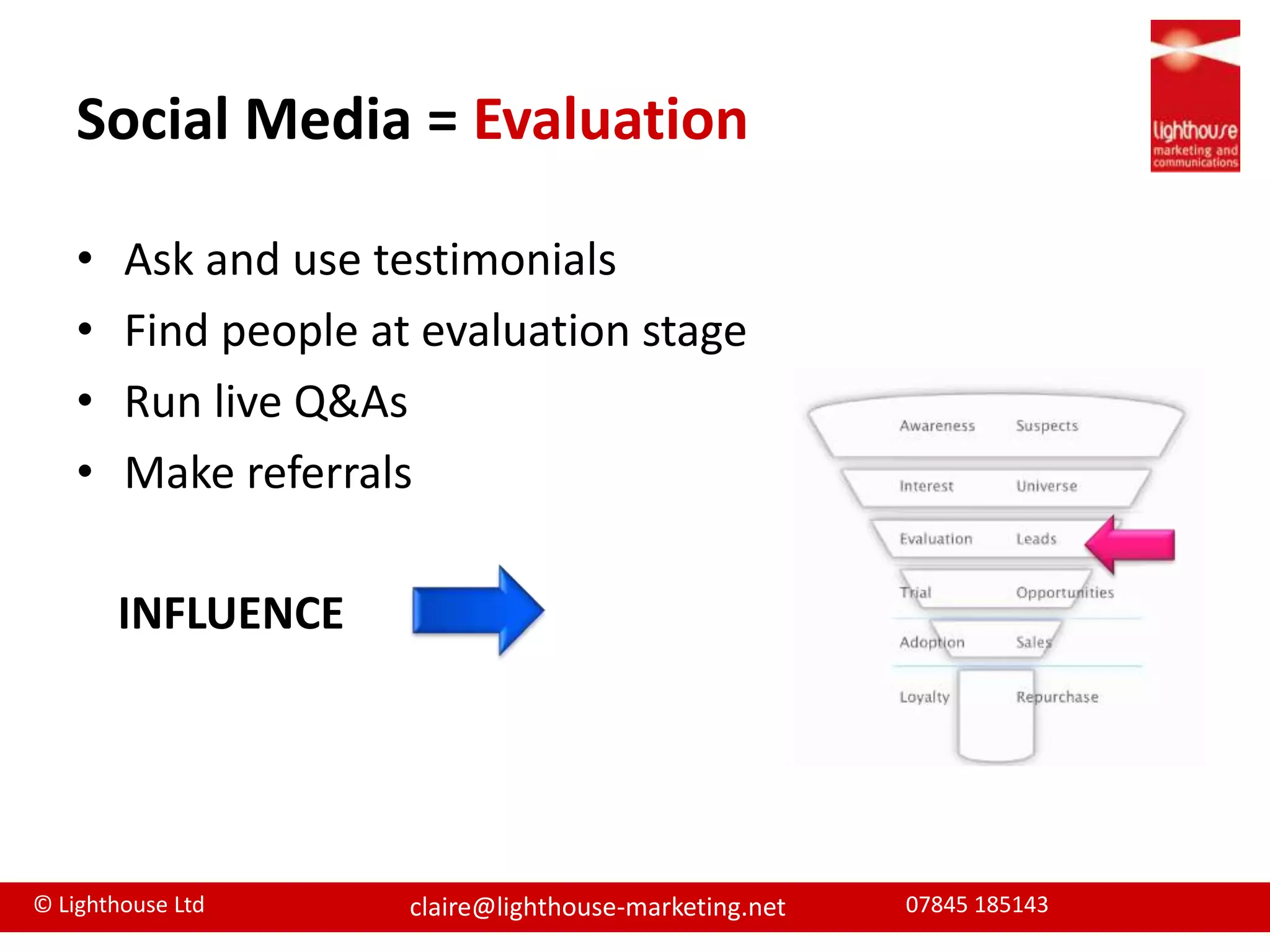
Social Media = EvaluationAsk and use testimonialsFind people at evaluation stageRun live Q&AsMake referralsINFLUENCE
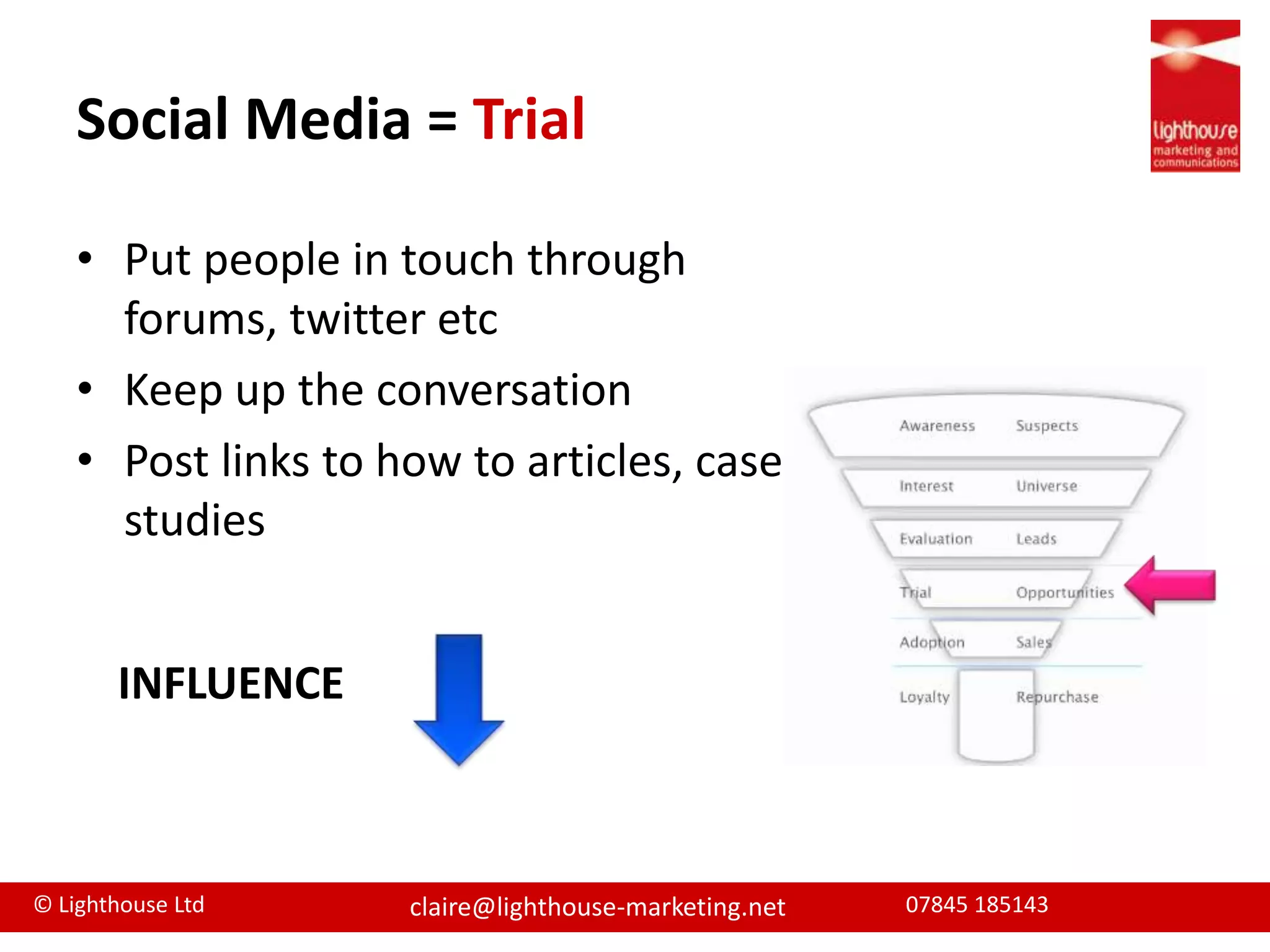
Social Media = TrialPut people in touch through forums, twitter etcKeep up the conversationPost links to how to articles, case studiesINFLUENCE
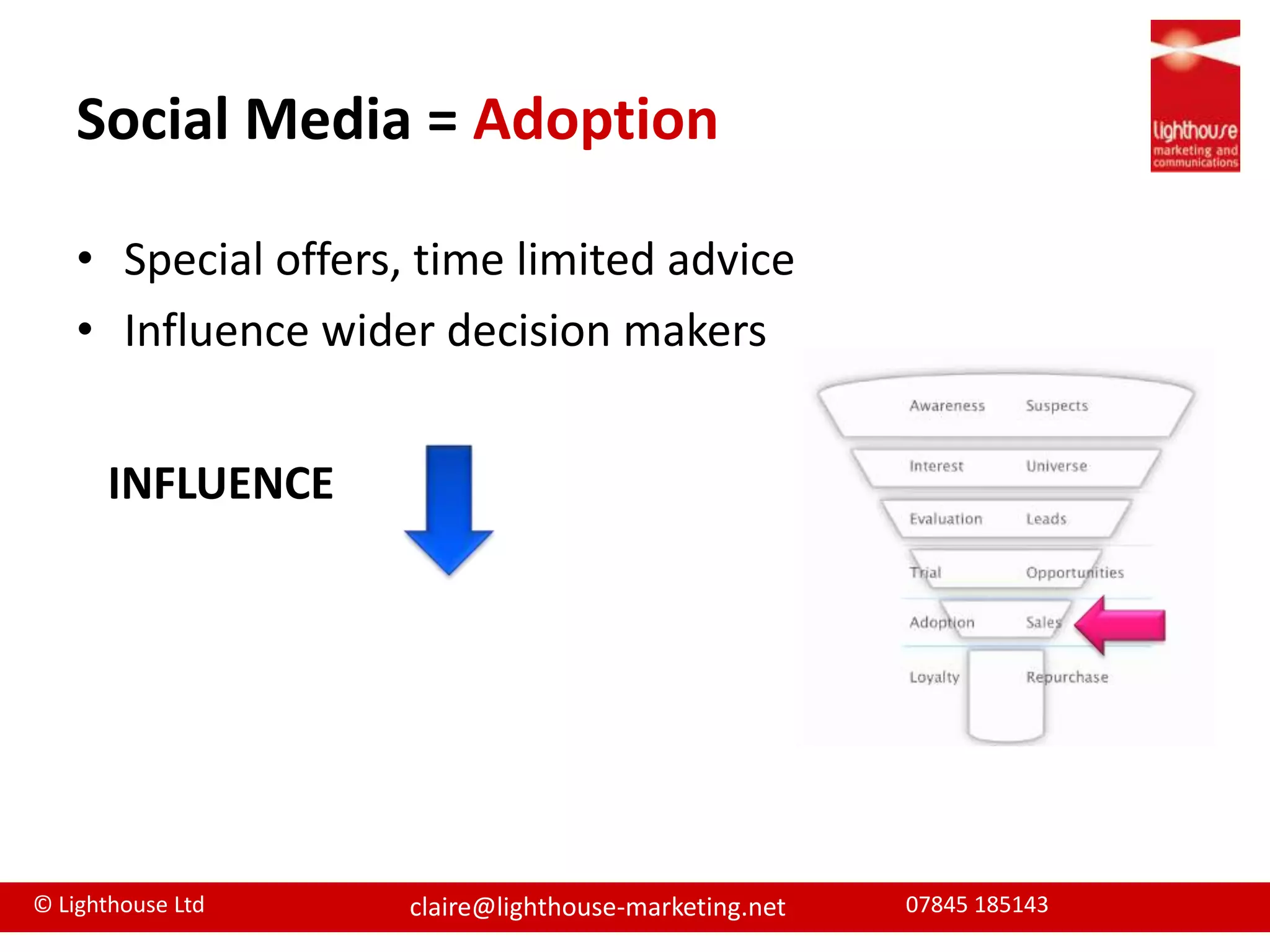
Social Media = AdoptionSpecial offers, time limited adviceInfluence wider decision makersINFLUENCE
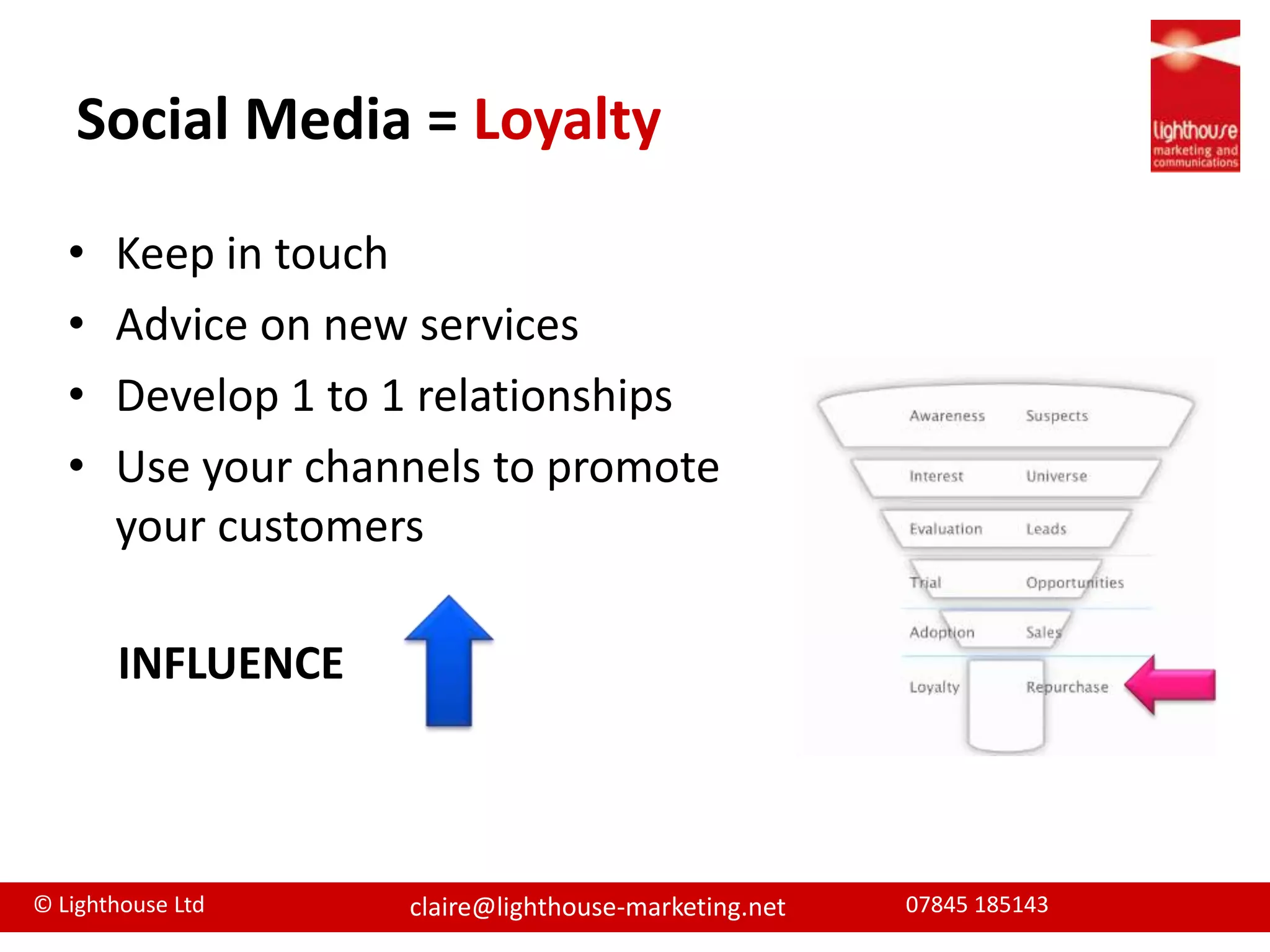
Social Media = LoyaltyKeep in touch	Advice on new servicesDevelop 1 to 1 relationshipsUse your channels to promote your customersINFLUENCE
Social Media SummaryAuthenticity countsGenuine conversations Balance broadcast and conversationPart of marketing toolkitSocial Media will not equip sales funnel entirely
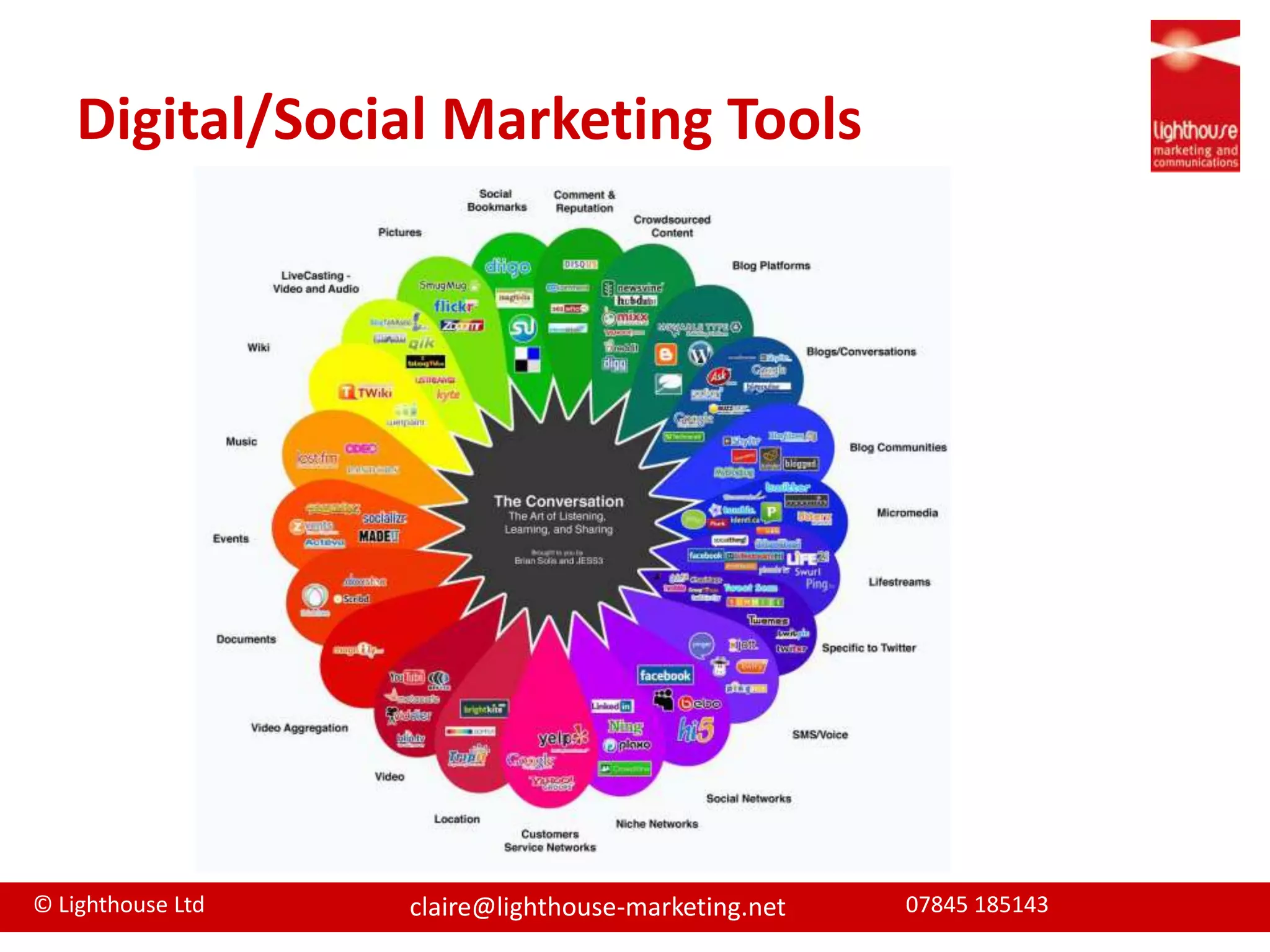
Digital/Social Marketing Tools
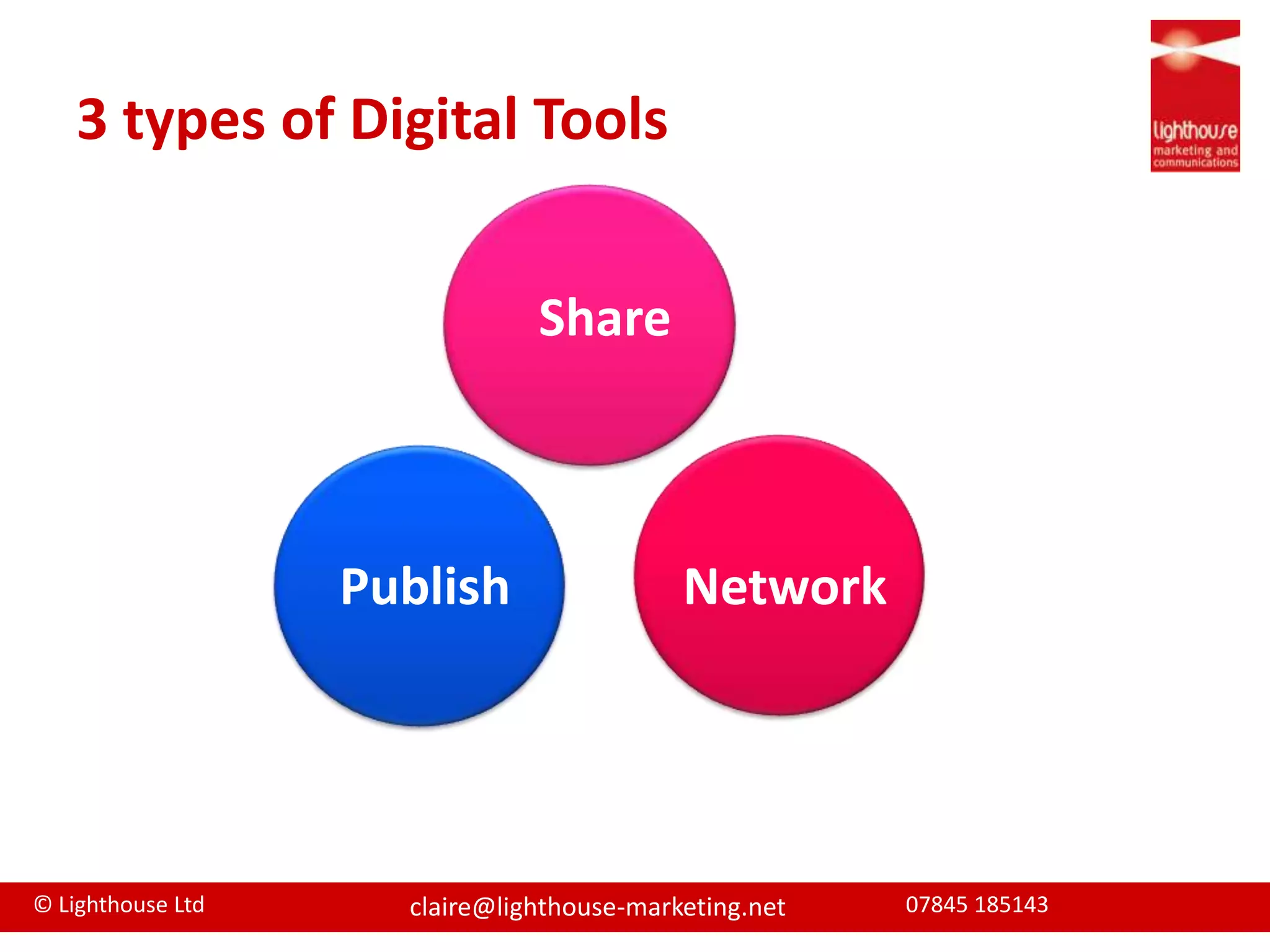
3 types of Digital ToolsSharePublishNetwork
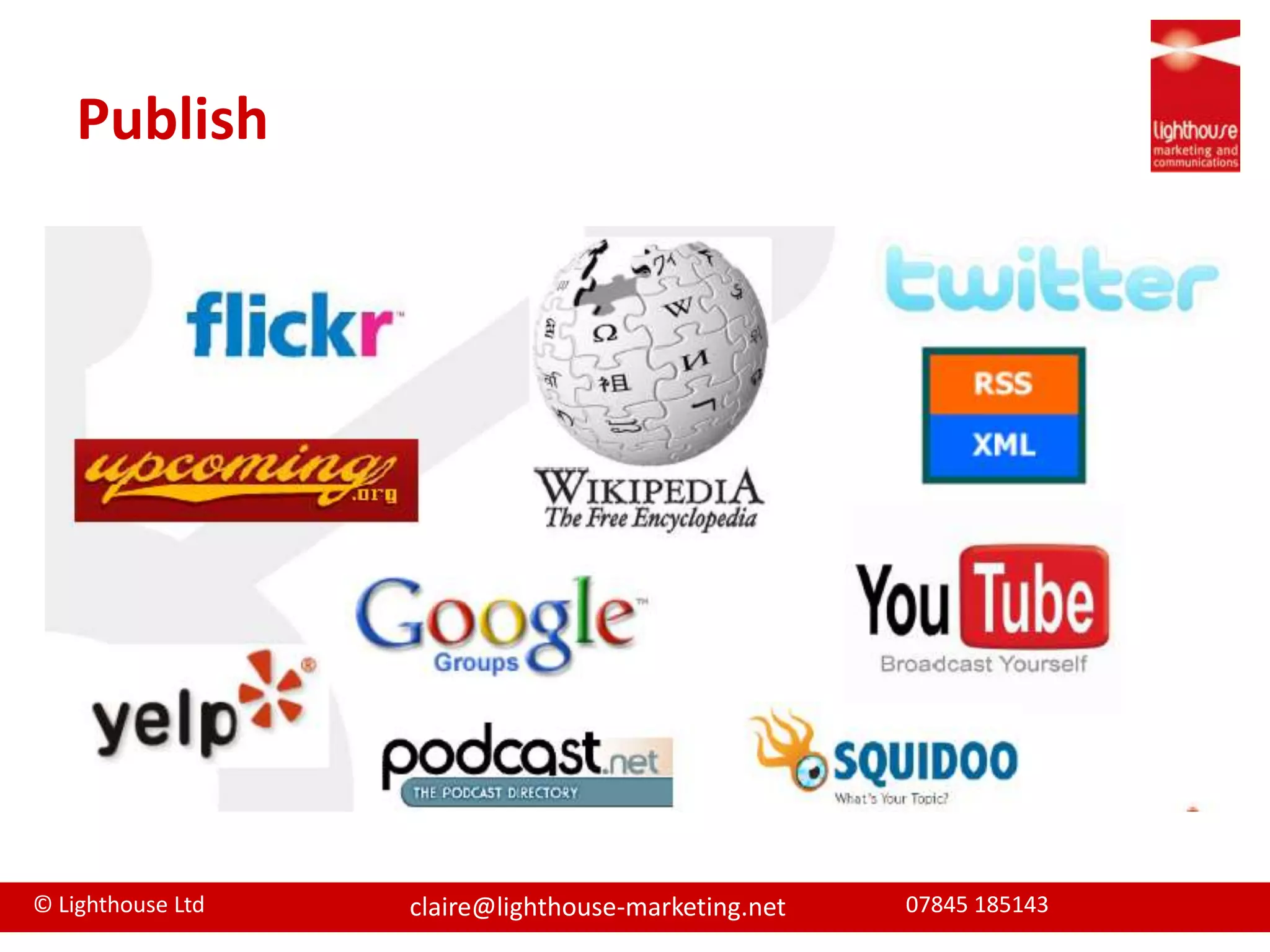
Publish
Share
Network
RecommendationsNot extensive but based on my experience Tools I recommend are...
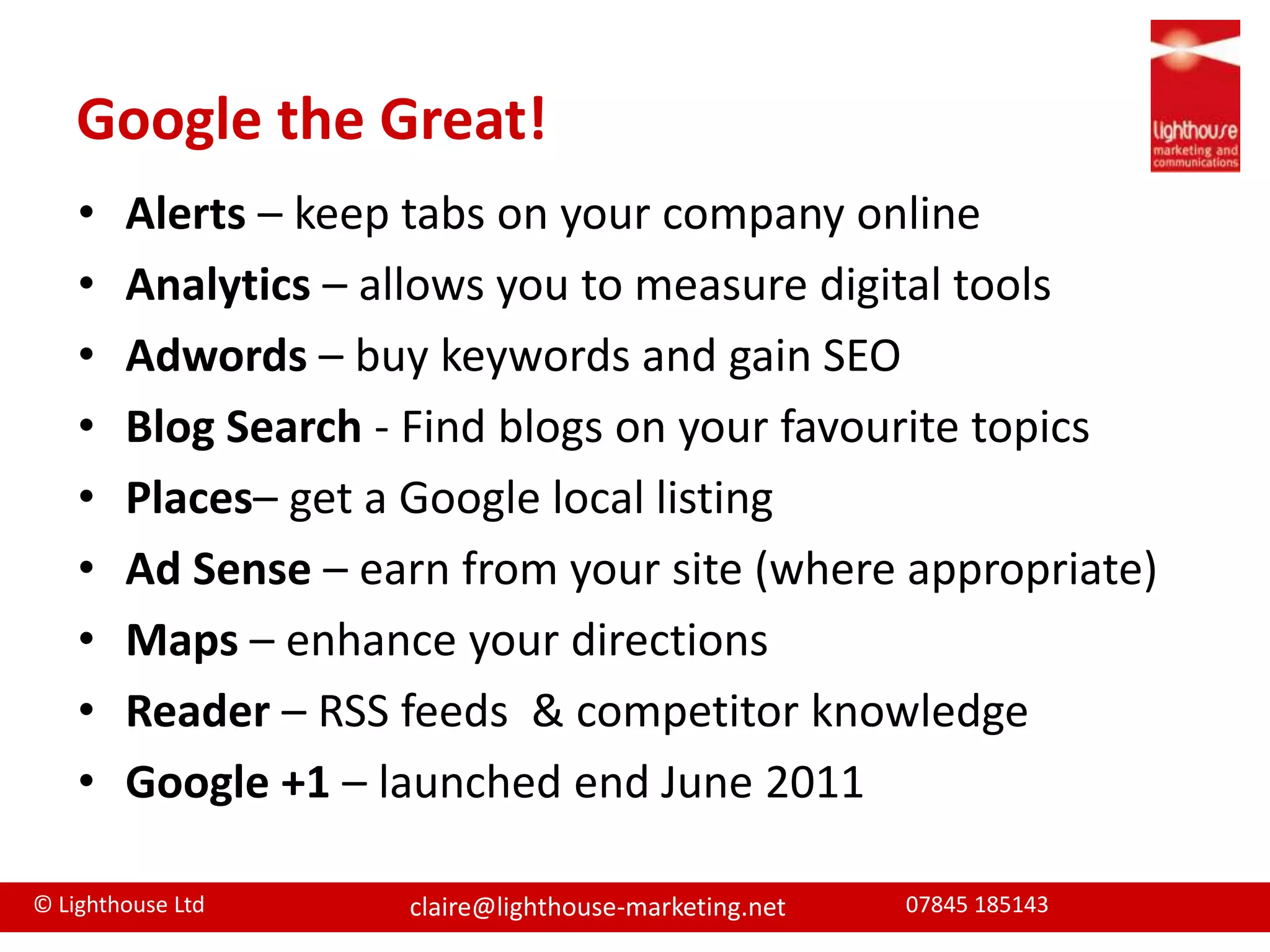
Google the Great!	Alerts – keep tabs on your company onlineAnalytics – allows you to measure digital toolsAdwords – buy keywords and gain SEOBlogSearch - Find blogs on your favourite topicsPlaces– get a Google local listing Ad Sense – earn from your site (where appropriate)Maps – enhance your directionsReader – RSS feeds  & competitor knowledgeGoogle +1 – launched end June 2011
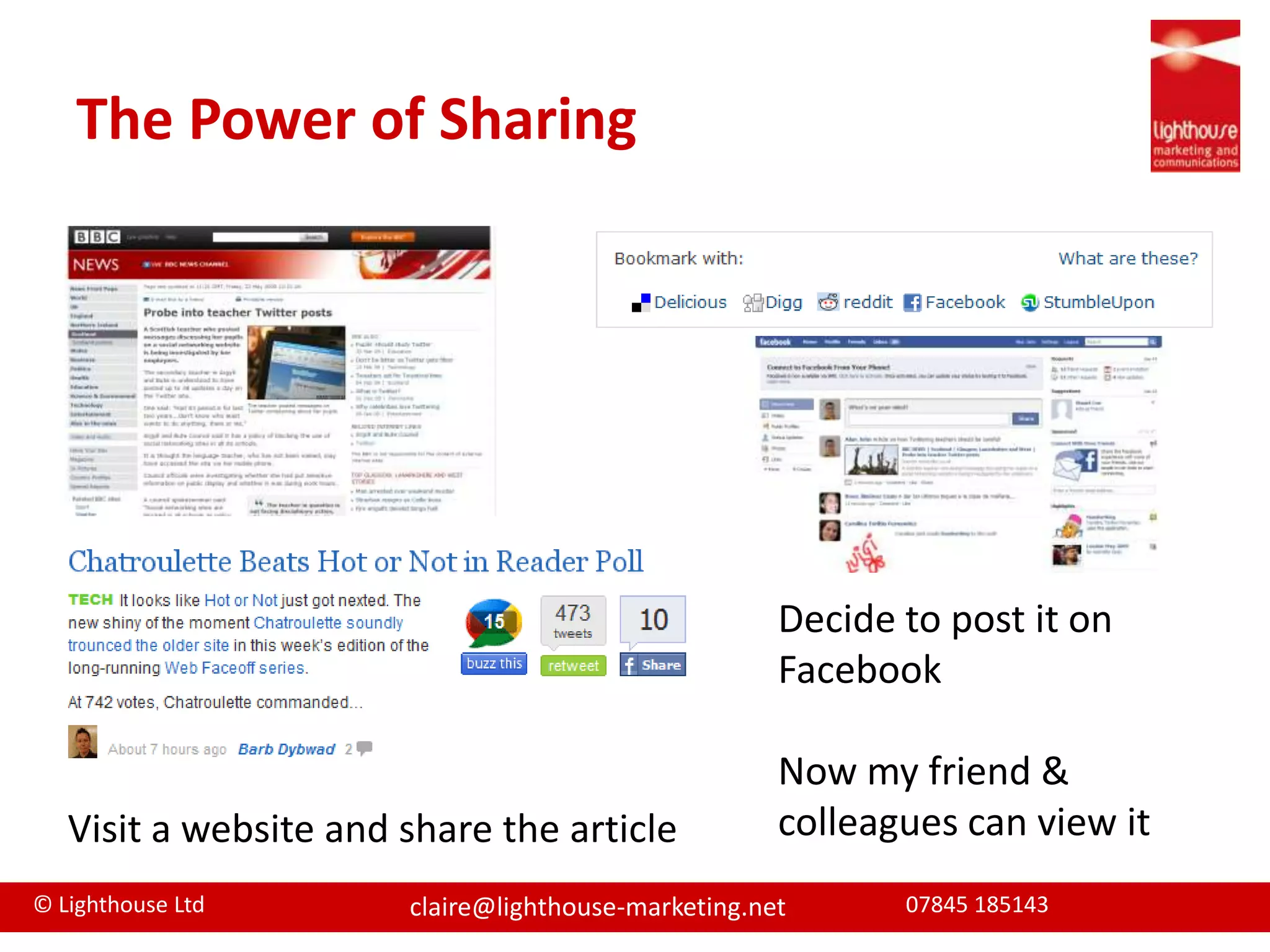
The Power of SharingDecide to post it on FacebookNow my friend & colleagues can view it Visit a website and share the article
Top Accountancy ToolsWill depend on your target marketGoogle Tools WebsiteBlogsLinkedin & TwitterSharing toolsVideocastsSlideshare
Web wonders	Objectives:1.  Be found on search engines2. Generate leads and filter to conversionsHow?Good functional design
Keyword analysis
SEO friendly – content, meta descriptions, keywords, page titles, linking strategy
Page tags on every page
Good analytics to refine pages
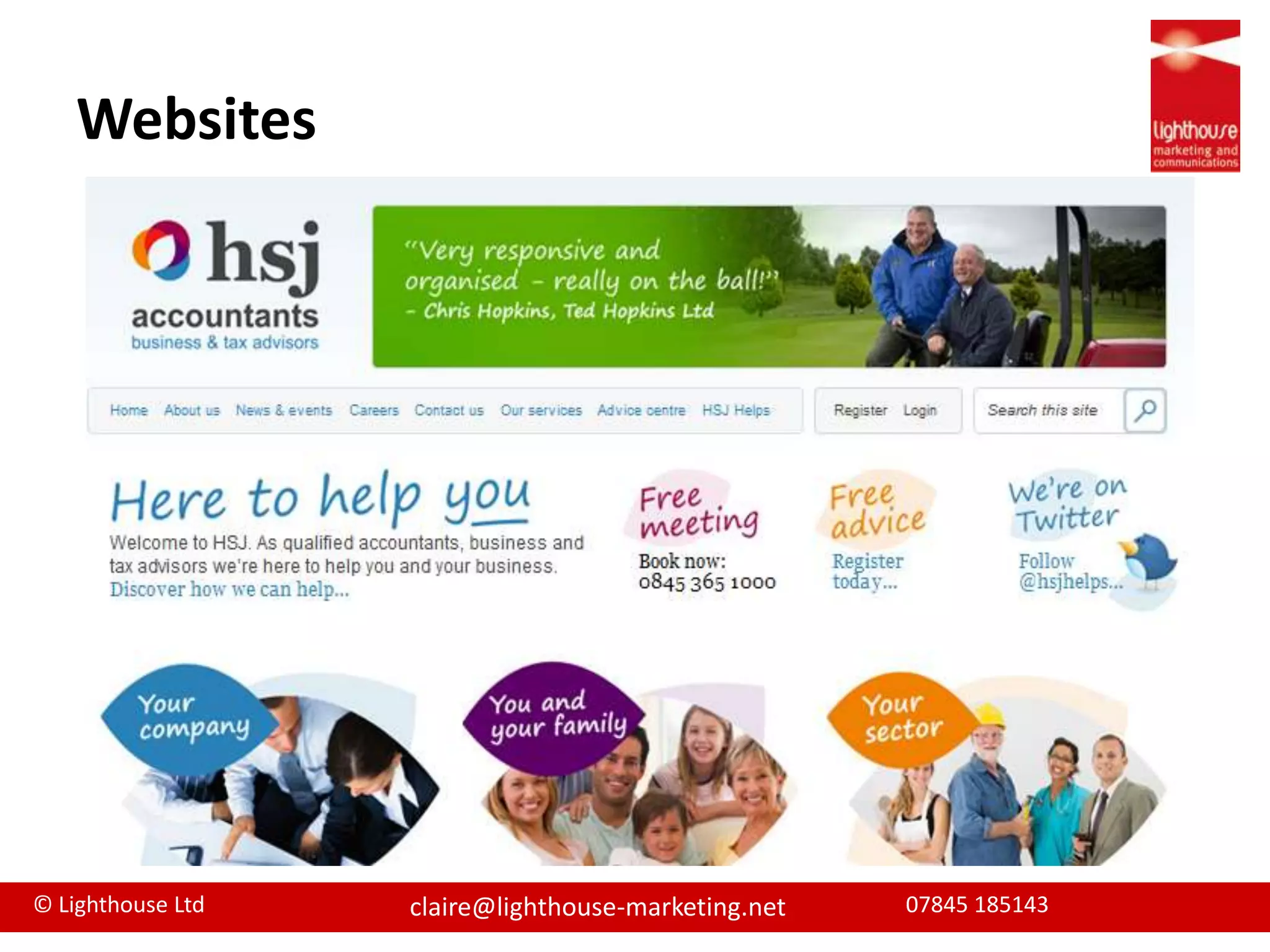
Content management system to update/editWebsites
BlogsContent publishing tool that displays your posts/articles in chronological orderMulti media contentTop 3 platforms
What’s good...Way to establish your firm and people as expertsChance to create remarkable content and enhance websiteGreat SEO ranking and therefore awareness toolChance to develop relationship through comments
What’s bad...Time intensiveNeed to have regular contentBusy blogospherePersonality and content very important
Blogging guideUse to develop your position as expertsInvite Guest bloggersRespond and leave comments on other blogsDiversify content – links, video, slides etcSEO essential to promote your blog Use tags/categoriesLink to other social mediaPromote your blog
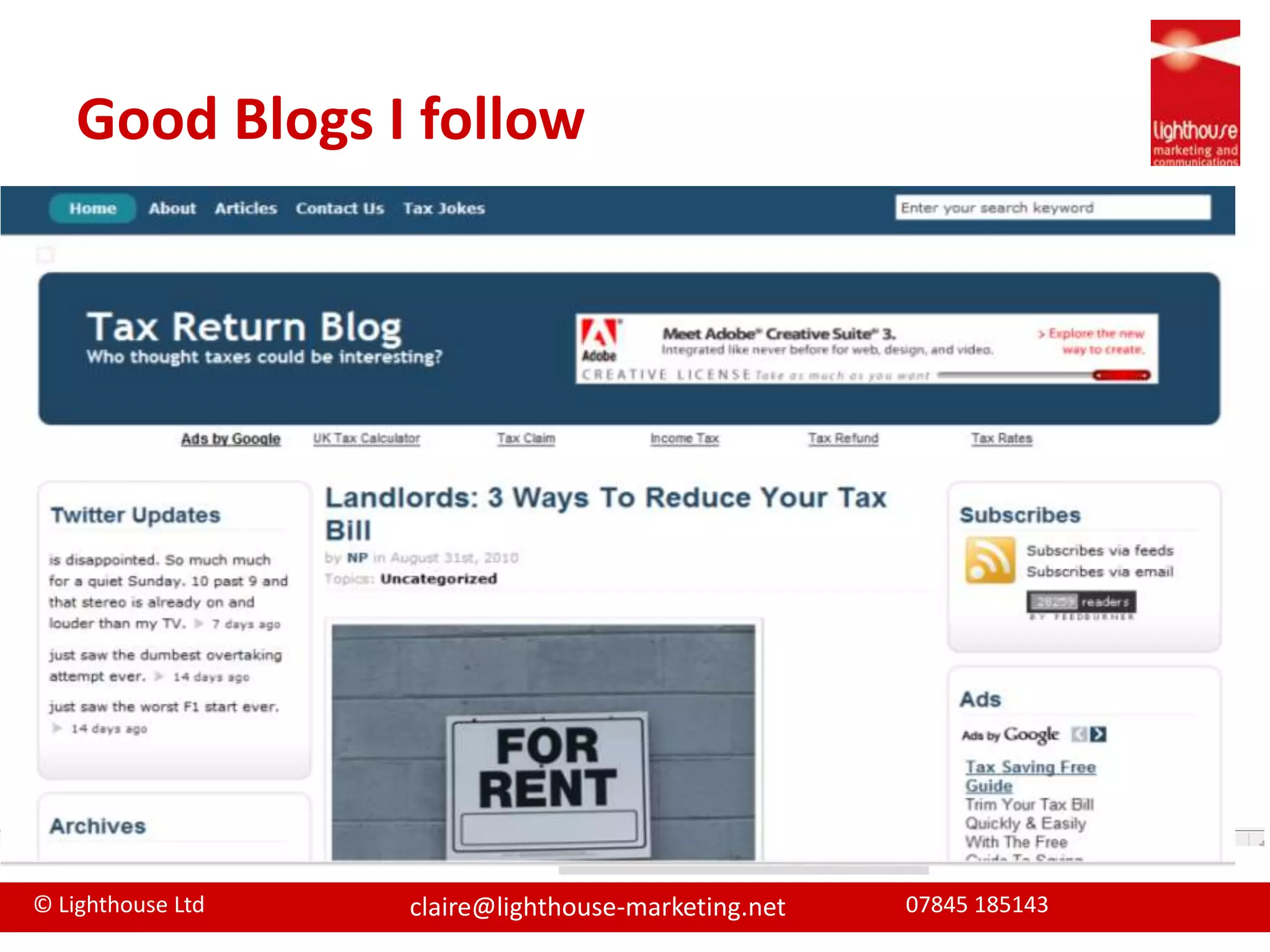
Good Blogs I follow
The “professional” social networkLaunched May 2003 - 43 million users in 170 industriesAround 50% of users in UKCreate online CV and connect with others peers through online networkingAlso have business profileMany businesses use it to recruit (and check references)
The Good...Easy to useConnect to people through existing connectionsAllows you to integrate twitter, blog and websiteJoin groups to develop connections and share knowledgeQuestion and Answer to demonstrate knowledgePost public events
and the bad...Smallest of the Big Three social networksLess fun and harder to develop personalityJob seekers are more active on the site than those already employedProfessional site, so marketing messages are not always welcome.
How can you use it?Develop and promote yourself and your firmBuild connectionsSeek recommendationsPromote your knowledge and answer questions Promote upcoming events/seminarsPromote other content you’ve created, including webinars, blog posts or podcastsRecruit new staffTargets –  Develop relationships with targetsPre-meeting research
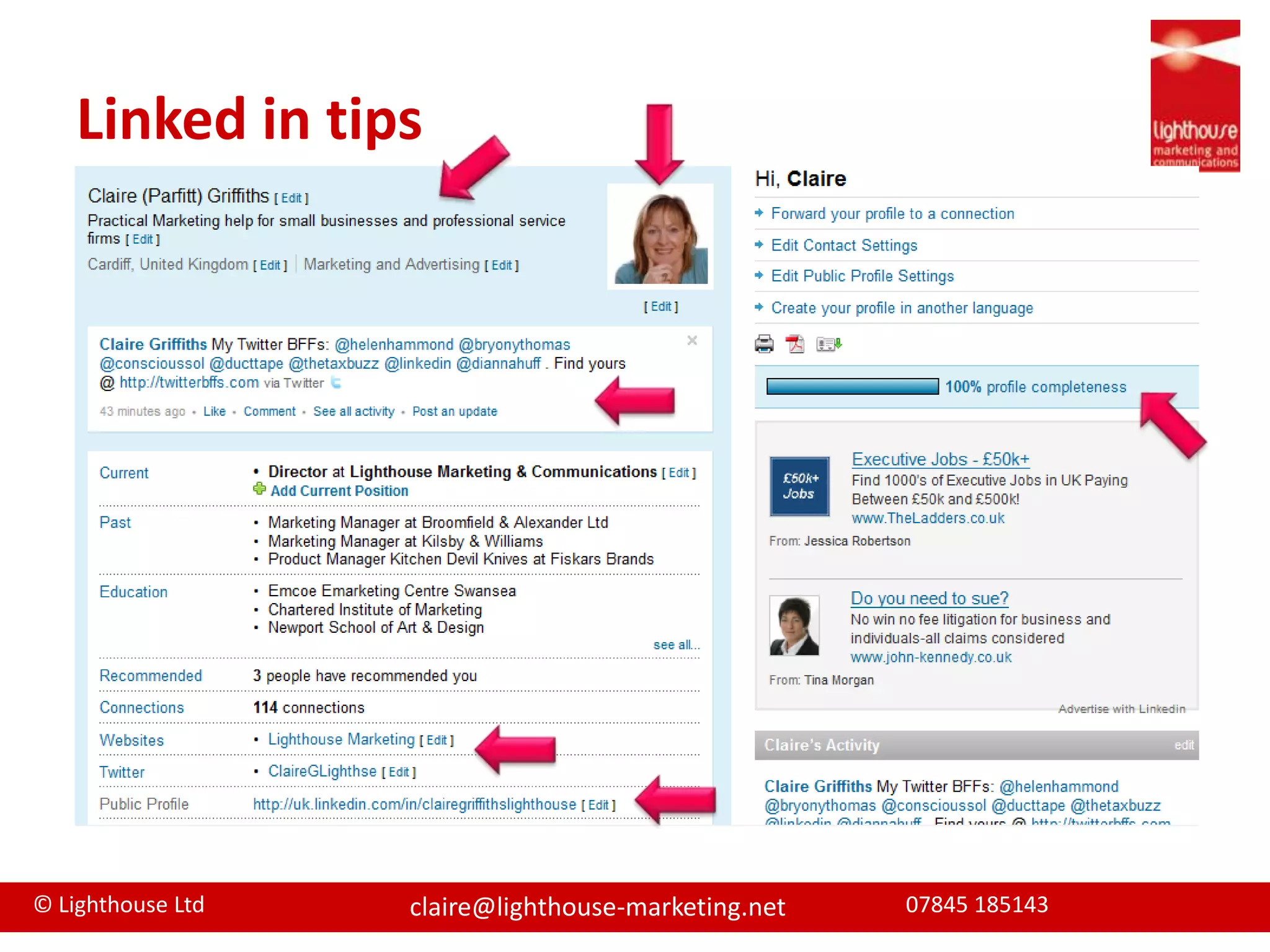
Linked in tips
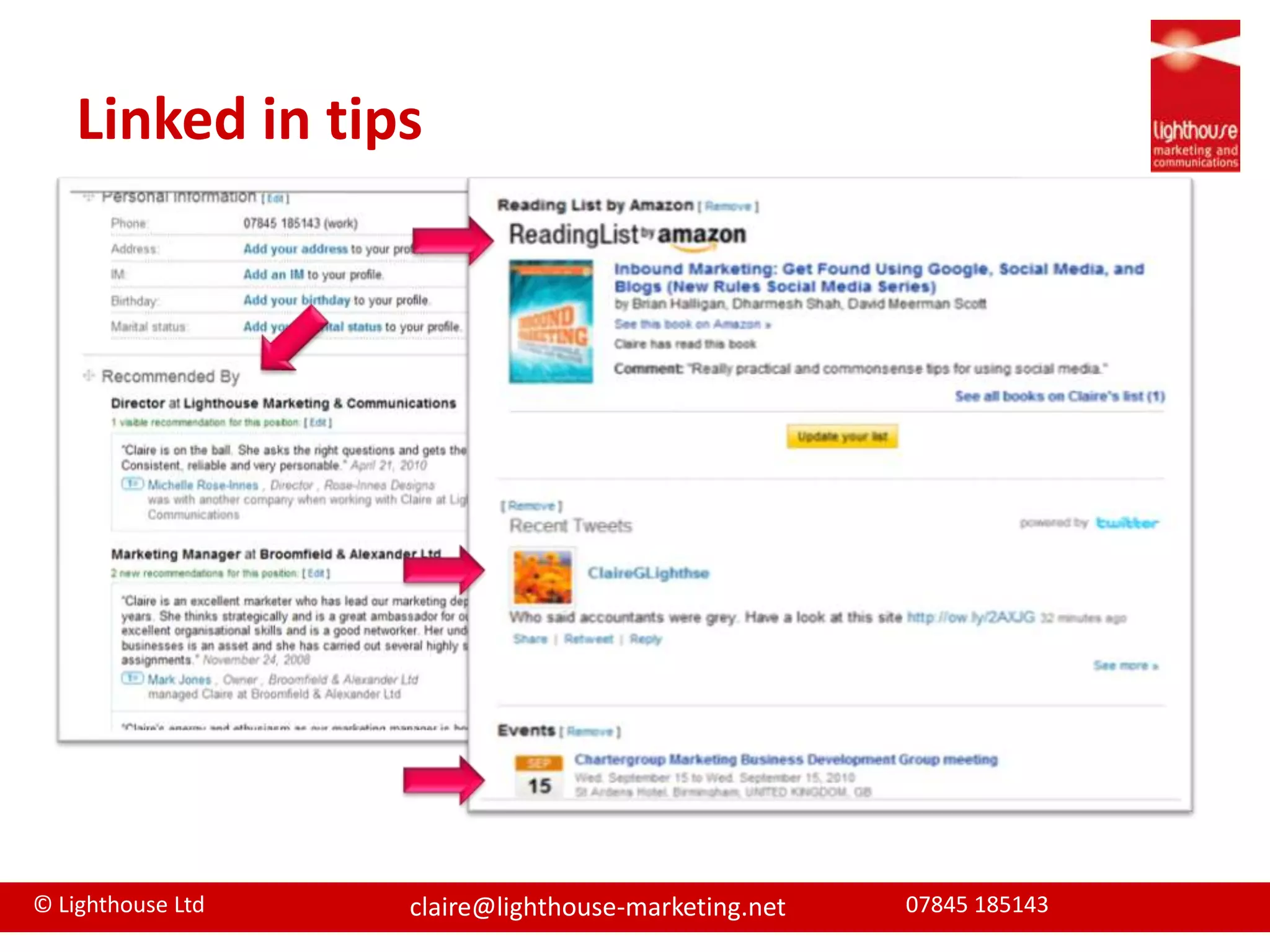
Linked in tips
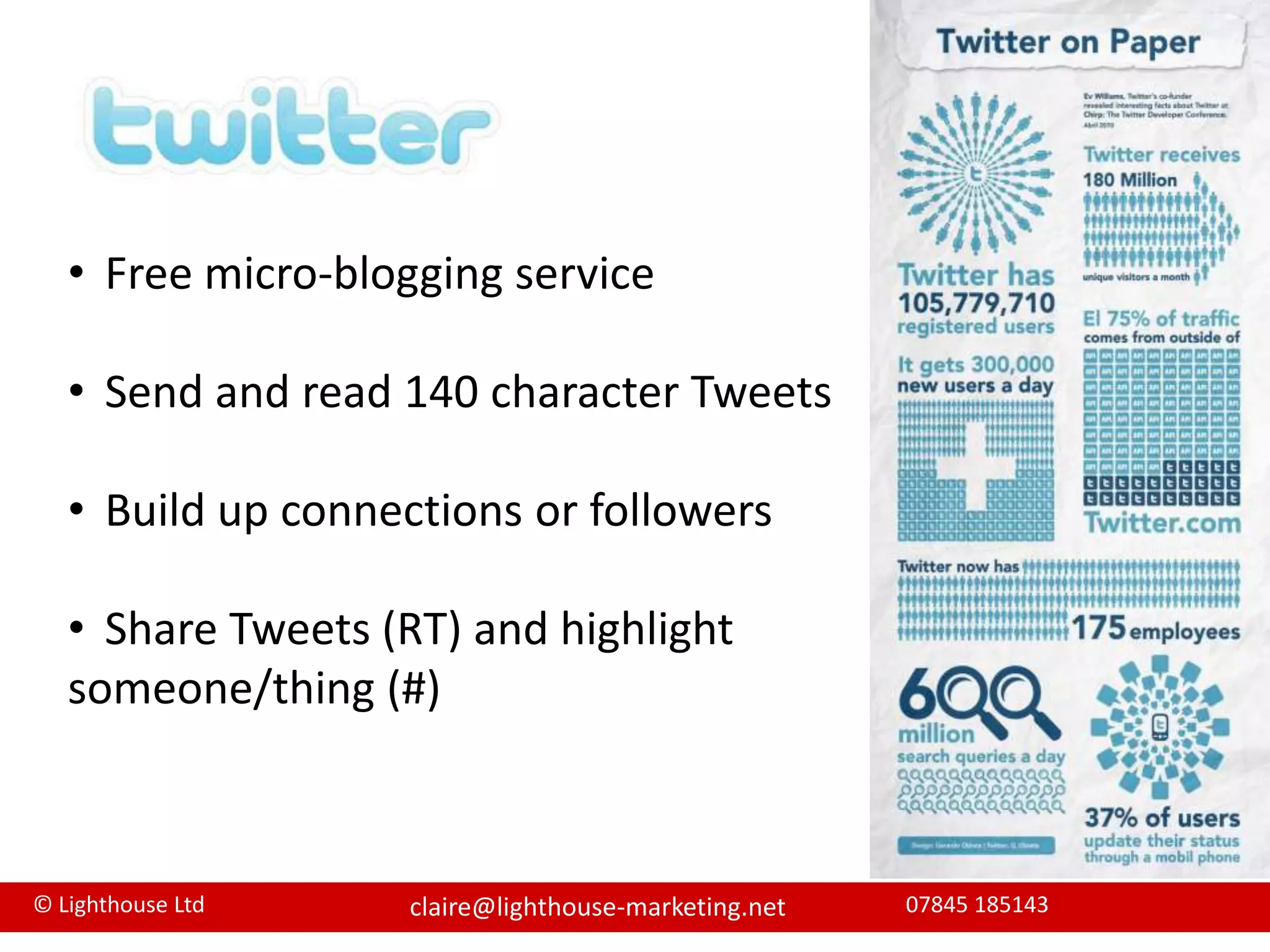
Free micro-blogging service
Send and read 140 character Tweets
Build up connections or followers
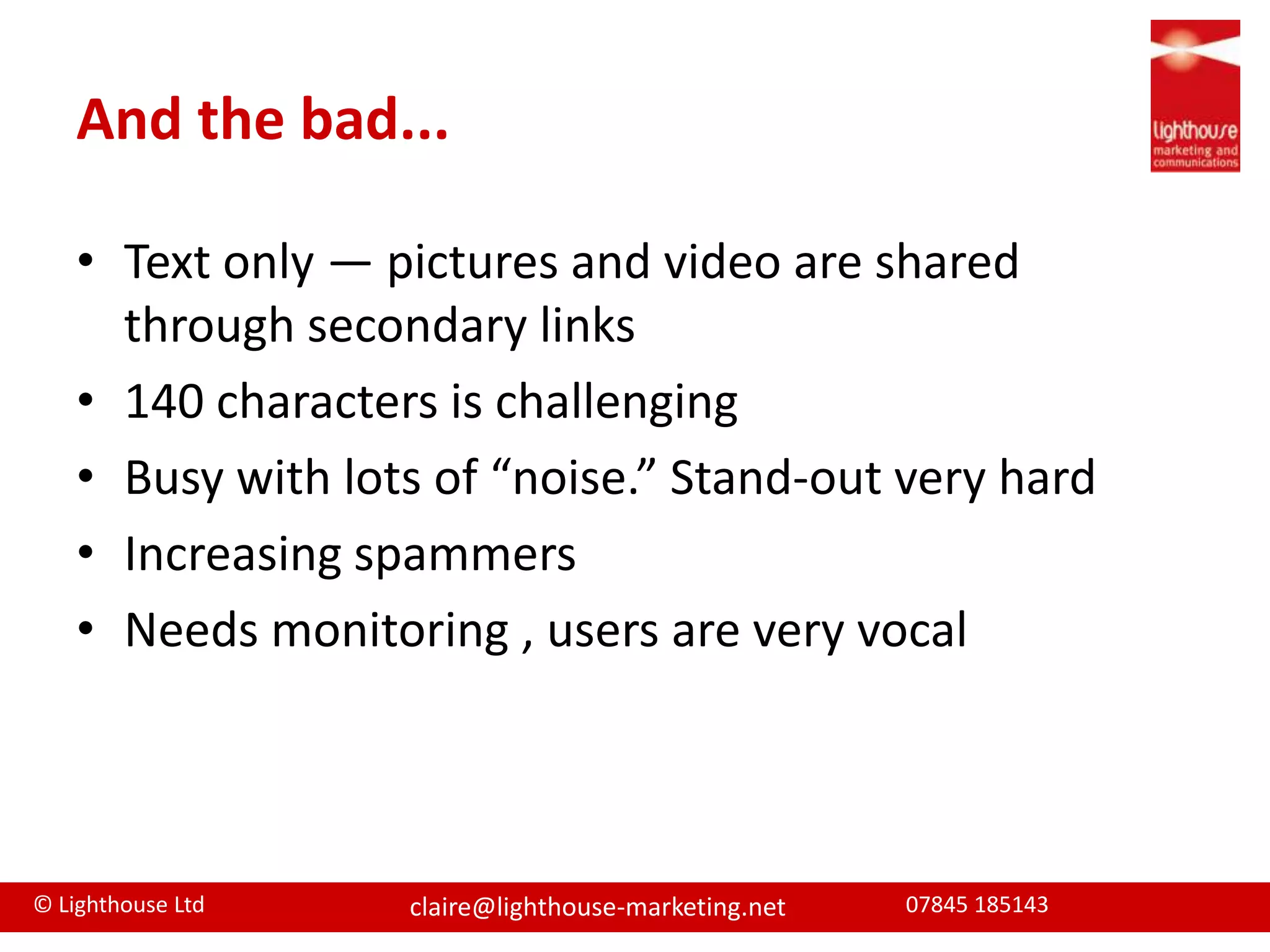
Share Tweets (RT) and highlight someone/thing (#) The good...Public and instant = greater SEO exposureOpen forum - build a community of potential customers you don’t personally knowFans can “follow you” without you having to reciprocateThere is a quick way to share links to contentUsers are very vocal, so if they are happy with your firm they’ll say so
And the bad...Text only — pictures and video are shared through secondary links140 characters is challengingBusy with lots of “noise.” Stand-out very hardIncreasing spammersNeeds monitoring , users are very vocal
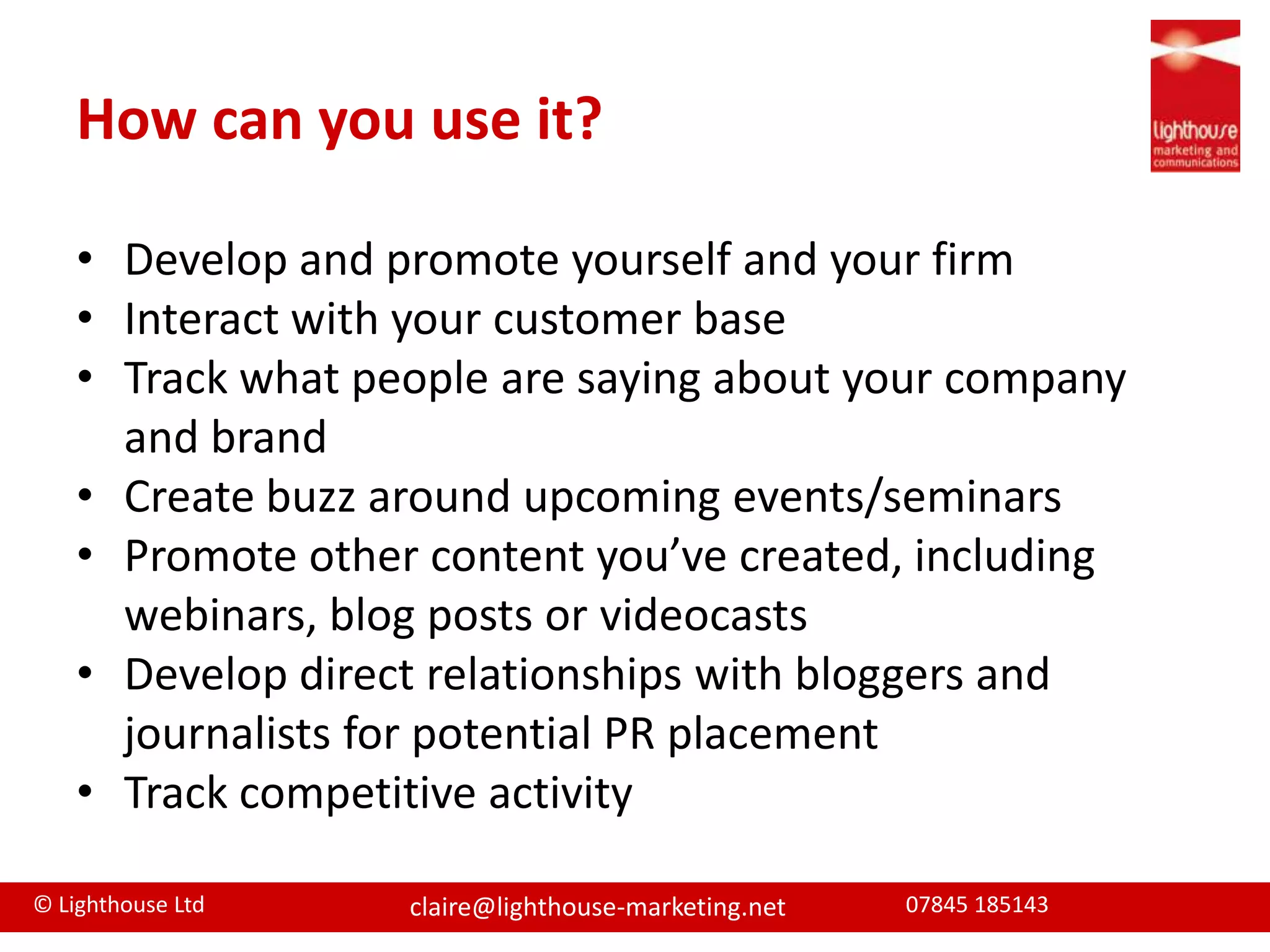
How can you use it?Develop and promote yourself and your firmInteract with your customer baseTrack what people are saying about your company and brandCreate buzz around upcoming events/seminarsPromote other content you’ve created, including webinars, blog posts or videocastsDevelop direct relationships with bloggers and journalists for potential PR placementTrack competitive activity
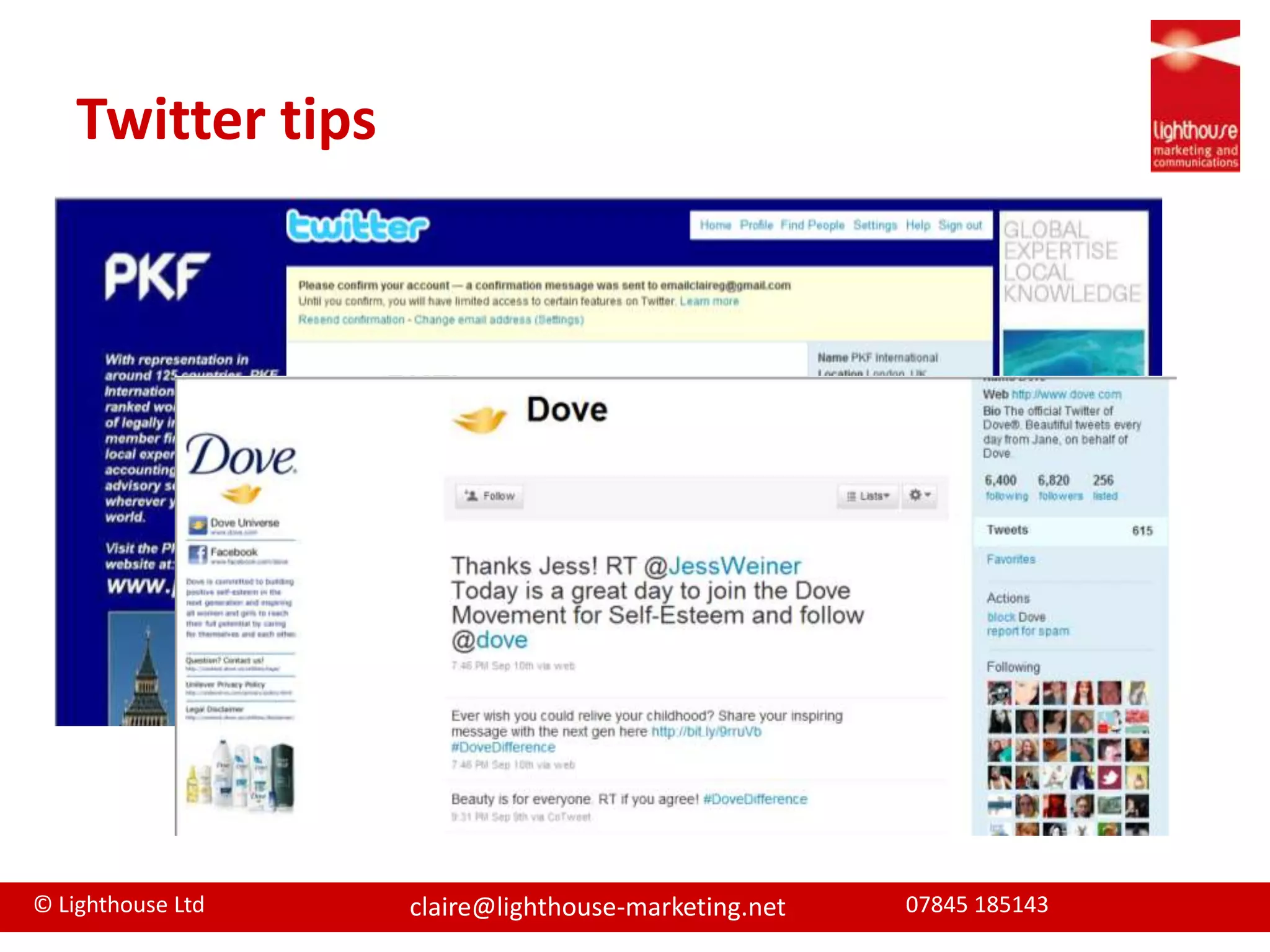
Twitter tips
Pod/VideocastsDigital media files (either audio or video) that are released and downloaded through web syndicationSecond largest search engine so great SEOCreate your own channel Professional video not necessary
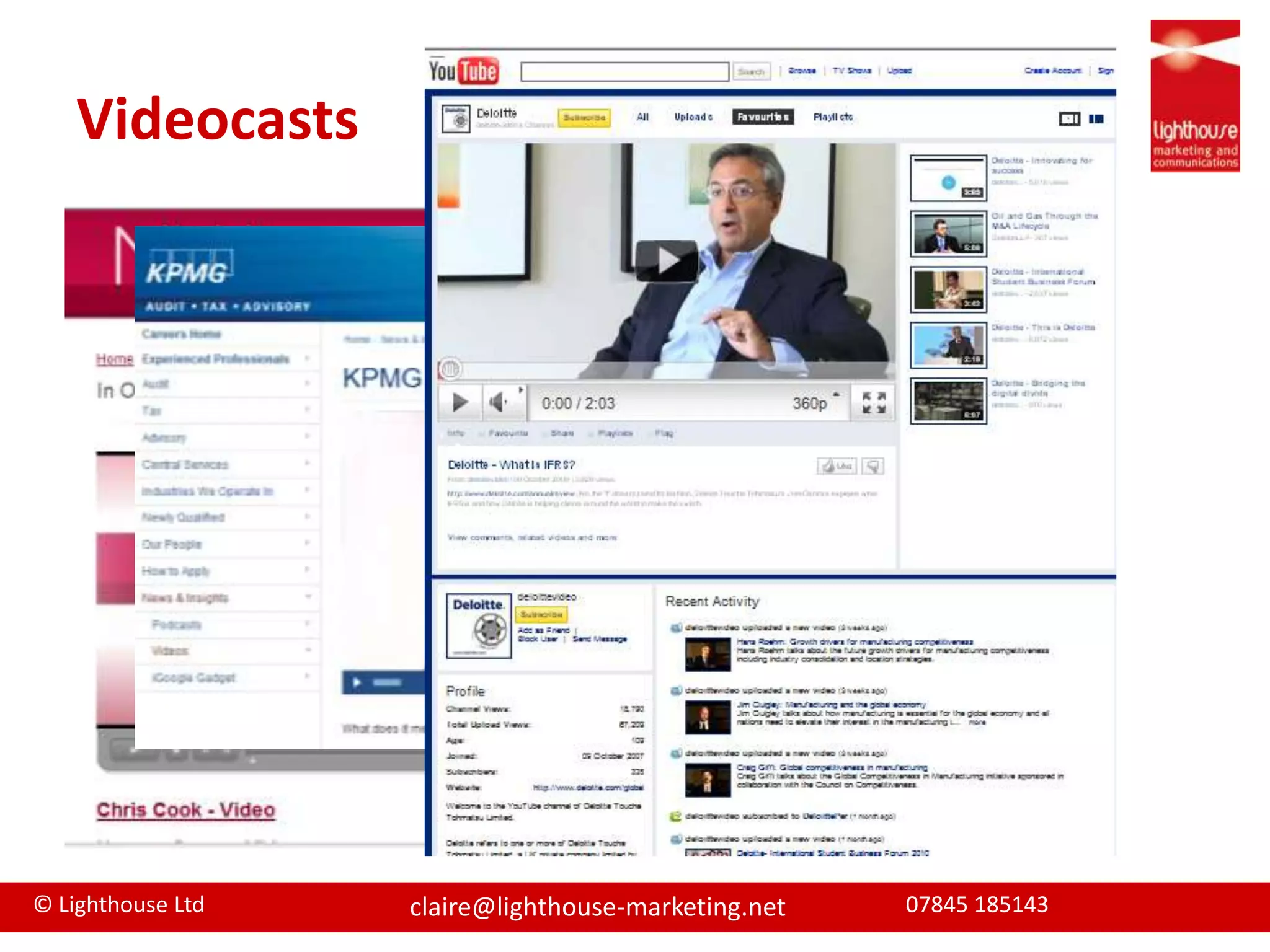
Videocasts
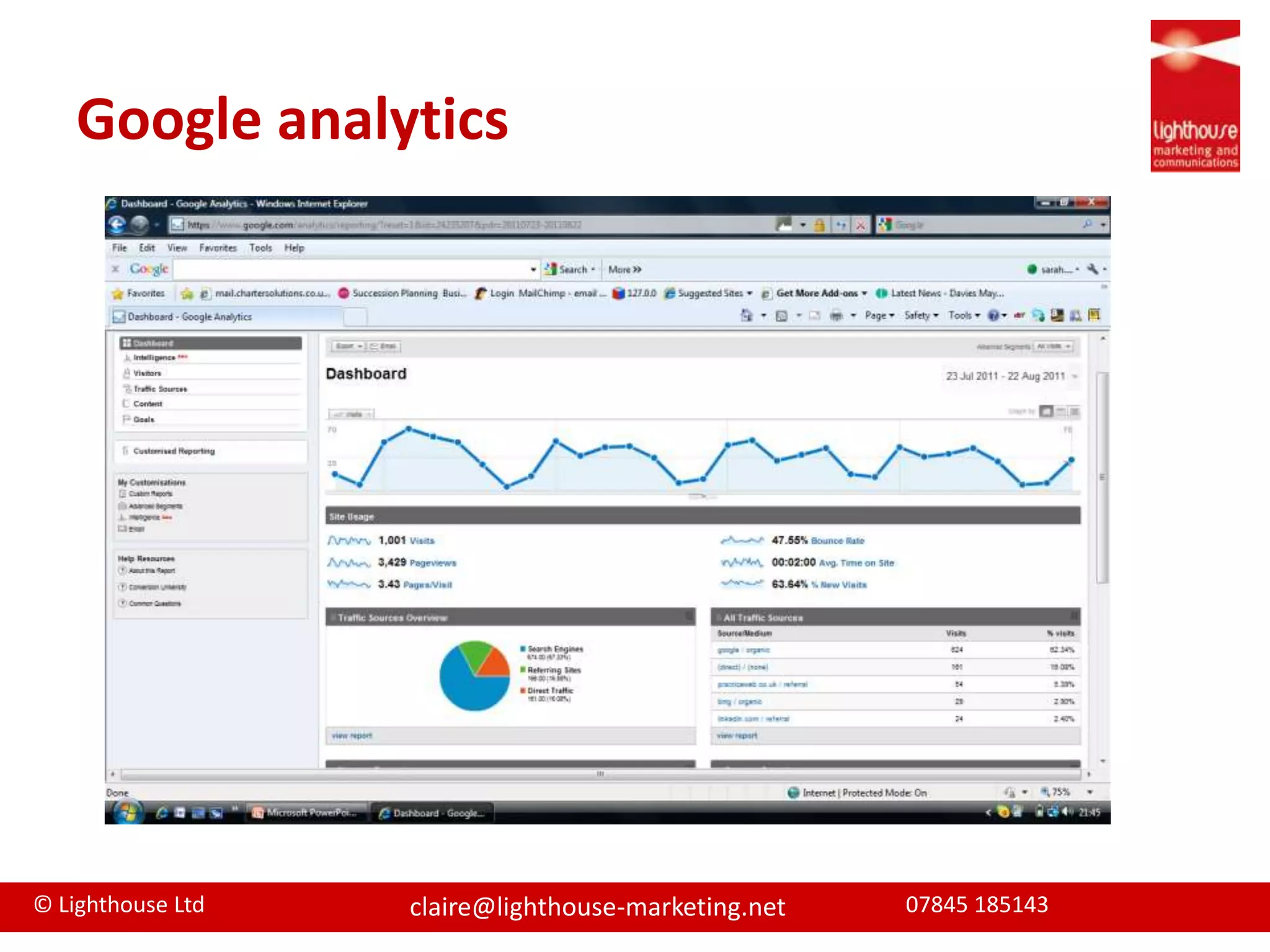
Keeping track of it all... Tools to manage and track social mediaCan be linked into Google analytics to track conversion rates/effectiveness
RSS - the ability to update readers ‎with new content it publishesSet up a RSS reader Keep track of all relevant sites, blogs etcMake time to read your RSS feedsShare what’s relevant – Retweet, blog etc
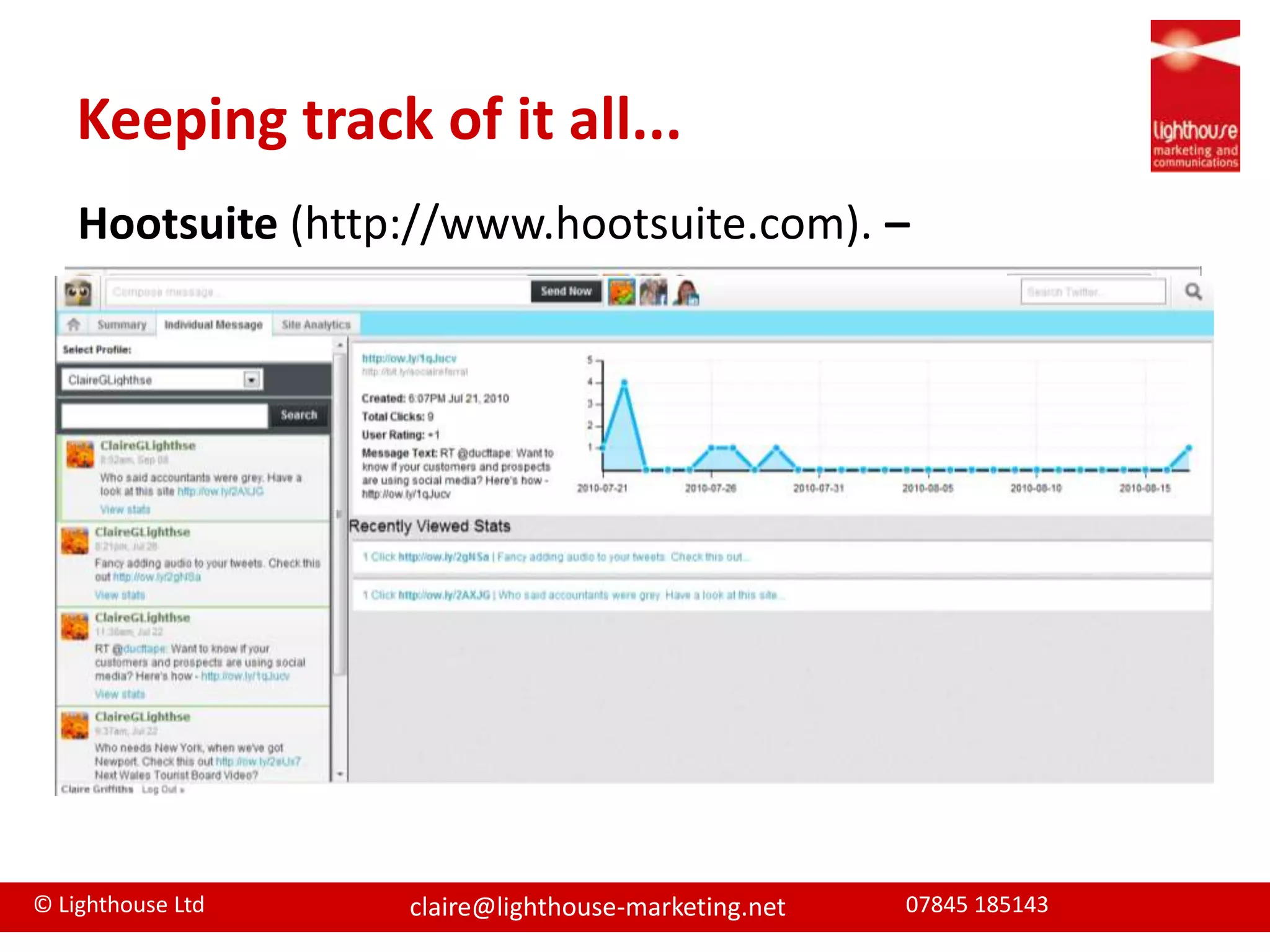
Keeping track of it all... Hootsuite(http://www.hootsuite.com). –Free Manages multiple Social Media accounts Provides statistics & tracking Ability to pre-schedule messages
Keeping track of it all... Twitterfeed.comAllows you to feed your RSS/blog feed into your Twitter account and thus keep updated and in syncGeochirp.com GeoChirp helps you search for people Twittering for specific things in a specific area.

Marketing matters part three Aug 2011

  • 1.
    Marketing MattersPart ThreePresentationfor Chartergroup- 24 August 2011 Claire GriffithsLighthouse Marketing Ltd
  • 2.
    Presented byClaire GriffithsDirectorLighthouse Marketing LtdOver 15 years B2B marketing experienceProfessional services/finance sector expertiseOffer strategy, planning, implementationCommunications, PR, eventsTraditional and digital/social media marketing
  • 3.
  • 4.
  • 5.
  • 6.
    AgendaWhat is socialmediaSocial media & marketingAvailable toolsTop tools & some tipsManaging digital and social media
  • 7.
    What is socialmedia“Social media is an umbrella term that definesthe various activities that integrate technology,social interaction, and the construction ofwords and pictures.”Source: Wikipedia
  • 8.
  • 9.
  • 10.
    Social Media +Sales/NBD funnel
  • 11.
    Social Media =AwarenessWhere are your clients?Use as a broadcast channelExpand reach by making messages interestingINFLUENCE
  • 12.
    Social Media =InterestGive away informationRepurpose for different channelsEngage in conversationAnswer questionsAsk thought-provoking questionsINFLUENCE
  • 13.
    Social Media =EvaluationAsk and use testimonialsFind people at evaluation stageRun live Q&AsMake referralsINFLUENCE
  • 14.
    Social Media =TrialPut people in touch through forums, twitter etcKeep up the conversationPost links to how to articles, case studiesINFLUENCE
  • 15.
    Social Media =AdoptionSpecial offers, time limited adviceInfluence wider decision makersINFLUENCE
  • 16.
    Social Media =LoyaltyKeep in touch Advice on new servicesDevelop 1 to 1 relationshipsUse your channels to promote your customersINFLUENCE
  • 17.
    Social Media SummaryAuthenticitycountsGenuine conversations Balance broadcast and conversationPart of marketing toolkitSocial Media will not equip sales funnel entirely
  • 18.
  • 19.
    3 types ofDigital ToolsSharePublishNetwork
  • 20.
  • 21.
  • 22.
  • 23.
    RecommendationsNot extensive butbased on my experience Tools I recommend are...
  • 24.
    Google the Great! Alerts– keep tabs on your company onlineAnalytics – allows you to measure digital toolsAdwords – buy keywords and gain SEOBlogSearch - Find blogs on your favourite topicsPlaces– get a Google local listing Ad Sense – earn from your site (where appropriate)Maps – enhance your directionsReader – RSS feeds & competitor knowledgeGoogle +1 – launched end June 2011
  • 25.
    The Power ofSharingDecide to post it on FacebookNow my friend & colleagues can view it Visit a website and share the article
  • 26.
    Top Accountancy ToolsWilldepend on your target marketGoogle Tools WebsiteBlogsLinkedin & TwitterSharing toolsVideocastsSlideshare
  • 27.
    Web wonders Objectives:1. Be found on search engines2. Generate leads and filter to conversionsHow?Good functional design
  • 28.
  • 29.
    SEO friendly –content, meta descriptions, keywords, page titles, linking strategy
  • 30.
    Page tags onevery page
  • 31.
    Good analytics torefine pages
  • 32.
    Content management systemto update/editWebsites
  • 33.
    BlogsContent publishing toolthat displays your posts/articles in chronological orderMulti media contentTop 3 platforms
  • 34.
    What’s good...Way toestablish your firm and people as expertsChance to create remarkable content and enhance websiteGreat SEO ranking and therefore awareness toolChance to develop relationship through comments
  • 35.
    What’s bad...Time intensiveNeedto have regular contentBusy blogospherePersonality and content very important
  • 36.
    Blogging guideUse todevelop your position as expertsInvite Guest bloggersRespond and leave comments on other blogsDiversify content – links, video, slides etcSEO essential to promote your blog Use tags/categoriesLink to other social mediaPromote your blog
  • 37.
  • 38.
    The “professional” socialnetworkLaunched May 2003 - 43 million users in 170 industriesAround 50% of users in UKCreate online CV and connect with others peers through online networkingAlso have business profileMany businesses use it to recruit (and check references)
  • 39.
    The Good...Easy touseConnect to people through existing connectionsAllows you to integrate twitter, blog and websiteJoin groups to develop connections and share knowledgeQuestion and Answer to demonstrate knowledgePost public events
  • 40.
    and the bad...Smallestof the Big Three social networksLess fun and harder to develop personalityJob seekers are more active on the site than those already employedProfessional site, so marketing messages are not always welcome.
  • 41.
    How can youuse it?Develop and promote yourself and your firmBuild connectionsSeek recommendationsPromote your knowledge and answer questions Promote upcoming events/seminarsPromote other content you’ve created, including webinars, blog posts or podcastsRecruit new staffTargets – Develop relationships with targetsPre-meeting research
  • 42.
  • 43.
  • 44.
  • 45.
    Send and read140 character Tweets
  • 46.
  • 47.
    Share Tweets (RT)and highlight someone/thing (#) The good...Public and instant = greater SEO exposureOpen forum - build a community of potential customers you don’t personally knowFans can “follow you” without you having to reciprocateThere is a quick way to share links to contentUsers are very vocal, so if they are happy with your firm they’ll say so
  • 48.
    And the bad...Textonly — pictures and video are shared through secondary links140 characters is challengingBusy with lots of “noise.” Stand-out very hardIncreasing spammersNeeds monitoring , users are very vocal
  • 49.
    How can youuse it?Develop and promote yourself and your firmInteract with your customer baseTrack what people are saying about your company and brandCreate buzz around upcoming events/seminarsPromote other content you’ve created, including webinars, blog posts or videocastsDevelop direct relationships with bloggers and journalists for potential PR placementTrack competitive activity
  • 50.
  • 51.
    Pod/VideocastsDigital media files(either audio or video) that are released and downloaded through web syndicationSecond largest search engine so great SEOCreate your own channel Professional video not necessary
  • 52.
  • 53.
    Keeping track ofit all... Tools to manage and track social mediaCan be linked into Google analytics to track conversion rates/effectiveness
  • 54.
    RSS - theability to update readers ‎with new content it publishesSet up a RSS reader Keep track of all relevant sites, blogs etcMake time to read your RSS feedsShare what’s relevant – Retweet, blog etc
  • 55.
    Keeping track ofit all... Hootsuite(http://www.hootsuite.com). –Free Manages multiple Social Media accounts Provides statistics & tracking Ability to pre-schedule messages
  • 56.
    Keeping track ofit all... Twitterfeed.comAllows you to feed your RSS/blog feed into your Twitter account and thus keep updated and in syncGeochirp.com GeoChirp helps you search for people Twittering for specific things in a specific area.
  • 57.
    Keeping track ofit all... TweetdeckFree browser for tracking social media accountsNo tracking as yet , so use a URL shortenerNo pre scheduling of messagesURL Shorteners - bit.lySaves characters vital in Twitter Tracks clicks on URLs
  • 58.
    Keeping track ofit all... Share Buttons/ TweetMeme. The counter on webpagesShows page popularityEncourages page retweets the page. View stats on who’s retweeted and when.
  • 59.
  • 60.
    SummarySocial Media isanother marketing tool, don’t forget to promote the channelsThink publish, share and networkThe key is engagement2-way conversation needs interactionNeeds timeCan be monitored and tracked
  • 61.
  • 62.
    How can Ihelp your firm?Contact me on:m: 07845 185143e: claire@lighthouse-marketing.nett: @ClaireGLighthsel: http://uk.linkedin.com/in/clairegriffithslighthouseFixed hourly, daily, project rates so no surprises!

Editor's Notes

  • #9 SM is rethinking the old marketing channels Inbound is the new termIts about conversations, listening and engagement
  • #11 Social media can influence the Sales/NBD funnel. Taking Kotler’s Rational decision-making model. Lets look at how social media can affect the sales funnel from awareness to loyalty.
  • #12 Awareness stage Firstly you need to understand where your clients hang out online, and be there - join forums, blogs, communities etc. For example use twitter to see whose talking about accountancy or tax.Look at competitors, referral networks, local media twitter feeds and follow them. Simple twitter search who’s asking about tax issues etc Research competitors products and services. Sign up to their RSS feedsUse as a broadcast message say update on linked in , tweet, blog post etcMake messages interesting, aim to get articles passed on, shared or retweeted
  • #13 Give them something their interested in. Know who you are now showing next step.Give something away to draw people into your content eg blog, article webcast, etcOnce have idea for content, Repurpose it for different channels eg blog article, slides on slideshare, youtube etcDemonstarteexpertsieAlso about engaing in conversation, answerewuestions, join groups ask questions
  • #14 What can Social Mediado at the evaluation stage when weighting up others against your firmAsk on twitter why your clients use you, retweet then share their comments and use in offline materialsLook at questions being asked and offer answersRun Live Q&A webinar for exampleRefer clientsInfluence at this evaluation stage is medium, Your services need to stand up to scrutiny for potential clients to move down the sales funnel
  • #15 About quality of service at this stages but SM can help champion good servicePut newbies in touch with existing advocate customersWhen articles downloaded etc contact them for feedback, do they need a case study on how it works, free trial etcInfluence here is relatively low
  • #16 Mainly p2p sellingQuality of sales force
  • #17 Influence here very highCross sell and up sell oppProvide up to date reminders eg key dates, new services, new legislationDevelop 1 2 1 relationships with customers and deepen relationships, improve serviceSupport loyalty by helping customers out tweet links to customers or rewteet content, provide recommendations Deepening relationshipsEncouraging lock-inFantastic opps at loyalty stage for deepening relationship, increasing customer service.
  • #18 Still need case studiesQuality servicesTargetsGood sales people
  • #25 Many are free!!
  • #26 Compare these to the freepost envelope – make it easier for people to complete the action
  • #27 Google blog search will help you find good blogs Then subscribe via RSS feed
  • #29 Website tips:Home page so importantDirecting visitors quickly to where they want to goDirect call to actionsEncouraging sign ups to contentSearch facilitySpecific landing pages (with page tags so we can track them are essential)
  • #30 126 million blogs listed on Blogpost (Jan 2010)
  • #33 Use Blogs toPromote your blogEmail signatures
  • #34 Mercer & Hole have 3 industry segmented blogs but actually not ranked on google blog search?Blogging tipsGood blogs are almost mini websitesAbout me or firm sectionTags/categoriesRSS feed Comments optionVariety of media
  • #39 Profile pictureGood headlineRegular updates – mine through my twitterfeedPublic ProfilePromote and link to website/blogs/twitter etcTarget 100% completeness
  • #40 Recommendations - Don’t ask give to receiveConsider other applications such asReading listTwitter feedsEventsRecommendations
  • #44 Track through twitter buzz
  • #45 Customised twitter background useful to sell servicesConsider your follower policyUse lists to segment your followers either public or private
  • #47 Who are we videosRecruit case studies
  • #48 Variety of tools that allow you to manage social media
  • #50 Image to show hootsuite where you can add streams and then statistics
  • #51 GeochirpFor example, if you want to search for people Tweeting about “Tax in Birmingham ”, you canjust select the area in the map, set the radius within 1-10 miles of that area, enter the keyword “tax” or any other related keyword and BOOM you have all the people Twittering about tax in and around Birmingham. Can you respond to start a conversation?
  • #55 Promote through business cards, email signatures etc