mAppMechanic PolymerJS
PolymerJS
1
Session 1 - Introduction
PolymerJSmAppMechanic
Agenda
2
• Evolution of Web
• History of PolymerJS
• Background about Web Components
• Introduction to PolymerJS
• Setting Up Dev Environment
• Creating a Sample Polymer App
• Using a Polymer Element
PolymerJSmAppMechanic
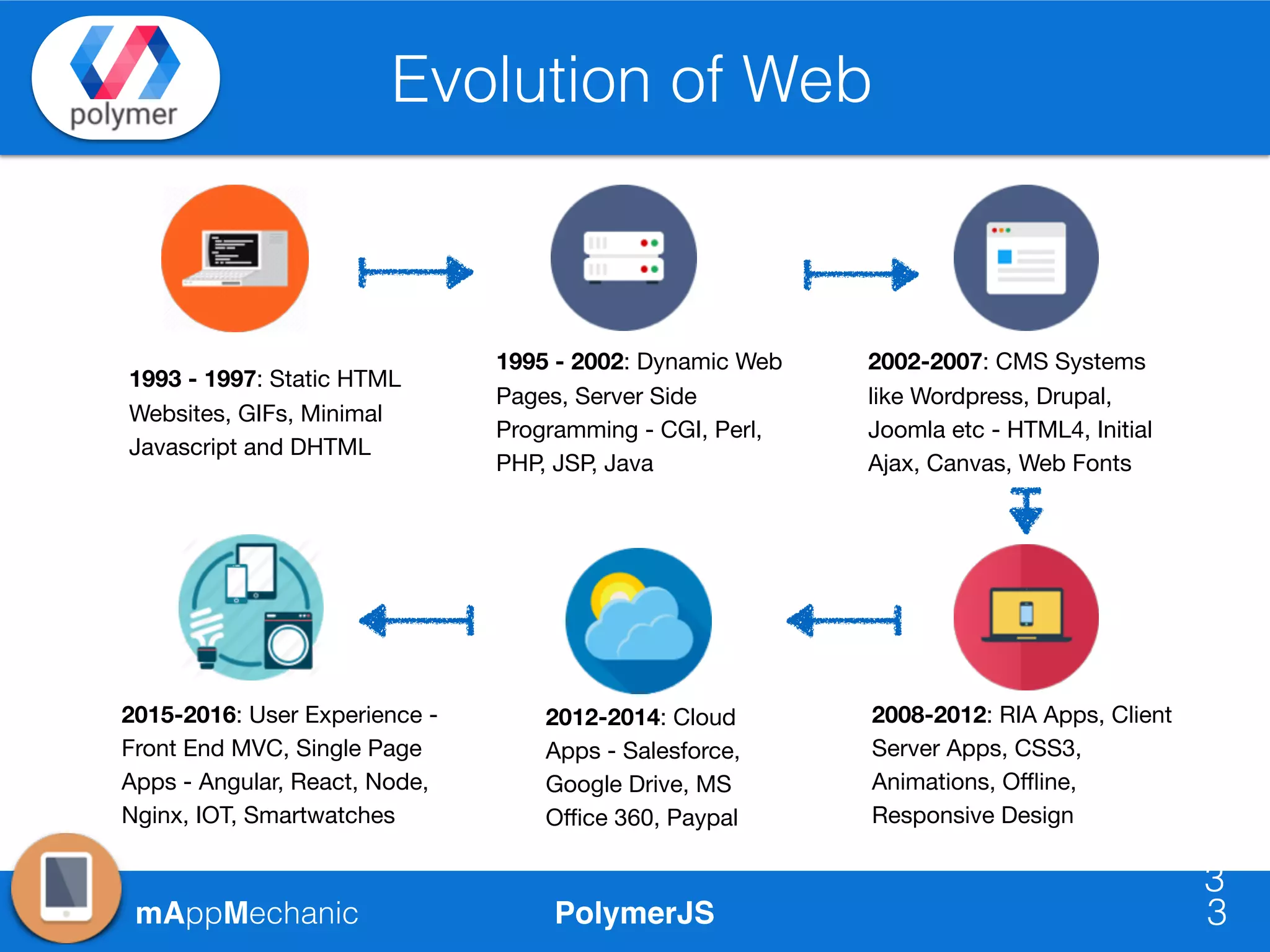
Evolution of Web
3
1993 - 1997: Static HTML
Websites, GIFs, Minimal
Javascript and DHTML
1995 - 2002: Dynamic Web
Pages, Server Side
Programming - CGI, Perl,
PHP, JSP, Java
2002-2007: CMS Systems
like Wordpress, Drupal,
Joomla etc - HTML4, Initial
Ajax, Canvas, Web Fonts
2008-2012: RIA Apps, Client
Server Apps, CSS3,
Animations, Offline,
Responsive Design
2012-2014: Cloud
Apps - Salesforce,
Google Drive, MS
Office 360, Paypal
3
2015-2016: User Experience -
Front End MVC, Single Page
Apps - Angular, React, Node,
Nginx, IOT, Smartwatches
PolymerJSmAppMechanic
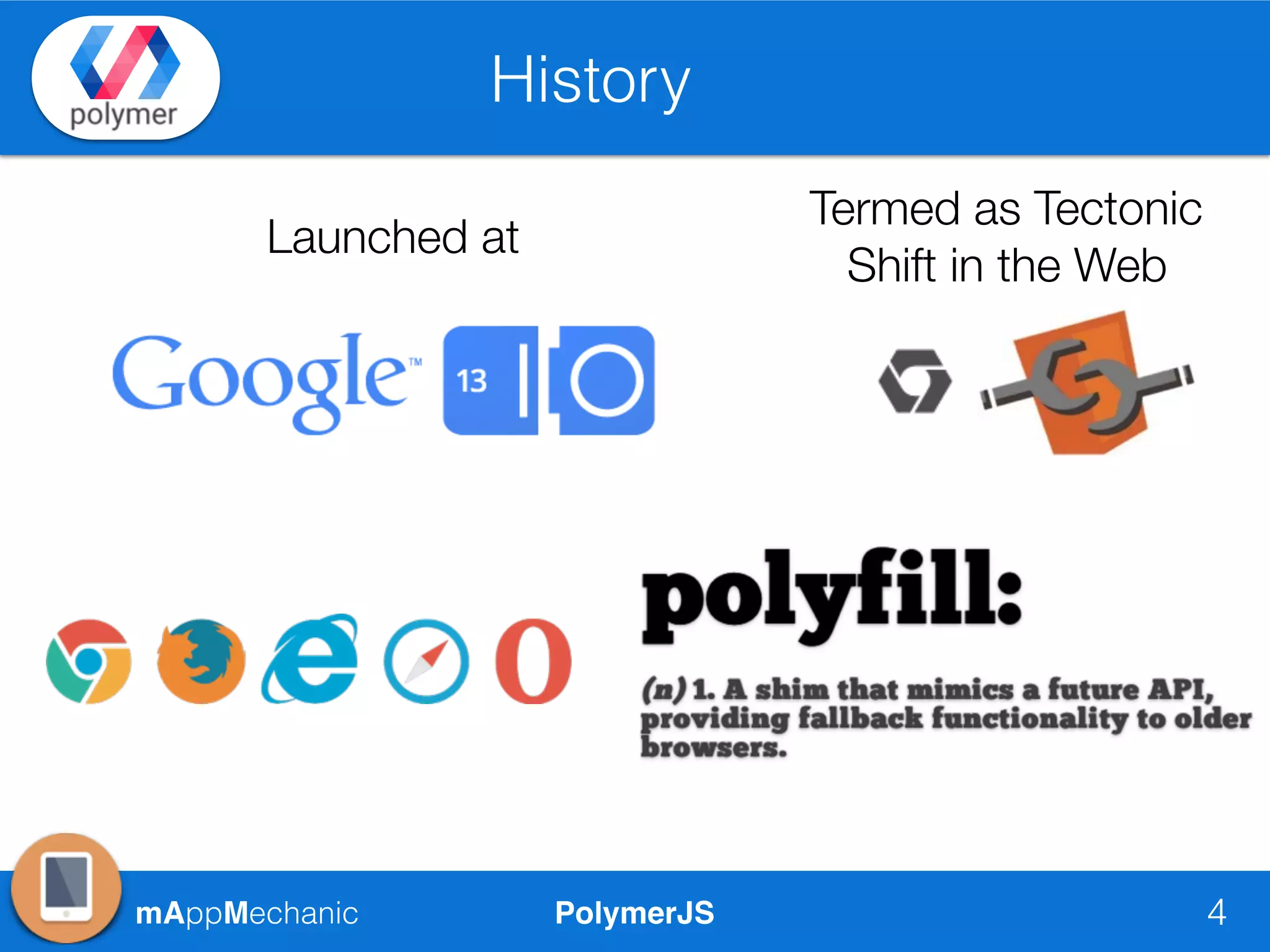
History
4
Launched at
Termed as Tectonic
Shift in the Web
PolymerJSmAppMechanic
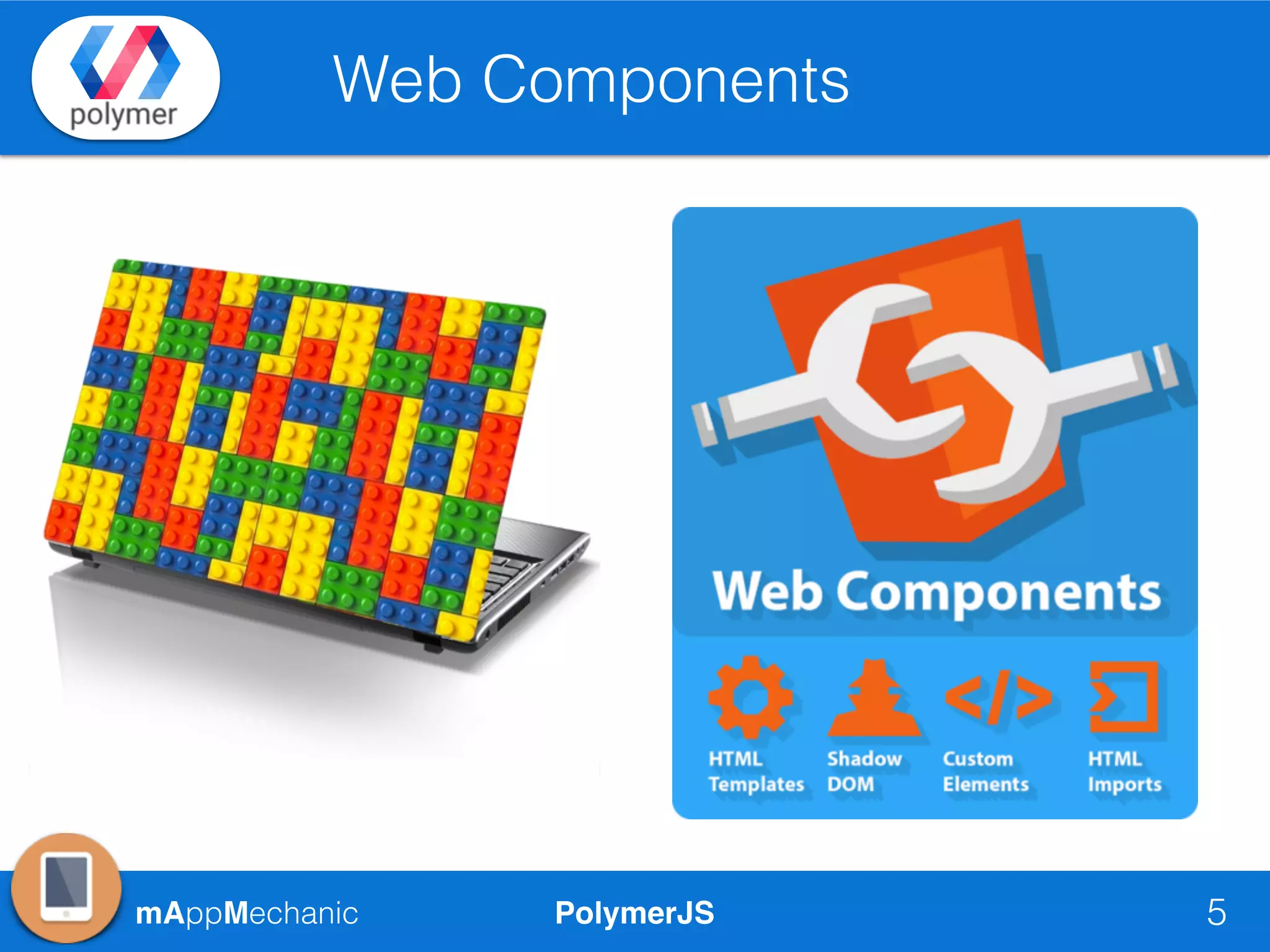
Web Components
5
PolymerJSmAppMechanic
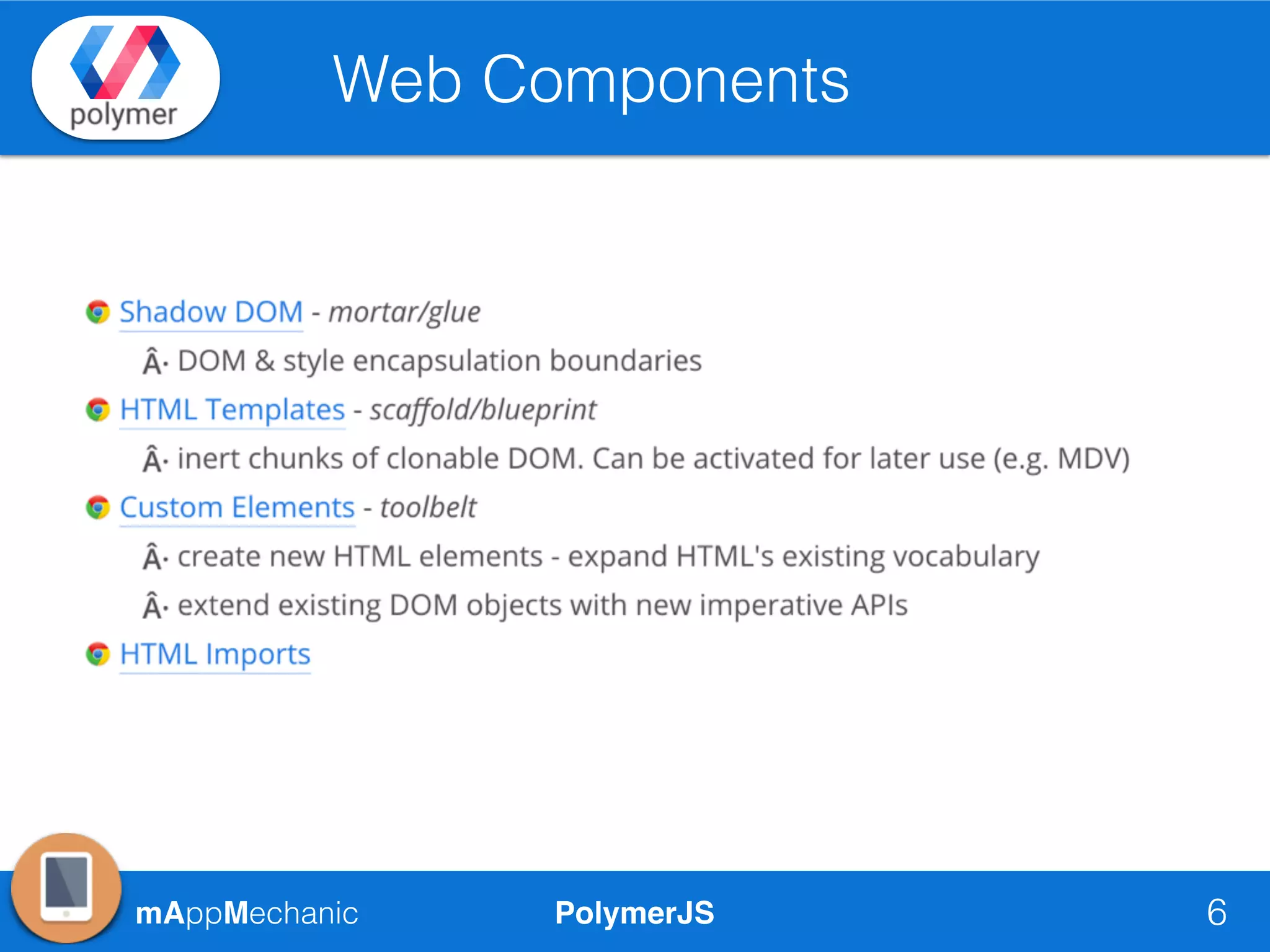
Web Components
6
PolymerJSmAppMechanic
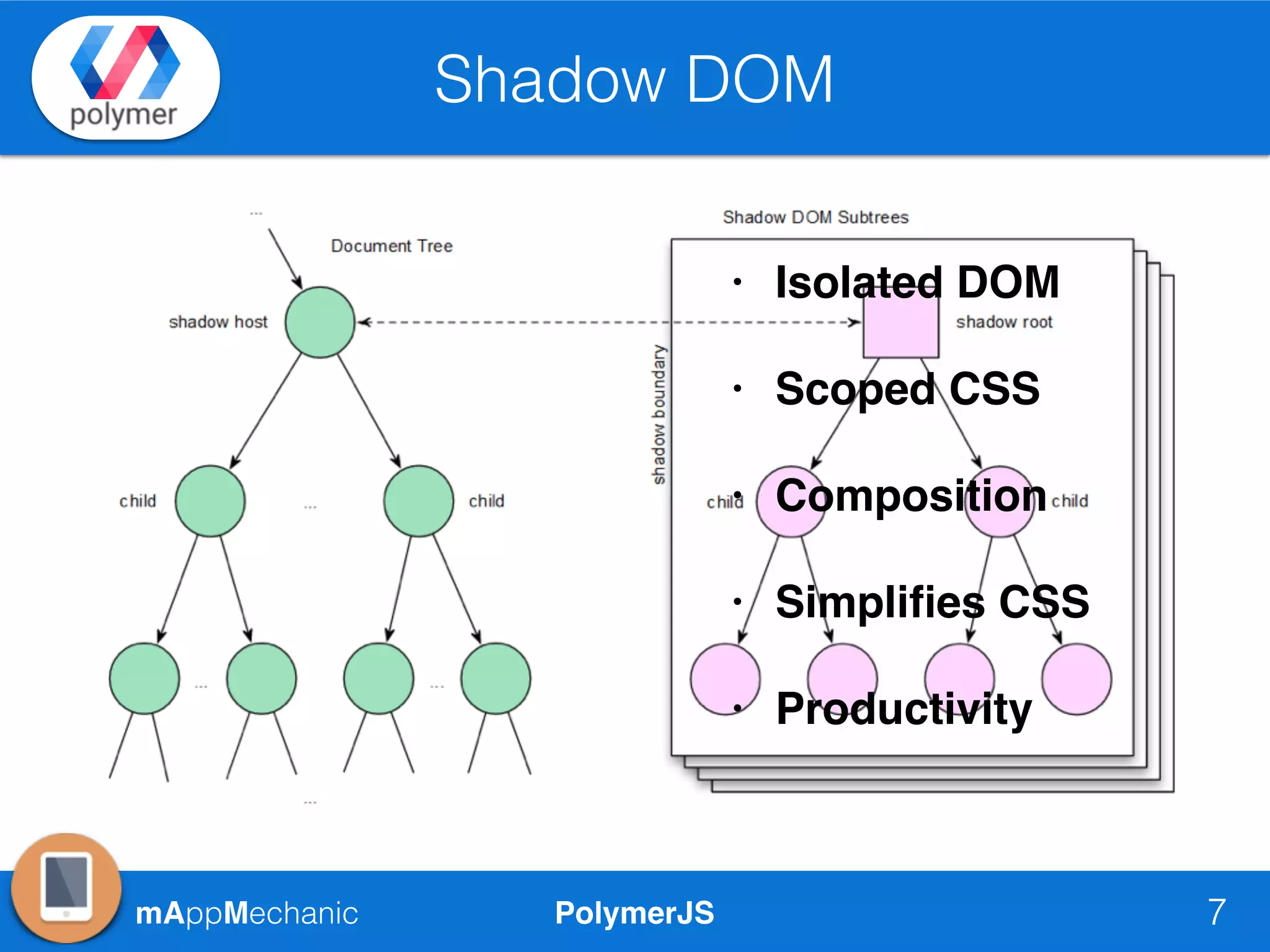
Shadow DOM
7
• Isolated DOM
• Scoped CSS
• Composition
• Simplifies CSS
• Productivity
PolymerJSmAppMechanic
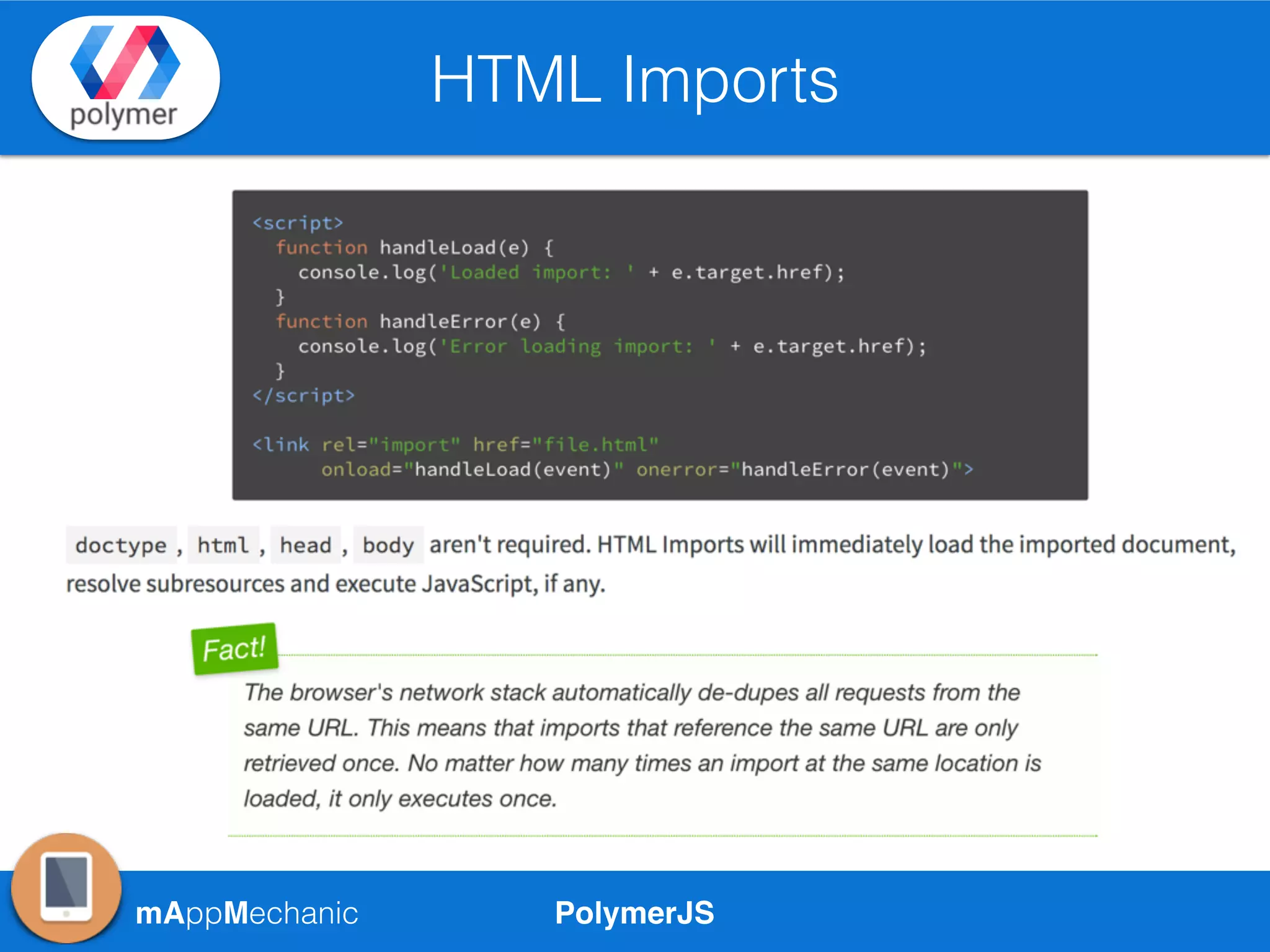
HTML Imports
PolymerJSmAppMechanic
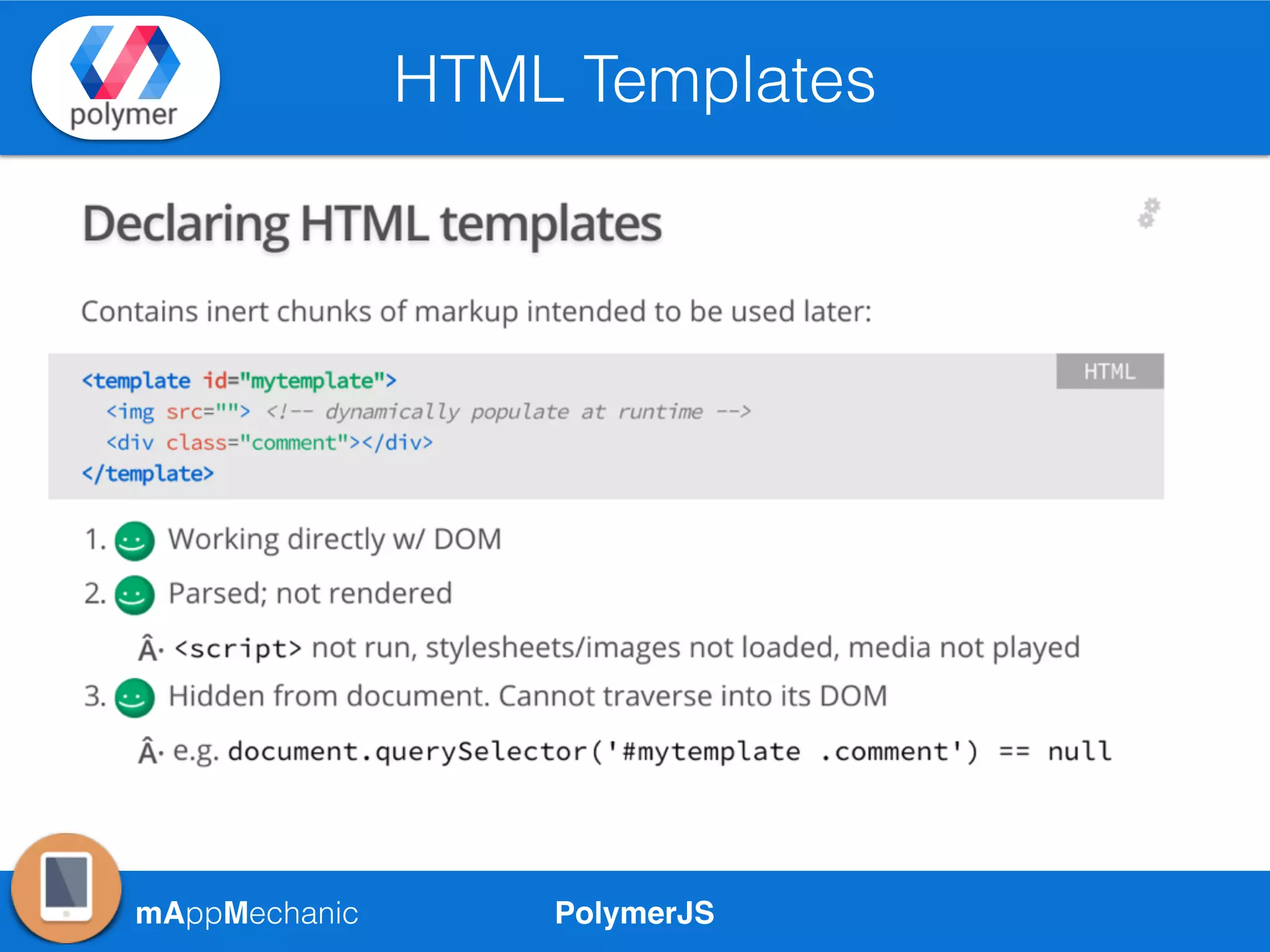
HTML Templates
PolymerJSmAppMechanic
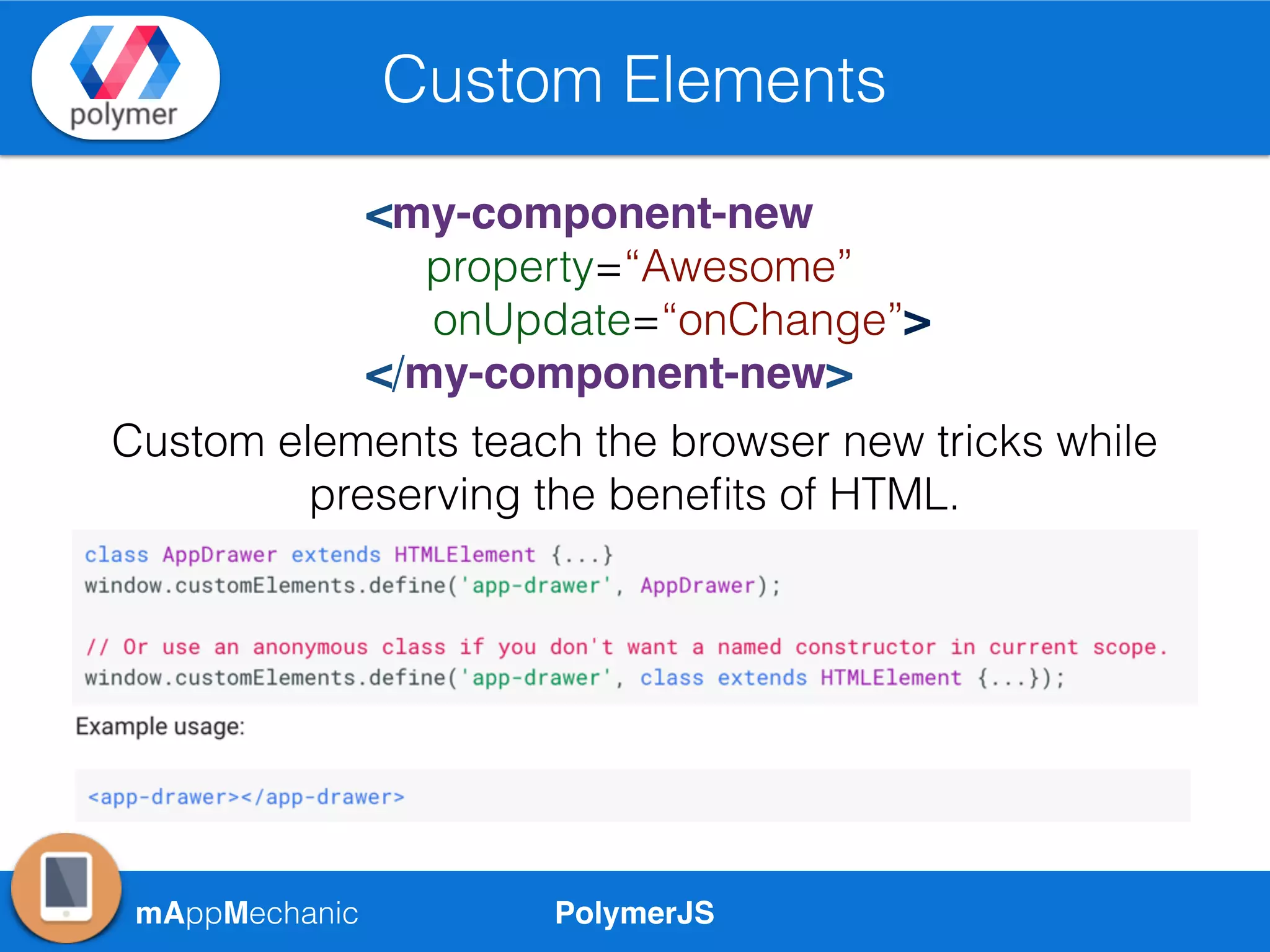
Custom Elements
<my-component-new
property=“Awesome”
onUpdate=“onChange”>
</my-component-new>
Custom elements teach the browser new tricks while
preserving the benefits of HTML.
PolymerJSmAppMechanic
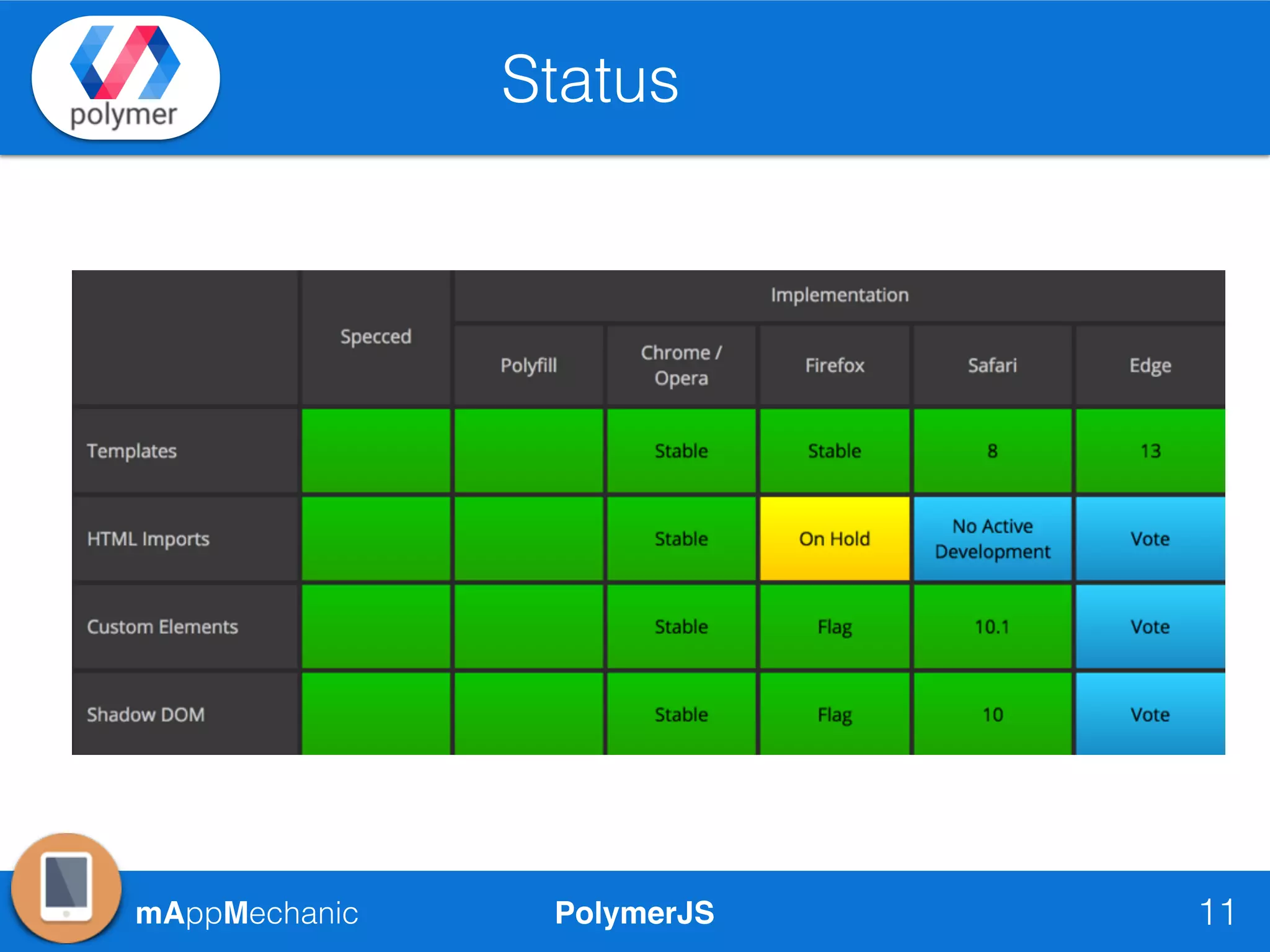
Status
11
PolymerJSmAppMechanic
Introduction
12
• Official Support by Google
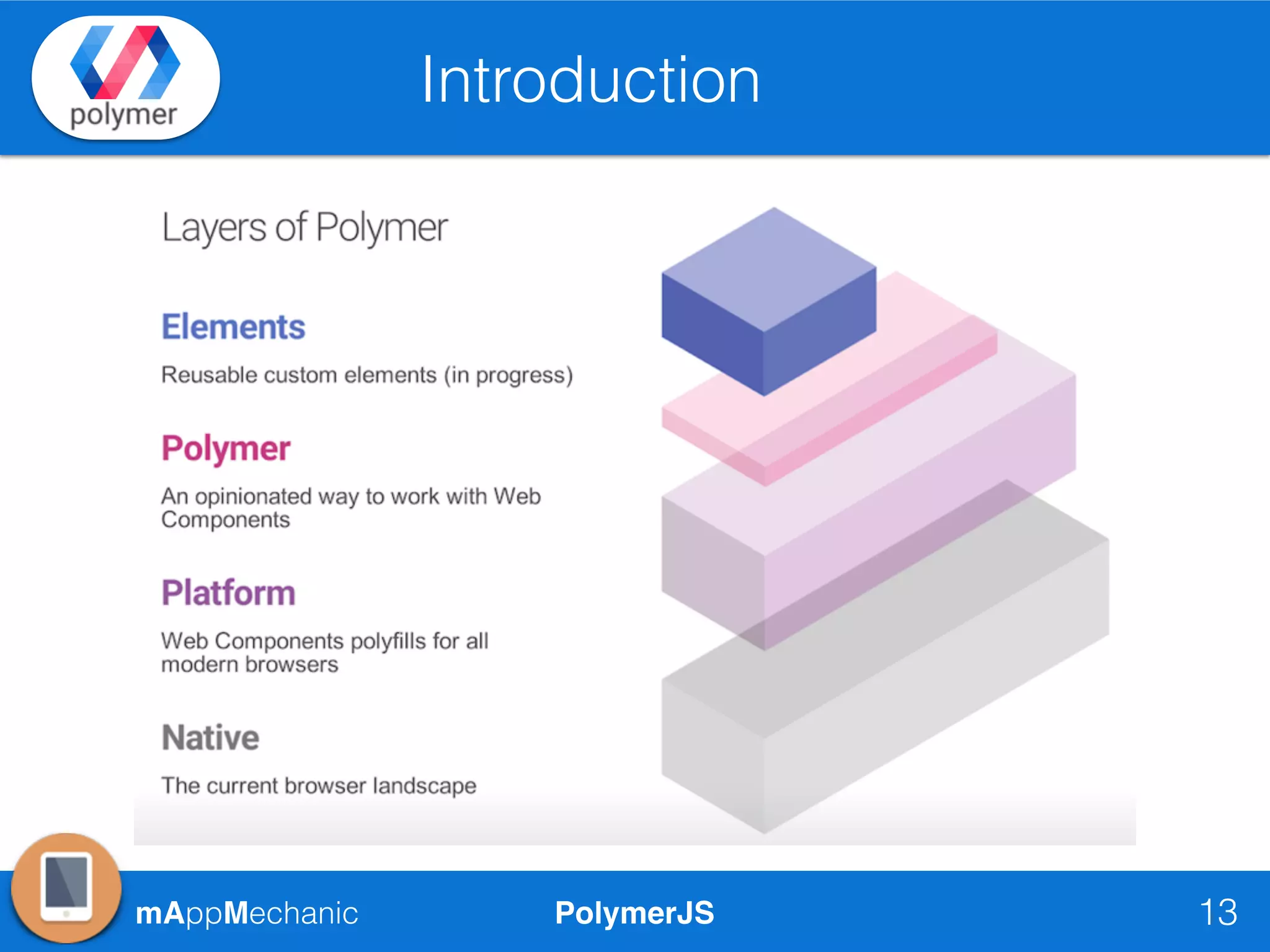
• Base platform includes set of Polyfills for Web Components
• On top of it, provides excellent features & utilities like 2 way
data-binding, Computed Properties to build RIA apps
today.
• Stable version 1.0 released in 2015 (28/05/2015)
• Performance & use of latest Web Standards by everyone is the
goal. It is also considering about PWA, Service Workers &
HTTP2
• Awesome catalog of re-usable elements for Rapid Dev
PolymerJSmAppMechanic
Introduction
13
PolymerJSmAppMechanic
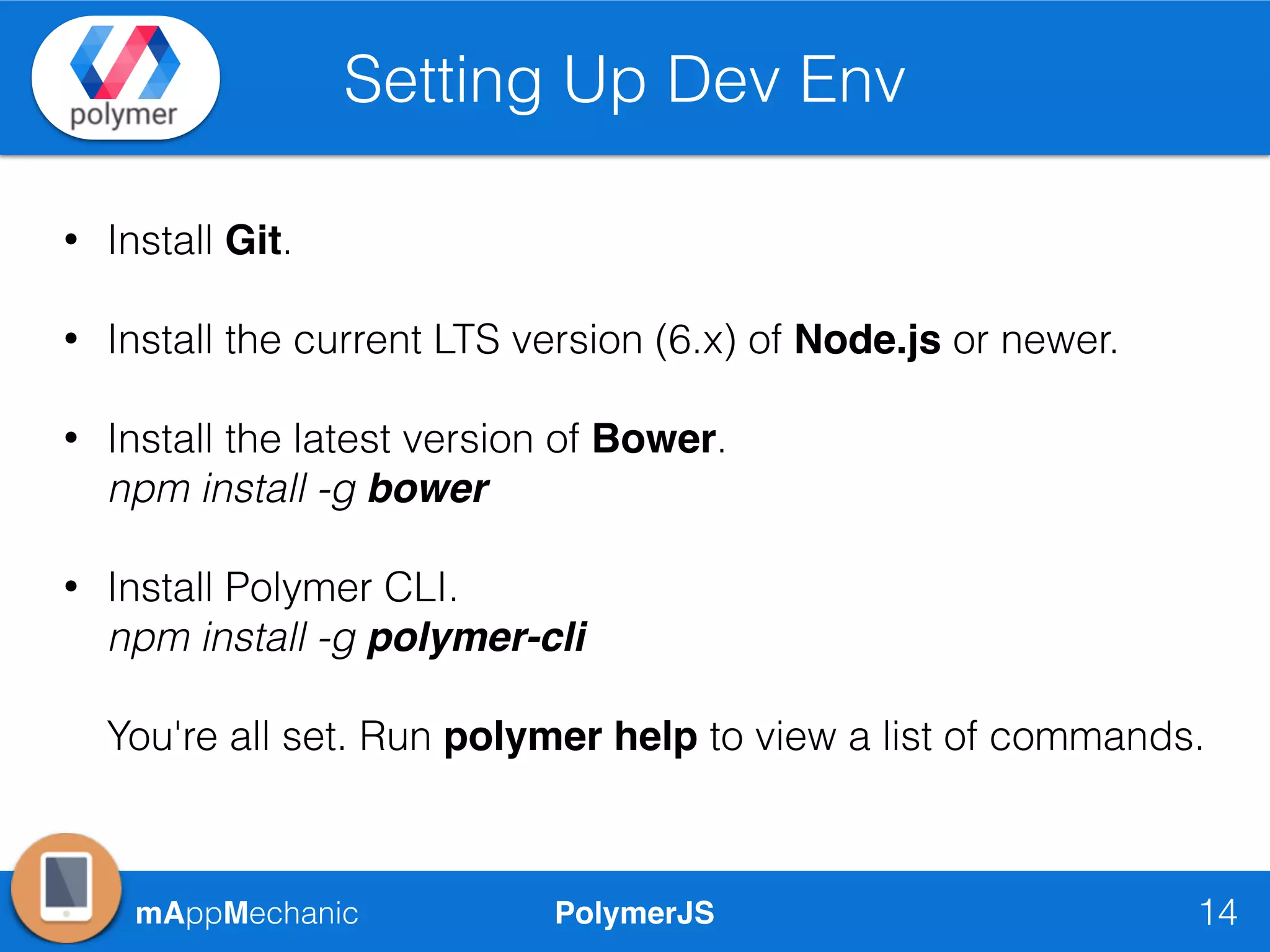
Setting Up Dev Env
14
• Install Git.
• Install the current LTS version (6.x) of Node.js or newer.
• Install the latest version of Bower.

npm install -g bower
• Install Polymer CLI.

npm install -g polymer-cli


You're all set. Run polymer help to view a list of commands.
PolymerJSmAppMechanic
Creating Sample App
15
New App & Use a Simple Polymer Element
mAppMechanic PolymerJS 16
Thanks
mAppMechanic
twitter.com/mAppMechanic
linkedin.com/in/rahatkh
yehtechnologies@gmail.com

MAppMechanic CodeLabs - PolymerJS Introduction