


Making a Project a Complete Success with
Post-Implementation Strategies
With Julie Bilodeau
BDO Solutions, NAV Support Lead &
Post-Implementation Expert
Let’s Look At The Problem
-What causes an issue?
The Solution
-Transition Strategy
-Tools & Techniques that support
the strategy
How BDO NAV Support fits
What do you want?
Nose Dive Company
Common Pitfalls
The Scenario
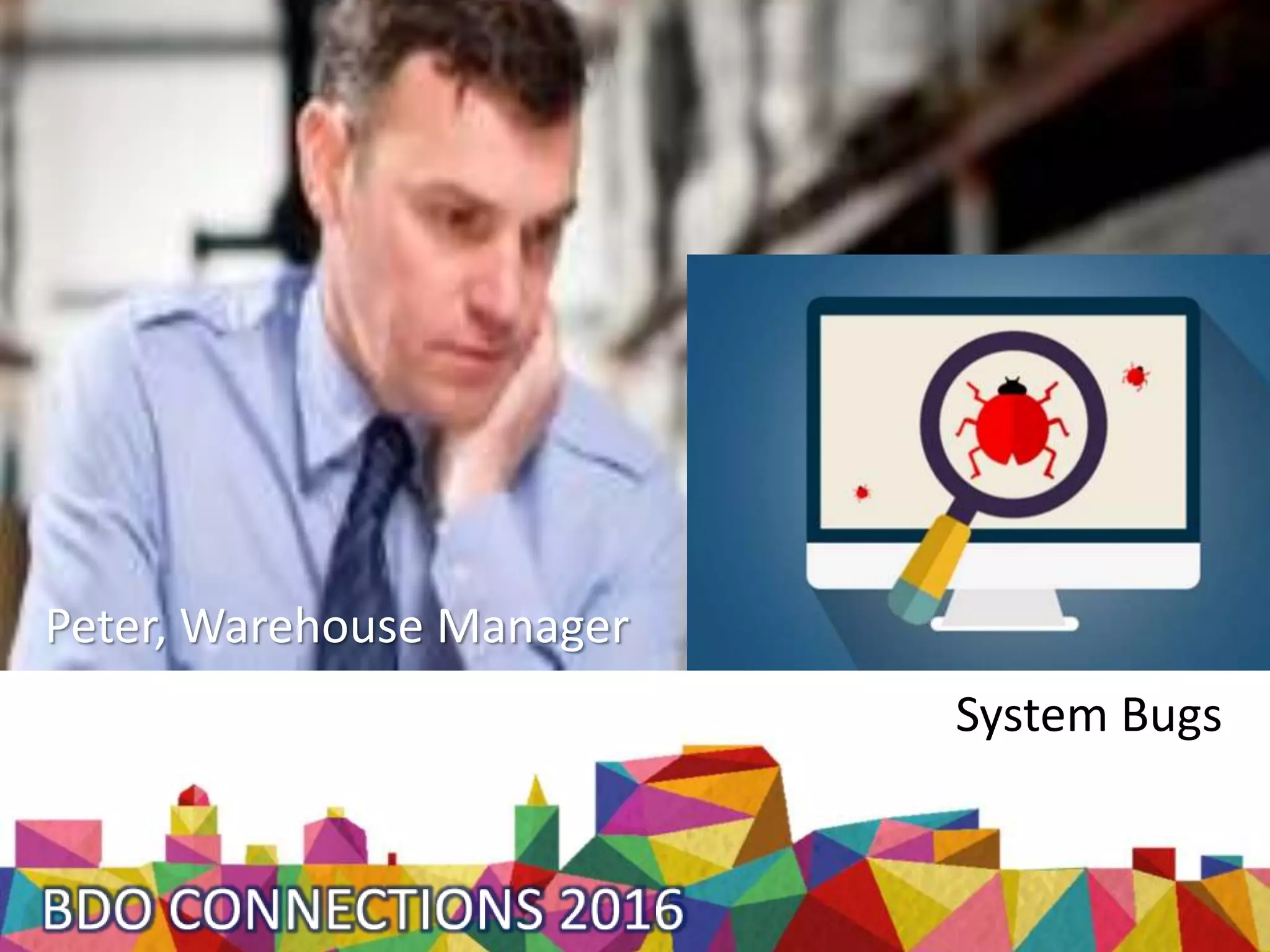
System Bugs
Peter, Warehouse Manager
Trevor, Sales Manager
New Scenario
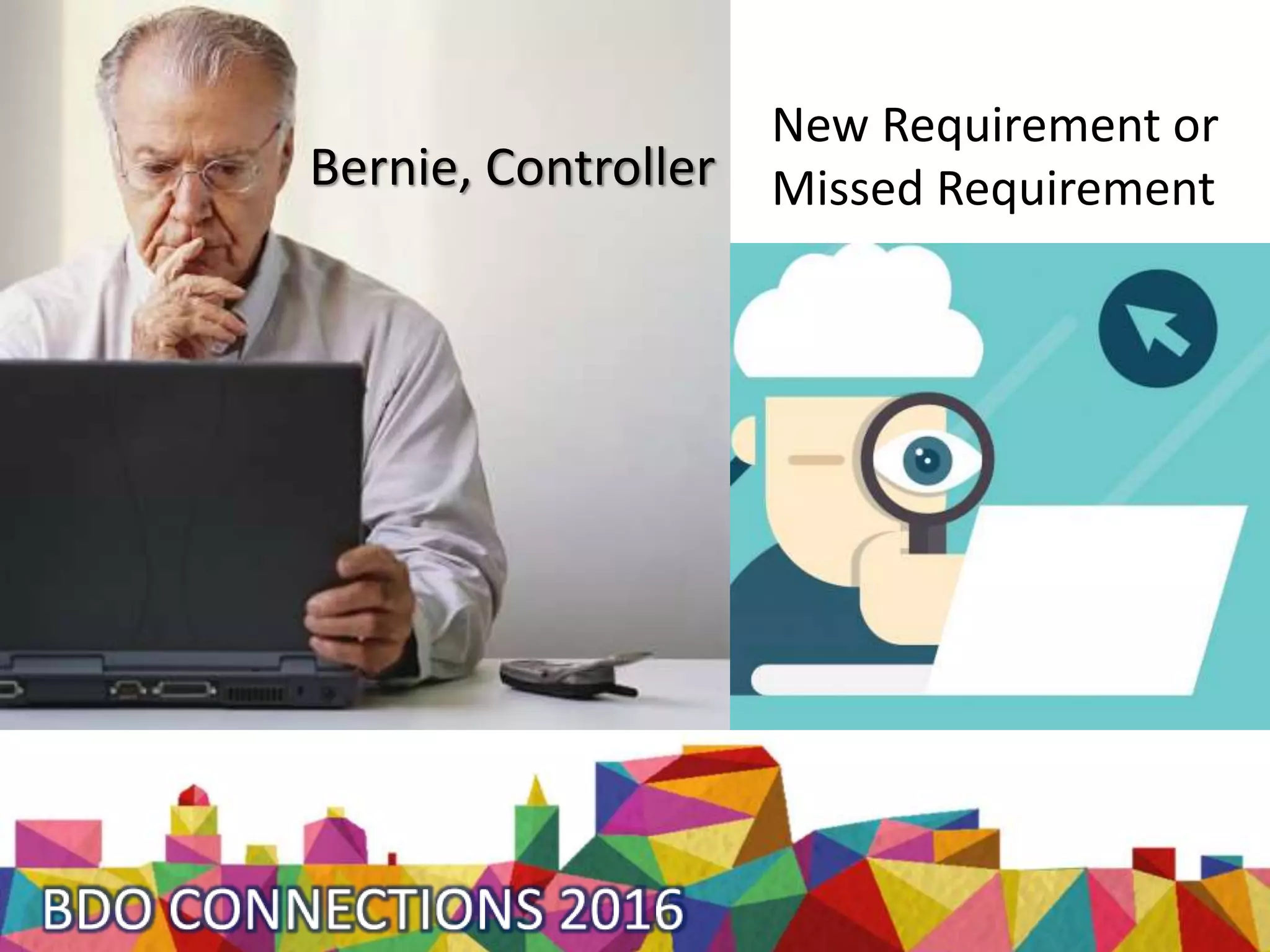
Bernie, Controller
New Requirement or
Missed Requirement
Christine, Accounting Manager
?
Lack of knowledge
If left unresolved…
The Problem
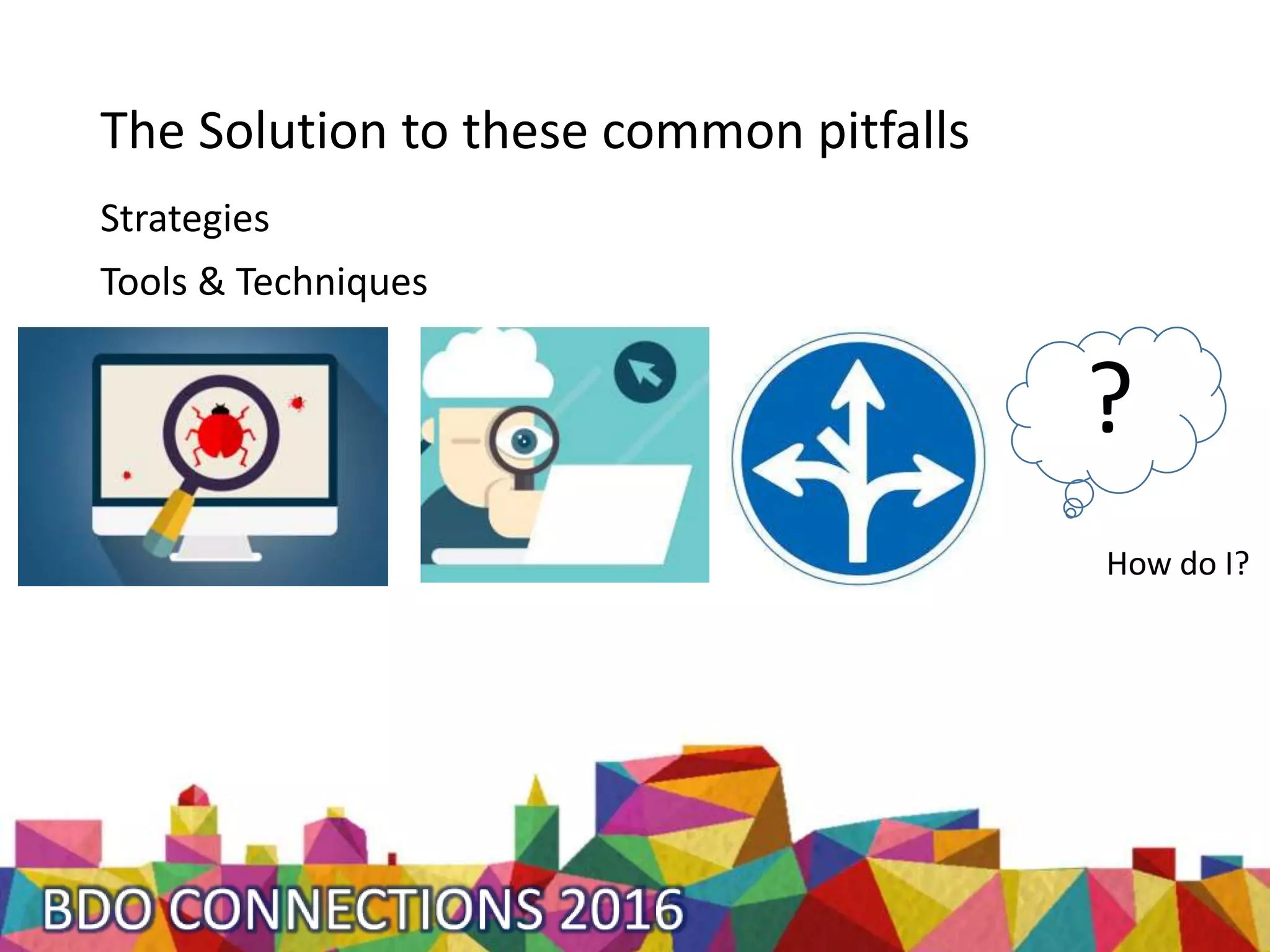
The Solution to these common pitfalls
Strategies
Tools & Techniques
?
How do I?
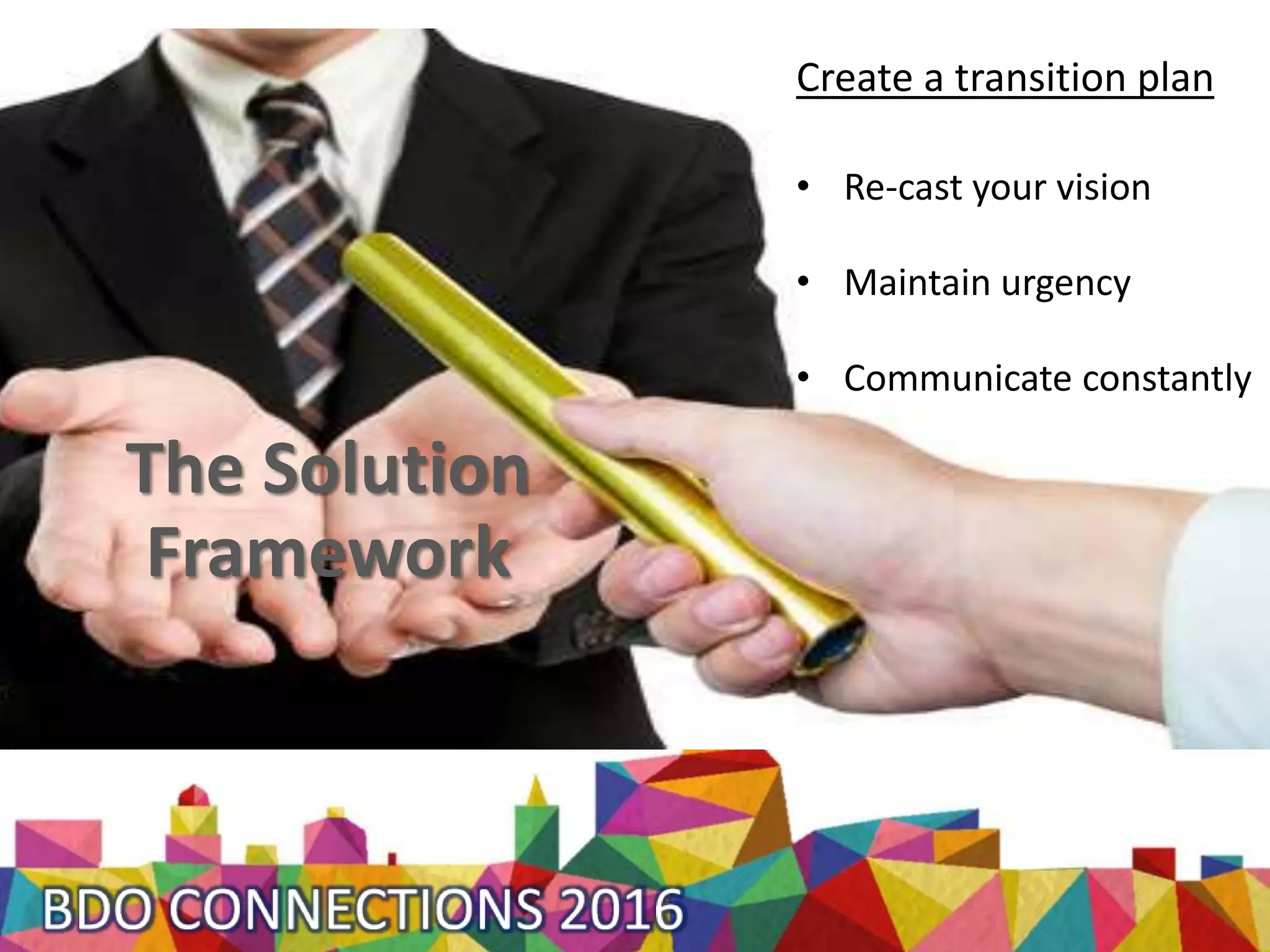
The Solution
Framework
Create a transition plan
• Re-cast your vision
• Maintain urgency
• Communicate constantly
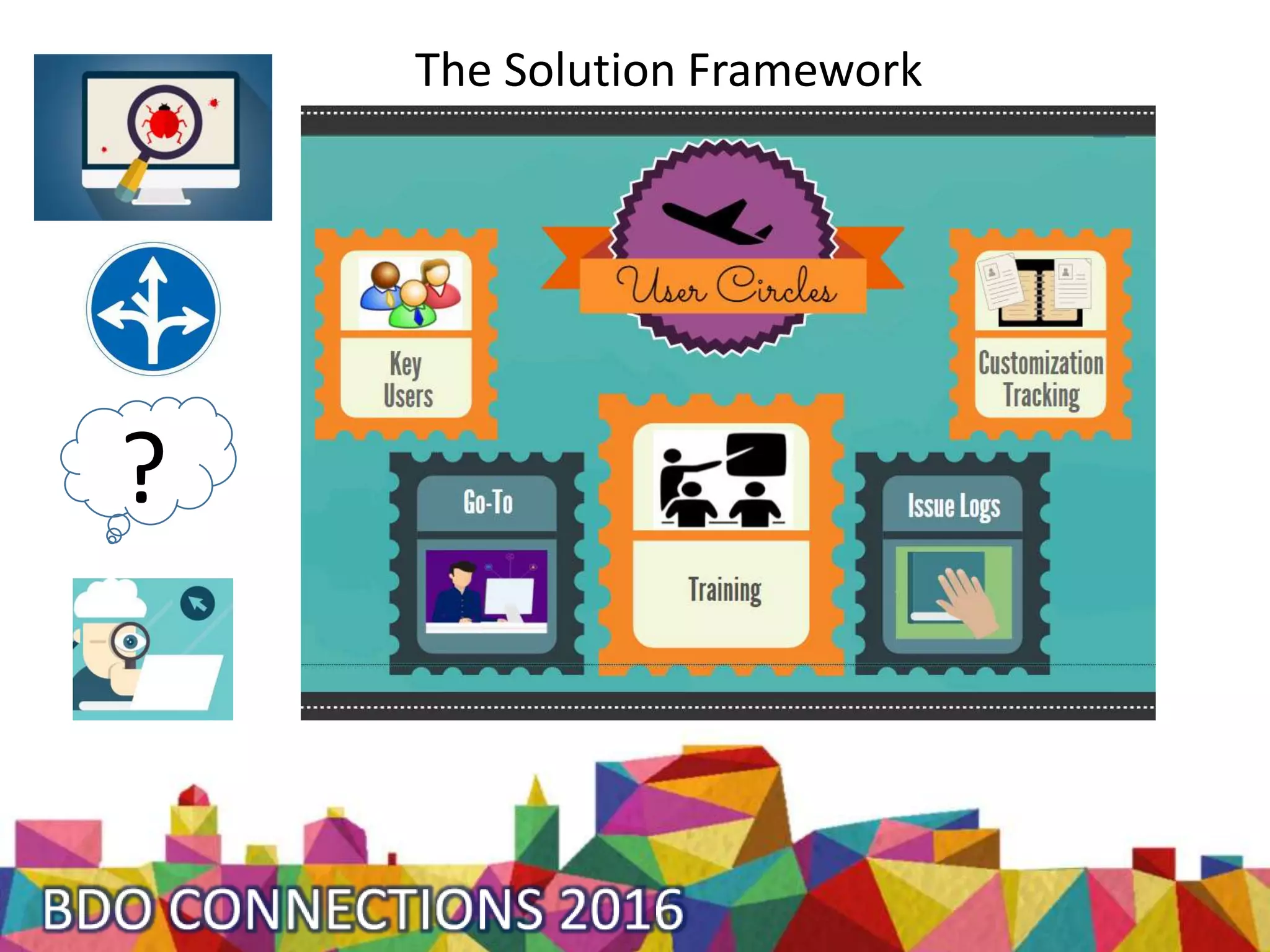
The Solution Framework
?
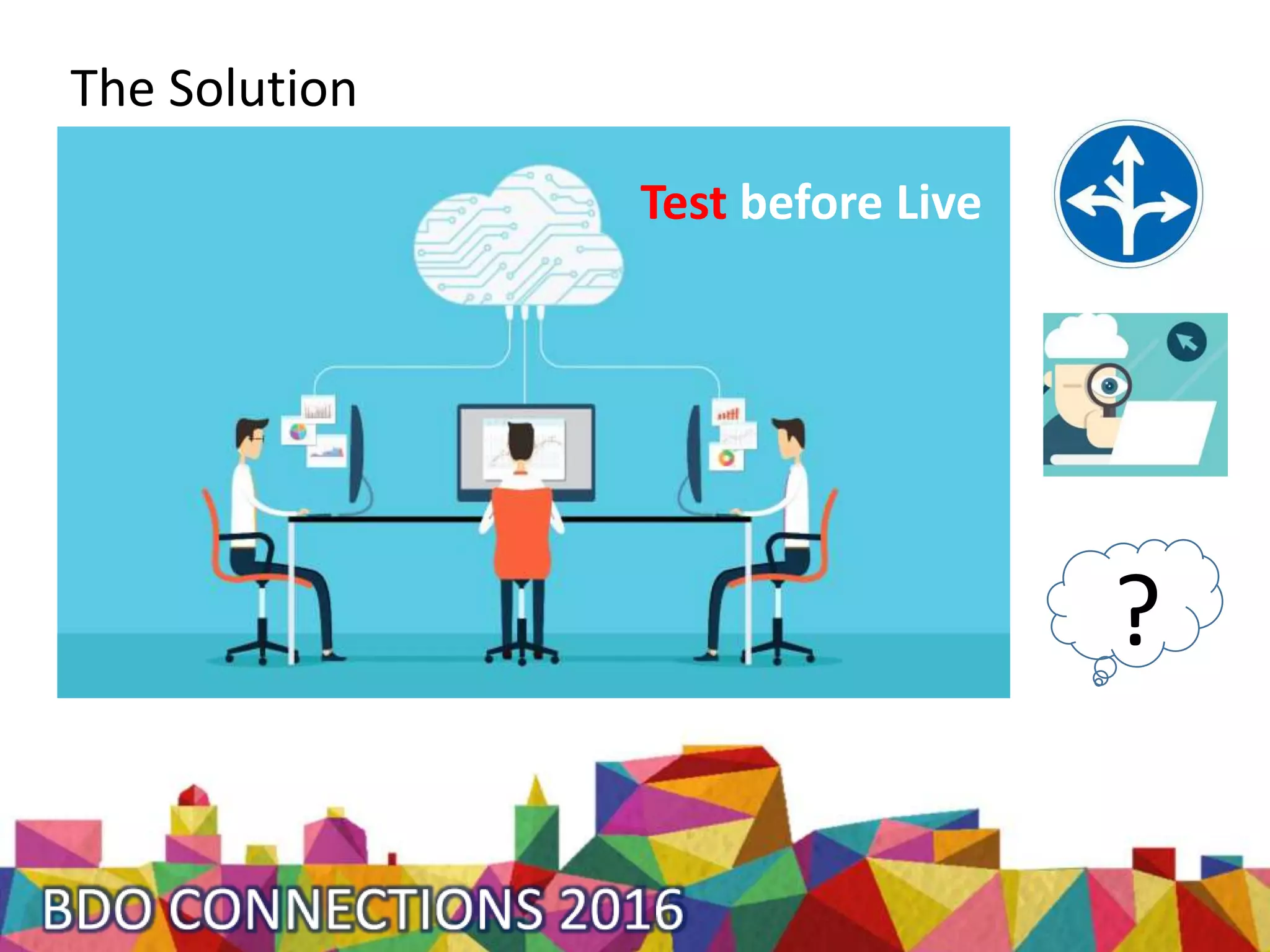
The Solution
Test before Live
?
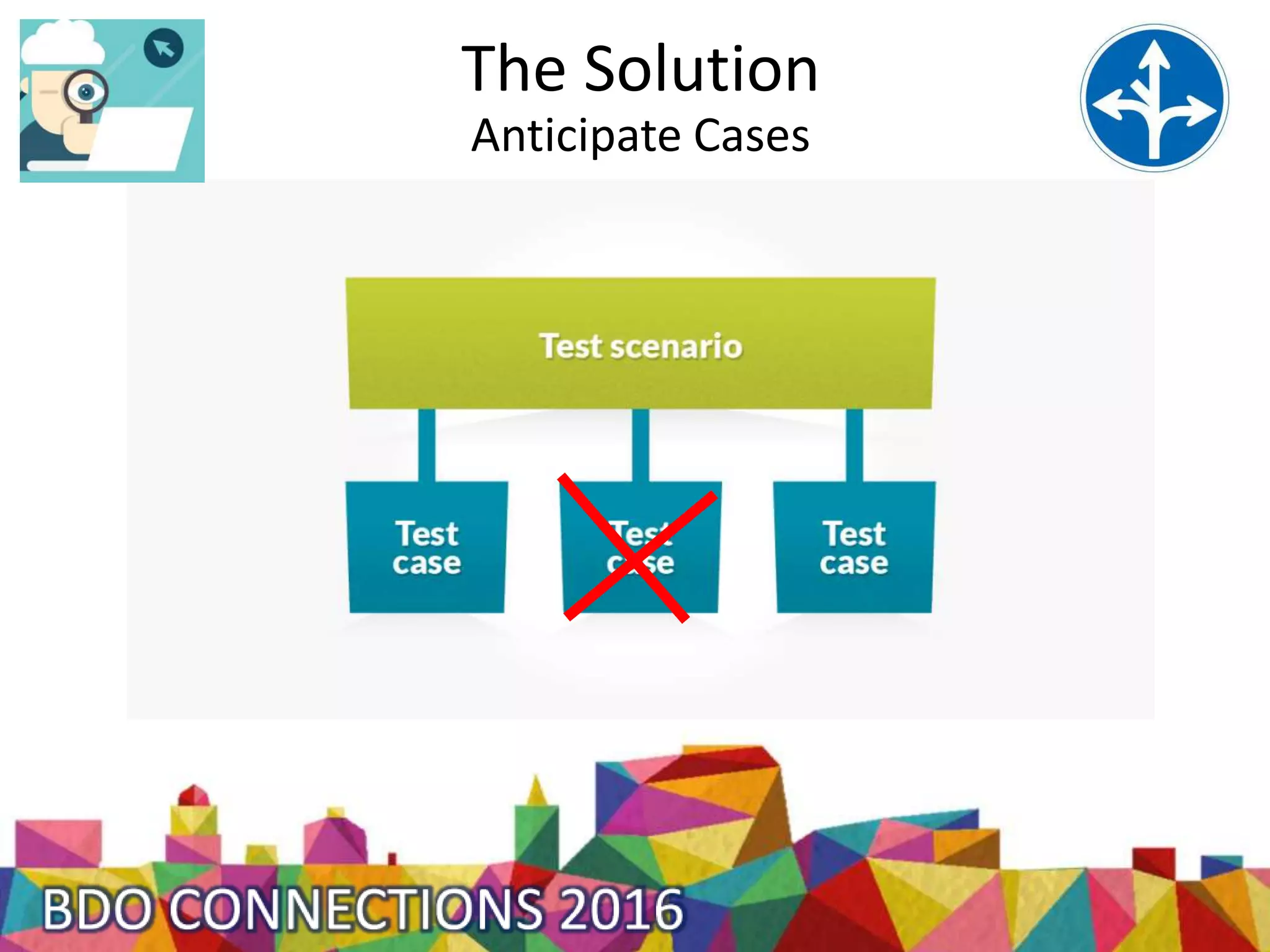
The Solution
Anticipate Cases
The Solution ?
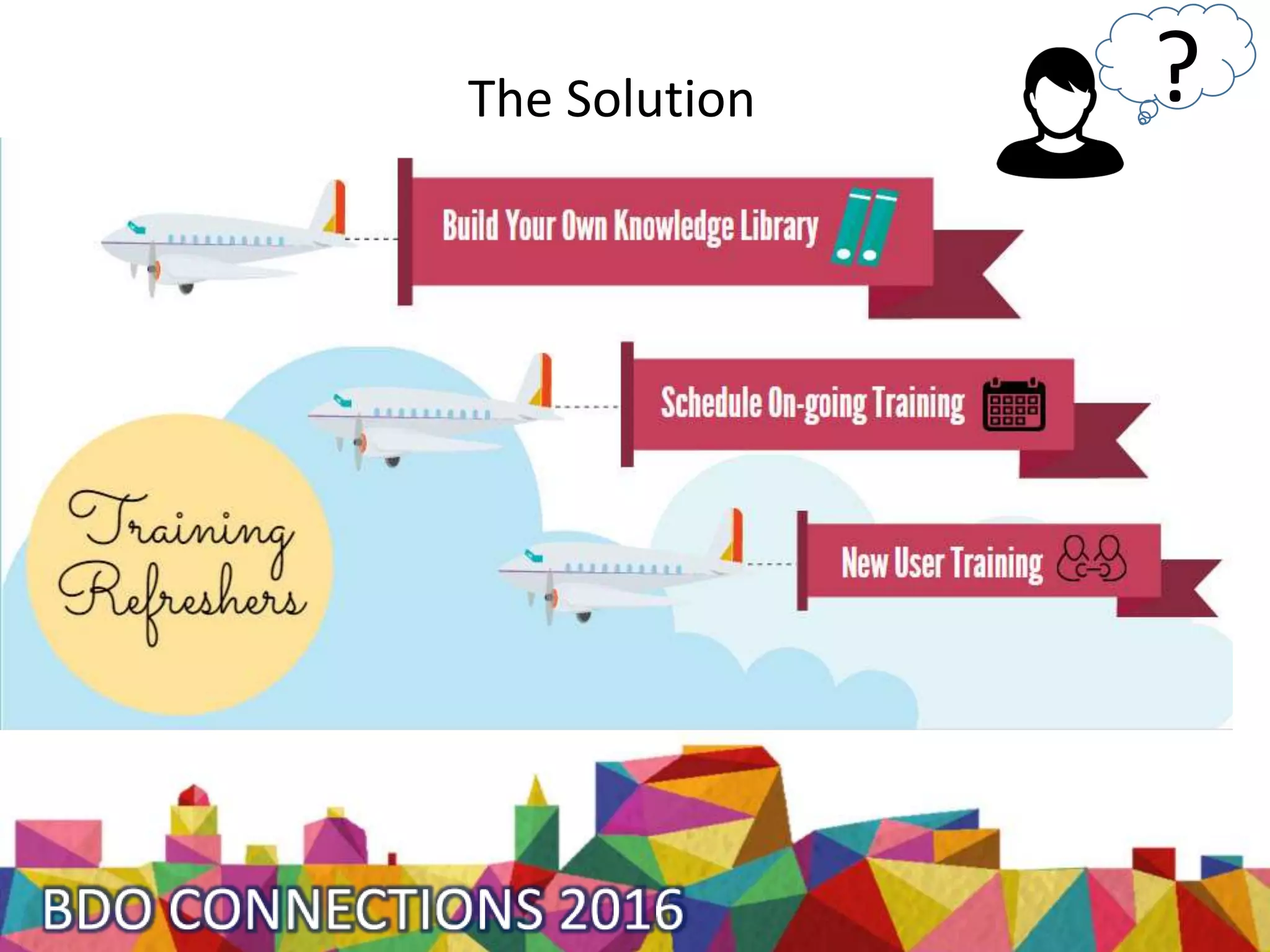
The Solution
?
User Circle’s responsibility
Testing & Training
User Circle Explores
Learn what is already there
Test what is there
User Circle vets
Training Refreshers
Knowledge library
How BDO NAV
Support Services Fit
We identify
and install
MS Hotfixes
?
Access our
Knowledge
Library
& Training
We provide
process
steps
We analyze
requirements
& design,
develop
customizations
How BDO NAV
Support Services Fit
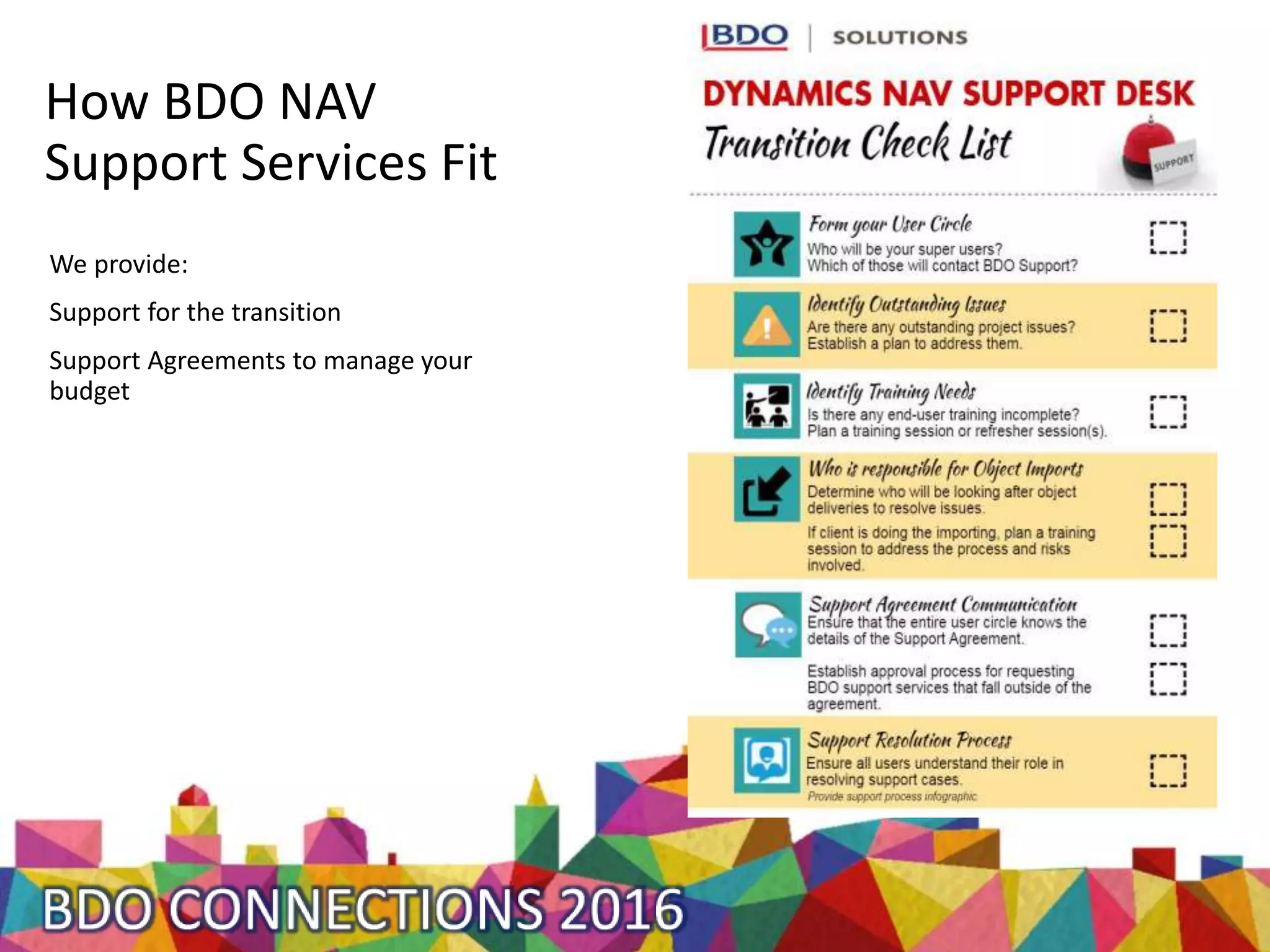
We provide:
Support for the transition
Support Agreements to manage your
budget
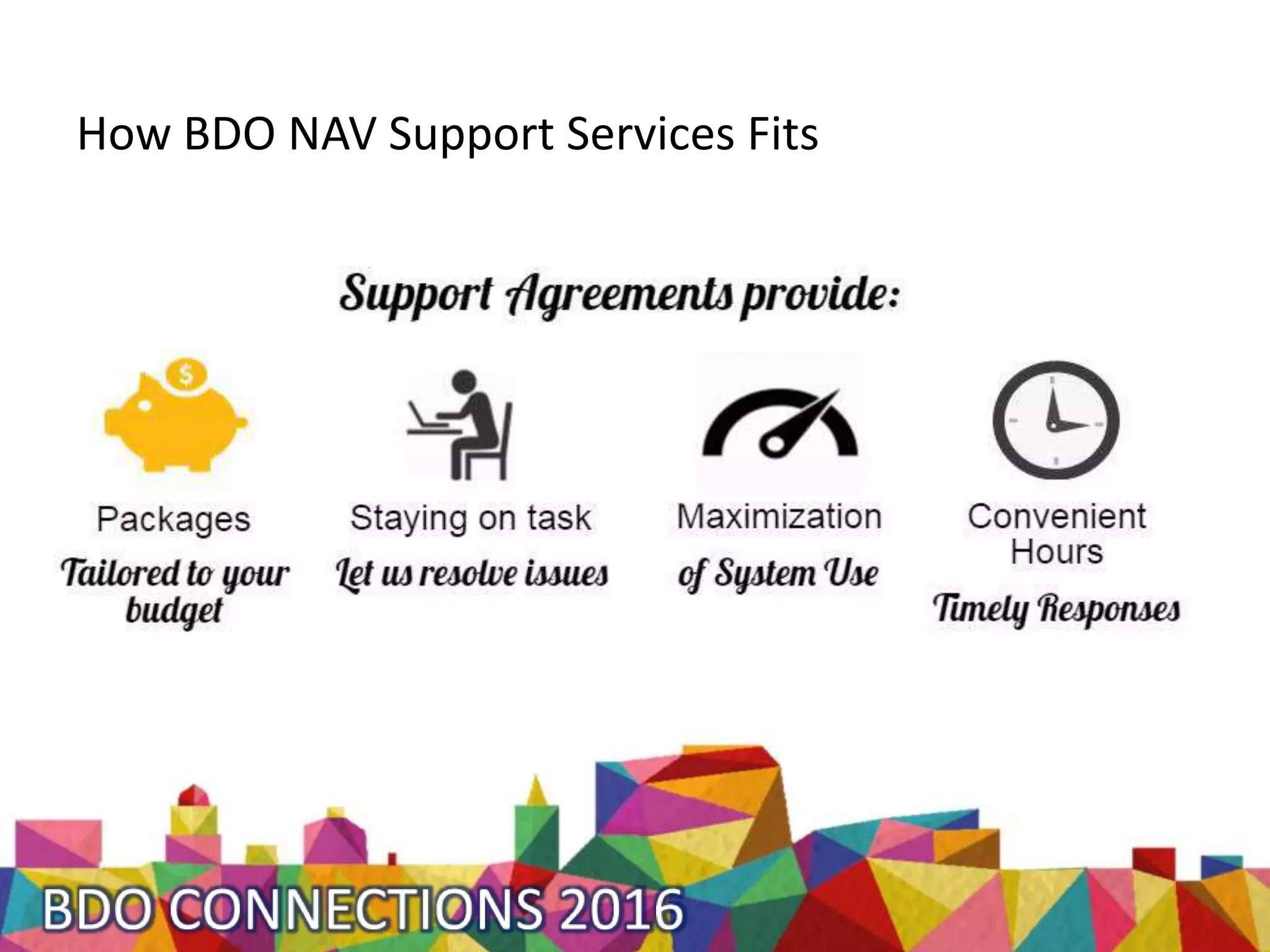
How BDO NAV Support Services Fits
What do you want?
How do you want to be supported?
What is your vision?
Making a Project a Complete Success with
Post-Implementation Strategies
With Julie Bilodeau
BDO Solutions, NAV Support Lead &
Post-Implementation Expert
jbilodeau@bdo.ca
See me at the Discovery Pod!

Making a Project a Complete Success with Post-Implementation Strategies | Julie Bilodeau

Editor's Notes

  • #2 Project triple constraint Projects is a vehicle of change What obstacles do we have in the change process?
  • #4 Nose Dive Company just went live with Dynamics NAV 2016. They struggled to reach go-live, but they are proud of their accomplishment. As they should be! The project team members are returning to their regular jobs, relieved that go-live is behind them. A lunch on the house is scheduled to congratulate and celebrate this project’s success. There are some minor issues that need to be ironed out, but it appears that all users can login to the system and access the areas they need to perform their regular daily tasks. Until today…
  • #5 Peter, tries to post a warehouse shipment and gets a strange message that is preventing him from posting. He was able to post all last week, but for some reason, this morning this message appears. An error, flaw, mistake, failure, fault, produces an incorrect or unexpected results, or causes it to behave in unintended ways. “Bug is terminology for Tester”. MS issues hotfixes that address system bugs.
  • #6 Meanwhile, Susanne the sales rep is trying to think of how he’s going to enter a sale for a customer that is tax exempt. This case scenario wasn’t covered in the project training, and her notes were not very thorough. Ways that users use the system. Scenarios are used to inform design decisions and help with visualizing the user's world more vividly during the design and development cycle keeping everyone focused on building the product for the user. Use Cases are used to inform business analyst and developers on the logical steps that need to be considered during the development cycle.
  • #7 The next day, Bernie works with the bank on setting up EFT payments on their bank account. He then looks into NAV to see how he may be able to set this up for payables. A requirement is: A condition or capability needed by a stakeholder to solve a problem or achieve an objective. A condition or capability that must be met or possessed by a solution or solution component to satisfy a contract, standard, specification, or other formally imposed documents.
  • #8 Early next month, Christine begins to work on month end. She is shocked to find that her bank reconciliation does not balance, as well as her AR and AP, and let’s not even mention the headache with inventory!
  • #9 Inaccurate data, unreliable database Frustrated Unproductive Inefficient Defeated NAV is underutilized Work-arounds, manual processes outside of the system
  • #11 Comprises of: Refreshing the vision, maintain sense of urgency, continuously communicate. Include how you plan to address issues when they come up. Communicate this plan to all users and put the user circle in charge. Staff now need to know what the plan is.  Preferably, this transition plan is developed closer to the end of the project.  The transition plan needs to outline when staff will receive information, training and support.  They also need to be provided with their role in the transition process. Sense of urgency: Continue to promote the vision: the final picture of the future state Identify tasks that will move the change forward. Assign them to staff with utmost importance. Impress upon staff how important this change is and re-iterate the benefits of the change and the cost for not changing Constantly communicate: Keep a pulse at the change taking place Create a transparent and open environment so users feel heard Prioritize work so they can have time to learn the new system and how to complete their tasks Be clear on their role in adopting the new system. Where will they go for their issues? What are the steps when an unexpected response occurs in the new system? Who will communicate the resolution to the rest of the team?
  • #12 There is one group of people that you can put in place in order to prevent all causes of an issue: A User Circle This is the group to invest in. Purpose: An accountable team Maximize the system Consult with re: New Scenarios New Requirements Provide ongoing training & knowledge transfer First line for issue resolution BDO relationship
  • #13 User your user circle to test scenarios before you apply them to your live database. Use your test database, or test company. Keep your test database up to date.
  • #14 Testing requires that we think of all possible scenarios and use cases that is ever called upon the system. Use cases that were not thought of, or tested are likely to be the ones to cause an issue.
  • #15 The User Circle becomes your first line of trainers, and can organize and facilitate on-going training refreshers including training for new staff.
  • #17 We provide: Support for the transition Materials to prevent issues Support Agreements to manage your budget Communication with User Circle re: hotfixes to address system bugs.
  • #18 Communication with User Circle re: hotfixes to address system bugs.
  • #20 What is your vision? What is required to reach that vision? Tell me what you want. Provide me feedback so that I can build the NAV Support Desk the way you want it.