New Workflow Engine in
Dynamics NAV 2016
Streamline and Automate
Business Processes
Presented by: Sandy M. Schultz
What is Workflow?
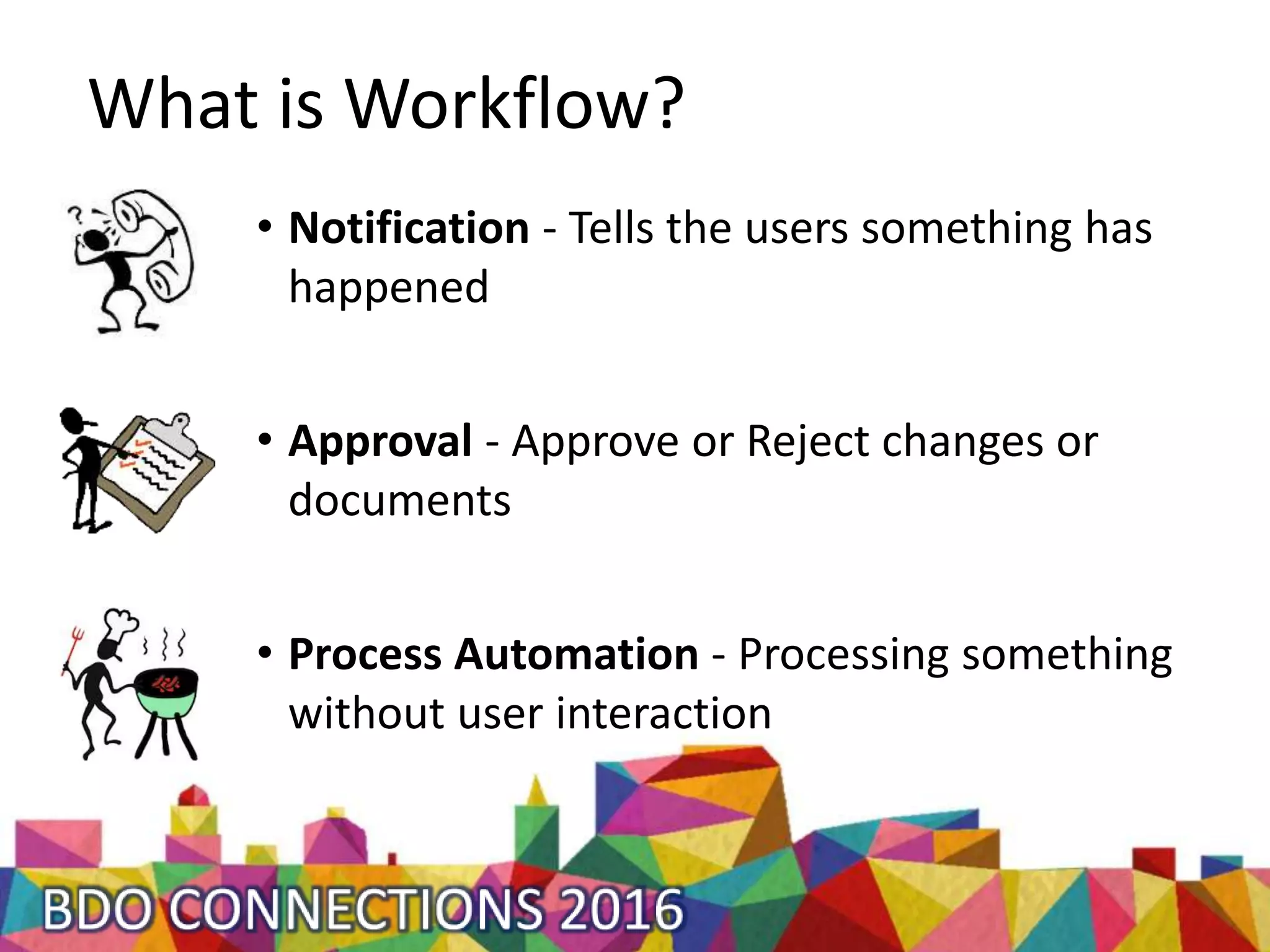
• Notification - Tells the users something has
happened
• Approval - Approve or Reject changes or
documents
• Process Automation - Processing something
without user interaction
What do we need for Workflow?
• Workflow & Approval User Setup
• Notification Setup
• Job Queue & NAS
• SMTP Setup (optional)
• Working knowledge of NAV
How does Workflow work?
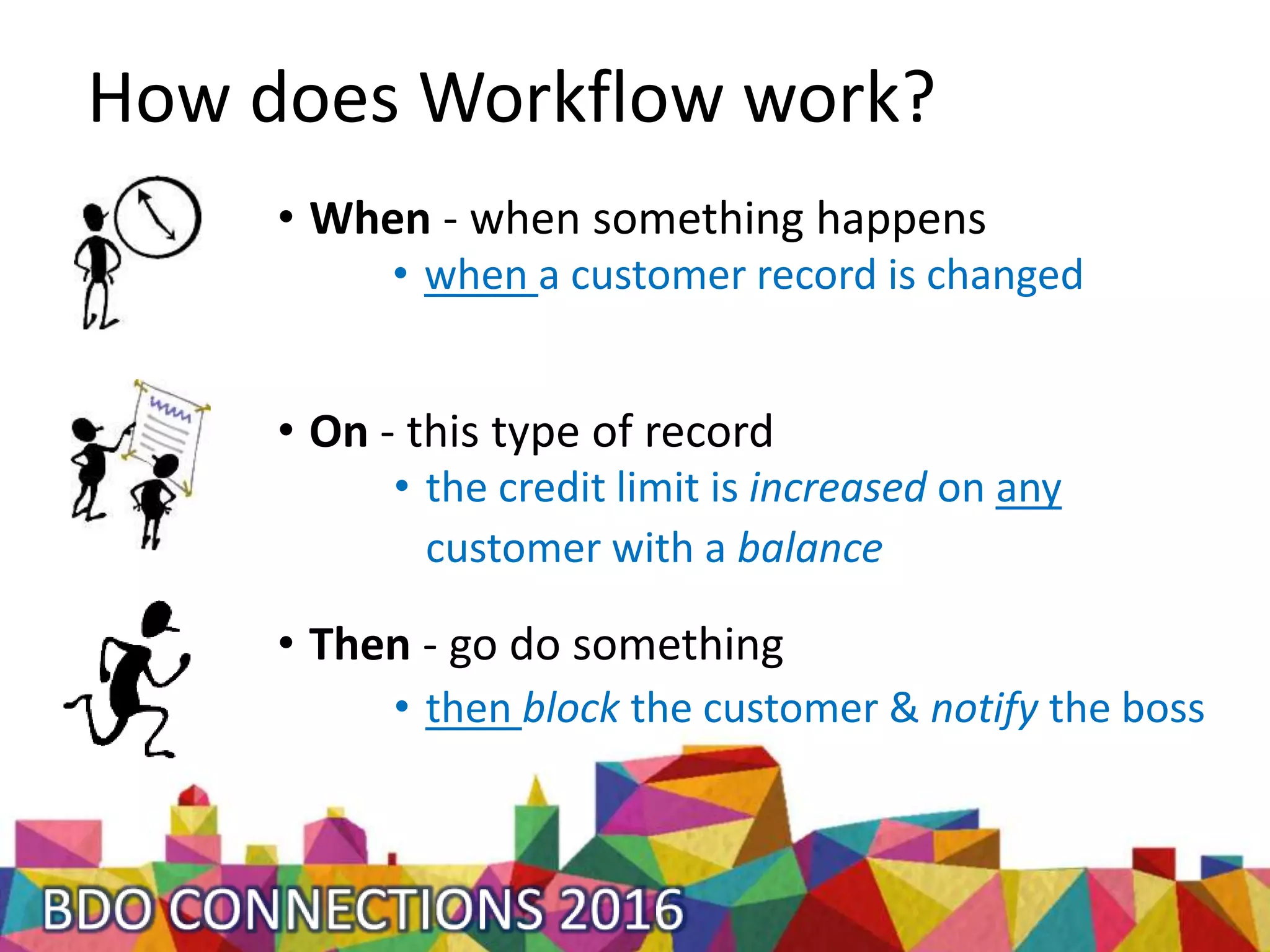
• when a customer record is changed
• When - when something happens
• On - this type of record
• Then - go do something
• then block the customer & notify the boss
• the credit limit is increased on any
customer with a balance
1. The When’s
• Integrated with NAV 2016 Eventing
• 90+ out of box Events
• Business, Integration, Global, Database and Page Triggers
• Workflow triggers are used when posting documents &
journals or when creating, modifying and deleting a
record.
2. The On’s
• General Journal
• Customers
• Vendors
• Items
• Incoming Documents
• Purchase Documents
• Quote, Order, Invoice, Credit,
Blanket Order, Return Order
• Sales Documents
• Quote, Order, Invoice, Credit,
Blanket Order, Return Order
• 7 different tables
3. The Then’s
• Create an approval
• Show a message
• Add a restriction
• Create a notification
• Create a Journal Line
• Approvers Comments
• Remove a restriction
• Nothing
Can Workflow be extended?
It’s NAV! Of course it can.
• When a Customer with an outstanding AR balance
• has their credit limit increased,
• then block the customer, notify someone & pop up a
message
• Purchase Invoice Approval and Auto-post
• Sales Line Minimum Profit % Approval
Questions?
email: sschultz@bdo.ca
Twitter: sandymschultz

New Workflow Engine in Dynamics NAV 2016 - Streamline and Automate Business Processes | BDO Connections 2016

  • 1.
    New Workflow Enginein Dynamics NAV 2016 Streamline and Automate Business Processes Presented by: Sandy M. Schultz
  • 2.
    What is Workflow? •Notification - Tells the users something has happened • Approval - Approve or Reject changes or documents • Process Automation - Processing something without user interaction
  • 3.
    What do weneed for Workflow? • Workflow & Approval User Setup • Notification Setup • Job Queue & NAS • SMTP Setup (optional) • Working knowledge of NAV
  • 4.
    How does Workflowwork? • when a customer record is changed • When - when something happens • On - this type of record • Then - go do something • then block the customer & notify the boss • the credit limit is increased on any customer with a balance
  • 5.
    1. The When’s •Integrated with NAV 2016 Eventing • 90+ out of box Events • Business, Integration, Global, Database and Page Triggers • Workflow triggers are used when posting documents & journals or when creating, modifying and deleting a record.
  • 6.
    2. The On’s •General Journal • Customers • Vendors • Items • Incoming Documents • Purchase Documents • Quote, Order, Invoice, Credit, Blanket Order, Return Order • Sales Documents • Quote, Order, Invoice, Credit, Blanket Order, Return Order • 7 different tables
  • 7.
    3. The Then’s •Create an approval • Show a message • Add a restriction • Create a notification • Create a Journal Line • Approvers Comments • Remove a restriction • Nothing
  • 8.
    Can Workflow beextended? It’s NAV! Of course it can.
  • 9.
    • When aCustomer with an outstanding AR balance • has their credit limit increased, • then block the customer, notify someone & pop up a message • Purchase Invoice Approval and Auto-post • Sales Line Minimum Profit % Approval
  • 10.