Download to read offline



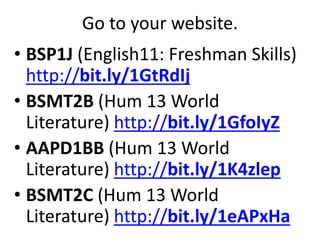
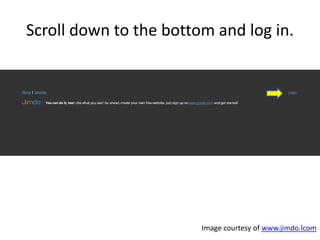



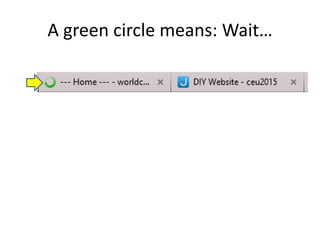
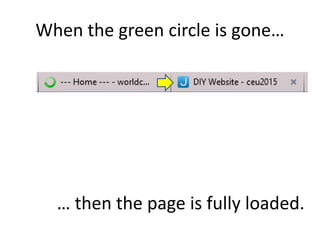








This document provides a step-by-step guide to using a class website. It instructs the user to: 1. Log in to their class website by scrolling to the bottom of the page and clicking "LOG IN NOW". 2. Wait for the page to fully load, indicated by the disappearance of a green loading circle. 3. Show their family the different pages on the site, like videos and slideshows, to impress potential employers with their work. 4. Always log out of sites for security, to prevent others from accessing private information.


