An everyday guide in
Computer Systems are made up of different parts  These parts are interrelated to one another The malfunction of one part would affect the others We have to keep each part in tip top shape to ensure a steady flow of computing.
 
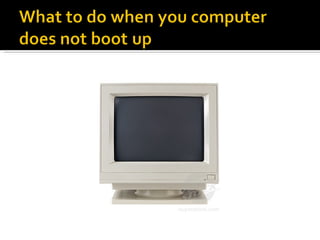
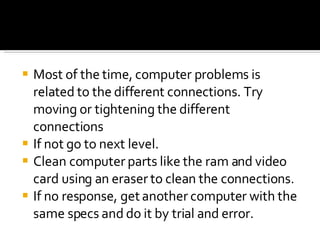
Most of the time, computer problems is related to the different connections. Try moving or tightening the different connections If not go to next level. Clean computer parts like the ram and video card using an eraser to clean the connections. If no response, get another computer with the same specs and do it by trial and error.
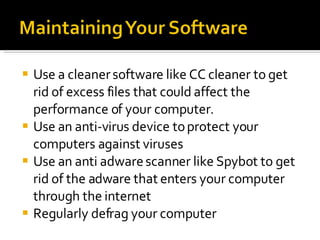
Use a cleaner software like CC cleaner to get rid of excess files that could affect the performance of your computer. Use an anti-virus device to protect your computers against viruses Use an anti adware scanner like Spybot to get rid of the adware that enters your computer through the internet Regularly defrag your computer
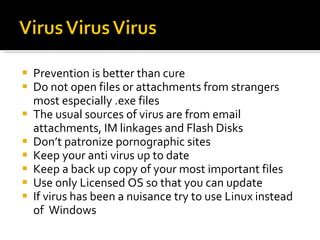
Prevention is better than cure Do not open files or attachments from strangers most especially .exe files The usual sources of virus are from email attachments, IM linkages and Flash Disks Don’t patronize pornographic sites Keep your anti virus up to date Keep a back up copy of your most important files Use only Licensed OS so that you can update If virus has been a nuisance try to use Linux instead of  Windows
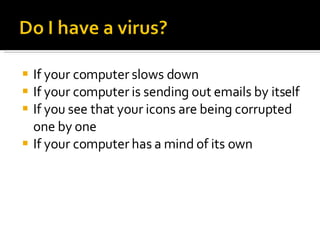
If your computer slows down  If your computer is sending out emails by itself If you see that your icons are being corrupted one by one If your computer has a mind of its own
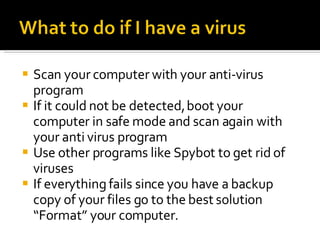
Scan your computer with your anti-virus program If it could not be detected, boot your computer in safe mode and scan again with your anti virus program Use other programs like Spybot to get rid of viruses If everything fails since you have a backup copy of your files go to the best solution “Format” your computer.
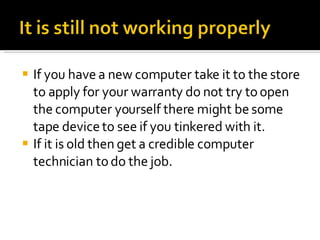
If you have a new computer take it to the store to apply for your warranty do not try to open the computer yourself there might be some tape device to see if you tinkered with it. If it is old then get a credible computer technician to do the job.

maintaning your computer systems

  • 1.
  • 2.
    Computer Systems aremade up of different parts These parts are interrelated to one another The malfunction of one part would affect the others We have to keep each part in tip top shape to ensure a steady flow of computing.
  • 3.
  • 4.
    Most of thetime, computer problems is related to the different connections. Try moving or tightening the different connections If not go to next level. Clean computer parts like the ram and video card using an eraser to clean the connections. If no response, get another computer with the same specs and do it by trial and error.
  • 5.
    Use a cleanersoftware like CC cleaner to get rid of excess files that could affect the performance of your computer. Use an anti-virus device to protect your computers against viruses Use an anti adware scanner like Spybot to get rid of the adware that enters your computer through the internet Regularly defrag your computer
  • 6.
    Prevention is betterthan cure Do not open files or attachments from strangers most especially .exe files The usual sources of virus are from email attachments, IM linkages and Flash Disks Don’t patronize pornographic sites Keep your anti virus up to date Keep a back up copy of your most important files Use only Licensed OS so that you can update If virus has been a nuisance try to use Linux instead of Windows
  • 7.
    If your computerslows down If your computer is sending out emails by itself If you see that your icons are being corrupted one by one If your computer has a mind of its own
  • 8.
    Scan your computerwith your anti-virus program If it could not be detected, boot your computer in safe mode and scan again with your anti virus program Use other programs like Spybot to get rid of viruses If everything fails since you have a backup copy of your files go to the best solution “Format” your computer.
  • 9.
    If you havea new computer take it to the store to apply for your warranty do not try to open the computer yourself there might be some tape device to see if you tinkered with it. If it is old then get a credible computer technician to do the job.