Downloaded 32 times

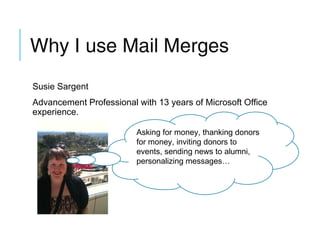
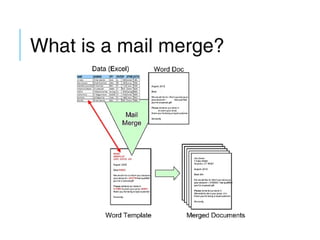
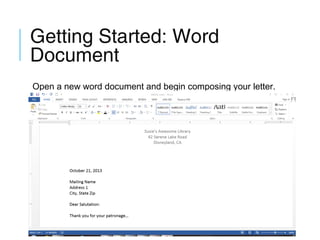
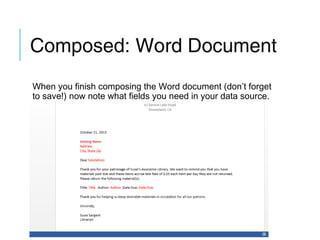
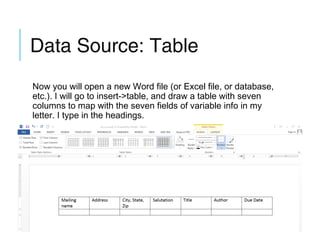
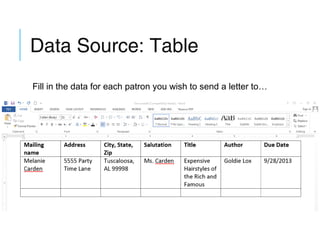
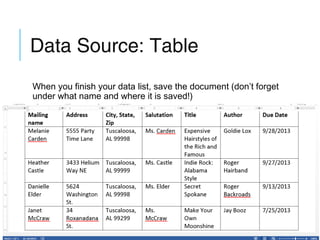
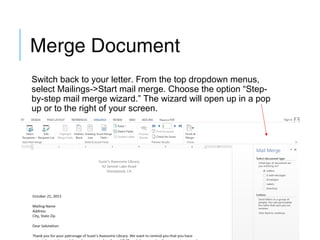
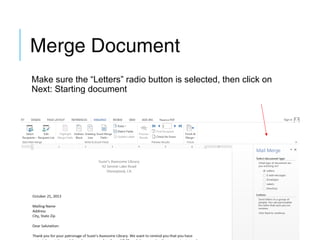
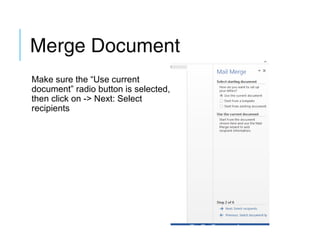
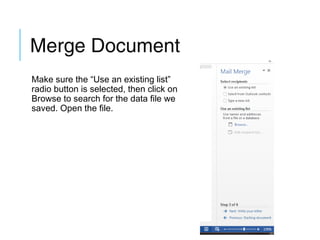
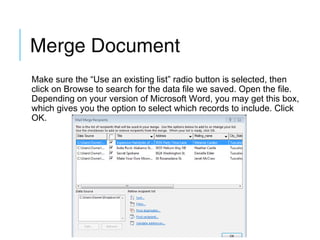
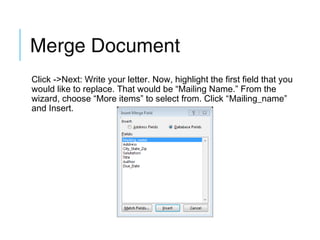
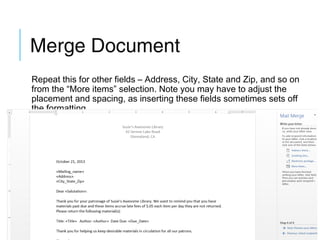
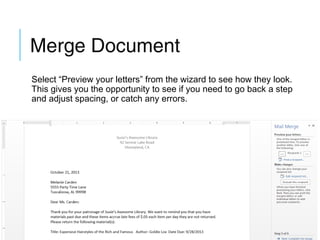
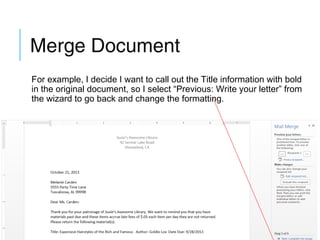
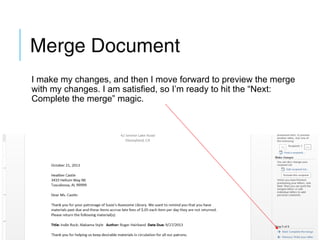
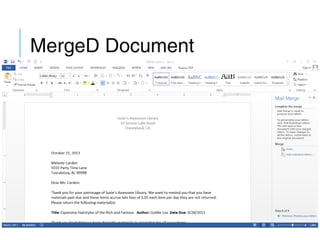
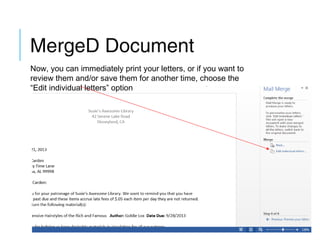
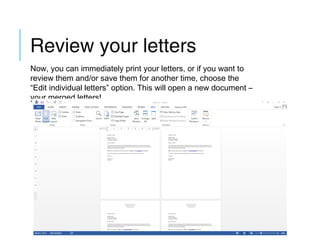
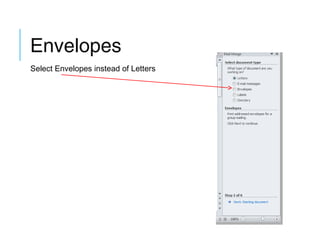
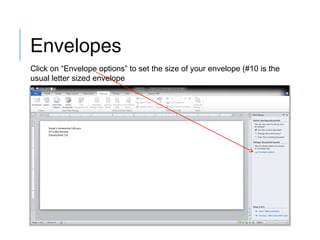
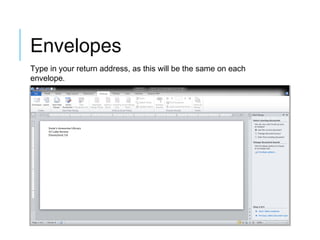
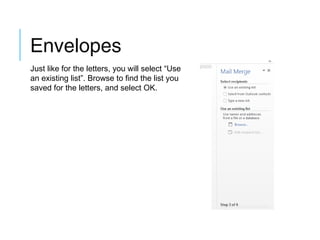
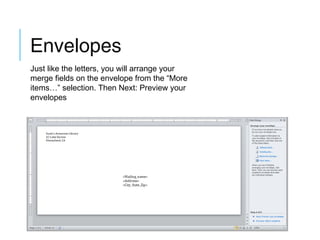
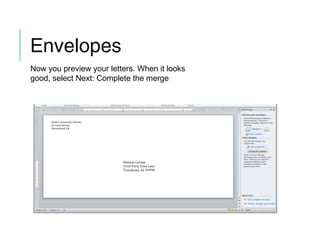
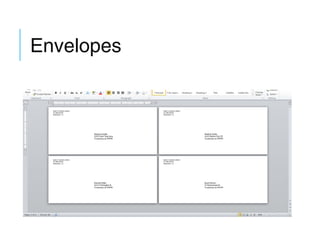

This document provides instructions for using Microsoft Word's mail merge feature to create personalized mass mailings. It outlines the steps to create a data source with recipient information, compose a master document template, and then merge the data source fields into the document to create individualized letters or envelopes. The mail merge wizard guides the user through selecting the data file, mapping fields, previewing the merges, and completing the merge. With mail merge, users can efficiently personalize documents for fundraising, thank you letters, event invites, or alumni newsletters with minimal effort.


