Jade Ballek – October 2012
   Provide a brief background to wikis
   Explore the Sun West wikis available
   Look at how wikis can be used in the
    classroom
   Getting started with creating your own wiki
   Think/Pair/Share
   The word “wiki” comes from the Hawaiian
    word meaning “quick”.
   The first wiki was developed in 1994 by Ward
    Cunningham.
   The most popular wiki is Wikipedia which is a
    free content encyclopedia.
   How does Wikipedia work?
   Now, there are tens of thousands of wiki
    websites!
   Image from Wikipedia
   Easy way to set up a web page
   Allows many people to add content to a web
    page - collaboration
   Can be used to share information with a wide
    audience quickly
   Members can have online discussions on a
    wiki page
   Others can comment
    on a wiki page
   Image from Wikispaces
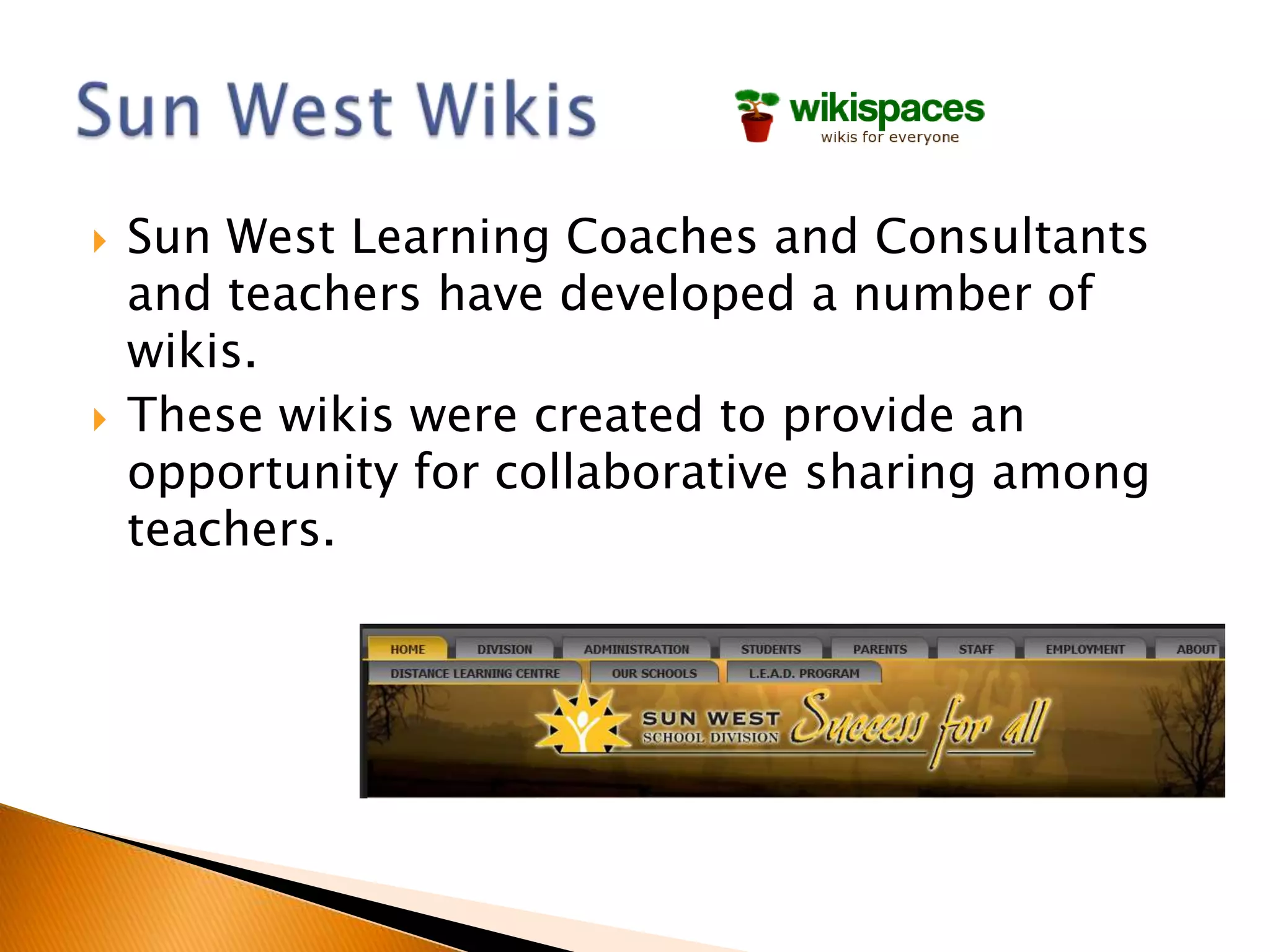
   Sun West Learning Coaches and Consultants
    and teachers have developed a number of
    wikis.
   These wikis were created to provide an
    opportunity for collaborative sharing among
    teachers.
   Two ways to use wikis in the classroom

   1. Provide students with links to wikis to
    gather information on a topic

   2. Create a class wiki to share information
Grade 9 Science Fair Wikispace
(Outlook High School
Image from
SGI site
   Web Quest
   Presentations
    ◦ Lead Teacher
    ◦ Learning Consultant
    ◦ Supervisor of Technology
   It is a good idea to create a list of “rules” for
    acceptable use when adding content to a
    wikispace.

   Setting the expectations in advance, and
    developing consequences can help prevent
    issues from developing.
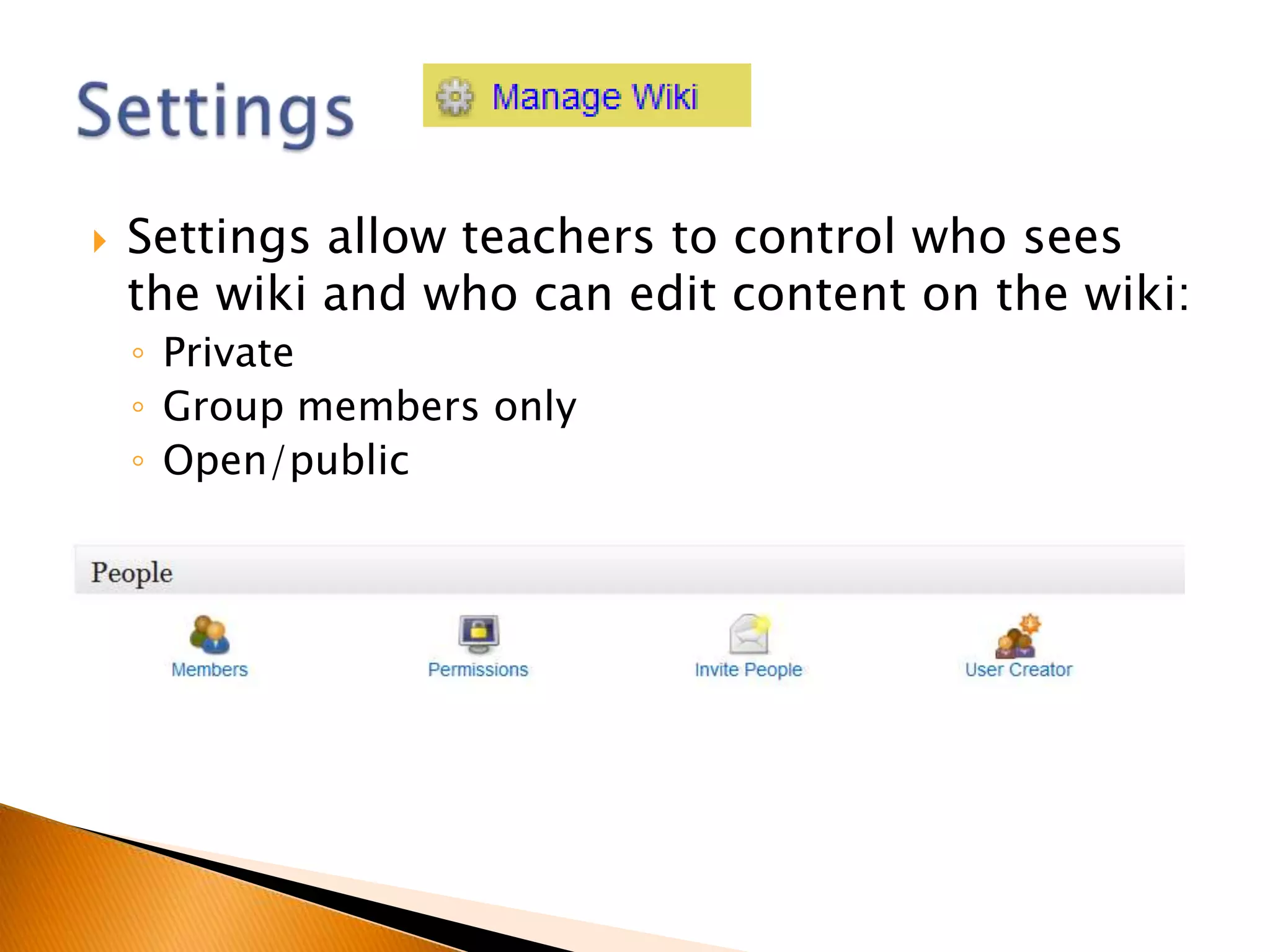
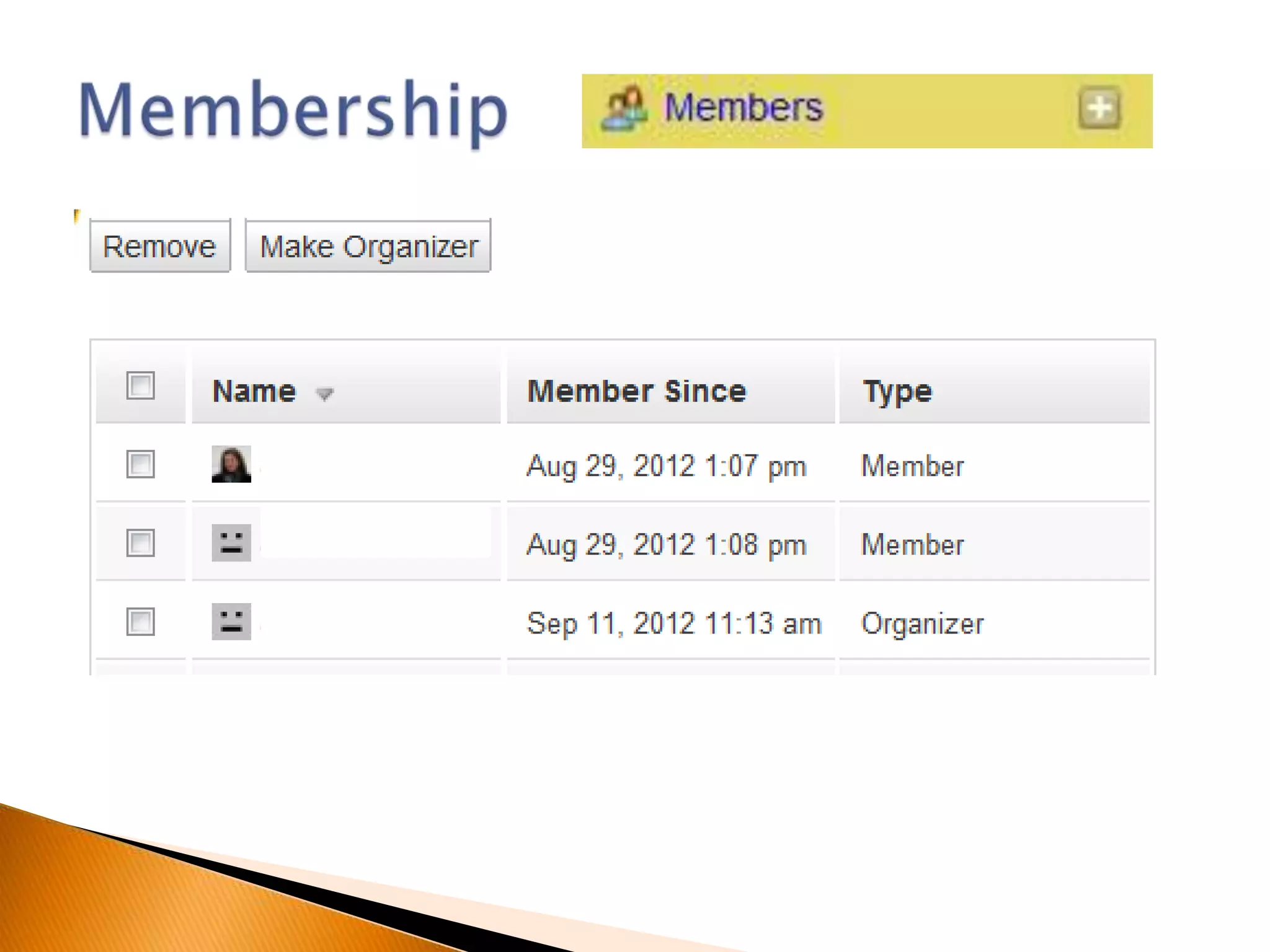
   Settings allow teachers to control who sees
    the wiki and who can edit content on the wiki:
    ◦ Private
    ◦ Group members only
    ◦ Open/public
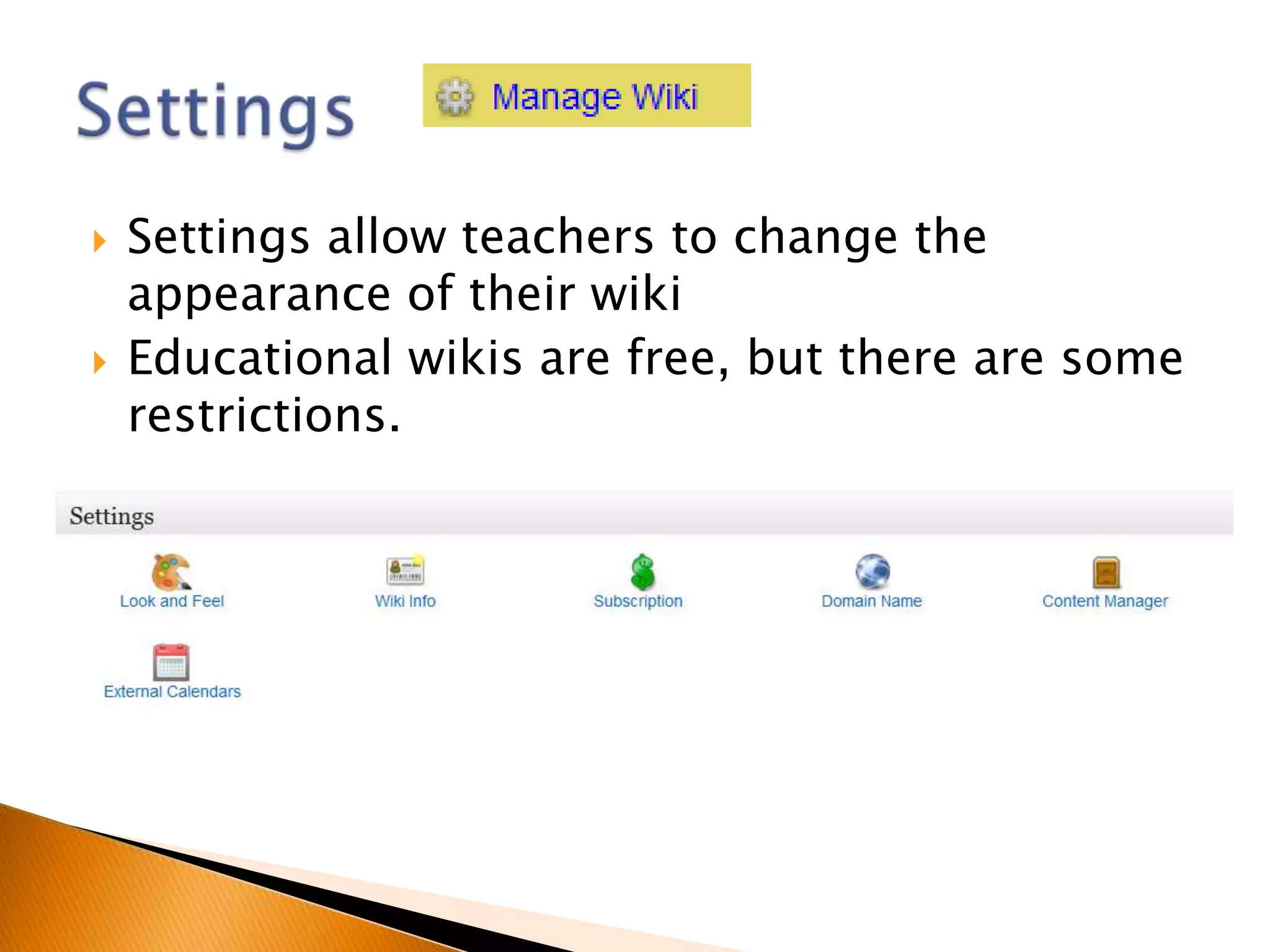
   Settings allow teachers to change the
    appearance of their wiki
   Educational wikis are free, but there are some
    restrictions.
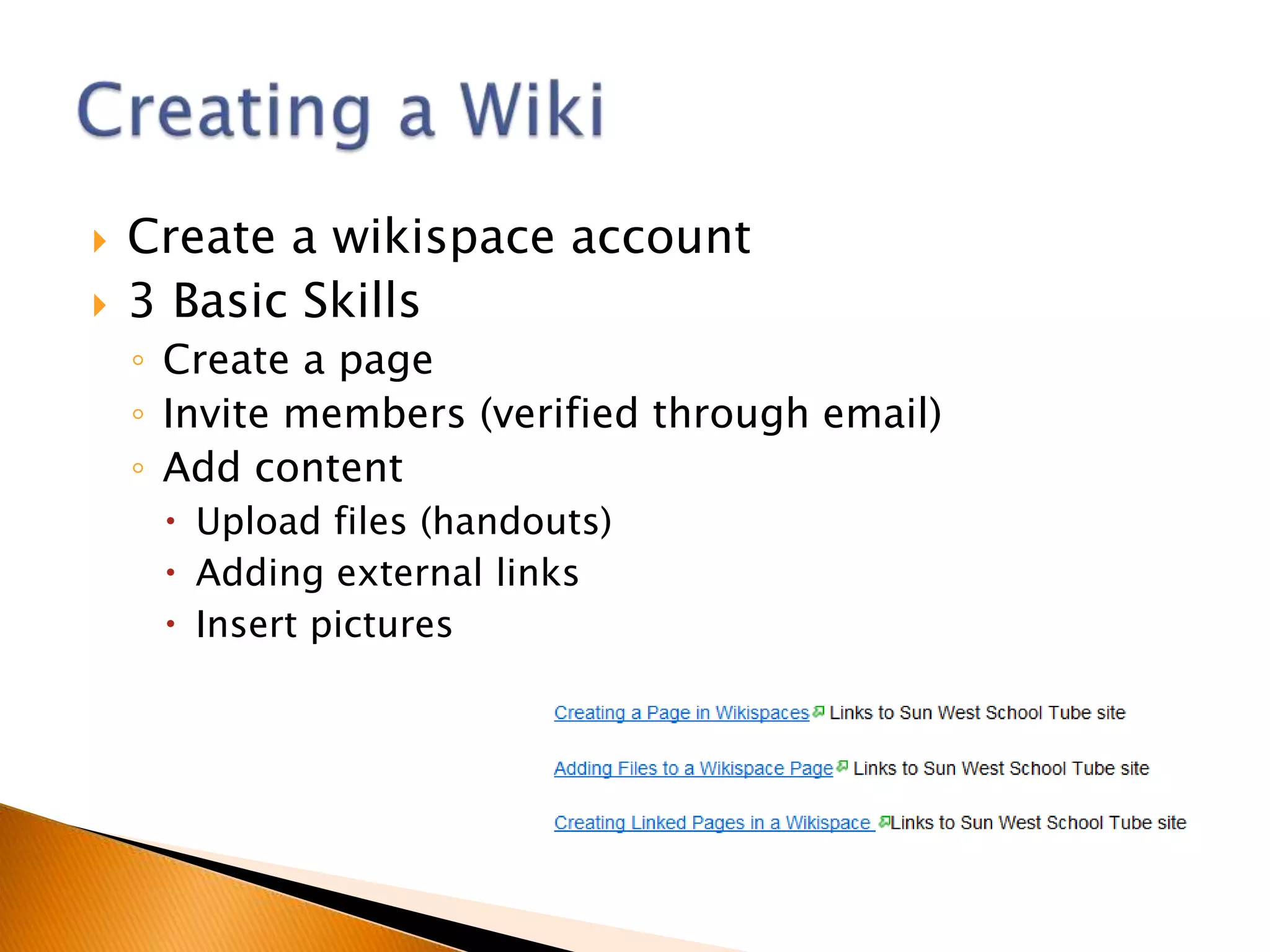
   Create a wikispace account
   3 Basic Skills
    ◦ Create a page
    ◦ Invite members (verified through email)
    ◦ Add content
      Upload files (handouts)
      Adding external links
      Insert pictures
   One mic at a time
   “Raise hand” feature on Bridgit
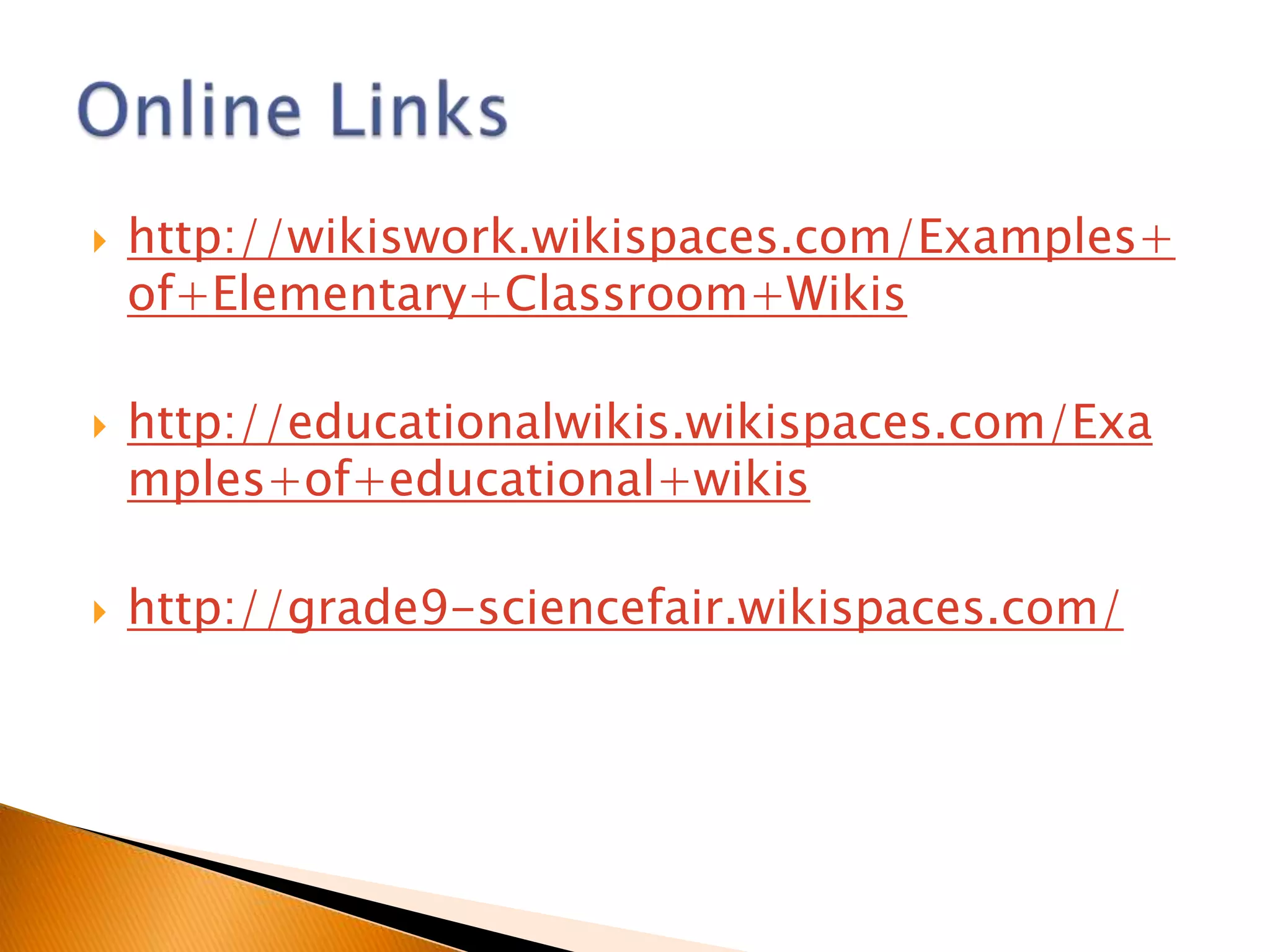
   http://wikiswork.wikispaces.com/Examples+
    of+Elementary+Classroom+Wikis

   http://educationalwikis.wikispaces.com/Exa
    mples+of+educational+wikis

   http://grade9-sciencefair.wikispaces.com/

Live! Technology Tutorial Wikispaces - October 2012

  • 1.
    Jade Ballek –October 2012
  • 2.
    Provide a brief background to wikis  Explore the Sun West wikis available  Look at how wikis can be used in the classroom  Getting started with creating your own wiki
  • 3.
    Think/Pair/Share  The word “wiki” comes from the Hawaiian word meaning “quick”.  The first wiki was developed in 1994 by Ward Cunningham.  The most popular wiki is Wikipedia which is a free content encyclopedia.  How does Wikipedia work?  Now, there are tens of thousands of wiki websites!  Image from Wikipedia
  • 4.
    Easy way to set up a web page  Allows many people to add content to a web page - collaboration  Can be used to share information with a wide audience quickly  Members can have online discussions on a wiki page  Others can comment on a wiki page  Image from Wikispaces
  • 5.
    Sun West Learning Coaches and Consultants and teachers have developed a number of wikis.  These wikis were created to provide an opportunity for collaborative sharing among teachers.
  • 6.
    Two ways to use wikis in the classroom  1. Provide students with links to wikis to gather information on a topic  2. Create a class wiki to share information
  • 7.
    Grade 9 ScienceFair Wikispace (Outlook High School
  • 8.
  • 9.
    Web Quest  Presentations ◦ Lead Teacher ◦ Learning Consultant ◦ Supervisor of Technology
  • 11.
    It is a good idea to create a list of “rules” for acceptable use when adding content to a wikispace.  Setting the expectations in advance, and developing consequences can help prevent issues from developing.
  • 12.
    Settings allow teachers to control who sees the wiki and who can edit content on the wiki: ◦ Private ◦ Group members only ◦ Open/public
  • 13.
    Settings allow teachers to change the appearance of their wiki  Educational wikis are free, but there are some restrictions.
  • 15.
    Create a wikispace account  3 Basic Skills ◦ Create a page ◦ Invite members (verified through email) ◦ Add content  Upload files (handouts)  Adding external links  Insert pictures
  • 16.
    One mic at a time  “Raise hand” feature on Bridgit
  • 17.
    http://wikiswork.wikispaces.com/Examples+ of+Elementary+Classroom+Wikis  http://educationalwikis.wikispaces.com/Exa mples+of+educational+wikis  http://grade9-sciencefair.wikispaces.com/

Editor's Notes

  • #4 Explain the strategy of a think/pair/share
  • #5 purpose