Linear Regression
What is Regression?
• Regression analysis is a predictive modeling technique.
• Regression analysis is a very widely used statistical tool to establish
a relationship model between two variables.
• One of these variable is called predictor variable whose value is
gathered through experiments. The other variable is called
response variable whose value is derived from the predictor
variable.
• Mathematically a linear relationship represents a straight line when
plotted as a graph. Exponents of both variables is 1.
• y = ax + b
• y is the response variable.
• x is the predictor variable.
• a and b are constants which are called the coefficients.
Residuals
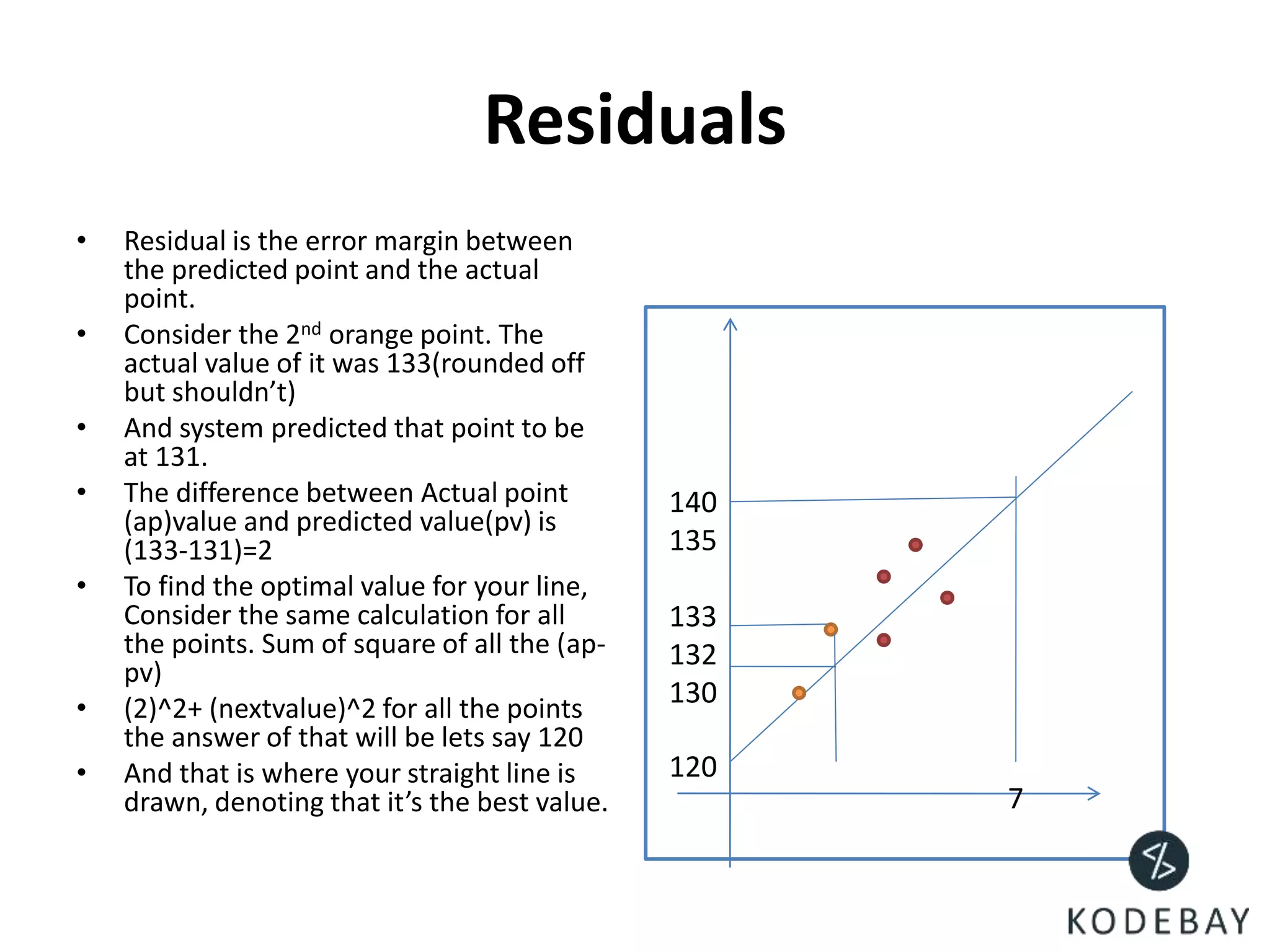
• Residual is the error margin between
the predicted point and the actual
point.
• Consider the 2nd orange point. The
actual value of it was 133(rounded off
but shouldn’t)
• And system predicted that point to be
at 131.
• The difference between Actual point
(ap)value and predicted value(pv) is
(133-131)=2
• To find the optimal value for your line,
Consider the same calculation for all
the points. Sum of square of all the (ap-
pv)
• (2)^2+ (nextvalue)^2 for all the points
the answer of that will be lets say 120
• And that is where your straight line is
drawn, denoting that it’s the best value. 7
140
135
133
132
130
120
WHERE CAN YOU USE THIS?
(SAMPLE ATTACHED IN NEXT SLIDE)
LETS TAKE AN EXAMPLE OF HEIGHT
AND WEIGHT
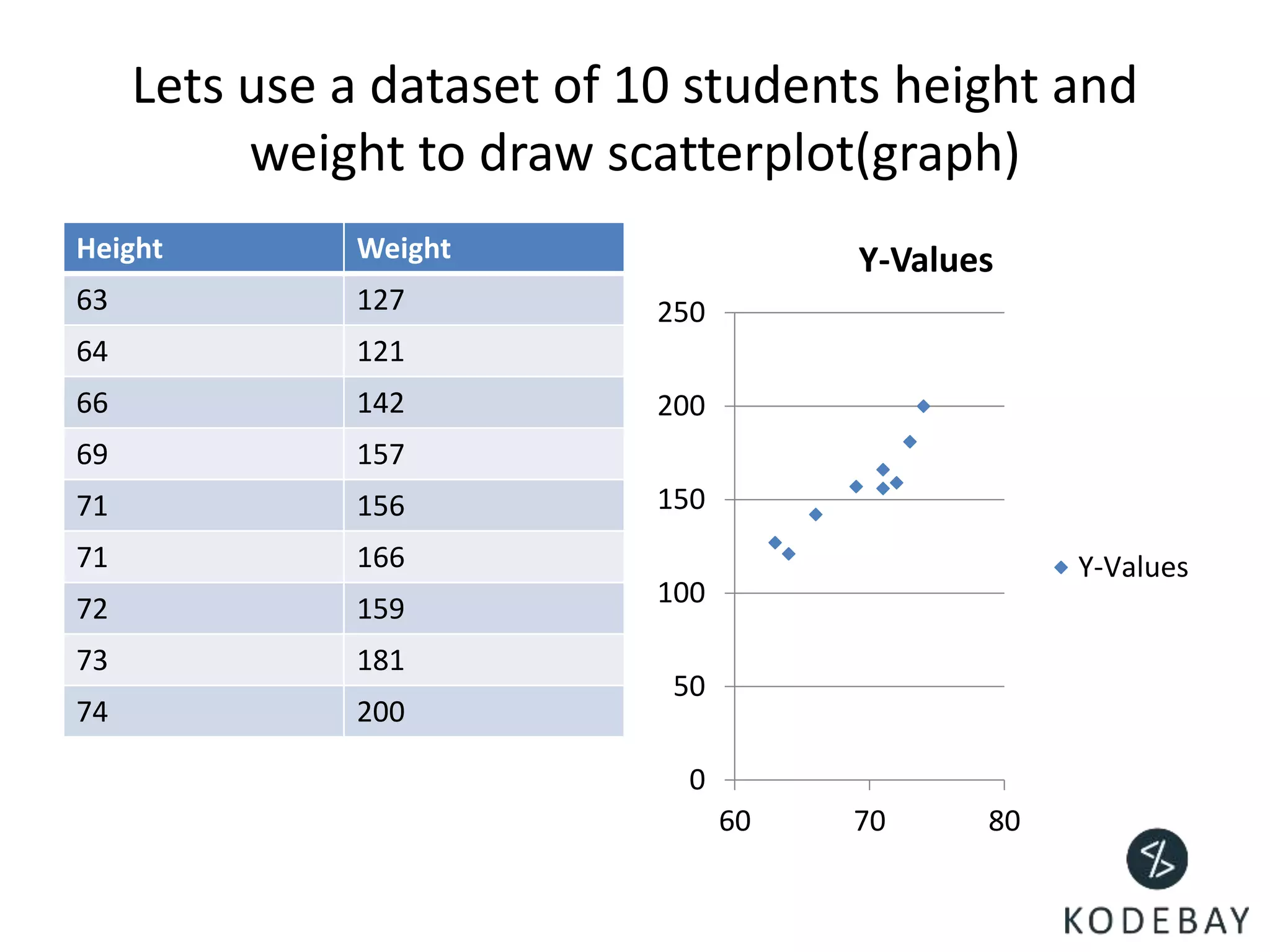
Lets use a dataset of 10 students height and
weight to draw scatterplot(graph)
Height Weight
63 127
64 121
66 142
69 157
71 156
71 166
72 159
73 181
74 200
0
50
100
150
200
250
60 70 80
Y-Values
Y-Values
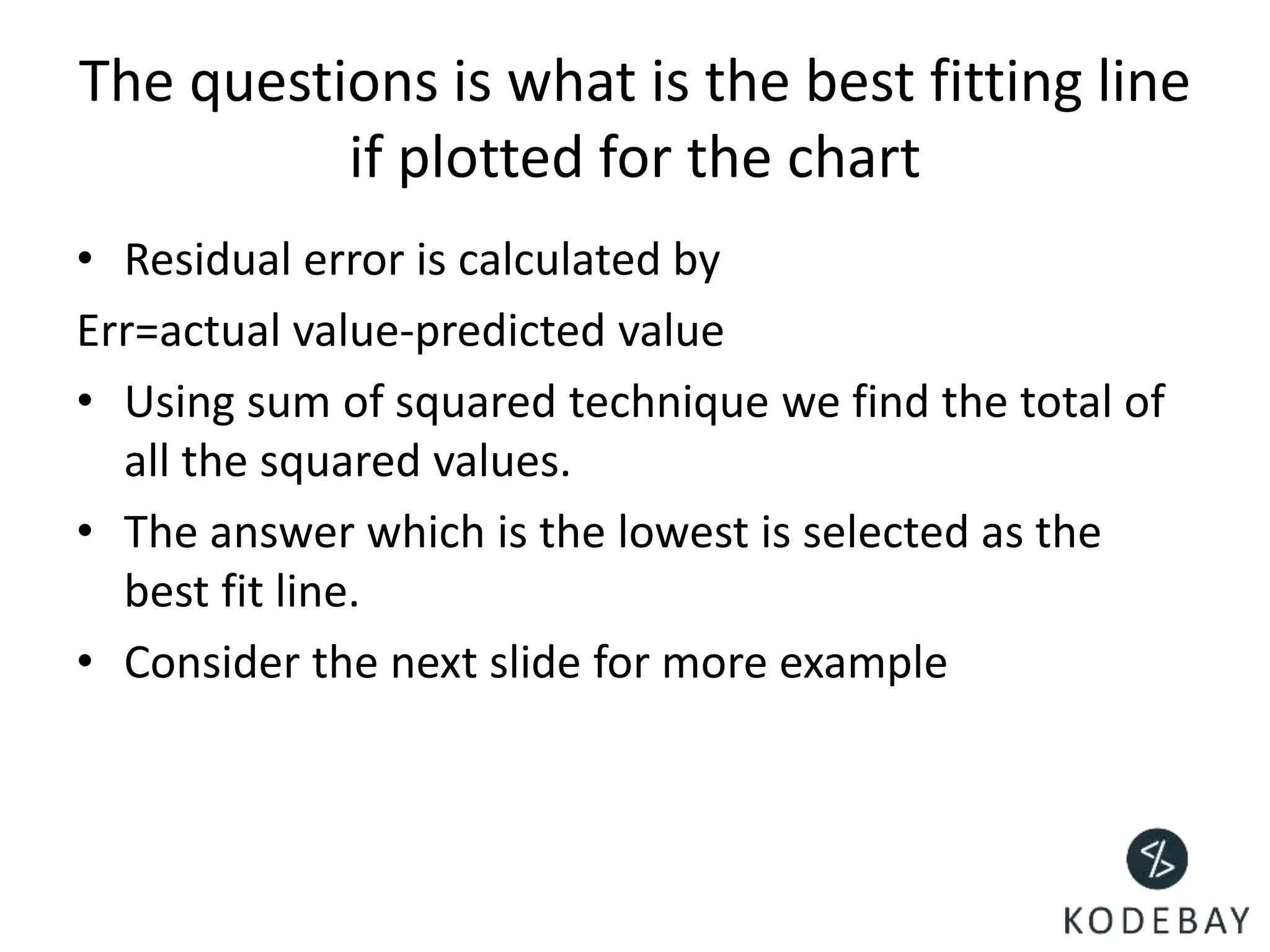
The questions is what is the best fitting line
if plotted for the chart
• Residual error is calculated by
Err=actual value-predicted value
• Using sum of squared technique we find the total of
all the squared values.
• The answer which is the lowest is selected as the
best fit line.
• Consider the next slide for more example
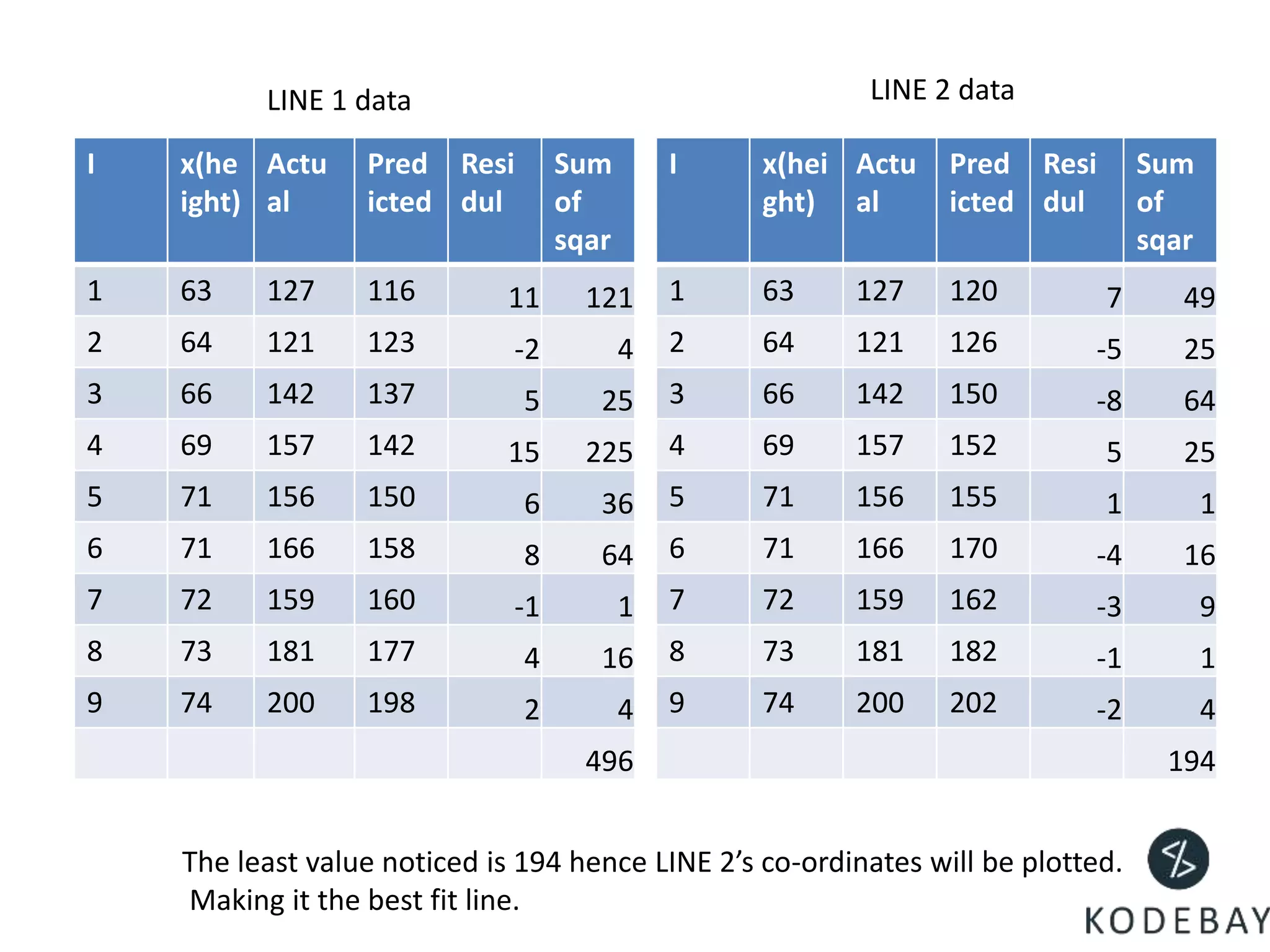
I x(he
ight)
Actu
al
Pred
icted
Resi
dul
Sum
of
sqar
1 63 127 116 11 121
2 64 121 123 -2 4
3 66 142 137 5 25
4 69 157 142 15 225
5 71 156 150 6 36
6 71 166 158 8 64
7 72 159 160 -1 1
8 73 181 177 4 16
9 74 200 198 2 4
496
I x(hei
ght)
Actu
al
Pred
icted
Resi
dul
Sum
of
sqar
1 63 127 120 7 49
2 64 121 126 -5 25
3 66 142 150 -8 64
4 69 157 152 5 25
5 71 156 155 1 1
6 71 166 170 -4 16
7 72 159 162 -3 9
8 73 181 182 -1 1
9 74 200 202 -2 4
194
LINE 1 data LINE 2 data
The least value noticed is 194 hence LINE 2’s co-ordinates will be plotted.
Making it the best fit line.
Salary
• Salary is a dependent entity, it is
dependent on your experience.
• As your experience increases, salary
increases.
• The program on your right will return
the possible salary for a candidate
who hold 11.5 years of experience.
• Data processing is not restricted to
two variables. In the further slides we
will see bigger processing.
• # The predictor vector.
• ex <- c(1,2,3,4,5,6,7,8,9,10)
• # The response vector.
• sal <-
c(25,50,75,100,125,150,175,200,225,
250)
• # Apply the lm() function.
• relation <- lm(sal~ex)
• # Find weight of a person with height
170.
• a <- data.frame(ex = 11.5)
• result <- predict(relation,a)
• print(result)
Real estate value
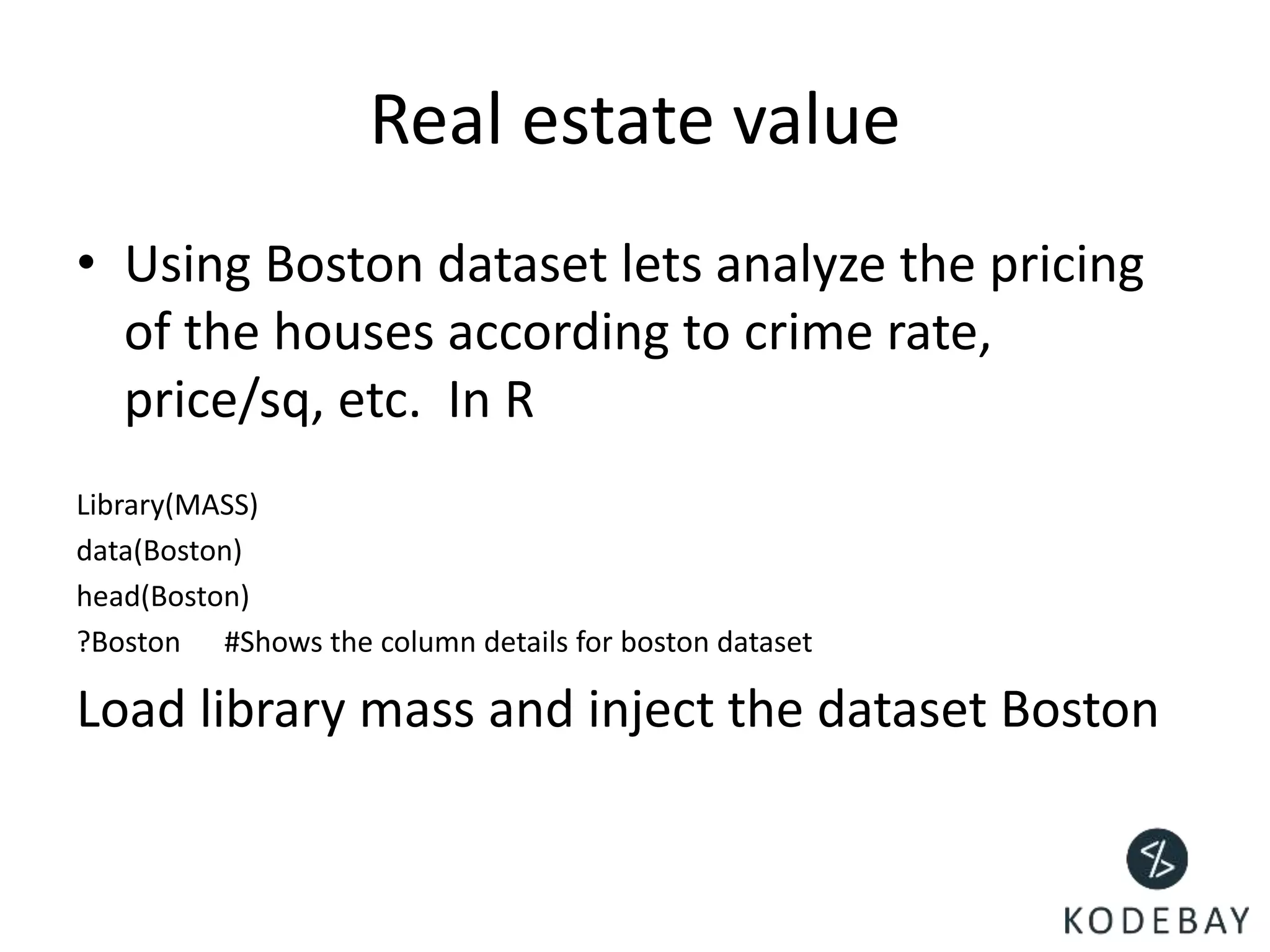
• Using Boston dataset lets analyze the pricing
of the houses according to crime rate,
price/sq, etc. In R
Library(MASS)
data(Boston)
head(Boston)
?Boston #Shows the column details for boston dataset
Load library mass and inject the dataset Boston
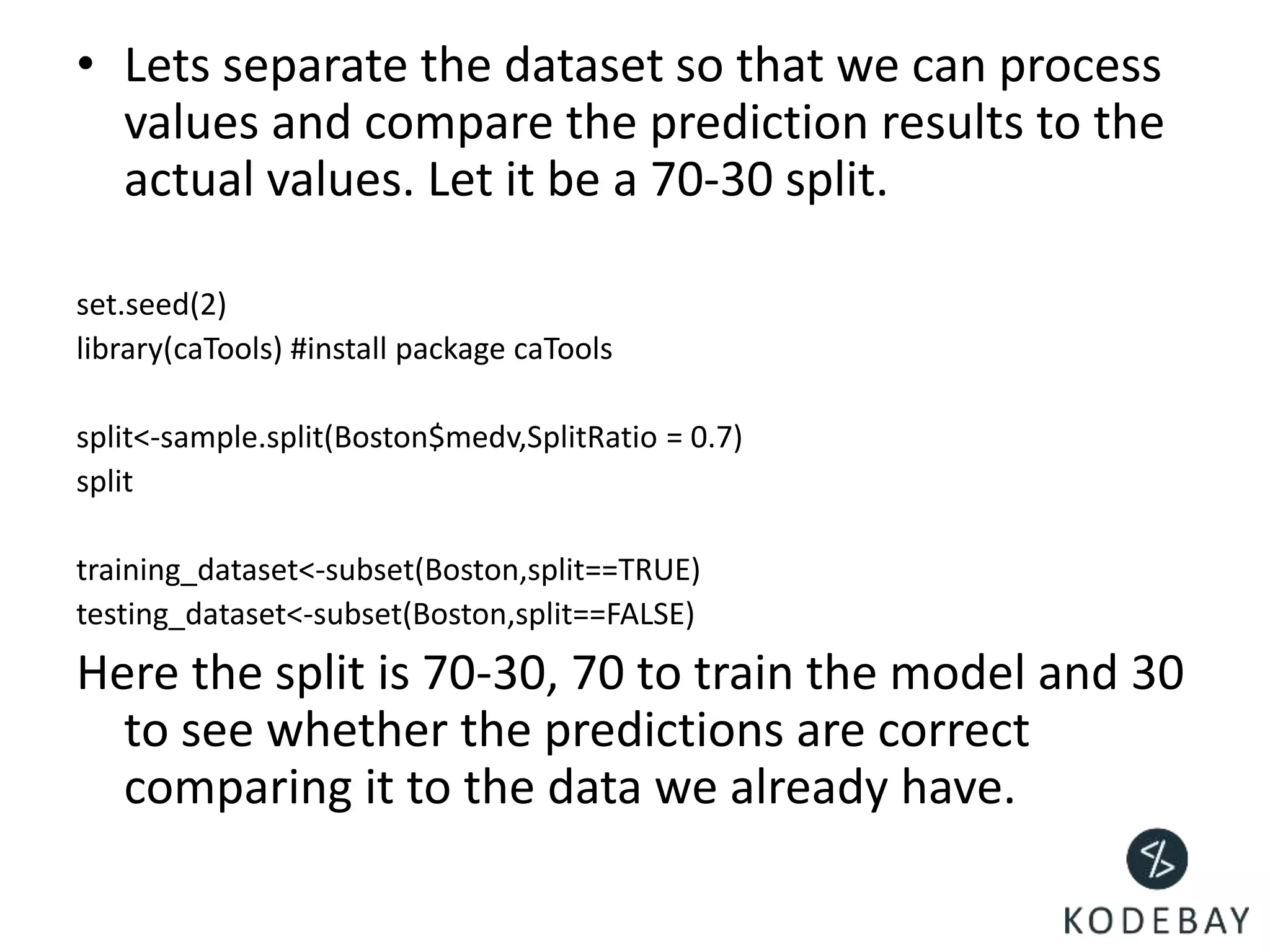
• Lets separate the dataset so that we can process
values and compare the prediction results to the
actual values. Let it be a 70-30 split.
set.seed(2)
library(caTools) #install package caTools
split<-sample.split(Boston$medv,SplitRatio = 0.7)
split
training_dataset<-subset(Boston,split==TRUE)
testing_dataset<-subset(Boston,split==FALSE)
Here the split is 70-30, 70 to train the model and 30
to see whether the predictions are correct
comparing it to the data we already have.
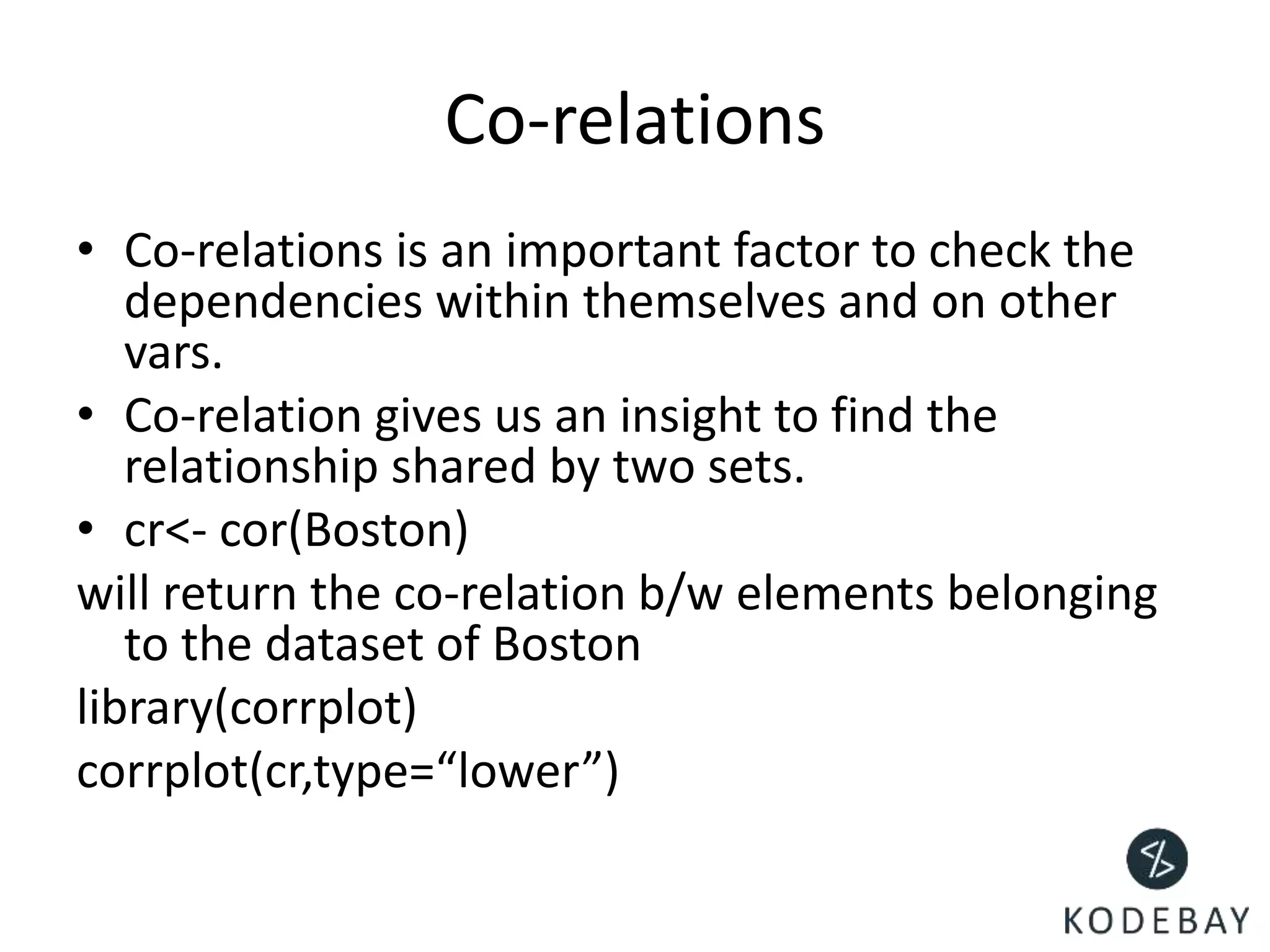
Co-relations
• Co-relations is an important factor to check the
dependencies within themselves and on other
vars.
• Co-relation gives us an insight to find the
relationship shared by two sets.
• cr<- cor(Boston)
will return the co-relation b/w elements belonging
to the dataset of Boston
library(corrplot)
corrplot(cr,type=“lower”)
Multi-Colinearity
• When there is a high co-relation of one
element with another we can say that the
elements are related, in order to know
multicollinearity we use vif().
• Not important for this dataset
Understanding summary
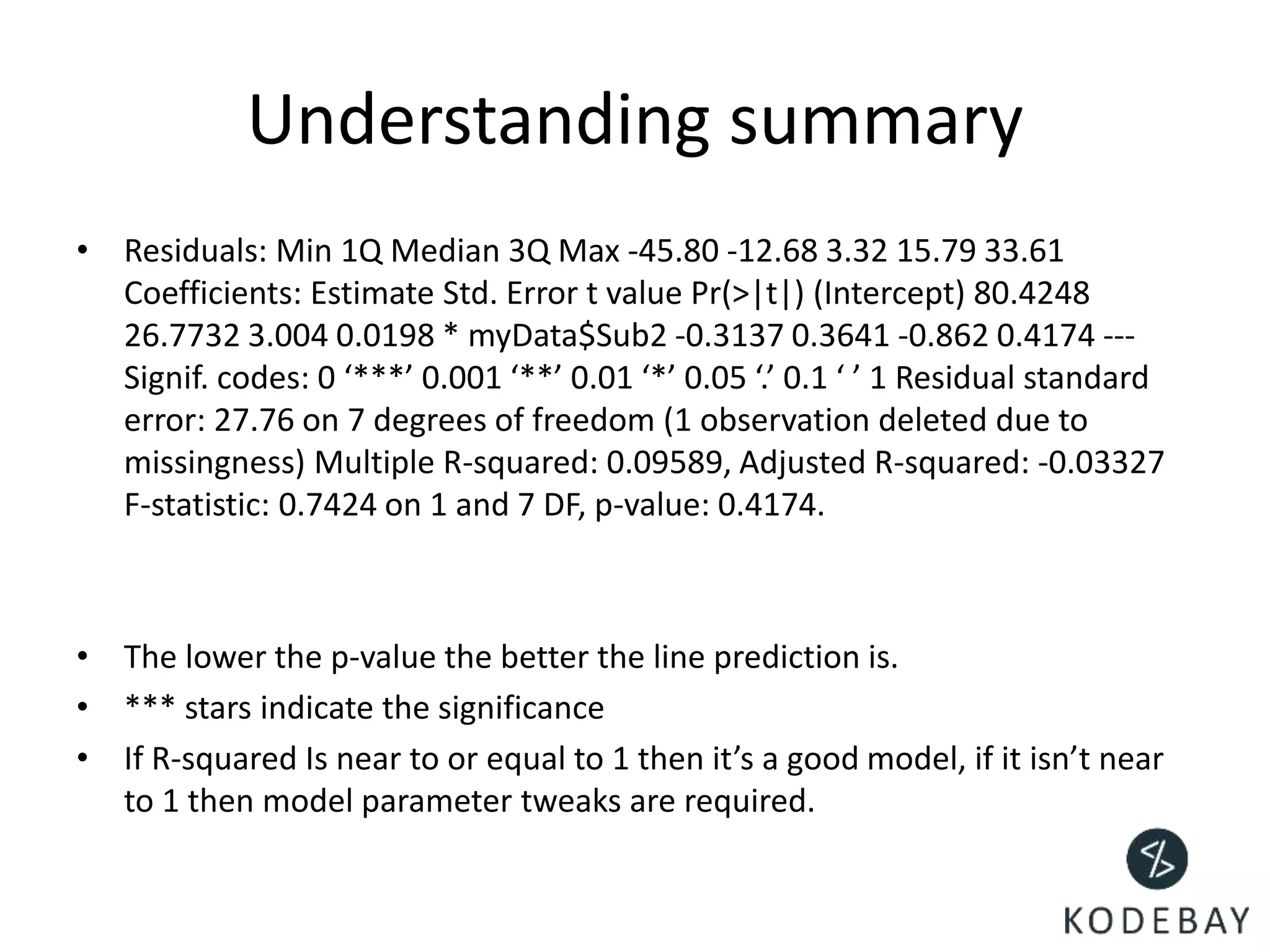
• Residuals: Min 1Q Median 3Q Max -45.80 -12.68 3.32 15.79 33.61
Coefficients: Estimate Std. Error t value Pr(>|t|) (Intercept) 80.4248
26.7732 3.004 0.0198 * myData$Sub2 -0.3137 0.3641 -0.862 0.4174 ---
Signif. codes: 0 ‘***’ 0.001 ‘**’ 0.01 ‘*’ 0.05 ‘.’ 0.1 ‘ ’ 1 Residual standard
error: 27.76 on 7 degrees of freedom (1 observation deleted due to
missingness) Multiple R-squared: 0.09589, Adjusted R-squared: -0.03327
F-statistic: 0.7424 on 1 and 7 DF, p-value: 0.4174.
• The lower the p-value the better the line prediction is.
• *** stars indicate the significance
• If R-squared Is near to or equal to 1 then it’s a good model, if it isn’t near
to 1 then model parameter tweaks are required.
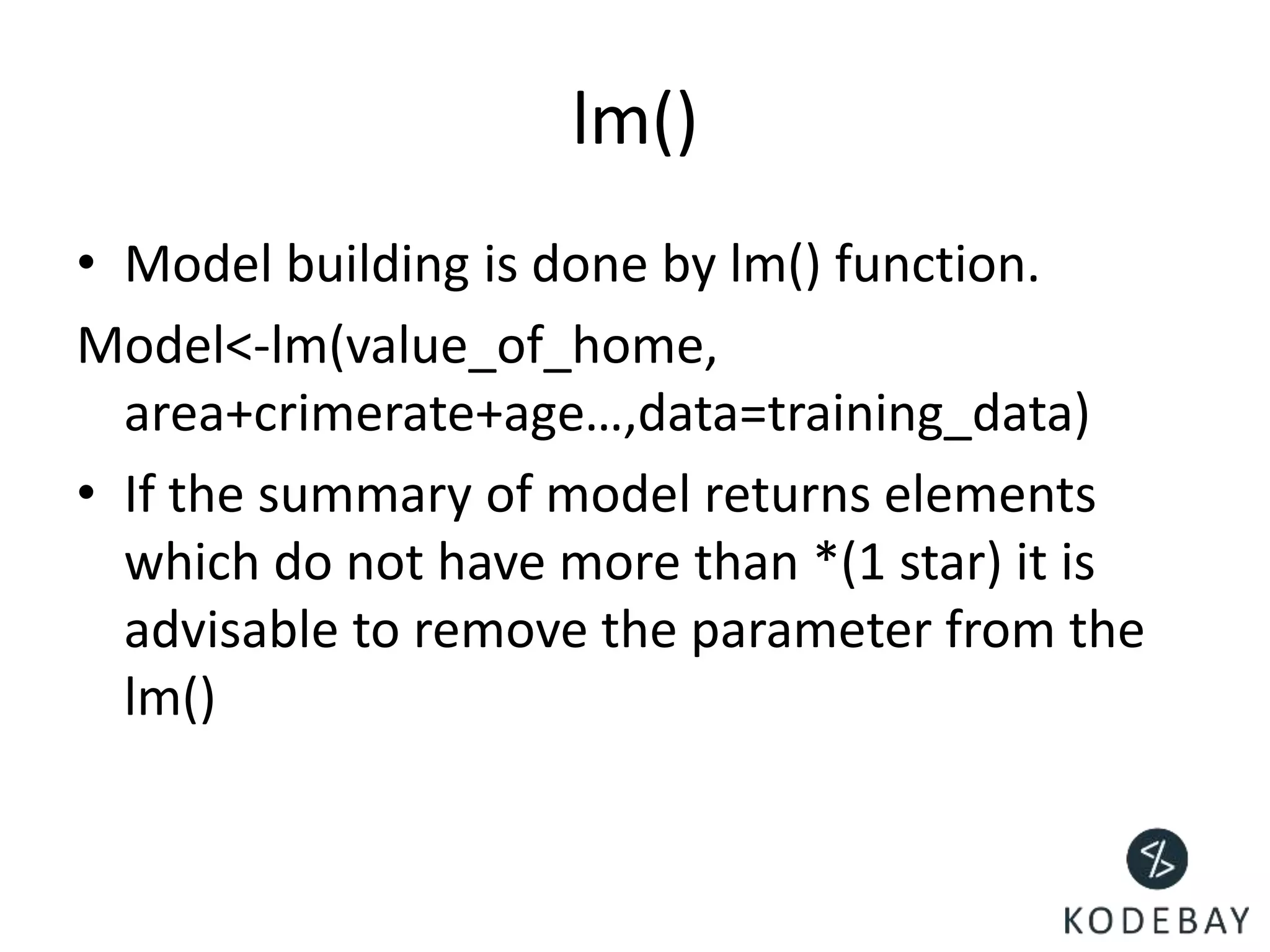
lm()
• Model building is done by lm() function.
Model<-lm(value_of_home,
area+crimerate+age…,data=training_data)
• If the summary of model returns elements
which do not have more than *(1 star) it is
advisable to remove the parameter from the
lm()
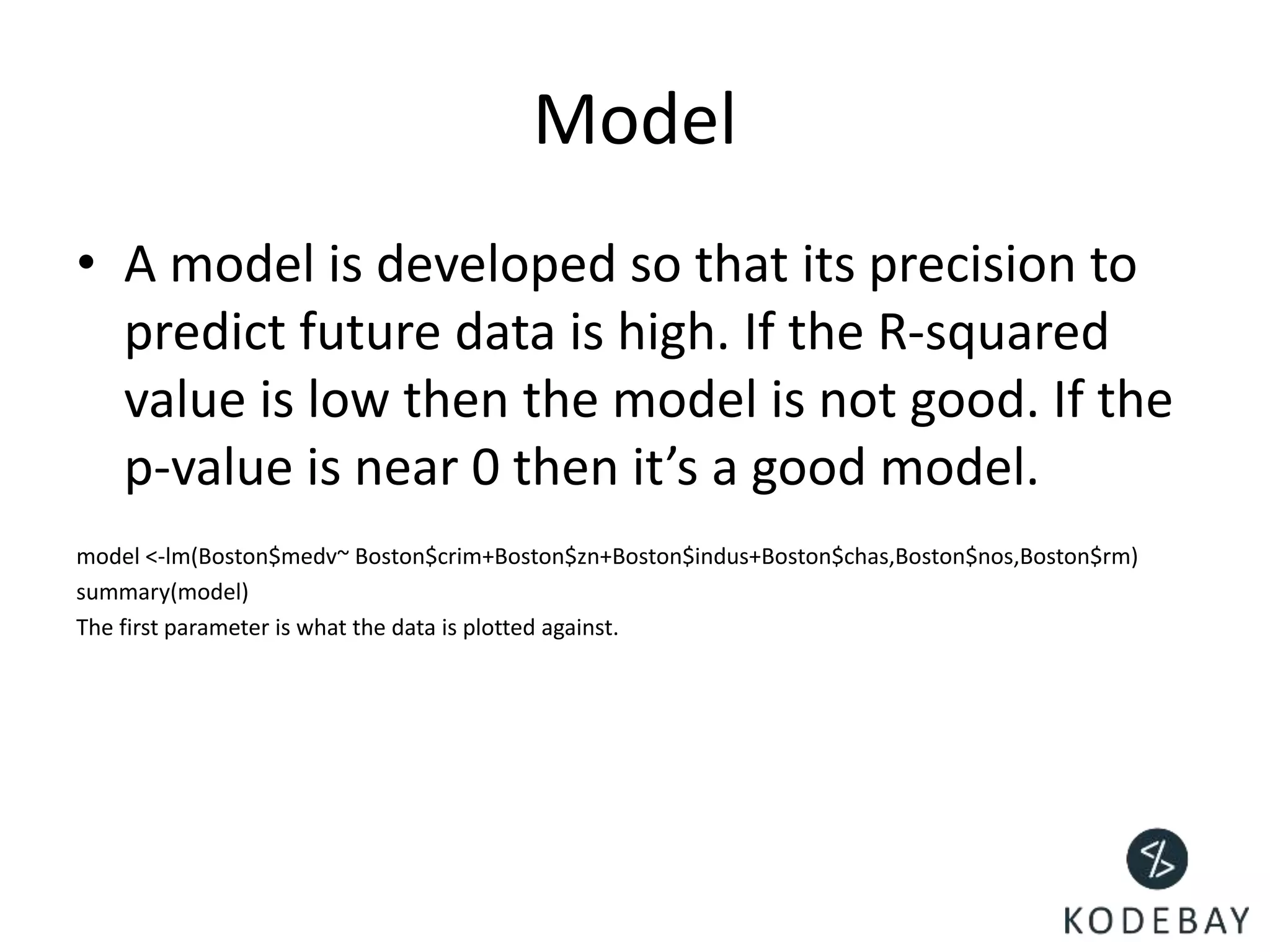
Model
• A model is developed so that its precision to
predict future data is high. If the R-squared
value is low then the model is not good. If the
p-value is near 0 then it’s a good model.
model <-lm(Boston$medv~ Boston$crim+Boston$zn+Boston$indus+Boston$chas,Boston$nos,Boston$rm)
summary(model)
The first parameter is what the data is plotted against.
SUPPORT@KODEBAY.COM
Email for support

Linear regression by Kodebay

  • 1.
  • 2.
    What is Regression? •Regression analysis is a predictive modeling technique. • Regression analysis is a very widely used statistical tool to establish a relationship model between two variables. • One of these variable is called predictor variable whose value is gathered through experiments. The other variable is called response variable whose value is derived from the predictor variable. • Mathematically a linear relationship represents a straight line when plotted as a graph. Exponents of both variables is 1. • y = ax + b • y is the response variable. • x is the predictor variable. • a and b are constants which are called the coefficients.
  • 3.
    Residuals • Residual isthe error margin between the predicted point and the actual point. • Consider the 2nd orange point. The actual value of it was 133(rounded off but shouldn’t) • And system predicted that point to be at 131. • The difference between Actual point (ap)value and predicted value(pv) is (133-131)=2 • To find the optimal value for your line, Consider the same calculation for all the points. Sum of square of all the (ap- pv) • (2)^2+ (nextvalue)^2 for all the points the answer of that will be lets say 120 • And that is where your straight line is drawn, denoting that it’s the best value. 7 140 135 133 132 130 120
  • 4.
    WHERE CAN YOUUSE THIS? (SAMPLE ATTACHED IN NEXT SLIDE)
  • 5.
    LETS TAKE ANEXAMPLE OF HEIGHT AND WEIGHT
  • 6.
    Lets use adataset of 10 students height and weight to draw scatterplot(graph) Height Weight 63 127 64 121 66 142 69 157 71 156 71 166 72 159 73 181 74 200 0 50 100 150 200 250 60 70 80 Y-Values Y-Values
  • 7.
    The questions iswhat is the best fitting line if plotted for the chart • Residual error is calculated by Err=actual value-predicted value • Using sum of squared technique we find the total of all the squared values. • The answer which is the lowest is selected as the best fit line. • Consider the next slide for more example
  • 8.
    I x(he ight) Actu al Pred icted Resi dul Sum of sqar 1 63127 116 11 121 2 64 121 123 -2 4 3 66 142 137 5 25 4 69 157 142 15 225 5 71 156 150 6 36 6 71 166 158 8 64 7 72 159 160 -1 1 8 73 181 177 4 16 9 74 200 198 2 4 496 I x(hei ght) Actu al Pred icted Resi dul Sum of sqar 1 63 127 120 7 49 2 64 121 126 -5 25 3 66 142 150 -8 64 4 69 157 152 5 25 5 71 156 155 1 1 6 71 166 170 -4 16 7 72 159 162 -3 9 8 73 181 182 -1 1 9 74 200 202 -2 4 194 LINE 1 data LINE 2 data The least value noticed is 194 hence LINE 2’s co-ordinates will be plotted. Making it the best fit line.
  • 9.
    Salary • Salary isa dependent entity, it is dependent on your experience. • As your experience increases, salary increases. • The program on your right will return the possible salary for a candidate who hold 11.5 years of experience. • Data processing is not restricted to two variables. In the further slides we will see bigger processing. • # The predictor vector. • ex <- c(1,2,3,4,5,6,7,8,9,10) • # The response vector. • sal <- c(25,50,75,100,125,150,175,200,225, 250) • # Apply the lm() function. • relation <- lm(sal~ex) • # Find weight of a person with height 170. • a <- data.frame(ex = 11.5) • result <- predict(relation,a) • print(result)
  • 10.
    Real estate value •Using Boston dataset lets analyze the pricing of the houses according to crime rate, price/sq, etc. In R Library(MASS) data(Boston) head(Boston) ?Boston #Shows the column details for boston dataset Load library mass and inject the dataset Boston
  • 11.
    • Lets separatethe dataset so that we can process values and compare the prediction results to the actual values. Let it be a 70-30 split. set.seed(2) library(caTools) #install package caTools split<-sample.split(Boston$medv,SplitRatio = 0.7) split training_dataset<-subset(Boston,split==TRUE) testing_dataset<-subset(Boston,split==FALSE) Here the split is 70-30, 70 to train the model and 30 to see whether the predictions are correct comparing it to the data we already have.
  • 12.
    Co-relations • Co-relations isan important factor to check the dependencies within themselves and on other vars. • Co-relation gives us an insight to find the relationship shared by two sets. • cr<- cor(Boston) will return the co-relation b/w elements belonging to the dataset of Boston library(corrplot) corrplot(cr,type=“lower”)
  • 13.
    Multi-Colinearity • When thereis a high co-relation of one element with another we can say that the elements are related, in order to know multicollinearity we use vif(). • Not important for this dataset
  • 14.
    Understanding summary • Residuals:Min 1Q Median 3Q Max -45.80 -12.68 3.32 15.79 33.61 Coefficients: Estimate Std. Error t value Pr(>|t|) (Intercept) 80.4248 26.7732 3.004 0.0198 * myData$Sub2 -0.3137 0.3641 -0.862 0.4174 --- Signif. codes: 0 ‘***’ 0.001 ‘**’ 0.01 ‘*’ 0.05 ‘.’ 0.1 ‘ ’ 1 Residual standard error: 27.76 on 7 degrees of freedom (1 observation deleted due to missingness) Multiple R-squared: 0.09589, Adjusted R-squared: -0.03327 F-statistic: 0.7424 on 1 and 7 DF, p-value: 0.4174. • The lower the p-value the better the line prediction is. • *** stars indicate the significance • If R-squared Is near to or equal to 1 then it’s a good model, if it isn’t near to 1 then model parameter tweaks are required.
  • 15.
    lm() • Model buildingis done by lm() function. Model<-lm(value_of_home, area+crimerate+age…,data=training_data) • If the summary of model returns elements which do not have more than *(1 star) it is advisable to remove the parameter from the lm()
  • 16.
    Model • A modelis developed so that its precision to predict future data is high. If the R-squared value is low then the model is not good. If the p-value is near 0 then it’s a good model. model <-lm(Boston$medv~ Boston$crim+Boston$zn+Boston$indus+Boston$chas,Boston$nos,Boston$rm) summary(model) The first parameter is what the data is plotted against.
  • 17.