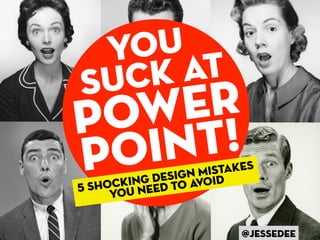
Y ou
Su ck at
P ow !er
P oi nt            M istakes
           design void
    ocking ed to a
5 sh ou ne
     y


                          @jessedee
People working in non-profits,
  government, schools and
cubicles all around the world
      hate PowerPoint,
but it’s not PowerPoint
       that sucks.
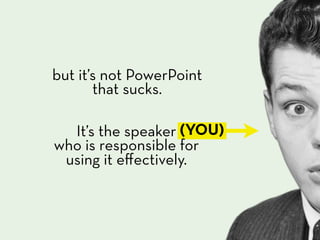
but it’s not PowerPoint
       that sucks.

  It’s the speaker (YOU)
who is responsible for
 using it effectively.
Your slides are
  there to support
you and unfortunately

  if they suck,
   so do you.
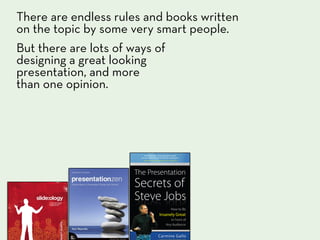
There are endless rules and books written
on the topic by some very smart people.
But there are lots of ways of
designing a great looking
presentation, and more
than one opinion.
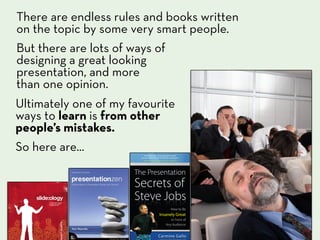
There are endless rules and books written
on the topic by some very smart people.
But there are lots of ways of
designing a great looking
presentation, and more
than one opinion.
Ultimately one of my favourite
ways to learn is from other
people’s mistakes.
So here are...
5
shocking
 design
mistakes
you need
to avoid
too
             much
             info


mISTAKE #1
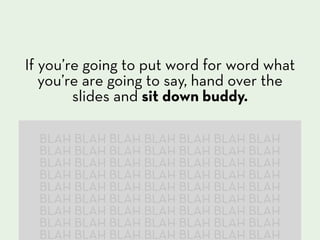
If you’re going to put word for word what
   you’re are going to say, hand over the
        slides and sit down buddy.

  BLAH BLAH BLAH BLAH BLAH BLAH BLAH
  BLAH BLAH BLAH BLAH BLAH BLAH BLAH
  BLAH BLAH BLAH BLAH BLAH BLAH BLAH
  BLAH BLAH BLAH BLAH BLAH BLAH BLAH
  BLAH BLAH BLAH BLAH BLAH BLAH BLAH
  BLAH BLAH BLAH BLAH BLAH BLAH BLAH
  BLAH BLAH BLAH BLAH BLAH BLAH BLAH
  BLAH BLAH BLAH BLAH BLAH BLAH BLAH
  BLAH BLAH BLAH BLAH BLAH BLAH BLAH
Putting all your points
  on one slide sucks.
 The more your audience has to read
   the less they are looking at you.
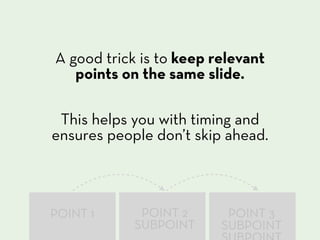
A good trick is to keep relevant
   points on the same slide.

 This helps you with timing and
ensures people don’t skip ahead.


POINT 1      POINT 2      POINT 3
            SUBPOINT     SUBPOINT
Effective communication is
  knowing what to cut out.

 Be a merciless editor and

keep it relevant.
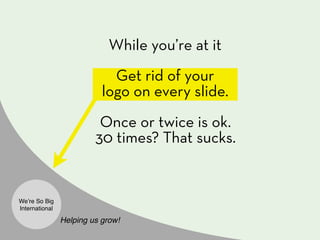
While you’re at it
                             Get rid of your
                           logo on every slide.
                          Once or twice is ok.
                         30 times? That sucks.


Weʼre So Big
International

                Helping us grow!
not
enough
visuals

          mISTAKE #2
take the time to
     find the right visuals.
 There are endless sources of images on
the web, which take you seconds to find.
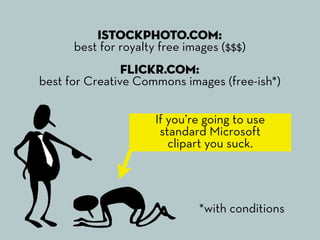
iStockPhoto.com:
      best for royalty free images ($$$)
                Flickr.com:
best for Creative Commons images (free-ish*)

                      If you’re going to use
                       standard Microsoft
                         clipart you suck.


                              *with conditions
But whichever visuals you
 use just remember to...
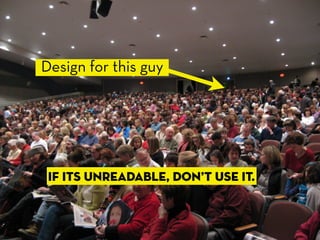
Design for this guy


 If its unreadable, don’t use it.
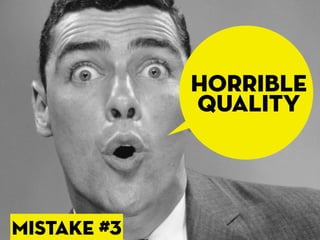
horrible
             quality


mISTAKE #3
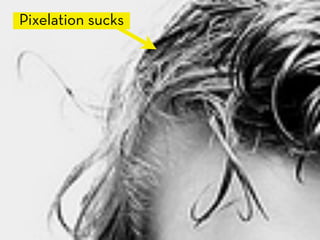
Pixelation sucks
Use high-quality images
  at their right sizes
With a bit of
digging around it’s
easy to find high-
resolution media
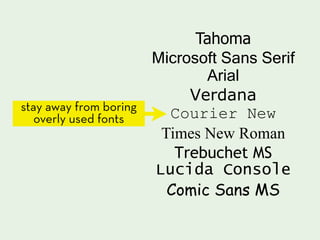
Tahoma
                      Microsoft Sans Serif
                             Arial
                           Verdana
stay away from boring
   overly used fonts    Courier New
                       Times New Roman
                         Trebuchet MS
                      Lucida Console
                        Comic Sans MS
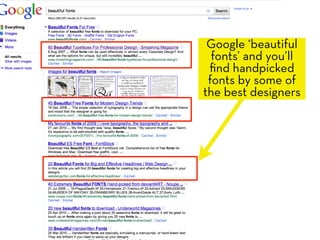
Google ‘beautiful
  fonts’ and you’ll
 find handpicked
 fonts by some of
the best designers
ALL-OVER-
THE-PLACE

            mISTAKE #4
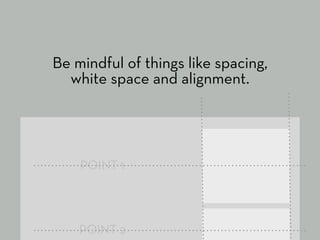
Be mindful of things like spacing,
  white space and alignment.


    POINT 1


    POINT 2
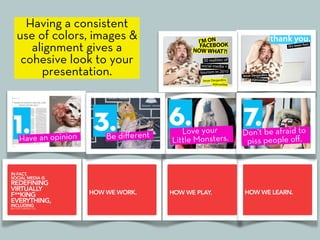
Having a consistent
use of colors, images &
   alignment gives a
 cohesive look to your
     presentation.
Having a consistent
use of colors, images &
   alignment gives a
 cohesive look to your
     presentation.


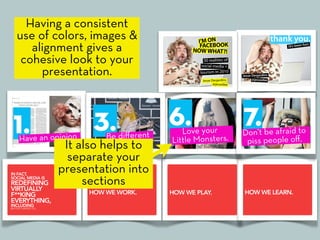
        It also helps to
         separate your
       presentation into
            sections
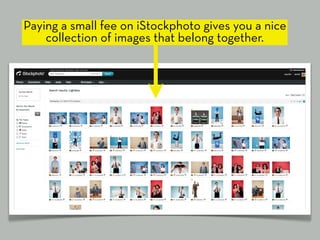
Paying a small fee on iStockphoto gives you a nice
    collection of images that belong together.
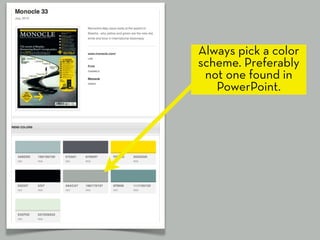
Always pick a color
scheme. Preferably
 not one found in
   PowerPoint.
and the most common mistake...
lack
             of prep


mISTAKE #5
Most presentations suck because not
enough time went into making them.

You need to gather and organize your content,
create nice looking slides and rehearse.


... and not the night before.
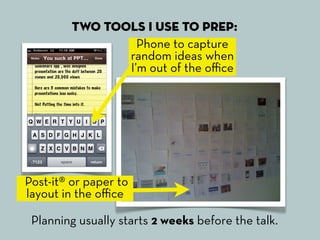
Two tools I use to prep:
                  Phone to capture
                random ideas when
                I’m out of the office


Post-it® or paper to
layout in the office

 Planning usually starts 2 weeks before the talk.
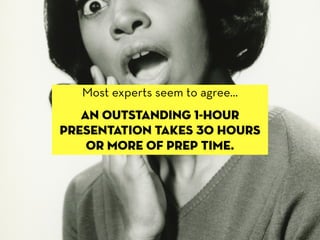
Most experts seem to agree...
   an outstanding 1-hour
presentation takes 30 hours
    or more of prep time.
shocking i know.
     But It’s all worth it.
Giving a presentation is your moment
 to shine, your moment to influence
         and to spread ideas.
Plus if you’re uploading to slideshare
  a beautifully designed and well planned
presentation means the difference between
        10 views and 100,000 views.
  You’ll not only feel on top of the world,
       but you’ll also get to travel it.
Plus if you’re uploading to slideshare
  a beautifully designed and well planned
presentation means the difference between
        10 views and 100,000 views.
  You’ll not only feel on top of the world,
       but you’ll also get to travel it.

                           I’m in Cape Town,
                            South Africa this
                            week because of
                           my presentations
                             on slideshare.
Plus if you’re uploading to slideshare
  a beautifully designed and well planned
presentation means the difference between
        10 views and 100,000 views.
  You’ll not only feel on top of the world,
       but you’ll also get to travel it.

                            I’m in Cape Town,
                             South Africa this
                             week because of
                            my presentations
                              on slideshare.


                             Being obsessed
                          about your moment to
                             present works.
Design, don’t just slap
 something together.

 If your presentation sucks,
  don’t blame PowerPoint.
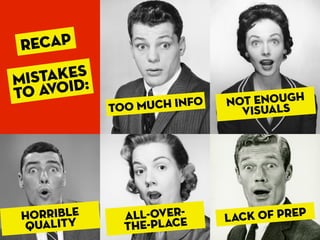
RECAP
    AKES
MIST OID:
TO AV                         OT ENOUGH
            Too much info   N
                               VISUALS


horrible      ALL-OVER-     LACK OF PREP
QUALITY       THE-PLACE
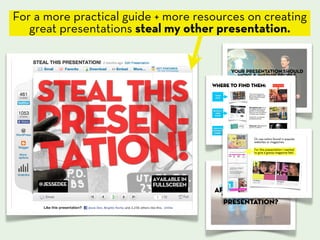
For a more practical guide + more resources on creating
   great presentations steal my other presentation.
thank
 you                       Find me on Twitter:
                              @jessedee


    If you think this presentation
   doesn’t suck give it a thumbs up

Lições sobre o powerpoint

  • 1.
    Y ou Su ckat P ow !er P oi nt M istakes design void ocking ed to a 5 sh ou ne y @jessedee
  • 2.
    People working innon-profits, government, schools and cubicles all around the world hate PowerPoint,
  • 3.
    but it’s notPowerPoint that sucks.
  • 4.
    but it’s notPowerPoint that sucks. It’s the speaker (YOU) who is responsible for using it effectively.
  • 5.
    Your slides are there to support you and unfortunately if they suck, so do you.
  • 6.
    There are endlessrules and books written on the topic by some very smart people. But there are lots of ways of designing a great looking presentation, and more than one opinion.
  • 7.
    There are endlessrules and books written on the topic by some very smart people. But there are lots of ways of designing a great looking presentation, and more than one opinion. Ultimately one of my favourite ways to learn is from other people’s mistakes. So here are...
  • 8.
  • 9.
    too much info mISTAKE #1
  • 10.
    If you’re goingto put word for word what you’re are going to say, hand over the slides and sit down buddy. BLAH BLAH BLAH BLAH BLAH BLAH BLAH BLAH BLAH BLAH BLAH BLAH BLAH BLAH BLAH BLAH BLAH BLAH BLAH BLAH BLAH BLAH BLAH BLAH BLAH BLAH BLAH BLAH BLAH BLAH BLAH BLAH BLAH BLAH BLAH BLAH BLAH BLAH BLAH BLAH BLAH BLAH BLAH BLAH BLAH BLAH BLAH BLAH BLAH BLAH BLAH BLAH BLAH BLAH BLAH BLAH BLAH BLAH BLAH BLAH BLAH BLAH BLAH
  • 11.
    Putting all yourpoints on one slide sucks. The more your audience has to read the less they are looking at you.
  • 12.
    A good trickis to keep relevant points on the same slide. This helps you with timing and ensures people don’t skip ahead. POINT 1 POINT 2 POINT 3 SUBPOINT SUBPOINT
  • 13.
    Effective communication is knowing what to cut out. Be a merciless editor and keep it relevant.
  • 14.
    While you’re atit Get rid of your logo on every slide. Once or twice is ok. 30 times? That sucks. Weʼre So Big International Helping us grow!
  • 15.
  • 16.
    take the timeto find the right visuals. There are endless sources of images on the web, which take you seconds to find.
  • 17.
    iStockPhoto.com: best for royalty free images ($$$) Flickr.com: best for Creative Commons images (free-ish*) If you’re going to use standard Microsoft clipart you suck. *with conditions
  • 18.
    But whichever visualsyou use just remember to...
  • 19.
    Design for thisguy If its unreadable, don’t use it.
  • 20.
    horrible quality mISTAKE #3
  • 21.
  • 22.
    Use high-quality images at their right sizes
  • 23.
    With a bitof digging around it’s easy to find high- resolution media
  • 24.
    Tahoma Microsoft Sans Serif Arial Verdana stay away from boring overly used fonts Courier New Times New Roman Trebuchet MS Lucida Console Comic Sans MS
  • 25.
    Google ‘beautiful fonts’ and you’ll find handpicked fonts by some of the best designers
  • 26.
  • 27.
    Be mindful ofthings like spacing, white space and alignment. POINT 1 POINT 2
  • 28.
    Having a consistent useof colors, images & alignment gives a cohesive look to your presentation.
  • 29.
    Having a consistent useof colors, images & alignment gives a cohesive look to your presentation. It also helps to separate your presentation into sections
  • 30.
    Paying a smallfee on iStockphoto gives you a nice collection of images that belong together.
  • 31.
    Always pick acolor scheme. Preferably not one found in PowerPoint.
  • 32.
    and the mostcommon mistake...
  • 33.
    lack of prep mISTAKE #5
  • 34.
    Most presentations suckbecause not enough time went into making them. You need to gather and organize your content, create nice looking slides and rehearse. ... and not the night before.
  • 35.
    Two tools Iuse to prep: Phone to capture random ideas when I’m out of the office Post-it® or paper to layout in the office Planning usually starts 2 weeks before the talk.
  • 36.
    Most experts seemto agree... an outstanding 1-hour presentation takes 30 hours or more of prep time.
  • 37.
    shocking i know. But It’s all worth it. Giving a presentation is your moment to shine, your moment to influence and to spread ideas.
  • 38.
    Plus if you’reuploading to slideshare a beautifully designed and well planned presentation means the difference between 10 views and 100,000 views. You’ll not only feel on top of the world, but you’ll also get to travel it.
  • 39.
    Plus if you’reuploading to slideshare a beautifully designed and well planned presentation means the difference between 10 views and 100,000 views. You’ll not only feel on top of the world, but you’ll also get to travel it. I’m in Cape Town, South Africa this week because of my presentations on slideshare.
  • 40.
    Plus if you’reuploading to slideshare a beautifully designed and well planned presentation means the difference between 10 views and 100,000 views. You’ll not only feel on top of the world, but you’ll also get to travel it. I’m in Cape Town, South Africa this week because of my presentations on slideshare. Being obsessed about your moment to present works.
  • 41.
    Design, don’t justslap something together. If your presentation sucks, don’t blame PowerPoint.
  • 42.
    RECAP AKES MIST OID: TO AV OT ENOUGH Too much info N VISUALS horrible ALL-OVER- LACK OF PREP QUALITY THE-PLACE
  • 43.
    For a morepractical guide + more resources on creating great presentations steal my other presentation.
  • 44.
    thank you Find me on Twitter: @jessedee If you think this presentation doesn’t suck give it a thumbs up