10Tips
for making
Beautiful Slideshow
Presentation
Be clear about the goal of your presentation!
KNOW YOUR GOAL
Tip #1
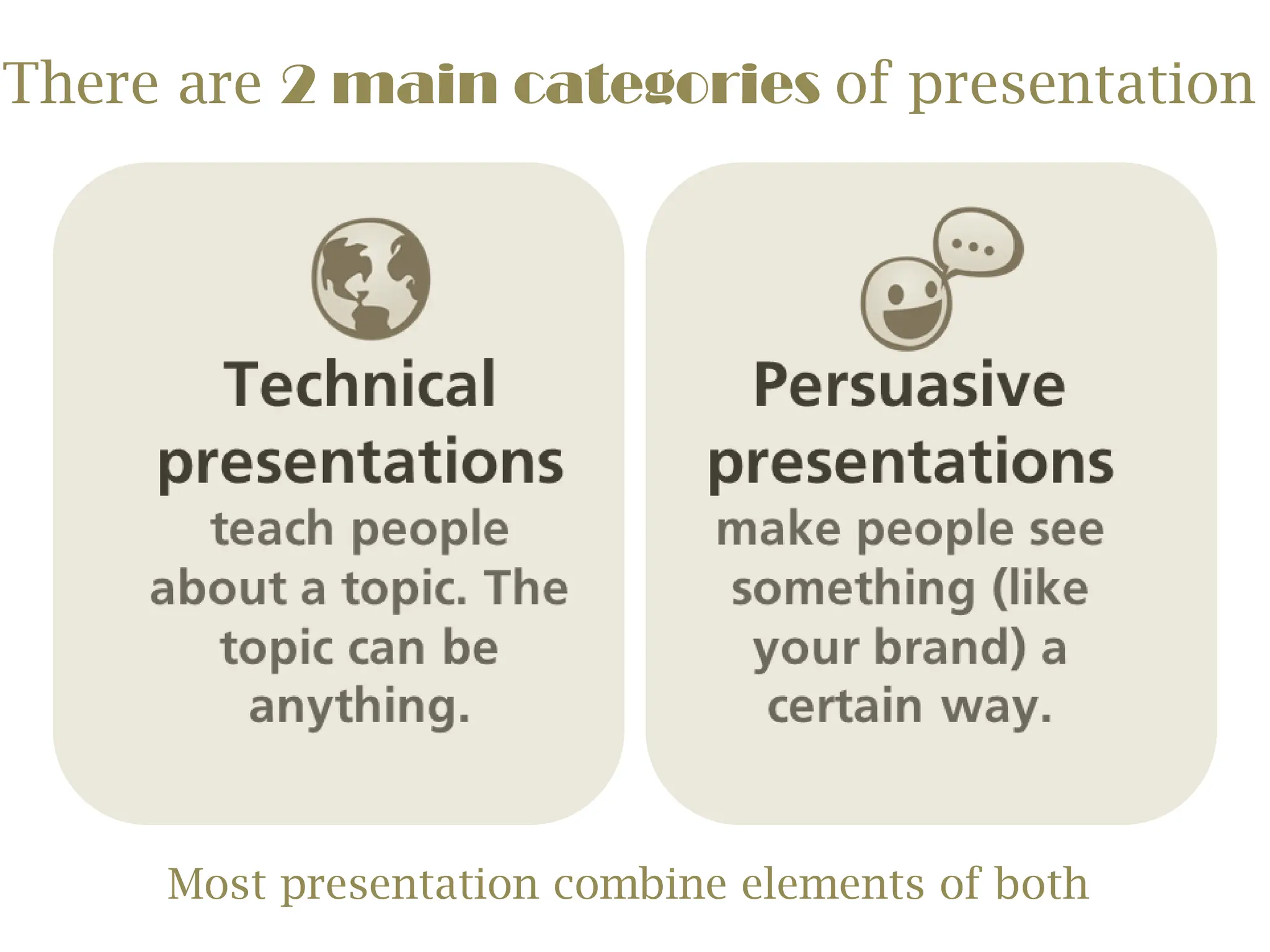
There are 2 main categories of presentation
Most presentation combine elements of both
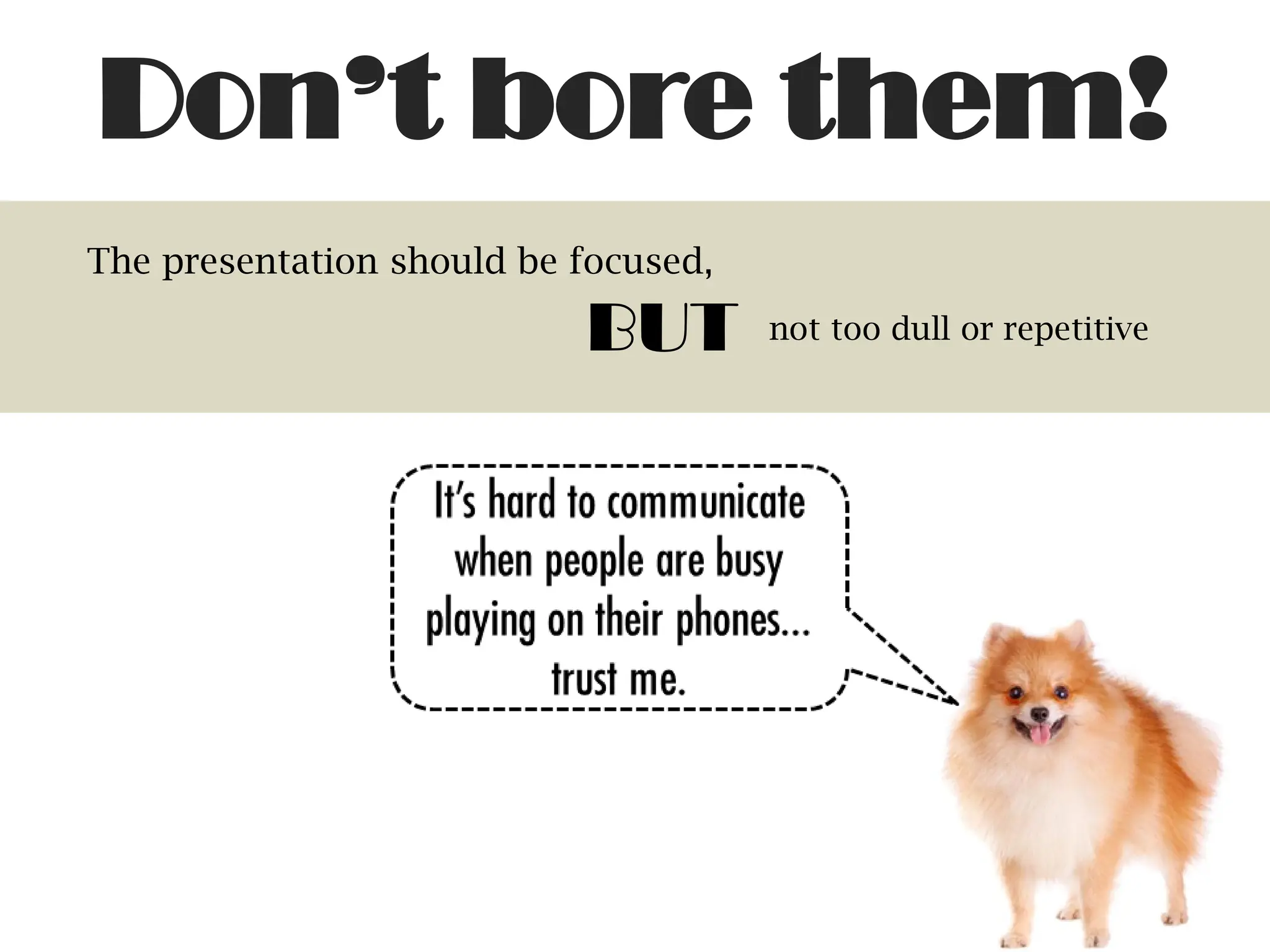
The presentation should be focused,
BUT not too dull or repetitive
Don’t bore them!
Create an outline and storyboard of your presentation
PLAN IT OUT
Tip #2
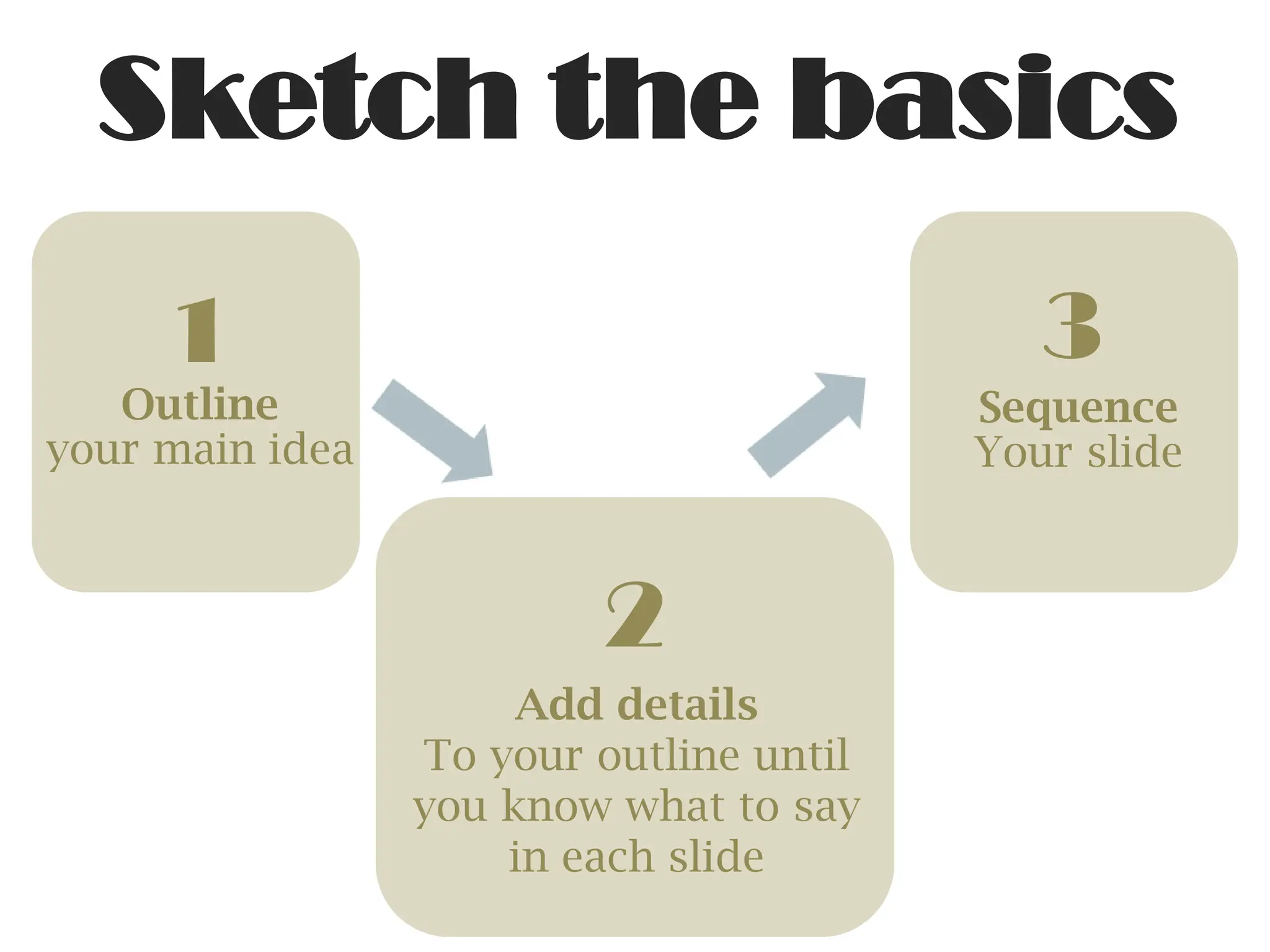
1
Outline
your main idea
2
Add details
To your outline until
you know what to say
in each slide
3
Sequence
Your slide
Sketch the basics
The picture can't be displayed.
*IMPORTANT*
Resist the urge to cram
everything you know about your
topic into a slide
Avoid stock
templates
Tip #3
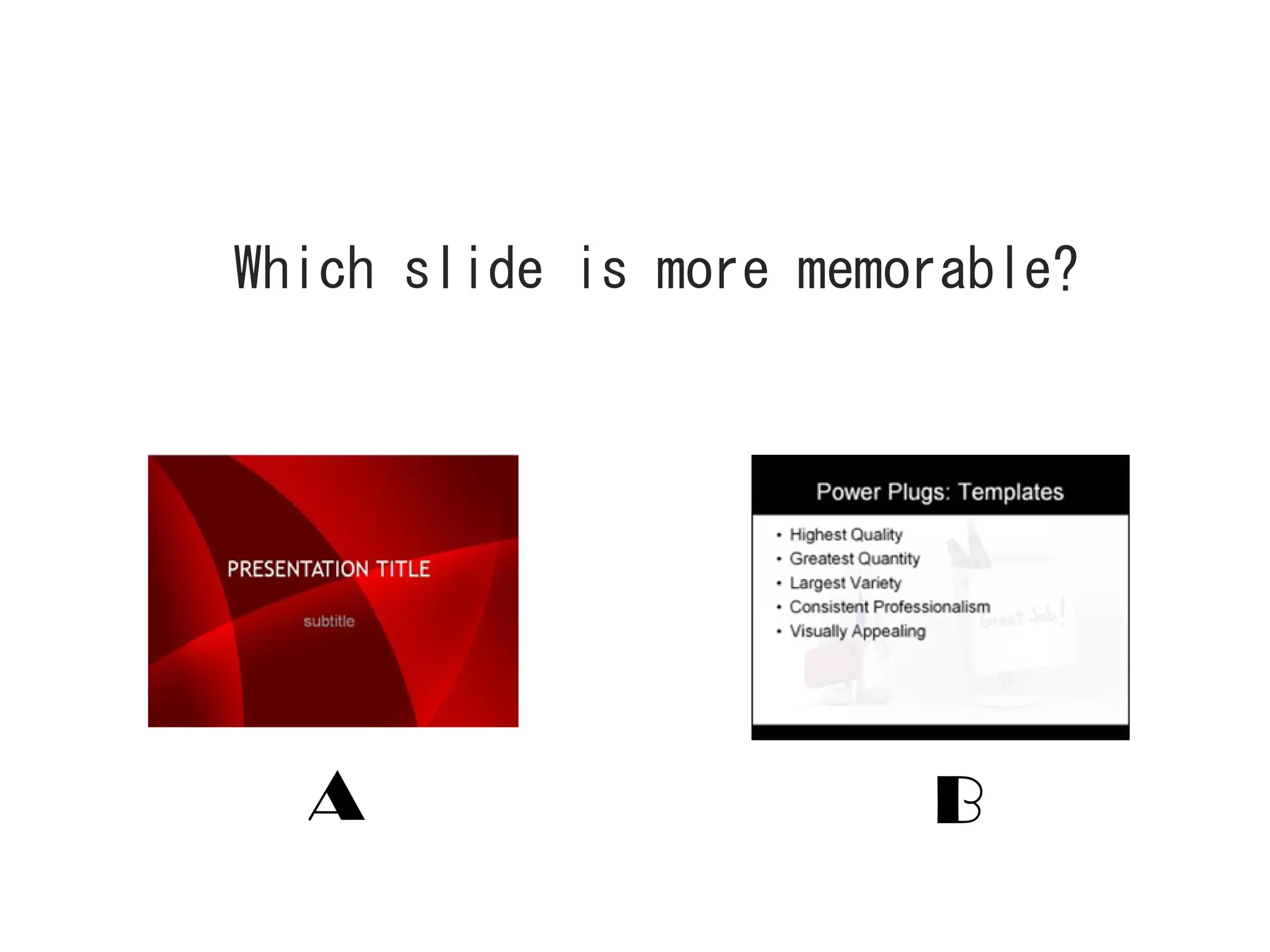
A B
Which slide is more memorable?
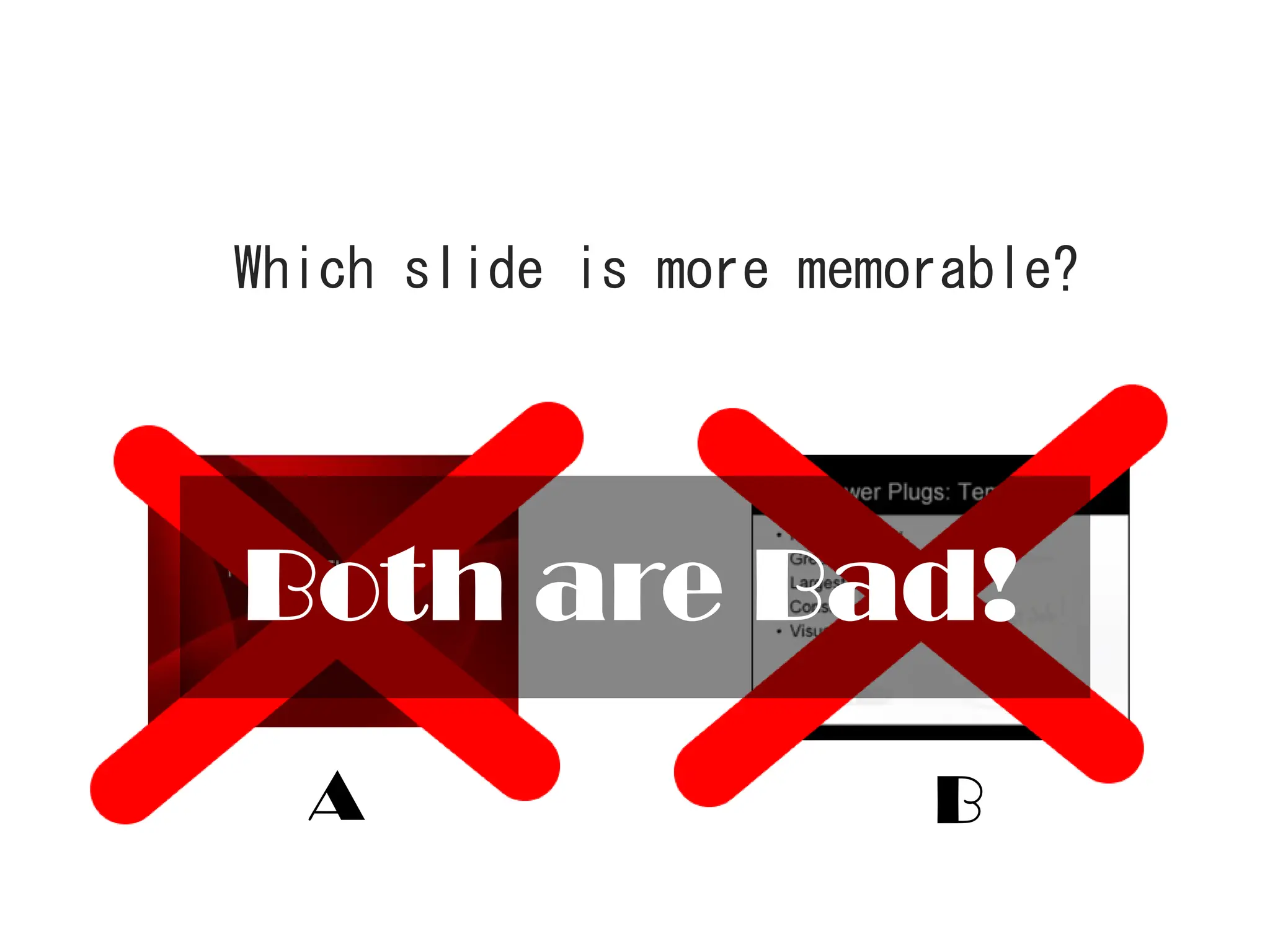
A B
Both are Bad!
Which slide is more memorable?
Why?
1.It leads to infinite bullet point syndrome!
2.Every slide looks the same and boring
3.The design are usually hideous
4.The audience will lose interest easily
Build your own
theme instead
Choose 5 colors that looks good together and match
the tone of your presentation
Choose a
color scheme
Tip #4
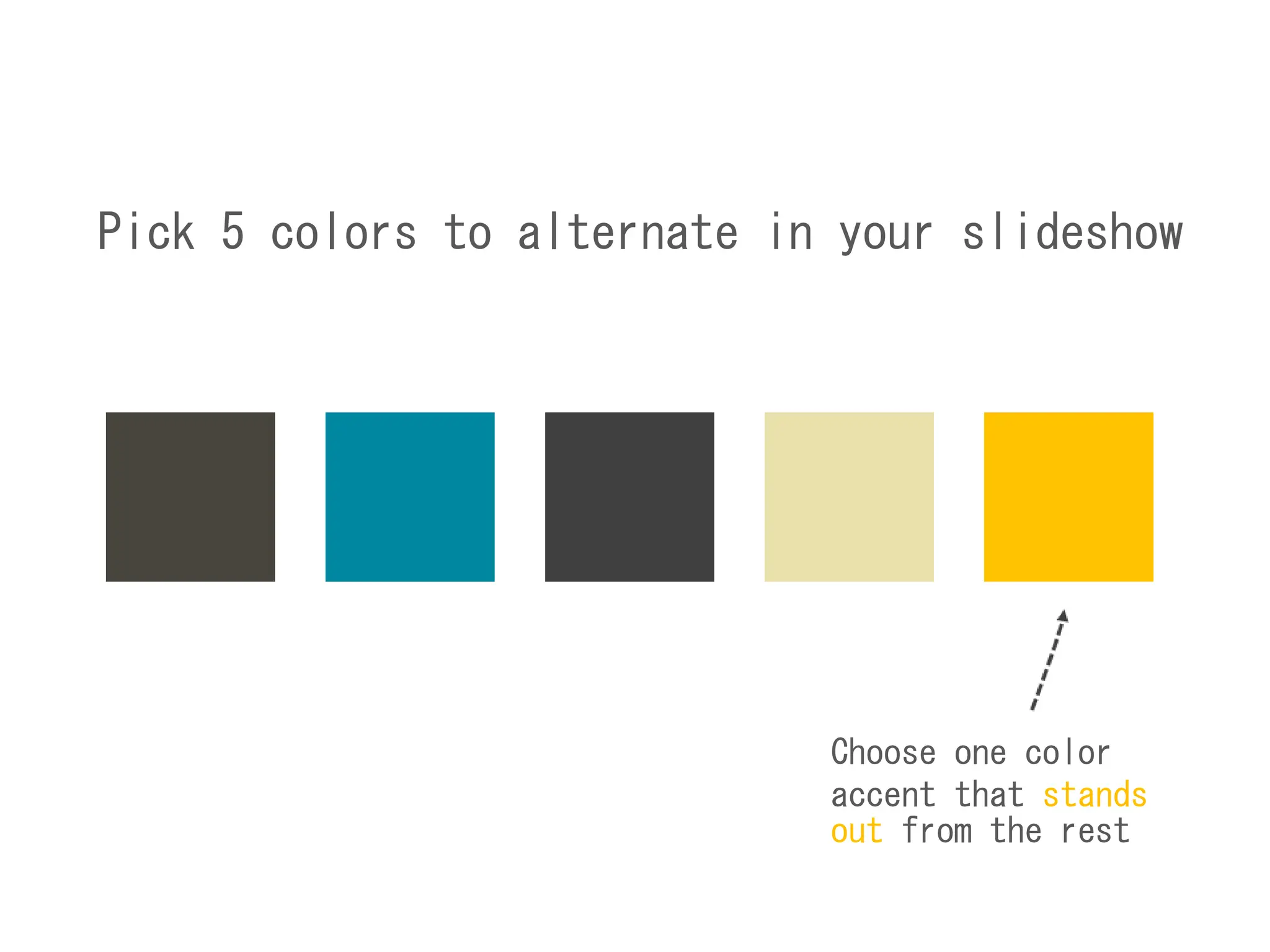
Pick 5 colors to alternate in your slideshow
Choose one color
accent that stands
out from the rest
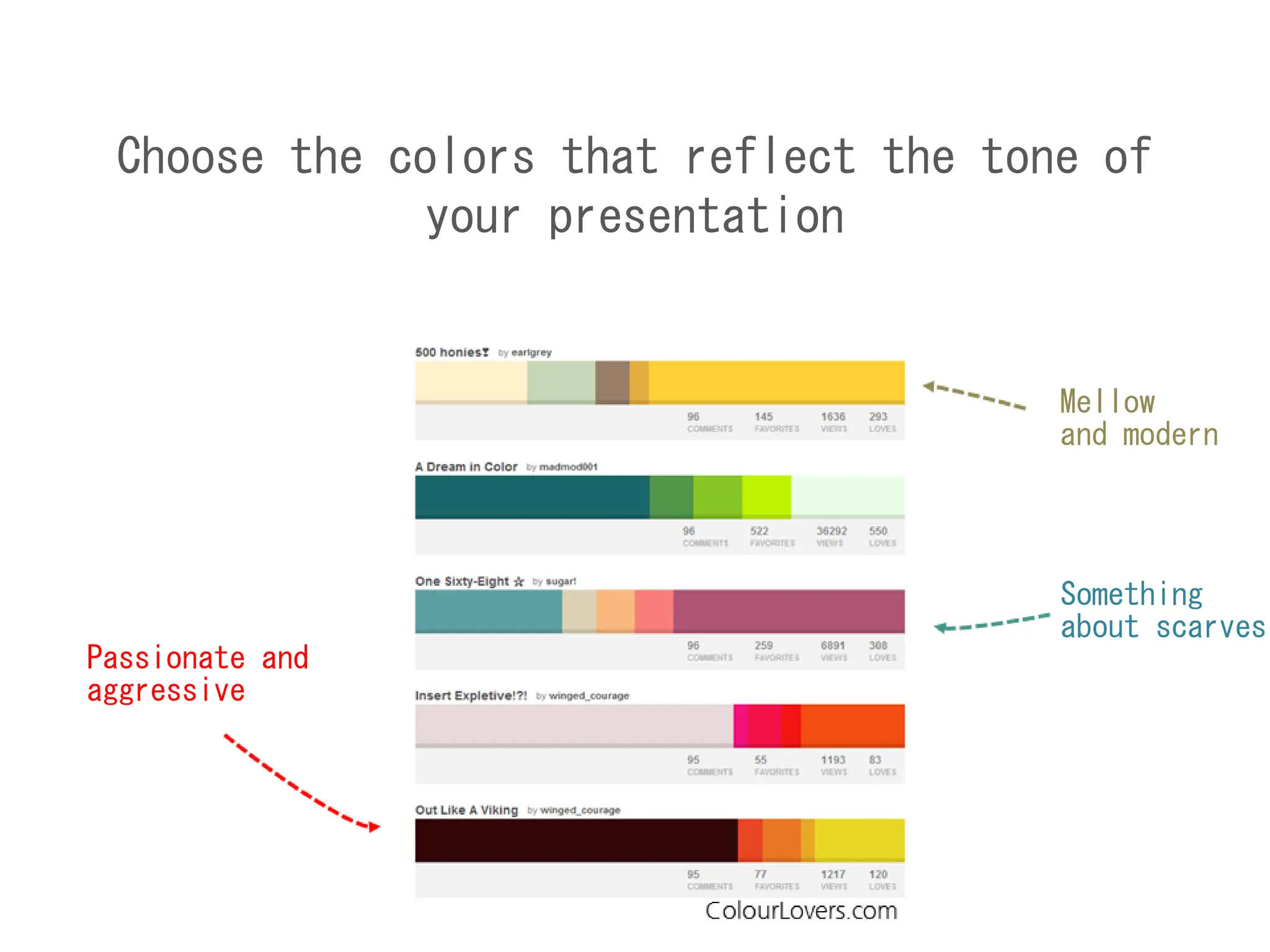
Choose the colors that reflect the tone of
your presentation
Mellow
and modern
Something
about scarves
Passionate and
aggressive
Pick only 3 fonts and stick with them!
Choose a
font scheme
Tip #5
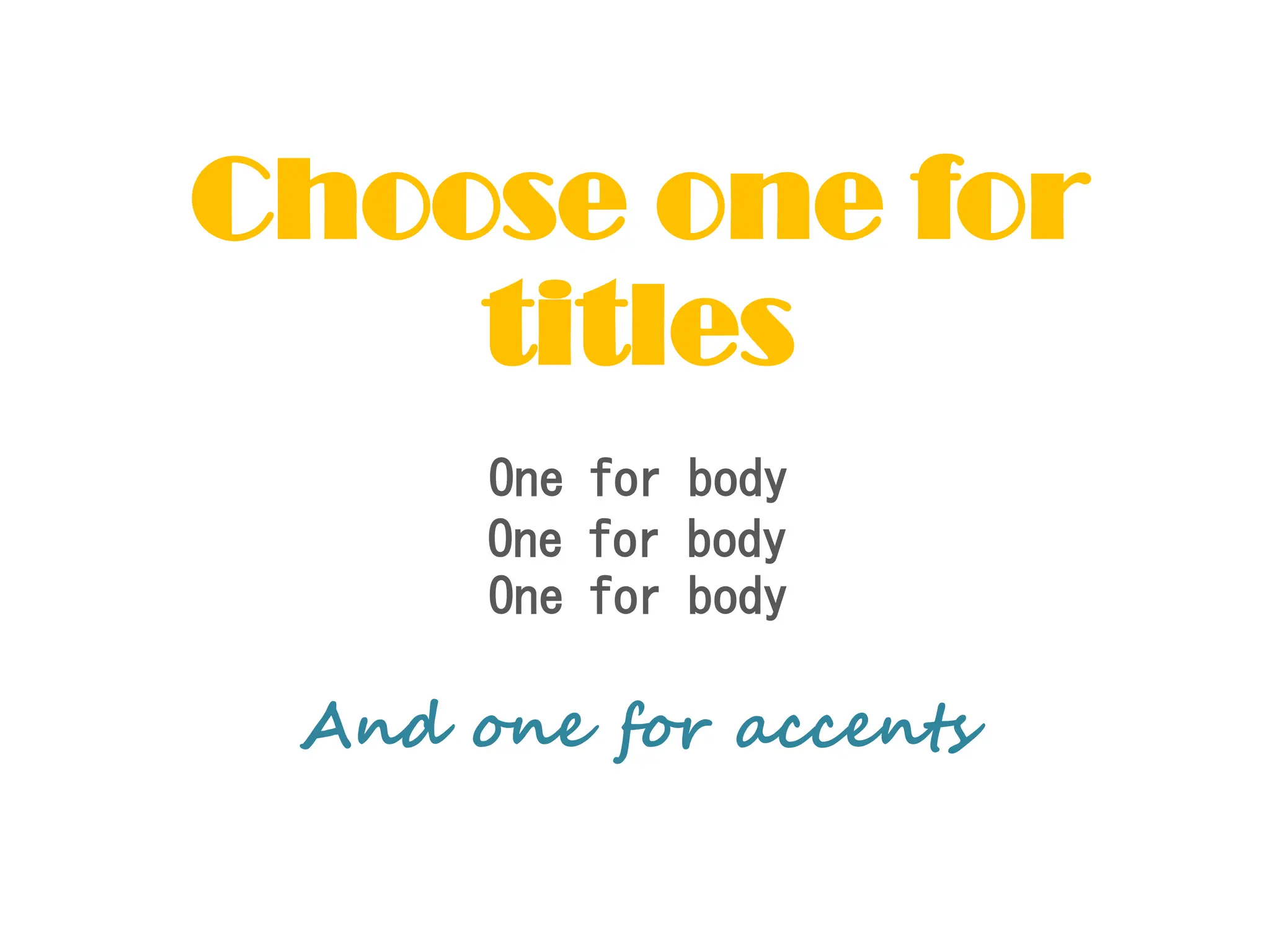
One for body
One for body
One for body
Choose one for
titles
And one for accents
Your font should also match the tone of your
presentation
Develop a few layouts and repeat them thorough the
presentation for clarity
Choose a
layout scheme
Tip #6
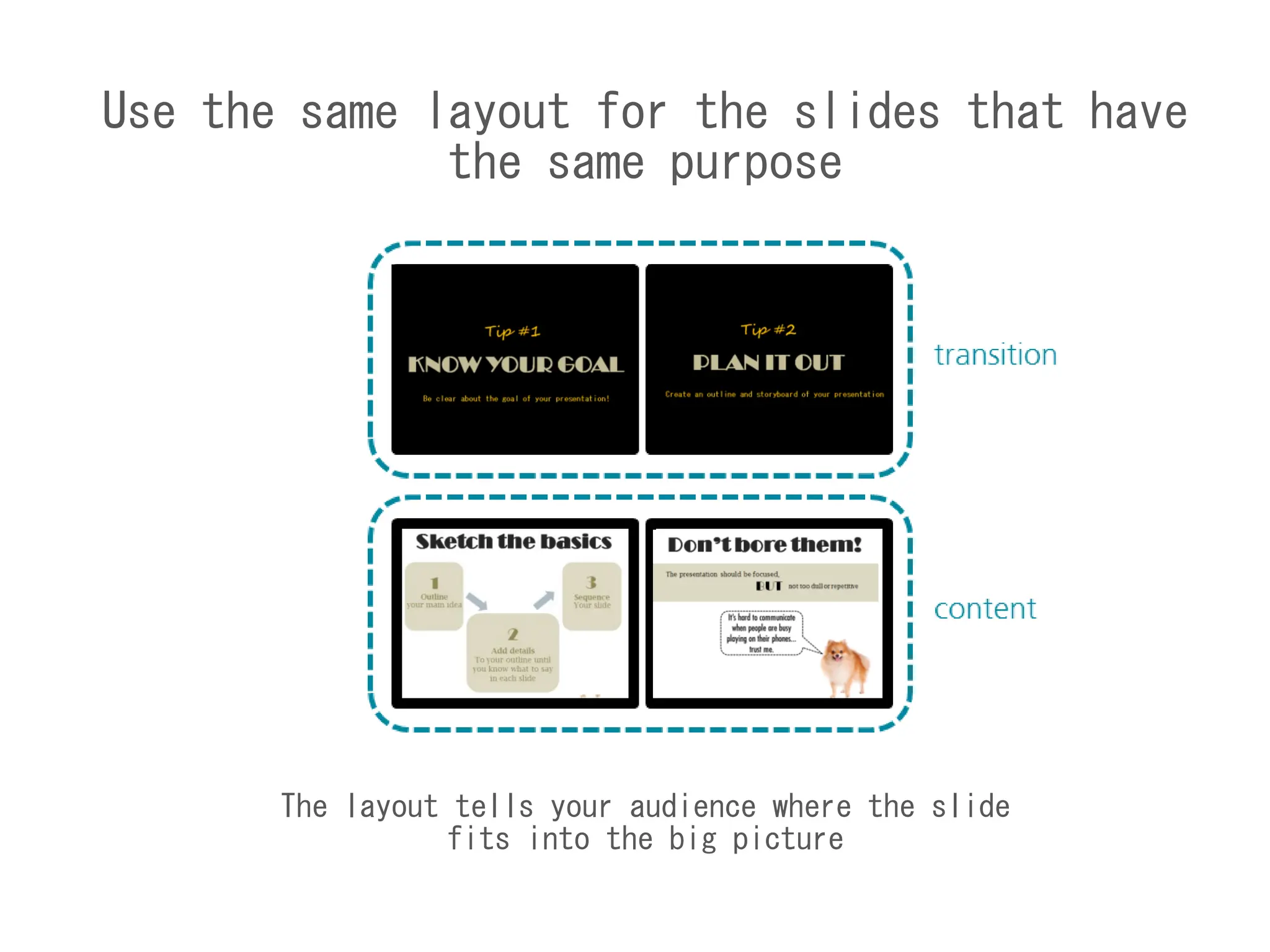
Use the same layout for the slides that have
the same purpose
The layout tells your audience where the slide
fits into the big picture
After 30-60 minutes of the presentation, the
audience are going to remember meaningful imagery
and quotes
Use image
(wisely)
Tip #7
Let the images
tell the story
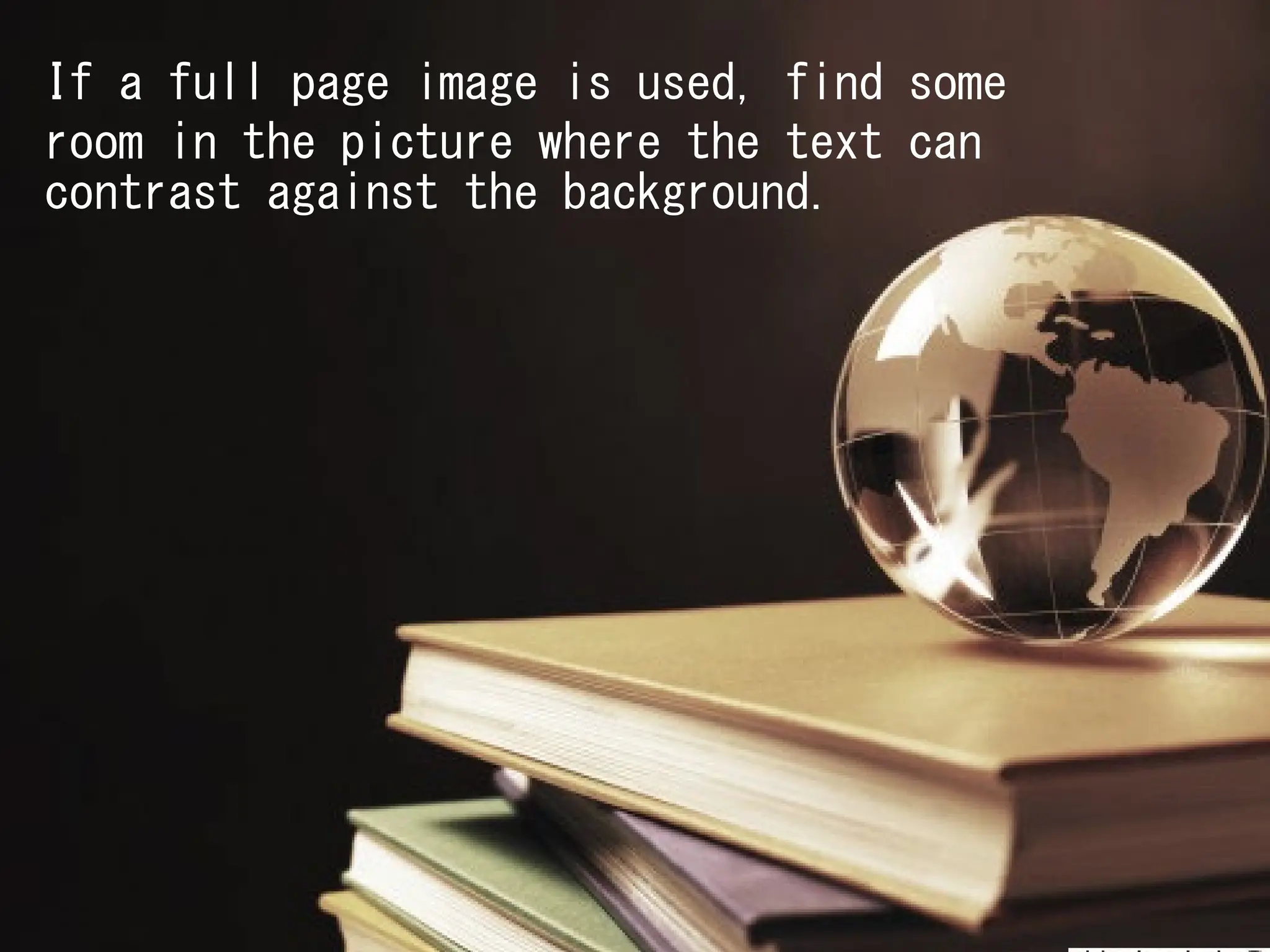
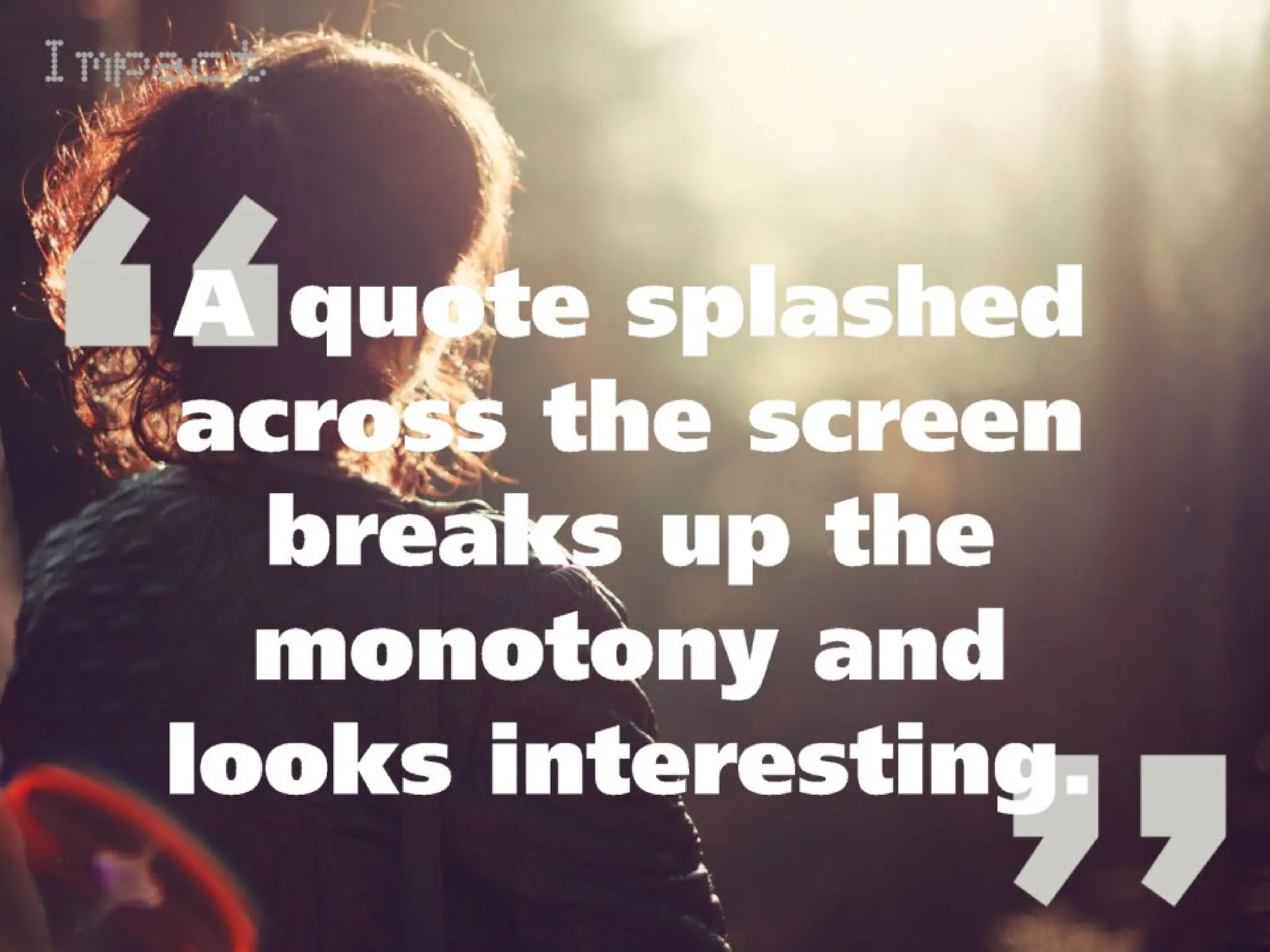
If a full page image is used, find some
room in the picture where the text can
contrast against the background.
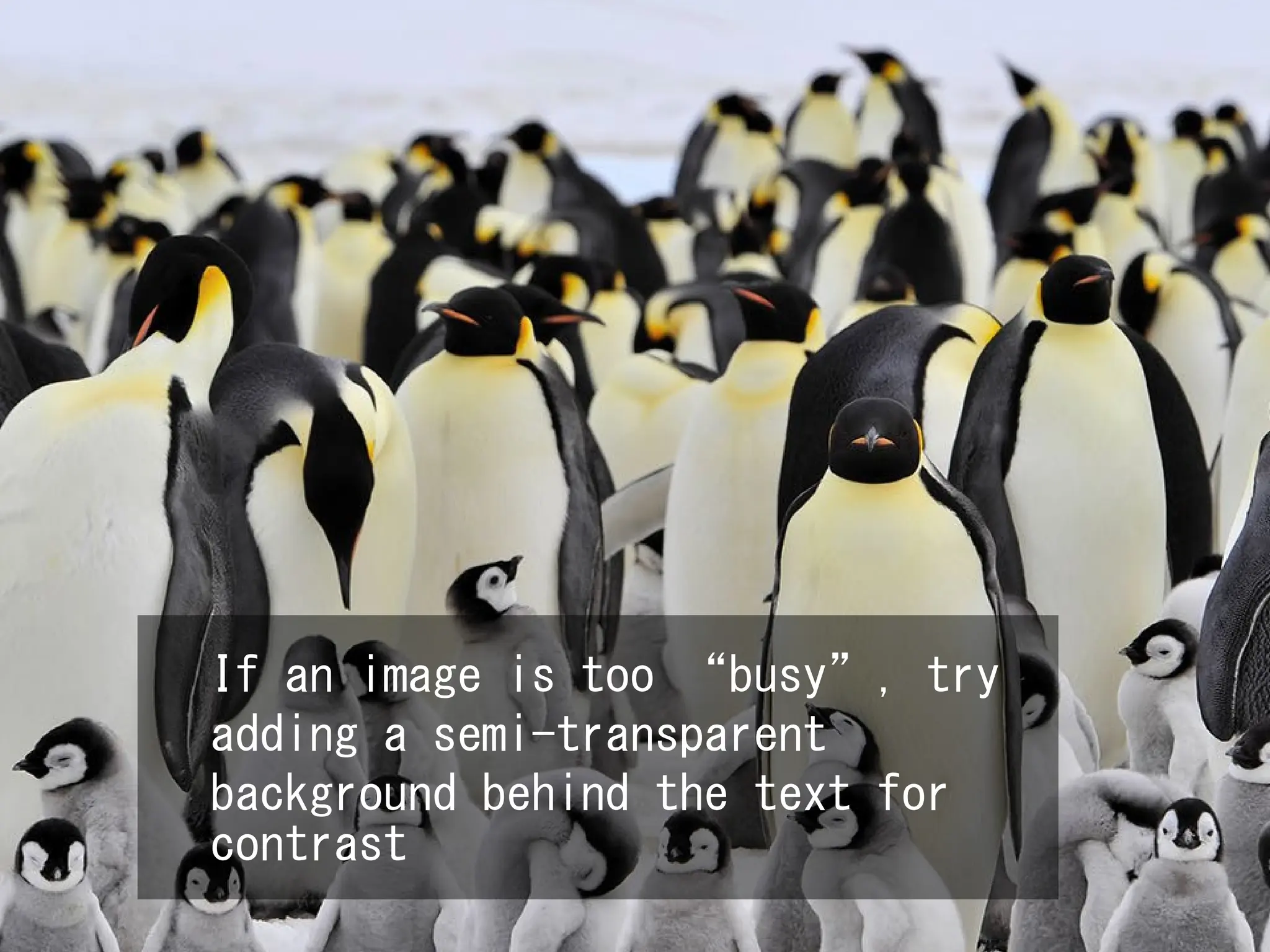
If an image is too “busy”, try
adding a semi-transparent
background behind the text for
contrast
If an image is too “busy”, try
adding a semi-transparent
background behind the text for
contrast
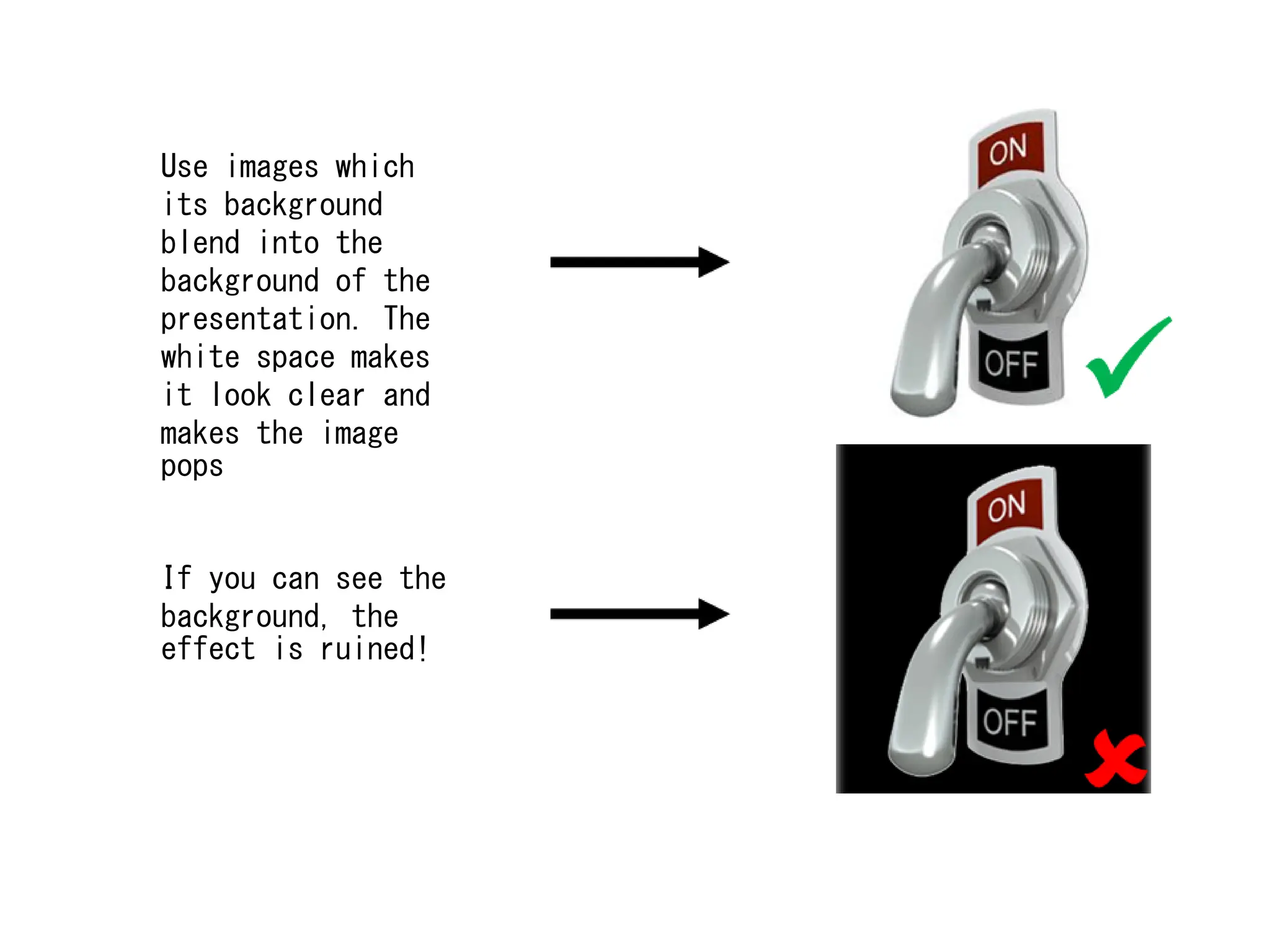
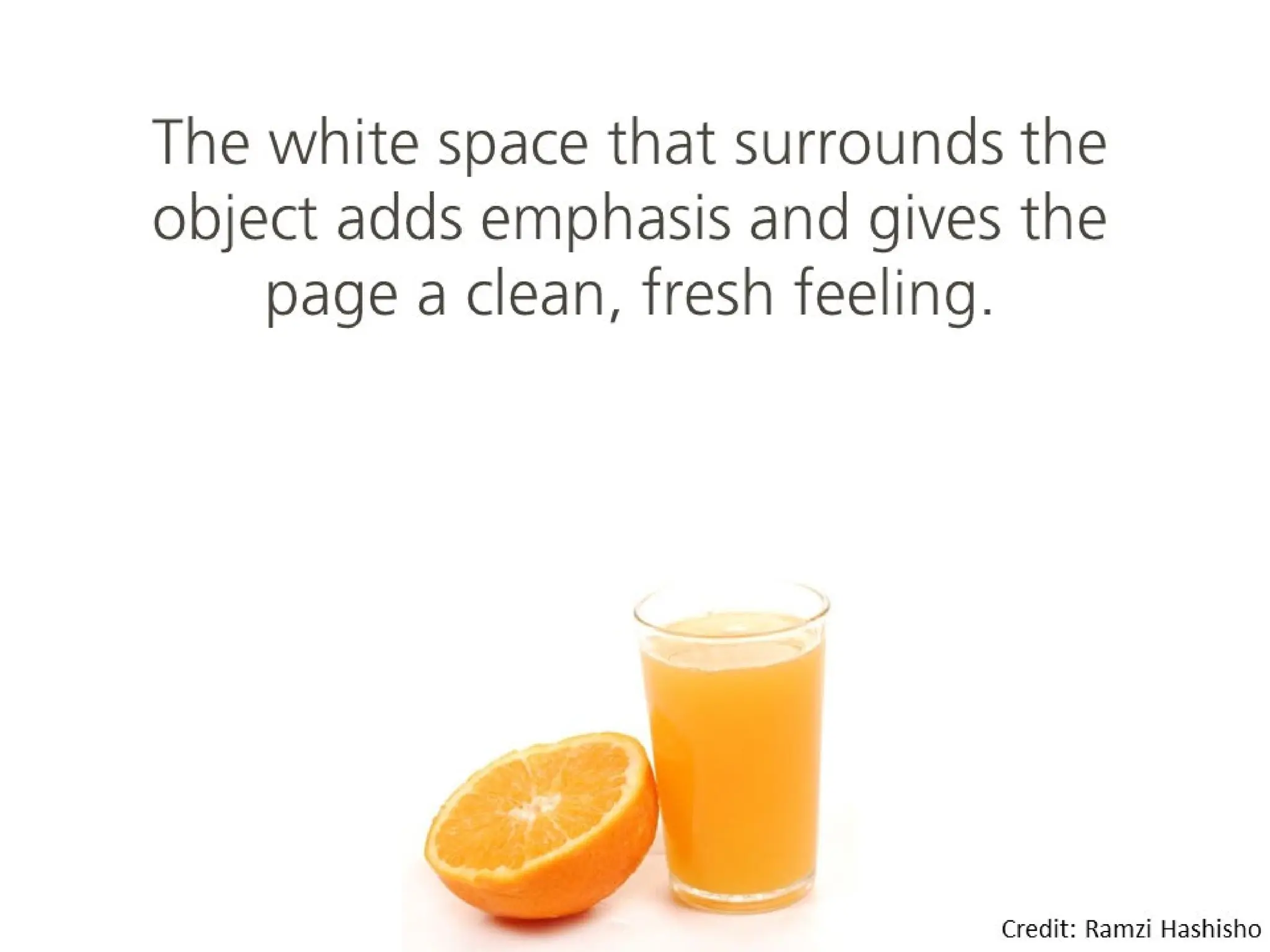
Use images which
its background
blend into the
background of the
presentation. The
white space makes
it look clear and
makes the image
pops
If you can see the
background, the
effect is ruined!
For live presentations
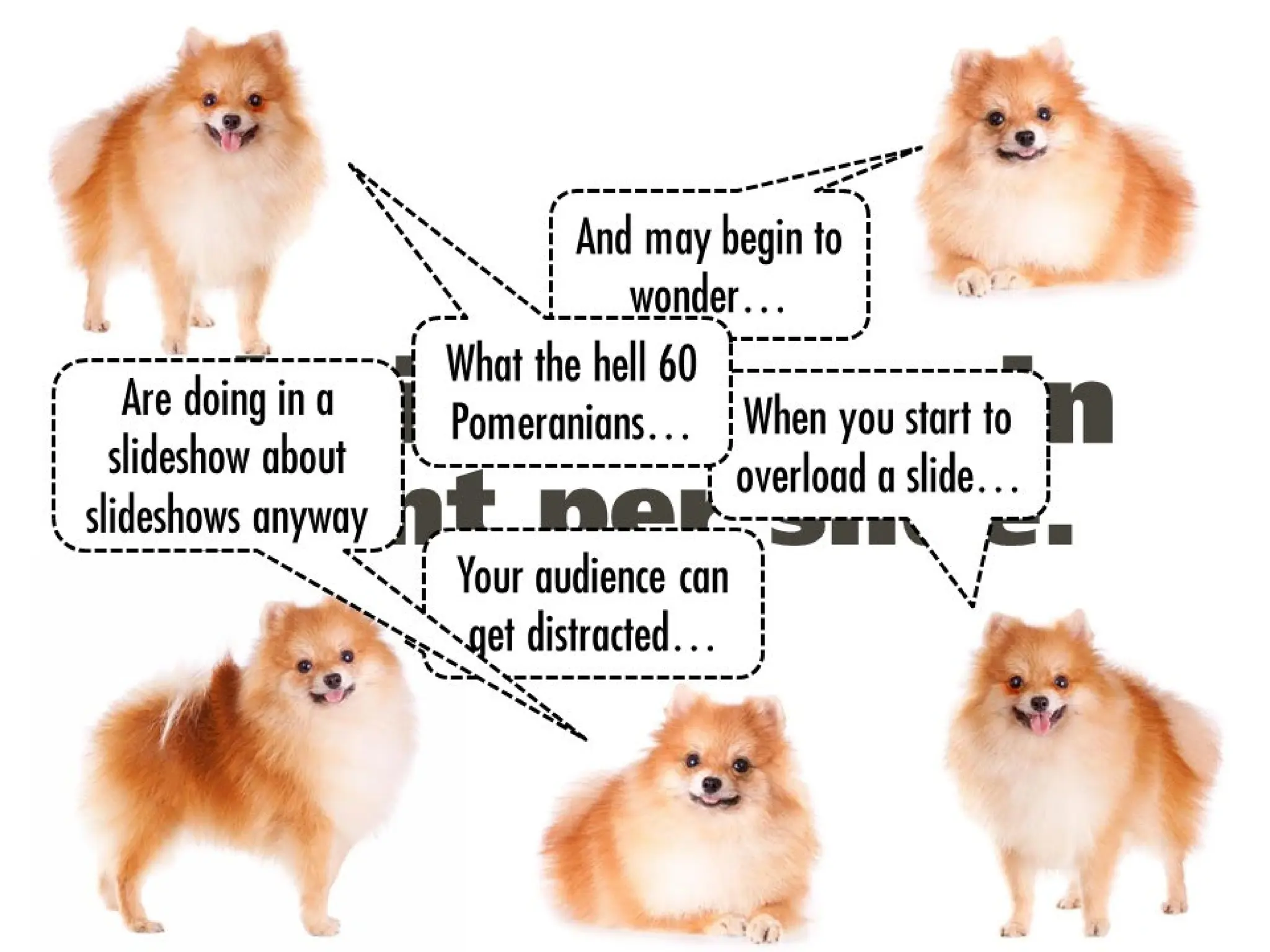
15 words or less
Tip #8
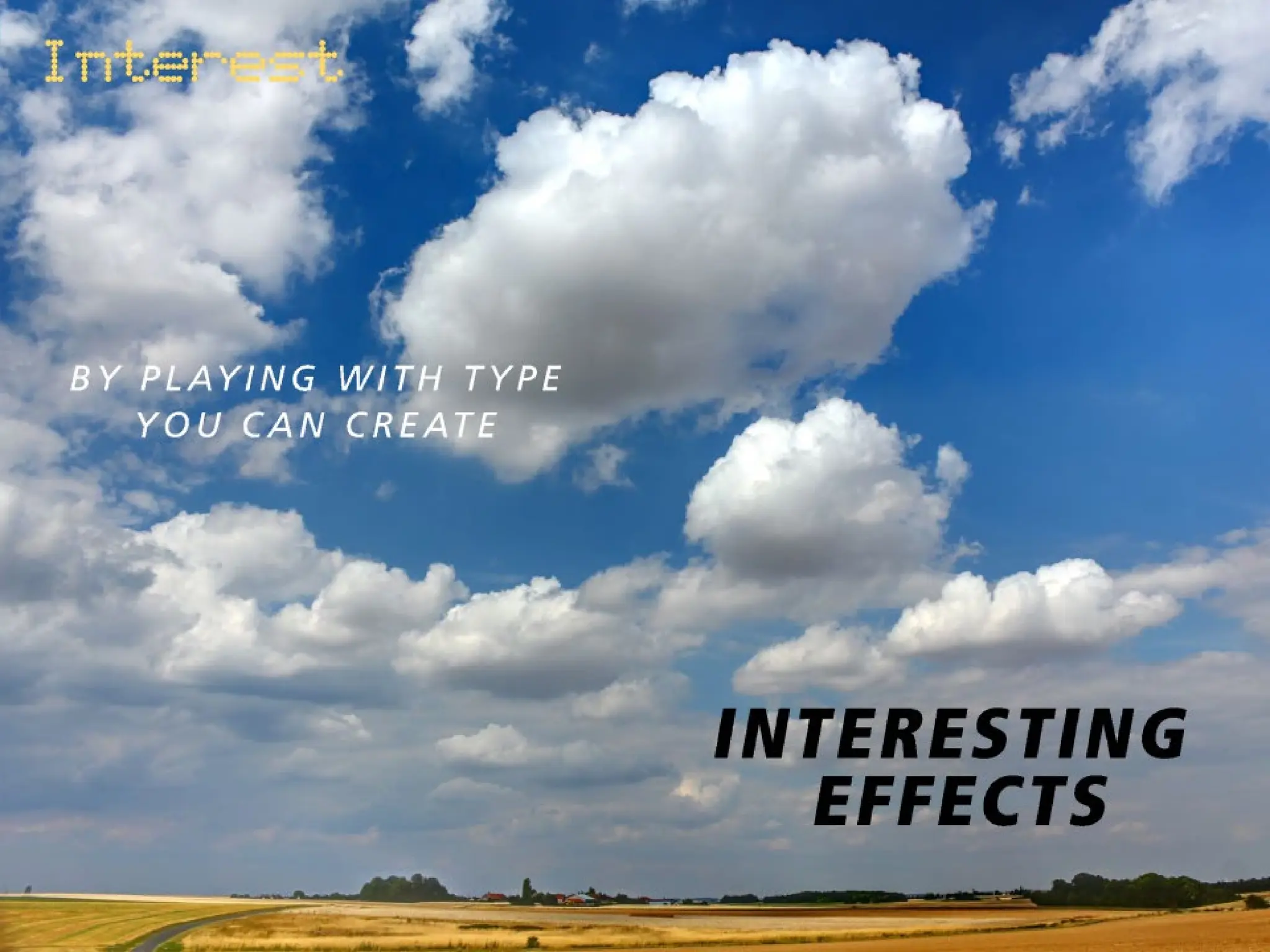
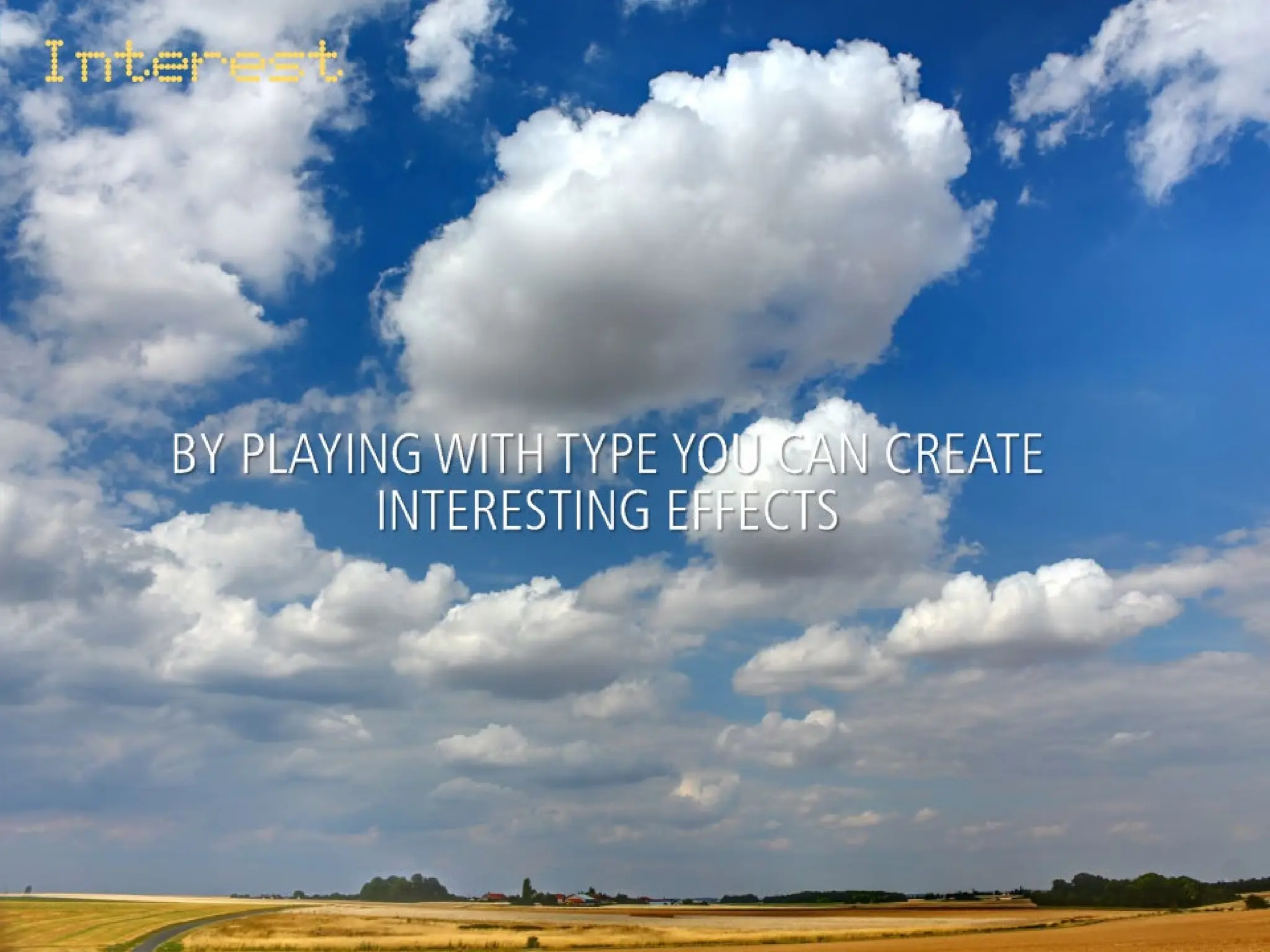
It’s an easy way to spice up slides with text
Play with
Typography
Tip #9
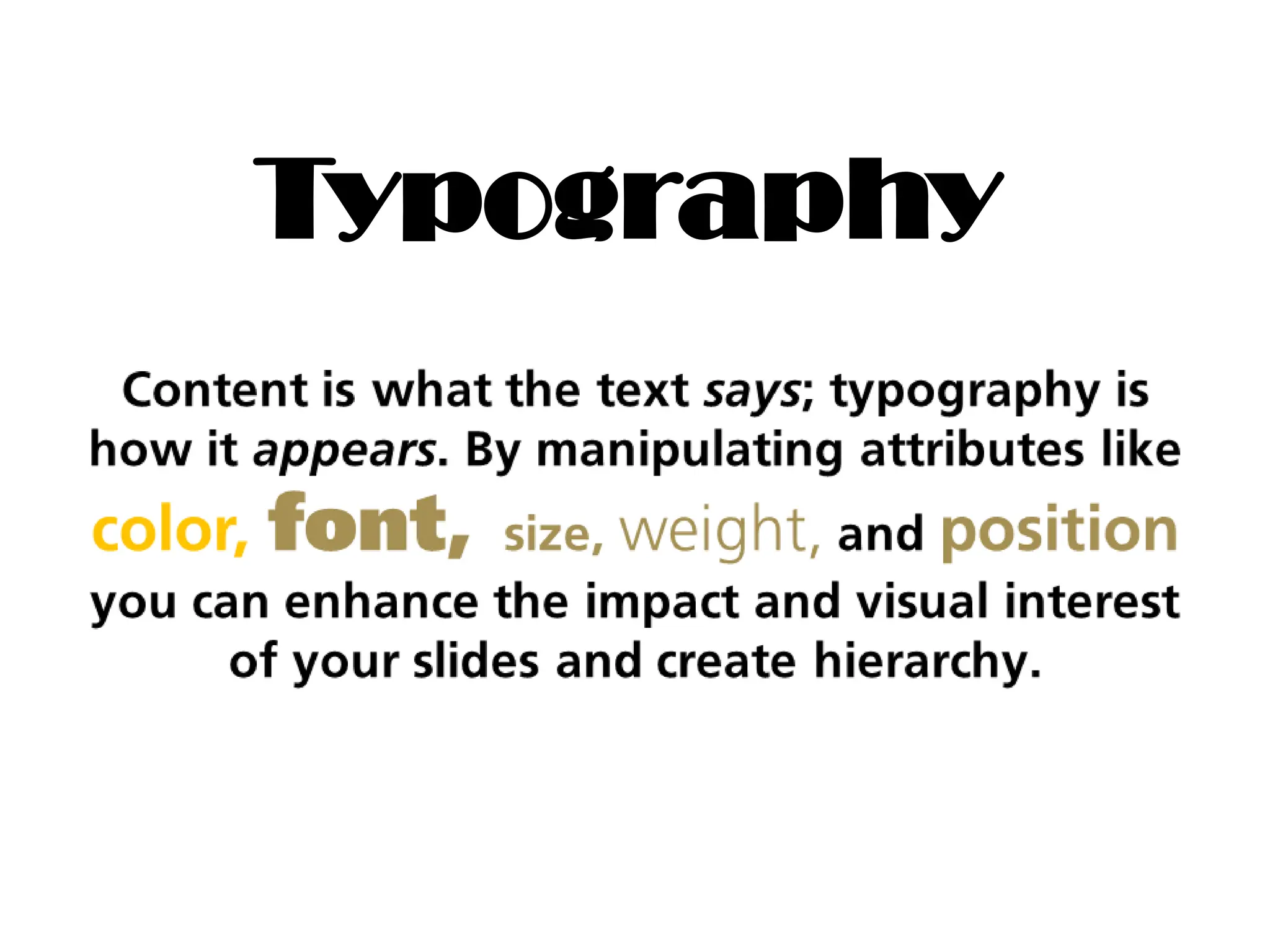
Typography
Don’t overdo it
Remember white Space
Tip #10
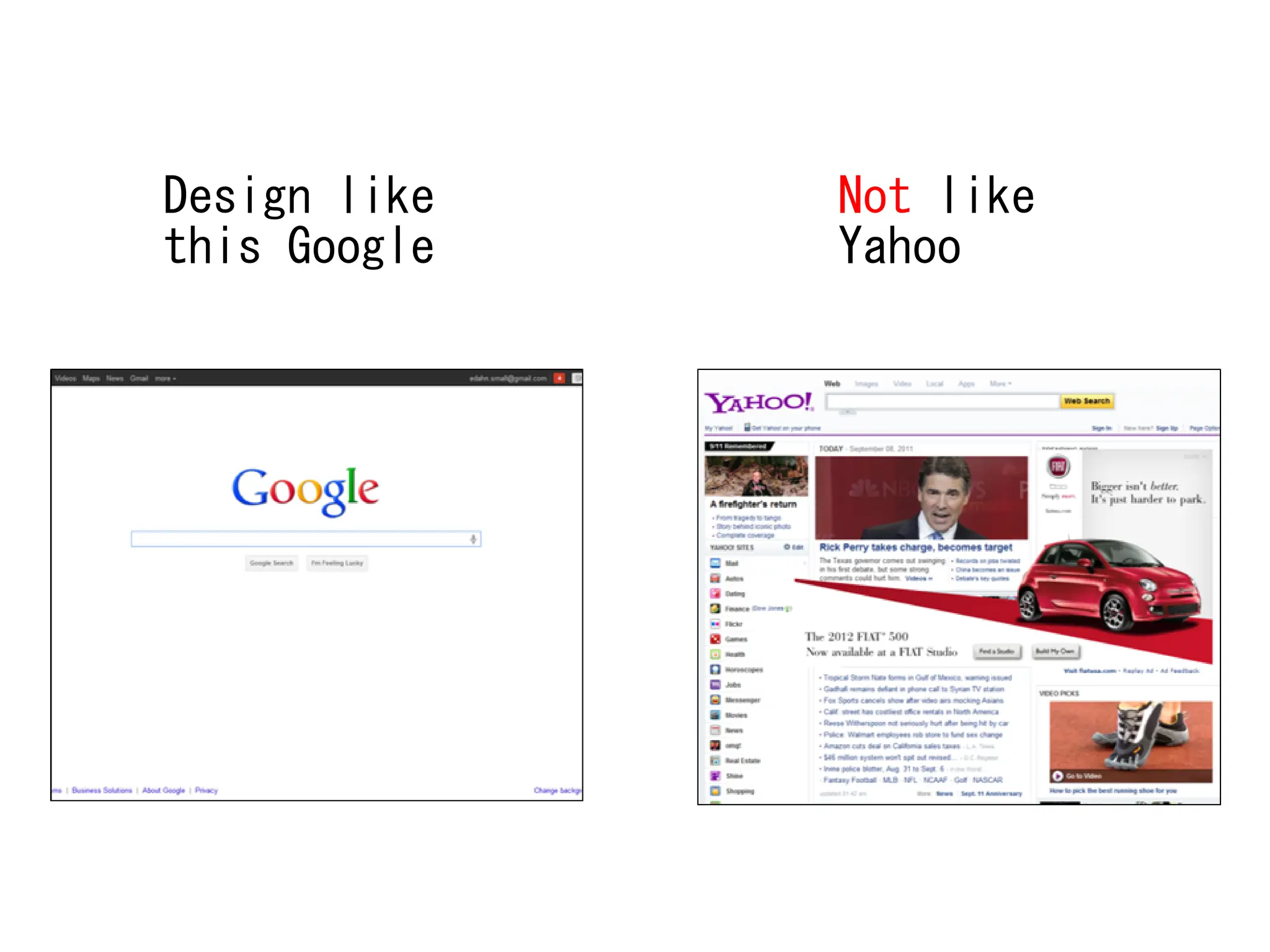
Design like
this Google
Not like
Yahoo
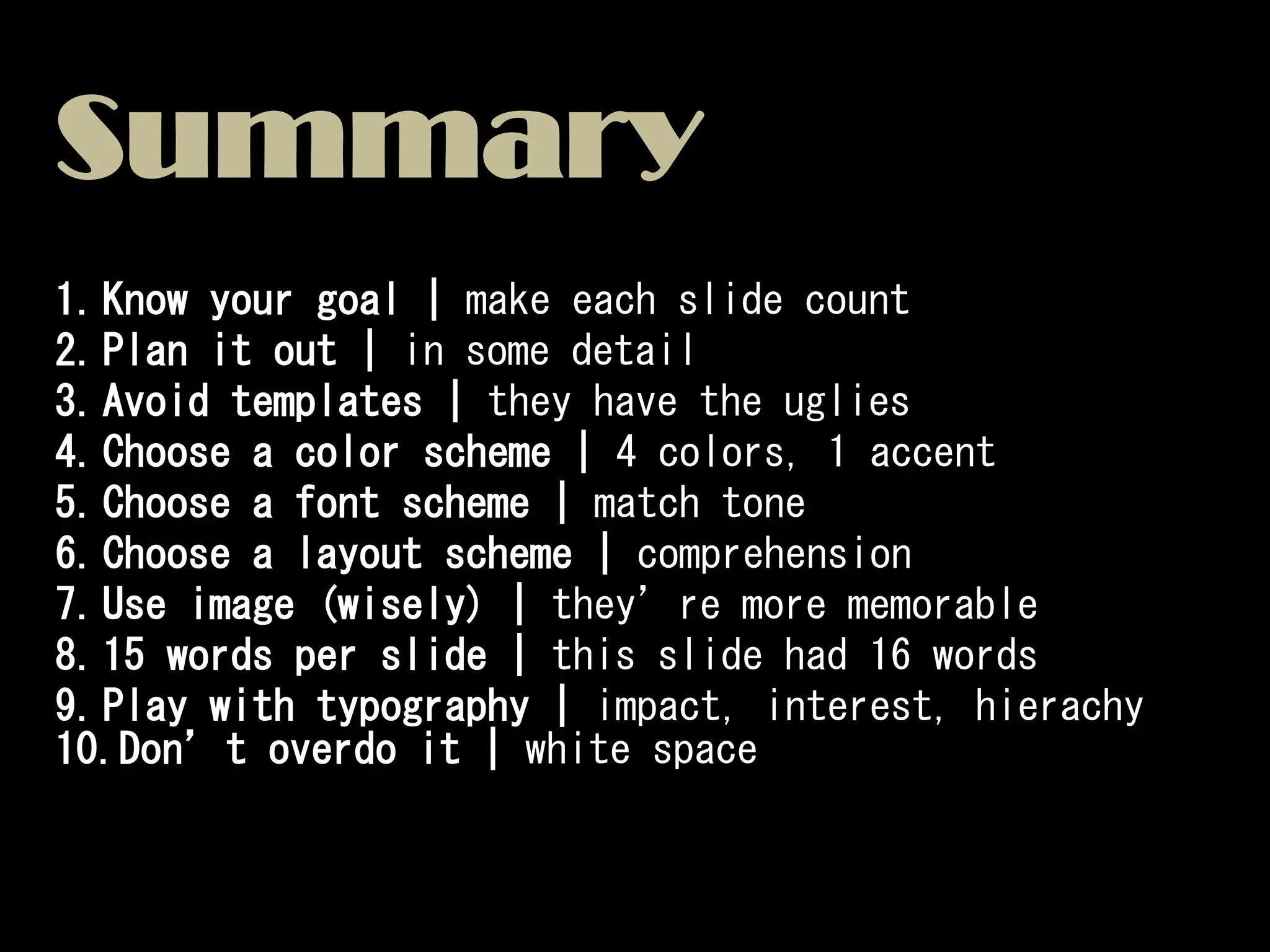
Summary
1.Know your goal | make each slide count
2.Plan it out | in some detail
3.Avoid templates | they have the uglies
4.Choose a color scheme | 4 colors, 1 accent
5.Choose a font scheme | match tone
6.Choose a layout scheme | comprehension
7.Use image (wisely) | they’re more memorable
8.15 words per slide | this slide had 16 words
9.Play with typography | impact, interest, hierachy
10.Don’t overdo it | white space
And remember…
The tips of imeididdidiididididididididd

The tips of imeididdidiididididididididd

  • 1.
  • 2.
    Be clear aboutthe goal of your presentation! KNOW YOUR GOAL Tip #1
  • 3.
    There are 2main categories of presentation Most presentation combine elements of both
  • 4.
    The presentation shouldbe focused, BUT not too dull or repetitive Don’t bore them!
  • 5.
    Create an outlineand storyboard of your presentation PLAN IT OUT Tip #2
  • 6.
    1 Outline your main idea 2 Adddetails To your outline until you know what to say in each slide 3 Sequence Your slide Sketch the basics
  • 7.
    The picture can'tbe displayed. *IMPORTANT* Resist the urge to cram everything you know about your topic into a slide
  • 9.
  • 10.
    A B Which slideis more memorable?
  • 11.
    A B Both areBad! Which slide is more memorable?
  • 12.
    Why? 1.It leads toinfinite bullet point syndrome! 2.Every slide looks the same and boring 3.The design are usually hideous 4.The audience will lose interest easily
  • 13.
  • 14.
    Choose 5 colorsthat looks good together and match the tone of your presentation Choose a color scheme Tip #4
  • 15.
    Pick 5 colorsto alternate in your slideshow Choose one color accent that stands out from the rest
  • 16.
    Choose the colorsthat reflect the tone of your presentation Mellow and modern Something about scarves Passionate and aggressive
  • 17.
    Pick only 3fonts and stick with them! Choose a font scheme Tip #5
  • 18.
    One for body Onefor body One for body Choose one for titles And one for accents
  • 19.
    Your font shouldalso match the tone of your presentation
  • 20.
    Develop a fewlayouts and repeat them thorough the presentation for clarity Choose a layout scheme Tip #6
  • 21.
    Use the samelayout for the slides that have the same purpose The layout tells your audience where the slide fits into the big picture
  • 22.
    After 30-60 minutesof the presentation, the audience are going to remember meaningful imagery and quotes Use image (wisely) Tip #7
  • 23.
  • 24.
    If a fullpage image is used, find some room in the picture where the text can contrast against the background.
  • 25.
    If an imageis too “busy”, try adding a semi-transparent background behind the text for contrast
  • 26.
    If an imageis too “busy”, try adding a semi-transparent background behind the text for contrast
  • 27.
    Use images which itsbackground blend into the background of the presentation. The white space makes it look clear and makes the image pops If you can see the background, the effect is ruined!
  • 28.
    For live presentations 15words or less Tip #8
  • 36.
    It’s an easyway to spice up slides with text Play with Typography Tip #9
  • 37.
  • 42.
    Don’t overdo it Rememberwhite Space Tip #10
  • 43.
  • 46.
    Summary 1.Know your goal| make each slide count 2.Plan it out | in some detail 3.Avoid templates | they have the uglies 4.Choose a color scheme | 4 colors, 1 accent 5.Choose a font scheme | match tone 6.Choose a layout scheme | comprehension 7.Use image (wisely) | they’re more memorable 8.15 words per slide | this slide had 16 words 9.Play with typography | impact, interest, hierachy 10.Don’t overdo it | white space
  • 47.