A Few Secrets for Making a
Presentation That Doesn’t
Suck!
A Few Secrets To Making A
Presentation That Doesn’t Suck...
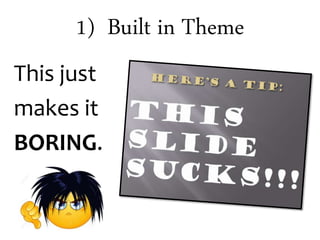
1) Built in Theme
This just
makes it
BORING.
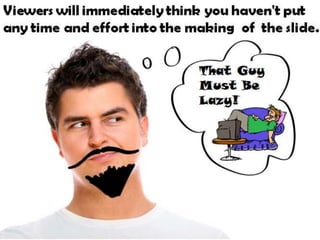
Viewers will immediately think you haven't put any
time and effort into the making of the slide.
That Guy Must Be Lazy!
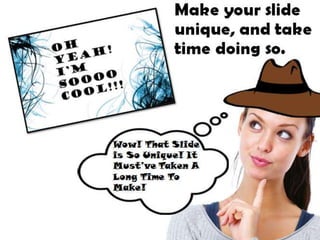
Make your slide
unique, and take
time doing so.
Wow! That Slide is So Unique! It
Must’ve Taken A Long Time To
Make!
Unless you
want to
make a
presentation
faster than
The Flash.
Choosing one of the default themes should be
used ONLY as a last resort if all else fails.
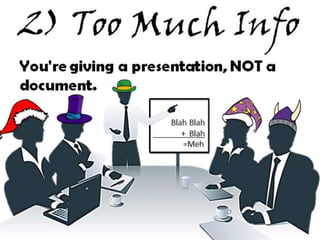
2) Too Much Info
You're giving a presentation, NOT a
document.
Blah Blah
+ Blah
=Meh
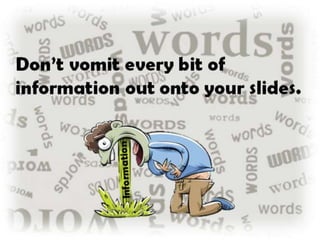
Don’t vomit every bit of
information out onto your slides.
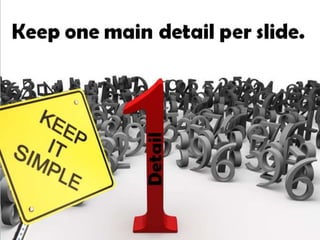
Keep one main detail per slide.
Detail
Keep the data short, and relevant. This helps
your audience from skipping ahead of any
important facts buried in the flood of
insignificant words.
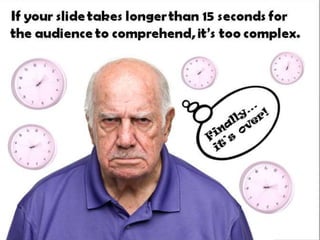
If your slide takes longer than 15 seconds for the
audience to comprehend, it’s too complex.
3) Readability
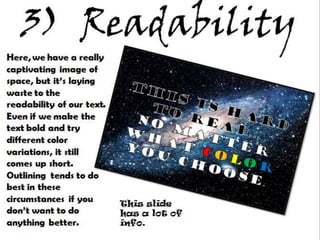
Here, we have a really
captivating image of
space, but it’s laying
waste to the readability
of our text. Even if we
make the text bold and
try different color
variations, it still comes
up short. Outlining
tends to do best in
these circumstances if
you don’t want to do
anything better. This slide
has a lot of
info.
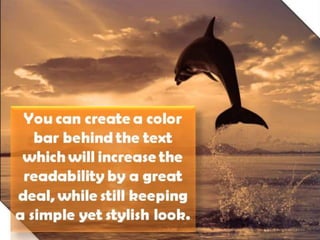
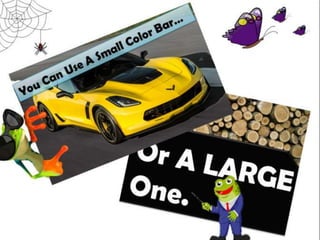
You can create a color bar
behind the text which will
increase the readability by
a great deal, while still
keeping a simple yet
stylish look.
4) Text
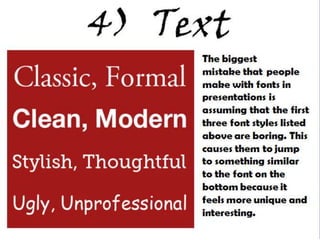
The biggest
mistake that people
make with fonts in
presentations is
assuming that the first
three font styles listed
above are boring. This
causes them to jump to
something similar to
the font on the bottom
because it feels more
unique and interesting.
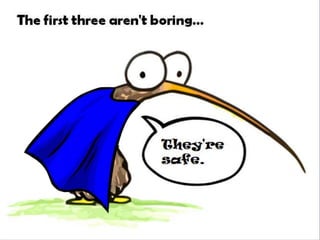
The first three aren't boring…
They're safe.
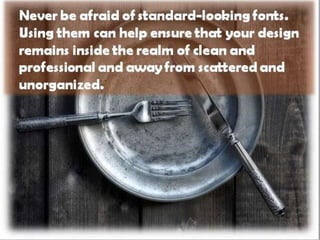
Never be afraid of standard-looking fonts.
Using them can help ensure that your design
remains inside the realm of clean and
professional and away from scattered and
unorganized.
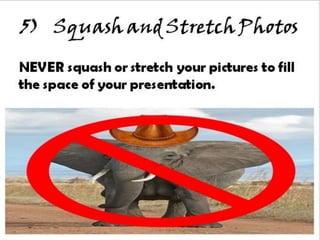
5) Squash and Stretch Photos
NEVER squash or stretch your pictures to fill
the space of your presentation.
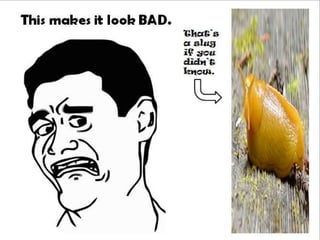
This makes it look BAD.
That’s a
slug if
you
didn’t
know.
You don’t always need to fill in every blank
space on your slide.
Just don’t
leave it this
blank.
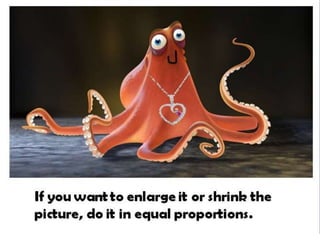
If you want to enlarge it or shrink the
picture, do it in equal proportions.
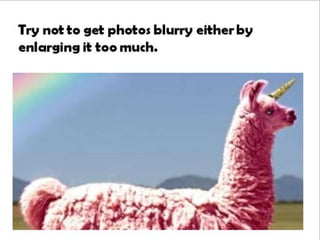
Try not to get photos blurry either by
enlarging it too much.

A Few Secrets to Making a Presentation That Doesn't Suck

  • 1.
    A Few Secretsfor Making a Presentation That Doesn’t Suck! A Few Secrets To Making A Presentation That Doesn’t Suck...
  • 2.
    1) Built inTheme This just makes it BORING.
  • 3.
    Viewers will immediatelythink you haven't put any time and effort into the making of the slide. That Guy Must Be Lazy!
  • 4.
    Make your slide unique,and take time doing so. Wow! That Slide is So Unique! It Must’ve Taken A Long Time To Make!
  • 5.
    Unless you want to makea presentation faster than The Flash.
  • 6.
    Choosing one ofthe default themes should be used ONLY as a last resort if all else fails.
  • 7.
    2) Too MuchInfo You're giving a presentation, NOT a document. Blah Blah + Blah =Meh
  • 8.
    Don’t vomit everybit of information out onto your slides.
  • 9.
    Keep one maindetail per slide. Detail
  • 10.
    Keep the datashort, and relevant. This helps your audience from skipping ahead of any important facts buried in the flood of insignificant words.
  • 11.
    If your slidetakes longer than 15 seconds for the audience to comprehend, it’s too complex.
  • 12.
    3) Readability Here, wehave a really captivating image of space, but it’s laying waste to the readability of our text. Even if we make the text bold and try different color variations, it still comes up short. Outlining tends to do best in these circumstances if you don’t want to do anything better. This slide has a lot of info.
  • 13.
    You can createa color bar behind the text which will increase the readability by a great deal, while still keeping a simple yet stylish look.
  • 15.
    4) Text The biggest mistakethat people make with fonts in presentations is assuming that the first three font styles listed above are boring. This causes them to jump to something similar to the font on the bottom because it feels more unique and interesting.
  • 16.
    The first threearen't boring… They're safe.
  • 17.
    Never be afraidof standard-looking fonts. Using them can help ensure that your design remains inside the realm of clean and professional and away from scattered and unorganized.
  • 18.
    5) Squash andStretch Photos NEVER squash or stretch your pictures to fill the space of your presentation.
  • 19.
    This makes itlook BAD. That’s a slug if you didn’t know.
  • 20.
    You don’t alwaysneed to fill in every blank space on your slide. Just don’t leave it this blank.
  • 21.
    If you wantto enlarge it or shrink the picture, do it in equal proportions.
  • 22.
    Try not toget photos blurry either by enlarging it too much.