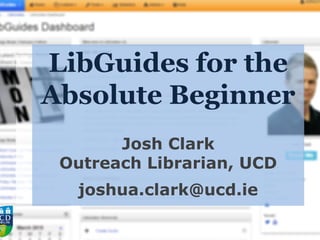
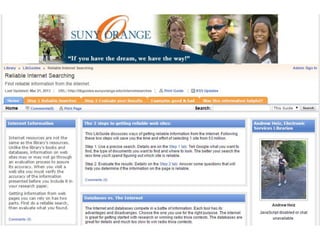
LibGuides for the
Absolute Beginner
Josh Clark
Outreach Librarian, UCD
joshua.clark@ucd.ie
LibGuides - Main Points
• Create, edit & customise guides
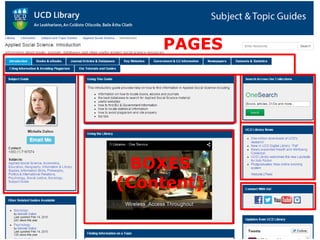
• Guides consist of tabs (pages)
containing boxes of various content
• LibGuides holds assets (documents,
PDFs, PPT, Excel, links, etc.) and
images
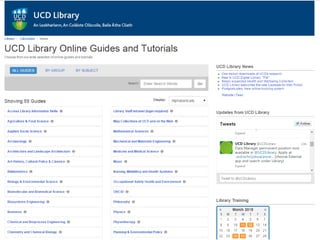
• Guides can be grouped together
• Mobile-friendly
Main Points, cont’d
• Create templates
• Guides & parts of guides can be
duplicated & reused
• Content can be mirrored
• Content can be embedded outside
LibGuides via widgets
• Different permissions for different
users – admin, regular, editor
LibGuides CMS
• Organise guides into groups
• Customise look & feel of individual
guides
• Enhanced statistics package
• Surveys
• 10mb file upload (5 in regular
LibGuides)
• Password protect guides and restrict
access by IP
• Enhanced database management
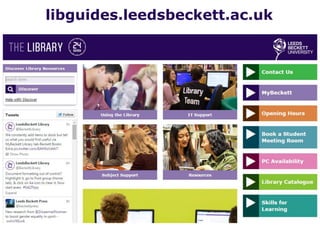
libguides.leedsbeckett.ac.uk
PAGES
BOXES
(Content)
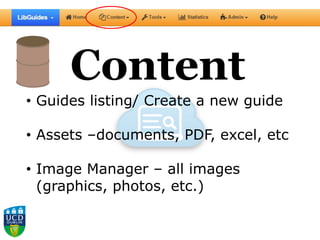
Content
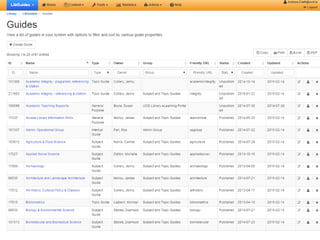
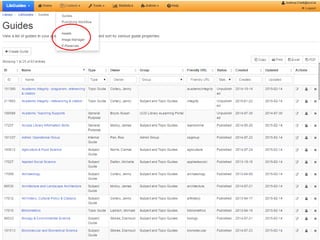
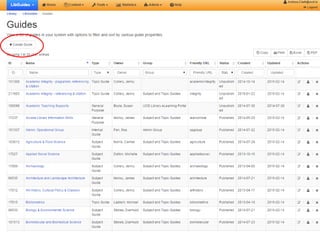
• Guides listing/ Create a new guide
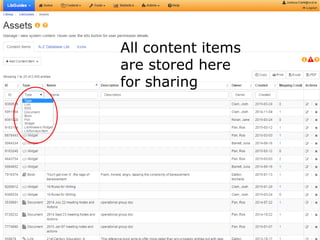
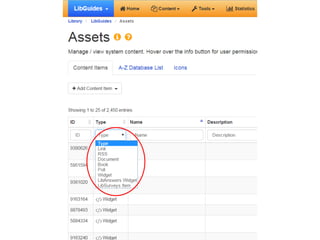
• Assets –documents, PDF, excel, etc
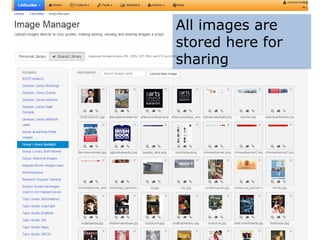
• Image Manager – all images
(graphics, photos, etc.)
All content items
are stored here
for sharing
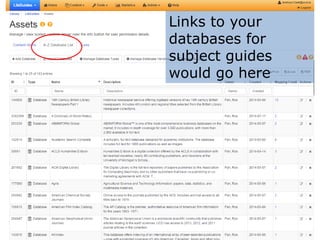
Links to your
databases for
subject guides
would go here
All images are
stored here for
sharing
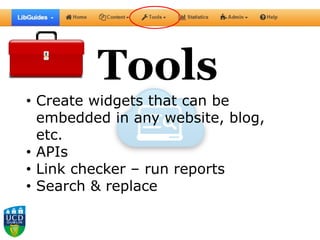
Tools
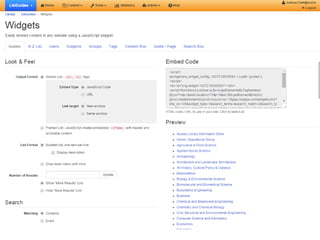
• Create widgets that can be
embedded in any website, blog,
etc.
• APIs
• Link checker – run reports
• Search & replace
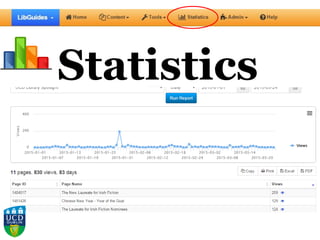
Statistics
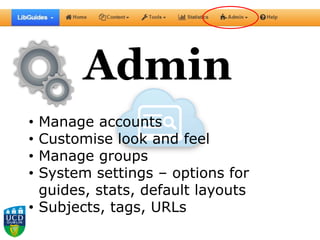
Admin
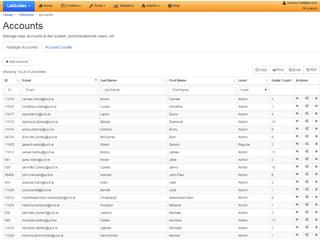
• Manage accounts
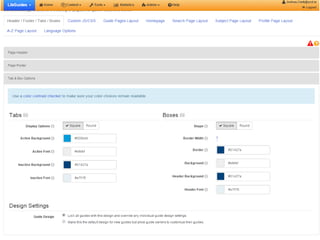
• Customise look and feel
• Manage groups
• System settings – options for
guides, stats, default layouts
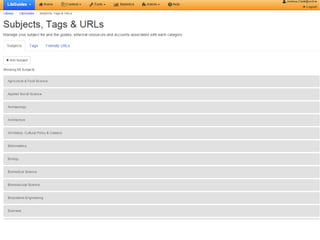
• Subjects, tags, URLs
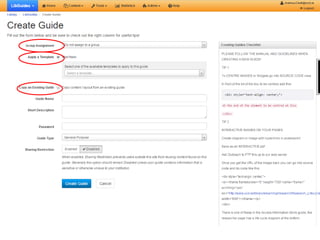
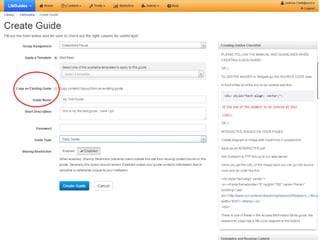
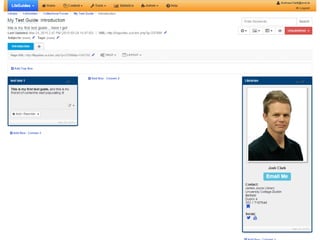
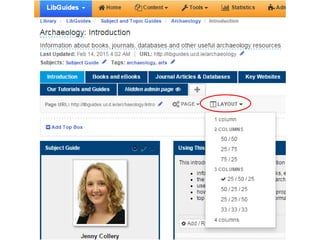
Creating a
guide
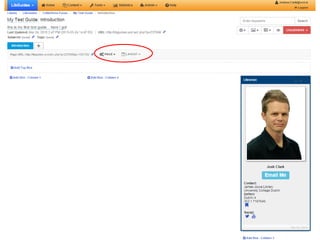
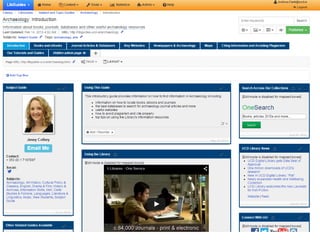
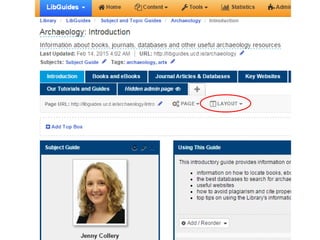
Editing an
existing guide
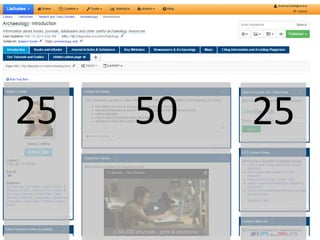
25 50 25
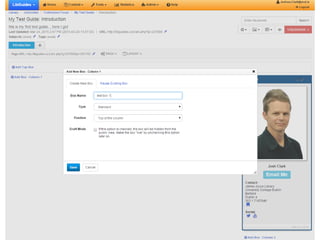
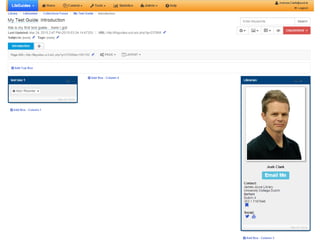
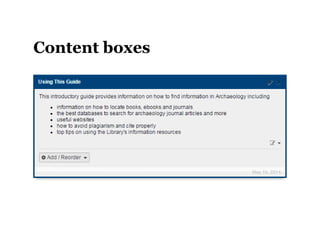
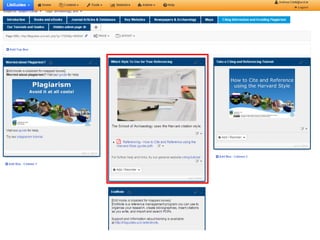
Content boxes
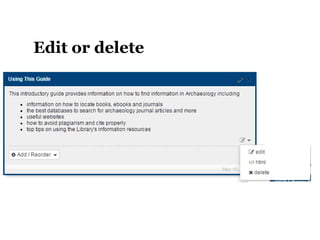
Edit or delete
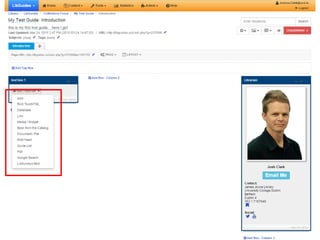
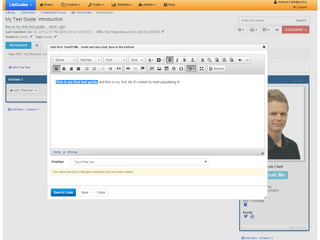
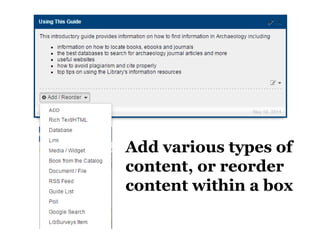
Add various types of
content, or reorder
content within a box
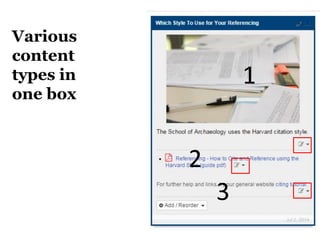
Various
content
types in
one box
1
2
3
Wrapup/ considerations
• LibGuides can be as simple or as
complex as you like
• Relatively easy CMS for creating &
maintaining information
• Choose between regular LibGuides &
CMS version
• Relationship with Library website can
become blurred
Thank you
Josh Clark
Outreach Librarian, UCD
email: joshua.clark@ucd.ie
@jclark923

LibGuides for the Absolute Beginner