Drupal at the EBI
Bren Vaughan
Web Coordinator, External Services
bren@ebi.ac.uk
Topics
• What is Drupal?

• What can you do with it?

• What are ES doing with it?


• Drupal for content authors

• Drupal for developers


• ES setup

• Considerations


• How can ES support me?

• What is this Group for?
What is Drupal?

• Drupal is a completely
  free, open source content
  management system (CMS)


• Drupal's many features and
  add-ons make it highly
  customisable and allow it to
  be used for a wide variety of
  website needs


• Drupal’s flexibility allows easy
  creation of highly functional
  custom modules
What is a CMS?

• A CMS is a tool that enables a
  variety of (centralised)
  technical and (de-centralised)
  non technical staff to create,
  edit, manage and finally
  publish (in a number of
  formats) a variety of content
  (such as text, graphics, video,
  documents etc), whilst being
  constrained by a centralised
  set of rules, process and
  workflows that ensure
  coherent, validated electronic
  content.
Why use Drupal?
• High performance


• SEO friendly right out of the box


• Massive, active development
  community


• A CMS and an effective application
  framework


• User and Role-based permission
  system


• Theming engine separates content
  completely from presentation


• Free
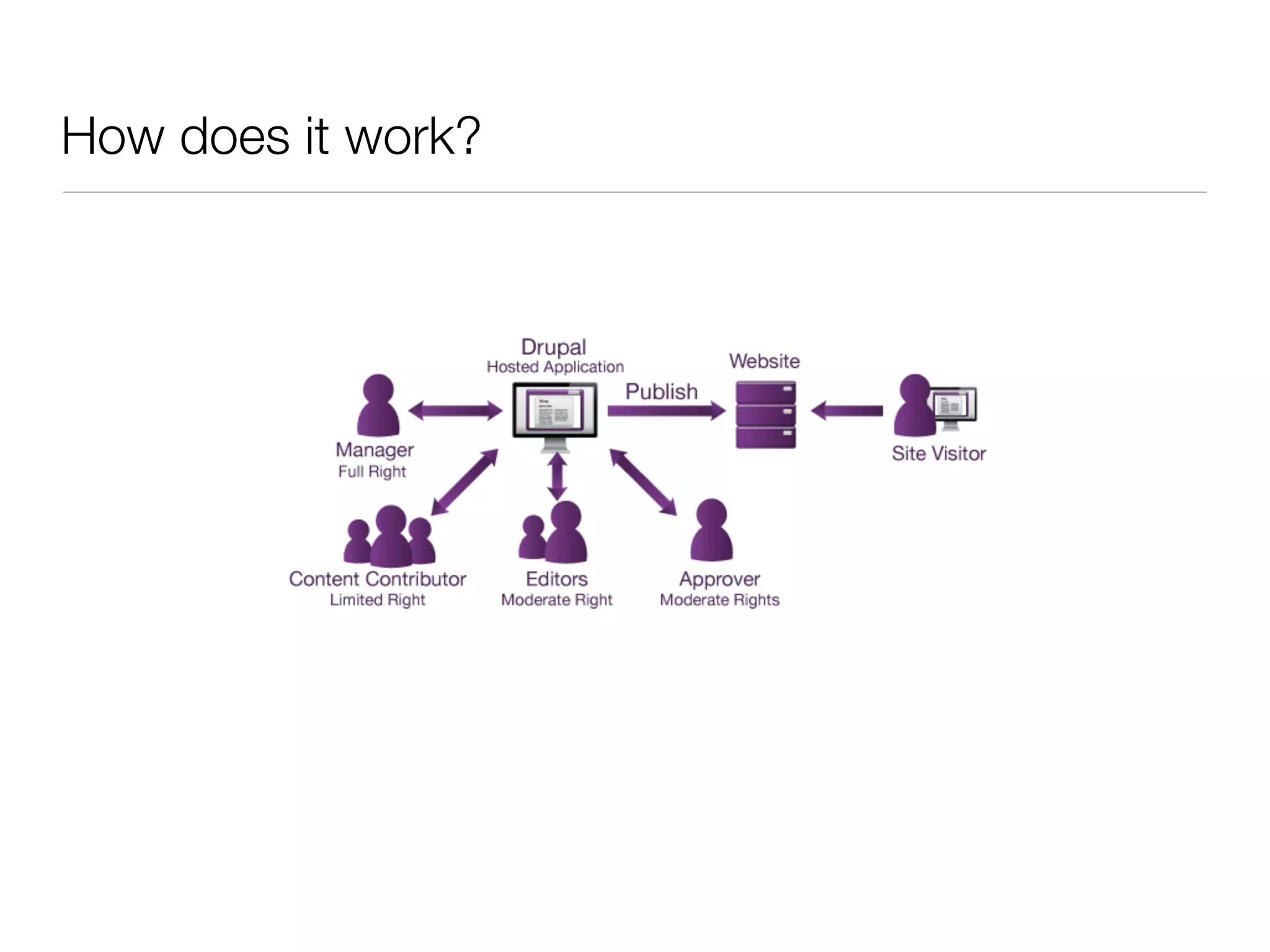
How does it work?

• Centralised installation


• Accessed through a browser


• Content stored in a database


• Content served dynamically


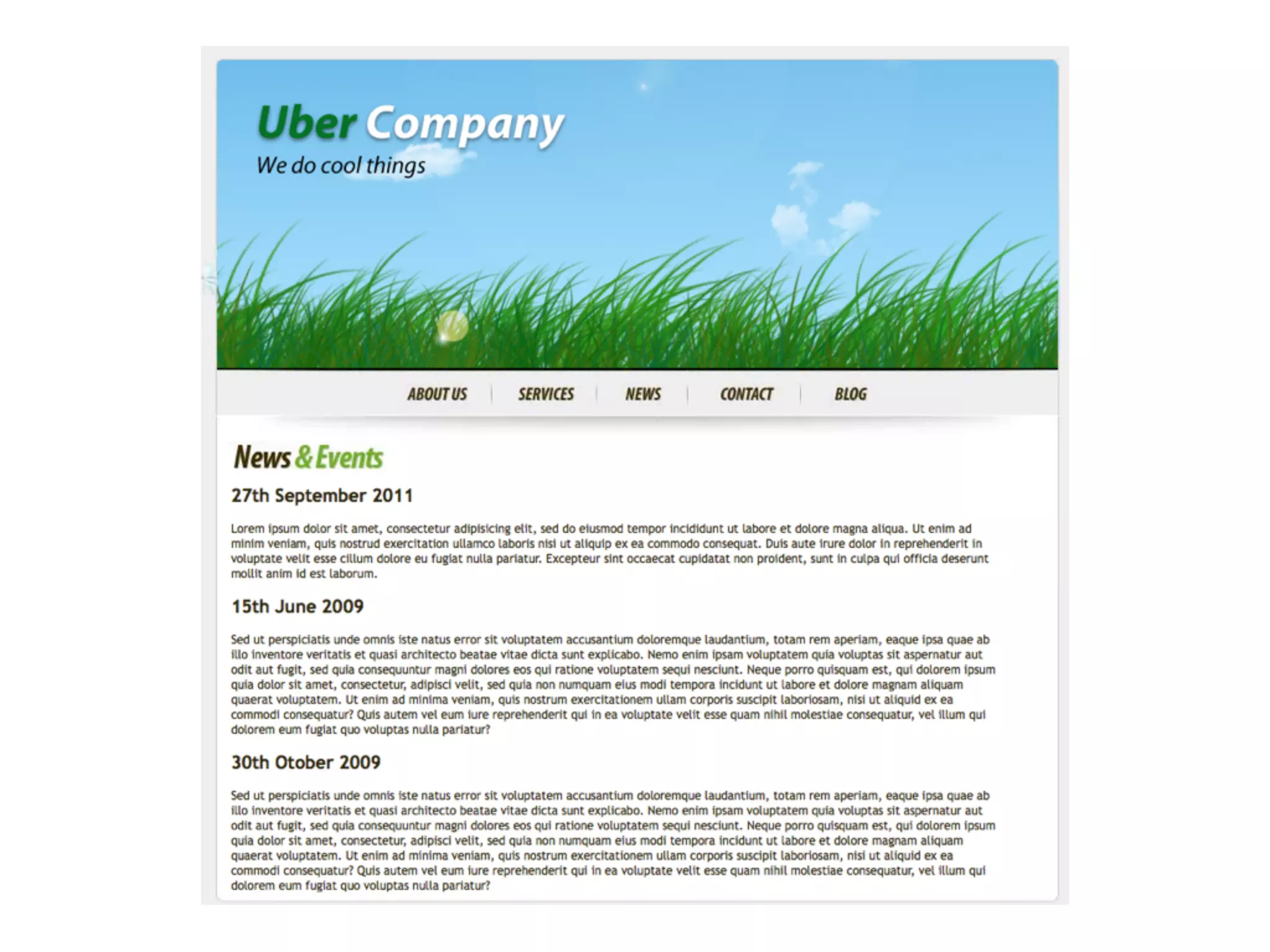
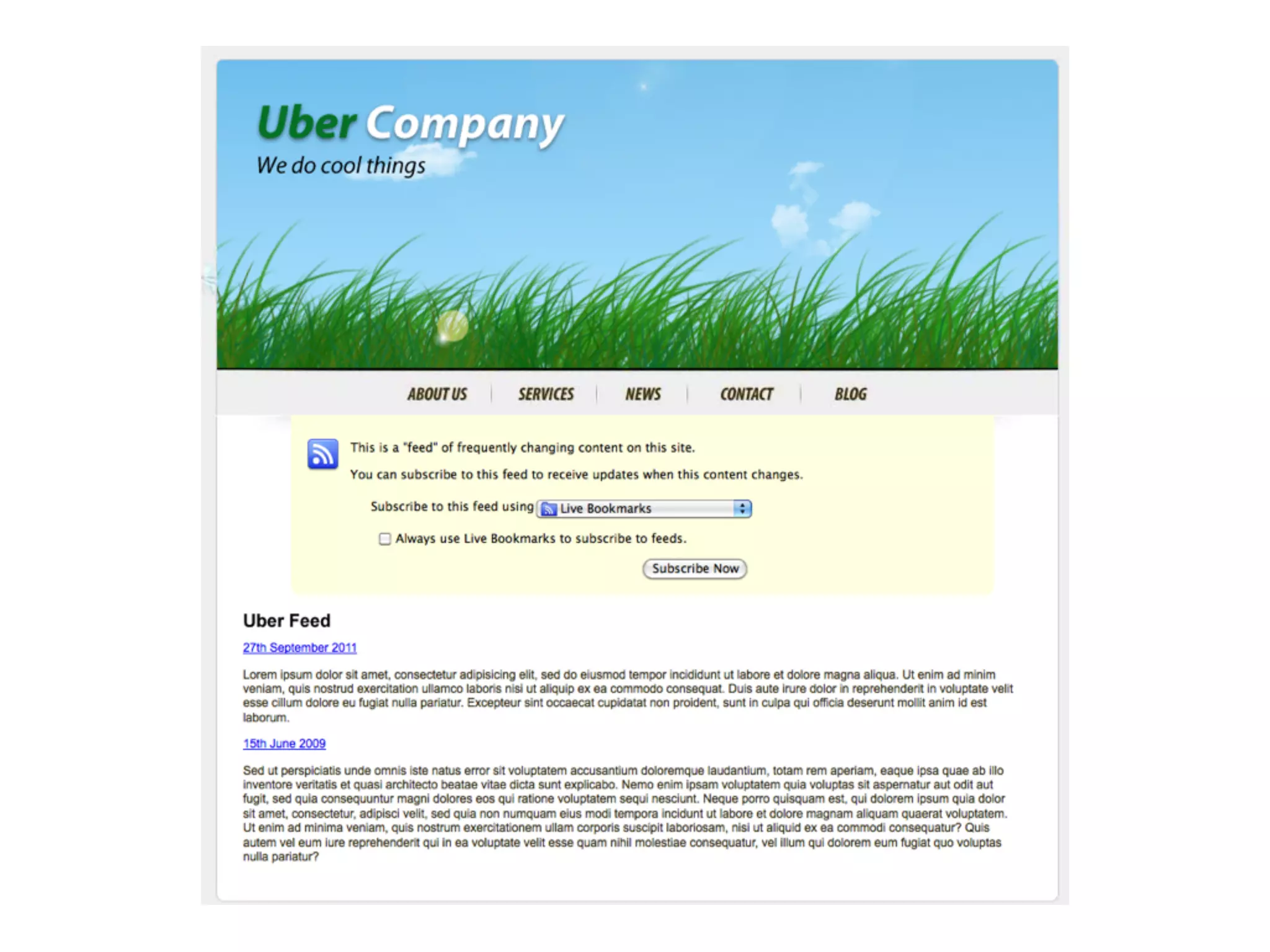
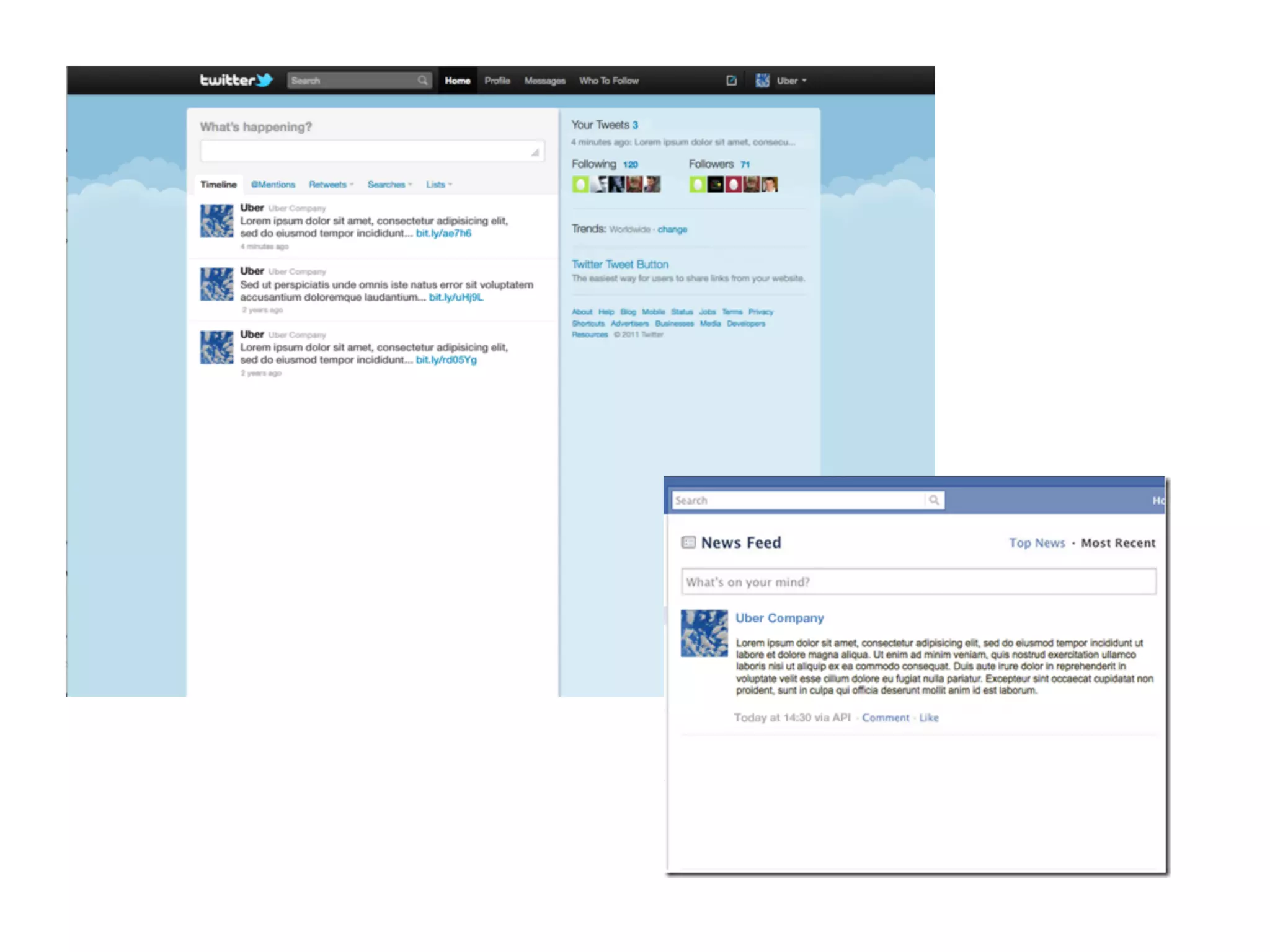
• Content re-used and
  displayed as desired
How does it work?
What can you do
with it?

• Community web portals


• Corporate web sites


• Intranets


• Personal web sites or blogs


• E-commerce applications


• Resource directories


• Social Networking sites
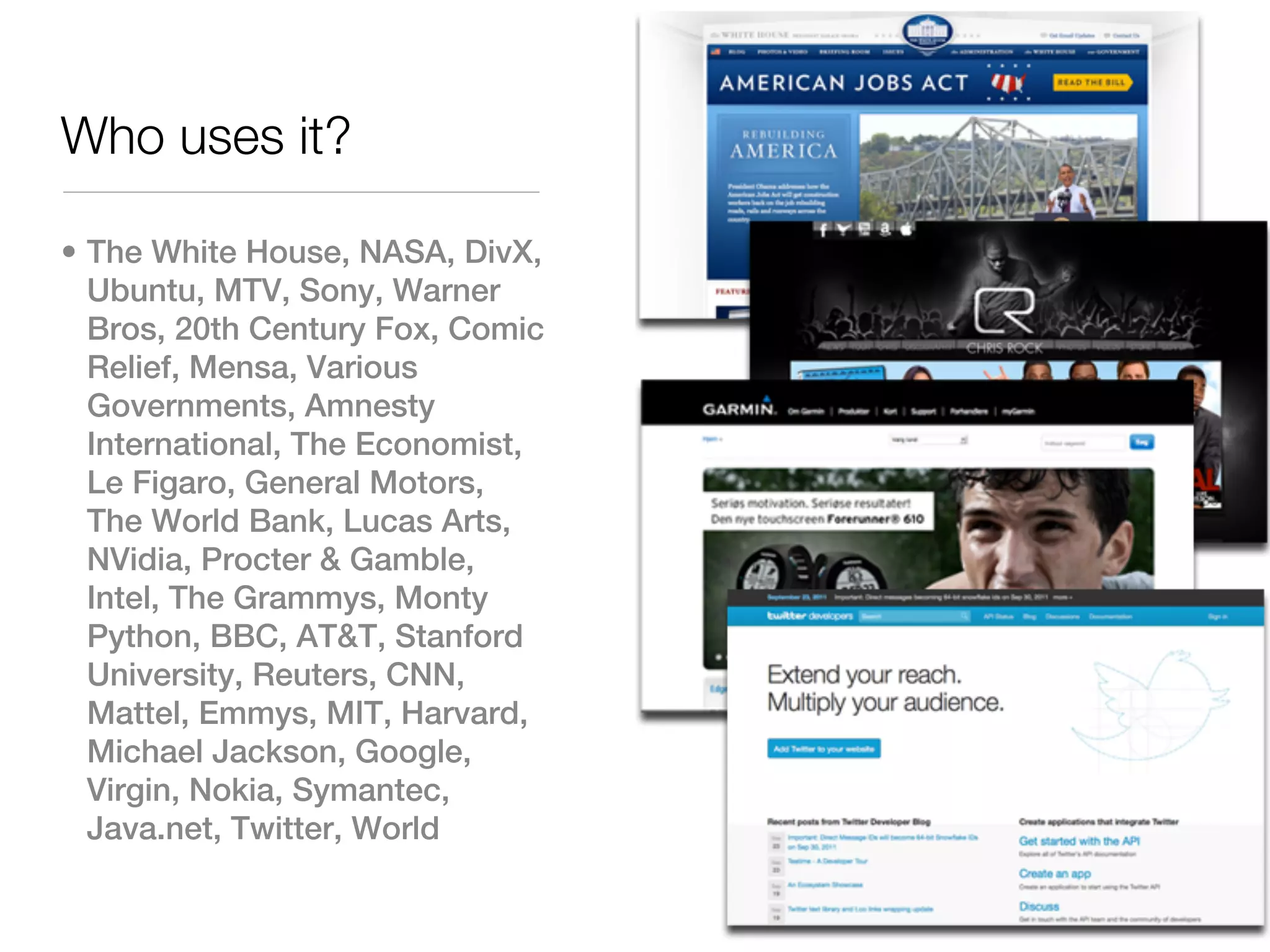
Who uses it?

• The White House, NASA, DivX,
  Ubuntu, MTV, Sony, Warner
  Bros, 20th Century Fox, Comic
  Relief, Mensa, Various
  Governments, Amnesty
  International, The Economist,
  Le Figaro, General Motors,
  The World Bank, Lucas Arts,
  NVidia, Procter & Gamble,
  Intel, The Grammys, Monty
  Python, BBC, AT&T, Stanford
  University, Reuters, CNN,
  Mattel, Emmys, MIT, Harvard,
  Michael Jackson, Google,
  Virgin, Nokia, Symantec,
  Java.net, Twitter, World
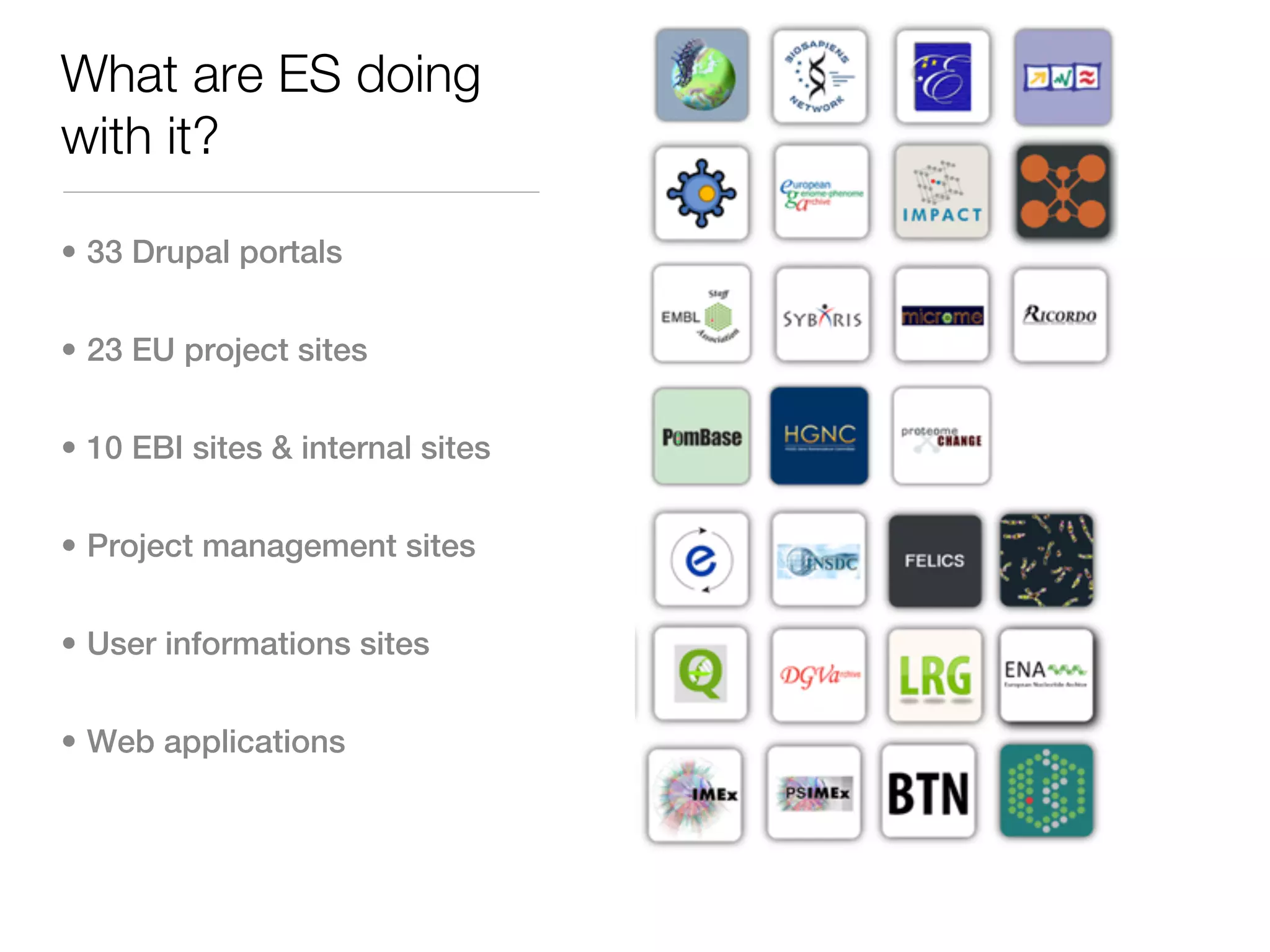
What are ES doing
with it?

• 33 Drupal portals


• 23 EU project sites


• 10 EBI sites & internal sites


• Project management sites


• User informations sites


• Web applications
Drupal for content
authors

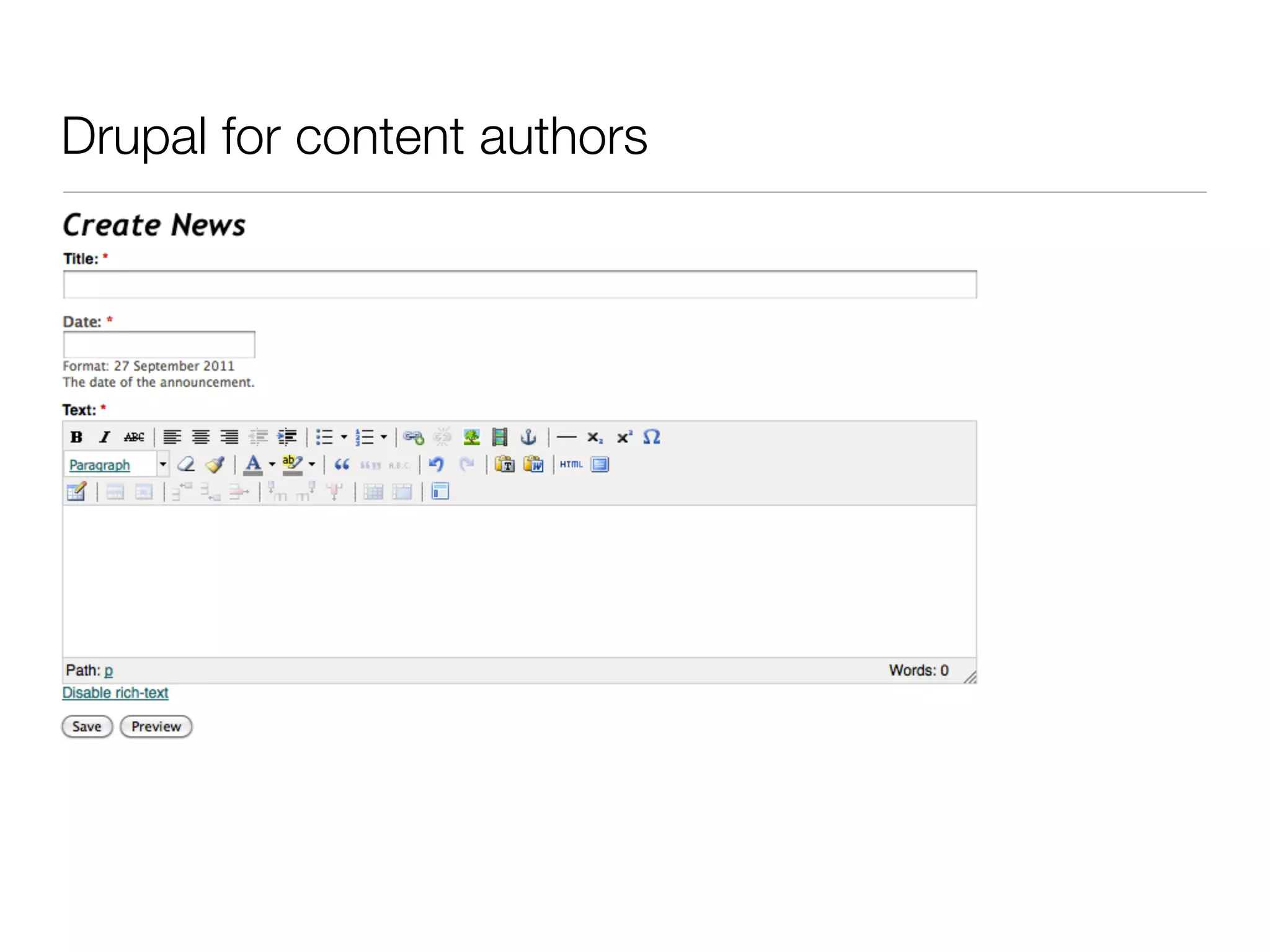
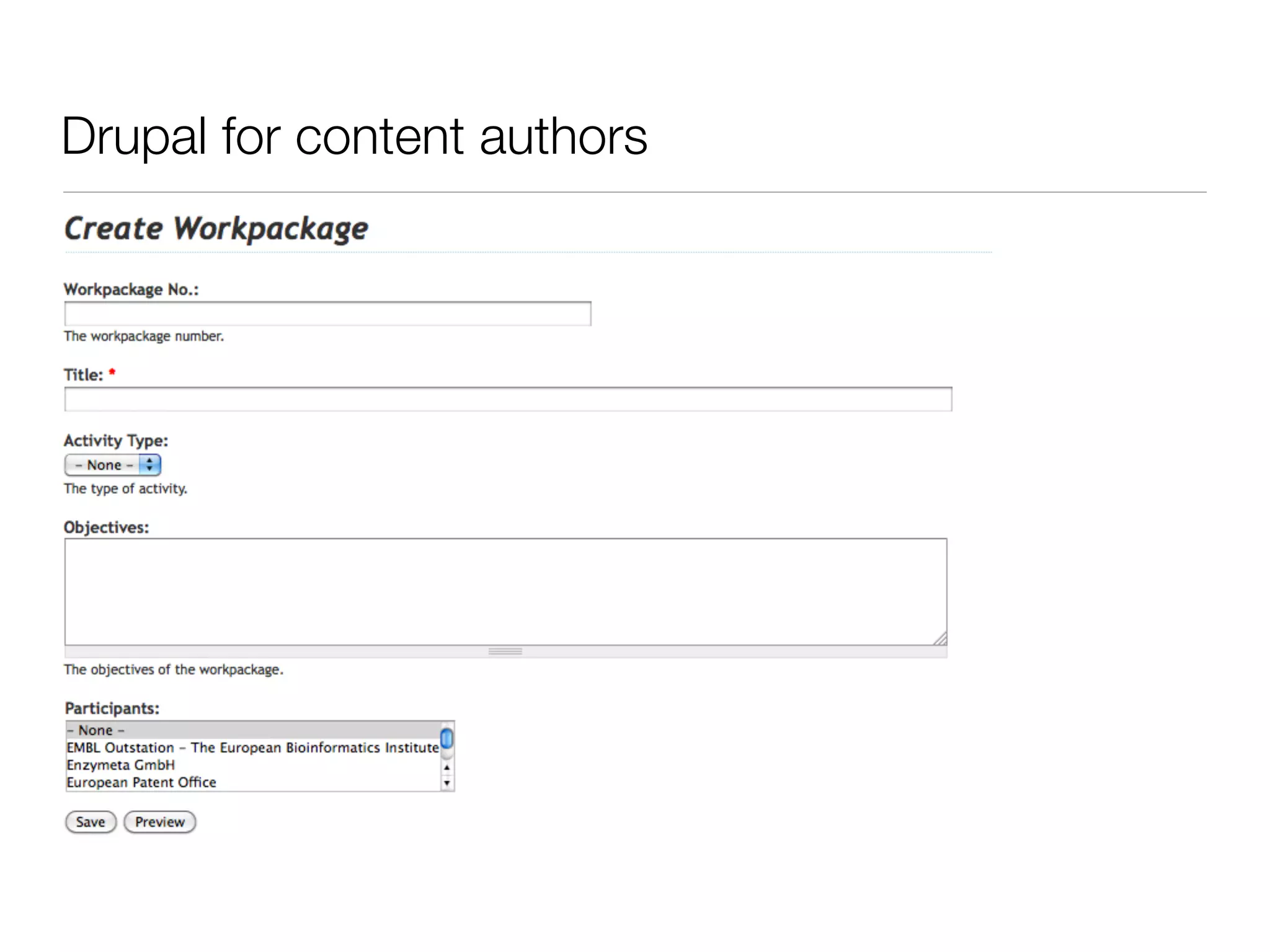
• Web based forms


• Different content types


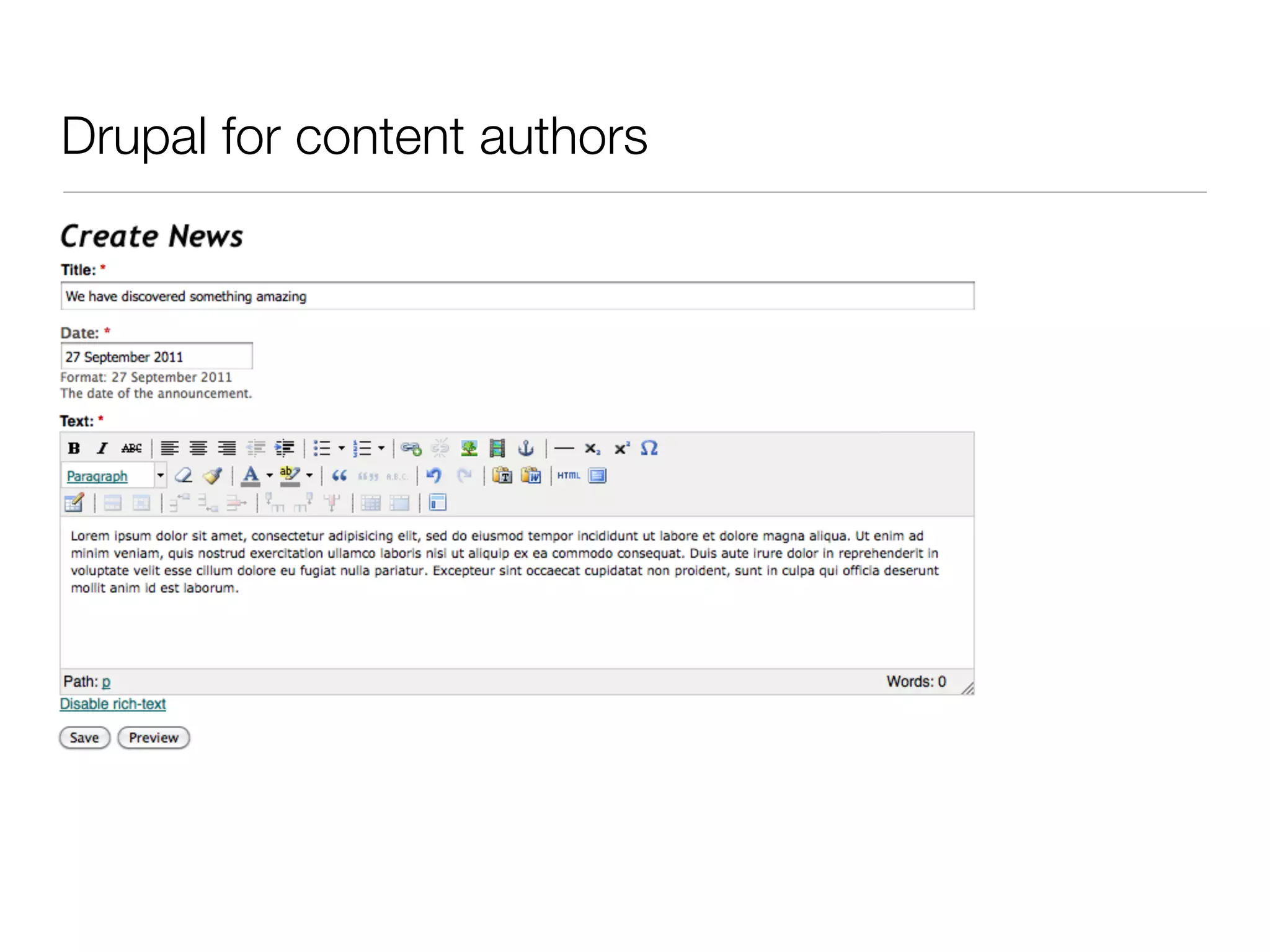
• WYSIWYG editor


• Populate menus


• Access control


• Publication workflow


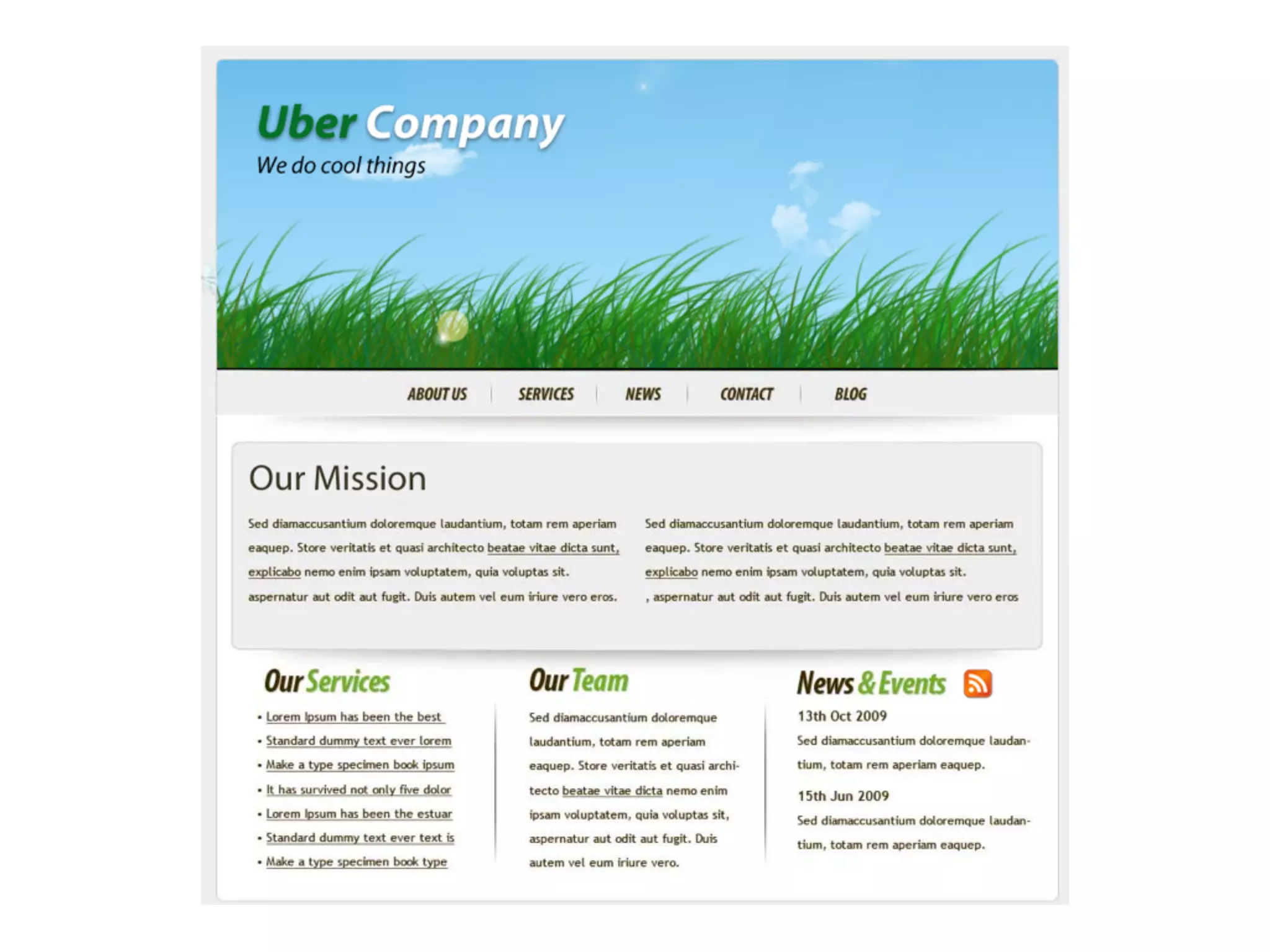
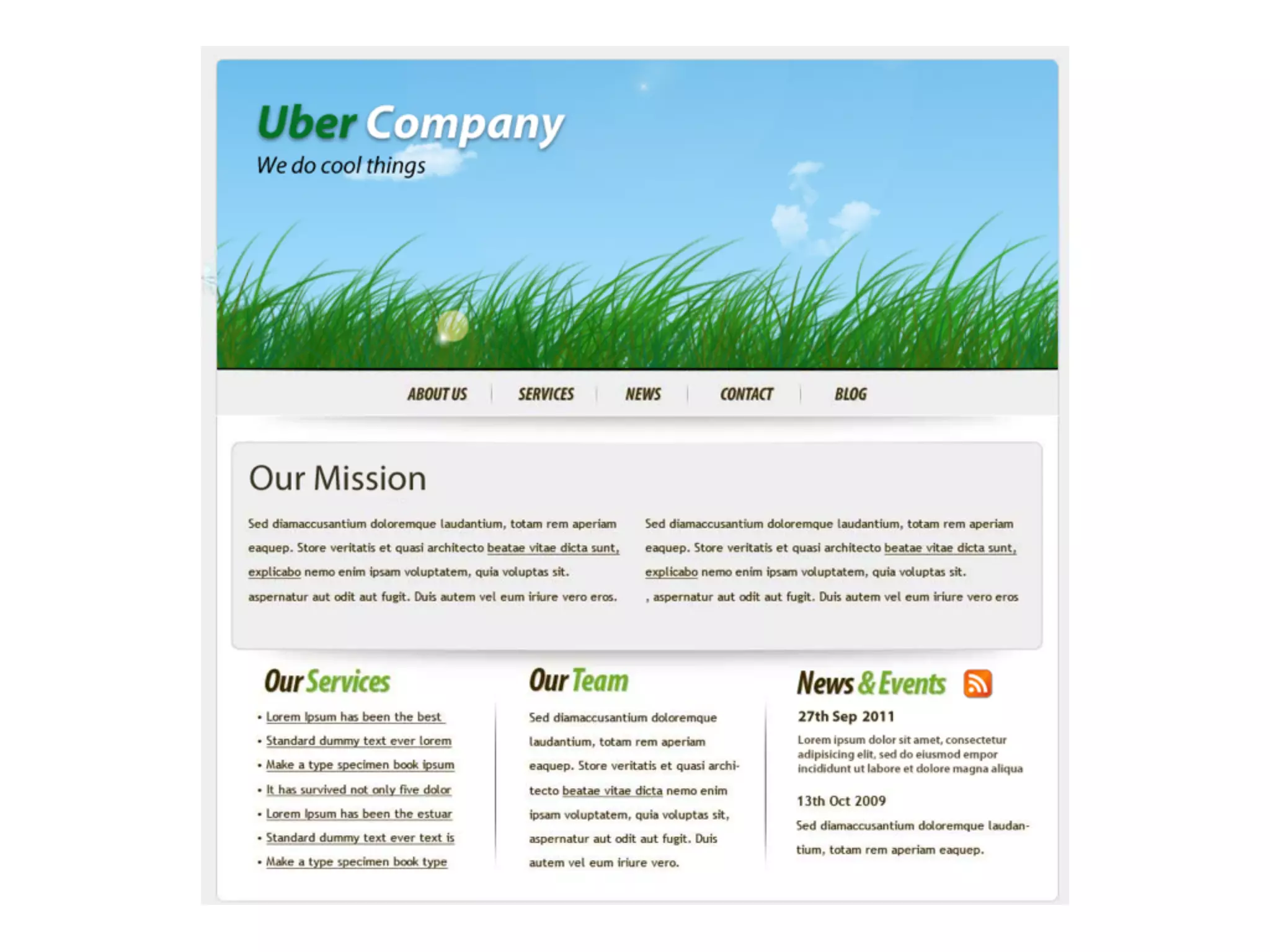
• Reusable content
Drupal for content authors
Drupal for developers

• Themes


• Blocks of information


• Large flexible API


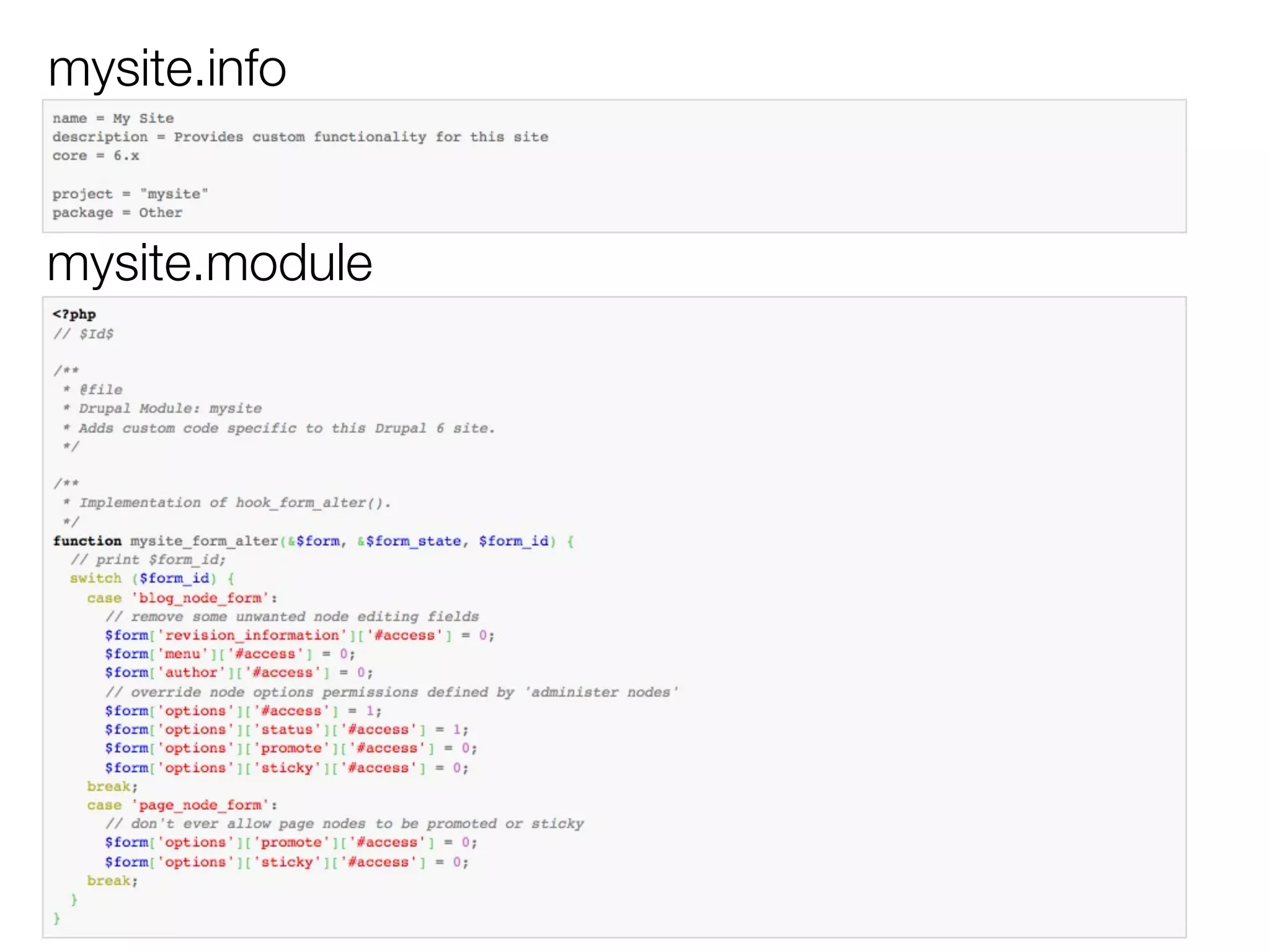
• Custom modules


• Hooks
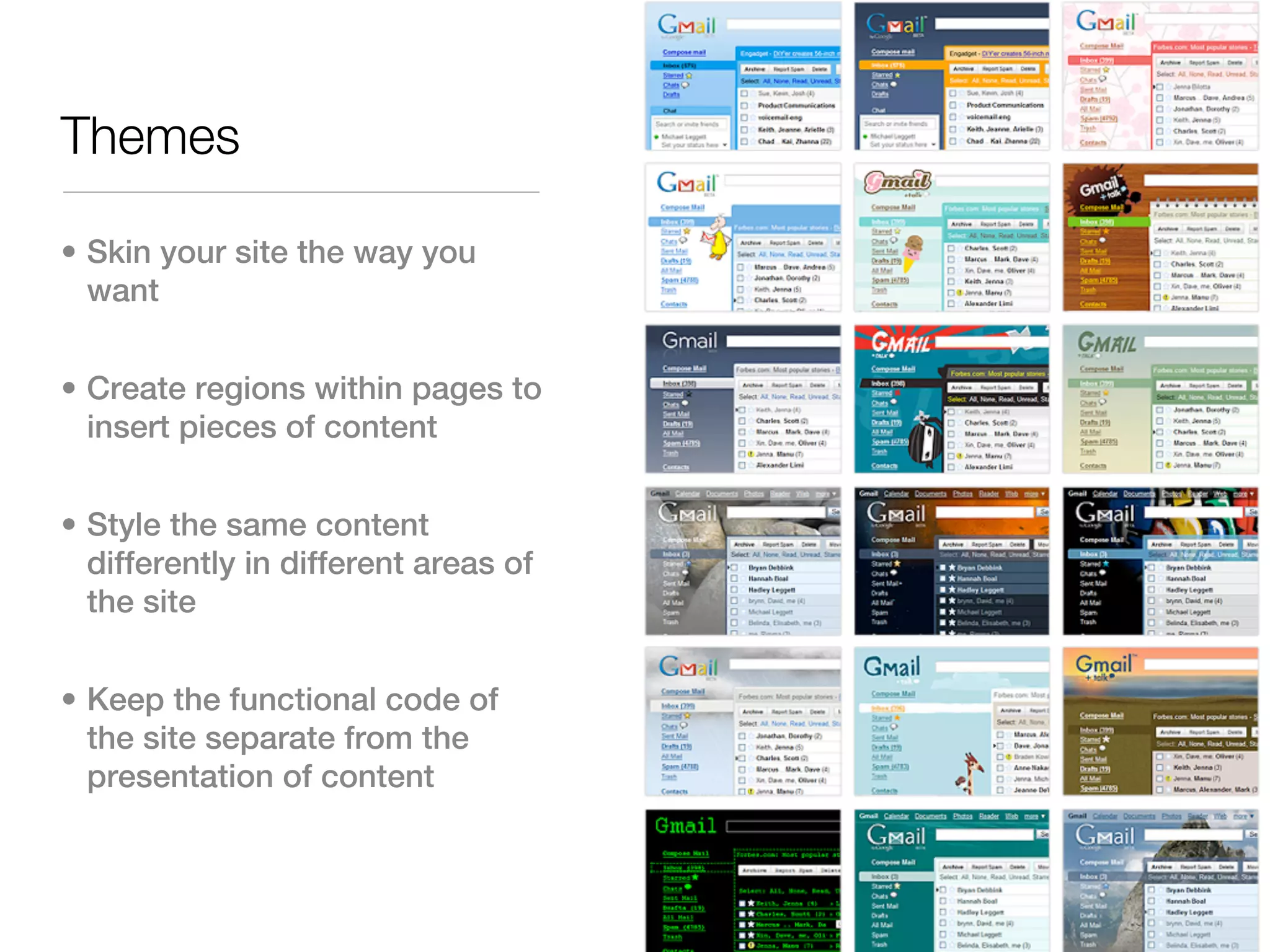
Themes

• Skin your site the way you
  want


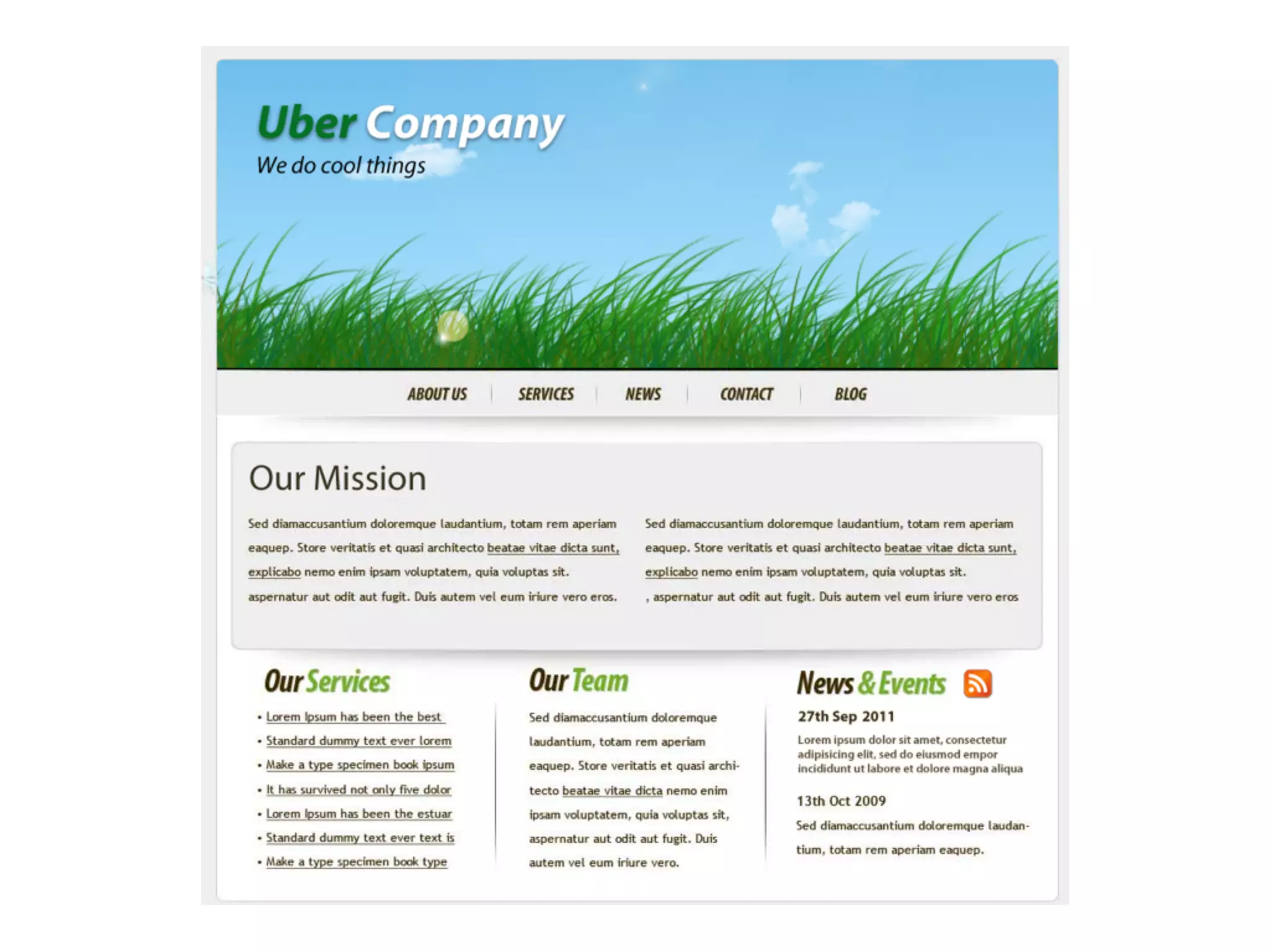
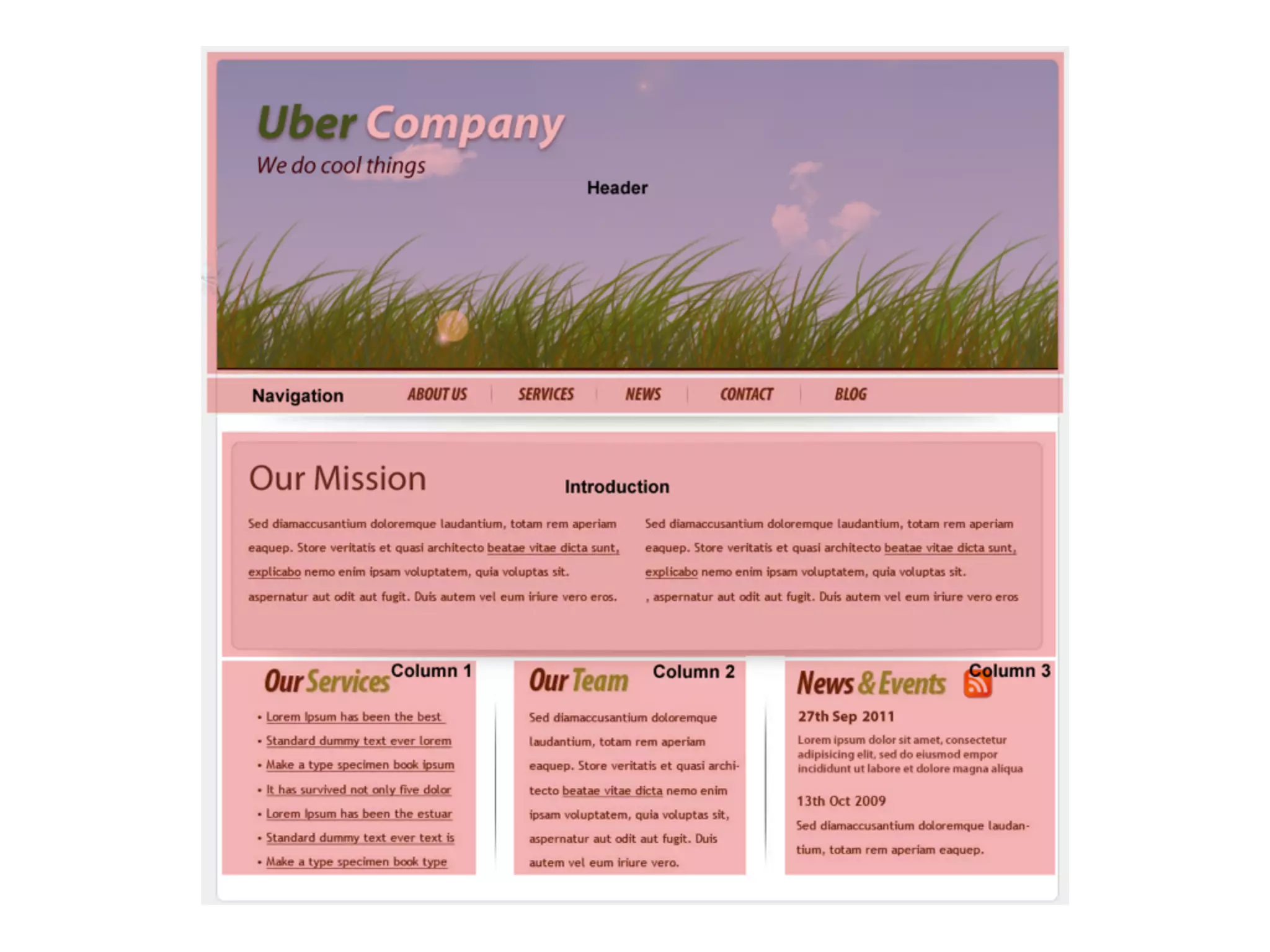
• Create regions within pages to
  insert pieces of content


• Style the same content
  differently in different areas of
  the site


• Keep the functional code of
  the site separate from the
  presentation of content
mysite.info


mysite.module
ES setup

• Virtual machines


• Instances


• Drush


• Makefiles
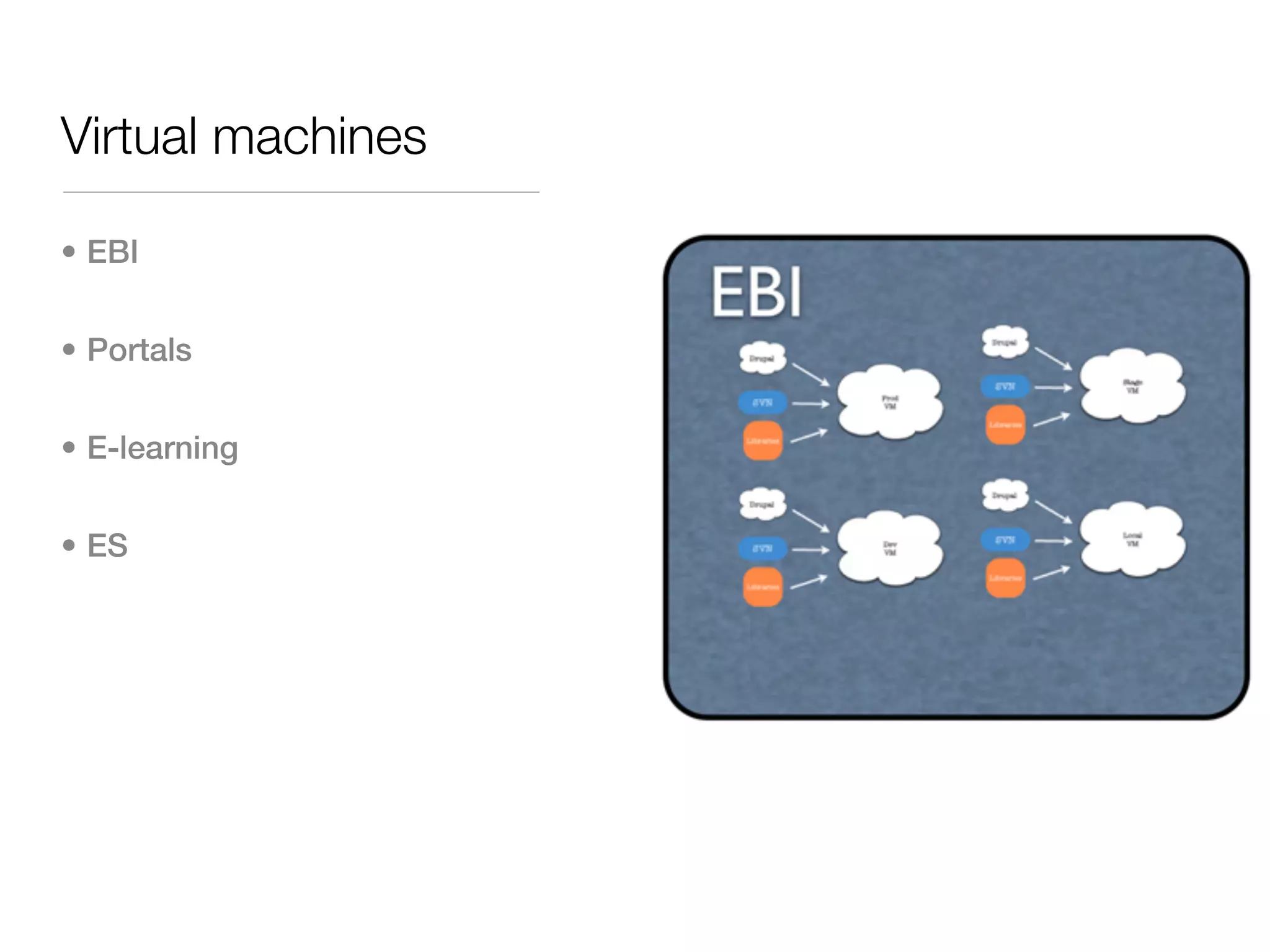
Virtual machines

• EBI


• Portals


• E-learning


• ES
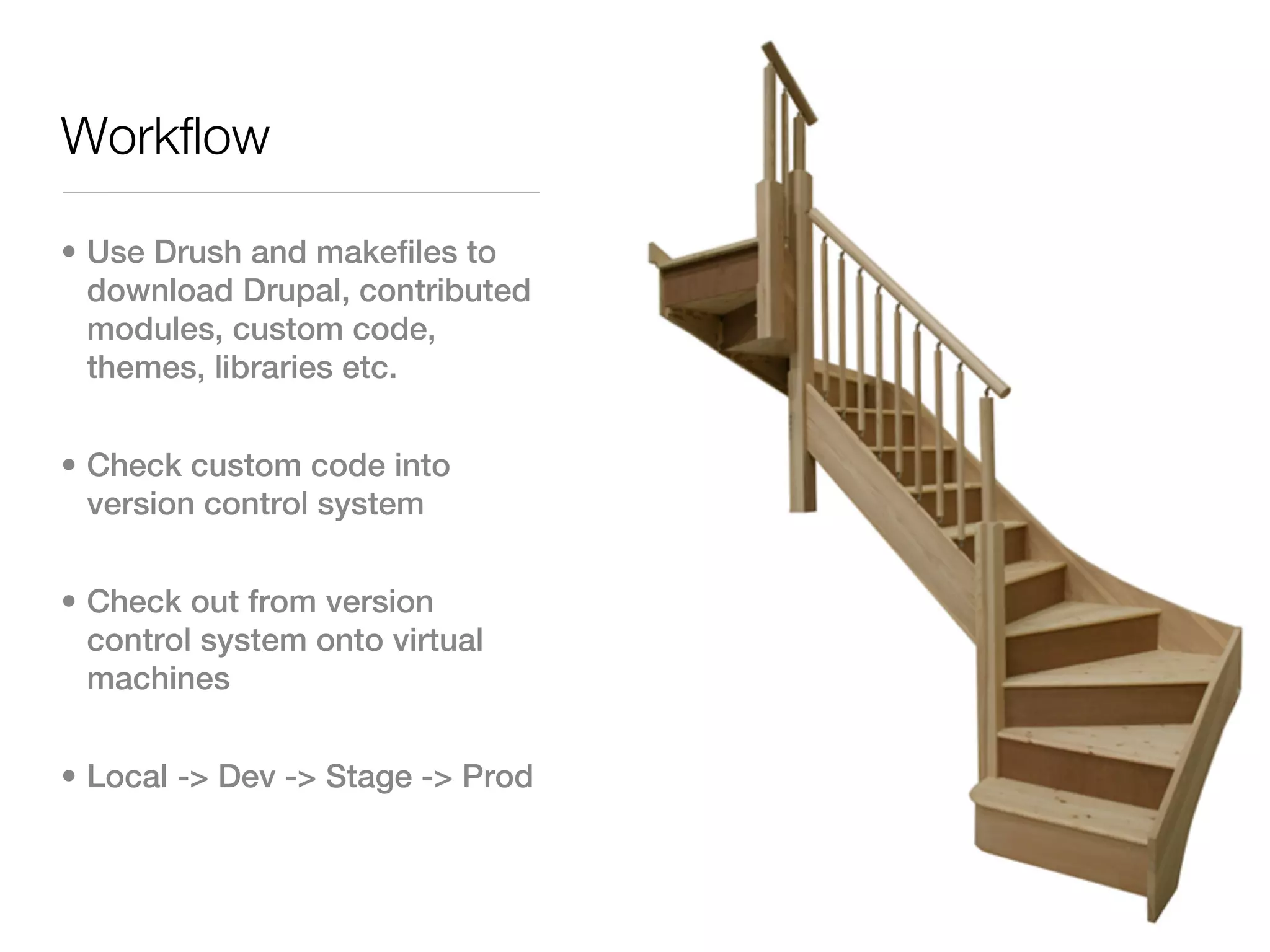
Workflow

• Use Drush and makefiles to
  download Drupal, contributed
  modules, custom code,
  themes, libraries etc.


• Check custom code into
  version control system


• Check out from version
  control system onto virtual
  machines


• Local -> Dev -> Stage -> Prod
Considerations

• Drupal 6 vs Drupal 7


• Development time/cost vs
  benefit.


• Maintenance / upgrades


• WYSIWYG is not Word


• Custom modules / coding
  standards / security


• Website redesign
How can ES support
me?

• Contact es-request@ebi.ac.uk


• Use our existing setup


• Makefiles generated


• Resources
What is this group
for?

• Inform about Drupal


• Share experiences / code


• Exchange ideas about
  approaches


• Avoid redundancy of effort


• Learn more!

Drupal at the EBI

  • 1.
    Drupal at theEBI Bren Vaughan Web Coordinator, External Services bren@ebi.ac.uk
  • 2.
    Topics • What isDrupal? • What can you do with it? • What are ES doing with it? • Drupal for content authors • Drupal for developers • ES setup • Considerations • How can ES support me? • What is this Group for?
  • 3.
    What is Drupal? •Drupal is a completely free, open source content management system (CMS) • Drupal's many features and add-ons make it highly customisable and allow it to be used for a wide variety of website needs • Drupal’s flexibility allows easy creation of highly functional custom modules
  • 4.
    What is aCMS? • A CMS is a tool that enables a variety of (centralised) technical and (de-centralised) non technical staff to create, edit, manage and finally publish (in a number of formats) a variety of content (such as text, graphics, video, documents etc), whilst being constrained by a centralised set of rules, process and workflows that ensure coherent, validated electronic content.
  • 5.
    Why use Drupal? •High performance • SEO friendly right out of the box • Massive, active development community • A CMS and an effective application framework • User and Role-based permission system • Theming engine separates content completely from presentation • Free
  • 6.
    How does itwork? • Centralised installation • Accessed through a browser • Content stored in a database • Content served dynamically • Content re-used and displayed as desired
  • 7.
  • 8.
    What can youdo with it? • Community web portals • Corporate web sites • Intranets • Personal web sites or blogs • E-commerce applications • Resource directories • Social Networking sites
  • 9.
    Who uses it? •The White House, NASA, DivX, Ubuntu, MTV, Sony, Warner Bros, 20th Century Fox, Comic Relief, Mensa, Various Governments, Amnesty International, The Economist, Le Figaro, General Motors, The World Bank, Lucas Arts, NVidia, Procter & Gamble, Intel, The Grammys, Monty Python, BBC, AT&T, Stanford University, Reuters, CNN, Mattel, Emmys, MIT, Harvard, Michael Jackson, Google, Virgin, Nokia, Symantec, Java.net, Twitter, World
  • 10.
    What are ESdoing with it? • 33 Drupal portals • 23 EU project sites • 10 EBI sites & internal sites • Project management sites • User informations sites • Web applications
  • 11.
    Drupal for content authors •Web based forms • Different content types • WYSIWYG editor • Populate menus • Access control • Publication workflow • Reusable content
  • 12.
  • 13.
  • 15.
  • 20.
    Drupal for developers •Themes • Blocks of information • Large flexible API • Custom modules • Hooks
  • 21.
    Themes • Skin yoursite the way you want • Create regions within pages to insert pieces of content • Style the same content differently in different areas of the site • Keep the functional code of the site separate from the presentation of content
  • 24.
  • 25.
    ES setup • Virtualmachines • Instances • Drush • Makefiles
  • 26.
    Virtual machines • EBI •Portals • E-learning • ES
  • 27.
    Workflow • Use Drushand makefiles to download Drupal, contributed modules, custom code, themes, libraries etc. • Check custom code into version control system • Check out from version control system onto virtual machines • Local -> Dev -> Stage -> Prod
  • 28.
    Considerations • Drupal 6vs Drupal 7 • Development time/cost vs benefit. • Maintenance / upgrades • WYSIWYG is not Word • Custom modules / coding standards / security • Website redesign
  • 29.
    How can ESsupport me? • Contact es-request@ebi.ac.uk • Use our existing setup • Makefiles generated • Resources
  • 30.
    What is thisgroup for? • Inform about Drupal • Share experiences / code • Exchange ideas about approaches • Avoid redundancy of effort • Learn more!