Core Java

Debasish Pratihari

Concept of Stream :




In file processing, input refers to the flow of
data into a program and output means the flow
of data out of the program.
Java uses the concept of streams to represent
the ordered sequence of data. A stream
presents a uniform, easy-to-use, object-oriented
interface between the program and the
input/output devices. A stream in java is a path
along which data flows. It has a source and a
destination and it supports unidirectional
movement of data.

Note :
Streams can be
visualized as a sequence
of data.

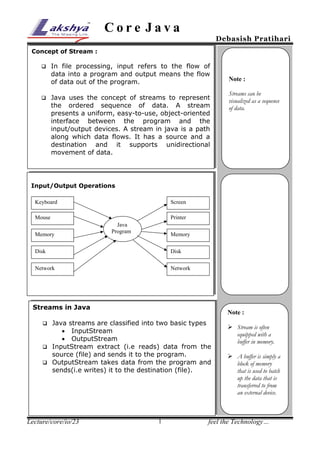
Input/Output Operations
Keyboard

Screen
Printer

Mouse
Memory

Java
Program

Memory

Disk

Disk

Network

Network

Streams in Java

Note :

Java streams are classified into two basic types
 InputStream
 OutputStream
 InputStream extract (i.e reads) data from the
source (file) and sends it to the program.
 OutputStream takes data from the program and
sends(i.e writes) it to the destination (file).


Lecture/core/io/23

1

 Stream is often
equipped with a
buffer in memory.
 A buffer is simply a
block of memory
that is used to batch
up the data that is
transferred to from
an external device.

feel the Technology…
Core Java

Debasish Pratihari

Stream Classes

The java.io package contains a large number of
stream classes that provides capabilities for
processing all types of data. These classes may be
organized into two groups depending upon the data
type they operate.
 Byte Stream Classes
 Character Stream Classes

Byte Stream Classes
Byte Stream Classes have been designed to provide
functional features for creating and manipulating stream
and files for reading and writing bytes. Since the streams
are unidirectional, they can transmit bytes in only one
direction and therefore java provides two kinds of byte
stream classes : InputStream and OutputStream classes.
InputStream Classes
Input stream classes that are used to read 8-bit (I byte)
include a super class know as InputStream and number of
sub-classes for supporting various input-related functions.

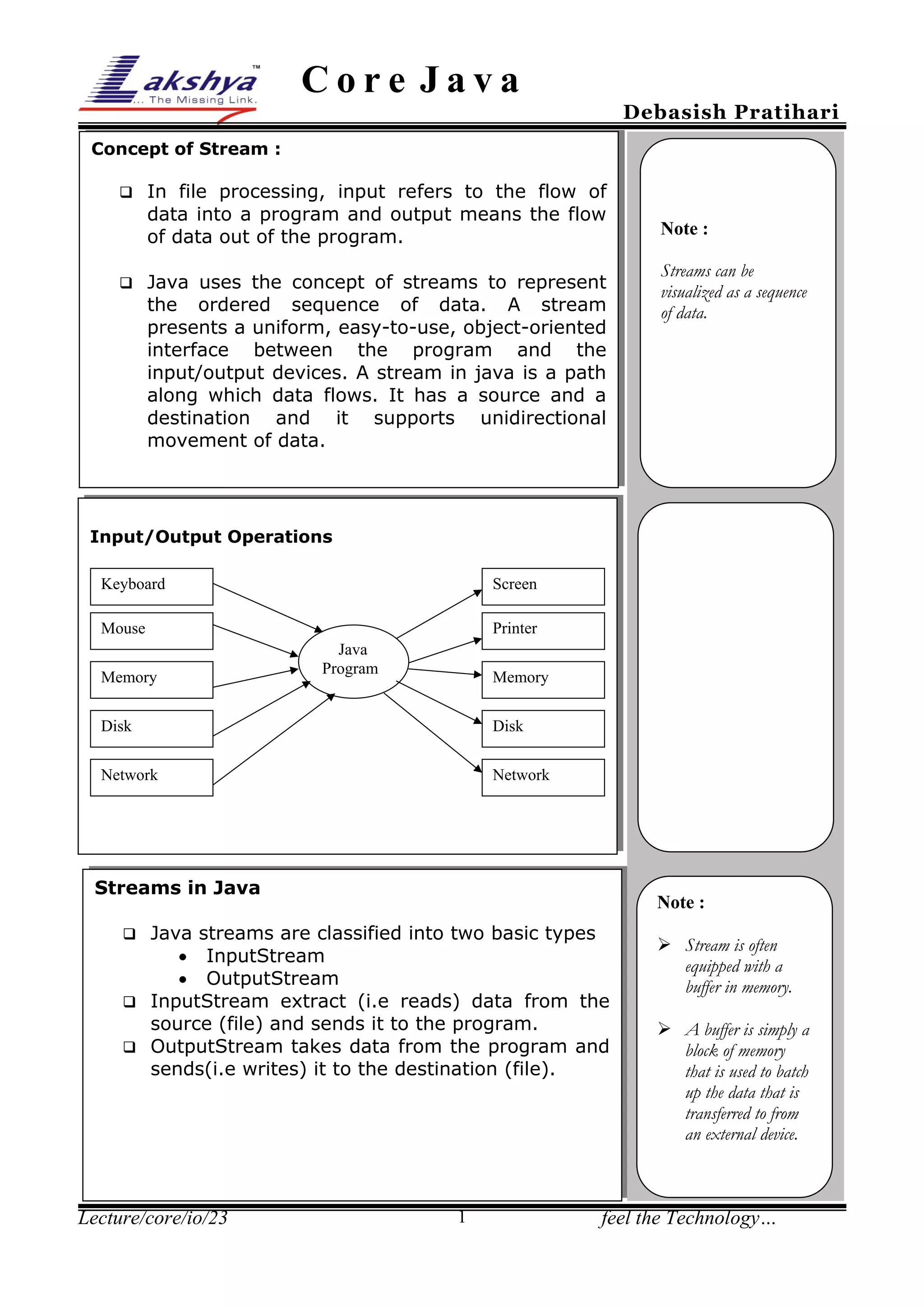
Program Architecture of File Copy Program

ins Stream
Input.txt

read( )

inFile

Program

Output.txt
outFile

Lecture/core/io/23

write( )
outs Stream

2

feel the Technology…
Core Java

Debasish Pratihari

Sample Program-1

Program Objective : To Copy Characters from one File to
another.
File Name : CopyChars.java

import java.io.*;
class CopyChars{
public static void main(String args[]){
File inFile = new File("Input.txt");
File outFile = new File("Output.txt");
FileReader ins= null;
FileWriter outs=null;
try{
ins= new FileReader(inFile);
outs=new FileWriter(outFile);
int ch;
while((ch=ins.read())!= -1)
outs.write(ch);
}catch(IOException e){
System.out.println(e);
System.exit(0);
}
finally{
try{
ins.close();
outs.close();
}catch(IOException e){
System.out.println(e);
}
}
}
}

Lecture/core/io/23

3

feel the Technology…
Core Java

Debasish Pratihari

Programming Architecture to Deal with Primitive Data type :
Bytes are read
from the file

Bytes are converted
to primitive types

fis

Primitive Types are
read from dis

dis

prim.txt

Program

Screen

primitive
fos

Bytes are written
to the file

dos

Primitives are converted
to a sequence of bytes

Primitive Types are
written to dos

Sample Prohram-2
25%
Program Objective : To deal with primitive Data types
File Name : PrimitiveDemo.java
import java.io.*;
class PrimitiveDemo{
public static void main(String args[]) throws IOException{
File primitive = new File("prim.txt");
FileOutputStream fos = new FileOutputStream(primitive);
DataOutputStream dos=new DataOutputStream(fos);
dos.writeInt(1234);
dos.writeDouble(34.45);
dos.writeBoolean(false);
dos.writeChar('a');
dos.close();
fos.close();
FileInputStream fis=new FileInputStream(primitive);
DataInputStream dis=new DataInputStream(fis);
System.out.println(dis.readInt());
System.out.println(dis.readDouble());
System.out.println(dis.readBoolean());
System.out.println(dis.readChar());
dis.close();
fis.close();
}
}

Lecture/core/io/23

4

feel the Technology…

Lecture 23

  • 1.
    Core Java Debasish Pratihari Conceptof Stream :   In file processing, input refers to the flow of data into a program and output means the flow of data out of the program. Java uses the concept of streams to represent the ordered sequence of data. A stream presents a uniform, easy-to-use, object-oriented interface between the program and the input/output devices. A stream in java is a path along which data flows. It has a source and a destination and it supports unidirectional movement of data. Note : Streams can be visualized as a sequence of data. Input/Output Operations Keyboard Screen Printer Mouse Memory Java Program Memory Disk Disk Network Network Streams in Java Note : Java streams are classified into two basic types  InputStream  OutputStream  InputStream extract (i.e reads) data from the source (file) and sends it to the program.  OutputStream takes data from the program and sends(i.e writes) it to the destination (file).  Lecture/core/io/23 1  Stream is often equipped with a buffer in memory.  A buffer is simply a block of memory that is used to batch up the data that is transferred to from an external device. feel the Technology…
  • 2.
    Core Java Debasish Pratihari StreamClasses The java.io package contains a large number of stream classes that provides capabilities for processing all types of data. These classes may be organized into two groups depending upon the data type they operate.  Byte Stream Classes  Character Stream Classes Byte Stream Classes Byte Stream Classes have been designed to provide functional features for creating and manipulating stream and files for reading and writing bytes. Since the streams are unidirectional, they can transmit bytes in only one direction and therefore java provides two kinds of byte stream classes : InputStream and OutputStream classes. InputStream Classes Input stream classes that are used to read 8-bit (I byte) include a super class know as InputStream and number of sub-classes for supporting various input-related functions. Program Architecture of File Copy Program ins Stream Input.txt read( ) inFile Program Output.txt outFile Lecture/core/io/23 write( ) outs Stream 2 feel the Technology…
  • 3.
    Core Java Debasish Pratihari SampleProgram-1 Program Objective : To Copy Characters from one File to another. File Name : CopyChars.java import java.io.*; class CopyChars{ public static void main(String args[]){ File inFile = new File("Input.txt"); File outFile = new File("Output.txt"); FileReader ins= null; FileWriter outs=null; try{ ins= new FileReader(inFile); outs=new FileWriter(outFile); int ch; while((ch=ins.read())!= -1) outs.write(ch); }catch(IOException e){ System.out.println(e); System.exit(0); } finally{ try{ ins.close(); outs.close(); }catch(IOException e){ System.out.println(e); } } } } Lecture/core/io/23 3 feel the Technology…
  • 4.
    Core Java Debasish Pratihari ProgrammingArchitecture to Deal with Primitive Data type : Bytes are read from the file Bytes are converted to primitive types fis Primitive Types are read from dis dis prim.txt Program Screen primitive fos Bytes are written to the file dos Primitives are converted to a sequence of bytes Primitive Types are written to dos Sample Prohram-2 25% Program Objective : To deal with primitive Data types File Name : PrimitiveDemo.java import java.io.*; class PrimitiveDemo{ public static void main(String args[]) throws IOException{ File primitive = new File("prim.txt"); FileOutputStream fos = new FileOutputStream(primitive); DataOutputStream dos=new DataOutputStream(fos); dos.writeInt(1234); dos.writeDouble(34.45); dos.writeBoolean(false); dos.writeChar('a'); dos.close(); fos.close(); FileInputStream fis=new FileInputStream(primitive); DataInputStream dis=new DataInputStream(fis); System.out.println(dis.readInt()); System.out.println(dis.readDouble()); System.out.println(dis.readBoolean()); System.out.println(dis.readChar()); dis.close(); fis.close(); } } Lecture/core/io/23 4 feel the Technology…