LEARNING TO LOVE YOUR STUDENTS’ SMARTPHONES
How Mobile Apps Can Breathe New Life into Your Reading Class
SELF-IDENTIFIED
TECH-SAVVY TEACHERS
RAISE YOUR HANDS AND STAND UP!
FIND ONE OR TWO TEACHERS WHO
NEED YOUR EXPERTISE AND SIT WITH
THEM.
SAY HELLO TO YOUR NEW FRIENDS!
TWO MINUTE DISCUSSION
DO YOU USE YOUR STUDENTS’
SMARTPHONES IN YOUR
CLASSROOM TO SUPPORT YOUR
TEACHING?
IF SO, HOW?
WHY YOU MIGHT CONSIDER USING APPS IN YOUR CLASSROOM
➤ Students enjoy it and demonstrate higher levels of
engagement.
➤ Smartphones are a teaching technology that we don’t have to
write a grant for.
➤ Prevent sneaky phone use when we have clear phones out/
phones away distinctions within a class period.
➤ We can give them a powerful study tool (and they never leave
home without it).
➤ Navigating an app builds technical language skills.
➤ Tech-literacy often falls on us.
APP USE IN THE
CLASSROOM IS NOT JUST
FUN.
IT’S ALSO PRACTICAL
AND SUPPORTED BY
RESEARCH.
References available in your handout
“
“Students [who worked in
computer and mobile assisted
learning centers] were motivated,
on task, and attentive when
working on their literacy tasks . . .
The learning technology allowed
students to develop independent
work habits and to build both their
skills and confidence about literacy
and about using technology.”
(Yunus, Nordin, Salehi, Sun, & Embi, 2013, p.121)
VOCABULARY
Boost and Supplement
“
“Vocabulary knowledge
would seem to be the
most clearly identifiable
subcomponent of the
ability to read.”
(Nation & Coady, 1988, p. 98)
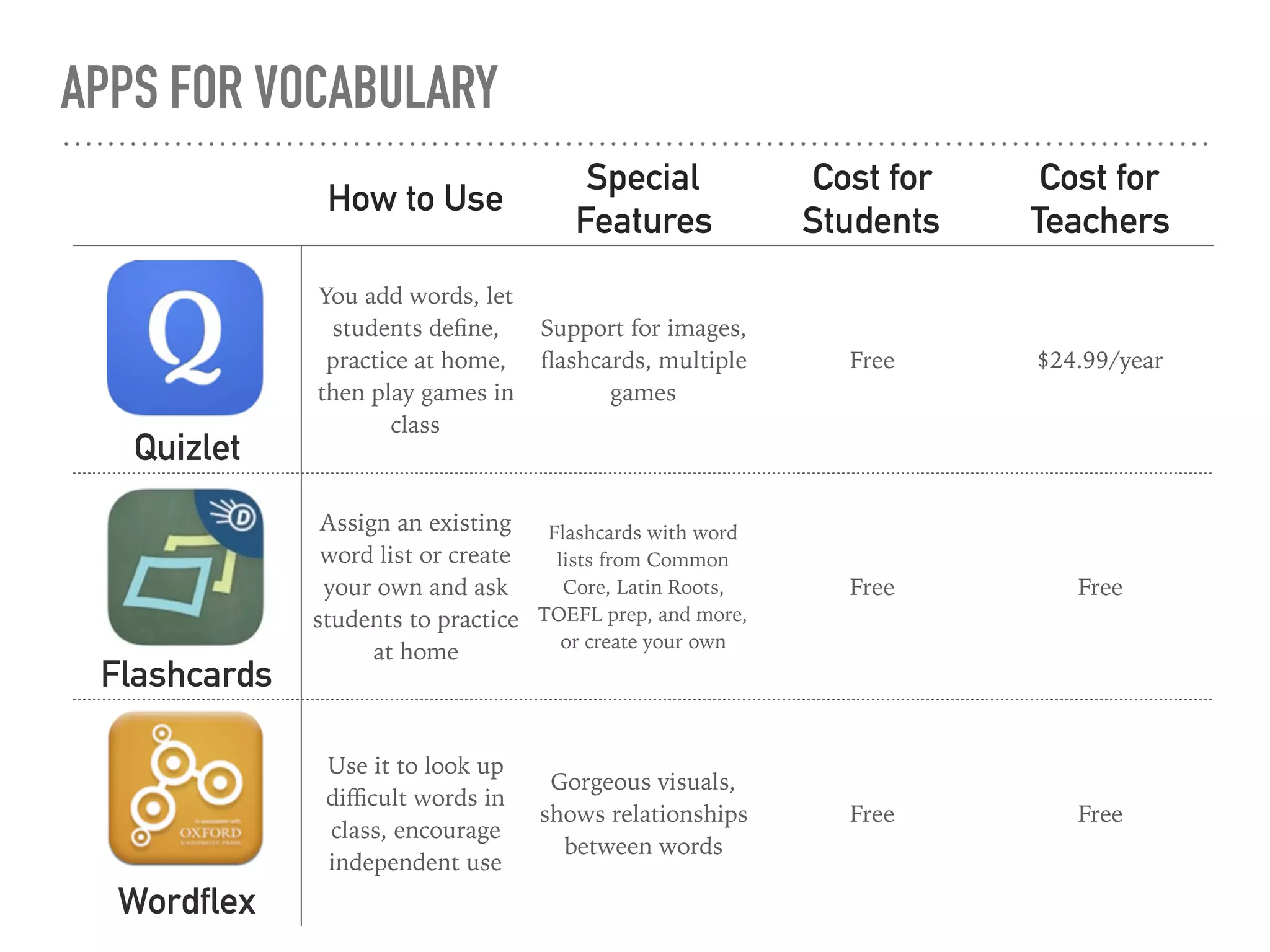
APPS FOR VOCABULARY
How to Use
Special
Features
Cost for
Students
Cost for
Teachers
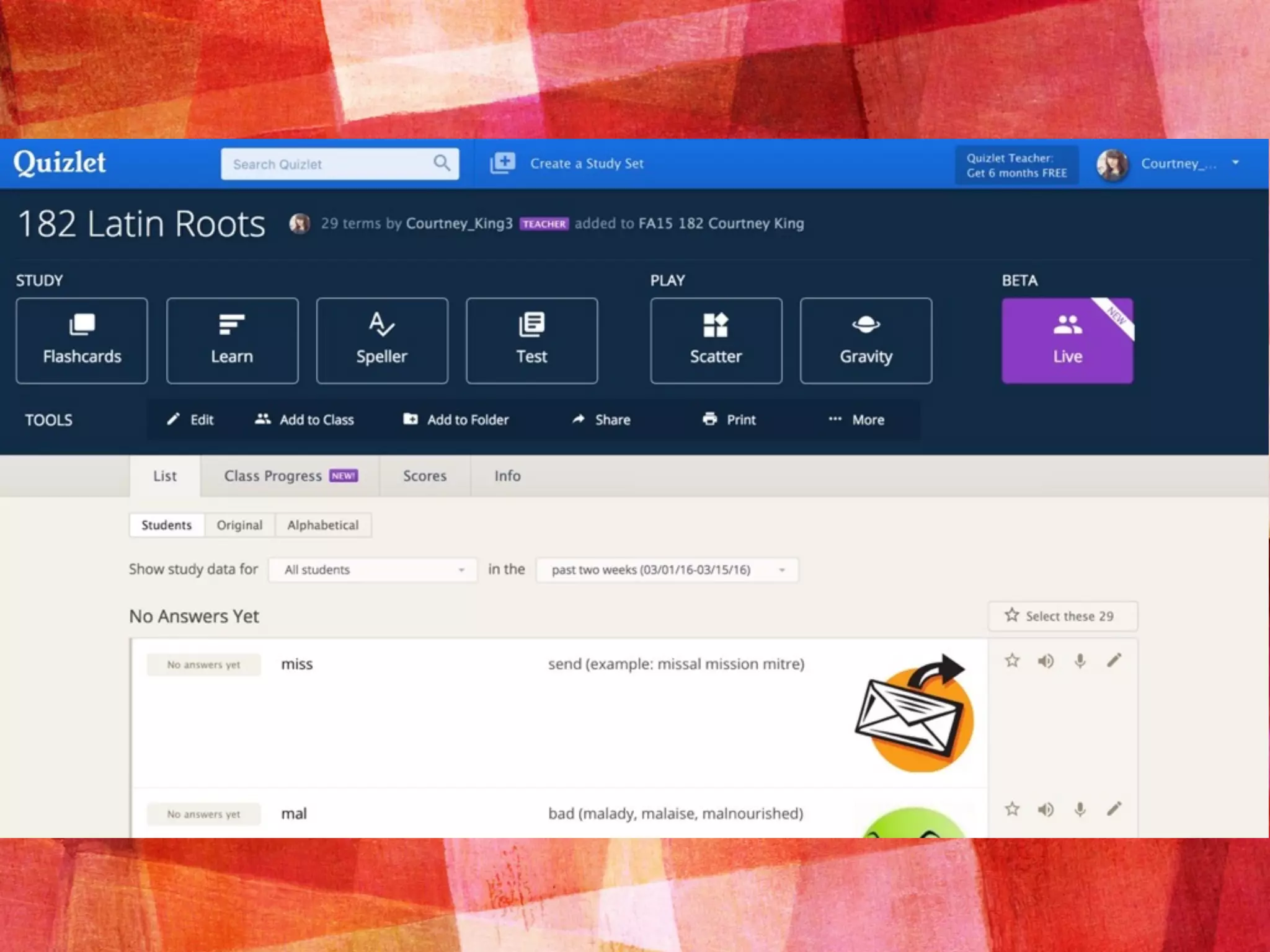
Quizlet
You add words, let
students define,
practice at home,
then play games in
class
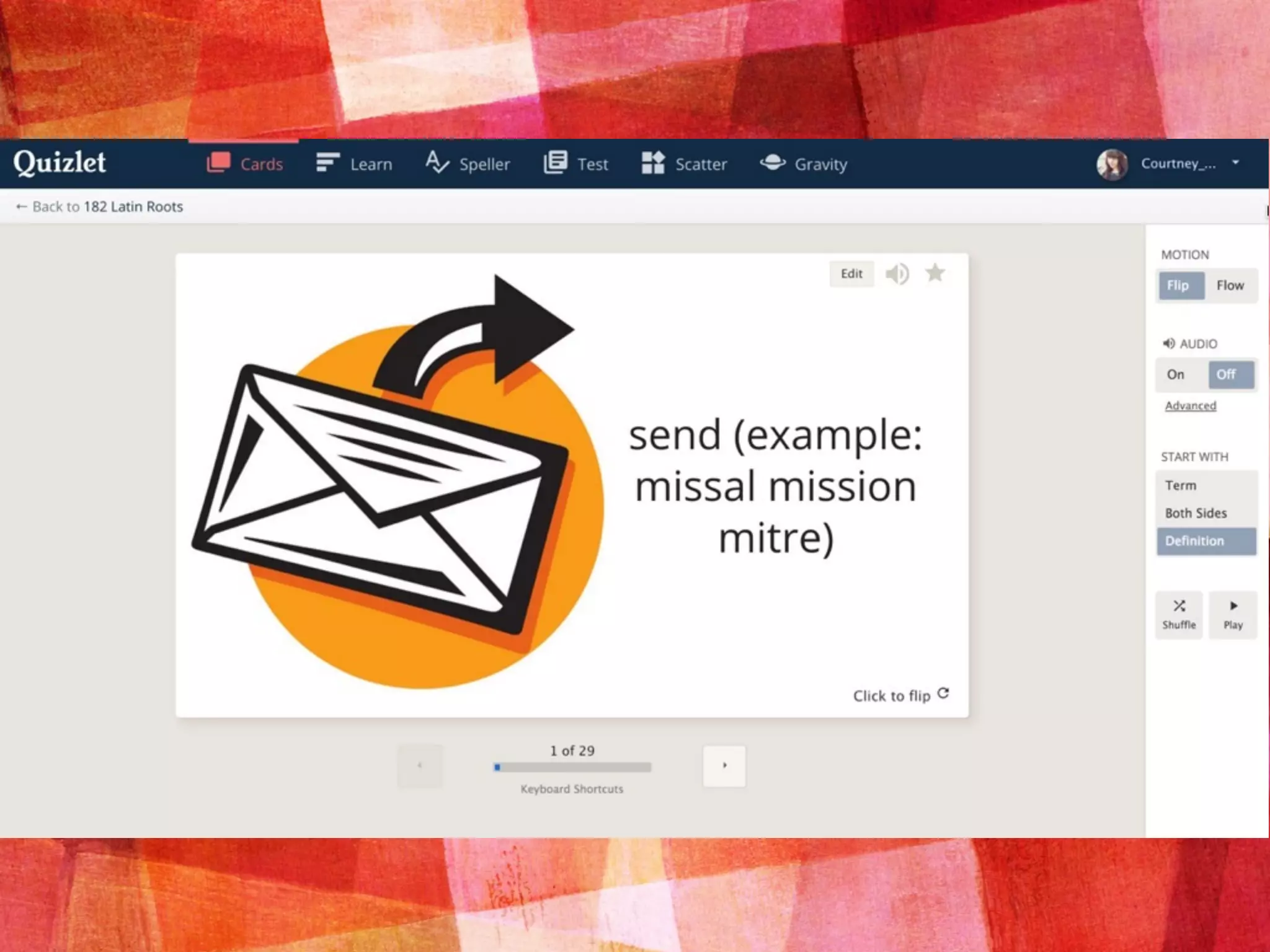
Support for images,
flashcards, multiple
games
Free $24.99/year
Flashcards
Assign an existing
word list or create
your own and ask
students to practice
at home
Flashcards with word
lists from Common
Core, Latin Roots,
TOEFL prep, and more,
or create your own
Free Free
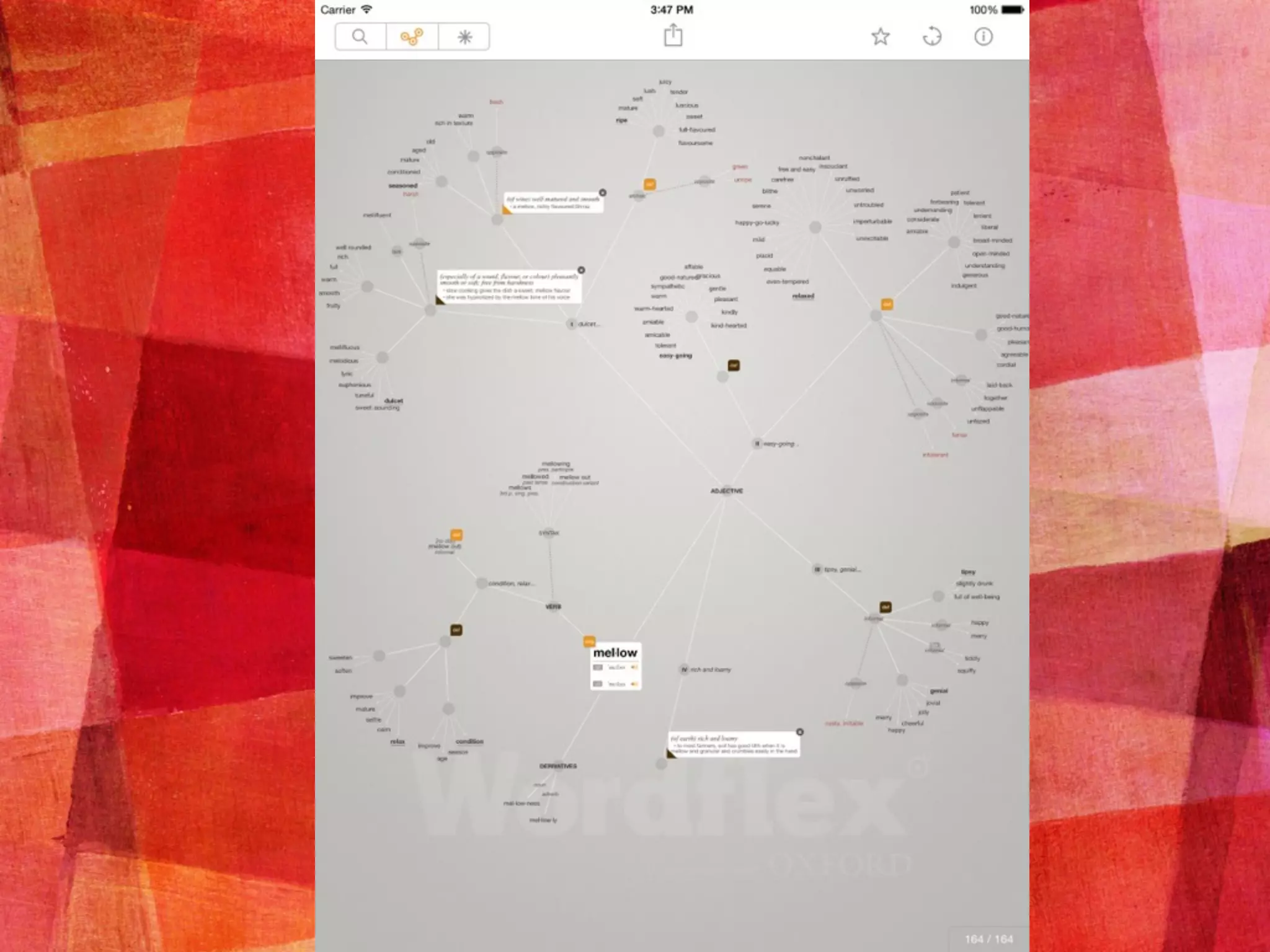
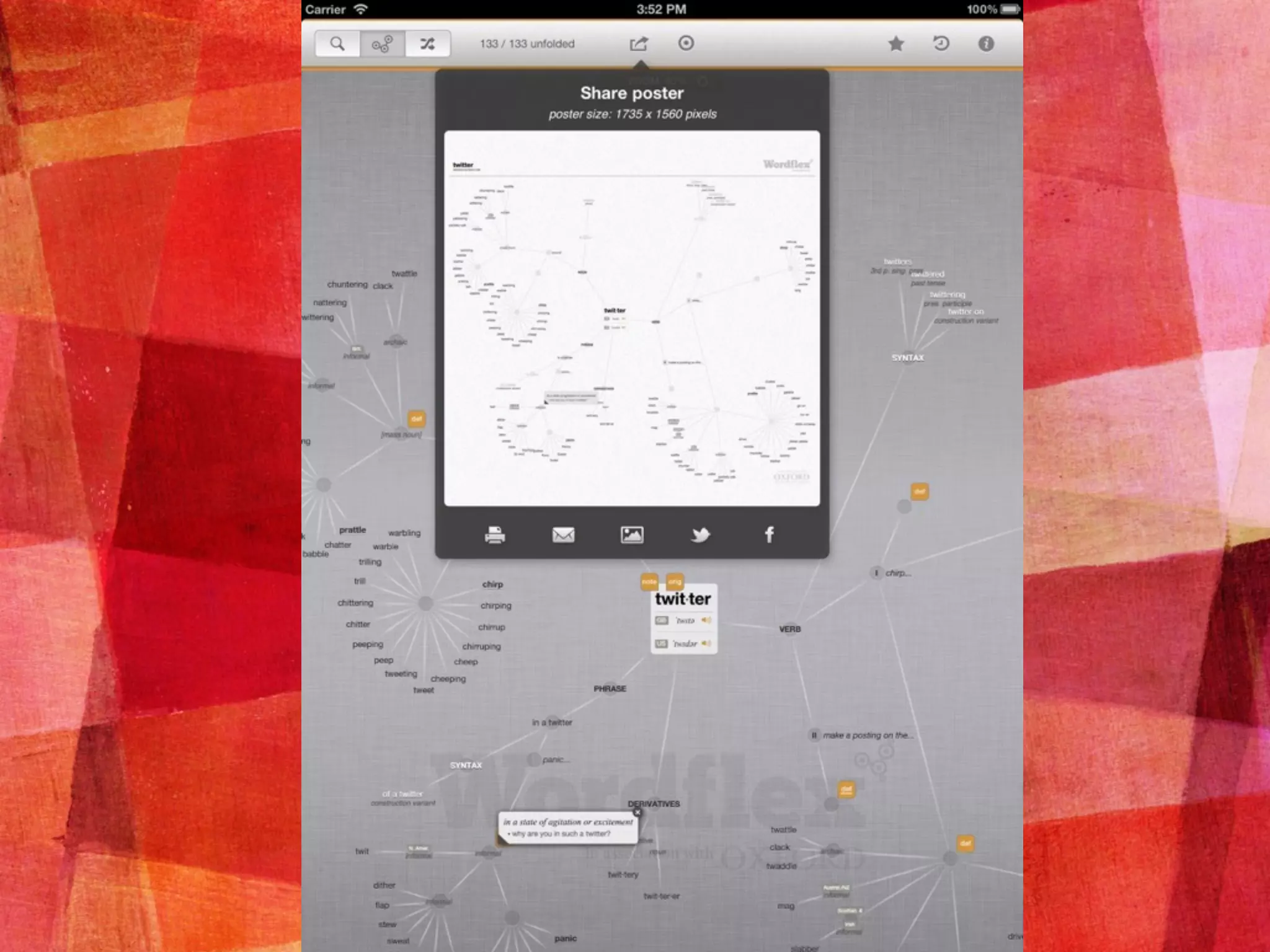
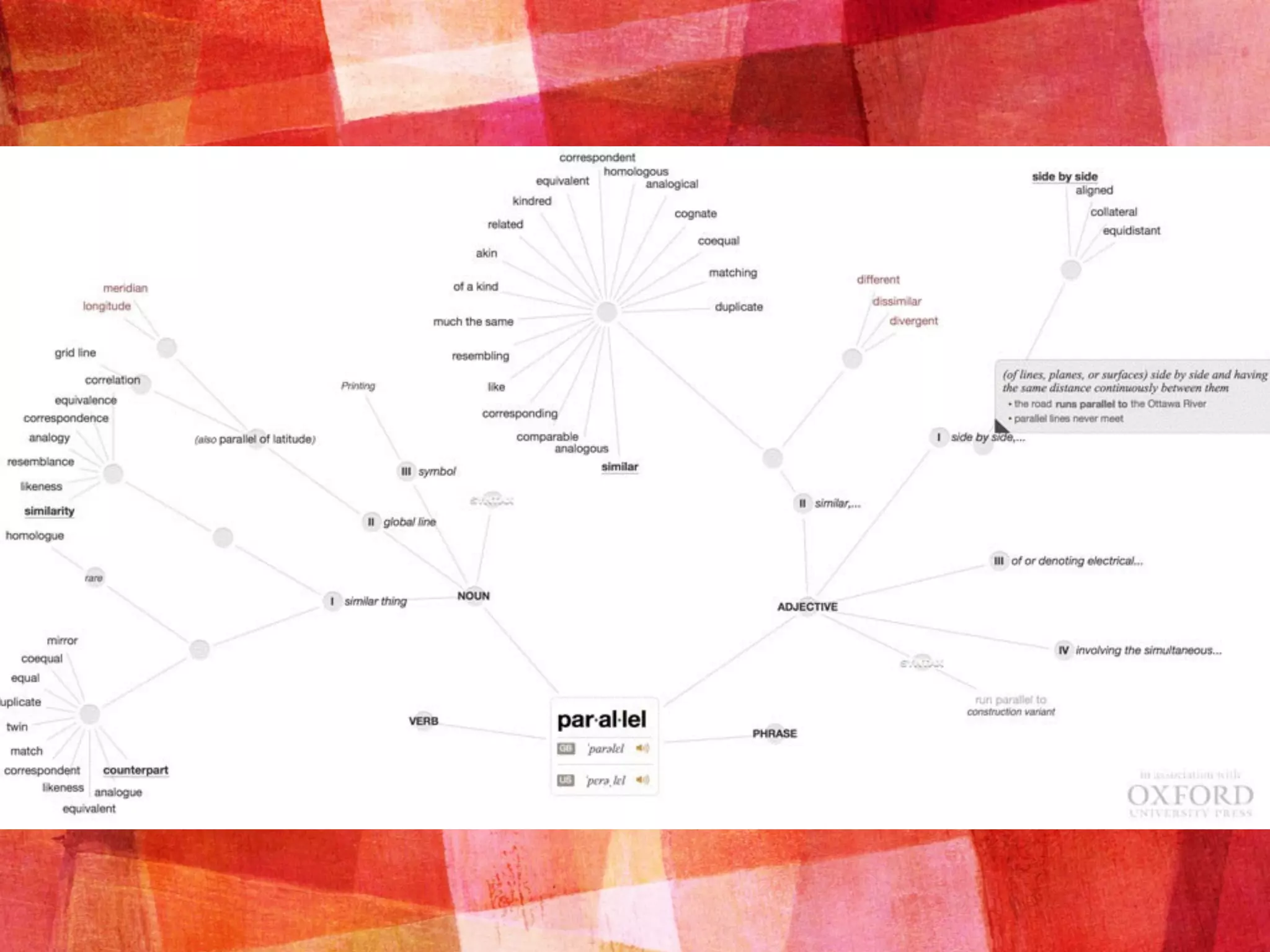
Wordflex
Use it to look up
difficult words in
class, encourage
independent use
Gorgeous visuals,
shows relationships
between words
Free Free
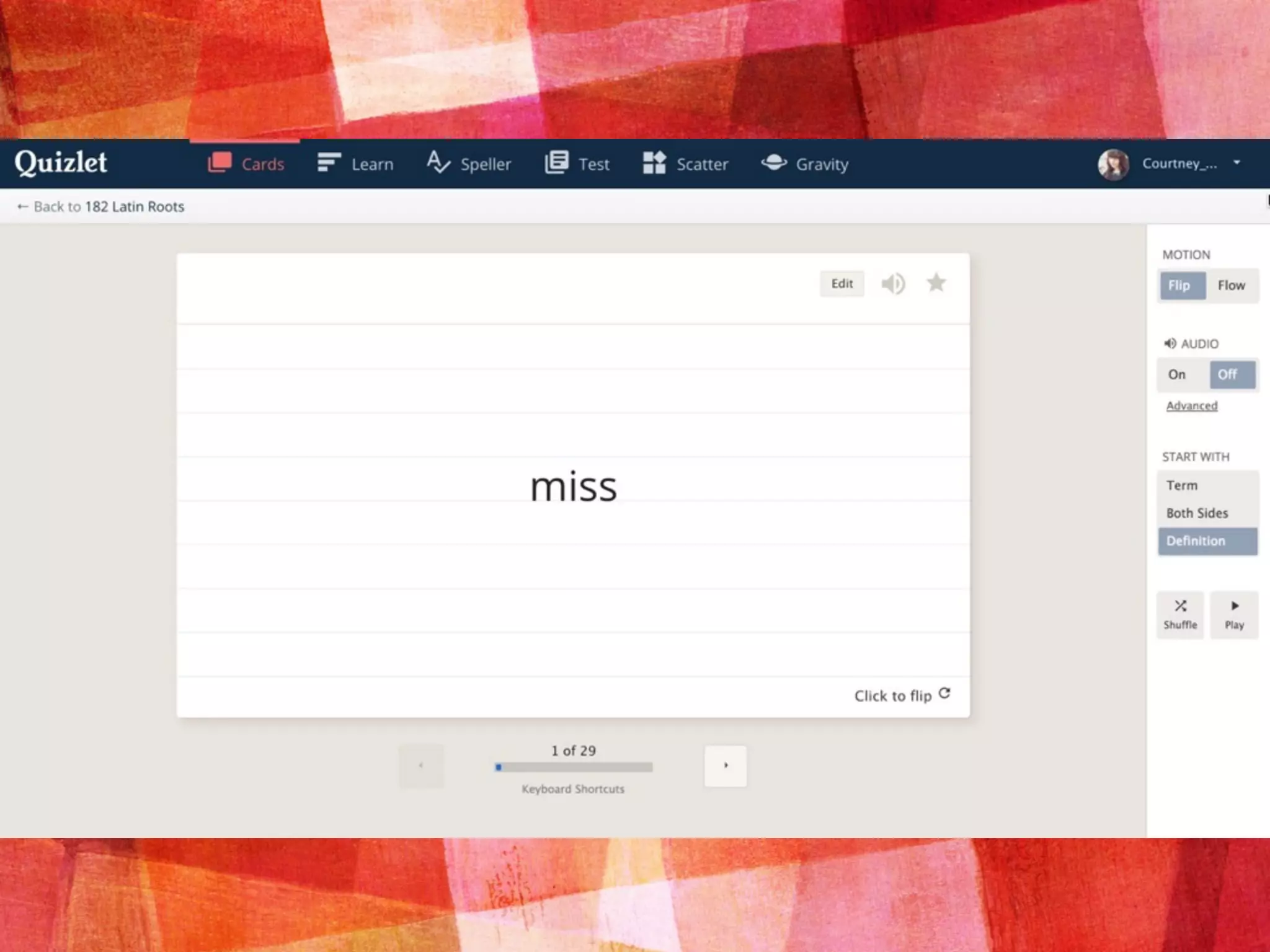
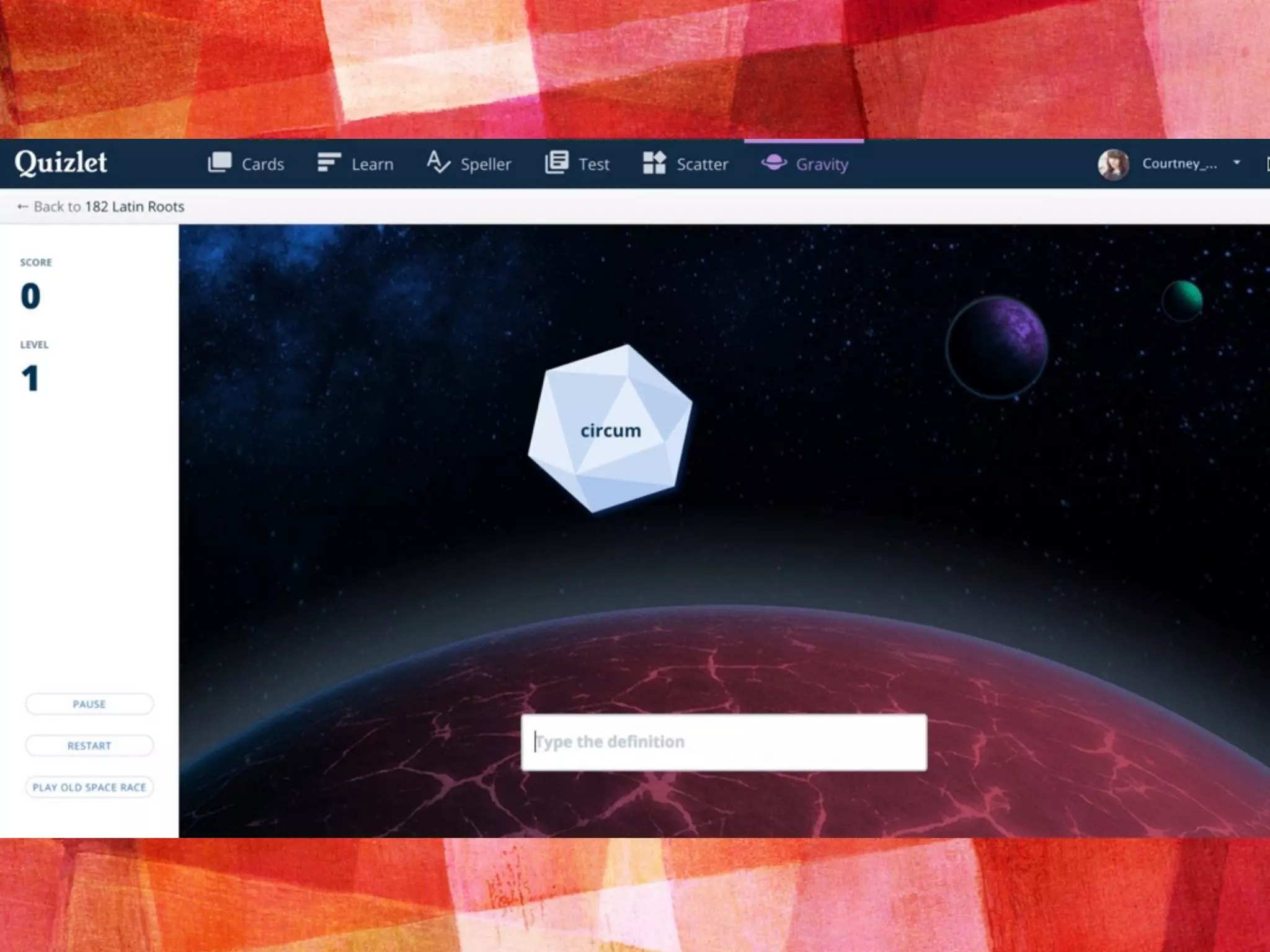
QUIZLET
➤ iOS, Android, Web
➤ Easy to use, both for independent
studying and for in-class practice
➤ When adding words, the app
suggests community definitions for
that word (some of which are
incorrect/unrelated)
➤ Print off flashcards or practice
quizzes
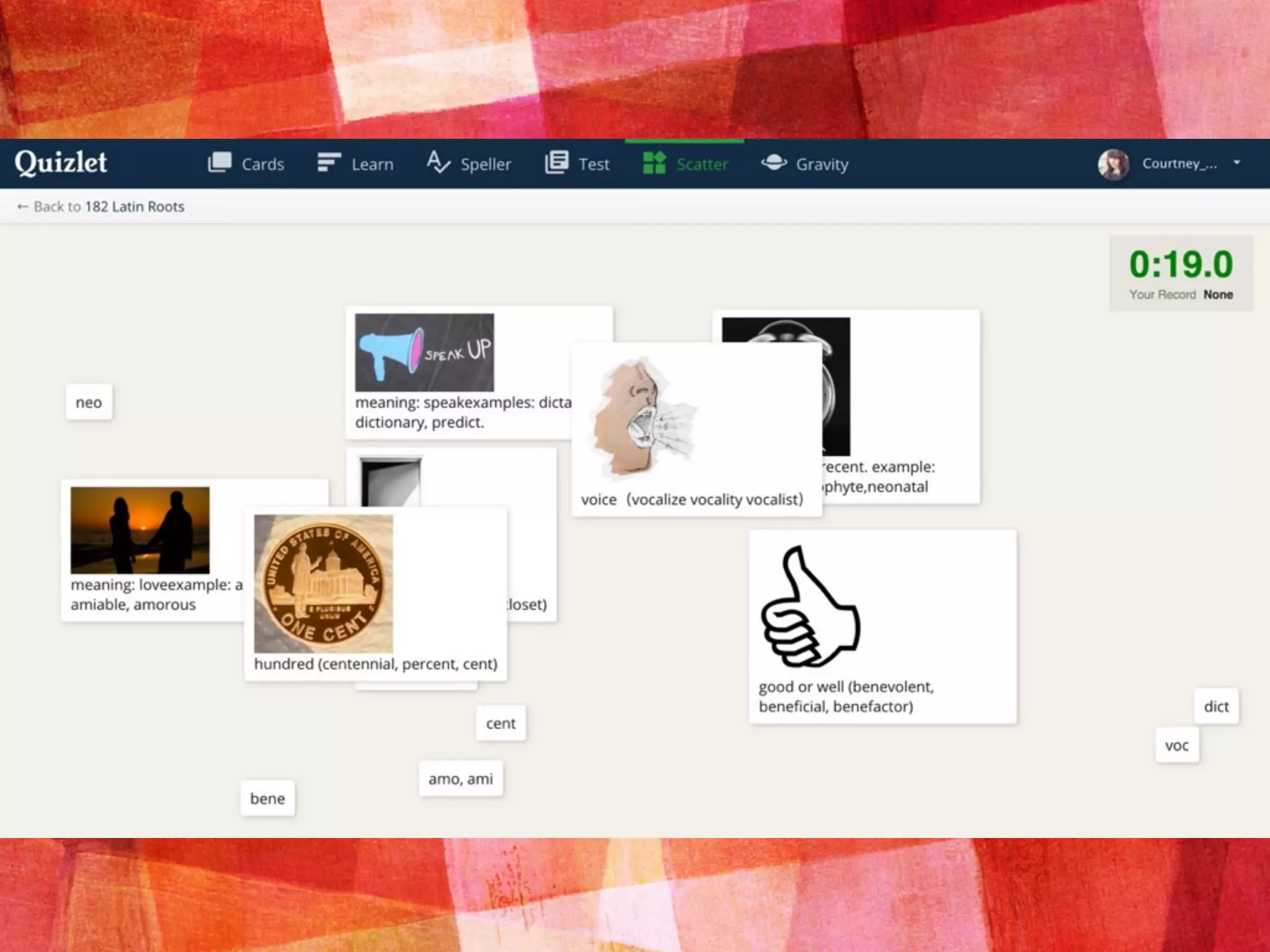
➤ Multiple formats for flashcards
(word first, definition first) and for
games (space race, speller, scatter)
➤ NEW in-class game that lets
students use their phones to
compete
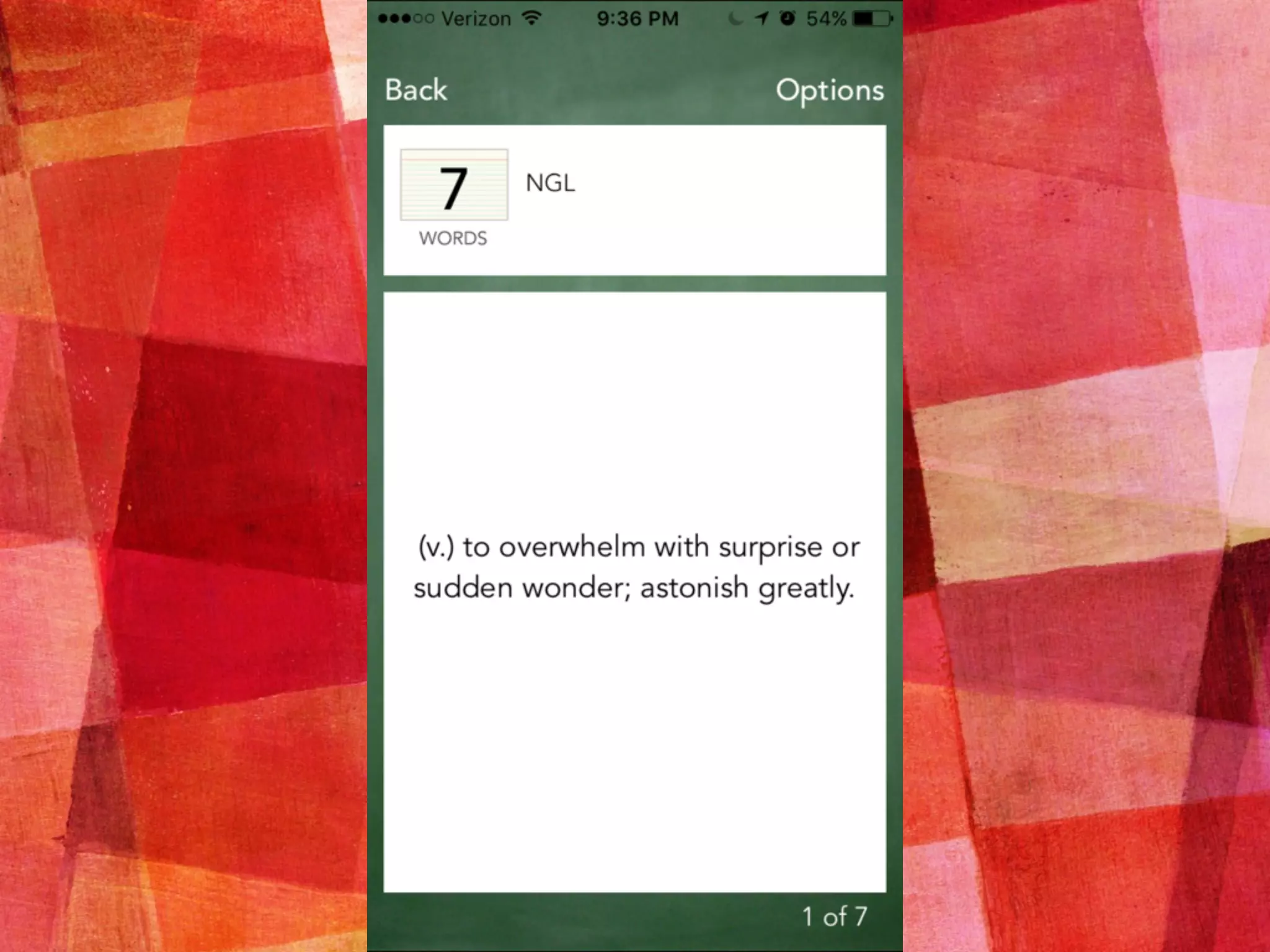
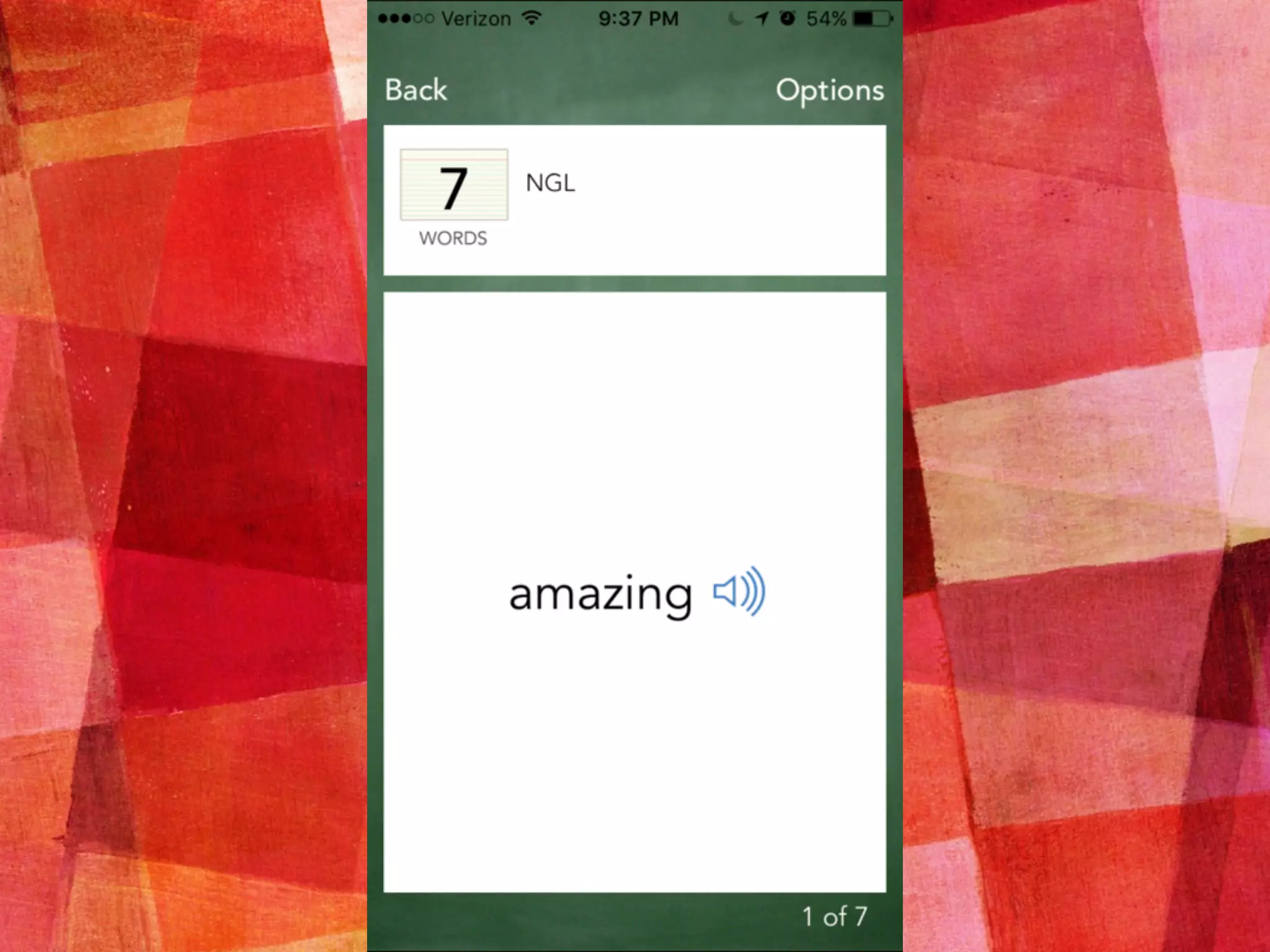
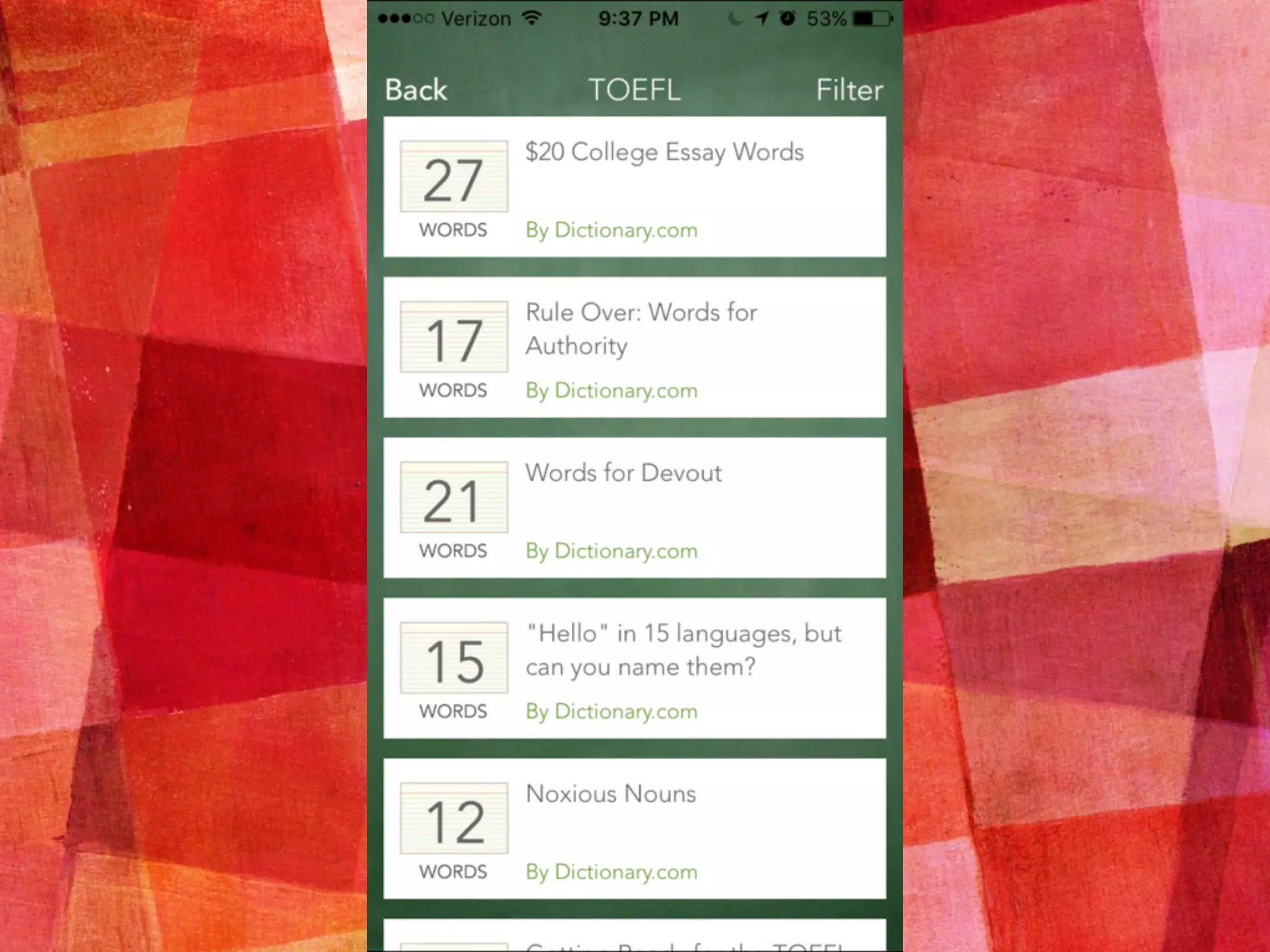
FLASHCARDS
➤ iOS, Android
➤ Best for at-home practice
➤ When adding words, the app auto
fills with the dictionary.com
definition
➤ Multiple formats for flashcards
(word first, definition first),
detailed settings, and a quiz
option
➤ Will pronounce the word with a
native-sounding non-robotic
voice
➤ Share lists via email, Twitter, or
Facebook
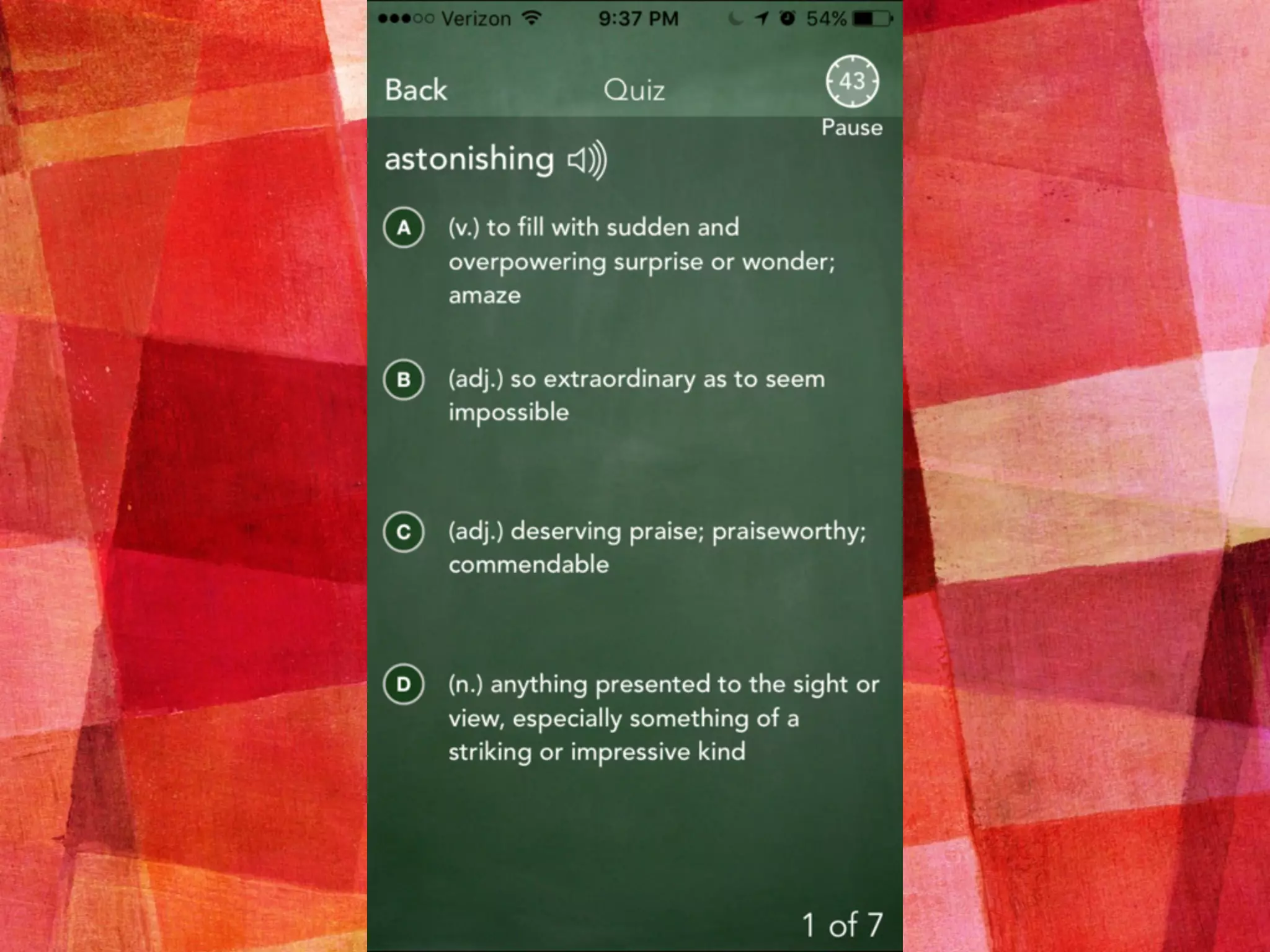
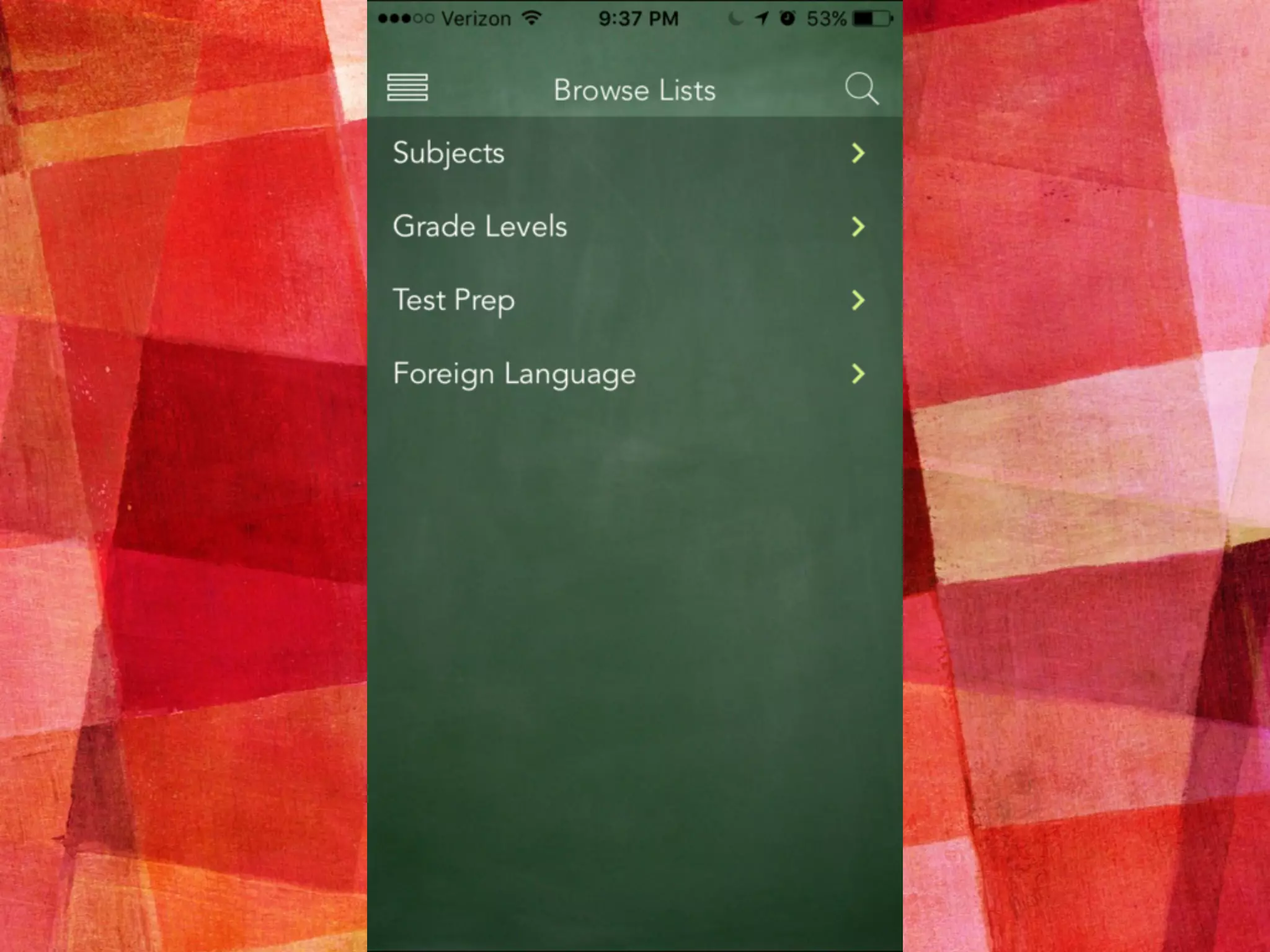
WORDFLEX
➤ iPad only
➤ Fewer clear applications
➤ Great for curious and
independent students who
want to explore language, not
for those who resist learning
➤ Makes a good learning station
with classroom iPad(s)
➤ A beautiful way to explore
word definitions, word forms,
and synonyms as a class
READING
COMPREHENSION
AND FLUENCY
Read Read Read Assess Read
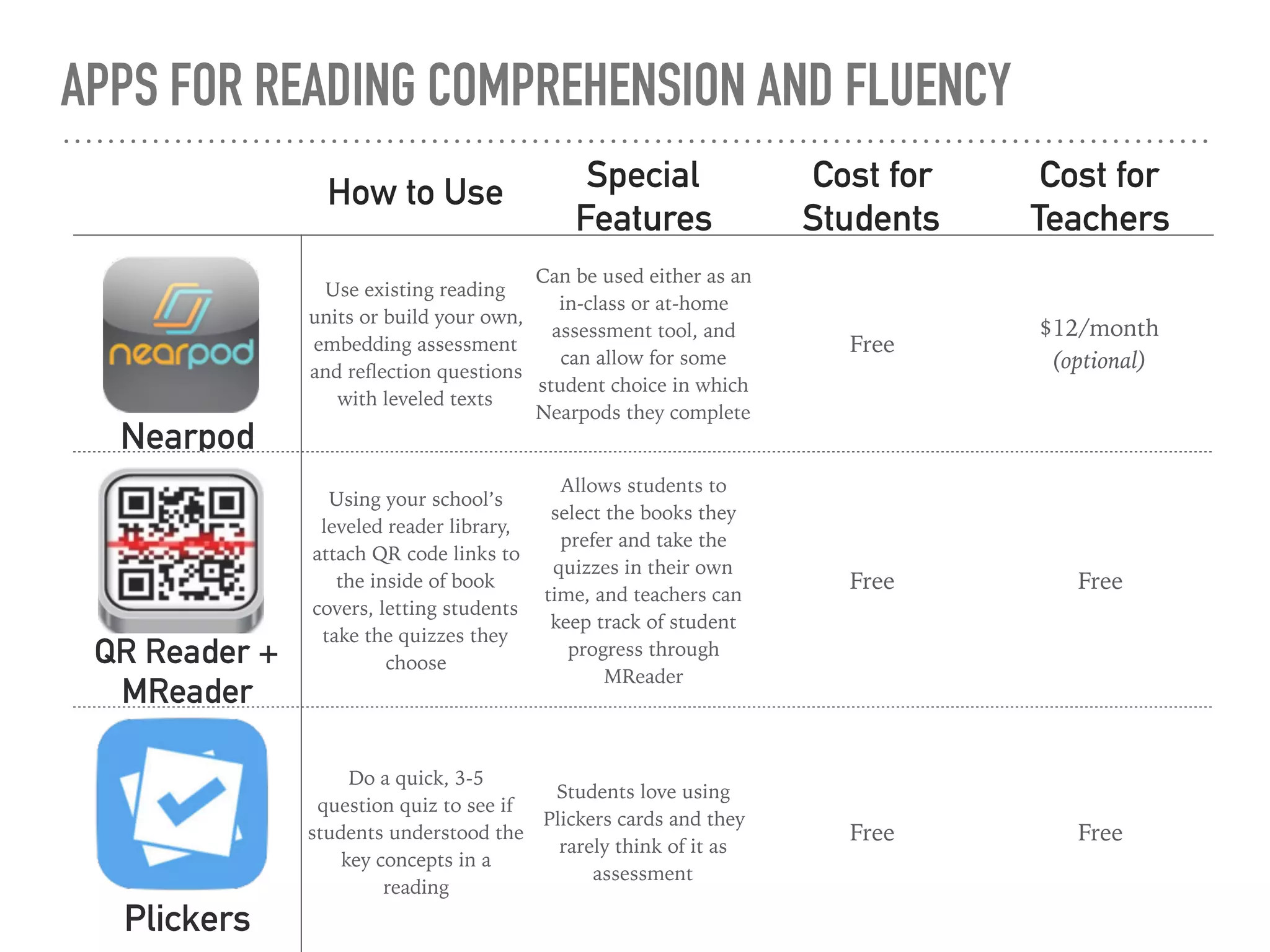
APPS FOR READING COMPREHENSION AND FLUENCY
How to Use Special
Features
Cost for
Students
Cost for
Teachers
Nearpod
Use existing reading
units or build your own,
embedding assessment
and reflection questions
with leveled texts
Can be used either as an
in-class or at-home
assessment tool, and
can allow for some
student choice in which
Nearpods they complete
Free
$12/month
(optional)
QR Reader +
MReader
Using your school’s
leveled reader library,
attach QR code links to
the inside of book
covers, letting students
take the quizzes they
choose
Allows students to
select the books they
prefer and take the
quizzes in their own
time, and teachers can
keep track of student
progress through
MReader
Free Free
Plickers
Do a quick, 3-5
question quiz to see if
students understood the
key concepts in a
reading
Students love using
Plickers cards and they
rarely think of it as
assessment
Free Free
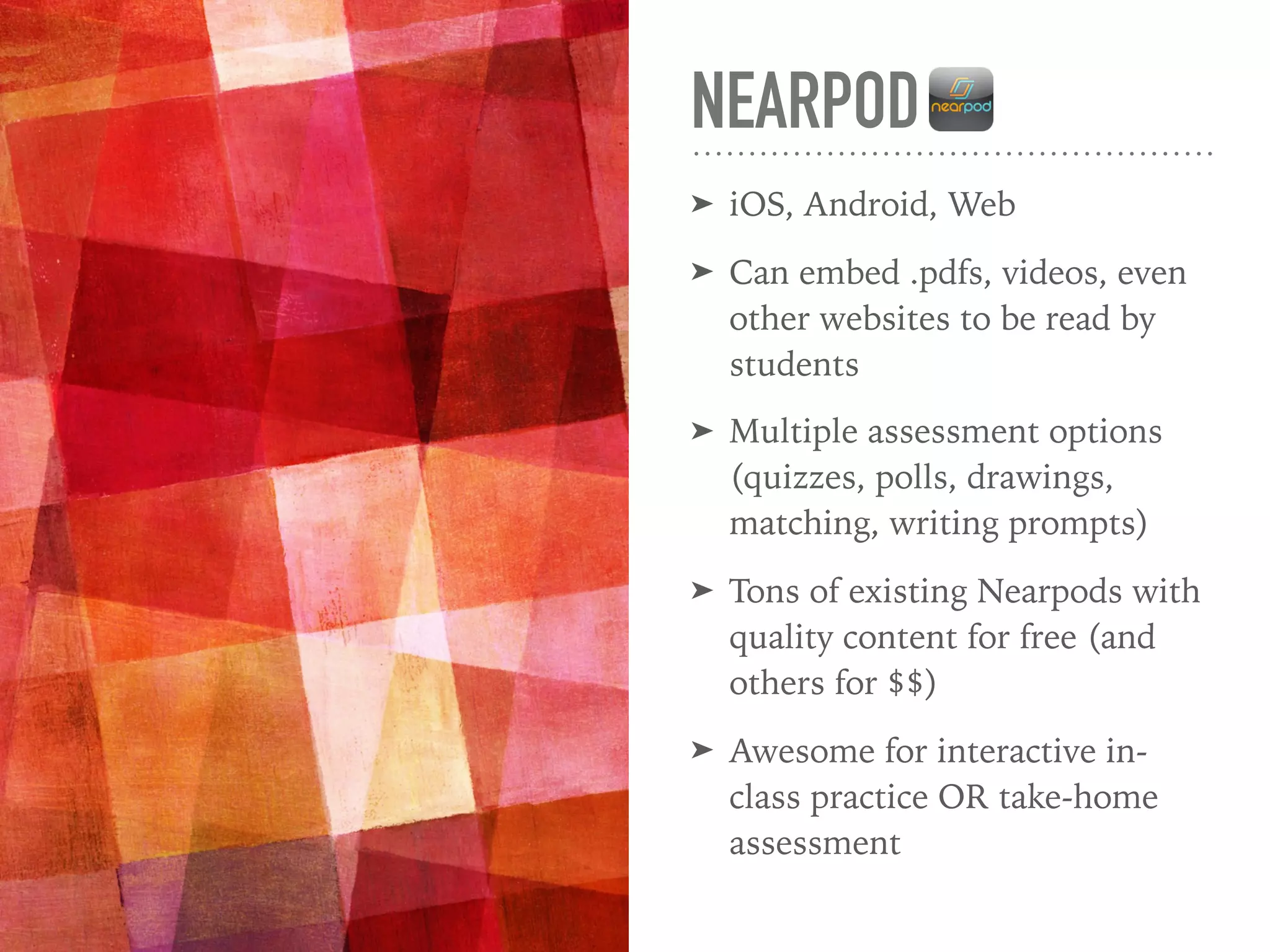
NEARPOD
➤ iOS, Android, Web
➤ Can embed .pdfs, videos, even
other websites to be read by
students
➤ Multiple assessment options
(quizzes, polls, drawings,
matching, writing prompts)
➤ Tons of existing Nearpods with
quality content for free (and
others for $$)
➤ Awesome for interactive in-
class practice OR take-home
assessment
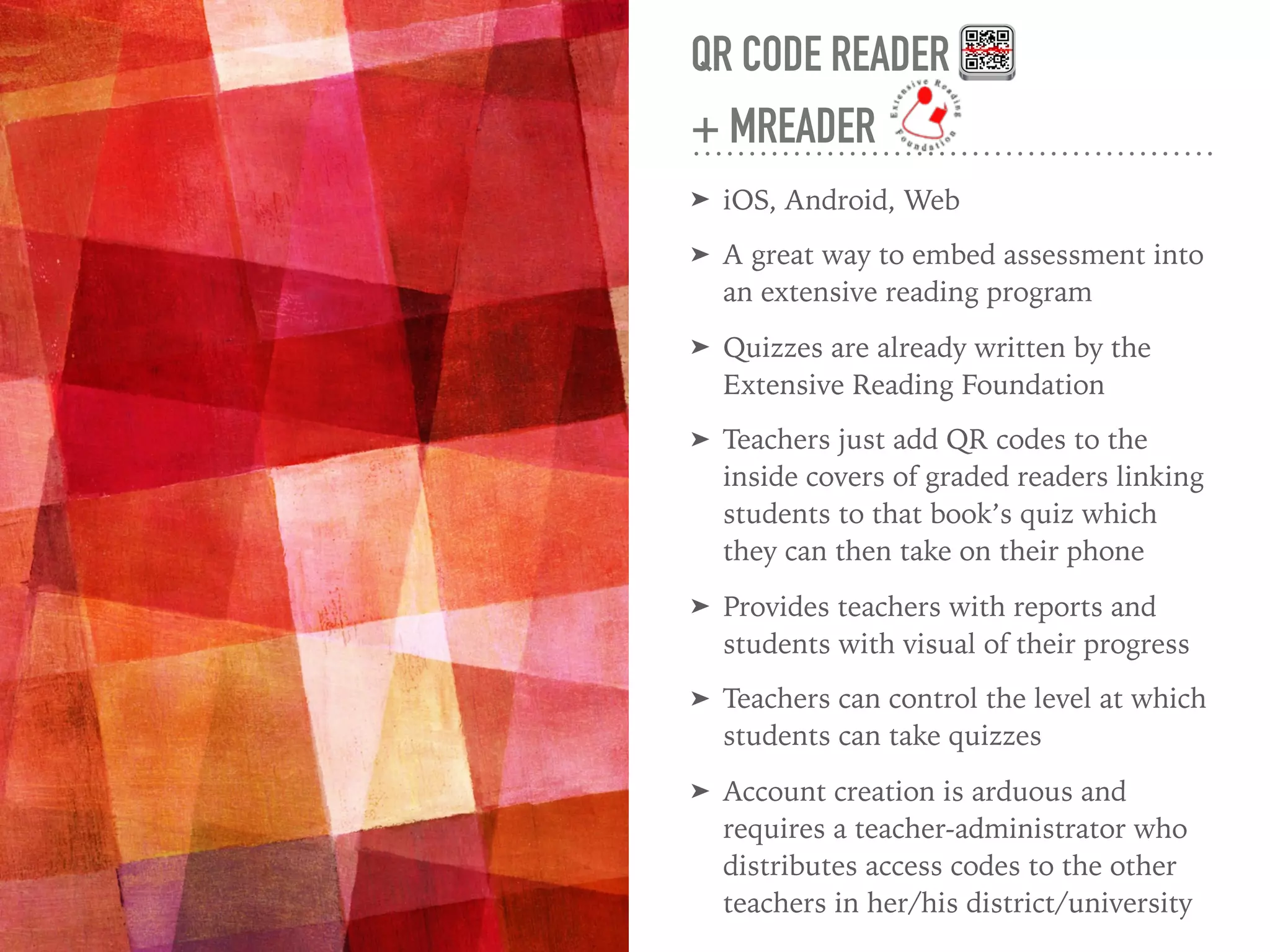
QR CODE READER
+ MREADER
➤ iOS, Android, Web
➤ A great way to embed assessment into
an extensive reading program
➤ Quizzes are already written by the
Extensive Reading Foundation
➤ Teachers just add QR codes to the
inside covers of graded readers linking
students to that book’s quiz which
they can then take on their phone
➤ Provides teachers with reports and
students with visual of their progress
➤ Teachers can control the level at which
students can take quizzes
➤ Account creation is arduous and
requires a teacher-administrator who
distributes access codes to the other
teachers in her/his district/university
“
“We found no differences in reading
attitudes of students who took
weekly ER quizzes compared to
students who did not . . . For
teachers who feel their students
need more external motivation for
extensive reading than mere
encouragement or supplementary
classroom activities, the use of
extensive reading quizzes is
appropriate.”
(Stoeckel, Reagan, & Hann, 2012, p.194)
PLICKERS
➤ Only the teacher needs the app
(iOS or Android)
➤ Great for all levels and classes
that are tech-resistant
➤ Only A, B, C, D and True False
options
➤ Extremely playful and low-
stakes, but still gradable and
useful for gathering data on
student understanding
➤ Can laminate, print on card
stock, or paste into their
textbooks
WEBSITES TO
SUPPORT APP
USE IN THE
CLASSROOM
Readings and Resources
WEBSITES TO SUPPORT THE APPS YOU USE
➤ Read Write Think
➤ Intended for K-12, but many of the lessons
translate well to EAP
➤ Lessons on specific grammar, reading, and
writing topics with interactive games and
apps as well as worksheets and lesson plans
➤ Read Works
➤ Incredible bank of short readings with lexile
measures as well as comprehension questions
➤ Lesson plans to accompany a variety of
leveled novels
➤ Skill-based lessons for every grade level
➤ Vocabulary activity to accompany most
lessons
WEBSITES TO SUPPORT THE APPS YOU USE
➤ Lit2Go
➤ A collection of short classic readings including
fairy tales, short stories, and poems
➤ All have audio files
➤ Most have comprehension questions to pair
with the passages
➤ Extensive Reading Foundation/MReader
➤ Hundreds of graded reader quizzes
➤ Incredible resource for those who want to
encourage students to read graded readers
➤ Amazing depth of information on the benefits
of extensive reading and how to set up a
program in your school
USE THE QR CODES ON YOUR
HANDOUT TO EXPLORE!
WHAT ADDITIONAL READING
ACTIVITIES CAN YOU
ENVISION WITH THESE APPS?
THANK YOU!
courtneyelizabethking.com
king2ce@cmich.edu

Learning to Love Your Students Smartphones: How Mobile Apps Can Breathe New Life into Your Reading Class

  • 1.
    LEARNING TO LOVEYOUR STUDENTS’ SMARTPHONES How Mobile Apps Can Breathe New Life into Your Reading Class
  • 2.
    SELF-IDENTIFIED TECH-SAVVY TEACHERS RAISE YOURHANDS AND STAND UP! FIND ONE OR TWO TEACHERS WHO NEED YOUR EXPERTISE AND SIT WITH THEM. SAY HELLO TO YOUR NEW FRIENDS!
  • 3.
    TWO MINUTE DISCUSSION DOYOU USE YOUR STUDENTS’ SMARTPHONES IN YOUR CLASSROOM TO SUPPORT YOUR TEACHING? IF SO, HOW?
  • 4.
    WHY YOU MIGHTCONSIDER USING APPS IN YOUR CLASSROOM ➤ Students enjoy it and demonstrate higher levels of engagement. ➤ Smartphones are a teaching technology that we don’t have to write a grant for. ➤ Prevent sneaky phone use when we have clear phones out/ phones away distinctions within a class period. ➤ We can give them a powerful study tool (and they never leave home without it). ➤ Navigating an app builds technical language skills. ➤ Tech-literacy often falls on us.
  • 5.
    APP USE INTHE CLASSROOM IS NOT JUST FUN. IT’S ALSO PRACTICAL AND SUPPORTED BY RESEARCH. References available in your handout
  • 6.
    “ “Students [who workedin computer and mobile assisted learning centers] were motivated, on task, and attentive when working on their literacy tasks . . . The learning technology allowed students to develop independent work habits and to build both their skills and confidence about literacy and about using technology.” (Yunus, Nordin, Salehi, Sun, & Embi, 2013, p.121)
  • 7.
  • 8.
    “ “Vocabulary knowledge would seemto be the most clearly identifiable subcomponent of the ability to read.” (Nation & Coady, 1988, p. 98)
  • 9.
    APPS FOR VOCABULARY Howto Use Special Features Cost for Students Cost for Teachers Quizlet You add words, let students define, practice at home, then play games in class Support for images, flashcards, multiple games Free $24.99/year Flashcards Assign an existing word list or create your own and ask students to practice at home Flashcards with word lists from Common Core, Latin Roots, TOEFL prep, and more, or create your own Free Free Wordflex Use it to look up difficult words in class, encourage independent use Gorgeous visuals, shows relationships between words Free Free
  • 10.
    QUIZLET ➤ iOS, Android,Web ➤ Easy to use, both for independent studying and for in-class practice ➤ When adding words, the app suggests community definitions for that word (some of which are incorrect/unrelated) ➤ Print off flashcards or practice quizzes ➤ Multiple formats for flashcards (word first, definition first) and for games (space race, speller, scatter) ➤ NEW in-class game that lets students use their phones to compete
  • 16.
    FLASHCARDS ➤ iOS, Android ➤Best for at-home practice ➤ When adding words, the app auto fills with the dictionary.com definition ➤ Multiple formats for flashcards (word first, definition first), detailed settings, and a quiz option ➤ Will pronounce the word with a native-sounding non-robotic voice ➤ Share lists via email, Twitter, or Facebook
  • 22.
    WORDFLEX ➤ iPad only ➤Fewer clear applications ➤ Great for curious and independent students who want to explore language, not for those who resist learning ➤ Makes a good learning station with classroom iPad(s) ➤ A beautiful way to explore word definitions, word forms, and synonyms as a class
  • 26.
  • 27.
    APPS FOR READINGCOMPREHENSION AND FLUENCY How to Use Special Features Cost for Students Cost for Teachers Nearpod Use existing reading units or build your own, embedding assessment and reflection questions with leveled texts Can be used either as an in-class or at-home assessment tool, and can allow for some student choice in which Nearpods they complete Free $12/month (optional) QR Reader + MReader Using your school’s leveled reader library, attach QR code links to the inside of book covers, letting students take the quizzes they choose Allows students to select the books they prefer and take the quizzes in their own time, and teachers can keep track of student progress through MReader Free Free Plickers Do a quick, 3-5 question quiz to see if students understood the key concepts in a reading Students love using Plickers cards and they rarely think of it as assessment Free Free
  • 28.
    NEARPOD ➤ iOS, Android,Web ➤ Can embed .pdfs, videos, even other websites to be read by students ➤ Multiple assessment options (quizzes, polls, drawings, matching, writing prompts) ➤ Tons of existing Nearpods with quality content for free (and others for $$) ➤ Awesome for interactive in- class practice OR take-home assessment
  • 29.
    QR CODE READER +MREADER ➤ iOS, Android, Web ➤ A great way to embed assessment into an extensive reading program ➤ Quizzes are already written by the Extensive Reading Foundation ➤ Teachers just add QR codes to the inside covers of graded readers linking students to that book’s quiz which they can then take on their phone ➤ Provides teachers with reports and students with visual of their progress ➤ Teachers can control the level at which students can take quizzes ➤ Account creation is arduous and requires a teacher-administrator who distributes access codes to the other teachers in her/his district/university
  • 30.
    “ “We found nodifferences in reading attitudes of students who took weekly ER quizzes compared to students who did not . . . For teachers who feel their students need more external motivation for extensive reading than mere encouragement or supplementary classroom activities, the use of extensive reading quizzes is appropriate.” (Stoeckel, Reagan, & Hann, 2012, p.194)
  • 31.
    PLICKERS ➤ Only theteacher needs the app (iOS or Android) ➤ Great for all levels and classes that are tech-resistant ➤ Only A, B, C, D and True False options ➤ Extremely playful and low- stakes, but still gradable and useful for gathering data on student understanding ➤ Can laminate, print on card stock, or paste into their textbooks
  • 32.
    WEBSITES TO SUPPORT APP USEIN THE CLASSROOM Readings and Resources
  • 33.
    WEBSITES TO SUPPORTTHE APPS YOU USE ➤ Read Write Think ➤ Intended for K-12, but many of the lessons translate well to EAP ➤ Lessons on specific grammar, reading, and writing topics with interactive games and apps as well as worksheets and lesson plans ➤ Read Works ➤ Incredible bank of short readings with lexile measures as well as comprehension questions ➤ Lesson plans to accompany a variety of leveled novels ➤ Skill-based lessons for every grade level ➤ Vocabulary activity to accompany most lessons
  • 34.
    WEBSITES TO SUPPORTTHE APPS YOU USE ➤ Lit2Go ➤ A collection of short classic readings including fairy tales, short stories, and poems ➤ All have audio files ➤ Most have comprehension questions to pair with the passages ➤ Extensive Reading Foundation/MReader ➤ Hundreds of graded reader quizzes ➤ Incredible resource for those who want to encourage students to read graded readers ➤ Amazing depth of information on the benefits of extensive reading and how to set up a program in your school
  • 35.
    USE THE QRCODES ON YOUR HANDOUT TO EXPLORE! WHAT ADDITIONAL READING ACTIVITIES CAN YOU ENVISION WITH THESE APPS?
  • 36.