THE APP CIRCUS:
Top 10 Educational Apps
By: D. Britt, D. Page, & A. Roberts
Quizlet
https://apps.apple.com/us/app/quizlet-flashcards-study-tools/id546473125
● Grade Level: K-12
● Content Area: A variety of content areas
● Specific Uses in Classroom: Teachers or students can use the
study sets in the database or can customize or create their own
sets. Teacher can assign for individual use in the form of
flashcards or can use the Live feature which allows for interaction
between students.
● Student Feedback: Both the flashcard feature and Live feature
provide instant feedback after answering the question.
● Higher Learning Thinking Skills: This app does not provide higher
level thinking skills; it focuses more on memorization & repetition.
● Ease of use: Quizlet is very easy to set up and access.
● Privacy Policy: Certain information may be displayed
publicly, such as information included on a user profile,
classes, high scores, or sets studied.
● Curriculum standards: Some sets in the database may
meet standards; however, teachers can create their own
sets to connect to curriculum standards.
● Easy instructions: Provides easy to follow instructions,
allowing students to choose the format of the review and
whether term or explanation are displayed first.
● Authenticity: Yes, Quizlet offers authenticity because the
teacher is able to choose from the study sets, edit a
study set, or create a new one that is relevant to the
class.
● Differentiation: There is not a lot of differentiation that
can be provided by the teacher; flashcards can be set
up with matching or at a more difficult level, where an
answer must be typed in.
● Student Motivation: Students love this app because of
the ease of use; students can devote
*Rationale:
We chose this app because it can be used by
a teachers & students in grades K-12 & offers
a wide range of topics. Also, it presents
material in various formats & makes learning
fun.
Newsela
https://apps.apple.com/us/app/newsela-student/id966371321
● Grade Level: K-12
● Content Area: Articles cover a variety of content.
● Specific Uses in Classroom: Teachers can assign
articles for students to read; each article comes with
multiple choice questions and open-ended questions.
Teachers can search for articles on a specific topic;
articles over current issues are also published.
● Student Feedback: Teachers can establish the
settings to give feedback to students' responses over
the multiple choice questions.
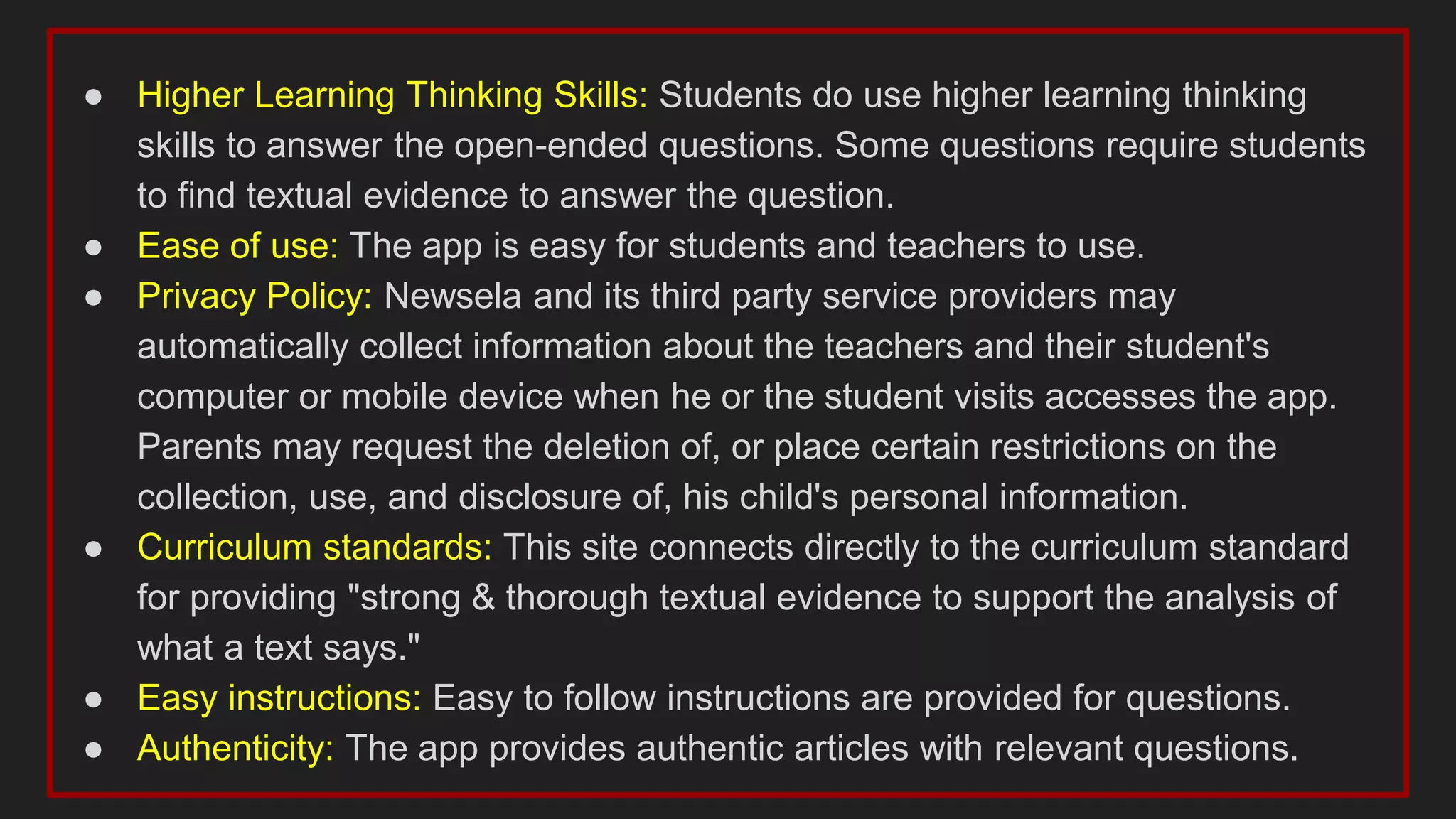
● Higher Learning Thinking Skills: Students do use higher learning thinking
skills to answer the open-ended questions. Some questions require students
to find textual evidence to answer the question.
● Ease of use: The app is easy for students and teachers to use.
● Privacy Policy: Newsela and its third party service providers may
automatically collect information about the teachers and their student's
computer or mobile device when he or the student visits accesses the app.
Parents may request the deletion of, or place certain restrictions on the
collection, use, and disclosure of, his child's personal information.
● Curriculum standards: This site connects directly to the curriculum standard
for providing "strong & thorough textual evidence to support the analysis of
what a text says."
● Easy instructions: Easy to follow instructions are provided for questions.
● Authenticity: The app provides authentic articles with relevant questions.
*Rationale:
We chose this app because it can
be used with K-12 & covers a wide
range of topics. Also, this app
really allows the teacher to
differentiate for his/her students
unlike many other apps.
vocabulary.com
https://www.vocabulary.com/app/
● Grade Level: 2-12
● Content Area: Vocabulary (can be used for any content area)
● Specific Uses in Classroom: Teachers can assign vocabulary
sets for students. Sets can coordinate with a specific text being
taught in class or can be used for the primary use of enhancing
a student's vocabulary. Etymology is given for each word, as
well as providing a variety of contexts that the word could be
used in.
● Student Feedback: After answering, the student is given
immediate feedback if correct. If the answer is wrong, students
are allowed to try again. The word is cycled through several
times until mastery is achieved.
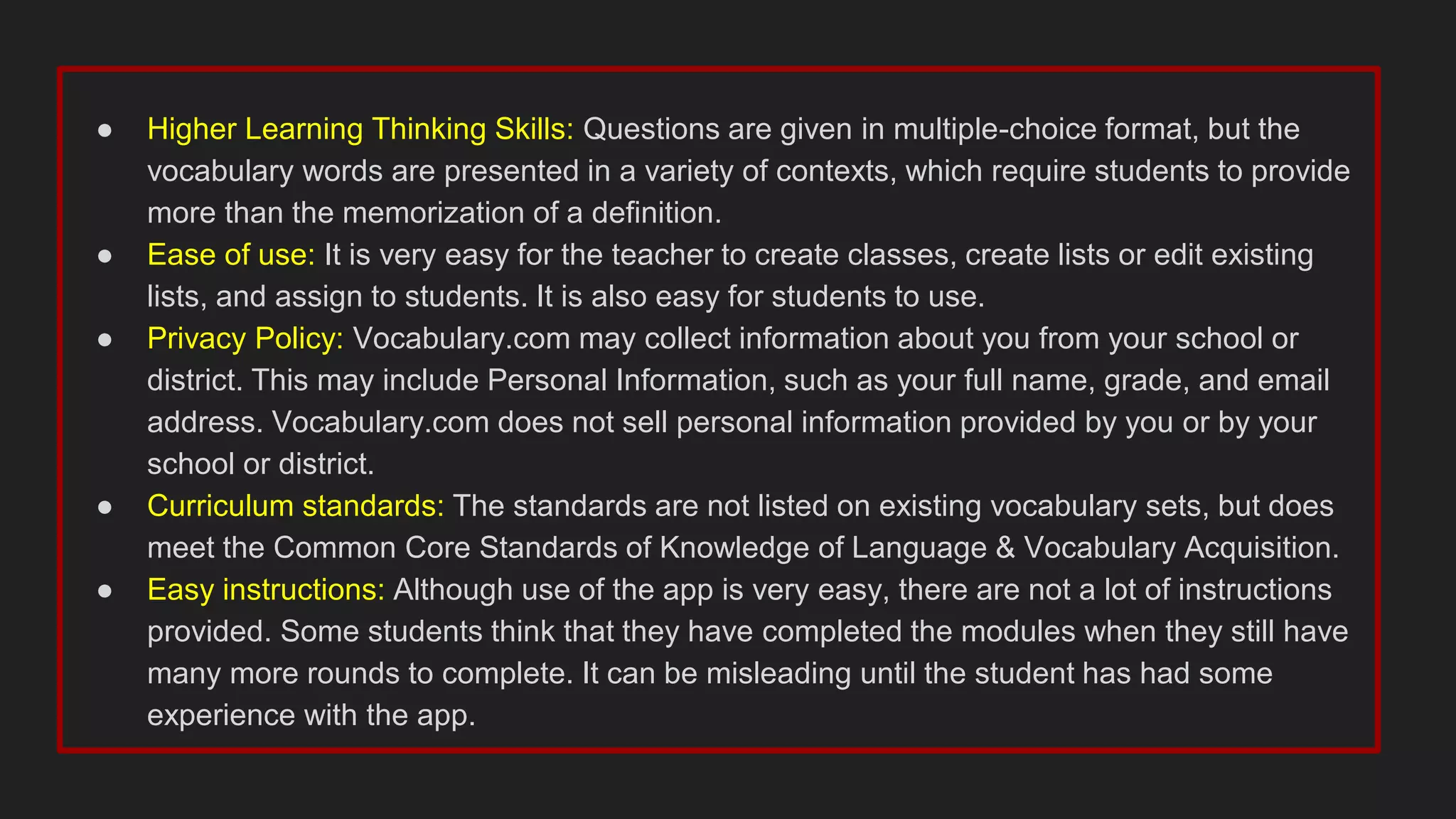
● Higher Learning Thinking Skills: Questions are given in multiple-choice format, but the
vocabulary words are presented in a variety of contexts, which require students to provide
more than the memorization of a definition.
● Ease of use: It is very easy for the teacher to create classes, create lists or edit existing
lists, and assign to students. It is also easy for students to use.
● Privacy Policy: Vocabulary.com may collect information about you from your school or
district. This may include Personal Information, such as your full name, grade, and email
address. Vocabulary.com does not sell personal information provided by you or by your
school or district.
● Curriculum standards: The standards are not listed on existing vocabulary sets, but does
meet the Common Core Standards of Knowledge of Language & Vocabulary Acquisition.
● Easy instructions: Although use of the app is very easy, there are not a lot of instructions
provided. Some students think that they have completed the modules when they still have
many more rounds to complete. It can be misleading until the student has had some
experience with the app.
● Authenticity: Teachers can check the
previously made sets for authenticity and can
also edit them if needed.
● Differentiation: If a teacher thinks a student is
likely to struggle with a specific word,
vocabulary.com can start with questions that
provide more scaffolding.
● Student Motivation: Students are highly
motivated to use this app. It can be practiced in
short time periods or for longer times. There is
also a feature that keeps track of points.
Students can compete with other students in
the class and can even have a face-off.
*Rationale:
We chose this app because it can be used
with several content areas & for several
grades. We also like the that the teacher can
assign practice, quizzes, or allow students to
compete against one another in a game
format.
Edpuzzle
https://apps.apple.com/us/app/edpuzzle/id919598209
● Grade Level: K-12
● Content Area: A variety of content areas
● Specific Uses in Classroom: Students watch videos, either
created by the teacher or from the internet, and answer questions,
made by the teacher, as they watch.
● Student Feedback: Instant feedback is provided to the students as
they watch the video & the teacher receives feedback as well.
● Higher Learning Thinking Skills: This app is able to provide higher
level thinking skills since the teacher can use a variety of question
types.
● Ease of use: Edpuzzle is very easy to set up and access.
● Privacy Policy: Certain information may be displayed
publicly, such as information included on a user profile,
classes, high scores, or sets studied.
● Curriculum standards: Teachers can create their own
questions & select specific videos to connect to
curriculum standards.
● Easy instructions: Provides easy to follow instructions
for the students.
● Authenticity: Yes, Edpuzzle offers authenticity because
the teacher is able to choose videos & create questions
that are specific to the class.
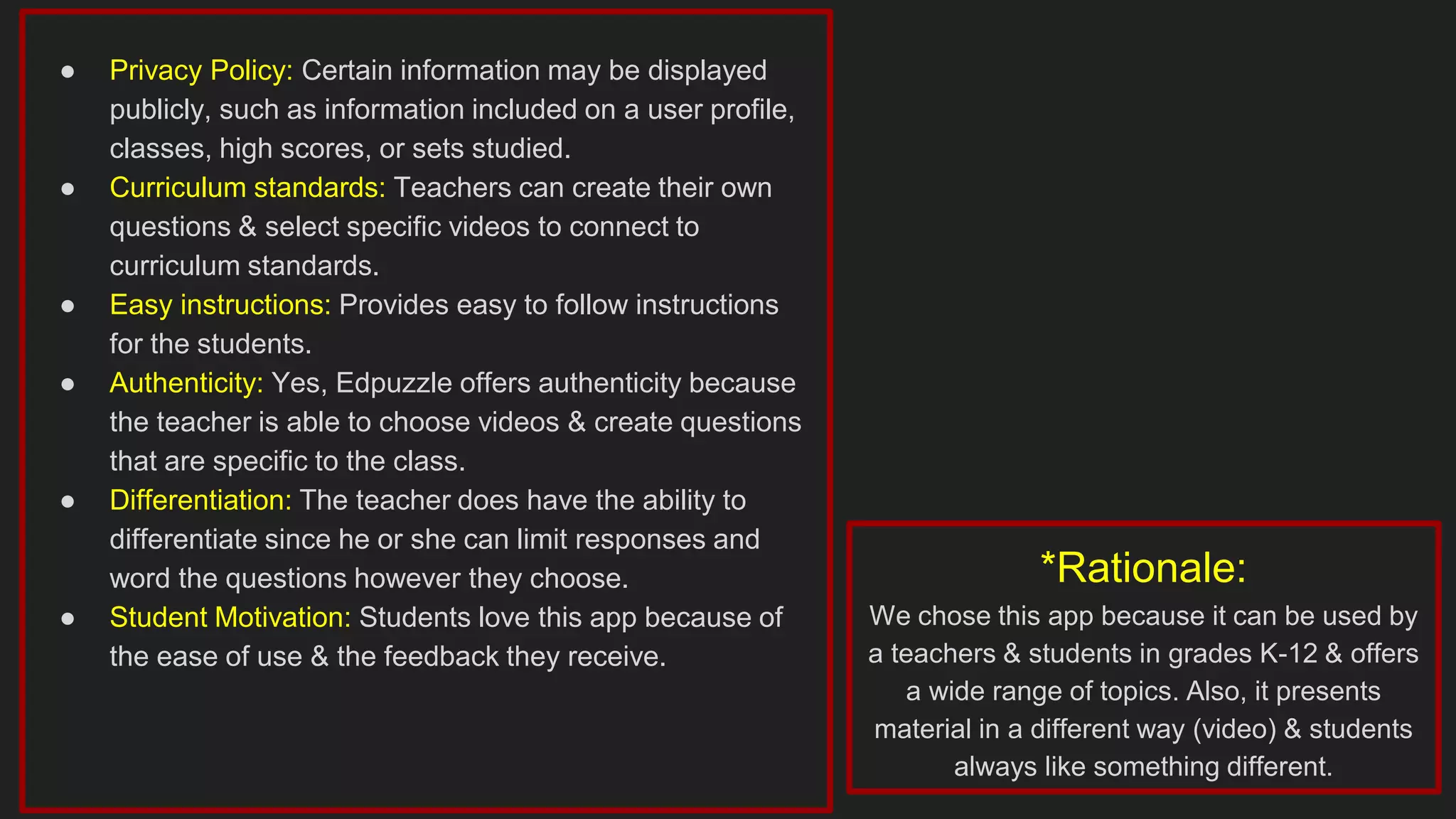
● Differentiation: The teacher does have the ability to
differentiate since he or she can limit responses and
word the questions however they choose.
● Student Motivation: Students love this app because of
the ease of use & the feedback they receive.
*Rationale:
We chose this app because it can be used by
a teachers & students in grades K-12 & offers
a wide range of topics. Also, it presents
material in a different way (video) & students
always like something different.
Quizizz
https://apps.apple.com/us/app/quizizz-play-to-learn/id1160249042
● Grade Level: K-12
● Content Area: A variety of content areas
● Specific Uses in Classroom: Provides pre-made quizzes that can
be used as review or actual quizzes. Also allows the teacher to
create his or her own quizzes.
● Student Feedback: Instant feedback is provided to the student
once they finish & the teacher receives feedback as well.
● Higher Learning Thinking Skills: This app is able to provide higher
level thinking skills since the teacher can use a variety of question
types.
● Ease of use: Quizizz is very easy to set up and access.
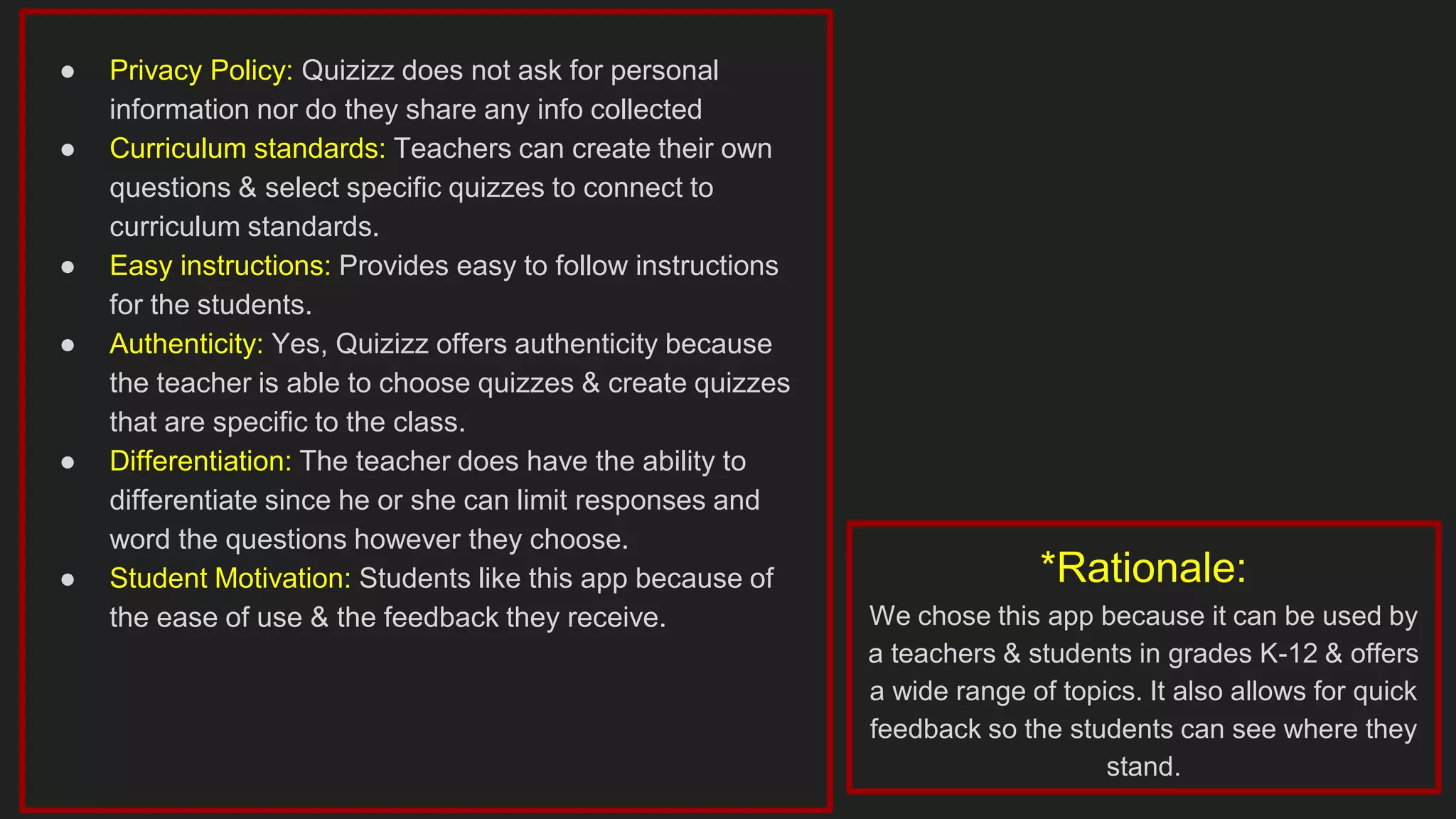
● Privacy Policy: Quizizz does not ask for personal
information nor do they share any info collected
● Curriculum standards: Teachers can create their own
questions & select specific quizzes to connect to
curriculum standards.
● Easy instructions: Provides easy to follow instructions
for the students.
● Authenticity: Yes, Quizizz offers authenticity because
the teacher is able to choose quizzes & create quizzes
that are specific to the class.
● Differentiation: The teacher does have the ability to
differentiate since he or she can limit responses and
word the questions however they choose.
● Student Motivation: Students like this app because of
the ease of use & the feedback they receive.
*Rationale:
We chose this app because it can be used by
a teachers & students in grades K-12 & offers
a wide range of topics. It also allows for quick
feedback so the students can see where they
stand.
Kahoot
https://apps.apple.com/us/app/kahoot-play-create-quizzes/id1131203560
● Grade Level: K-12
● Content Area: A variety of content areas
● Specific Uses in Classroom: Provides pre-made multiple-choice
review games as well as allows the teacher to create their own.
● Student Feedback: Instant feedback is provided to the student as
they play the Kahoot game.
● Higher Learning Thinking Skills: This app does not tend to use
higher thinking skills. All the questions are presented in multiple
choice format.
● Ease of use: Kahoot is very easy to set up and access.
● Privacy Policy: Kahoot only collects emails to create
passwords for the students.
● Curriculum standards: Teachers can create their own
questions & select specific questions to connect to
curriculum standards.
● Easy instructions: Provides easy to follow instructions
for the students.
● Authenticity: Yes, Kahoot offers authenticity because
the teacher is able to choose quizzes & create quizzes
that are specific to the class.
● Differentiation: The only differentiation that it provides is
the ability to limit the number of choices.
● Student Motivation: Students like this app because it
makes reviewing for a quiz or test very gamelike. *Rationale:
We chose this app because it can be used by
a teachers & students in grades K-12 & offers
a wide range of topics. The students also love
it because it is gamelike.
NearPod
https://nearpod.com/
● Grade Level: K-12
● Content Area: Any content area
● Specific Uses in Classroom: Teachers can create interactive
presentations that can contain Quizzes, Polls, Videos, Collaborate
Boards, and more
● Student Feedback: Yes, live formative assessments, ongoings
assessments, and self-assessments
● Higher Learning Thinking Skills: Teachers create lessons and
presentations so it can encourage any type of higher learning
thinkings skills that the teacher feels is appropriate
● Ease of use: Easy to use. Has a massive library of presentations
already created and tutorial videos that show you how to use it.
● Privacy Policy: NearPod does not ask for personal
information nor do they share any info collected. All
resources created can be only visible to you if you
choose. You can also share with your classes and it will
send individual and group reports.
● Curriculum standards: Teachers can use the nearpod
library to use other peoples presentations on the same
subject/standards.
● Easy instructions: Easy to use for students and
teachers.
● Authenticity: High authenticity. Teacher created with
huge library of original content.
● Differentiation: Videos, writing, drawings, multiple
choice, open response options for every grade level.
● Student Motivation: Lessons/Presentations can be
teacher paced or student paced so students can operate
at their own place if the teacher deems it necessary.
*Rationale:
We chose this app because it can be used by
a teachers & students in grades K-12 & offers
a wide range of topics. Also it can provide
interactive teacher created material that
students can access from any location where
they have access to the internet.
Screencastify
https://www.screencastify.com/
● Grade Level: 6-12
● Content Area: Any content area
● Specific Uses in Classroom: Screencastify is a Chrome browser
extension that records your screen, face, voice, and more.
● Student Feedback: Yes teacher can comment on student
recordings with text or a video response
● Higher Learning Thinking Skills: Presentation skills, content
knowledge
● Ease of use: Video Editing tool takes some time to master.
● Privacy Policy: Videos can only be seen by the student
or teacher if that's what they desire. Also can be synced
with google accounts
● Curriculum standards: Yes because students have to
demonstrate advanced knowledge of material to present
on it.
● Easy instructions: Easy to record video. Harder to edit
videos.
● Authenticity: Original content only
● Differentiation: auditory and performative learning for a
wide range of ages
● Student Motivation: 100% original student content. gives
students ownership and creative options.
*Rationale:
We chose this app because it can be used by
a teachers & students in grades 6-12 & offers
a tool for students to use to adapt to learning
in the digital age. It also allows for quick
feedback.
Kami
https://www.kamiapp.com/
● Grade Level: 6-12
● Content Area: Any content area
● Specific Uses in Classroom: digital classroom app built to
transform any existing document into an interactive learning
experience.
● Student Feedback: Allows for student and teacher
comments/feedback
● Higher Learning Thinking Skills: Allows for students to annotate
documents of all variety.
● Ease of use: Easy to use and has an interactive training system.
● Privacy Policy: Documents only viewable to teacher and
student.
● Curriculum standards: Skills are connected to
curriculum because this tool can help develop high order
thinking skills.
● Easy instructions: Yes, this tool has ready made
instructions and how to use it and the teacher can also
provide specific detailed additional instructions.
● Authenticity: Can be authentic as the teacher desires.
You have the option to use original teacher created
documents or primary sources and secondary sources.
● Differentiation: Students 6-12 can use apply the vast
numbers of tools provided by this app to fit their learning
style.
● Student Motivation: Students 6-12 can use apply the
vast numbers of tools provided by this app to complete
tasks as in their own creative way. This fosters student
ownership.
*Rationale:
We chose this app because it can be used by
a teachers & students in grades 6-12 & offers
a wide range of subjects and topics. Students
can have the ability to access and edit any
document the teacher provides them from
school or at home.
TedED
https://ed.ted.com/
● Grade Level: 5-12
● Content Area: Any content area
● Specific Uses in Classroom: Everything TED-Ed does supports
learning, whether its producing a growing video library of original
animated lessons, providing an international platform for teachers to
create their own interactive lesson plans, helping curious students
around the globe bring TED to their schools and gain presentation
literacy skills, or celebrating innovative leadership within TED-Ed’s
global network of over 250,000 teachers.
● Student Feedback: Students can comment on videos created or
posted by teachers
● Higher Learning Thinking Skills: Interactive listening, information
recognition, assessing knowledge
● Ease of use: Very easy to use. Students just watch videos and answer
questions
● Privacy Policy: Strong privacy policy, does not share
data or information. Teachers can make videos private
● Curriculum standards: Yes material can be catered to
topics/standards covered in the teachers content area.
● Easy instructions: Very easy to follow instructions. Click
on the link to watch the video and then students are
directed to questions
● Authenticity: Original sourced videos from a
comprehensive library. Professional and expert
presenters.
● Differentiation: Auditory and visual learners of various
grade levels. Multiple choice and short answer
questions to assess knowledge.
● Student Motivation: Students like watching videos of
interesting topics from knowledgeable people other than
their teachers.
*Rationale:
We chose this app because it can be used by
a teachers & students in grades 5-12 &
provide a wide range of video content from
experts in various fields. It also assesses
student learning after watching the videos and
self grades the assessment which teachers
love.

The app circus top 10 educational apps

  • 1.
    THE APP CIRCUS: Top10 Educational Apps By: D. Britt, D. Page, & A. Roberts
  • 2.
    Quizlet https://apps.apple.com/us/app/quizlet-flashcards-study-tools/id546473125 ● Grade Level:K-12 ● Content Area: A variety of content areas ● Specific Uses in Classroom: Teachers or students can use the study sets in the database or can customize or create their own sets. Teacher can assign for individual use in the form of flashcards or can use the Live feature which allows for interaction between students. ● Student Feedback: Both the flashcard feature and Live feature provide instant feedback after answering the question. ● Higher Learning Thinking Skills: This app does not provide higher level thinking skills; it focuses more on memorization & repetition. ● Ease of use: Quizlet is very easy to set up and access.
  • 3.
    ● Privacy Policy:Certain information may be displayed publicly, such as information included on a user profile, classes, high scores, or sets studied. ● Curriculum standards: Some sets in the database may meet standards; however, teachers can create their own sets to connect to curriculum standards. ● Easy instructions: Provides easy to follow instructions, allowing students to choose the format of the review and whether term or explanation are displayed first. ● Authenticity: Yes, Quizlet offers authenticity because the teacher is able to choose from the study sets, edit a study set, or create a new one that is relevant to the class. ● Differentiation: There is not a lot of differentiation that can be provided by the teacher; flashcards can be set up with matching or at a more difficult level, where an answer must be typed in. ● Student Motivation: Students love this app because of the ease of use; students can devote *Rationale: We chose this app because it can be used by a teachers & students in grades K-12 & offers a wide range of topics. Also, it presents material in various formats & makes learning fun.
  • 4.
    Newsela https://apps.apple.com/us/app/newsela-student/id966371321 ● Grade Level:K-12 ● Content Area: Articles cover a variety of content. ● Specific Uses in Classroom: Teachers can assign articles for students to read; each article comes with multiple choice questions and open-ended questions. Teachers can search for articles on a specific topic; articles over current issues are also published. ● Student Feedback: Teachers can establish the settings to give feedback to students' responses over the multiple choice questions.
  • 5.
    ● Higher LearningThinking Skills: Students do use higher learning thinking skills to answer the open-ended questions. Some questions require students to find textual evidence to answer the question. ● Ease of use: The app is easy for students and teachers to use. ● Privacy Policy: Newsela and its third party service providers may automatically collect information about the teachers and their student's computer or mobile device when he or the student visits accesses the app. Parents may request the deletion of, or place certain restrictions on the collection, use, and disclosure of, his child's personal information. ● Curriculum standards: This site connects directly to the curriculum standard for providing "strong & thorough textual evidence to support the analysis of what a text says." ● Easy instructions: Easy to follow instructions are provided for questions. ● Authenticity: The app provides authentic articles with relevant questions.
  • 6.
    *Rationale: We chose thisapp because it can be used with K-12 & covers a wide range of topics. Also, this app really allows the teacher to differentiate for his/her students unlike many other apps.
  • 7.
    vocabulary.com https://www.vocabulary.com/app/ ● Grade Level:2-12 ● Content Area: Vocabulary (can be used for any content area) ● Specific Uses in Classroom: Teachers can assign vocabulary sets for students. Sets can coordinate with a specific text being taught in class or can be used for the primary use of enhancing a student's vocabulary. Etymology is given for each word, as well as providing a variety of contexts that the word could be used in. ● Student Feedback: After answering, the student is given immediate feedback if correct. If the answer is wrong, students are allowed to try again. The word is cycled through several times until mastery is achieved.
  • 8.
    ● Higher LearningThinking Skills: Questions are given in multiple-choice format, but the vocabulary words are presented in a variety of contexts, which require students to provide more than the memorization of a definition. ● Ease of use: It is very easy for the teacher to create classes, create lists or edit existing lists, and assign to students. It is also easy for students to use. ● Privacy Policy: Vocabulary.com may collect information about you from your school or district. This may include Personal Information, such as your full name, grade, and email address. Vocabulary.com does not sell personal information provided by you or by your school or district. ● Curriculum standards: The standards are not listed on existing vocabulary sets, but does meet the Common Core Standards of Knowledge of Language & Vocabulary Acquisition. ● Easy instructions: Although use of the app is very easy, there are not a lot of instructions provided. Some students think that they have completed the modules when they still have many more rounds to complete. It can be misleading until the student has had some experience with the app.
  • 9.
    ● Authenticity: Teacherscan check the previously made sets for authenticity and can also edit them if needed. ● Differentiation: If a teacher thinks a student is likely to struggle with a specific word, vocabulary.com can start with questions that provide more scaffolding. ● Student Motivation: Students are highly motivated to use this app. It can be practiced in short time periods or for longer times. There is also a feature that keeps track of points. Students can compete with other students in the class and can even have a face-off. *Rationale: We chose this app because it can be used with several content areas & for several grades. We also like the that the teacher can assign practice, quizzes, or allow students to compete against one another in a game format.
  • 10.
    Edpuzzle https://apps.apple.com/us/app/edpuzzle/id919598209 ● Grade Level:K-12 ● Content Area: A variety of content areas ● Specific Uses in Classroom: Students watch videos, either created by the teacher or from the internet, and answer questions, made by the teacher, as they watch. ● Student Feedback: Instant feedback is provided to the students as they watch the video & the teacher receives feedback as well. ● Higher Learning Thinking Skills: This app is able to provide higher level thinking skills since the teacher can use a variety of question types. ● Ease of use: Edpuzzle is very easy to set up and access.
  • 11.
    ● Privacy Policy:Certain information may be displayed publicly, such as information included on a user profile, classes, high scores, or sets studied. ● Curriculum standards: Teachers can create their own questions & select specific videos to connect to curriculum standards. ● Easy instructions: Provides easy to follow instructions for the students. ● Authenticity: Yes, Edpuzzle offers authenticity because the teacher is able to choose videos & create questions that are specific to the class. ● Differentiation: The teacher does have the ability to differentiate since he or she can limit responses and word the questions however they choose. ● Student Motivation: Students love this app because of the ease of use & the feedback they receive. *Rationale: We chose this app because it can be used by a teachers & students in grades K-12 & offers a wide range of topics. Also, it presents material in a different way (video) & students always like something different.
  • 12.
    Quizizz https://apps.apple.com/us/app/quizizz-play-to-learn/id1160249042 ● Grade Level:K-12 ● Content Area: A variety of content areas ● Specific Uses in Classroom: Provides pre-made quizzes that can be used as review or actual quizzes. Also allows the teacher to create his or her own quizzes. ● Student Feedback: Instant feedback is provided to the student once they finish & the teacher receives feedback as well. ● Higher Learning Thinking Skills: This app is able to provide higher level thinking skills since the teacher can use a variety of question types. ● Ease of use: Quizizz is very easy to set up and access.
  • 13.
    ● Privacy Policy:Quizizz does not ask for personal information nor do they share any info collected ● Curriculum standards: Teachers can create their own questions & select specific quizzes to connect to curriculum standards. ● Easy instructions: Provides easy to follow instructions for the students. ● Authenticity: Yes, Quizizz offers authenticity because the teacher is able to choose quizzes & create quizzes that are specific to the class. ● Differentiation: The teacher does have the ability to differentiate since he or she can limit responses and word the questions however they choose. ● Student Motivation: Students like this app because of the ease of use & the feedback they receive. *Rationale: We chose this app because it can be used by a teachers & students in grades K-12 & offers a wide range of topics. It also allows for quick feedback so the students can see where they stand.
  • 14.
    Kahoot https://apps.apple.com/us/app/kahoot-play-create-quizzes/id1131203560 ● Grade Level:K-12 ● Content Area: A variety of content areas ● Specific Uses in Classroom: Provides pre-made multiple-choice review games as well as allows the teacher to create their own. ● Student Feedback: Instant feedback is provided to the student as they play the Kahoot game. ● Higher Learning Thinking Skills: This app does not tend to use higher thinking skills. All the questions are presented in multiple choice format. ● Ease of use: Kahoot is very easy to set up and access.
  • 15.
    ● Privacy Policy:Kahoot only collects emails to create passwords for the students. ● Curriculum standards: Teachers can create their own questions & select specific questions to connect to curriculum standards. ● Easy instructions: Provides easy to follow instructions for the students. ● Authenticity: Yes, Kahoot offers authenticity because the teacher is able to choose quizzes & create quizzes that are specific to the class. ● Differentiation: The only differentiation that it provides is the ability to limit the number of choices. ● Student Motivation: Students like this app because it makes reviewing for a quiz or test very gamelike. *Rationale: We chose this app because it can be used by a teachers & students in grades K-12 & offers a wide range of topics. The students also love it because it is gamelike.
  • 16.
    NearPod https://nearpod.com/ ● Grade Level:K-12 ● Content Area: Any content area ● Specific Uses in Classroom: Teachers can create interactive presentations that can contain Quizzes, Polls, Videos, Collaborate Boards, and more ● Student Feedback: Yes, live formative assessments, ongoings assessments, and self-assessments ● Higher Learning Thinking Skills: Teachers create lessons and presentations so it can encourage any type of higher learning thinkings skills that the teacher feels is appropriate ● Ease of use: Easy to use. Has a massive library of presentations already created and tutorial videos that show you how to use it.
  • 17.
    ● Privacy Policy:NearPod does not ask for personal information nor do they share any info collected. All resources created can be only visible to you if you choose. You can also share with your classes and it will send individual and group reports. ● Curriculum standards: Teachers can use the nearpod library to use other peoples presentations on the same subject/standards. ● Easy instructions: Easy to use for students and teachers. ● Authenticity: High authenticity. Teacher created with huge library of original content. ● Differentiation: Videos, writing, drawings, multiple choice, open response options for every grade level. ● Student Motivation: Lessons/Presentations can be teacher paced or student paced so students can operate at their own place if the teacher deems it necessary. *Rationale: We chose this app because it can be used by a teachers & students in grades K-12 & offers a wide range of topics. Also it can provide interactive teacher created material that students can access from any location where they have access to the internet.
  • 18.
    Screencastify https://www.screencastify.com/ ● Grade Level:6-12 ● Content Area: Any content area ● Specific Uses in Classroom: Screencastify is a Chrome browser extension that records your screen, face, voice, and more. ● Student Feedback: Yes teacher can comment on student recordings with text or a video response ● Higher Learning Thinking Skills: Presentation skills, content knowledge ● Ease of use: Video Editing tool takes some time to master.
  • 19.
    ● Privacy Policy:Videos can only be seen by the student or teacher if that's what they desire. Also can be synced with google accounts ● Curriculum standards: Yes because students have to demonstrate advanced knowledge of material to present on it. ● Easy instructions: Easy to record video. Harder to edit videos. ● Authenticity: Original content only ● Differentiation: auditory and performative learning for a wide range of ages ● Student Motivation: 100% original student content. gives students ownership and creative options. *Rationale: We chose this app because it can be used by a teachers & students in grades 6-12 & offers a tool for students to use to adapt to learning in the digital age. It also allows for quick feedback.
  • 20.
    Kami https://www.kamiapp.com/ ● Grade Level:6-12 ● Content Area: Any content area ● Specific Uses in Classroom: digital classroom app built to transform any existing document into an interactive learning experience. ● Student Feedback: Allows for student and teacher comments/feedback ● Higher Learning Thinking Skills: Allows for students to annotate documents of all variety. ● Ease of use: Easy to use and has an interactive training system.
  • 21.
    ● Privacy Policy:Documents only viewable to teacher and student. ● Curriculum standards: Skills are connected to curriculum because this tool can help develop high order thinking skills. ● Easy instructions: Yes, this tool has ready made instructions and how to use it and the teacher can also provide specific detailed additional instructions. ● Authenticity: Can be authentic as the teacher desires. You have the option to use original teacher created documents or primary sources and secondary sources. ● Differentiation: Students 6-12 can use apply the vast numbers of tools provided by this app to fit their learning style. ● Student Motivation: Students 6-12 can use apply the vast numbers of tools provided by this app to complete tasks as in their own creative way. This fosters student ownership. *Rationale: We chose this app because it can be used by a teachers & students in grades 6-12 & offers a wide range of subjects and topics. Students can have the ability to access and edit any document the teacher provides them from school or at home.
  • 22.
    TedED https://ed.ted.com/ ● Grade Level:5-12 ● Content Area: Any content area ● Specific Uses in Classroom: Everything TED-Ed does supports learning, whether its producing a growing video library of original animated lessons, providing an international platform for teachers to create their own interactive lesson plans, helping curious students around the globe bring TED to their schools and gain presentation literacy skills, or celebrating innovative leadership within TED-Ed’s global network of over 250,000 teachers. ● Student Feedback: Students can comment on videos created or posted by teachers ● Higher Learning Thinking Skills: Interactive listening, information recognition, assessing knowledge ● Ease of use: Very easy to use. Students just watch videos and answer questions
  • 23.
    ● Privacy Policy:Strong privacy policy, does not share data or information. Teachers can make videos private ● Curriculum standards: Yes material can be catered to topics/standards covered in the teachers content area. ● Easy instructions: Very easy to follow instructions. Click on the link to watch the video and then students are directed to questions ● Authenticity: Original sourced videos from a comprehensive library. Professional and expert presenters. ● Differentiation: Auditory and visual learners of various grade levels. Multiple choice and short answer questions to assess knowledge. ● Student Motivation: Students like watching videos of interesting topics from knowledgeable people other than their teachers. *Rationale: We chose this app because it can be used by a teachers & students in grades 5-12 & provide a wide range of video content from experts in various fields. It also assesses student learning after watching the videos and self grades the assessment which teachers love.