Download to read offline
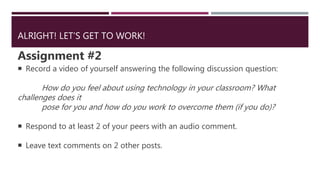
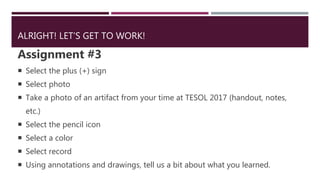
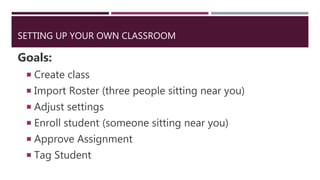

This document discusses the digital portfolio app SeeSaw and how it can be used in classrooms. SeeSaw allows teachers to create assignments and students to submit work through photos, videos, drawings, and files. It has a simple interface designed for young students. Setting up a SeeSaw class takes 15 minutes or less and allows students to join by scanning a class code. The document provides examples of assignments that can be created and completed using SeeSaw, such as answering discussion questions with video or annotating a photo. It also outlines the steps to set up a SeeSaw class, including creating the class, importing a roster, adjusting settings, enrolling a student, approving an assignment, and tagging a student's


