



PRESENTING WELL
ENGAGING
WHERE SHOULD ATTENTION BE? 
Presenter? 
Slides?
WHERE SHOULD ATTENTION BE? 
Presenter
Then… 
Slides?
What should slides do? 
Support your points 
Act as content anchors 
Deliver impact
What should slides do? 
NOT distract from you. 
to be read off from.
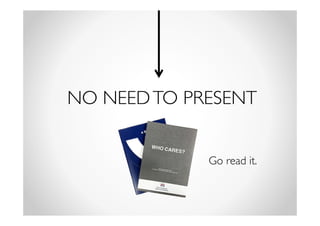
NO NEED TO PRESENT 
Go read it.
Effective slides 
① Content (less is more) 
② Font 
③ Visuals
① Content (less is more) 
• Gist 
• Display key words/words you 
want remembered
② Fonts 
• What can I say? Don’t use ugly fonts. 
• Don’t use more than 3 fonts 
• Legibility 
– Font size 24 and above 
• Serifs, Sans Serif, Colours… 
– Research in your own time
③ Visuals 
MEANINGFUL 
- Pictures 
- Icons 
- Animations
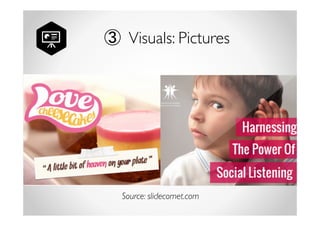
③ Visuals: Pictures 
The right images will 
reinforce your point 
& leave a deeper 
impression of your 
presentation. 
Source: slidecomet.com
③ Visuals: Icons 
Support your points 
Act as content anchors 
Deliver impact
③ Visuals: Icons 
Support your points 
Act as content anchors 
Deliver impact
Which icon was 
more suitable?
③ Visuals: Animations 
Some make you look 
Awkwaaaaard 
stupiD. 
WAITING.
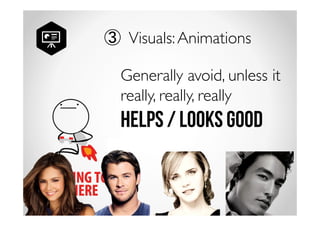
③ Visuals: Animations 
Generally avoid, unless it 
really, really, really 
Helps / looks good
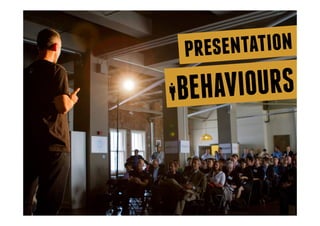
behaviours presentation 
BEHAVIOURS
Smile! 
Feels good 
Grants confidence 
Positive energy both ways
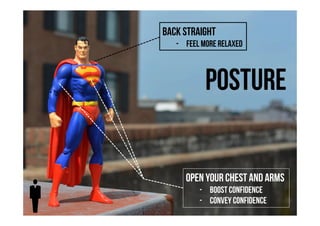
Back straight 
- Feel more relaxed 
Posture 
Open your chest and arms 
- boost confidence 
- Convey Confidence
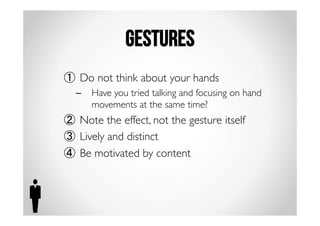
Gestures 
① Do not think about your hands 
– Have you tried talking and focusing on hand 
movements at the same time? 
② Note the effect, not the gesture itself 
③ Lively and distinct 
④ Be motivated by content
I BELIEVE IN ALL OF YOU. 
THAT YOU WILL BE 
THE BEST THAT YOU CAN BE 
FOR OTHERS.
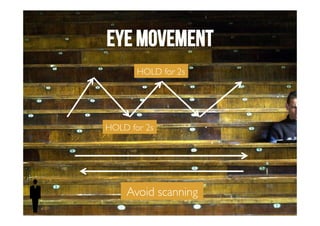
Eye movement 
HOLD for 2s 
HOLD for 2s 
Avoid scanning
Eye movement 
Holding eye contact makes listener feel that 
you are engaging them directly and not just 
running through a speech
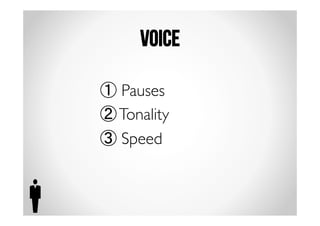
Voice 
① Pauses 
② Tonality 
③ Speed
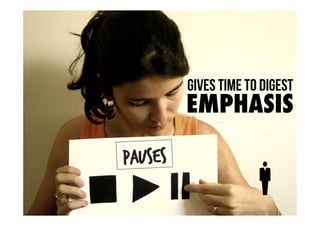
Pauses 
Gives time to digest 
EMPHASIS
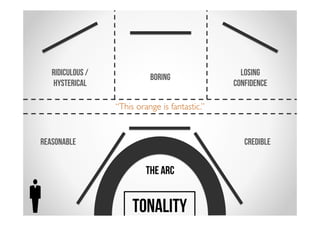
Try saying, “This orange is fantastic.” in the tones above 
reasonable Credible 
The Arc 
Ridiculous / 
hysterical 
boring Losing 
confidence 
TONALITY
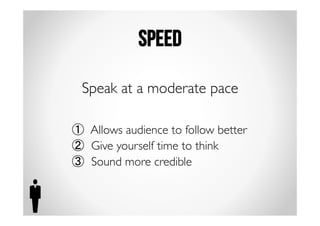
speed 
Speak at a moderate pace 
① Allows audience to follow better 
② Give yourself time to think 
③ Sound more credible
Confidence 
How do I be more 
confident when 
presenting?
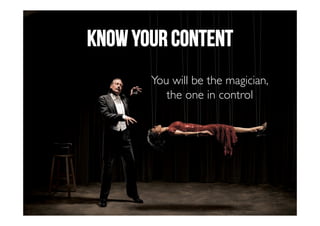
Know your content 
You will be the magician, 
the one in control
Look for support 
Nods 
Smiles 
Attentive faces 
Sitting forward
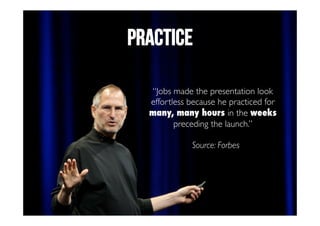
PRACTICE 
“Jobs made the presentation look 
effortless because he practiced for 
many, many hours in the weeks 
preceding the launch.” 
Source: Forbes
Like what you saw? 
Like us on Facebook!

Learn to Present Effectively in 10 Minutes!