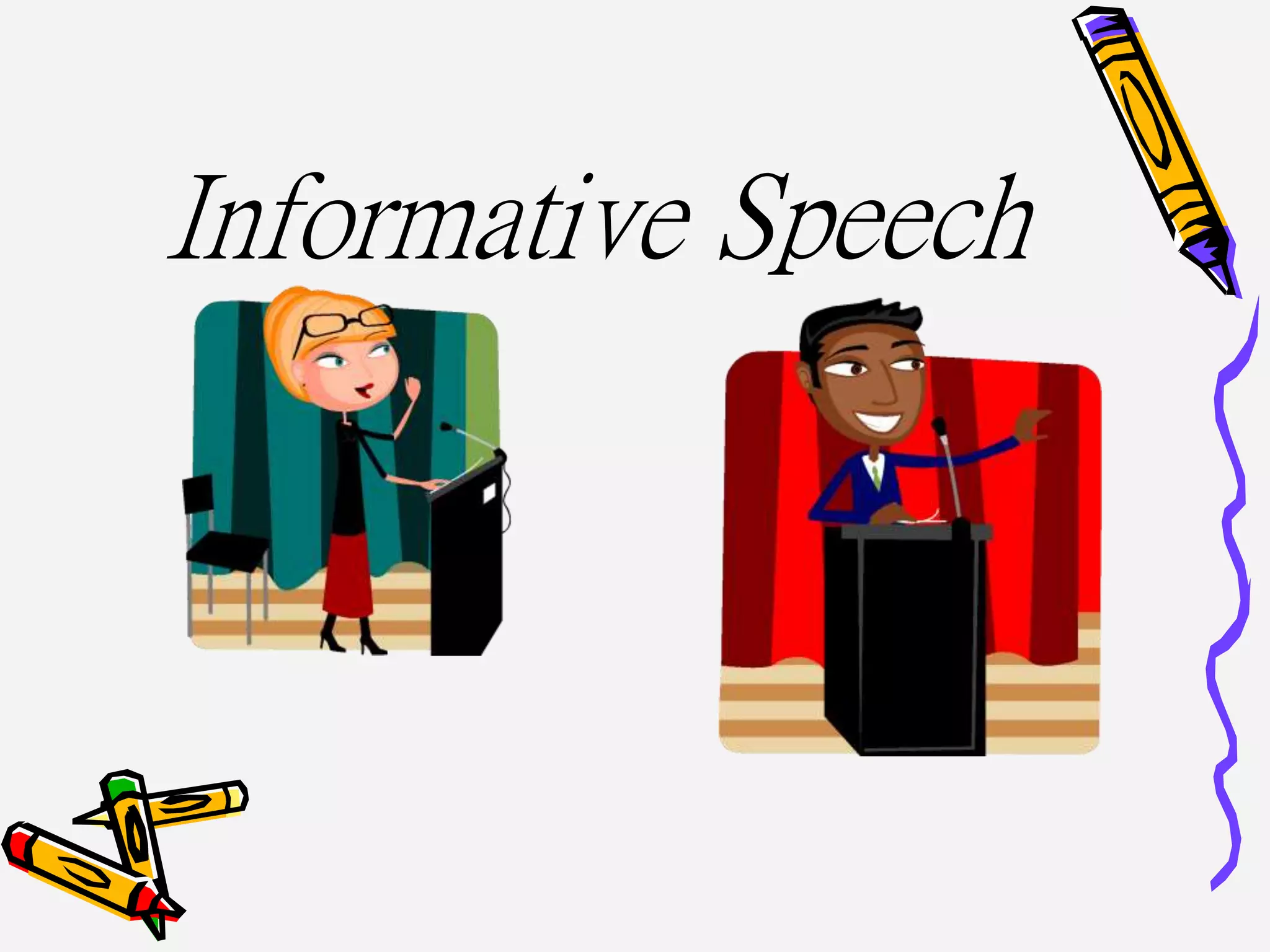
Informative Speech
What will you learn today?
What is an ‘Informative speech’
How to give an effective
‘Informative Speech’
What is an
‘Informative Speech’
The purpose of the informative speech is to
provide interesting, useful, and unique
information to your audience.
Your Speech
The Informative Speech consists of these major parts:
Topic Selection & Approval
Brainstorm
Outline
Paragraph Form
Typed Copy
Speech Delivery
The speech must be 2-3 minutes long.
You must have significant visuals to compliment your speech.
(not just things from around the classroom)
You may use note cards only during presentations
but you may not read from them.
Introduction
• The introduction sets the tone of the entire speech
• There are five parts in this introduction
» Attention Getter
» Purpose Statement
» Credibility Statement
» Preview
» Transition to the Body
Body
Three Main
Points
Conclusion
• Signal closing
• Review main points
• Questions
• Transition
• Memorable statement or call to action
• Thank audience for listening
Step 1
Picking Your Topic
•Think about your favorite
products, events,
procedures, concepts, and
special skills in your
personal life.
•Pick something you know a
lot about and that will be
easy to research.
•Research aspect of your
topic. Try to find an
creative angle of approach.
Picking Your Topic
cont.
•Find out what your listeners
are interested in.
•Determine the interests and
needs of your audience and
write them down.
•For example, look for
information that is new to
your audience.
•To help you research: look
for amazing facts, stories,
statistics, survey results,
personal experiences,
quotations, and
comparisons or contrasts.
Step 2
Brainstorming and
Research
•This is the most important
step!
•Write your thoughts out
•Research new ideas
•Don't just rely on the web,
use other sources
Take a few minutes to
brainstorm
On a sheet of paper write down some speech topics. Make
sure you are interested in these topics.
Now talk it out with
someone!
Is this something your audience would be
interested in?
Do they have any ideas to make your topic better?
Step 3
Your outline...
•Use the basic speech outline template.
•Turn the outline into a paragraph form
•Create note cards
–These are NOT to read from; they are only a guide they
are not a script .
Step 4
Practicing your speech
*Practice Practice Practice*
Be prepared
Imagine yourself succeeding. Picture yourself giving a great
speech. This will help you develop a positive mind set before
you give the speech.
Step 5
Finally.... Giving your
speech
✓ Check technology before
✓ Tech is due the morning of your
speech
✓ Be sure you get a good nights
rest
✓ Make eye contact with
EVERYONE
✓ Don't fidget
✓ No likes or uummms
✓ Don't say negative things
✓ Take your time
✓ End with a thank you not “The
END”
Visual aids
• There are many
types of visuals to
choose from:
– graphs, charts,
pictures, models,
diagrams,
PowerPoint
• Develop and
Effectively use a
Visual Aid to assist
you.
• Can not be your
Attention Getter
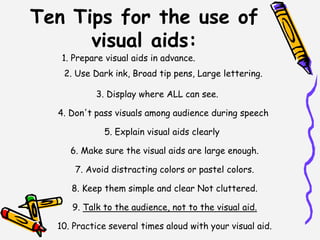
Ten Tips for the use of
visual aids:
1. Prepare visual aids in advance.
2. Use Dark ink, Broad tip pens, Large lettering.
3. Display where ALL can see.
4. Don't pass visuals among audience during speech
5. Explain visual aids clearly
6. Make sure the visual aids are large enough.
7. Avoid distracting colors or pastel colors.
8. Keep them simple and clear Not cluttered.
9. Talk to the audience, not to the visual aid.
10. Practice several times aloud with your visual aid.
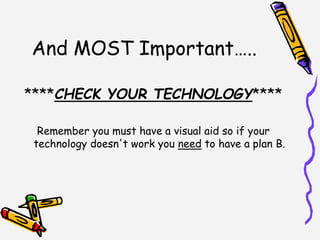
And MOST Important…..
****CHECK YOUR TECHNOLOGY****
Remember you must have a visual aid so if your
technology doesn't work you need to have a plan B.
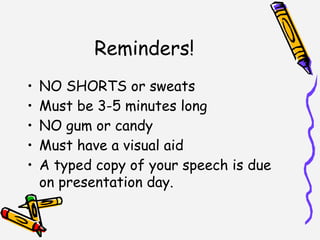
Reminders!
• NO SHORTS or sweats
• Must be 3-5 minutes long
• NO gum or candy
• Must have a visual aid
• A typed copy of your speech is due
on presentation day.
Any questions?

Informative speech

  • 1.
  • 2.
    What will youlearn today? What is an ‘Informative speech’ How to give an effective ‘Informative Speech’
  • 3.
    What is an ‘InformativeSpeech’ The purpose of the informative speech is to provide interesting, useful, and unique information to your audience.
  • 4.
    Your Speech The InformativeSpeech consists of these major parts: Topic Selection & Approval Brainstorm Outline Paragraph Form Typed Copy Speech Delivery The speech must be 2-3 minutes long. You must have significant visuals to compliment your speech. (not just things from around the classroom) You may use note cards only during presentations but you may not read from them.
  • 5.
    Introduction • The introductionsets the tone of the entire speech • There are five parts in this introduction » Attention Getter » Purpose Statement » Credibility Statement » Preview » Transition to the Body
  • 6.
  • 7.
    Conclusion • Signal closing •Review main points • Questions • Transition • Memorable statement or call to action • Thank audience for listening
  • 8.
    Step 1 Picking YourTopic •Think about your favorite products, events, procedures, concepts, and special skills in your personal life. •Pick something you know a lot about and that will be easy to research. •Research aspect of your topic. Try to find an creative angle of approach.
  • 9.
    Picking Your Topic cont. •Findout what your listeners are interested in. •Determine the interests and needs of your audience and write them down. •For example, look for information that is new to your audience. •To help you research: look for amazing facts, stories, statistics, survey results, personal experiences, quotations, and comparisons or contrasts.
  • 10.
    Step 2 Brainstorming and Research •Thisis the most important step! •Write your thoughts out •Research new ideas •Don't just rely on the web, use other sources
  • 11.
    Take a fewminutes to brainstorm On a sheet of paper write down some speech topics. Make sure you are interested in these topics.
  • 12.
    Now talk itout with someone! Is this something your audience would be interested in? Do they have any ideas to make your topic better?
  • 13.
    Step 3 Your outline... •Usethe basic speech outline template. •Turn the outline into a paragraph form •Create note cards –These are NOT to read from; they are only a guide they are not a script .
  • 14.
    Step 4 Practicing yourspeech *Practice Practice Practice* Be prepared Imagine yourself succeeding. Picture yourself giving a great speech. This will help you develop a positive mind set before you give the speech.
  • 15.
    Step 5 Finally.... Givingyour speech ✓ Check technology before ✓ Tech is due the morning of your speech ✓ Be sure you get a good nights rest ✓ Make eye contact with EVERYONE ✓ Don't fidget ✓ No likes or uummms ✓ Don't say negative things ✓ Take your time ✓ End with a thank you not “The END”
  • 16.
    Visual aids • Thereare many types of visuals to choose from: – graphs, charts, pictures, models, diagrams, PowerPoint • Develop and Effectively use a Visual Aid to assist you. • Can not be your Attention Getter
  • 17.
    Ten Tips forthe use of visual aids: 1. Prepare visual aids in advance. 2. Use Dark ink, Broad tip pens, Large lettering. 3. Display where ALL can see. 4. Don't pass visuals among audience during speech 5. Explain visual aids clearly 6. Make sure the visual aids are large enough. 7. Avoid distracting colors or pastel colors. 8. Keep them simple and clear Not cluttered. 9. Talk to the audience, not to the visual aid. 10. Practice several times aloud with your visual aid.
  • 18.
    And MOST Important….. ****CHECKYOUR TECHNOLOGY**** Remember you must have a visual aid so if your technology doesn't work you need to have a plan B.
  • 19.
    Reminders! • NO SHORTSor sweats • Must be 3-5 minutes long • NO gum or candy • Must have a visual aid • A typed copy of your speech is due on presentation day.
  • 20.