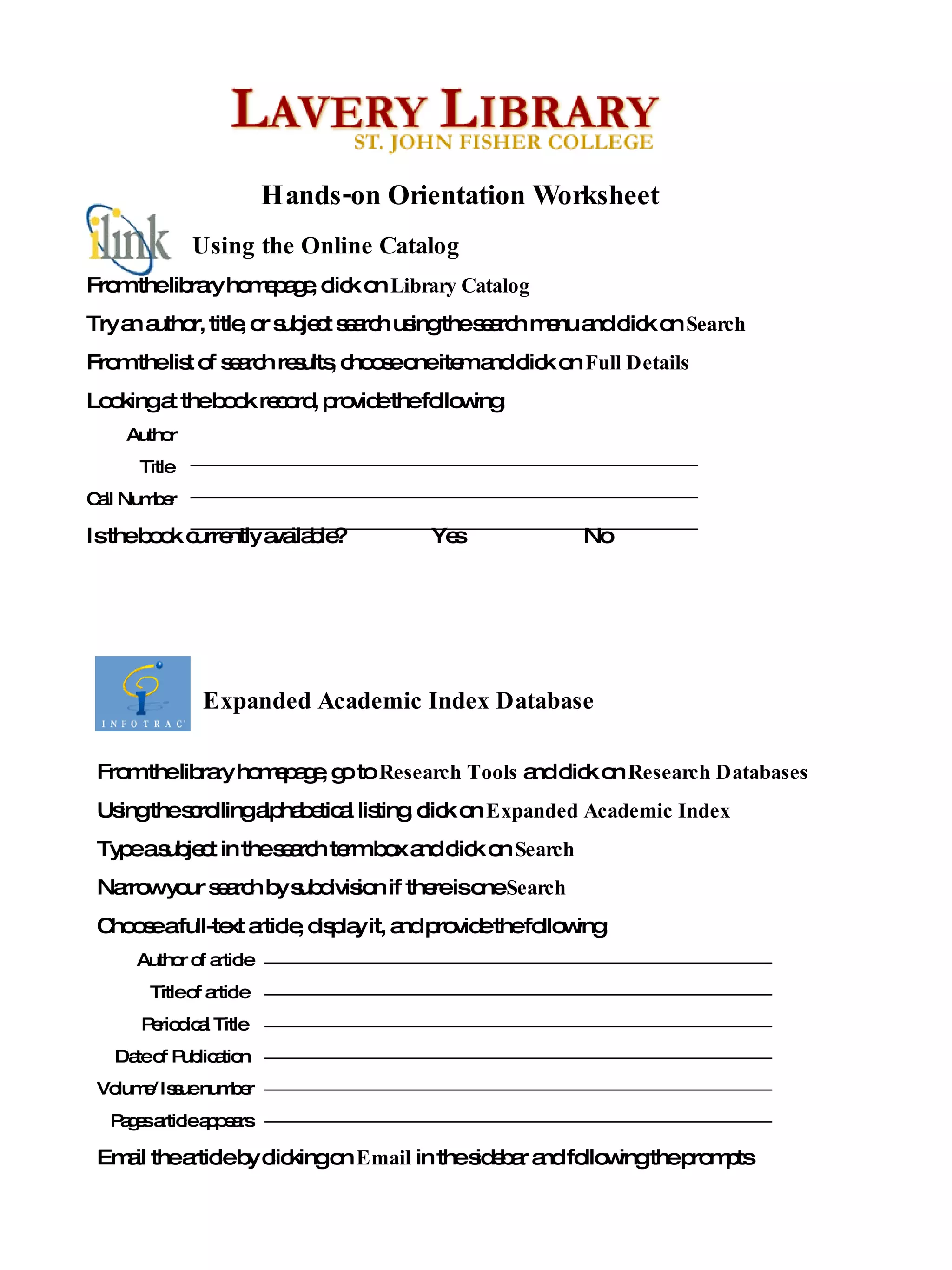
From the library homepage, go to  Research Tools  and click on  Research Databases Using the scrolling alphabetical listing, click on  Expanded Academic Index Type a subject in the search term box and click on  Search  Narrow your search by subdivision if there is one  Search  Choose a full-text article, display it, and provide the following: Author of article Title of article Periodical Title Date of Publication Volume/Issue number Pages article appears Email the article by clicking on  Email  in the sidebar and following the prompts From the library homepage, click on  Library Catalog Try an author, title, or subject search using the search menu and click on  Search From the list of search results, choose one item and click on  Full Details  Looking at the book record, provide the following: Author Title Call Number Is the book currently available?  Yes  No Hands-on Orientation Worksheet Expanded Academic Index Database Using the Online Catalog
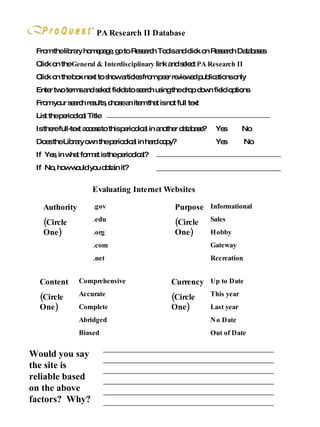
PA Research II Database From the library homepage, go to Research Tools and click on Research Databases Click on the  General & Interdisciplinary  link and select  PA Research II Click on the box next to show articles from peer reviewed publications only Enter two terms and select fields to search using the drop down field options From your search results, chose an item that is not full text List the periodical Title Is there full-text access to this periodical in another database?  Yes  No Does the Library own the periodical in hard copy?  Yes  No If  Yes, in what format is the periodical? If  No, how would you obtain it? Would you say the site is reliable based on the above factors?  Why? Evaluating Internet Websites .gov .edu .org .com .net Authority (Circle One) Comprehensive Accurate Complete Abridged Biased Content (Circle One) Informational Sales Hobby Gateway Recreation Purpose (Circle One) Up to Date This year Last year No Date Out of Date Currency (Circle One)

Lc Handson

  • 1.
    From the libraryhomepage, go to Research Tools and click on Research Databases Using the scrolling alphabetical listing, click on Expanded Academic Index Type a subject in the search term box and click on Search Narrow your search by subdivision if there is one Search Choose a full-text article, display it, and provide the following: Author of article Title of article Periodical Title Date of Publication Volume/Issue number Pages article appears Email the article by clicking on Email in the sidebar and following the prompts From the library homepage, click on Library Catalog Try an author, title, or subject search using the search menu and click on Search From the list of search results, choose one item and click on Full Details Looking at the book record, provide the following: Author Title Call Number Is the book currently available? Yes No Hands-on Orientation Worksheet Expanded Academic Index Database Using the Online Catalog
  • 2.
    PA Research IIDatabase From the library homepage, go to Research Tools and click on Research Databases Click on the General & Interdisciplinary link and select PA Research II Click on the box next to show articles from peer reviewed publications only Enter two terms and select fields to search using the drop down field options From your search results, chose an item that is not full text List the periodical Title Is there full-text access to this periodical in another database? Yes No Does the Library own the periodical in hard copy? Yes No If Yes, in what format is the periodical? If No, how would you obtain it? Would you say the site is reliable based on the above factors? Why? Evaluating Internet Websites .gov .edu .org .com .net Authority (Circle One) Comprehensive Accurate Complete Abridged Biased Content (Circle One) Informational Sales Hobby Gateway Recreation Purpose (Circle One) Up to Date This year Last year No Date Out of Date Currency (Circle One)