Delightul hacking
with Kotlin
Klemen Kresnik
developer @
Kotlin?
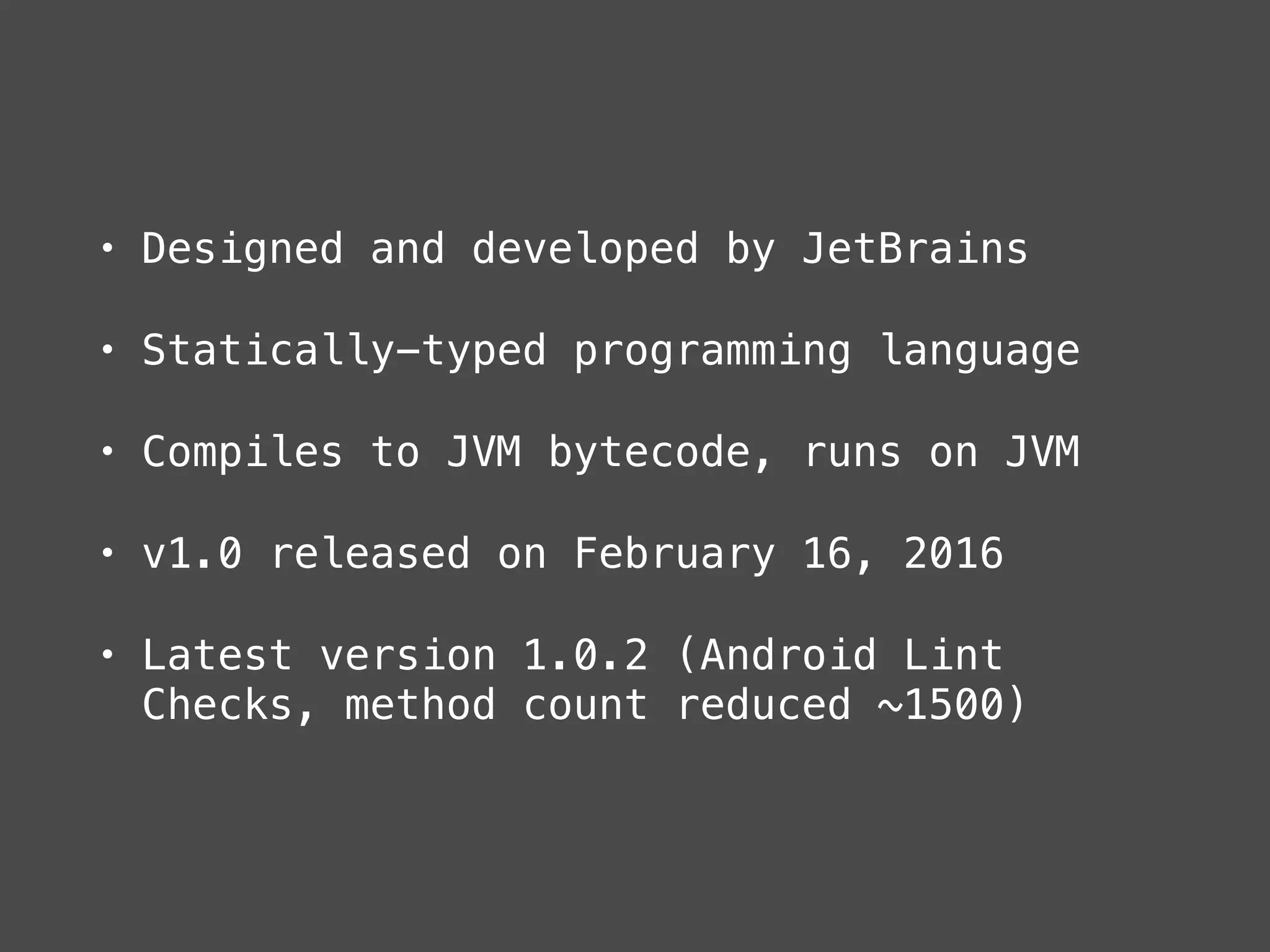
• Designed and developed by JetBrains
• Statically-typed programming language
• Compiles to JVM bytecode, runs on JVM
• v1.0 released on February 16, 2016
• Latest version 1.0.2 (Android Lint
Checks, method count reduced ~1500)
Main features
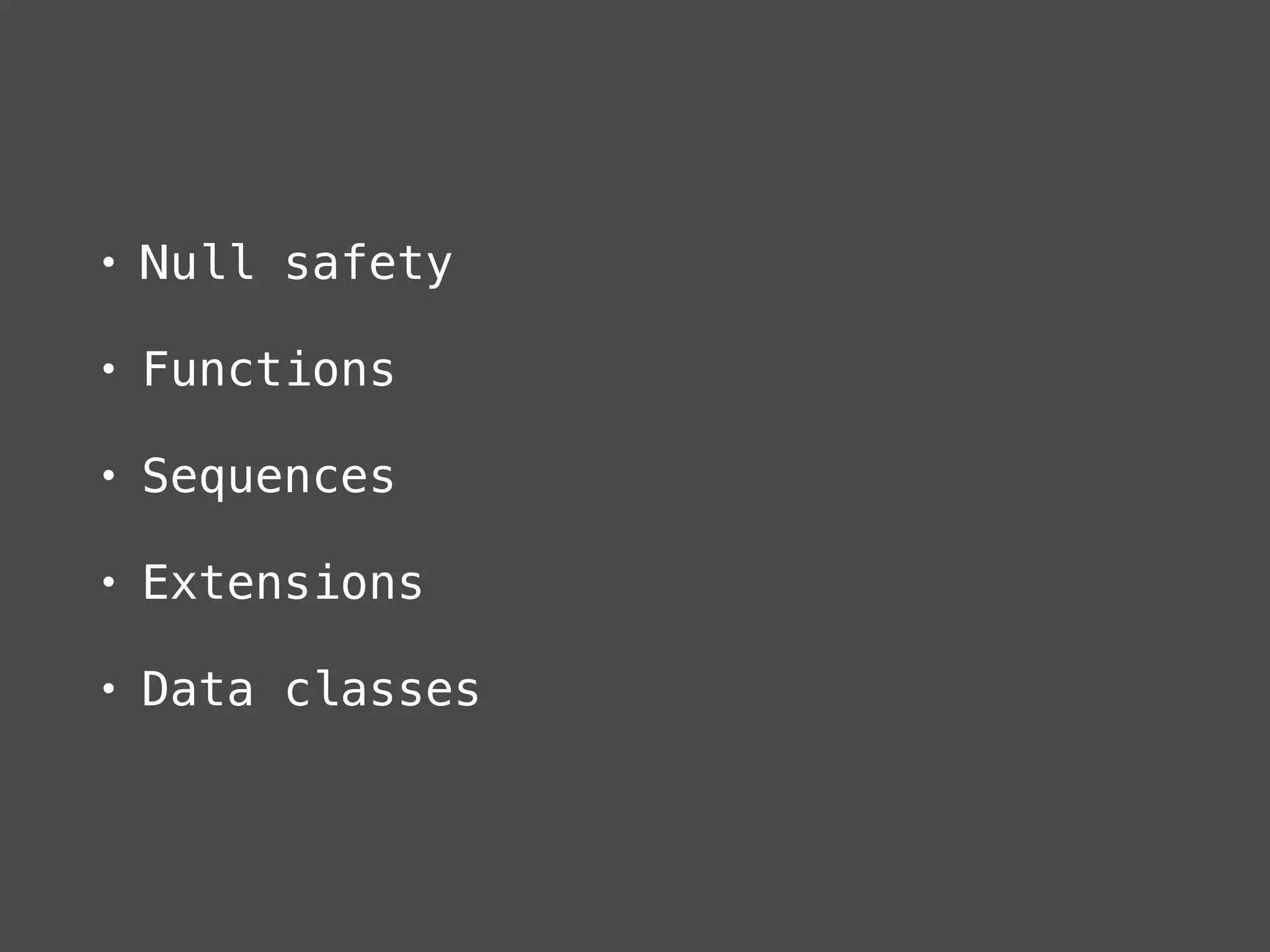
• Null safety
• Functions
• Sequences
• Extensions
• Data classes
Other sugars
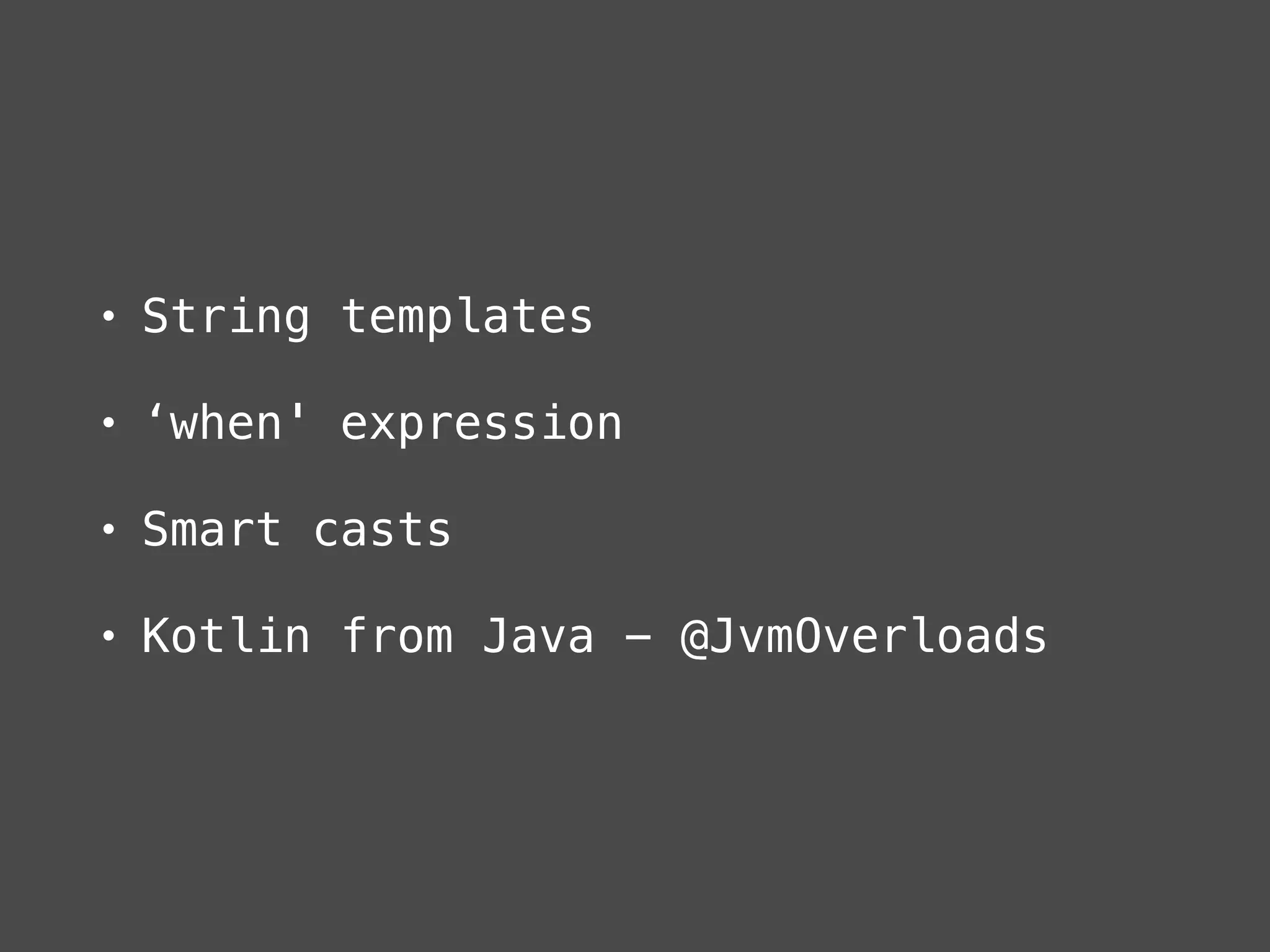
• String templates
• ‘when' expression
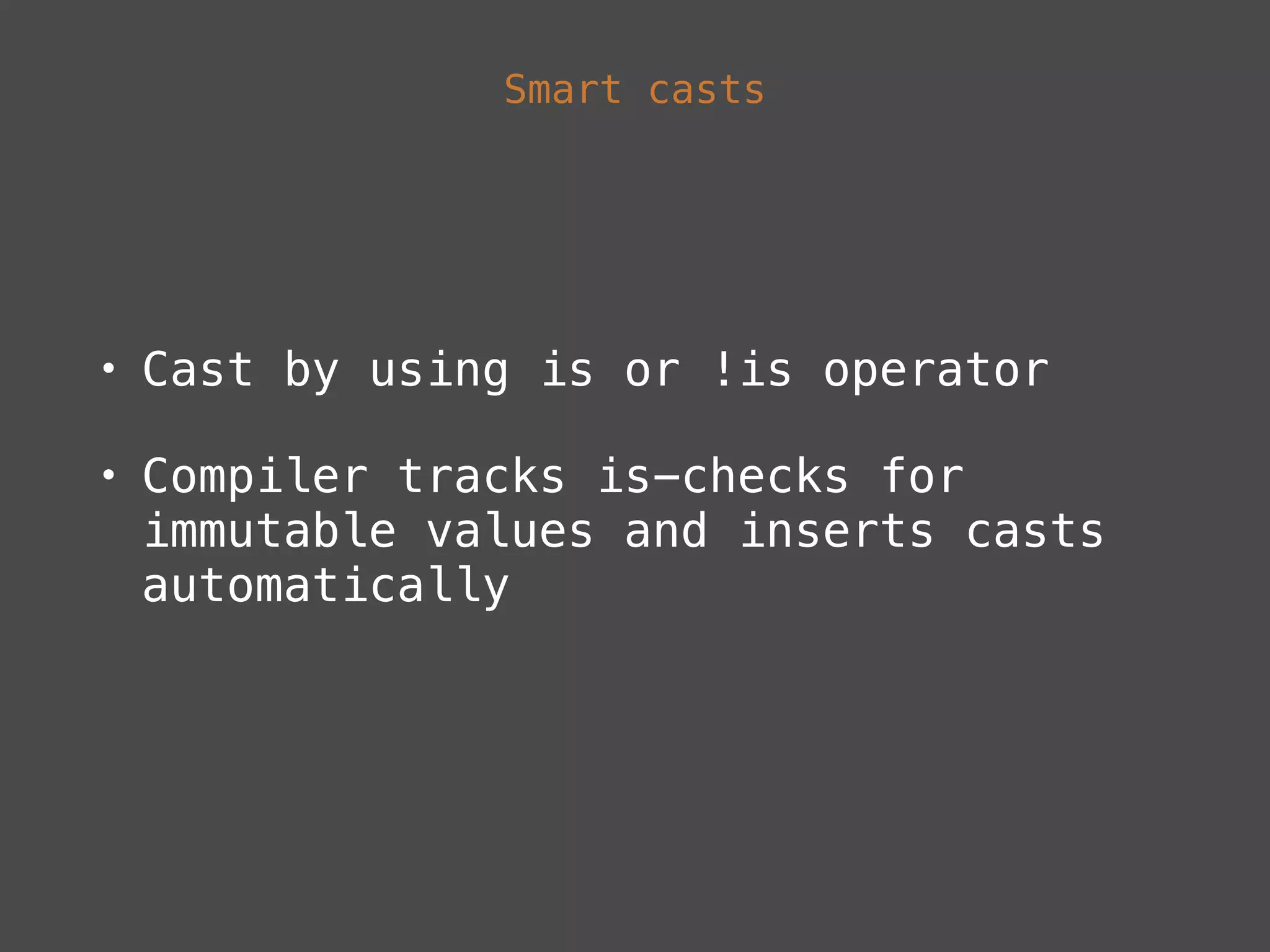
• Smart casts
• Kotlin from Java - @JvmOverloads
Kotlin & Android
• Install Kotlin IDEA plugin
• Enable Kotlin Android plugin
• Enable Kotlin Android Extensions
plugin
• Add stdlib dependency
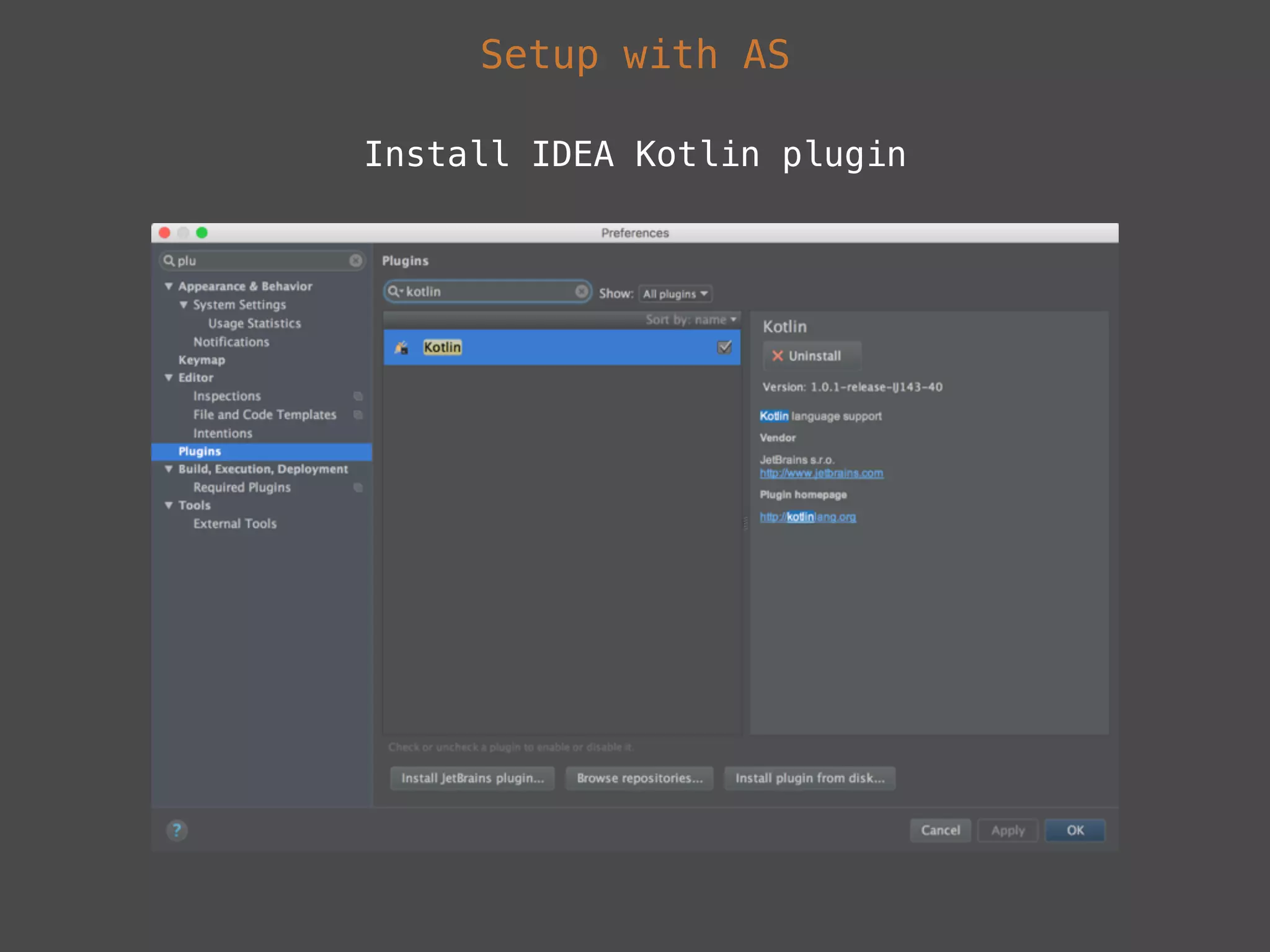
Setup with AS
Install IDEA Kotlin plugin
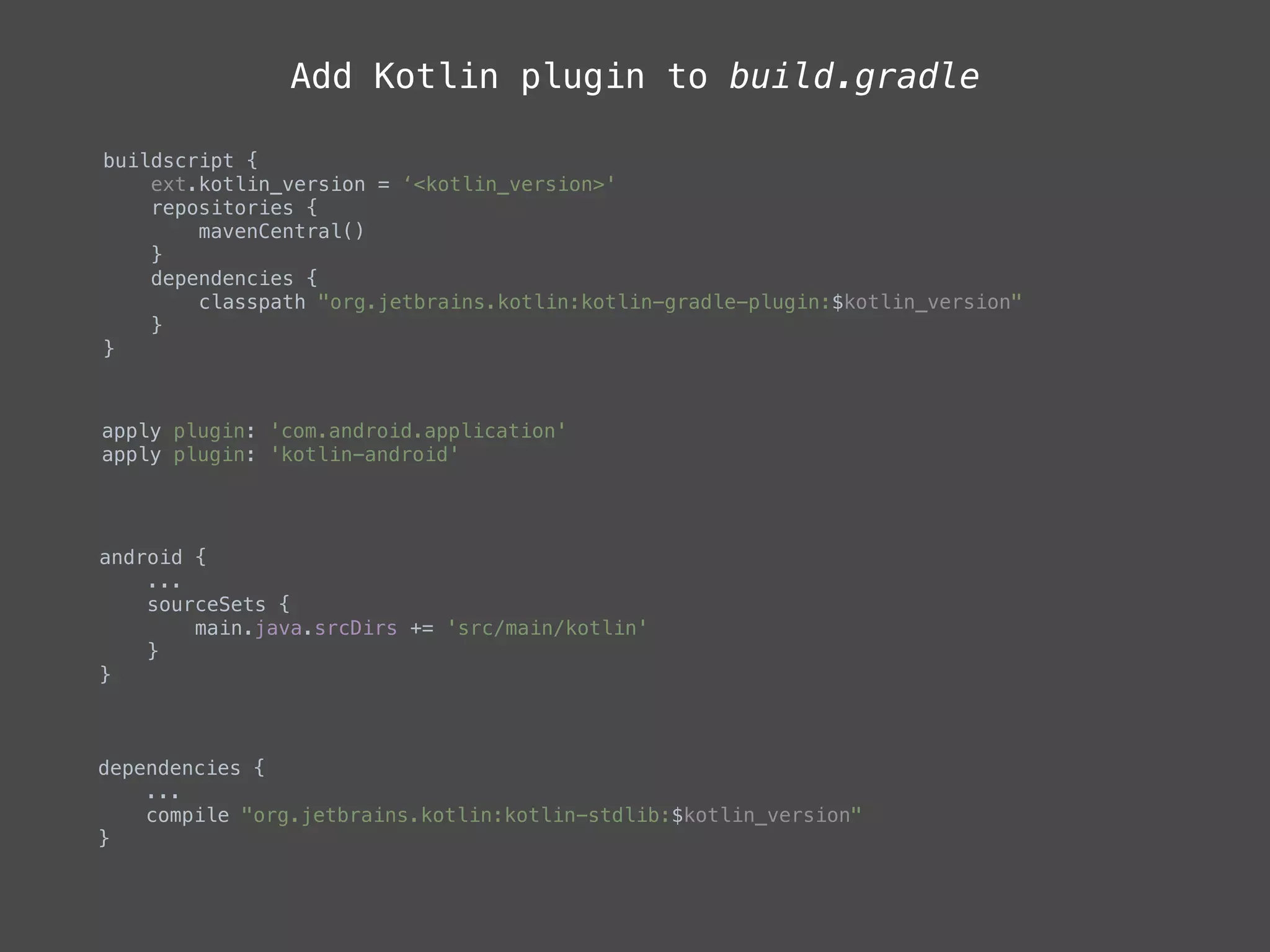
Add Kotlin plugin to build.gradle
buildscript {

ext.kotlin_version = ‘<kotlin_version>'

repositories {

mavenCentral()

}

dependencies {

classpath "org.jetbrains.kotlin:kotlin-gradle-plugin:$kotlin_version"

}

}

apply plugin: 'com.android.application'

apply plugin: 'kotlin-android'
android {

...
sourceSets {

main.java.srcDirs += 'src/main/kotlin'

}

}
dependencies {

...

compile "org.jetbrains.kotlin:kotlin-stdlib:$kotlin_version"

}
Kotlin Android Extensions
• Part of Kotlin IDEA plugin
• View binder library similar to
Butterknife
• Plugin for the Kotlin compiler
• Based on extensions properties
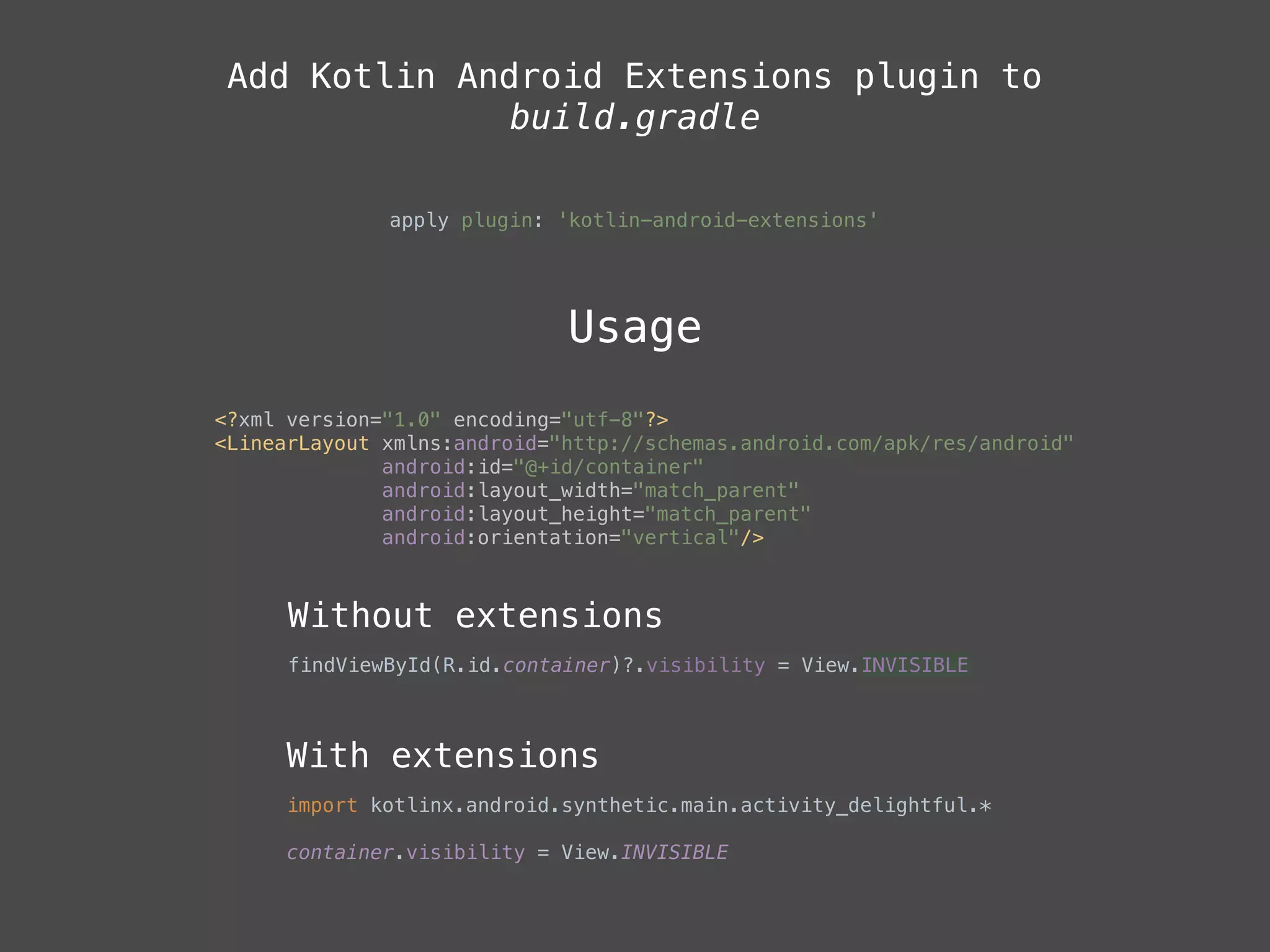
Add Kotlin Android Extensions plugin to
build.gradle
apply plugin: 'kotlin-android-extensions'
Usage
<?xml version="1.0" encoding="utf-8"?>

<LinearLayout xmlns:android="http://schemas.android.com/apk/res/android"

android:id="@+id/container"

android:layout_width="match_parent"

android:layout_height="match_parent"

android:orientation="vertical"/>
Without extensions
findViewById(R.id.container)?.visibility = View.INVISIBLE
With extensions
import kotlinx.android.synthetic.main.activity_delightful.*
container.visibility = View.INVISIBLE

Null safety
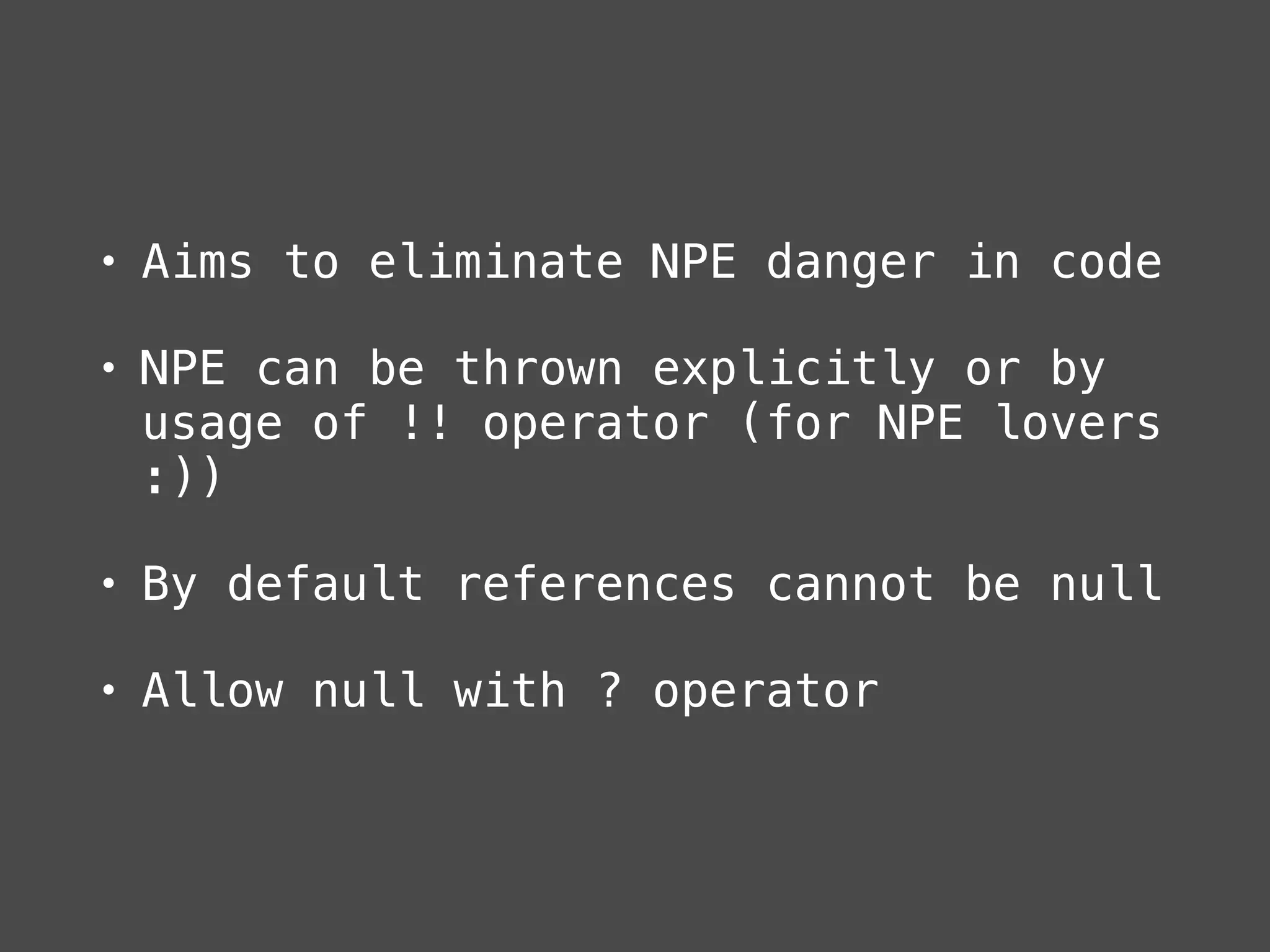
• Aims to eliminate NPE danger in code
• NPE can be thrown explicitly or by
usage of !! operator (for NPE lovers
:))
• By default references cannot be null
• Allow null with ? operator
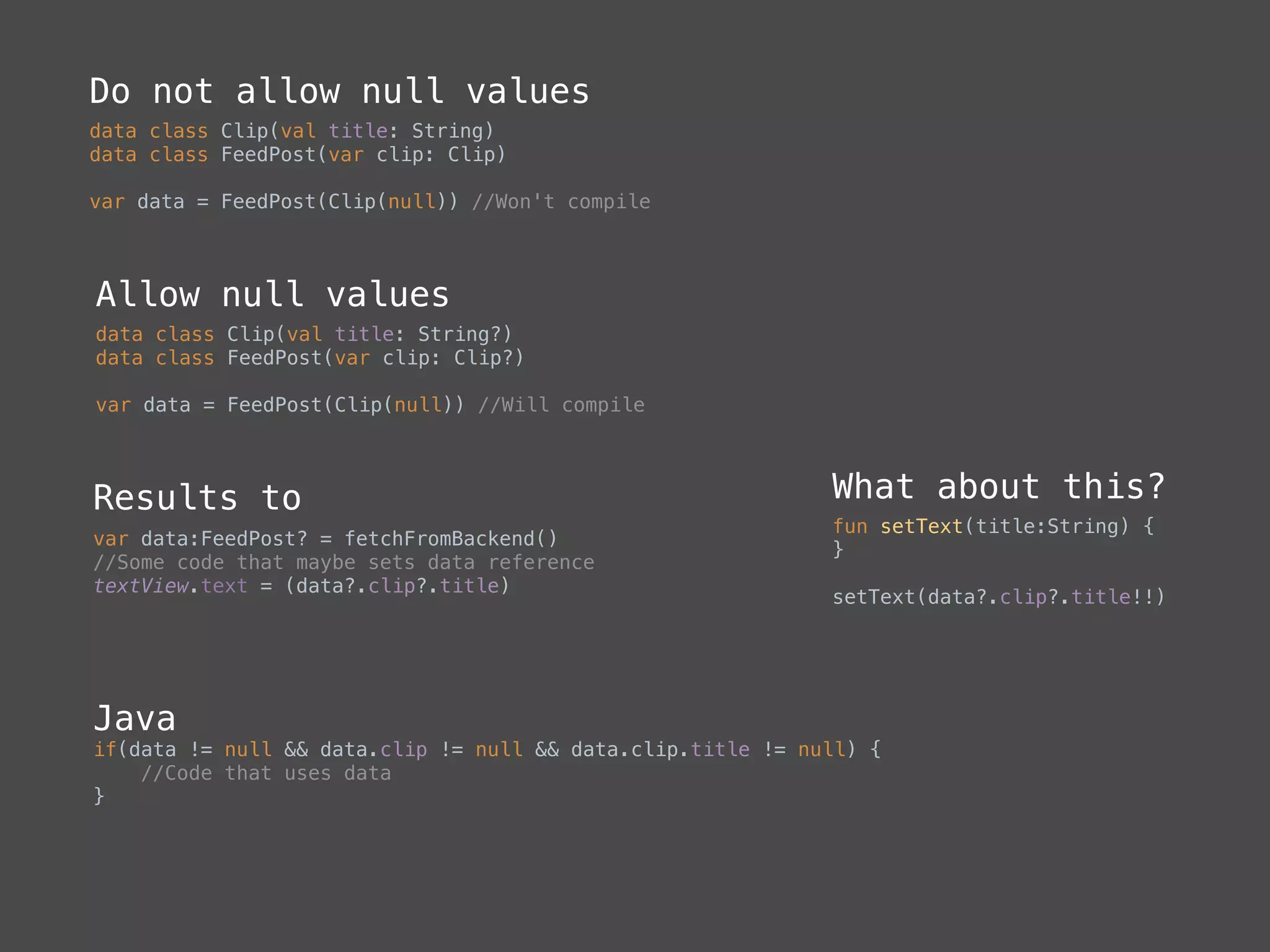
Do not allow null values
data class Clip(val title: String)
data class FeedPost(var clip: Clip)
var data = FeedPost(Clip(null)) //Won't compile
Allow null values
data class Clip(val title: String?)
data class FeedPost(var clip: Clip?)
var data = FeedPost(Clip(null)) //Will compile
Results to
var data:FeedPost? = fetchFromBackend()
//Some code that maybe sets data reference

textView.text = (data?.clip?.title)
Java
if(data != null && data.clip != null && data.clip.title != null) {

//Code that uses data

}
What about this?
fun setText(title:String) {

}
setText(data?.clip?.title!!)
Functions
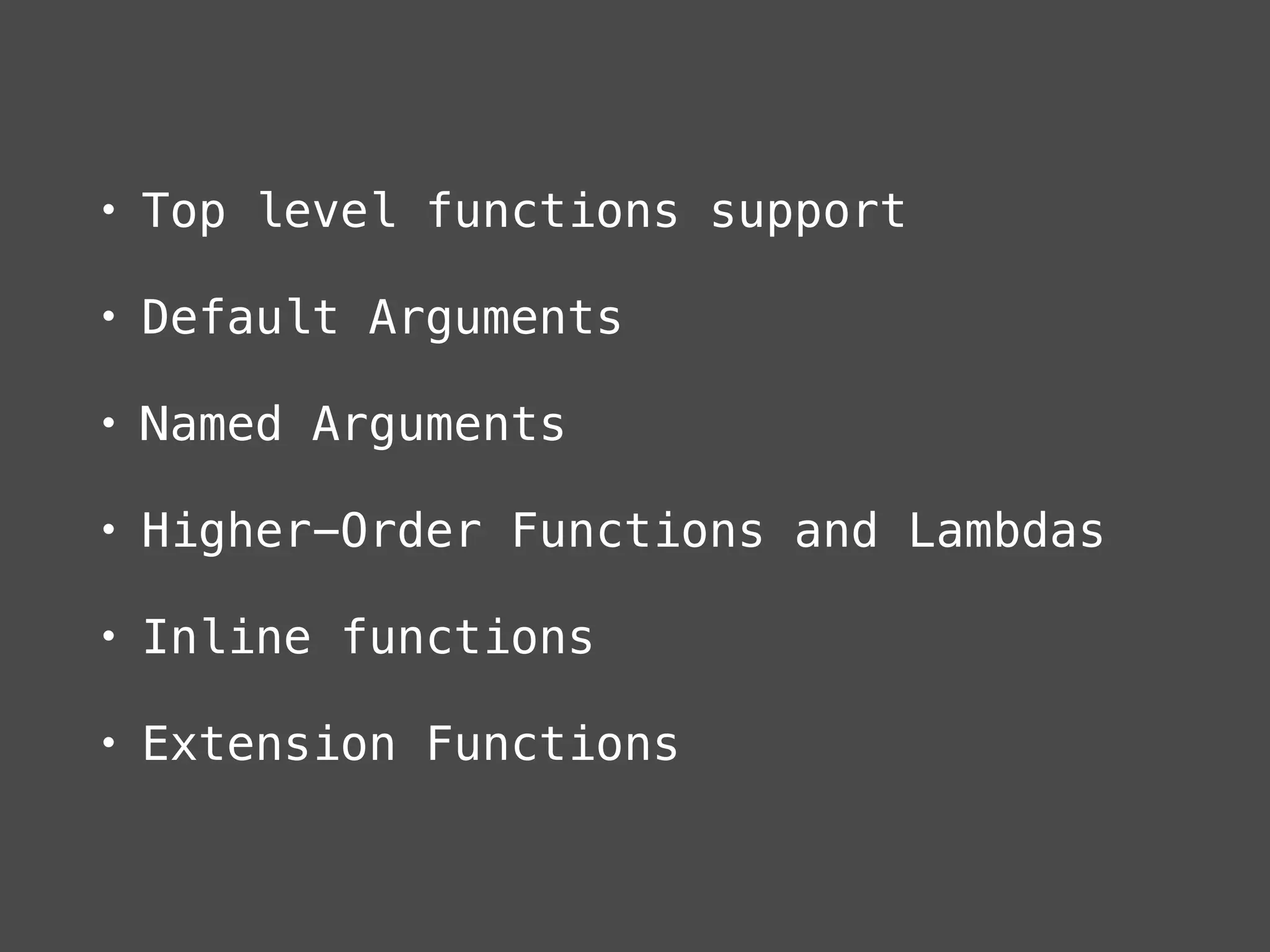
• Top level functions support
• Default Arguments
• Named Arguments
• Higher-Order Functions and Lambdas
• Inline functions
• Extension Functions
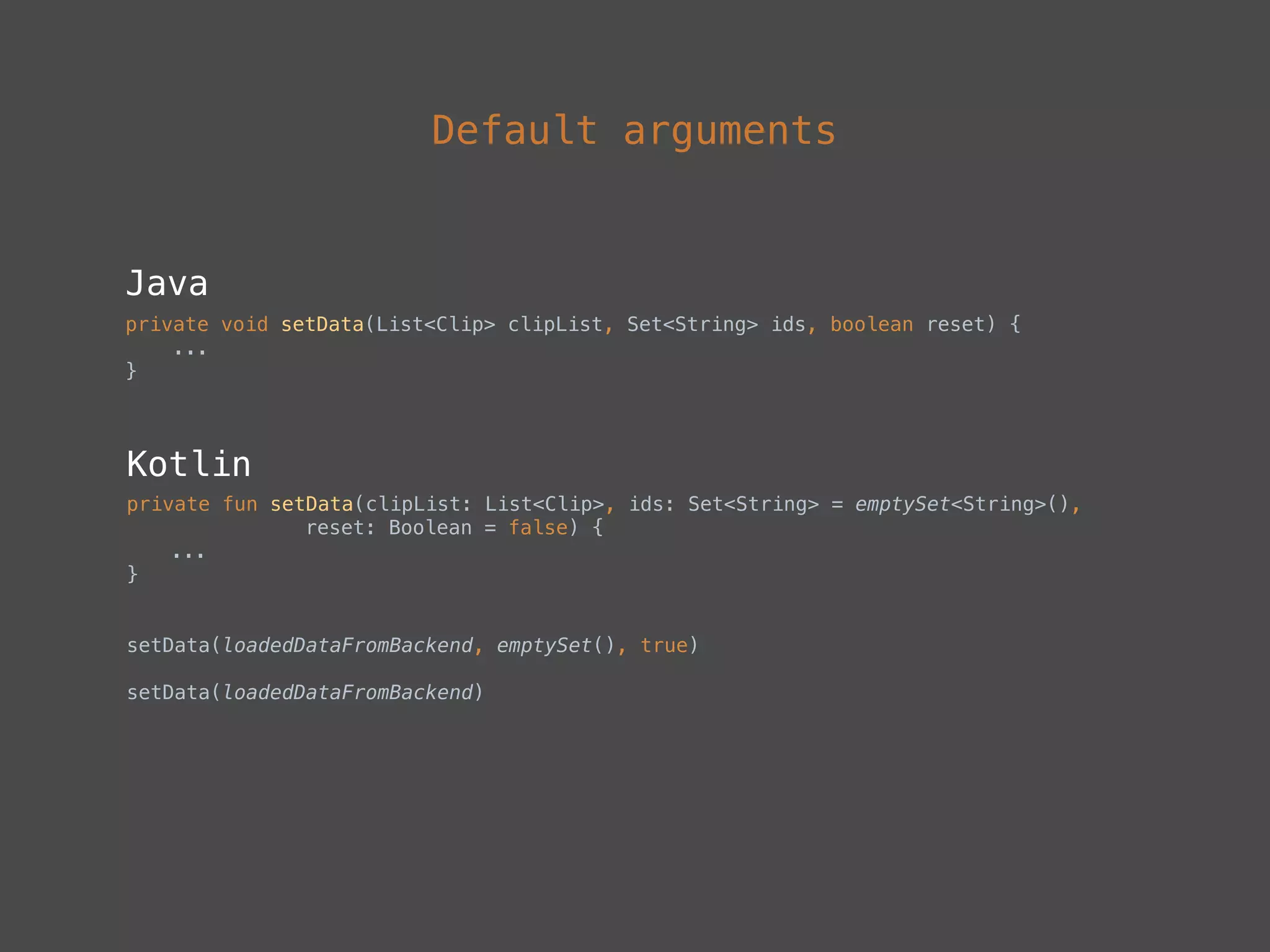
Default arguments
Java
private void setData(List<Clip> clipList, Set<String> ids, boolean reset) {

...

}
Kotlin
private fun setData(clipList: List<Clip>, ids: Set<String> = emptySet<String>(),
reset: Boolean = false) {
...
}
setData(loadedDataFromBackend, emptySet(), true)


setData(loadedDataFromBackend)
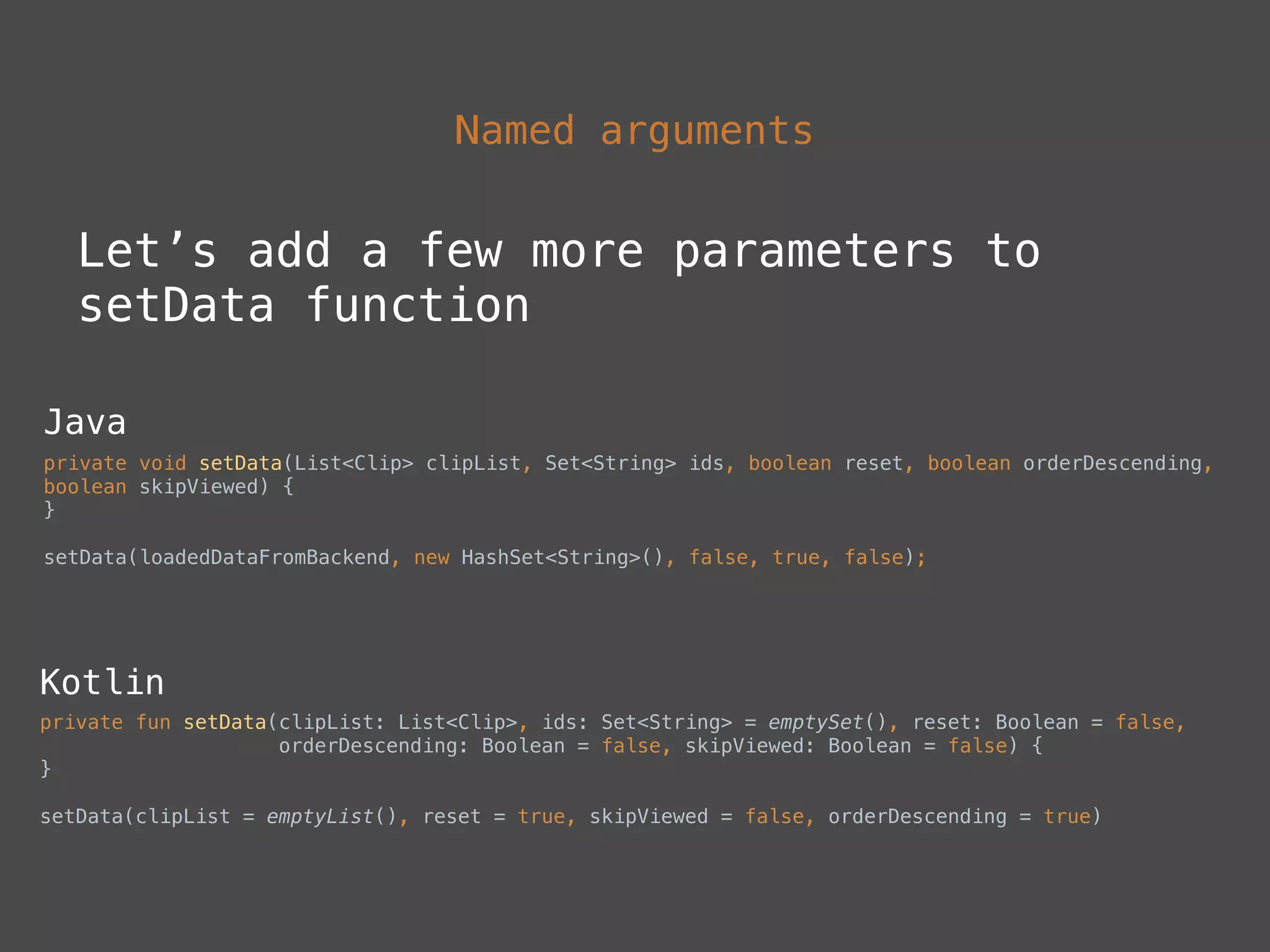
Named arguments
Let’s add a few more parameters to
setData function
Java
private void setData(List<Clip> clipList, Set<String> ids, boolean reset, boolean orderDescending,
boolean skipViewed) {

}
setData(loadedDataFromBackend, new HashSet<String>(), false, true, false);
Kotlin
private fun setData(clipList: List<Clip>, ids: Set<String> = emptySet(), reset: Boolean = false,

orderDescending: Boolean = false, skipViewed: Boolean = false) {

}
setData(clipList = emptyList(), reset = true, skipViewed = false, orderDescending = true)
Higher-Order Functions
and Lambdas
• A higher-order function takes
functions as parameter, or returns a
function
• A lambda expression or an anonymous
function is a function that is not
declared, but passed immediately as
an expression
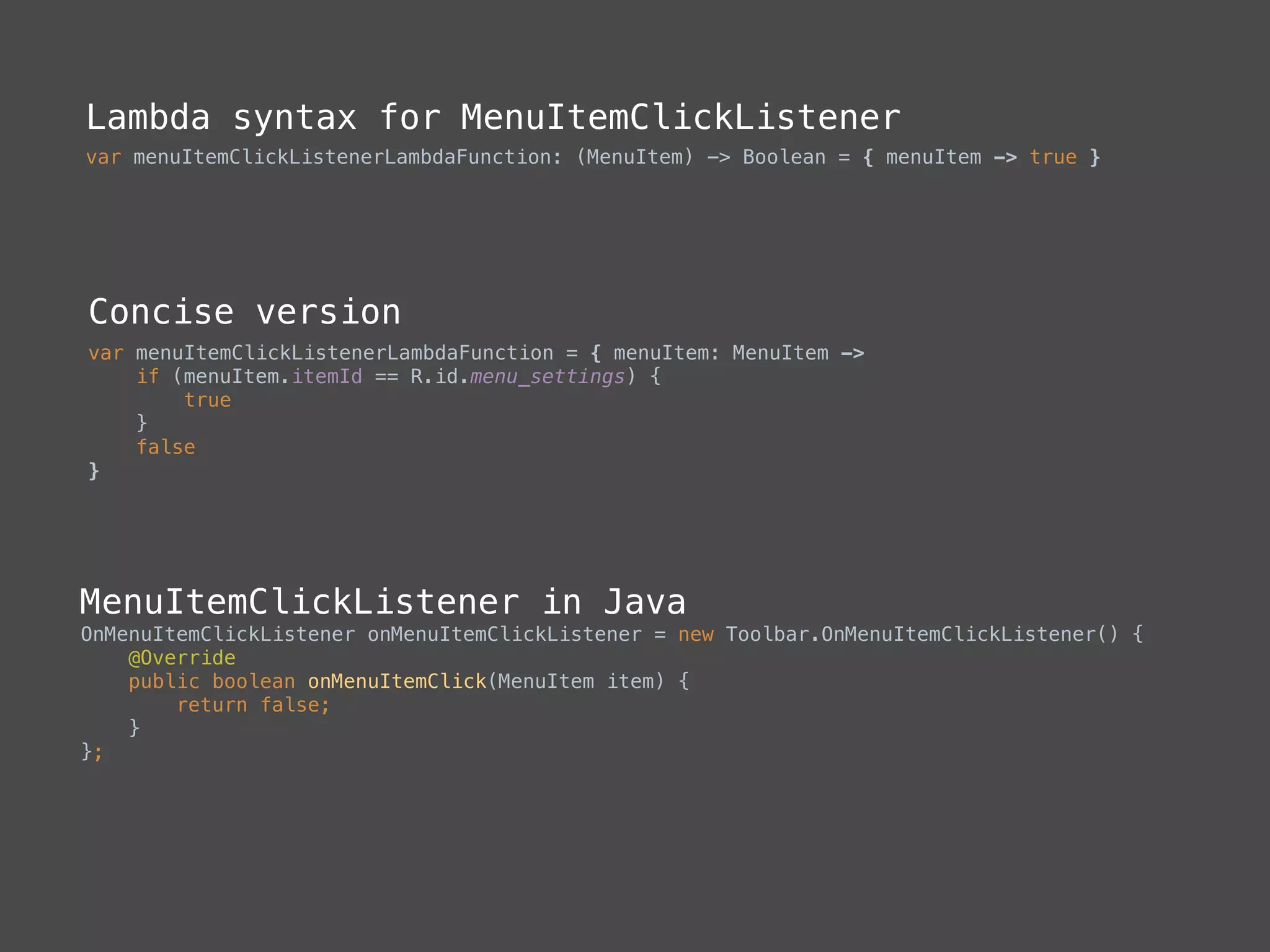
Lambda syntax for MenuItemClickListener
var menuItemClickListenerLambdaFunction: (MenuItem) -> Boolean = { menuItem -> true }
Concise version
var menuItemClickListenerLambdaFunction = { menuItem: MenuItem ->

if (menuItem.itemId == R.id.menu_settings) {

true

}

false

}
MenuItemClickListener in Java
OnMenuItemClickListener onMenuItemClickListener = new Toolbar.OnMenuItemClickListener() {

@Override

public boolean onMenuItemClick(MenuItem item) {

return false;

}

};
Compared to lambdas in Java
• Retrolambda (replaces lambdas with
anonymous class through bytecode
manipulation)
• Compile with Android N (lambda is
compiled into class with constructor
and method)
• Increasing method count and creating
pressure on GC
• Kotlin generates bytecode from
lambdas using inline functions
Sequences
• Inside kotlin.sequences
• Similar to Java 8 Streams API
• Implemented as extension functions
• zip, map, reduce, filter etc…
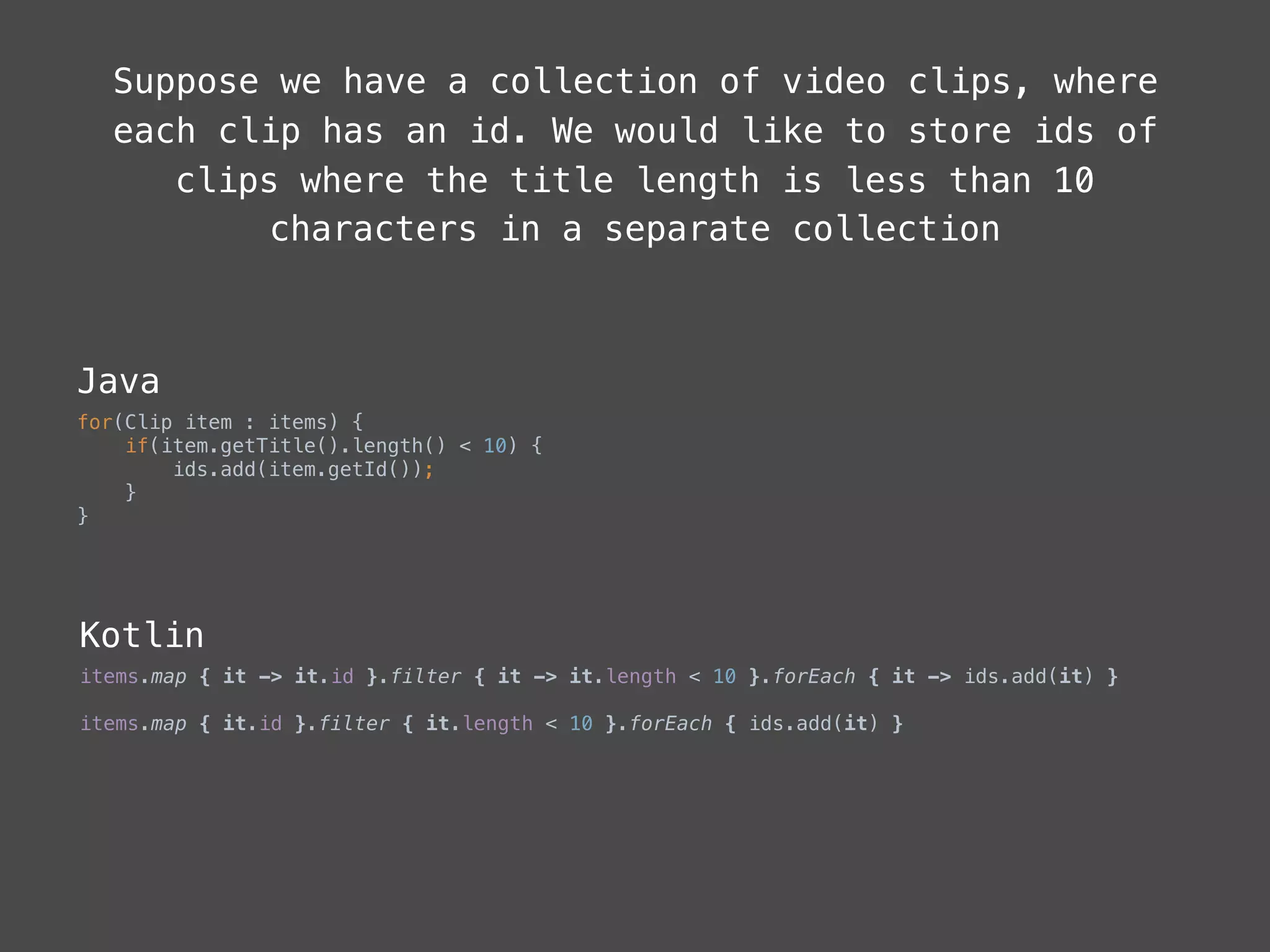
Suppose we have a collection of video clips, where
each clip has an id. We would like to store ids of
clips where the title length is less than 10
characters in a separate collection
Java
for(Clip item : items) {

if(item.getTitle().length() < 10) {

ids.add(item.getId());

}

}
Kotlin
items.map { it -> it.id }.filter { it -> it.length < 10 }.forEach { it -> ids.add(it) }
items.map { it.id }.filter { it.length < 10 }.forEach { ids.add(it) }
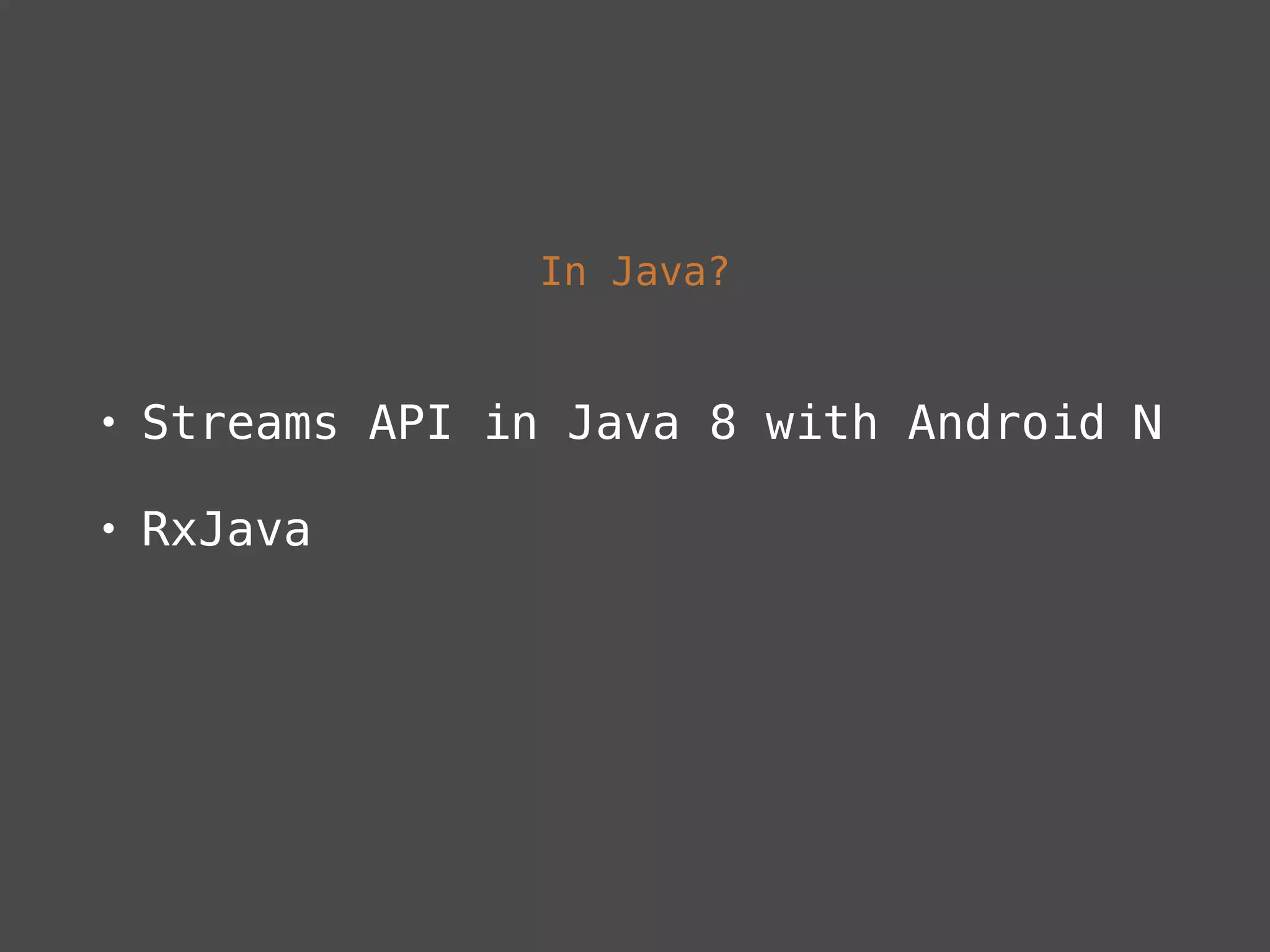
In Java?
• Streams API in Java 8 with Android N
• RxJava
Extensions
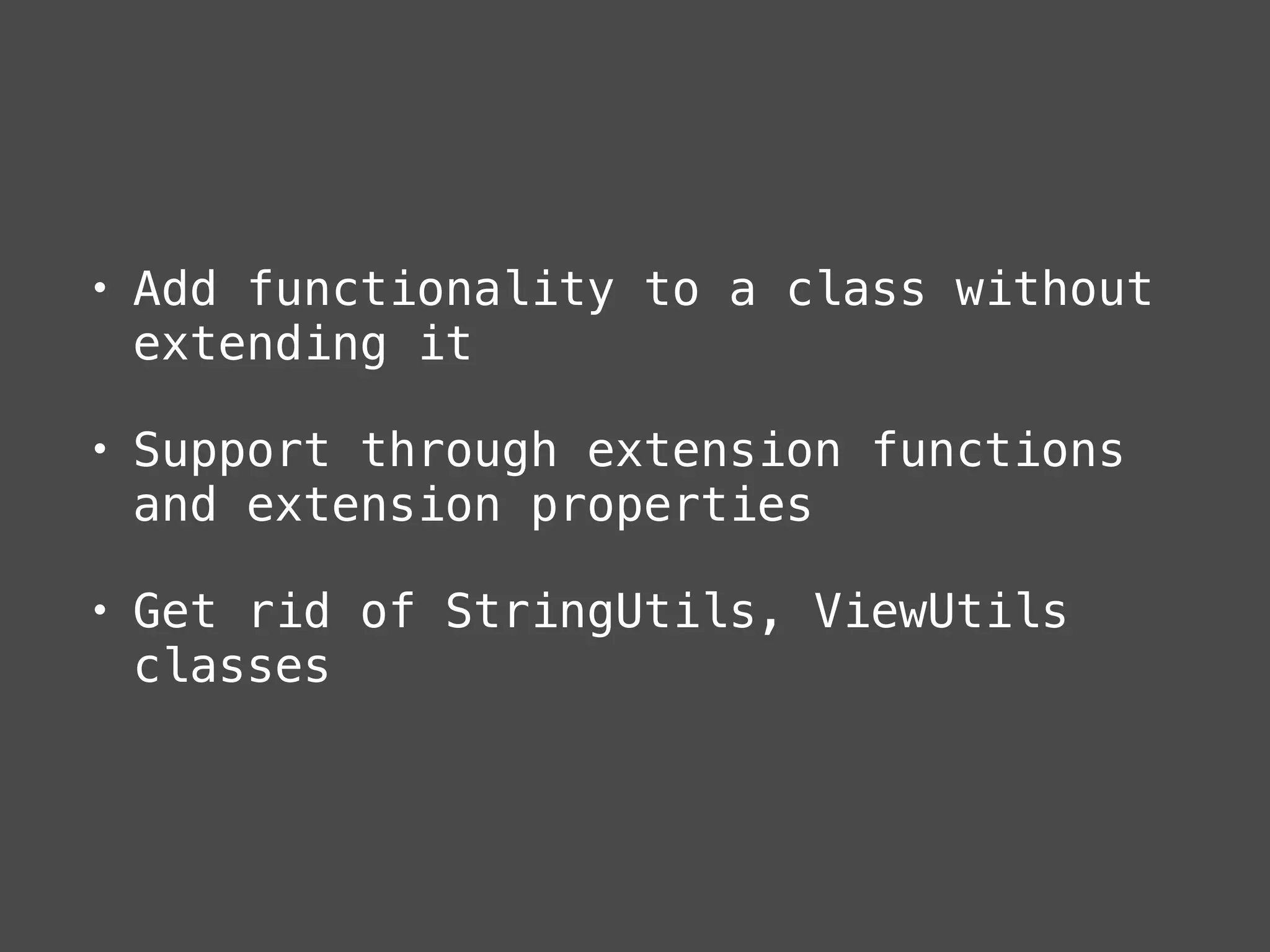
• Add functionality to a class without
extending it
• Support through extension functions
and extension properties
• Get rid of StringUtils, ViewUtils
classes
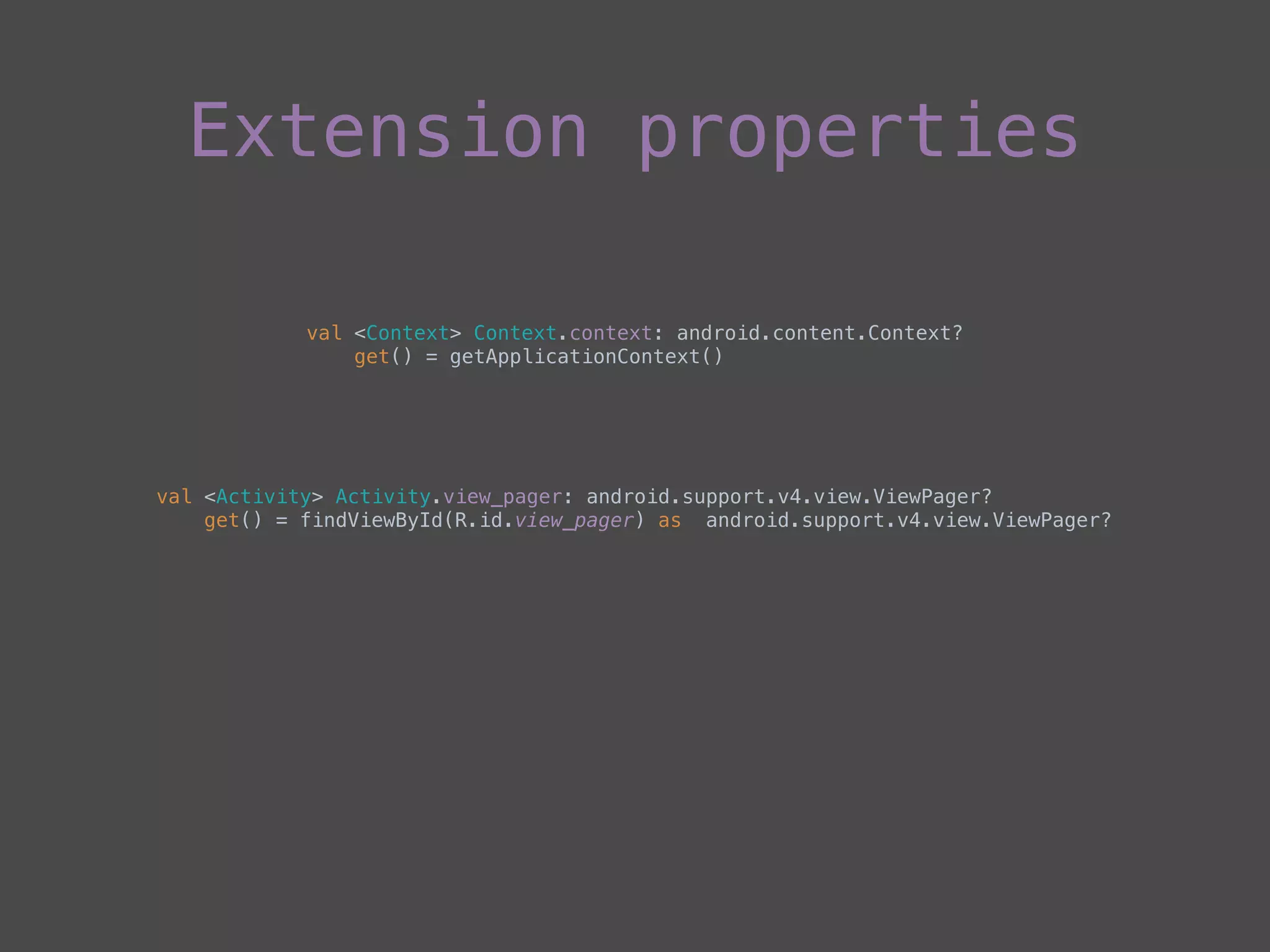
Extension properties
val <Context> Context.context: android.content.Context?

get() = getApplicationContext()
val <Activity> Activity.view_pager: android.support.v4.view.ViewPager?

get() = findViewById(R.id.view_pager) as android.support.v4.view.ViewPager?
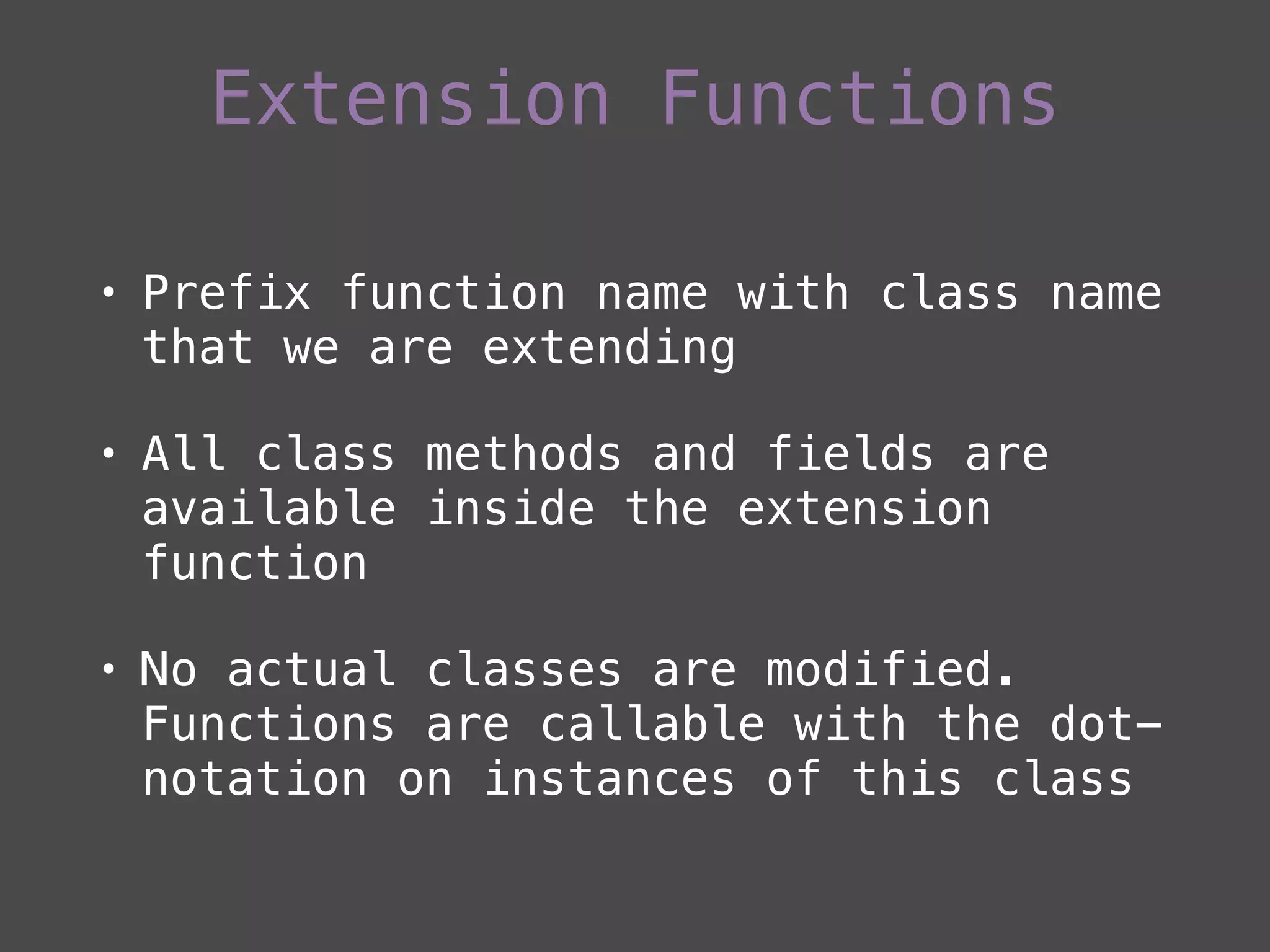
• Prefix function name with class name
that we are extending
• All class methods and fields are
available inside the extension
function
• No actual classes are modified.
Functions are callable with the dot-
notation on instances of this class
Extension Functions
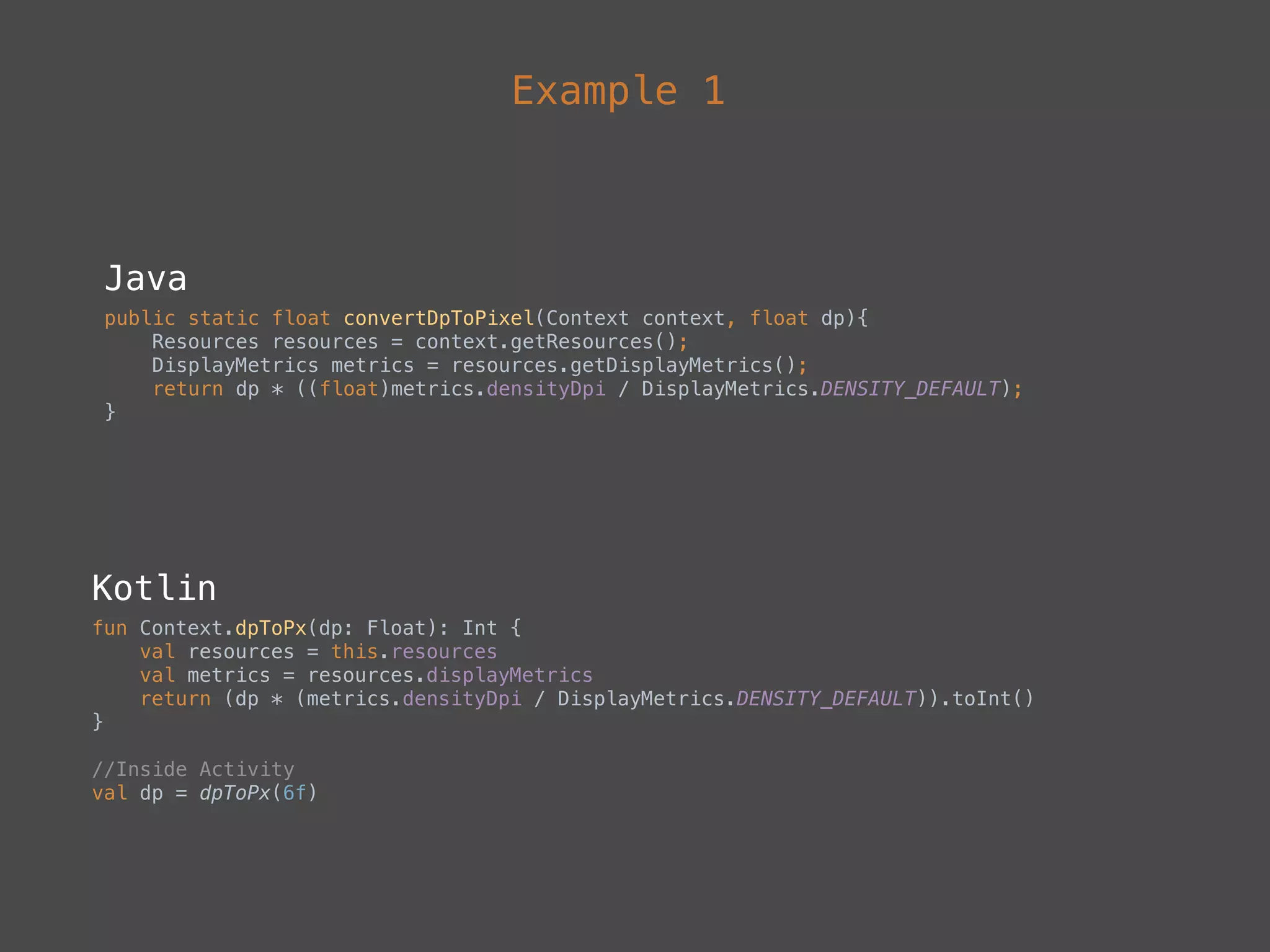
Example 1
Java
public static float convertDpToPixel(Context context, float dp){

Resources resources = context.getResources();

DisplayMetrics metrics = resources.getDisplayMetrics();

return dp * ((float)metrics.densityDpi / DisplayMetrics.DENSITY_DEFAULT);

}
Kotlin
fun Context.dpToPx(dp: Float): Int {

val resources = this.resources

val metrics = resources.displayMetrics

return (dp * (metrics.densityDpi / DisplayMetrics.DENSITY_DEFAULT)).toInt()

}
//Inside Activity

val dp = dpToPx(6f)
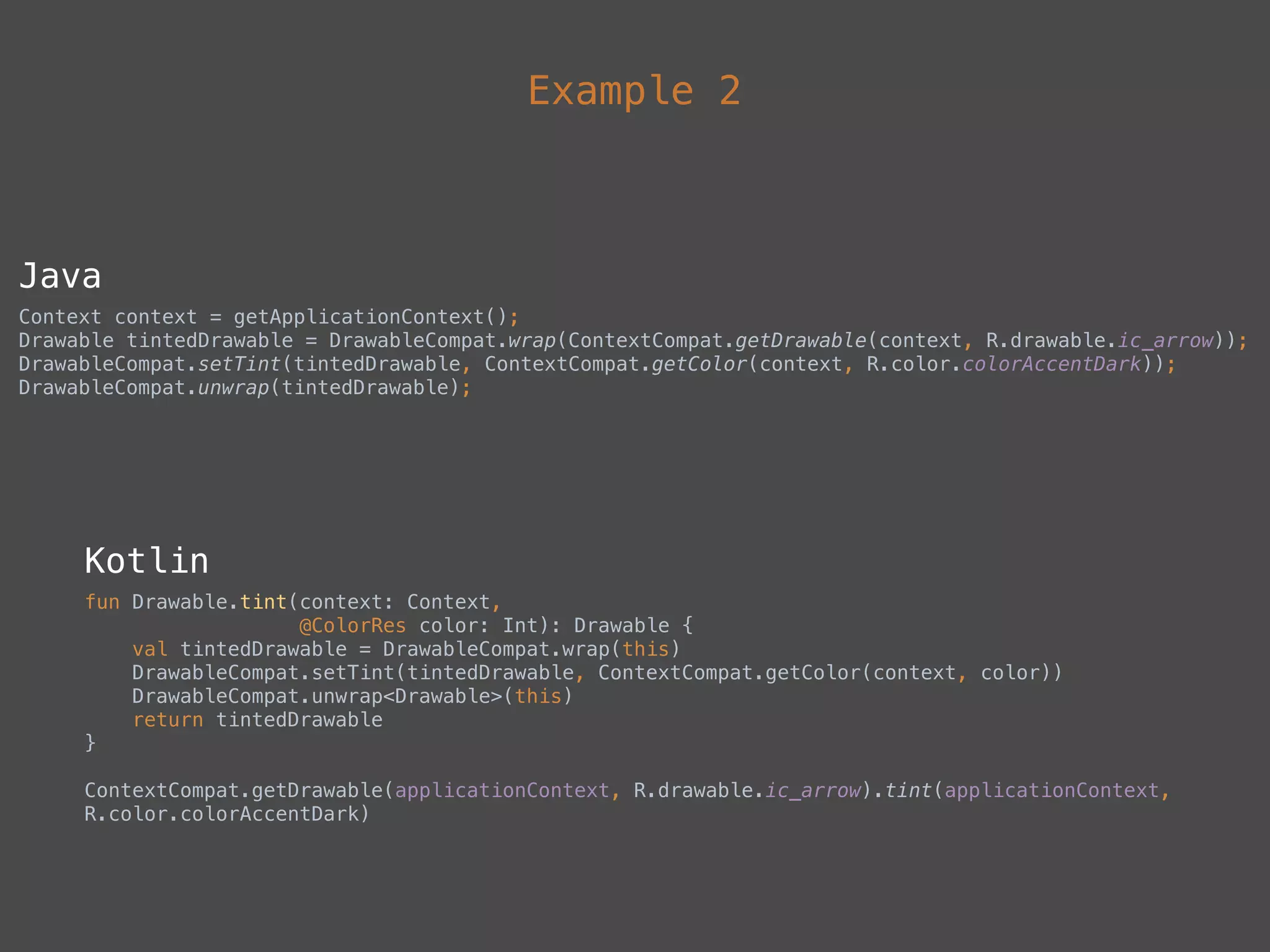
Example 2
Java
Context context = getApplicationContext();

Drawable tintedDrawable = DrawableCompat.wrap(ContextCompat.getDrawable(context, R.drawable.ic_arrow));

DrawableCompat.setTint(tintedDrawable, ContextCompat.getColor(context, R.color.colorAccentDark));

DrawableCompat.unwrap(tintedDrawable);
Kotlin
fun Drawable.tint(context: Context,

@ColorRes color: Int): Drawable {

val tintedDrawable = DrawableCompat.wrap(this)

DrawableCompat.setTint(tintedDrawable, ContextCompat.getColor(context, color))

DrawableCompat.unwrap<Drawable>(this)

return tintedDrawable

}
ContextCompat.getDrawable(applicationContext, R.drawable.ic_arrow).tint(applicationContext,
R.color.colorAccentDark)
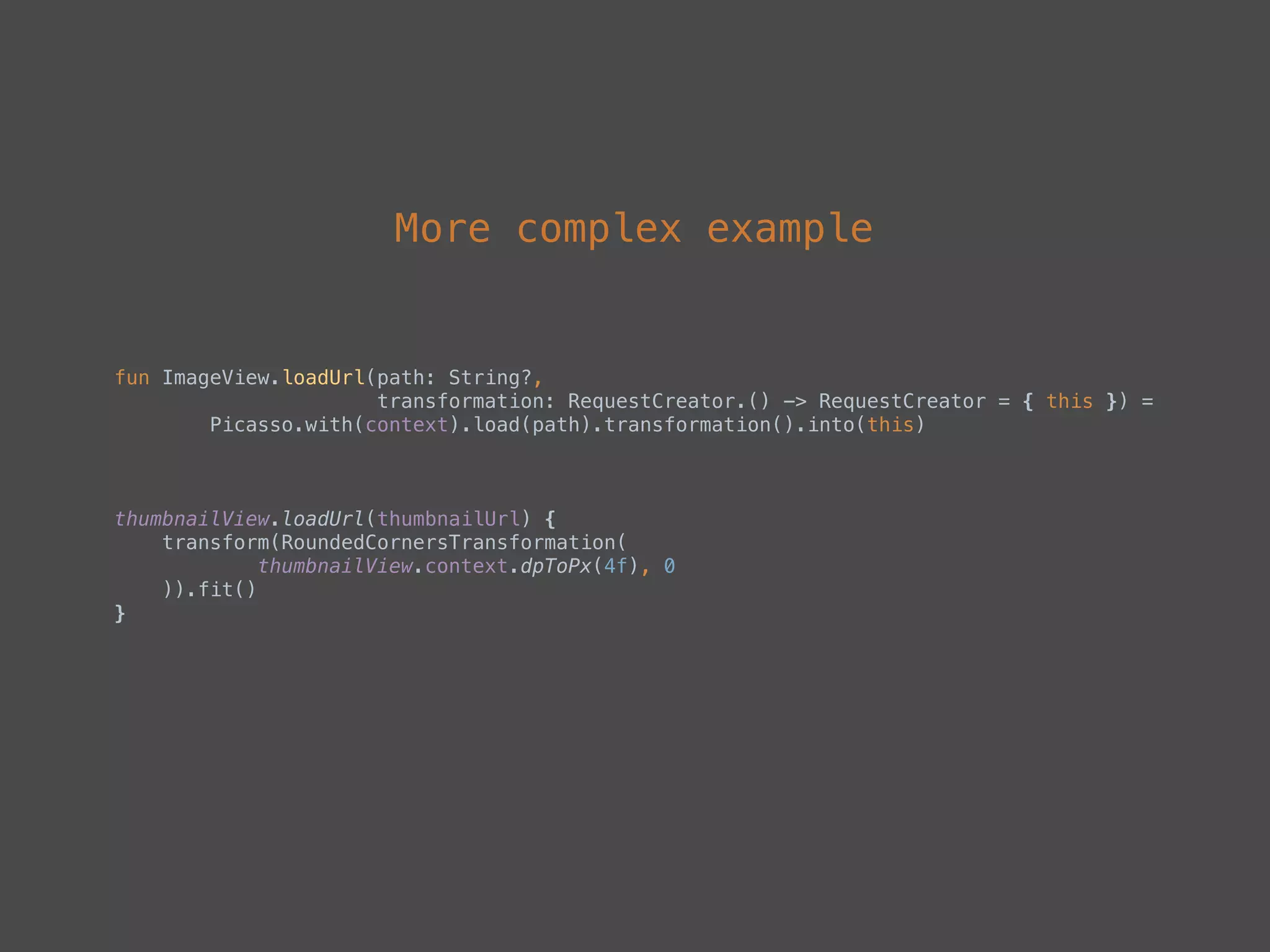
More complex example
fun ImageView.loadUrl(path: String?,

transformation: RequestCreator.() -> RequestCreator = { this }) =

Picasso.with(context).load(path).transformation().into(this)
thumbnailView.loadUrl(thumbnailUrl) {

transform(RoundedCornersTransformation(

thumbnailView.context.dpToPx(4f), 0

)).fit()

}
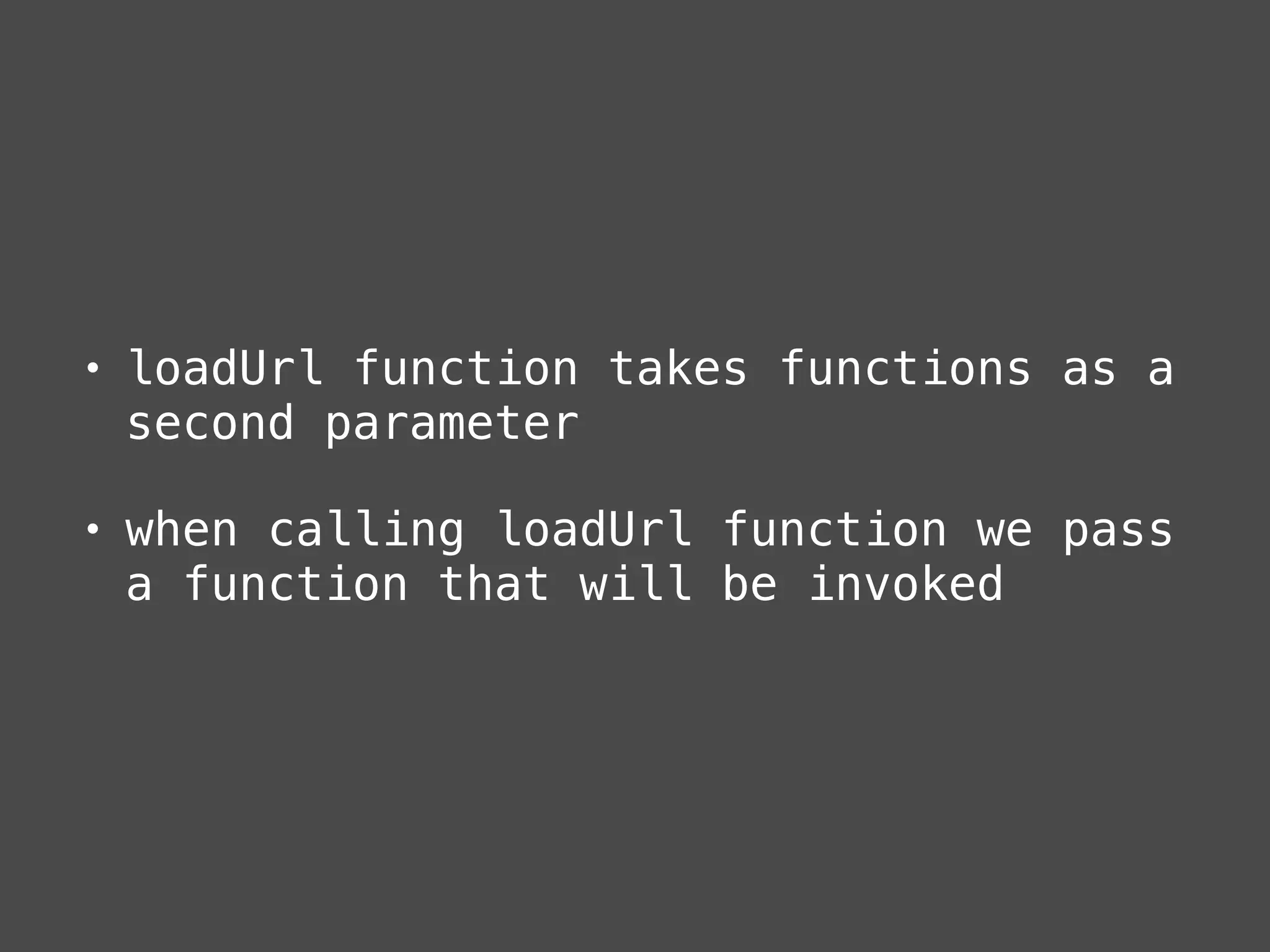
• loadUrl function takes functions as a
second parameter
• when calling loadUrl function we pass
a function that will be invoked
Data classes
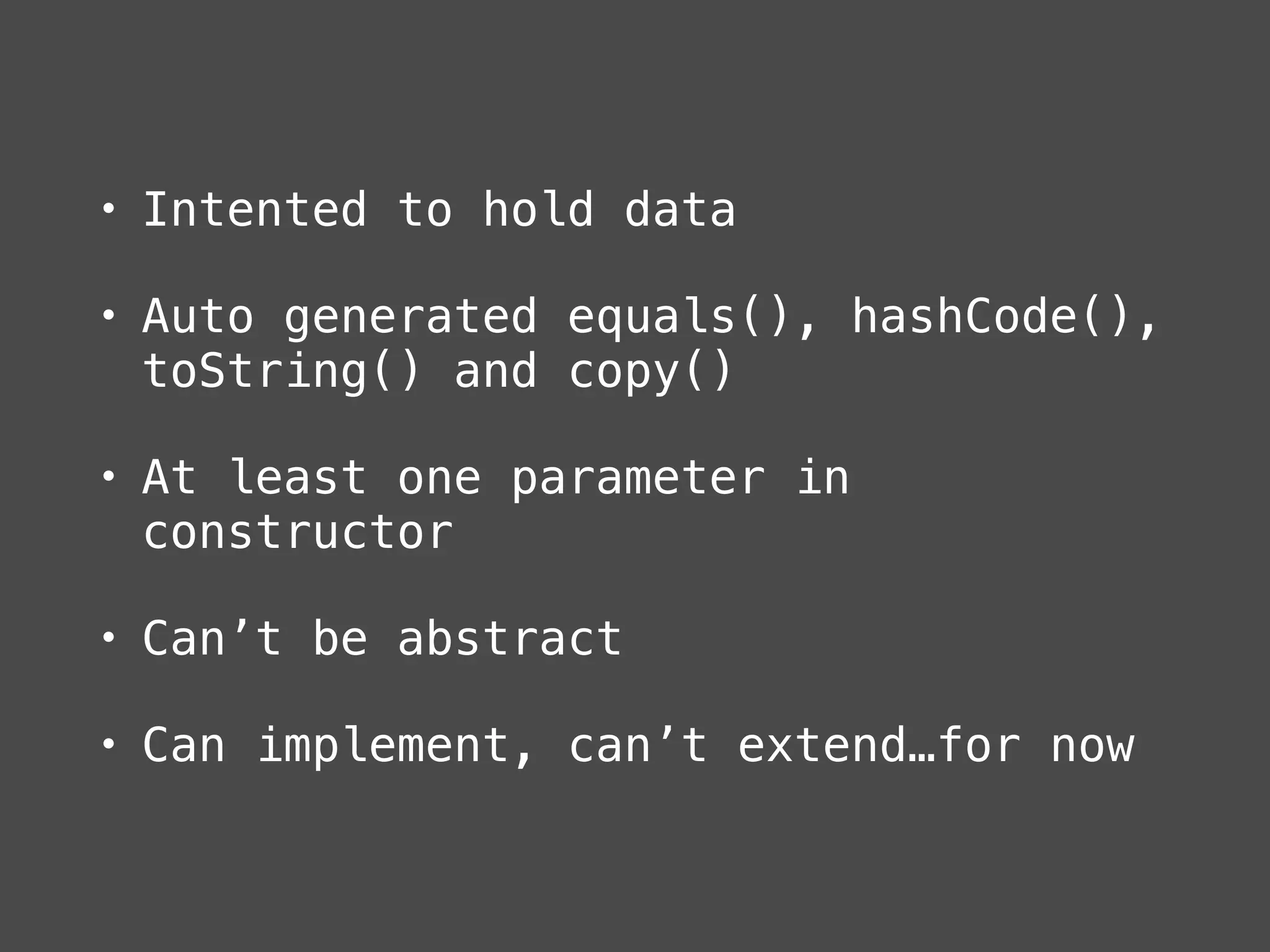
• Intented to hold data
• Auto generated equals(), hashCode(),
toString() and copy()
• At least one parameter in
constructor
• Can’t be abstract
• Can implement, can’t extend…for now
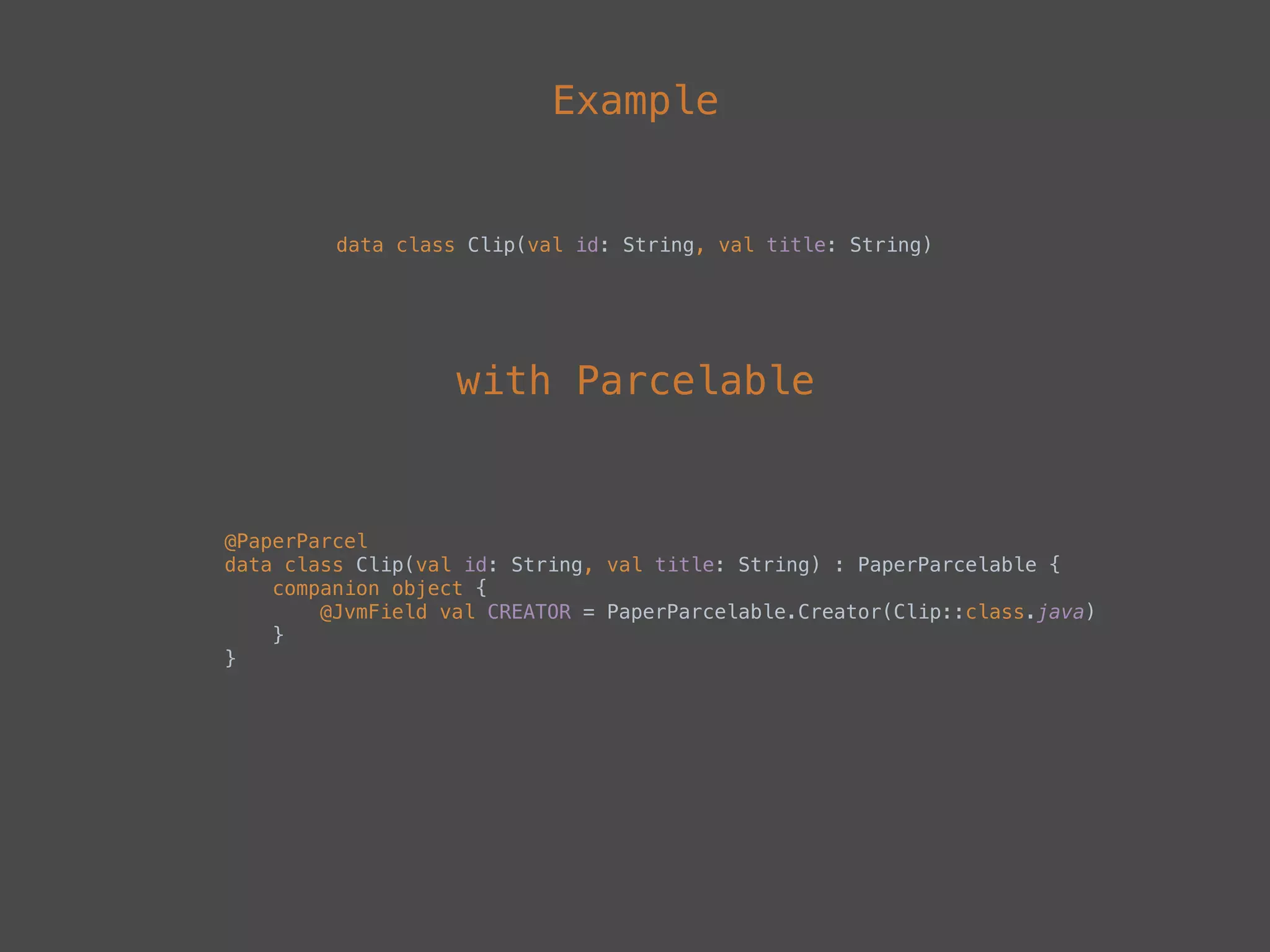
Example
data class Clip(val id: String, val title: String)
@PaperParcel

data class Clip(val id: String, val title: String) : PaperParcelable {

companion object {

@JvmField val CREATOR = PaperParcelable.Creator(Clip::class.java)

}

}
with Parcelable
Other sugars
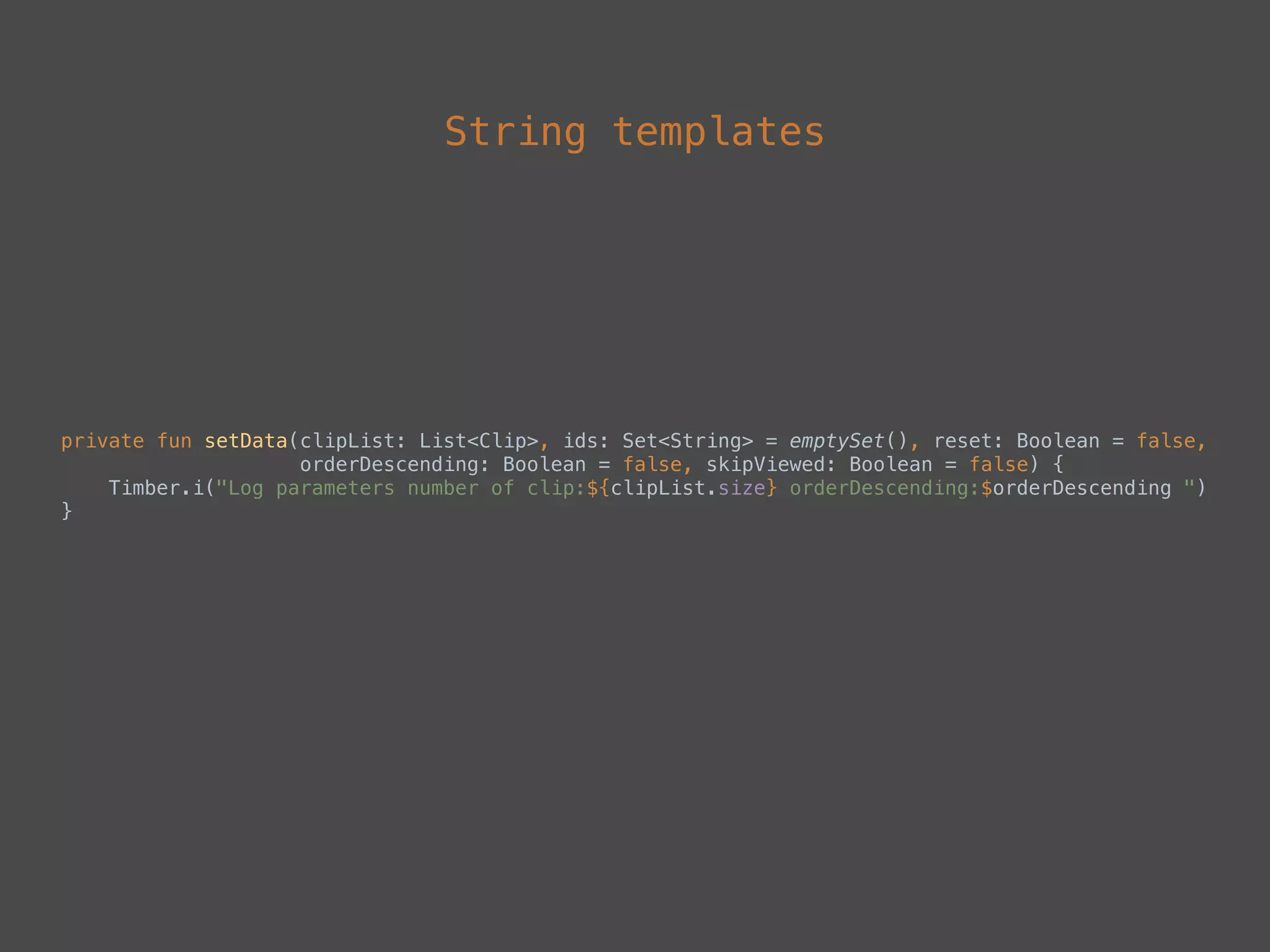
String templates
private fun setData(clipList: List<Clip>, ids: Set<String> = emptySet(), reset: Boolean = false,

orderDescending: Boolean = false, skipViewed: Boolean = false) {

Timber.i("Log parameters number of clip:${clipList.size} orderDescending:$orderDescending ")

}
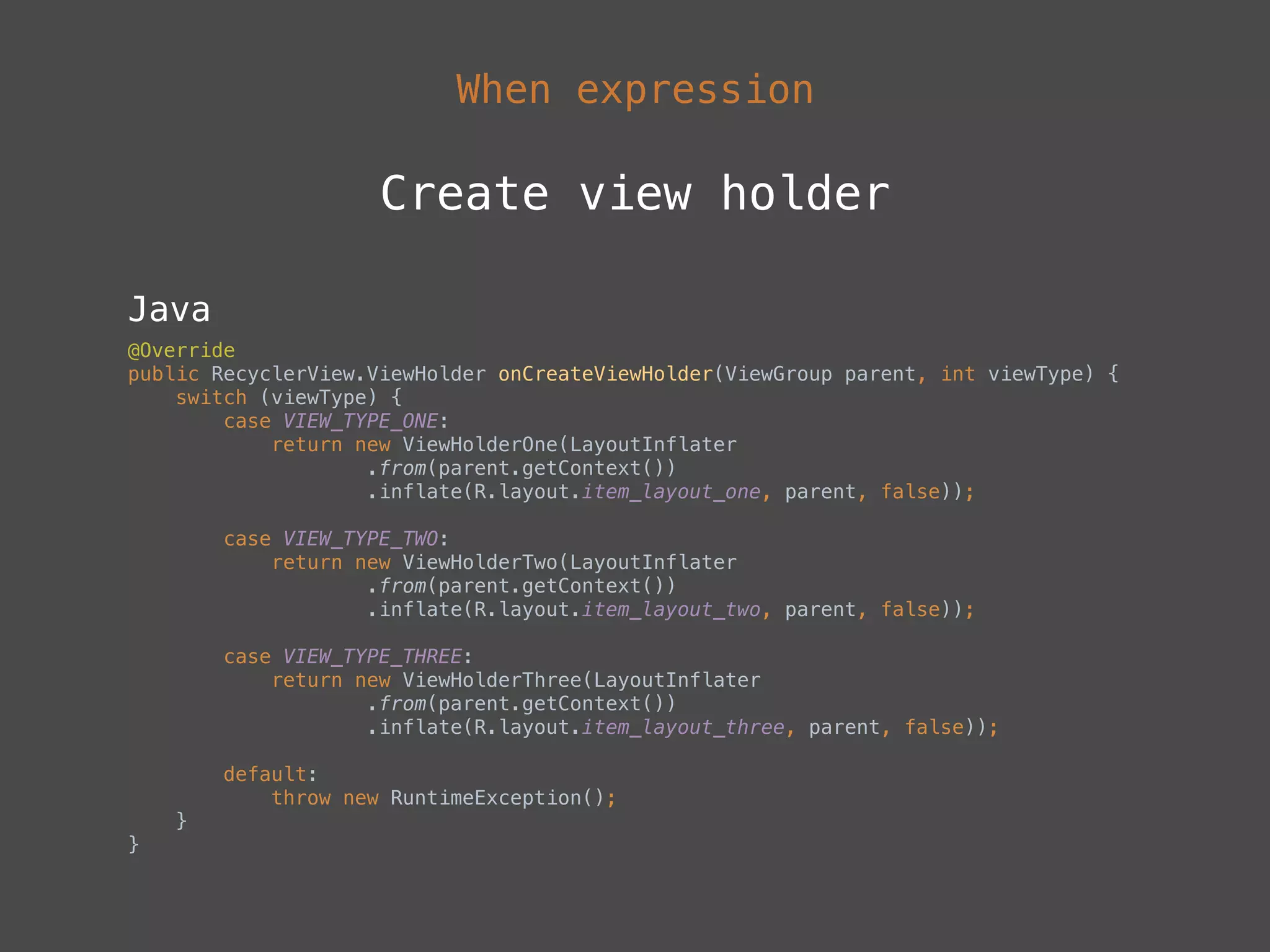
When expression
Create view holder
Java
@Override

public RecyclerView.ViewHolder onCreateViewHolder(ViewGroup parent, int viewType) {

switch (viewType) {

case VIEW_TYPE_ONE:

return new ViewHolderOne(LayoutInflater

.from(parent.getContext())

.inflate(R.layout.item_layout_one, parent, false));


case VIEW_TYPE_TWO:

return new ViewHolderTwo(LayoutInflater

.from(parent.getContext())

.inflate(R.layout.item_layout_two, parent, false));


case VIEW_TYPE_THREE:

return new ViewHolderThree(LayoutInflater

.from(parent.getContext())

.inflate(R.layout.item_layout_three, parent, false));


default:

throw new RuntimeException();

}

}
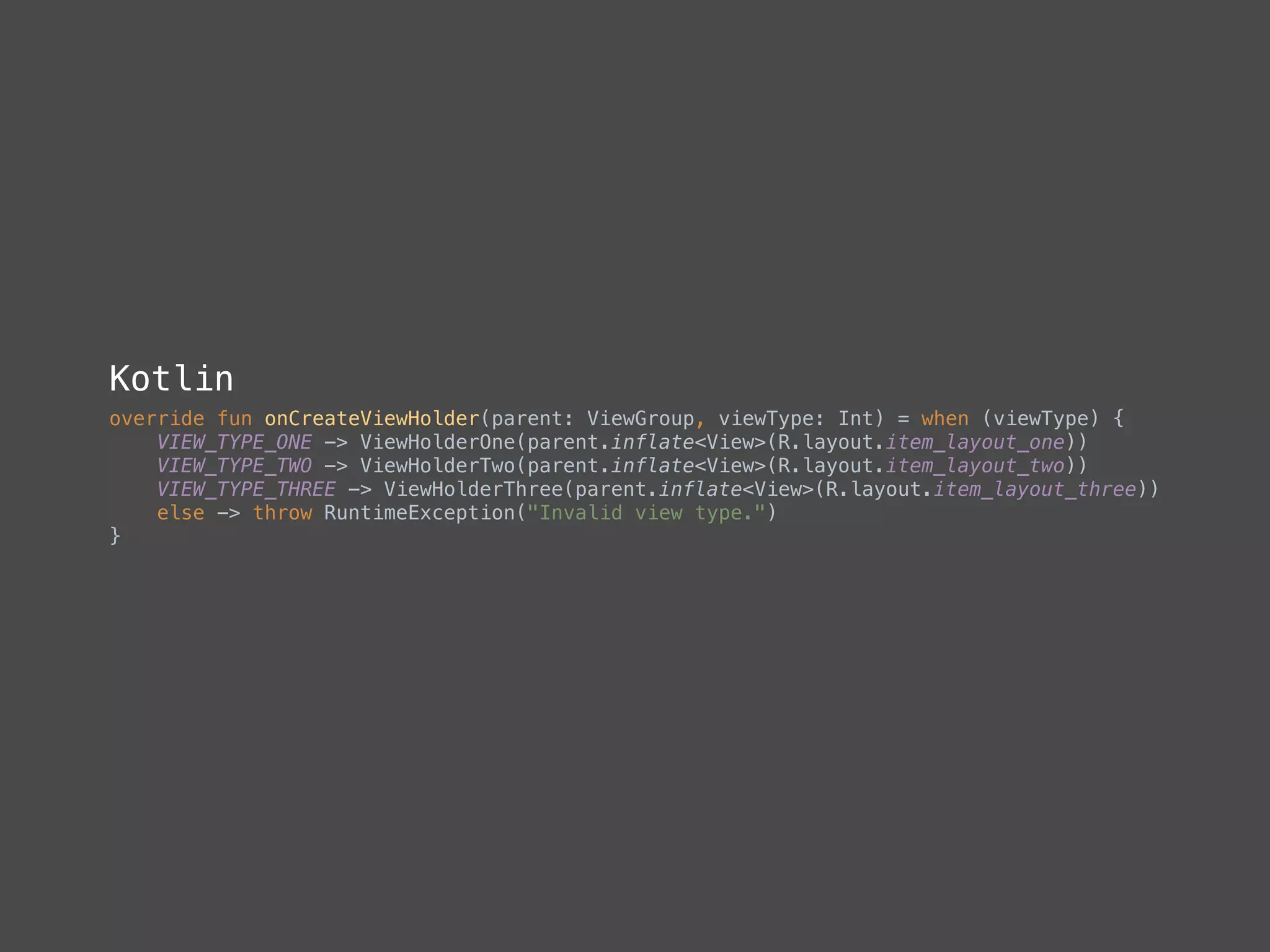
Kotlin
override fun onCreateViewHolder(parent: ViewGroup, viewType: Int) = when (viewType) {

VIEW_TYPE_ONE -> ViewHolderOne(parent.inflate<View>(R.layout.item_layout_one))

VIEW_TYPE_TWO -> ViewHolderTwo(parent.inflate<View>(R.layout.item_layout_two))

VIEW_TYPE_THREE -> ViewHolderThree(parent.inflate<View>(R.layout.item_layout_three))

else -> throw RuntimeException("Invalid view type.")

}

Smart casts
• Cast by using is or !is operator
• Compiler tracks is-checks for
immutable values and inserts casts
automatically
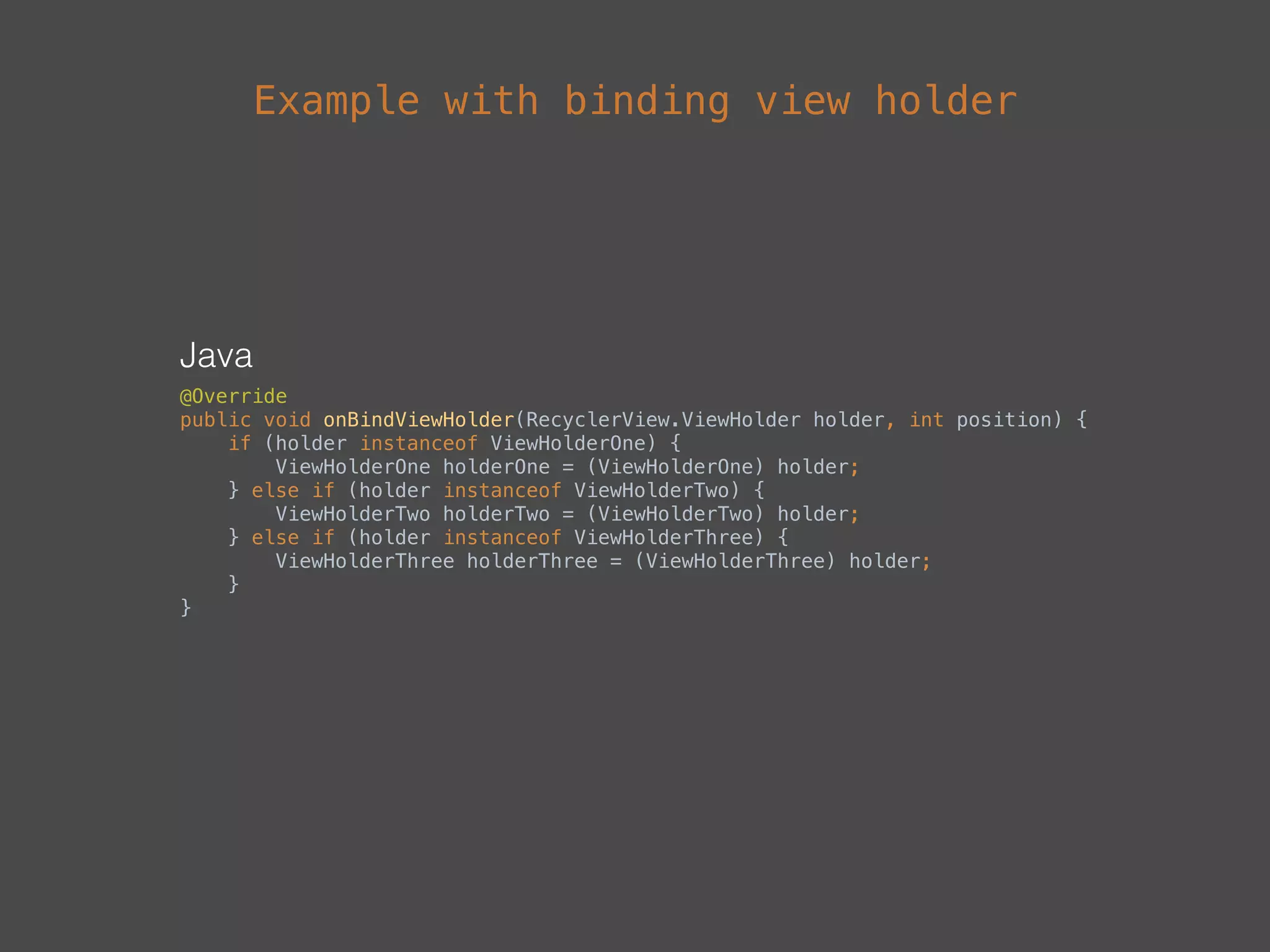
Java
@Override

public void onBindViewHolder(RecyclerView.ViewHolder holder, int position) {

if (holder instanceof ViewHolderOne) {

ViewHolderOne holderOne = (ViewHolderOne) holder;

} else if (holder instanceof ViewHolderTwo) {

ViewHolderTwo holderTwo = (ViewHolderTwo) holder;

} else if (holder instanceof ViewHolderThree) {

ViewHolderThree holderThree = (ViewHolderThree) holder;

}

}
Example with binding view holder
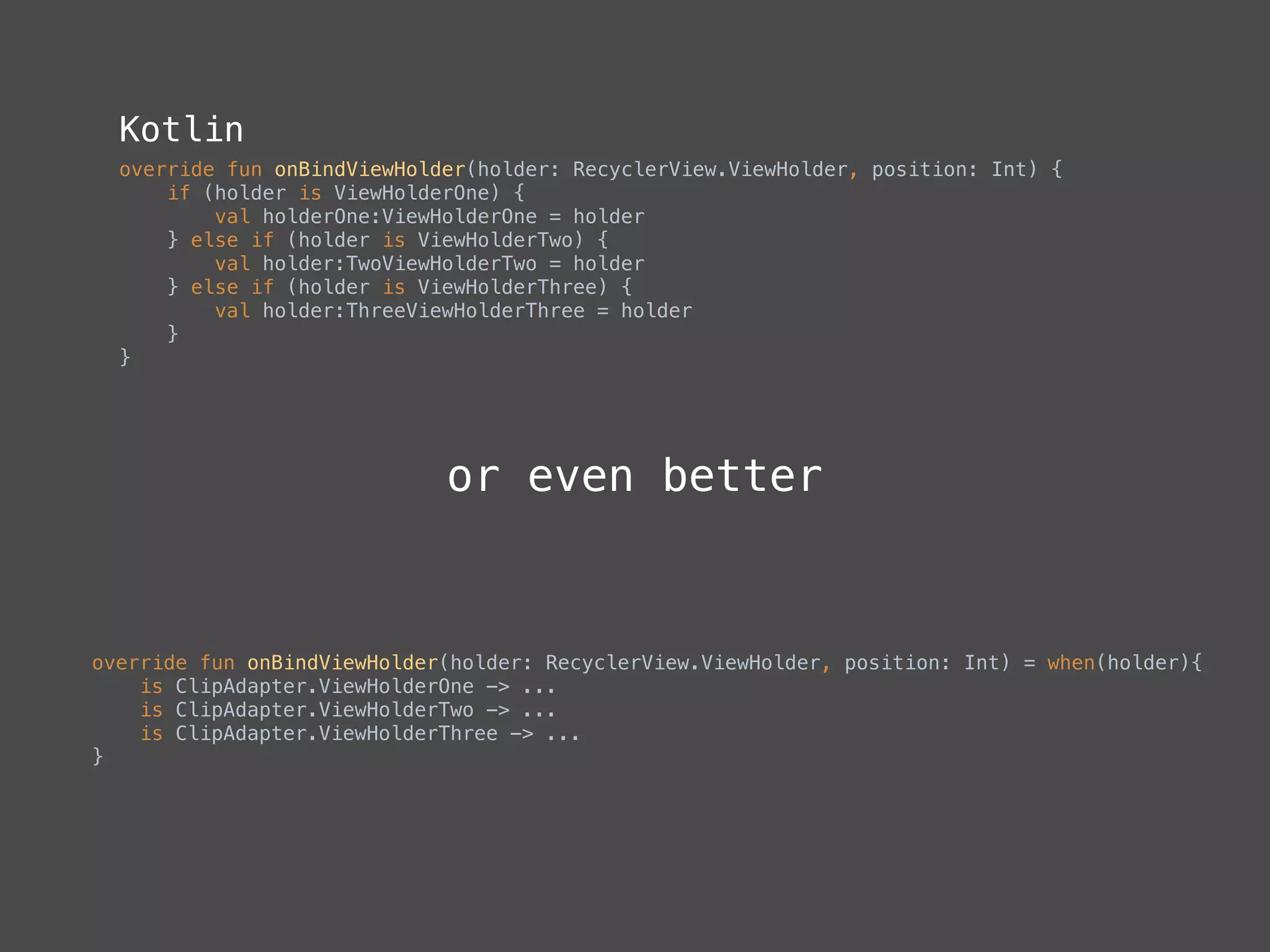
Kotlin
override fun onBindViewHolder(holder: RecyclerView.ViewHolder, position: Int) {

if (holder is ViewHolderOne) {

val holderOne:ViewHolderOne = holder

} else if (holder is ViewHolderTwo) {

val holder:TwoViewHolderTwo = holder

} else if (holder is ViewHolderThree) {

val holder:ThreeViewHolderThree = holder

}

}
override fun onBindViewHolder(holder: RecyclerView.ViewHolder, position: Int) = when(holder){

is ClipAdapter.ViewHolderOne -> ...

is ClipAdapter.ViewHolderTwo -> ...

is ClipAdapter.ViewHolderThree -> ...

}
or even better
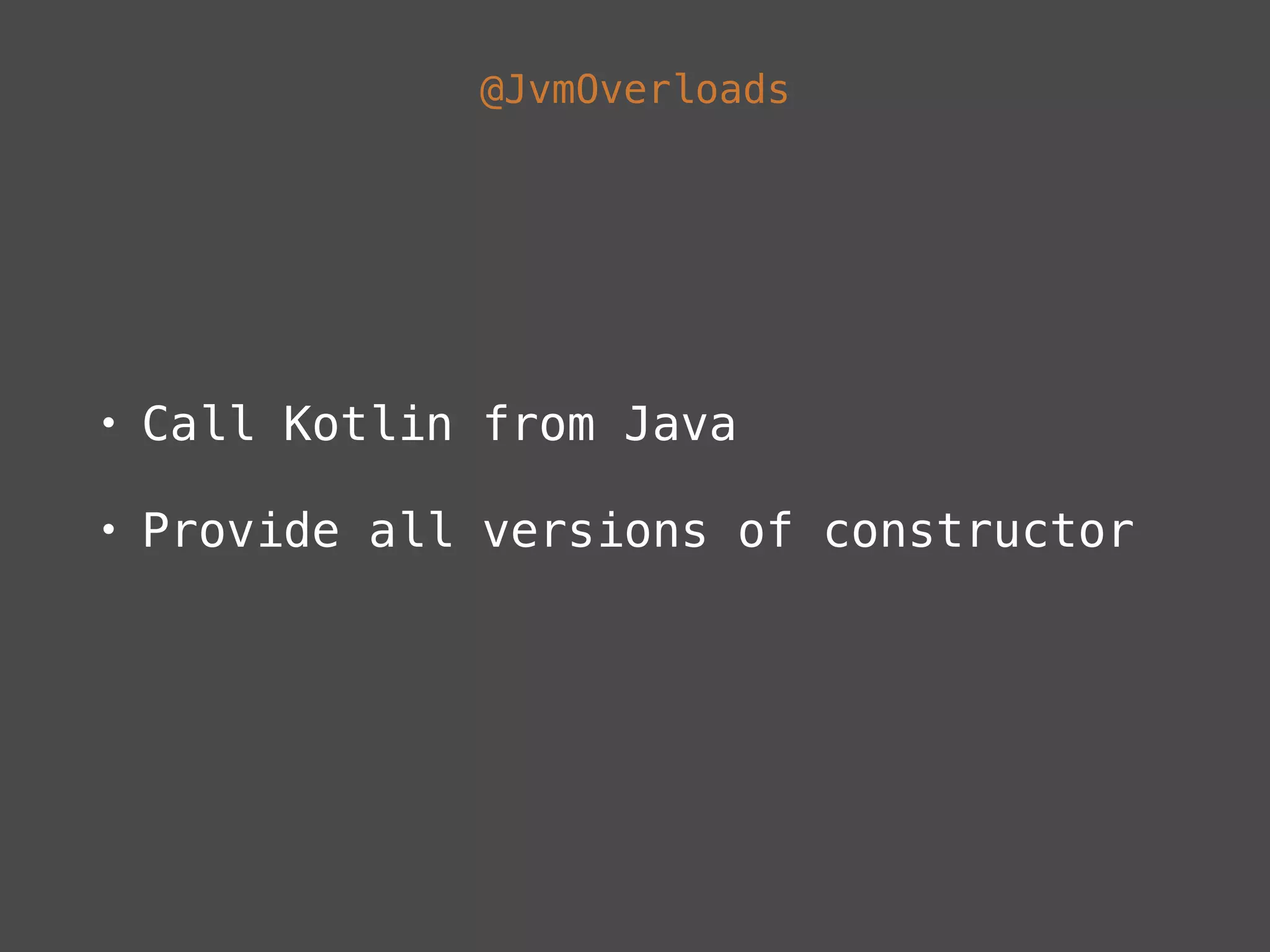
@JvmOverloads
• Call Kotlin from Java
• Provide all versions of constructor
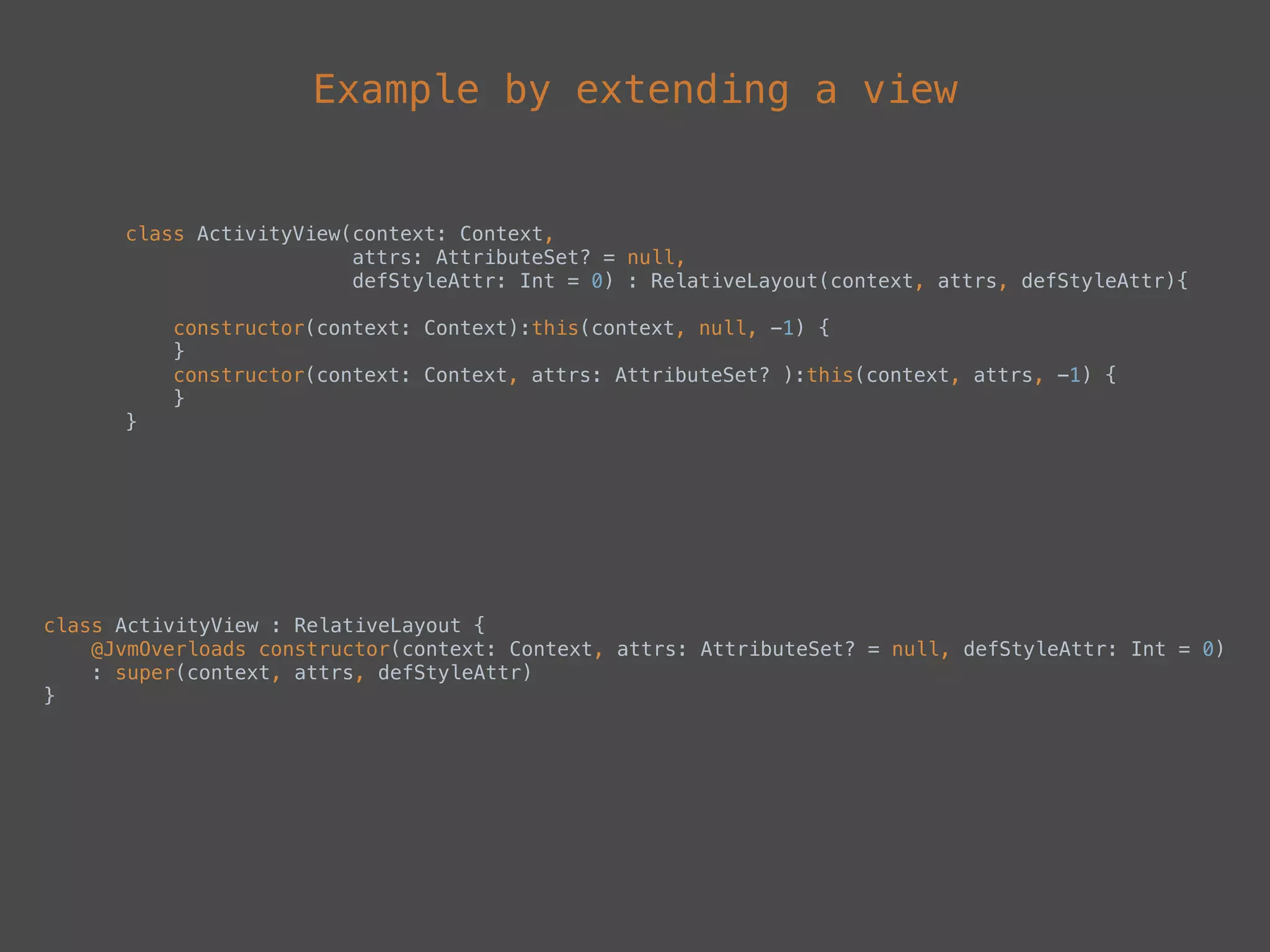
Example by extending a view
class ActivityView(context: Context, 

attrs: AttributeSet? = null, 

defStyleAttr: Int = 0) : RelativeLayout(context, attrs, defStyleAttr){


constructor(context: Context):this(context, null, -1) {

}

constructor(context: Context, attrs: AttributeSet? ):this(context, attrs, -1) {

}
}
class ActivityView : RelativeLayout {

@JvmOverloads constructor(context: Context, attrs: AttributeSet? = null, defStyleAttr: Int = 0)

: super(context, attrs, defStyleAttr)
}
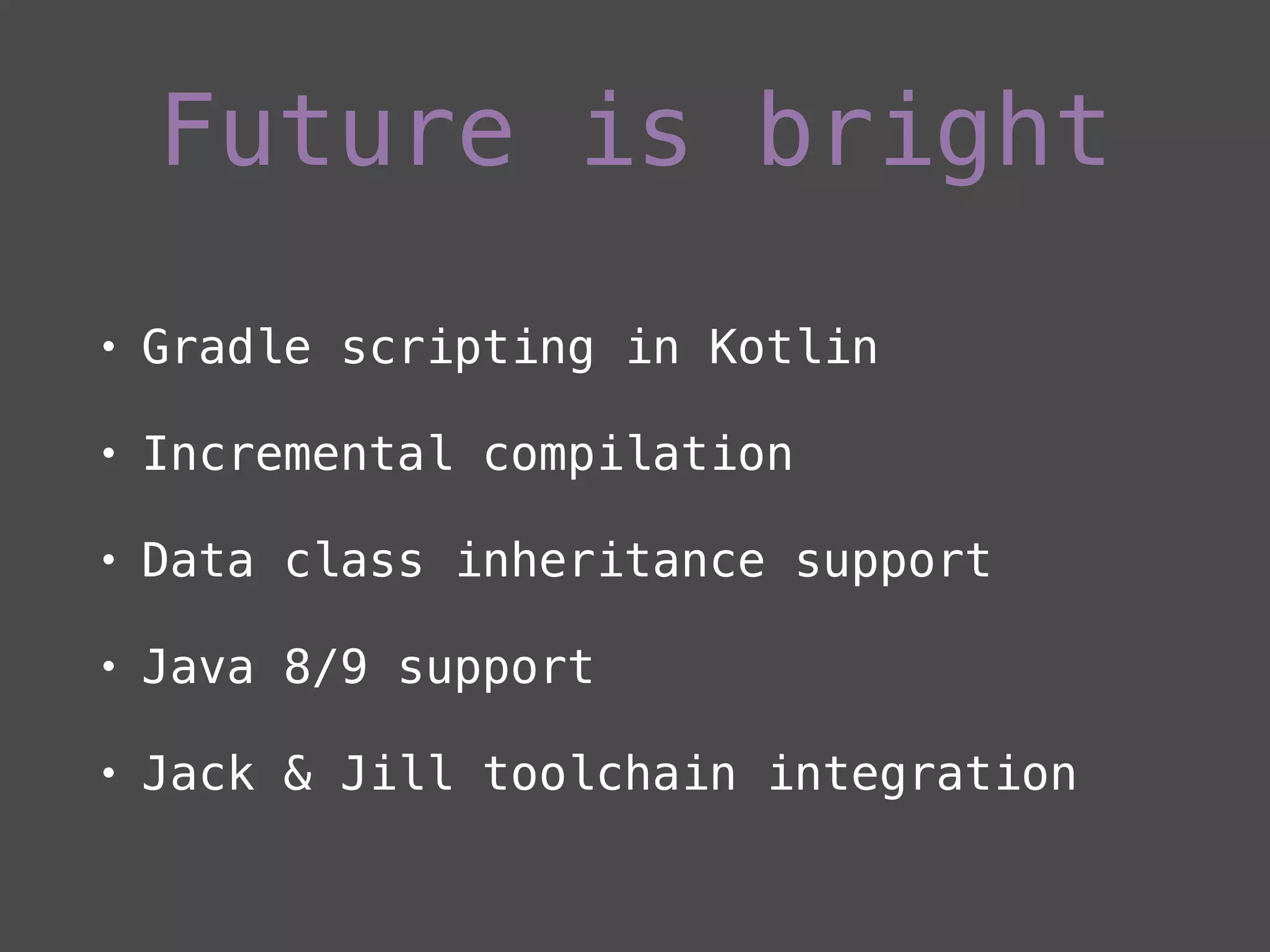
Future is bright
• Gradle scripting in Kotlin
• Incremental compilation
• Data class inheritance support
• Java 8/9 support
• Jack & Jill toolchain integration
Any apps out there?
• Expedia Hotels, Flights & Cars
• BlueCrew
• Level Money
• LifeHack Chisinau
• Changelogs
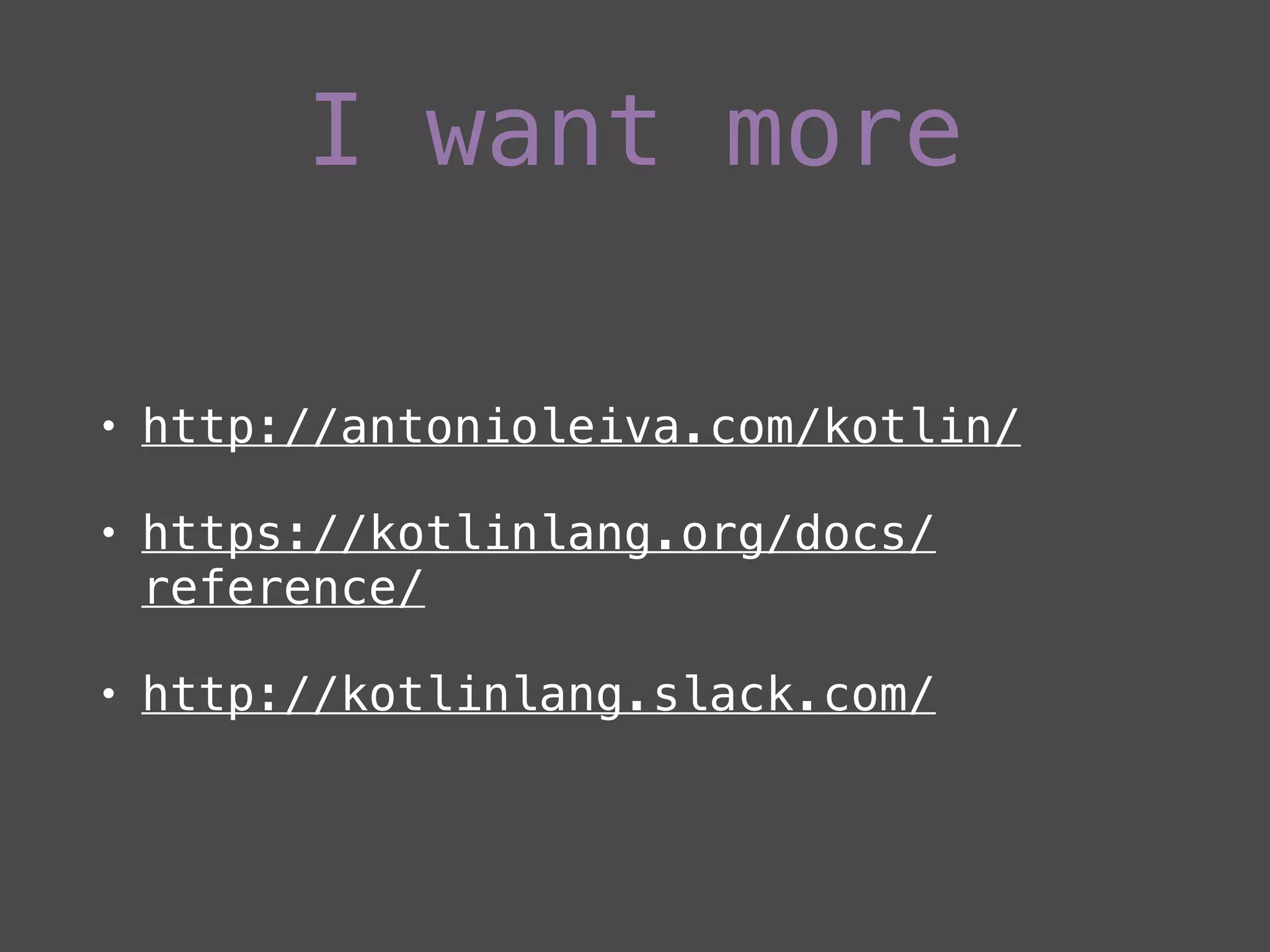
I want more
• http://antonioleiva.com/kotlin/
• https://kotlinlang.org/docs/
reference/
• http://kotlinlang.slack.com/
Questions?
Thanks
Code Android with joy. Try Kotlin.

Kotlin talk

  • 1.
  • 2.
  • 3.
  • 4.
    • Designed anddeveloped by JetBrains • Statically-typed programming language • Compiles to JVM bytecode, runs on JVM • v1.0 released on February 16, 2016 • Latest version 1.0.2 (Android Lint Checks, method count reduced ~1500)
  • 5.
  • 6.
    • Null safety •Functions • Sequences • Extensions • Data classes
  • 7.
  • 8.
    • String templates •‘when' expression • Smart casts • Kotlin from Java - @JvmOverloads
  • 9.
  • 10.
    • Install KotlinIDEA plugin • Enable Kotlin Android plugin • Enable Kotlin Android Extensions plugin • Add stdlib dependency
  • 11.
    Setup with AS InstallIDEA Kotlin plugin
  • 12.
    Add Kotlin pluginto build.gradle buildscript {
 ext.kotlin_version = ‘<kotlin_version>'
 repositories {
 mavenCentral()
 }
 dependencies {
 classpath "org.jetbrains.kotlin:kotlin-gradle-plugin:$kotlin_version"
 }
 }
 apply plugin: 'com.android.application'
 apply plugin: 'kotlin-android' android {
 ...
 sourceSets {
 main.java.srcDirs += 'src/main/kotlin'
 }
 } dependencies {
 ...
 compile "org.jetbrains.kotlin:kotlin-stdlib:$kotlin_version"
 }
  • 13.
    Kotlin Android Extensions •Part of Kotlin IDEA plugin • View binder library similar to Butterknife • Plugin for the Kotlin compiler • Based on extensions properties
  • 14.
    Add Kotlin AndroidExtensions plugin to build.gradle apply plugin: 'kotlin-android-extensions' Usage <?xml version="1.0" encoding="utf-8"?>
 <LinearLayout xmlns:android="http://schemas.android.com/apk/res/android"
 android:id="@+id/container"
 android:layout_width="match_parent"
 android:layout_height="match_parent"
 android:orientation="vertical"/> Without extensions findViewById(R.id.container)?.visibility = View.INVISIBLE With extensions import kotlinx.android.synthetic.main.activity_delightful.* container.visibility = View.INVISIBLE

  • 15.
  • 16.
    • Aims toeliminate NPE danger in code • NPE can be thrown explicitly or by usage of !! operator (for NPE lovers :)) • By default references cannot be null • Allow null with ? operator
  • 17.
    Do not allownull values data class Clip(val title: String) data class FeedPost(var clip: Clip) var data = FeedPost(Clip(null)) //Won't compile Allow null values data class Clip(val title: String?) data class FeedPost(var clip: Clip?) var data = FeedPost(Clip(null)) //Will compile Results to var data:FeedPost? = fetchFromBackend() //Some code that maybe sets data reference
 textView.text = (data?.clip?.title) Java if(data != null && data.clip != null && data.clip.title != null) {
 //Code that uses data
 } What about this? fun setText(title:String) {
 } setText(data?.clip?.title!!)
  • 18.
  • 19.
    • Top levelfunctions support • Default Arguments • Named Arguments • Higher-Order Functions and Lambdas • Inline functions • Extension Functions
  • 20.
    Default arguments Java private voidsetData(List<Clip> clipList, Set<String> ids, boolean reset) {
 ...
 } Kotlin private fun setData(clipList: List<Clip>, ids: Set<String> = emptySet<String>(), reset: Boolean = false) { ... } setData(loadedDataFromBackend, emptySet(), true) 
 setData(loadedDataFromBackend)
  • 21.
    Named arguments Let’s adda few more parameters to setData function Java private void setData(List<Clip> clipList, Set<String> ids, boolean reset, boolean orderDescending, boolean skipViewed) {
 } setData(loadedDataFromBackend, new HashSet<String>(), false, true, false); Kotlin private fun setData(clipList: List<Clip>, ids: Set<String> = emptySet(), reset: Boolean = false,
 orderDescending: Boolean = false, skipViewed: Boolean = false) {
 } setData(clipList = emptyList(), reset = true, skipViewed = false, orderDescending = true)
  • 22.
  • 23.
    • A higher-orderfunction takes functions as parameter, or returns a function • A lambda expression or an anonymous function is a function that is not declared, but passed immediately as an expression
  • 24.
    Lambda syntax forMenuItemClickListener var menuItemClickListenerLambdaFunction: (MenuItem) -> Boolean = { menuItem -> true } Concise version var menuItemClickListenerLambdaFunction = { menuItem: MenuItem ->
 if (menuItem.itemId == R.id.menu_settings) {
 true
 }
 false
 } MenuItemClickListener in Java OnMenuItemClickListener onMenuItemClickListener = new Toolbar.OnMenuItemClickListener() {
 @Override
 public boolean onMenuItemClick(MenuItem item) {
 return false;
 }
 };
  • 25.
    Compared to lambdasin Java • Retrolambda (replaces lambdas with anonymous class through bytecode manipulation) • Compile with Android N (lambda is compiled into class with constructor and method) • Increasing method count and creating pressure on GC • Kotlin generates bytecode from lambdas using inline functions
  • 26.
  • 27.
    • Inside kotlin.sequences •Similar to Java 8 Streams API • Implemented as extension functions • zip, map, reduce, filter etc…
  • 28.
    Suppose we havea collection of video clips, where each clip has an id. We would like to store ids of clips where the title length is less than 10 characters in a separate collection Java for(Clip item : items) {
 if(item.getTitle().length() < 10) {
 ids.add(item.getId());
 }
 } Kotlin items.map { it -> it.id }.filter { it -> it.length < 10 }.forEach { it -> ids.add(it) } items.map { it.id }.filter { it.length < 10 }.forEach { ids.add(it) }
  • 29.
    In Java? • StreamsAPI in Java 8 with Android N • RxJava
  • 30.
  • 31.
    • Add functionalityto a class without extending it • Support through extension functions and extension properties • Get rid of StringUtils, ViewUtils classes
  • 32.
    Extension properties val <Context>Context.context: android.content.Context?
 get() = getApplicationContext() val <Activity> Activity.view_pager: android.support.v4.view.ViewPager?
 get() = findViewById(R.id.view_pager) as android.support.v4.view.ViewPager?
  • 33.
    • Prefix functionname with class name that we are extending • All class methods and fields are available inside the extension function • No actual classes are modified. Functions are callable with the dot- notation on instances of this class Extension Functions
  • 34.
    Example 1 Java public staticfloat convertDpToPixel(Context context, float dp){
 Resources resources = context.getResources();
 DisplayMetrics metrics = resources.getDisplayMetrics();
 return dp * ((float)metrics.densityDpi / DisplayMetrics.DENSITY_DEFAULT);
 } Kotlin fun Context.dpToPx(dp: Float): Int {
 val resources = this.resources
 val metrics = resources.displayMetrics
 return (dp * (metrics.densityDpi / DisplayMetrics.DENSITY_DEFAULT)).toInt()
 } //Inside Activity
 val dp = dpToPx(6f)
  • 35.
    Example 2 Java Context context= getApplicationContext();
 Drawable tintedDrawable = DrawableCompat.wrap(ContextCompat.getDrawable(context, R.drawable.ic_arrow));
 DrawableCompat.setTint(tintedDrawable, ContextCompat.getColor(context, R.color.colorAccentDark));
 DrawableCompat.unwrap(tintedDrawable); Kotlin fun Drawable.tint(context: Context,
 @ColorRes color: Int): Drawable {
 val tintedDrawable = DrawableCompat.wrap(this)
 DrawableCompat.setTint(tintedDrawable, ContextCompat.getColor(context, color))
 DrawableCompat.unwrap<Drawable>(this)
 return tintedDrawable
 } ContextCompat.getDrawable(applicationContext, R.drawable.ic_arrow).tint(applicationContext, R.color.colorAccentDark)
  • 36.
    More complex example funImageView.loadUrl(path: String?,
 transformation: RequestCreator.() -> RequestCreator = { this }) =
 Picasso.with(context).load(path).transformation().into(this) thumbnailView.loadUrl(thumbnailUrl) {
 transform(RoundedCornersTransformation(
 thumbnailView.context.dpToPx(4f), 0
 )).fit()
 }
  • 37.
    • loadUrl functiontakes functions as a second parameter • when calling loadUrl function we pass a function that will be invoked
  • 39.
  • 40.
    • Intented tohold data • Auto generated equals(), hashCode(), toString() and copy() • At least one parameter in constructor • Can’t be abstract • Can implement, can’t extend…for now
  • 41.
    Example data class Clip(valid: String, val title: String) @PaperParcel
 data class Clip(val id: String, val title: String) : PaperParcelable {
 companion object {
 @JvmField val CREATOR = PaperParcelable.Creator(Clip::class.java)
 }
 } with Parcelable
  • 42.
  • 43.
    String templates private funsetData(clipList: List<Clip>, ids: Set<String> = emptySet(), reset: Boolean = false,
 orderDescending: Boolean = false, skipViewed: Boolean = false) {
 Timber.i("Log parameters number of clip:${clipList.size} orderDescending:$orderDescending ")
 }
  • 44.
    When expression Create viewholder Java @Override
 public RecyclerView.ViewHolder onCreateViewHolder(ViewGroup parent, int viewType) {
 switch (viewType) {
 case VIEW_TYPE_ONE:
 return new ViewHolderOne(LayoutInflater
 .from(parent.getContext())
 .inflate(R.layout.item_layout_one, parent, false));
 
 case VIEW_TYPE_TWO:
 return new ViewHolderTwo(LayoutInflater
 .from(parent.getContext())
 .inflate(R.layout.item_layout_two, parent, false));
 
 case VIEW_TYPE_THREE:
 return new ViewHolderThree(LayoutInflater
 .from(parent.getContext())
 .inflate(R.layout.item_layout_three, parent, false));
 
 default:
 throw new RuntimeException();
 }
 }
  • 45.
    Kotlin override fun onCreateViewHolder(parent:ViewGroup, viewType: Int) = when (viewType) {
 VIEW_TYPE_ONE -> ViewHolderOne(parent.inflate<View>(R.layout.item_layout_one))
 VIEW_TYPE_TWO -> ViewHolderTwo(parent.inflate<View>(R.layout.item_layout_two))
 VIEW_TYPE_THREE -> ViewHolderThree(parent.inflate<View>(R.layout.item_layout_three))
 else -> throw RuntimeException("Invalid view type.")
 }

  • 46.
    Smart casts • Castby using is or !is operator • Compiler tracks is-checks for immutable values and inserts casts automatically
  • 47.
    Java @Override
 public void onBindViewHolder(RecyclerView.ViewHolderholder, int position) {
 if (holder instanceof ViewHolderOne) {
 ViewHolderOne holderOne = (ViewHolderOne) holder;
 } else if (holder instanceof ViewHolderTwo) {
 ViewHolderTwo holderTwo = (ViewHolderTwo) holder;
 } else if (holder instanceof ViewHolderThree) {
 ViewHolderThree holderThree = (ViewHolderThree) holder;
 }
 } Example with binding view holder
  • 48.
    Kotlin override fun onBindViewHolder(holder:RecyclerView.ViewHolder, position: Int) {
 if (holder is ViewHolderOne) {
 val holderOne:ViewHolderOne = holder
 } else if (holder is ViewHolderTwo) {
 val holder:TwoViewHolderTwo = holder
 } else if (holder is ViewHolderThree) {
 val holder:ThreeViewHolderThree = holder
 }
 } override fun onBindViewHolder(holder: RecyclerView.ViewHolder, position: Int) = when(holder){
 is ClipAdapter.ViewHolderOne -> ...
 is ClipAdapter.ViewHolderTwo -> ...
 is ClipAdapter.ViewHolderThree -> ...
 } or even better
  • 49.
    @JvmOverloads • Call Kotlinfrom Java • Provide all versions of constructor
  • 50.
    Example by extendinga view class ActivityView(context: Context, 
 attrs: AttributeSet? = null, 
 defStyleAttr: Int = 0) : RelativeLayout(context, attrs, defStyleAttr){
 
 constructor(context: Context):this(context, null, -1) {
 }
 constructor(context: Context, attrs: AttributeSet? ):this(context, attrs, -1) {
 } } class ActivityView : RelativeLayout {
 @JvmOverloads constructor(context: Context, attrs: AttributeSet? = null, defStyleAttr: Int = 0)
 : super(context, attrs, defStyleAttr) }
  • 51.
    Future is bright •Gradle scripting in Kotlin • Incremental compilation • Data class inheritance support • Java 8/9 support • Jack & Jill toolchain integration
  • 52.
    Any apps outthere? • Expedia Hotels, Flights & Cars • BlueCrew • Level Money • LifeHack Chisinau • Changelogs
  • 53.
    I want more •http://antonioleiva.com/kotlin/ • https://kotlinlang.org/docs/ reference/ • http://kotlinlang.slack.com/
  • 54.
  • 55.
    Thanks Code Android withjoy. Try Kotlin.