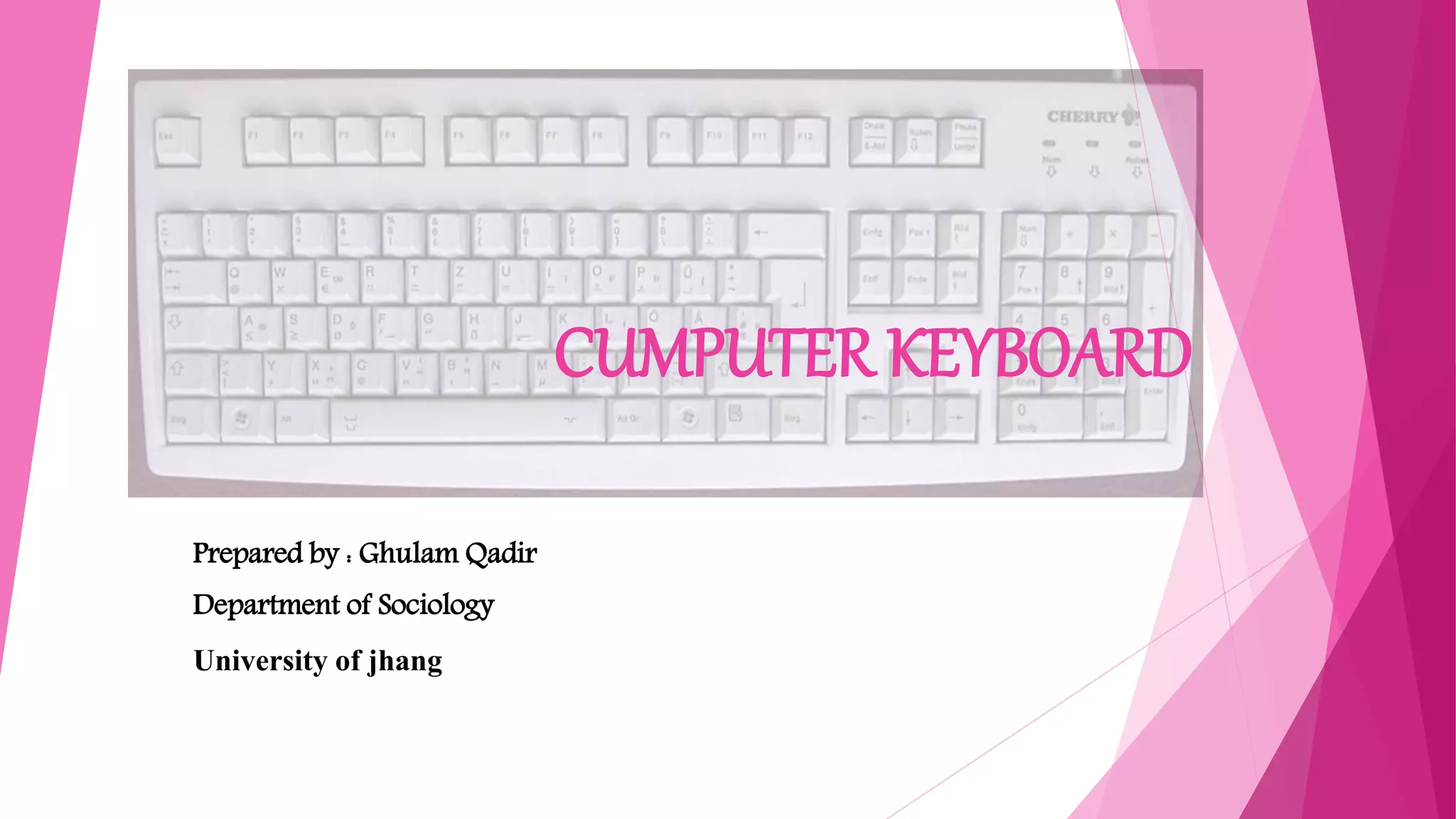
CUMPUTER KEYBOARD
Prepared by : Ghulam Qadir
Department of Sociology
University of jhang
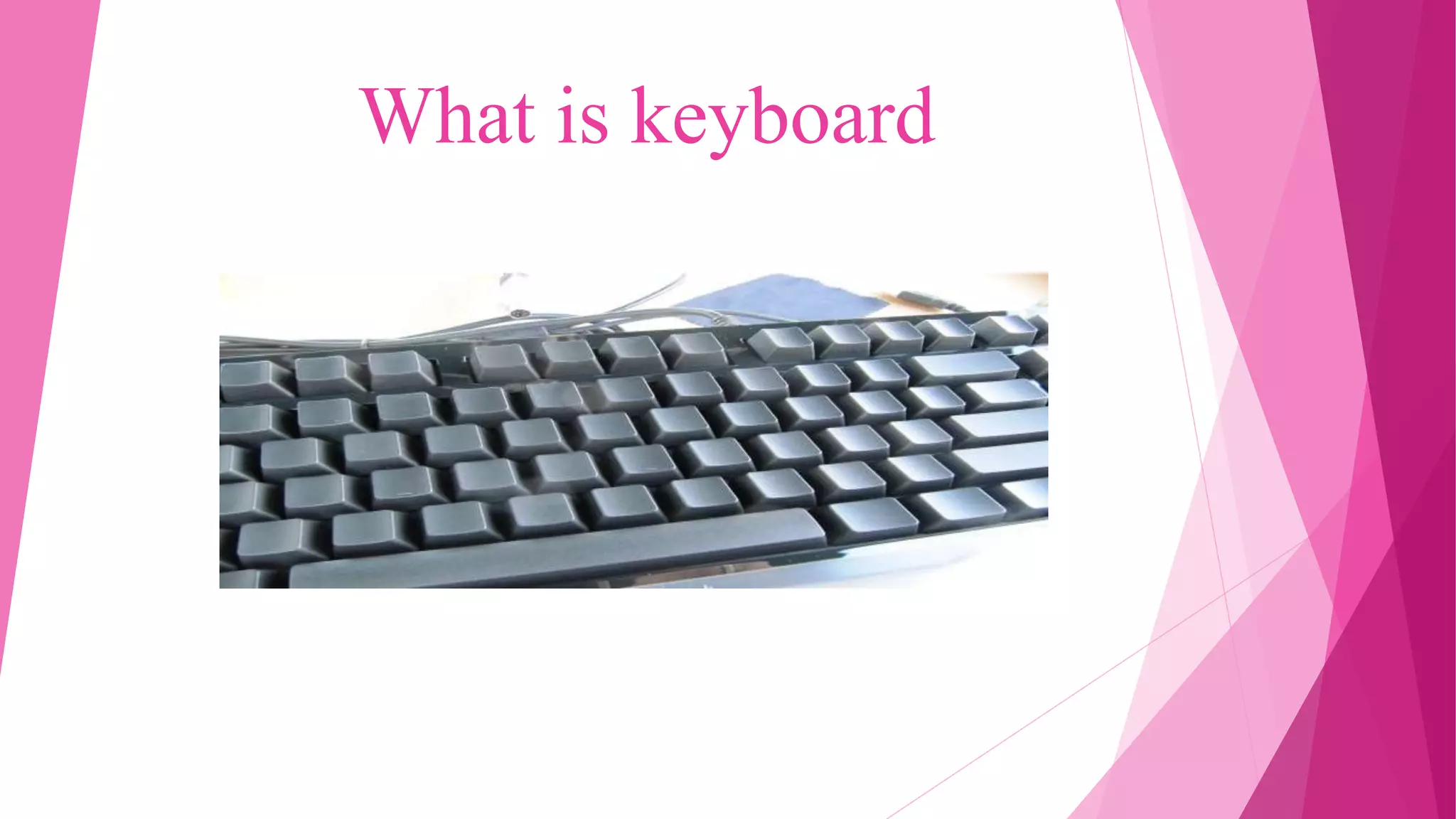
What is keyboard
What is Computer Keyboard?
A keyboard is a portable wired or wireless electronic device that contains
all the alphabets, numerics, symbols and special characters, which is
used for entering input data into a laptop/ desktop computer system.
The various types of computer keyboards typically used by computer
users for different purposes are a qwerty keyboard, a gaming keyboard, a
virtual keyboard and a multimedia keyboard. Based on the connectivity
options used for a keyboard to connect with a computer, it is classified as
a wired keyboard, a wireless keyboard, a Bluetooth keyboard and an USB
keyboard.
Type of keyboard
Keyboards are classified based on the size and
their mode of usage. Those types are discussed
below:
1. Multimedia Keyboard
Multimedia Keyboard
The keyboard that has all multimedia buttons is called multimedia
keyboard. The buttons include play, pause, previous, next, volume up,
volume down, mute and special button to launch media. Also, a
button to launch a browser, my computer, calculator is available.
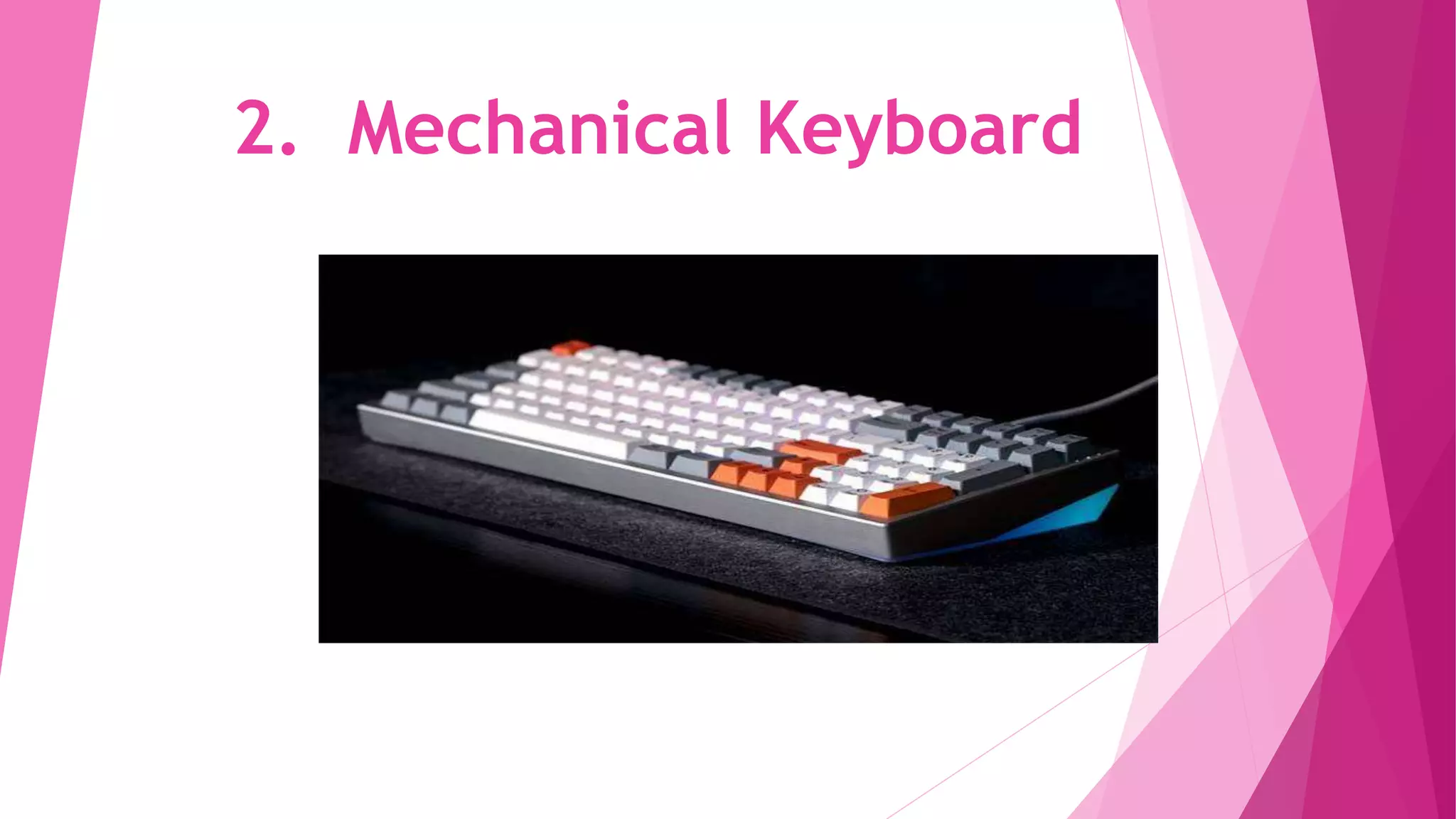
2. Mechanical Keyboard
2.Mechanical Keyboard
The primitive keyboard which uses physical buttons for
each key is called a mechanical keyboard. It makes
noise when each key is pressed. A button is pushed
down and an electrical signal is sent to the computer
device which then shows the characters.
3. Wireless Keyboard
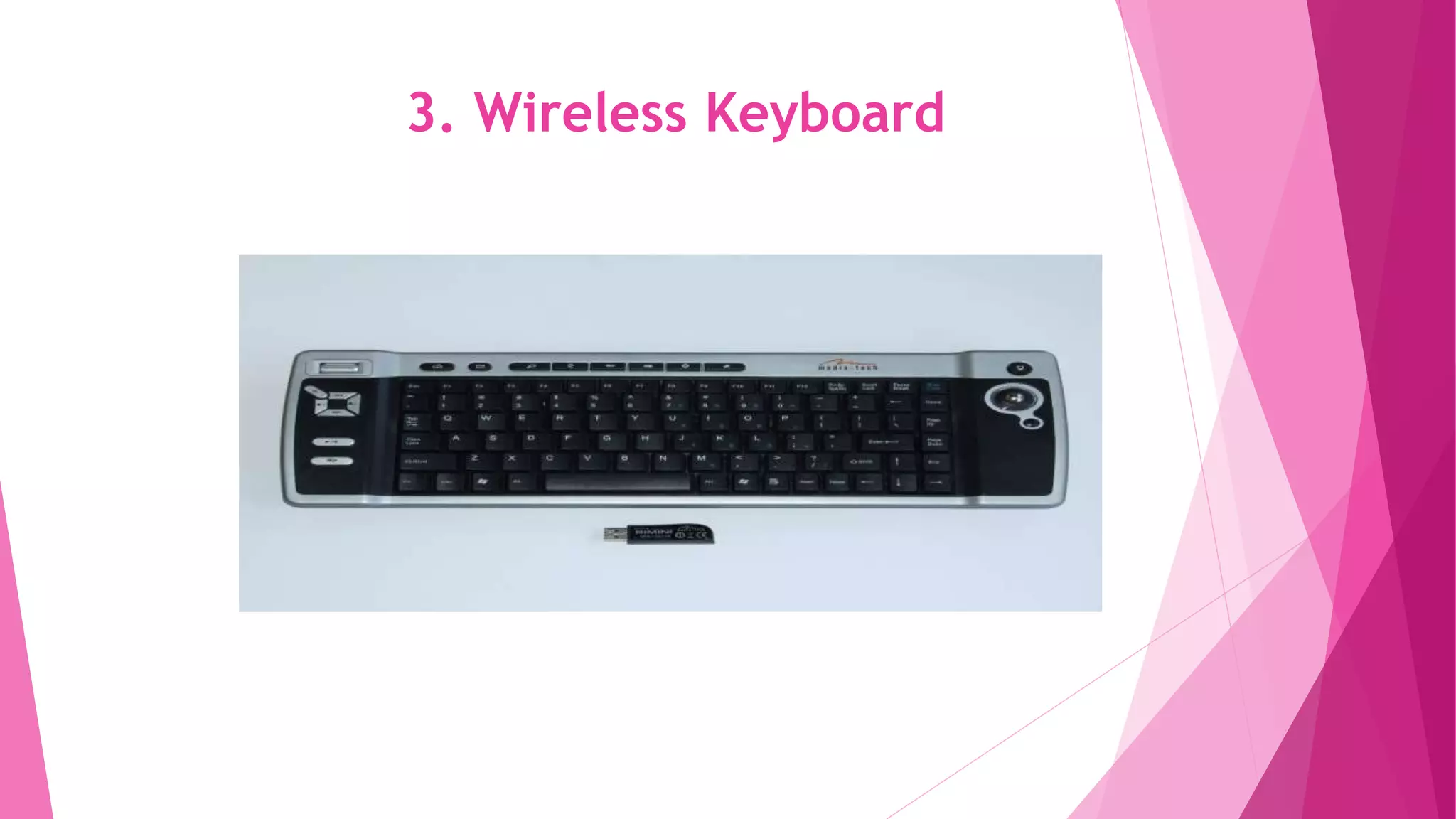
Bluetooth, IR technology or Radio Frequency is used to connect the keyboard
with the computer device. We can port the keyboard and the parent system is
not needed near the keyboard. These keyboards are lightweight and smaller
in size. These keyboards should have a transmitter and trans-receiver.
Transmitter sends the strokes from the keyboard as radio waves which are
received by trans-receiver kept near parent device.
4. Virtual Keyboard
4. Virtual Keyboard
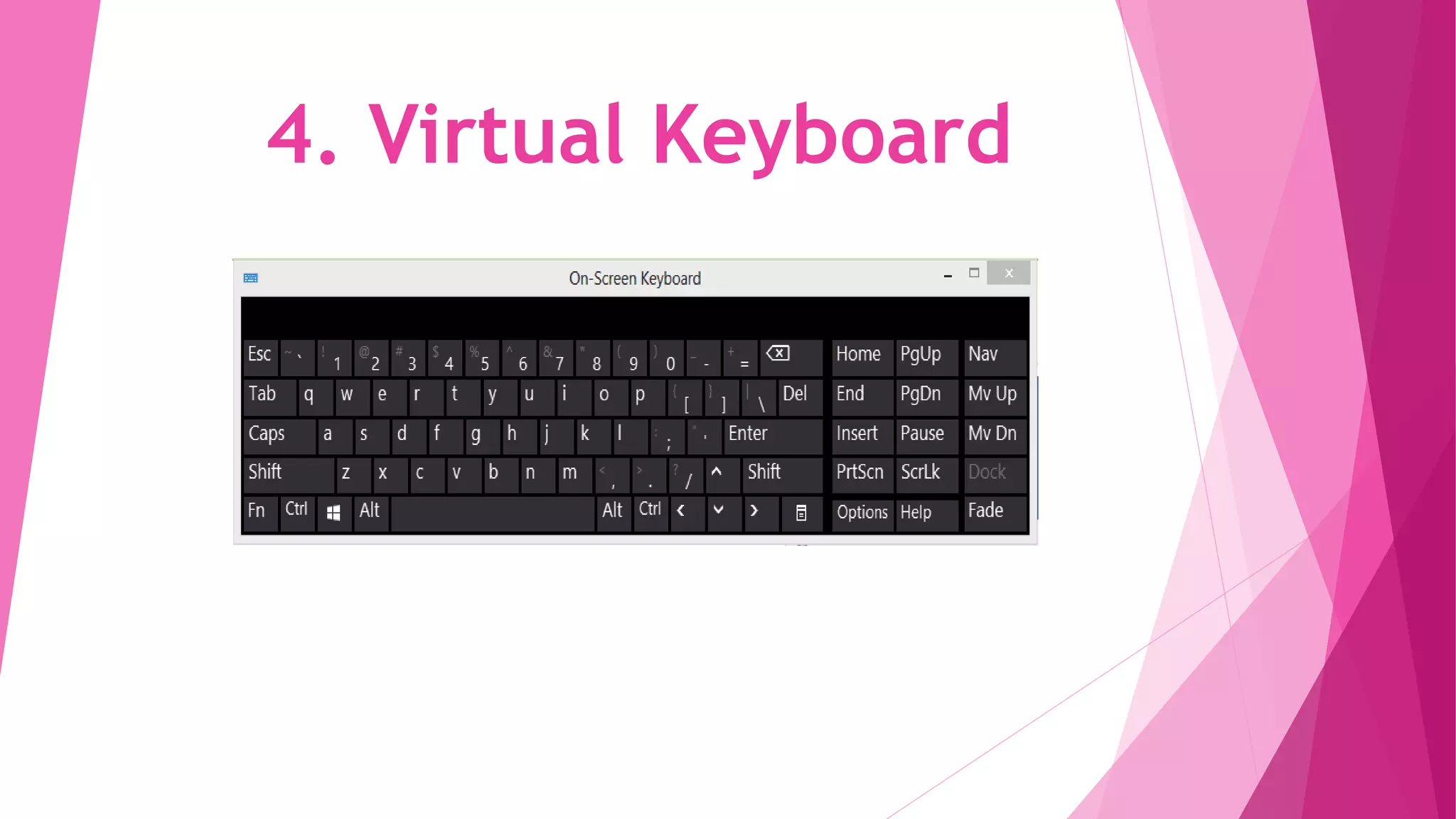
The keyboard used in smartphones is called a virtual keyboard.
This keyboard appears when needed and disappears when
typing is completed. This can be automatically set as per need.
Also in the windows system, we can use a virtual keyboard that
appears on the screen. There is no physical object to carry for
a virtual keyboard.
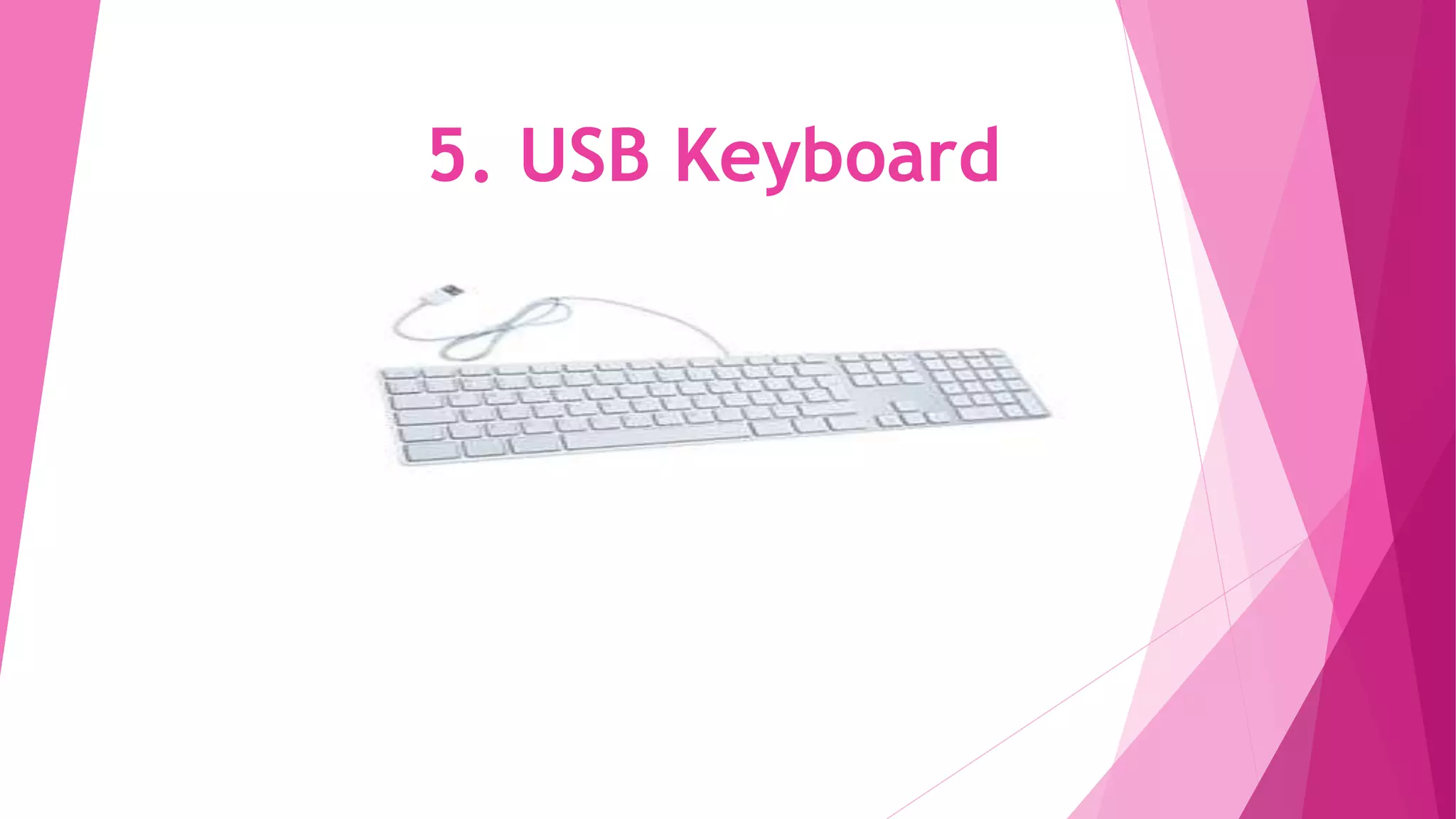
5. USB Keyboard
5. USB Keyboard
Universal Serial Bus Keyboard has a USB stick with a wire which has
to be inserted into the USB port of the system. And then the keyboard
works well. While rebooting the system, the keyboard is not
supported and hence the users may face an issue. Installation of
suitable drivers helps to resolve this issue.
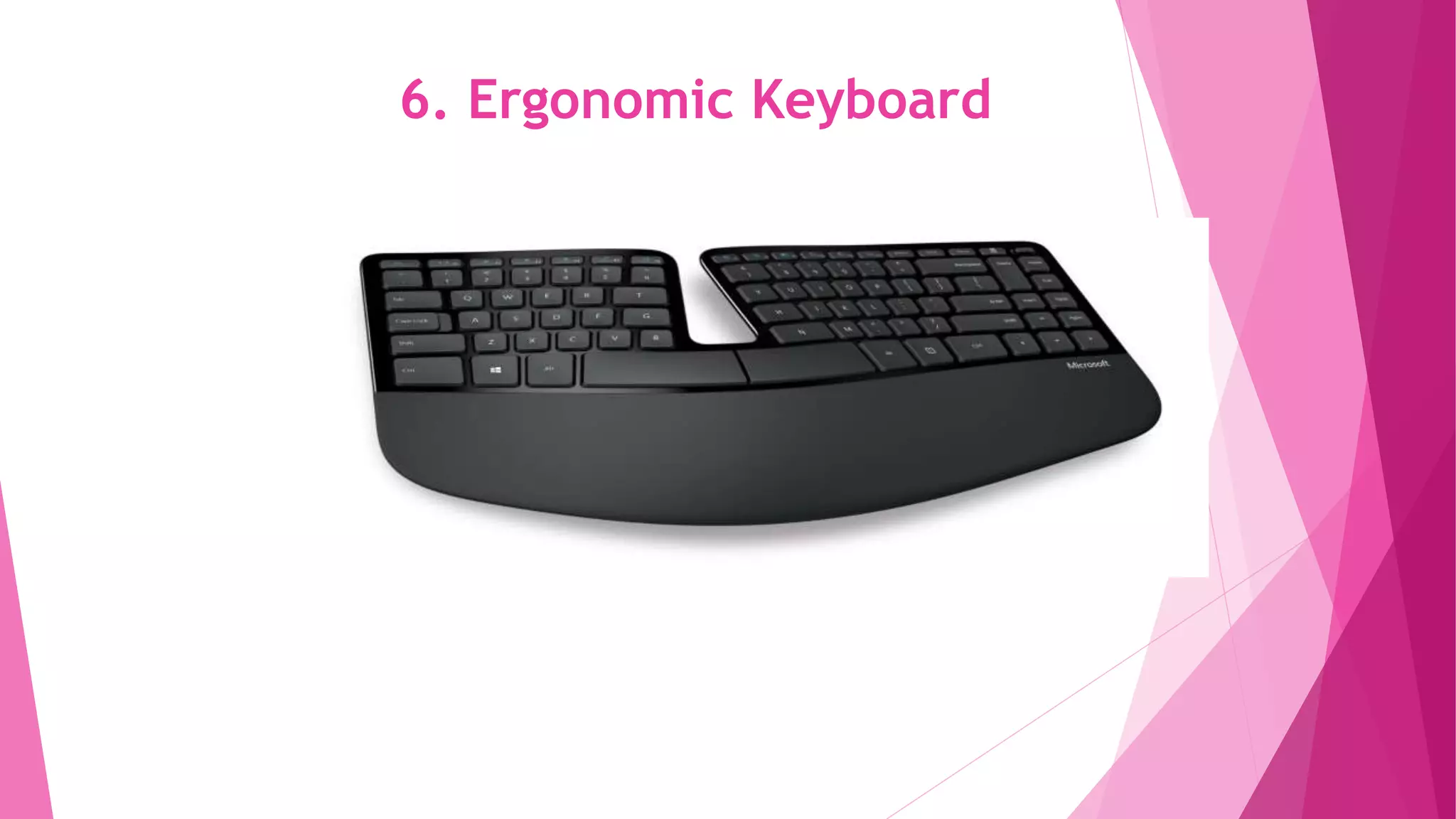
6. Ergonomic Keyboard
This keyboard is mainly designed for users who use both hands for typing.
The advantage of this keyboard is less muscle strain and carpal tunnel
syndrome for users. The keyboard is built with the view of ergonomics. This
keyboard is expensive and not affordable for common people.
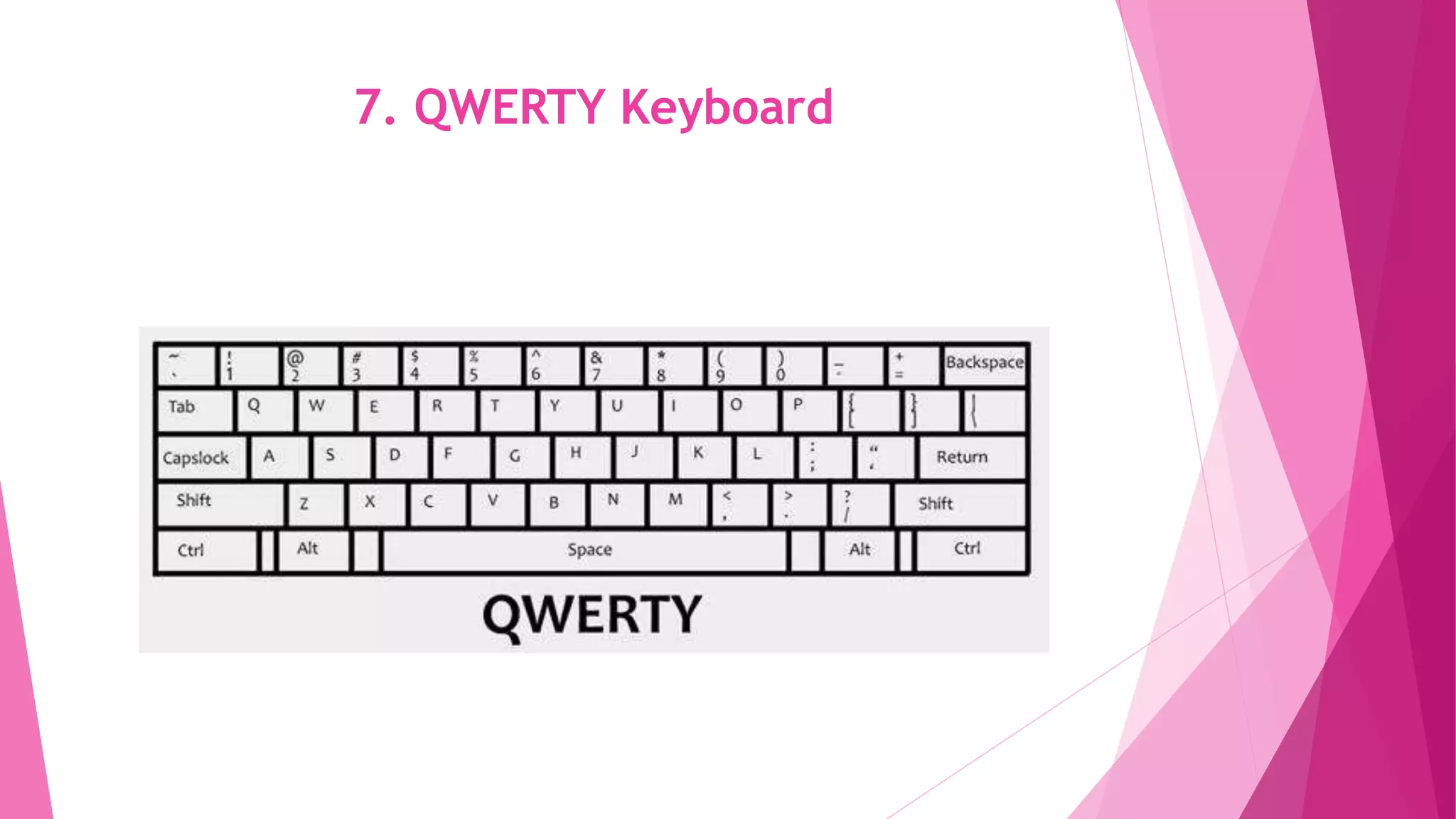
7. QWERTY Keyboard
7. QWERTY Keyboard
 The earlier typewriters had keys in the range QWERTY due to the
arrangement of strings. Early computer keyboards were also built in the
same manner for the ease of use for typewriter users. This keyboard is the
most common one used by all of us and hence needs no introduction.
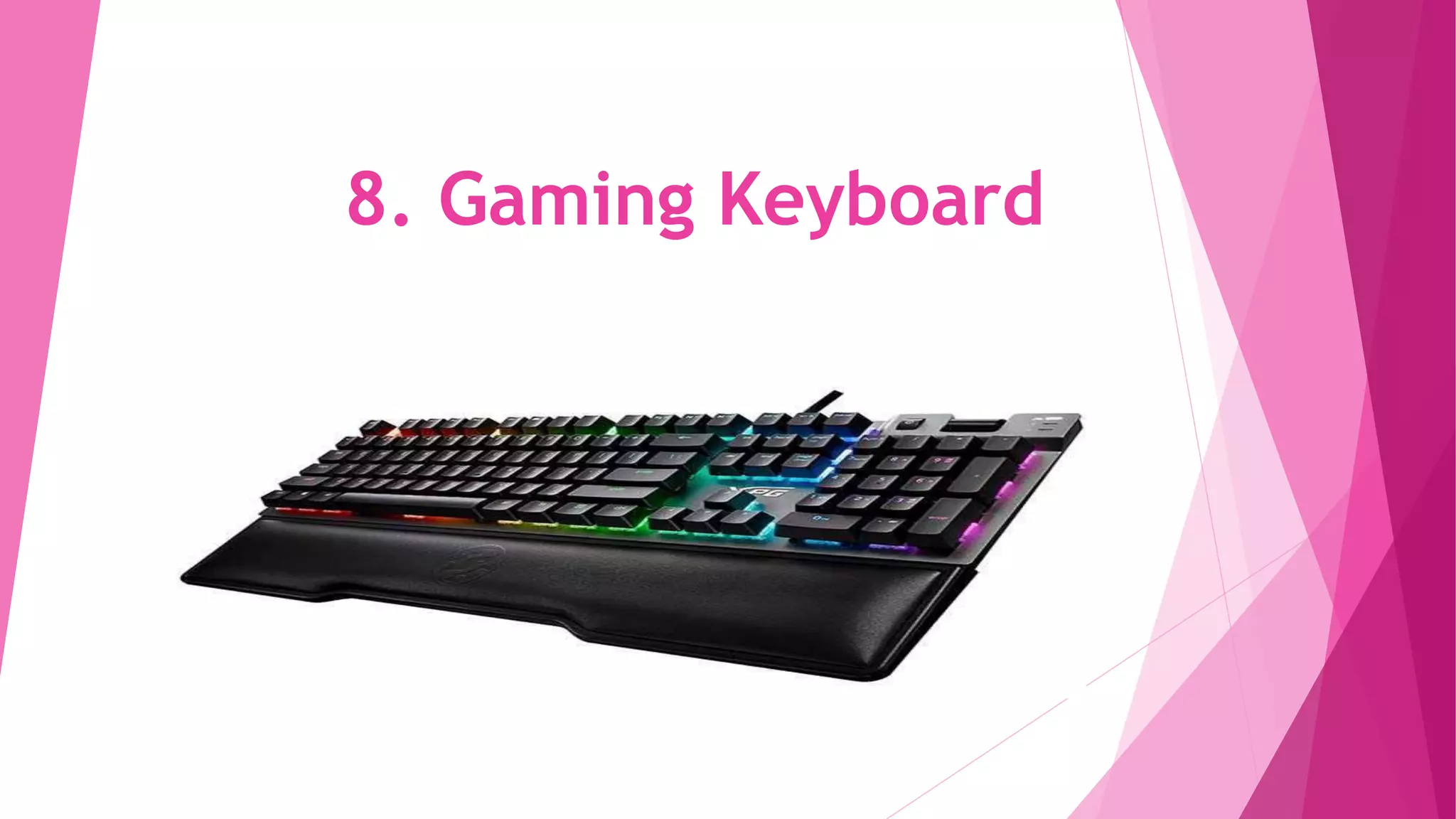
8. Gaming Keyboard
8. Gaming Keyboard
The keyboard that has very few keys specific for gamers is called gaming
keyboard. Graphics are also included in the keyboard. W, S, D, A and arrow
keys are the only keys you could find in this keyboard. The design is so good
that anyone could fall in love with the keyboard
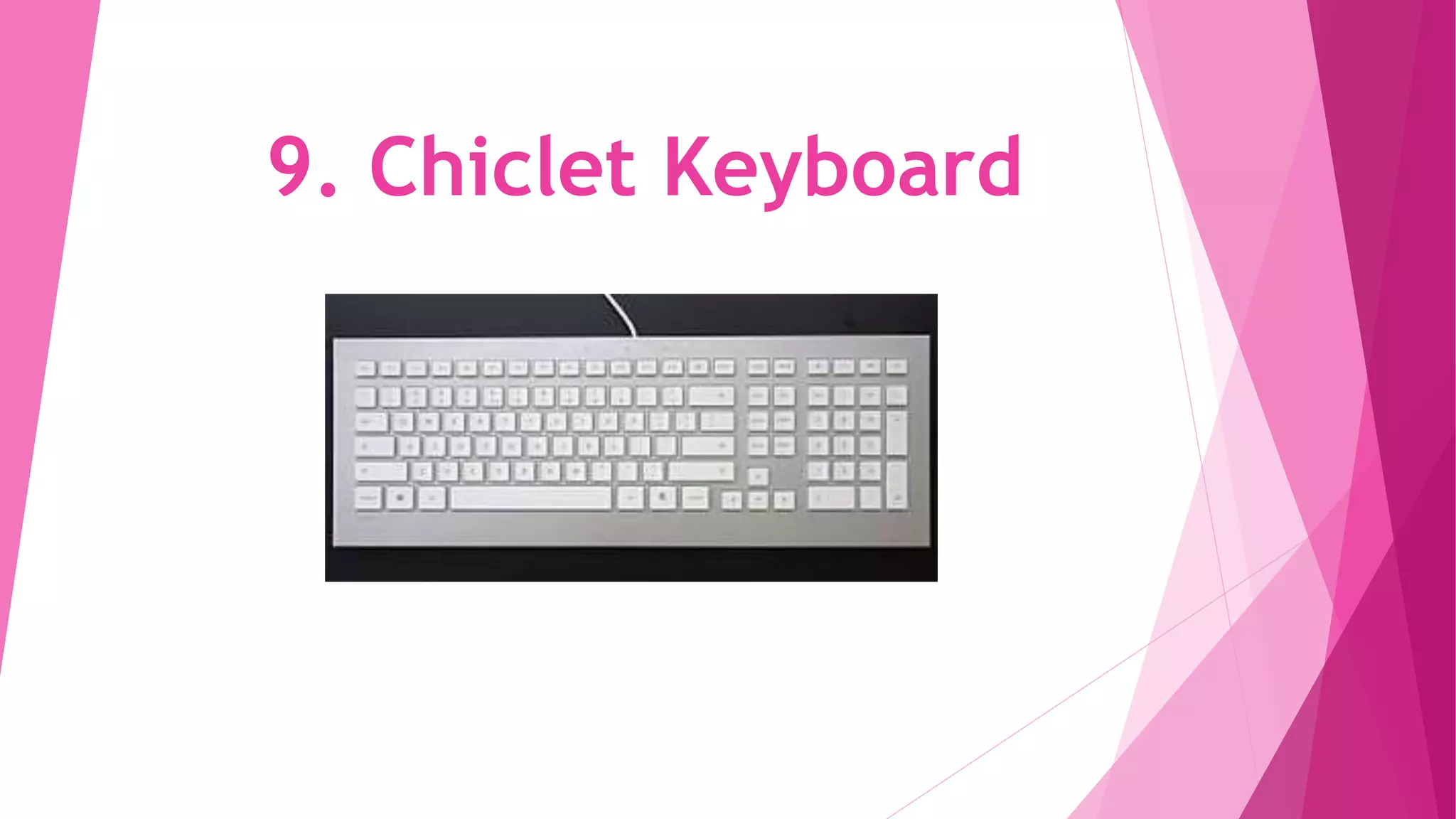
9. Chiclet Keyboard
9. Chiclet Keyboard
The keys are square-shaped with rounded edges in this keyboard. The
technology varies for devices which makes this special. Buttons are
attached with membranes of the switches in the keyboard and this is
used in almost all the devices now.
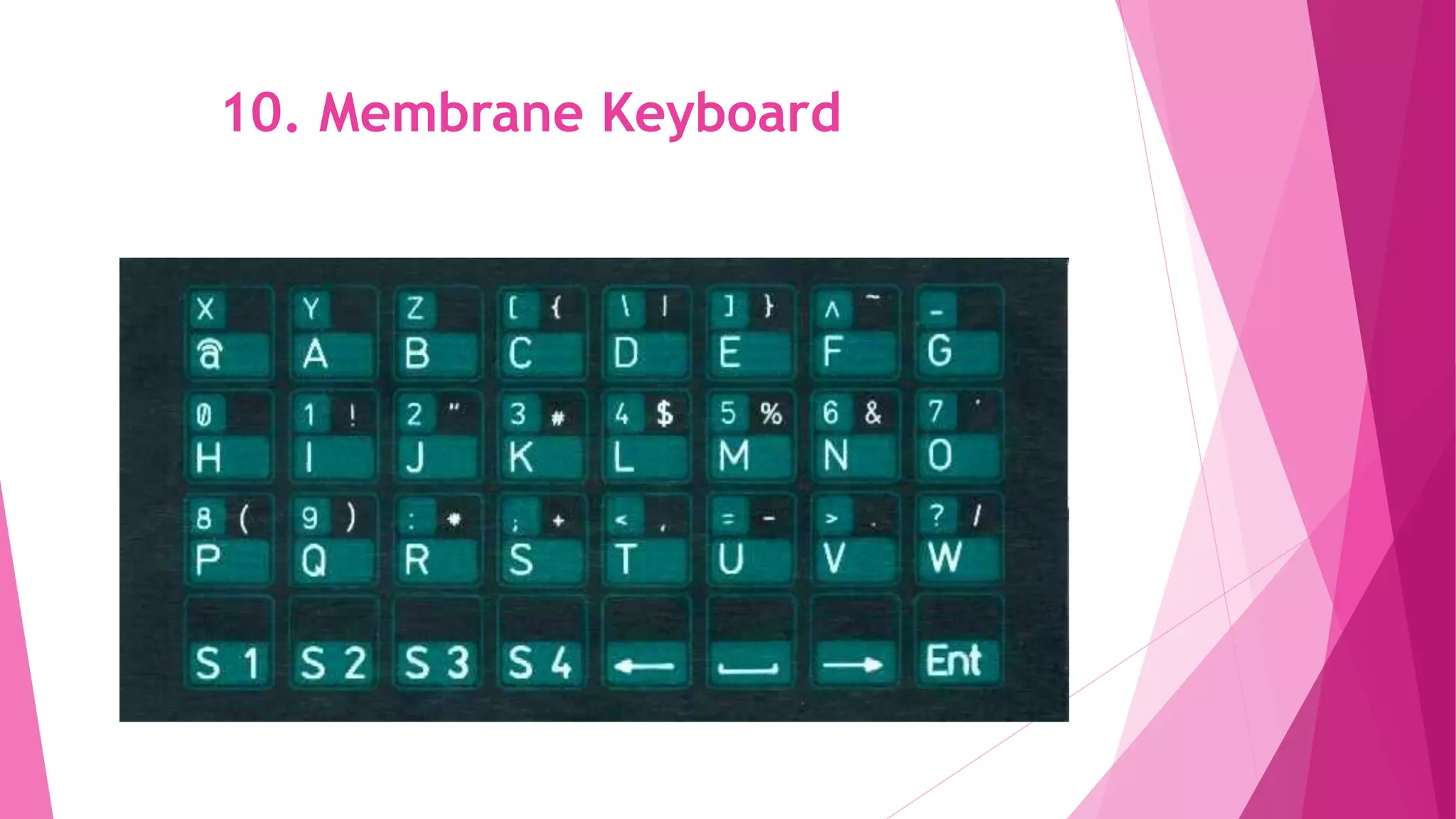
10. Membrane Keyboard
These keyboards use pressure pads and have characters printed on a
flexible surface called membrane. The cost is very less for these
keyboards. But the inaccuracy in typing and gaming made them lose
the importance.
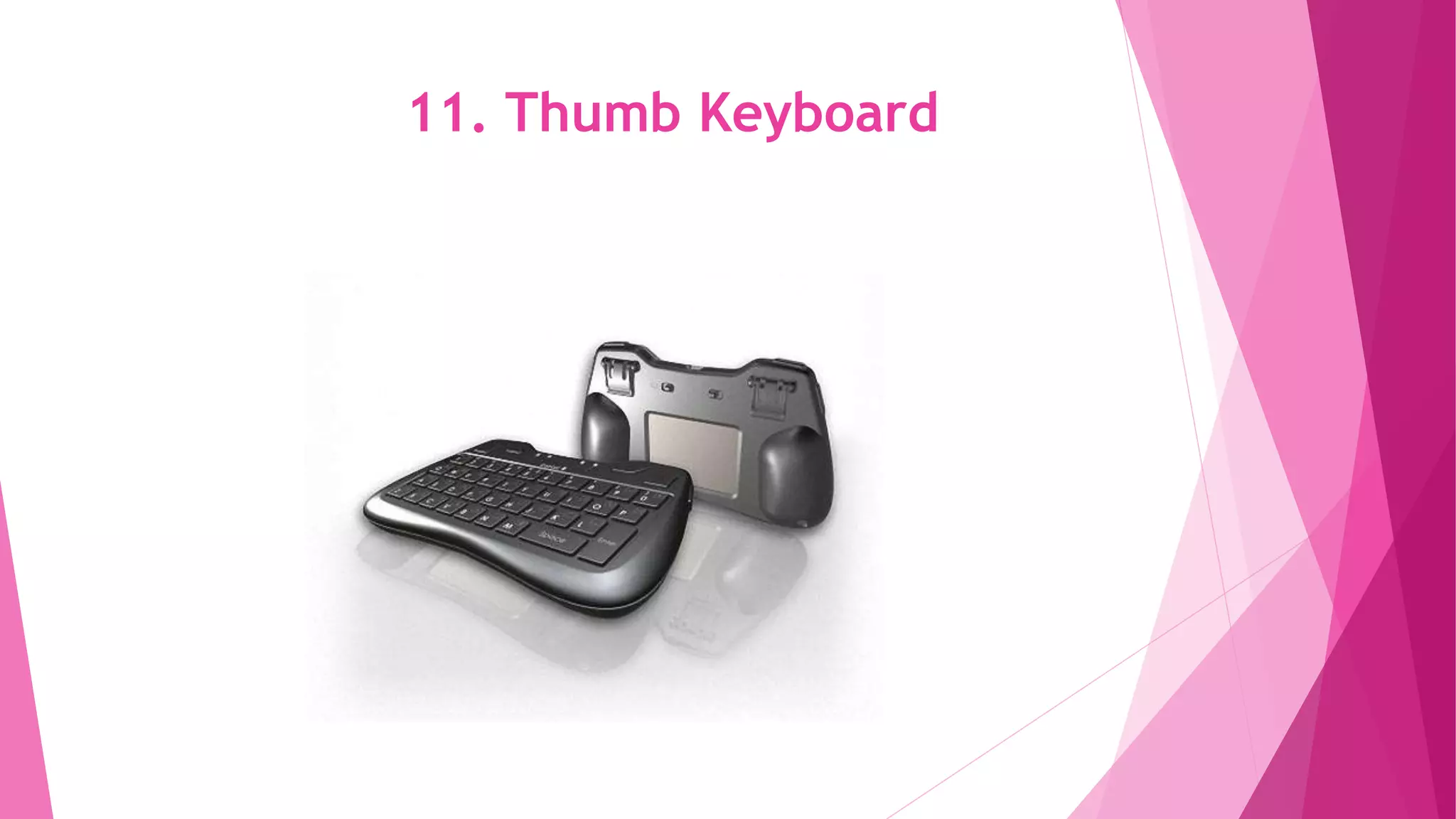
11. Thumb Keyboard
11. Thumb Keyboard
The smaller keyboard with fewer keys or only numeric characters is
called a thumb keyboard. These are mostly used for arithmetic
operations and also for gaming. The size of this keyboard is just thumb-
size.
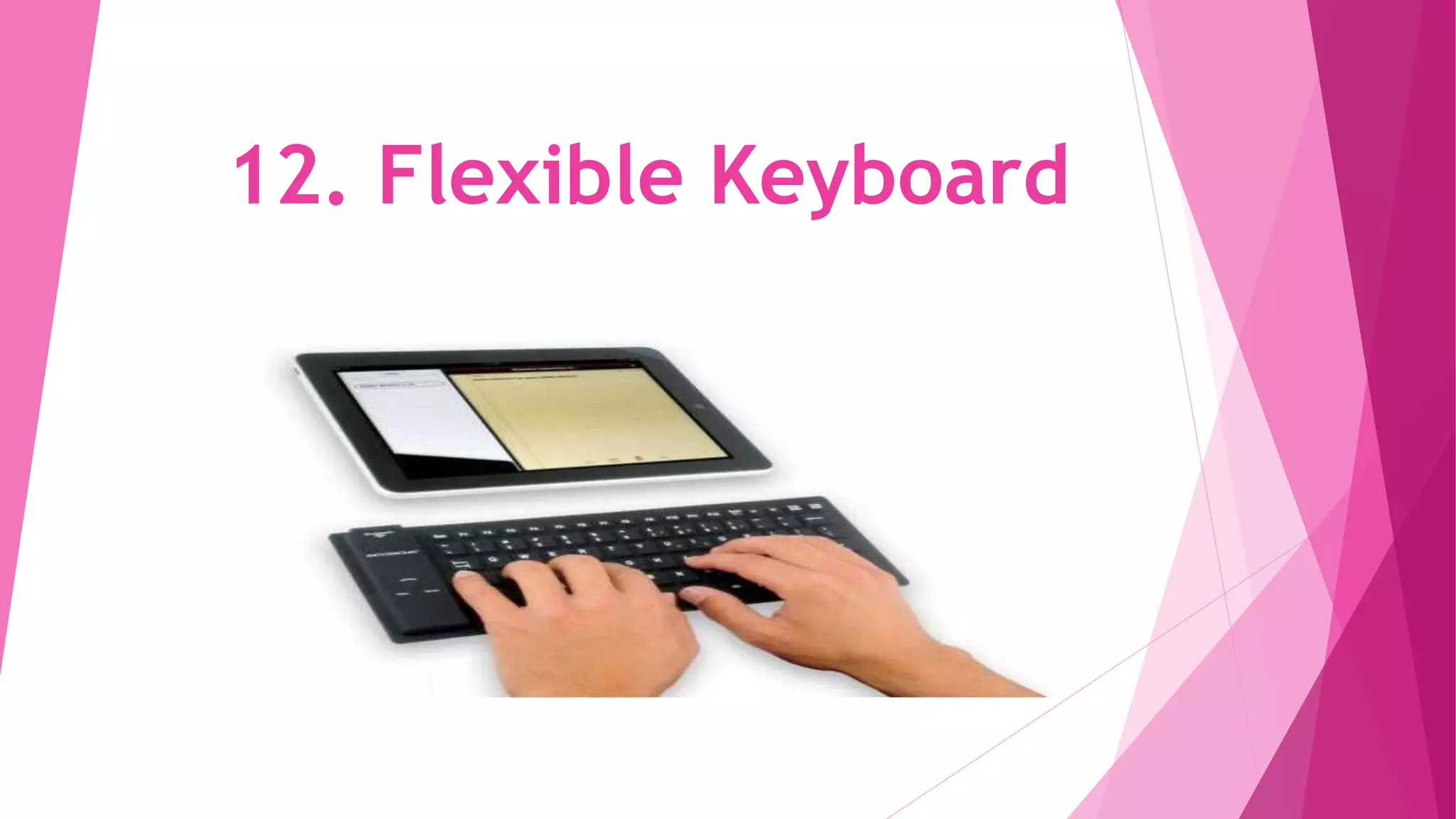
12. Flexible Keyboard
The keyboards made of silicone which has most of the keys and flexible in
appearance is called a flexible keyboard. The distance between the keys are
less. The keyboards are meant for rolling and are not foldable.
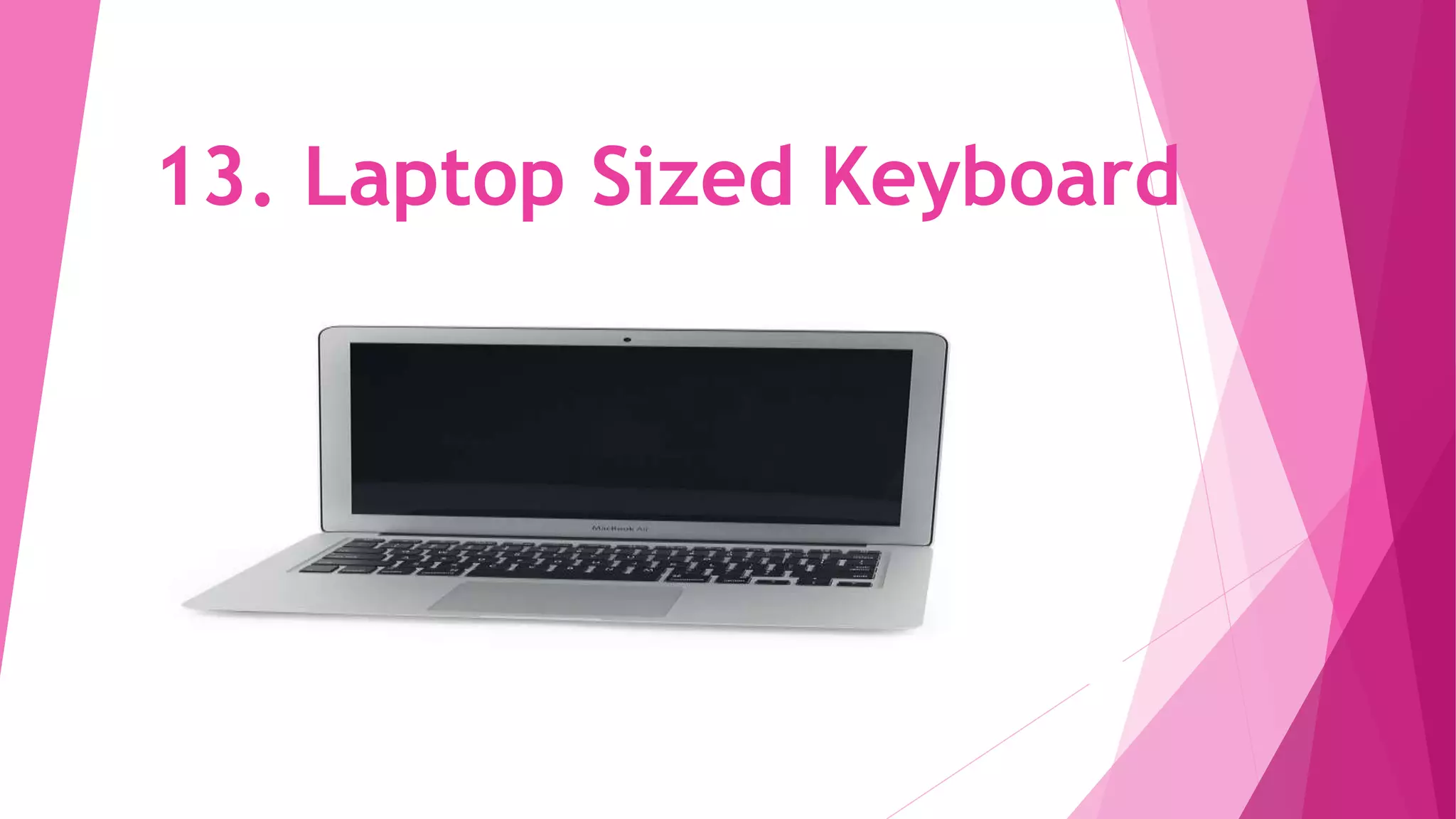
13. Laptop Sized Keyboard
The keys are reduced and the space between keys are less in this type of
keyboard. These are specially designed for laptops. Most keyboards do not
have numeric keypads and some functions are incorporated with other keys
on the keyboard.
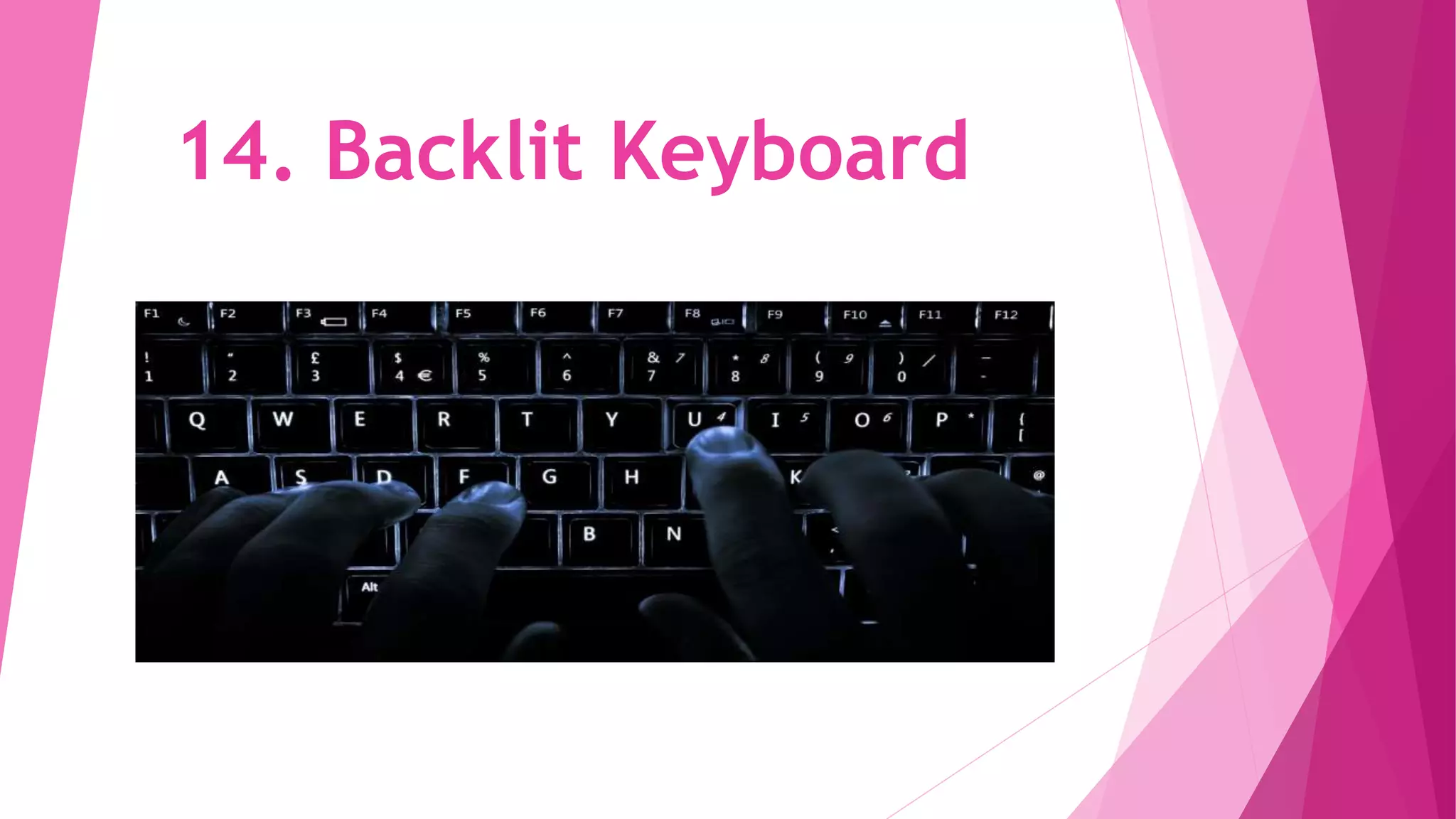
14. Backlit Keyboard
The keys have lights which help the users to type even in the dark.
These keyboards are available in gaming and traditional keyboards.
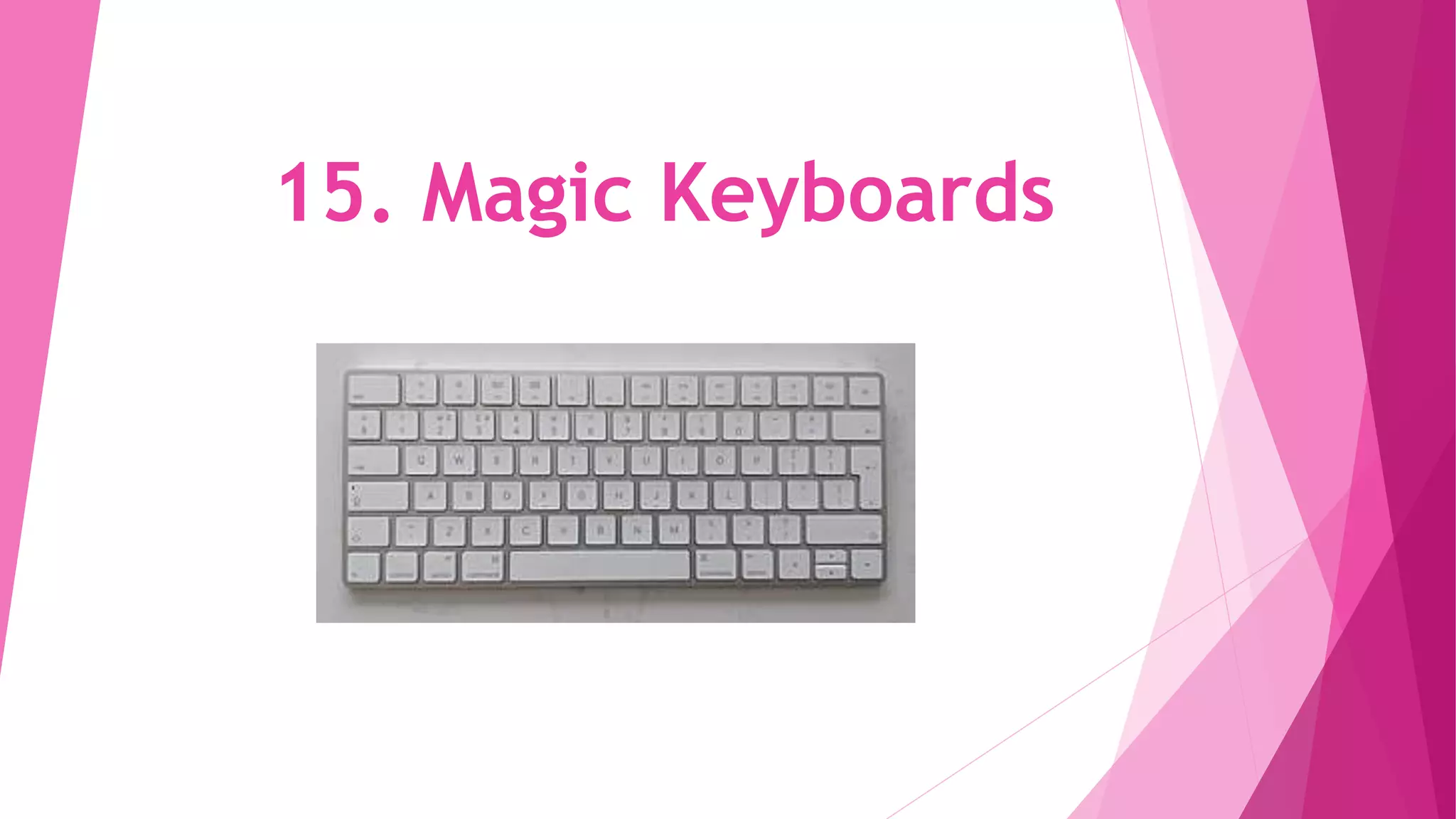
15. Magic Keyboards
15. Magic Keyboards
These keyboards are manufactured by Mac and are supported by the battery.
The design is good and makes everyone have the feel of the keyboard.
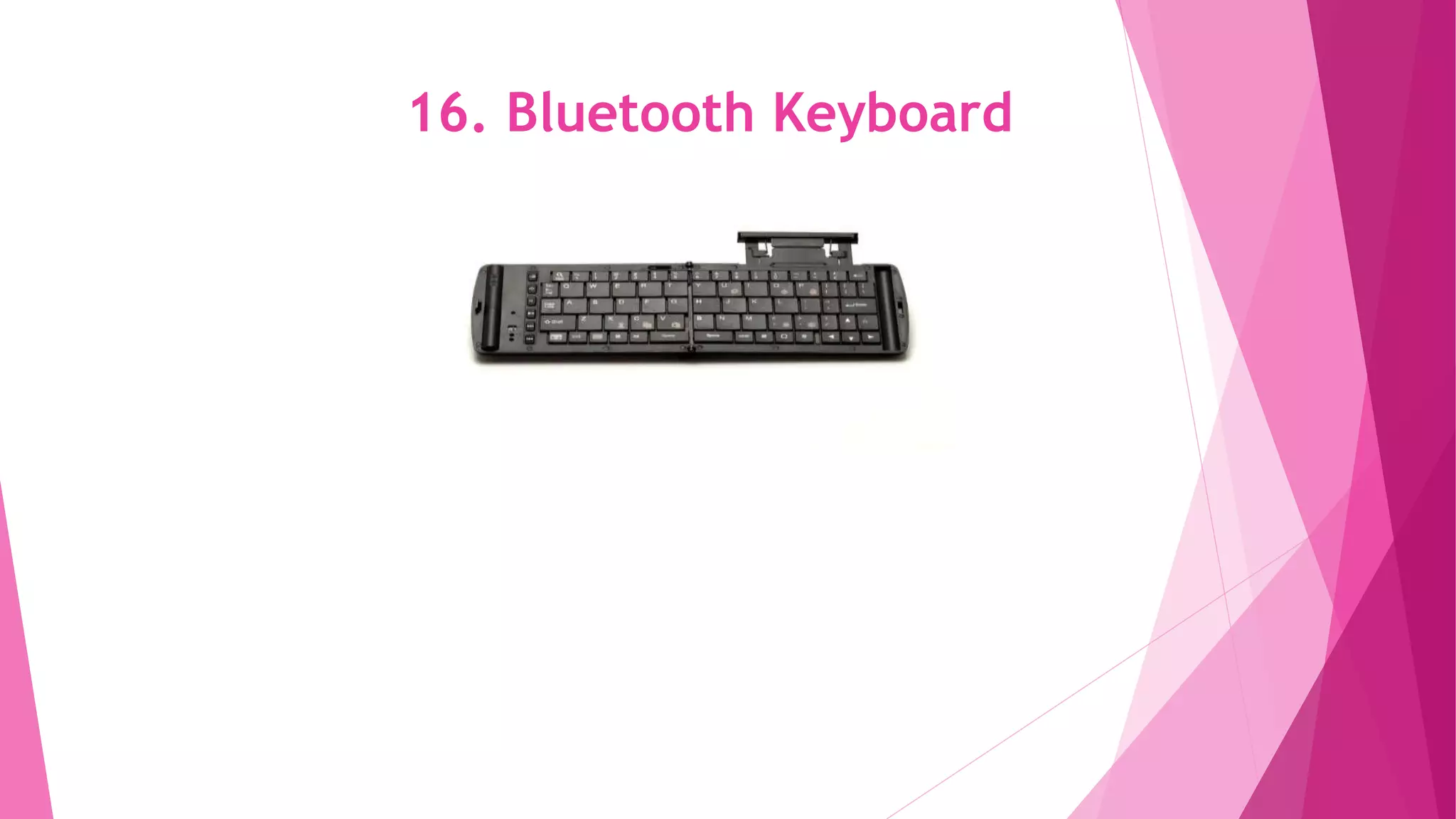
16. Bluetooth Keyboard
The keyboard is connected with the system using Bluetooth and hence the
USB port can be used for other purposes. This keyboard provides flexibility
to the wired keyboard.
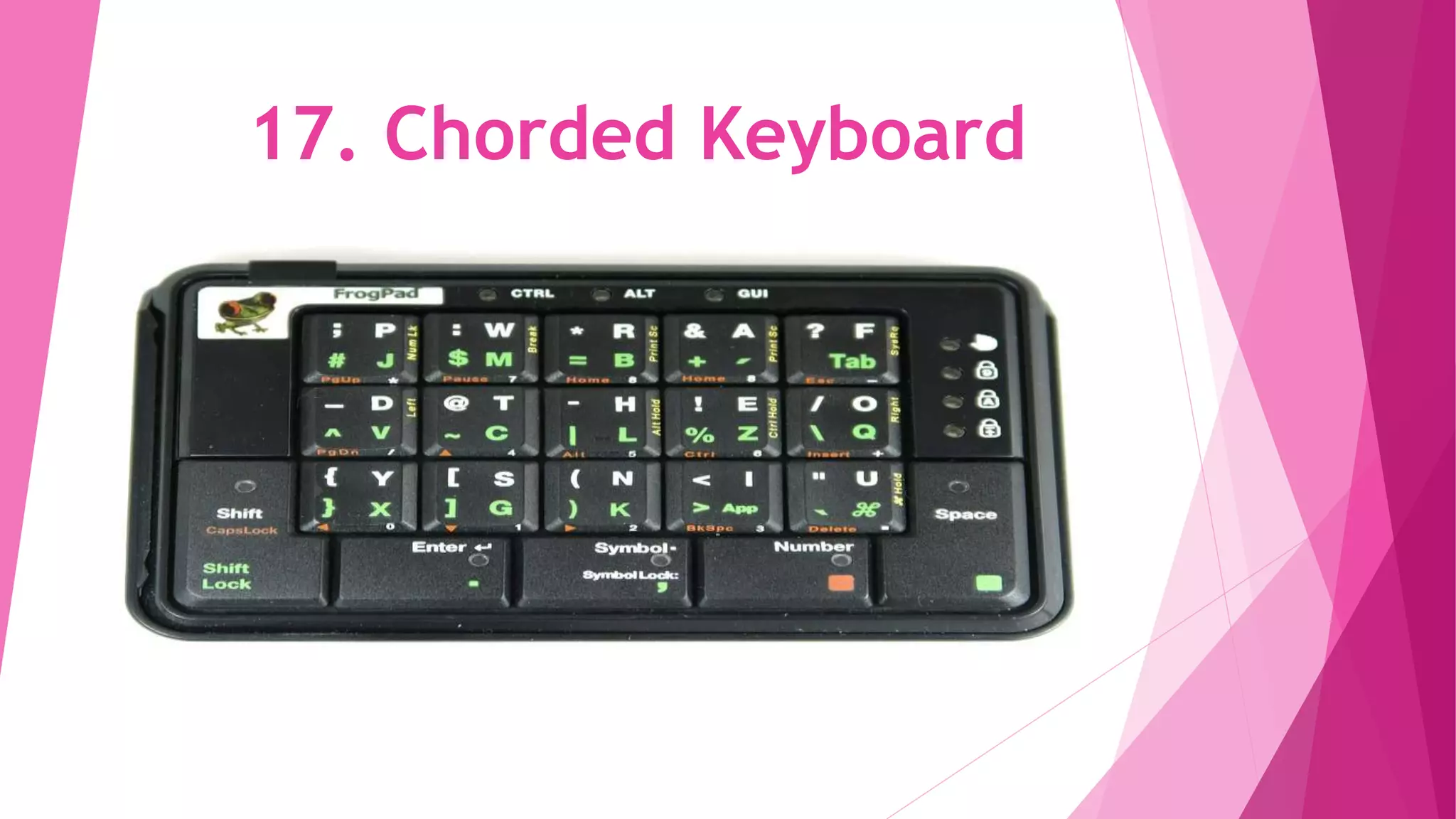
17. Chorded Keyboard
A limited number of keys help the user to port the keyboard
anywhere. A combination of some keys helps to produce the desired
characteristics. The keyboard is small in size and is not commercially
successful as other keyboards.
Uses of Keyboard
Here we have pointed out the uses of the keyboard.
1. Users can type the letters and numbers using the keyboard. Also,
some special commands can be done using the keyboard. Only with the
keyboard, we can input data.
2. Most of the functions can be performed by a keyboard without the help
of the mouse. Function keys and control keys are used for special
functions done by mouse.
3. Shortcut keys are used to access any files from the system so that
mouse use can be avoided.
Control key and escape key can be used in most of the functions for various
purposes.
Touch screen keyboards are mostly in use nowadays and in the future, these may
be replaced by Augmented Reality keyboards. New keyboards are flexible and
more customized than traditional ones. Maybe in the future, the data can be
inputted by other means than the keyboard. The mindset to welcome all changes is
needed for the generation.
Thanks You
Present by:
Ghulam qadir

Keyboard and its uses

  • 1.
    CUMPUTER KEYBOARD Prepared by: Ghulam Qadir Department of Sociology University of jhang
  • 2.
  • 3.
    What is ComputerKeyboard? A keyboard is a portable wired or wireless electronic device that contains all the alphabets, numerics, symbols and special characters, which is used for entering input data into a laptop/ desktop computer system. The various types of computer keyboards typically used by computer users for different purposes are a qwerty keyboard, a gaming keyboard, a virtual keyboard and a multimedia keyboard. Based on the connectivity options used for a keyboard to connect with a computer, it is classified as a wired keyboard, a wireless keyboard, a Bluetooth keyboard and an USB keyboard.
  • 4.
    Type of keyboard Keyboardsare classified based on the size and their mode of usage. Those types are discussed below:
  • 5.
  • 6.
    Multimedia Keyboard The keyboardthat has all multimedia buttons is called multimedia keyboard. The buttons include play, pause, previous, next, volume up, volume down, mute and special button to launch media. Also, a button to launch a browser, my computer, calculator is available.
  • 7.
  • 8.
    2.Mechanical Keyboard The primitivekeyboard which uses physical buttons for each key is called a mechanical keyboard. It makes noise when each key is pressed. A button is pushed down and an electrical signal is sent to the computer device which then shows the characters.
  • 9.
  • 10.
    3. Wireless Keyboard Bluetooth,IR technology or Radio Frequency is used to connect the keyboard with the computer device. We can port the keyboard and the parent system is not needed near the keyboard. These keyboards are lightweight and smaller in size. These keyboards should have a transmitter and trans-receiver. Transmitter sends the strokes from the keyboard as radio waves which are received by trans-receiver kept near parent device.
  • 11.
  • 12.
    4. Virtual Keyboard Thekeyboard used in smartphones is called a virtual keyboard. This keyboard appears when needed and disappears when typing is completed. This can be automatically set as per need. Also in the windows system, we can use a virtual keyboard that appears on the screen. There is no physical object to carry for a virtual keyboard.
  • 13.
  • 14.
    5. USB Keyboard UniversalSerial Bus Keyboard has a USB stick with a wire which has to be inserted into the USB port of the system. And then the keyboard works well. While rebooting the system, the keyboard is not supported and hence the users may face an issue. Installation of suitable drivers helps to resolve this issue.
  • 15.
  • 16.
    6. Ergonomic Keyboard Thiskeyboard is mainly designed for users who use both hands for typing. The advantage of this keyboard is less muscle strain and carpal tunnel syndrome for users. The keyboard is built with the view of ergonomics. This keyboard is expensive and not affordable for common people.
  • 17.
  • 18.
    7. QWERTY Keyboard The earlier typewriters had keys in the range QWERTY due to the arrangement of strings. Early computer keyboards were also built in the same manner for the ease of use for typewriter users. This keyboard is the most common one used by all of us and hence needs no introduction.
  • 19.
  • 20.
    8. Gaming Keyboard Thekeyboard that has very few keys specific for gamers is called gaming keyboard. Graphics are also included in the keyboard. W, S, D, A and arrow keys are the only keys you could find in this keyboard. The design is so good that anyone could fall in love with the keyboard
  • 21.
  • 22.
    9. Chiclet Keyboard Thekeys are square-shaped with rounded edges in this keyboard. The technology varies for devices which makes this special. Buttons are attached with membranes of the switches in the keyboard and this is used in almost all the devices now.
  • 23.
  • 24.
    10. Membrane Keyboard Thesekeyboards use pressure pads and have characters printed on a flexible surface called membrane. The cost is very less for these keyboards. But the inaccuracy in typing and gaming made them lose the importance.
  • 25.
  • 26.
    11. Thumb Keyboard Thesmaller keyboard with fewer keys or only numeric characters is called a thumb keyboard. These are mostly used for arithmetic operations and also for gaming. The size of this keyboard is just thumb- size.
  • 27.
  • 28.
    12. Flexible Keyboard Thekeyboards made of silicone which has most of the keys and flexible in appearance is called a flexible keyboard. The distance between the keys are less. The keyboards are meant for rolling and are not foldable.
  • 29.
  • 30.
    13. Laptop SizedKeyboard The keys are reduced and the space between keys are less in this type of keyboard. These are specially designed for laptops. Most keyboards do not have numeric keypads and some functions are incorporated with other keys on the keyboard.
  • 31.
  • 32.
    14. Backlit Keyboard Thekeys have lights which help the users to type even in the dark. These keyboards are available in gaming and traditional keyboards.
  • 33.
  • 34.
    15. Magic Keyboards Thesekeyboards are manufactured by Mac and are supported by the battery. The design is good and makes everyone have the feel of the keyboard.
  • 35.
  • 36.
    16. Bluetooth Keyboard Thekeyboard is connected with the system using Bluetooth and hence the USB port can be used for other purposes. This keyboard provides flexibility to the wired keyboard.
  • 37.
  • 38.
    17. Chorded Keyboard Alimited number of keys help the user to port the keyboard anywhere. A combination of some keys helps to produce the desired characteristics. The keyboard is small in size and is not commercially successful as other keyboards.
  • 39.
    Uses of Keyboard Herewe have pointed out the uses of the keyboard. 1. Users can type the letters and numbers using the keyboard. Also, some special commands can be done using the keyboard. Only with the keyboard, we can input data. 2. Most of the functions can be performed by a keyboard without the help of the mouse. Function keys and control keys are used for special functions done by mouse. 3. Shortcut keys are used to access any files from the system so that mouse use can be avoided.
  • 40.
    Control key andescape key can be used in most of the functions for various purposes. Touch screen keyboards are mostly in use nowadays and in the future, these may be replaced by Augmented Reality keyboards. New keyboards are flexible and more customized than traditional ones. Maybe in the future, the data can be inputted by other means than the keyboard. The mindset to welcome all changes is needed for the generation. Thanks You Present by: Ghulam qadir