Keeping your data safe

                                   Richard M Kreuter
                                        10gen Inc.
                                   richard@10gen.com


                                   November 1, 2010


Keeping your data safe — webinar
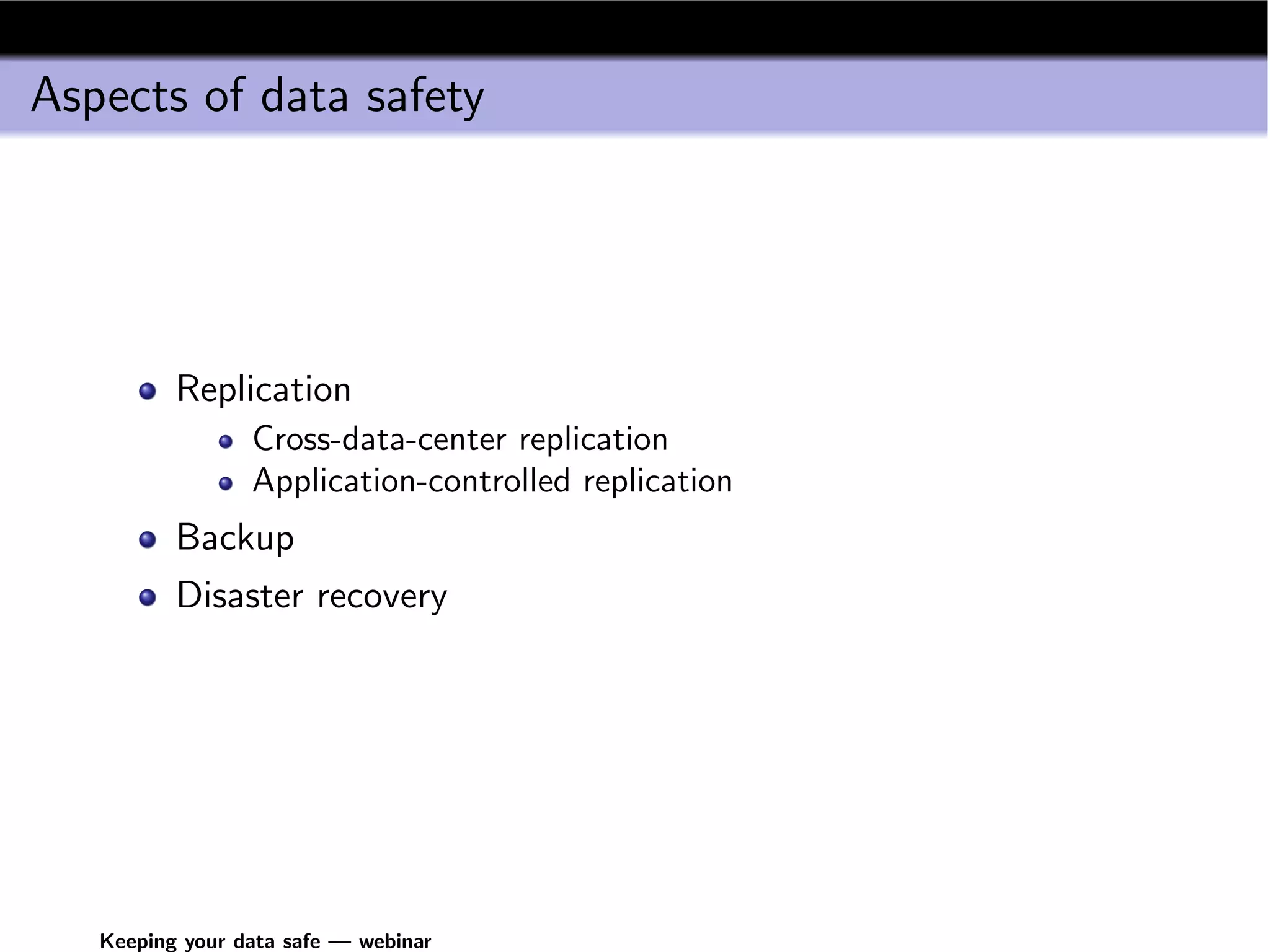
Aspects of data safety


          Replication
                 Cross-data-center replication
                 Application-controlled replication
          Backup
          Disaster recovery


   Keeping your data safe — webinar
Replication


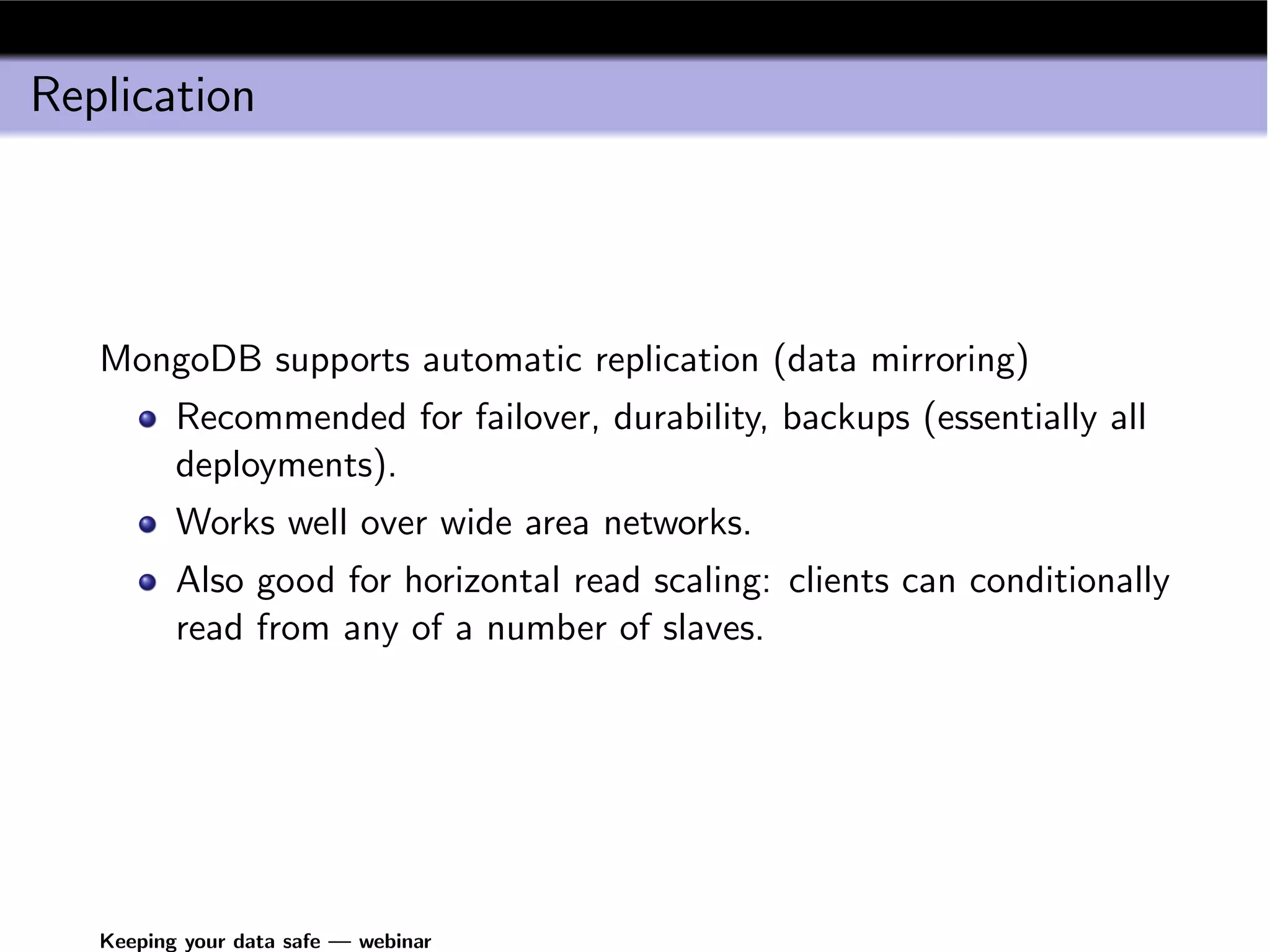
   MongoDB supports automatic replication (data mirroring)
          Recommended for failover, durability, backups (essentially all
          deployments).
          Works well over wide area networks.
          Also good for horizontal read scaling: clients can conditionally
          read from any of a number of slaves.


   Keeping your data safe — webinar
Replication Overview


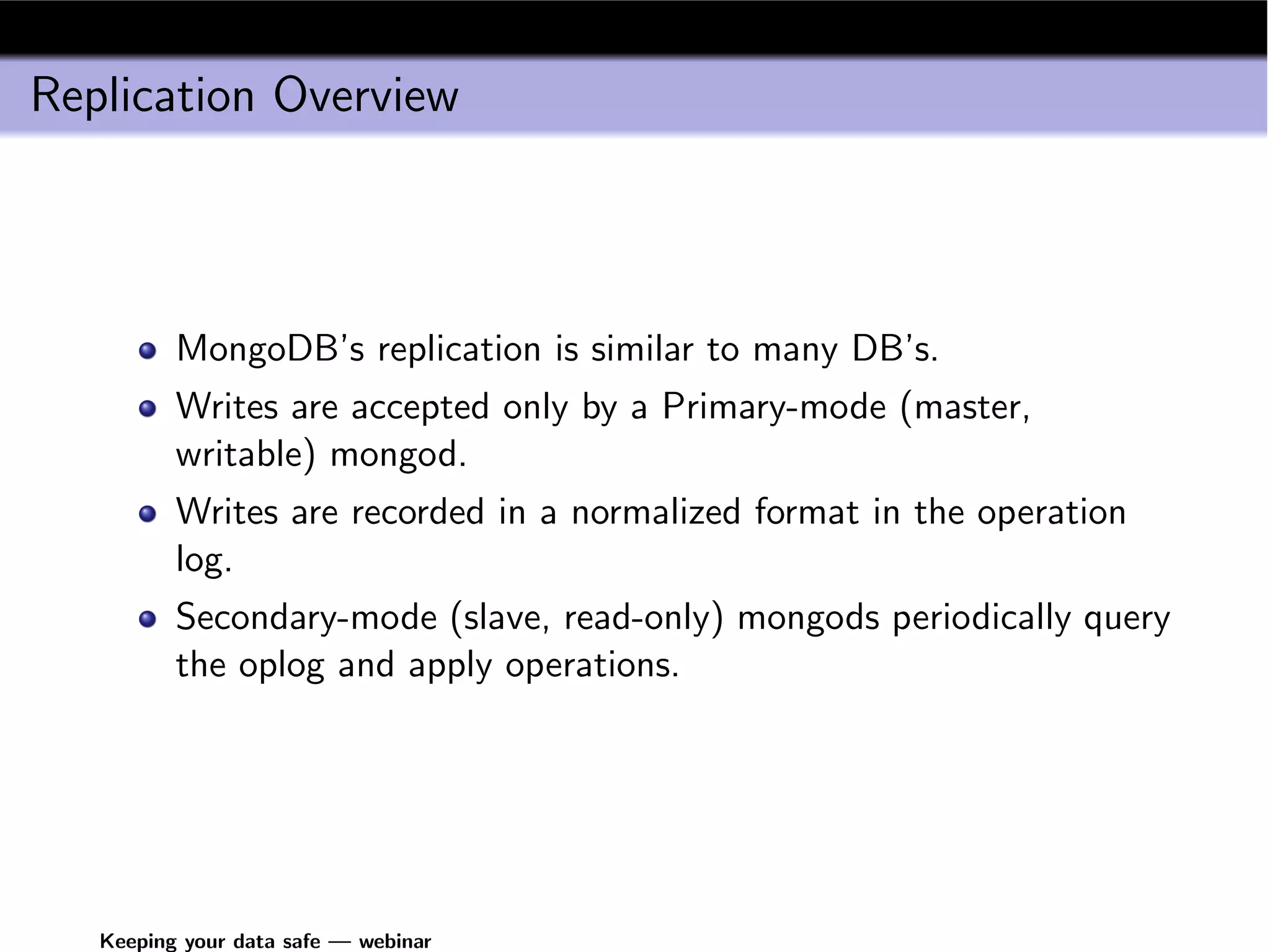
          MongoDB’s replication is similar to many DB’s.
          Writes are accepted only by a Primary-mode (master,
          writable) mongod.
          Writes are recorded in a normalized format in the operation
          log.
          Secondary-mode (slave, read-only) mongods periodically query
          the oplog and apply operations.


   Keeping your data safe — webinar
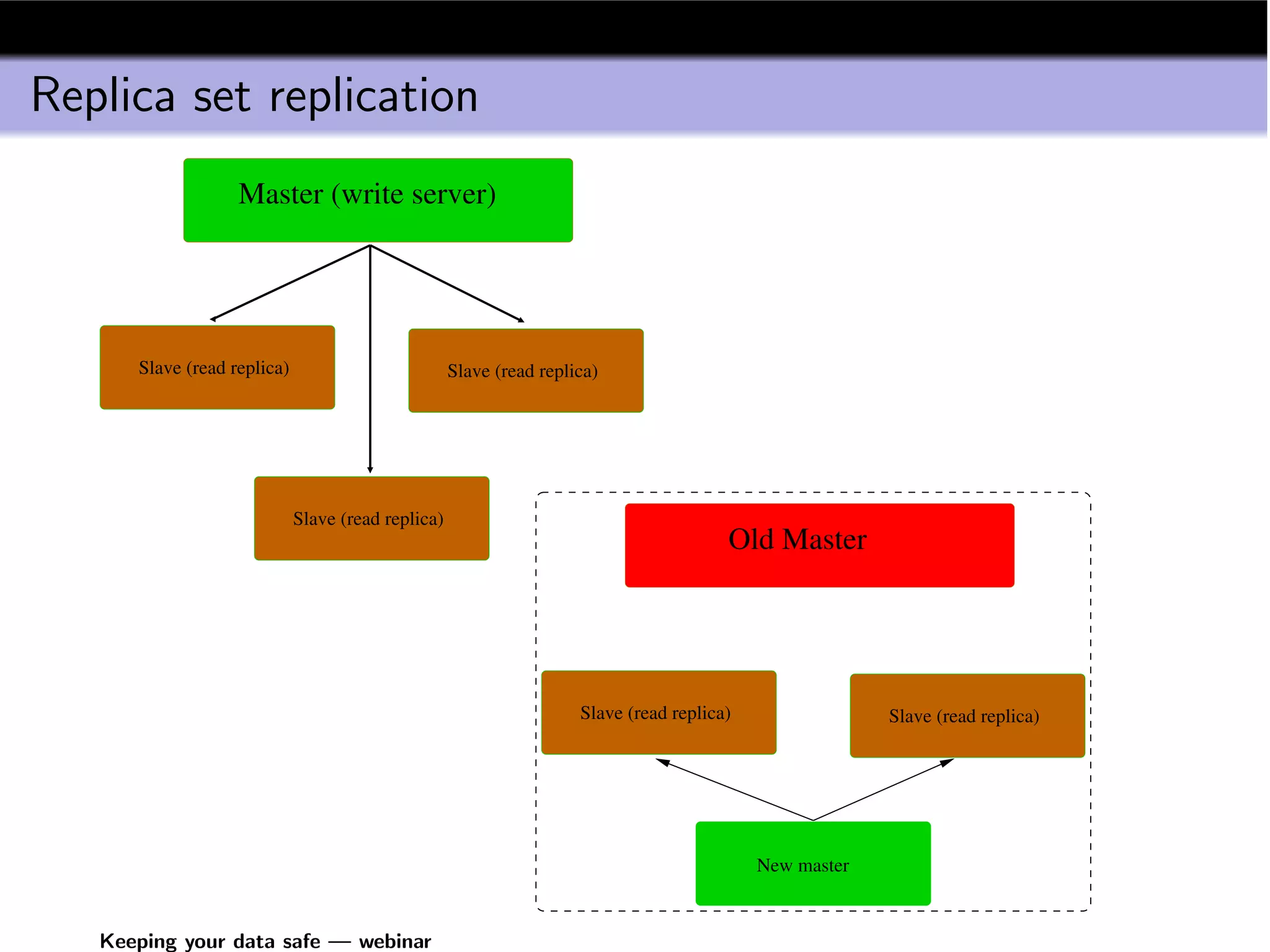
Replica set replication
                   Master (write server)


      Slave (read replica)                          Slave (read replica)


                             Slave (read replica)
                                                                                        Old Master


                                                                     Slave (read replica)                Slave (read replica)


                                                                                            New master


   Keeping your data safe — webinar
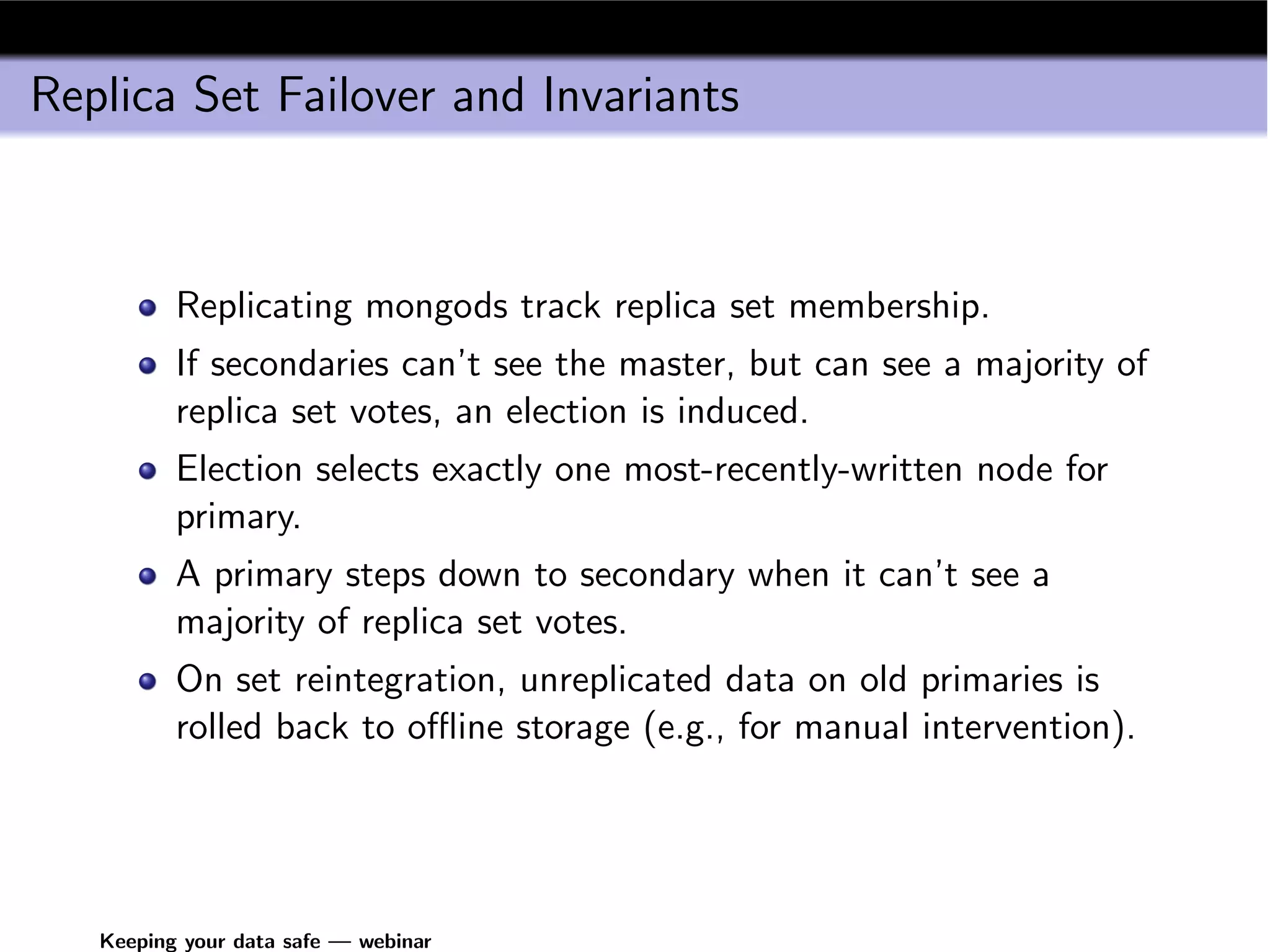
Replica Set Failover and Invariants


          Replicating mongods track replica set membership.
          If secondaries can’t see the master, but can see a majority of
          replica set votes, an election is induced.
          Election selects exactly one most-recently-written node for
          primary.
          A primary steps down to secondary when it can’t see a
          majority of replica set votes.
          On set reintegration, unreplicated data on old primaries is
          rolled back to offline storage (e.g., for manual intervention).


   Keeping your data safe — webinar
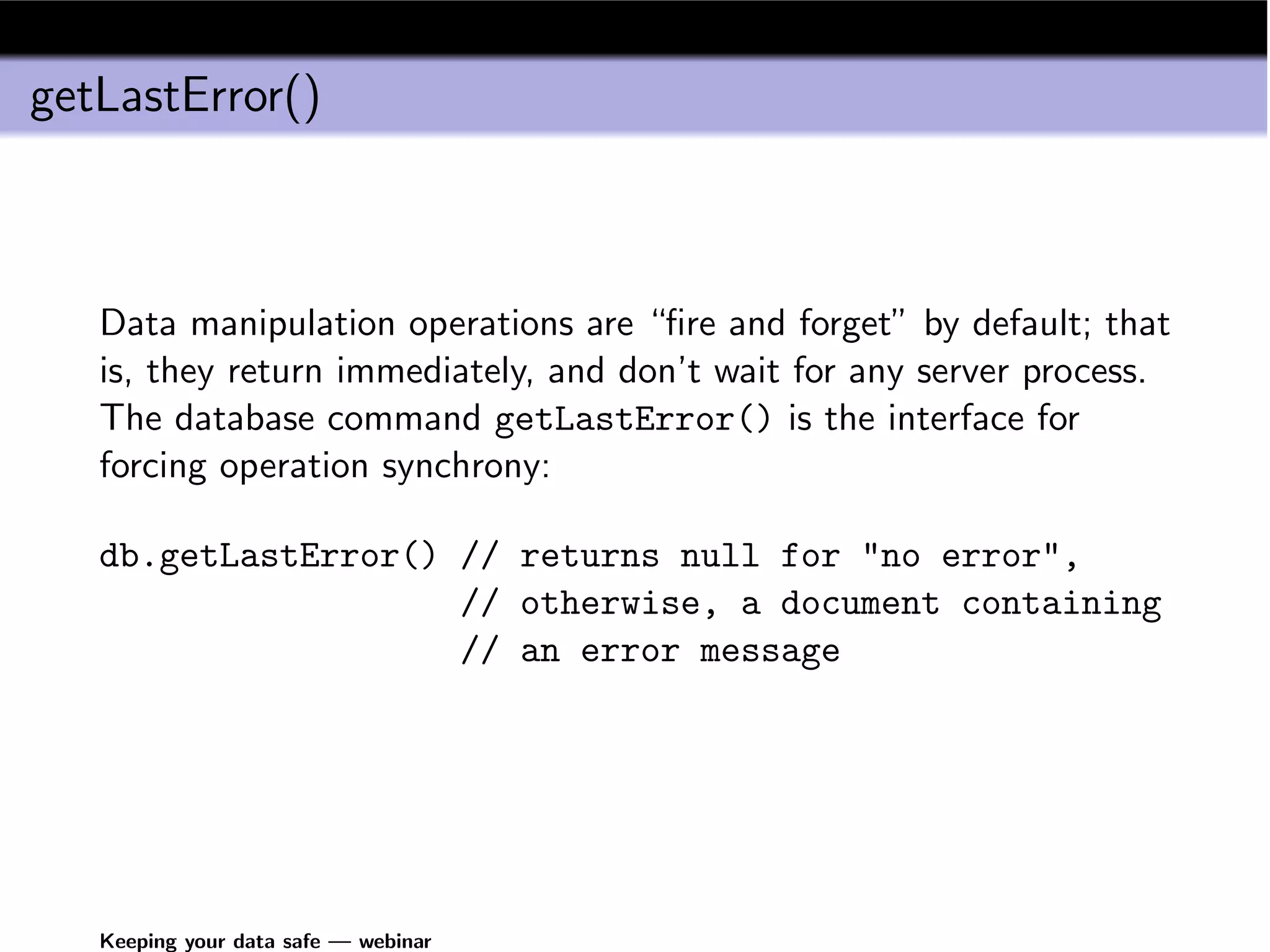
getLastError()


   Data manipulation operations are “fire and forget” by default; that
   is, they return immediately, and don’t wait for any server process.
   The database command getLastError() is the interface for
   forcing operation synchrony:

   db.getLastError() // returns null for "no error",
                     // otherwise, a document containing
                     // an error message


   Keeping your data safe — webinar
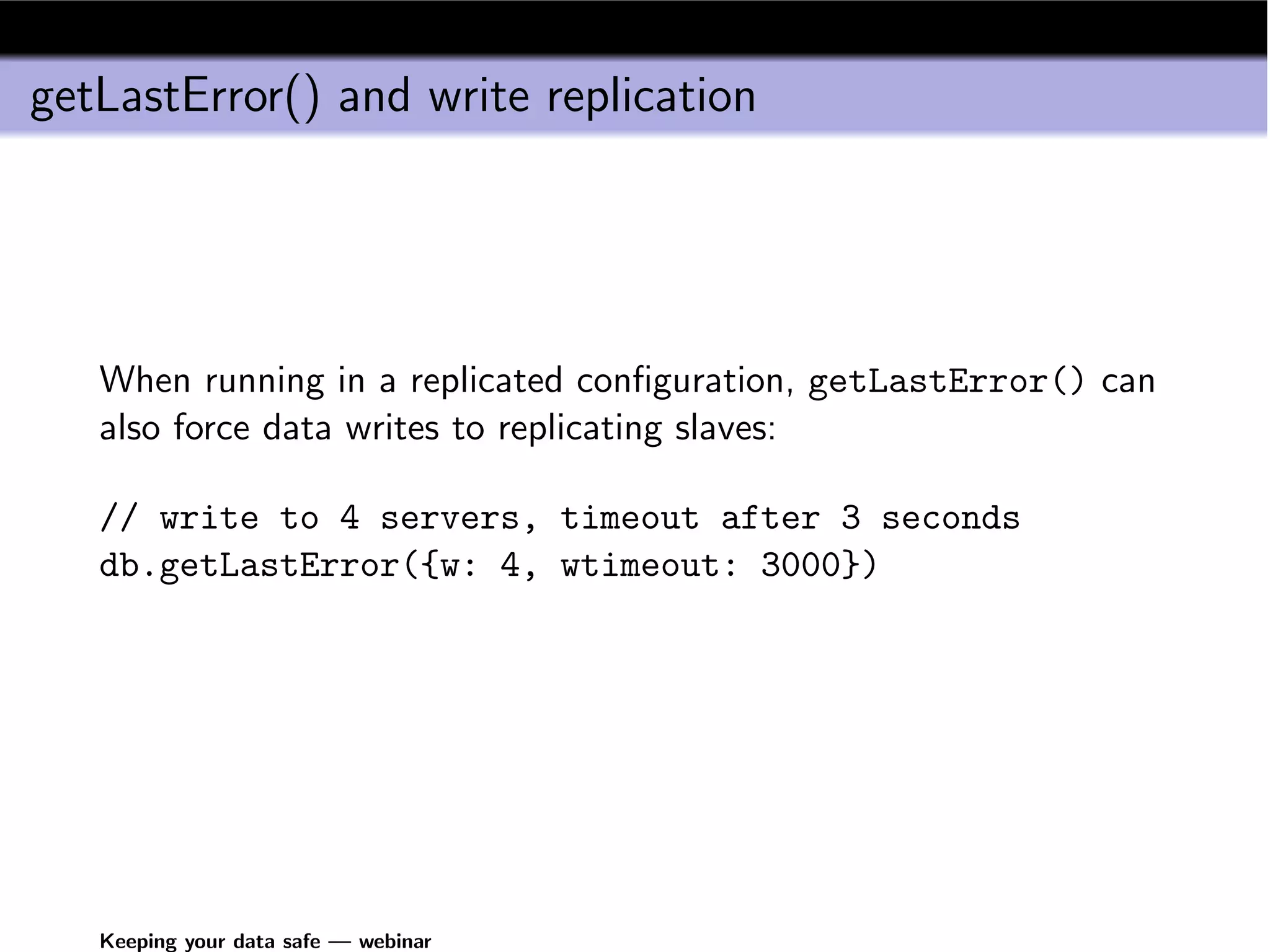
getLastError() and write replication


   When running in a replicated configuration, getLastError() can
   also force data writes to replicating slaves:

   // write to 4 servers, timeout after 3 seconds
   db.getLastError({w: 4, wtimeout: 3000})


   Keeping your data safe — webinar
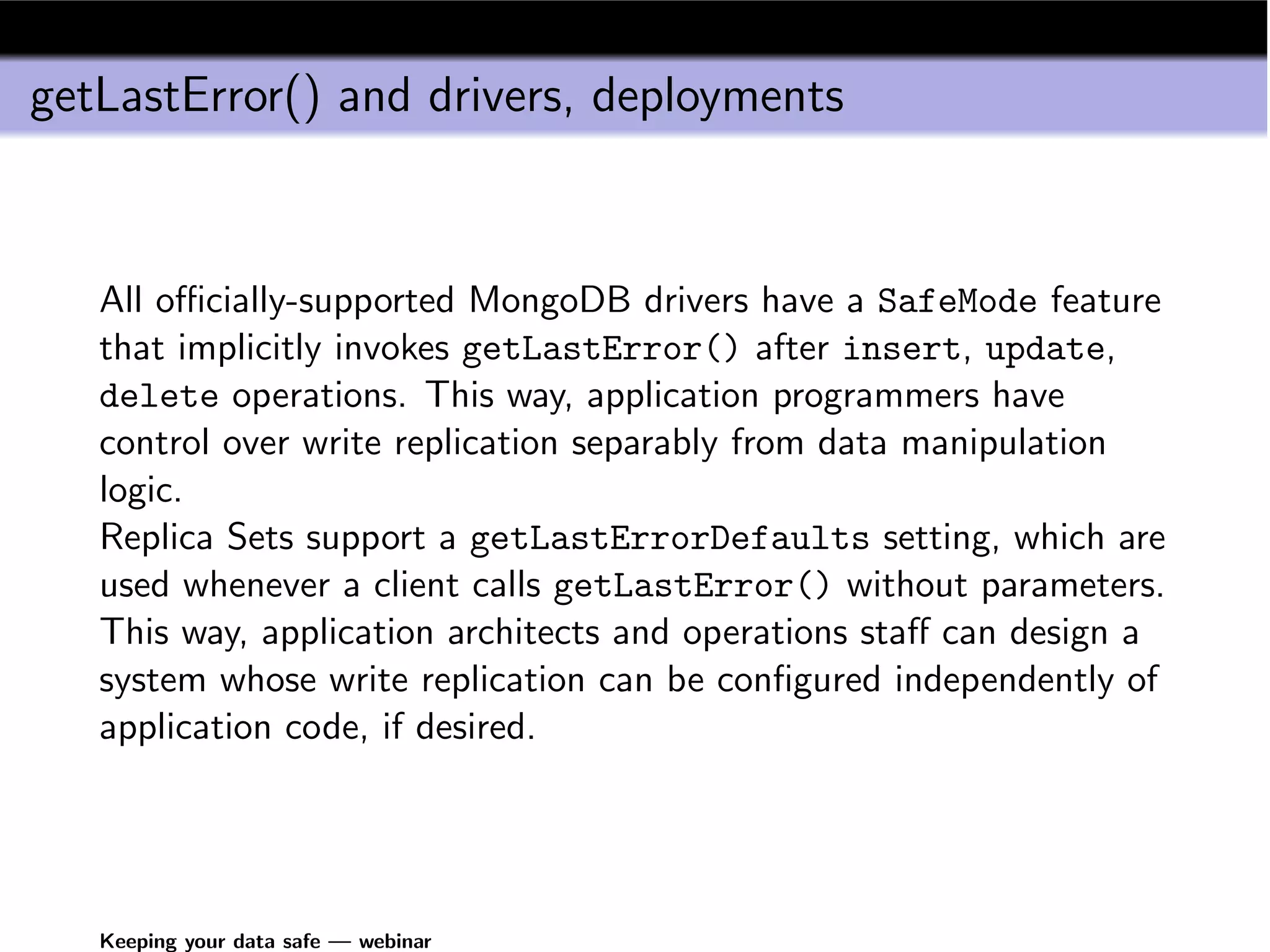
getLastError() and drivers, deployments


   All officially-supported MongoDB drivers have a SafeMode feature
   that implicitly invokes getLastError() after insert, update,
   delete operations. This way, application programmers have
   control over write replication separably from data manipulation
   logic.
   Replica Sets support a getLastErrorDefaults setting, which are
   used whenever a client calls getLastError() without parameters.
   This way, application architects and operations staff can design a
   system whose write replication can be configured independently of
   application code, if desired.


   Keeping your data safe — webinar
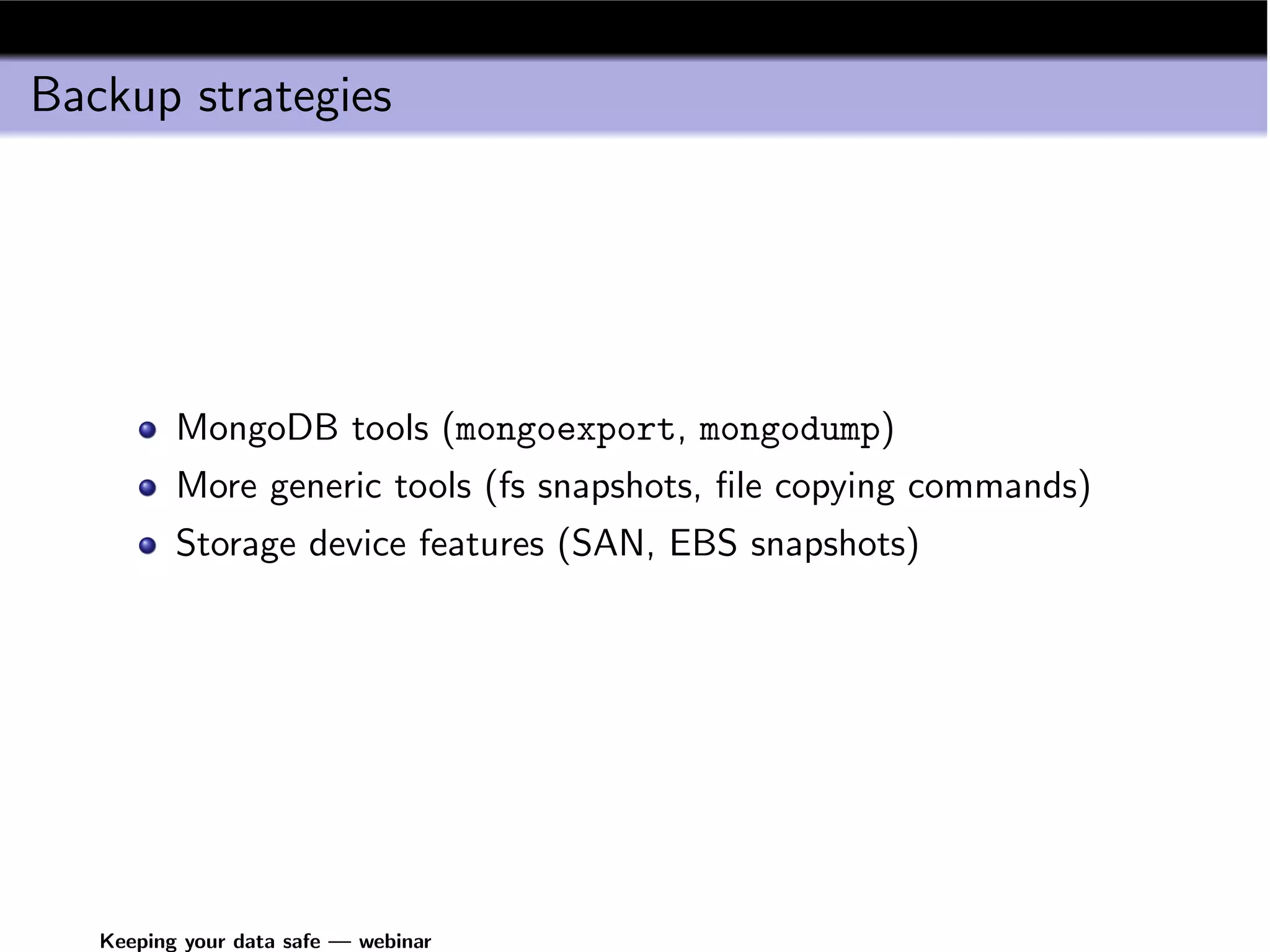
Backup strategies


          MongoDB tools (mongoexport, mongodump)
          More generic tools (fs snapshots, file copying commands)
          Storage device features (SAN, EBS snapshots)


   Keeping your data safe — webinar
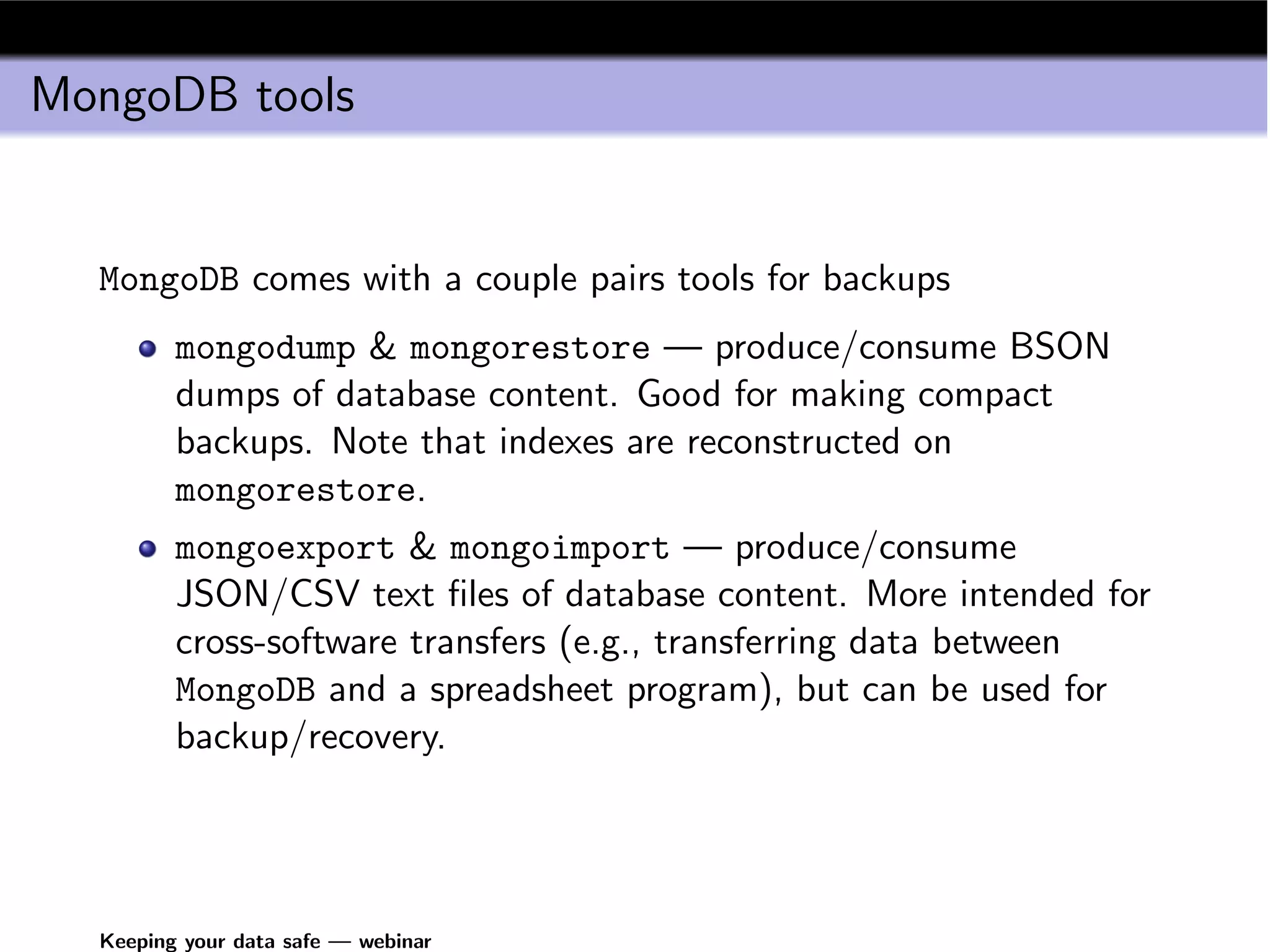
MongoDB tools


  MongoDB comes with a couple pairs tools for backups
         mongodump & mongorestore — produce/consume BSON
         dumps of database content. Good for making compact
         backups. Note that indexes are reconstructed on
         mongorestore.
         mongoexport & mongoimport — produce/consume
         JSON/CSV text files of database content. More intended for
         cross-software transfers (e.g., transferring data between
         MongoDB and a spreadsheet program), but can be used for
         backup/recovery.


  Keeping your data safe — webinar
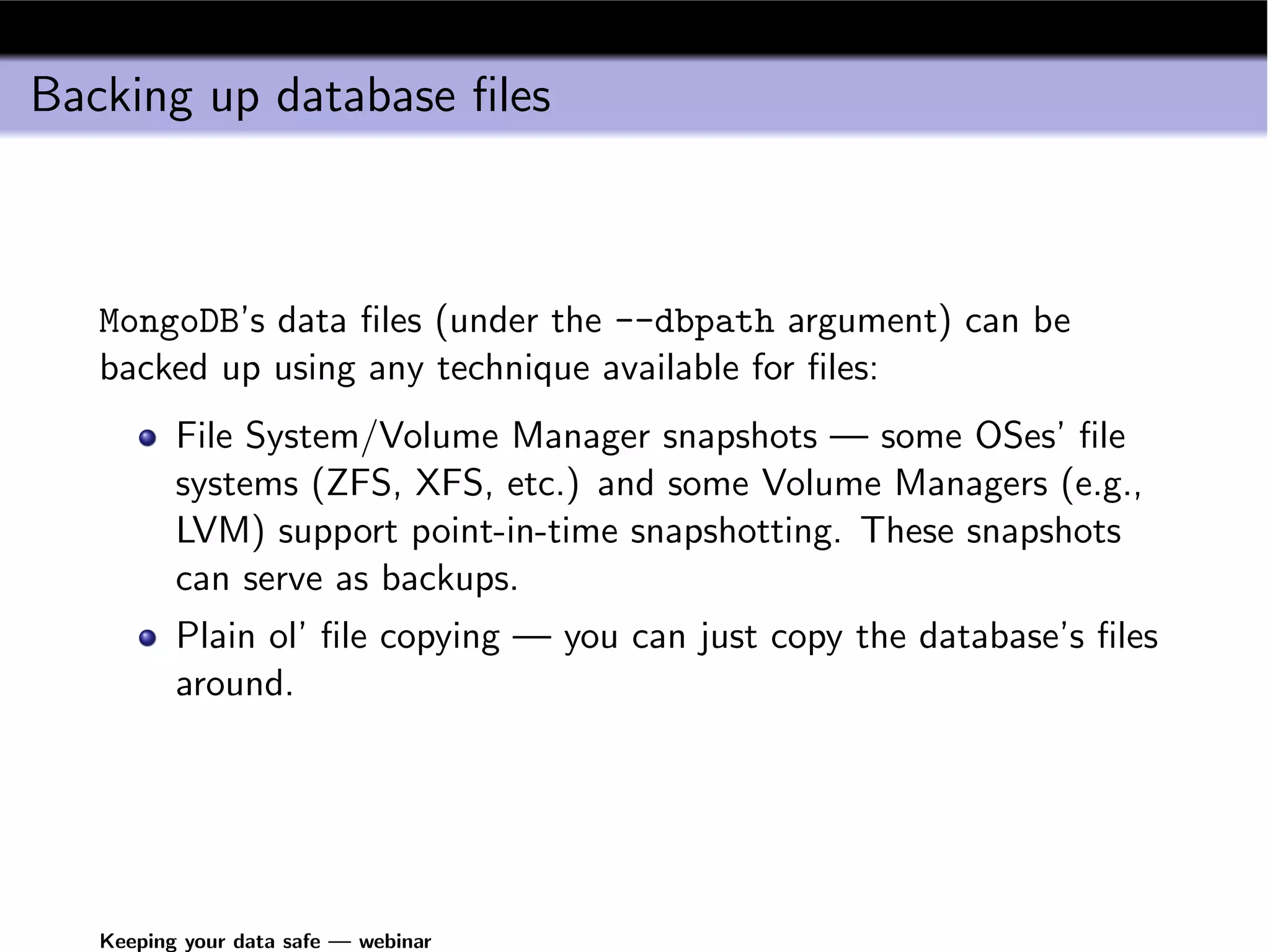
Backing up database files


   MongoDB’s data files (under the --dbpath argument) can be
   backed up using any technique available for files:
          File System/Volume Manager snapshots — some OSes’ file
          systems (ZFS, XFS, etc.) and some Volume Managers (e.g.,
          LVM) support point-in-time snapshotting. These snapshots
          can serve as backups.
          Plain ol’ file copying — you can just copy the database’s files
          around.


   Keeping your data safe — webinar
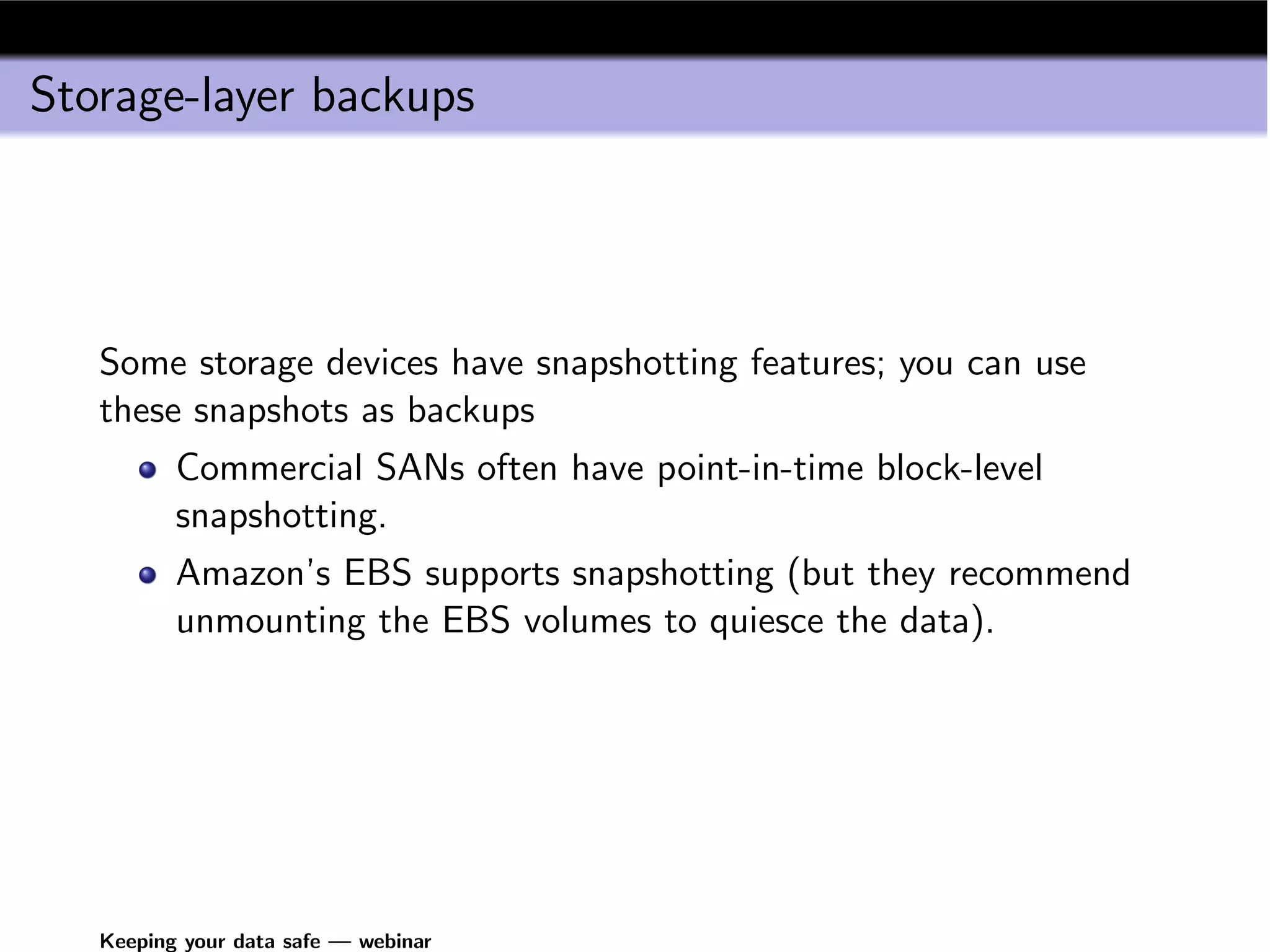
Storage-layer backups


   Some storage devices have snapshotting features; you can use
   these snapshots as backups
          Commercial SANs often have point-in-time block-level
          snapshotting.
          Amazon’s EBS supports snapshotting (but they recommend
          unmounting the EBS volumes to quiesce the data).


   Keeping your data safe — webinar
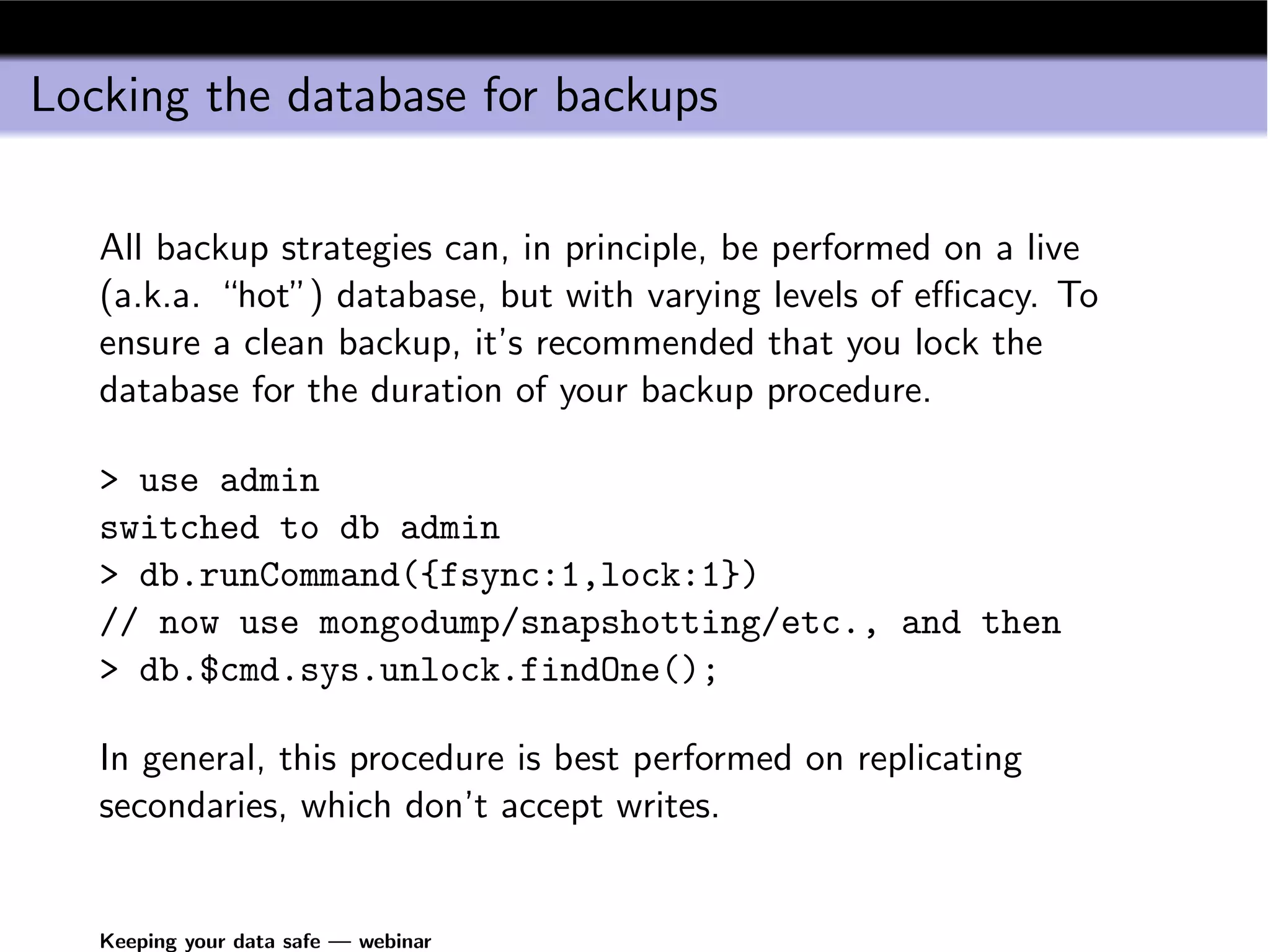
Locking the database for backups

   All backup strategies can, in principle, be performed on a live
   (a.k.a. “hot”) database, but with varying levels of efficacy. To
   ensure a clean backup, it’s recommended that you lock the
   database for the duration of your backup procedure.

   > use admin
   switched to db admin
   > db.runCommand({fsync:1,lock:1})
   // now use mongodump/snapshotting/etc., and then
   > db.$cmd.sys.unlock.findOne();

   In general, this procedure is best performed on replicating
   secondaries, which don’t accept writes.


   Keeping your data safe — webinar
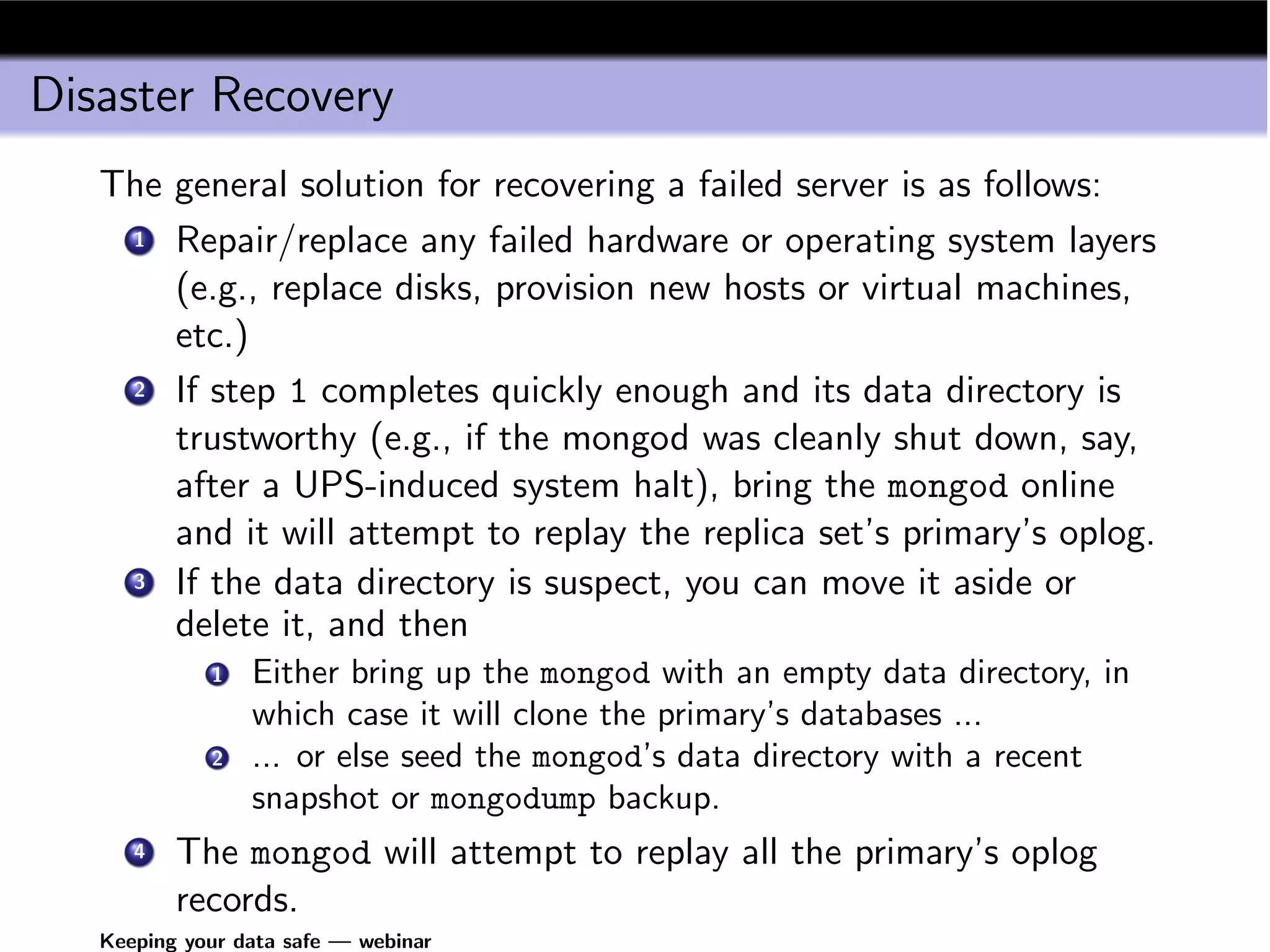
Disaster Recovery
   The general solution for recovering a failed server is as follows:
    1 Repair/replace any failed hardware or operating system layers

       (e.g., replace disks, provision new hosts or virtual machines,
       etc.)
    2 If step 1 completes quickly enough and its data directory is

       trustworthy (e.g., if the mongod was cleanly shut down, say,
       after a UPS-induced system halt), bring the mongod online
       and it will attempt to replay the replica set’s primary’s oplog.
    3 If the data directory is suspect, you can move it aside or

       delete it, and then
             1   Either bring up the mongod with an empty data directory, in
                 which case it will clone the primary’s databases ...
             2   ... or else seed the mongod’s data directory with a recent
                 snapshot or mongodump backup.
      4   The mongod will attempt to replay all the primary’s oplog
          records.
   Keeping your data safe — webinar
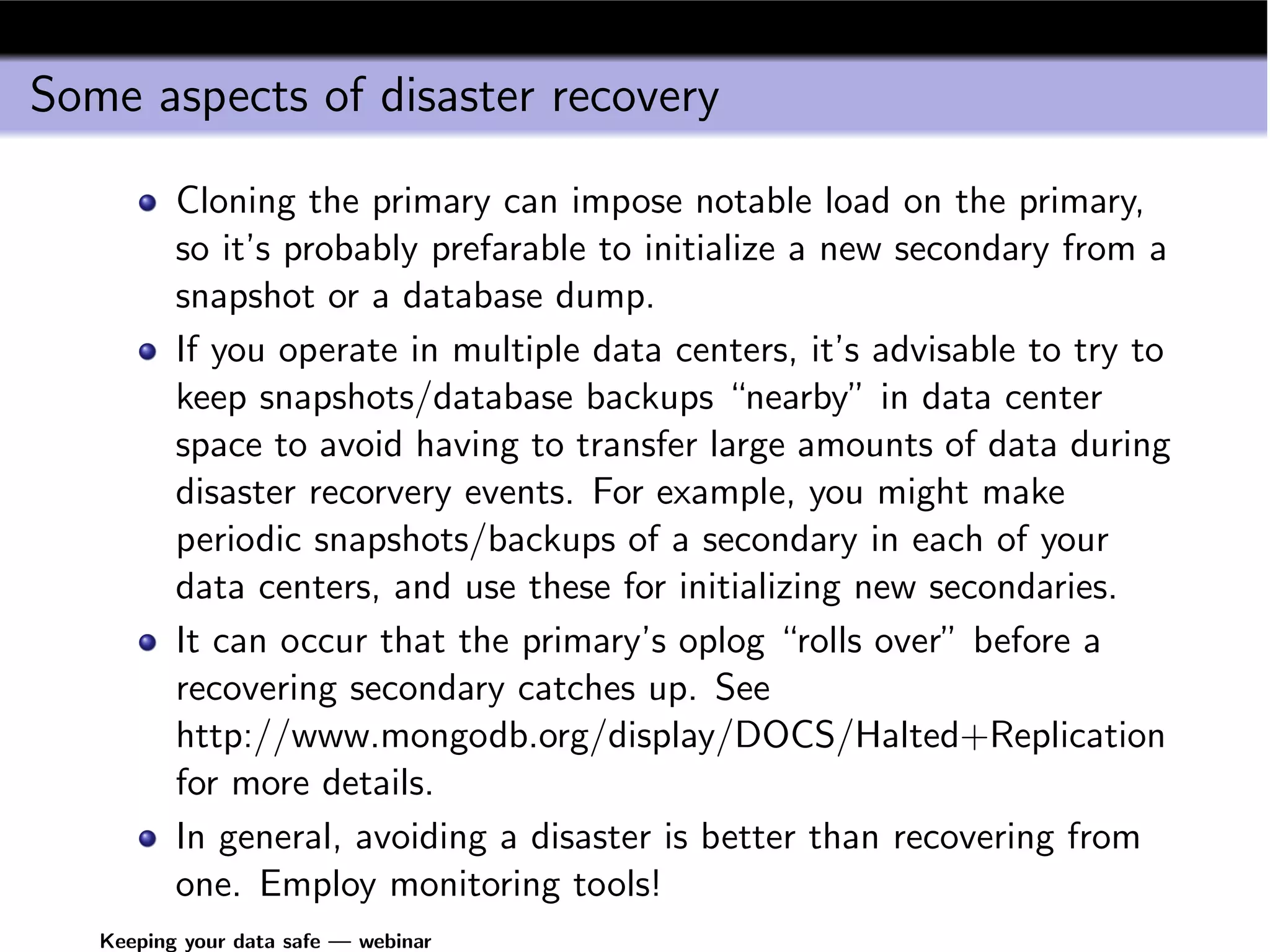
Some aspects of disaster recovery

          Cloning the primary can impose notable load on the primary,
          so it’s probably prefarable to initialize a new secondary from a
          snapshot or a database dump.
          If you operate in multiple data centers, it’s advisable to try to
          keep snapshots/database backups “nearby” in data center
          space to avoid having to transfer large amounts of data during
          disaster recorvery events. For example, you might make
          periodic snapshots/backups of a secondary in each of your
          data centers, and use these for initializing new secondaries.
          It can occur that the primary’s oplog “rolls over” before a
          recovering secondary catches up. See
          http://www.mongodb.org/display/DOCS/Halted+Replication
          for more details.
          In general, avoiding a disaster is better than recovering from
          one. Employ monitoring tools!
   Keeping your data safe — webinar

Keeping data-safe-webinar-2010-11-01

  • 1.
    Keeping your datasafe Richard M Kreuter 10gen Inc. richard@10gen.com November 1, 2010 Keeping your data safe — webinar
  • 2.
    Aspects of datasafety Replication Cross-data-center replication Application-controlled replication Backup Disaster recovery Keeping your data safe — webinar
  • 3.
    Replication MongoDB supports automatic replication (data mirroring) Recommended for failover, durability, backups (essentially all deployments). Works well over wide area networks. Also good for horizontal read scaling: clients can conditionally read from any of a number of slaves. Keeping your data safe — webinar
  • 4.
    Replication Overview MongoDB’s replication is similar to many DB’s. Writes are accepted only by a Primary-mode (master, writable) mongod. Writes are recorded in a normalized format in the operation log. Secondary-mode (slave, read-only) mongods periodically query the oplog and apply operations. Keeping your data safe — webinar
  • 5.
    Replica set replication Master (write server) Slave (read replica) Slave (read replica) Slave (read replica) Old Master Slave (read replica) Slave (read replica) New master Keeping your data safe — webinar
  • 6.
    Replica Set Failoverand Invariants Replicating mongods track replica set membership. If secondaries can’t see the master, but can see a majority of replica set votes, an election is induced. Election selects exactly one most-recently-written node for primary. A primary steps down to secondary when it can’t see a majority of replica set votes. On set reintegration, unreplicated data on old primaries is rolled back to offline storage (e.g., for manual intervention). Keeping your data safe — webinar
  • 7.
    getLastError() Data manipulation operations are “fire and forget” by default; that is, they return immediately, and don’t wait for any server process. The database command getLastError() is the interface for forcing operation synchrony: db.getLastError() // returns null for "no error", // otherwise, a document containing // an error message Keeping your data safe — webinar
  • 8.
    getLastError() and writereplication When running in a replicated configuration, getLastError() can also force data writes to replicating slaves: // write to 4 servers, timeout after 3 seconds db.getLastError({w: 4, wtimeout: 3000}) Keeping your data safe — webinar
  • 9.
    getLastError() and drivers,deployments All officially-supported MongoDB drivers have a SafeMode feature that implicitly invokes getLastError() after insert, update, delete operations. This way, application programmers have control over write replication separably from data manipulation logic. Replica Sets support a getLastErrorDefaults setting, which are used whenever a client calls getLastError() without parameters. This way, application architects and operations staff can design a system whose write replication can be configured independently of application code, if desired. Keeping your data safe — webinar
  • 10.
    Backup strategies MongoDB tools (mongoexport, mongodump) More generic tools (fs snapshots, file copying commands) Storage device features (SAN, EBS snapshots) Keeping your data safe — webinar
  • 11.
    MongoDB tools MongoDB comes with a couple pairs tools for backups mongodump & mongorestore — produce/consume BSON dumps of database content. Good for making compact backups. Note that indexes are reconstructed on mongorestore. mongoexport & mongoimport — produce/consume JSON/CSV text files of database content. More intended for cross-software transfers (e.g., transferring data between MongoDB and a spreadsheet program), but can be used for backup/recovery. Keeping your data safe — webinar
  • 12.
    Backing up databasefiles MongoDB’s data files (under the --dbpath argument) can be backed up using any technique available for files: File System/Volume Manager snapshots — some OSes’ file systems (ZFS, XFS, etc.) and some Volume Managers (e.g., LVM) support point-in-time snapshotting. These snapshots can serve as backups. Plain ol’ file copying — you can just copy the database’s files around. Keeping your data safe — webinar
  • 13.
    Storage-layer backups Some storage devices have snapshotting features; you can use these snapshots as backups Commercial SANs often have point-in-time block-level snapshotting. Amazon’s EBS supports snapshotting (but they recommend unmounting the EBS volumes to quiesce the data). Keeping your data safe — webinar
  • 14.
    Locking the databasefor backups All backup strategies can, in principle, be performed on a live (a.k.a. “hot”) database, but with varying levels of efficacy. To ensure a clean backup, it’s recommended that you lock the database for the duration of your backup procedure. > use admin switched to db admin > db.runCommand({fsync:1,lock:1}) // now use mongodump/snapshotting/etc., and then > db.$cmd.sys.unlock.findOne(); In general, this procedure is best performed on replicating secondaries, which don’t accept writes. Keeping your data safe — webinar
  • 15.
    Disaster Recovery The general solution for recovering a failed server is as follows: 1 Repair/replace any failed hardware or operating system layers (e.g., replace disks, provision new hosts or virtual machines, etc.) 2 If step 1 completes quickly enough and its data directory is trustworthy (e.g., if the mongod was cleanly shut down, say, after a UPS-induced system halt), bring the mongod online and it will attempt to replay the replica set’s primary’s oplog. 3 If the data directory is suspect, you can move it aside or delete it, and then 1 Either bring up the mongod with an empty data directory, in which case it will clone the primary’s databases ... 2 ... or else seed the mongod’s data directory with a recent snapshot or mongodump backup. 4 The mongod will attempt to replay all the primary’s oplog records. Keeping your data safe — webinar
  • 16.
    Some aspects ofdisaster recovery Cloning the primary can impose notable load on the primary, so it’s probably prefarable to initialize a new secondary from a snapshot or a database dump. If you operate in multiple data centers, it’s advisable to try to keep snapshots/database backups “nearby” in data center space to avoid having to transfer large amounts of data during disaster recorvery events. For example, you might make periodic snapshots/backups of a secondary in each of your data centers, and use these for initializing new secondaries. It can occur that the primary’s oplog “rolls over” before a recovering secondary catches up. See http://www.mongodb.org/display/DOCS/Halted+Replication for more details. In general, avoiding a disaster is better than recovering from one. Employ monitoring tools! Keeping your data safe — webinar