Concurrent Product Release
         Planning!
          with JIRA!


           Ian Wells
                   !
            Telogis Inc
                      !
!
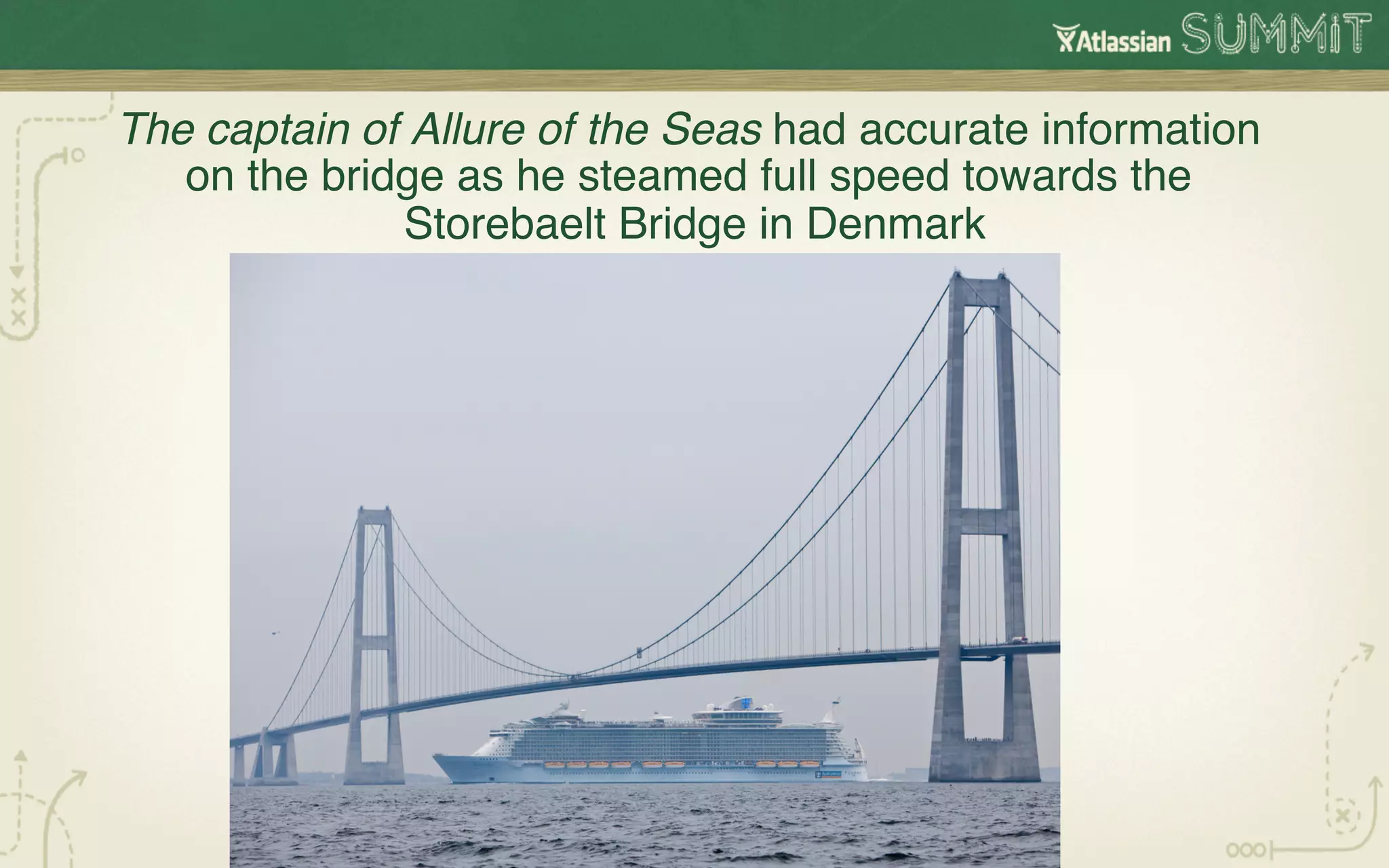
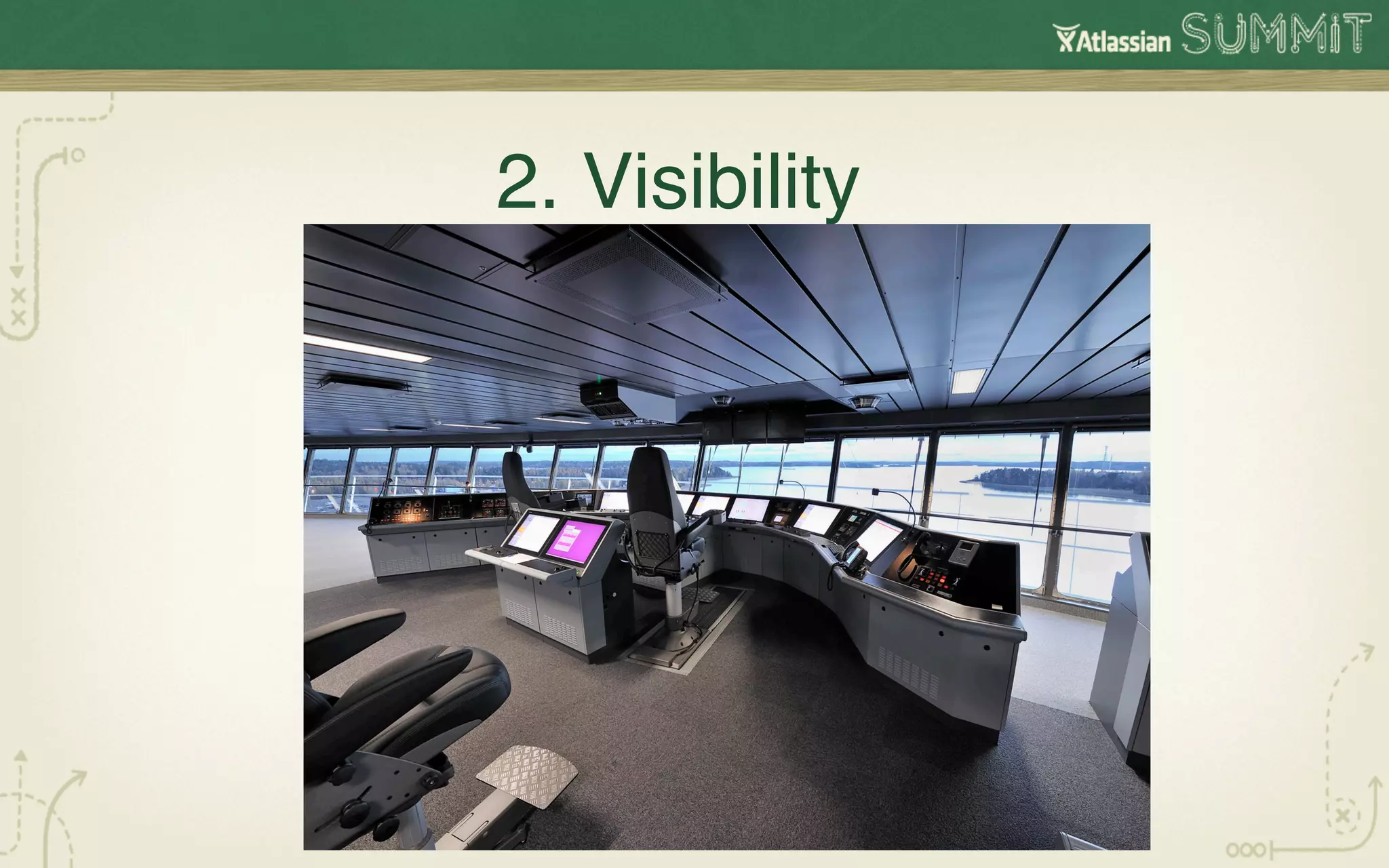
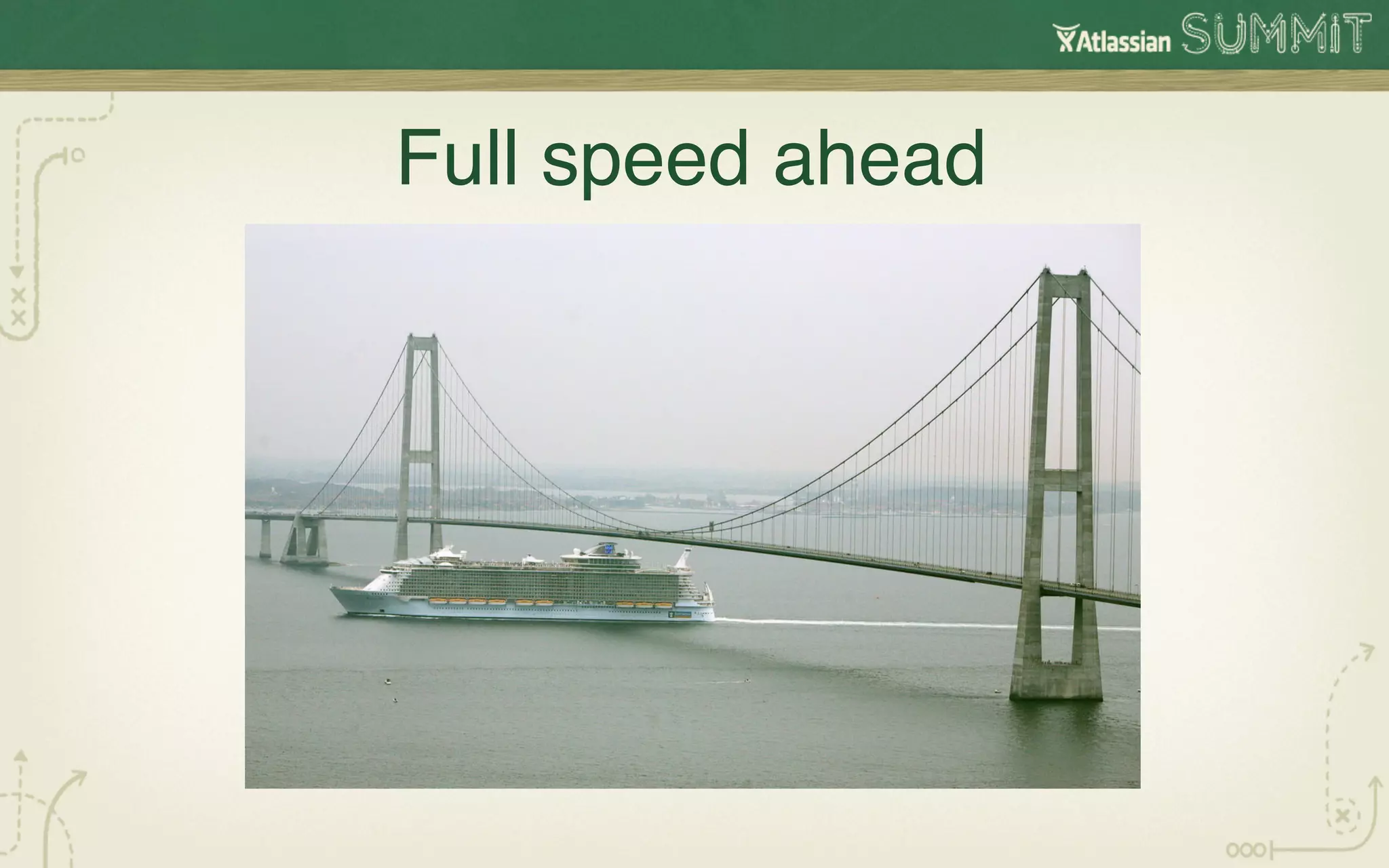
The captain of Allure of the Seas had accurate information
   on the bridge as he steamed full speed towards the
              Storebaelt Bridge in Denmark !
How JIRA provided the
  Dashboards for our
Concurrent Software and
  Hardware Releases  !
The next 35 minutes!
•  Our previous challenge!
•  Why I chose JIRA for the challenge!
•  How we conformed JIRA to us !
•  How we learned to trust JIRA!
•  How we built dashboards for each project!
•  Our next challenge!
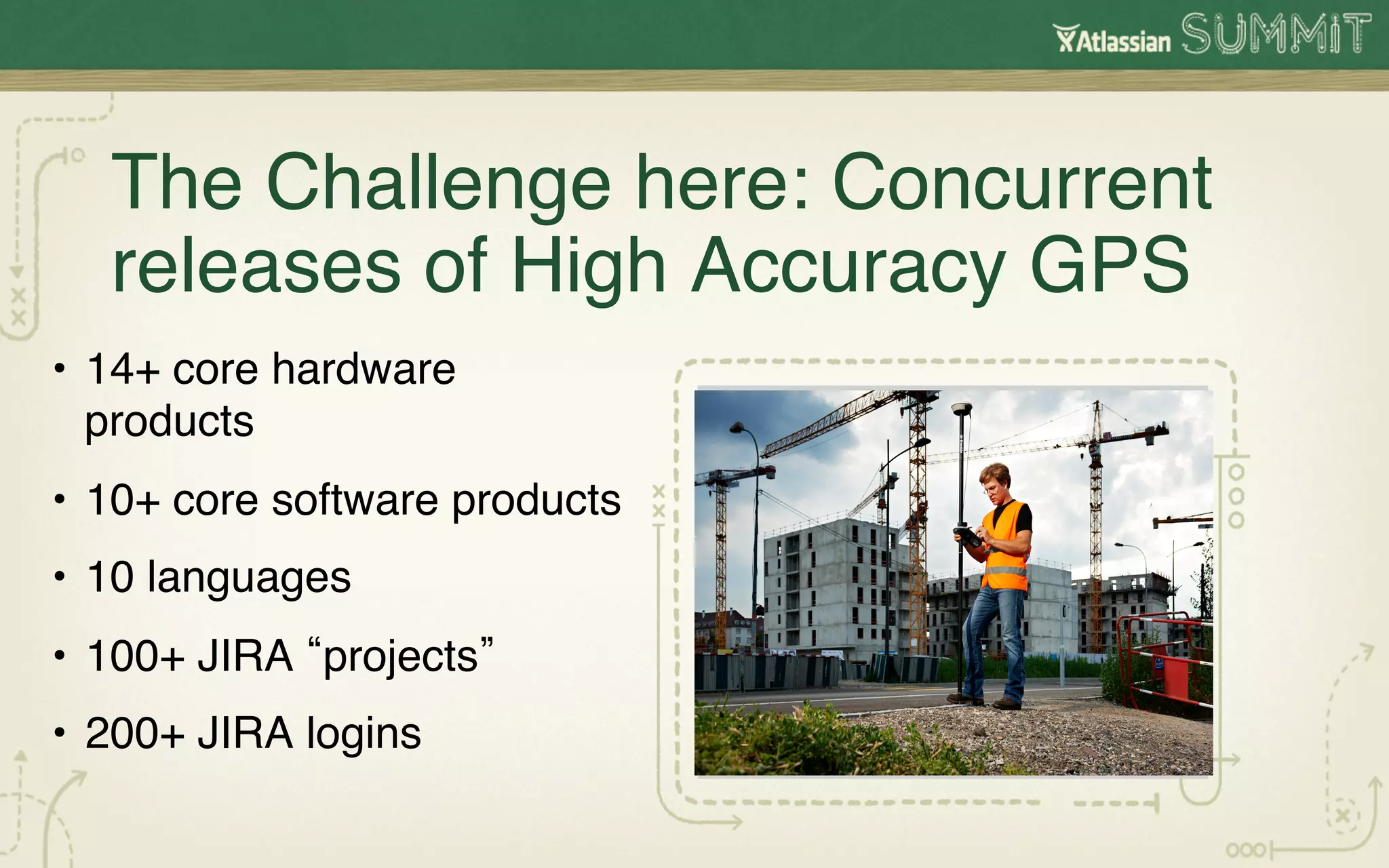
The Challenge here: Concurrent
   releases of High Accuracy GPS !
•  14+ core hardware
   products !
•  10+ core software products!
•  10 languages!
•  100+ JIRA projects !
•  200+ JIRA logins!
How we were organized!

 Project Management
                  !
 Development & Test
                  !
 Product Management
                  !
  Marketing & Sales
                  !
Why choose JIRA? 

        !
1. Permanence !
2. Visibility

      !
3. Flexibility!
How we conformed JIRA to us!
•  Different workflows for hardware/software!
•  Define Carefully What a Product meant to us!
•  Define Carefully What a Project meant to us!
•  JIRA JQL Piped Queries Families!
•  Continual Gardening !
!
Workflows!
•  Software – bugs not done till tested done !
•  Agile software – no bugs, only rework!
•  Hardware workflows!
Hardware workflows are different than
software workflows!
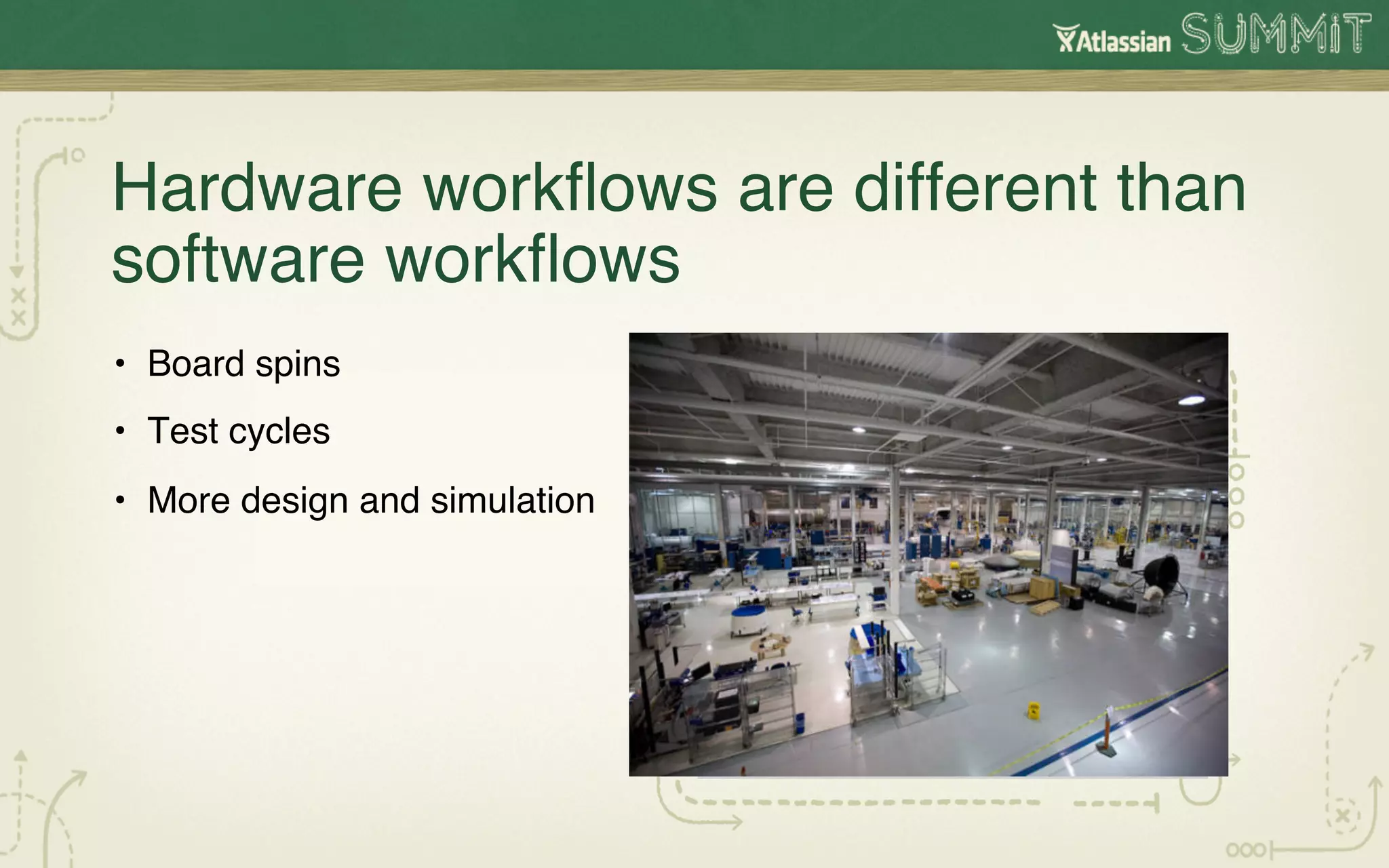
•  Board spins!
•  Test cycles!
•  More design and simulation!
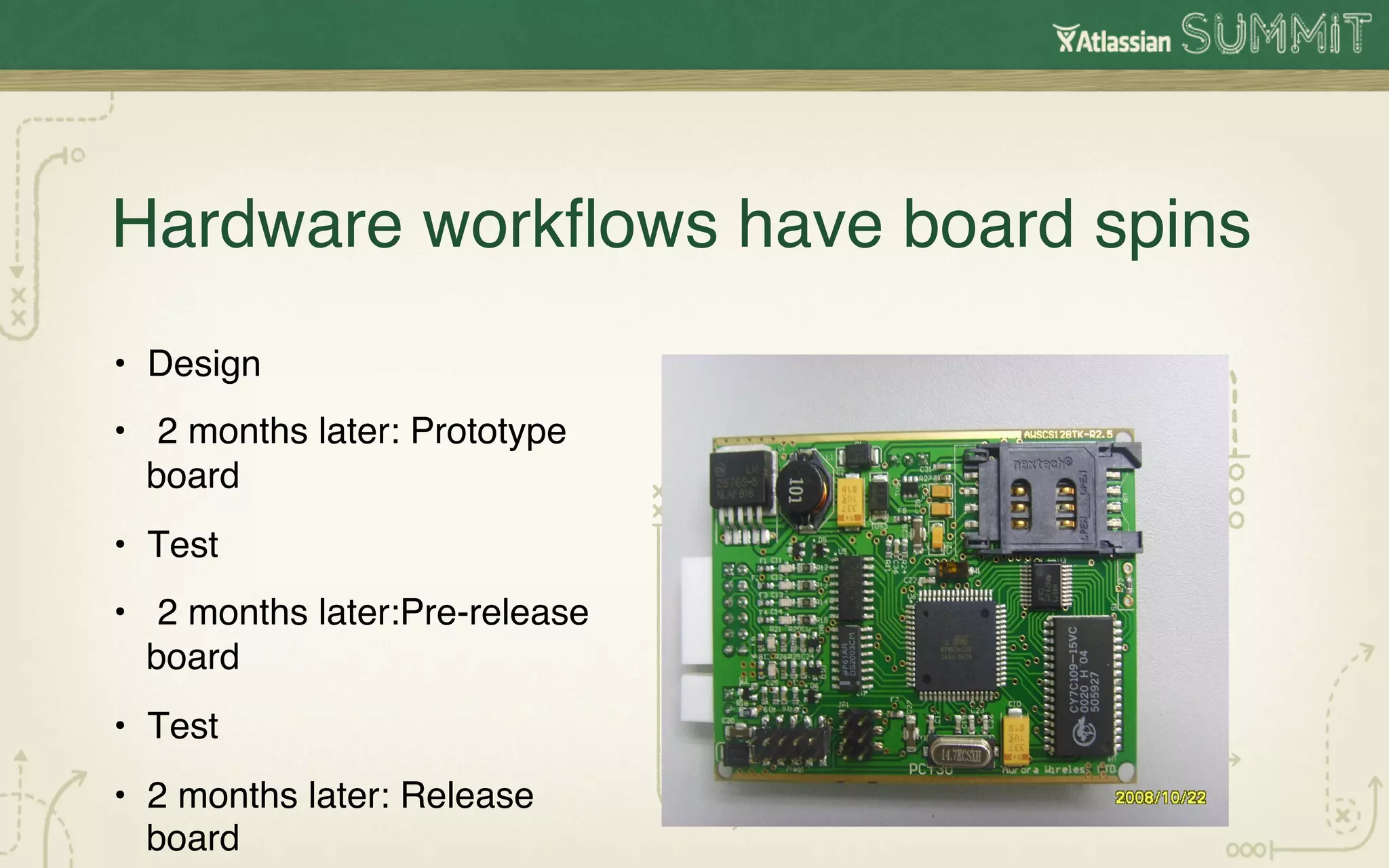
Hardware workflows have board spins!
•  Design!
•  2 months later: Prototype
   board!
•  Test!
•  2 months later:Pre-release
   board!
•  Test!
•  2 months later: Release
   board!
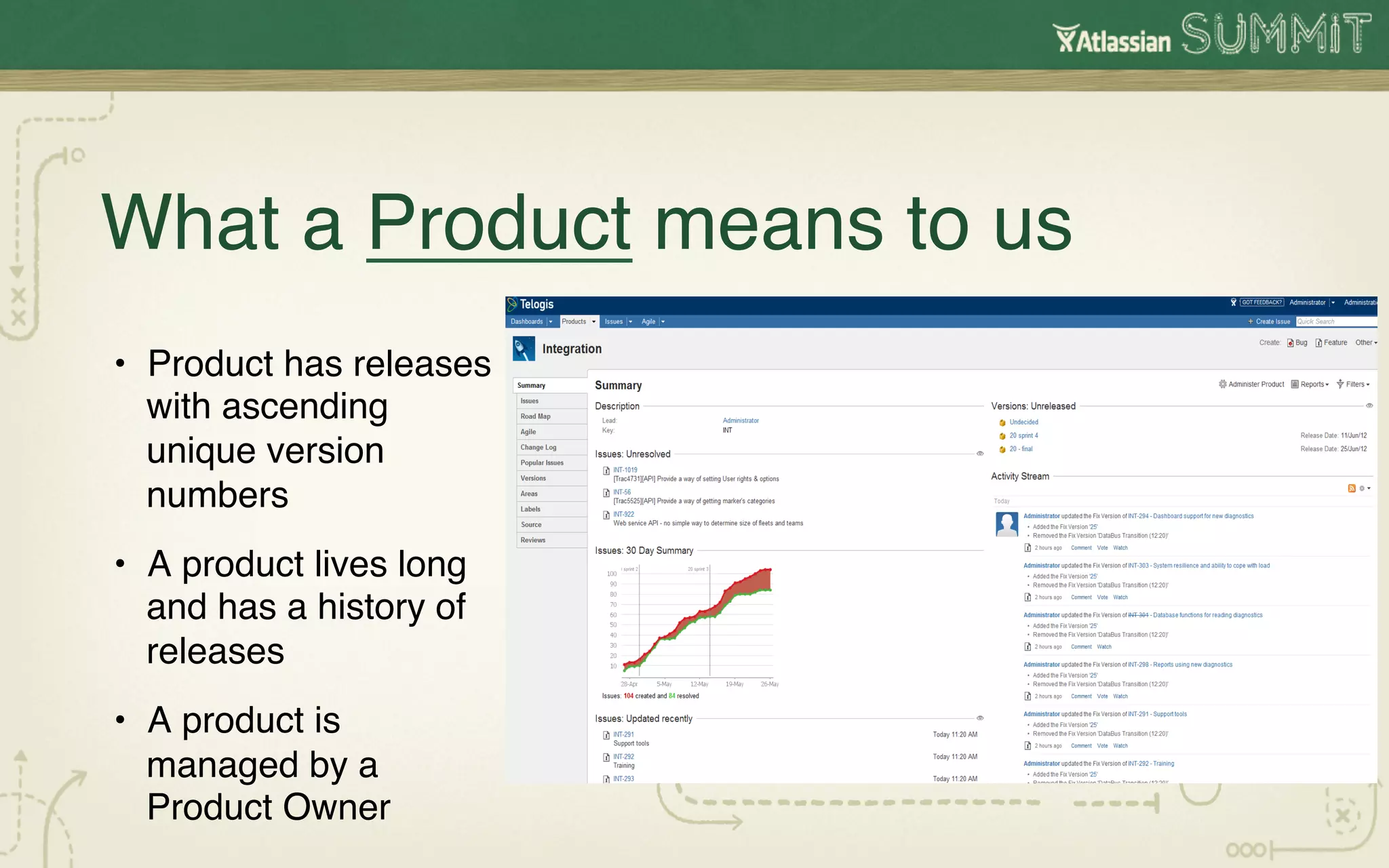
What a Product means to us!
•  Product has releases
   with ascending
   unique version
   numbers!
•  A product lives long
   and has a history of
   releases!
•  A product is
   managed by a
   Product Owner!
What a Project means to us!
•  A project manager runs a project!
•  A project happens once!
•  A single project will contain simultaneous specific product
   releases. !
•  A single JIRA query can be constructed for all products!
•  A single JIRA Dashboard can summarize project status!
How to change JIRA project to our product !

•  Locate jira-languages-5.0.5-en_UK_1337505912000.jar in C:Program Files (x86)AtlassianApplication Data
   JIRAplugins.osgi-pluginstransformed-plugins!

•  Rename to .zip!

•  Locate JiraWebActionSupport_en_UK.properties!

•  Run python script to convert!

•  Save JiraWebActionSupport_en_UK.properties in jira-languages-5.0.5-en_UK_1337505912000.zip!

•  Rename back to jira-languages-5.0.5-en_UK_1337505912000.jar!

•  Replace it!

•  Use the UK language!

!

!
Python script!
# Replace all occurrences of Project/Component/Fix            output_file.writelines(line)!
Version with Product/Area/ Fix in Release after!
                                                        !
# the = sign on a given input file (Jira language files
(default and en_US)!                                        else:!

input_file =                                                  #replace text after the = sign (line_split[1]) then
open("JiraWebActionSupport_en_UK.properties")!          write out line!

output_file =                                                  rep = line_split[1].replace('Project', 'Product')!
open("JiraWebActionSupport_en_UK.properties.new","w
")!                                                           rep = rep.replace('project', 'product')!

for line in input_file:!                                       rep = rep.replace('Component', 'Area')!

 line_split = line.split("=")!                                rep = rep.replace('component', 'area')!

  if len(line_split) !=2:!                                    rep = rep.replace('FixVersion', 'Fix in Release')!

     #no = sign so just write out this line!                  rep = rep.replace('Fix Version', 'Fix in Release')!

                                                              output_file.writelines(line_split[0] + "=" + rep)!
In our world, a JIRA project was a PRODUCT, a
JIRA dashboard was a PROJECT


    #summit12
Mapping Projects to Products with
Piped JQL queries!

•  Maps our products to our projects!
•  Provides all project information in one place!
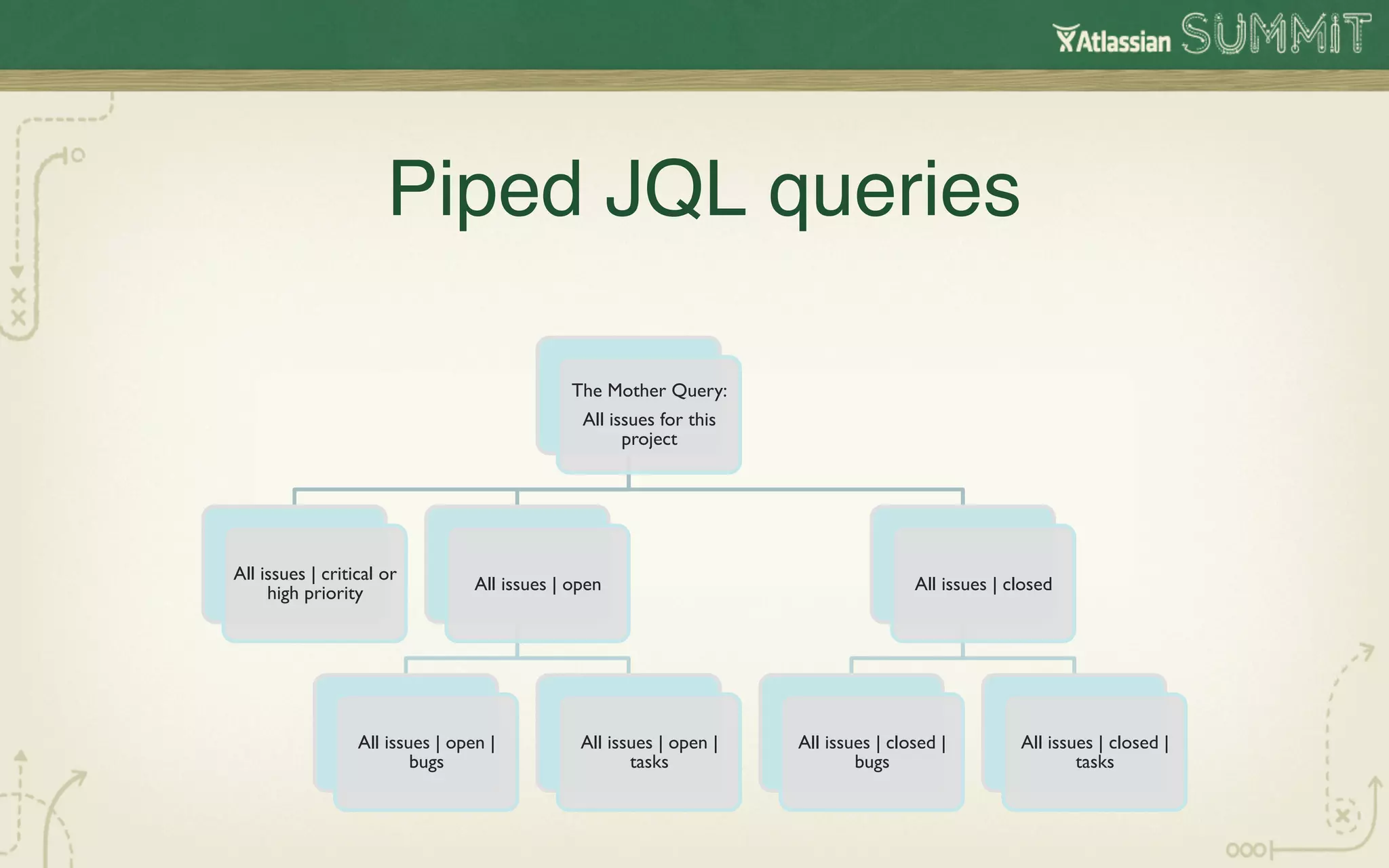
Piped JQL queries
                                      !

                                                The Mother Query:	

                                                 All issues for this
                                                       project	


All issues | critical or
     high priority	

             All issues | open	

                                  All issues | closed 	


                  All issues | open |             All issues | open |   All issues | closed |           All issues | closed |
                          bugs	

                        tasks	

               bugs	

                         tasks
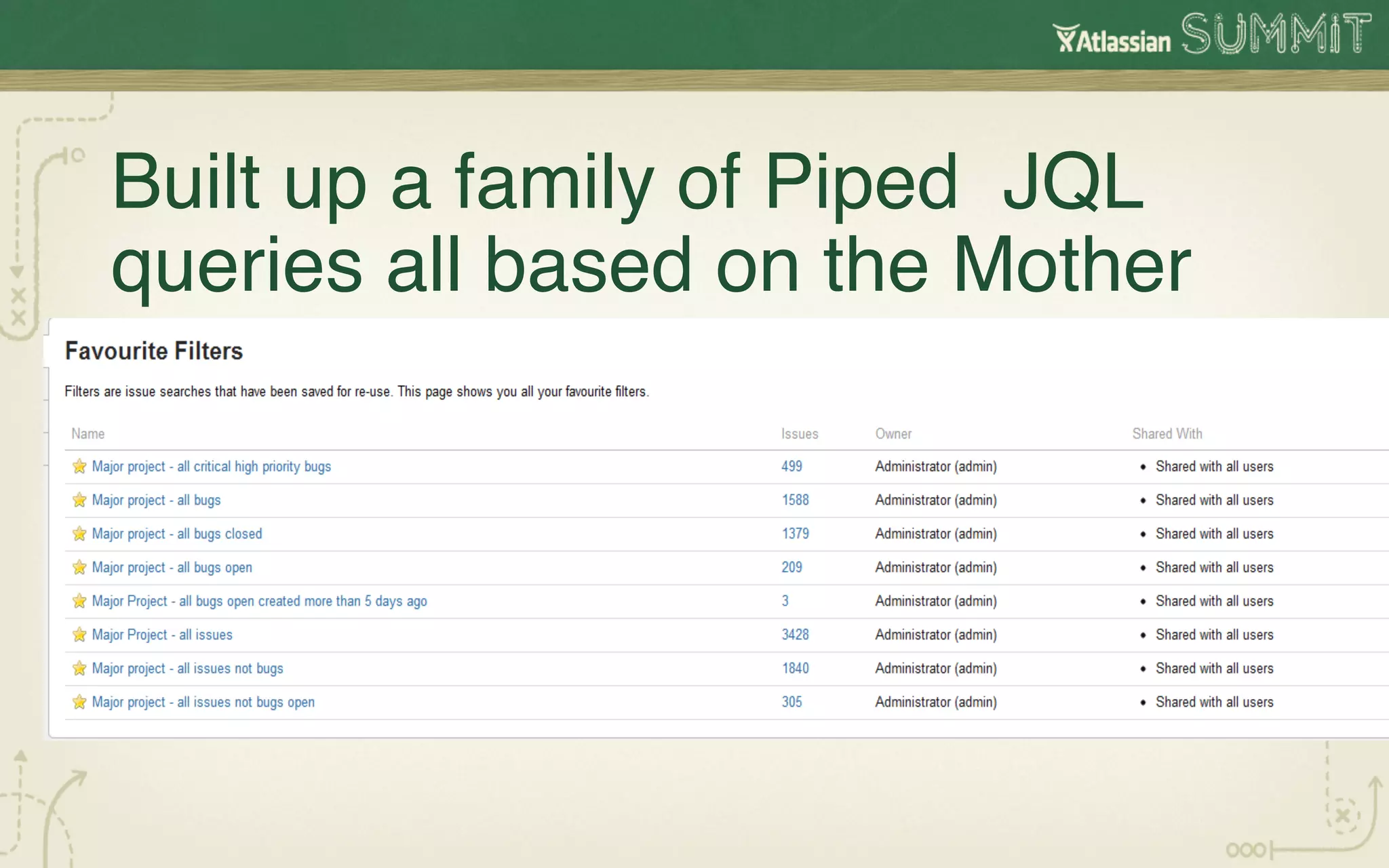
Built up a family of Piped JQL
queries all based on the Mother!
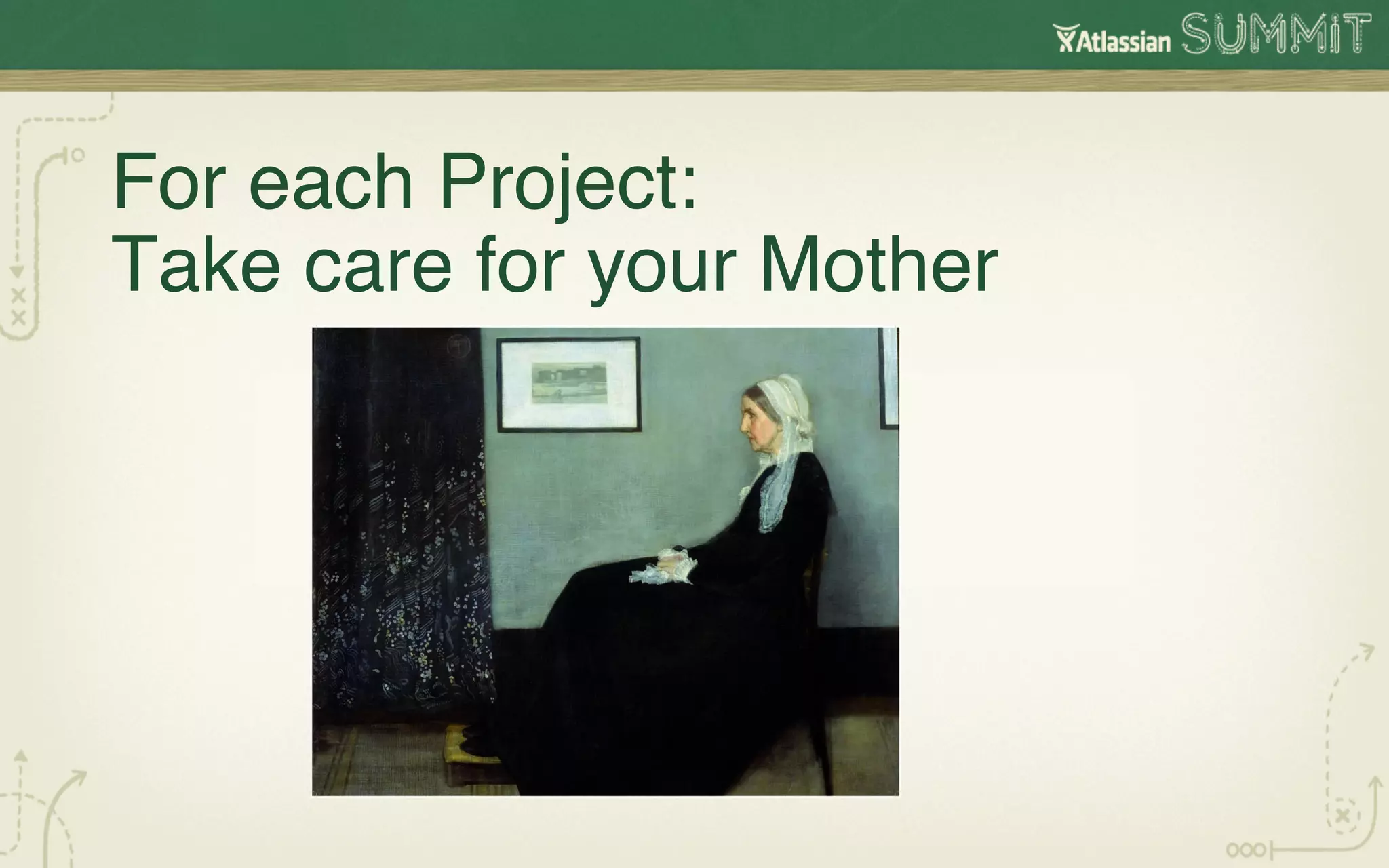
For each Project:

Take care for your Mother!
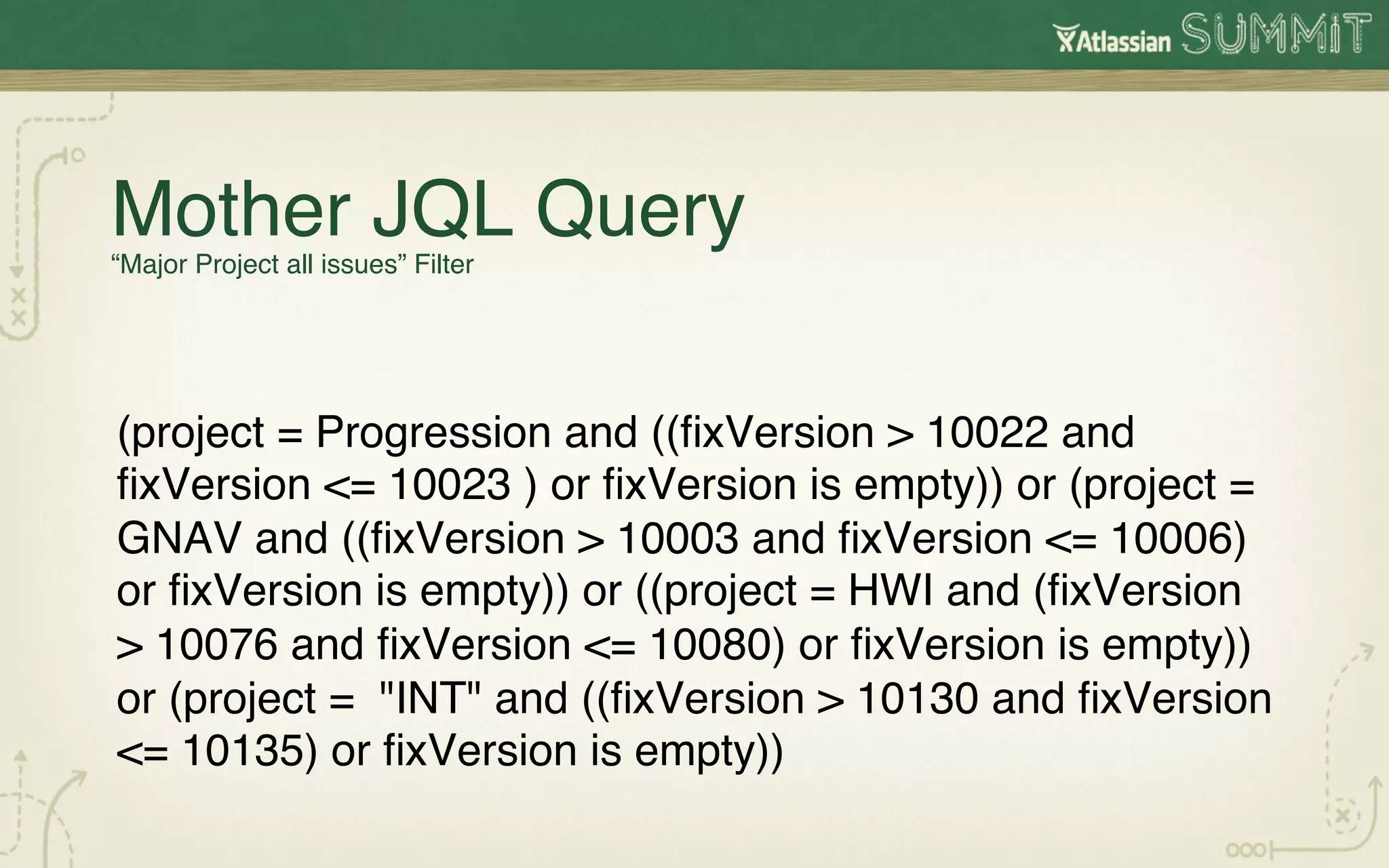
Mother JQL Query

         !
“Major Project all issues” Filter


(project = Progression and ((fixVersion > 10022 and
fixVersion <= 10023 ) or fixVersion is empty)) or (project =
GNAV and ((fixVersion > 10003 and fixVersion <= 10006)
or fixVersion is empty)) or ((project = HWI and (fixVersion
> 10076 and fixVersion <= 10080) or fixVersion is empty))
or (project = "INT" and ((fixVersion > 10130 and fixVersion
<= 10135) or fixVersion is empty))!
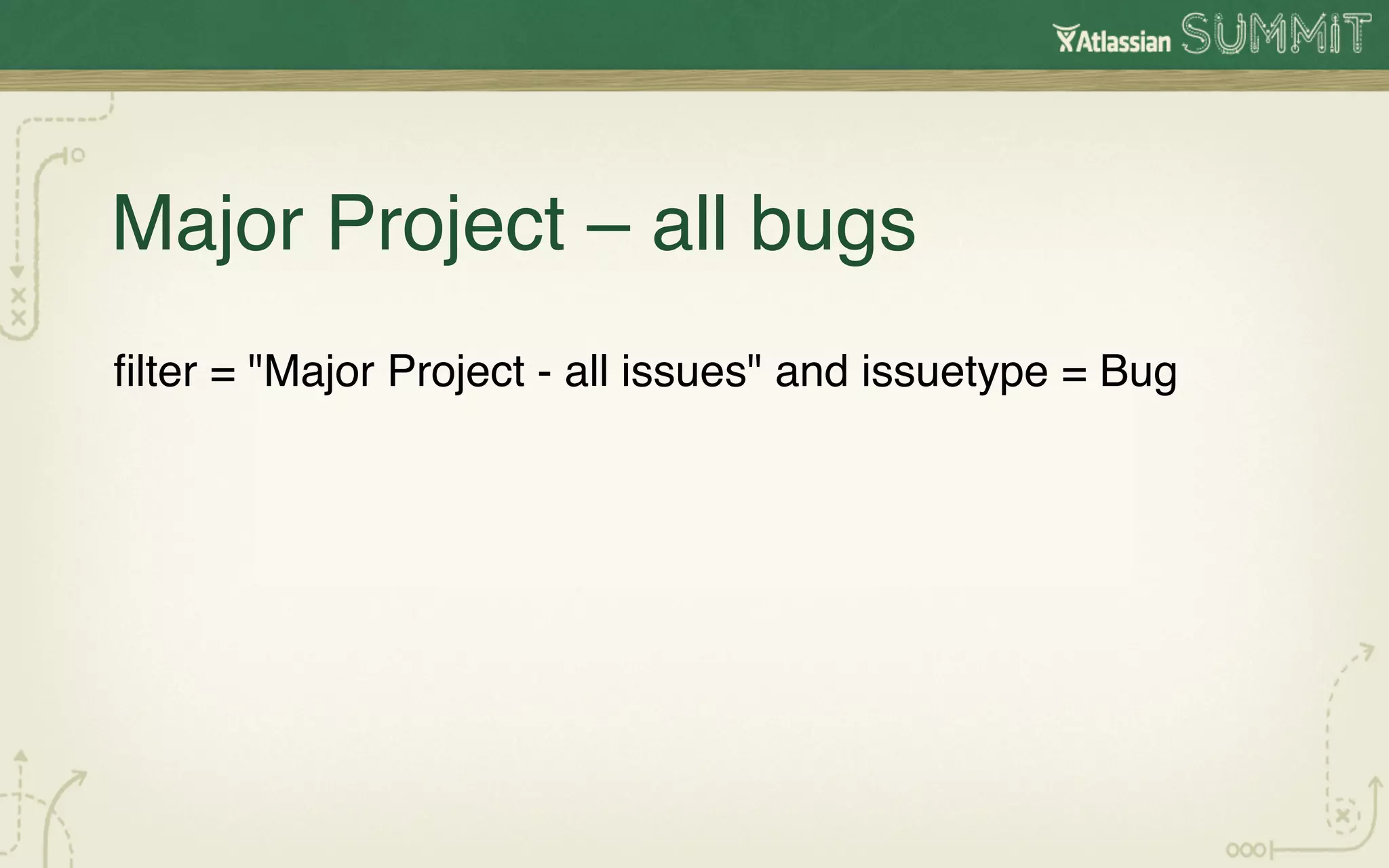
Major Project – all bugs!
filter = "Major Project - all issues" and issuetype = Bug!
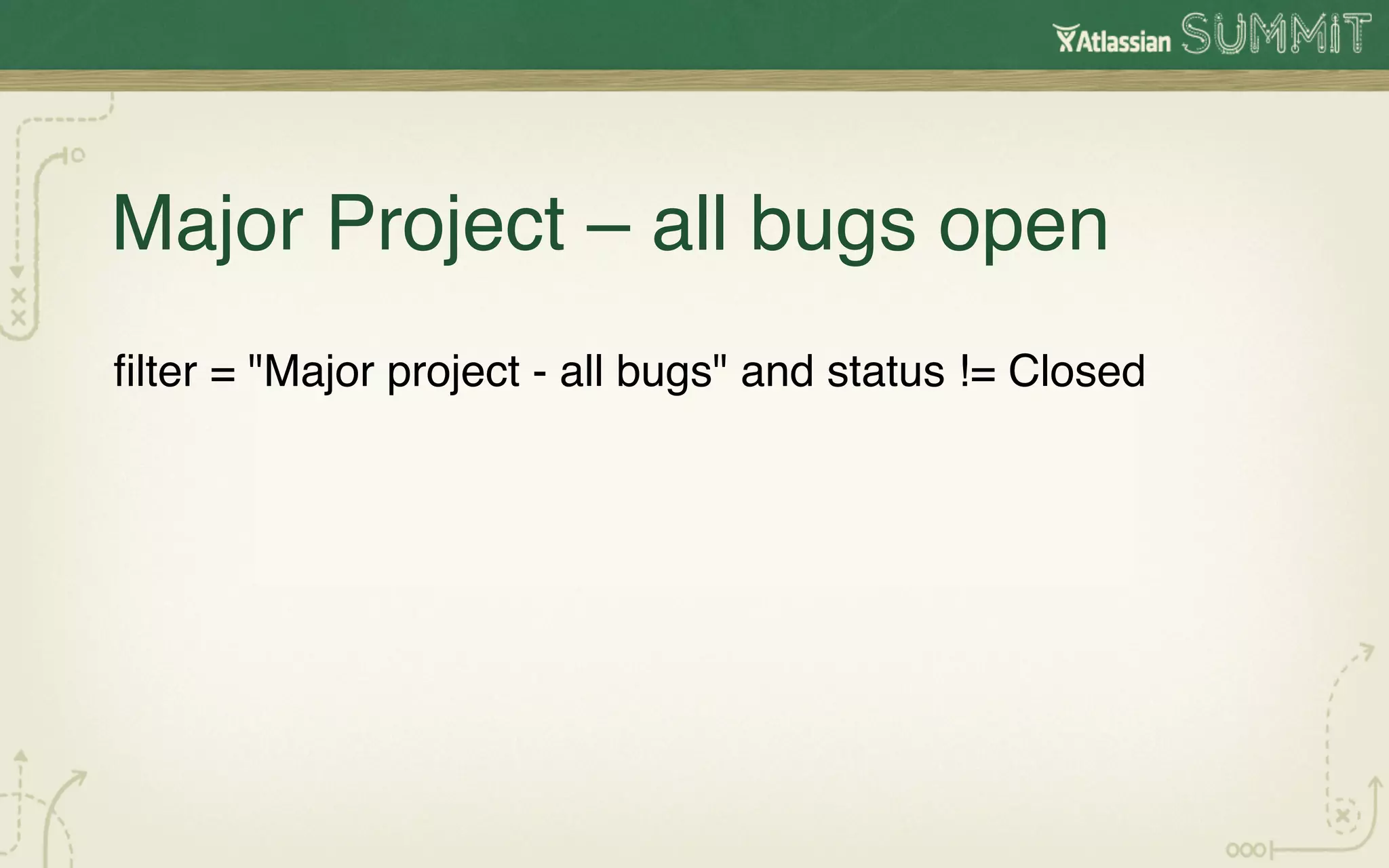
Major Project – all bugs open!
filter = "Major project - all bugs" and status != Closed!
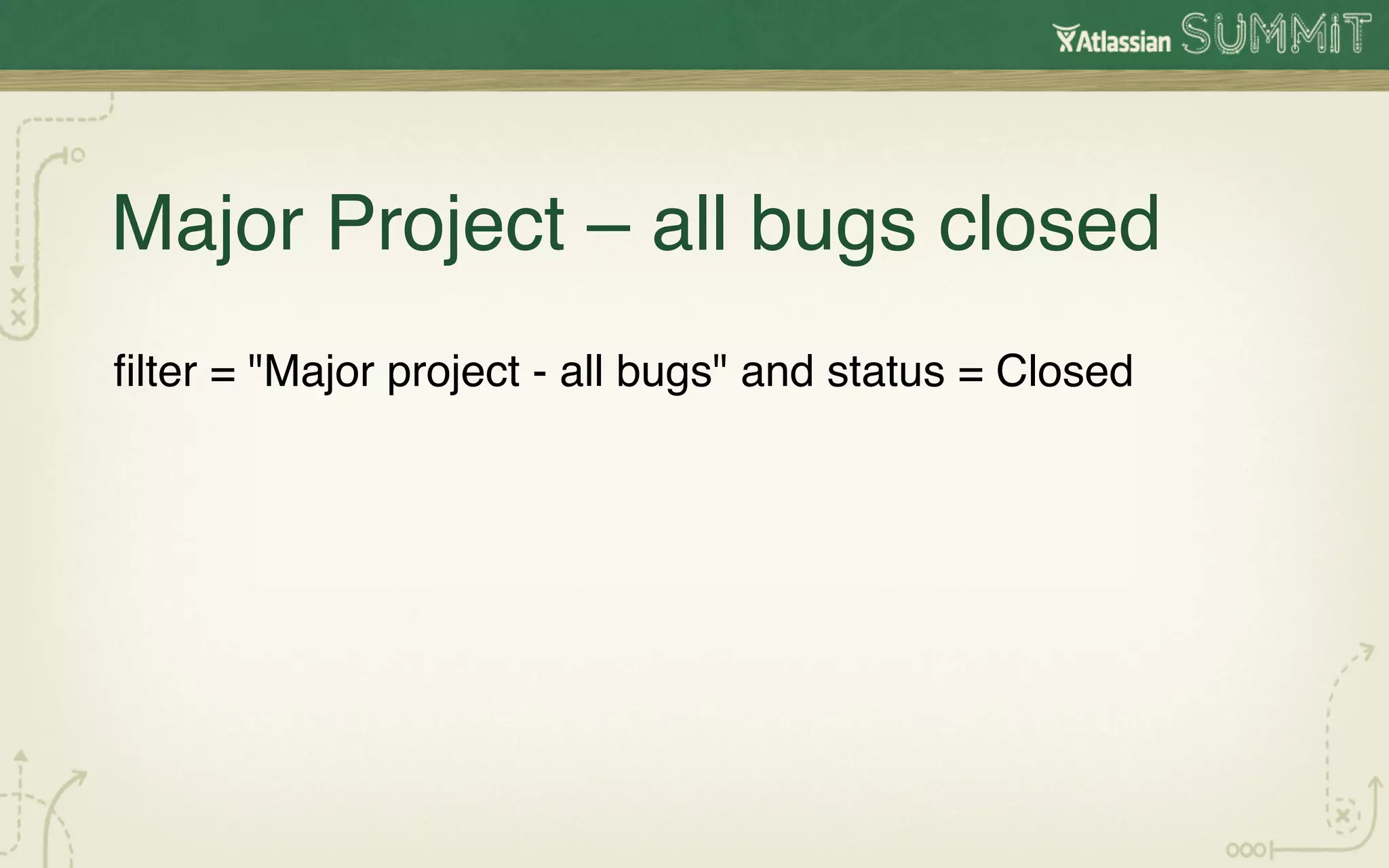
Major Project – all bugs closed!
filter = "Major project - all bugs" and status = Closed!
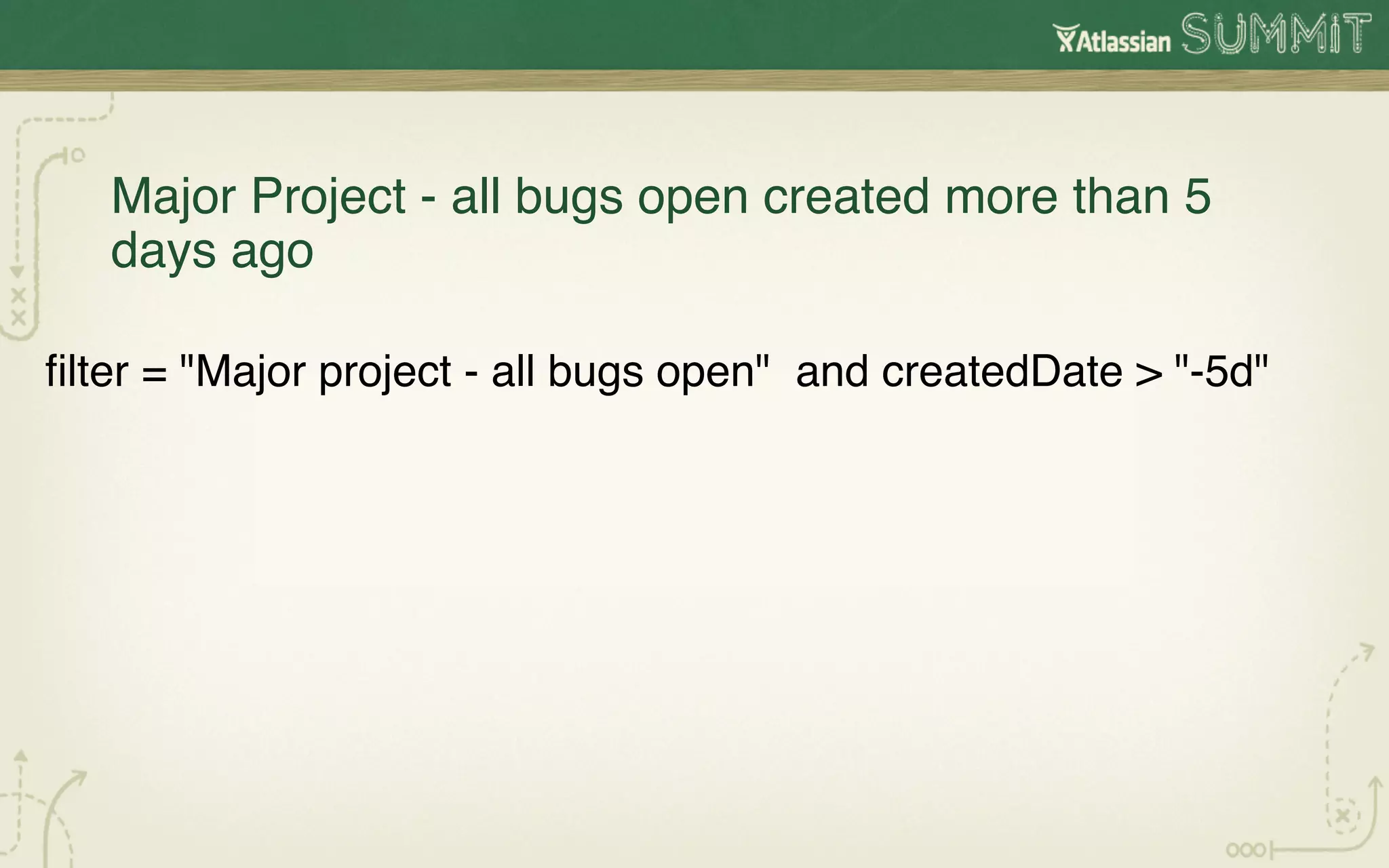
Major Project - all bugs open created more than 5
   days ago!

filter = "Major project - all bugs open" and createdDate > "-5d"!
The Project Dashboard is built!
Based on JQL families of queries!
Based on models of product and projects that match our
organization!
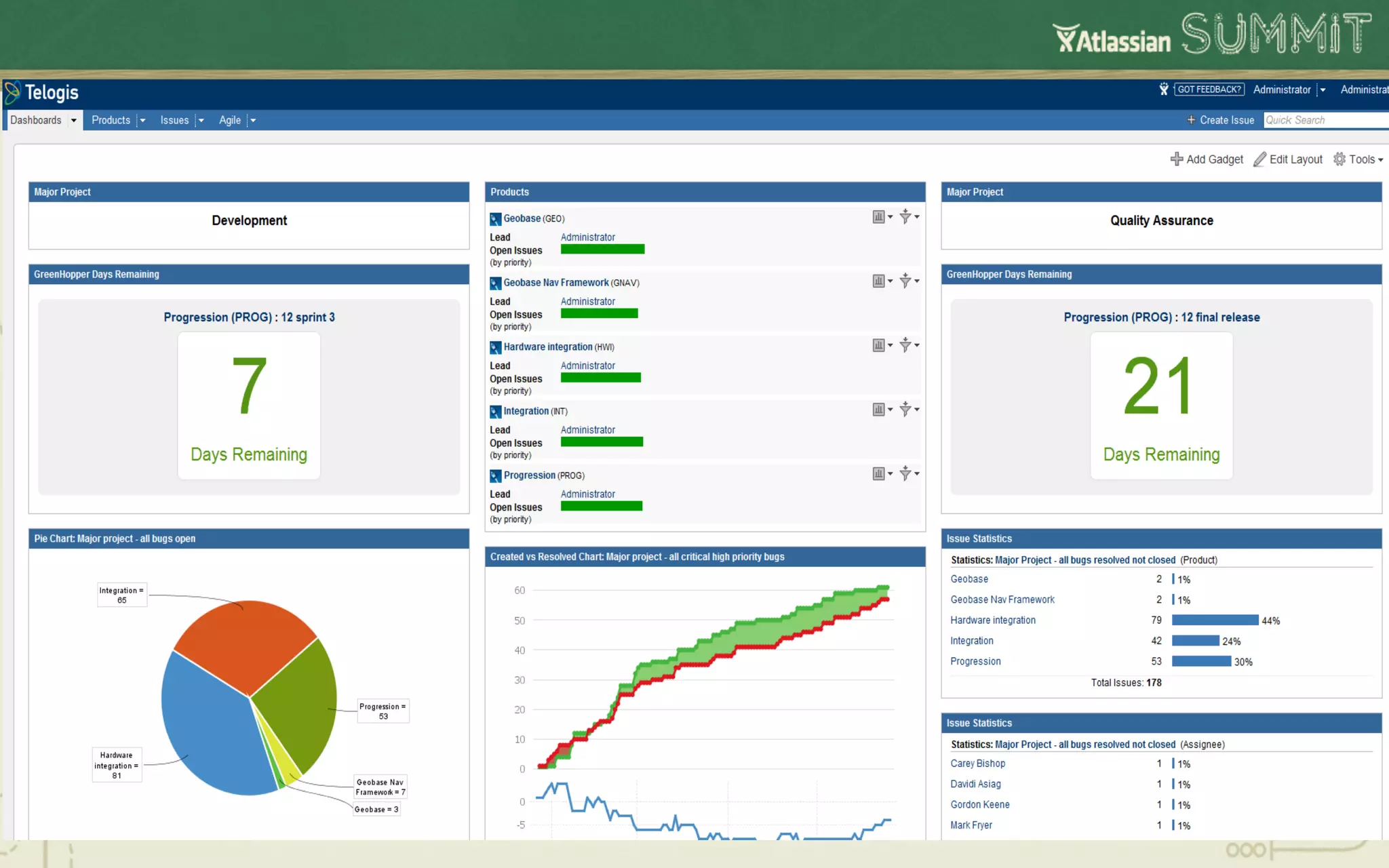
Project Dashboard is constructed with JQL piped
                    filters


   #summit12
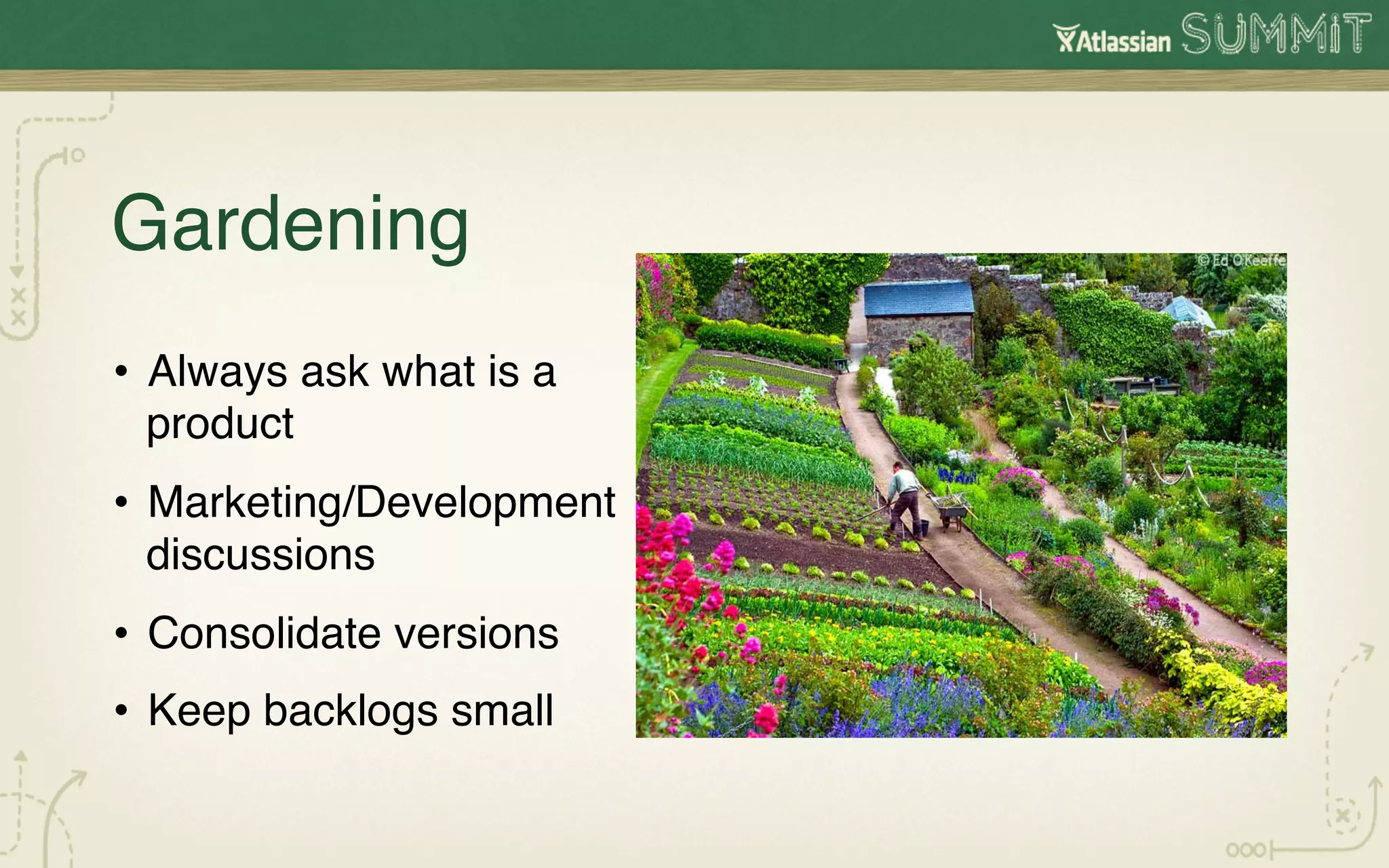
Gardening !                !!
•  Always ask what is a
   product!
•  Marketing/Development
   discussions!
•  Consolidate versions!
•  Keep backlogs small!
How we learned to trust JIRA


 •  Started with one product and expanded!
 ! Never delete !
  • 
•  Involved product management and
   development!
•  Trust everyone; but everyone can check!
•  Evolved JIRA to our enterprise: Monolithic or
   Federation?!
Next Challenges
              !
Additional Requirements!
•  Traceability!
•  How to transition a live environment to JIRA!
•  Shared components & dependencies!
•  Maintain top speed!
Full speed ahead

        !
Thank you!
How Allure did it!
Thank you!

Concurrent Product Release Planning with JIRA

  • 2.
    Concurrent Product Release Planning! with JIRA! Ian Wells ! Telogis Inc ! !
  • 3.
    The captain ofAllure of the Seas had accurate information on the bridge as he steamed full speed towards the Storebaelt Bridge in Denmark !
  • 4.
    How JIRA providedthe Dashboards for our Concurrent Software and Hardware Releases !
  • 5.
    The next 35minutes! •  Our previous challenge! •  Why I chose JIRA for the challenge! •  How we conformed JIRA to us ! •  How we learned to trust JIRA! •  How we built dashboards for each project! •  Our next challenge!
  • 6.
    The Challenge here:Concurrent releases of High Accuracy GPS ! •  14+ core hardware products ! •  10+ core software products! •  10 languages! •  100+ JIRA projects ! •  200+ JIRA logins!
  • 7.
    How we wereorganized! Project Management ! Development & Test ! Product Management ! Marketing & Sales !
  • 8.
  • 9.
  • 10.
  • 11.
  • 12.
    How we conformedJIRA to us! •  Different workflows for hardware/software! •  Define Carefully What a Product meant to us! •  Define Carefully What a Project meant to us! •  JIRA JQL Piped Queries Families! •  Continual Gardening ! !
  • 13.
    Workflows! •  Software –bugs not done till tested done ! •  Agile software – no bugs, only rework! •  Hardware workflows!
  • 14.
    Hardware workflows aredifferent than software workflows! •  Board spins! •  Test cycles! •  More design and simulation!
  • 15.
    Hardware workflows haveboard spins! •  Design! •  2 months later: Prototype board! •  Test! •  2 months later:Pre-release board! •  Test! •  2 months later: Release board!
  • 16.
    What a Productmeans to us! •  Product has releases with ascending unique version numbers! •  A product lives long and has a history of releases! •  A product is managed by a Product Owner!
  • 17.
    What a Projectmeans to us! •  A project manager runs a project! •  A project happens once! •  A single project will contain simultaneous specific product releases. ! •  A single JIRA query can be constructed for all products! •  A single JIRA Dashboard can summarize project status!
  • 18.
    How to changeJIRA project to our product ! •  Locate jira-languages-5.0.5-en_UK_1337505912000.jar in C:Program Files (x86)AtlassianApplication Data JIRAplugins.osgi-pluginstransformed-plugins! •  Rename to .zip! •  Locate JiraWebActionSupport_en_UK.properties! •  Run python script to convert! •  Save JiraWebActionSupport_en_UK.properties in jira-languages-5.0.5-en_UK_1337505912000.zip! •  Rename back to jira-languages-5.0.5-en_UK_1337505912000.jar! •  Replace it! •  Use the UK language! ! !
  • 19.
    Python script! # Replaceall occurrences of Project/Component/Fix output_file.writelines(line)! Version with Product/Area/ Fix in Release after! ! # the = sign on a given input file (Jira language files (default and en_US)! else:! input_file = #replace text after the = sign (line_split[1]) then open("JiraWebActionSupport_en_UK.properties")! write out line! output_file = rep = line_split[1].replace('Project', 'Product')! open("JiraWebActionSupport_en_UK.properties.new","w ")! rep = rep.replace('project', 'product')! for line in input_file:! rep = rep.replace('Component', 'Area')! line_split = line.split("=")! rep = rep.replace('component', 'area')! if len(line_split) !=2:! rep = rep.replace('FixVersion', 'Fix in Release')! #no = sign so just write out this line! rep = rep.replace('Fix Version', 'Fix in Release')! output_file.writelines(line_split[0] + "=" + rep)!
  • 20.
    In our world,a JIRA project was a PRODUCT, a JIRA dashboard was a PROJECT #summit12
  • 21.
    Mapping Projects toProducts with Piped JQL queries! •  Maps our products to our projects! •  Provides all project information in one place!
  • 22.
    Piped JQL queries ! The Mother Query: All issues for this project All issues | critical or high priority All issues | open All issues | closed All issues | open | All issues | open | All issues | closed | All issues | closed | bugs tasks bugs tasks
  • 23.
    Built up afamily of Piped JQL queries all based on the Mother!
  • 24.
    For each Project:
 Takecare for your Mother!
  • 25.
    Mother JQL Query
 ! “Major Project all issues” Filter (project = Progression and ((fixVersion > 10022 and fixVersion <= 10023 ) or fixVersion is empty)) or (project = GNAV and ((fixVersion > 10003 and fixVersion <= 10006) or fixVersion is empty)) or ((project = HWI and (fixVersion > 10076 and fixVersion <= 10080) or fixVersion is empty)) or (project = "INT" and ((fixVersion > 10130 and fixVersion <= 10135) or fixVersion is empty))!
  • 26.
    Major Project –all bugs! filter = "Major Project - all issues" and issuetype = Bug!
  • 27.
    Major Project –all bugs open! filter = "Major project - all bugs" and status != Closed!
  • 28.
    Major Project –all bugs closed! filter = "Major project - all bugs" and status = Closed!
  • 29.
    Major Project -all bugs open created more than 5 days ago! filter = "Major project - all bugs open" and createdDate > "-5d"!
  • 30.
    The Project Dashboardis built! Based on JQL families of queries! Based on models of product and projects that match our organization!
  • 32.
    Project Dashboard isconstructed with JQL piped filters #summit12
  • 33.
    Gardening ! !! •  Always ask what is a product! •  Marketing/Development discussions! •  Consolidate versions! •  Keep backlogs small!
  • 34.
    How we learnedto trust JIRA
 
 •  Started with one product and expanded! ! Never delete ! •  •  Involved product management and development! •  Trust everyone; but everyone can check! •  Evolved JIRA to our enterprise: Monolithic or Federation?!
  • 35.
  • 36.
    Additional Requirements! •  Traceability! • How to transition a live environment to JIRA! •  Shared components & dependencies! •  Maintain top speed!
  • 37.
  • 38.
  • 39.
  • 40.