JBPM Online Training
Glory IT Technologies
 Good knowledge of Java programming.
Prerequisites
JBPM overview
Drools overview
Community projects Vs Enterprise projects
Eclipse integration
JBPM console
JBPM components
Getting started
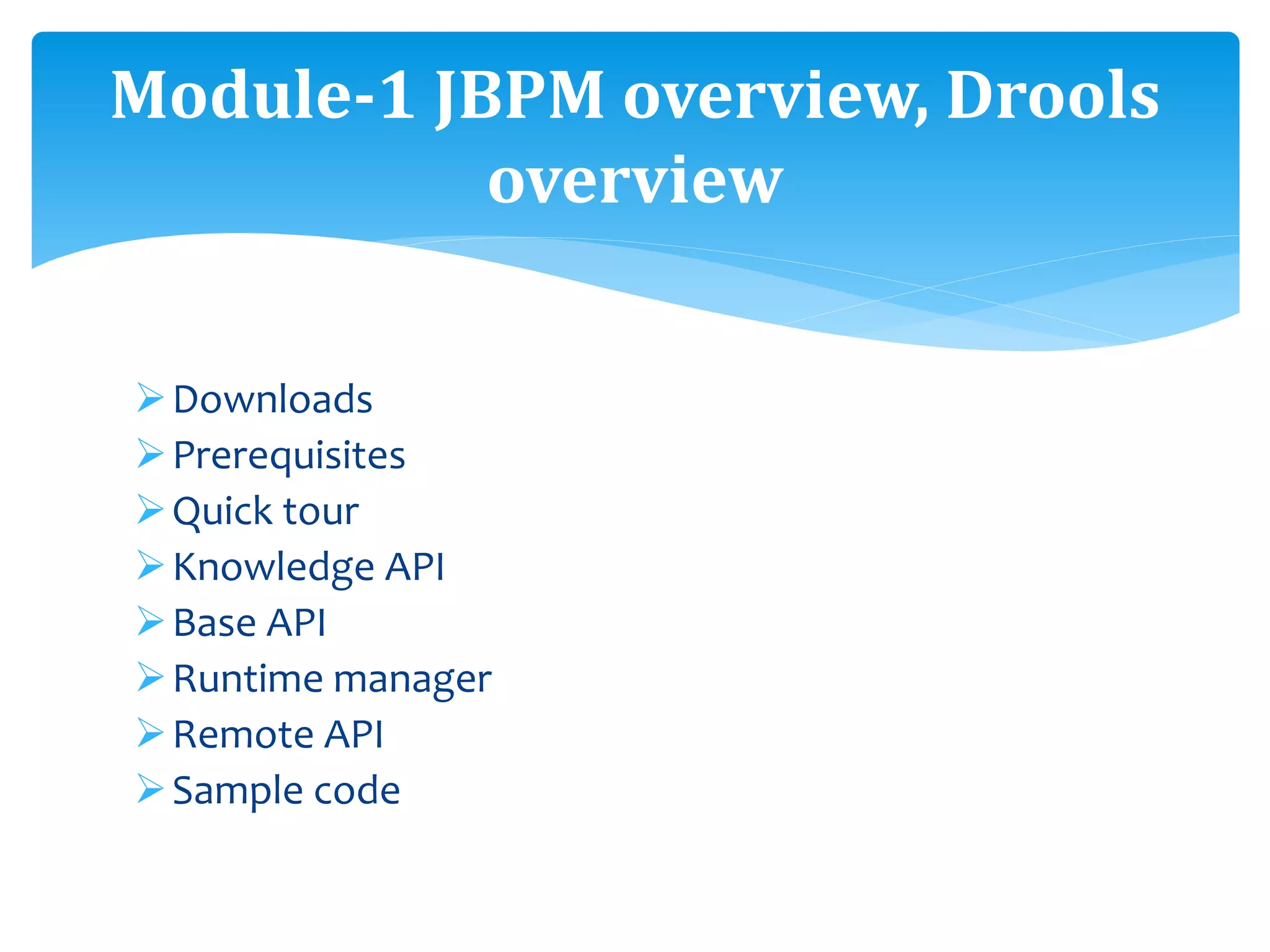
Module-1 JBPM overview, Drools
overview
Downloads
Prerequisites
Quick tour
Knowledge API
Base API
Runtime manager
Remote API
Sample code
Module-1 JBPM overview, Drools
overview
o Installation
o Configuration
o Getting started
o Examples
o Eclipse editor integration
o Q & A
Module-2 Installation
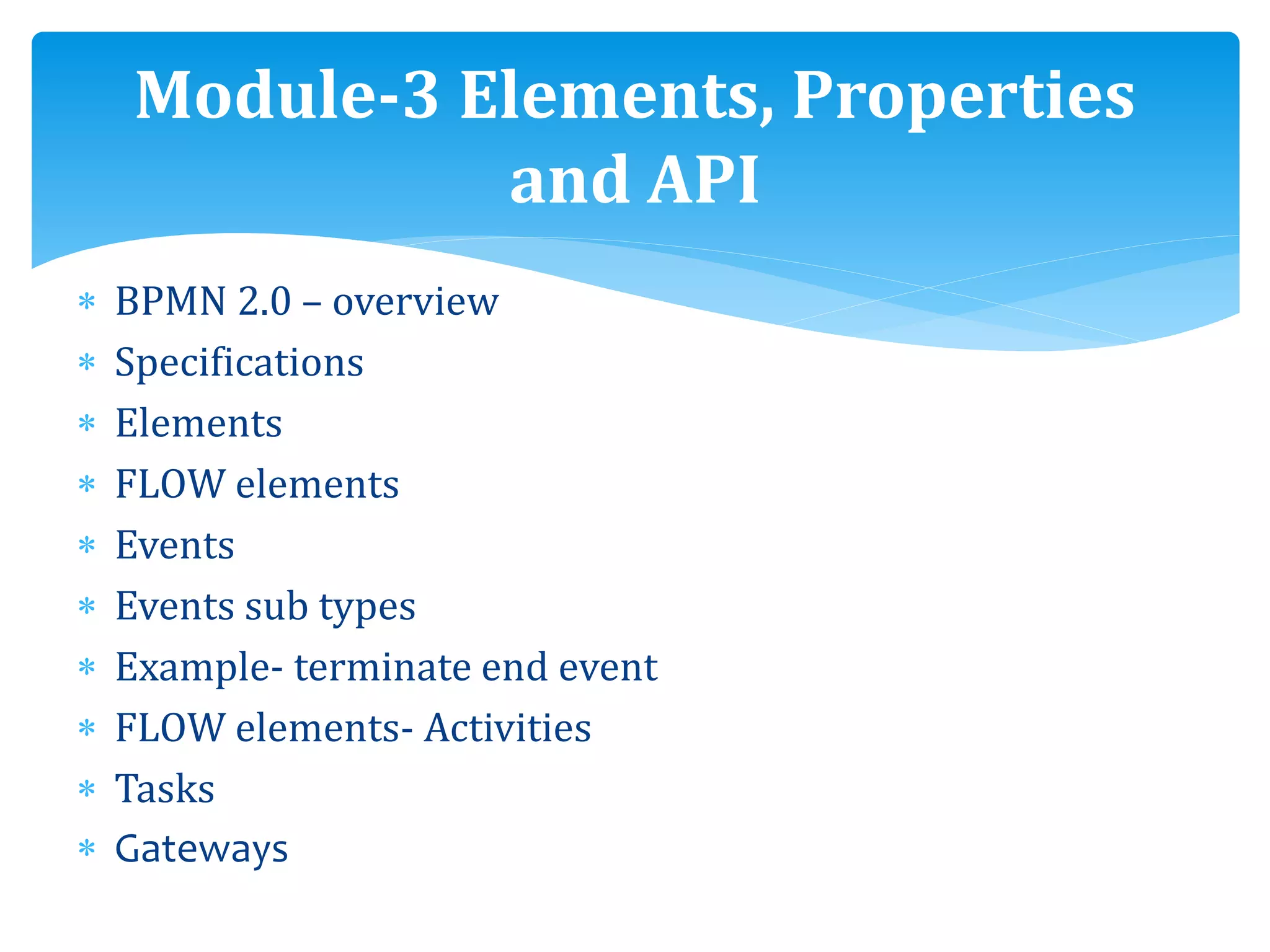
 BPMN 2.0 – overview
 Specifications
 Elements
 FLOW elements
 Events
 Events sub types
 Example- terminate end event
 FLOW elements- Activities
 Tasks
 Gateways
Module-3 Elements, Properties
and API
 Boundary events
 Connecting elements
 Data elements
 Swim lanes and Artifacts
 Workbench- Process designer sections
 Process properties
 Task properties
 Human interactions
 Task service API
Module-3 Elements, Properties
and API
JBPM external integration
Workbench integration
Sample Web Application
Architecture of integration
Creation of sample process
Eclipse
Business process
Module-4 JBPM external
integration, Process management,
Remote API factory, Servlet
Git repositories
Import the project
Maven plug-in connectors setup
Login servlet
Kie servlet
New claim submission
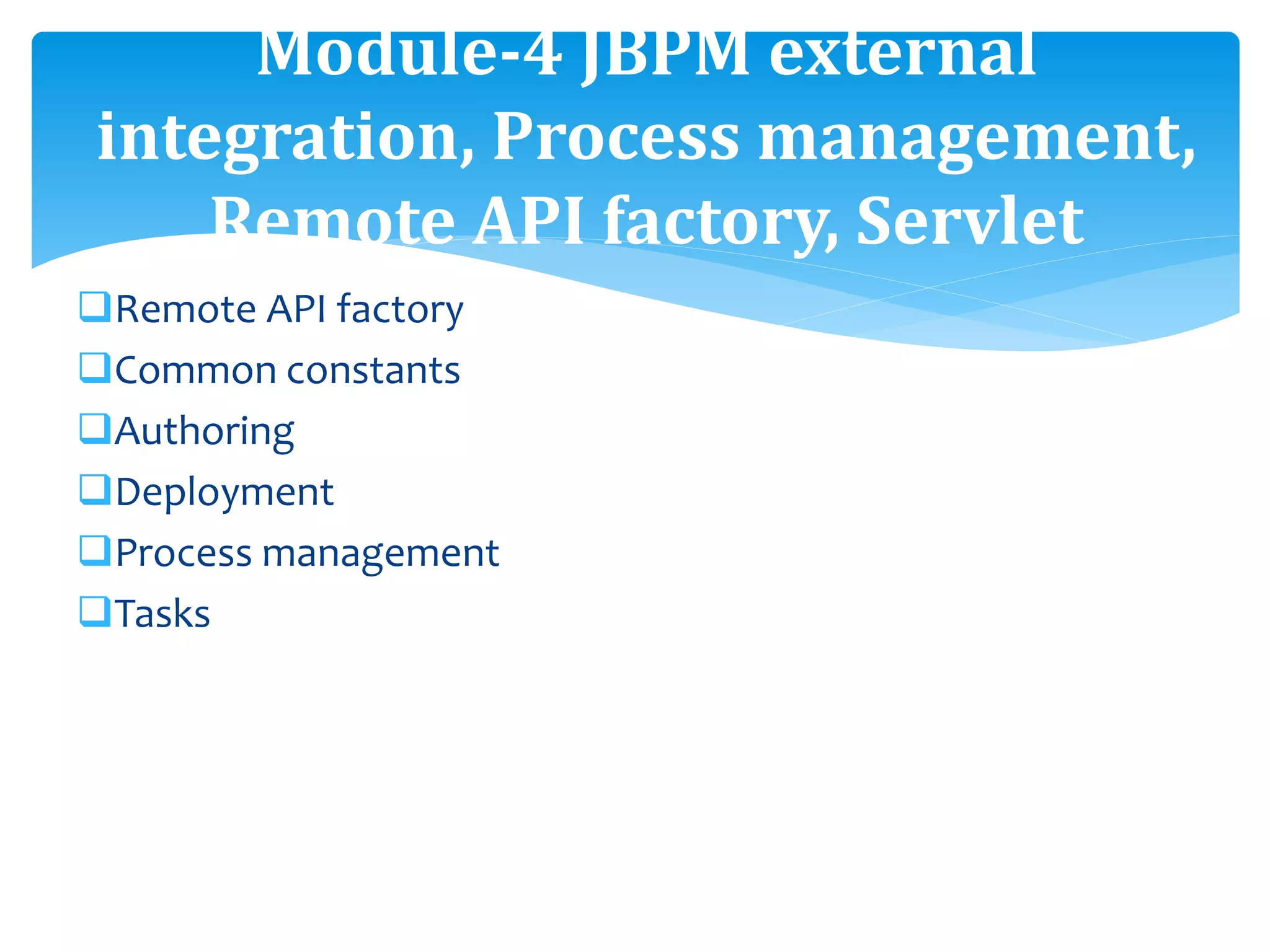
Module-4 JBPM external
integration, Process management,
Remote API factory, Servlet
Remote API factory
Common constants
Authoring
Deployment
Process management
Tasks
Module-4 JBPM external
integration, Process management,
Remote API factory, Servlet
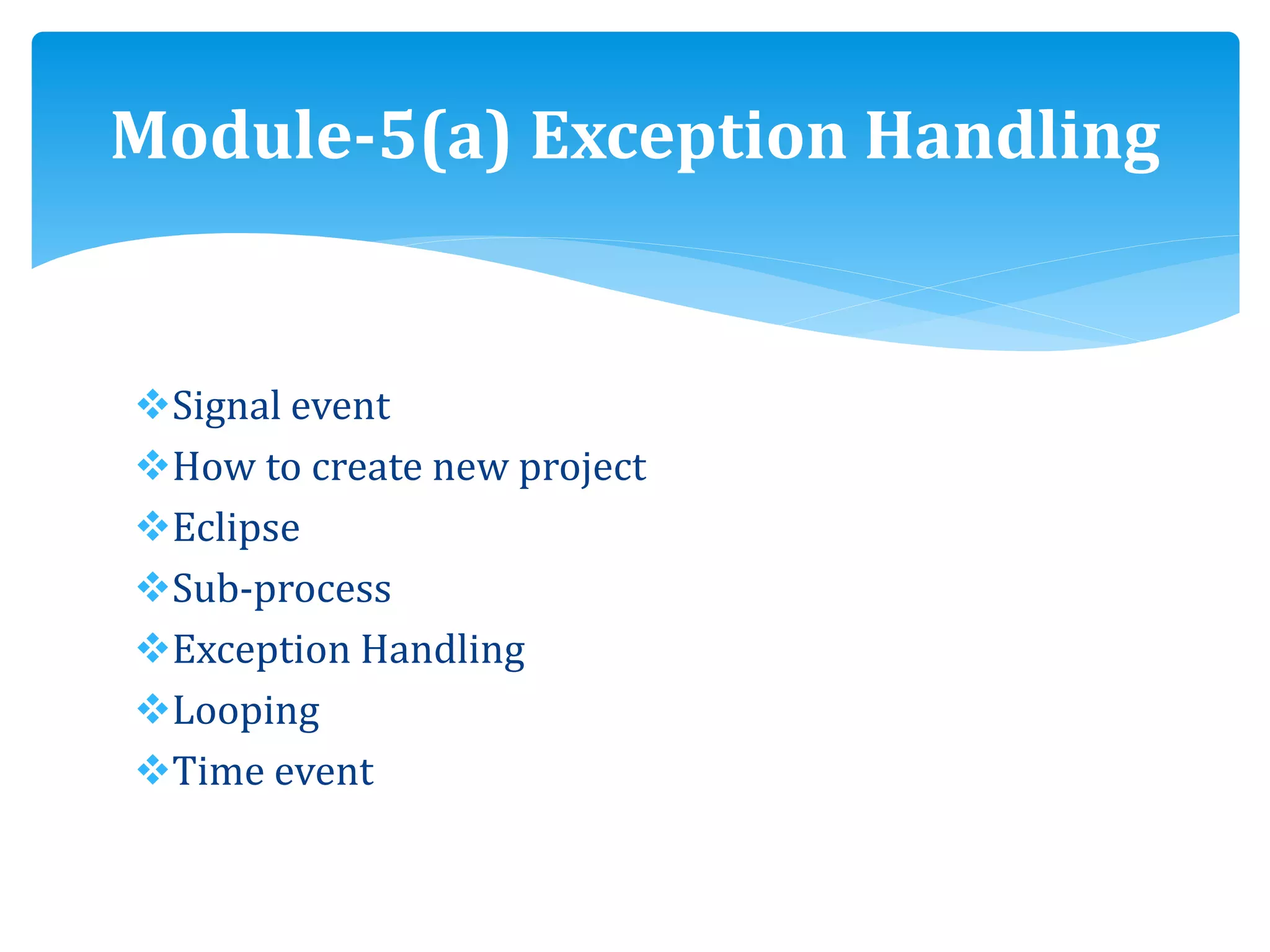
Signal event
How to create new project
Eclipse
Sub-process
Exception Handling
Looping
Time event
Module-5(a) Exception Handling
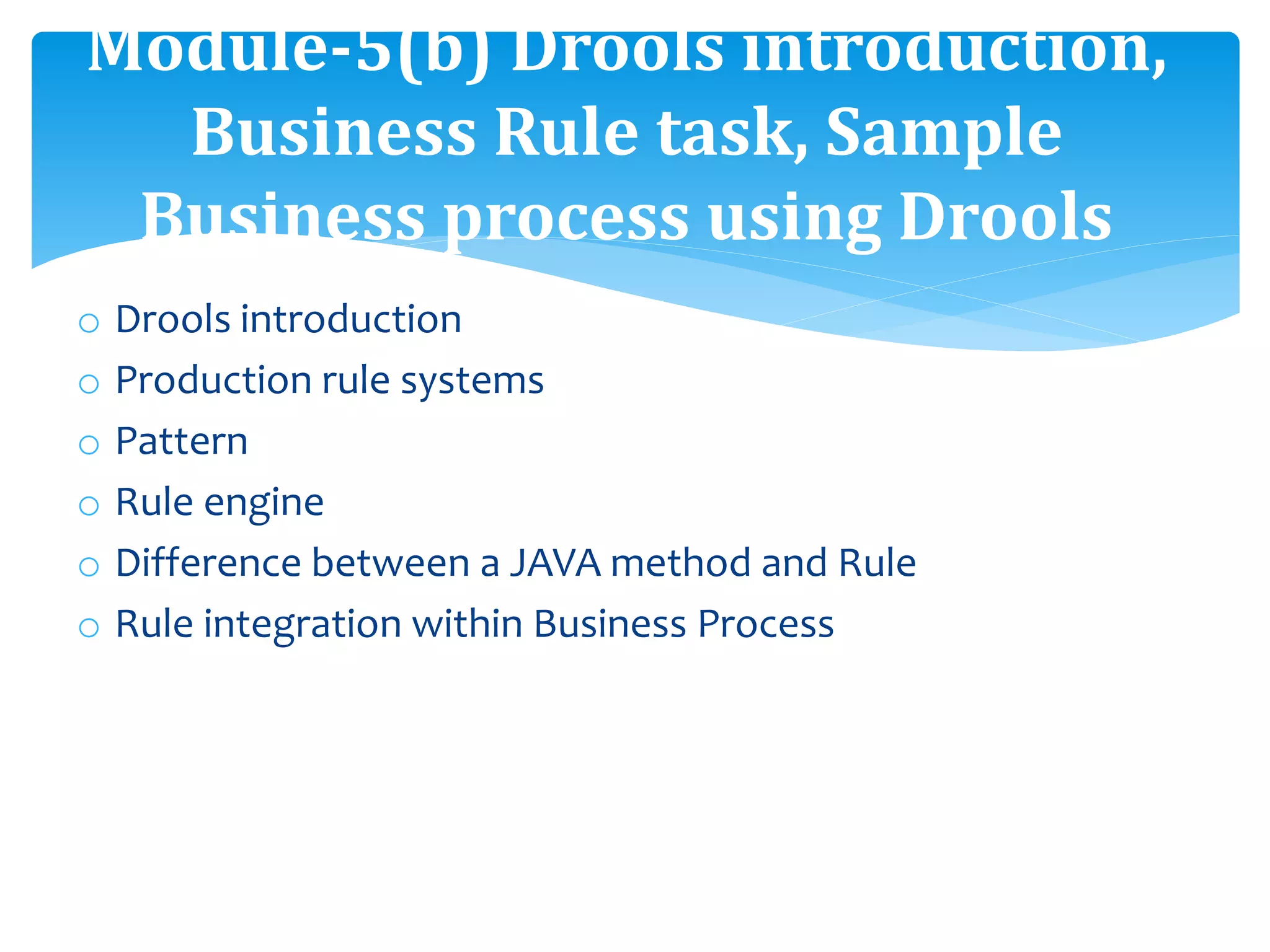
o Drools introduction
o Production rule systems
o Pattern
o Rule engine
o Difference between a JAVA method and Rule
o Rule integration within Business Process
Module-5(b) Drools introduction,
Business Rule task, Sample
Business process using Drools
o Business Rule task
o Rule flow graph
o Setting up Eclipse
o Sample drools project Hello World
o Sample claims process
o Sample Business process using Drools
Module-5(b) Drools introduction,
Business Rule task, Sample
Business process using Drools
 Persistence & Transaction
 Why persistence & transaction
 Persistence
 Internal working of persistence
 JBPM DB model
 JBPM persistence entities
 JBPM persistence & Transaction Dependencies
 JBPM persistence API
 Kie session
Module-6 Persistence Transaction
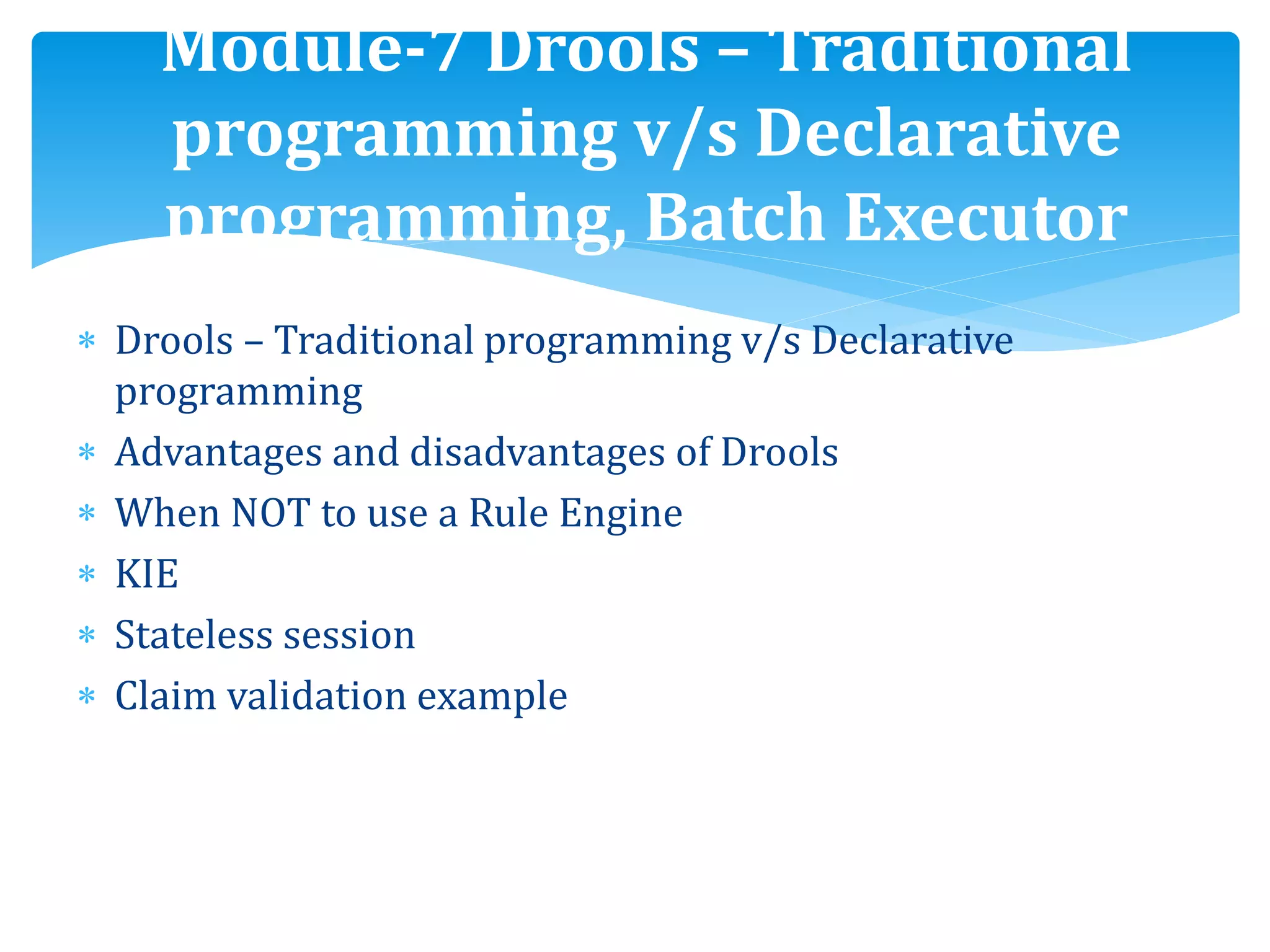
 Drools – Traditional programming v/s Declarative
programming
 Advantages and disadvantages of Drools
 When NOT to use a Rule Engine
 KIE
 Stateless session
 Claim validation example
Module-7 Drools – Traditional
programming v/s Declarative
programming, Batch Executor
Stateless session example
Batch Executor
Stateful session
Stateful session example
Cross products
License example
Module-7 Drools – Traditional
programming v/s Declarative
programming, Batch Executor
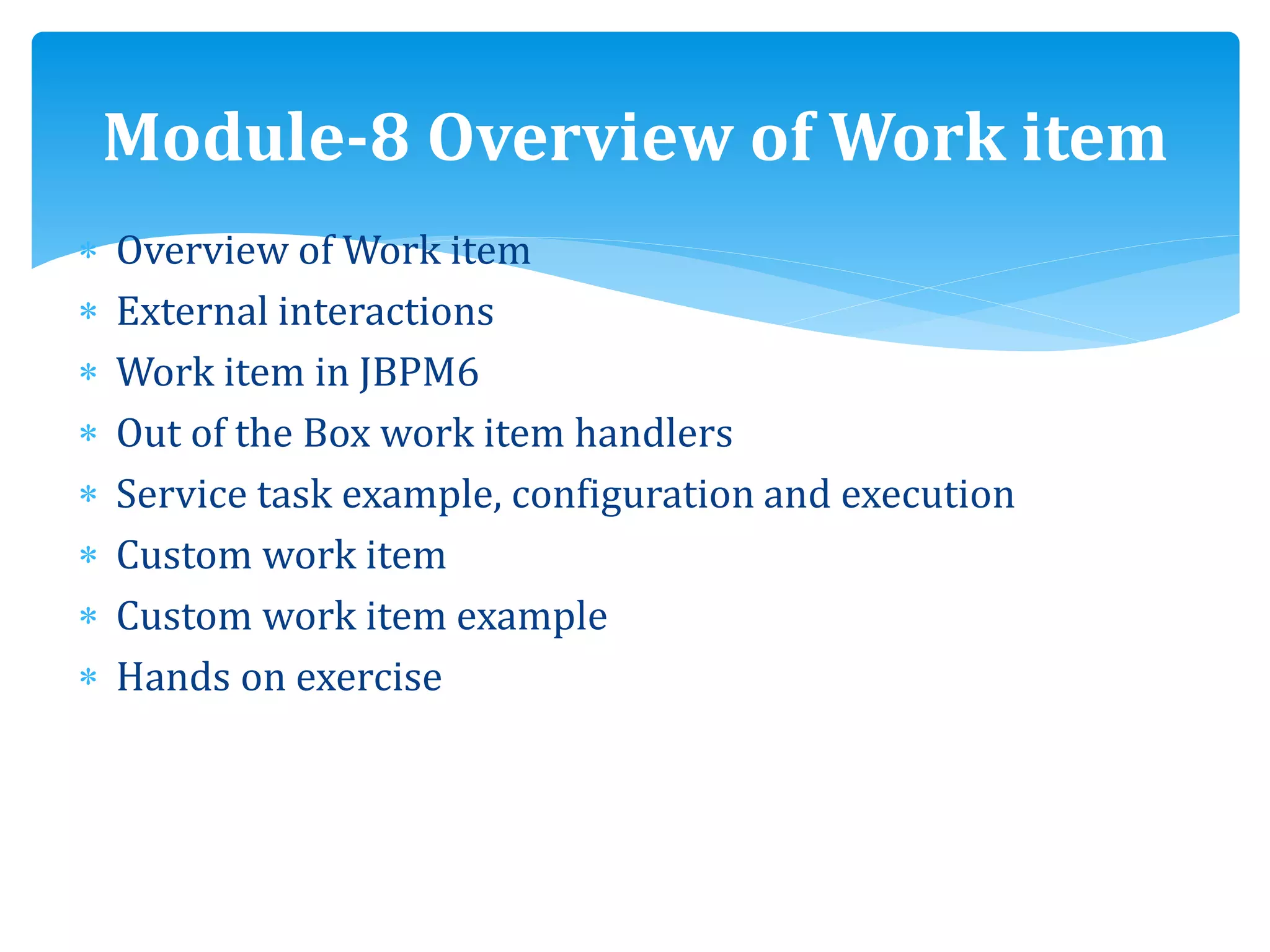
 Overview of Work item
 External interactions
 Work item in JBPM6
 Out of the Box work item handlers
 Service task example, configuration and execution
 Custom work item
 Custom work item example
 Hands on exercise
Module-8 Overview of Work item
Execution control-Agenda
Meaning of Agenda
Execution Control – Rules matches & control
Execution control-conflict resolution
Decision table
When & when not to use decision table
Rules set part
Understanding decision table
Rule set attributes
Module-9 Execution control-
Agenda Rule set
Rule templates
Rules authoring using workbench
Data enumeration
Guided rule
Guided rule template
Guided decision table
Decision table spreadsheet
Functions in Drools
Type declaration
Demo
Module 10-Rule & Function
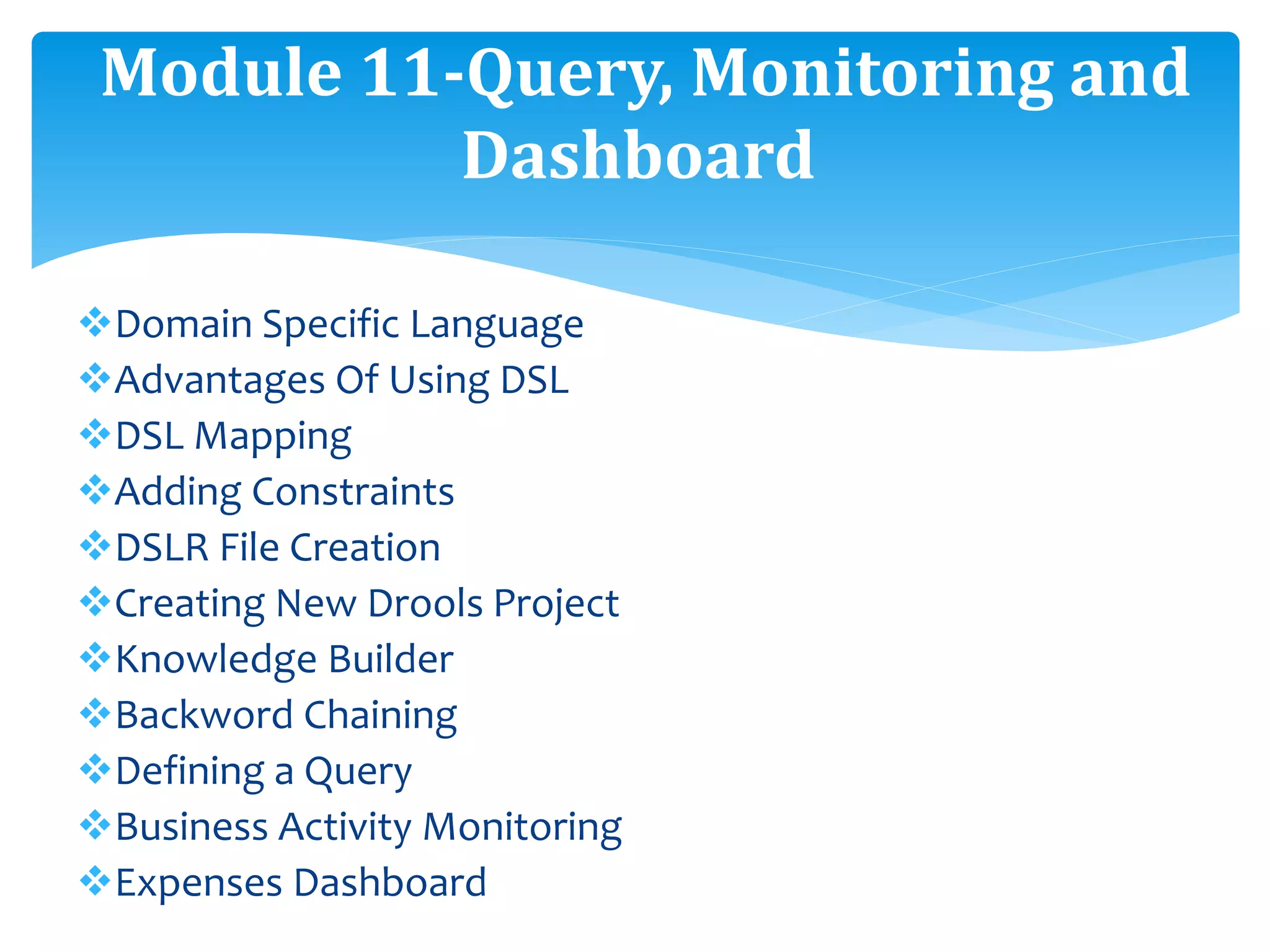
Domain Specific Language
Advantages Of Using DSL
DSL Mapping
Adding Constraints
DSLR File Creation
Creating New Drools Project
Knowledge Builder
Backword Chaining
Defining a Query
Business Activity Monitoring
Expenses Dashboard
Module 11-Query, Monitoring and
Dashboard
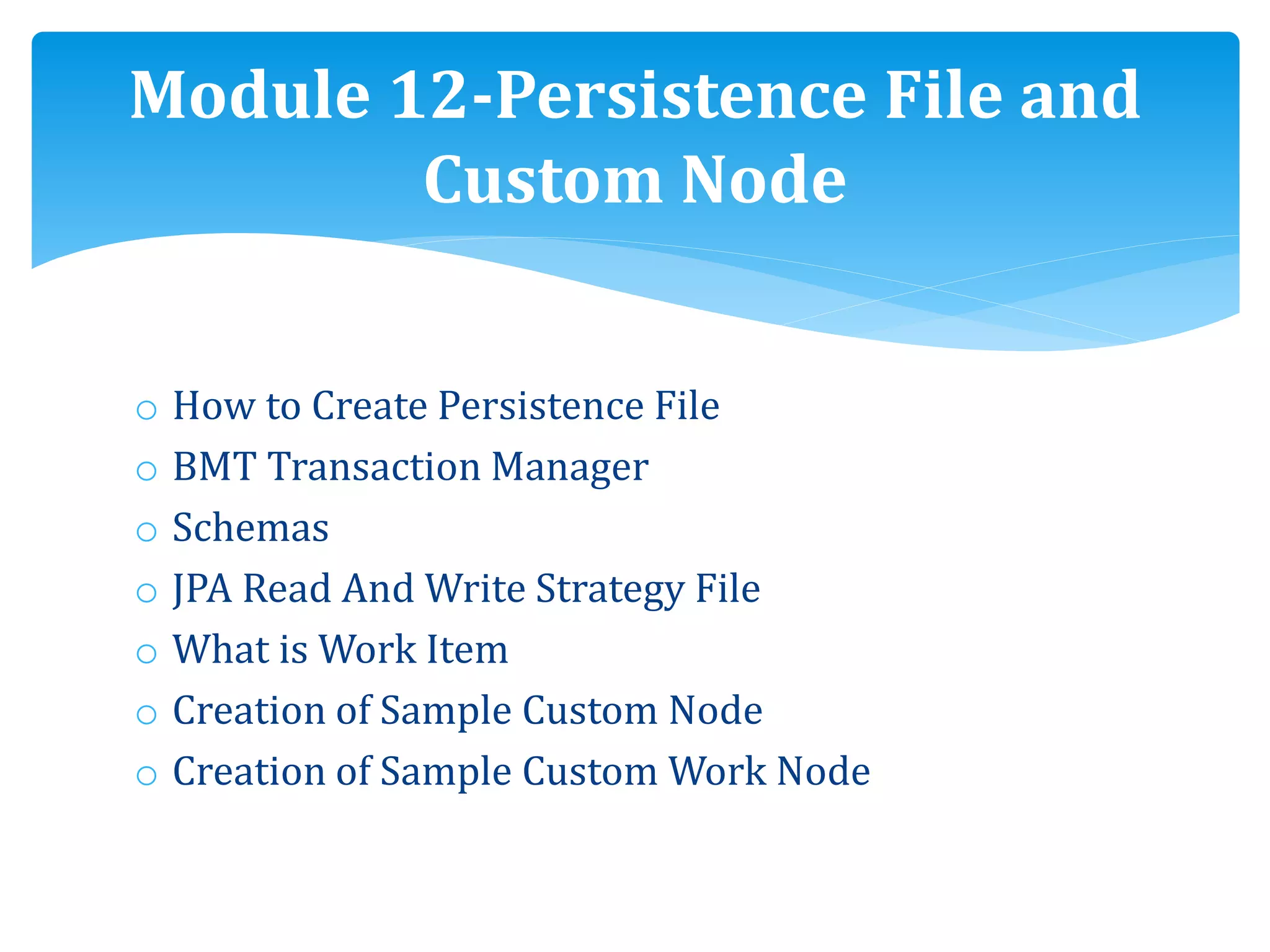
o How to Create Persistence File
o BMT Transaction Manager
o Schemas
o JPA Read And Write Strategy File
o What is Work Item
o Creation of Sample Custom Node
o Creation of Sample Custom Work Node
Module 12-Persistence File and
Custom Node
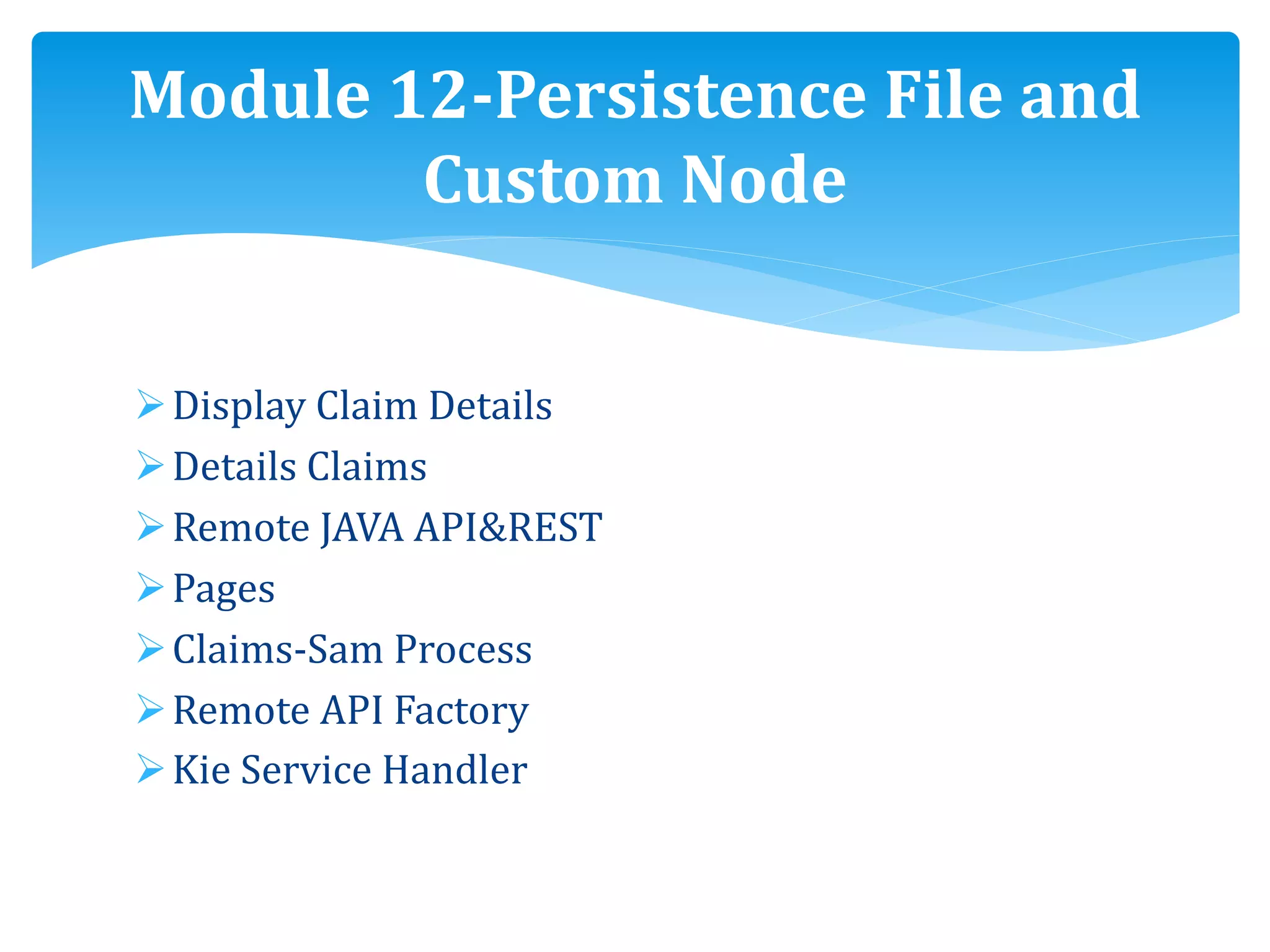
Display Claim Details
Details Claims
Remote JAVA API&REST
Pages
Claims-Sam Process
Remote API Factory
Kie Service Handler
Module 12-Persistence File and
Custom Node
Project1-JBPM web app
Project2-JBPM-Persistence
Project3-JBPM-domainspecificnode
Project4-DecisionTable
 Decision Table
 Parts Of Decision Table
 Creation of Test Tax Rule
Project work
We stay with you until you get the results you want.
If you really interested, please let me know .
We will arrange the Demo Session.
 Feel Free to call us any time
Thanks & Regards
Srinivas
Glory IT Technologies
Email : Info@gloryittechnologies.com
Phone : +91-9032813456/ +91-9160177789
Skype ID : gloryittechnologies
Contact us for free Demo
THANK YOU

Jbpm online training

  • 1.
  • 2.
     Good knowledgeof Java programming. Prerequisites
  • 3.
    JBPM overview Drools overview Communityprojects Vs Enterprise projects Eclipse integration JBPM console JBPM components Getting started Module-1 JBPM overview, Drools overview
  • 4.
    Downloads Prerequisites Quick tour Knowledge API BaseAPI Runtime manager Remote API Sample code Module-1 JBPM overview, Drools overview
  • 5.
    o Installation o Configuration oGetting started o Examples o Eclipse editor integration o Q & A Module-2 Installation
  • 6.
     BPMN 2.0– overview  Specifications  Elements  FLOW elements  Events  Events sub types  Example- terminate end event  FLOW elements- Activities  Tasks  Gateways Module-3 Elements, Properties and API
  • 7.
     Boundary events Connecting elements  Data elements  Swim lanes and Artifacts  Workbench- Process designer sections  Process properties  Task properties  Human interactions  Task service API Module-3 Elements, Properties and API
  • 8.
    JBPM external integration Workbenchintegration Sample Web Application Architecture of integration Creation of sample process Eclipse Business process Module-4 JBPM external integration, Process management, Remote API factory, Servlet
  • 9.
    Git repositories Import theproject Maven plug-in connectors setup Login servlet Kie servlet New claim submission Module-4 JBPM external integration, Process management, Remote API factory, Servlet
  • 10.
    Remote API factory Commonconstants Authoring Deployment Process management Tasks Module-4 JBPM external integration, Process management, Remote API factory, Servlet
  • 11.
    Signal event How tocreate new project Eclipse Sub-process Exception Handling Looping Time event Module-5(a) Exception Handling
  • 12.
    o Drools introduction oProduction rule systems o Pattern o Rule engine o Difference between a JAVA method and Rule o Rule integration within Business Process Module-5(b) Drools introduction, Business Rule task, Sample Business process using Drools
  • 13.
    o Business Ruletask o Rule flow graph o Setting up Eclipse o Sample drools project Hello World o Sample claims process o Sample Business process using Drools Module-5(b) Drools introduction, Business Rule task, Sample Business process using Drools
  • 14.
     Persistence &Transaction  Why persistence & transaction  Persistence  Internal working of persistence  JBPM DB model  JBPM persistence entities  JBPM persistence & Transaction Dependencies  JBPM persistence API  Kie session Module-6 Persistence Transaction
  • 15.
     Drools –Traditional programming v/s Declarative programming  Advantages and disadvantages of Drools  When NOT to use a Rule Engine  KIE  Stateless session  Claim validation example Module-7 Drools – Traditional programming v/s Declarative programming, Batch Executor
  • 16.
    Stateless session example BatchExecutor Stateful session Stateful session example Cross products License example Module-7 Drools – Traditional programming v/s Declarative programming, Batch Executor
  • 17.
     Overview ofWork item  External interactions  Work item in JBPM6  Out of the Box work item handlers  Service task example, configuration and execution  Custom work item  Custom work item example  Hands on exercise Module-8 Overview of Work item
  • 18.
    Execution control-Agenda Meaning ofAgenda Execution Control – Rules matches & control Execution control-conflict resolution Decision table When & when not to use decision table Rules set part Understanding decision table Rule set attributes Module-9 Execution control- Agenda Rule set
  • 19.
    Rule templates Rules authoringusing workbench Data enumeration Guided rule Guided rule template Guided decision table Decision table spreadsheet Functions in Drools Type declaration Demo Module 10-Rule & Function
  • 20.
    Domain Specific Language AdvantagesOf Using DSL DSL Mapping Adding Constraints DSLR File Creation Creating New Drools Project Knowledge Builder Backword Chaining Defining a Query Business Activity Monitoring Expenses Dashboard Module 11-Query, Monitoring and Dashboard
  • 21.
    o How toCreate Persistence File o BMT Transaction Manager o Schemas o JPA Read And Write Strategy File o What is Work Item o Creation of Sample Custom Node o Creation of Sample Custom Work Node Module 12-Persistence File and Custom Node
  • 22.
    Display Claim Details DetailsClaims Remote JAVA API&REST Pages Claims-Sam Process Remote API Factory Kie Service Handler Module 12-Persistence File and Custom Node
  • 23.
    Project1-JBPM web app Project2-JBPM-Persistence Project3-JBPM-domainspecificnode Project4-DecisionTable Decision Table  Parts Of Decision Table  Creation of Test Tax Rule Project work
  • 24.
    We stay withyou until you get the results you want. If you really interested, please let me know . We will arrange the Demo Session.  Feel Free to call us any time Thanks & Regards Srinivas Glory IT Technologies Email : Info@gloryittechnologies.com Phone : +91-9032813456/ +91-9160177789 Skype ID : gloryittechnologies Contact us for free Demo
  • 25.