Java – Lexical Elements
T S Pradeepkumar
Overview
• White space
• Identifiers
• Literals
• Comments
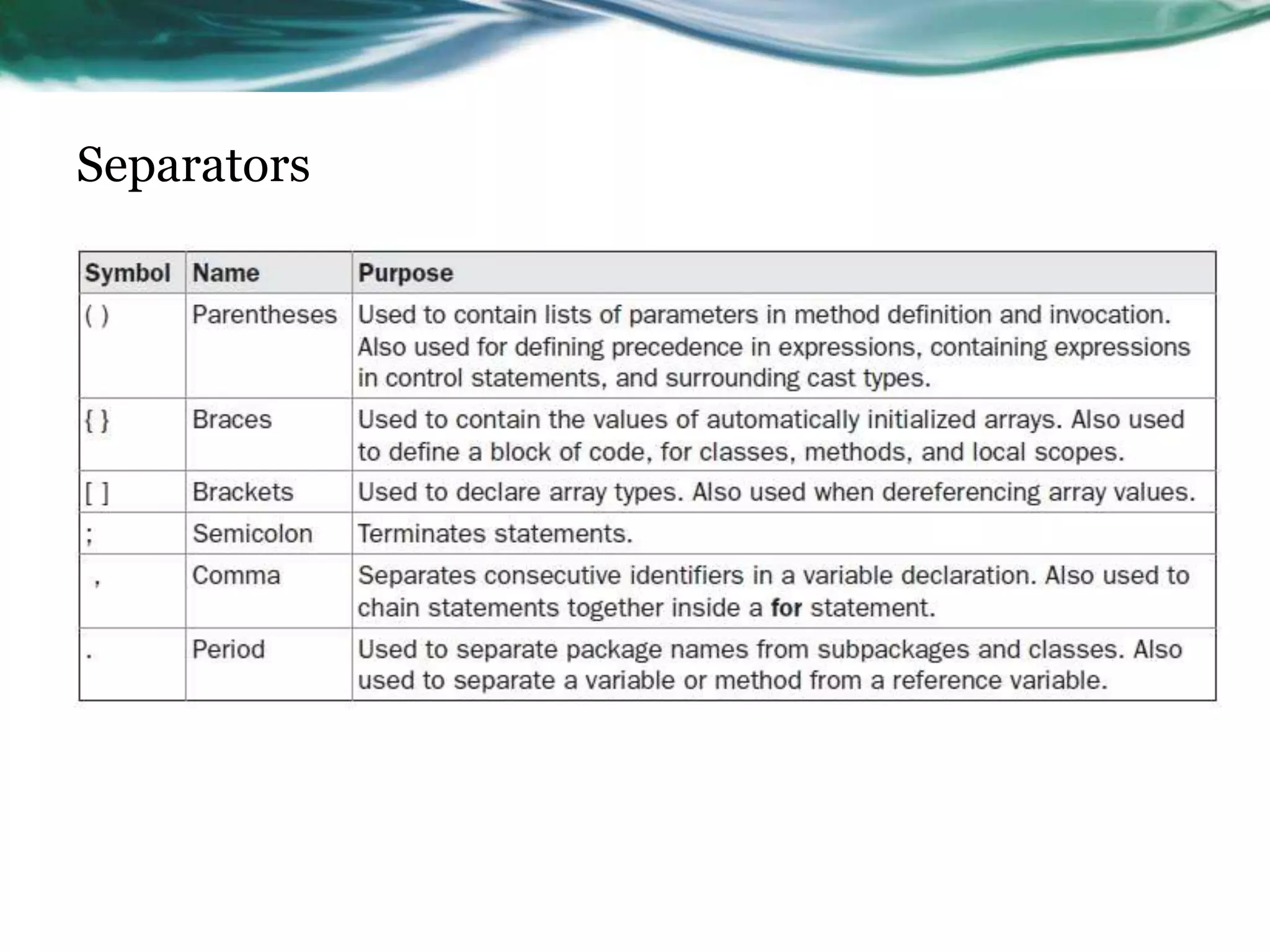
• Separators
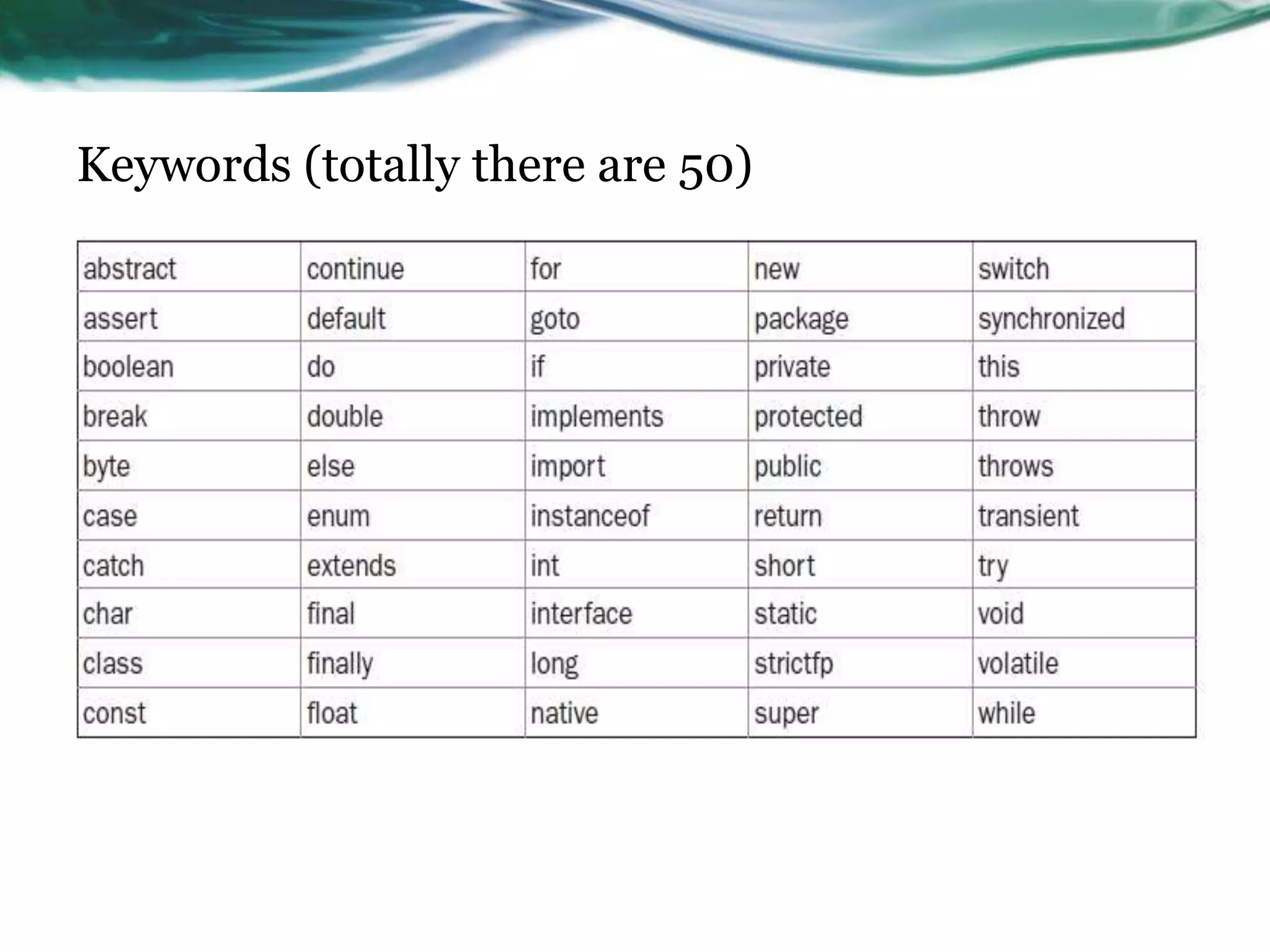
• Keywords
White space
Whitespace is java may be
• A space
• A new line
• A tab
Identifiers
• Used for naming variable names, method names and class names
• Should not start with a number (as it confuse with a number) or
there should not be any hyphen – in any identifiers.
• Can start with
o _ (underscore)
o $ (dollar symbol)
o Uppercase or lowercase alphabets
Examples
Audi count a7 $good this_is_ok
Literals
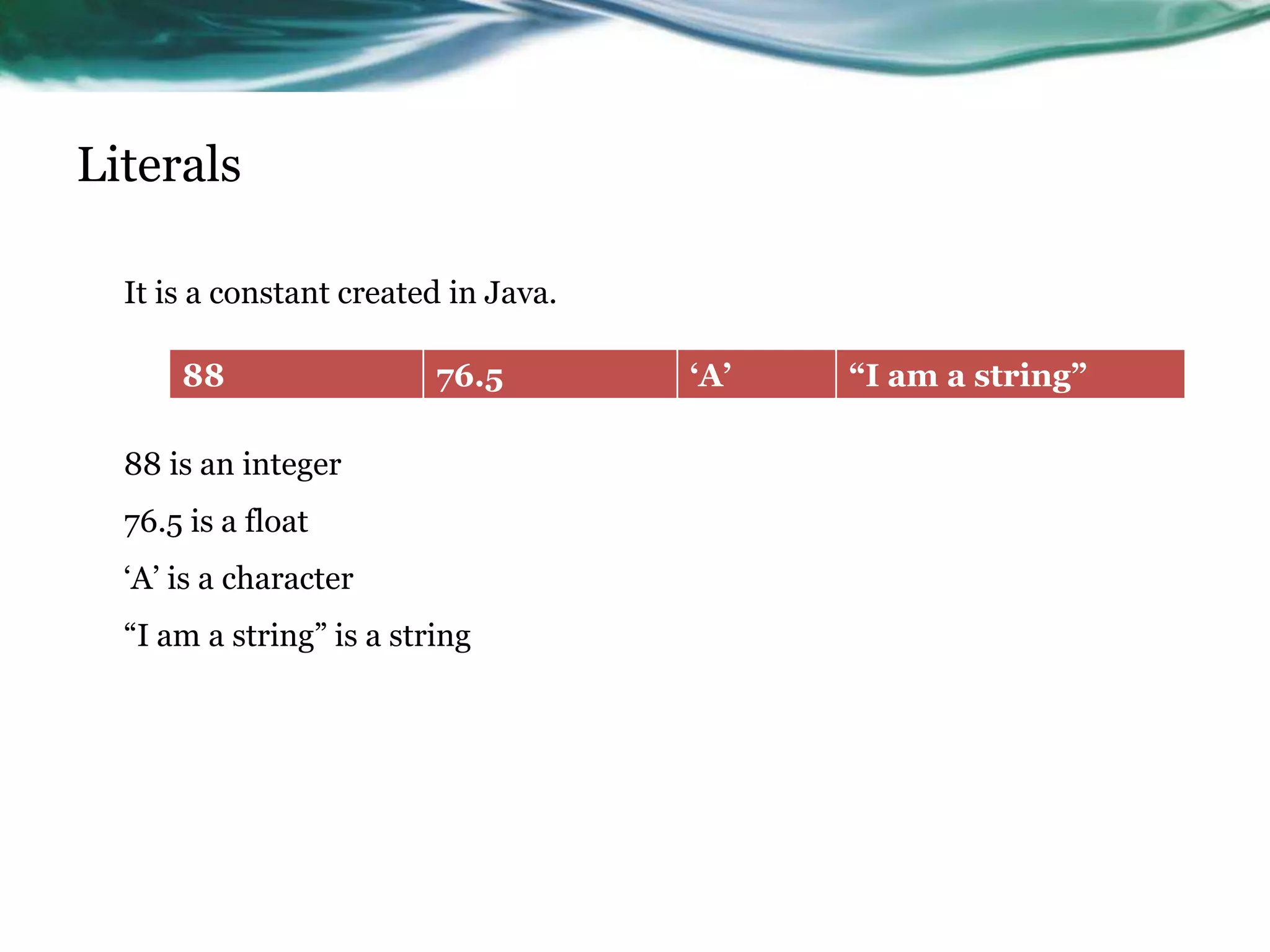
It is a constant created in Java.
88 is an integer
76.5 is a float
„A‟ is a character
“I am a string” is a string
88 76.5 „A‟ “I am a string”
Comments
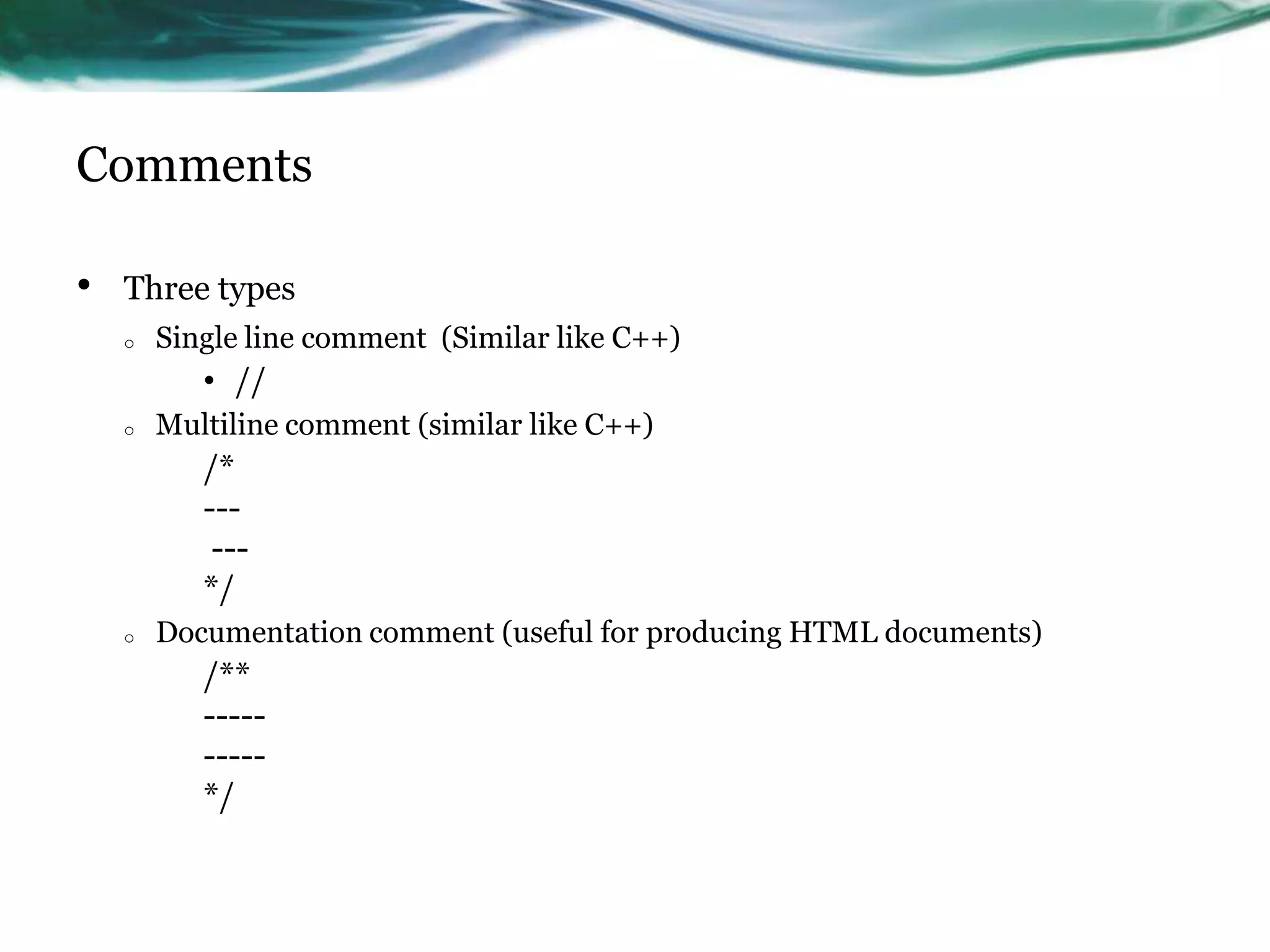
• Three types
o Single line comment (Similar like C++)
• //
o Multiline comment (similar like C++)
/*
---
---
*/
o Documentation comment (useful for producing HTML documents)
/**
-----
-----
*/
Separators
Keywords (totally there are 50)

Java – lexical issues

  • 1.
    Java – LexicalElements T S Pradeepkumar
  • 2.
    Overview • White space •Identifiers • Literals • Comments • Separators • Keywords
  • 3.
    White space Whitespace isjava may be • A space • A new line • A tab
  • 4.
    Identifiers • Used fornaming variable names, method names and class names • Should not start with a number (as it confuse with a number) or there should not be any hyphen – in any identifiers. • Can start with o _ (underscore) o $ (dollar symbol) o Uppercase or lowercase alphabets Examples Audi count a7 $good this_is_ok
  • 5.
    Literals It is aconstant created in Java. 88 is an integer 76.5 is a float „A‟ is a character “I am a string” is a string 88 76.5 „A‟ “I am a string”
  • 6.
    Comments • Three types oSingle line comment (Similar like C++) • // o Multiline comment (similar like C++) /* --- --- */ o Documentation comment (useful for producing HTML documents) /** ----- ----- */
  • 7.
  • 8.

Editor's Notes

  • #2 This template can be used as a starter file to give updates for project milestones.SectionsRight-click on a slide to add sections. Sections can help to organize your slides or facilitate collaboration between multiple authors.NotesUse the Notes section for delivery notes or to provide additional details for the audience. View these notes in Presentation View during your presentation. Keep in mind the font size (important for accessibility, visibility, videotaping, and online production)Coordinated colors Pay particular attention to the graphs, charts, and text boxes.Consider that attendees will print in black and white or grayscale. Run a test print to make sure your colors work when printed in pure black and white and grayscale.Graphics, tables, and graphsKeep it simple: If possible, use consistent, non-distracting styles and colors.Label all graphs and tables.
  • #4 * If any of these issues caused a schedule delay or need to be discussed further, include details in next slide.
  • #5 Duplicate this slide as necessary if there is more than one issue.This and related slides can be moved to the appendix or hidden if necessary.
  • #6 Duplicate this slide as necessary if there is more than one issue.This and related slides can be moved to the appendix or hidden if necessary.