Downloaded 45 times









![Touch Events
•mousedown => touchstart
•mouseup => touchend
•mousemove => touchmove
•within event.touches[0]](https://image.slidesharecdn.com/barcampbrighton-091105072859-phpapp02/85/iPhone-Appleless-Apps-17-320.jpg)
![Simple jQuery
$(document).bind('touchstart',
function (evt) {
// jQuery creates a bespoke event
evt = evt.originalEvent.touches[0];
}
);](https://image.slidesharecdn.com/barcampbrighton-091105072859-phpapp02/85/iPhone-Appleless-Apps-18-320.jpg)
![Simple jQuery
$(document).bind('touchstart',
function (evt) {
// jQuery creates a bespoke event
evt = evt.originalEvent.touches[0];
}
);](https://image.slidesharecdn.com/barcampbrighton-091105072859-phpapp02/85/iPhone-Appleless-Apps-19-320.jpg)
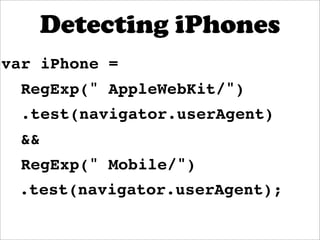
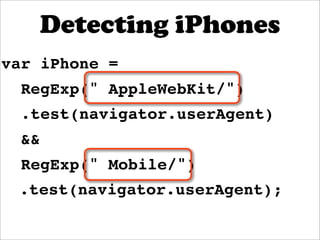

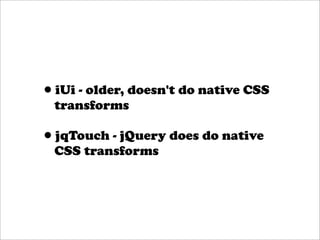

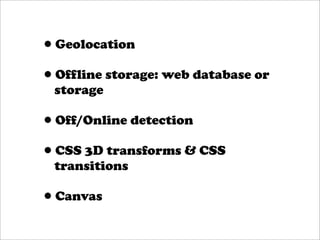


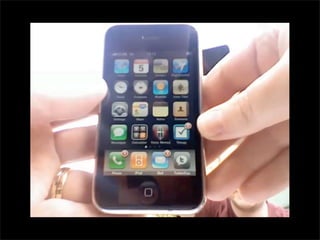
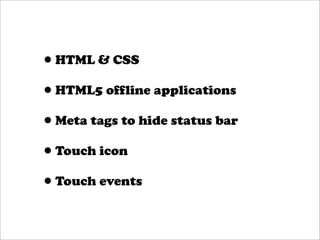
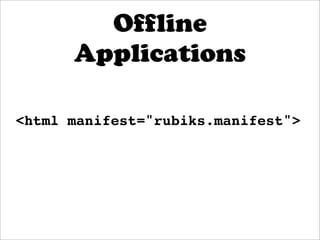
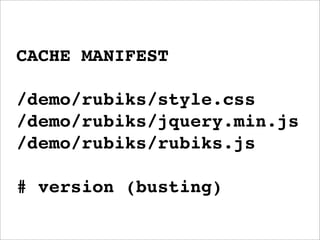
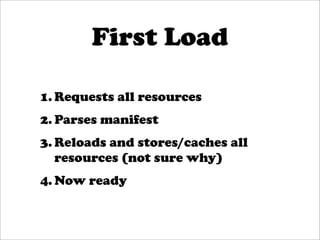
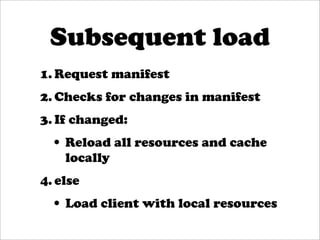
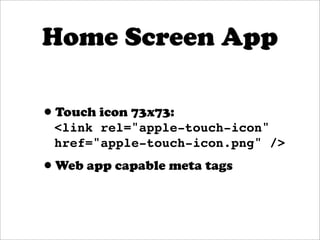
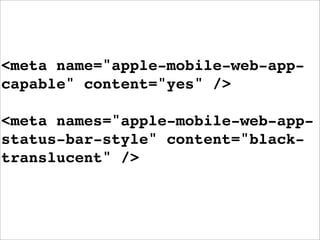
This document discusses how to build iPhone apps using only web technologies like HTML5, CSS3, and JavaScript without relying on native iOS frameworks or the App Store. Key points covered include how to create offline-capable apps using the cache manifest, emulate touch events with JavaScript, make the app feel native through CSS transforms and meta tags, and detect device capabilities. The example rubiks cube app demonstrates these techniques to create an offline-capable puzzle game experience on iPhone similar to a native app.


![[Coscup 2012] JavascriptMVC](https://cdn.slidesharecdn.com/ss_thumbnails/coscupjavascriptmvc-120818115356-phpapp01-thumbnail.jpg?width=640&height=640&fit=bounds)


![jQuery in the [Aol.] Enterprise](https://cdn.slidesharecdn.com/ss_thumbnails/jquery-aol-enterprise-101017175311-phpapp01-thumbnail.jpg?width=640&height=640&fit=bounds)


![Getting Started with Apache Spark: Big Data Made Simple [Free Meetup]](https://cdn.slidesharecdn.com/ss_thumbnails/apachesparkgettingstarted-260203175547-8361bcc3-thumbnail.jpg?width=640&height=640&fit=bounds)
