Download to read offline


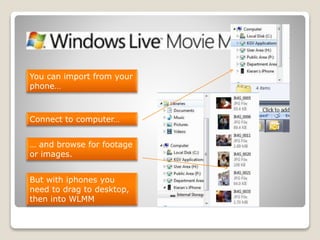


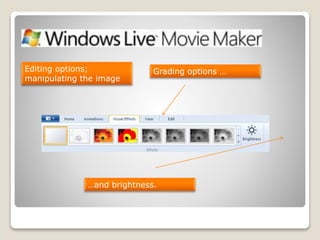


This document provides an overview of the Windows Live Movie Maker (WLMM) software and its key functions. It discusses how to import footage from cameras or files, offers editing options like cuts, trims, and image adjustments. It also describes how to add soundtracks and titles. The document emphasizes that projects are saved as WLMM files until exported as online videos, disc files, or other file formats. It suggests getting students to export videos to private YouTube uploads to avoid managing many large files.


