
Introduction to Social Media
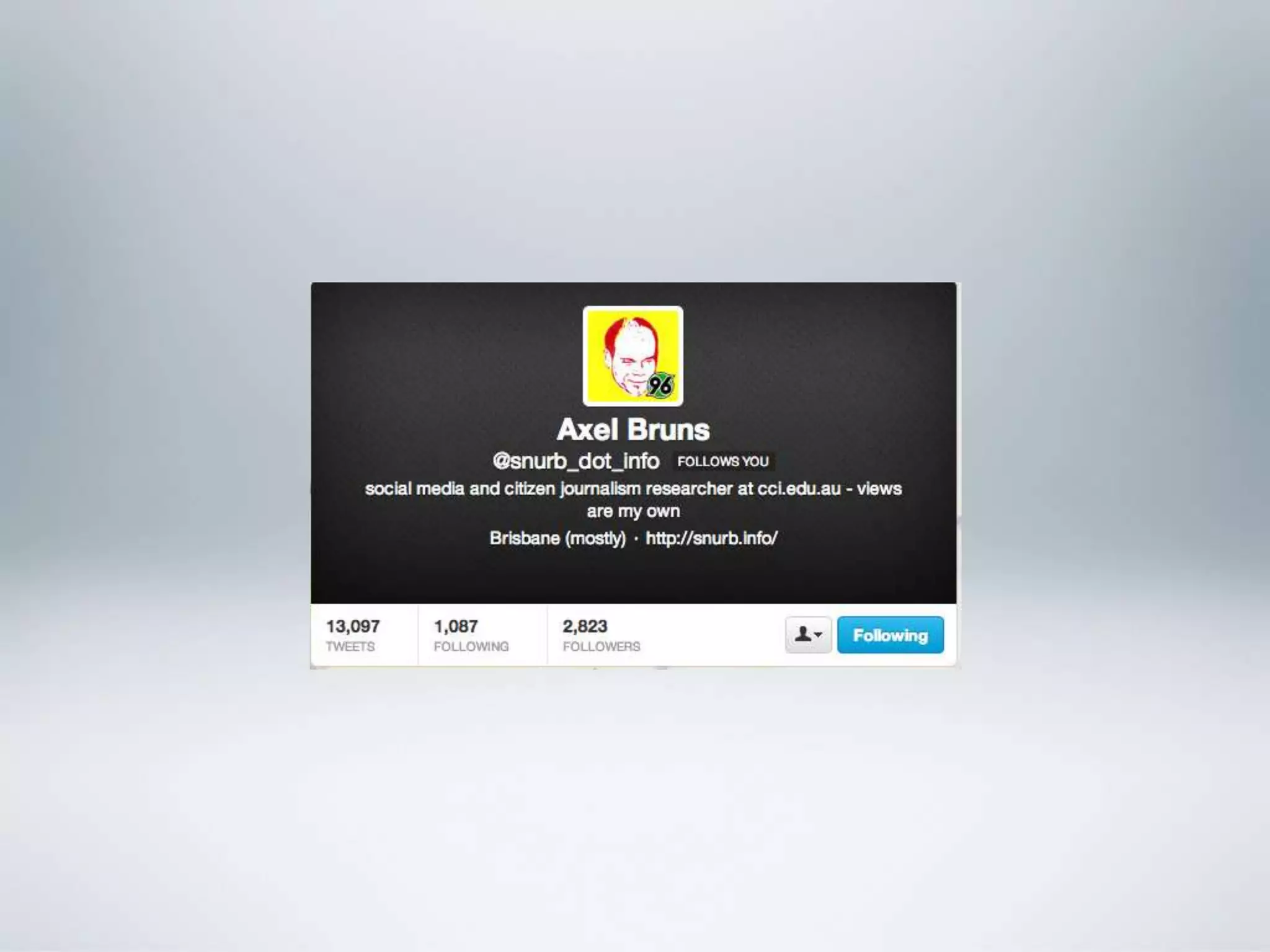
Assoc. Prof. Axel Bruns
ARC Centre of Excellence for Creative Industries and Innovation
Queensland University of Technology, Brisbane, Australia

a.bruns@qut.edu.au – @snurb_dot_info
http://mappingonlinepublics.net/


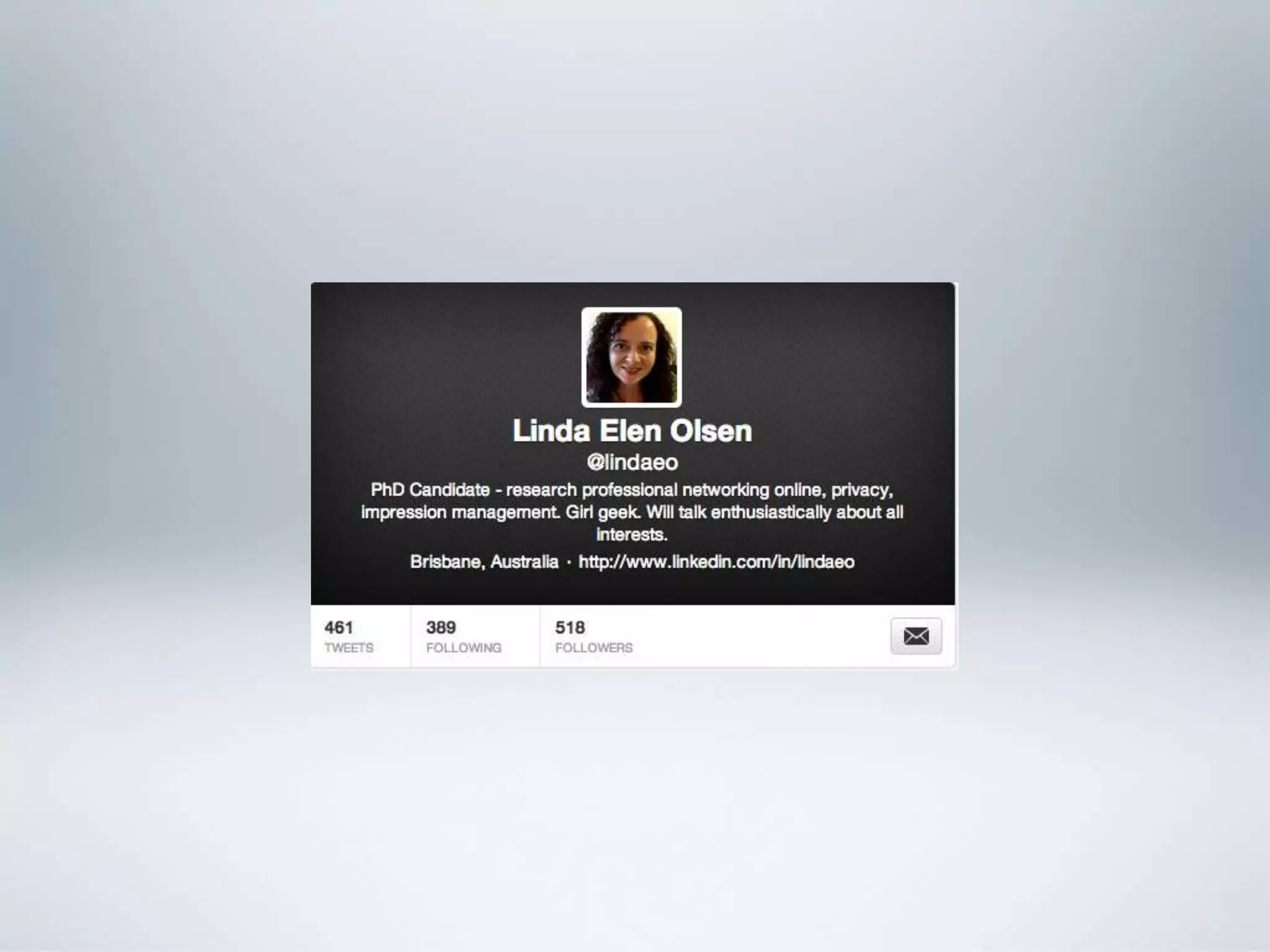
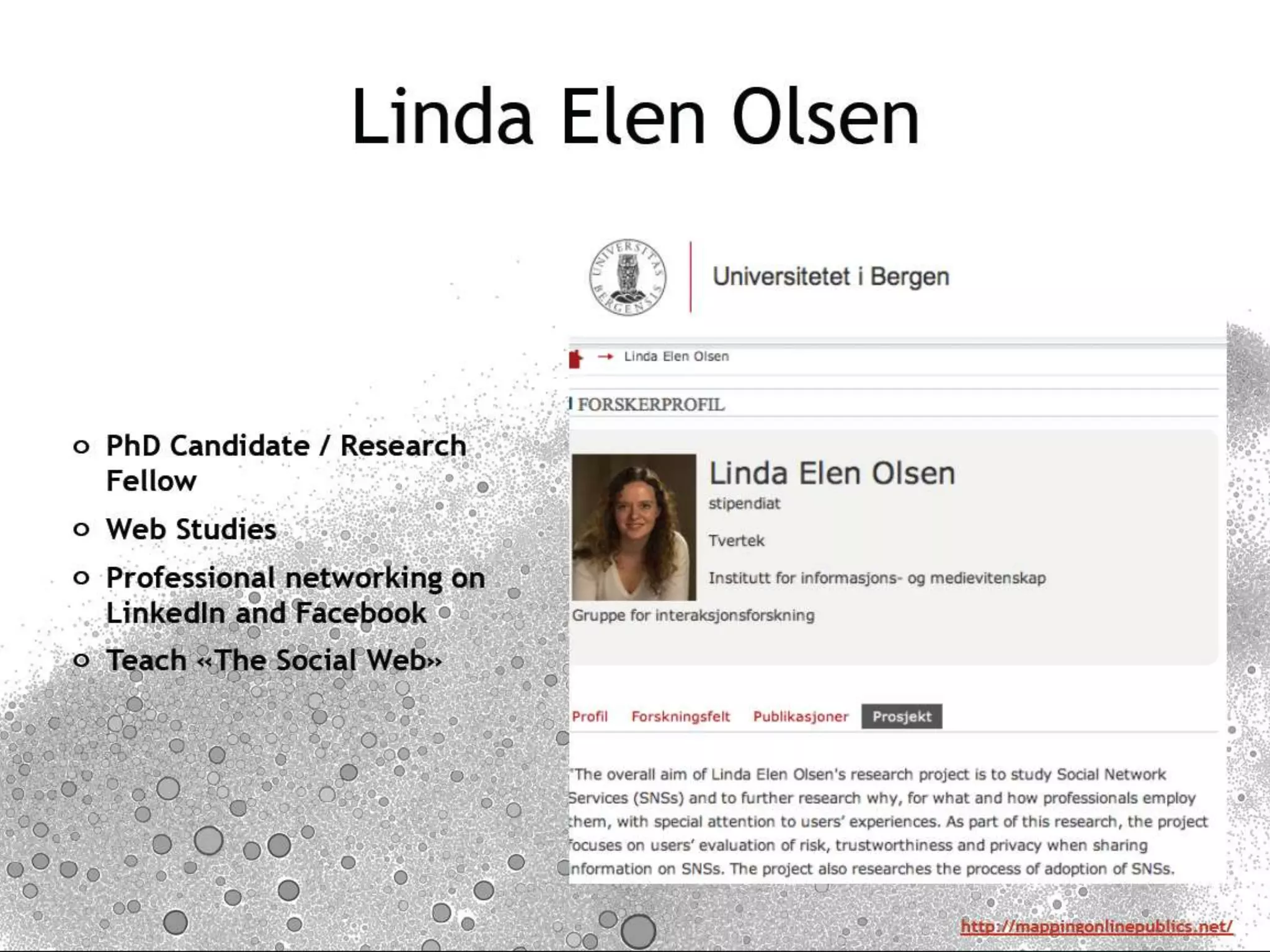
Linda Elen Olsen
University of Bergen, Norway

linda.olsen@infomedia.uib.no - @lindaeo


                                                                  http://mappingonlinepublics.net
Course Outline
o Week 1:
   o Introduction and setup: Twitter, Facebook, LinkedIn
   o Developing a social media persona / presence


o Week 2:
   o Understanding social networks: audiences? followers? influencers?
   o Social media analytics: Hootsuite and other tools


o Week 3:
   o Social media campaigning: dos and don‟ts of corporate social media
   o Ideas workshop and wrap-up


                                                           http://mappingonlinepublics.net
INTRODUCTIONS


                http://mappingonlinepublics.net
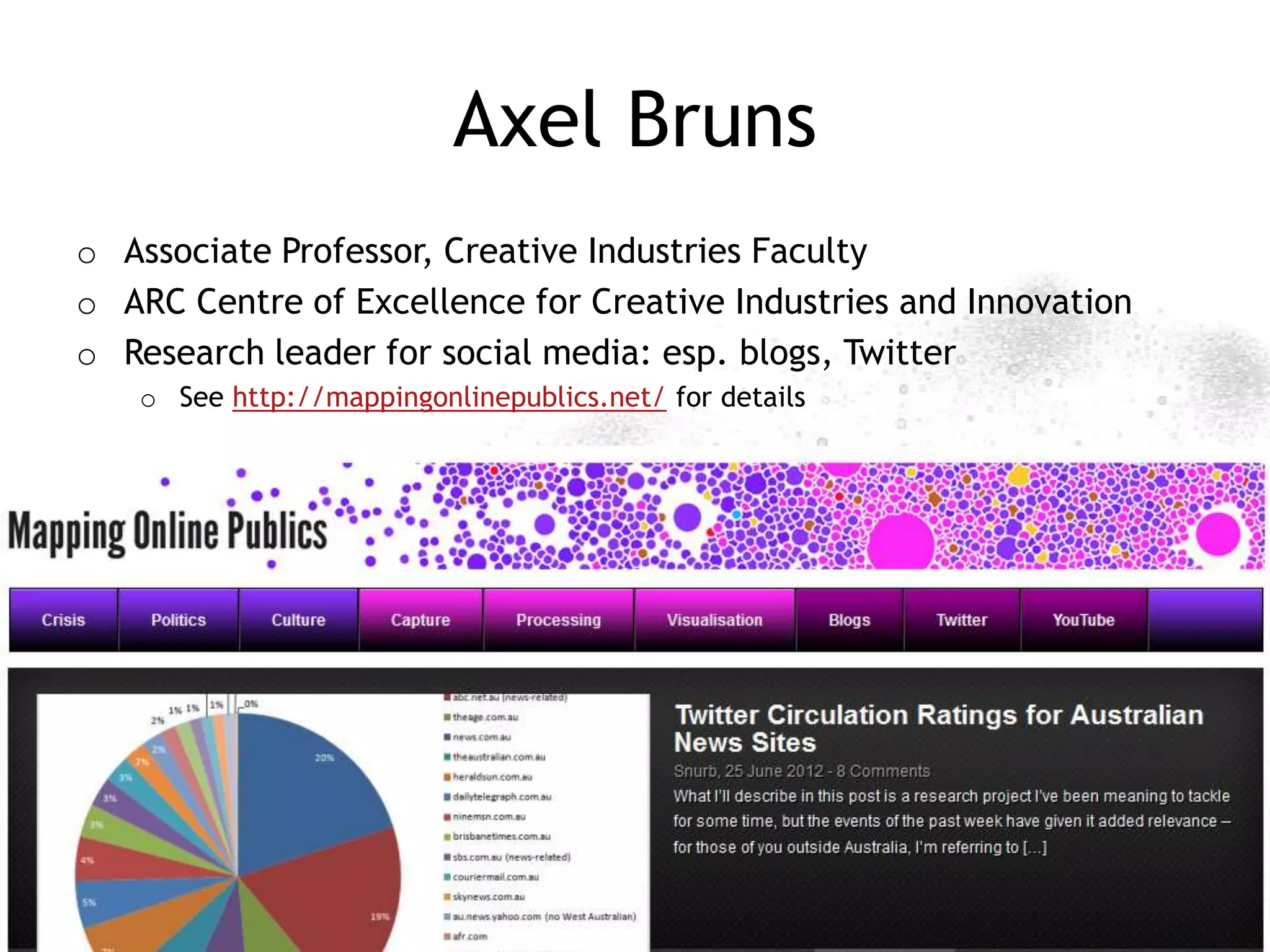
Axel Bruns
o Associate Professor, Creative Industries Faculty
o ARC Centre of Excellence for Creative Industries and Innovation
o Research leader for social media: esp. blogs, Twitter
   o See http://mappingonlinepublics.net/ for details


                                                        http://mappingonlinepublics.net
http://mappingonlinepublics.net
PLATFORMS: FACEBOOK


                      http://mappingonlinepublics.net
Facebook
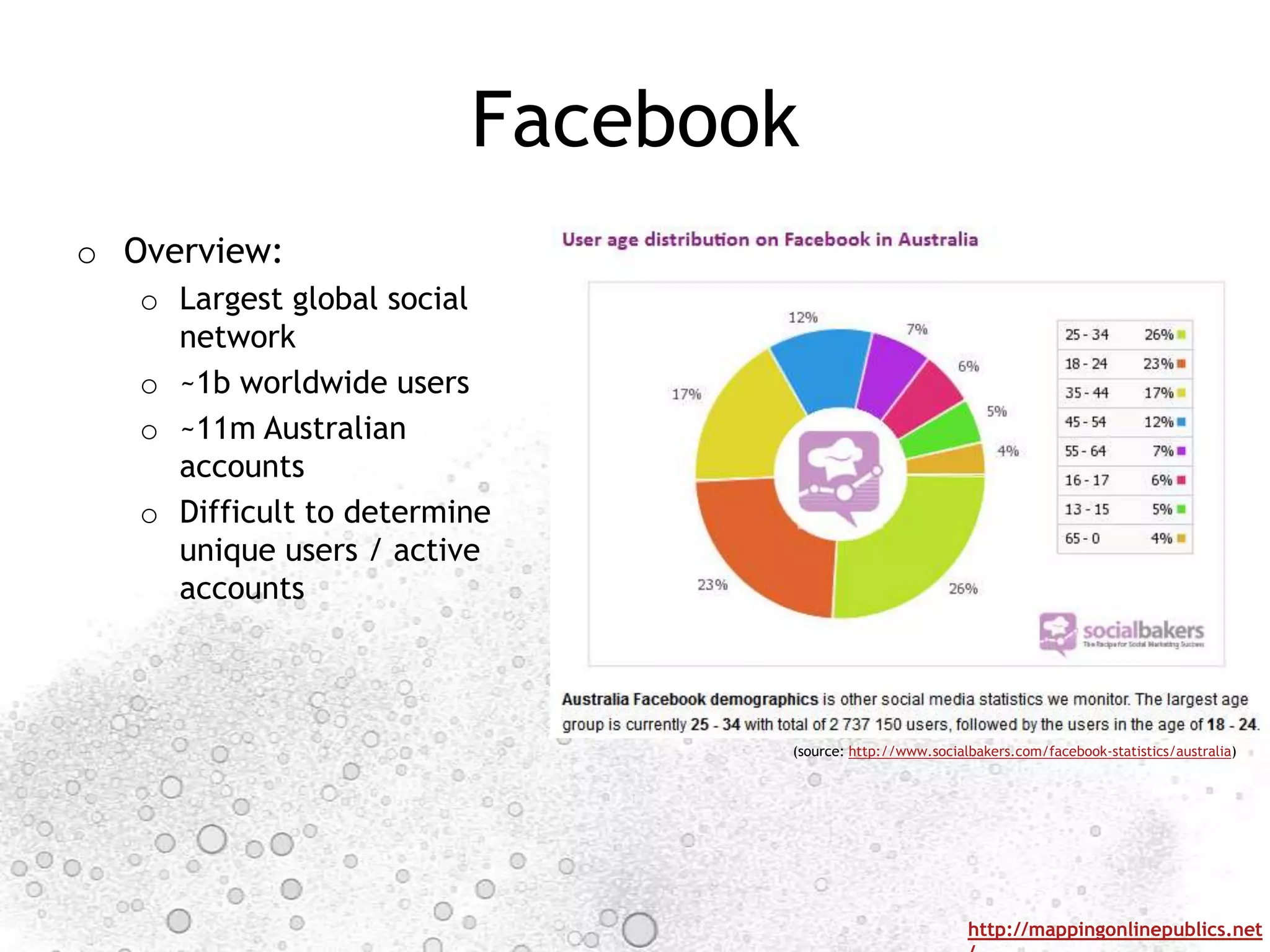
o Overview:
   o Largest global social
     network
   o ~1b worldwide users
   o ~11m Australian
     accounts
   o Difficult to determine
     unique users / active
     accounts


                                (source: http://www.socialbakers.com/facebook-statistics/australia)


                                                          http://mappingonlinepublics.net
Facebook Basics
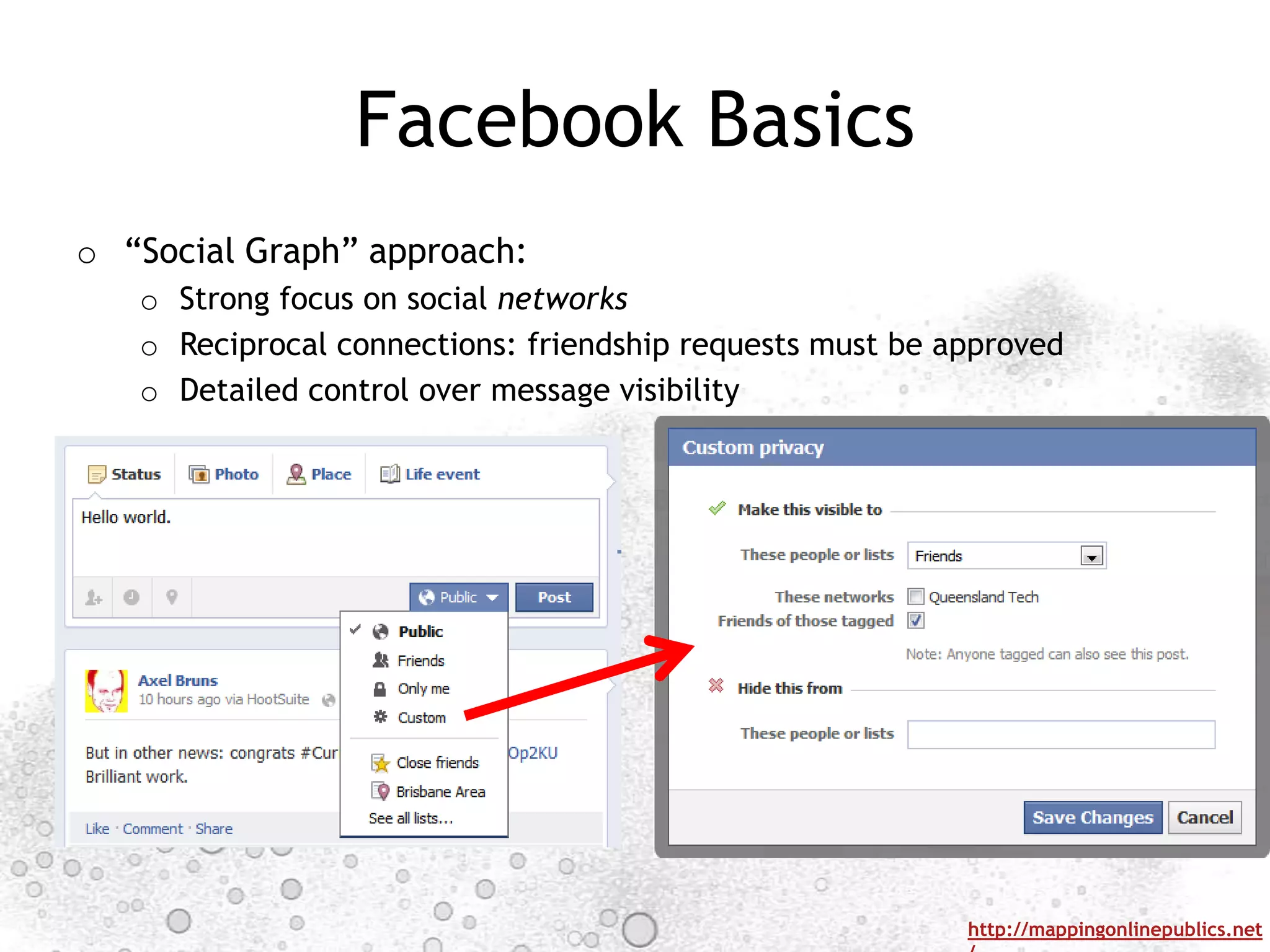
o “Social Graph” approach:
   o Strong focus on social networks
   o Reciprocal connections: friendship requests must be approved
   o Detailed control over message visibility


                                                          http://mappingonlinepublics.net
Facebook Interactions
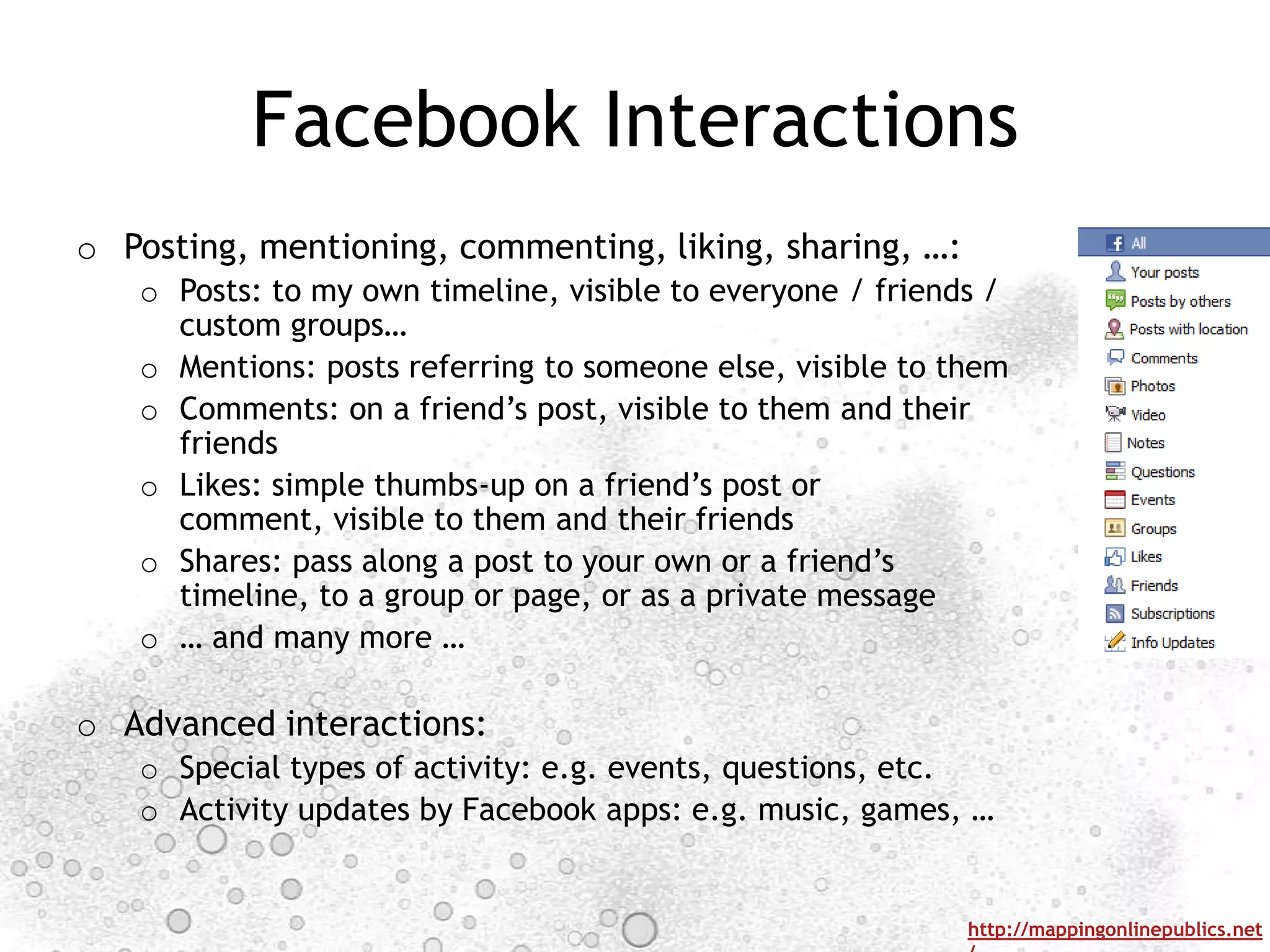
o Posting, mentioning, commenting, liking, sharing, …:
   o Posts: to my own timeline, visible to everyone / friends /
     custom groups…
   o Mentions: posts referring to someone else, visible to them
   o Comments: on a friend‟s post, visible to them and their
     friends
   o Likes: simple thumbs-up on a friend‟s post or
     comment, visible to them and their friends
   o Shares: pass along a post to your own or a friend‟s
     timeline, to a group or page, or as a private message
   o … and many more …

o Advanced interactions:
   o Special types of activity: e.g. events, questions, etc.
   o Activity updates by Facebook apps: e.g. music, games, …


                                                            http://mappingonlinepublics.net
Facebook Timeline
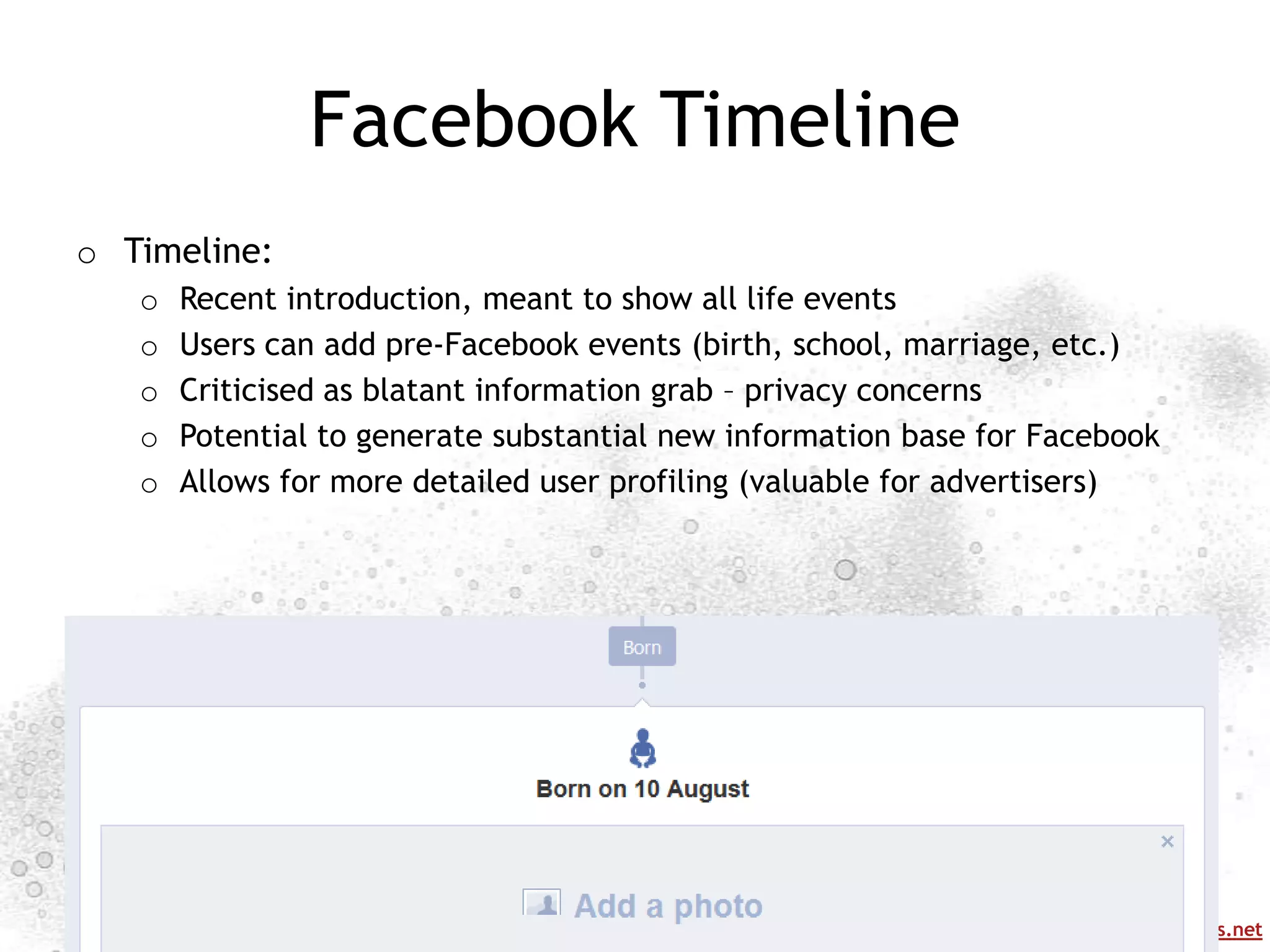
o Timeline:
   o   Recent introduction, meant to show all life events
   o   Users can add pre-Facebook events (birth, school, marriage, etc.)
   o   Criticised as blatant information grab – privacy concerns
   o   Potential to generate substantial new information base for Facebook
   o   Allows for more detailed user profiling (valuable for advertisers)


                                                            http://mappingonlinepublics.net
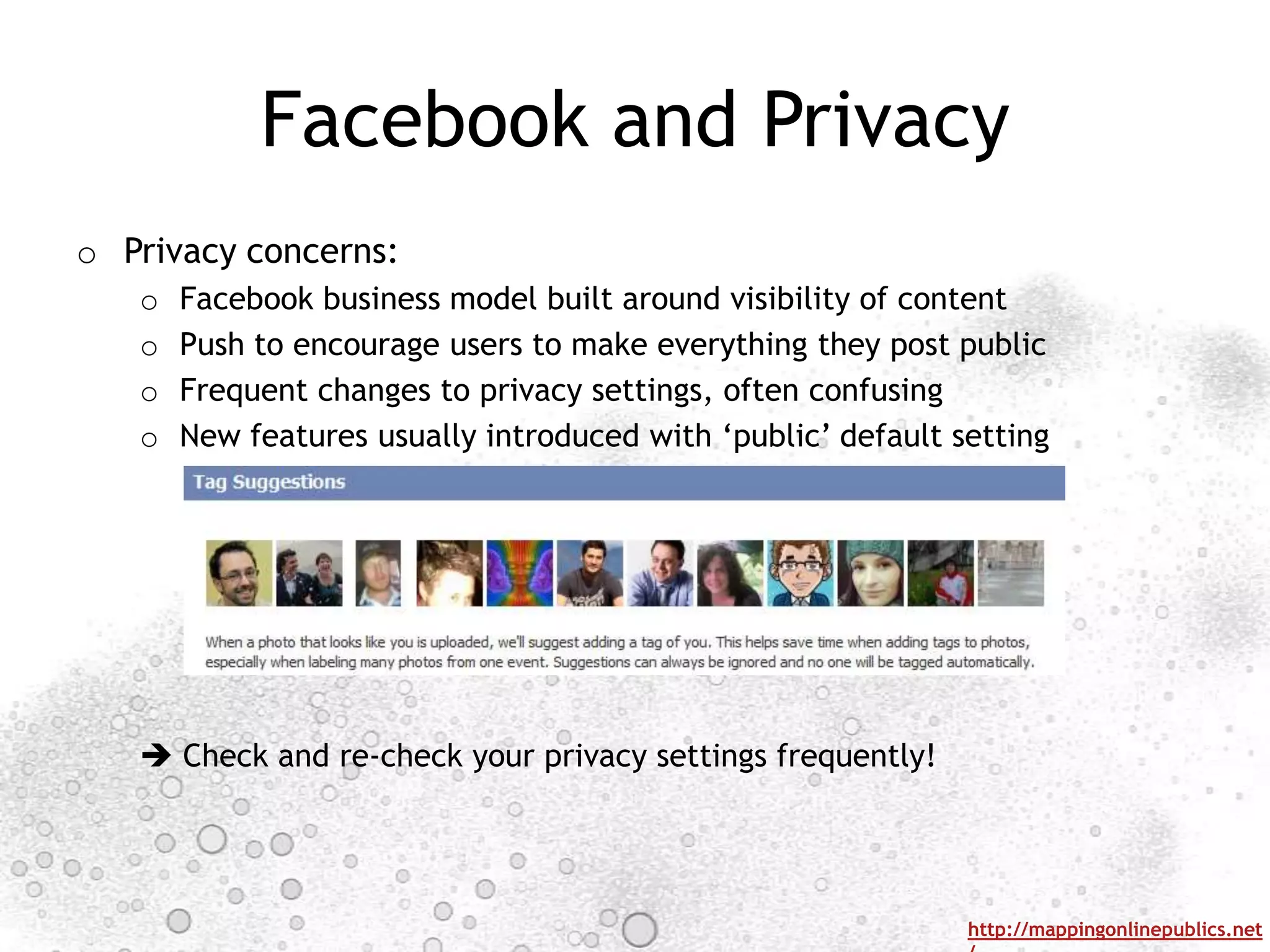
Facebook and Privacy
o Privacy concerns:
   o   Facebook business model built around visibility of content
   o   Push to encourage users to make everything they post public
   o   Frequent changes to privacy settings, often confusing
   o   New features usually introduced with „public‟ default setting


    Check and re-check your privacy settings frequently!


                                                              http://mappingonlinepublics.net
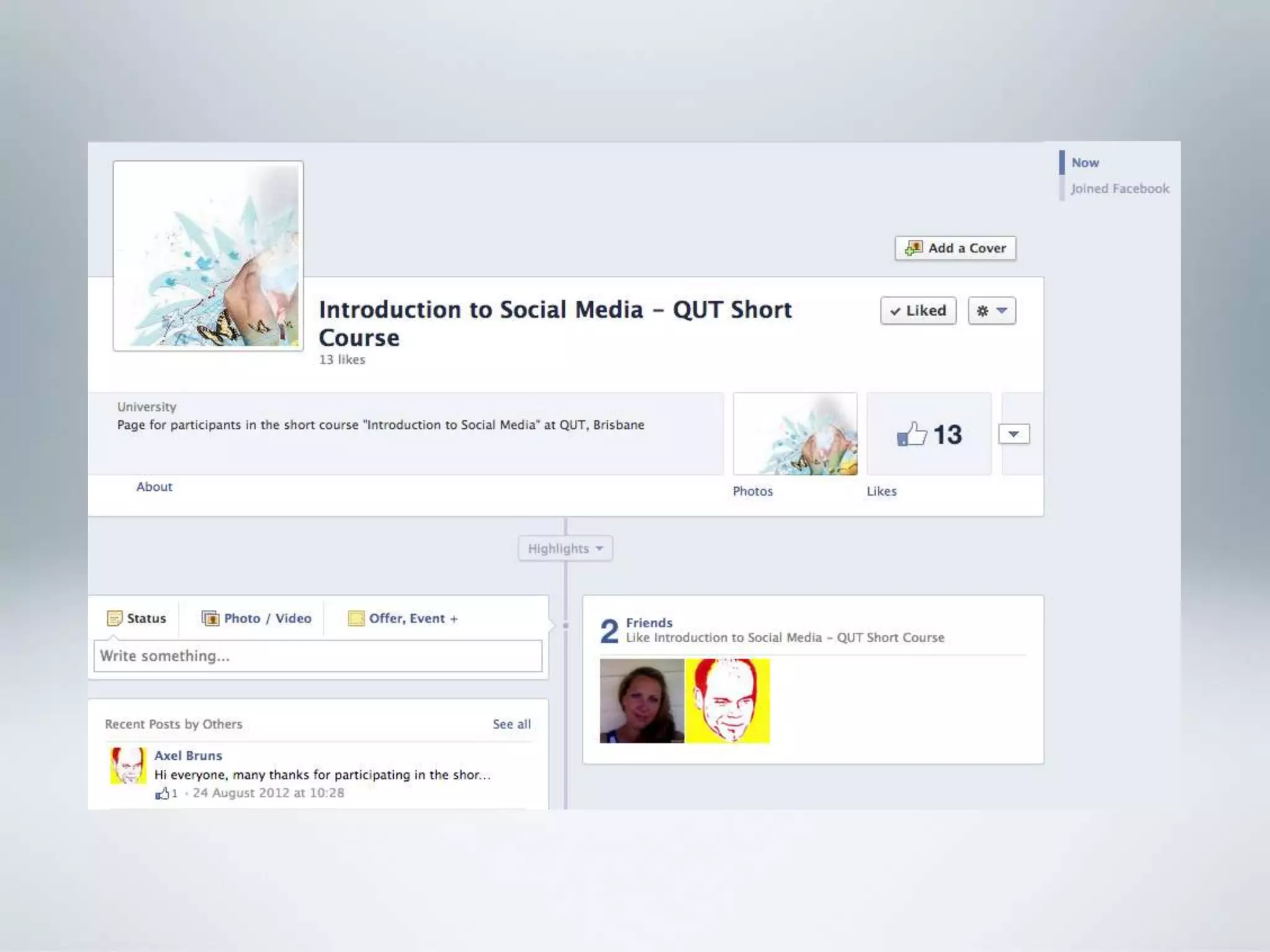
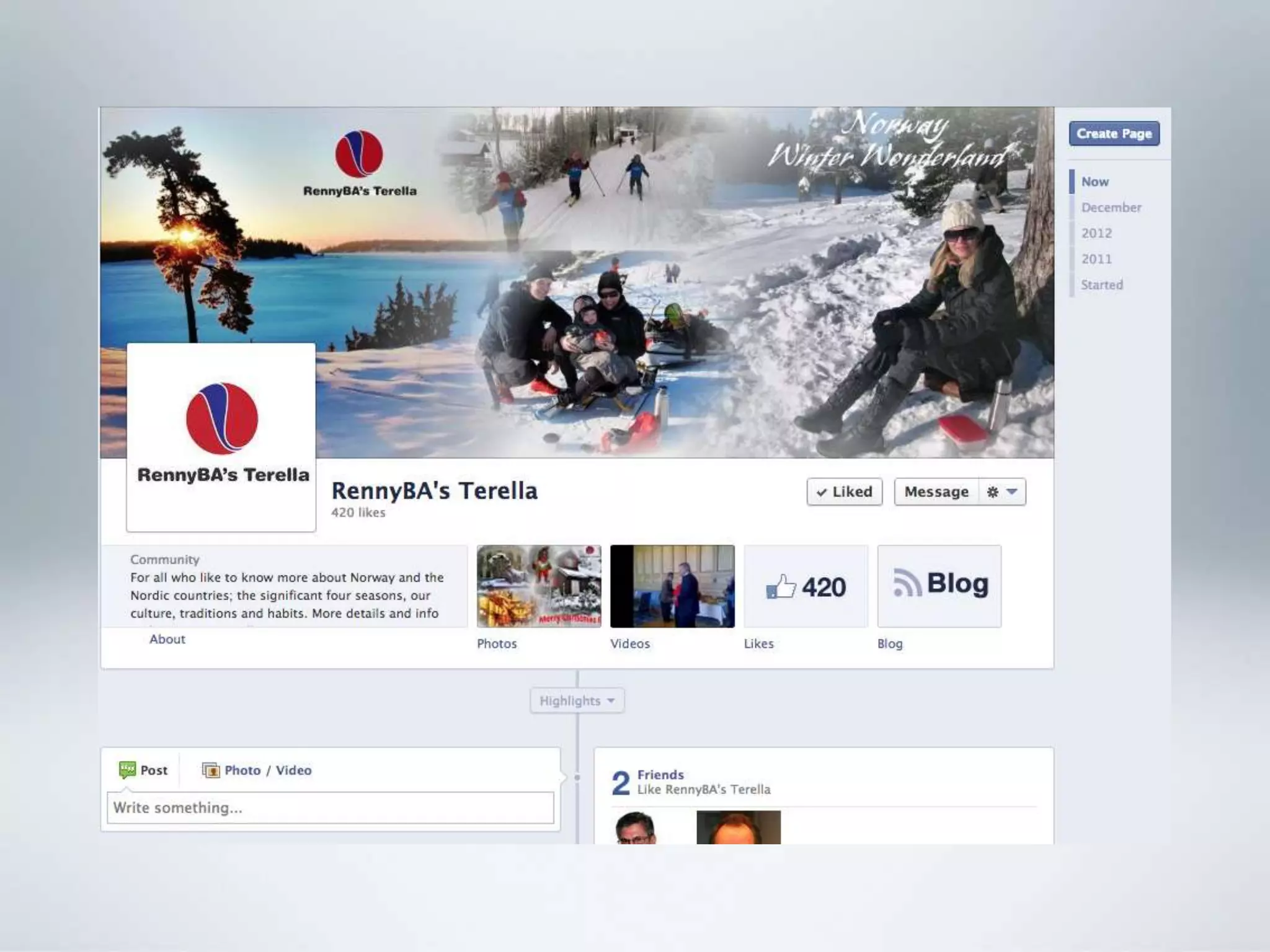
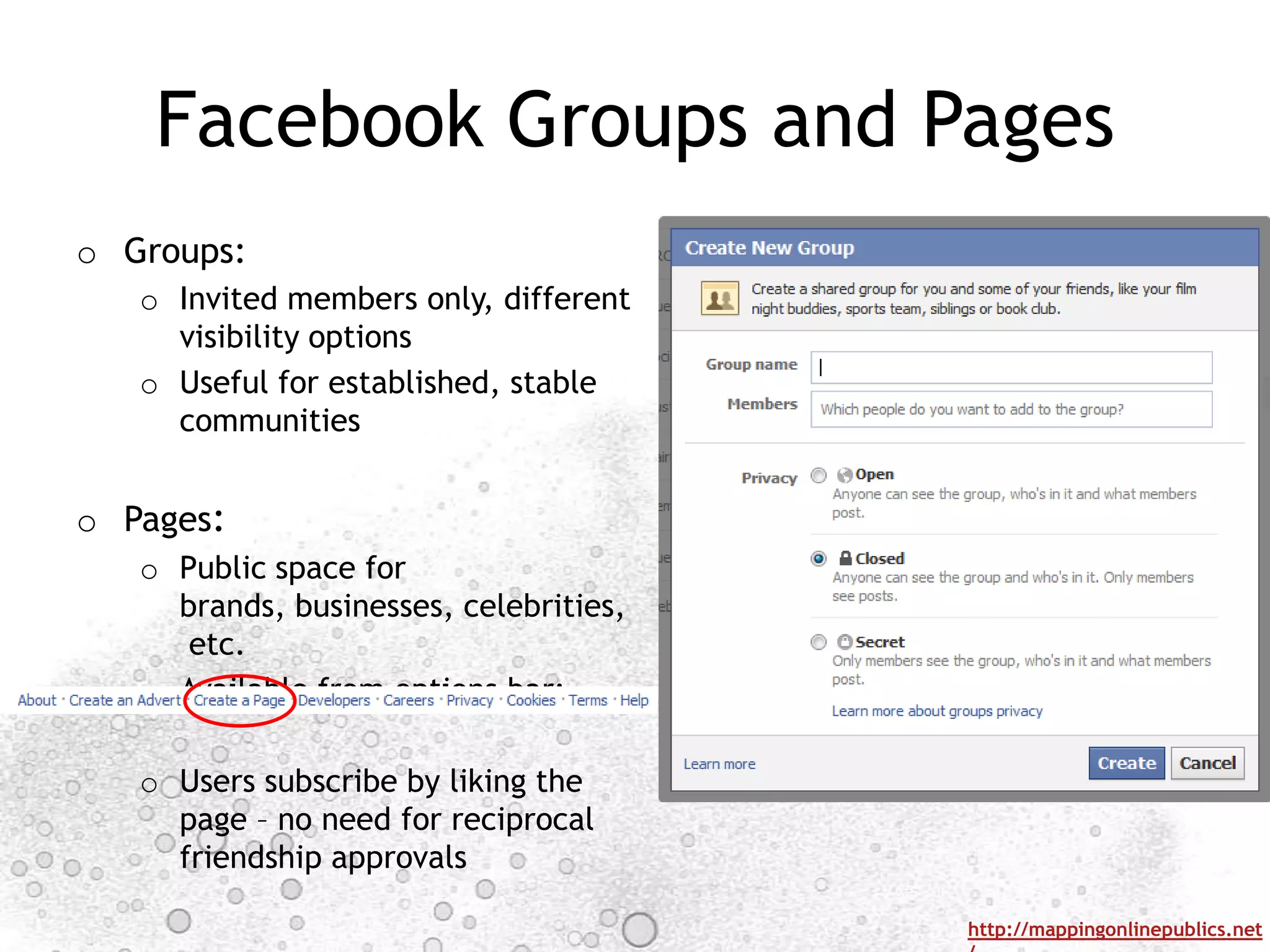
Facebook Groups and Pages
o Groups:
   o Invited members only, different
     visibility options
   o Useful for established, stable
     communities


o Pages:
   o Public space for
     brands, businesses, celebrities,
      etc.
   o Available from options bar:

   o Users subscribe by liking the
     page – no need for reciprocal
     friendship approvals

                                        http://mappingonlinepublics.net
PLATFORMS: TWITTER


                     http://mappingonlinepublics.net
Twitter
o Overview:
   o   Major global social network
   o   ~500m worldwide users
   o   ~2m Australian accounts
   o   Best guess on Australian userbase:
        o 25-55 age bracket
        o More likely to be urban, affluent, educated (male?)


                                                                http://mappingonlinepublics.net
Twitter Basics
o Flat, open network structure:
   o Two types of accounts:
       o Public – visible to all, even to non-registered visitors
       o Private – visible only to approved followers
   o No message-level visibility controls
   o Non-reciprocal following
   o Very limited options for customising profile pages


o Message format:
   o Designed as SMS-style live medium – limit of 140 characters per post
   o Simple functionality - @mentions, #hashtags, embedded links
   o Viewing of older posts increasingly difficult as time passes


                                                                    http://mappingonlinepublics.net
Twitter Interactions
o @mentions:
    o Posts containing @user become visible to user (even without following)
    o Posts beginning @user visible only to sender and receiver, and mutual followers –
      convention to use .@user to bypass this
    o “RT @user [original tweet]” is a
      retweet of user‟s message (also
      MT, HT, via, and other similar
      variations), possibly with comments
    o Alternative: „button‟ retweets

o #hashtags:
    o Posts containing #topic are marked
      as relating to topic
    o Anyone can create a hashtag
    o Users can search for / subscribe
      to hashtags
    o Hashtagged posts are visible even
      without following
    o Twitter tracks „trending‟ (rapidly
      growing) hashtags


                                                                        http://mappingonlinepublics.net
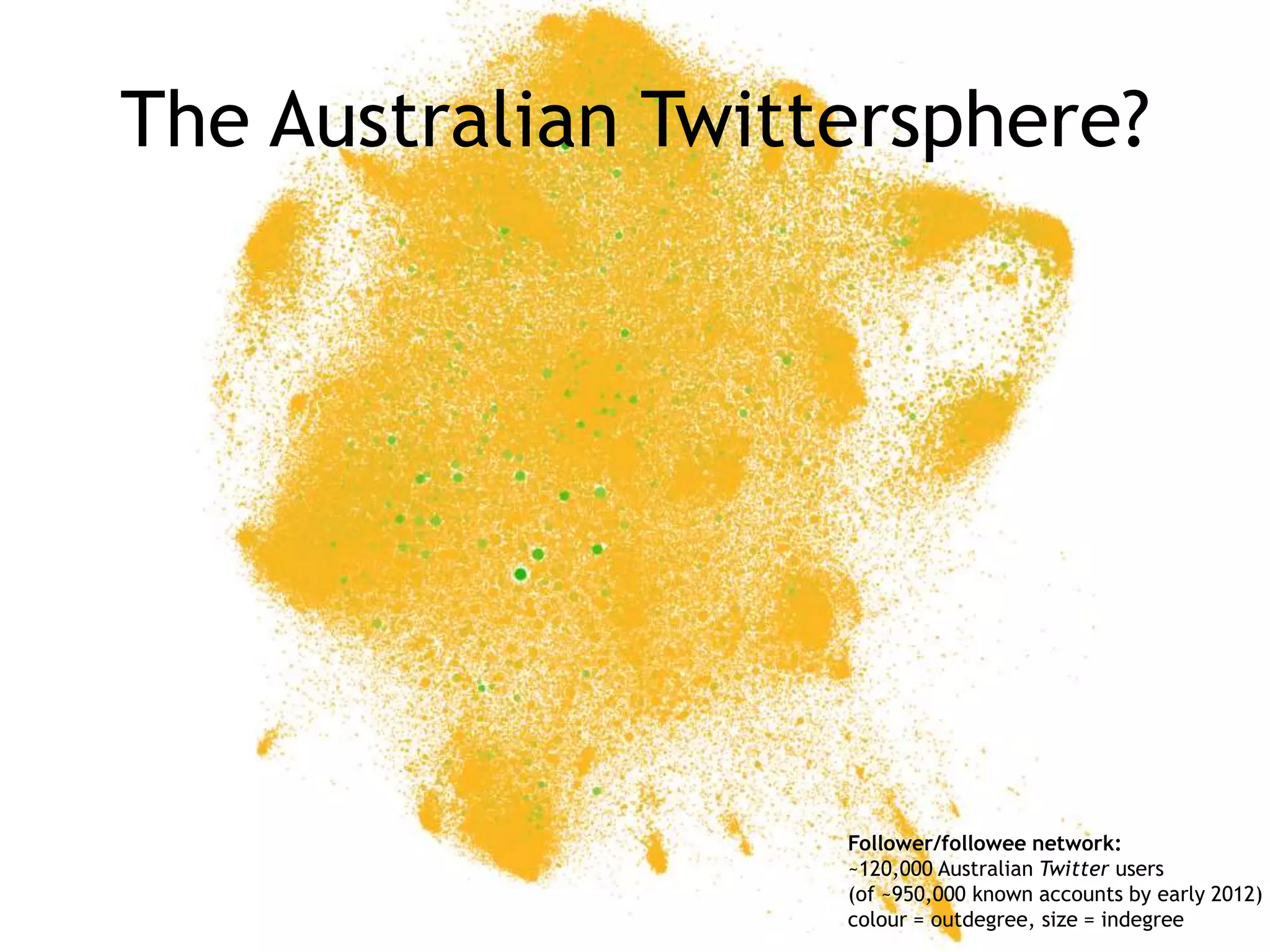
The Australian Twittersphere?


                    Follower/followee network:
                    ~120,000 Australian Twitter users
                    (of ~950,000 known accounts by early 2012)
                    colour = outdegree, size = indegree
Real Estate
                                                      Jobs
                                         Property
                                                       HR
                                                    Business
                                                                          Parenting

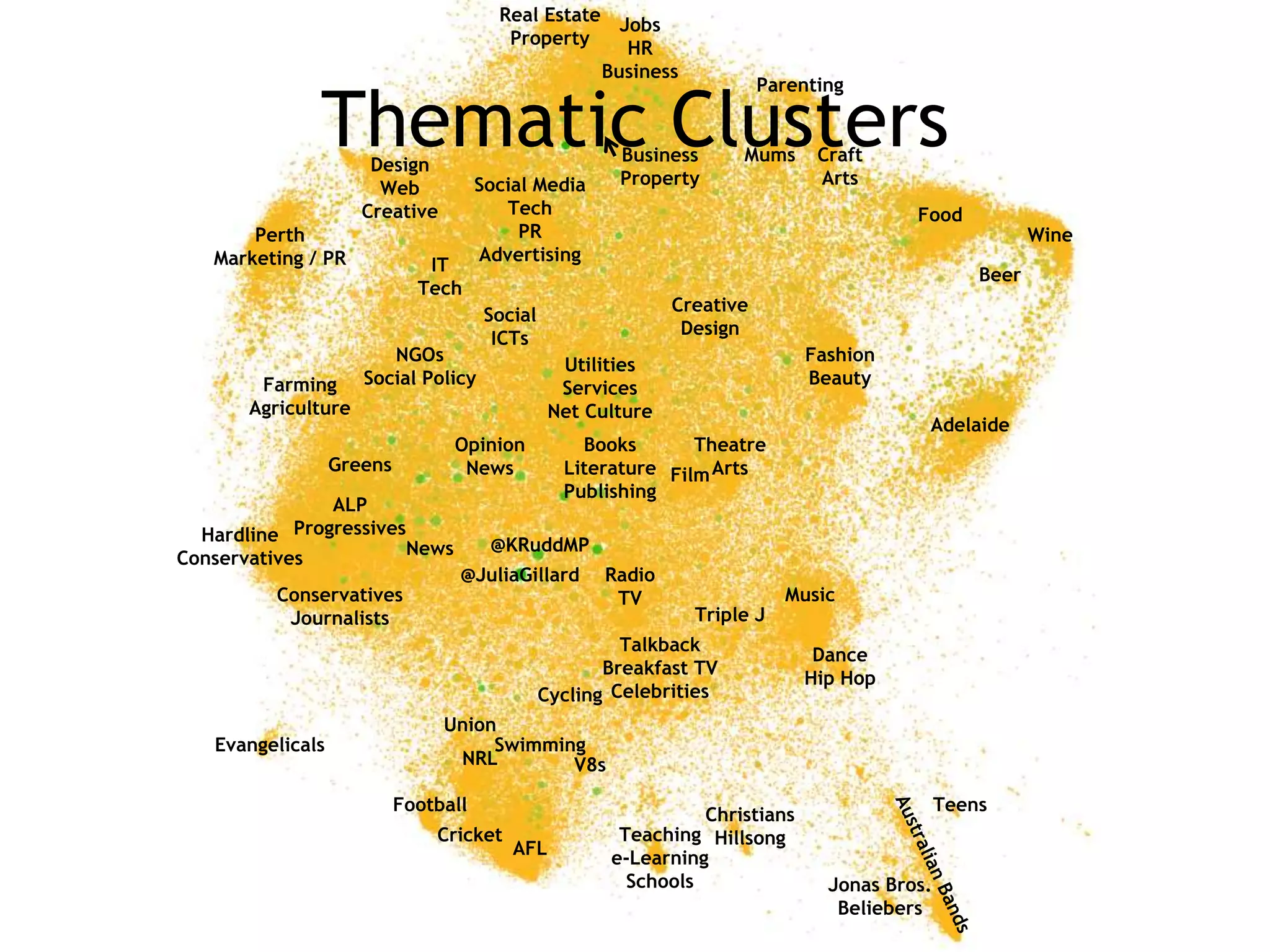
              Thematic Clusters
                      Design
                                                        Business
                                                        Property
                                                                      Mums      Craft
                                                                                Arts
                       Web            Social Media
                     Creative            Tech                                             Food
       Perth                               PR                                                             Wine
   Marketing / PR                     Advertising
                              IT
                                                                                                   Beer
                             Tech
                                                               Creative
                                       Social
                                                                Design
                                        ICTs
                        NGOs                                                   Fashion
                                                  Utilities
        Farming      Social Policy                                             Beauty
                                                  Services
       Agriculture                               Net Culture
                                                                                           Adelaide
                                 Opinion            Books       Theatre
                  Greens          News            Literature Film Arts
                                                  Publishing
                ALP
  Hardline  Progressives
                        News           @KRuddMP
Conservatives
                                  @JuliaGillard        Radio
          Conservatives                                 TV                  Music
           Journalists                                           Triple J
                                                         Talkback
                                                                               Dance
                                                       Breakfast TV
                                                                              Hip Hop
                                                Cycling Celebrities
                                Union
   Evangelicals                      Swimming
                                 NRL        V8s

                           Football                                                            Teens
                                                                 Christians
                               Cricket                  Teaching Hillsong
                                          AFL          e-Learning
                                                         Schools                 Jonas Bros.
                                                                                  Beliebers
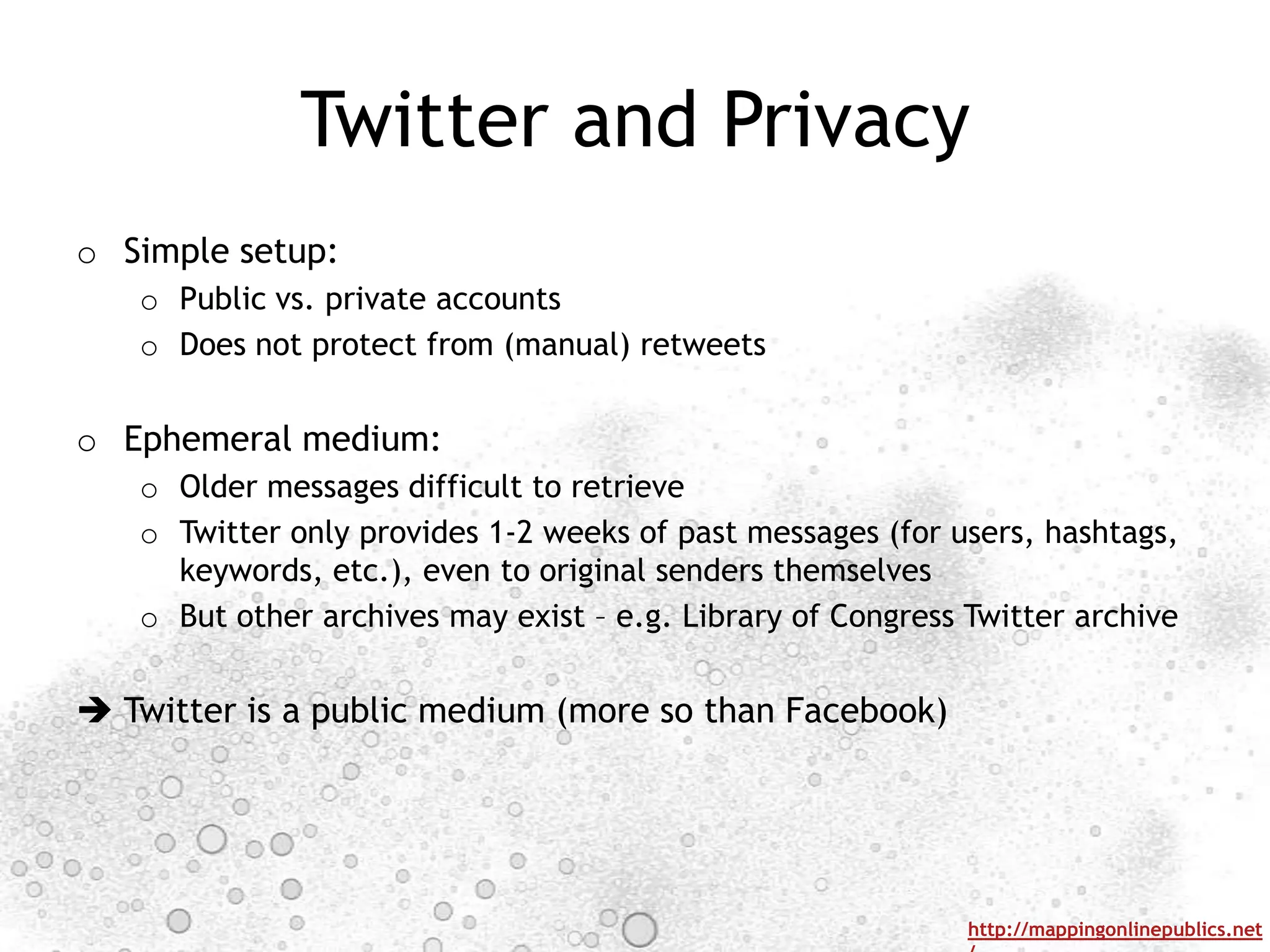
Twitter and Privacy
o Simple setup:
   o Public vs. private accounts
   o Does not protect from (manual) retweets


o Ephemeral medium:
   o Older messages difficult to retrieve
   o Twitter only provides 1-2 weeks of past messages (for users, hashtags,
     keywords, etc.), even to original senders themselves
   o But other archives may exist – e.g. Library of Congress Twitter archive


 Twitter is a public medium (more so than Facebook)


                                                             http://mappingonlinepublics.net
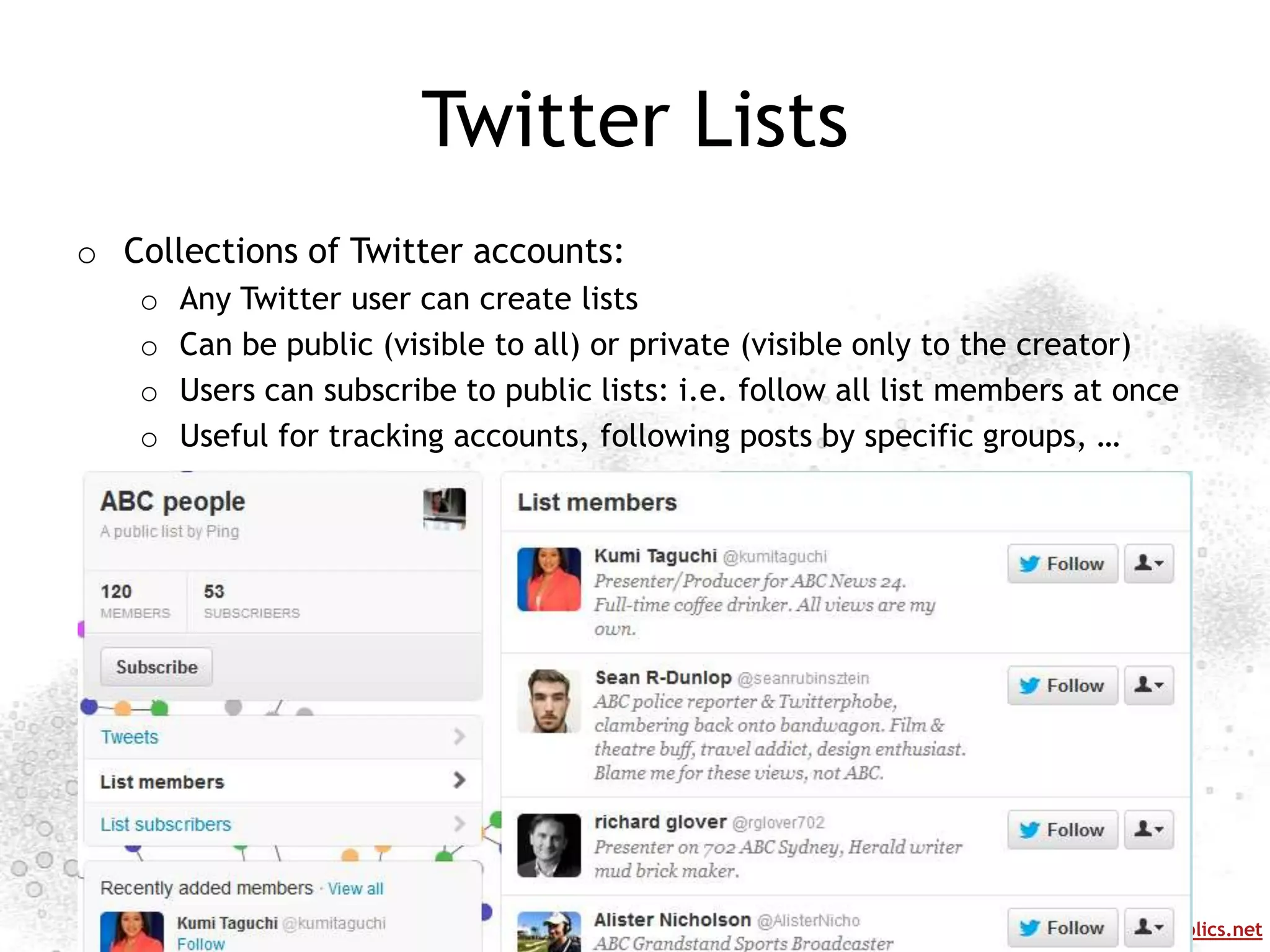
Twitter Lists
o Collections of Twitter accounts:
   o   Any Twitter user can create lists
   o   Can be public (visible to all) or private (visible only to the creator)
   o   Users can subscribe to public lists: i.e. follow all list members at once
   o   Useful for tracking accounts, following posts by specific groups, …


                                                                http://mappingonlinepublics.net
PLATFORMS: LINKEDIN


                      http://mappingonlinepublics.net
Introduction to Linkedin
             15.01.2013
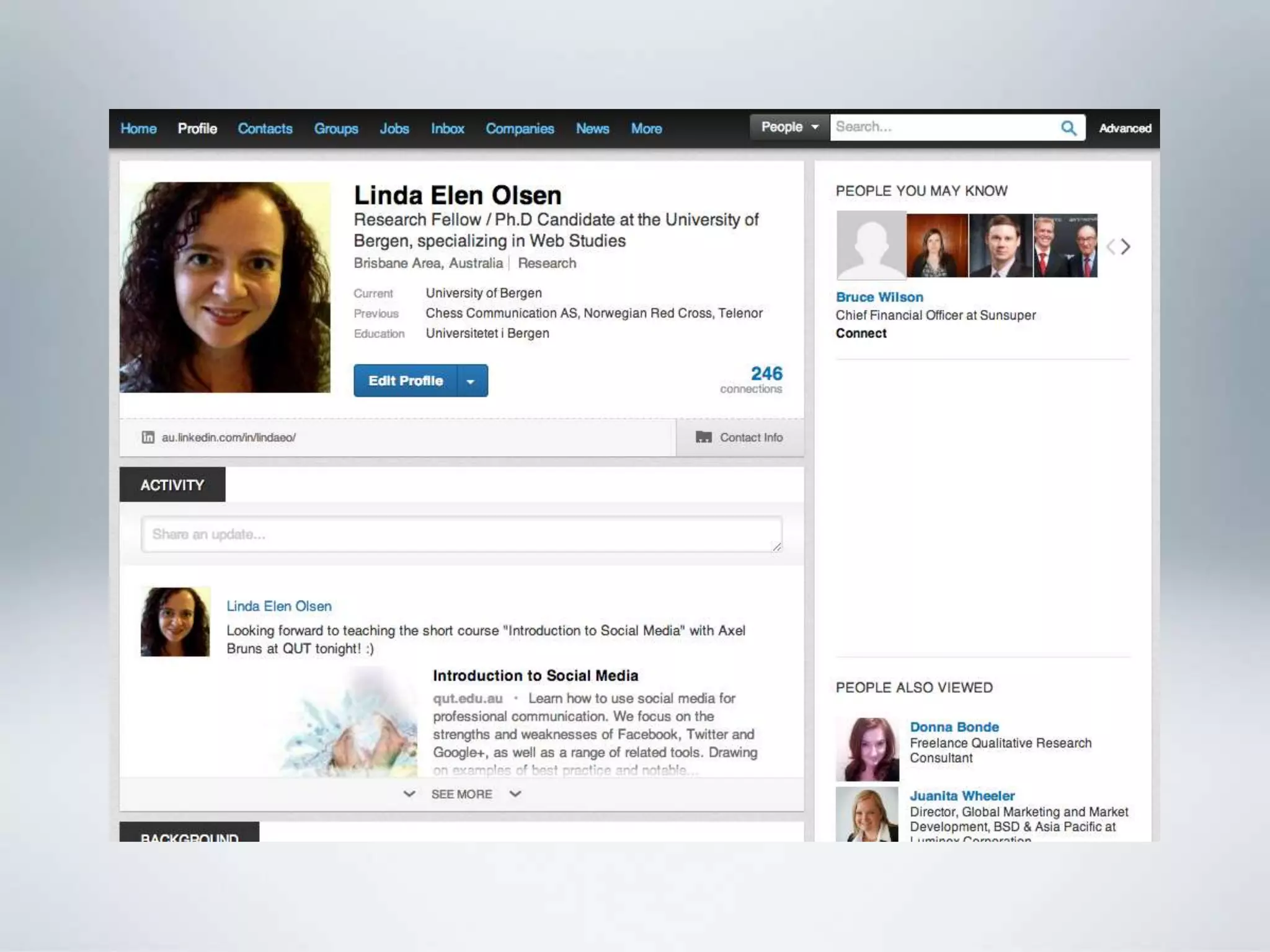
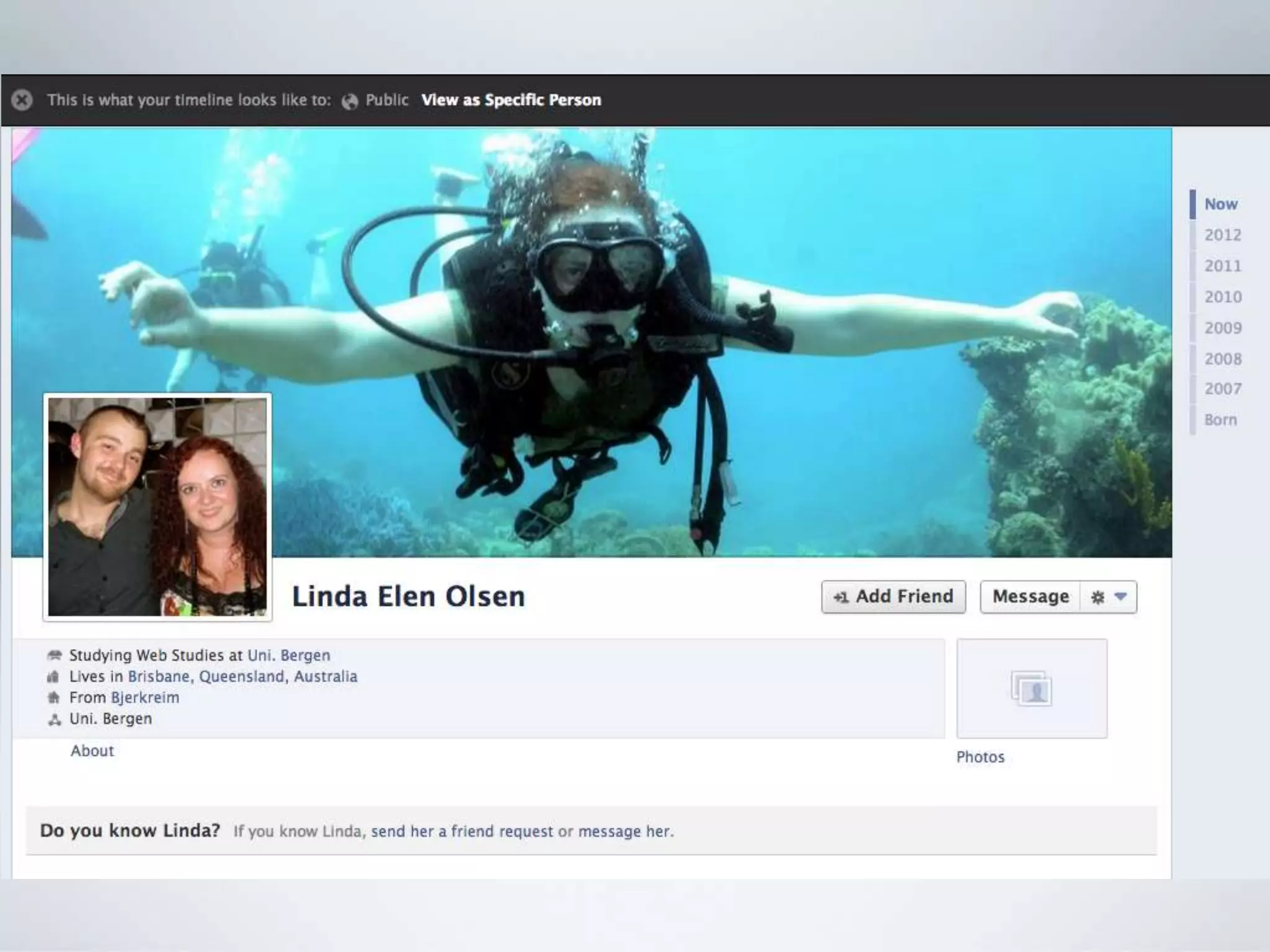
          Linda Elen Olsen
    Linda.Olsen@infomedia.uib.no
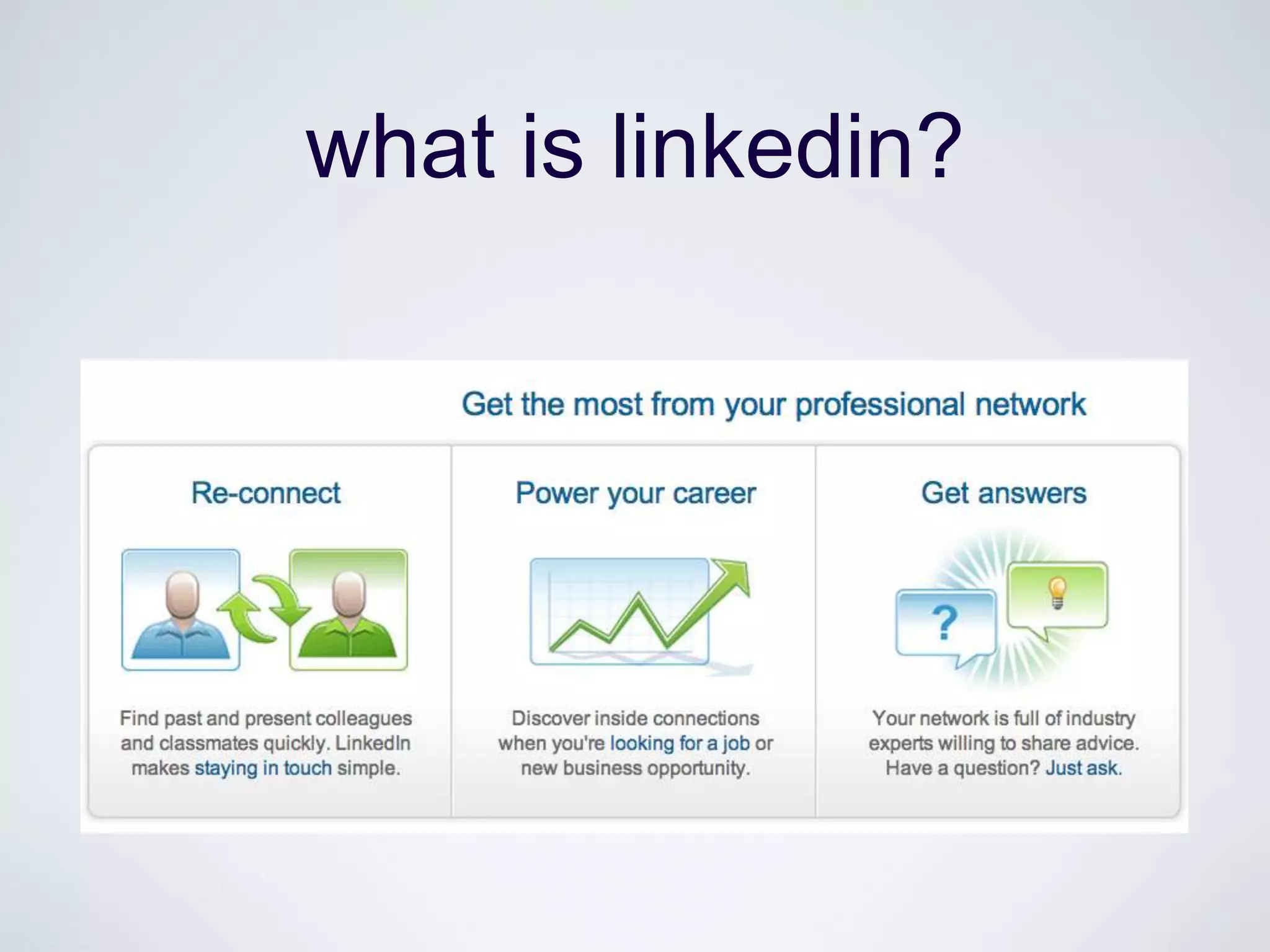
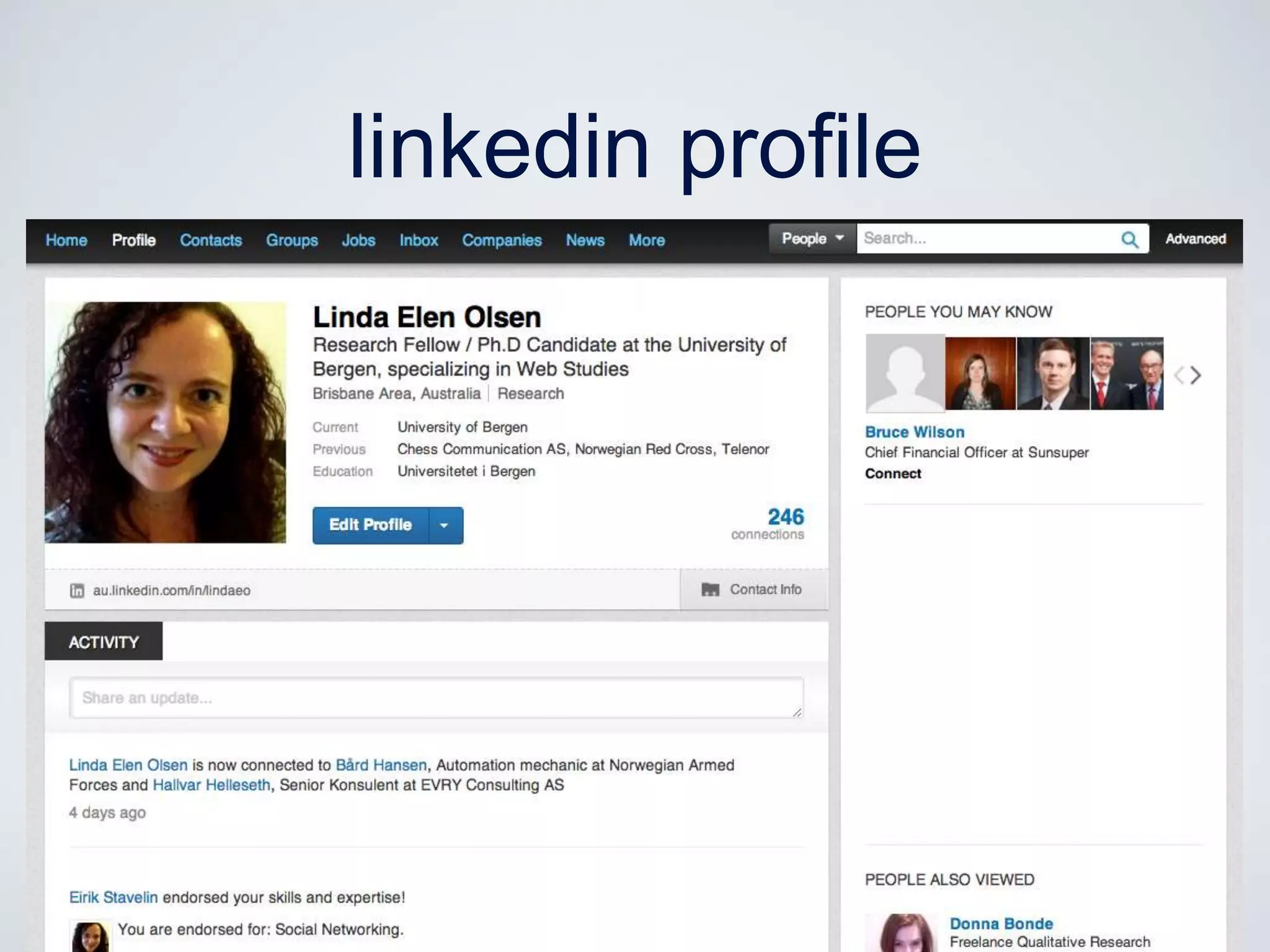
what is linkedin?
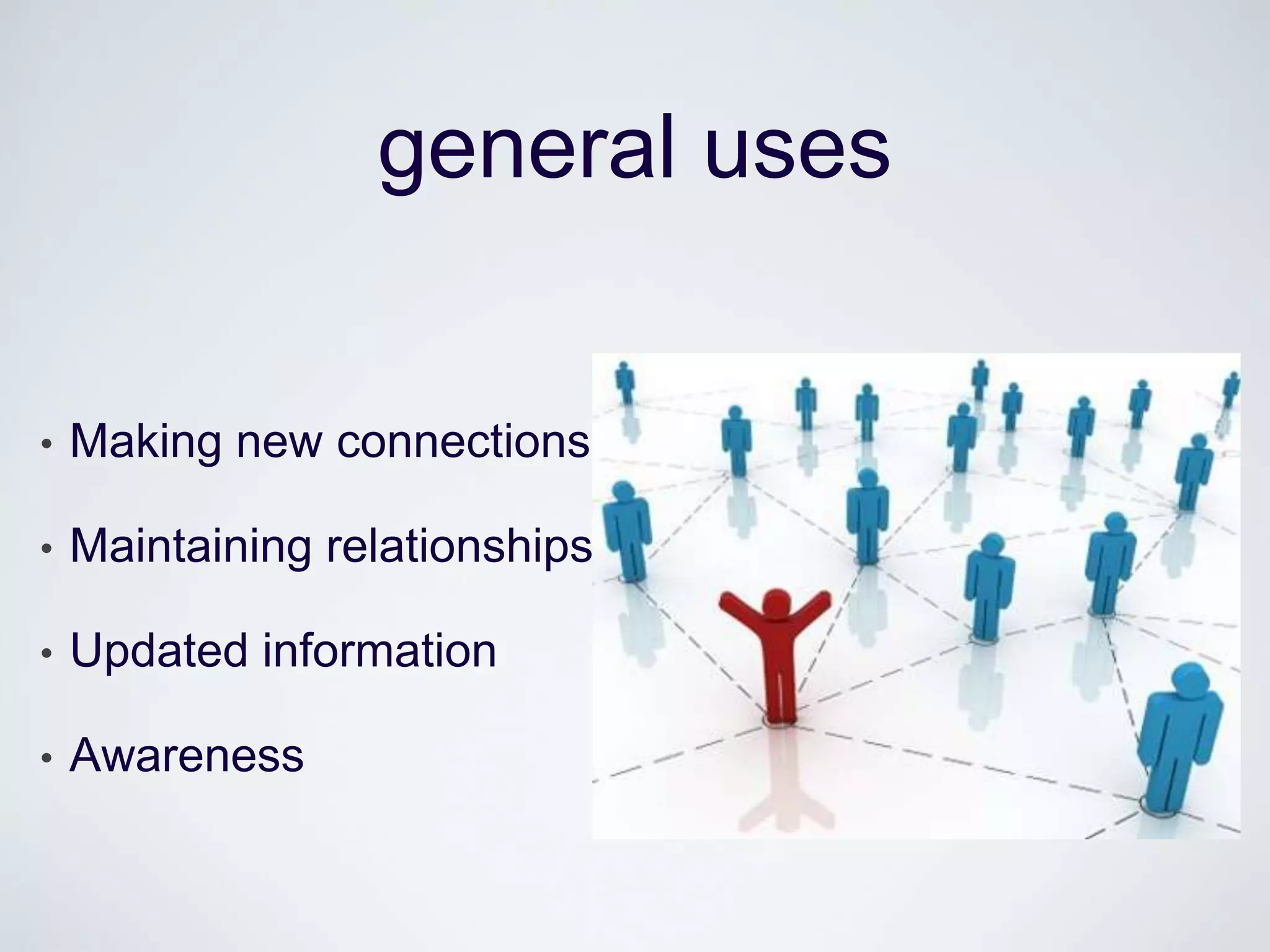
general uses


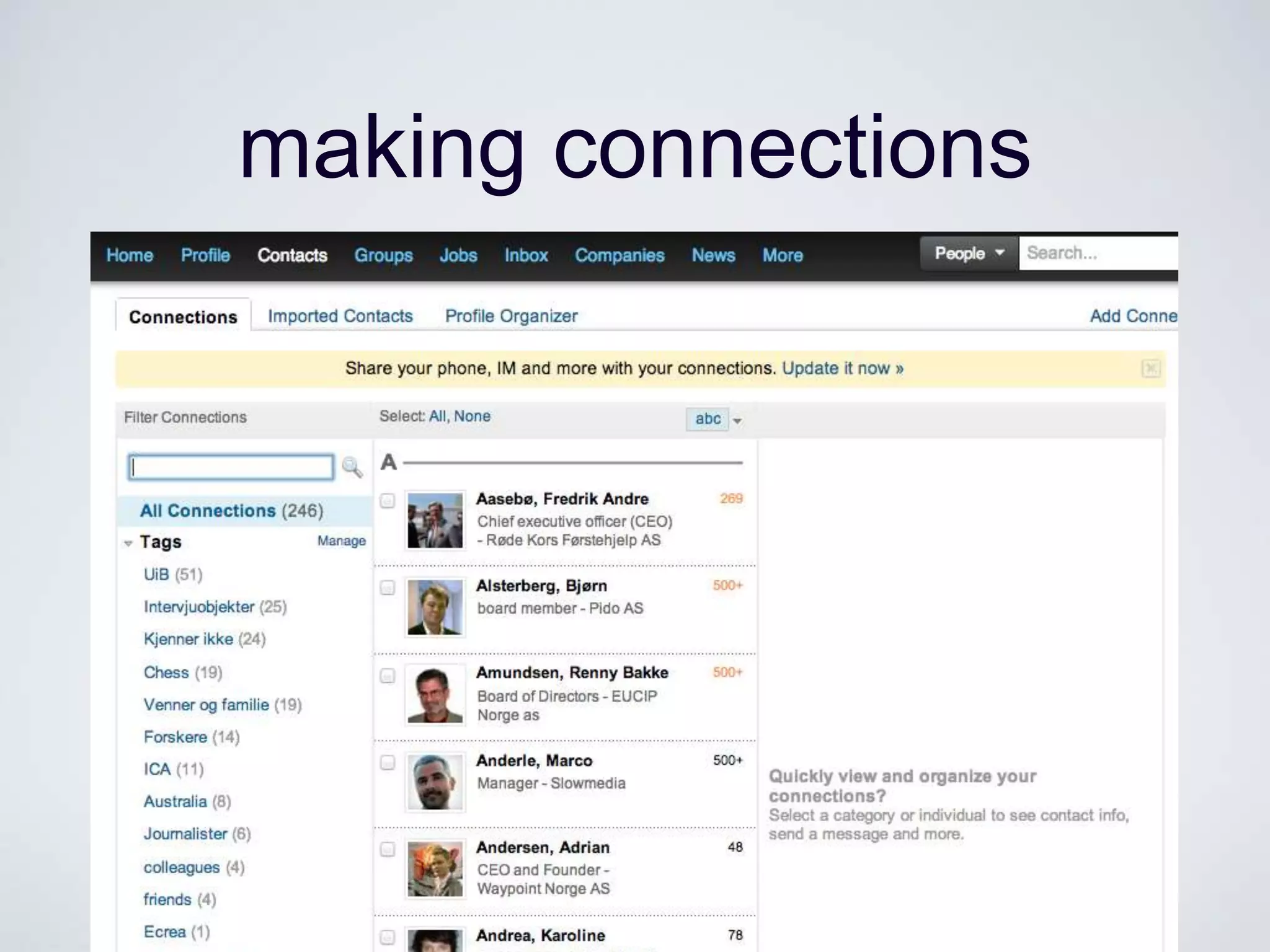
•   Making new connections

•   Maintaining relationships

•   Updated information

•   Awareness
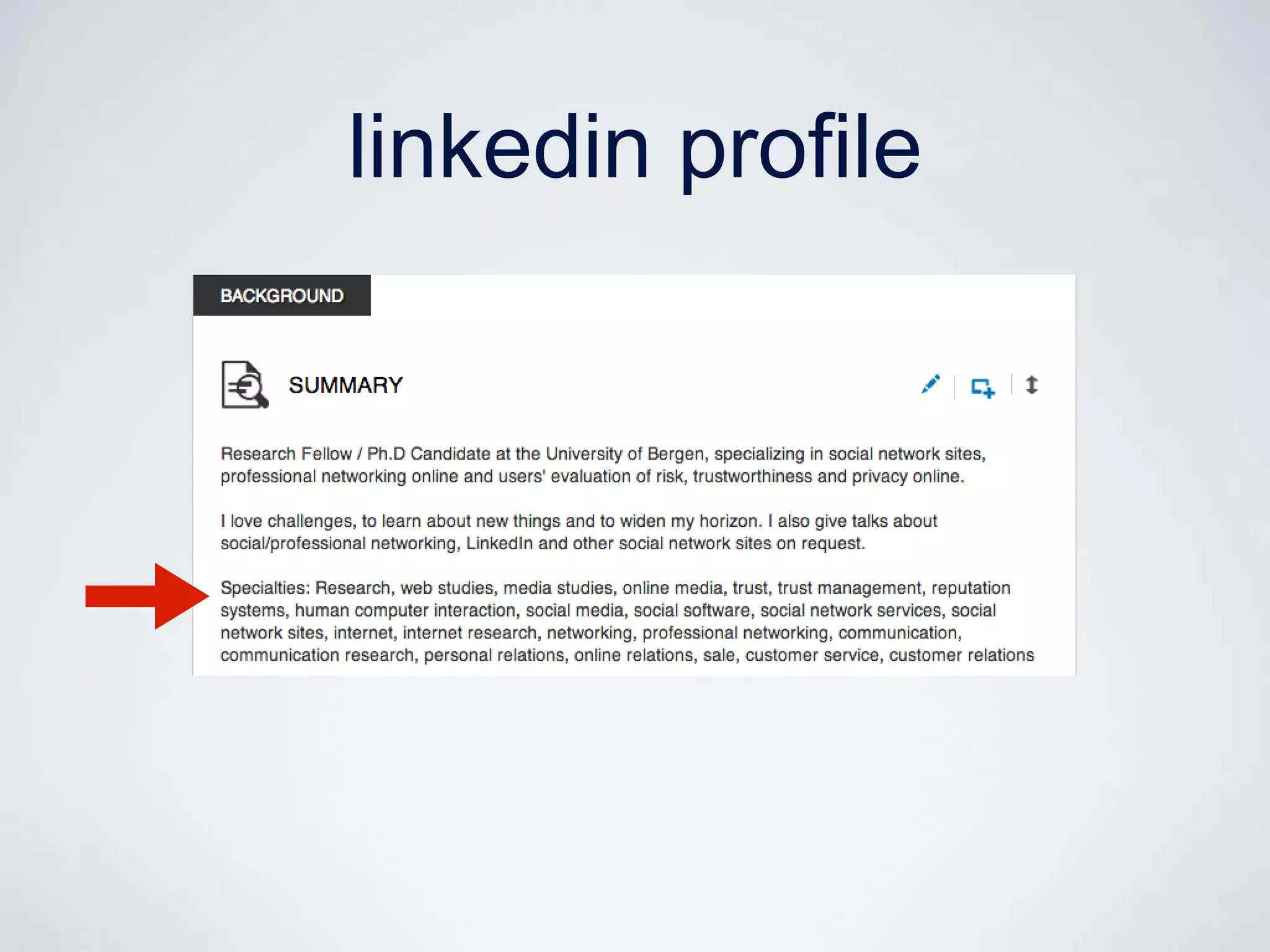
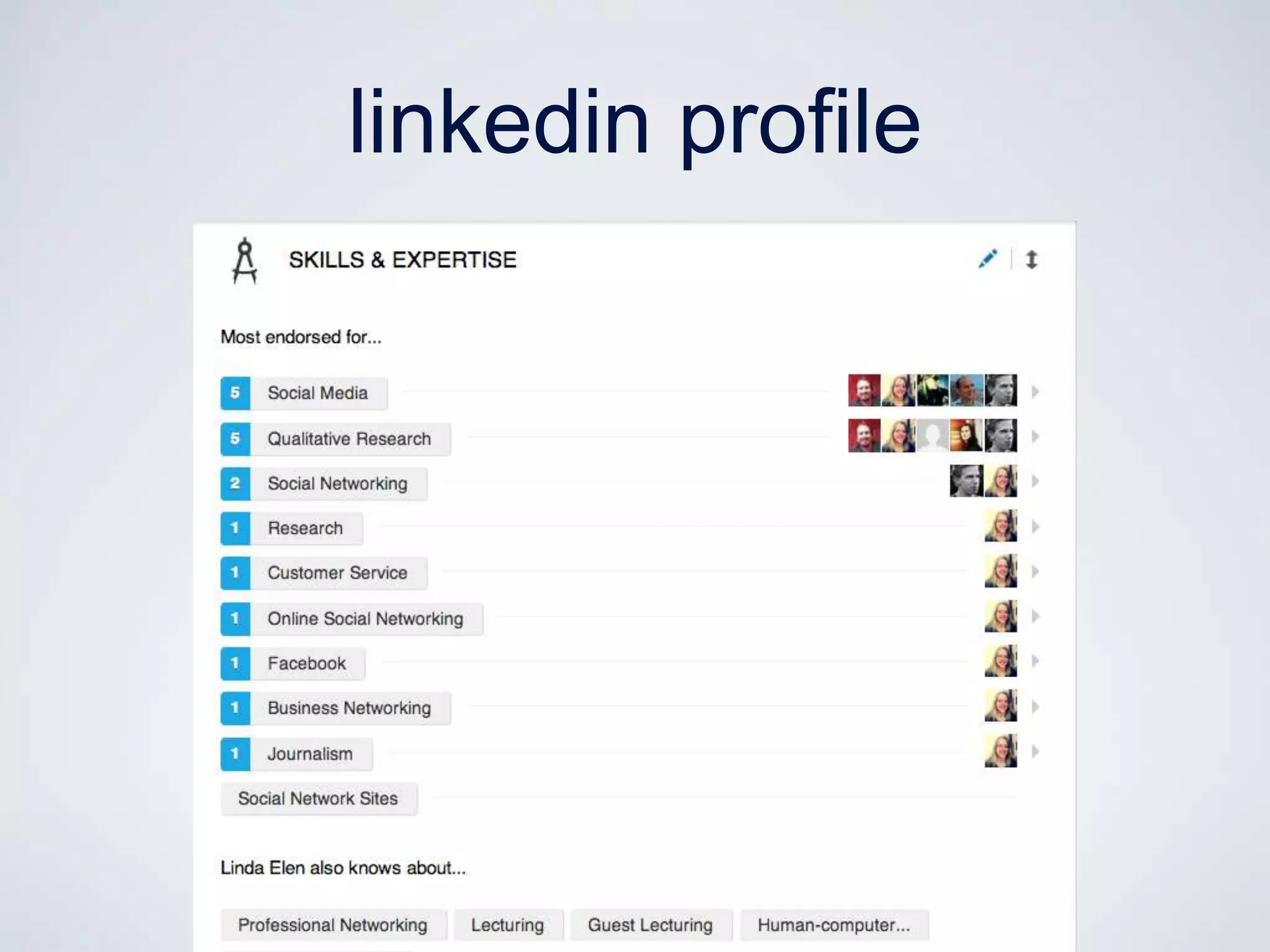
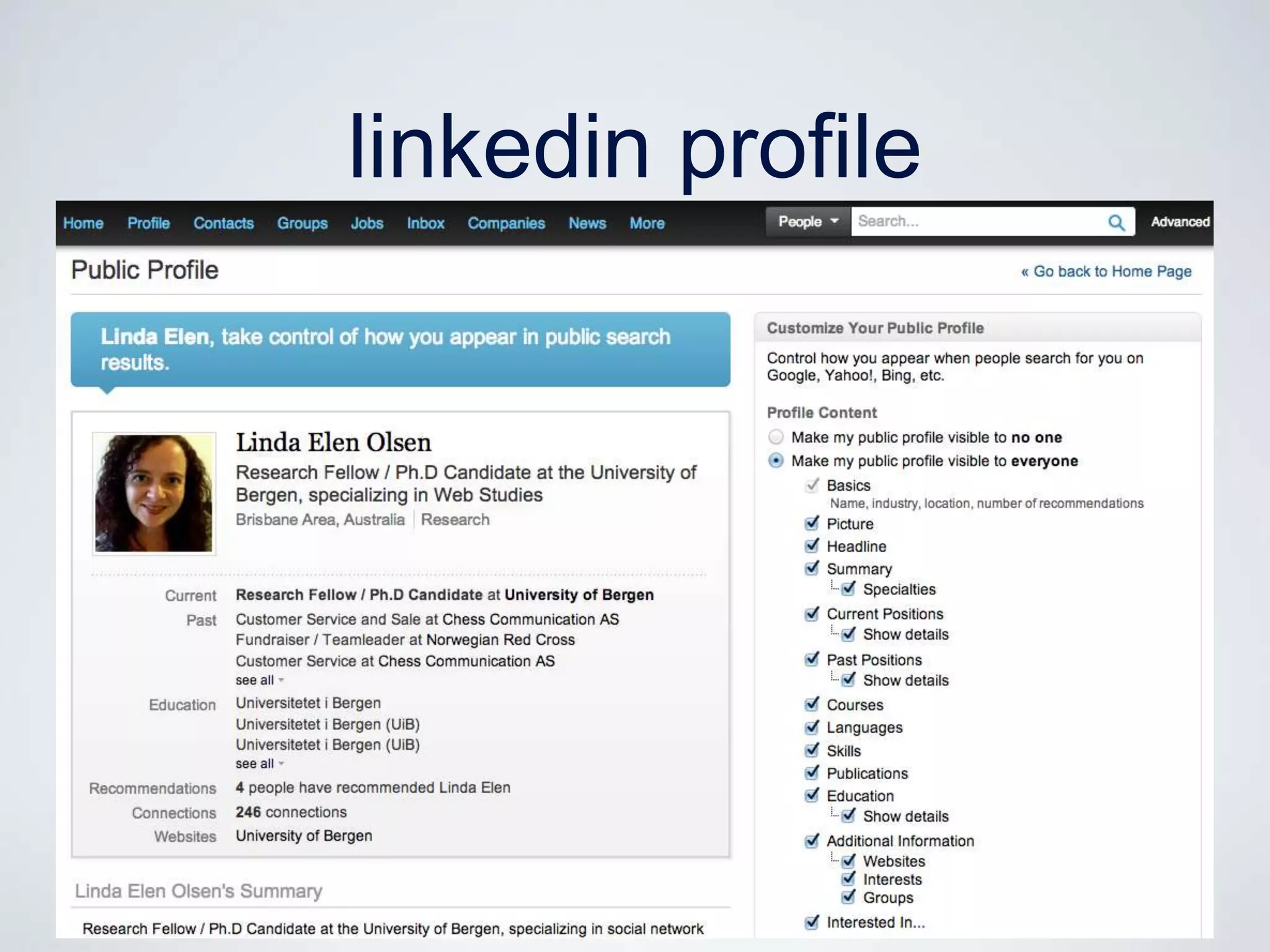
linkedin profile
making connections
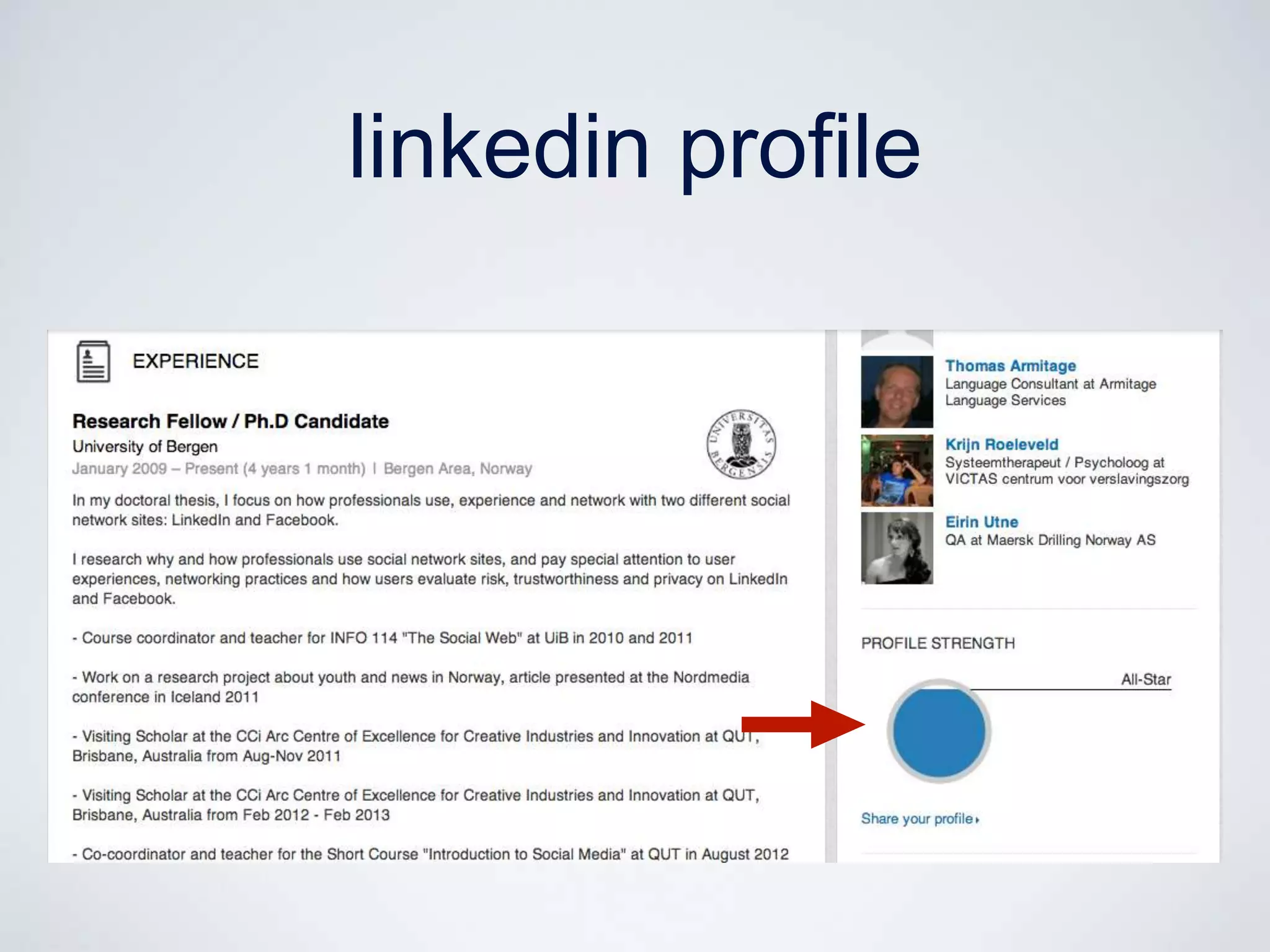
linkedin profile
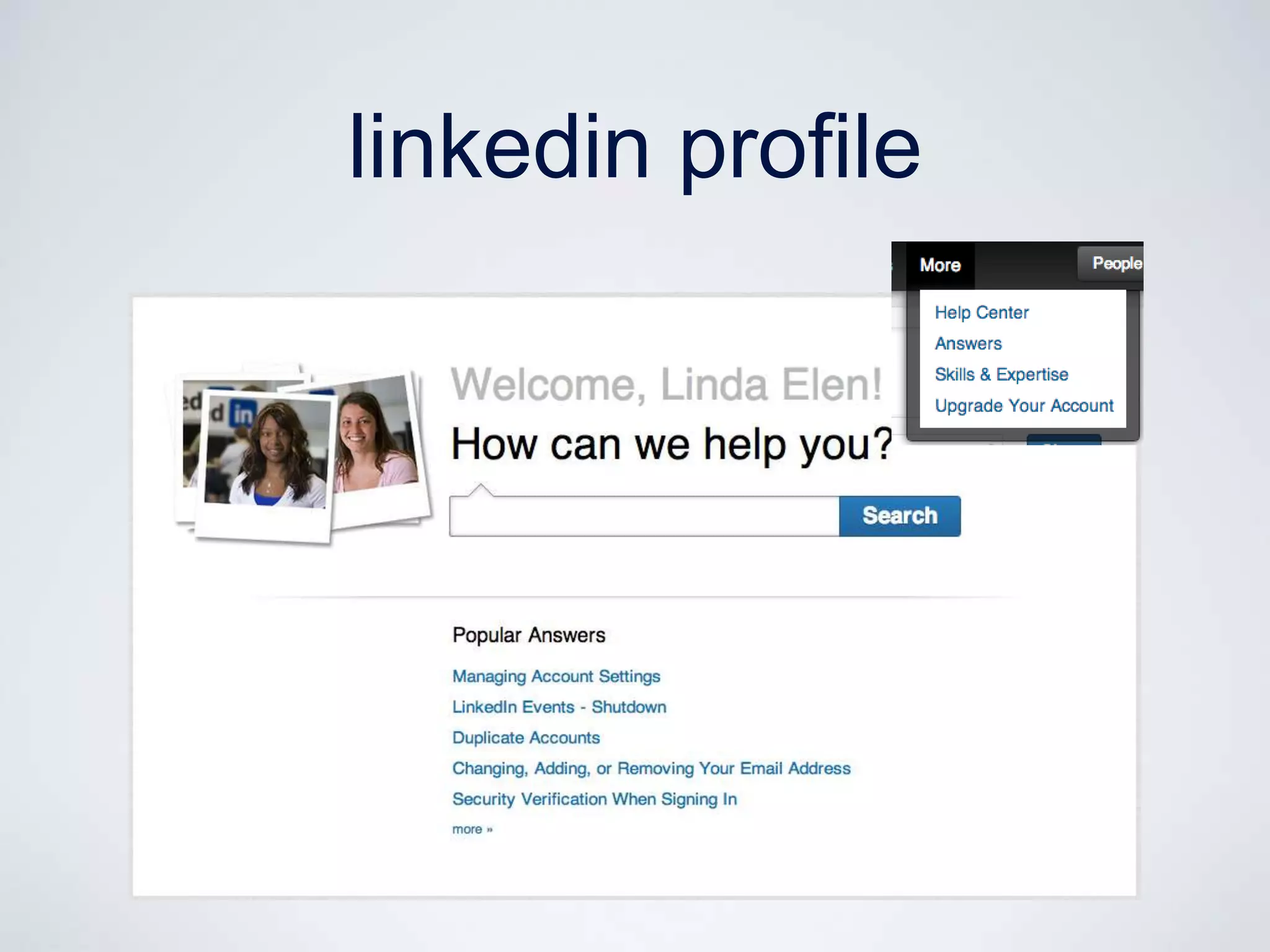
linkedin profile
linkedin profile
linkedin profile
linkedin profile
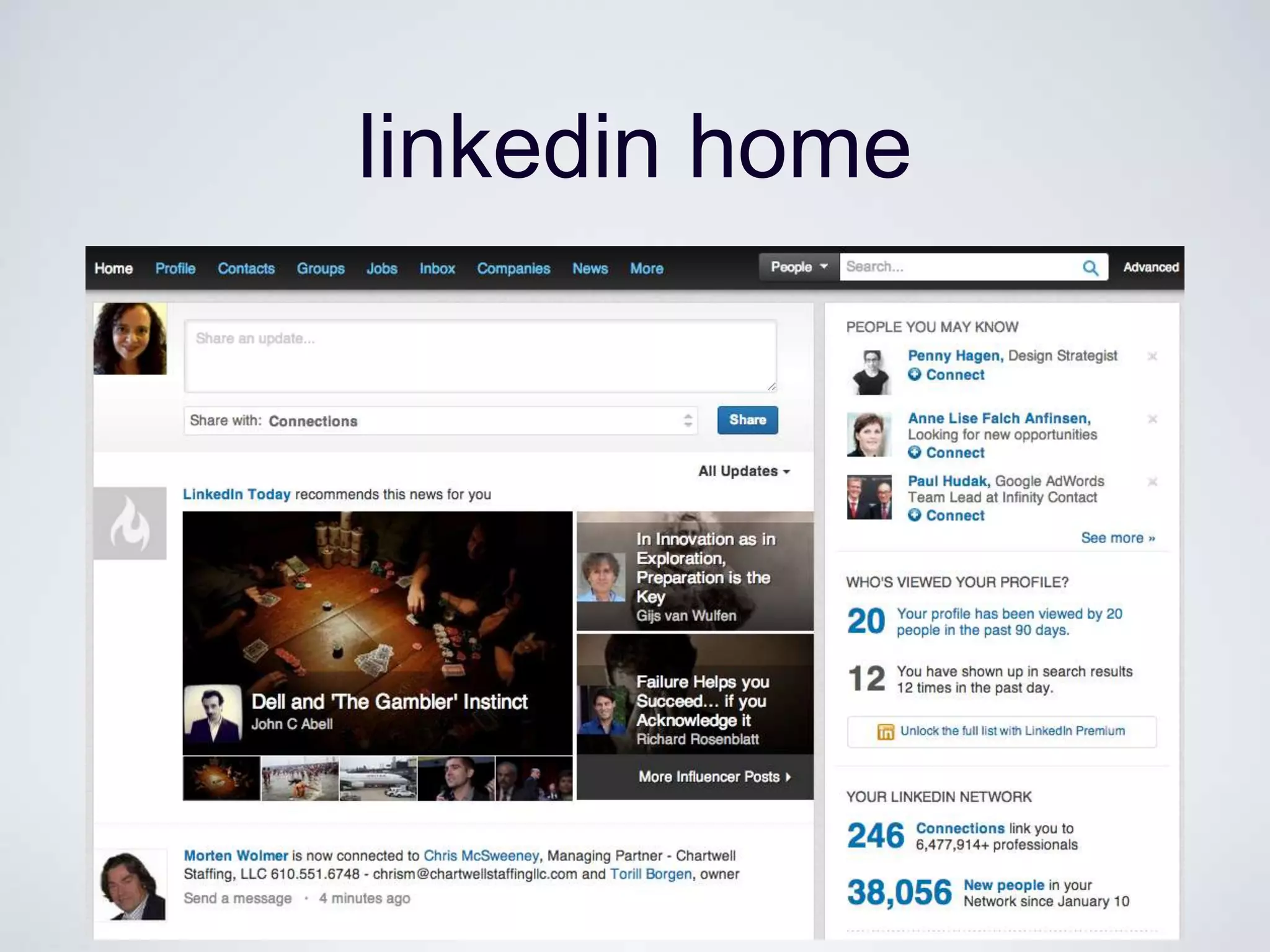
linkedin home
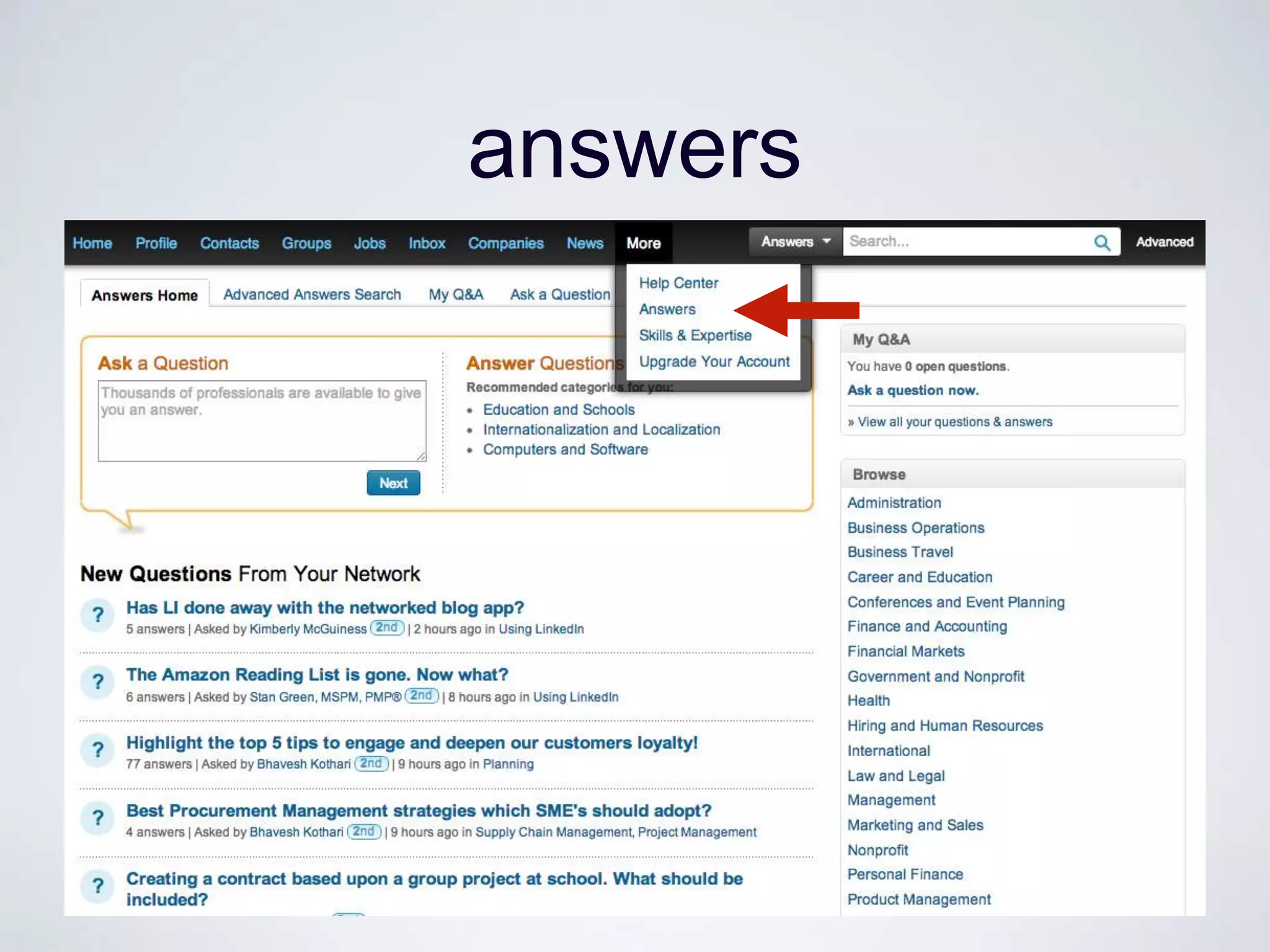
answers
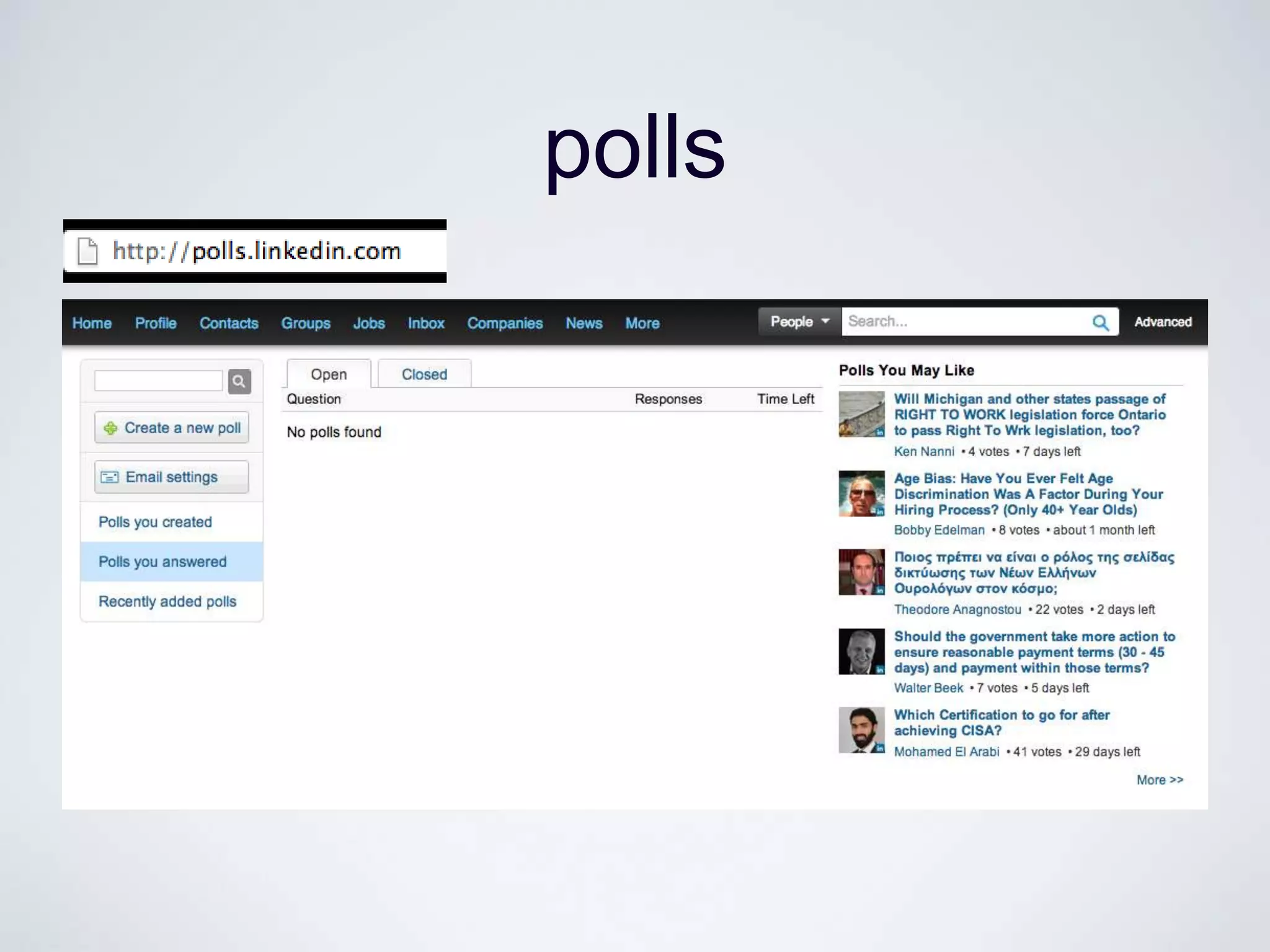
polls
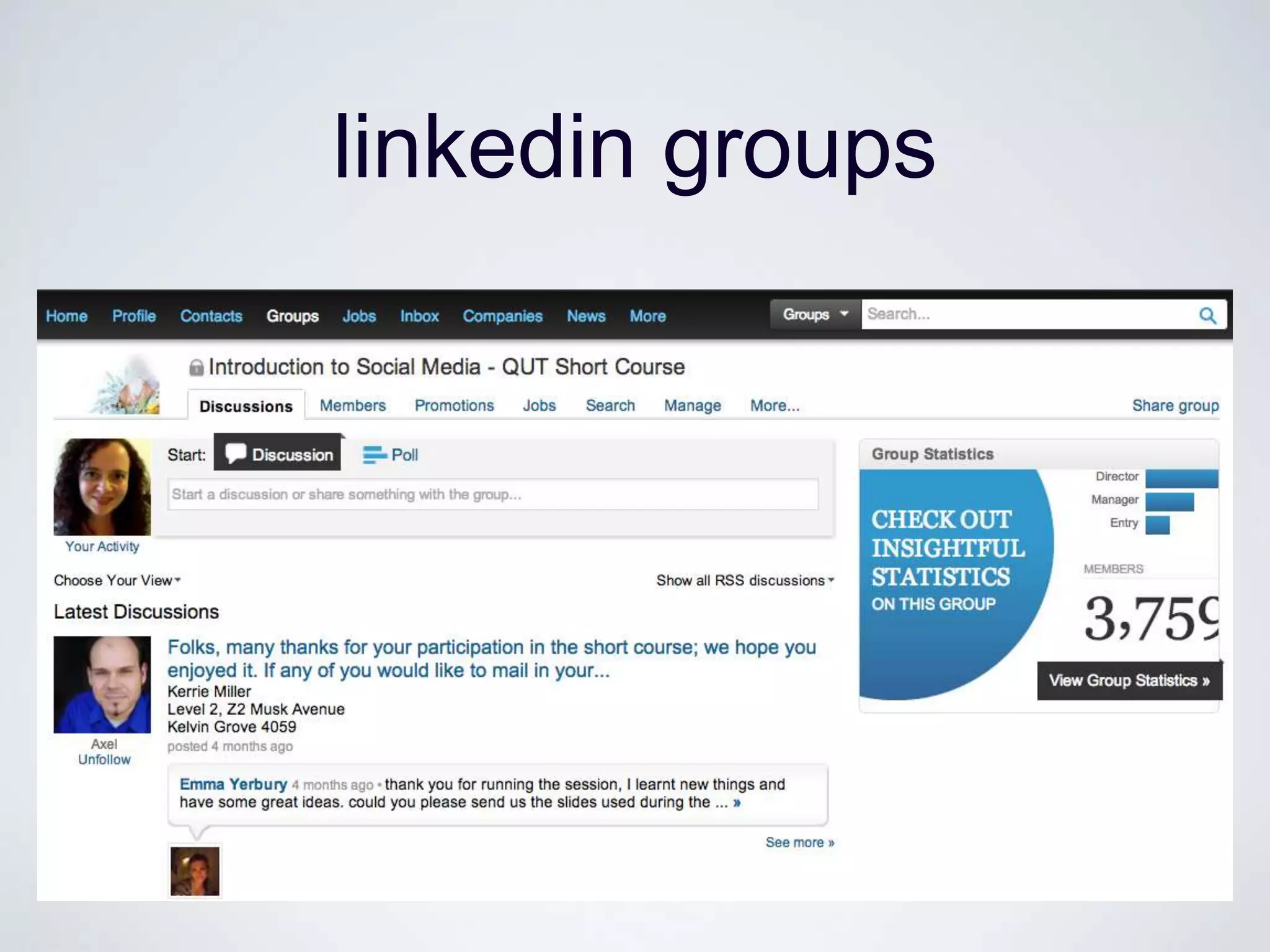
linkedin groups
why networking with linkedin
•   Online visibility

•   Searchable

•   Ties become more visible

•   Updated business card

•   Easy to maintain weak ties, and re-connect

•   People will help you!
PLATFORMS IN COMPARISON


                     http://mappingonlinepublics.net
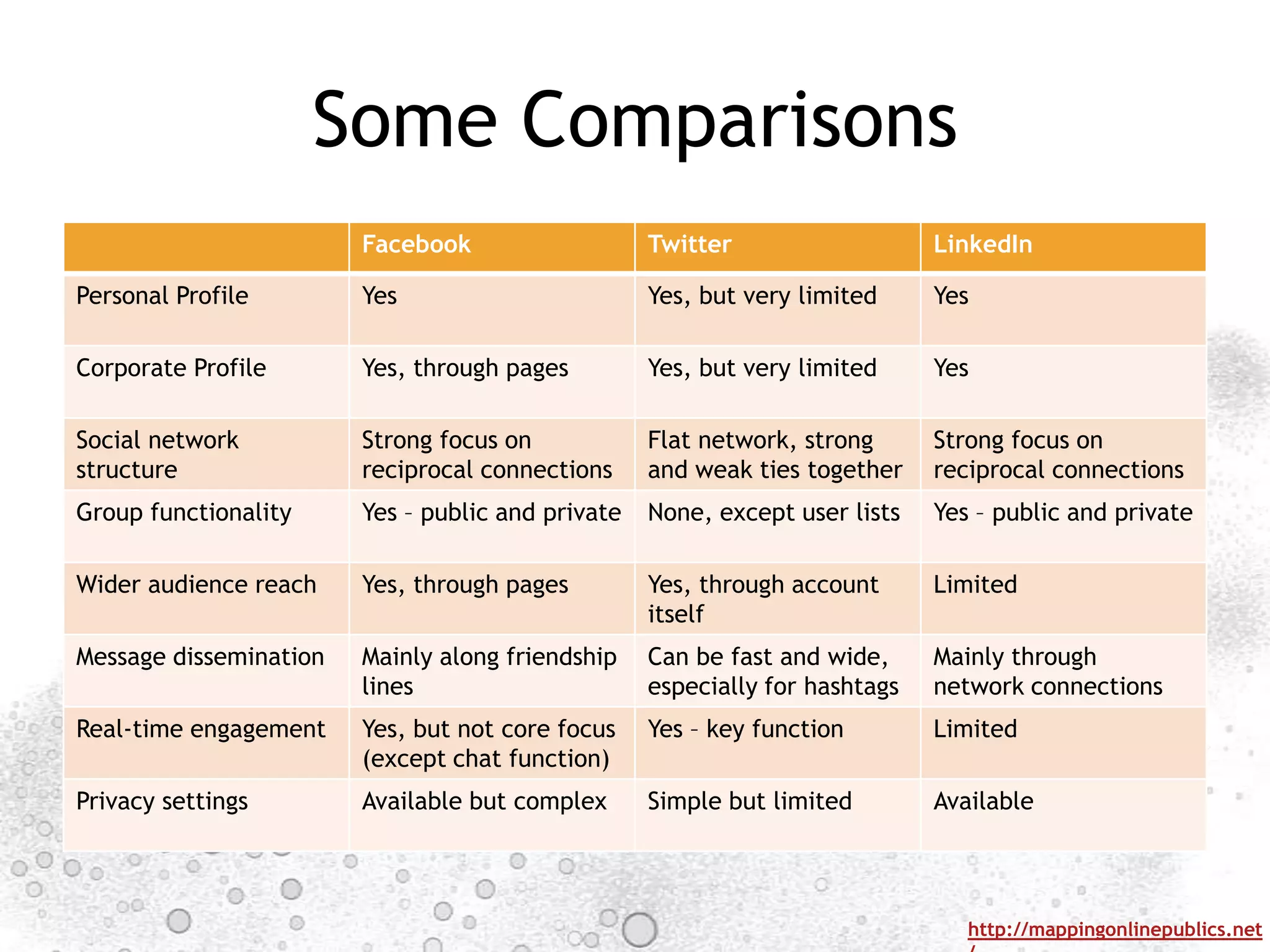
Some Comparisons
                        Facebook                   Twitter                   LinkedIn

Personal Profile        Yes                        Yes, but very limited     Yes

Corporate Profile       Yes, through pages         Yes, but very limited     Yes

Social network          Strong focus on            Flat network, strong      Strong focus on
structure               reciprocal connections     and weak ties together    reciprocal connections
Group functionality     Yes – public and private   None, except user lists   Yes – public and private

Wider audience reach    Yes, through pages         Yes, through account      Limited
                                                   itself
Message dissemination   Mainly along friendship    Can be fast and wide,     Mainly through
                        lines                      especially for hashtags   network connections
Real-time engagement    Yes, but not core focus    Yes – key function        Limited
                        (except chat function)
Privacy settings        Available but complex      Simple but limited        Available


                                                                                http://mappingonlinepublics.net
SCENARIO WORKSHOP


                    http://mappingonlinepublics.net
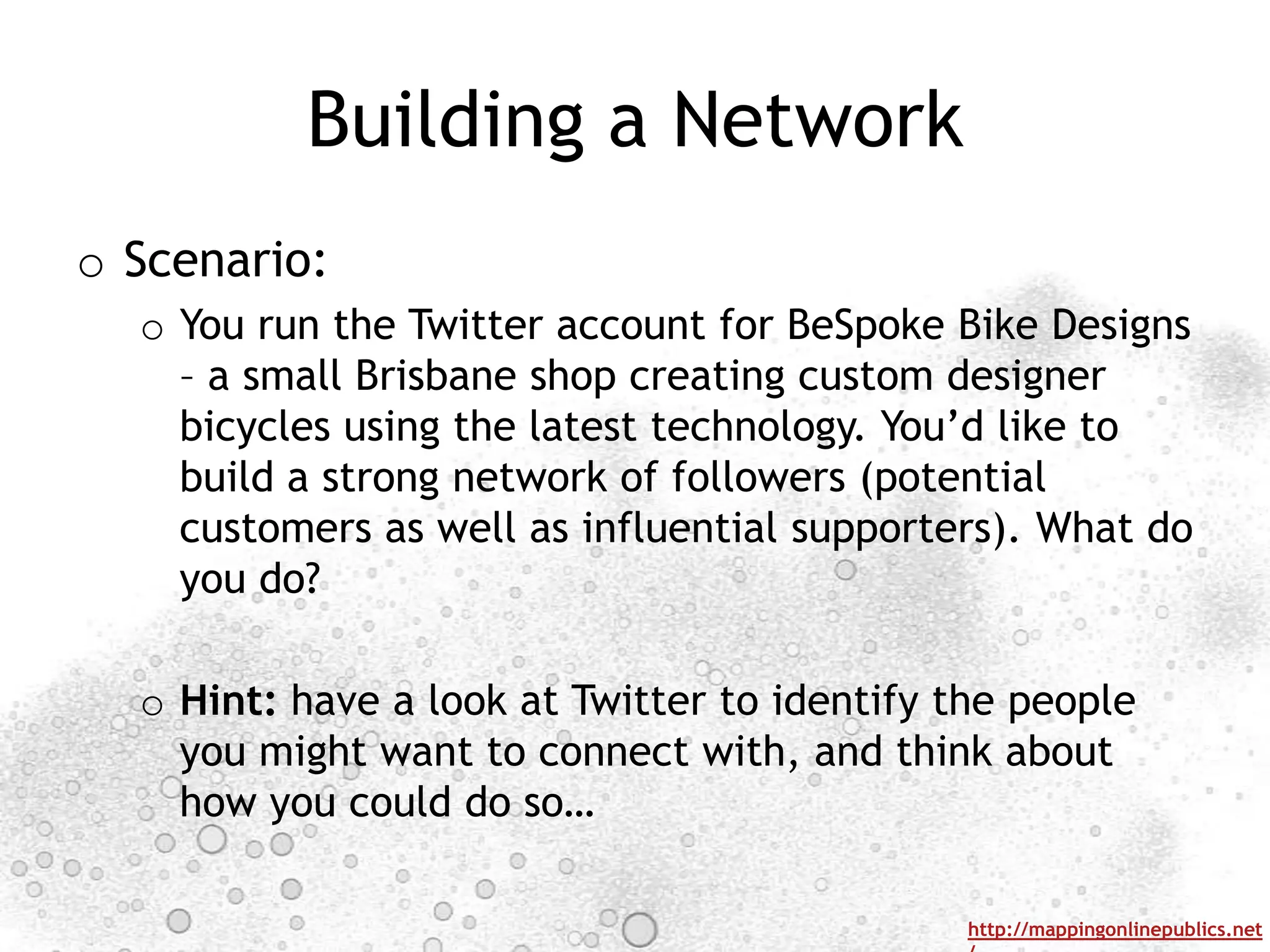
Building a Network
o Scenario:
  o You run the Twitter account for BeSpoke Bike Designs
    – a small Brisbane shop creating custom designer
    bicycles using the latest technology. You‟d like to
    build a strong network of followers (potential
    customers as well as influential supporters). What do
    you do?

  o Hint: have a look at Twitter to identify the people
    you might want to connect with, and think about
    how you could do so…

                                              http://mappingonlinepublics.net
HOW TO USE SOCIAL MEDIA


                      http://mappingonlinepublics.net
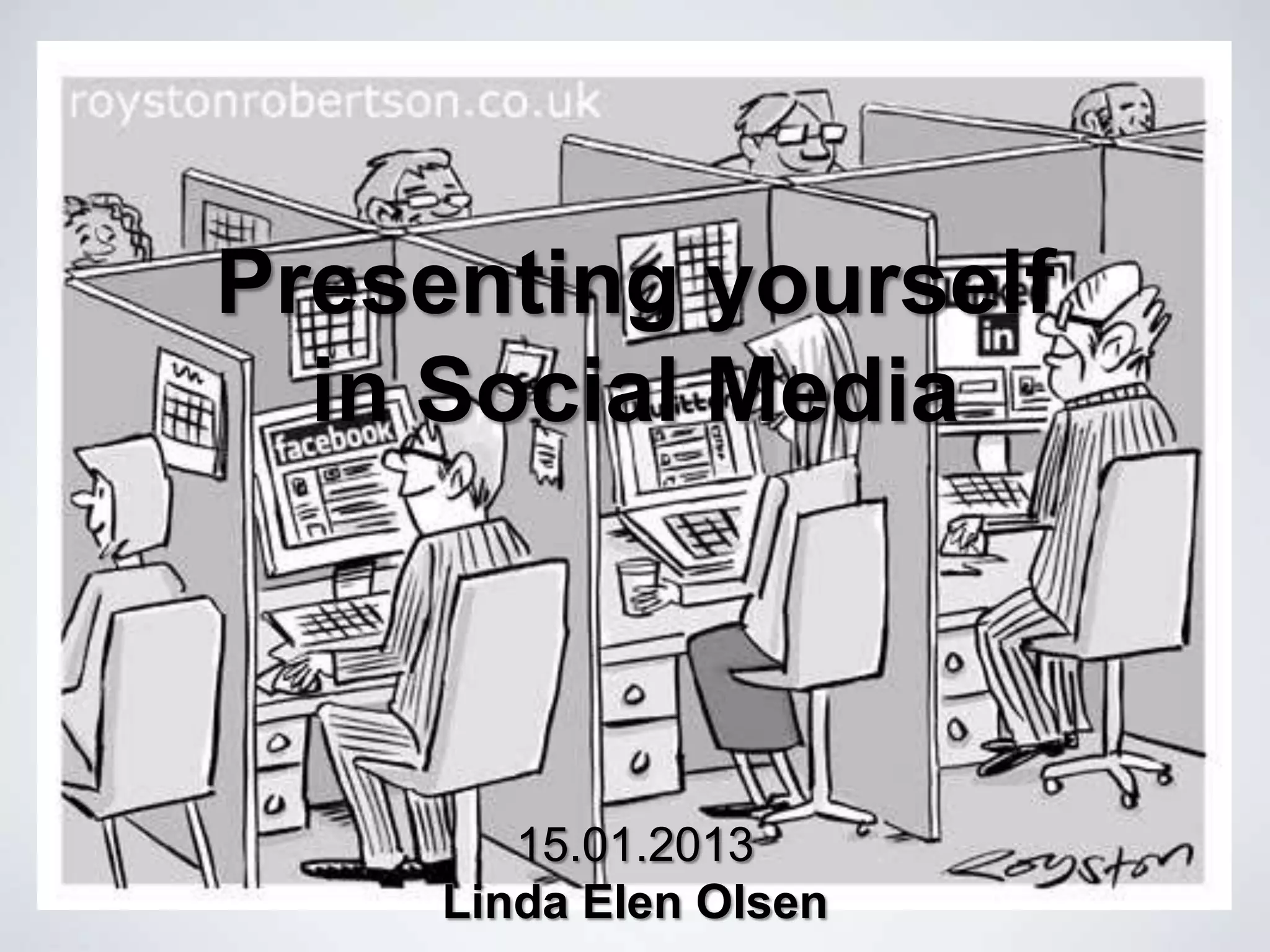
Presenting yourself
  in Social Media


        15.01.2013
     Linda Elen Olsen
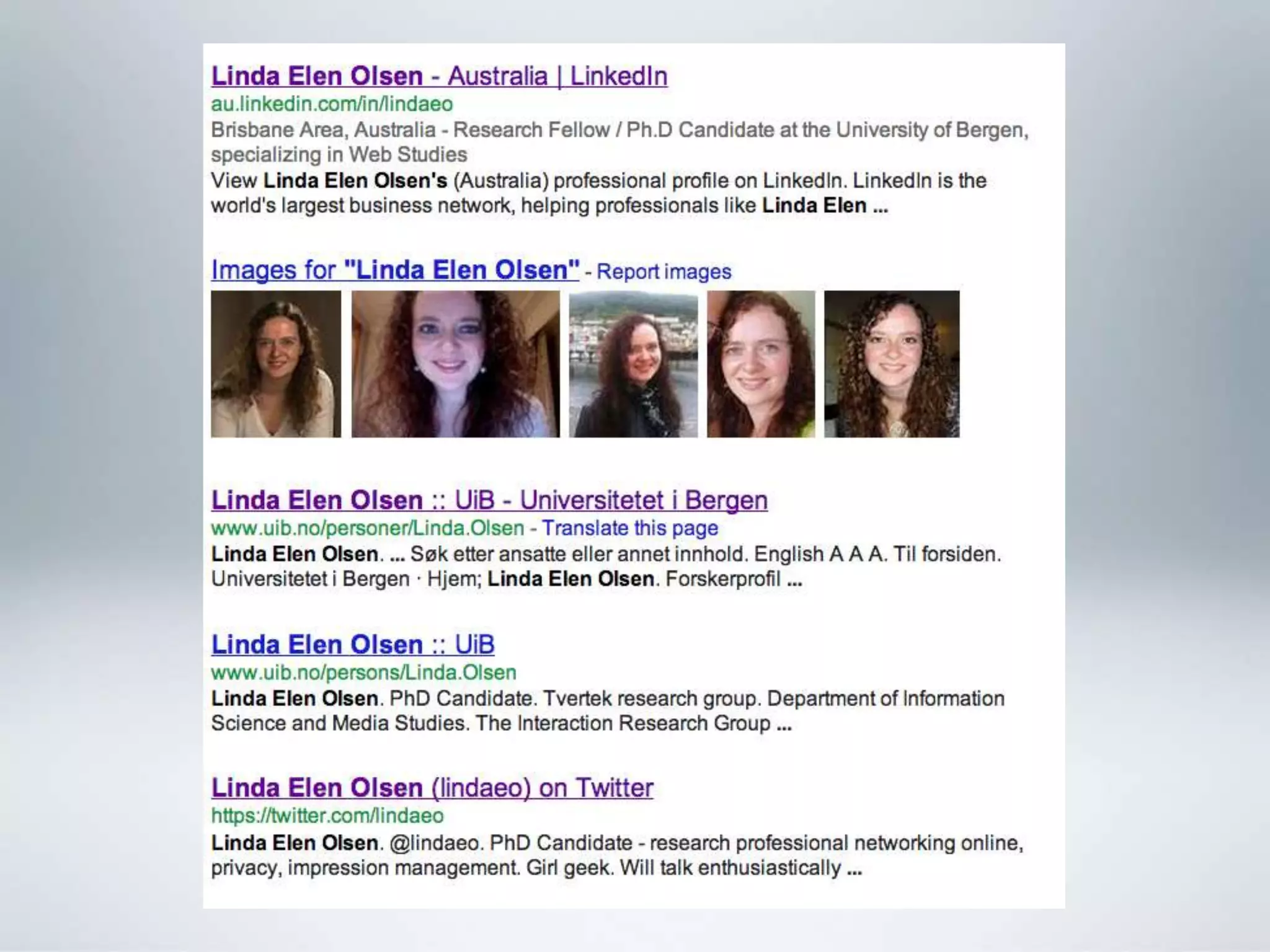
First impressions


•   People Google you

•   Social media ranks high on Google

•   Your chance to show off
professional presence

•   Show your experience

•   Share your expertise

•   Increase confidence

•   Make connections and grow your network

•   Become more aware
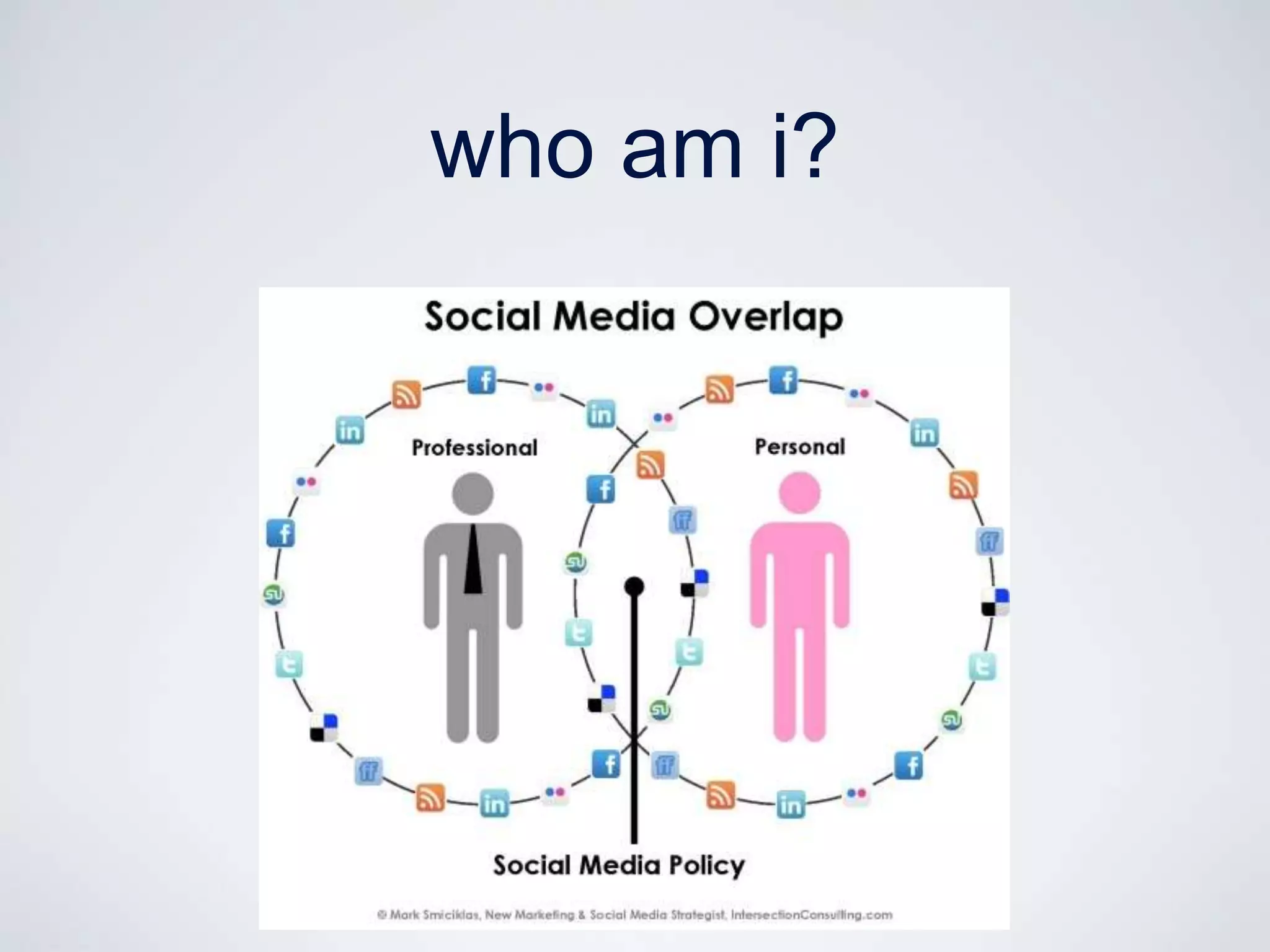
who am i?
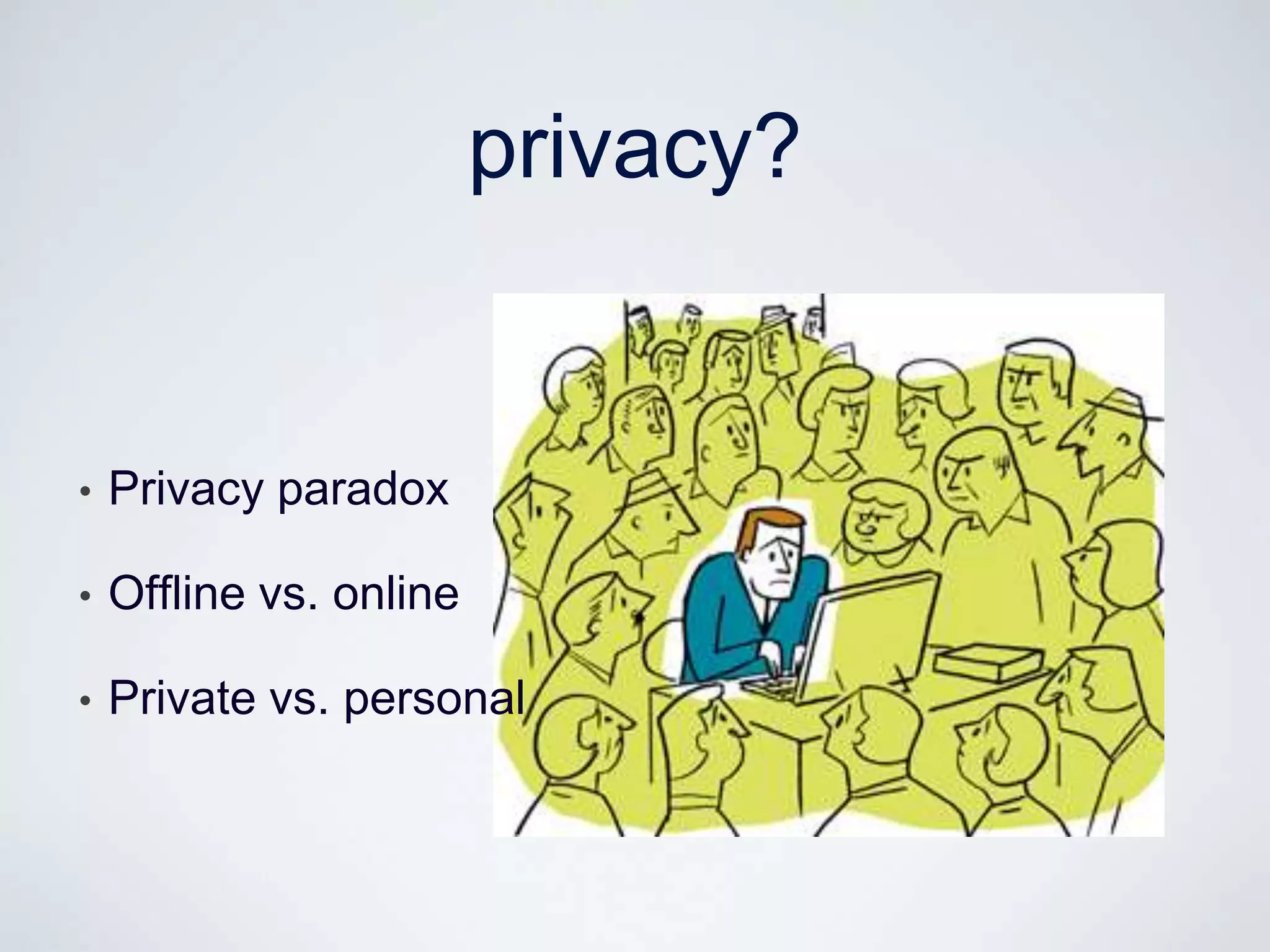
privacy?


•   Privacy paradox

•   Offline vs. online

•   Private vs. personal
be smart


•   Everything is public

•   Know your privacy settings

•   Look at your industry - what is happening?
finding the balance
finding the balance

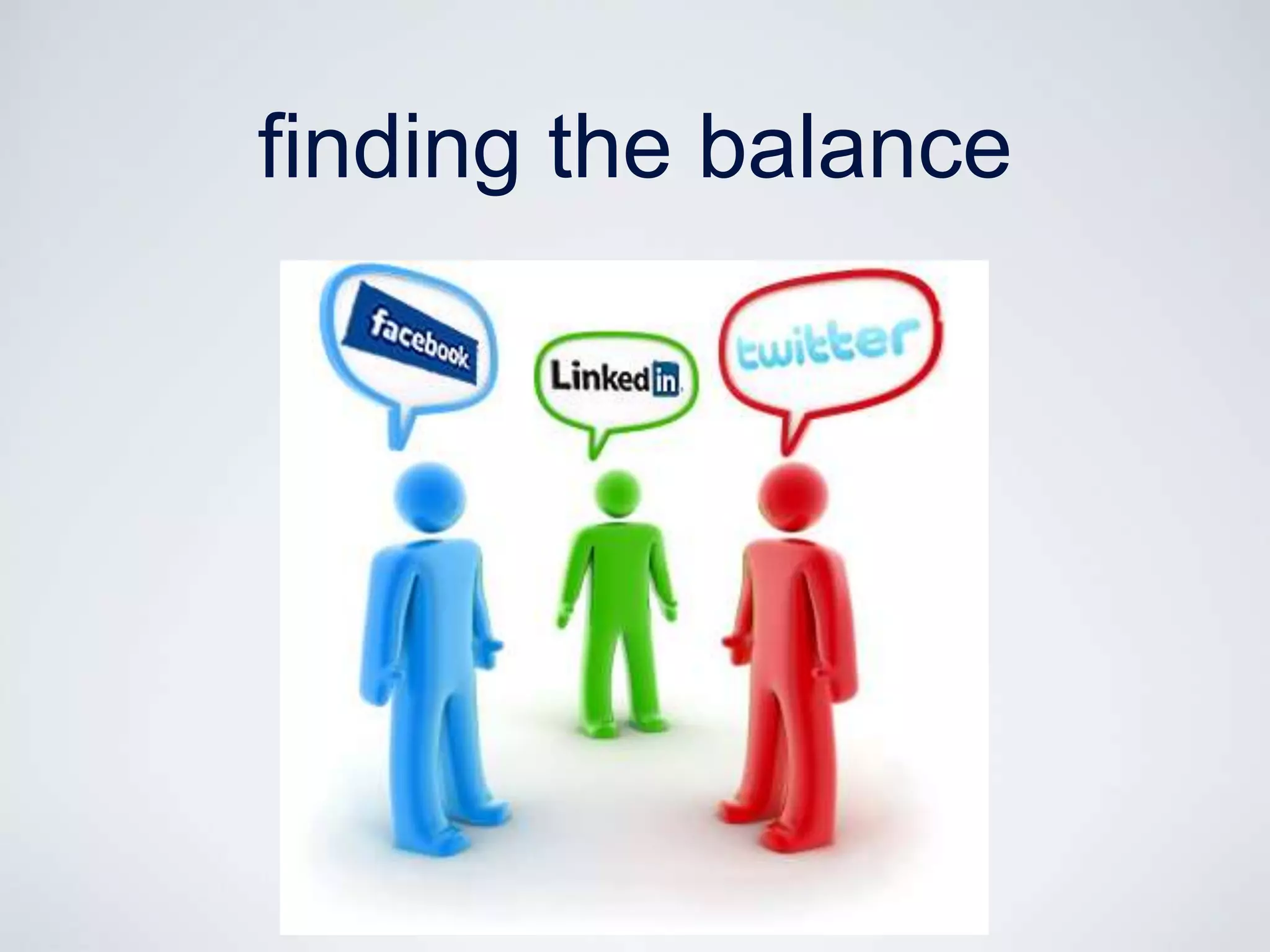
•   Who is my audience?

•   Who do I want to be my audience?

•   What are my boundaries?

•   What is OK to share / not share?

•   What sort of community am I trying to be part of?
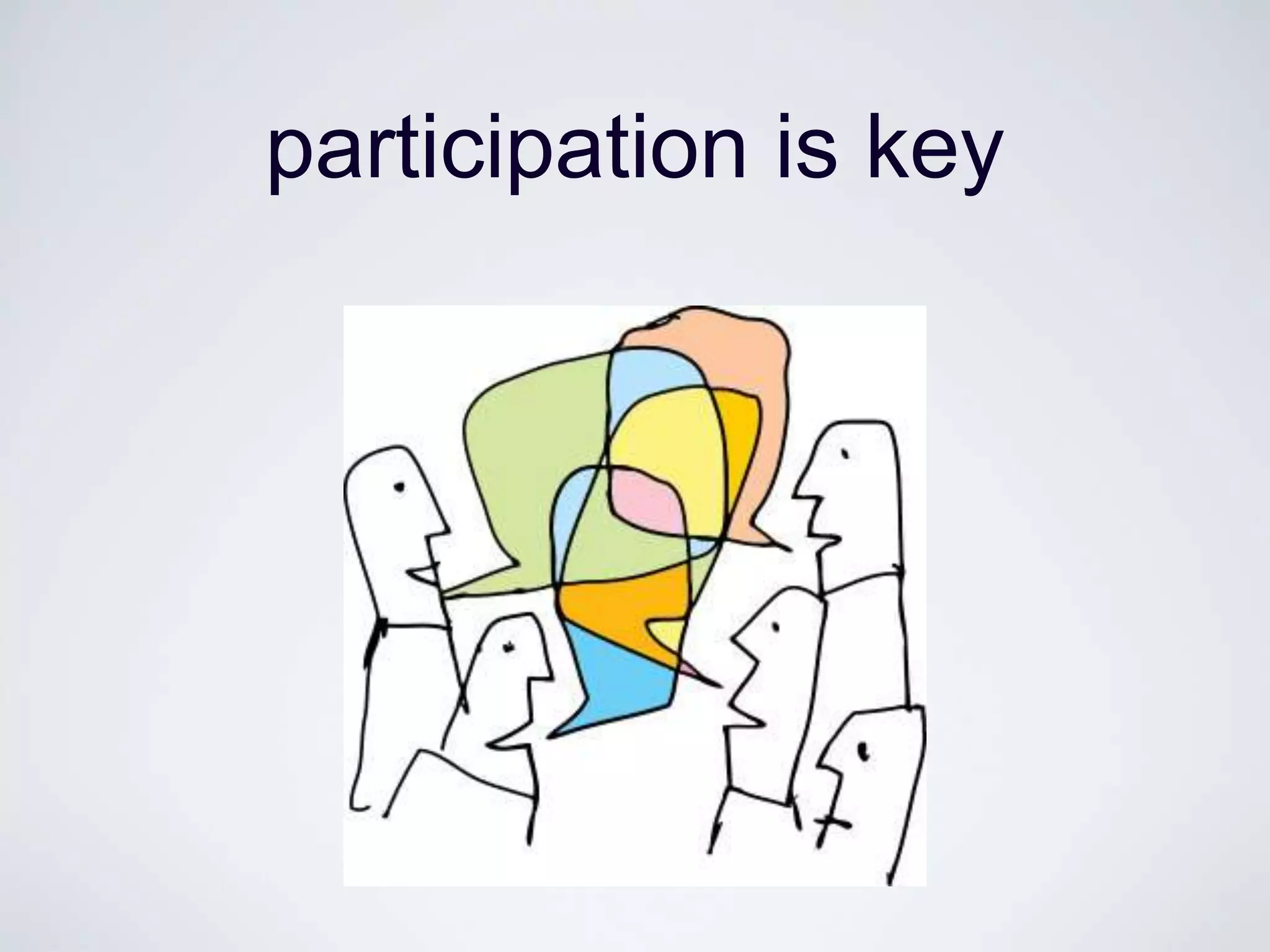
participation is key
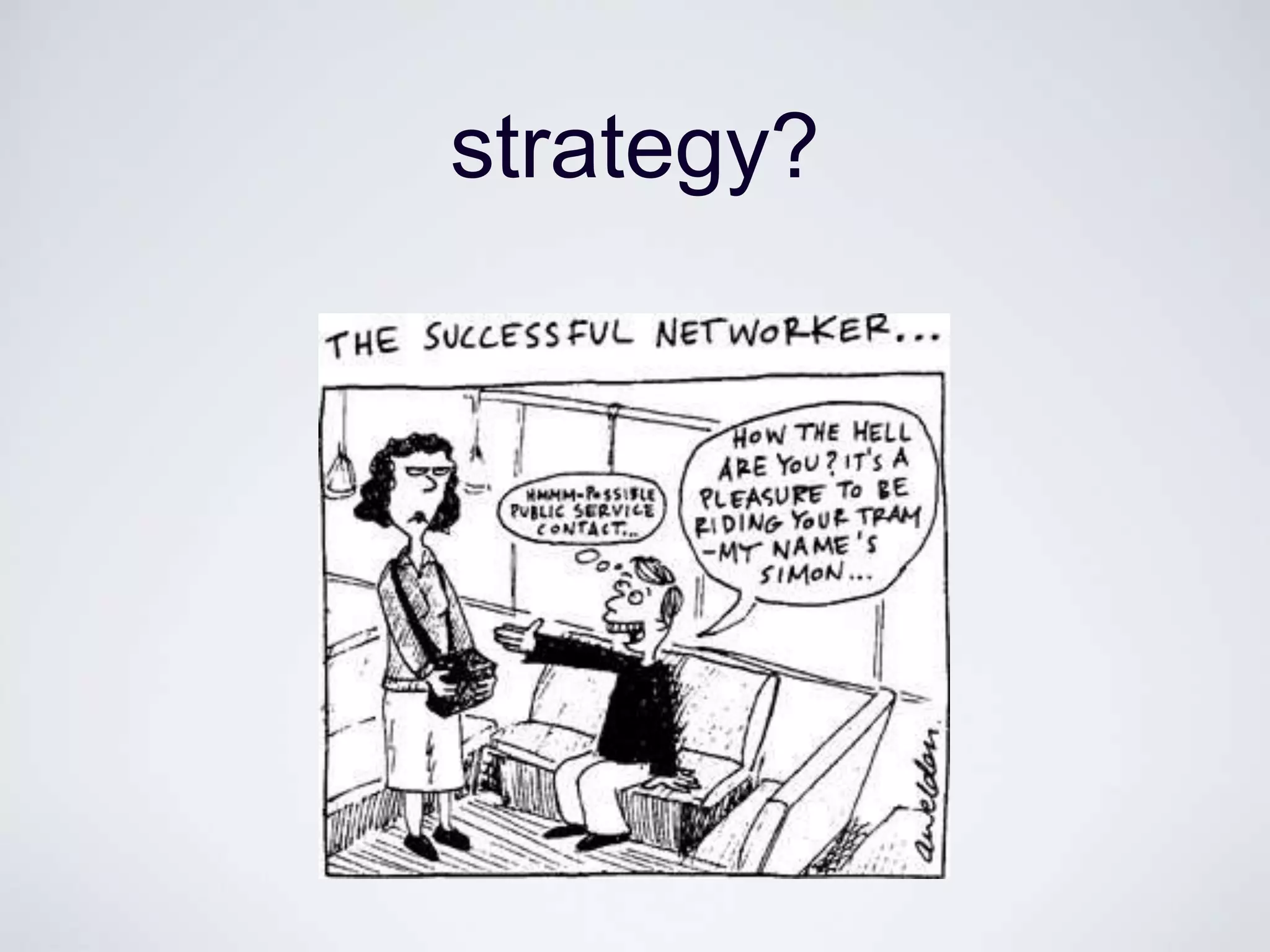
strategy?
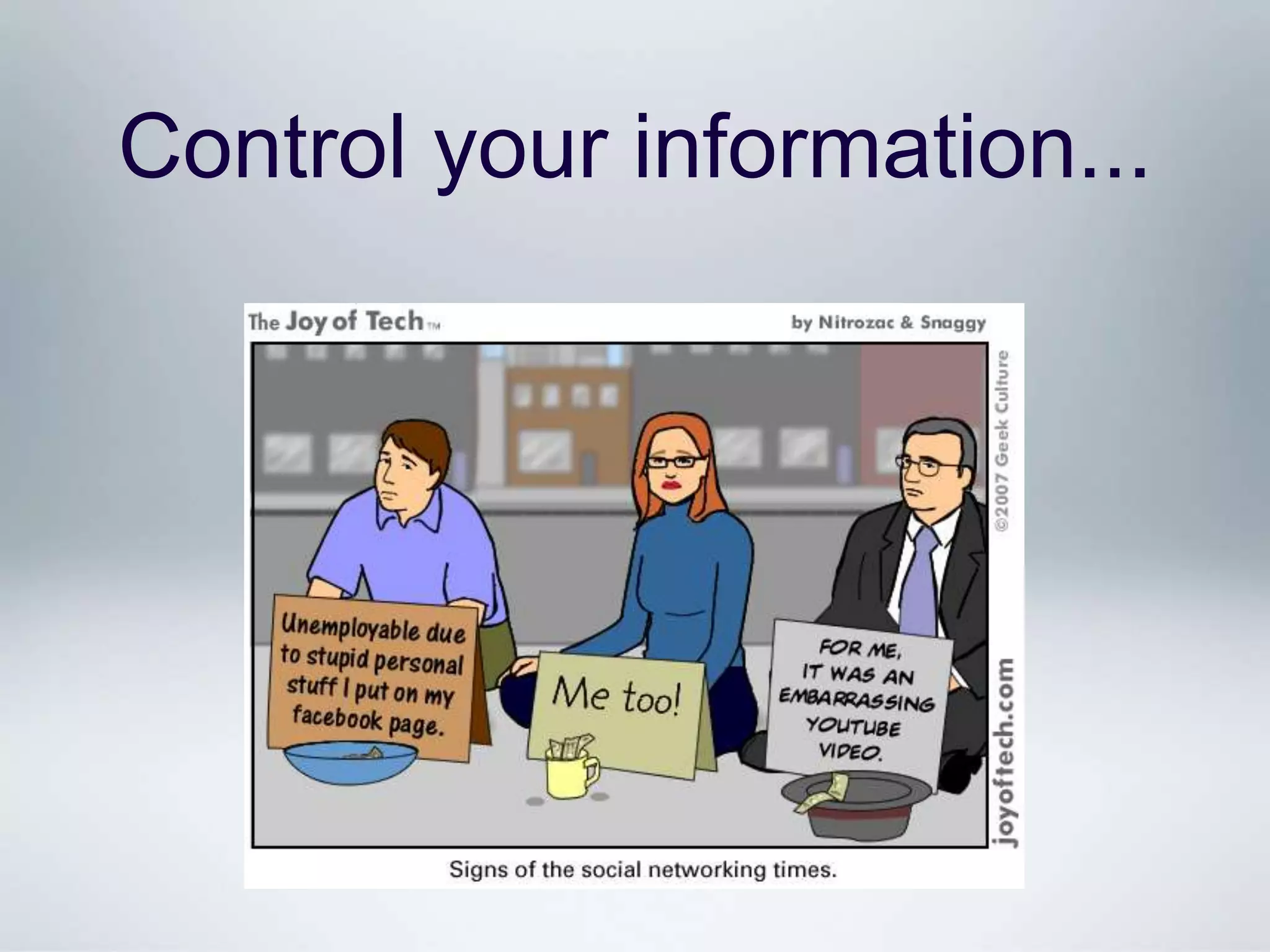
Control your information...
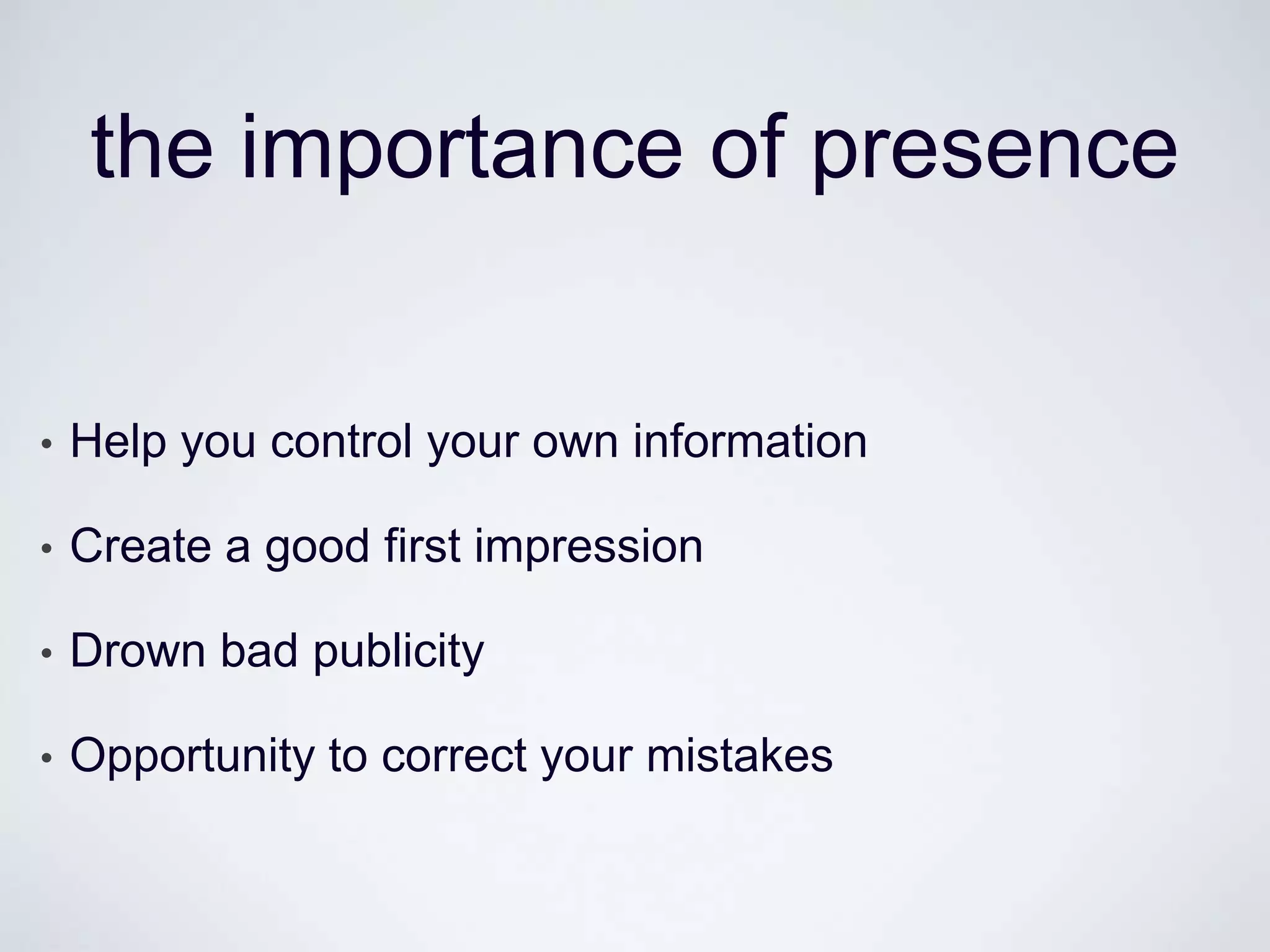
the importance of presence


•   Help you control your own information

•   Create a good first impression

•   Drown bad publicity

•   Opportunity to correct your mistakes

Introduction to Social Media (Week 1)

  • 1.
    Introduction to SocialMedia Assoc. Prof. Axel Bruns ARC Centre of Excellence for Creative Industries and Innovation Queensland University of Technology, Brisbane, Australia a.bruns@qut.edu.au – @snurb_dot_info http://mappingonlinepublics.net/ Linda Elen Olsen University of Bergen, Norway linda.olsen@infomedia.uib.no - @lindaeo http://mappingonlinepublics.net
  • 2.
    Course Outline o Week1: o Introduction and setup: Twitter, Facebook, LinkedIn o Developing a social media persona / presence o Week 2: o Understanding social networks: audiences? followers? influencers? o Social media analytics: Hootsuite and other tools o Week 3: o Social media campaigning: dos and don‟ts of corporate social media o Ideas workshop and wrap-up http://mappingonlinepublics.net
  • 3.
    INTRODUCTIONS http://mappingonlinepublics.net
  • 4.
    Axel Bruns o AssociateProfessor, Creative Industries Faculty o ARC Centre of Excellence for Creative Industries and Innovation o Research leader for social media: esp. blogs, Twitter o See http://mappingonlinepublics.net/ for details http://mappingonlinepublics.net
  • 5.
  • 6.
    PLATFORMS: FACEBOOK http://mappingonlinepublics.net
  • 7.
    Facebook o Overview: o Largest global social network o ~1b worldwide users o ~11m Australian accounts o Difficult to determine unique users / active accounts (source: http://www.socialbakers.com/facebook-statistics/australia) http://mappingonlinepublics.net
  • 8.
    Facebook Basics o “SocialGraph” approach: o Strong focus on social networks o Reciprocal connections: friendship requests must be approved o Detailed control over message visibility http://mappingonlinepublics.net
  • 9.
    Facebook Interactions o Posting,mentioning, commenting, liking, sharing, …: o Posts: to my own timeline, visible to everyone / friends / custom groups… o Mentions: posts referring to someone else, visible to them o Comments: on a friend‟s post, visible to them and their friends o Likes: simple thumbs-up on a friend‟s post or comment, visible to them and their friends o Shares: pass along a post to your own or a friend‟s timeline, to a group or page, or as a private message o … and many more … o Advanced interactions: o Special types of activity: e.g. events, questions, etc. o Activity updates by Facebook apps: e.g. music, games, … http://mappingonlinepublics.net
  • 10.
    Facebook Timeline o Timeline: o Recent introduction, meant to show all life events o Users can add pre-Facebook events (birth, school, marriage, etc.) o Criticised as blatant information grab – privacy concerns o Potential to generate substantial new information base for Facebook o Allows for more detailed user profiling (valuable for advertisers) http://mappingonlinepublics.net
  • 11.
    Facebook and Privacy oPrivacy concerns: o Facebook business model built around visibility of content o Push to encourage users to make everything they post public o Frequent changes to privacy settings, often confusing o New features usually introduced with „public‟ default setting  Check and re-check your privacy settings frequently! http://mappingonlinepublics.net
  • 12.
    Facebook Groups andPages o Groups: o Invited members only, different visibility options o Useful for established, stable communities o Pages: o Public space for brands, businesses, celebrities, etc. o Available from options bar: o Users subscribe by liking the page – no need for reciprocal friendship approvals http://mappingonlinepublics.net
  • 13.
    PLATFORMS: TWITTER http://mappingonlinepublics.net
  • 14.
    Twitter o Overview: o Major global social network o ~500m worldwide users o ~2m Australian accounts o Best guess on Australian userbase: o 25-55 age bracket o More likely to be urban, affluent, educated (male?) http://mappingonlinepublics.net
  • 15.
    Twitter Basics o Flat,open network structure: o Two types of accounts: o Public – visible to all, even to non-registered visitors o Private – visible only to approved followers o No message-level visibility controls o Non-reciprocal following o Very limited options for customising profile pages o Message format: o Designed as SMS-style live medium – limit of 140 characters per post o Simple functionality - @mentions, #hashtags, embedded links o Viewing of older posts increasingly difficult as time passes http://mappingonlinepublics.net
  • 16.
    Twitter Interactions o @mentions: o Posts containing @user become visible to user (even without following) o Posts beginning @user visible only to sender and receiver, and mutual followers – convention to use .@user to bypass this o “RT @user [original tweet]” is a retweet of user‟s message (also MT, HT, via, and other similar variations), possibly with comments o Alternative: „button‟ retweets o #hashtags: o Posts containing #topic are marked as relating to topic o Anyone can create a hashtag o Users can search for / subscribe to hashtags o Hashtagged posts are visible even without following o Twitter tracks „trending‟ (rapidly growing) hashtags http://mappingonlinepublics.net
  • 17.
    The Australian Twittersphere? Follower/followee network: ~120,000 Australian Twitter users (of ~950,000 known accounts by early 2012) colour = outdegree, size = indegree
  • 18.
    Real Estate Jobs Property HR Business Parenting Thematic Clusters Design Business Property Mums Craft Arts Web Social Media Creative Tech Food Perth PR Wine Marketing / PR Advertising IT Beer Tech Creative Social Design ICTs NGOs Fashion Utilities Farming Social Policy Beauty Services Agriculture Net Culture Adelaide Opinion Books Theatre Greens News Literature Film Arts Publishing ALP Hardline Progressives News @KRuddMP Conservatives @JuliaGillard Radio Conservatives TV Music Journalists Triple J Talkback Dance Breakfast TV Hip Hop Cycling Celebrities Union Evangelicals Swimming NRL V8s Football Teens Christians Cricket Teaching Hillsong AFL e-Learning Schools Jonas Bros. Beliebers
  • 19.
    Twitter and Privacy oSimple setup: o Public vs. private accounts o Does not protect from (manual) retweets o Ephemeral medium: o Older messages difficult to retrieve o Twitter only provides 1-2 weeks of past messages (for users, hashtags, keywords, etc.), even to original senders themselves o But other archives may exist – e.g. Library of Congress Twitter archive  Twitter is a public medium (more so than Facebook) http://mappingonlinepublics.net
  • 20.
    Twitter Lists o Collectionsof Twitter accounts: o Any Twitter user can create lists o Can be public (visible to all) or private (visible only to the creator) o Users can subscribe to public lists: i.e. follow all list members at once o Useful for tracking accounts, following posts by specific groups, … http://mappingonlinepublics.net
  • 21.
    PLATFORMS: LINKEDIN http://mappingonlinepublics.net
  • 22.
    Introduction to Linkedin 15.01.2013 Linda Elen Olsen Linda.Olsen@infomedia.uib.no
  • 23.
  • 24.
    general uses • Making new connections • Maintaining relationships • Updated information • Awareness
  • 25.
  • 26.
  • 27.
  • 28.
  • 29.
  • 30.
  • 31.
  • 32.
  • 33.
  • 34.
  • 35.
  • 36.
    why networking withlinkedin • Online visibility • Searchable • Ties become more visible • Updated business card • Easy to maintain weak ties, and re-connect • People will help you!
  • 37.
    PLATFORMS IN COMPARISON http://mappingonlinepublics.net
  • 38.
    Some Comparisons Facebook Twitter LinkedIn Personal Profile Yes Yes, but very limited Yes Corporate Profile Yes, through pages Yes, but very limited Yes Social network Strong focus on Flat network, strong Strong focus on structure reciprocal connections and weak ties together reciprocal connections Group functionality Yes – public and private None, except user lists Yes – public and private Wider audience reach Yes, through pages Yes, through account Limited itself Message dissemination Mainly along friendship Can be fast and wide, Mainly through lines especially for hashtags network connections Real-time engagement Yes, but not core focus Yes – key function Limited (except chat function) Privacy settings Available but complex Simple but limited Available http://mappingonlinepublics.net
  • 39.
    SCENARIO WORKSHOP http://mappingonlinepublics.net
  • 40.
    Building a Network oScenario: o You run the Twitter account for BeSpoke Bike Designs – a small Brisbane shop creating custom designer bicycles using the latest technology. You‟d like to build a strong network of followers (potential customers as well as influential supporters). What do you do? o Hint: have a look at Twitter to identify the people you might want to connect with, and think about how you could do so… http://mappingonlinepublics.net
  • 41.
    HOW TO USESOCIAL MEDIA http://mappingonlinepublics.net
  • 42.
    Presenting yourself in Social Media 15.01.2013 Linda Elen Olsen
  • 43.
    First impressions • People Google you • Social media ranks high on Google • Your chance to show off
  • 45.
    professional presence • Show your experience • Share your expertise • Increase confidence • Make connections and grow your network • Become more aware
  • 46.
  • 53.
    privacy? • Privacy paradox • Offline vs. online • Private vs. personal
  • 54.
    be smart • Everything is public • Know your privacy settings • Look at your industry - what is happening?
  • 55.
  • 56.
    finding the balance • Who is my audience? • Who do I want to be my audience? • What are my boundaries? • What is OK to share / not share? • What sort of community am I trying to be part of?
  • 57.
  • 58.
  • 59.
  • 62.
    the importance ofpresence • Help you control your own information • Create a good first impression • Drown bad publicity • Opportunity to correct your mistakes