Dr Mark Swift
Scott Crowther
    Dr. Xiao Ma
  Ellie Precious
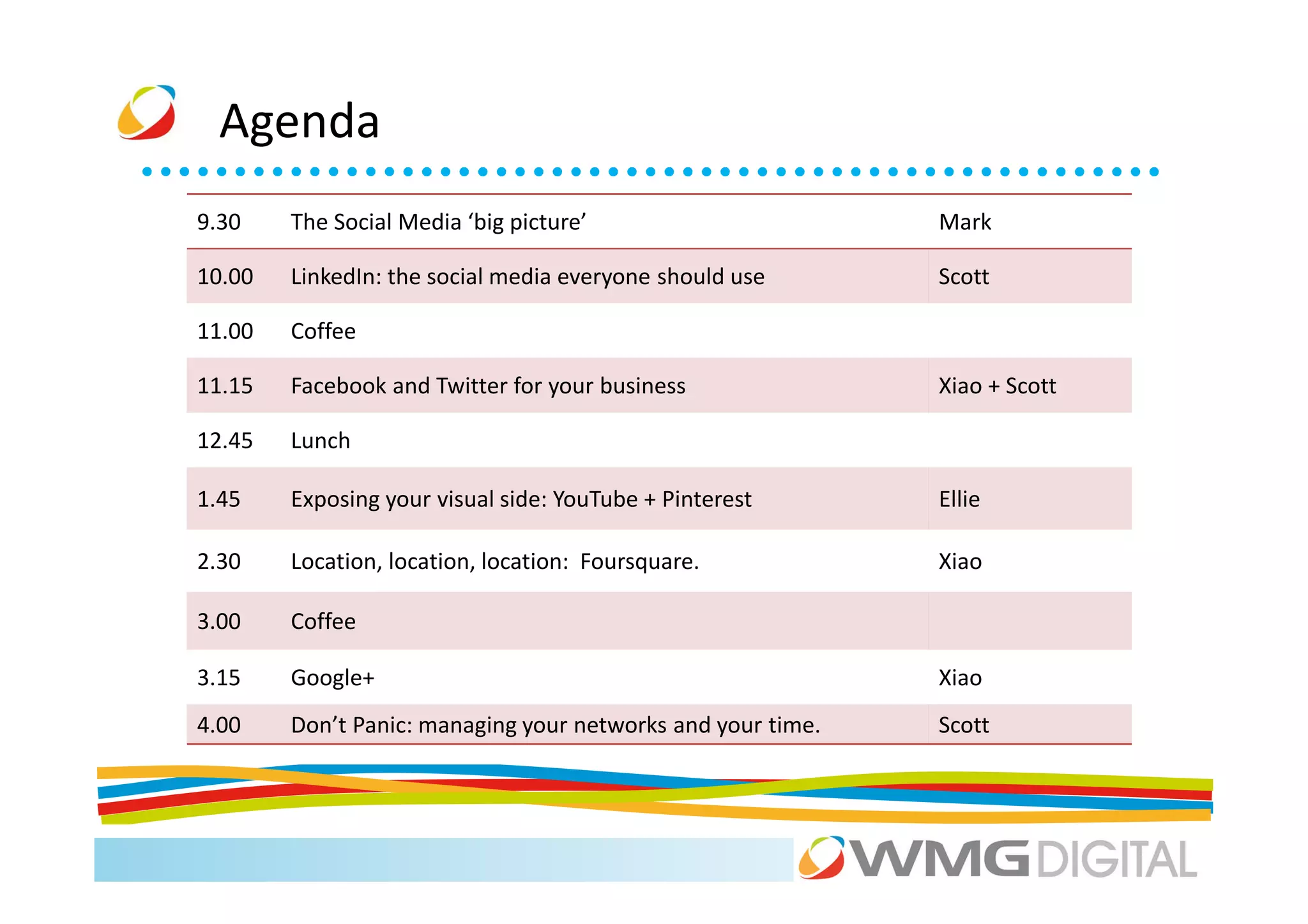
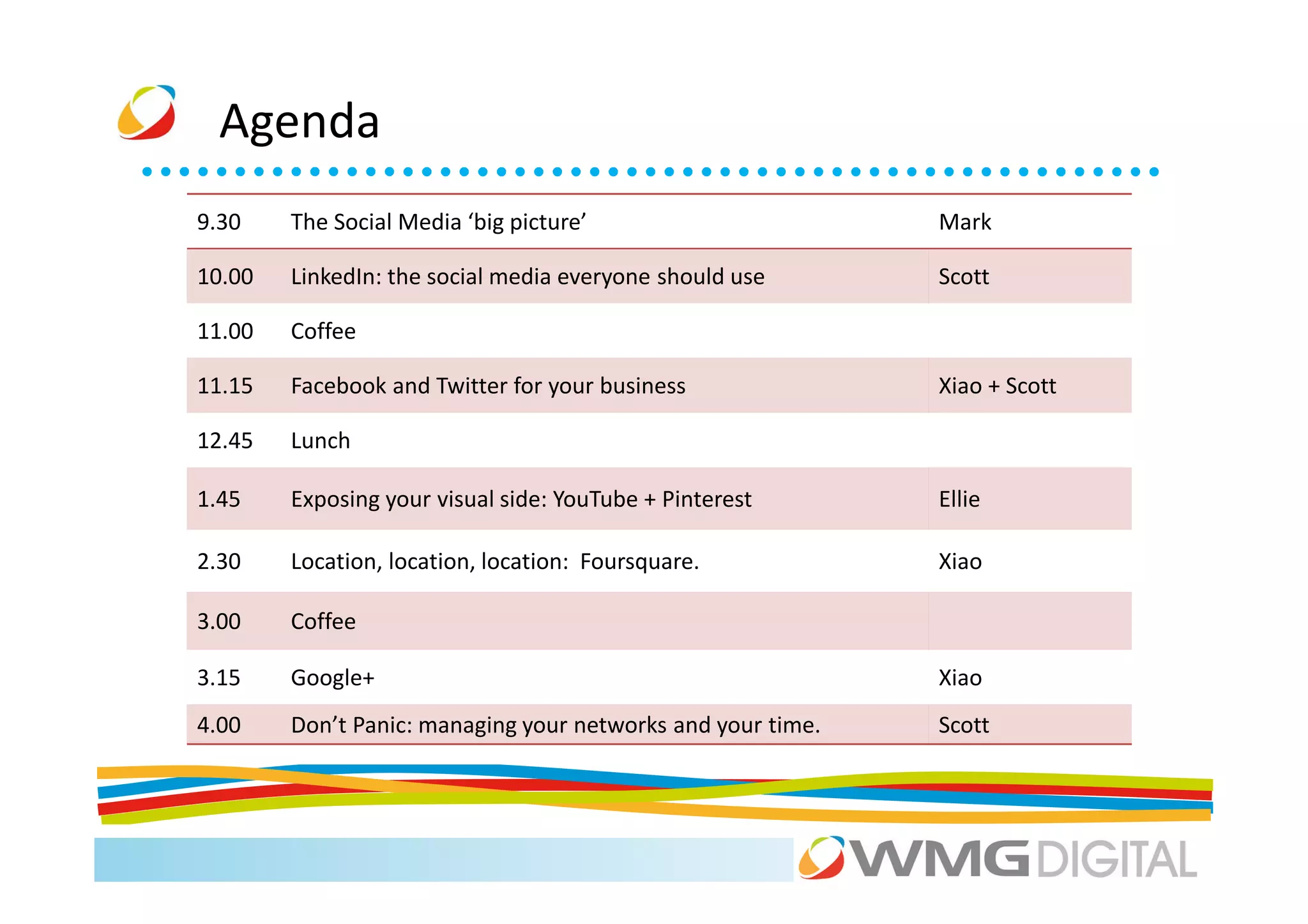
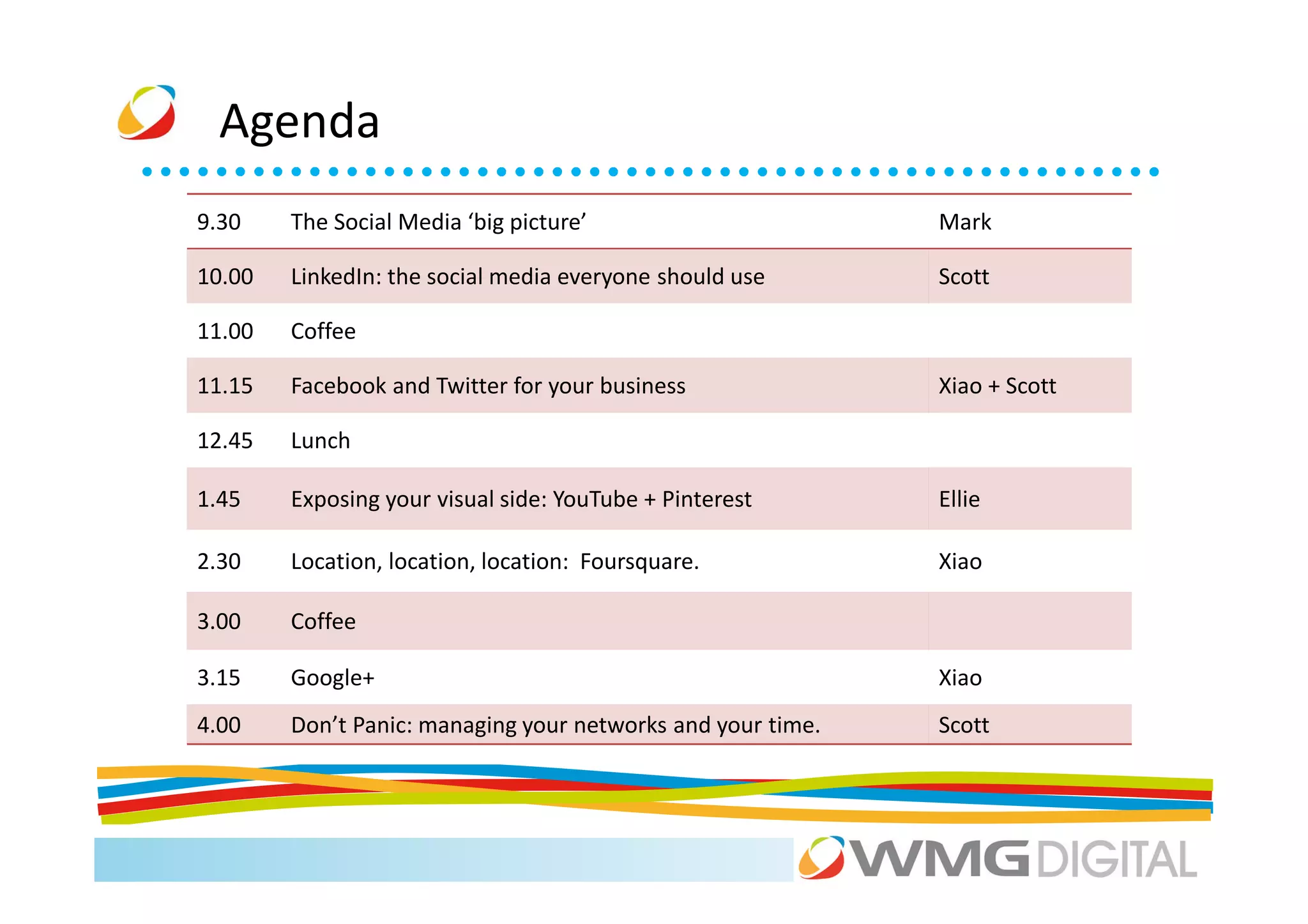
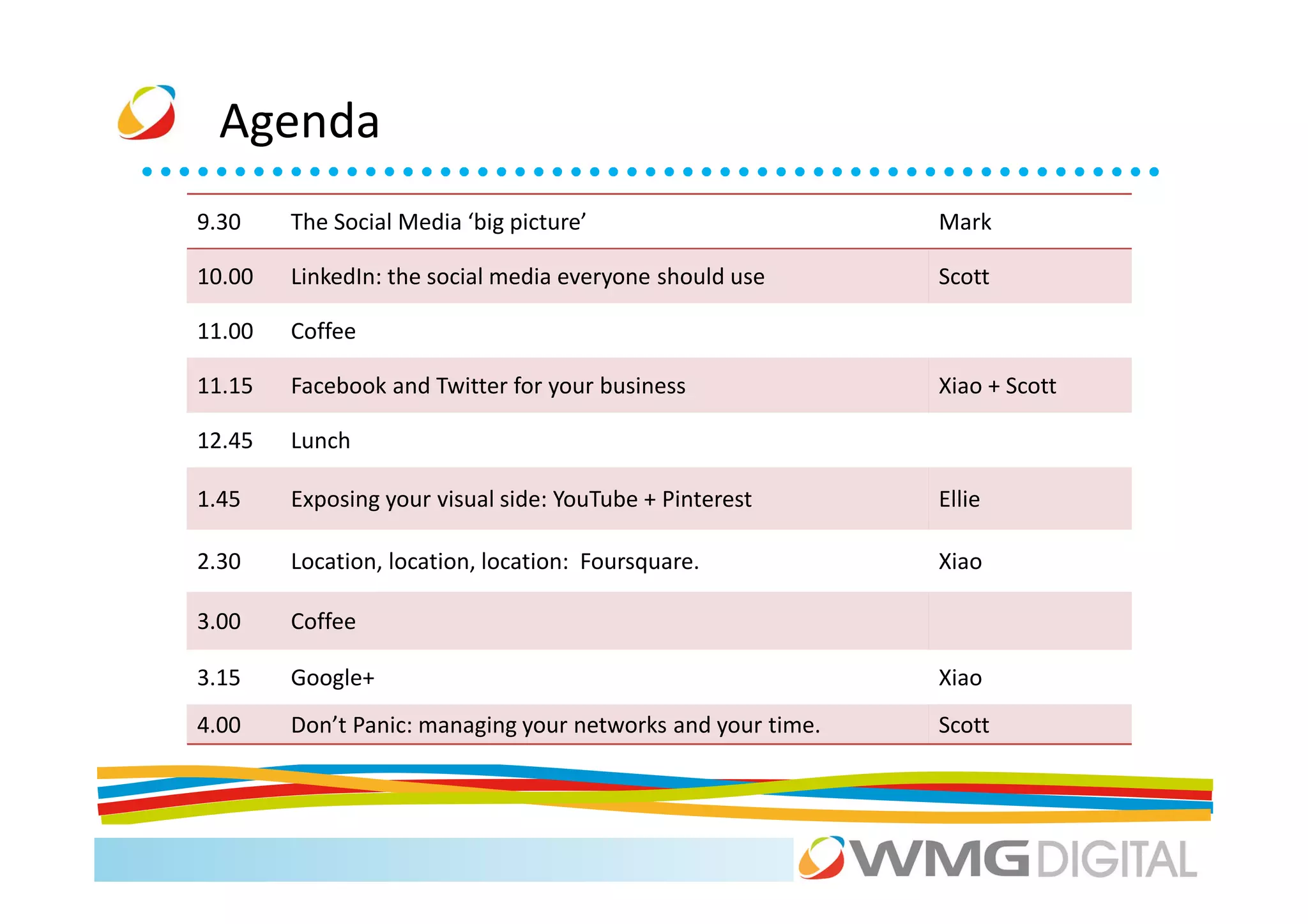
Agenda
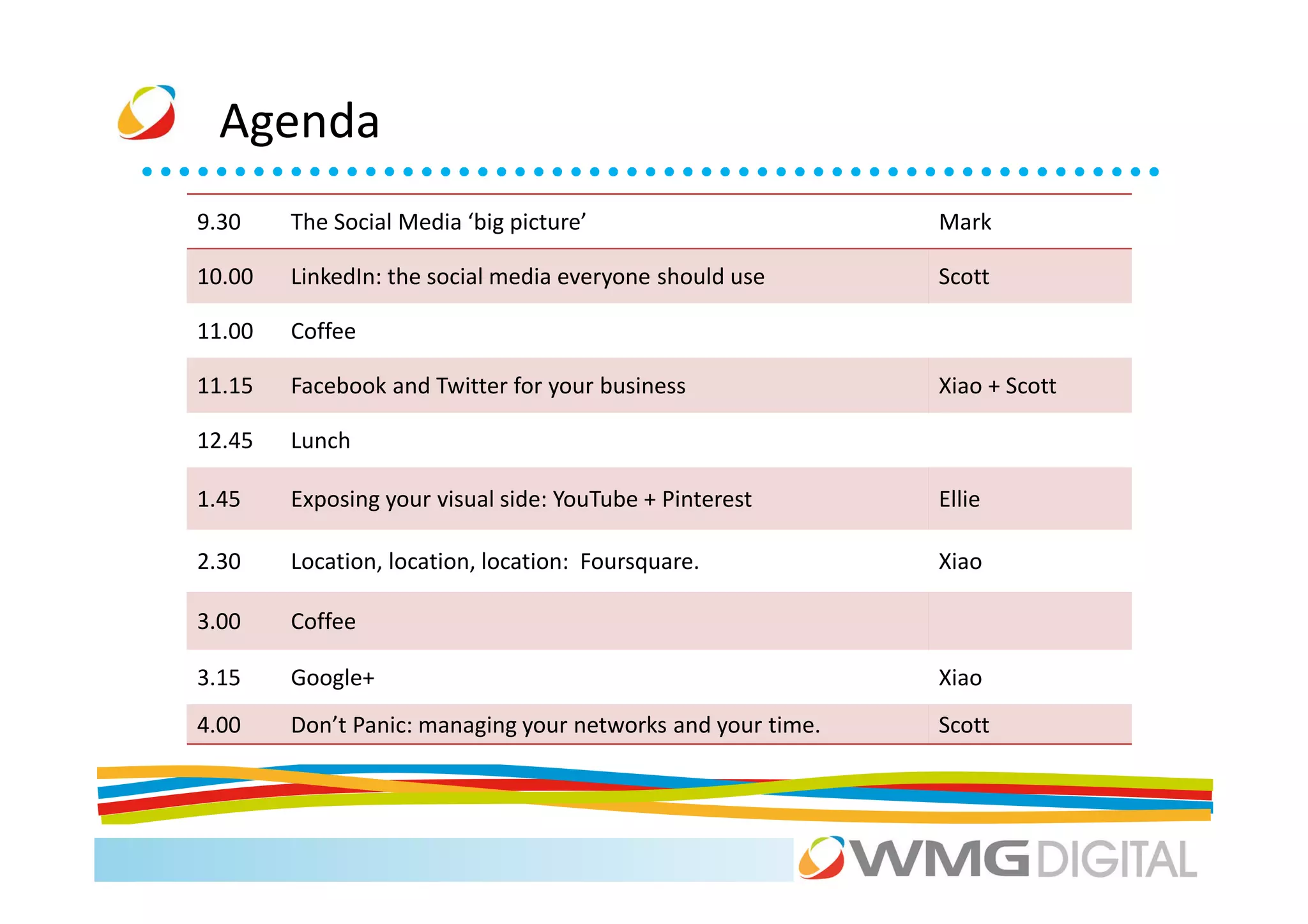
9.30    The Social Media ‘big picture’                       Mark

10.00   LinkedIn: the social media everyone should use       Scott

11.00   Coffee

11.15   Facebook and Twitter for your business               Xiao + Scott

12.45   Lunch

1.45    Exposing your visual side: YouTube + Pinterest       Ellie

2.30    Location, location, location: Foursquare.            Xiao

3.00    Coffee

3.15    Google+                                              Xiao
4.00    Don’t Panic: managing your networks and your time.   Scott
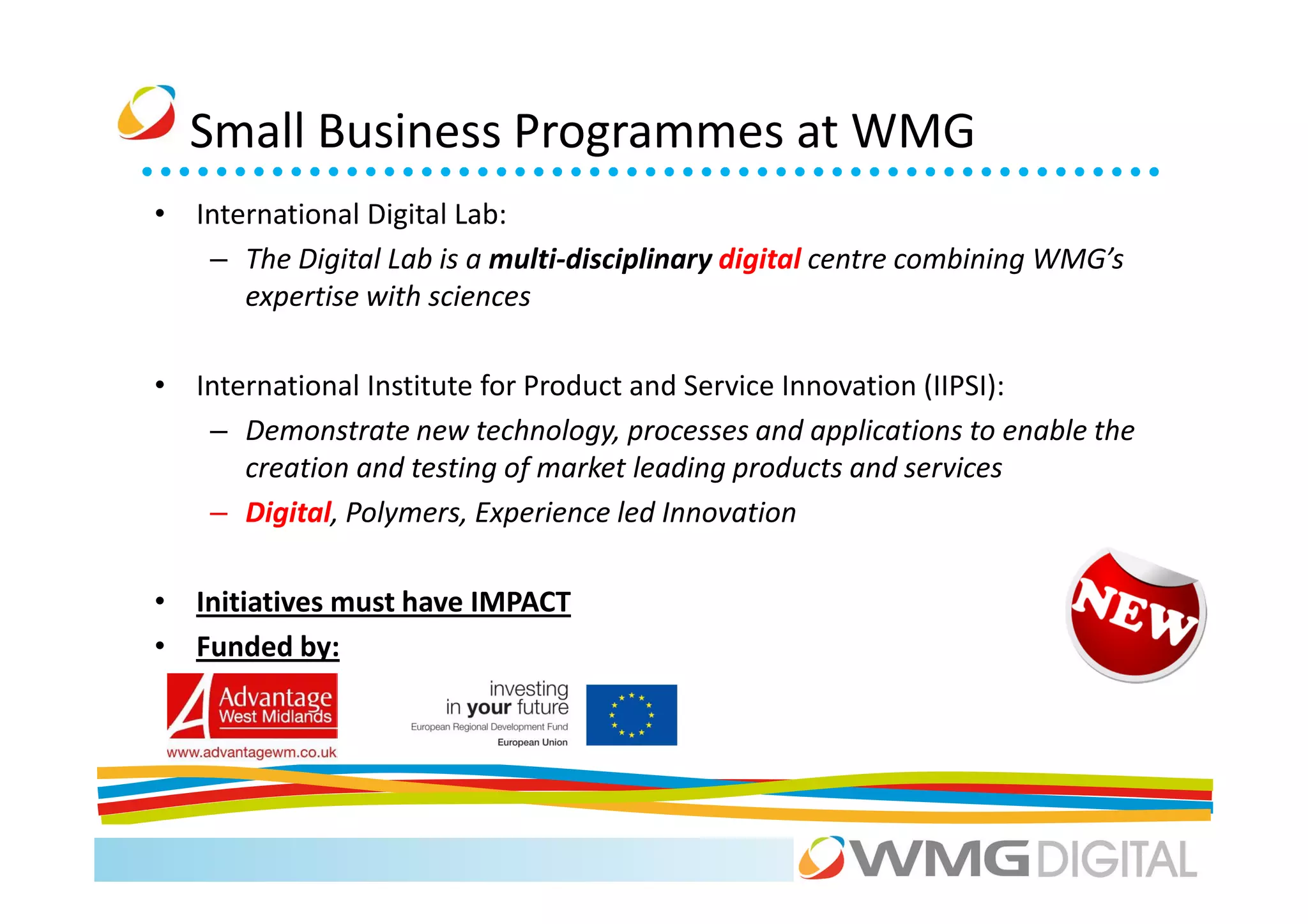
Small Business Programmes at WMG
• International Digital Lab:
   – The Digital Lab is a multi-disciplinary digital centre combining WMG’s
      expertise with sciences

• International Institute for Product and Service Innovation (IIPSI):
   – Demonstrate new technology, processes and applications to enable the
      creation and testing of market leading products and services
   – Digital, Polymers, Experience led Innovation

• Initiatives must have IMPACT
• Funded by:
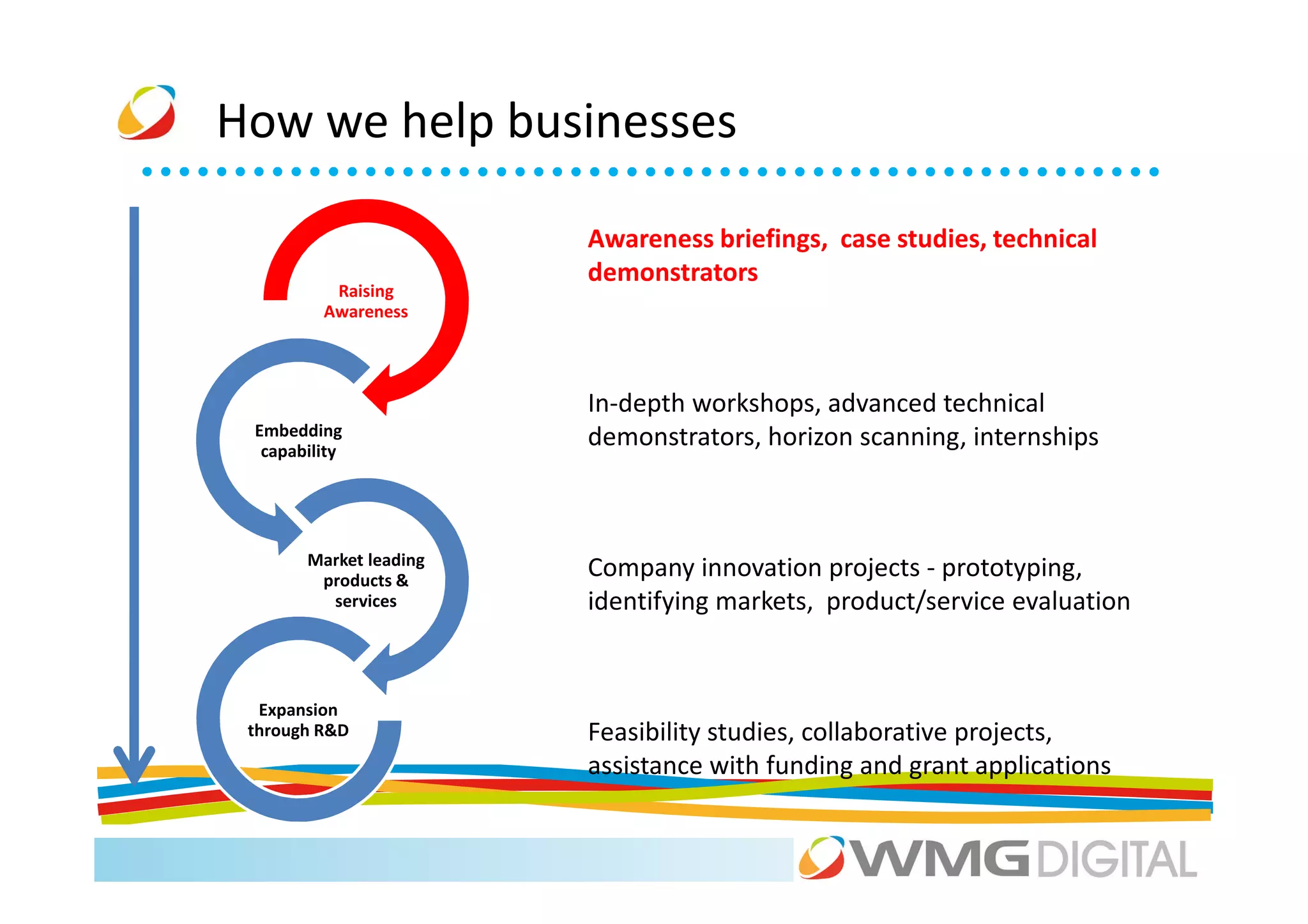
How we help businesses

                        Awareness briefings, case studies, technical
                        demonstrators
          Raising
         Awareness


                        In-depth workshops, advanced technical
 Embedding
  capability
                        demonstrators, horizon scanning, internships


       Market leading
        products &
                        Company innovation projects - prototyping,
         services       identifying markets, product/service evaluation


  Expansion
 through R&D            Feasibility studies, collaborative projects,
                        assistance with funding and grant applications
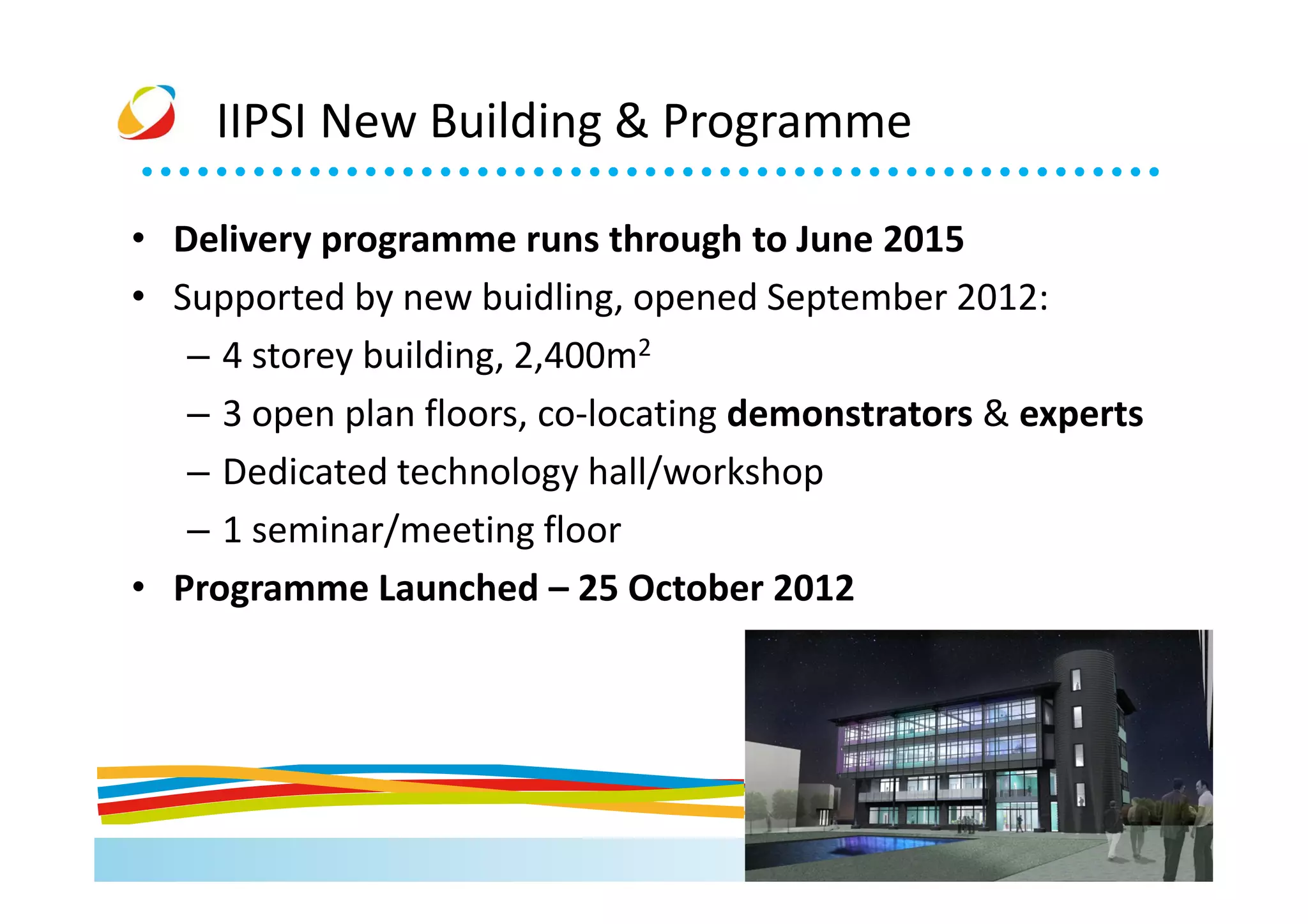
IIPSI New Building & Programme

• Delivery programme runs through to June 2015
• Supported by new buidling, opened September 2012:
   – 4 storey building, 2,400m2
   – 3 open plan floors, co-locating demonstrators & experts
   – Dedicated technology hall/workshop
   – 1 seminar/meeting floor
• Programme Launched – 25 October 2012
Introductions

• Housekeeping

• Name...
• What your business does…
Summary
• Unique, high profile facility for the region
• Range of SME services
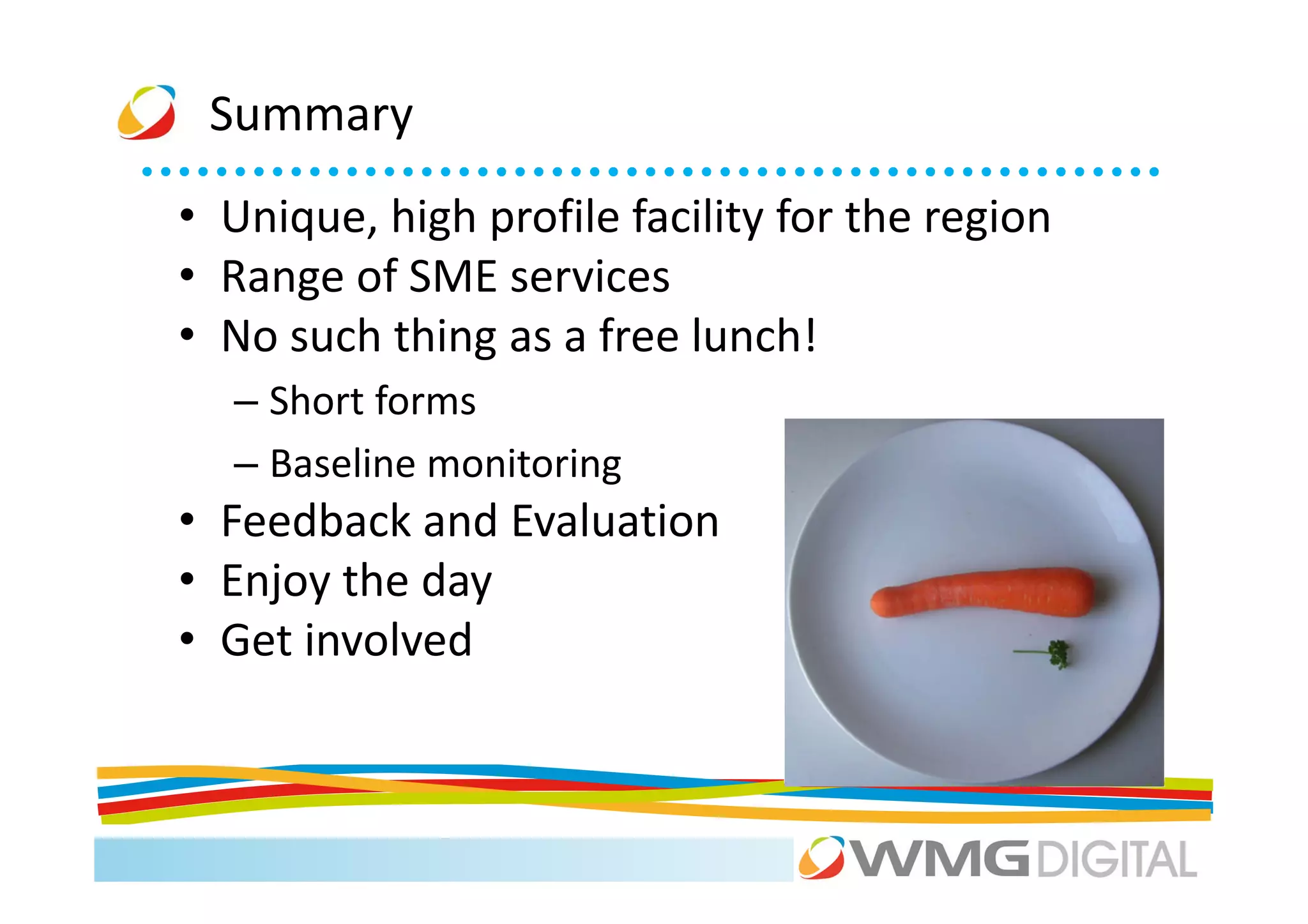
• No such thing as a free lunch!
  – Short forms
  – Baseline monitoring
• Feedback and Evaluation
• Enjoy the day
• Get involved
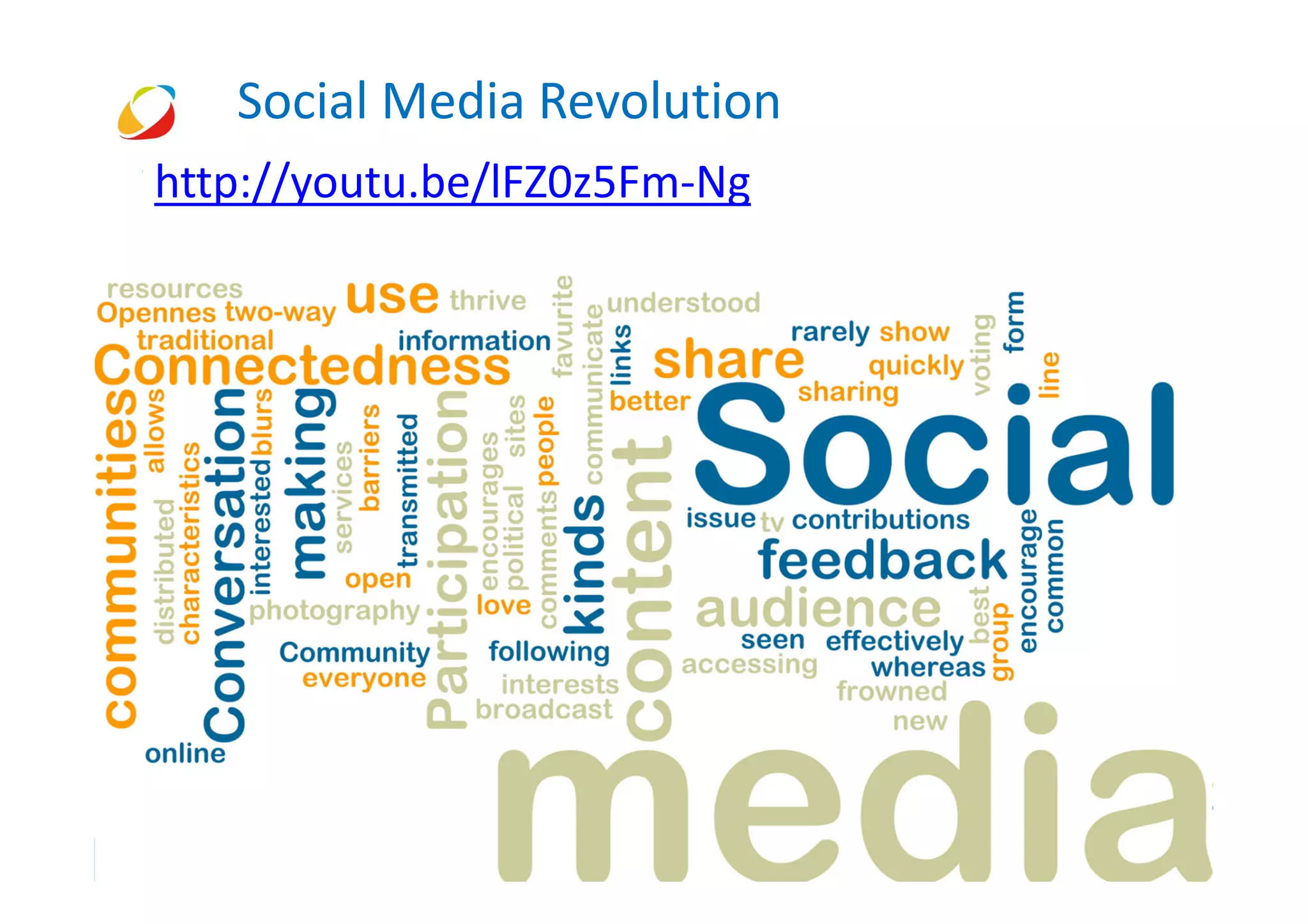
Social Media Revolution
http://youtu.be/lFZ0z5Fm-Ng
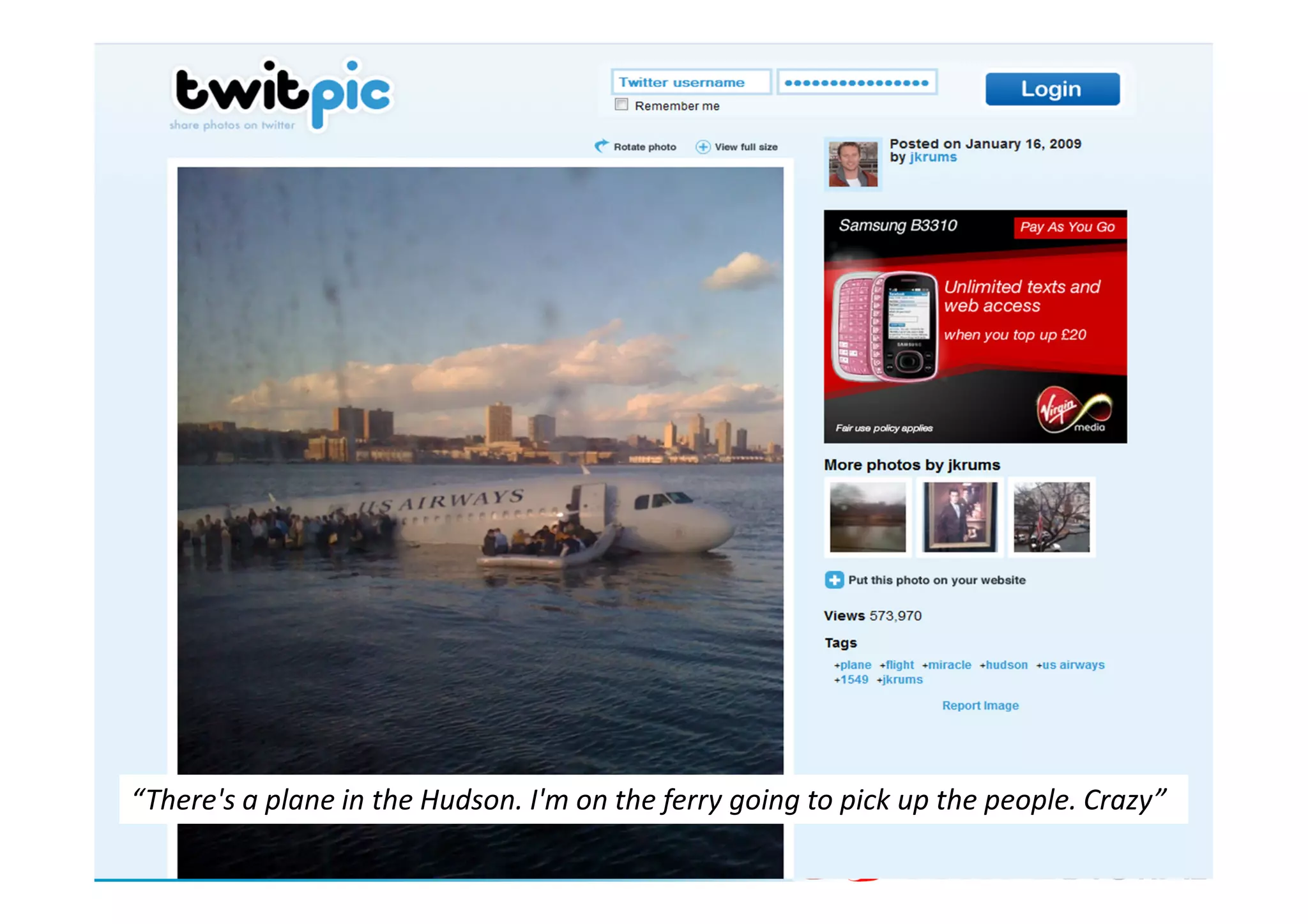
“There's a plane in the Hudson. I'm on the ferry going to pick up the people. Crazy”
© 2011
Social media 2011…


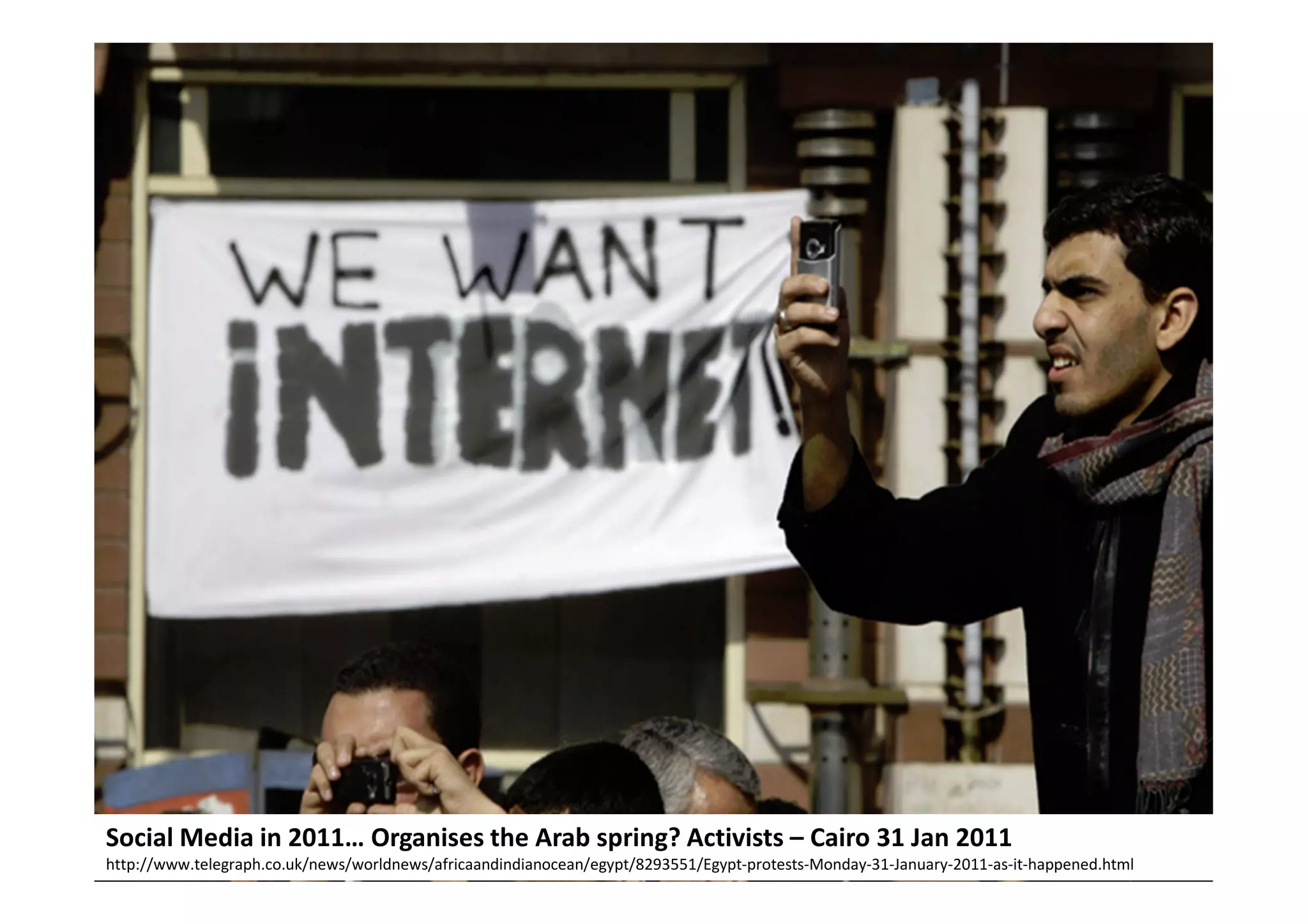
Social Media in 2011… Organises the Arab spring? Activists – Cairo 31 Jan 2011
http://www.telegraph.co.uk/news/worldnews/africaandindianocean/egypt/8293551/Egypt-protests-Monday-31-January-2011-as-it-happened.html
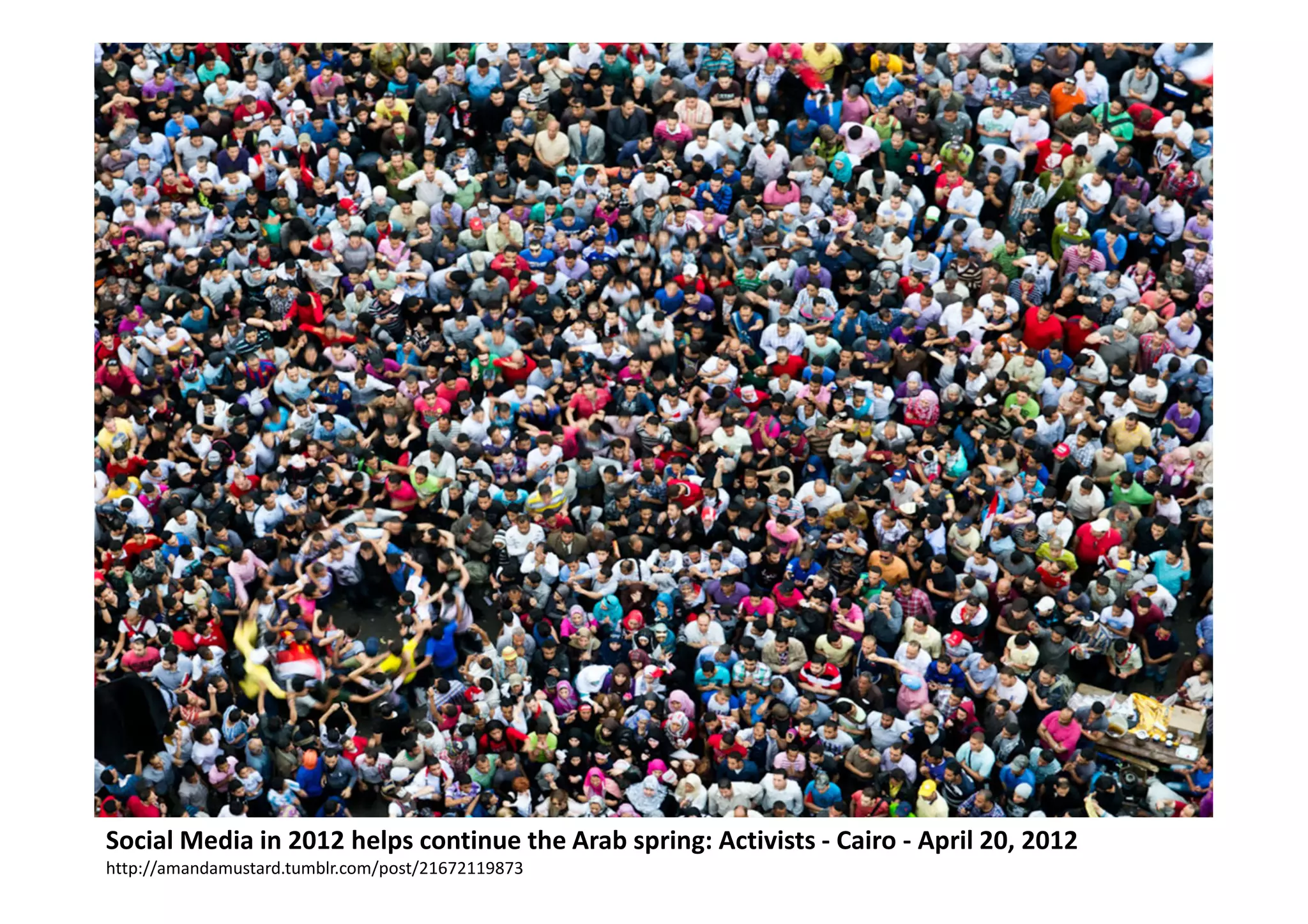
Social Media in 2012 helps continue the Arab spring: Activists - Cairo - April 20, 2012
http://amandamustard.tumblr.com/post/21672119873
“Marketing today is difficult.
Are 200 million people on the U.S. ‘Do Not Call’ list.
Over 86% of TV viewers skip commercials.
44% of direct marketing is never opened.
Roughly 99.9% of online banners are never clicked.
Buyers wait until they have completed 60-80% of
their research before reaching out to vendors”.


                                                     Michael Brenner
                           Senior Director of Global Marketing at SAP
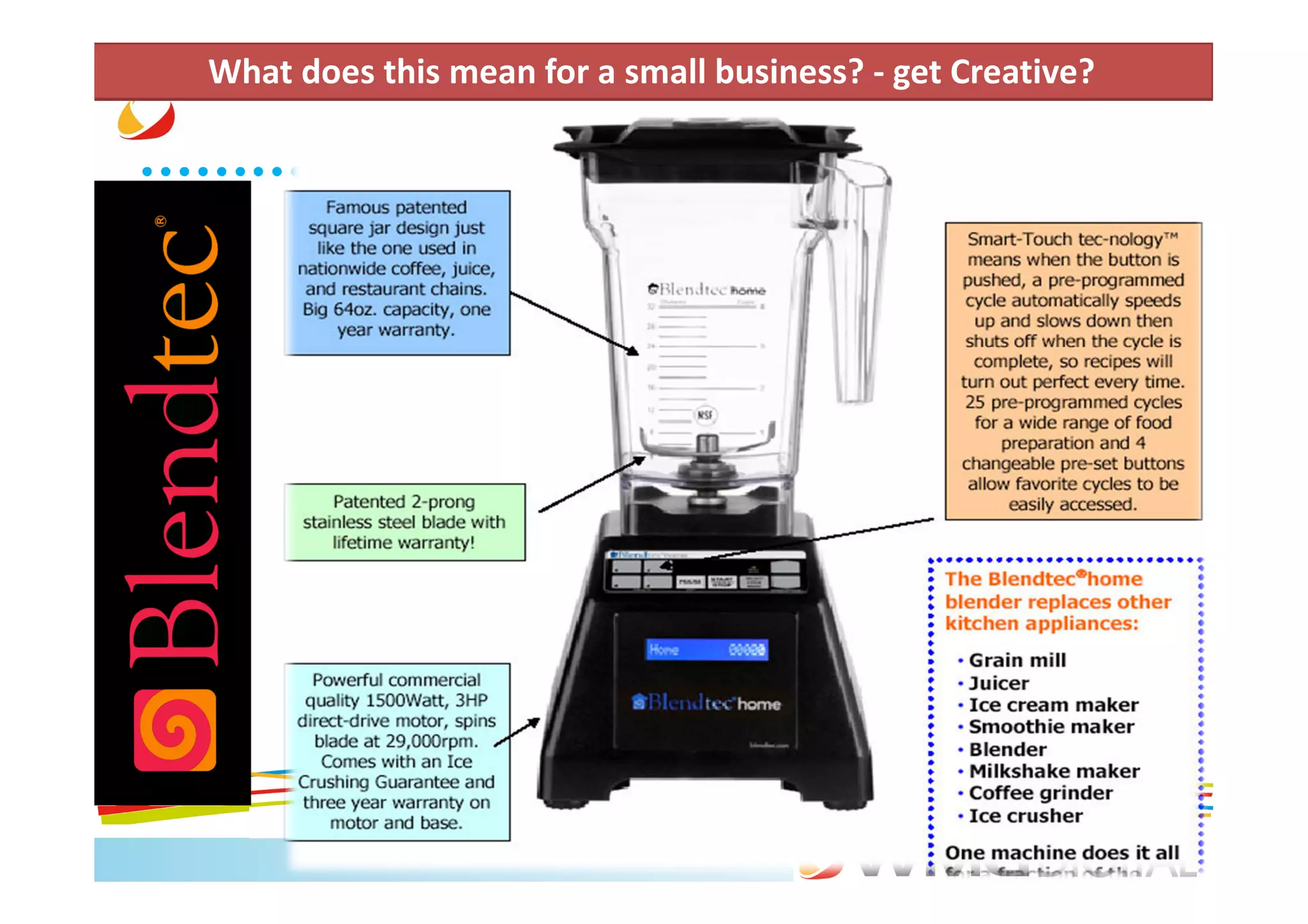
What does this mean for a small business? - get Creative?
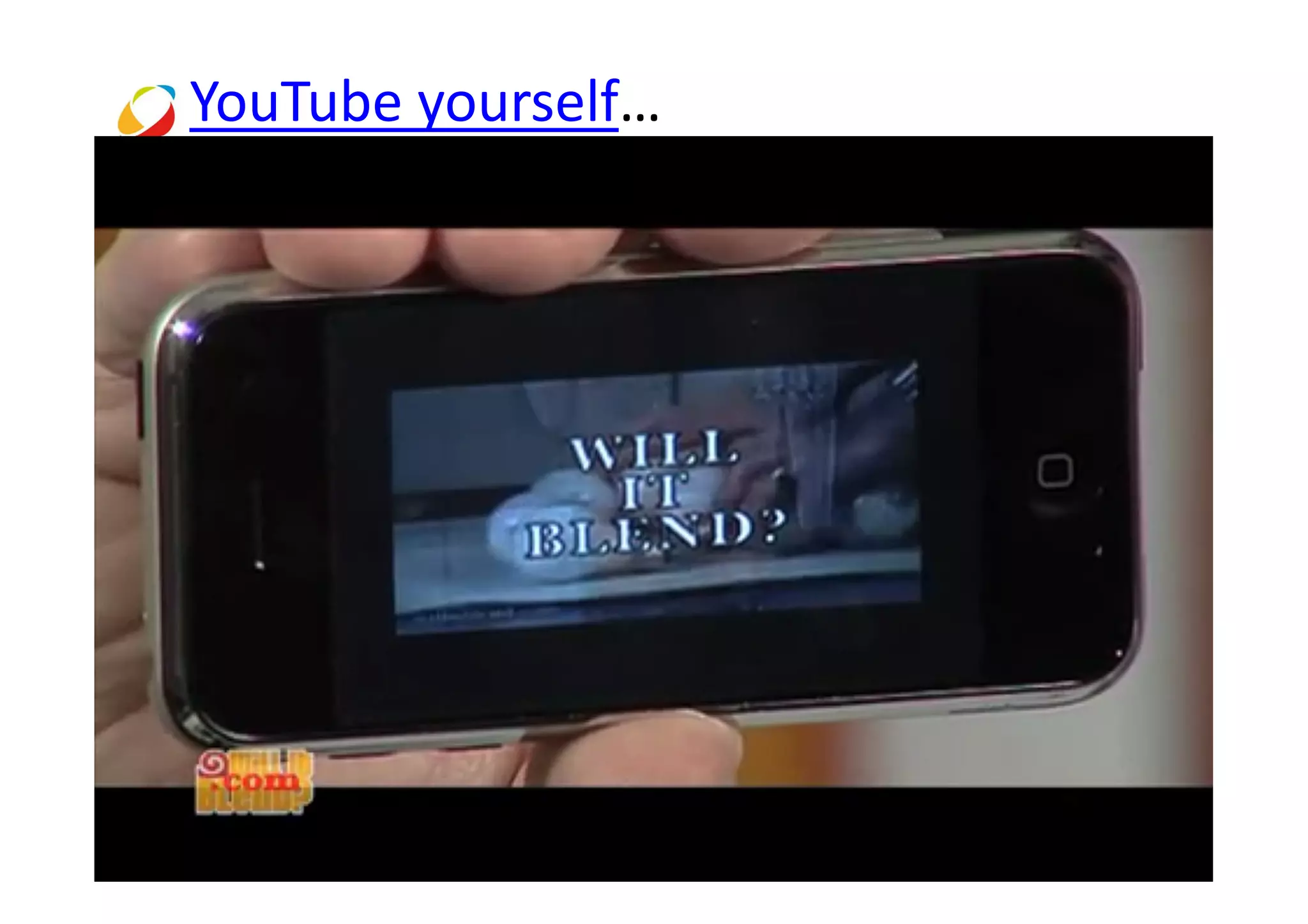
YouTube yourself…
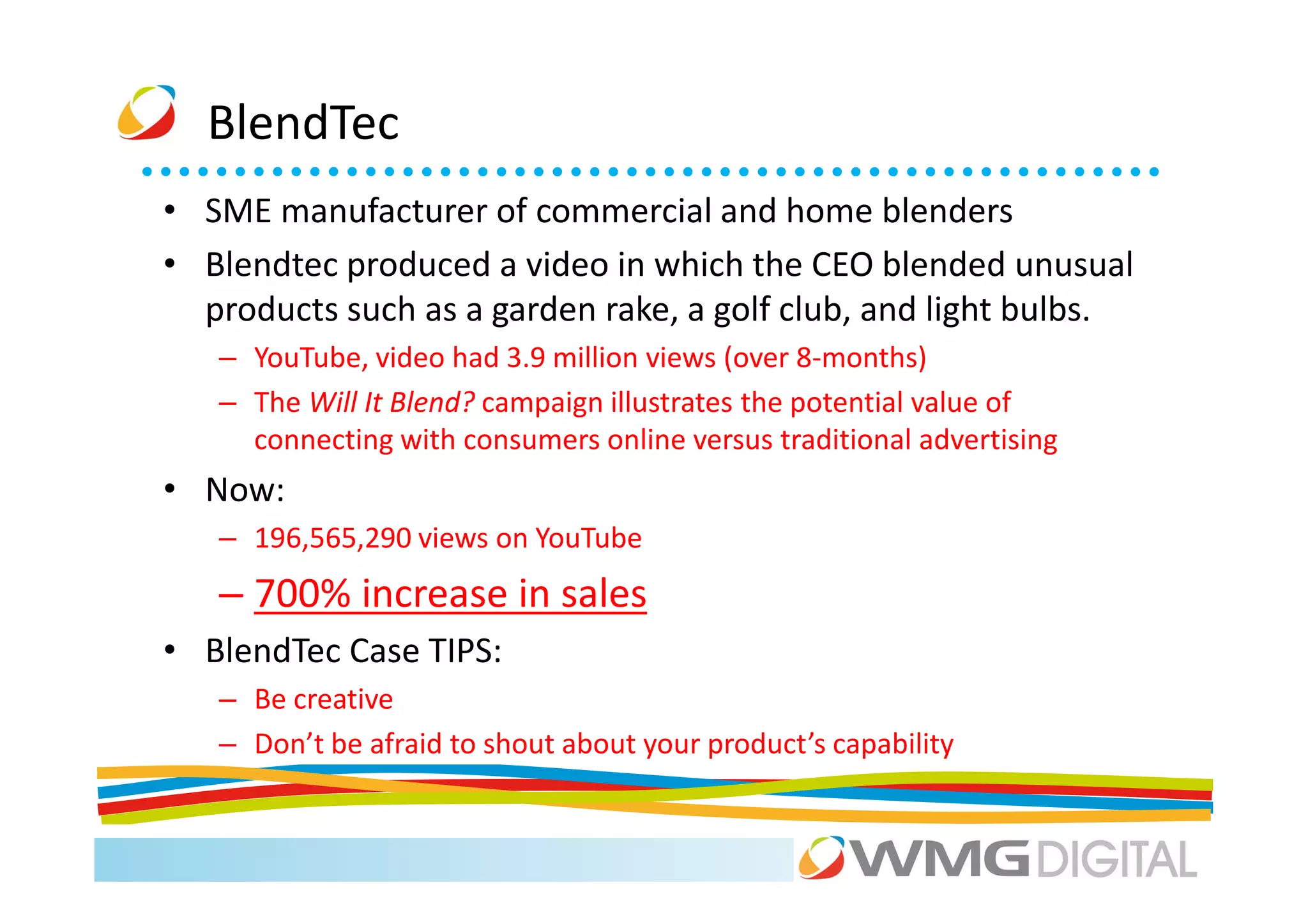
BlendTec
• SME manufacturer of commercial and home blenders
• Blendtec produced a video in which the CEO blended unusual
  products such as a garden rake, a golf club, and light bulbs.
   – YouTube, video had 3.9 million views (over 8-months)
   – The Will It Blend? campaign illustrates the potential value of
     connecting with consumers online versus traditional advertising
• Now:
   – 196,565,290 views on YouTube
   – 700% increase in sales
• BlendTec Case TIPS:
   – Be creative
   – Don’t be afraid to shout about your product’s capability
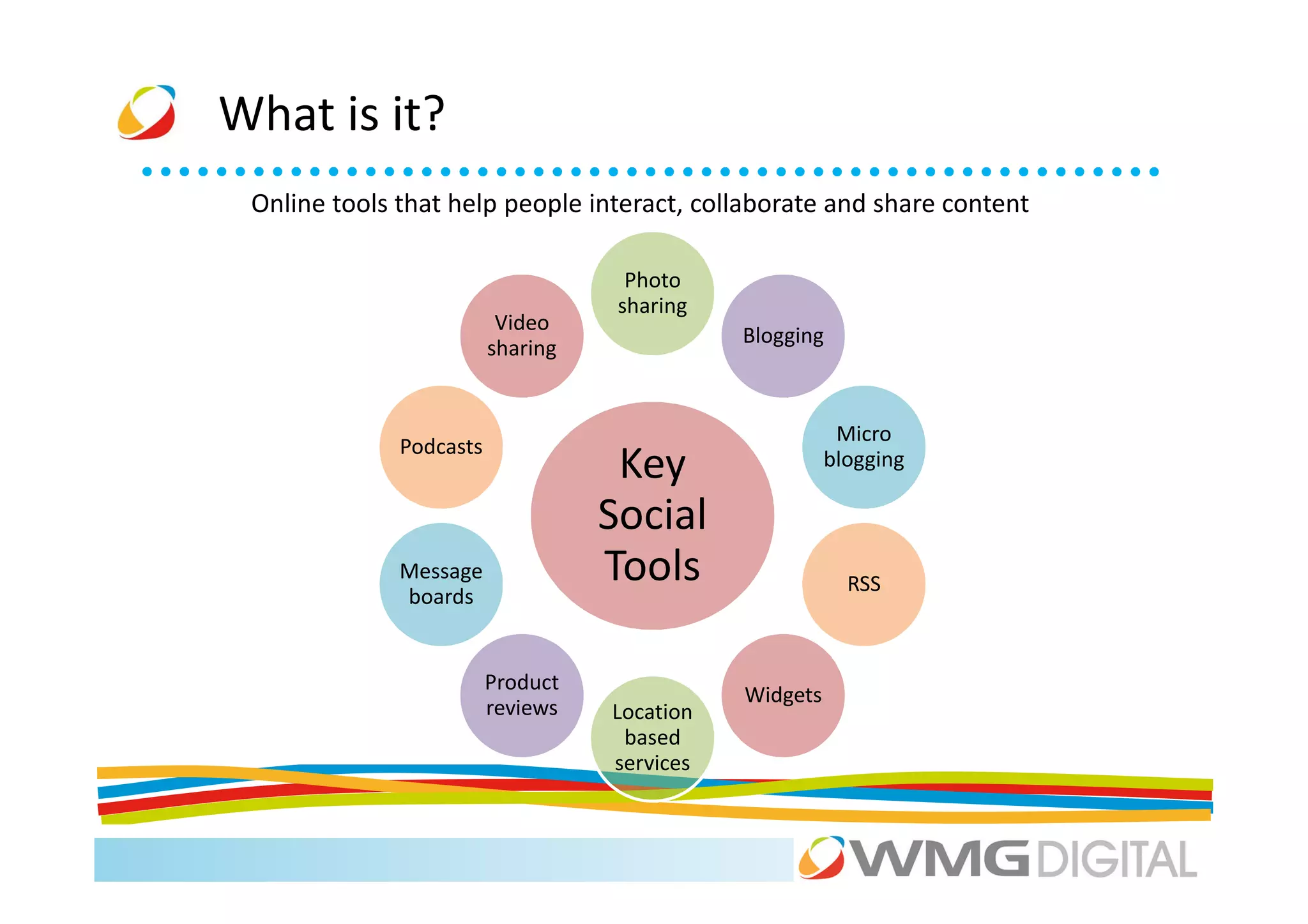
What is it?
 Online tools that help people interact, collaborate and share content

                                     Photo
                                    sharing
                          Video
                                              Blogging
                         sharing


                                                         Micro
              Podcasts
                                    Key                 blogging

                                   Social
              Message              Tools                  RSS
              boards


                         Product
                                              Widgets
                         reviews   Location
                                    based
                                   services
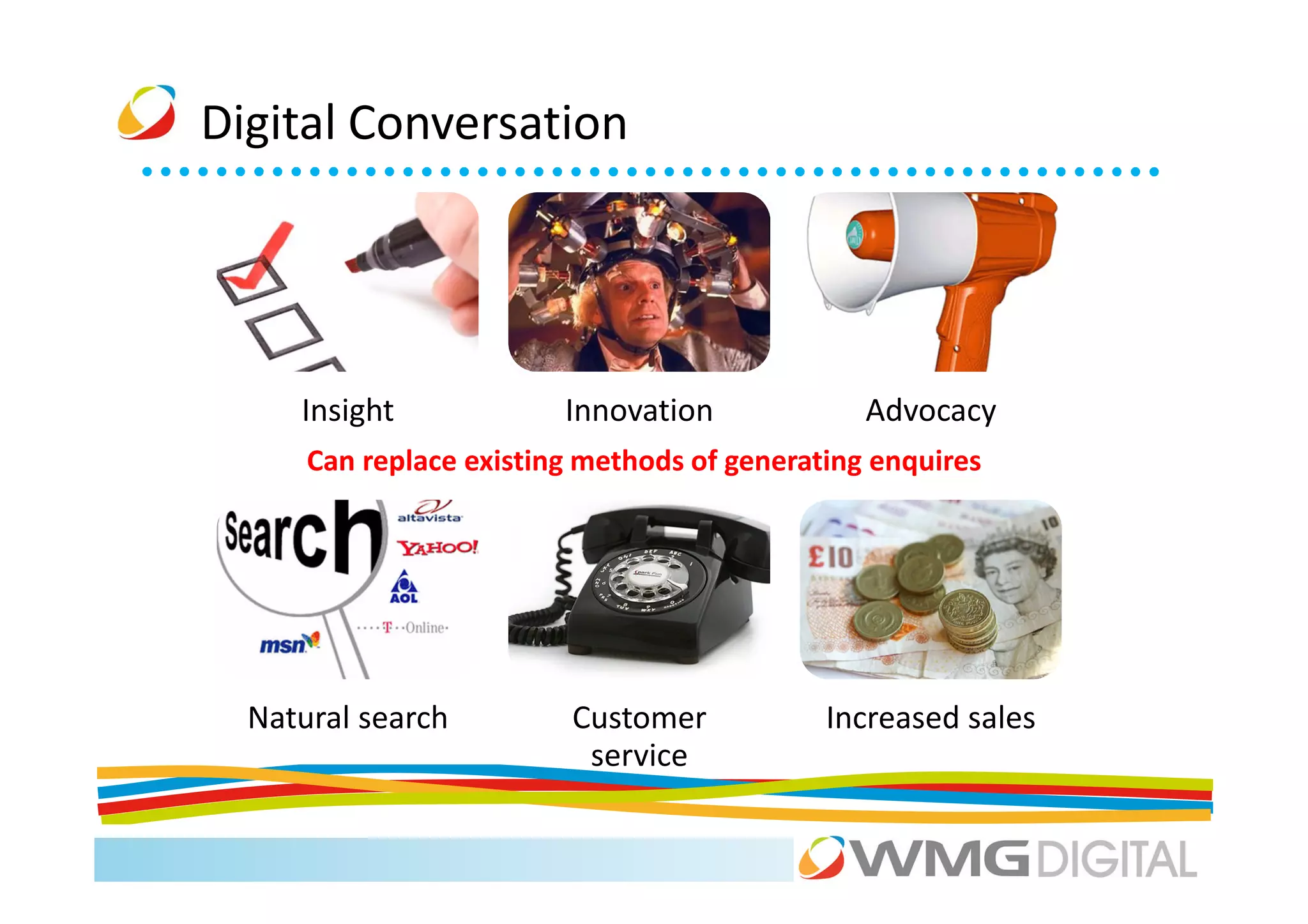
Digital Conversation


     Insight             Innovation             Advocacy
      Can replace existing methods of generating enquires


  Natural search          Customer           Increased sales
                           service
How are you currently
 using social media?
Summary
•   Significant growth
•   Multi channels which impact most of us
•   Many uses
•   Its not going away (at the moment)
•   Can be used by the majority of businesses and
    industries
“All one needs is a computer, a network
connection, and a bright spark of initiative and
creativity to join the economy.”


                        Don Tapscott - Best selling business author
                                                    On social media
Agenda
9.30    The Social Media ‘big picture’                       Mark

10.00   LinkedIn: the social media everyone should use       Scott

11.00   Coffee

11.15   Facebook and Twitter for your business               Xiao + Scott

12.45   Lunch

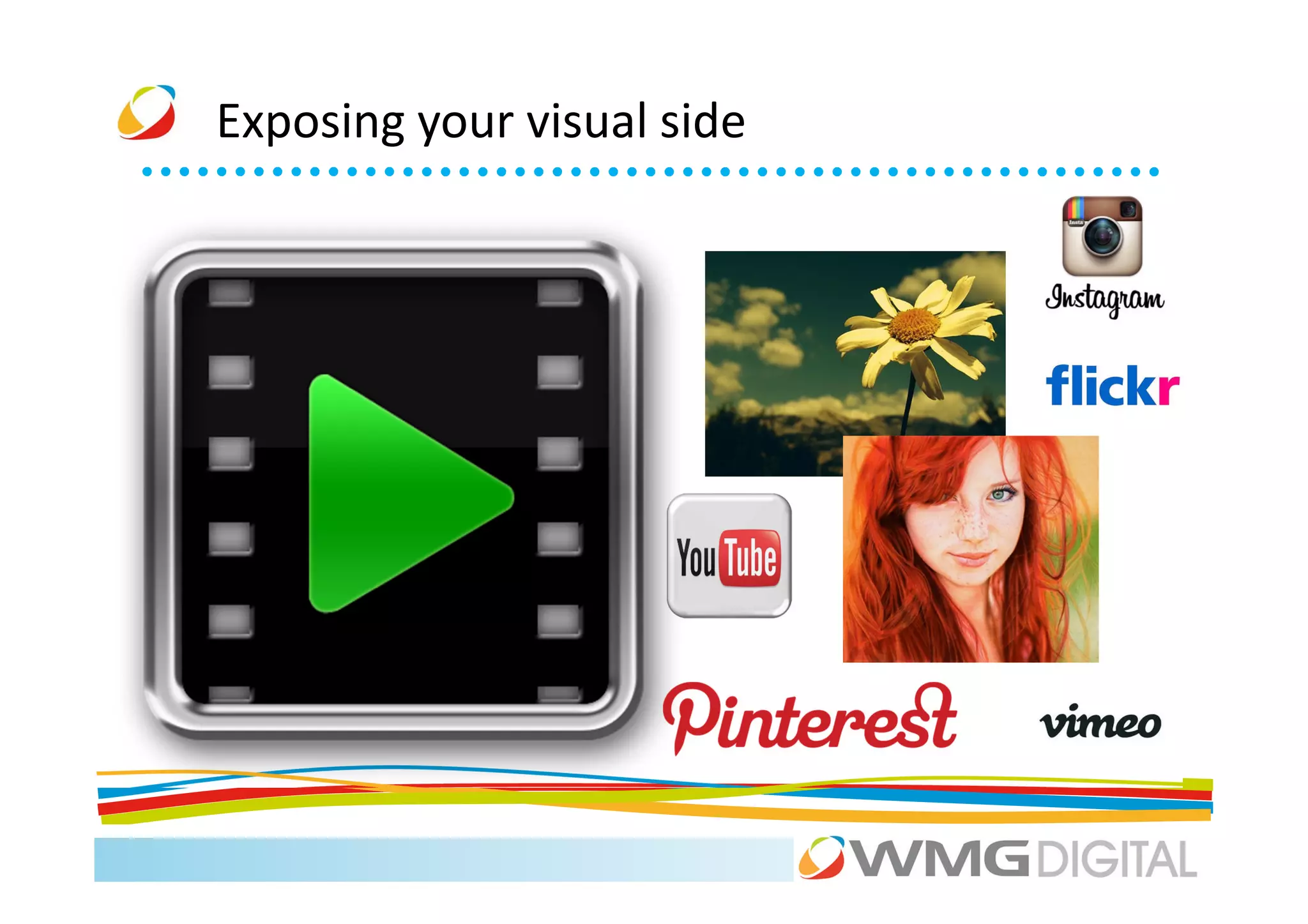
1.45    Exposing your visual side: YouTube + Pinterest       Ellie

2.30    Location, location, location: Foursquare.            Xiao

3.00    Coffee

3.15    Google+                                              Xiao
4.00    Don’t Panic: managing your networks and your time.   Scott
Social Media
LinkedIn

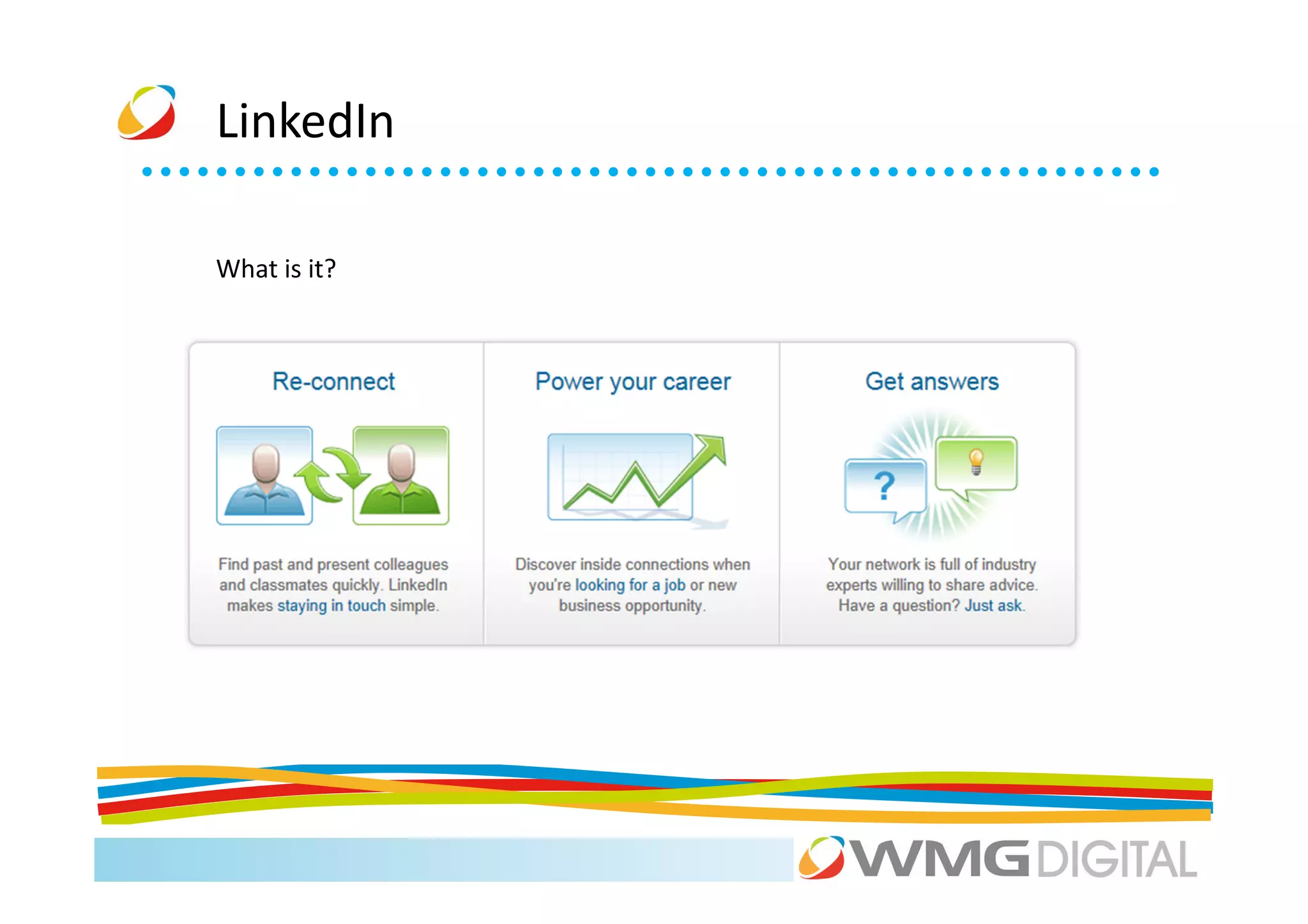
What is it?
LinkedIn

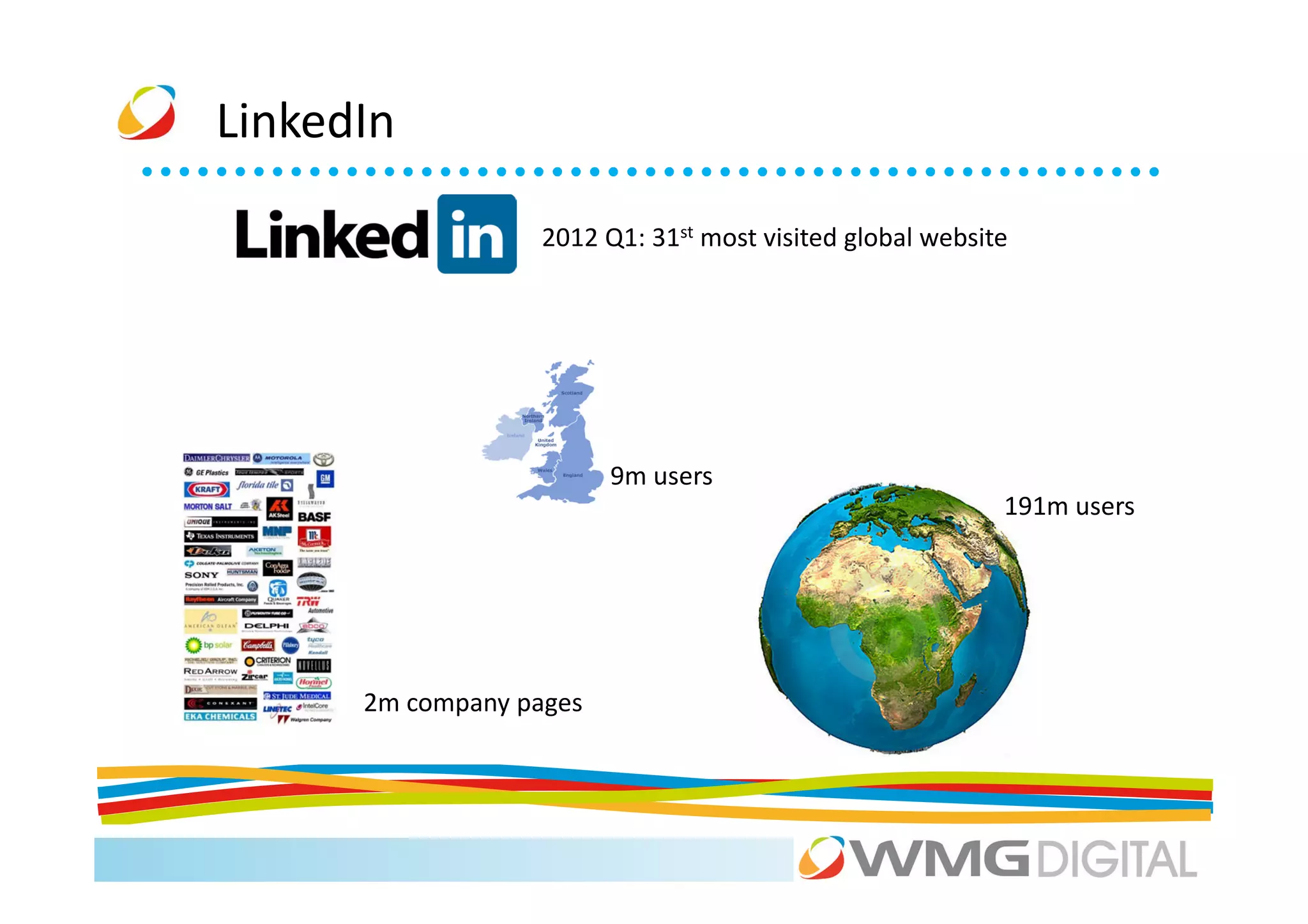
                   2012 Q1: 31st most visited global website


                         9m users
                                                           191m users


      2m company pages
LinkedIn


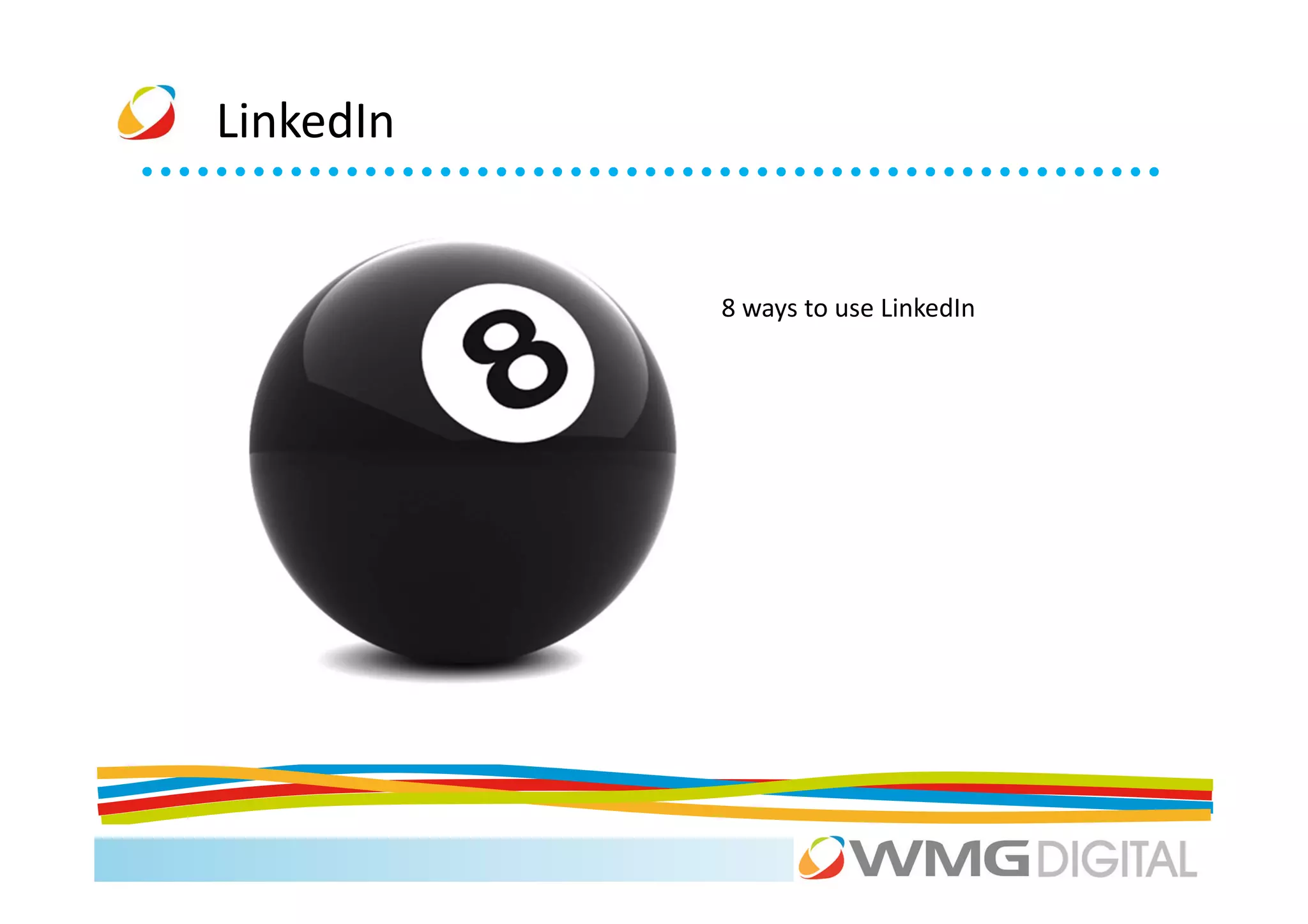
           8 ways to use LinkedIn
LinkedIn


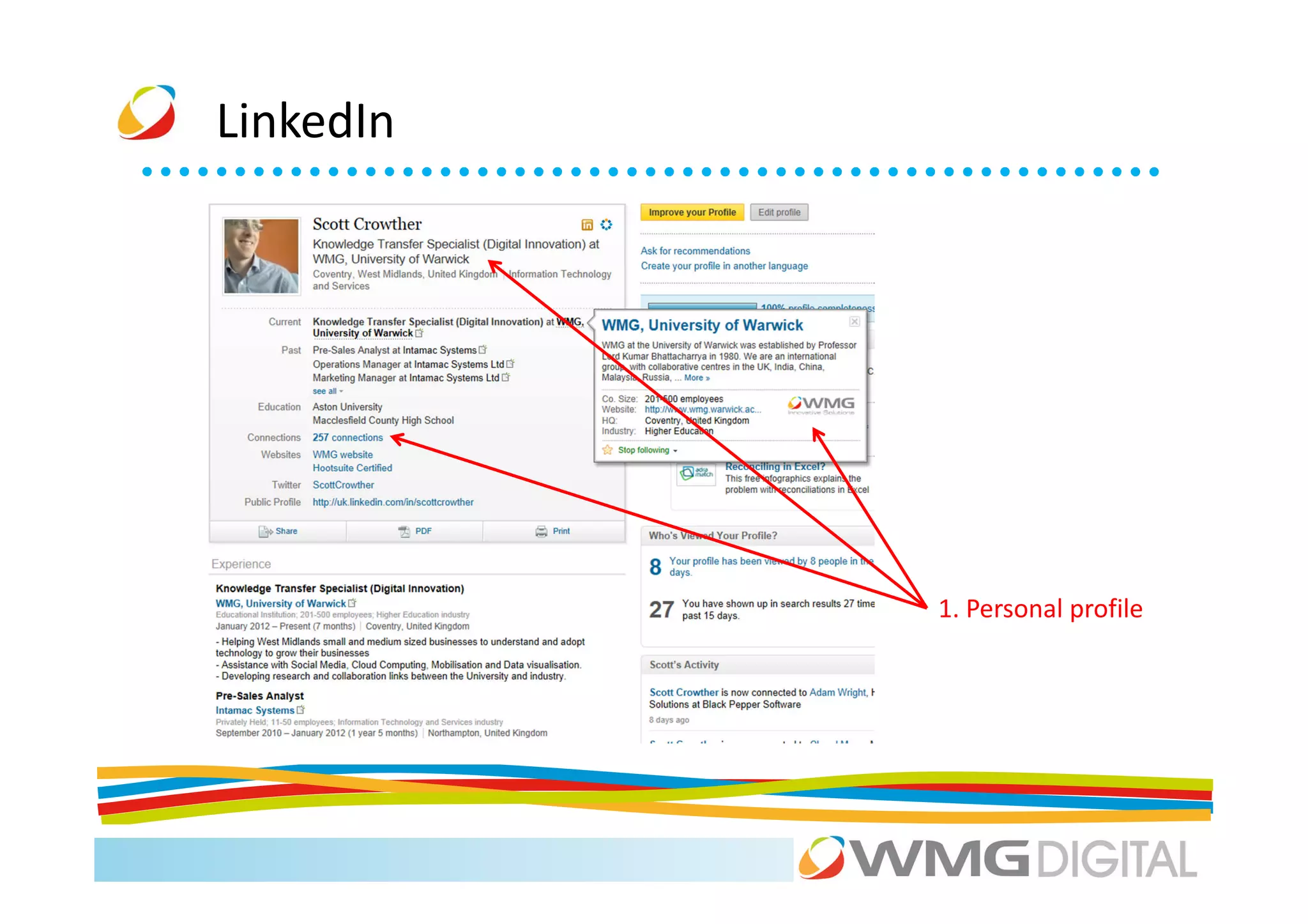
           1. Personal profile
LinkedIn


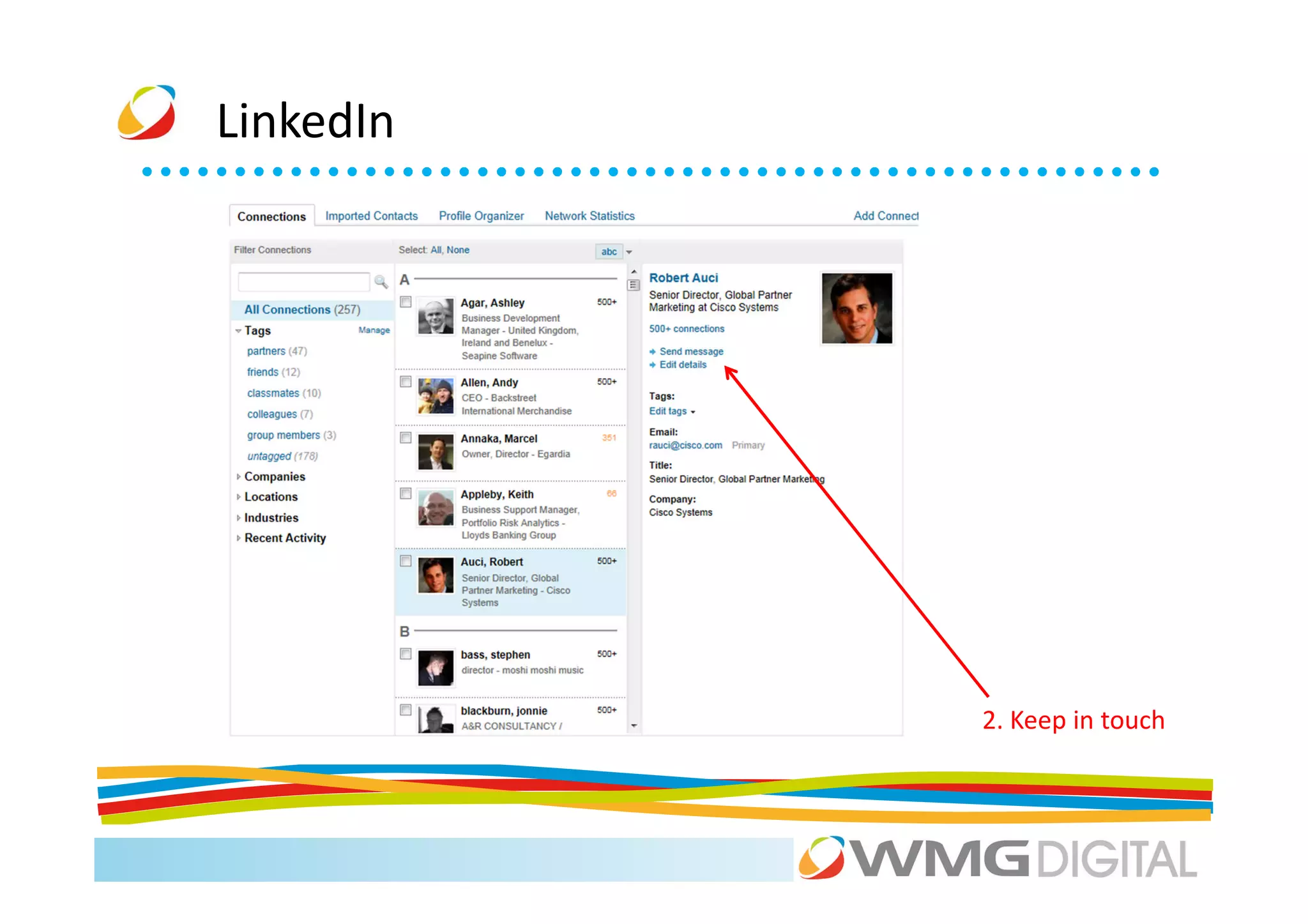
           2. Keep in touch
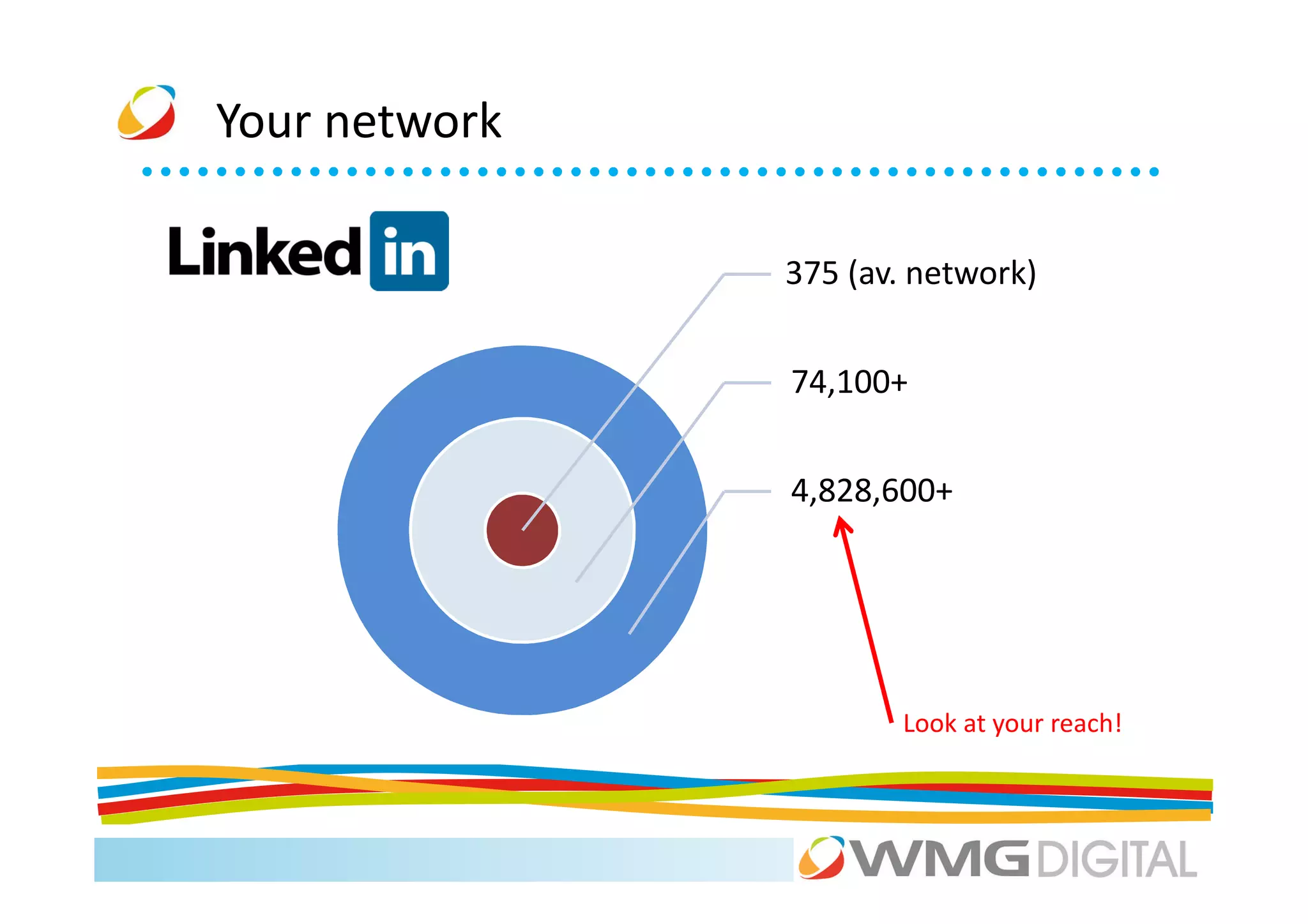
Your network

               375 (av. network)


               74,100+


               4,828,600+


                      Look at your reach!
LinkedIn


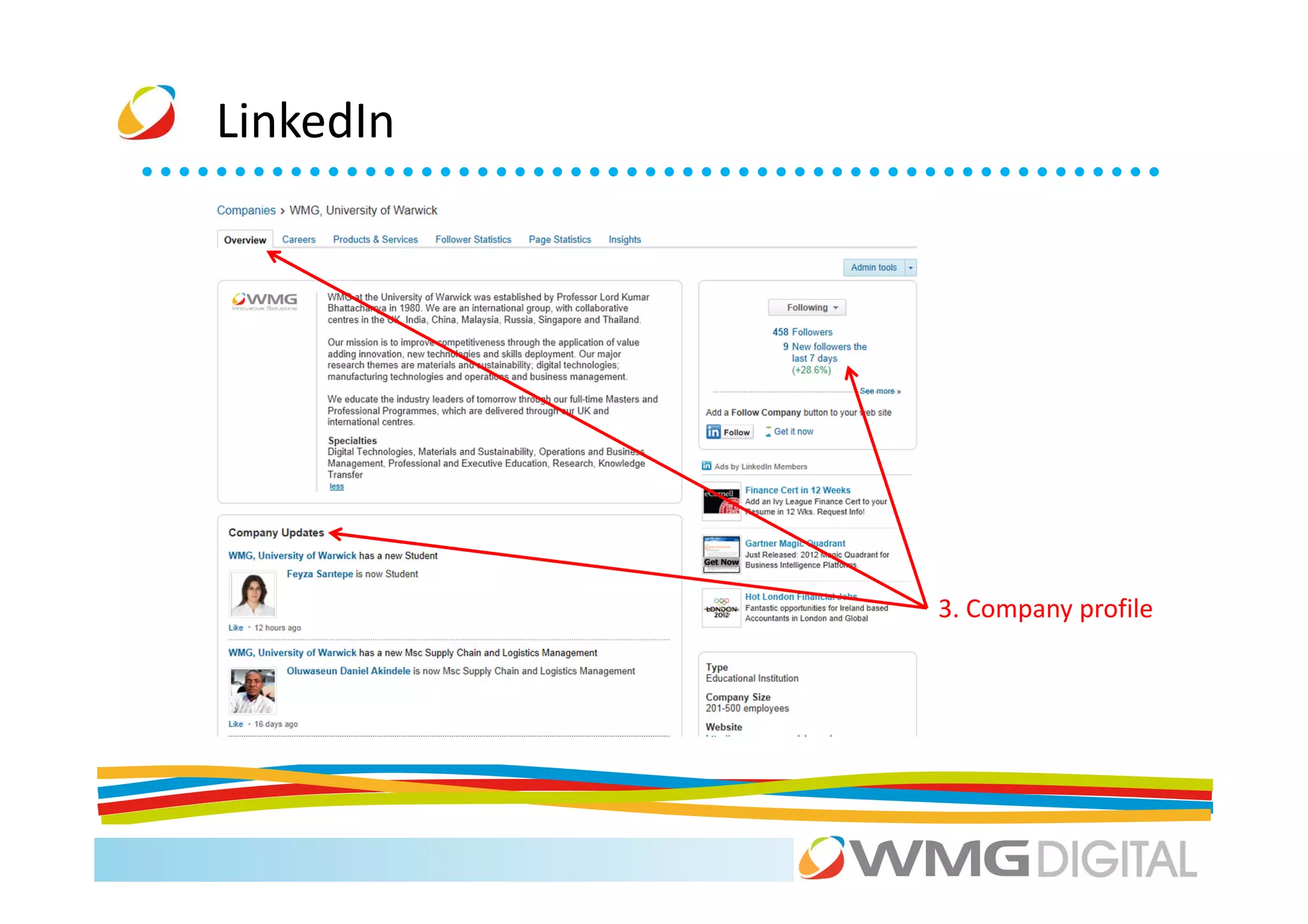
           3. Company profile
LinkedIn


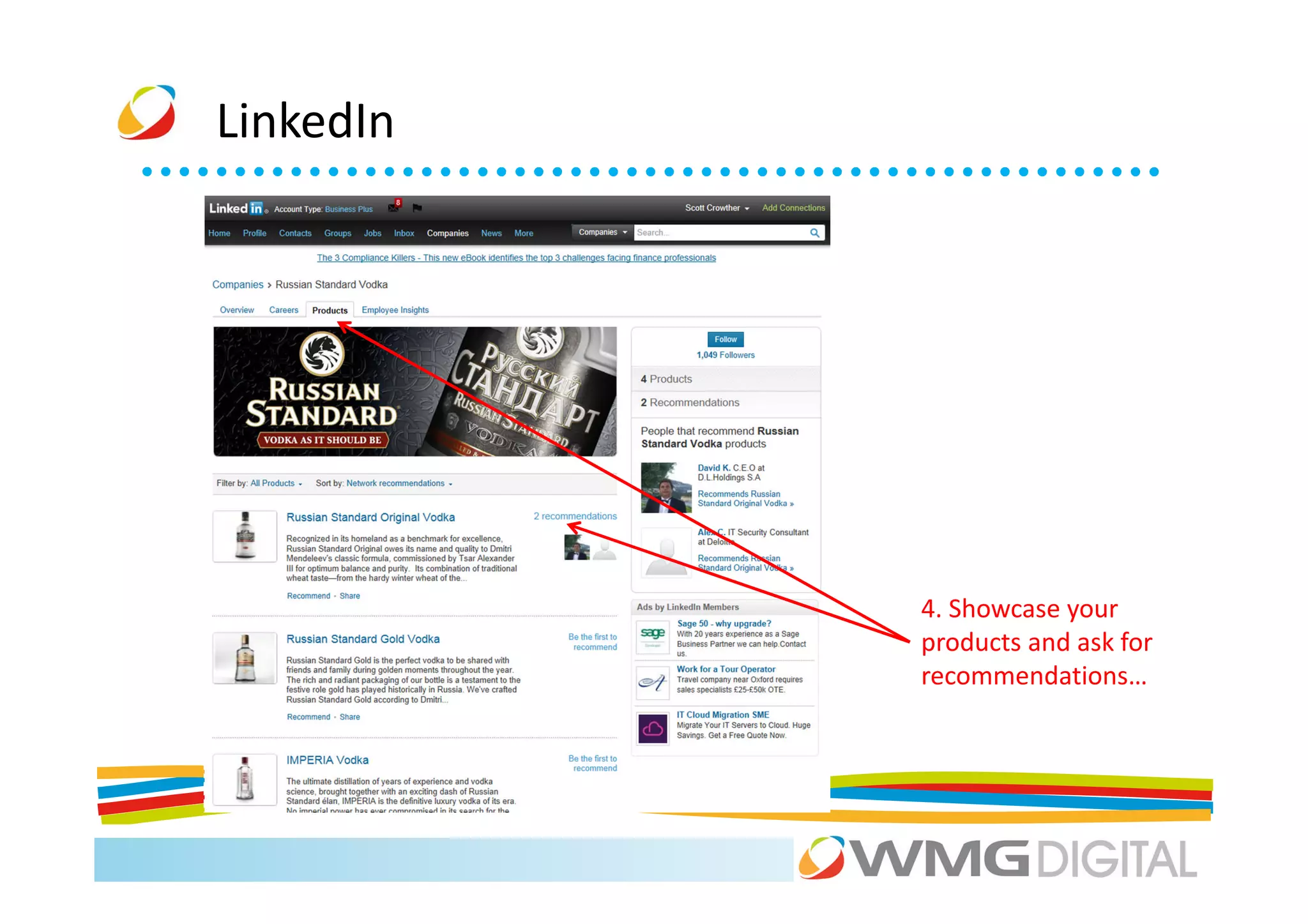
           4. Showcase your
           products and ask for
           recommendations…
LinkedIn


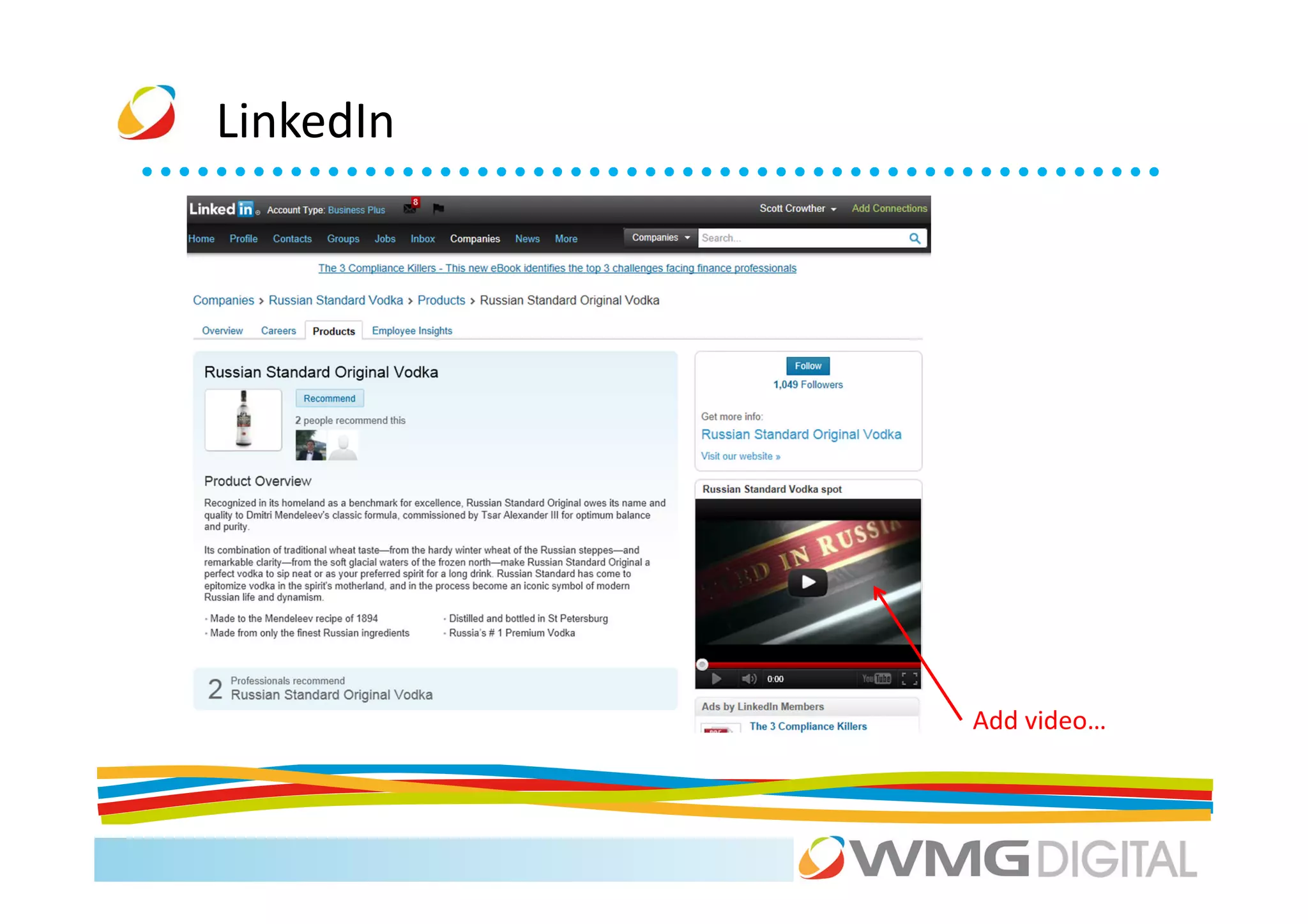
           Add video…
LinkedIn


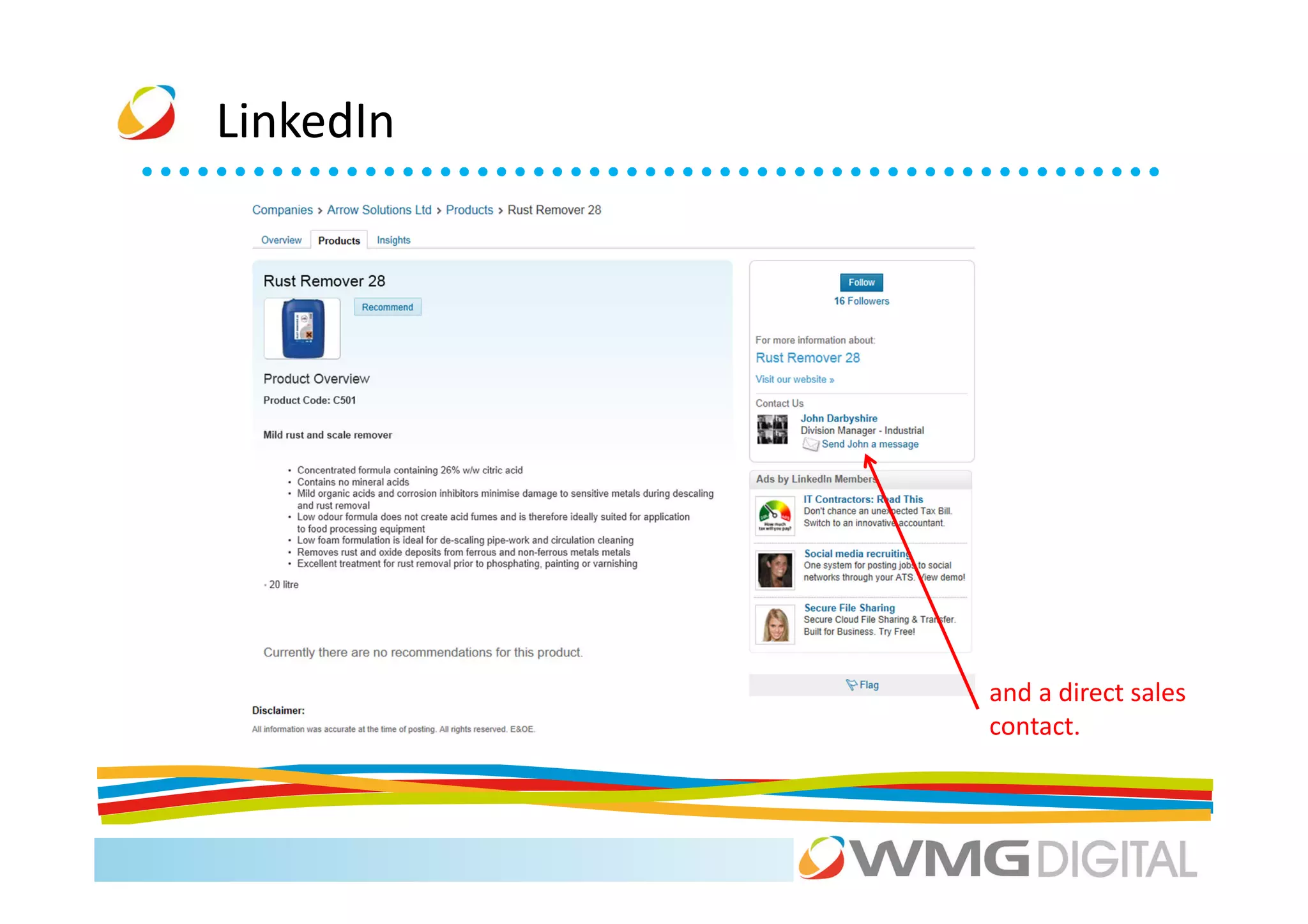
           and a direct sales
           contact.
LinkedIn


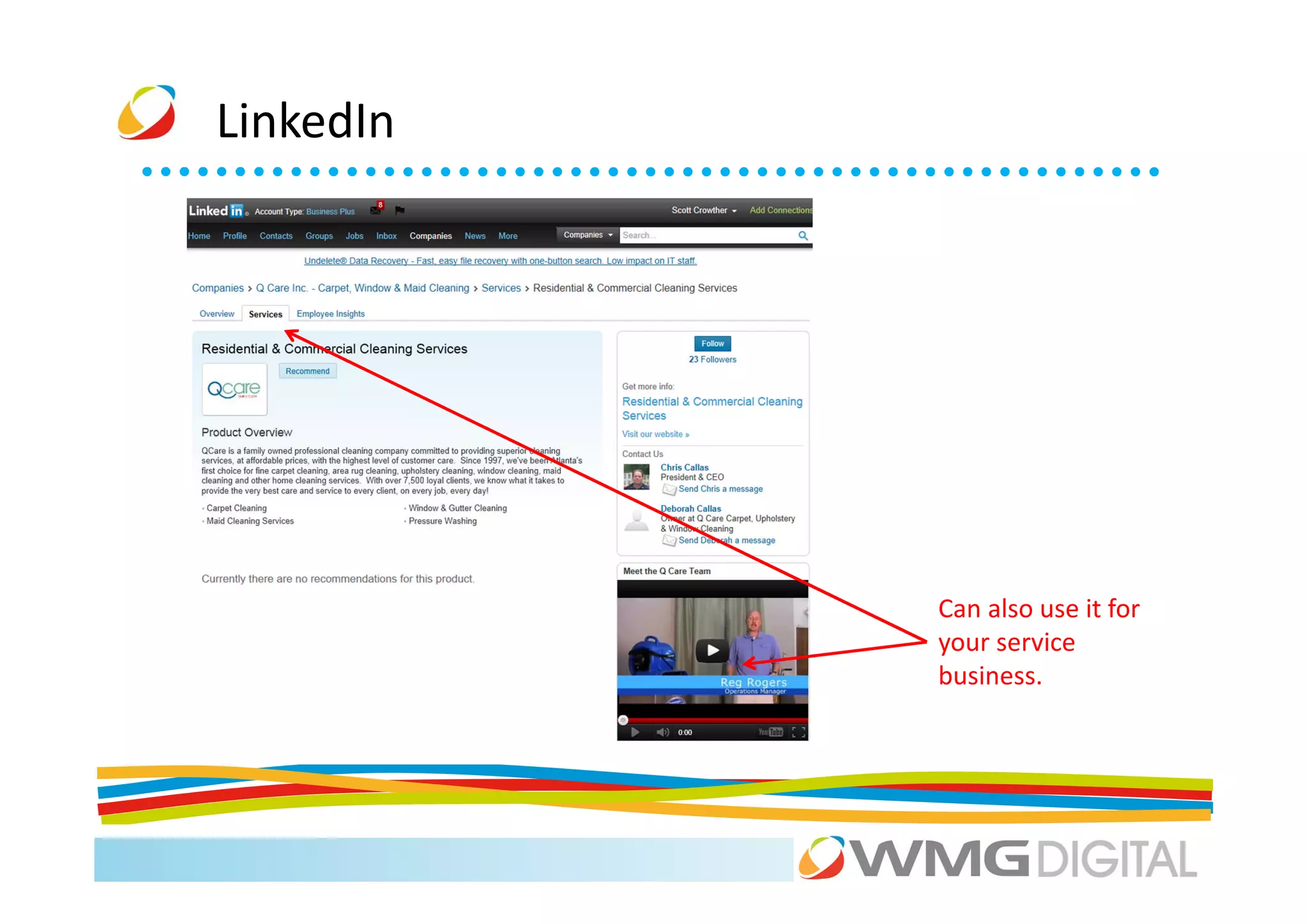
           Can also use it for
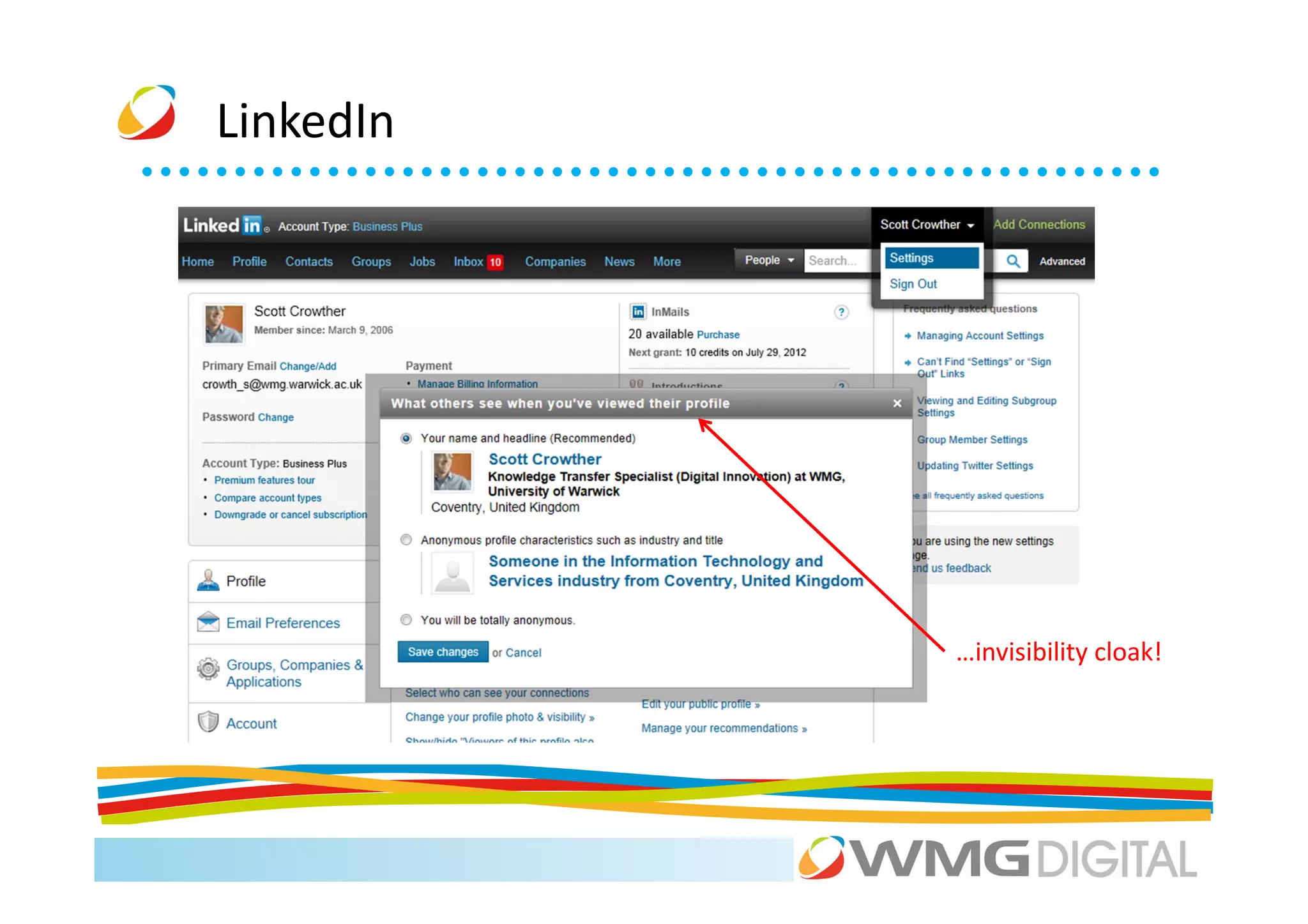
           your service
           business.
LinkedIn


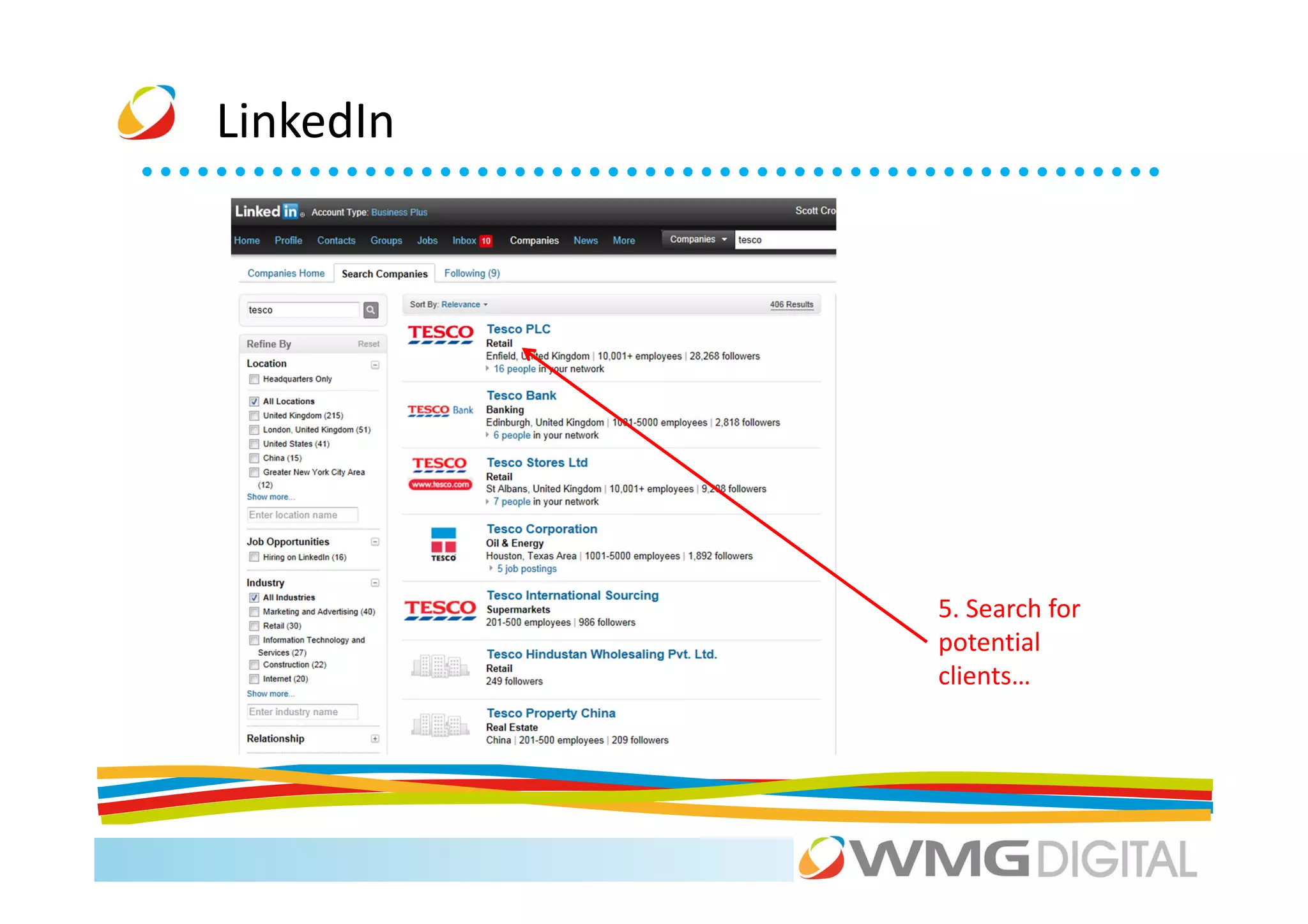
           5. Search for
           potential
           clients…
LinkedIn


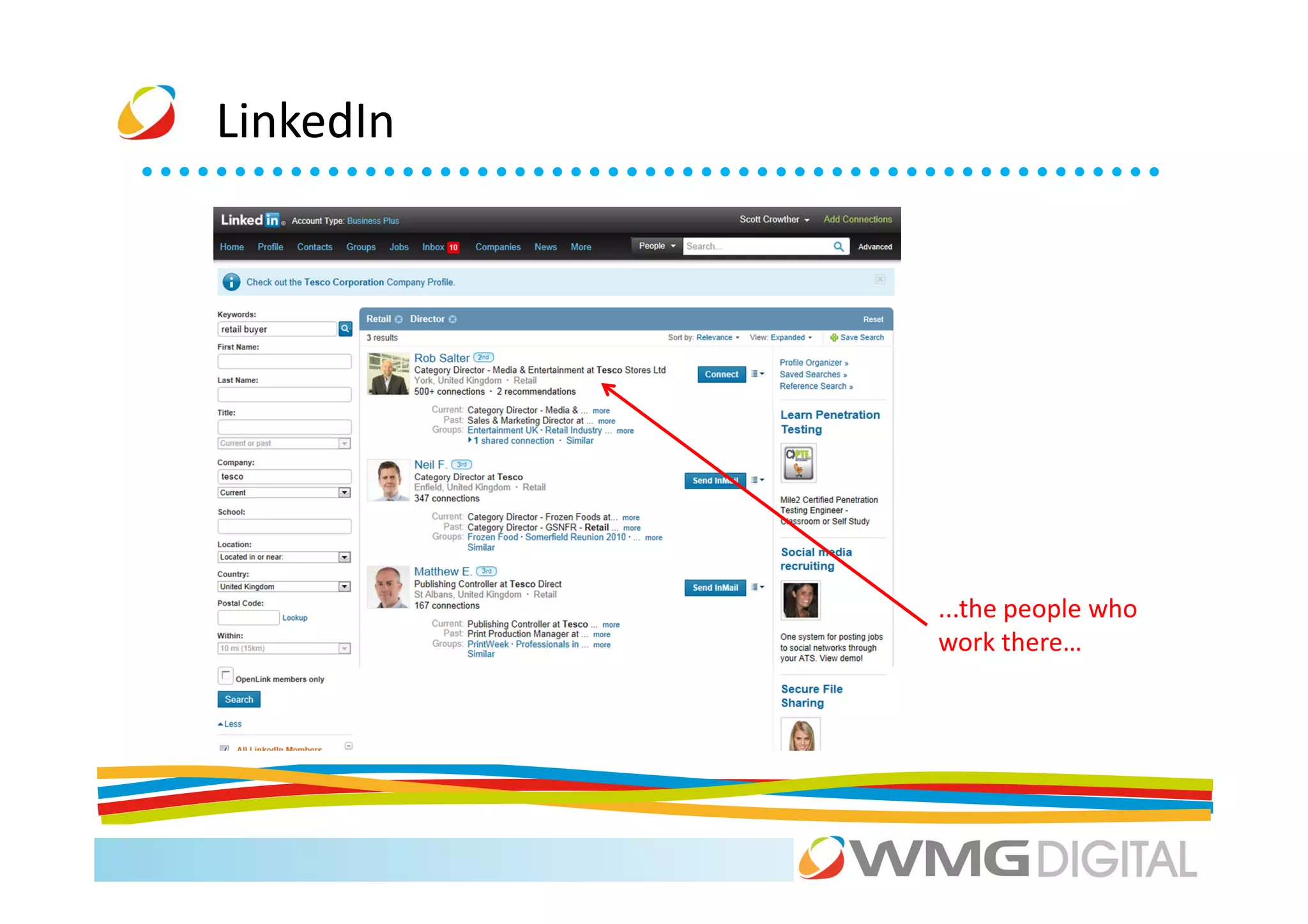
           ...the people who
           work there…
LinkedIn


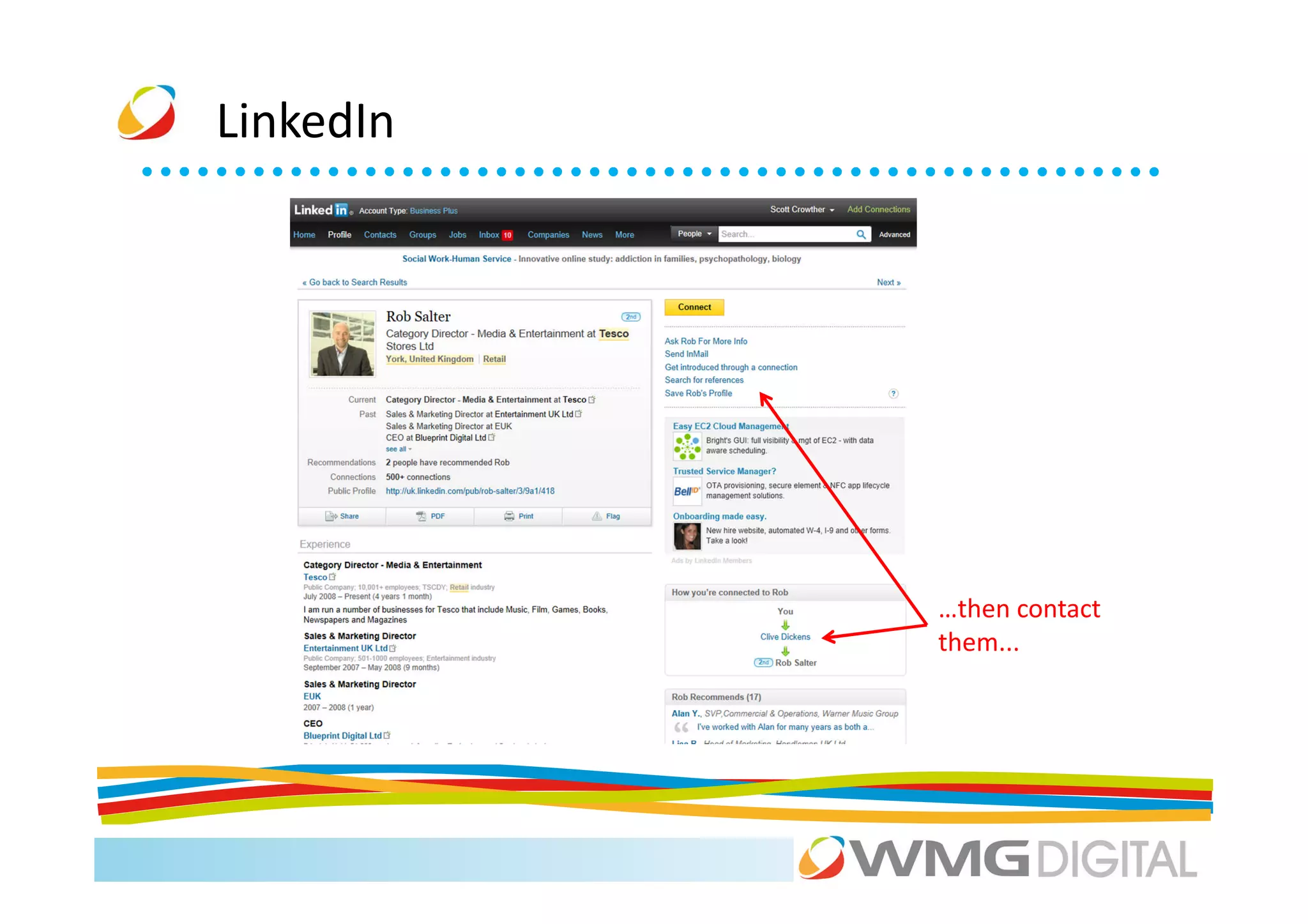
           …then contact
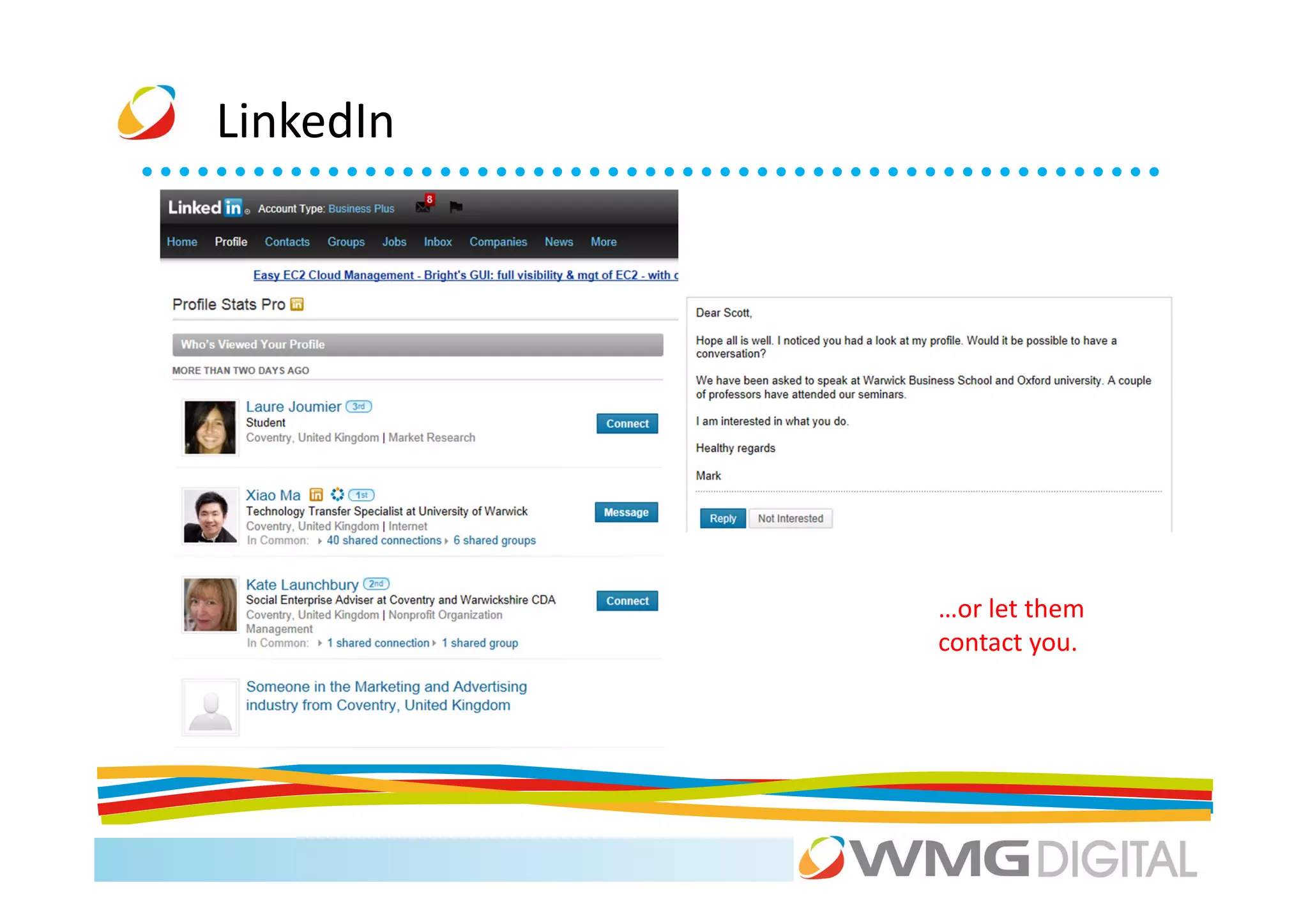
           them...
LinkedIn


           …or let them
           contact you.
LinkedIn


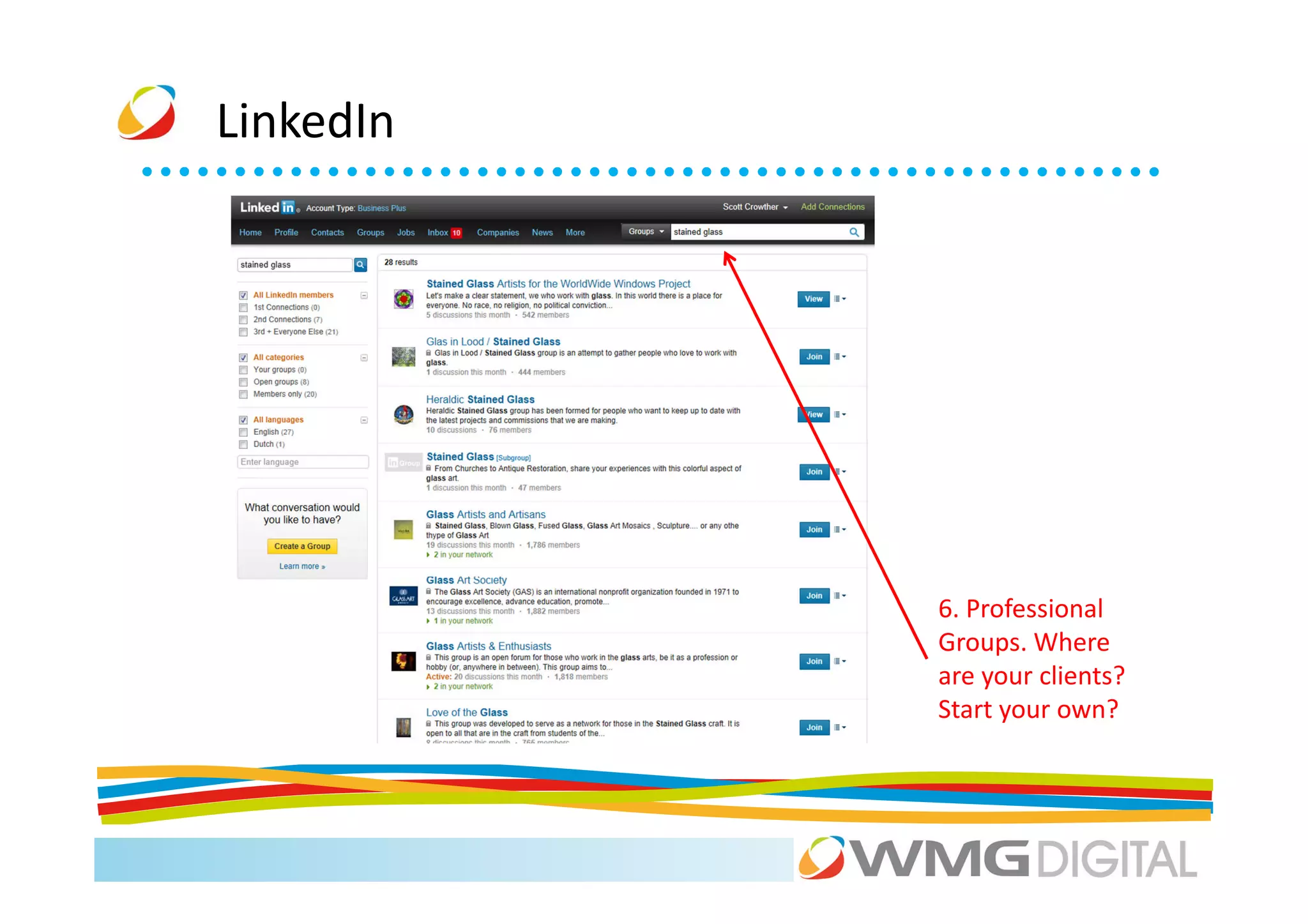
           6. Professional
           Groups. Where
           are your clients?
           Start your own?
LinkedIn


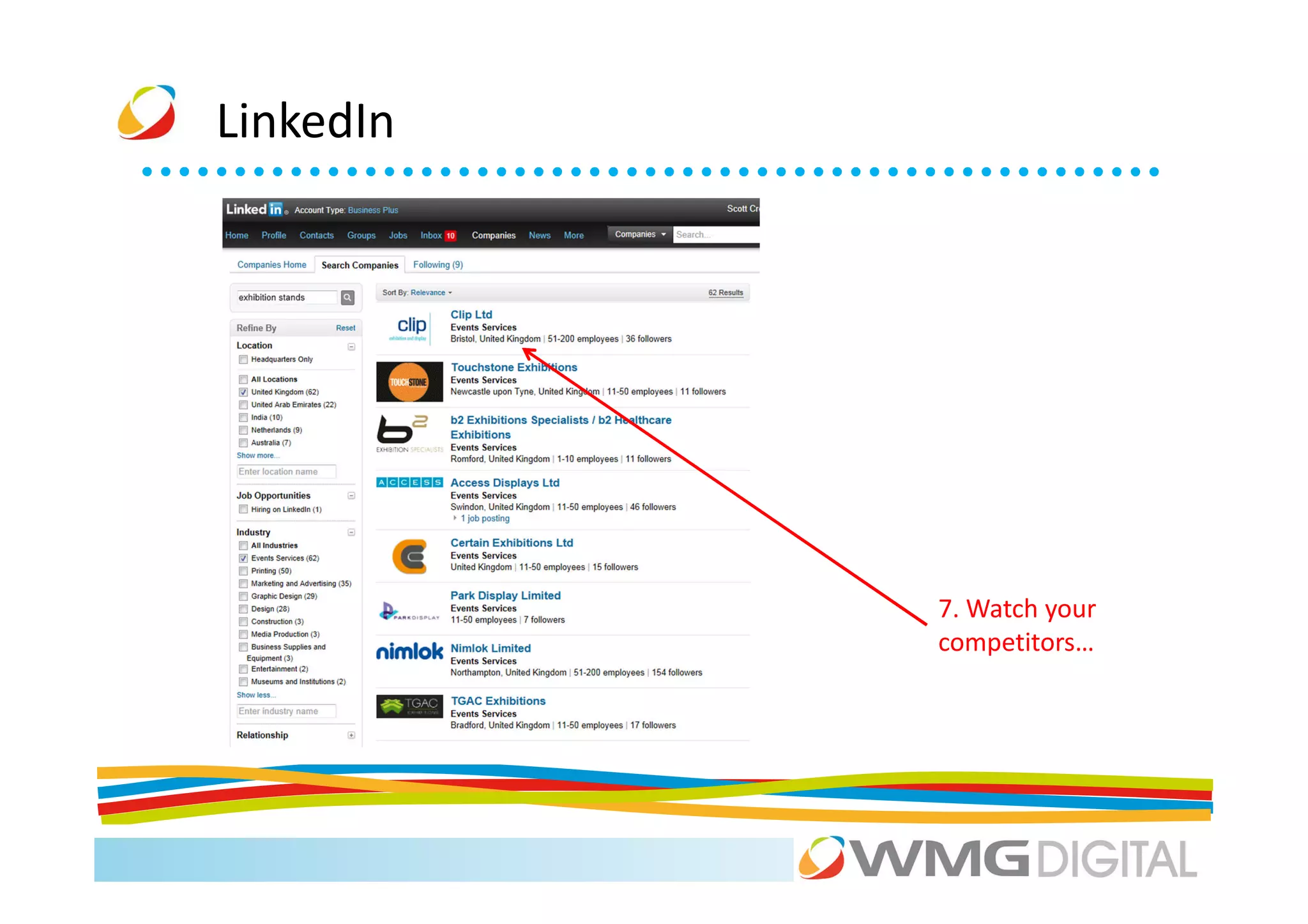
           7. Watch your
           competitors…
LinkedIn


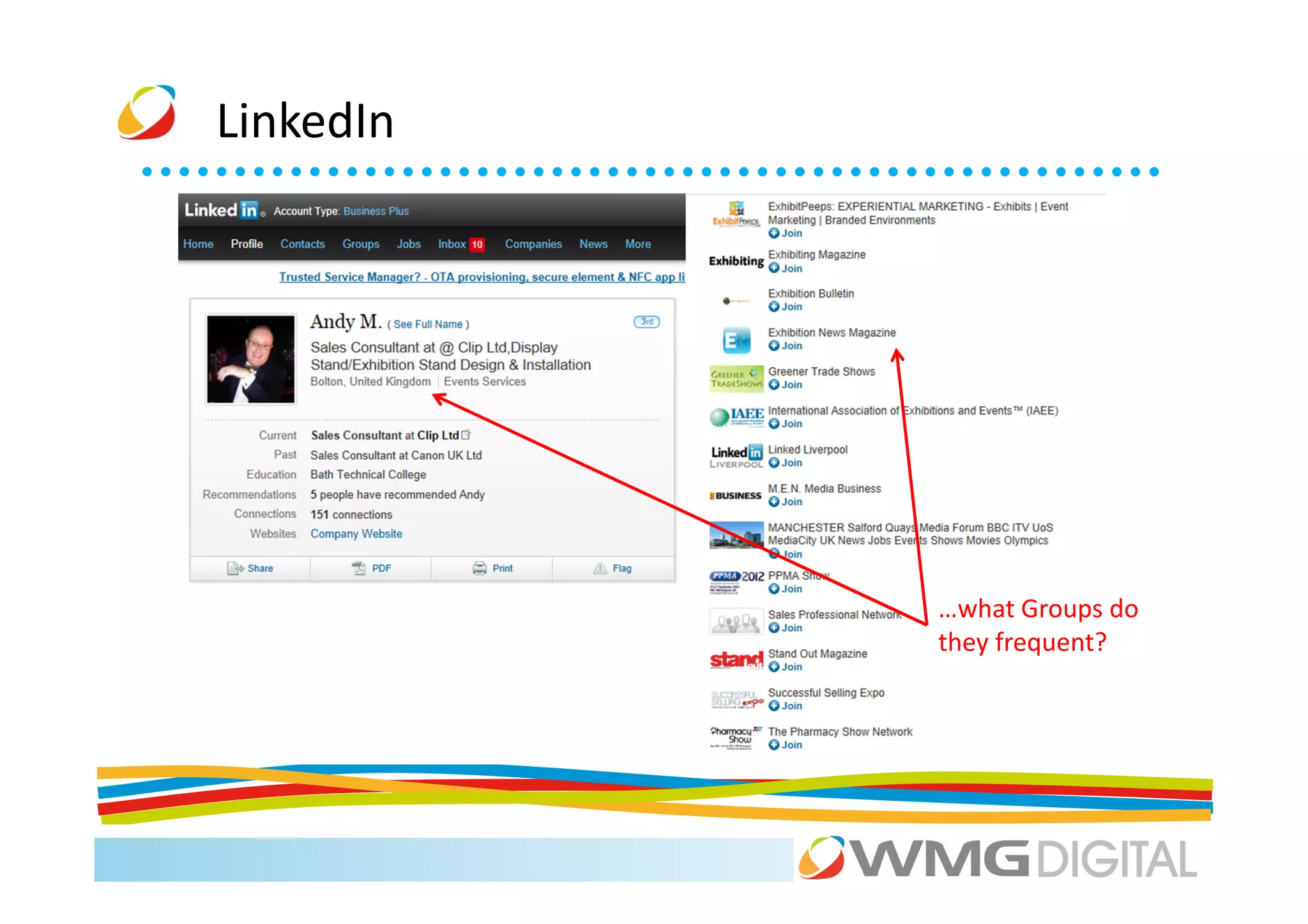
           …what Groups do
           they frequent?
LinkedIn


           …invisibility cloak!
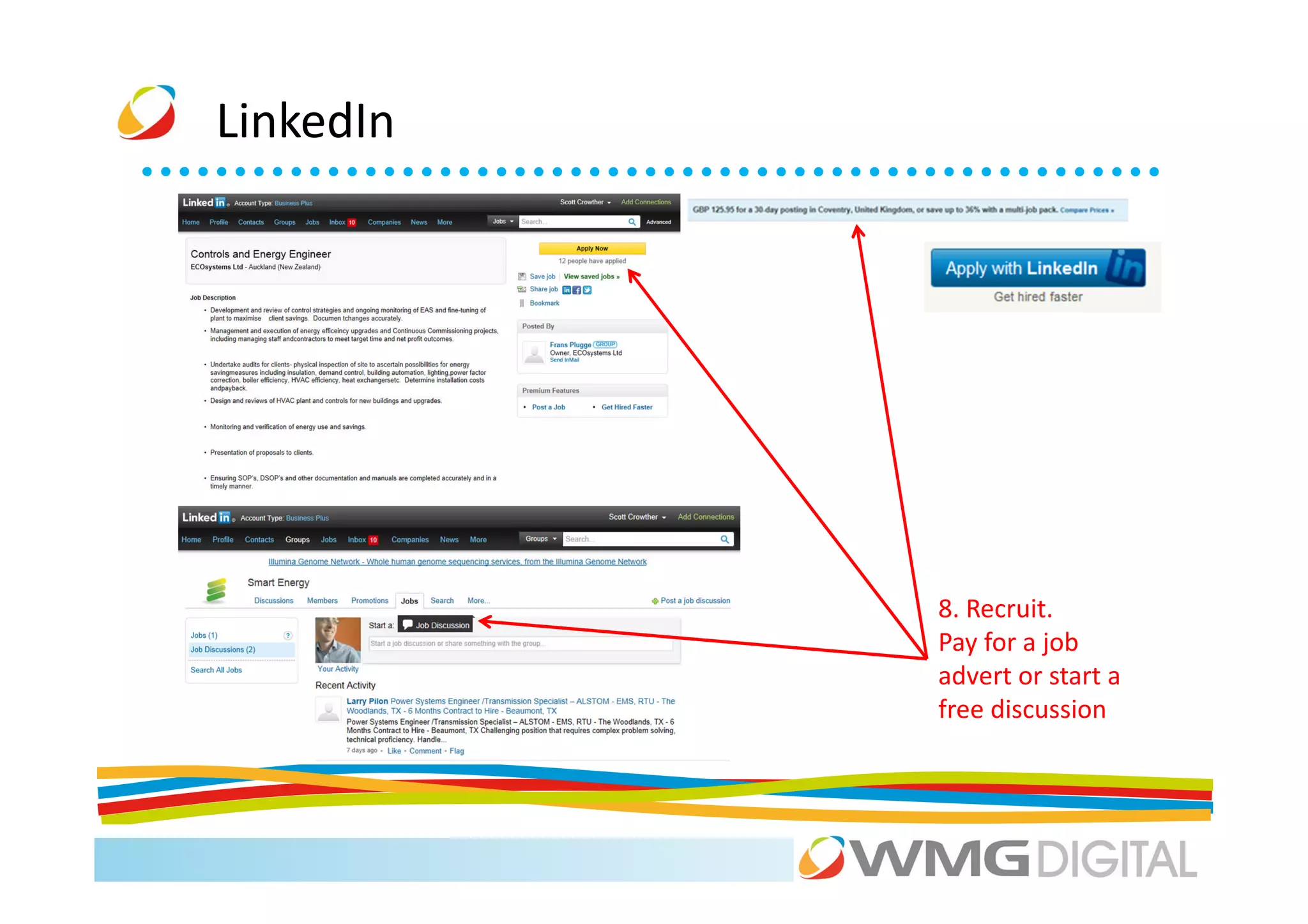
LinkedIn


           8. Recruit.
           Pay for a job
           advert or start a
           free discussion
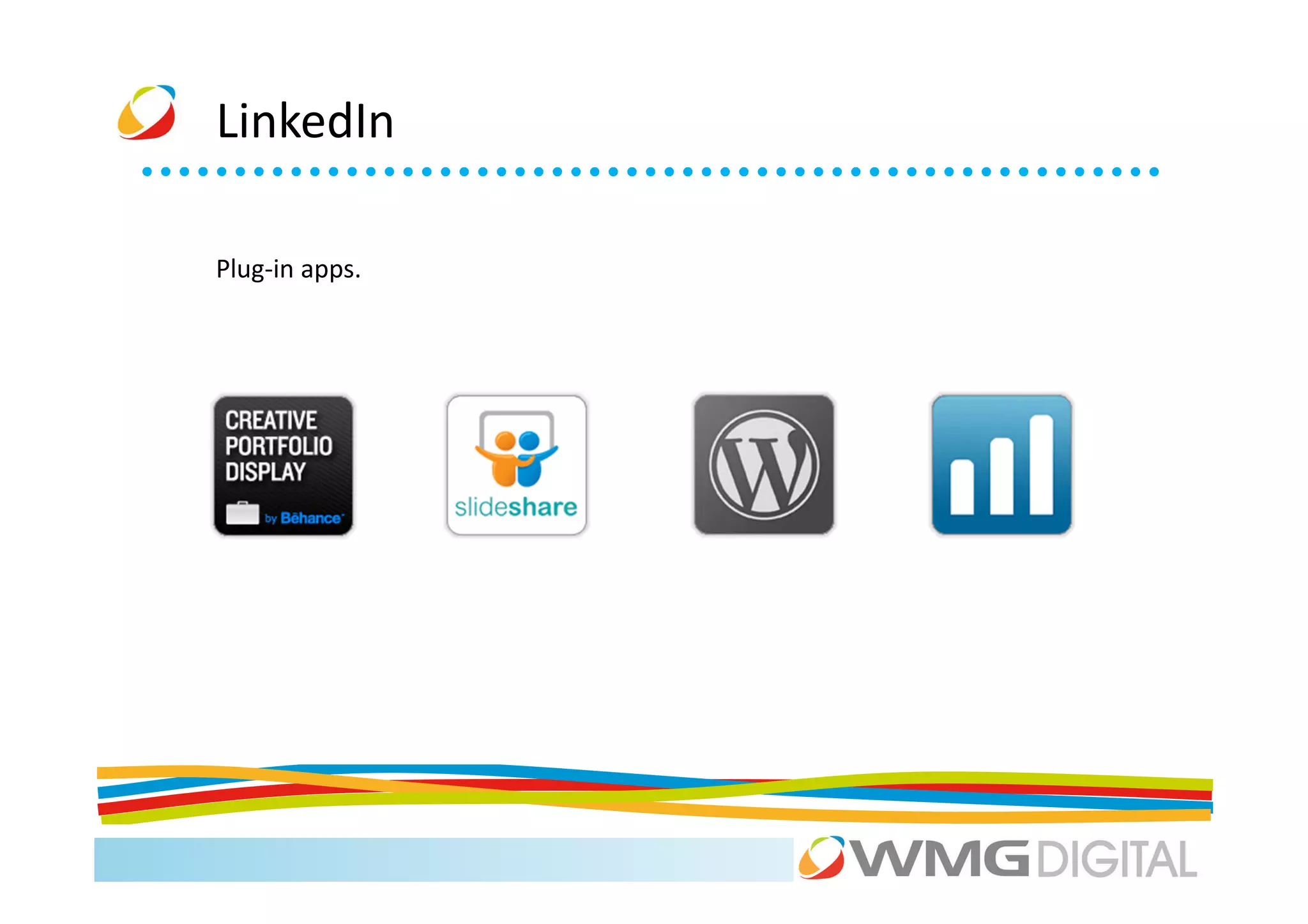
LinkedIn

Plug-in apps.
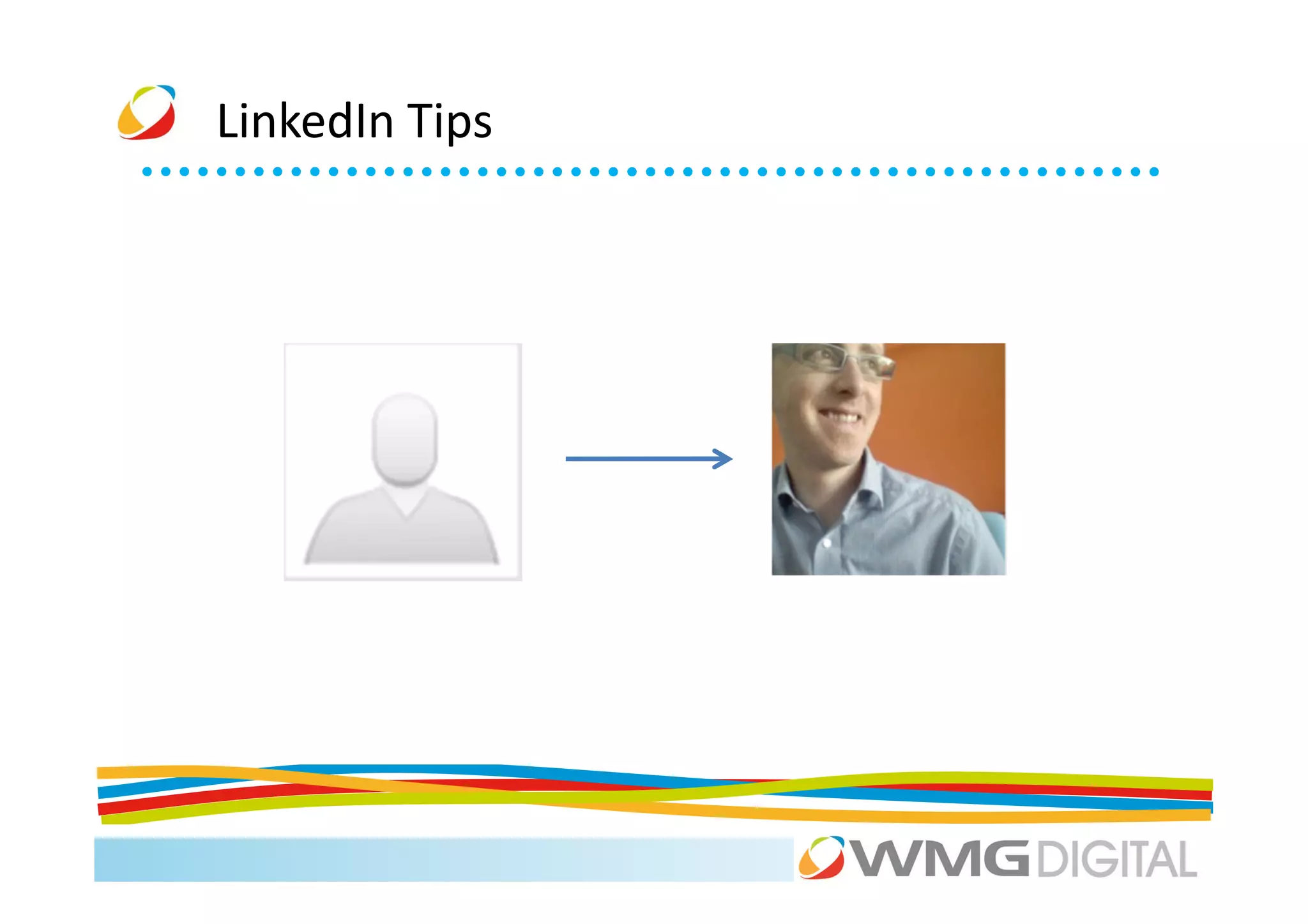
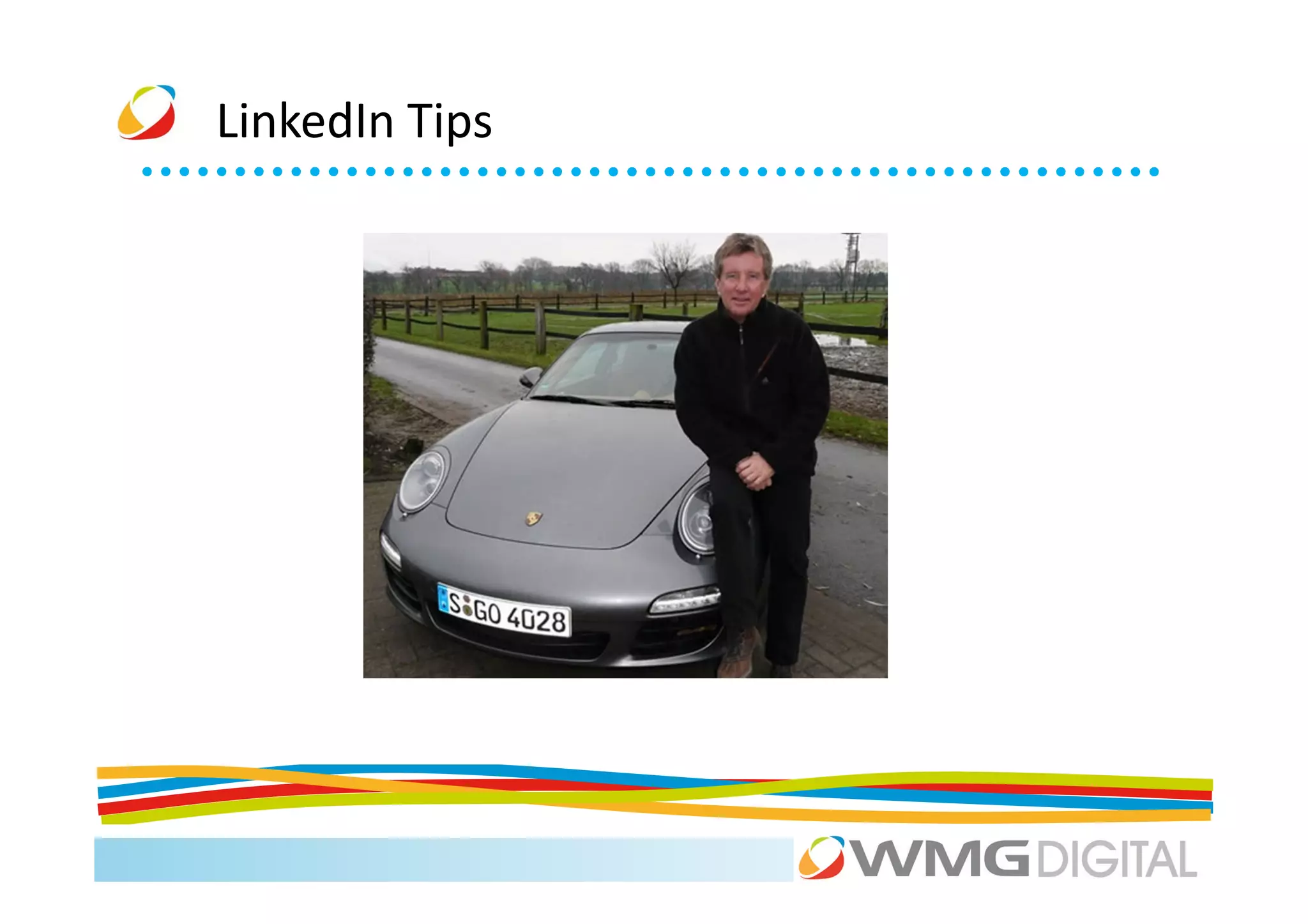
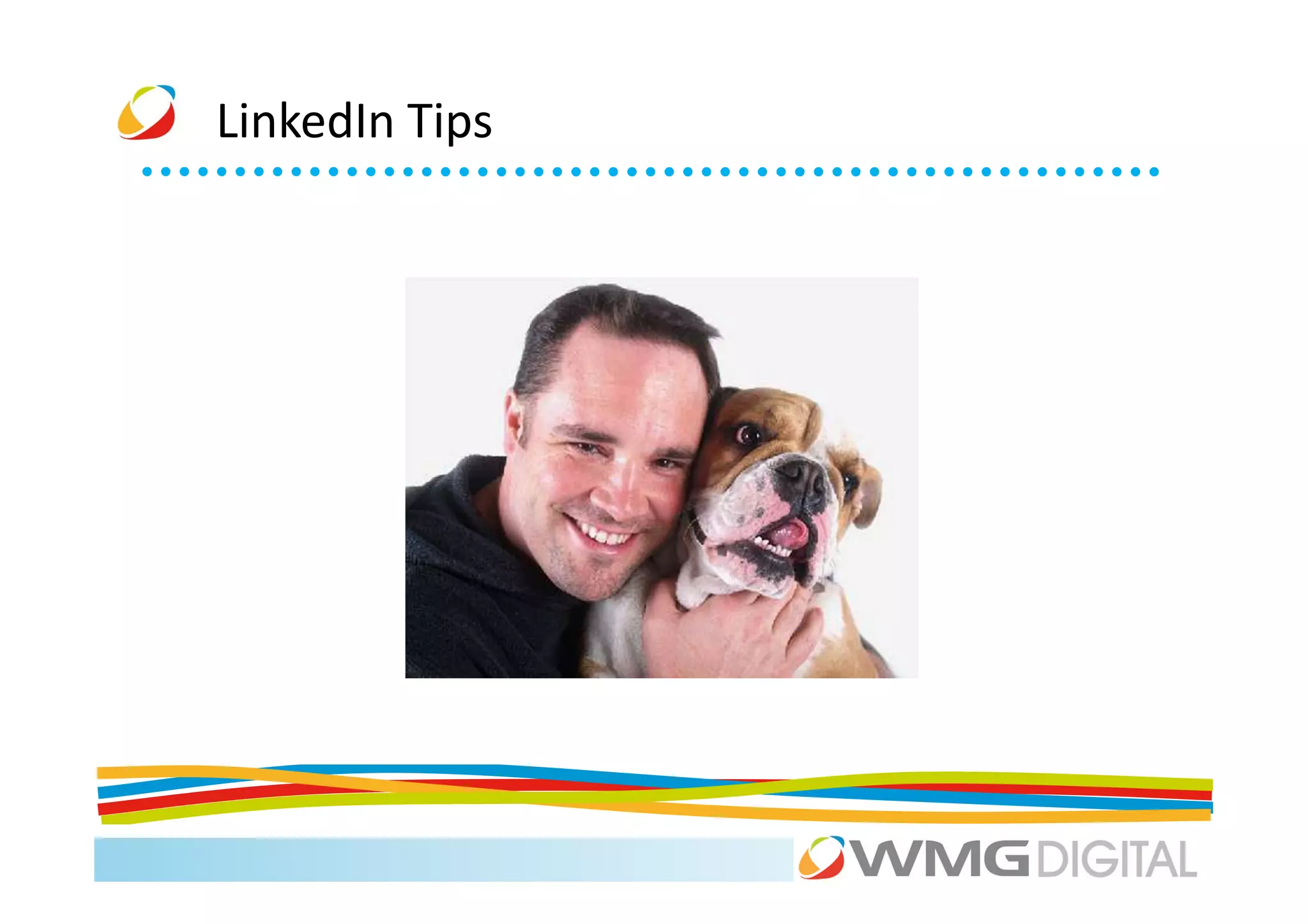
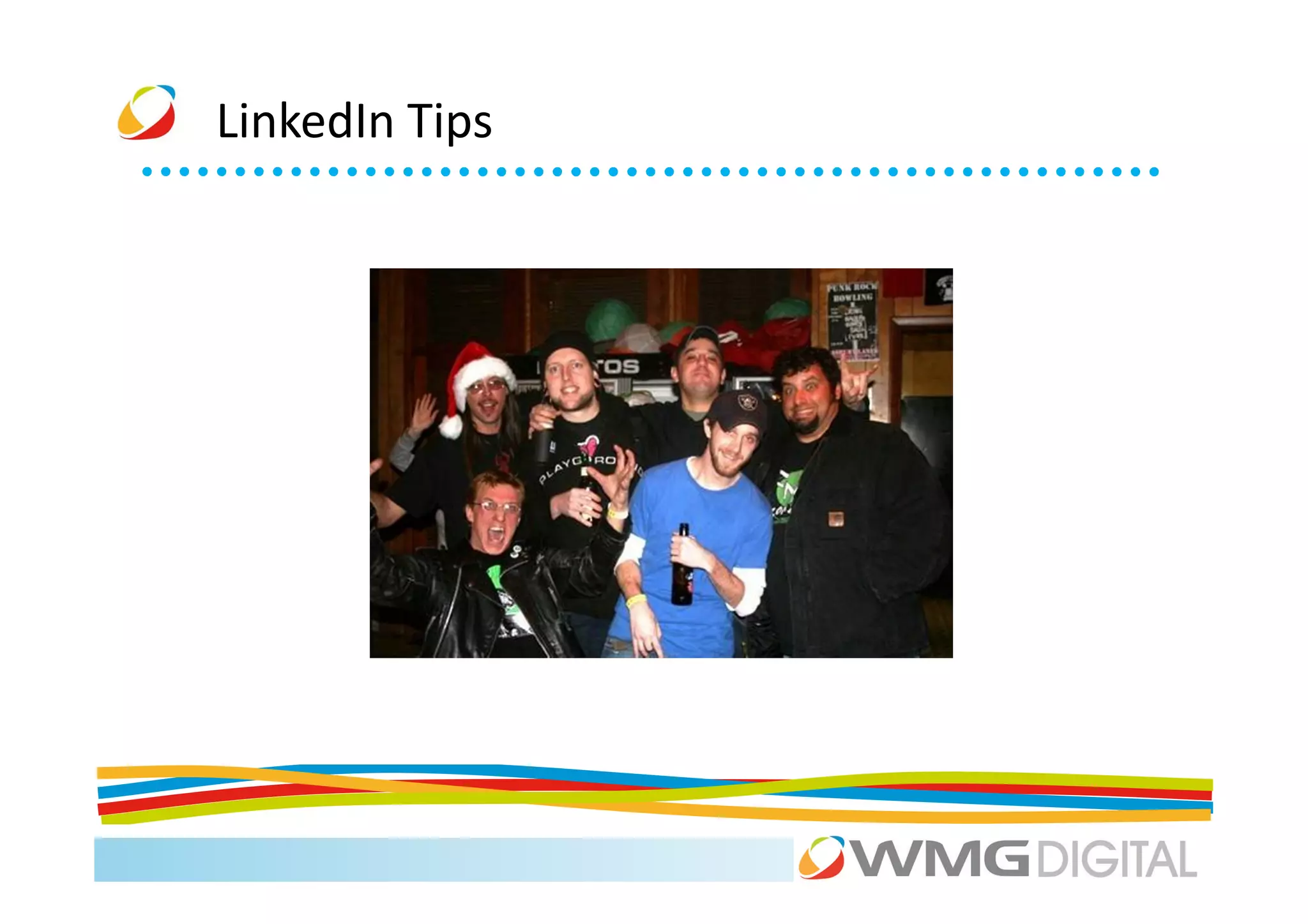
LinkedIn Tips
LinkedIn Tips
LinkedIn Tips
LinkedIn Tips
LinkedIn Tips
LinkedIn Summary
Activity


Use LinkedIn to research one of the other people on your
table (or your competition).

What groups are they in? Who are the connected to?

Team up if you don't have a LinkedIn account yet.

We have a phone with camera on hand to take profile
photos!!!
Coffee
Agenda
9.30    The Social Media ‘big picture’                       Mark

10.00   LinkedIn: the social media everyone should use       Scott

11.00   Coffee

11.15   Facebook and Twitter for your business               Xiao + Scott

12.45   Lunch

1.45    Exposing your visual side: YouTube + Pinterest       Ellie

2.30    Location, location, location: Foursquare.            Xiao

3.00    Coffee

3.15    Google+                                              Xiao
4.00    Don’t Panic: managing your networks and your time.   Scott
Welcome
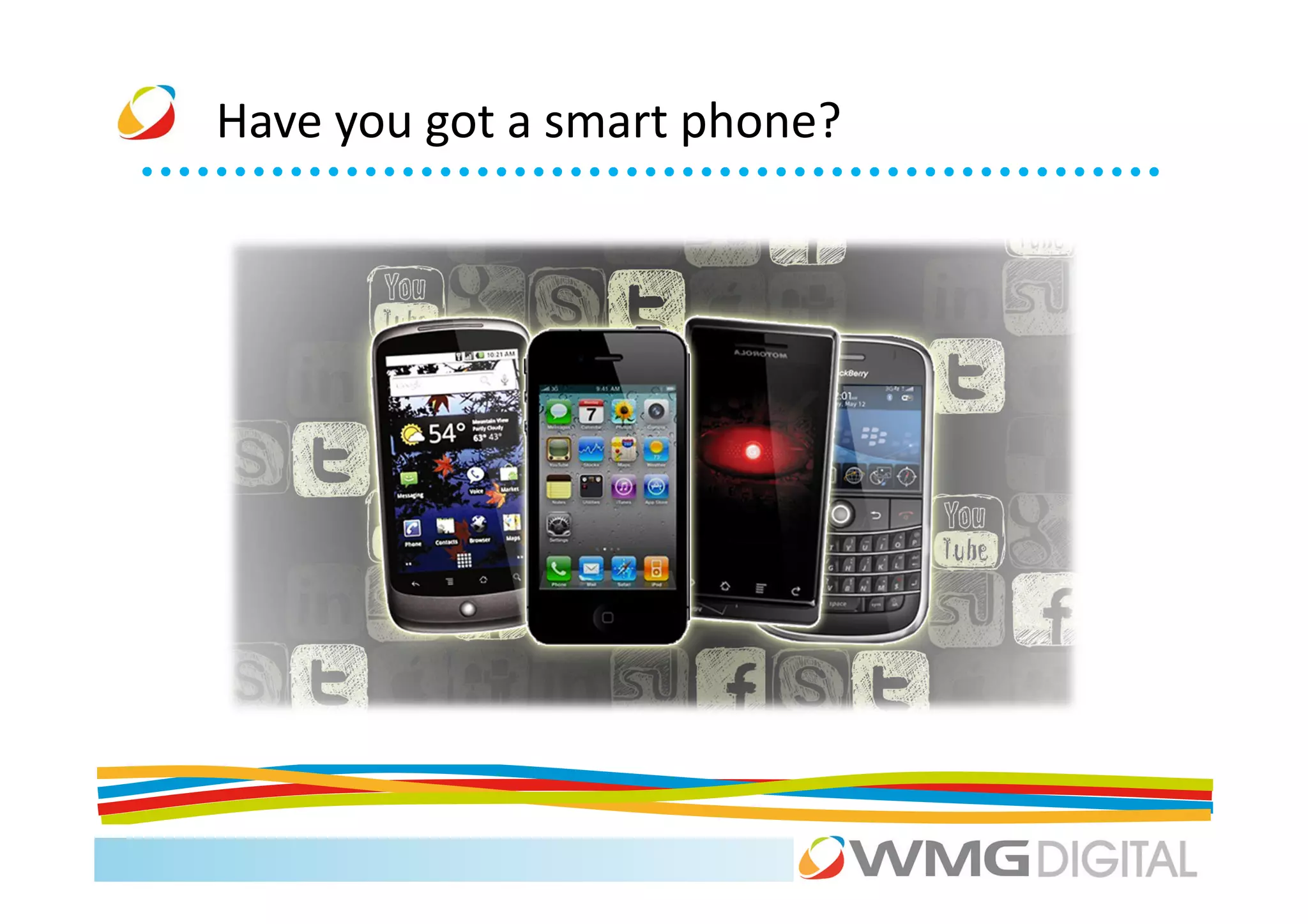
Have you got a smart phone?
Facebook


Soon to beat India in Population???
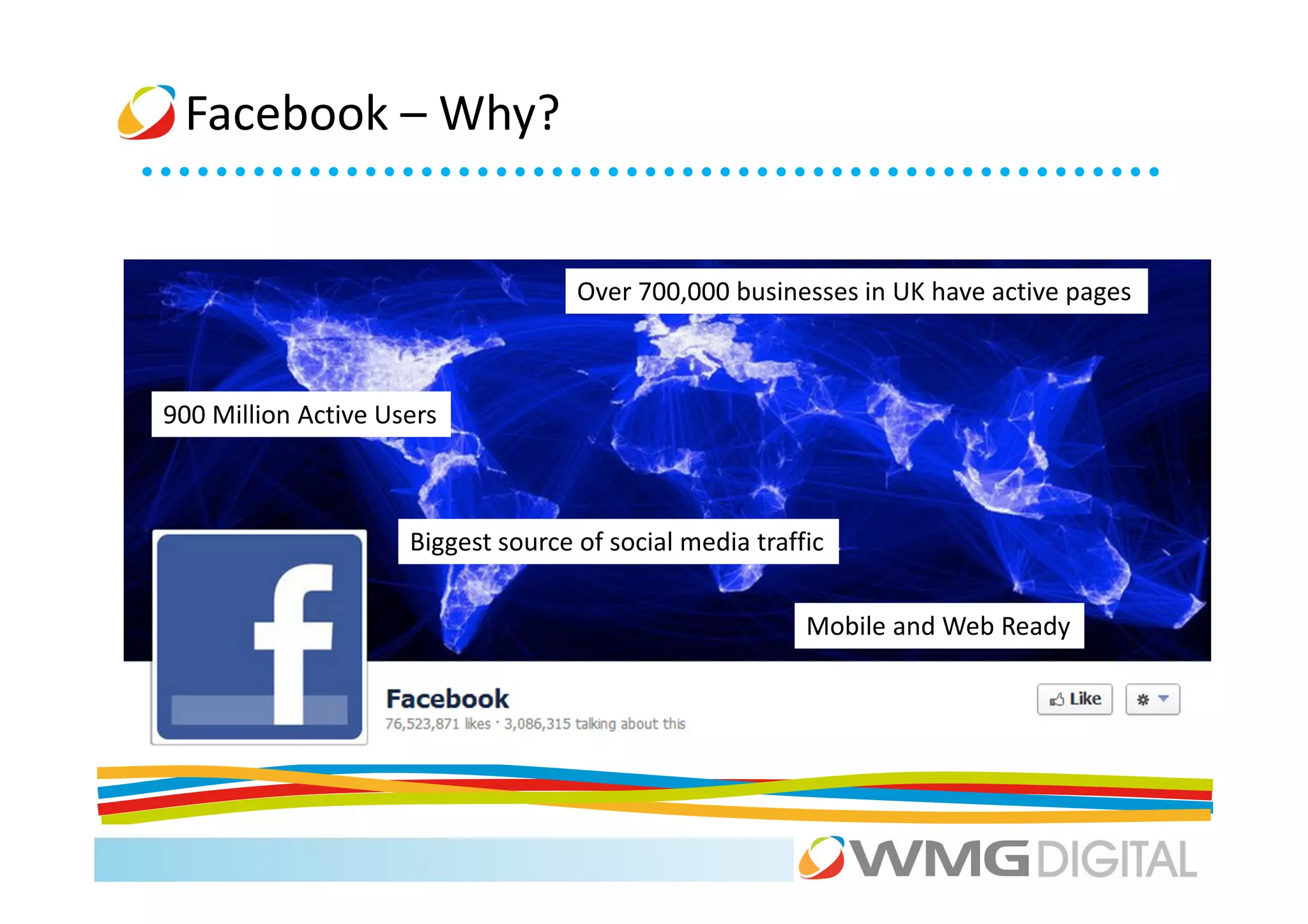
Facebook – Why?


                                 Over 700,000 businesses in UK have active pages


900 Million Active Users


                                              • 50% of members using
                     Biggest source of social media traffic devices
                                                 mobile
                                              • BuiltMobile and Webto friend
                                                          on friend Ready
                                                 connections
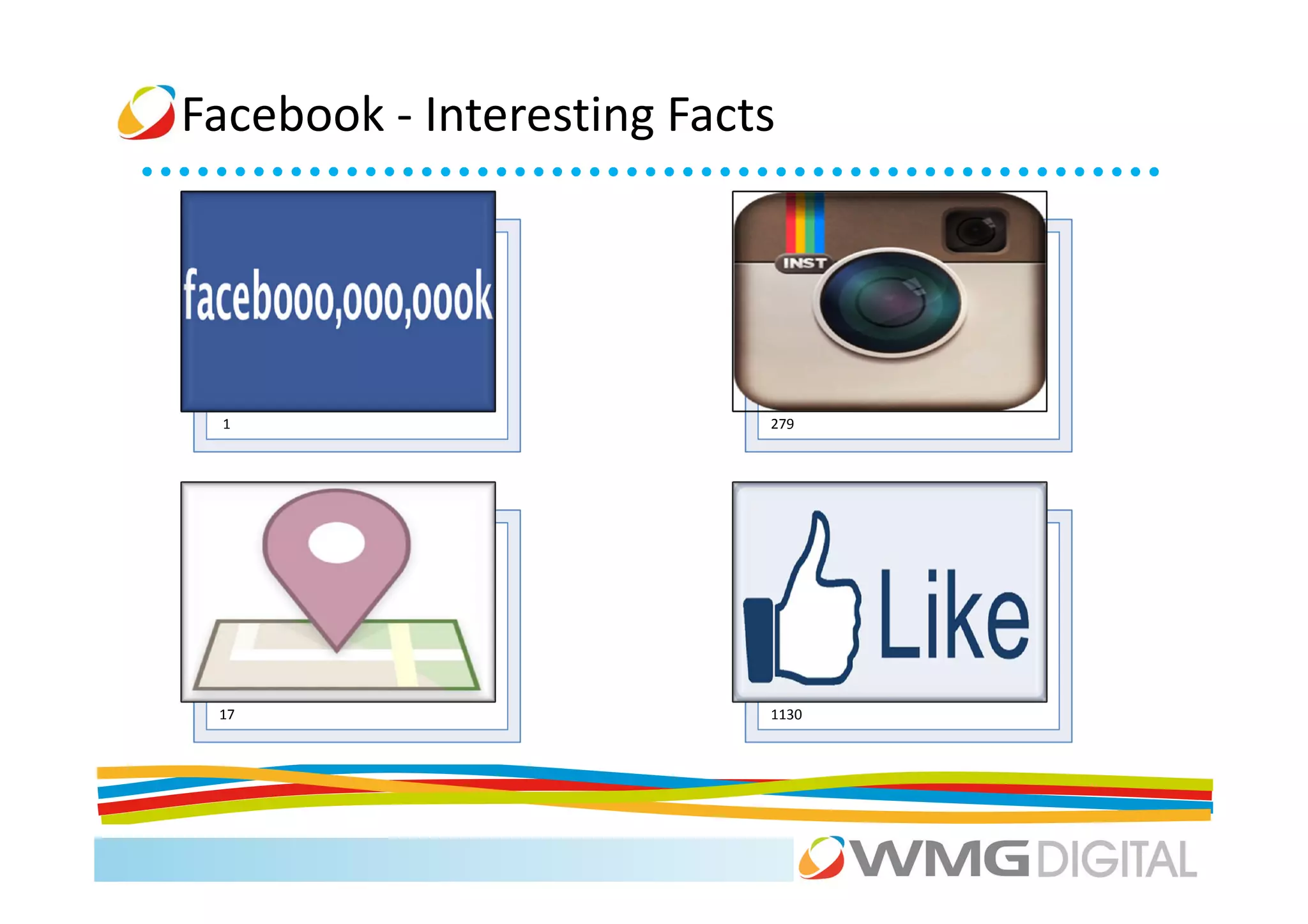
Facebook - Interesting Facts


 1                         279


 17                        1130
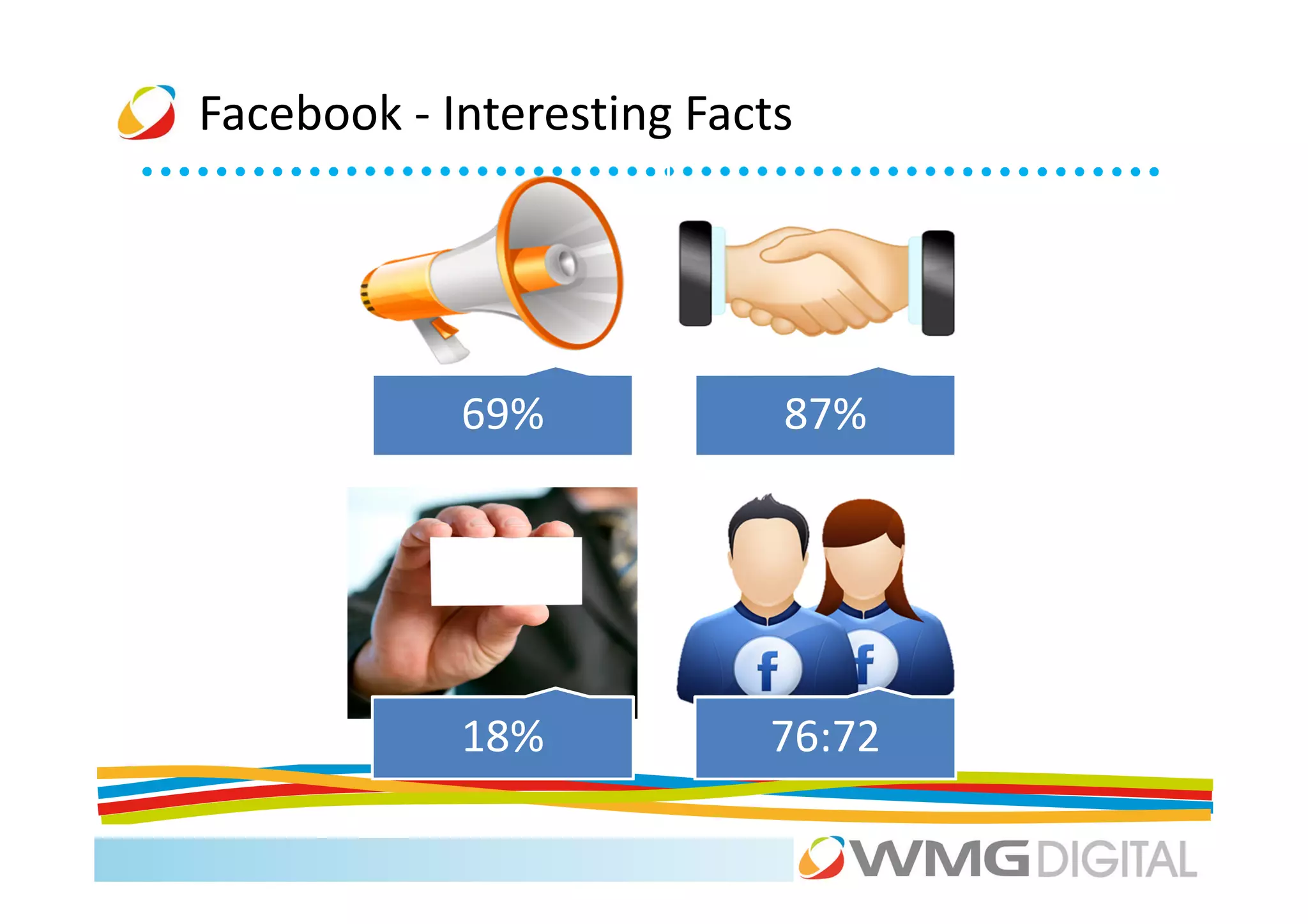
Facebook - Interesting Facts


            69%            87%


            18%           76:72
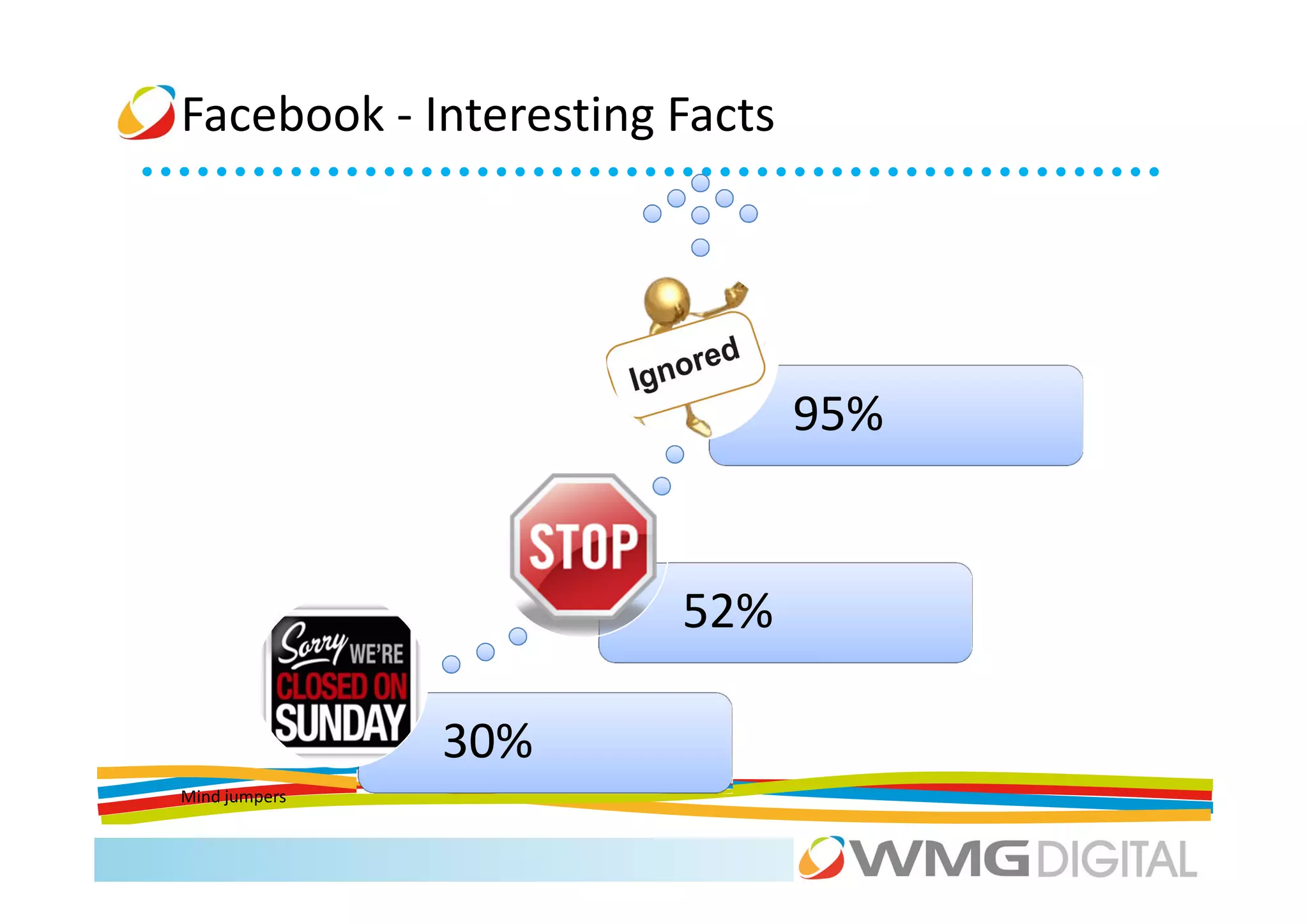
Facebook - Interesting Facts


                               95%


                       52%

               30%
Mind jumpers
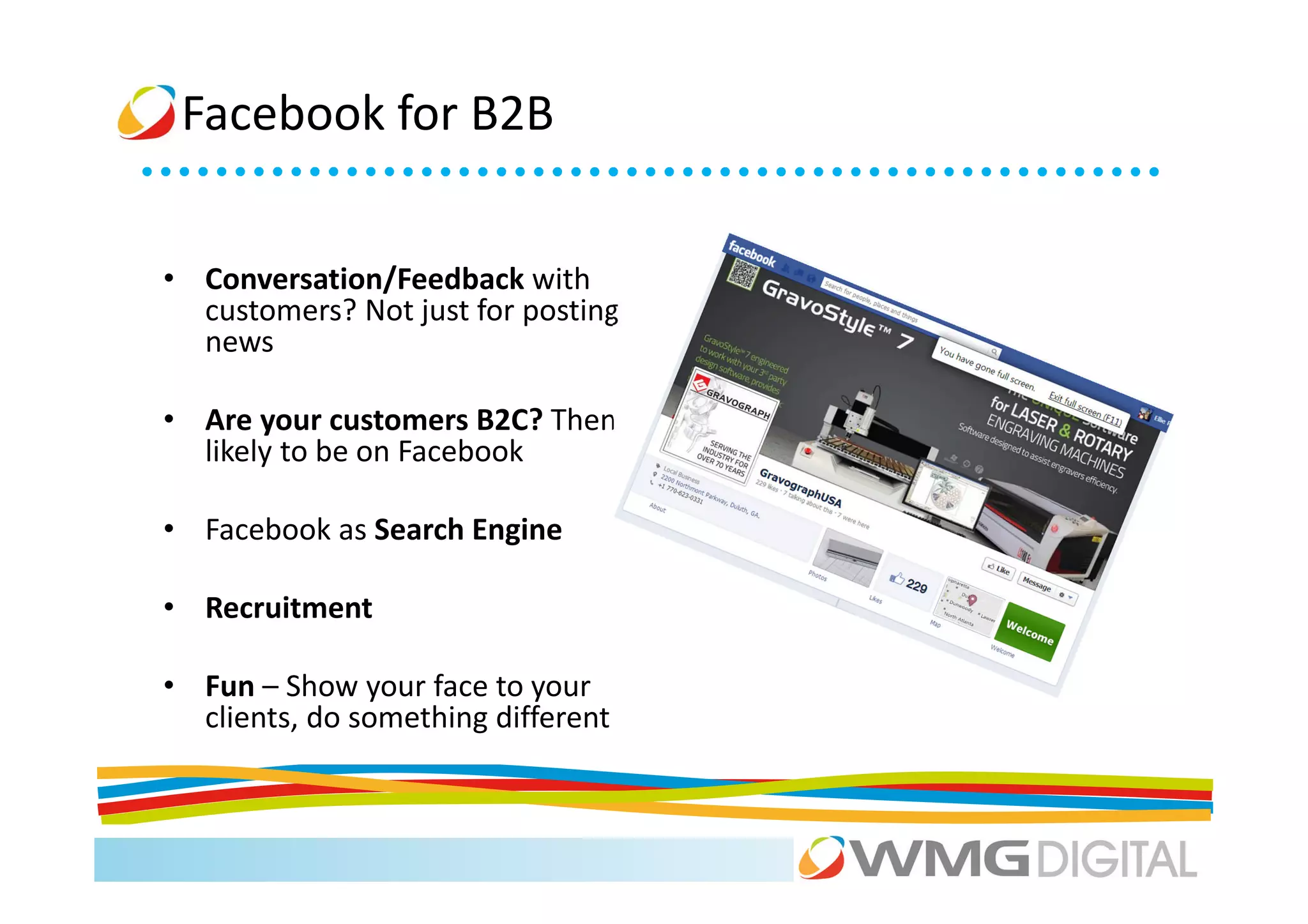
Facebook for B2B


• Conversation/Feedback with
  customers? Not just for posting
  news

• Are your customers B2C? Then
  likely to be on Facebook

• Facebook as Search Engine

• Recruitment

• Fun – Show your face to your
  clients, do something different
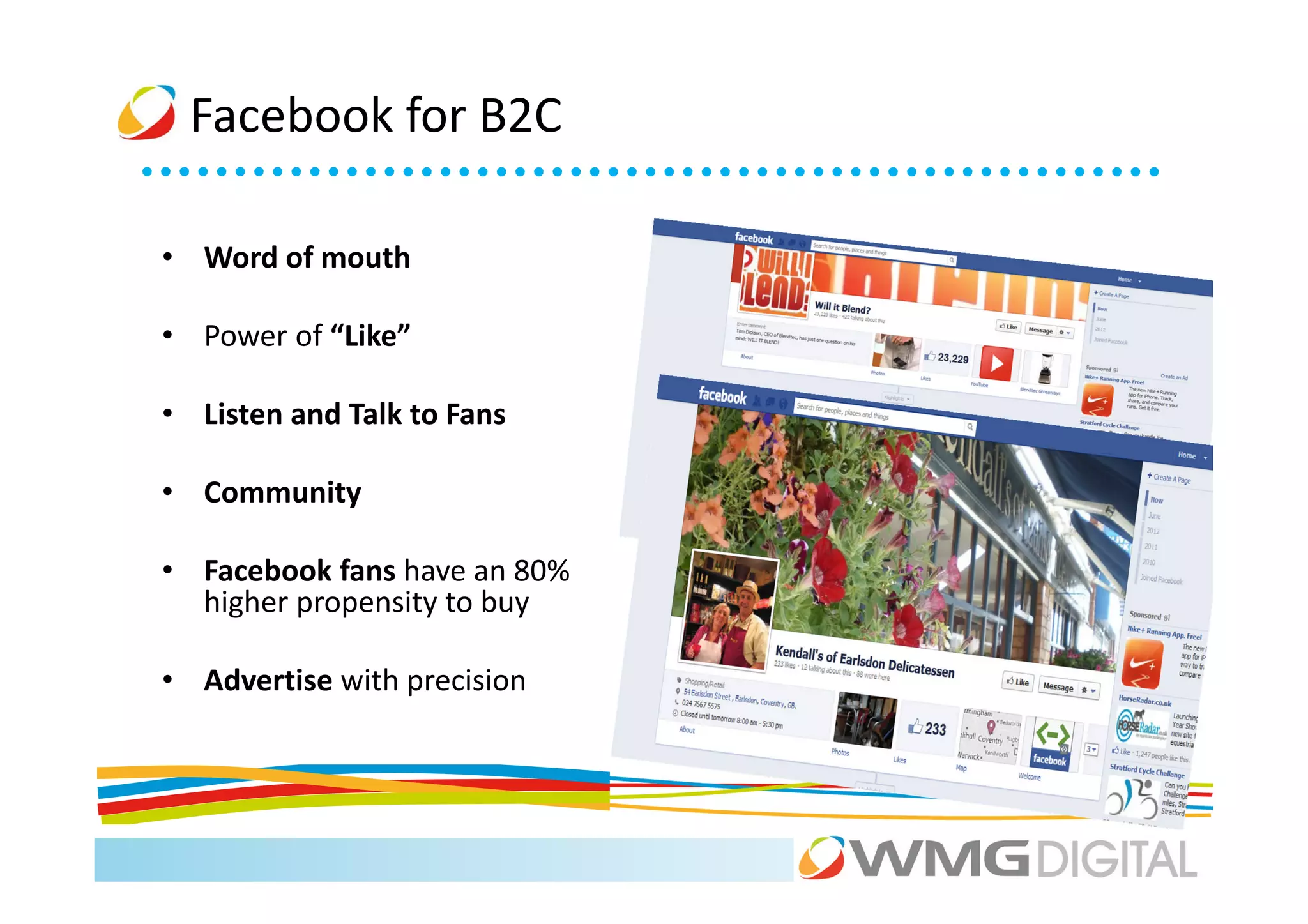
Facebook for B2C

• Word of mouth

• Power of “Like”

• Listen and Talk to Fans

• Community

• Facebook fans have an 80%
  higher propensity to buy

• Advertise with precision
Facebook- Likes (Pros)

• Another face for the business

• Personalisation of business pages
  with comments, sharing facilities etc

• Interaction with followers Easy
  engagement – customers can “Like”
  button or add a comment to engage

• Interaction with other businesses.
  Connect with your suppliers,
  distributors, or contractors.
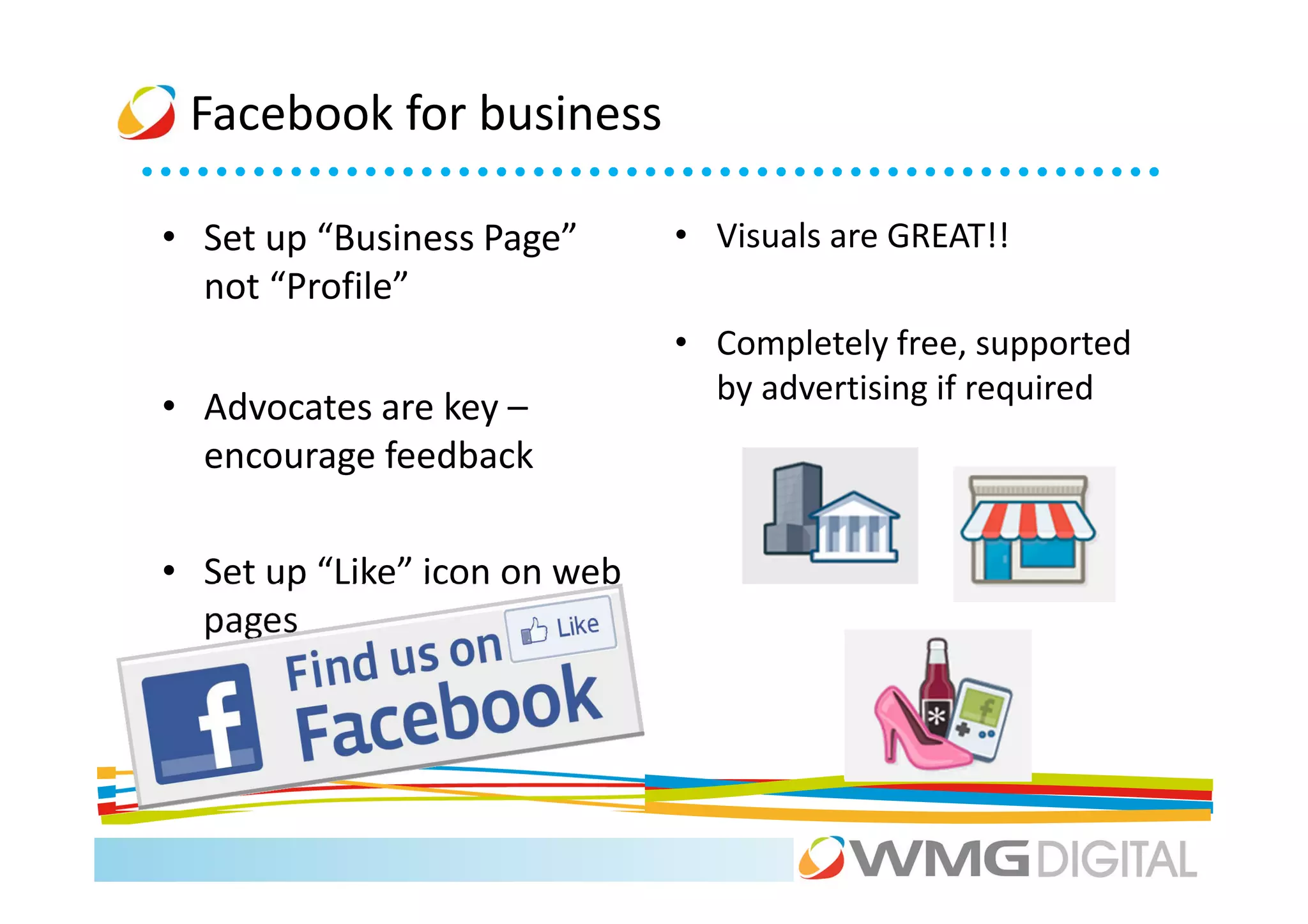
Facebook for business

• Set up “Business Page”      • Visuals are GREAT!!
  not “Profile”
                              • Completely free, supported
                                by advertising if required
• Advocates are key –
  encourage feedback

• Set up “Like” icon on web
  pages
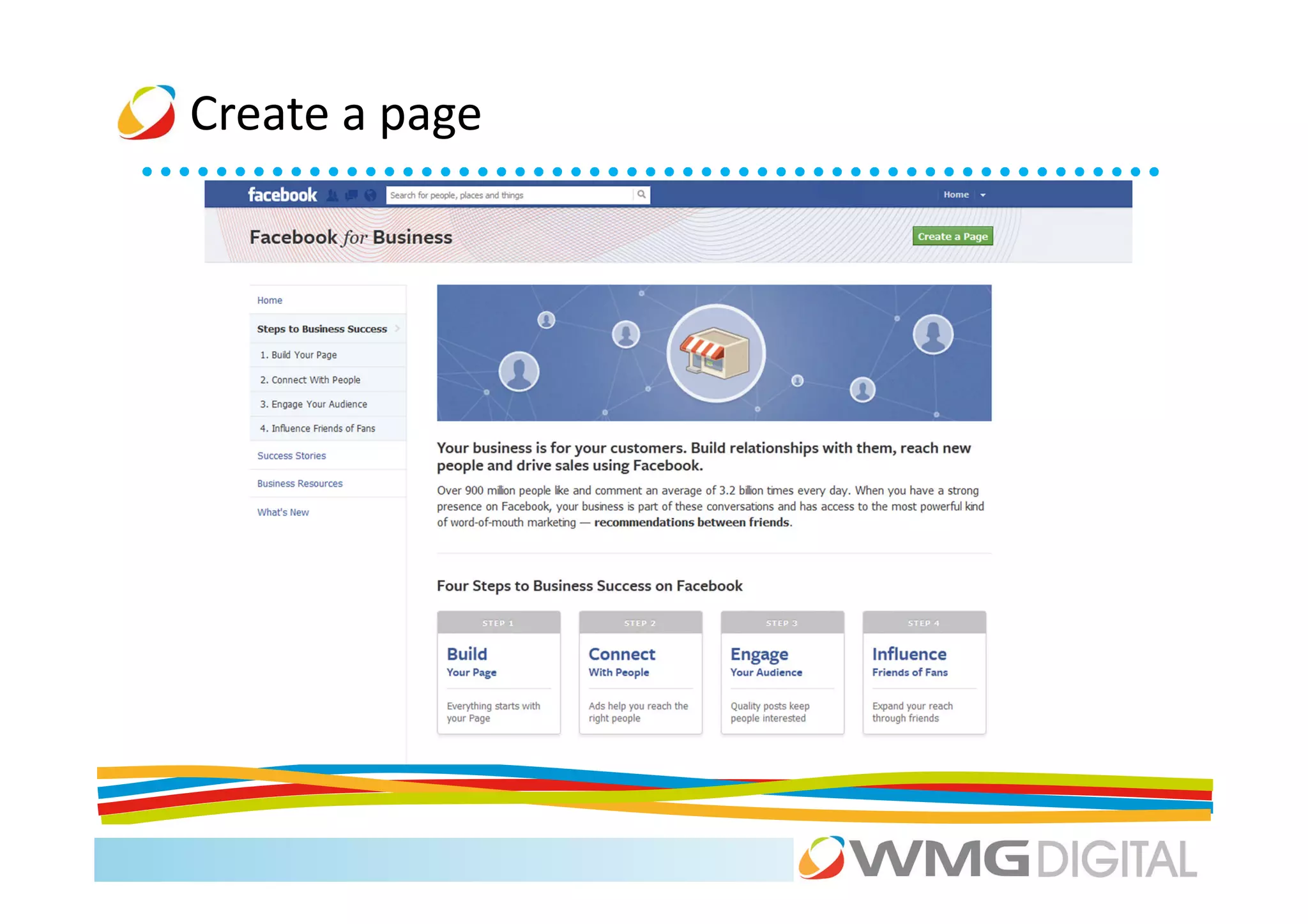
Create a page
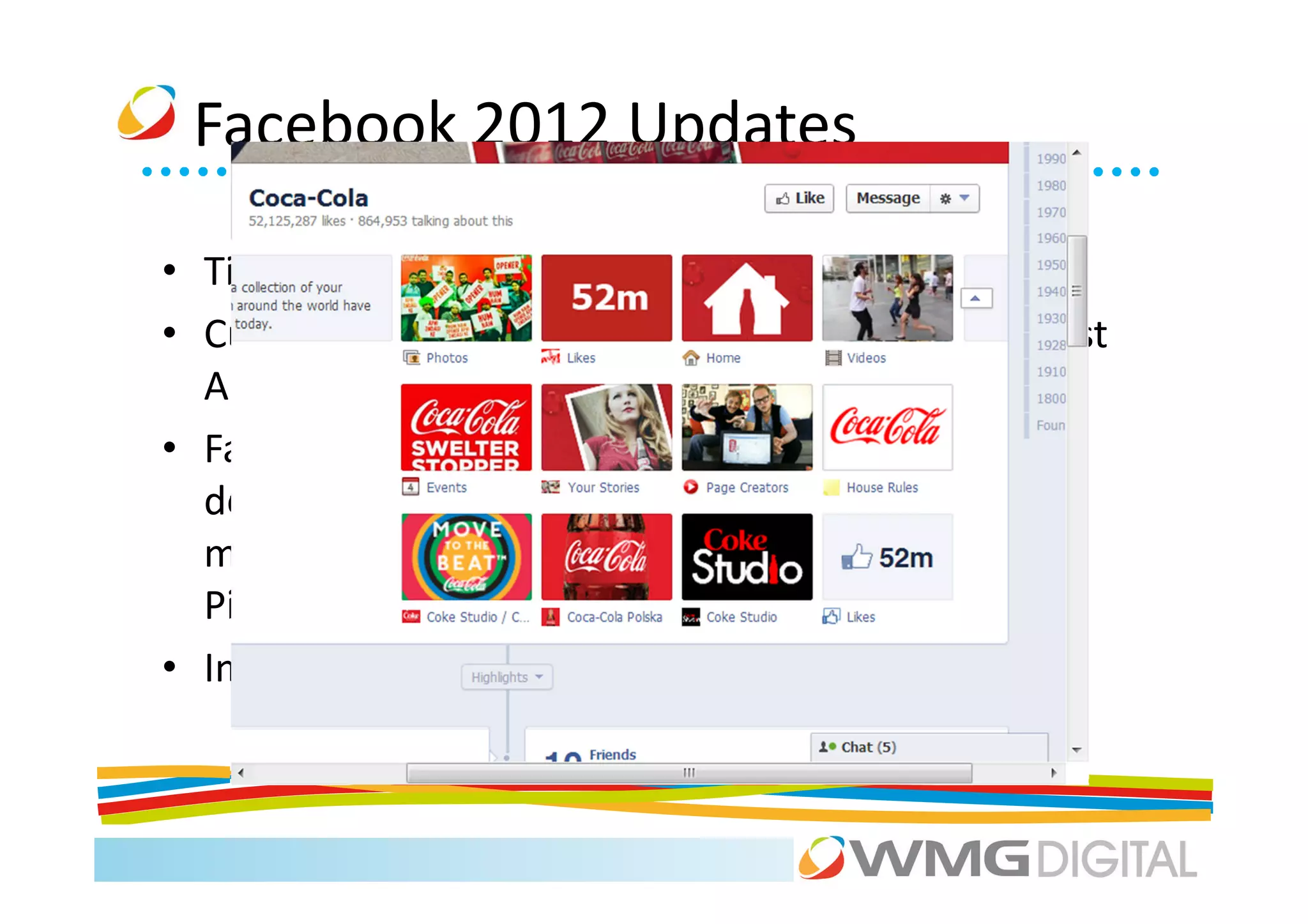
Facebook 2012 Updates

• Timeline Feature         • SEARCH!!!!!
• Custom Tabs (Views &     • ‘Pin’ option (posts last
  Apps)                      longer!)
• Facebook Developer –
  developers.facebook.co
  m/apps e.g add your
  Pinterest Account
• Insights
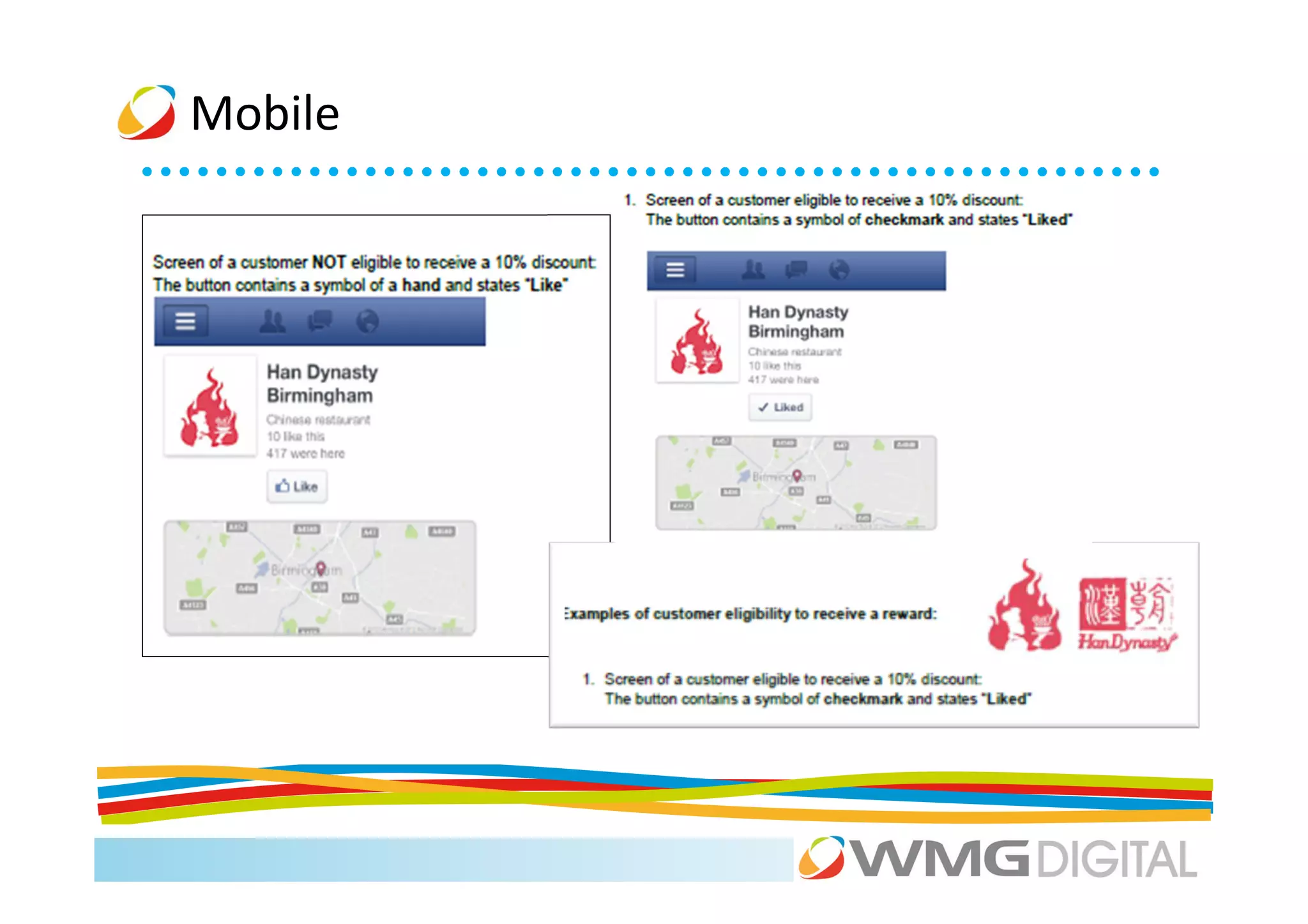
Mobile
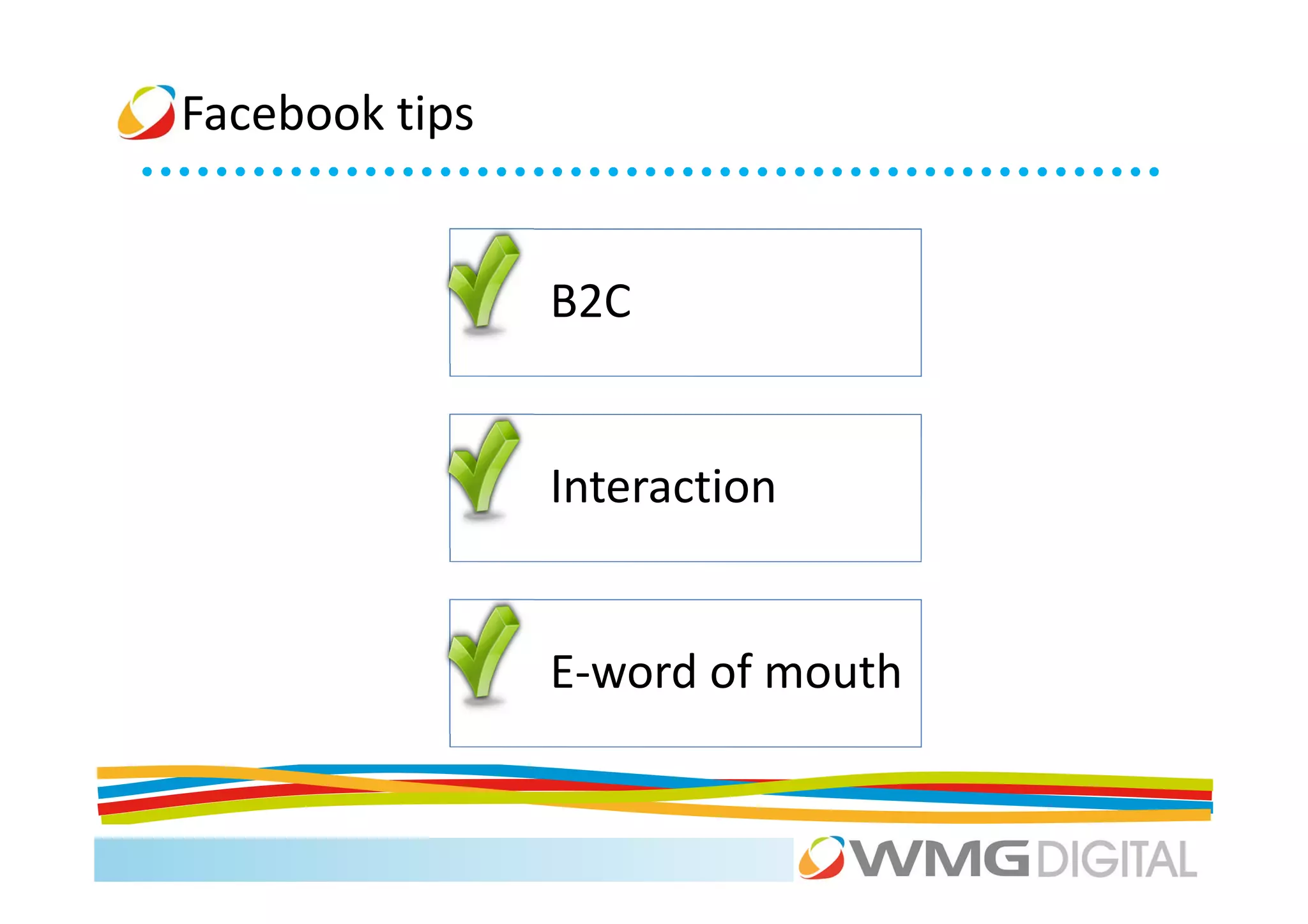
Facebook tips


                B2C


                Interaction


                E-word of mouth
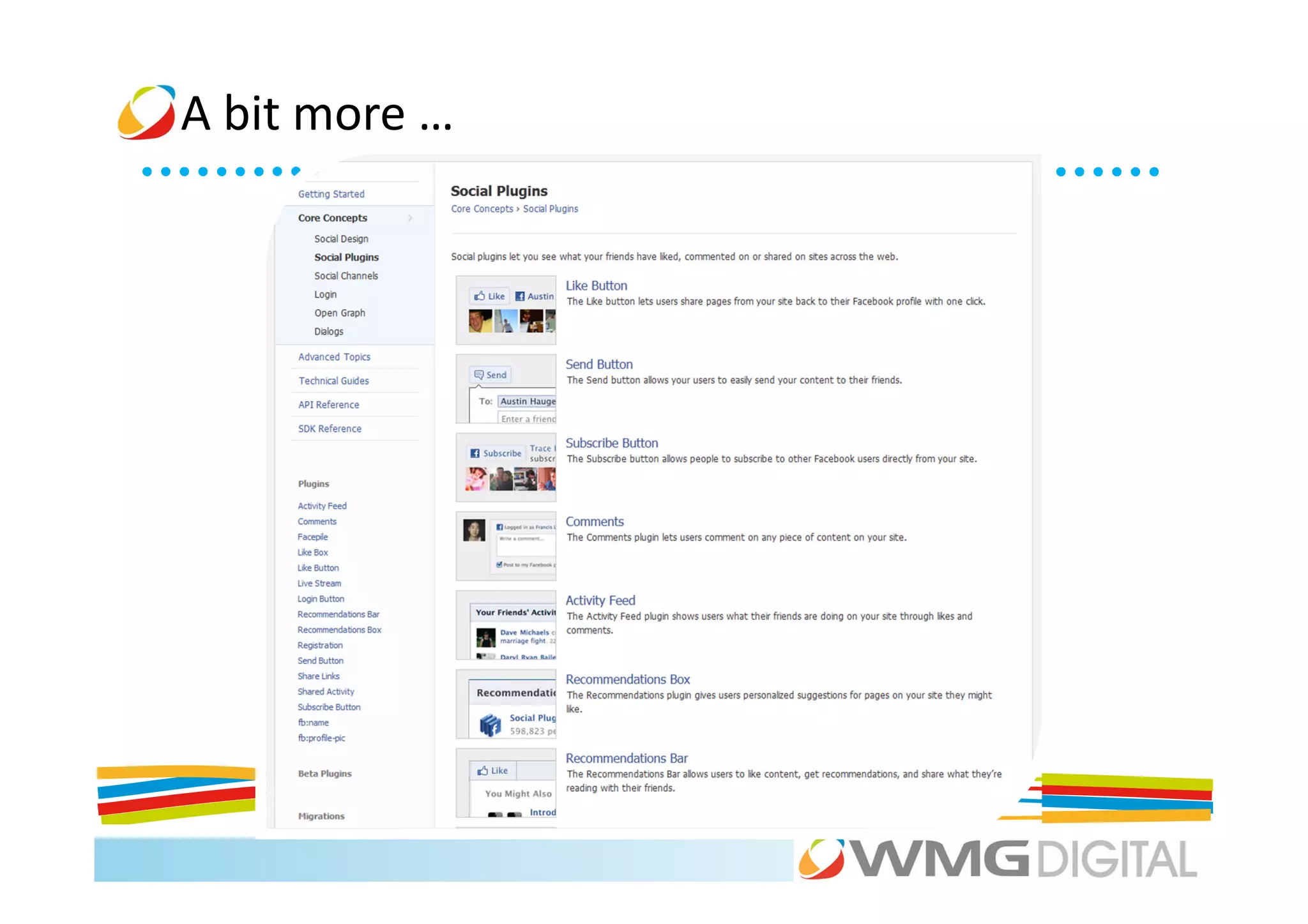
A bit more …
Social Media


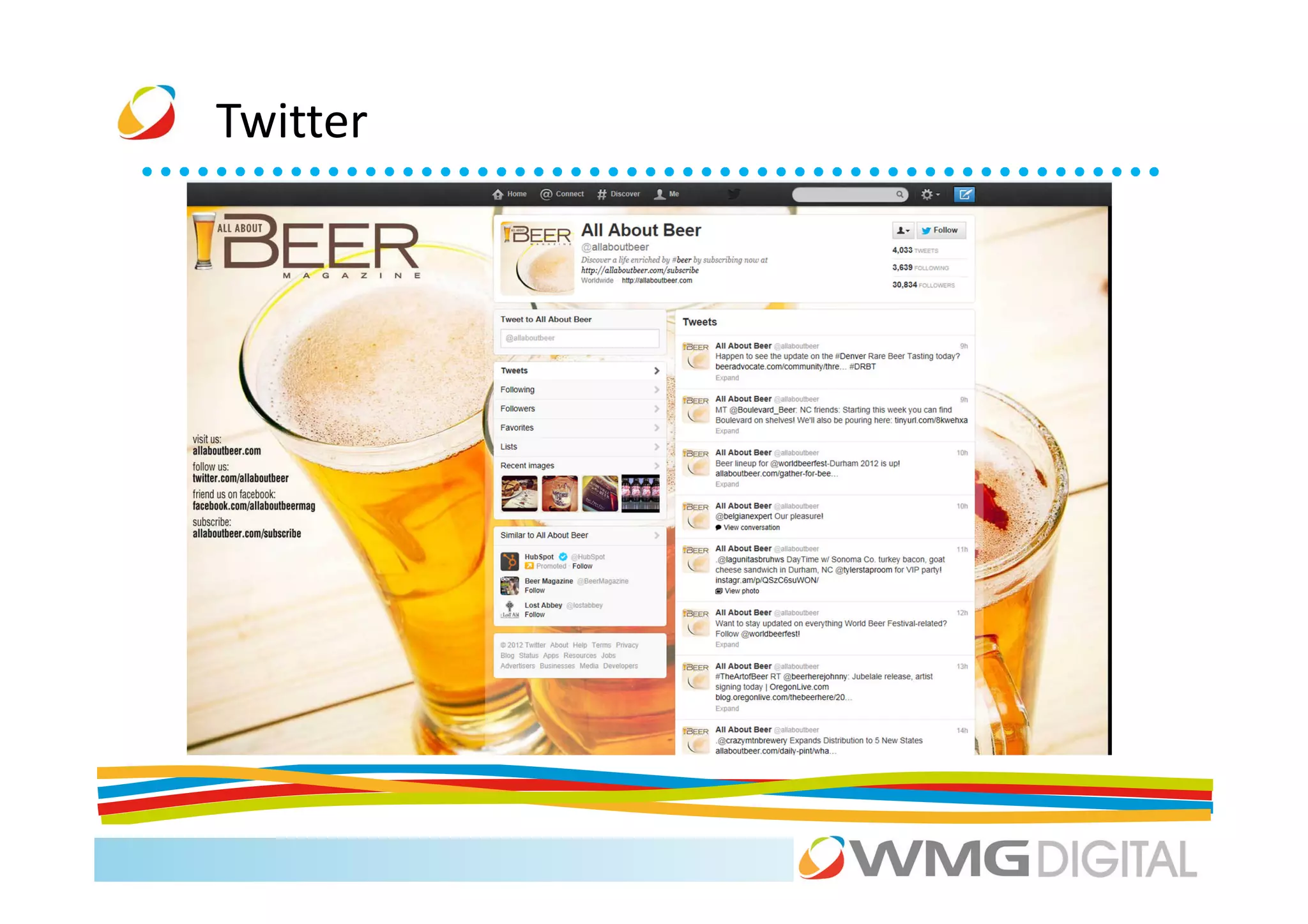
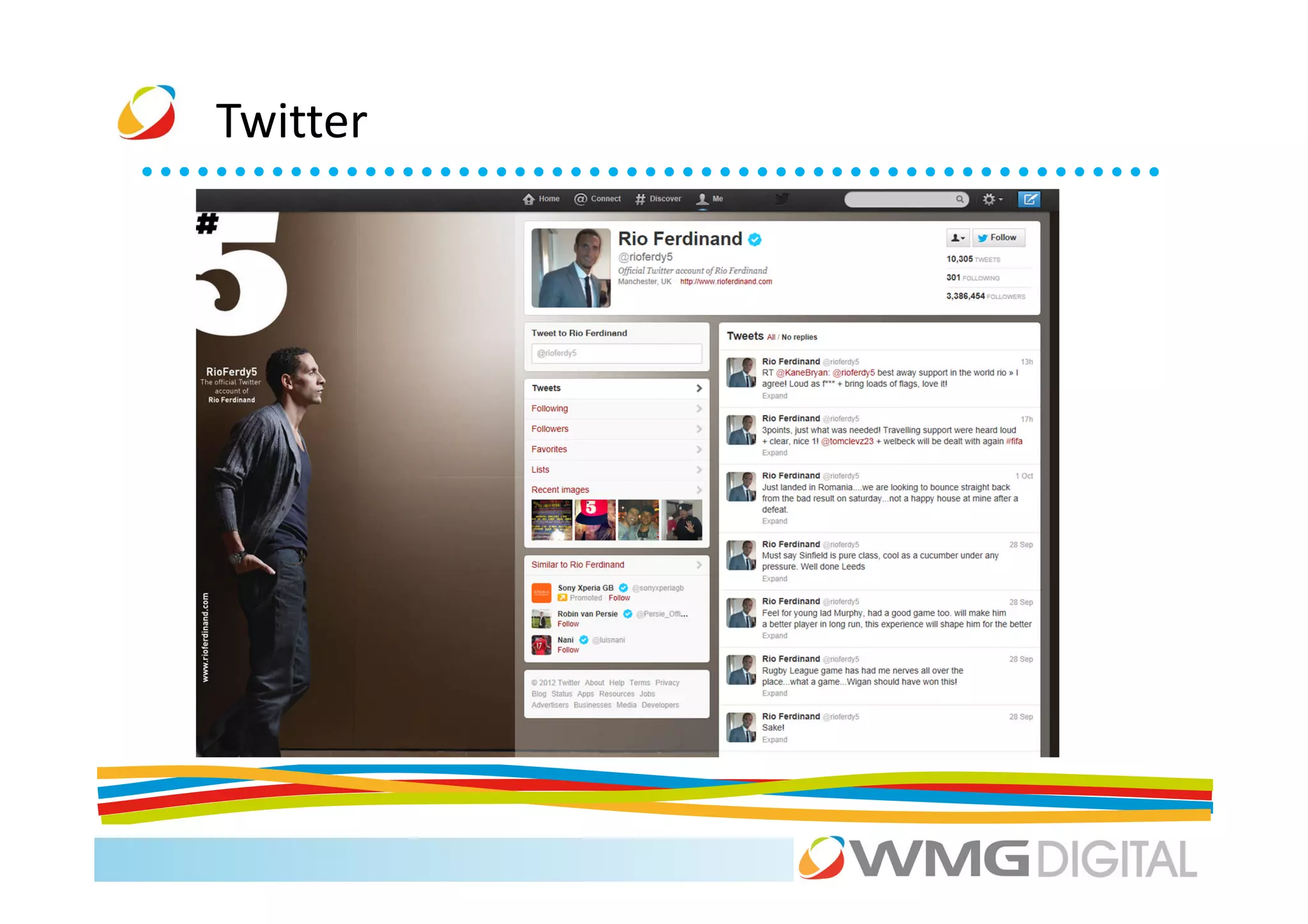
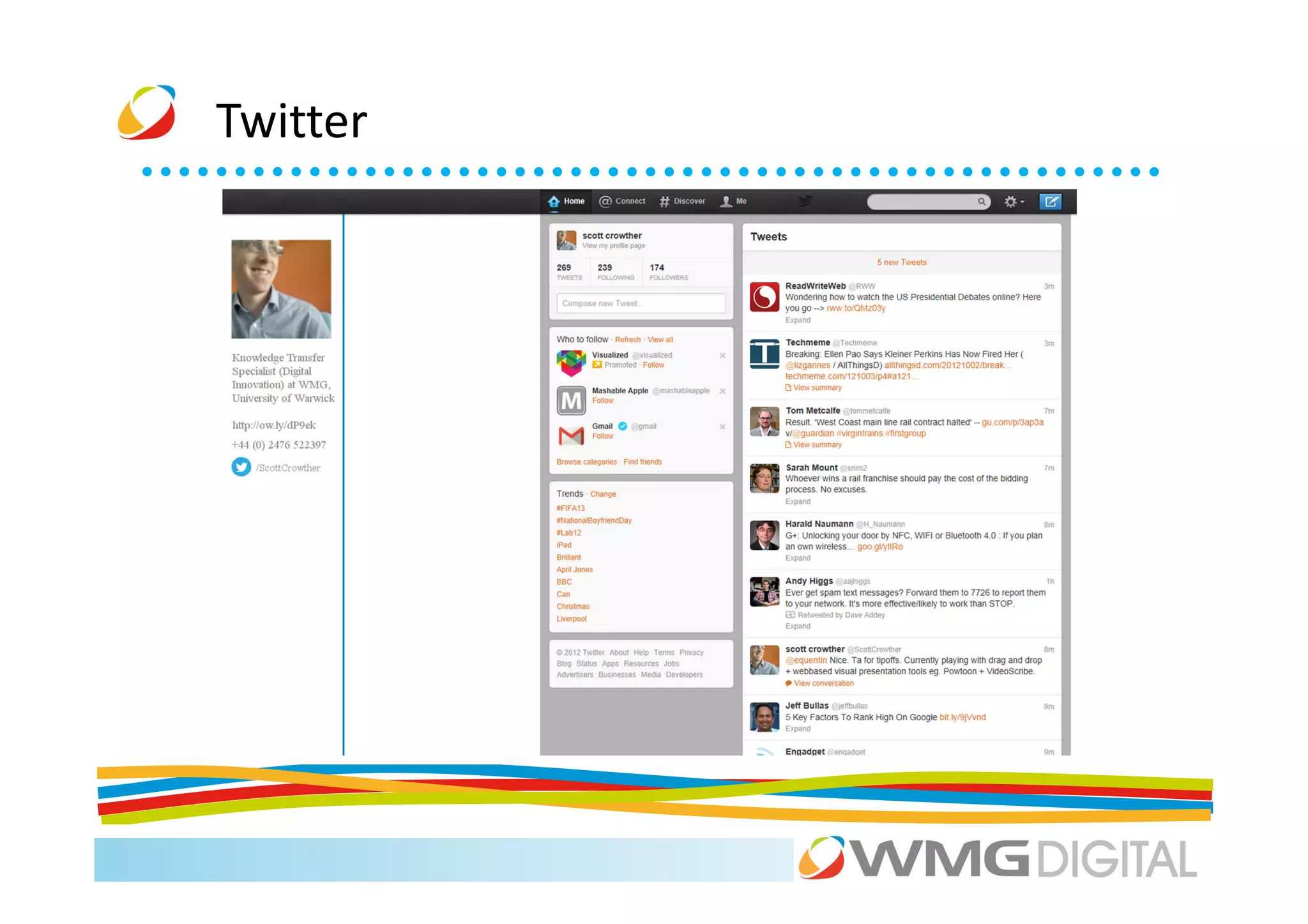
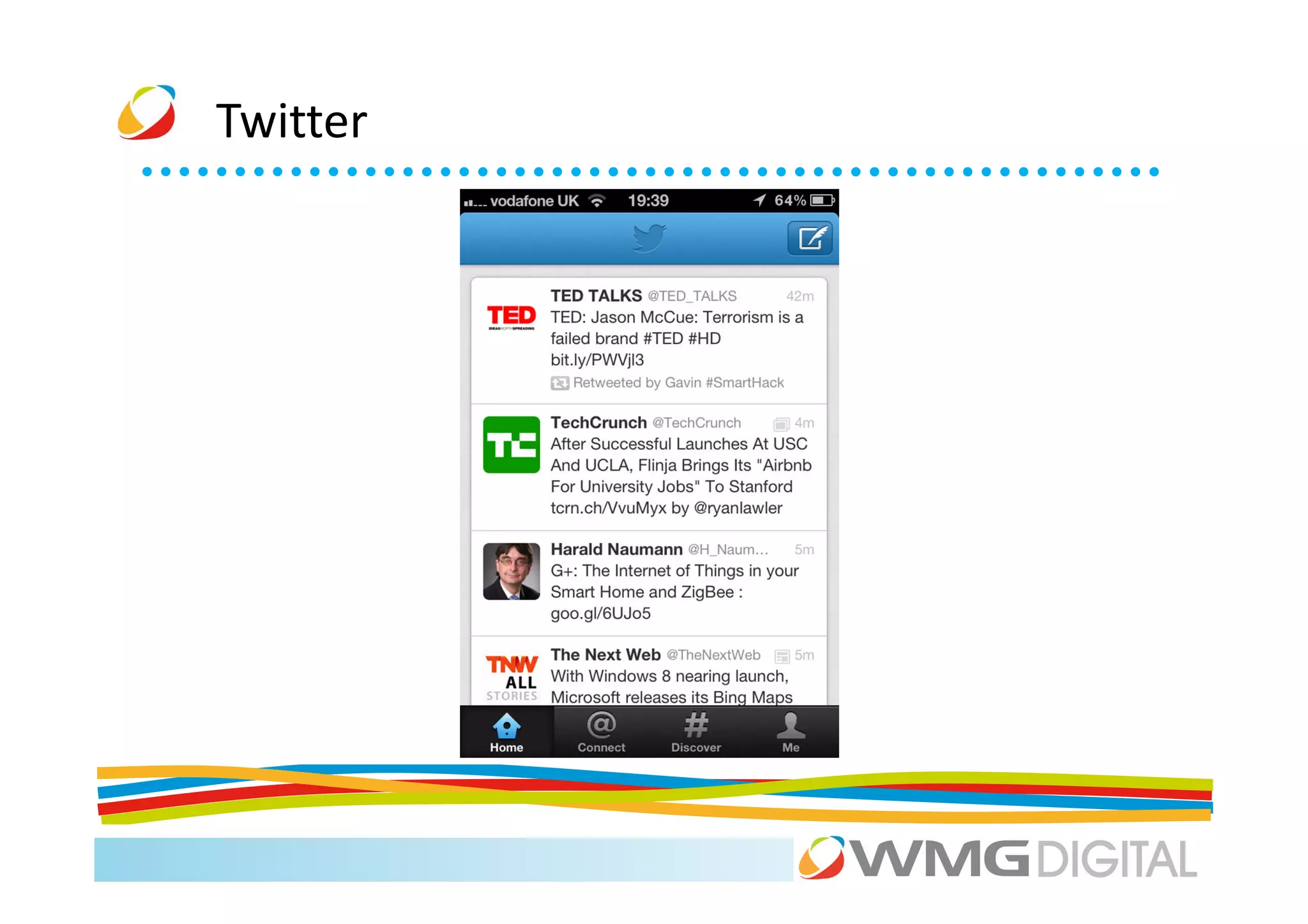
                                     Twitter
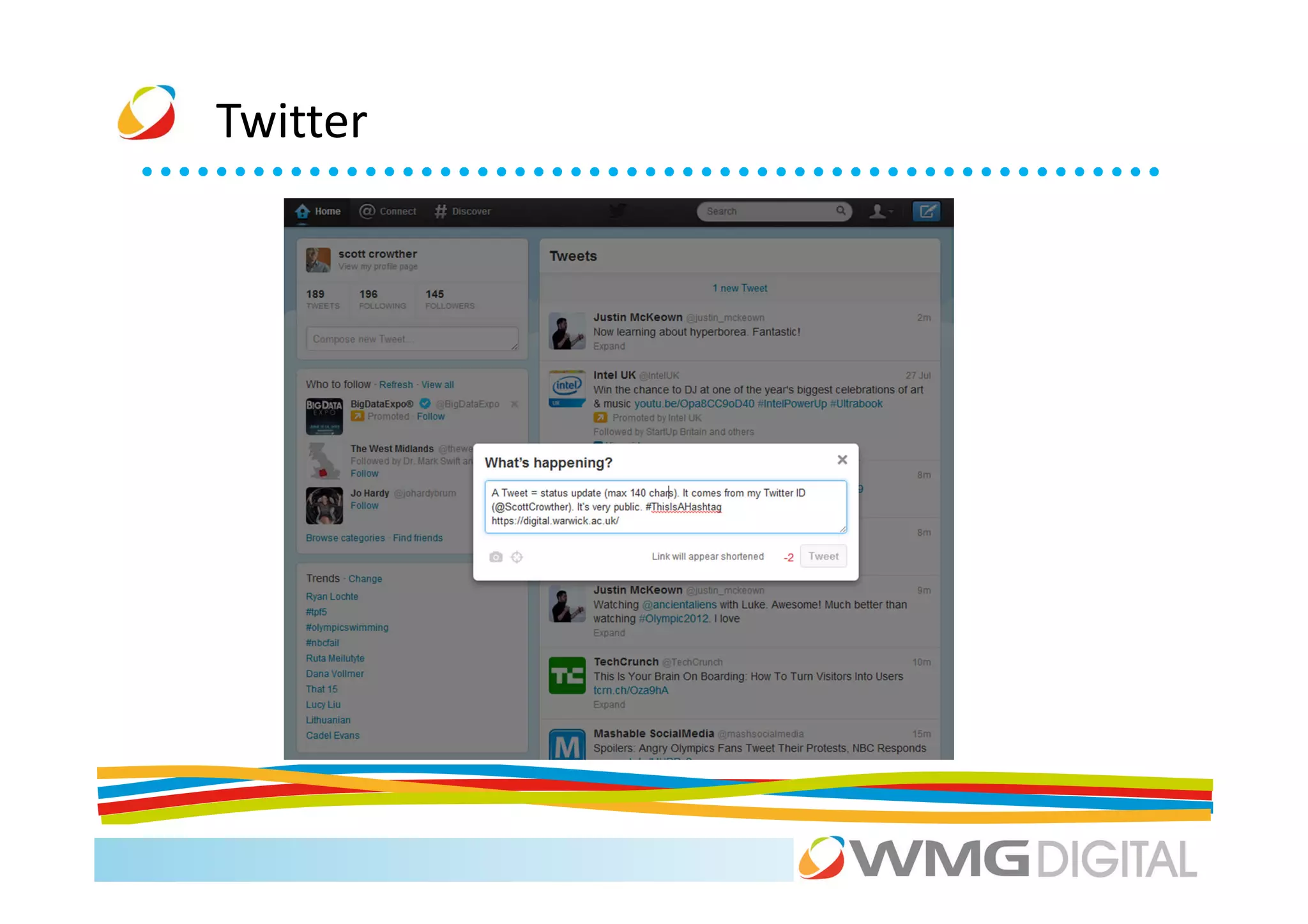
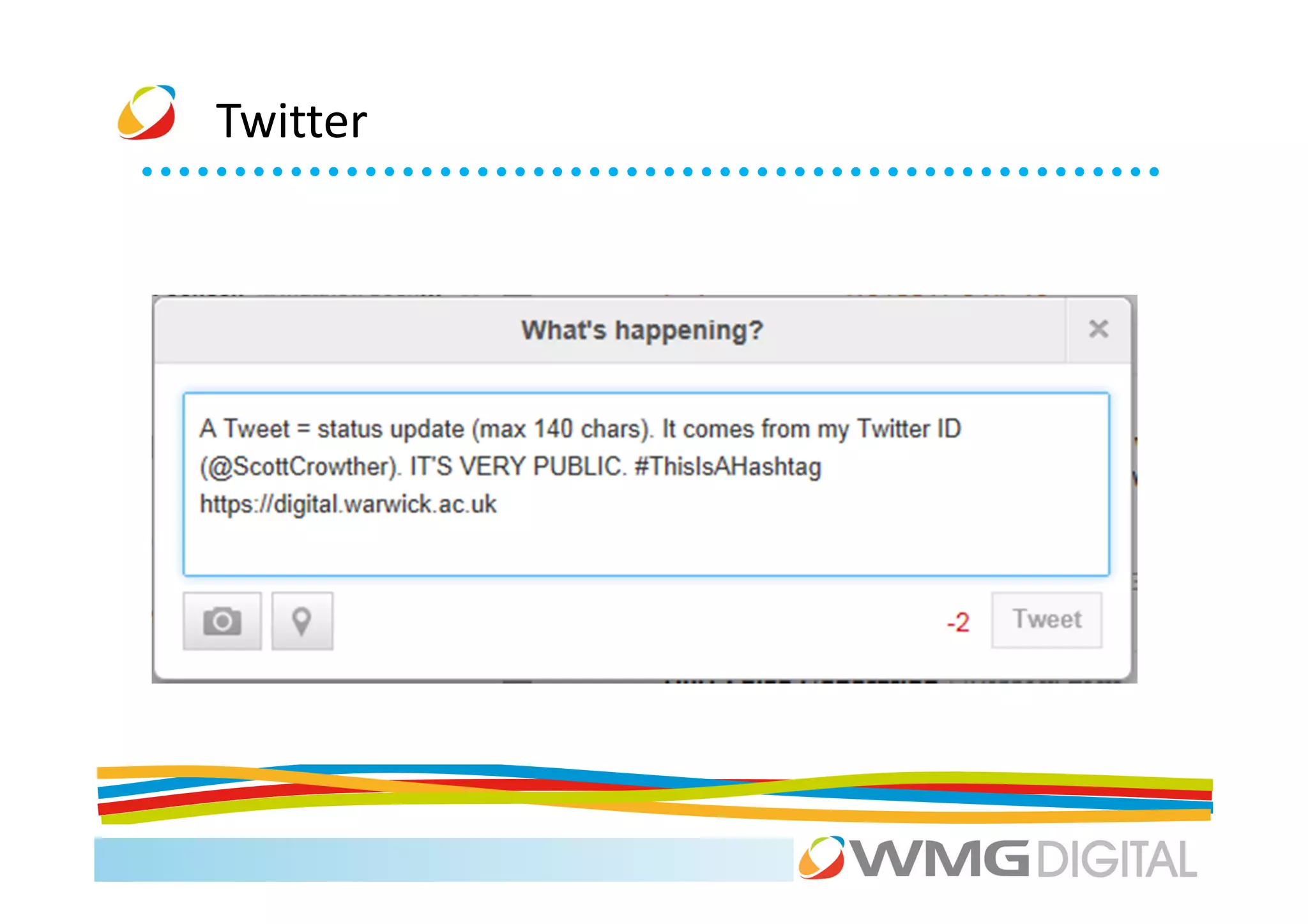
“Twitter is a real-time information network that connects you to the latest stories,
ideas, opinions and news about what you find interesting. Simply find the accounts
you find most compelling and follow the conversations.”
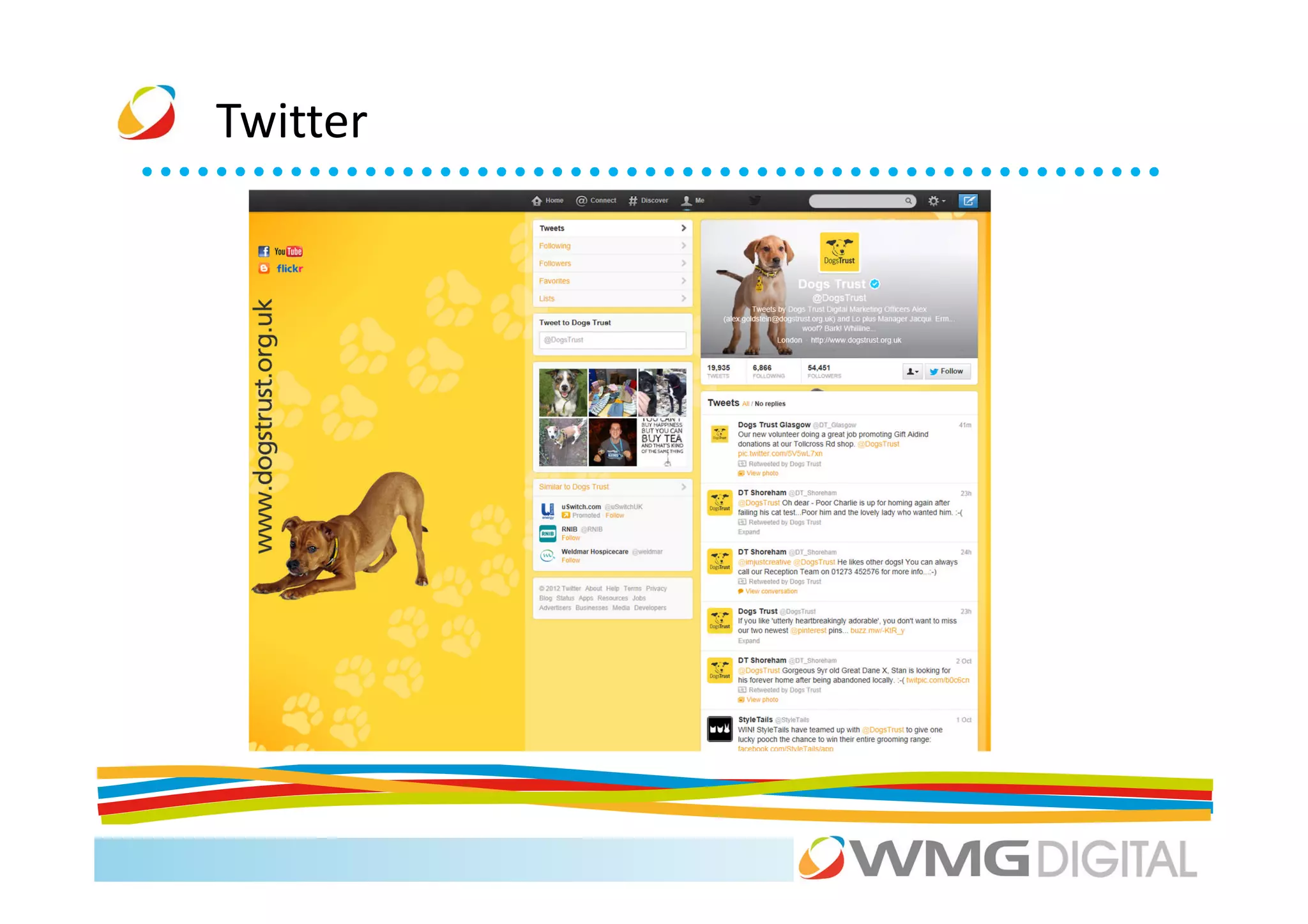
Twitter
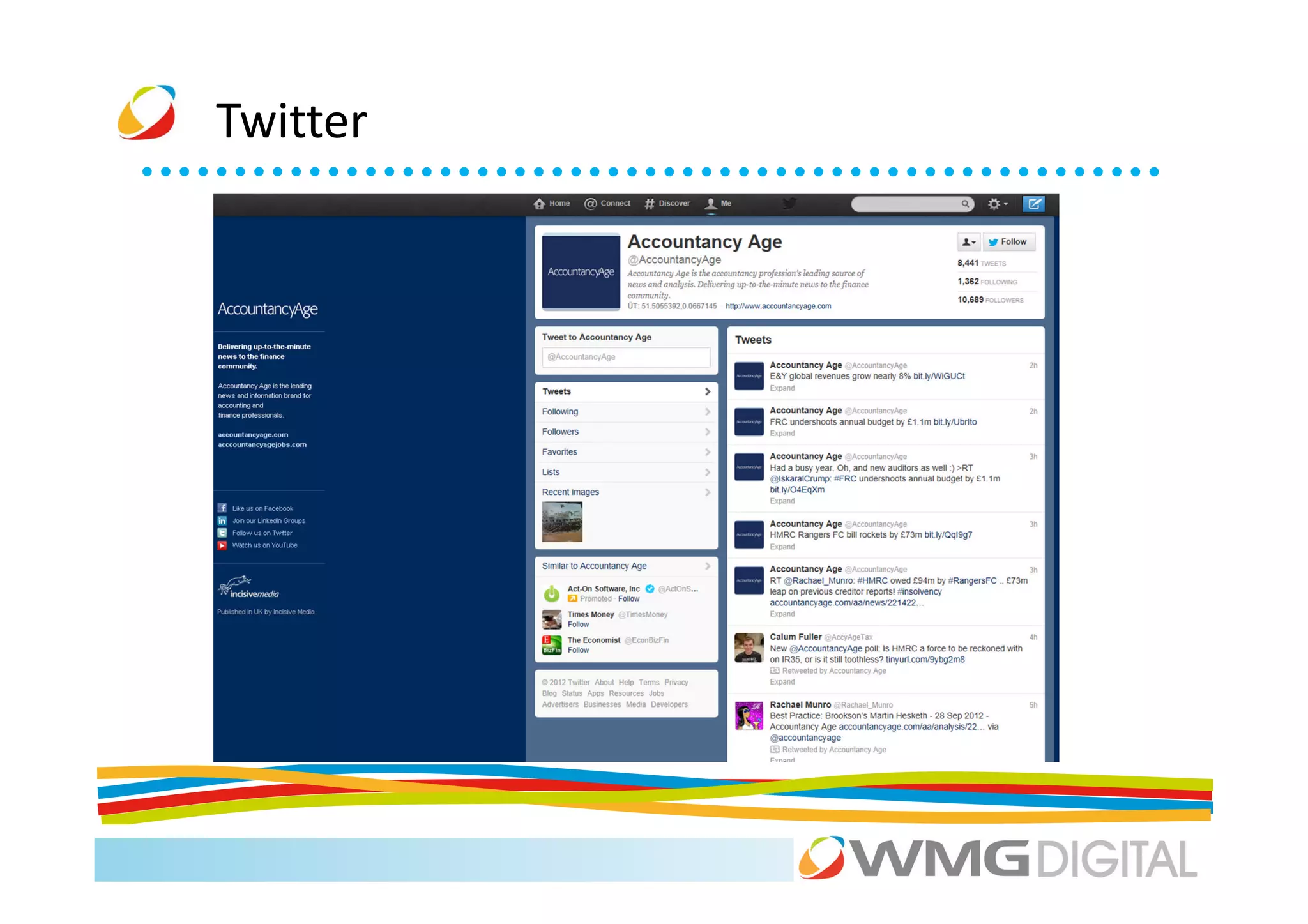
Twitter
Twitter
Twitter
Twitter
Twitter
Twitter
Twitter
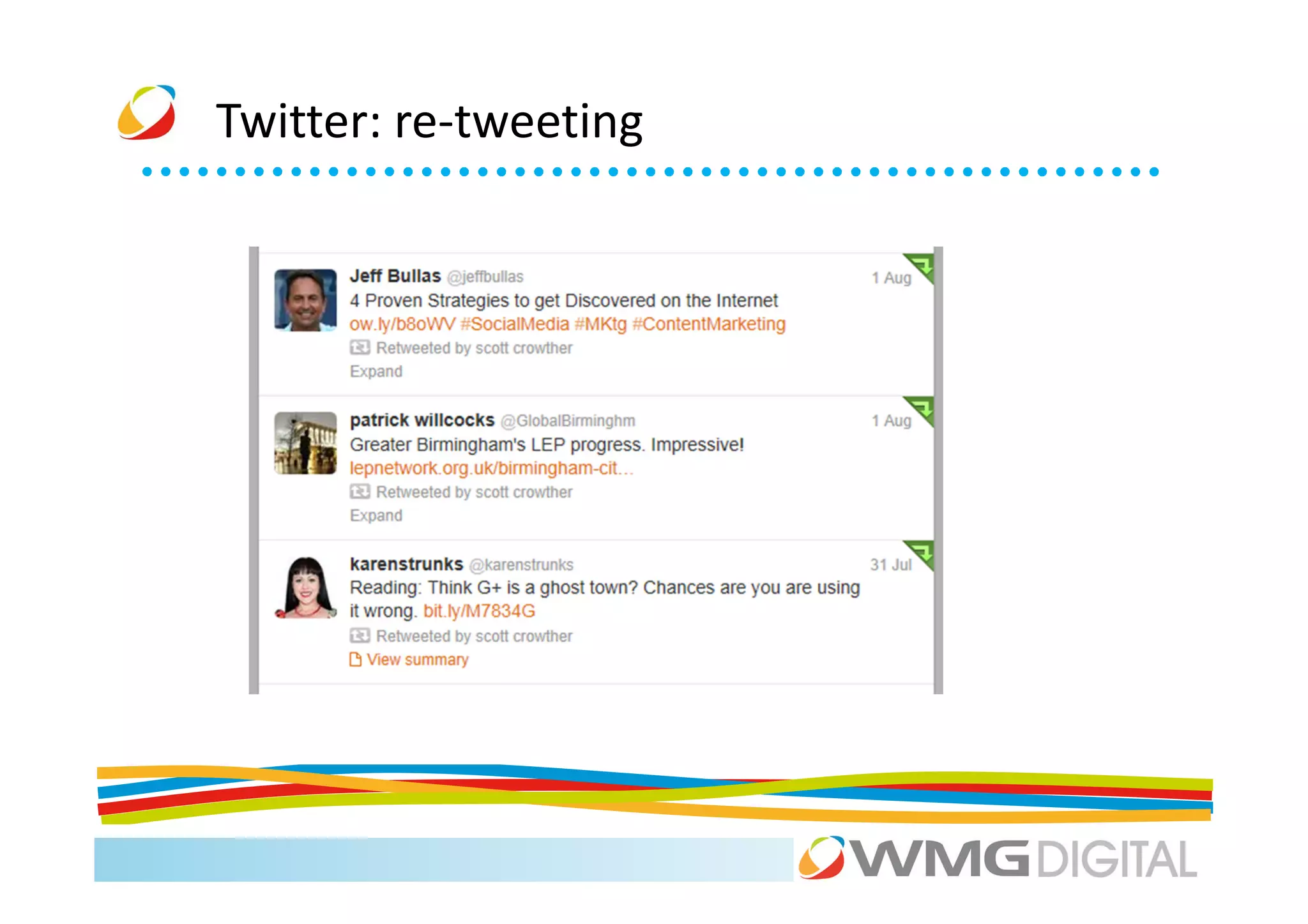
Twitter: re-tweeting
Twitter


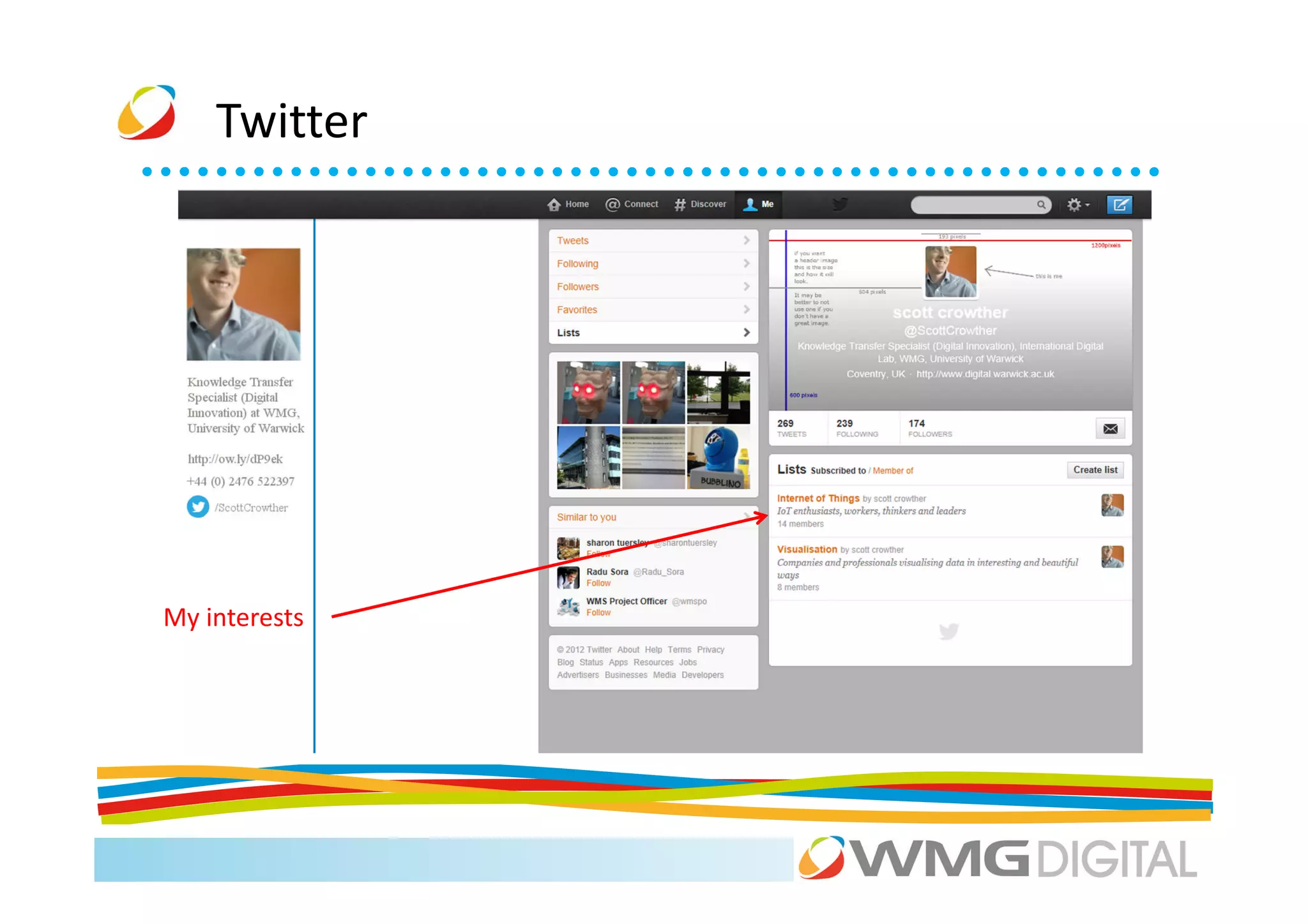
My interests
Twitter


          Business uses
Twitter

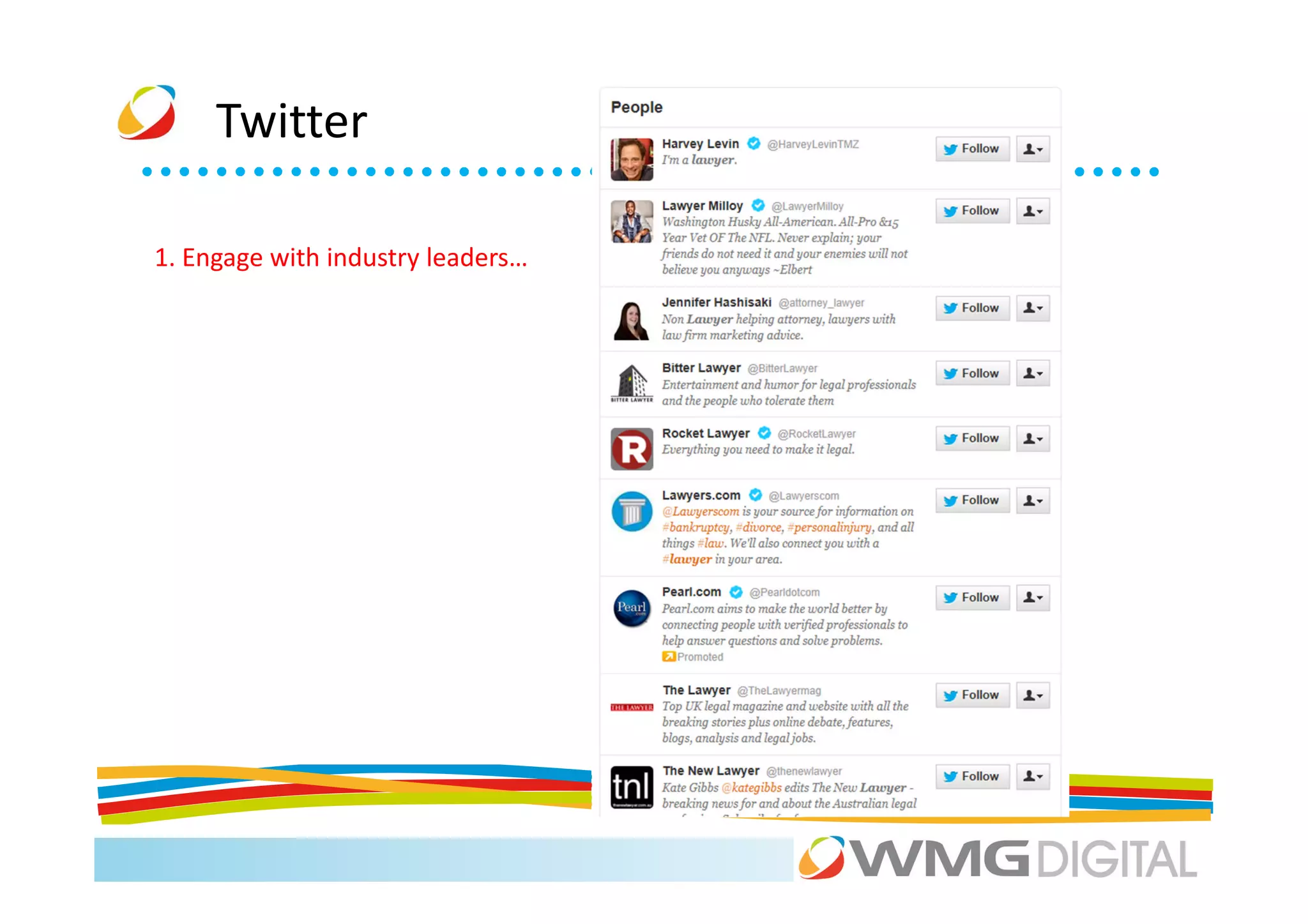
1. Engage with industry leaders…
Twitter

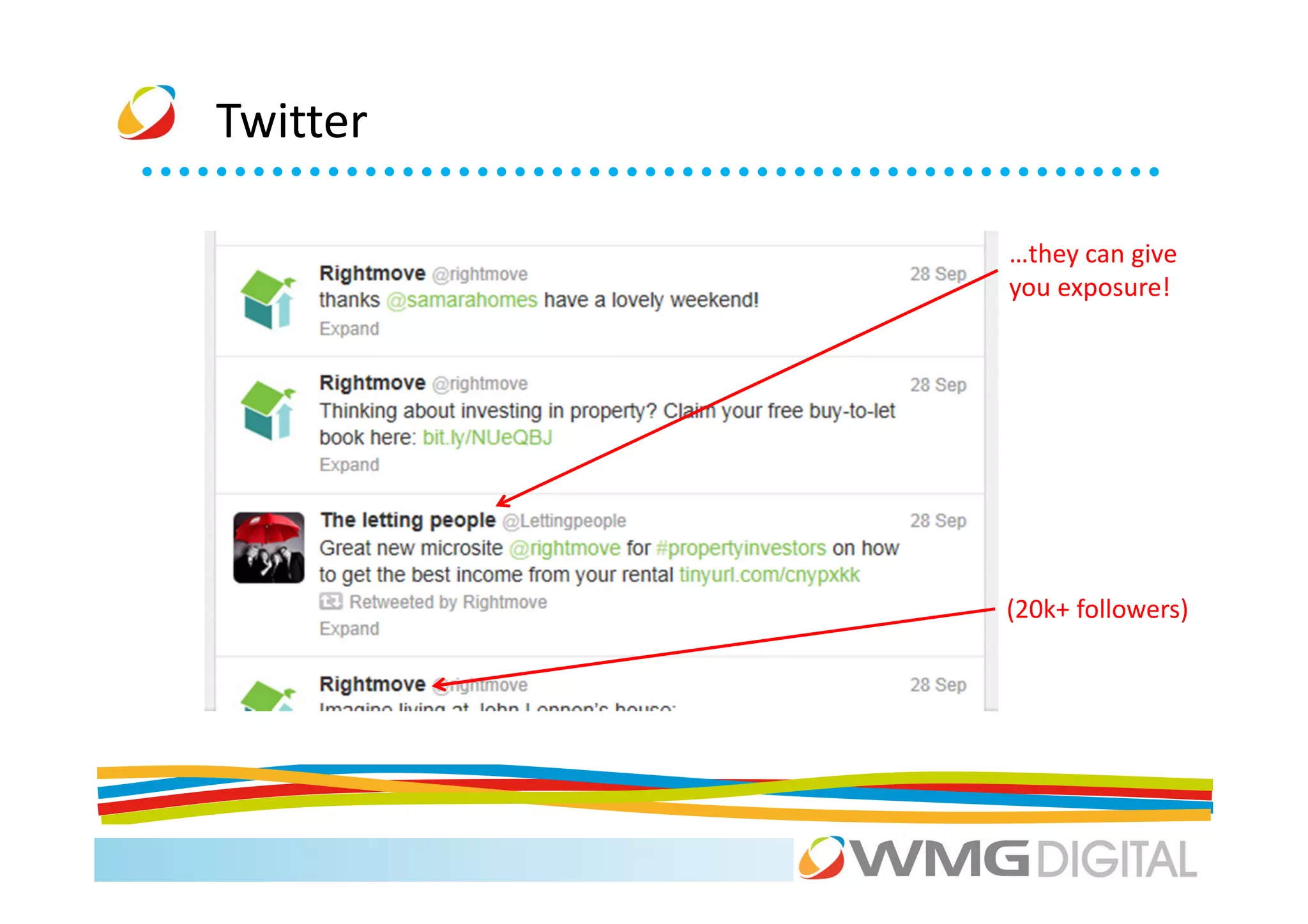
          …they can give
          you exposure!


          (20k+ followers)
Twitter


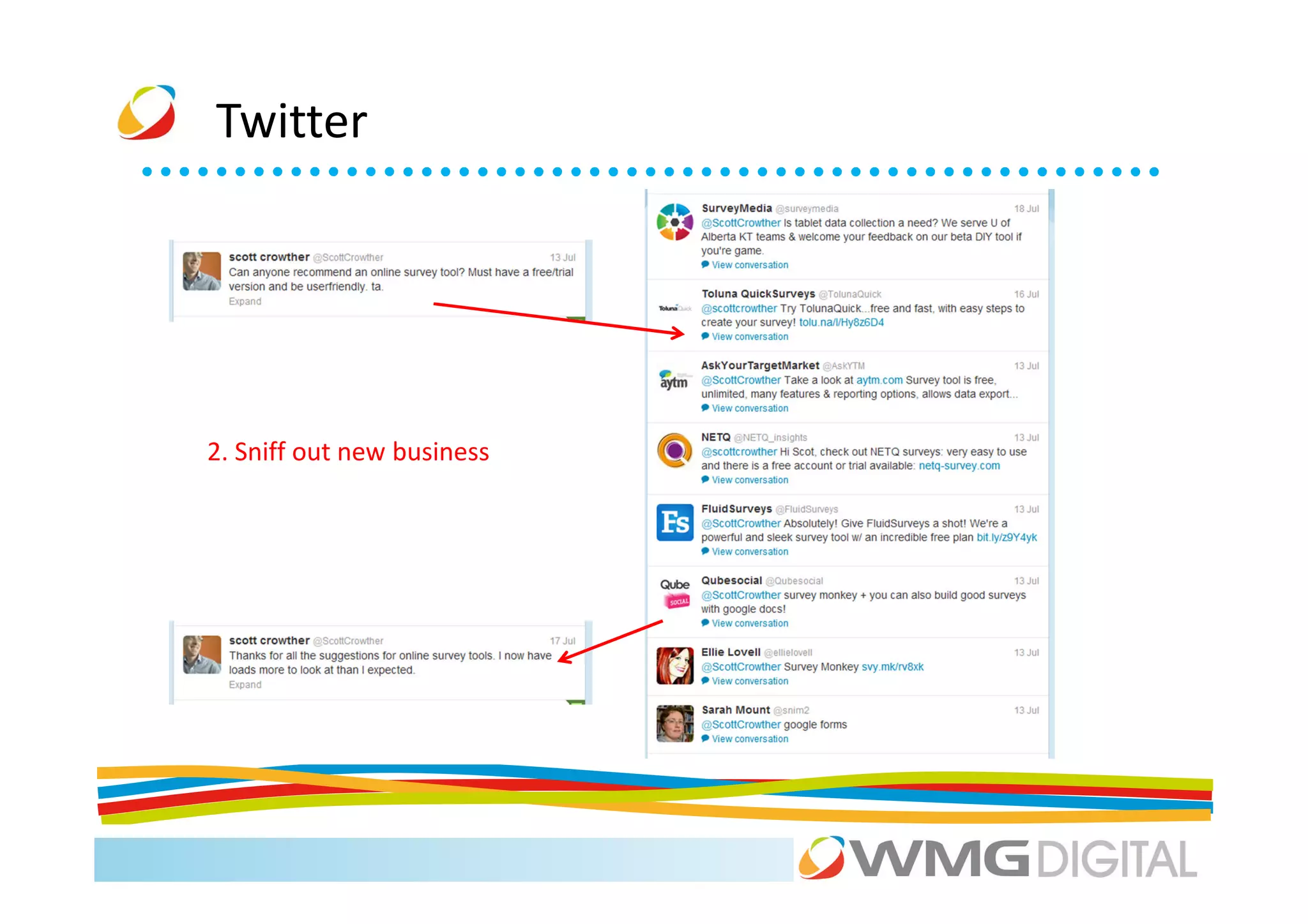
2. Sniff out new business
Twitter


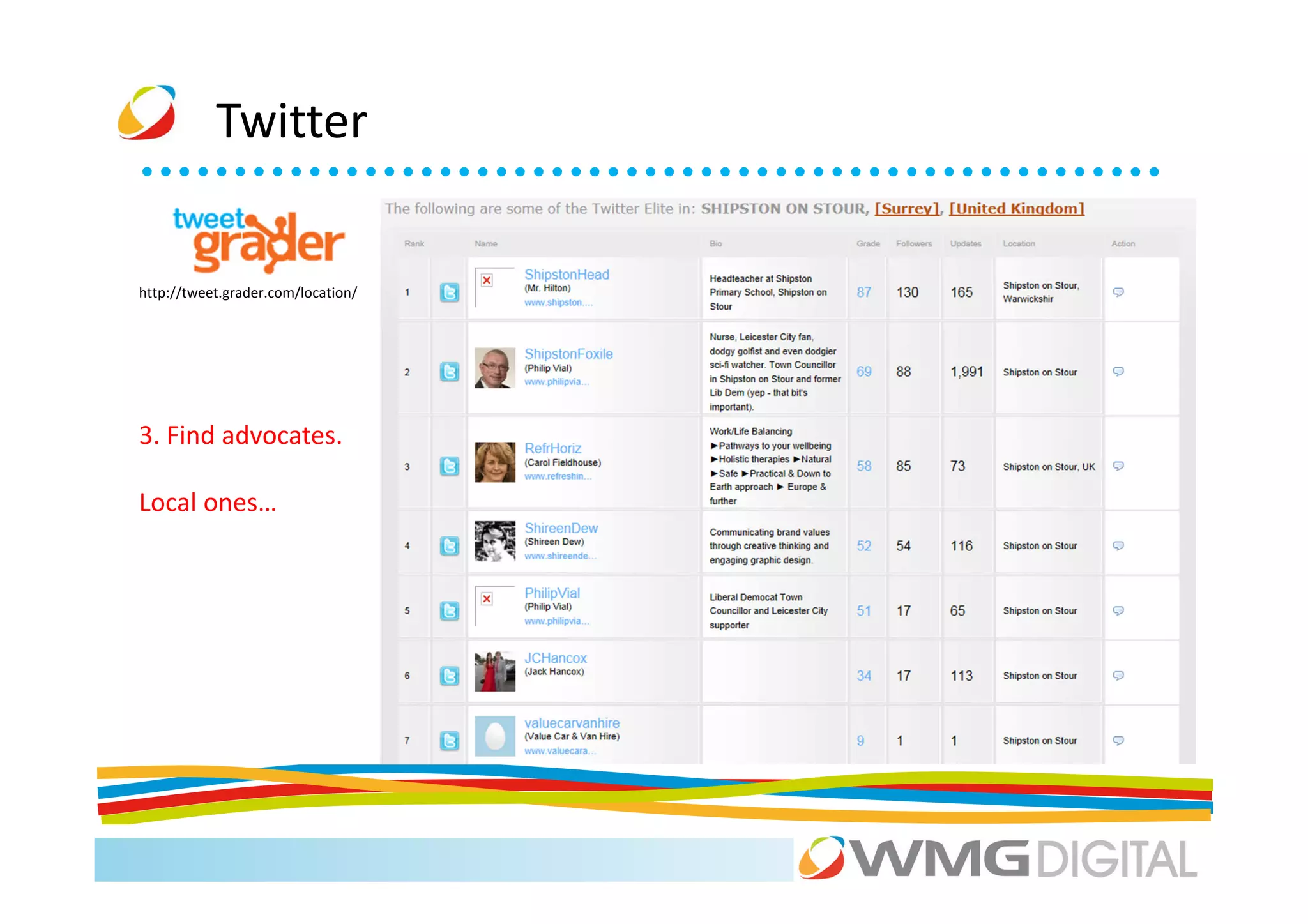
http://tweet.grader.com/location/


3. Find advocates.

Local ones…
Twitter


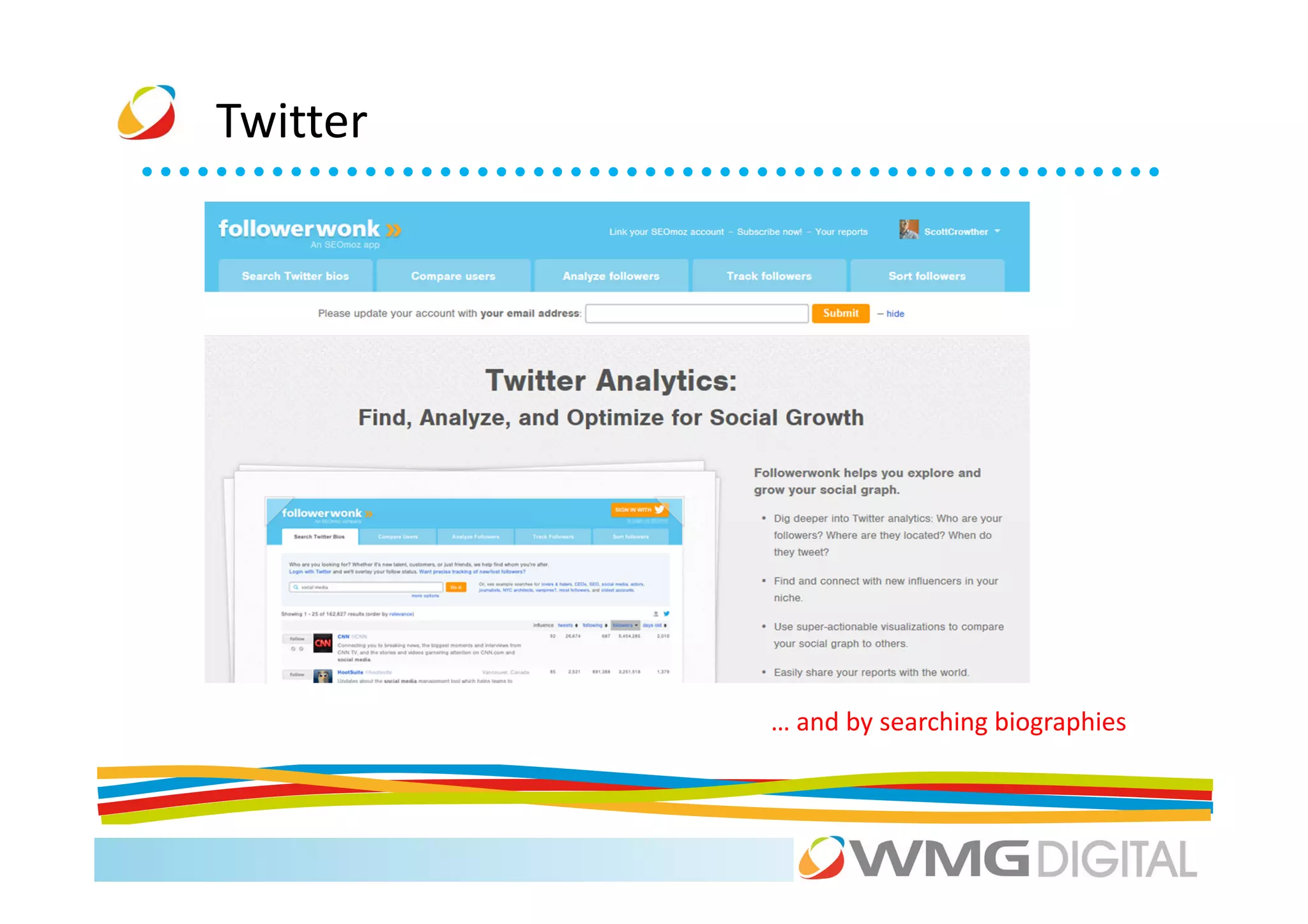
          … and by searching biographies
Twitter


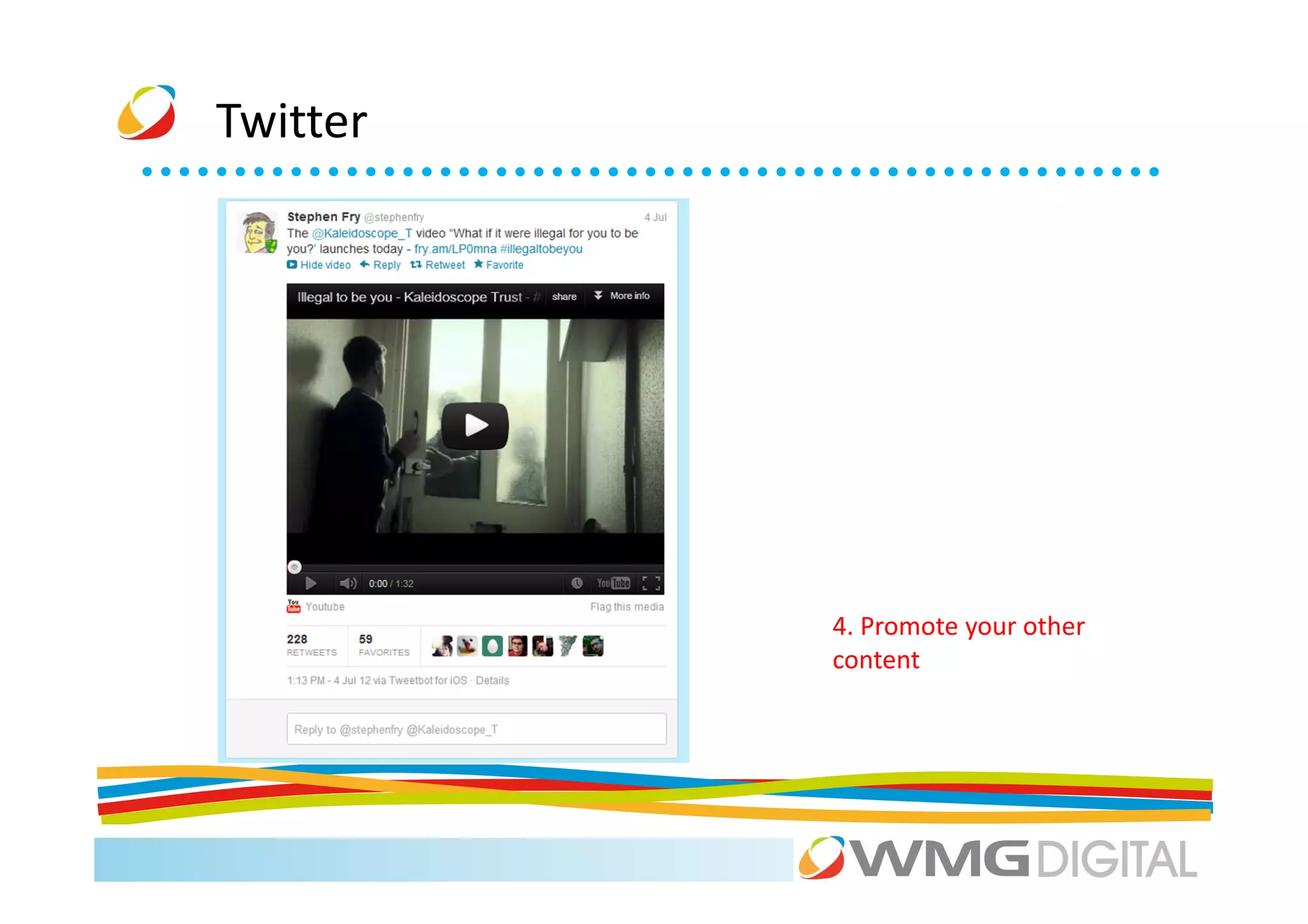
          4. Promote your other
          content
Twitter


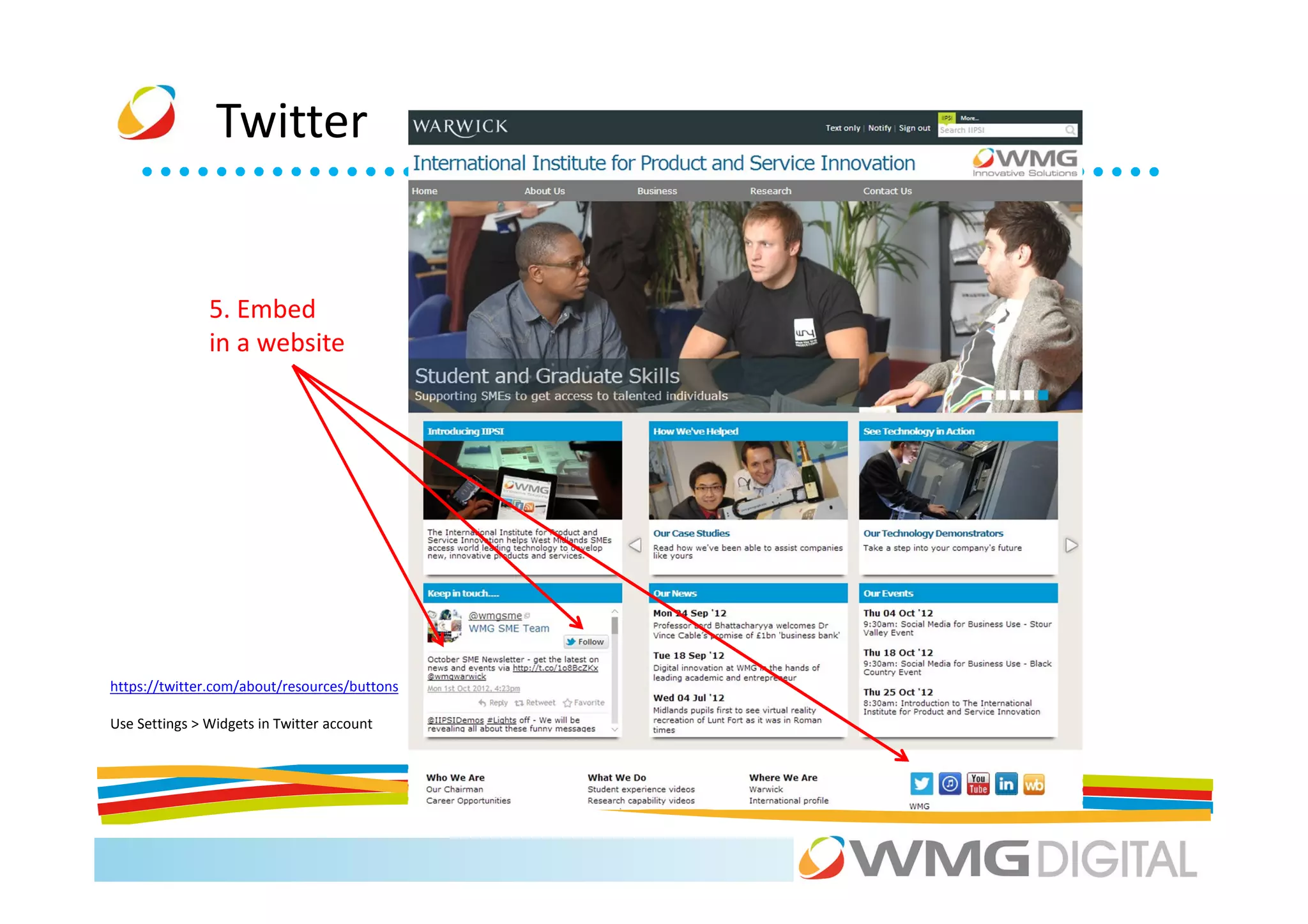
               5. Embed
               in a website


https://twitter.com/about/resources/buttons

Use Settings > Widgets in Twitter account
Twitter

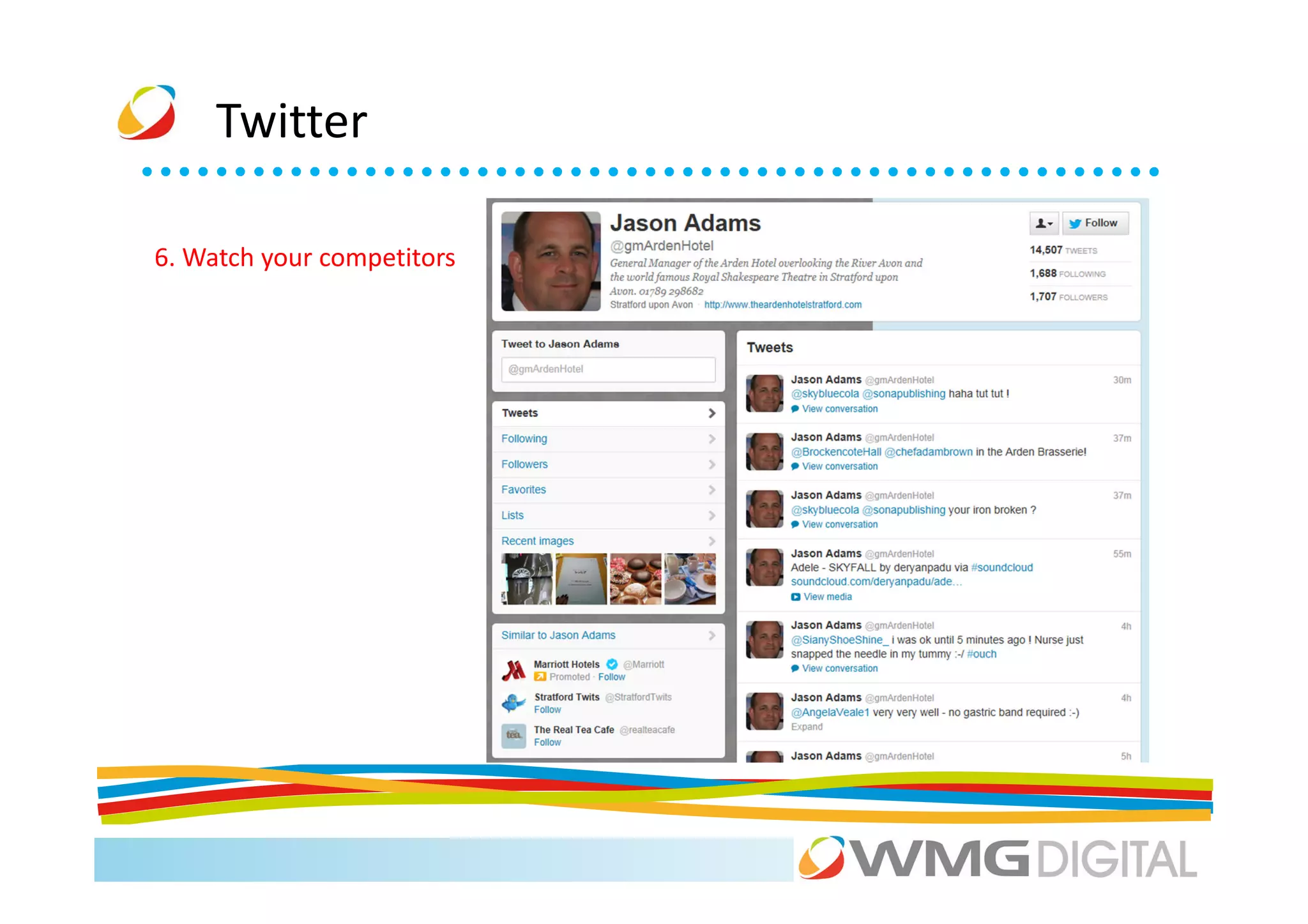
6. Watch your competitors
Twitter


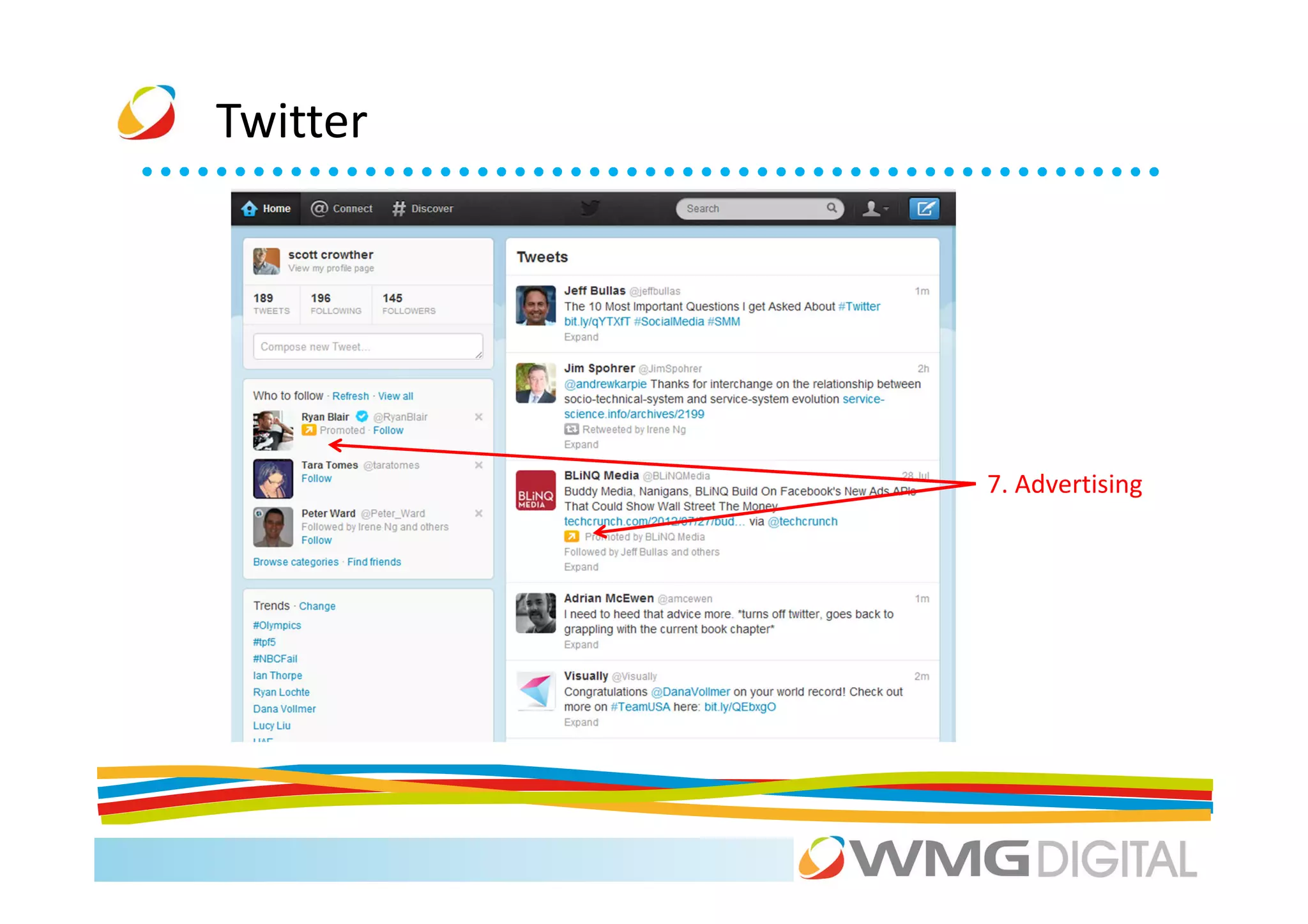
          7. Advertising
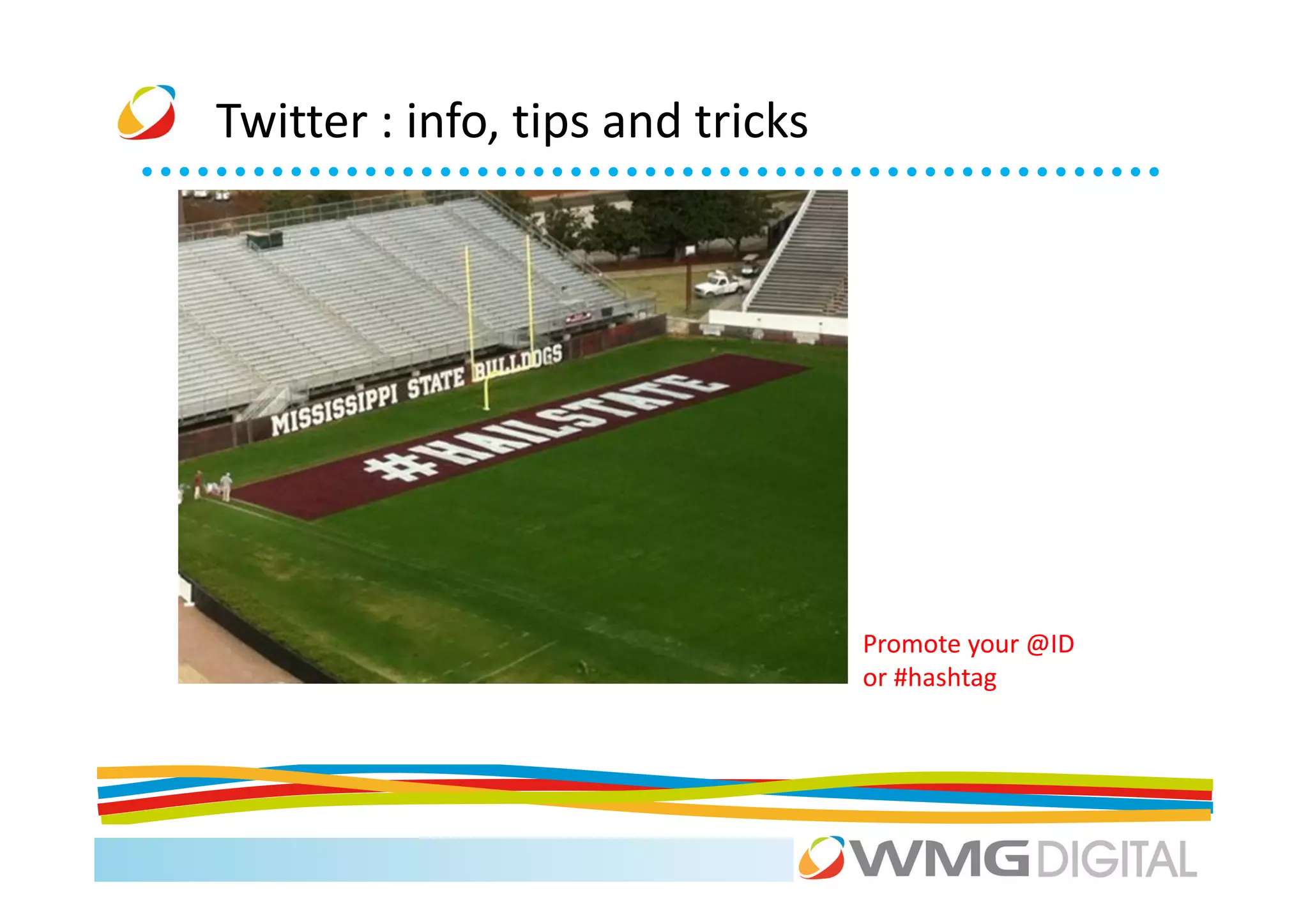
Twitter : info, tips and tricks


                                  Promote your @ID
                                  or #hashtag
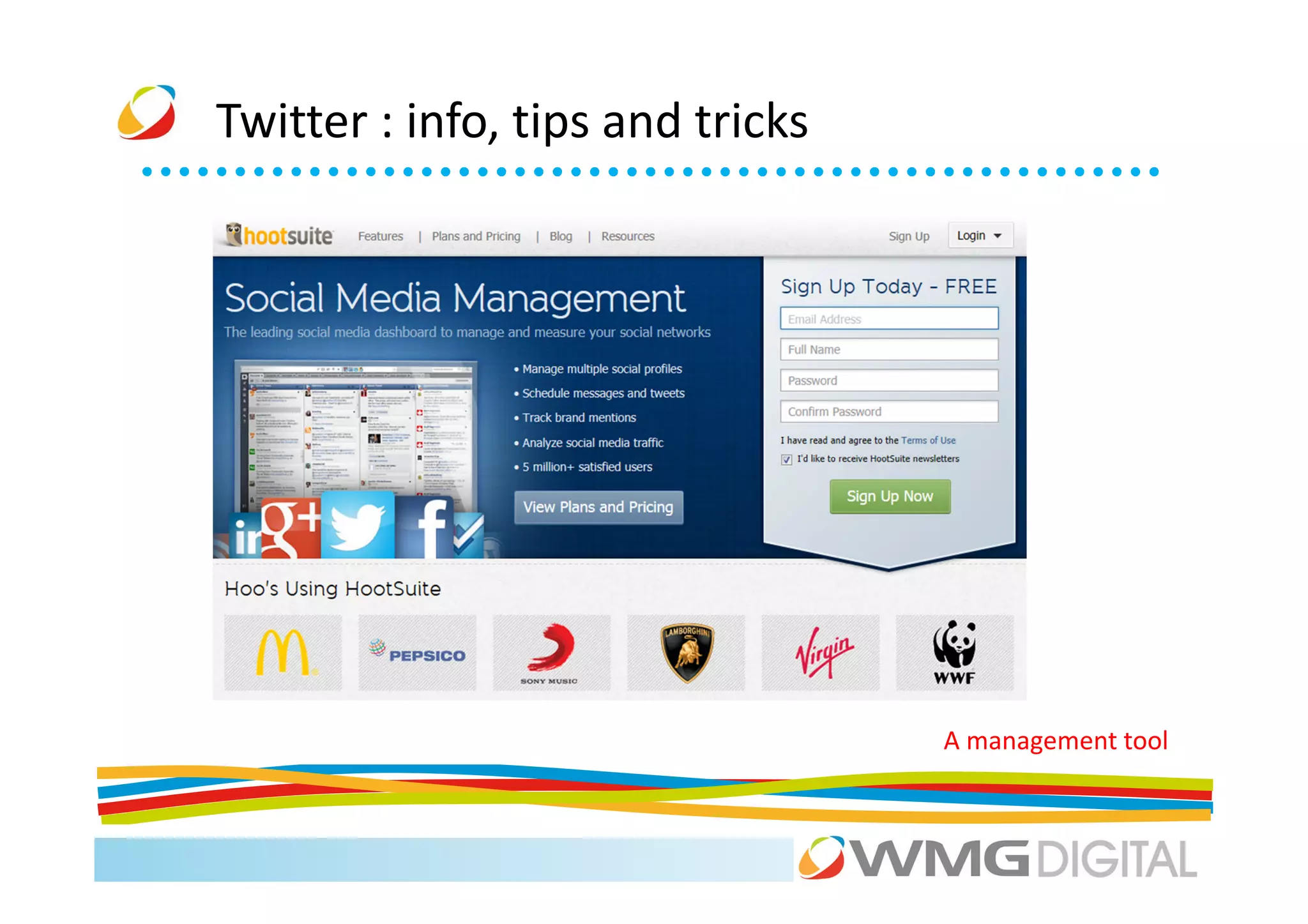
Twitter : info, tips and tricks


                                  A management tool
Twitter : info, tips and tricks

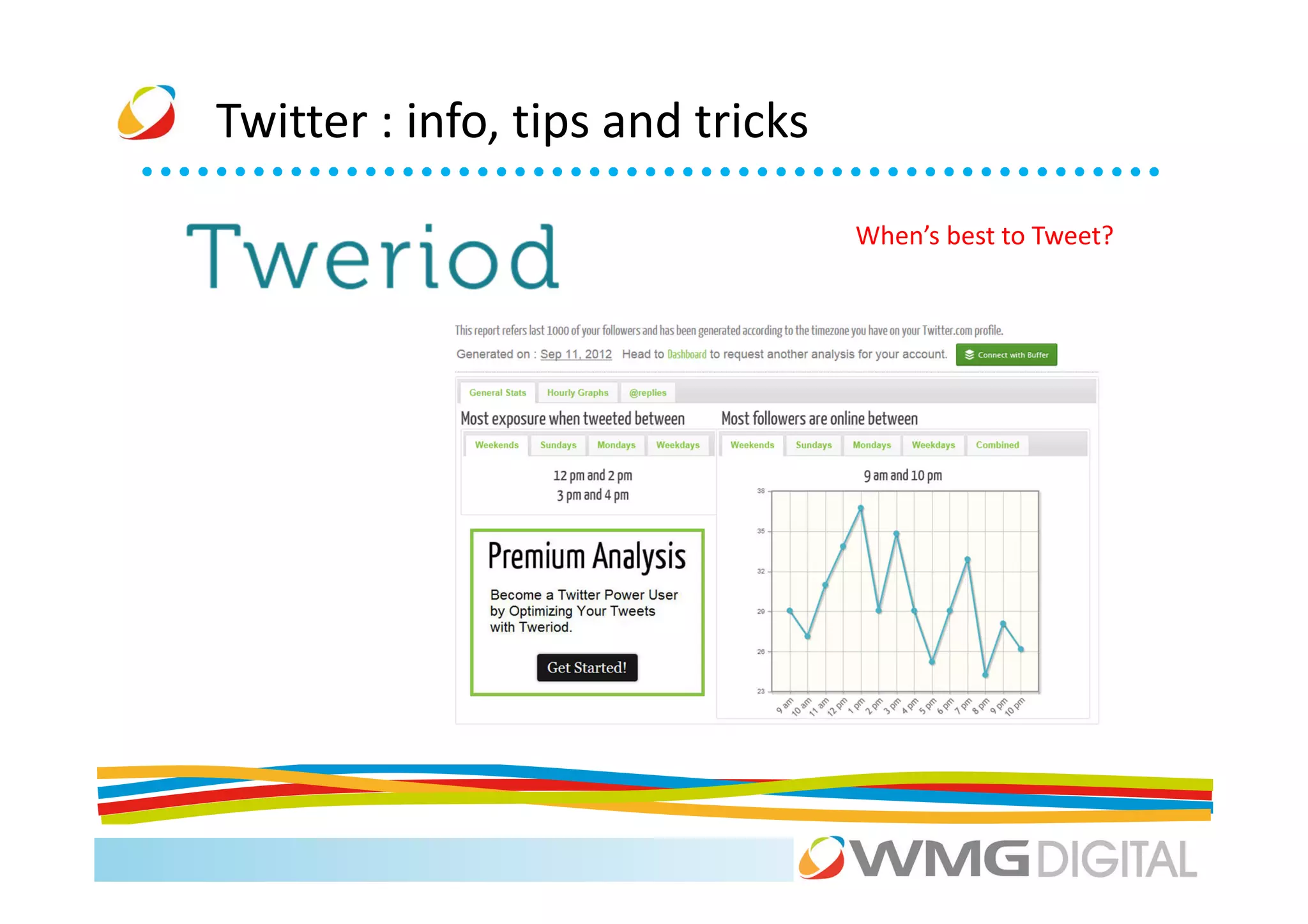
                                  When’s best to Tweet?
Twitter : info, tips and tricks

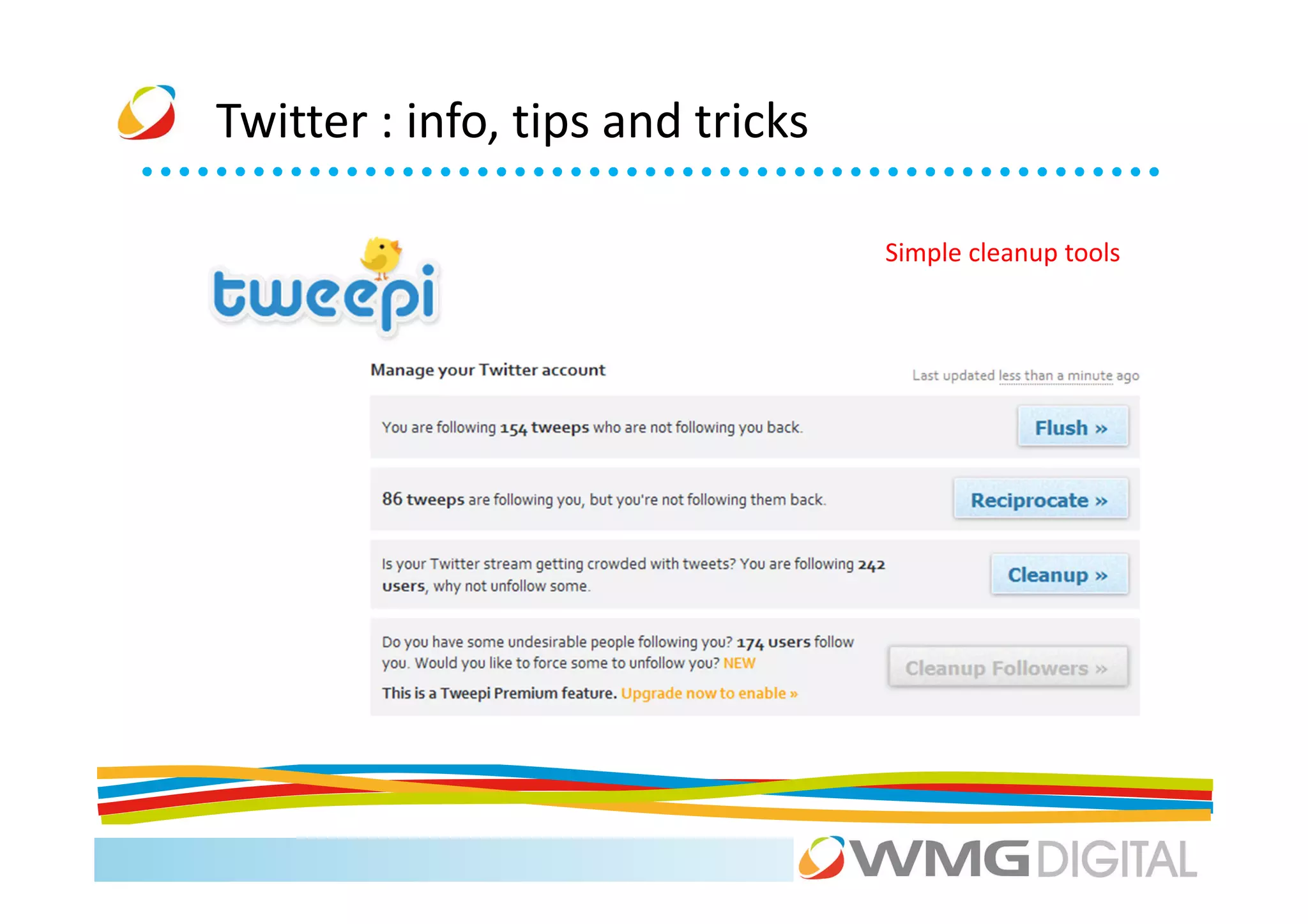
                                  Simple cleanup tools
Twitter


      Twitter Small Business Guide: www.bit.ly/LfShmZ
Activity


On paper, write a quick twitter plan based around an
event, e.g. product launch, networking event

Think about the days, times to post, tweet content, photo
or not, hashtags and IDs to use.

Practice keeping to Twitter 140 (120!) character limit
Lunch
Agenda
9.30    The Social Media ‘big picture’                       Mark

10.00   LinkedIn: the social media everyone should use       Scott

11.00   Coffee

11.15   Facebook and Twitter for your business               Xiao + Scott

12.45   Lunch

1.45    Exposing your visual side: YouTube + Pinterest       Ellie

2.30    Location, location, location: Foursquare.            Xiao

3.00    Coffee

3.15    Google+                                              Xiao
4.00    Don’t Panic: managing your networks and your time.   Scott
Exposing your visual side
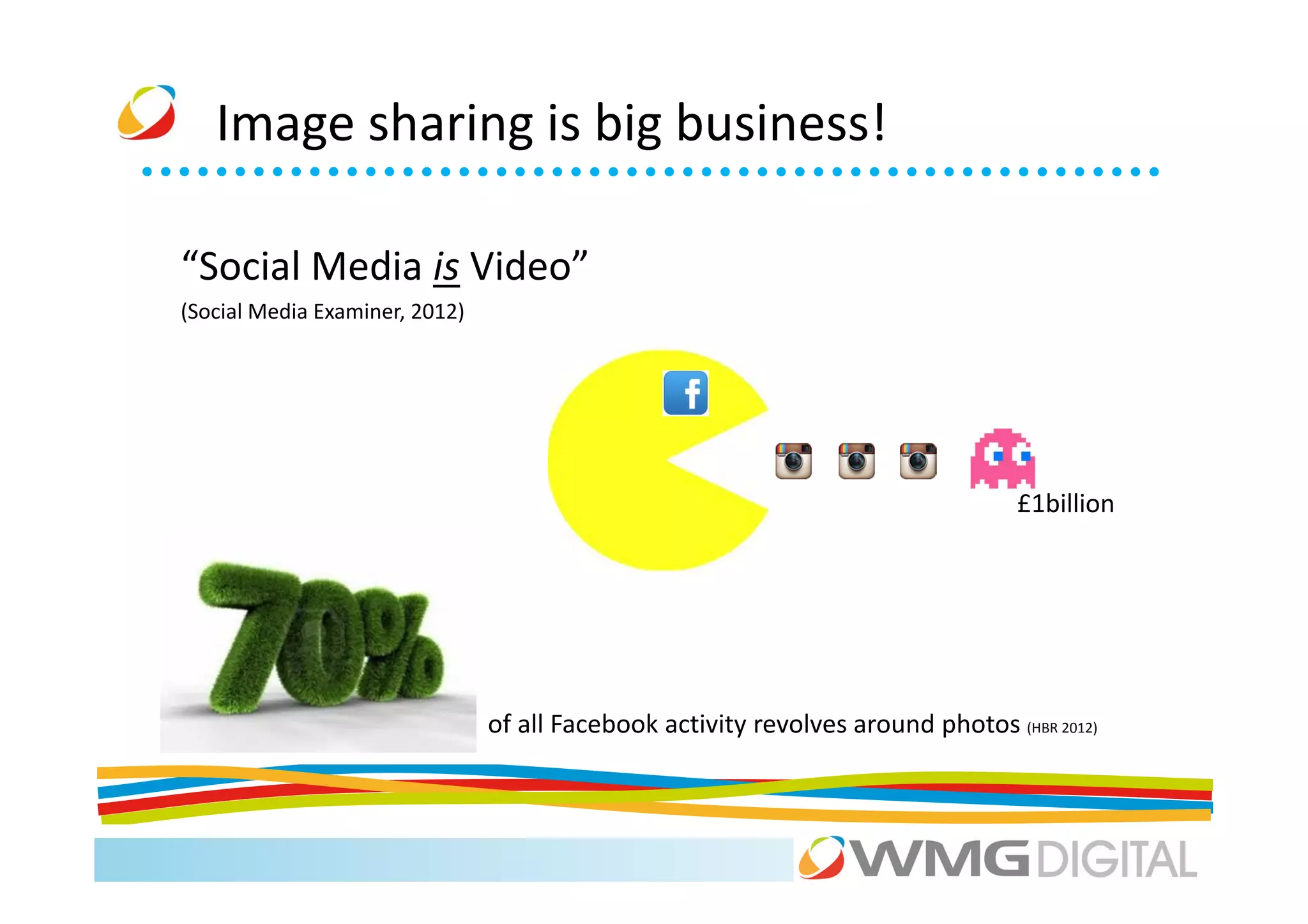
Image sharing is big business!

“Social Media is Video”
(Social Media Examiner, 2012)


                                                                                  £1billion


                                of all Facebook activity revolves around photos (HBR 2012)
YouTube


          “YouTube is a platform for uploading,
          viewing, sharing, discussing and rating
          video content online….”
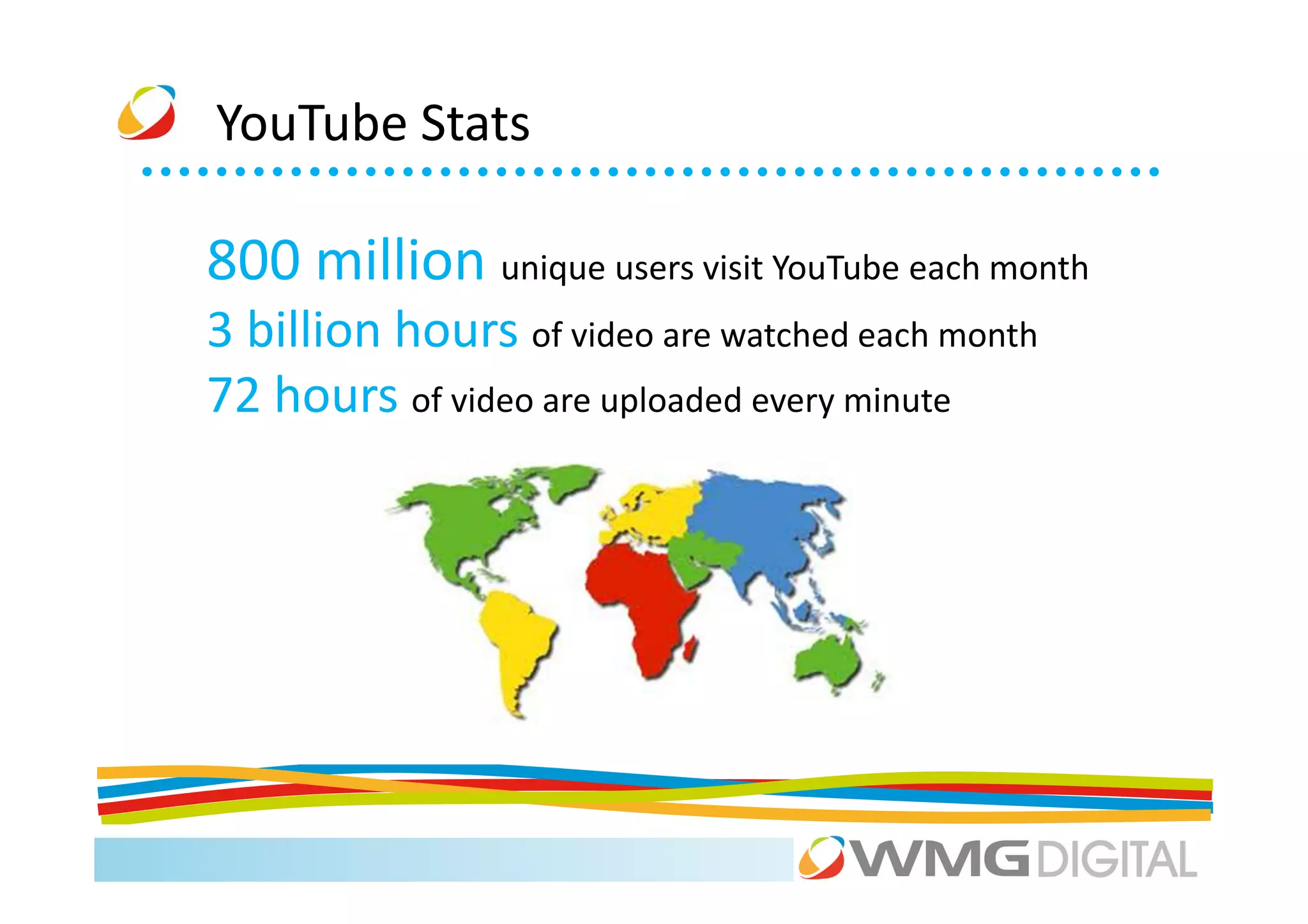
YouTube Stats

800 million unique users visit YouTube each month
3 billion hours of video are watched each month
72 hours of video are uploaded every minute
YouTube


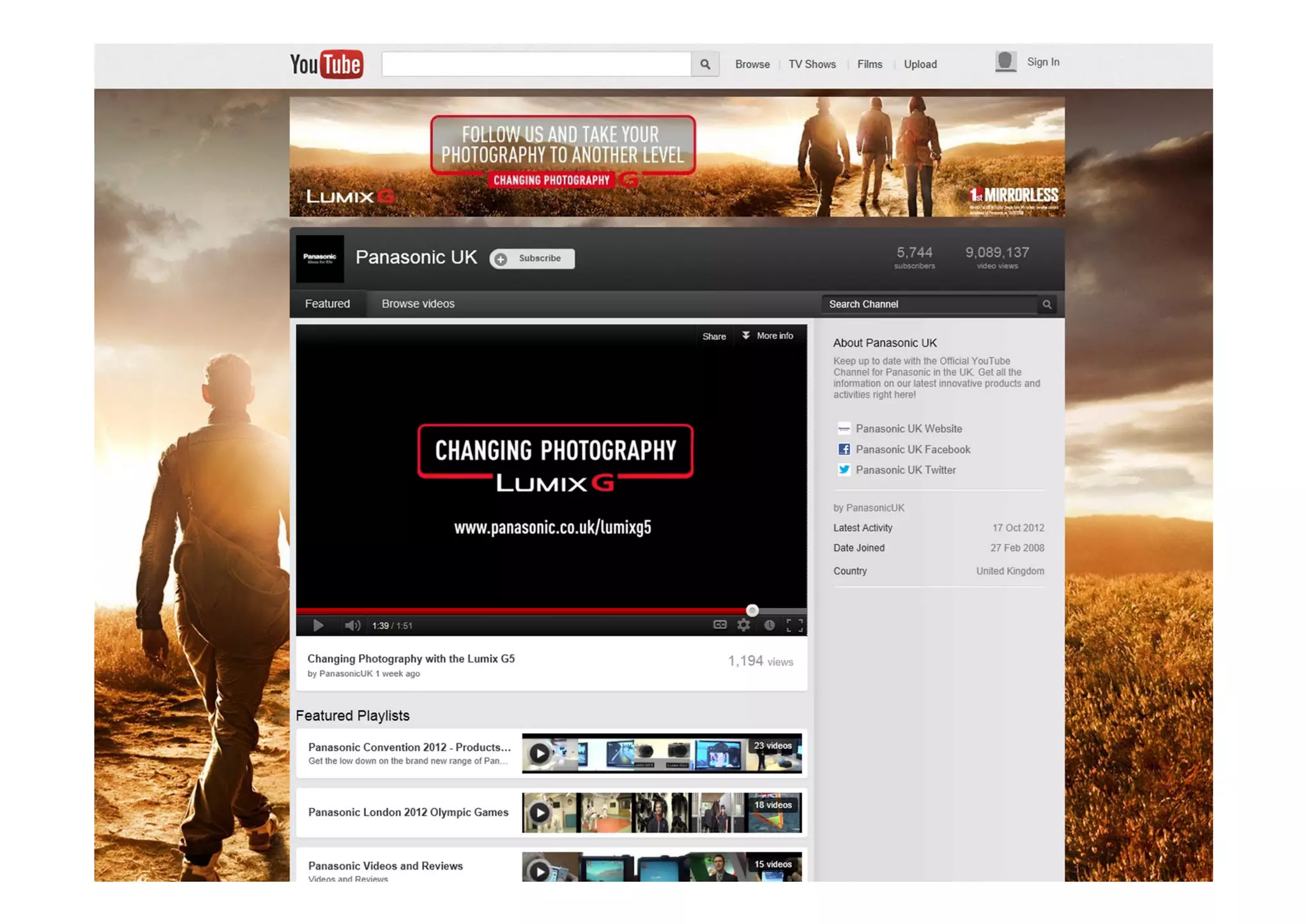
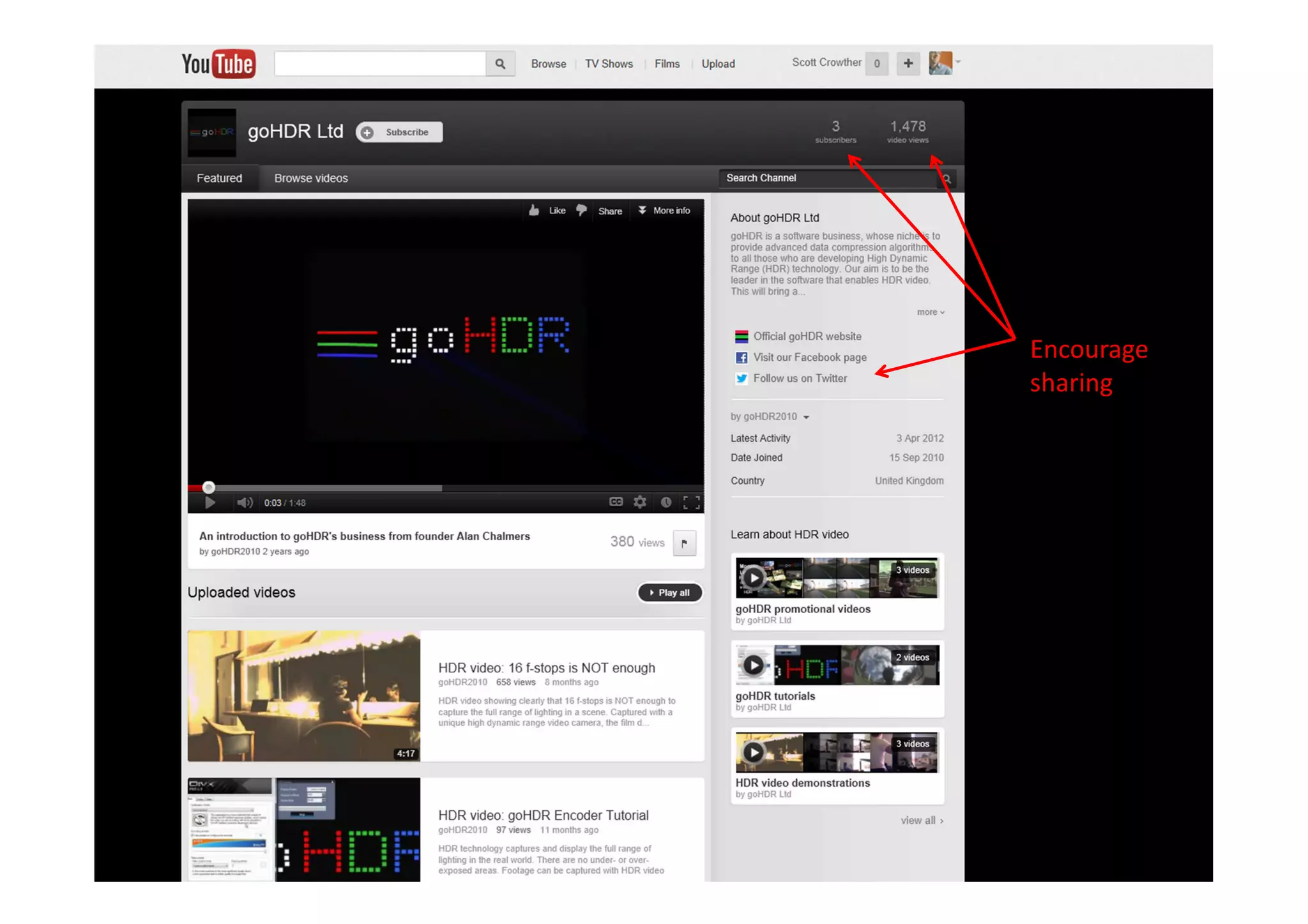
          How it works/main features
Encourage
sharing
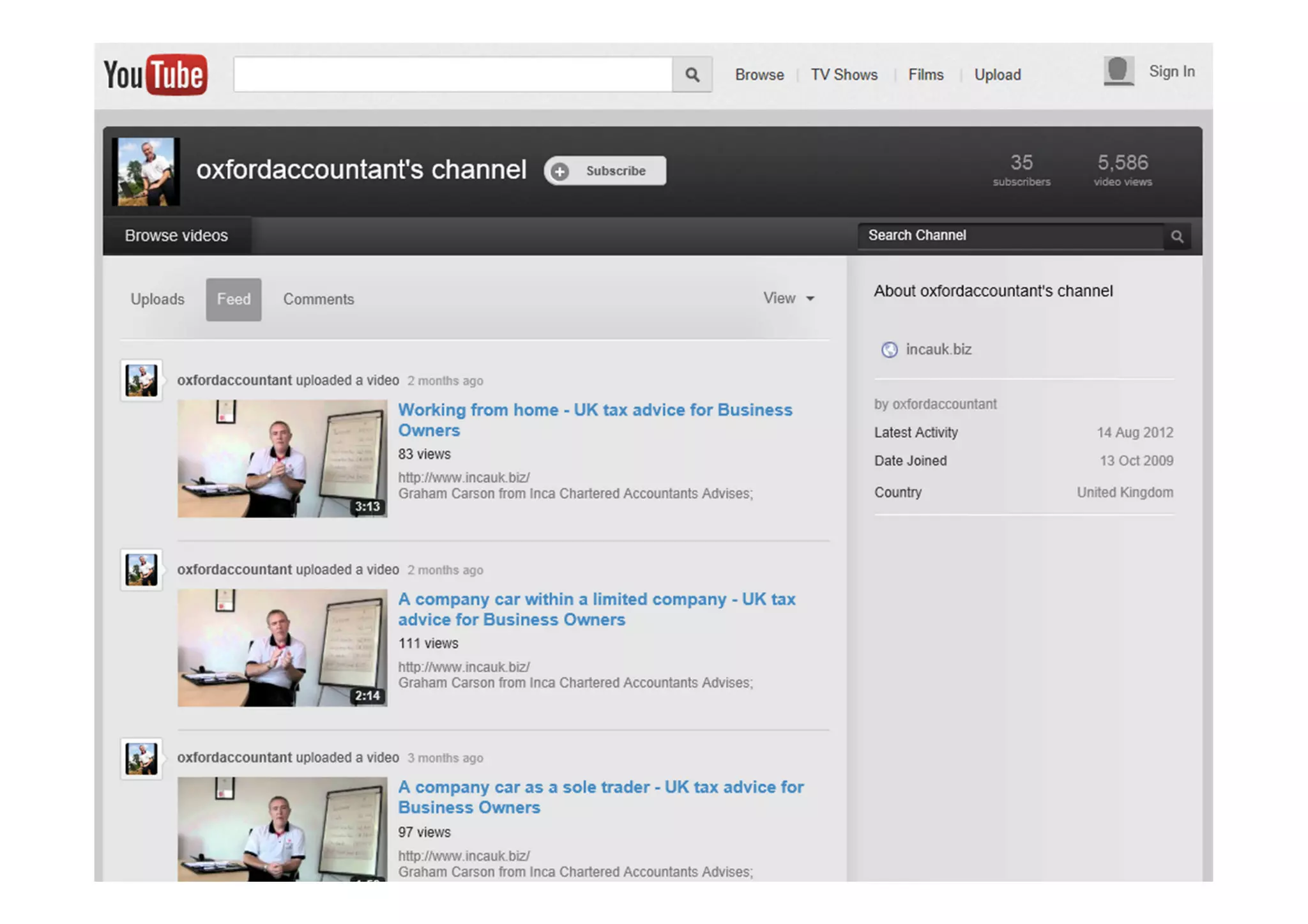
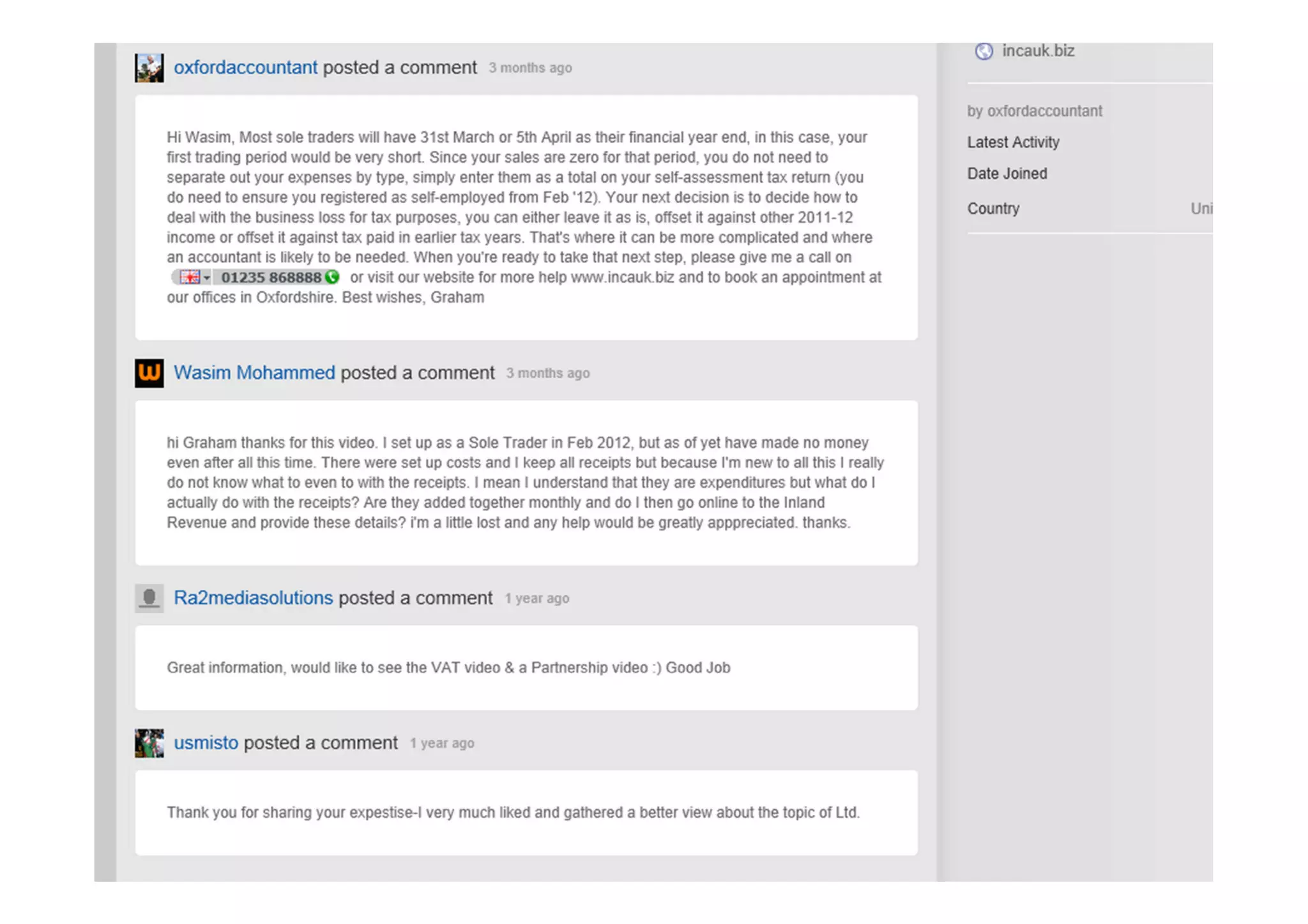
YouTube


          How it works/main features
YouTube
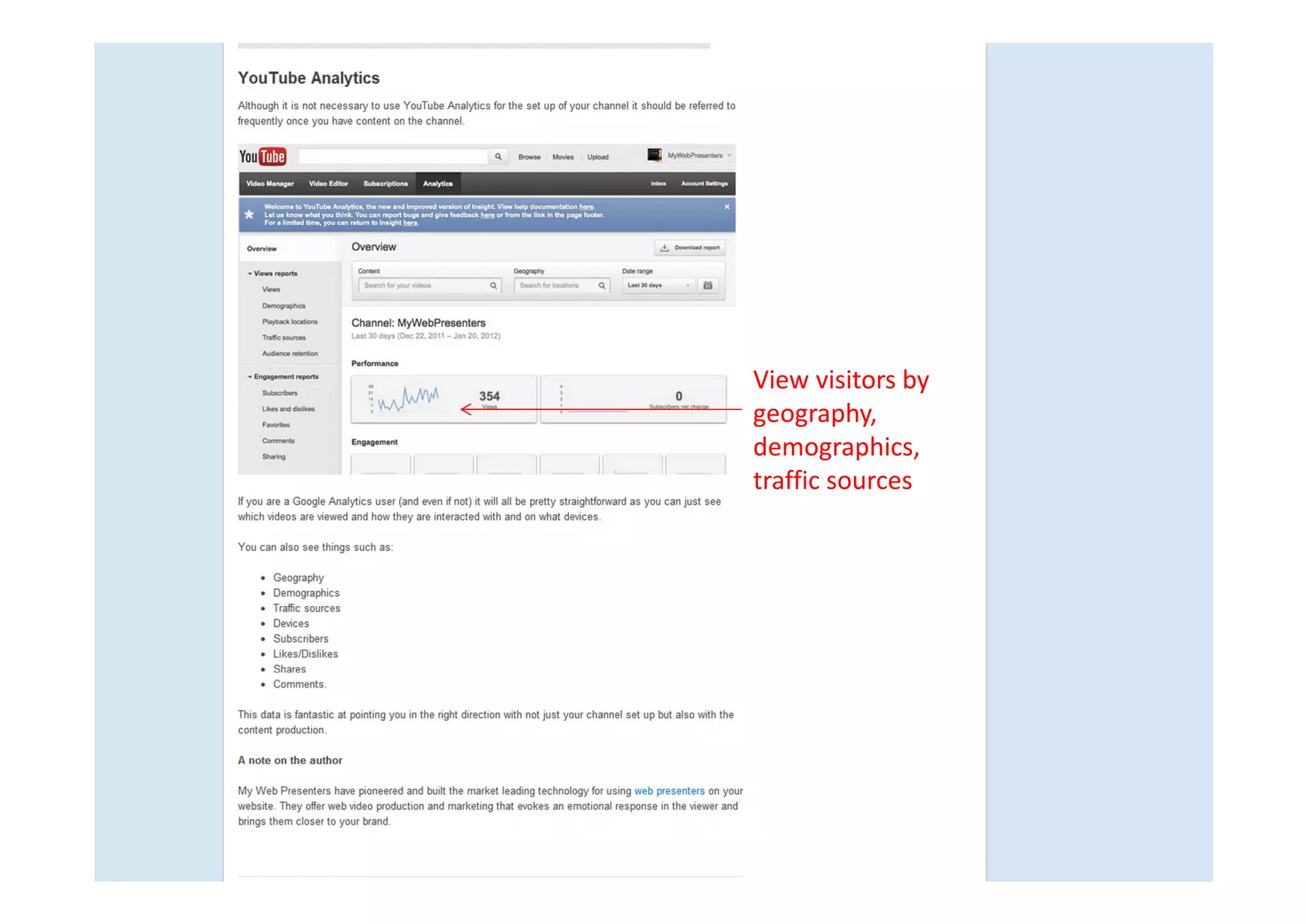
View visitors by
geography,
demographics,
traffic sources
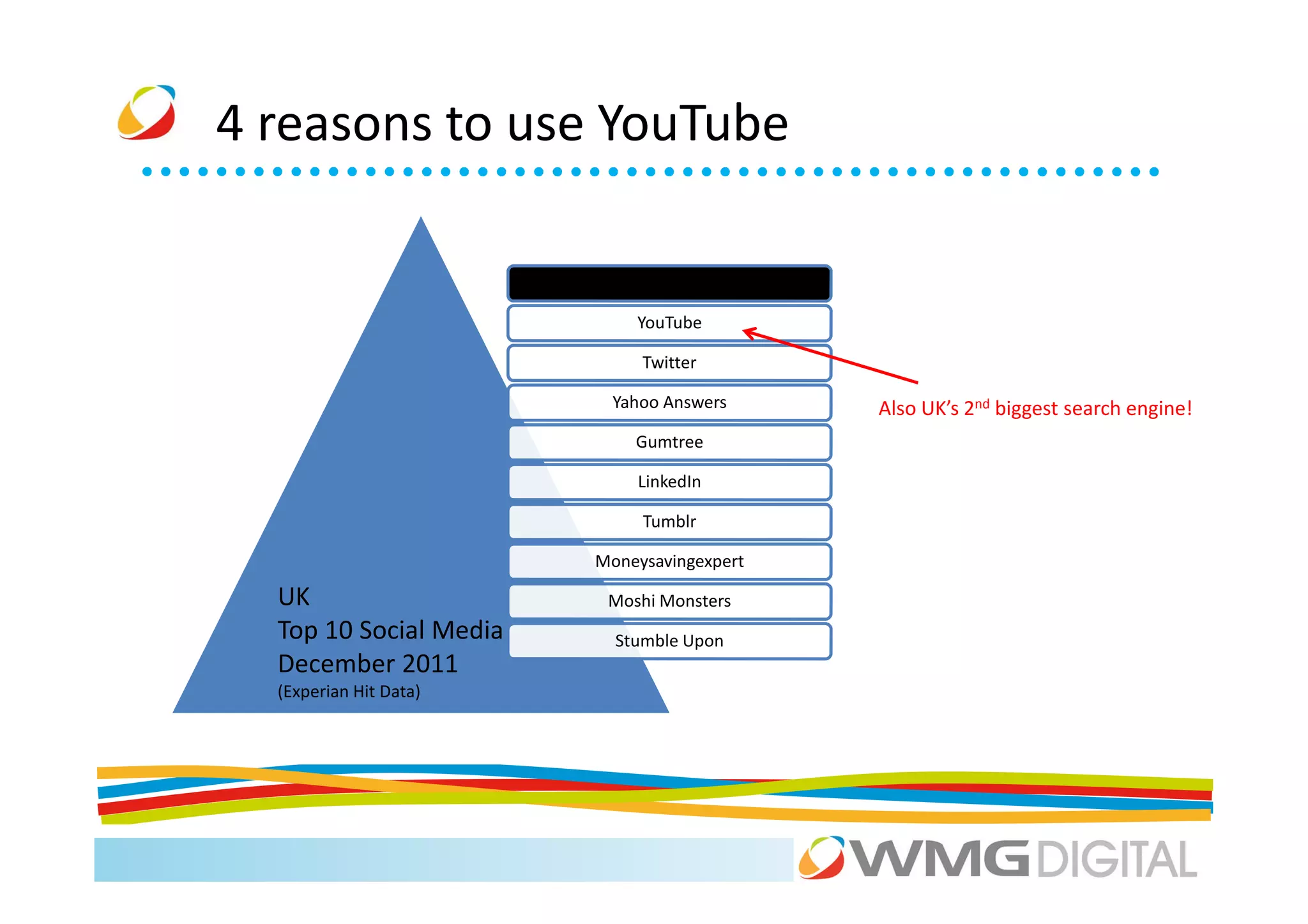
4 reasons to use YouTube

                            Facebook

                            YouTube

                             Twitter

                         Yahoo Answers      Also UK’s 2nd biggest search engine!
                            Gumtree

                            LinkedIn

                             Tumblr

                        Moneysavingexpert

  UK                     Moshi Monsters
  Top 10 Social Media     Stumble Upon
  December 2011
  (Experian Hit Data)
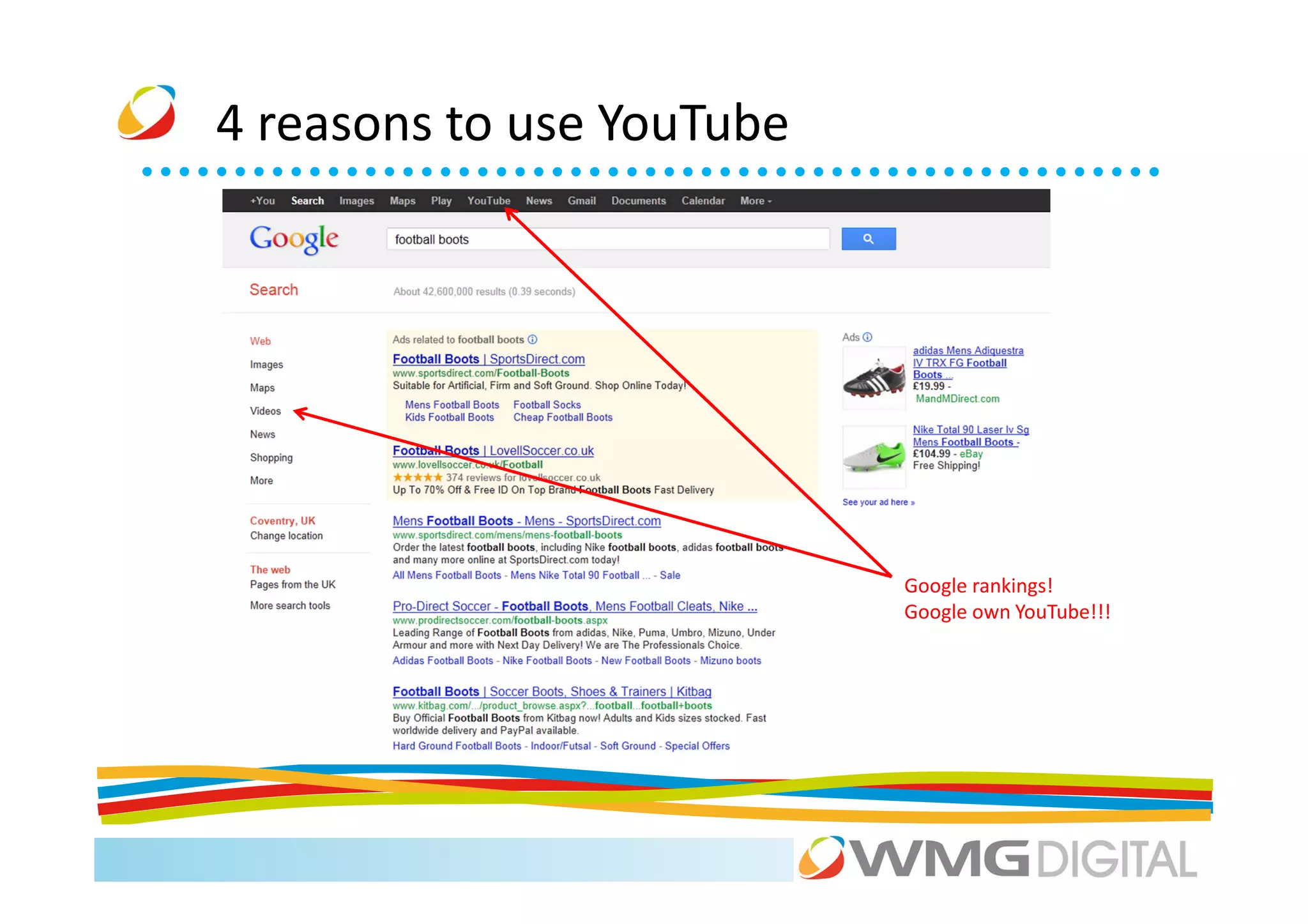
4 reasons to use YouTube


                           Google rankings!
                           Google own YouTube!!!
4 reasons to use YouTube
Pinterest


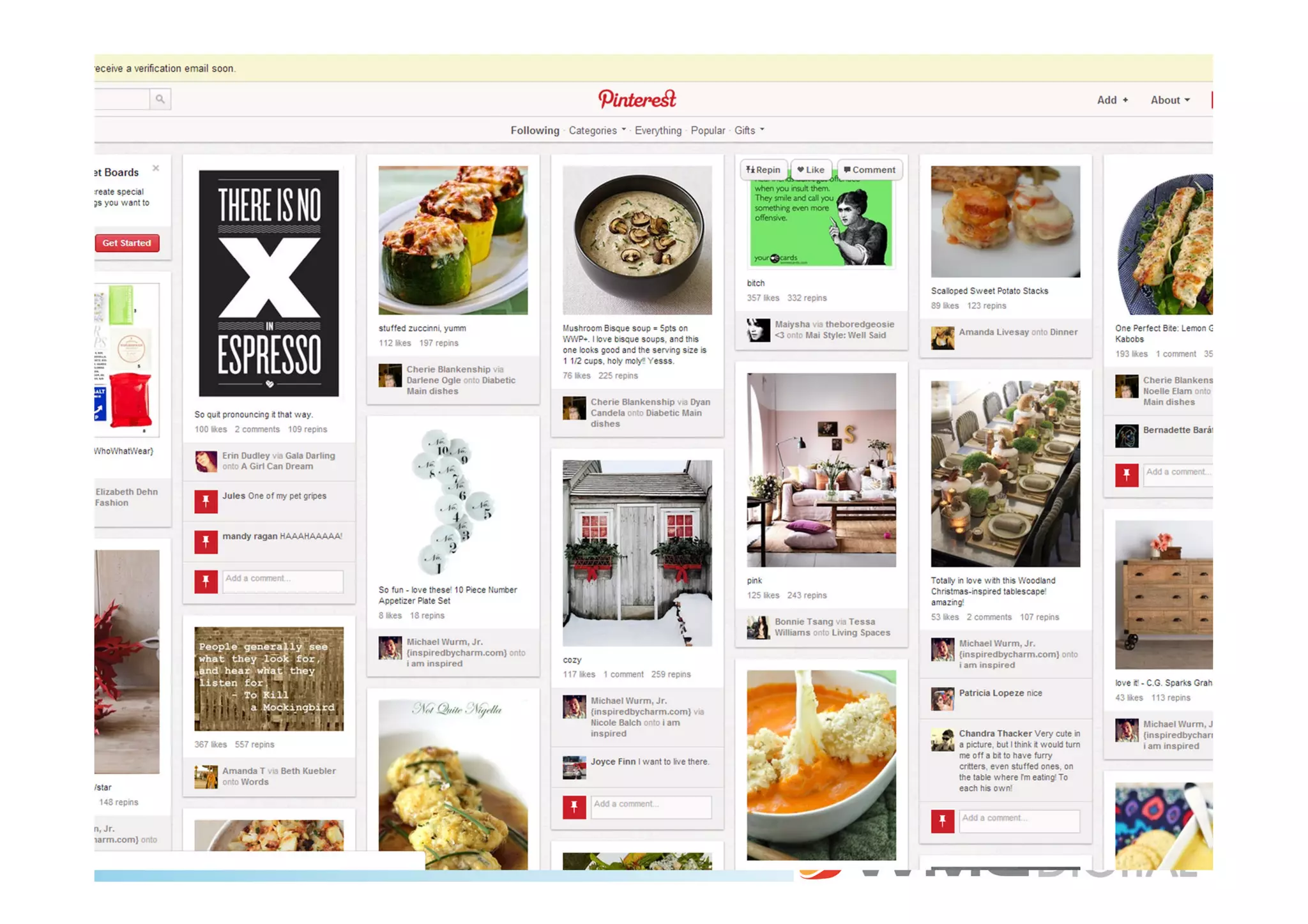
“Pinterest is a Virtual Pinboard. Pinterest lets you organize and share all the
  beautiful things you find on the web. People use pinboards to plan their
weddings, decorate their homes, and organize their favorite recipes. Best of
          all, you can browse pinboards created by other people.”
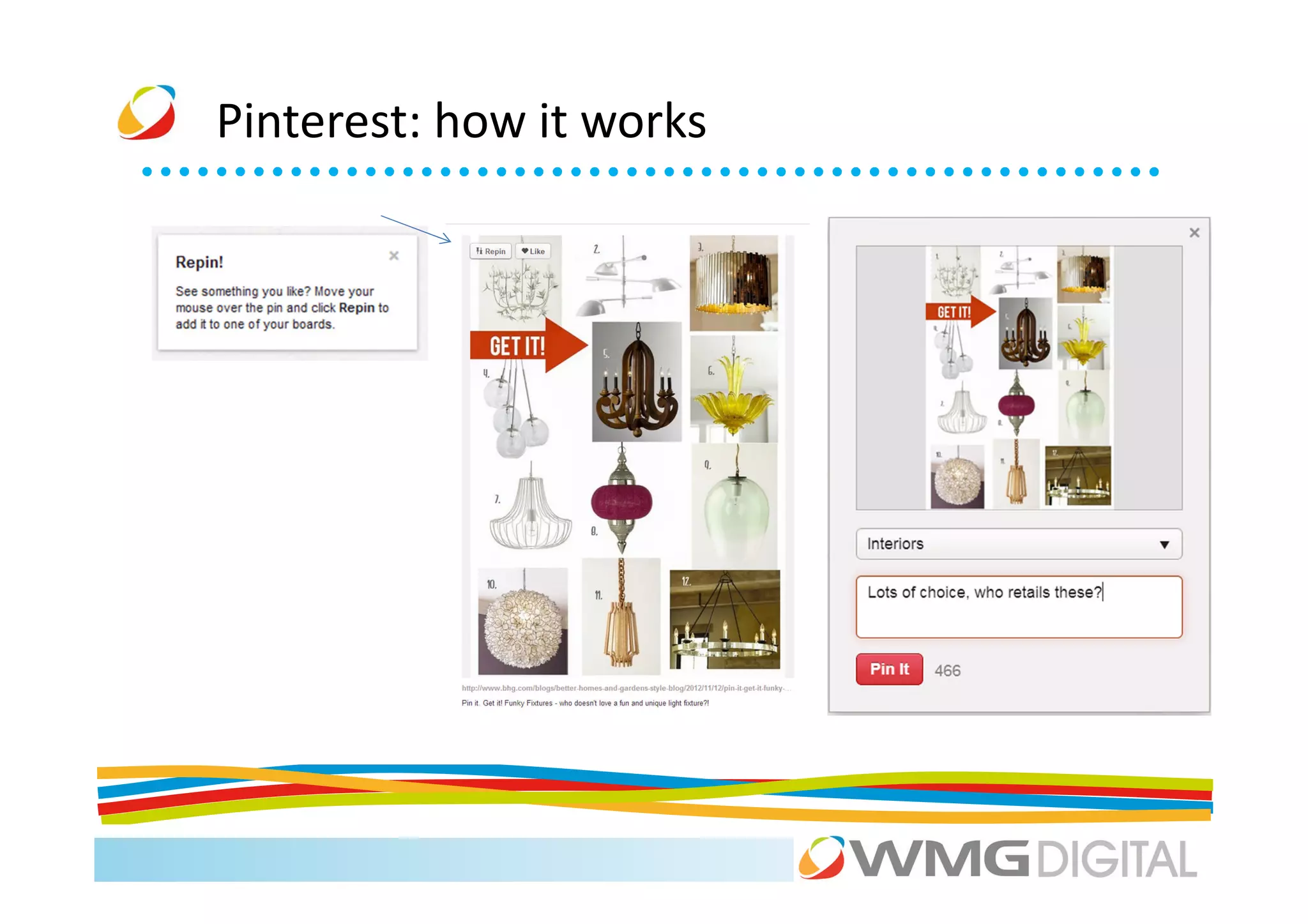
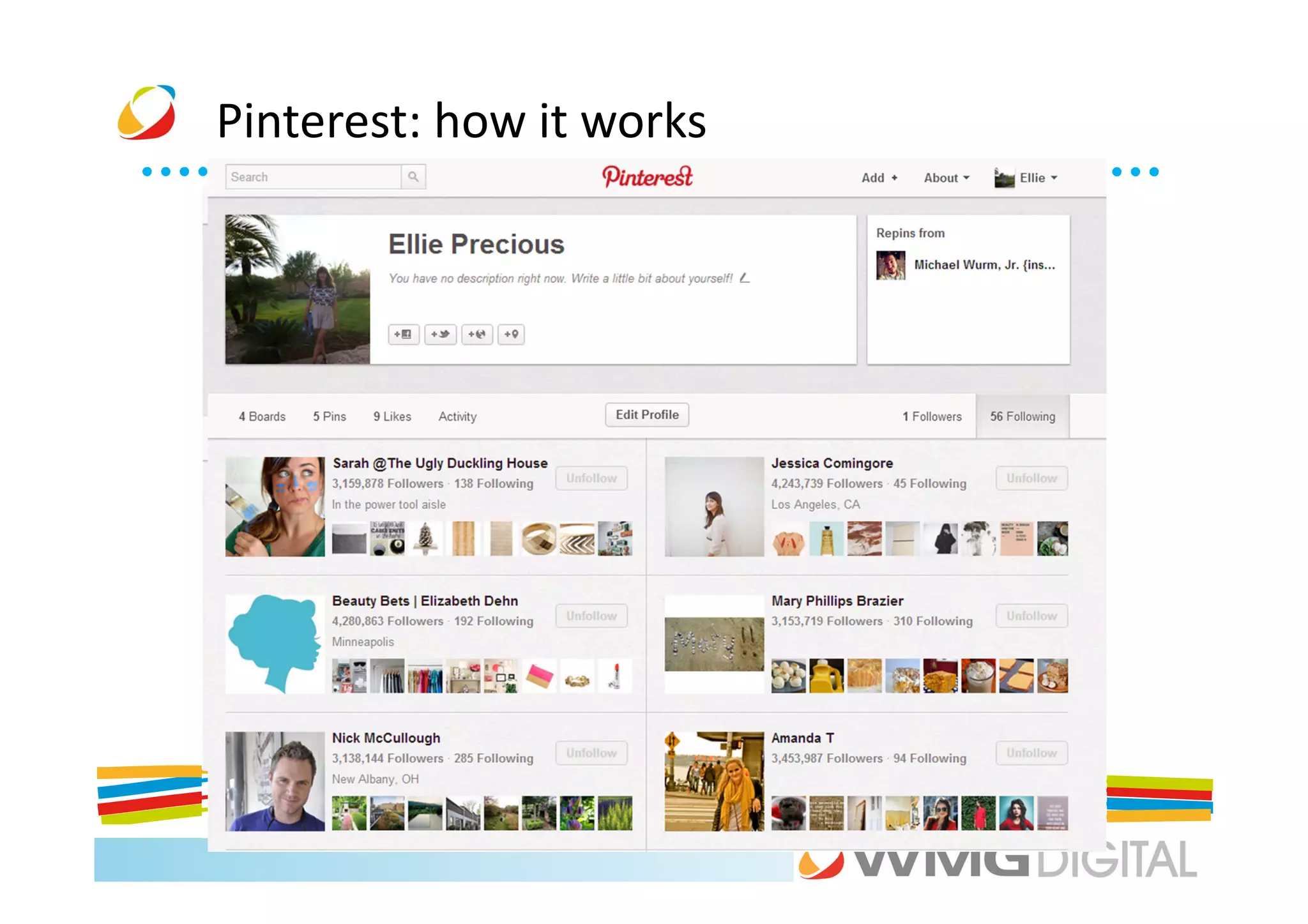
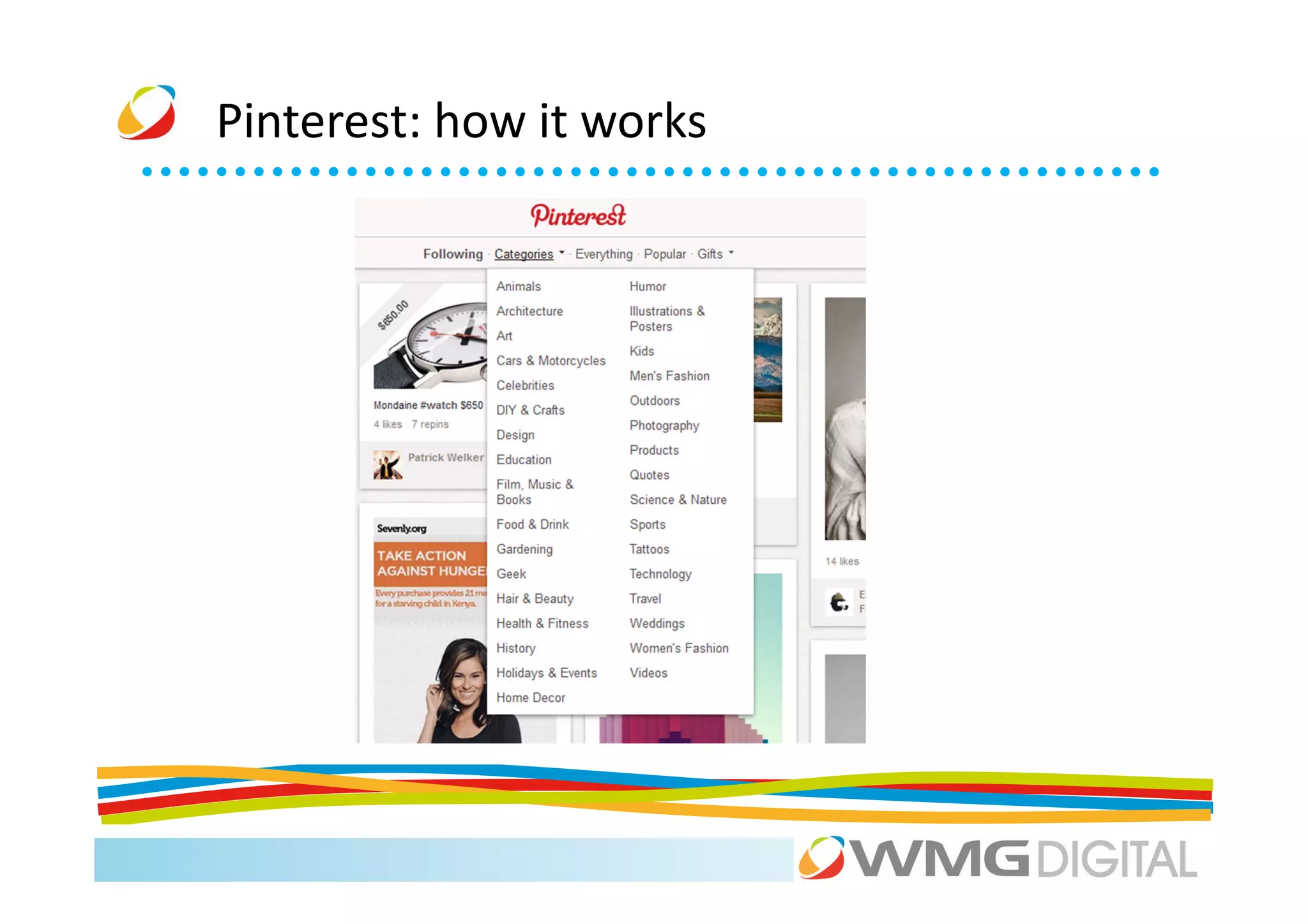
Pinterest: how it works
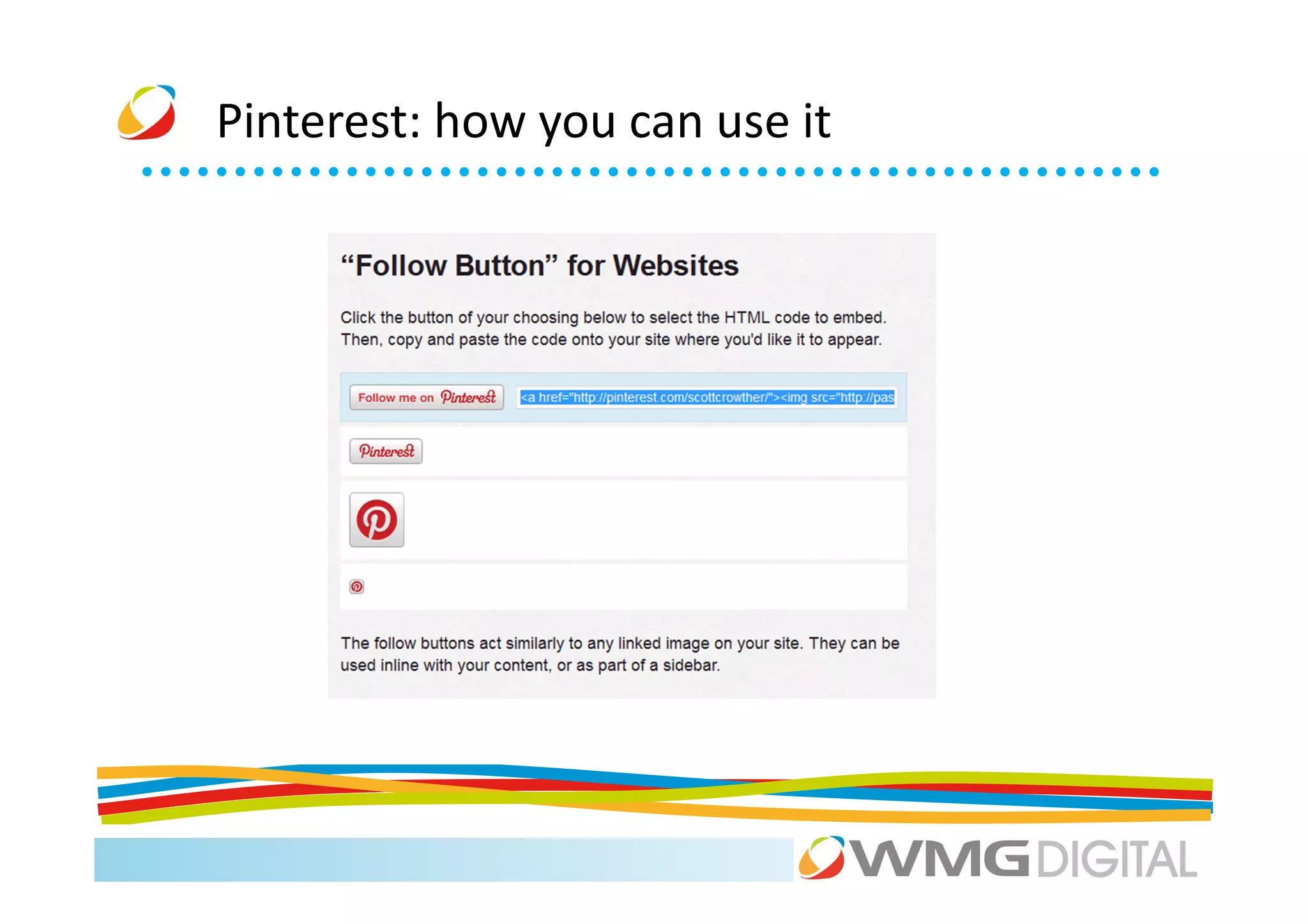
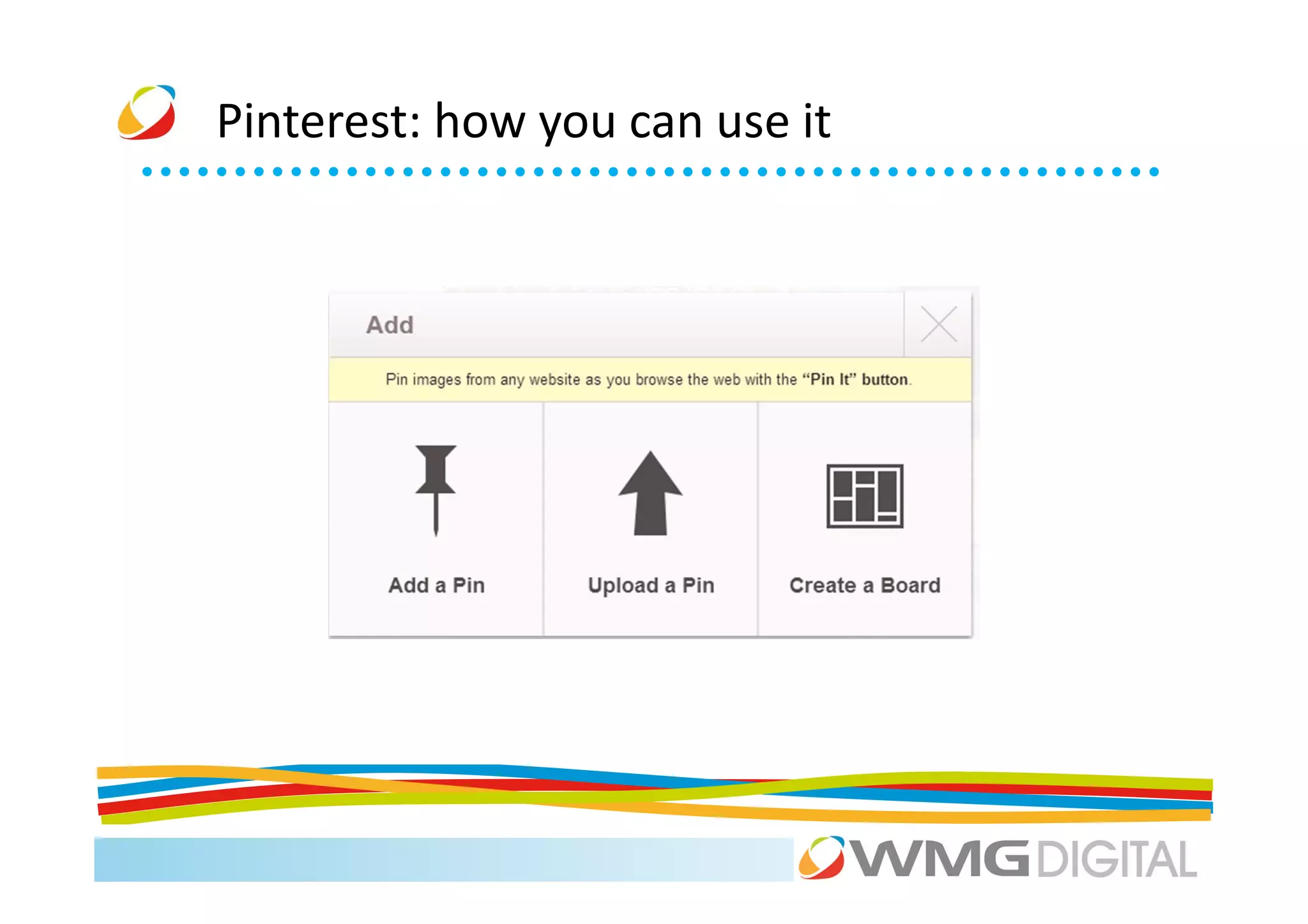
Pinterest: how you can use it
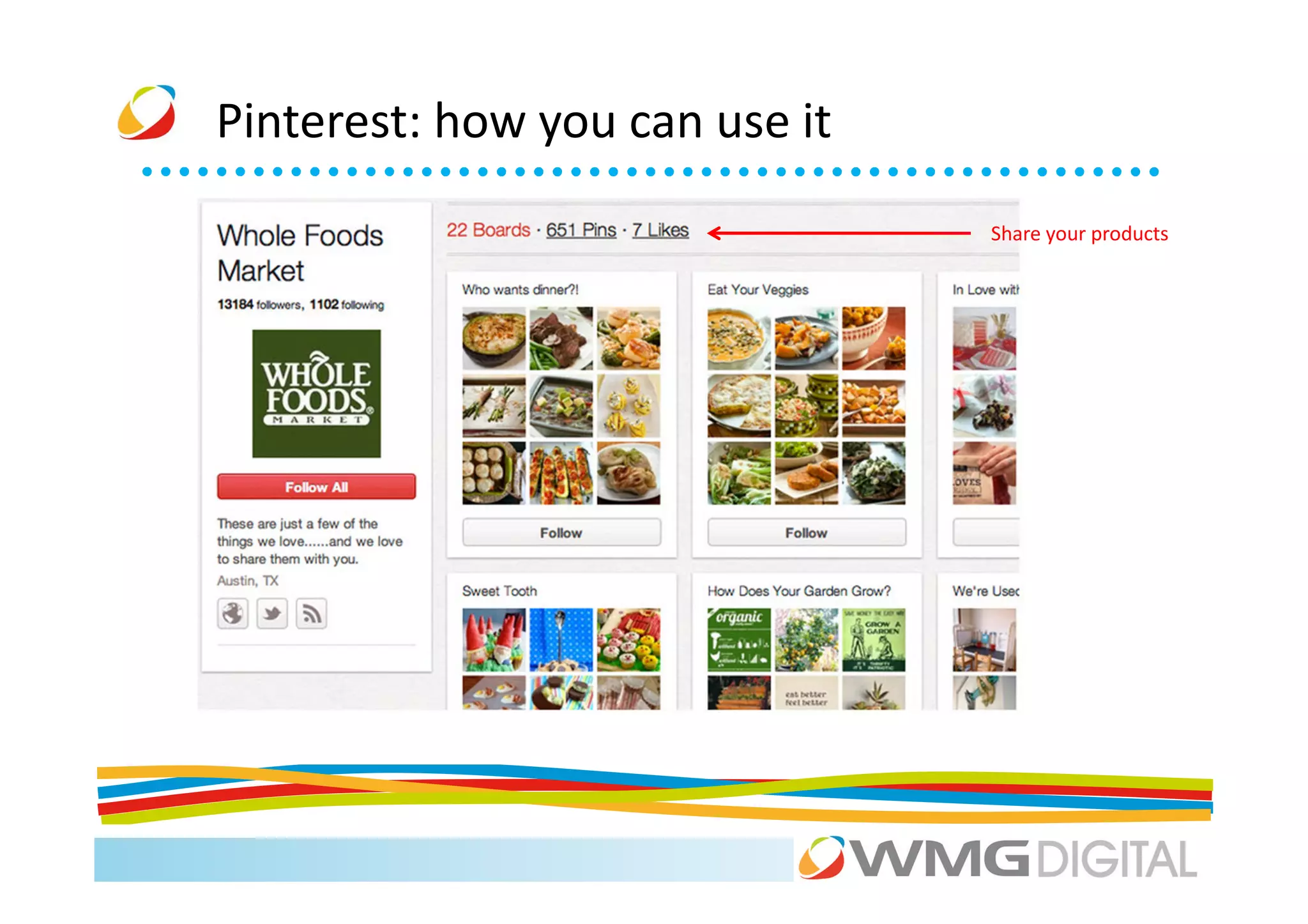
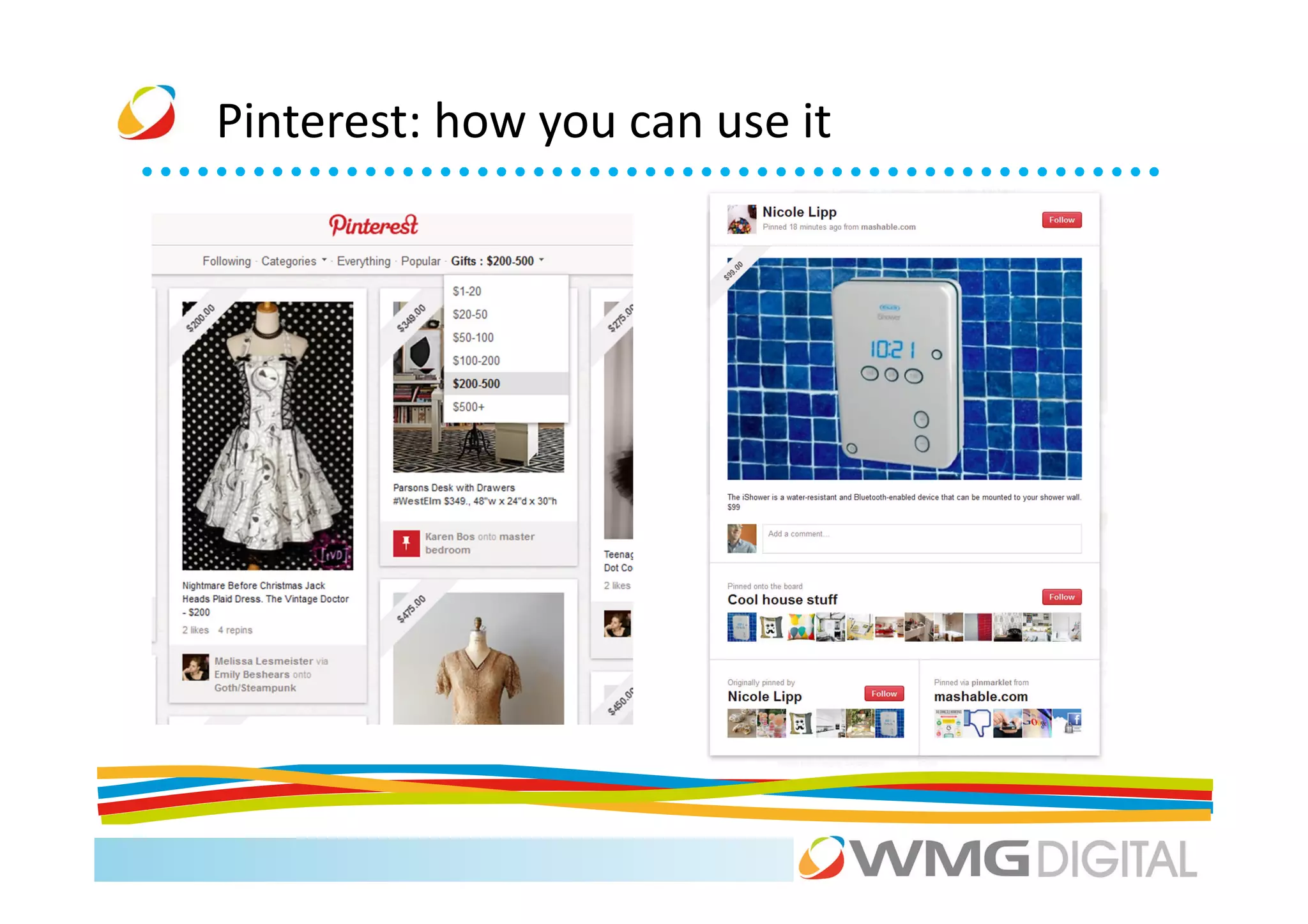
                                Share your products
Pinterest: how you can use it


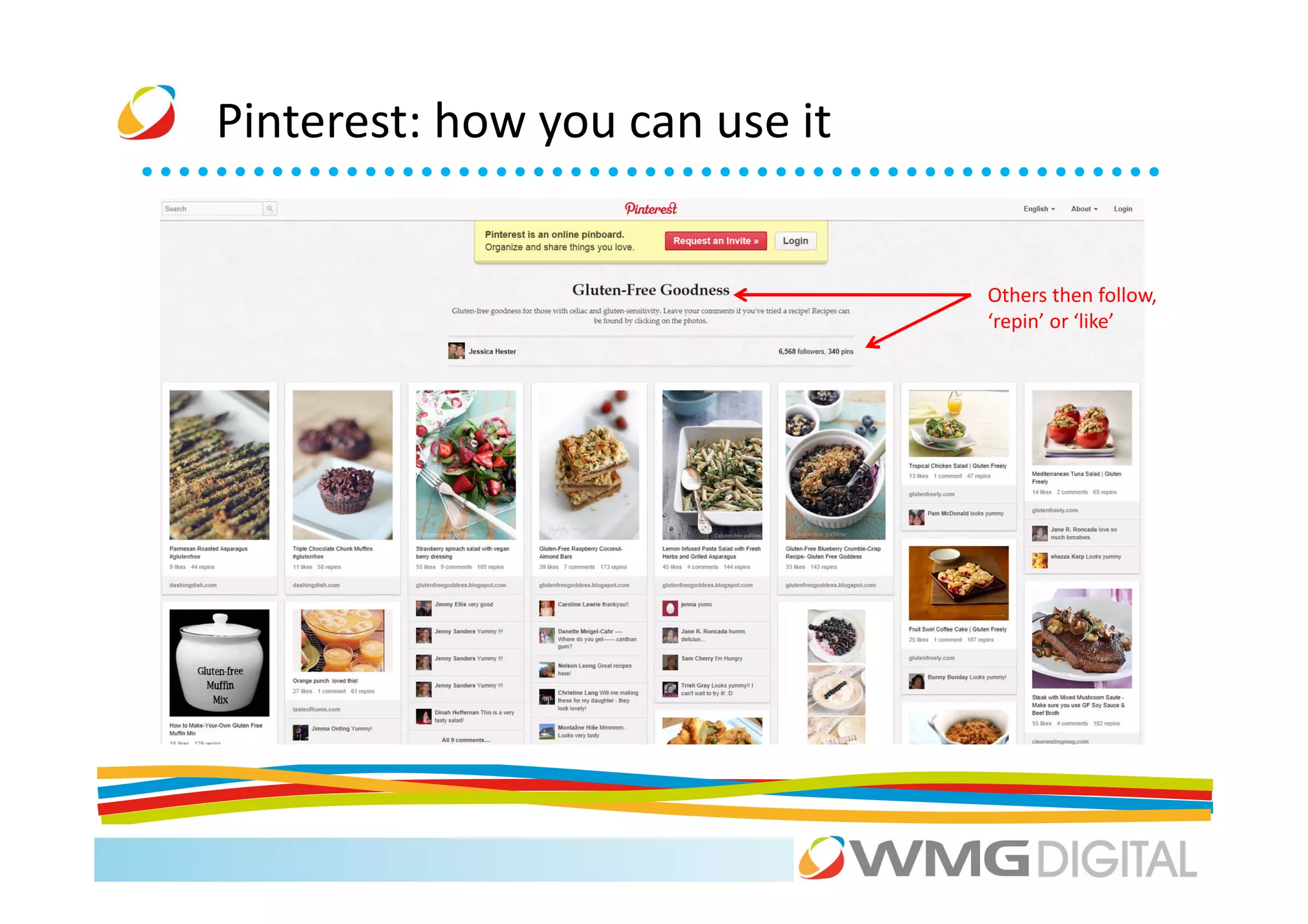
                                Others then follow,
                                ‘repin’ or ‘like’
Pinterest: how you can use it
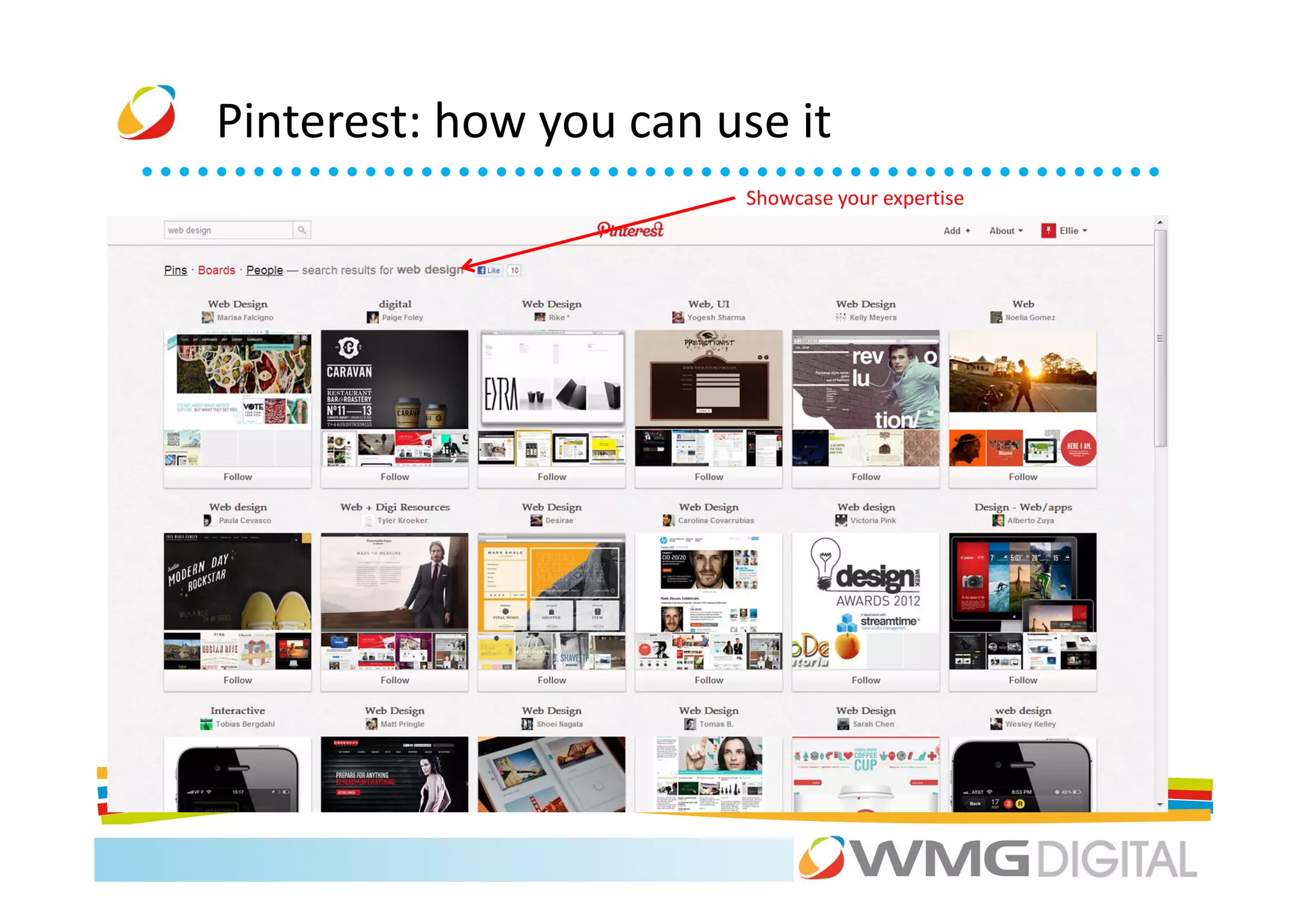
                        Showcase your expertise
Pinterest: how you can use it
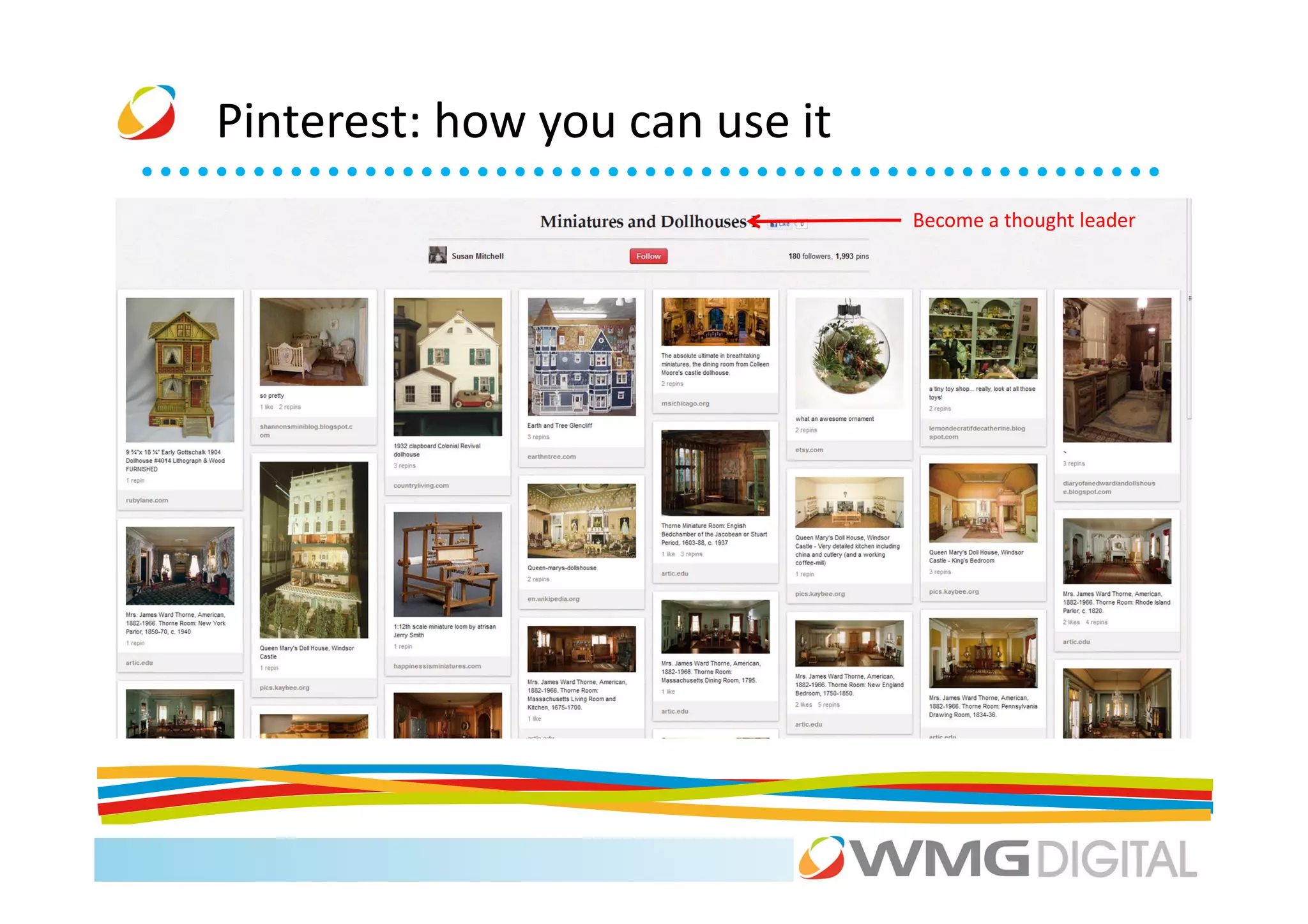
                                Become a thought leader
Pinterest: how you can use it

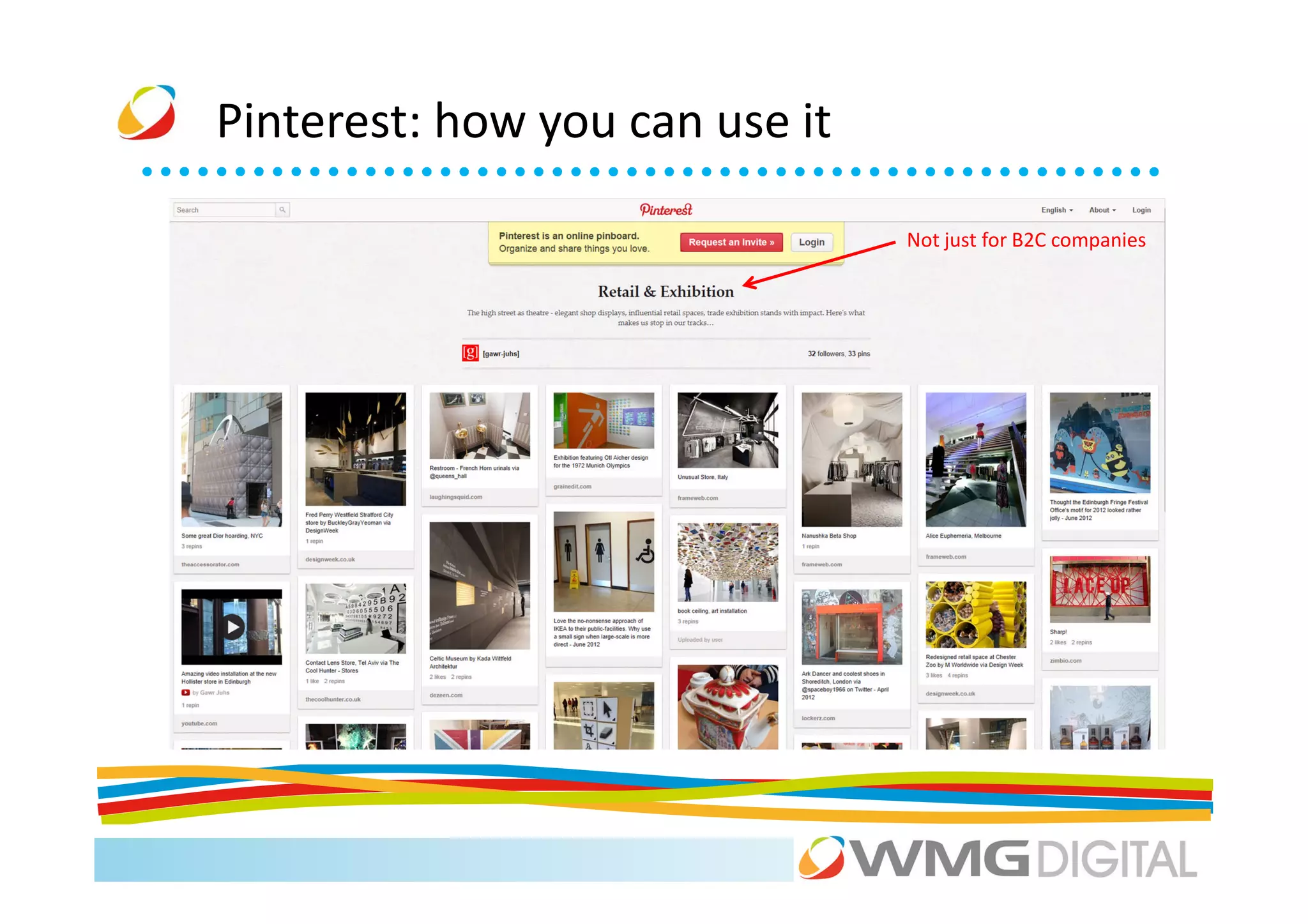
                                Not just for B2C companies
Pinterest: how you can use it
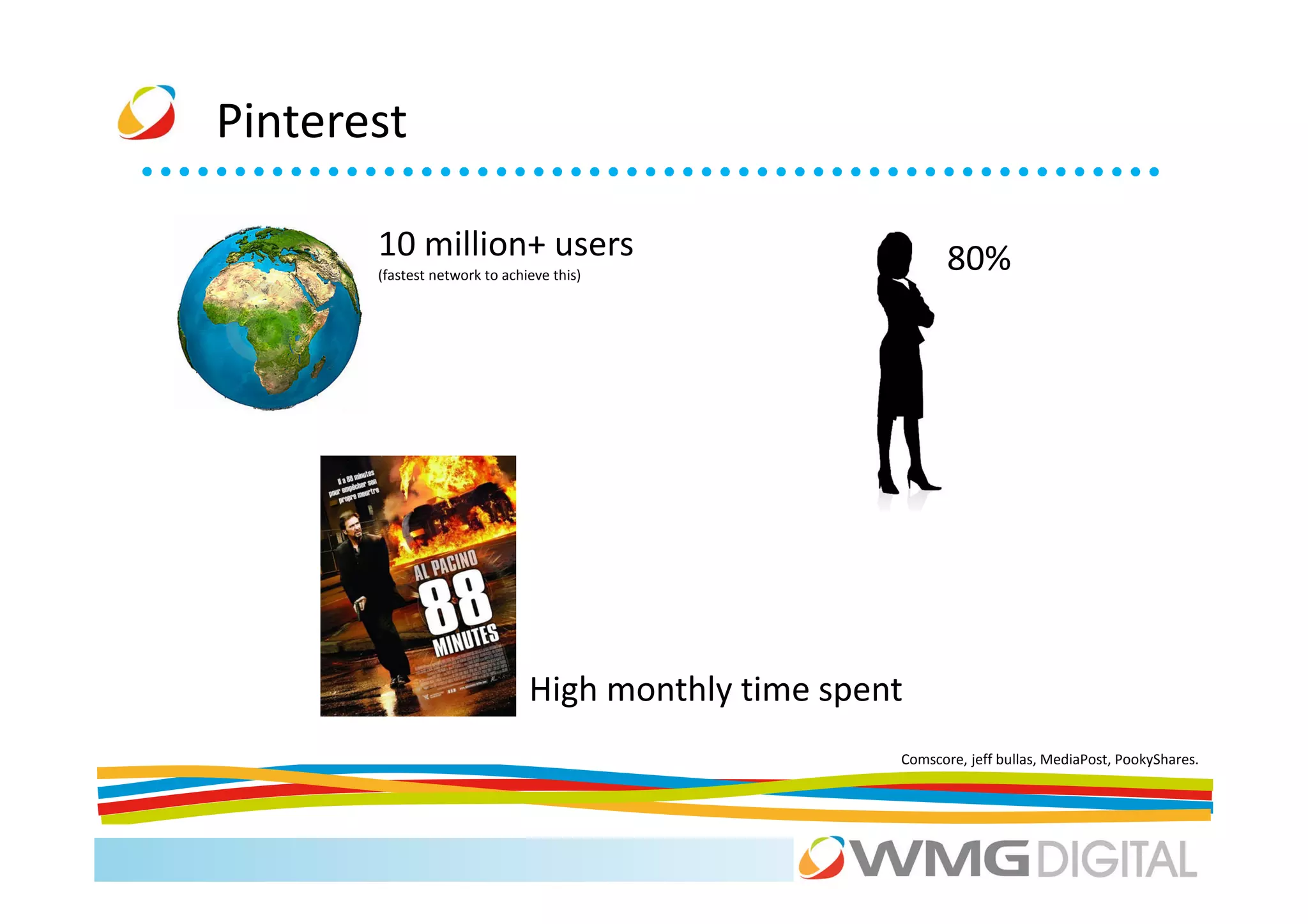
Pinterest

       10 million+ users                                    80%
       (fastest network to achieve this)


                               High monthly time spent
                                                     Comscore, jeff bullas, MediaPost, PookyShares.
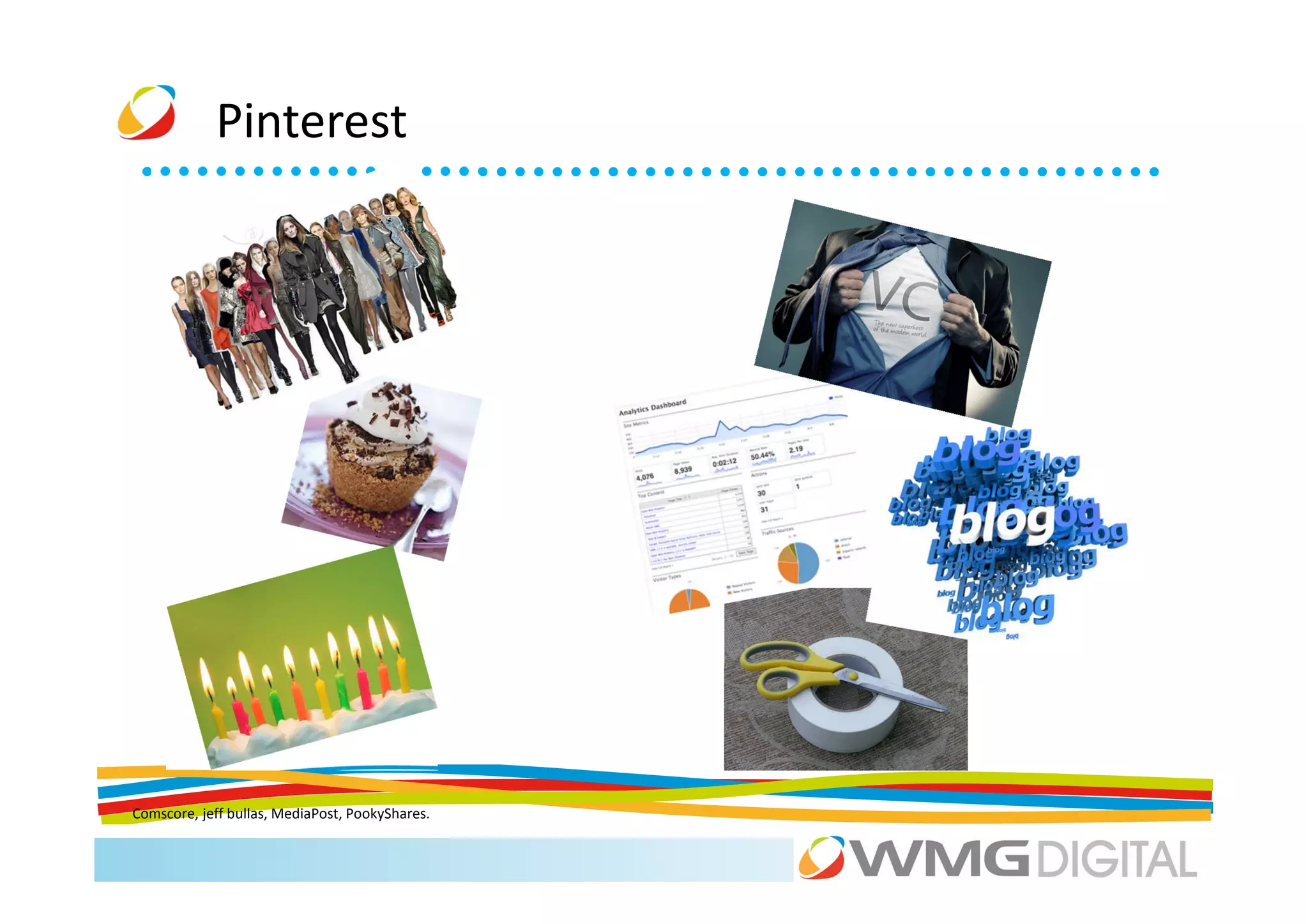
Pinterest


Comscore, jeff bullas, MediaPost, PookyShares.
Pinterest


http://pinterest.com/pinterestbiz/pinterest-marketing/

Business Tips for using Pinterest .
“Other visual networks are available”


     “We want to help people make their photos available to
               the people who matter to them.”
“Other visual networks are available”


             “Your videos belong here”
“Other visual networks are available”


        “It’s a fast, beautiful and fun way to share your
                  photos with friends and family.”
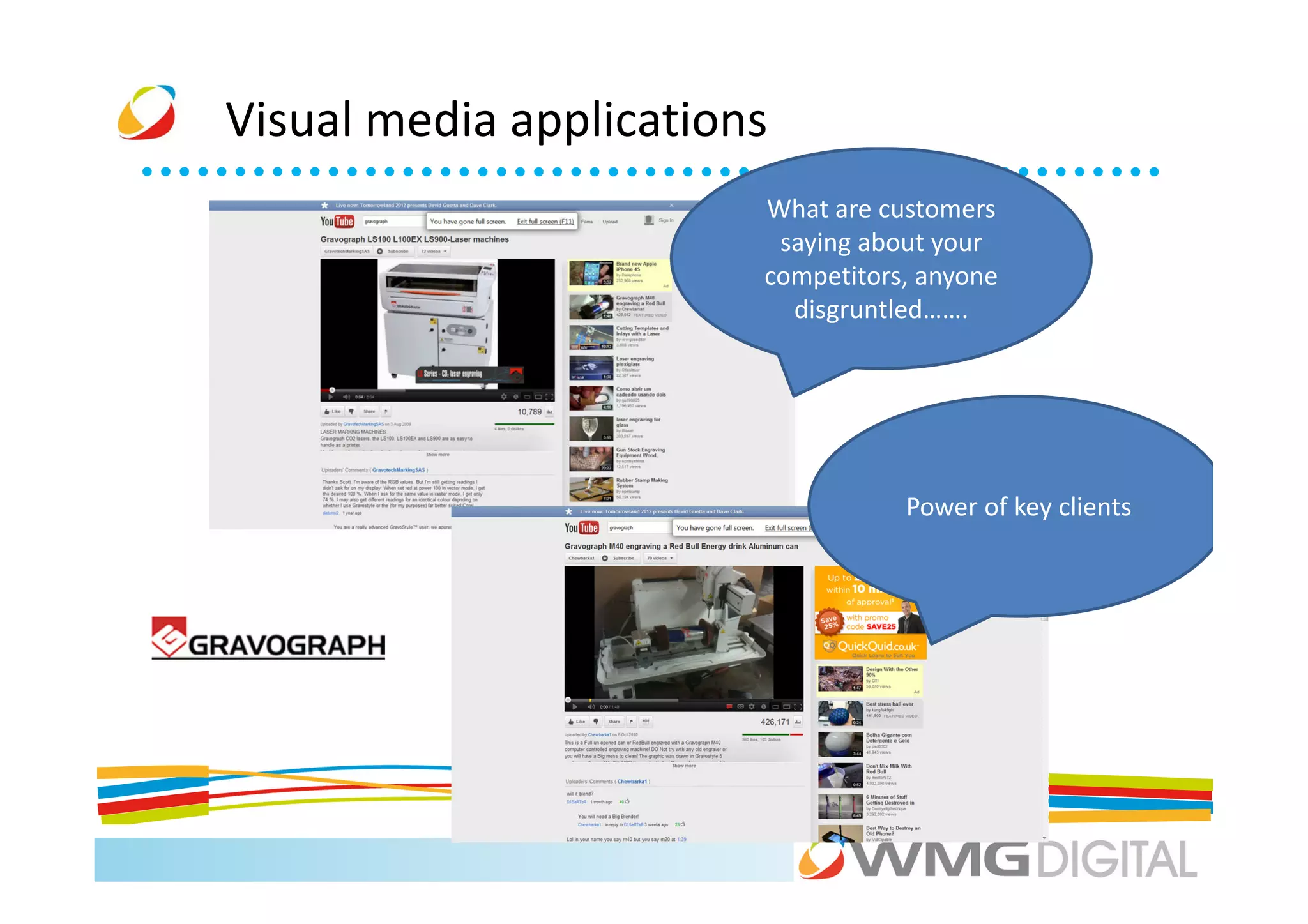
Visual media applications
                        What are customers
                         saying about your
                        competitors, anyone
                          disgruntled…….


                                   Power of key clients
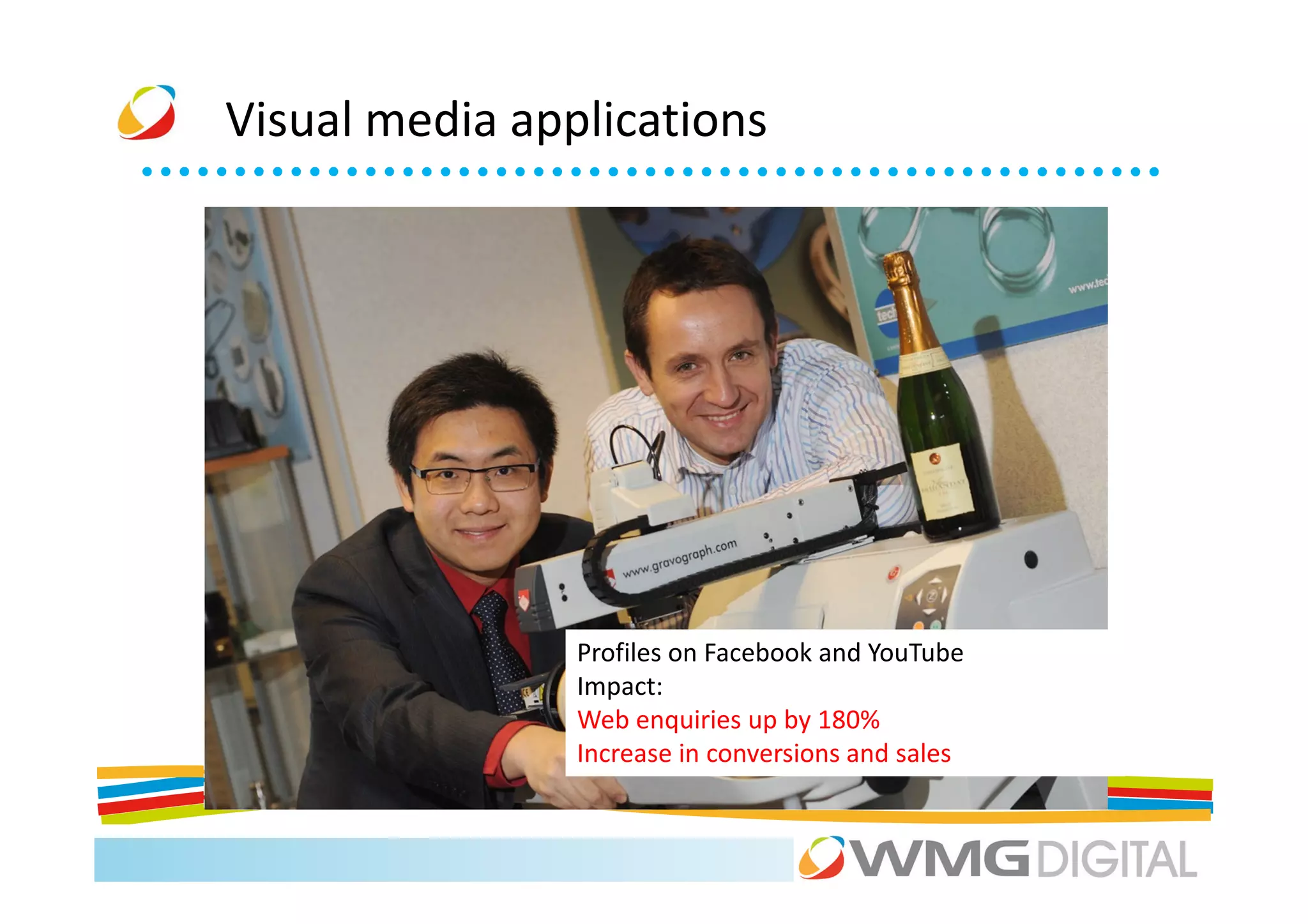
Visual media applications


                Profiles on Facebook and YouTube
                Impact:
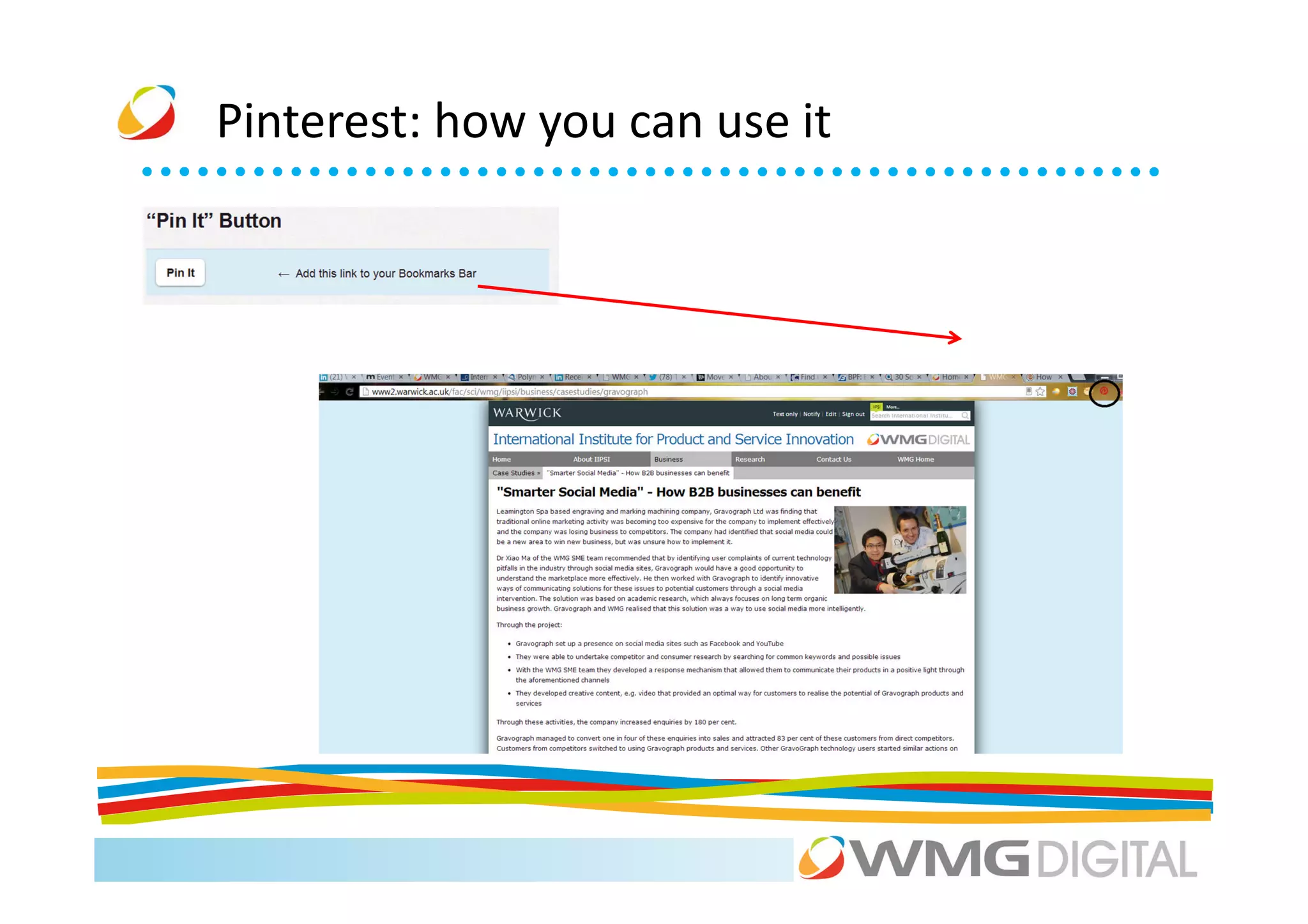
                Web enquiries up by 180%
                Increase in conversions and sales
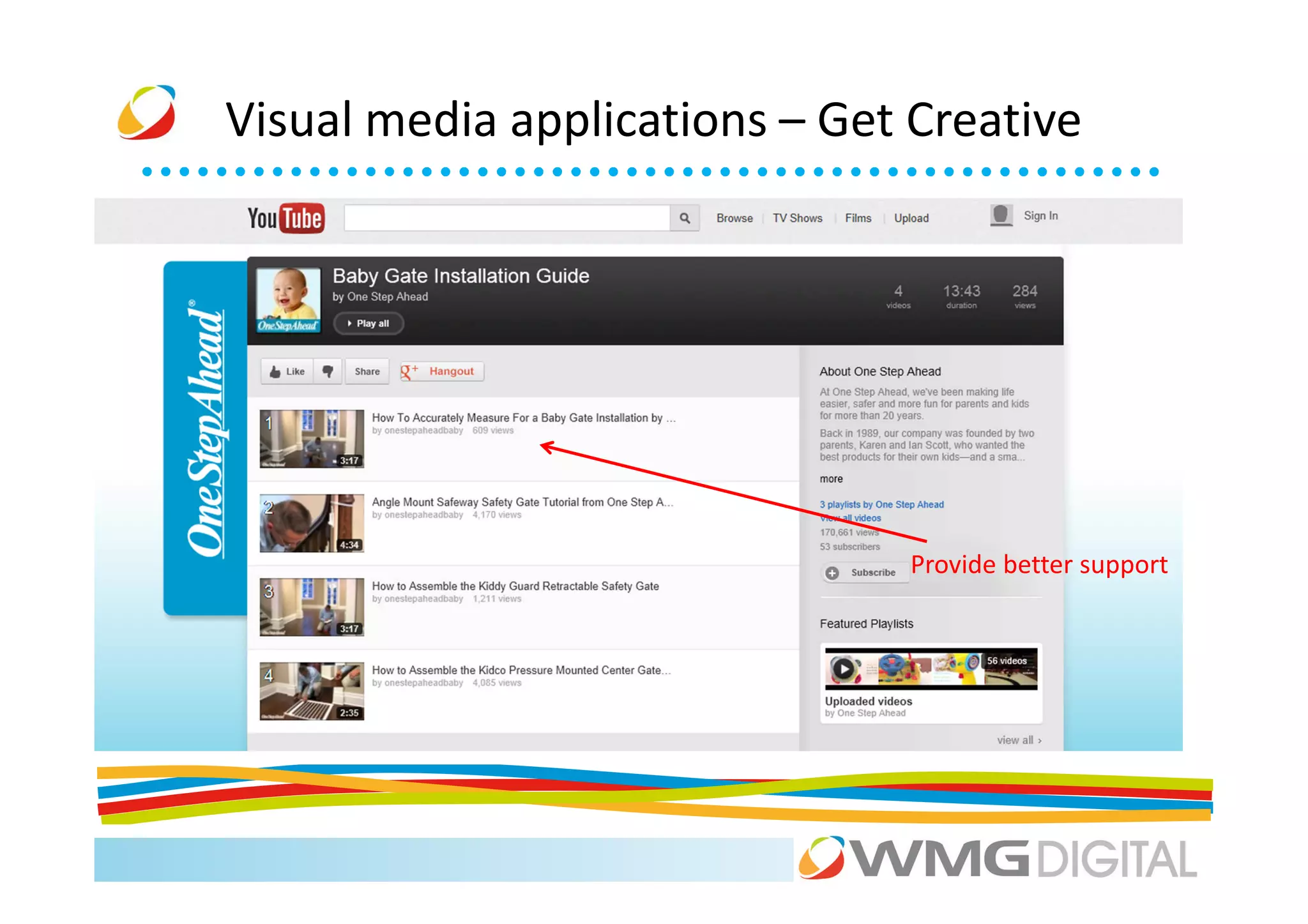
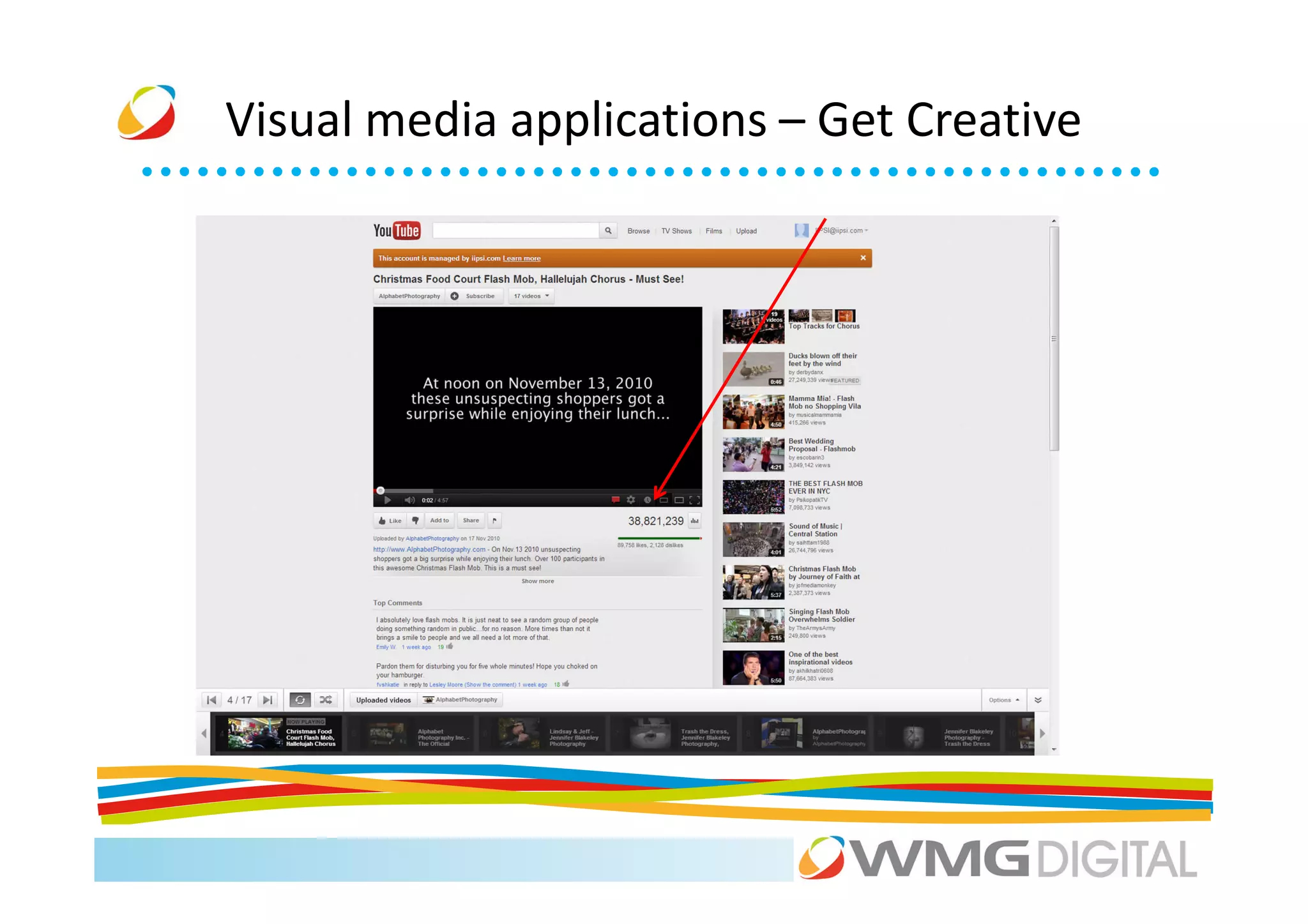
Visual media applications – Get Creative


                               Provide better support
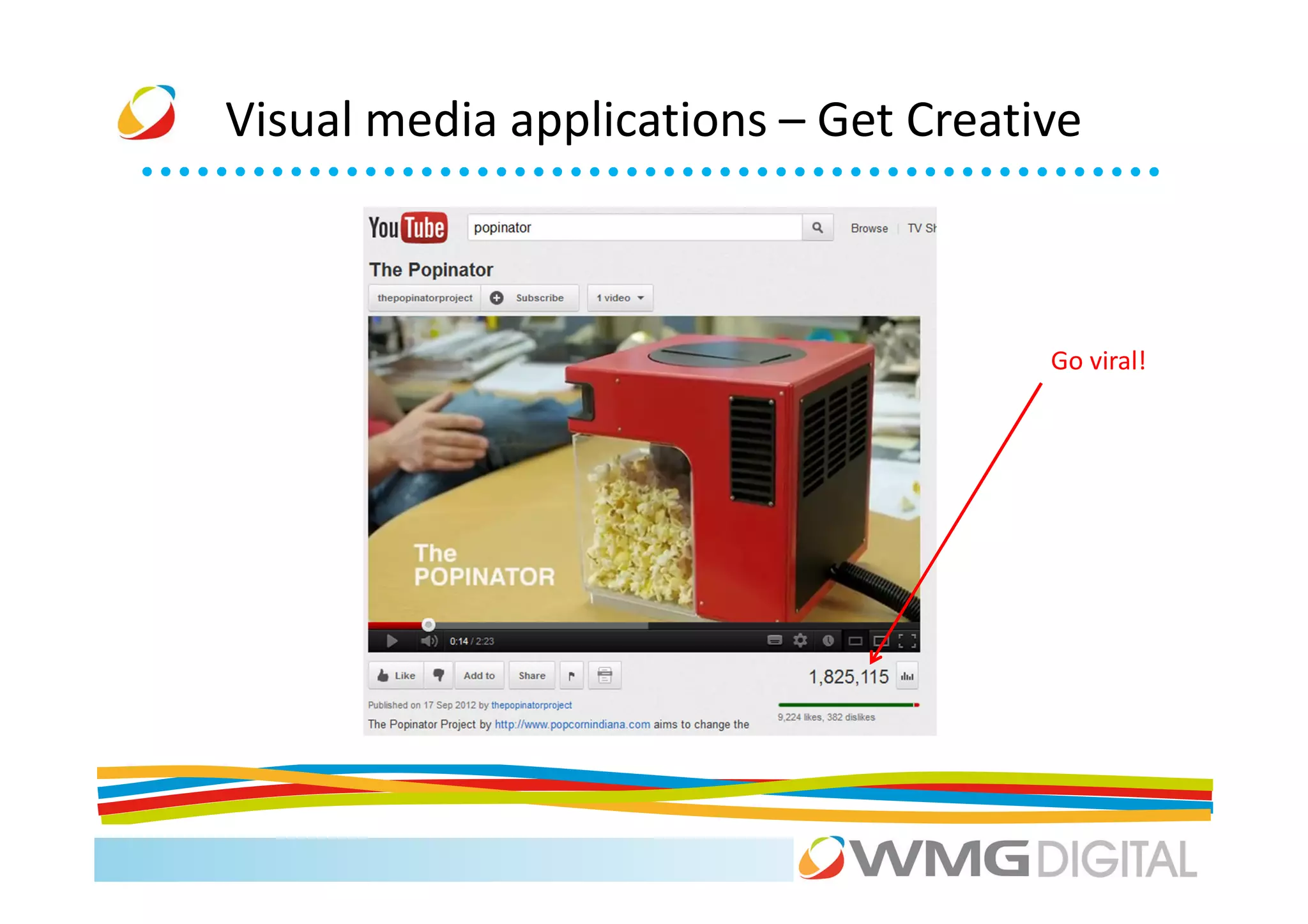
Visual media applications – Get Creative


                                      Go viral!
Visual media applications – Get Creative
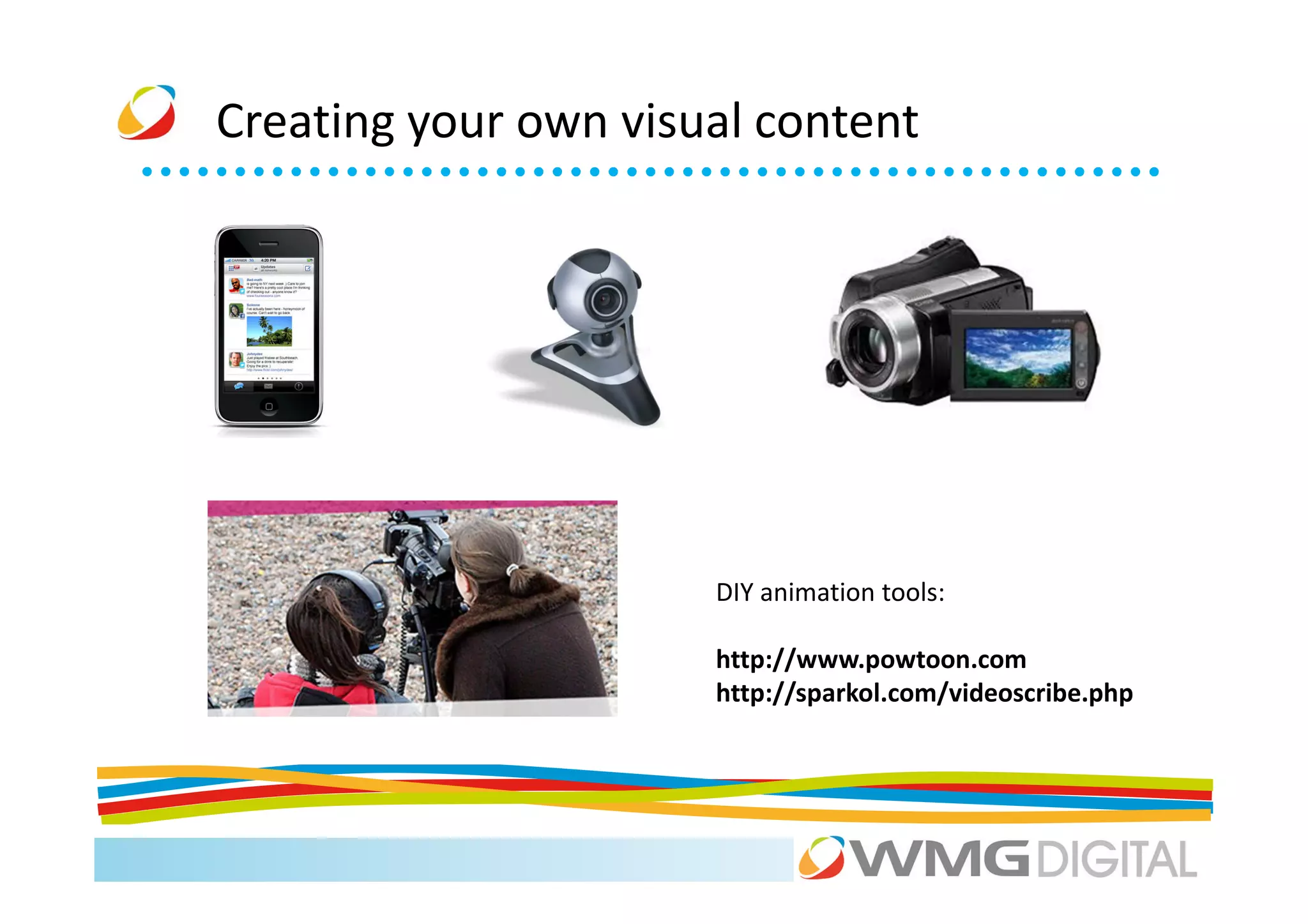
Creating your own visual content


                      DIY animation tools:

                      http://www.powtoon.com
                      http://sparkol.com/videoscribe.php
Activity


Choose a company on your table and brainstorm ways they could
use video or imagery for the benefit of their business.

Be prepared to share the best/wackiest idea with the group.
Welcome
4sq what?


       A day? - 4.16
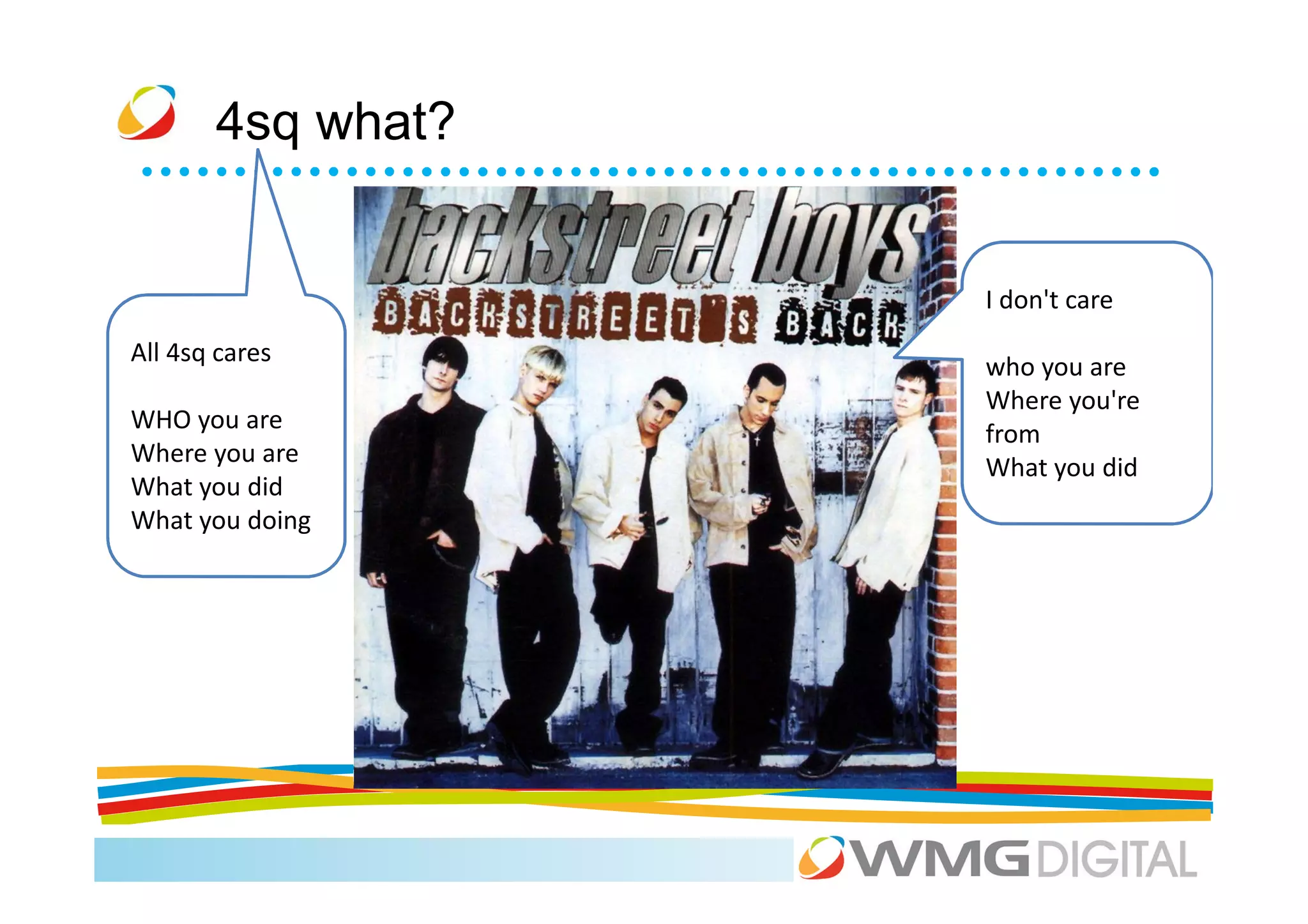
4sq what?


                   I don't care
All 4sq cares
                   who you are
                   Where you're
WHO you are
                   from
Where you are
                   What you did
What you did
What you doing
4sq – who needs it?
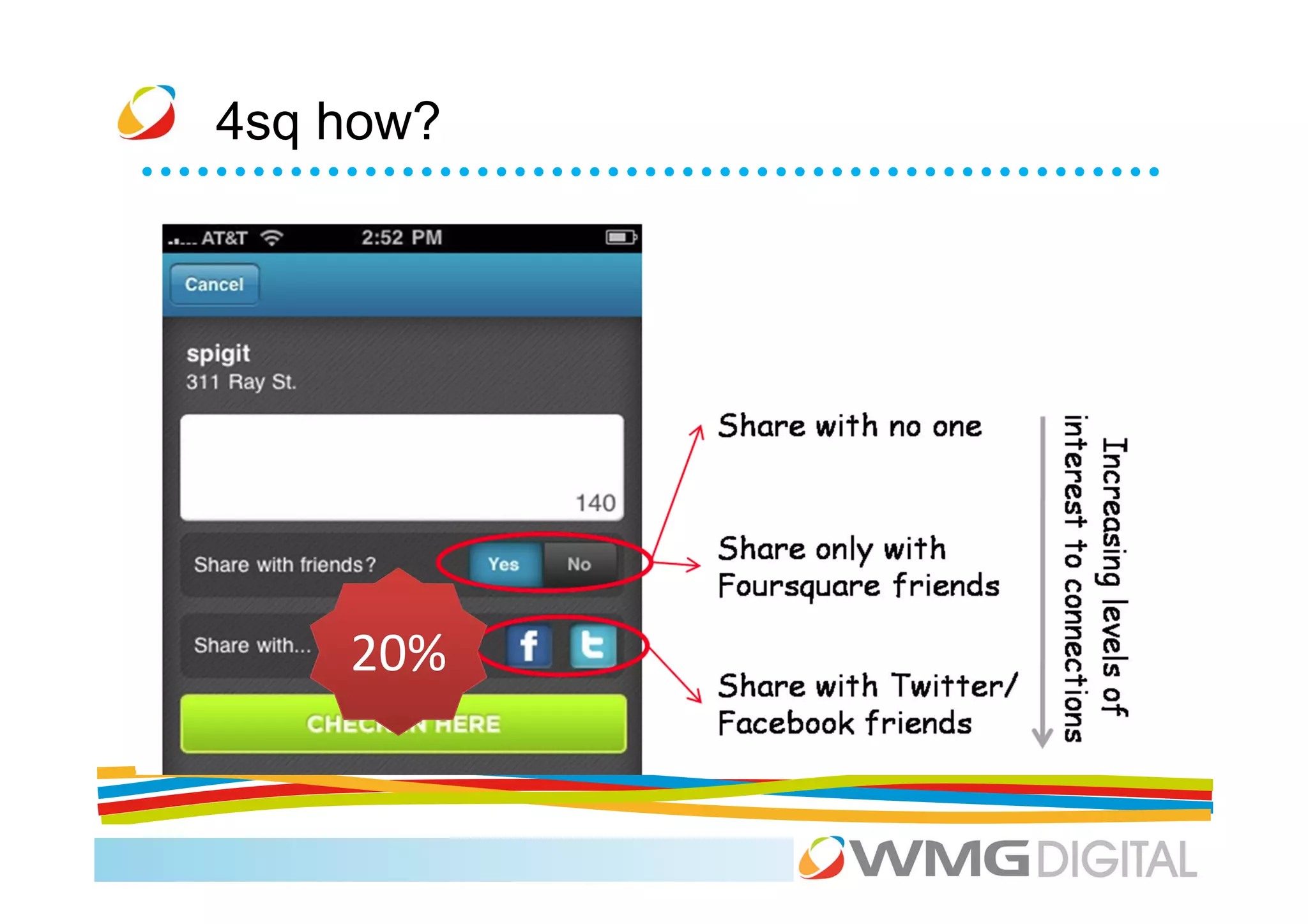
4sq how?


    20%
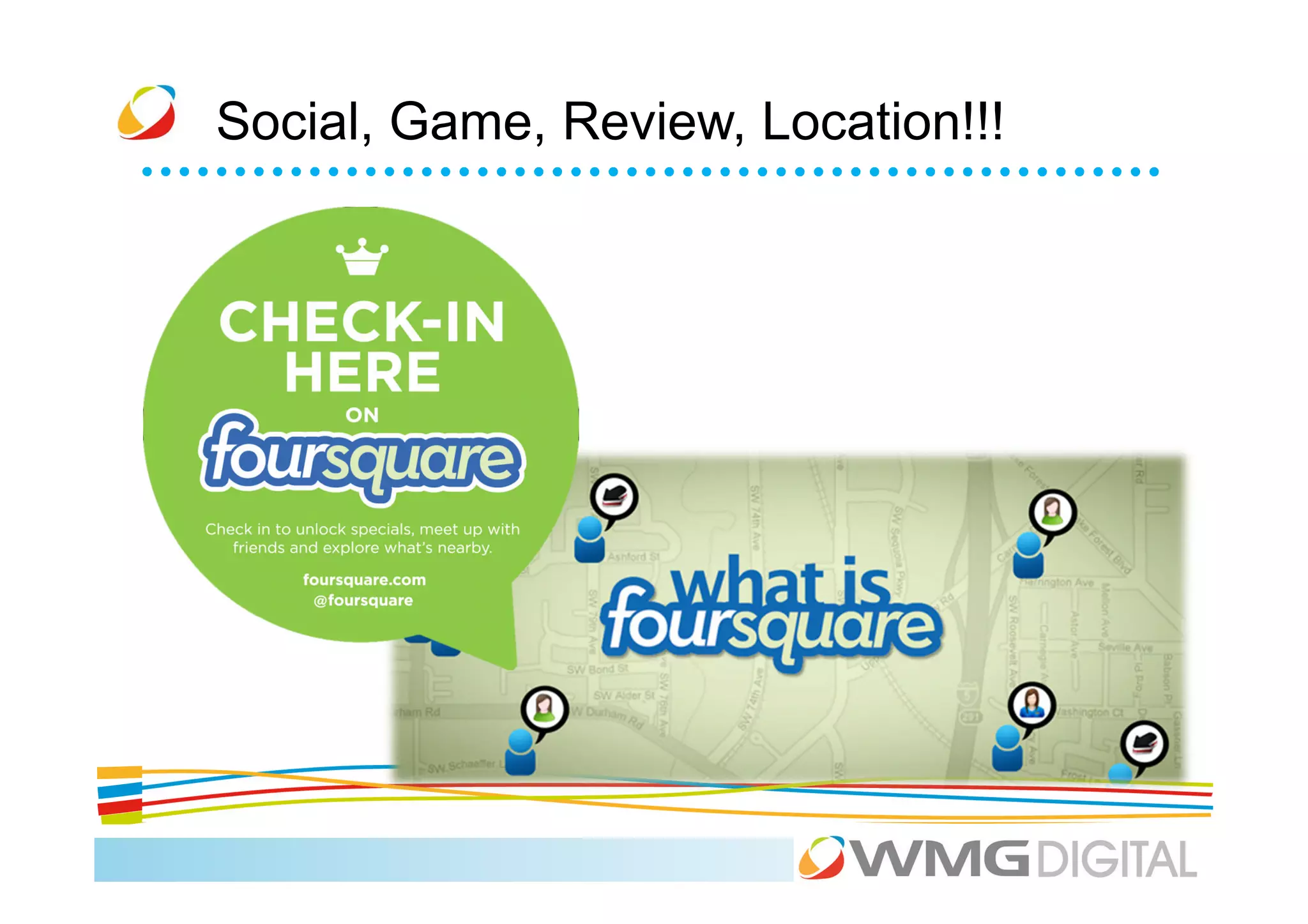
Social, Game, Review, Location!!!
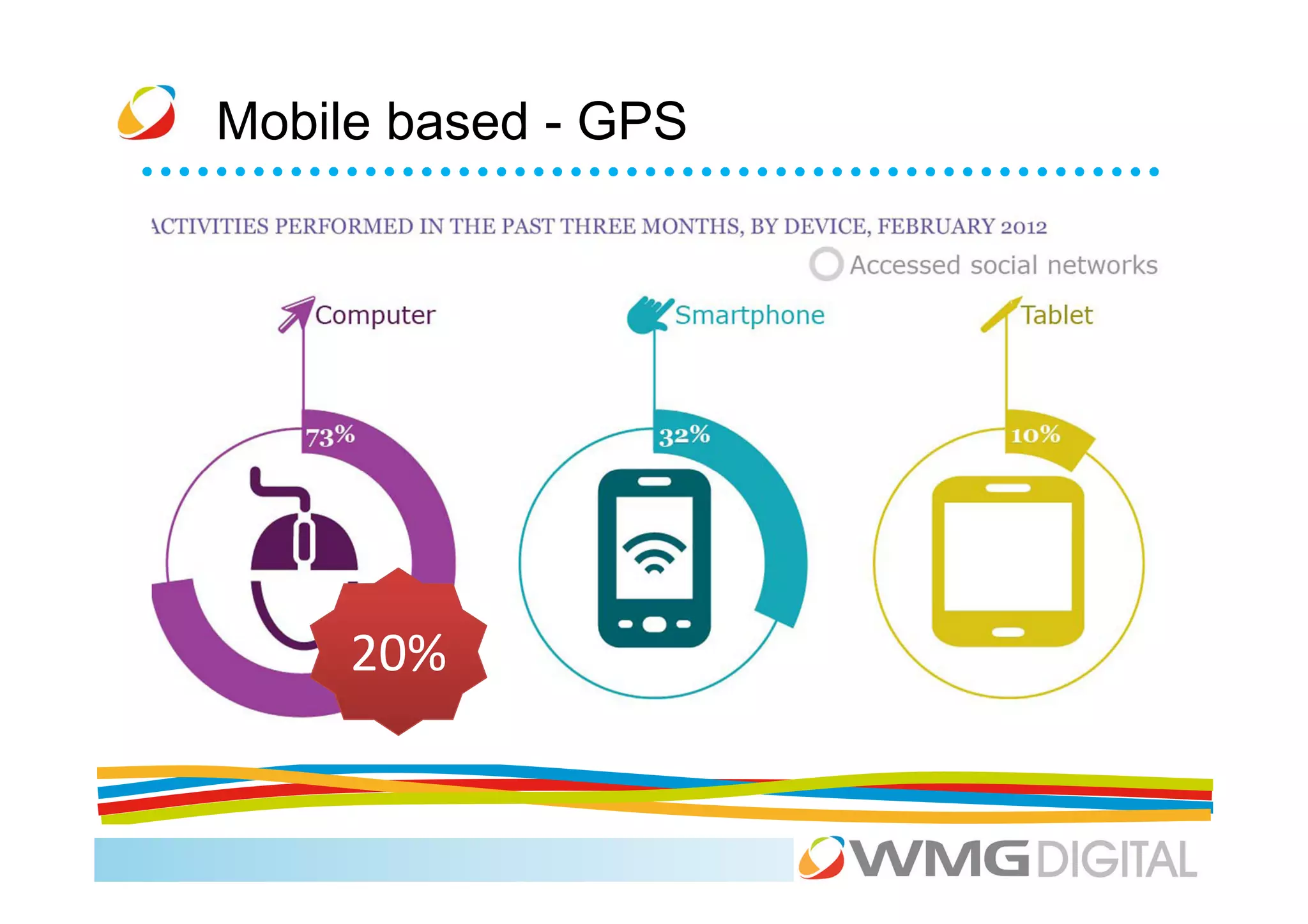
Mobile based - GPS


     20%
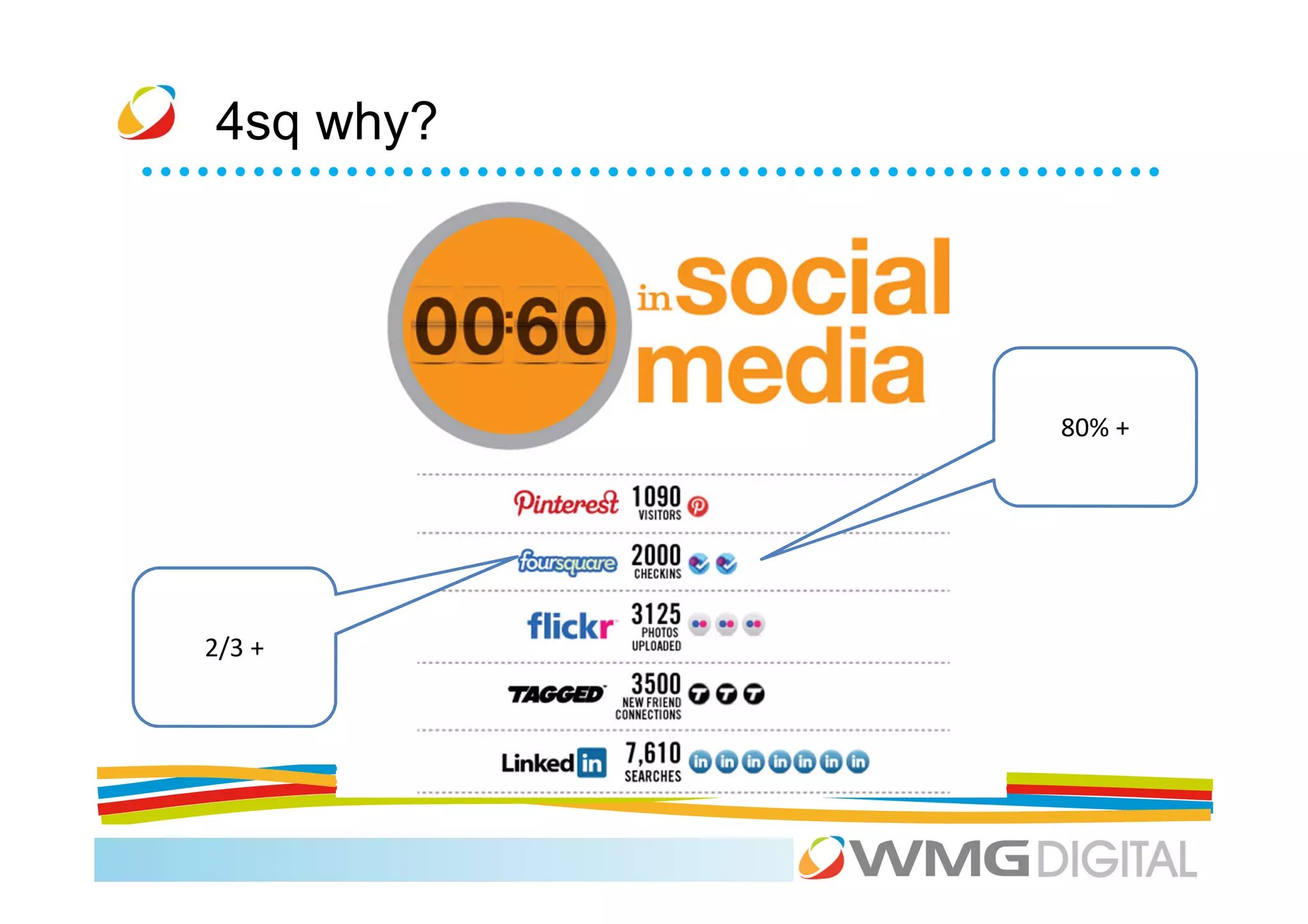
4sq why?


           80% +


2/3 +
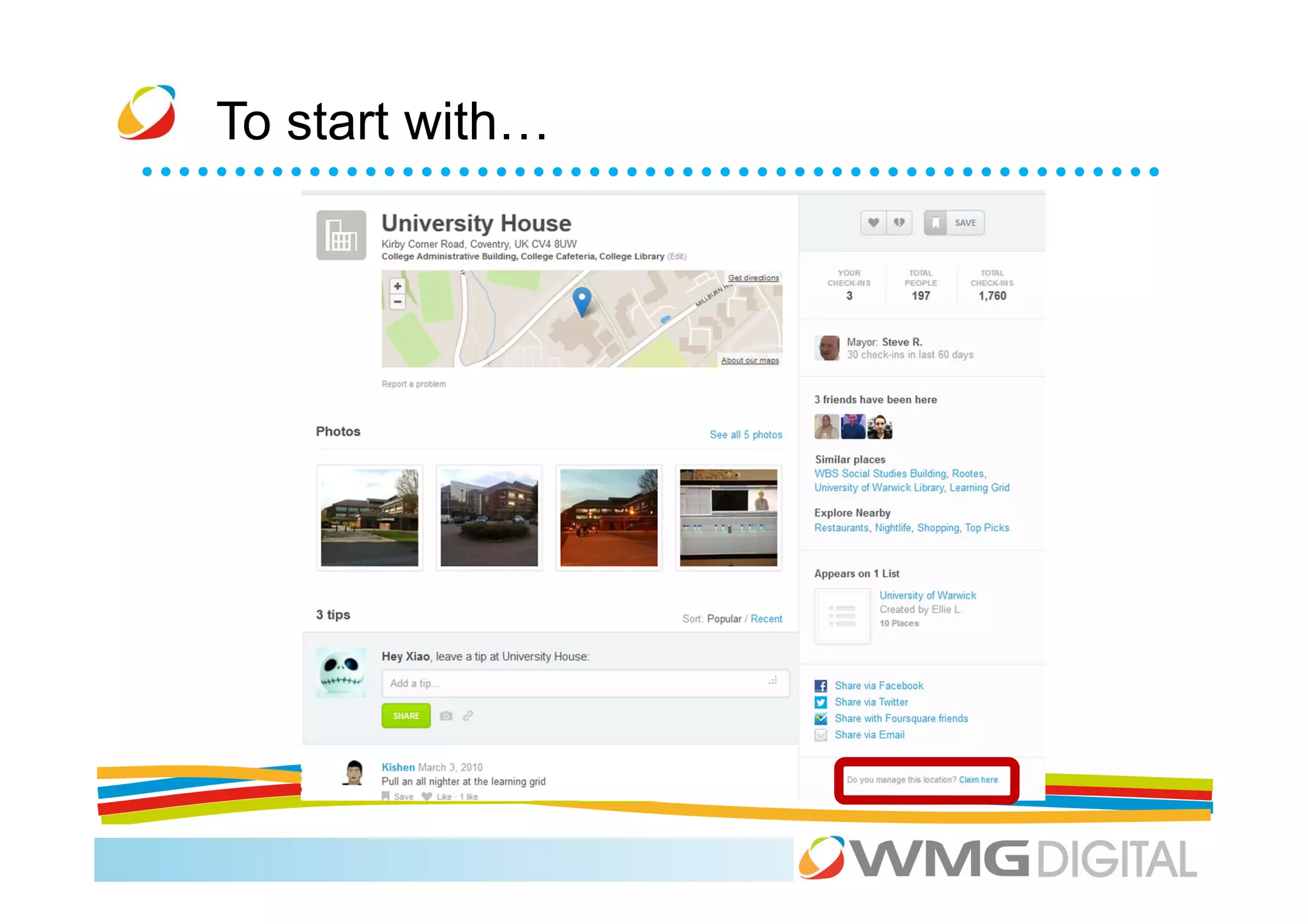
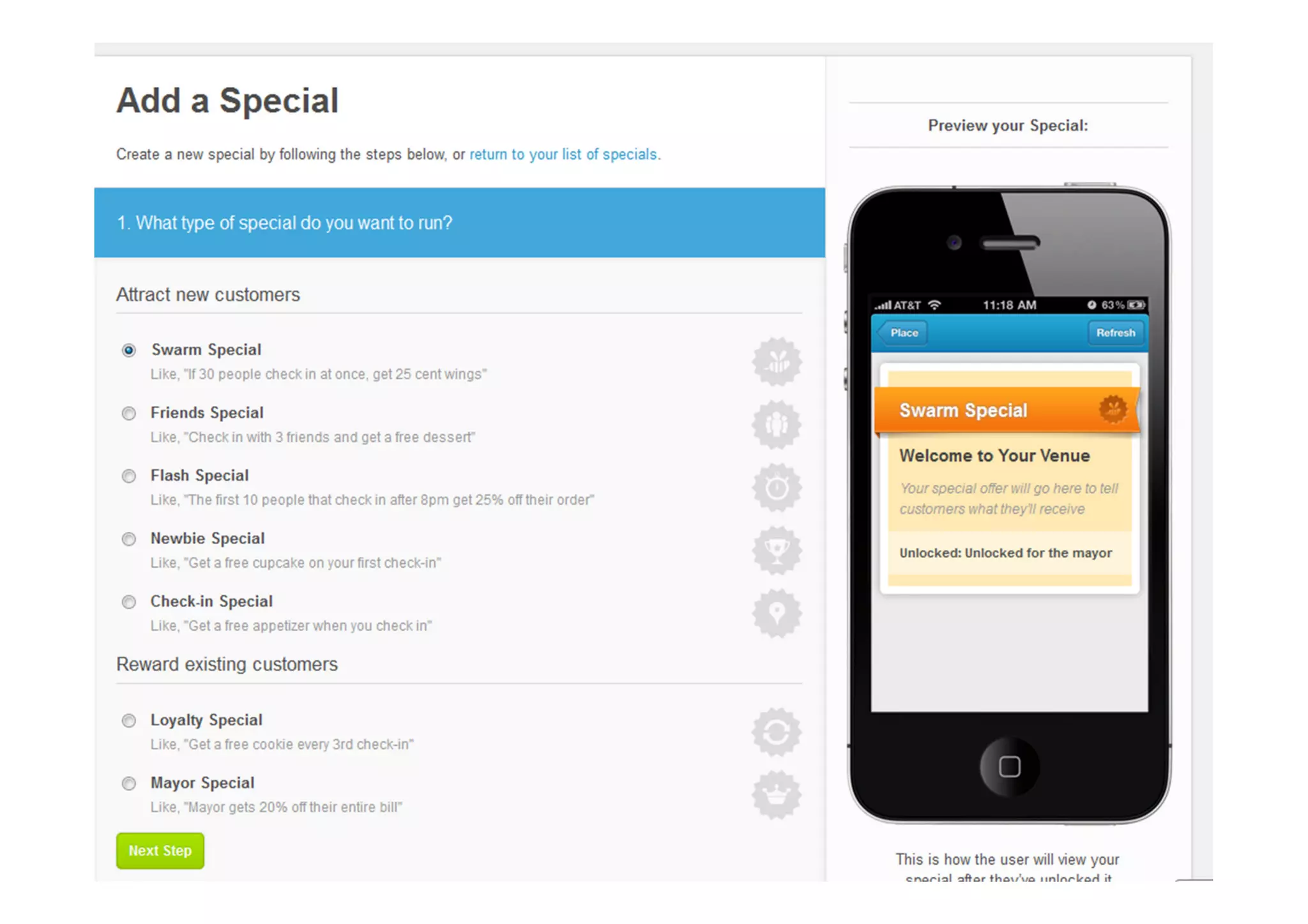
To start with…
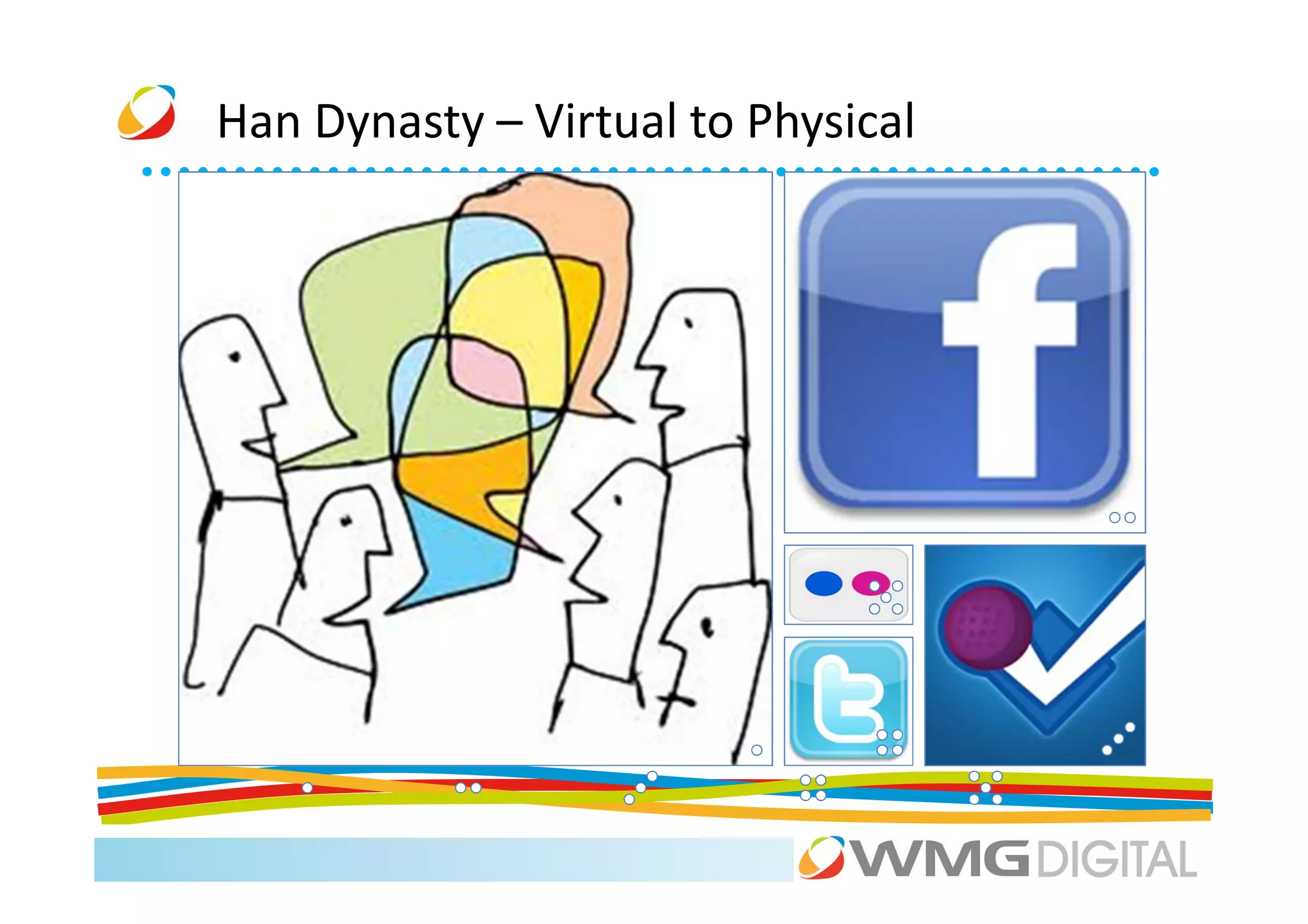
Han Dynasty – Virtual to Physical
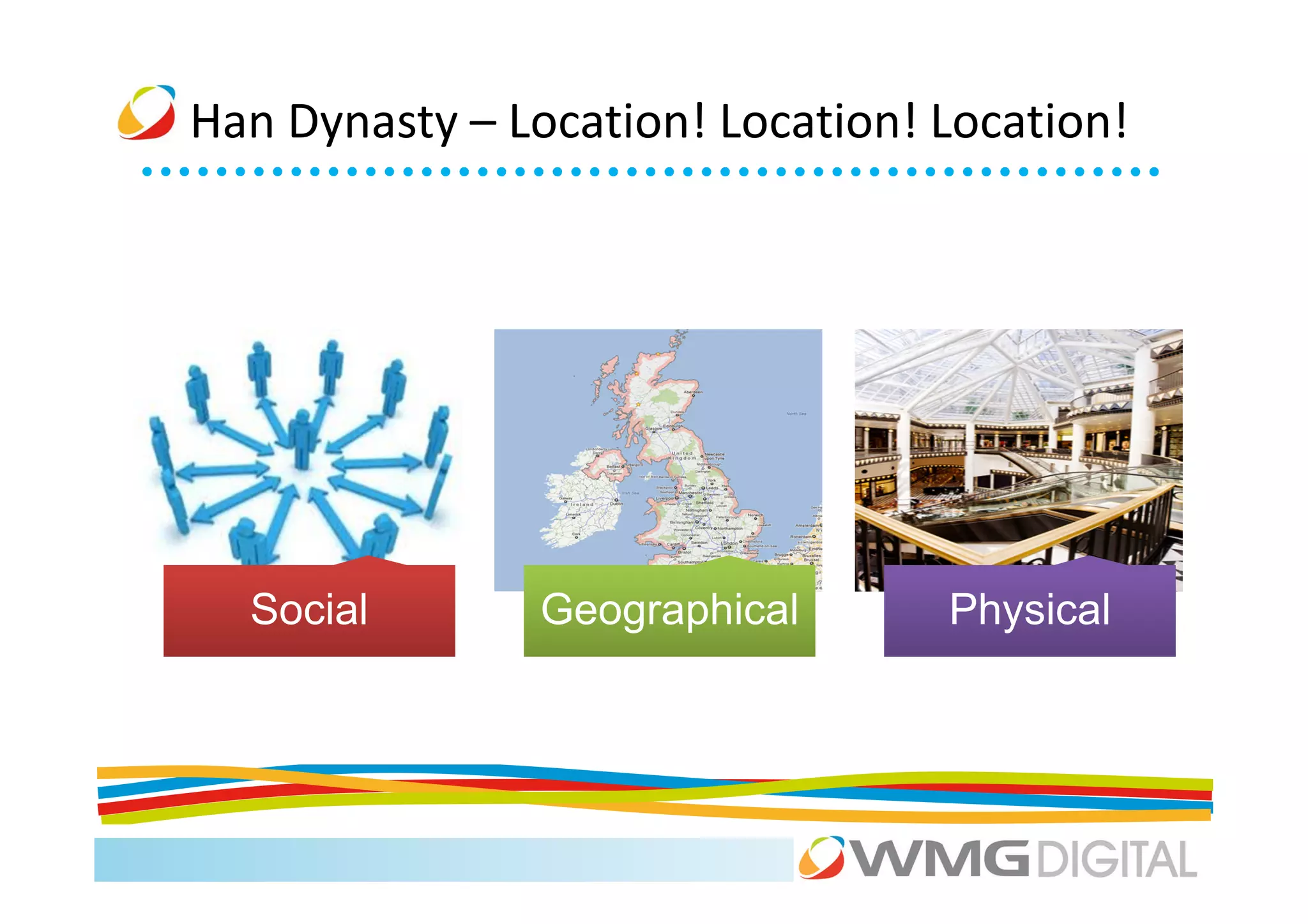
Han Dynasty – Location! Location! Location!


  Social        Geographical      Physical
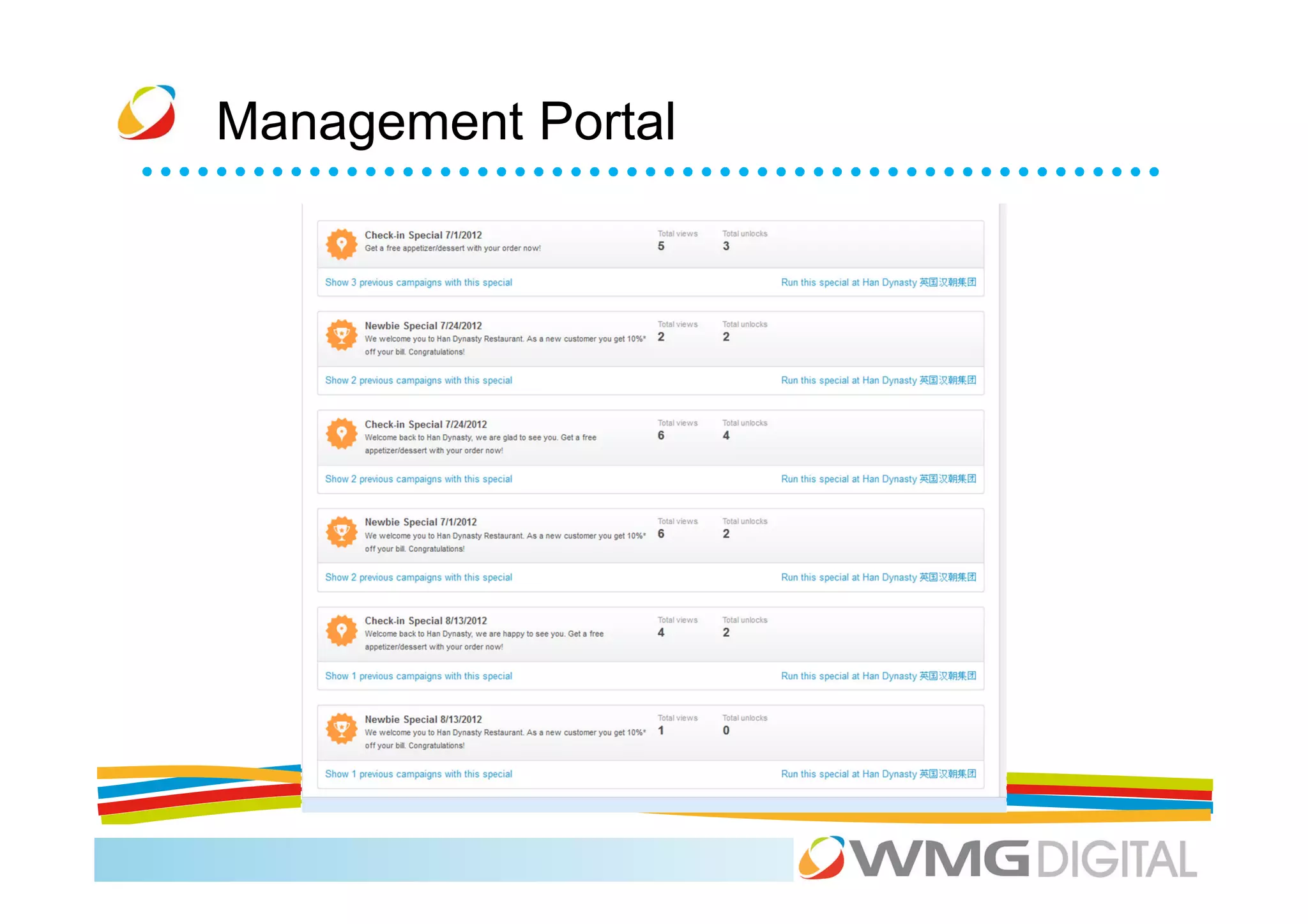
Management Portal
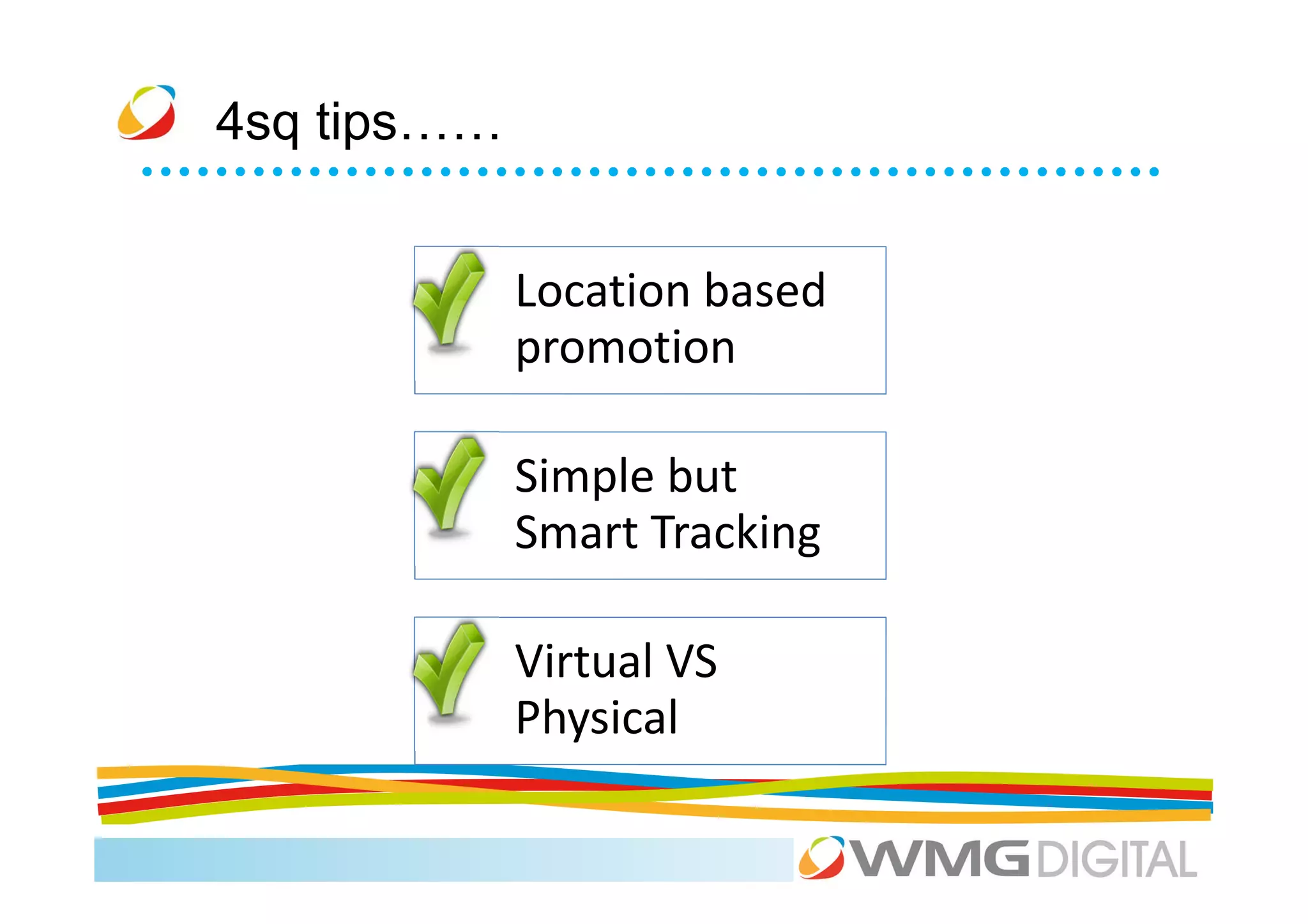
4sq tips……


             Location based
             promotion

             Simple but
             Smart Tracking

             Virtual VS
             Physical
Coffee
Agenda
9.30    The Social Media ‘big picture’                       Mark

10.00   LinkedIn: the social media everyone should use       Scott

11.00   Coffee

11.15   Facebook and Twitter for your business               Xiao + Scott

12.45   Lunch

1.45    Exposing your visual side: YouTube + Pinterest       Ellie

2.30    Location, location, location: Foursquare.            Xiao

3.00    Coffee

3.15    Google+                                              Xiao
4.00    Don’t Panic: managing your networks and your time.   Scott
Welcome
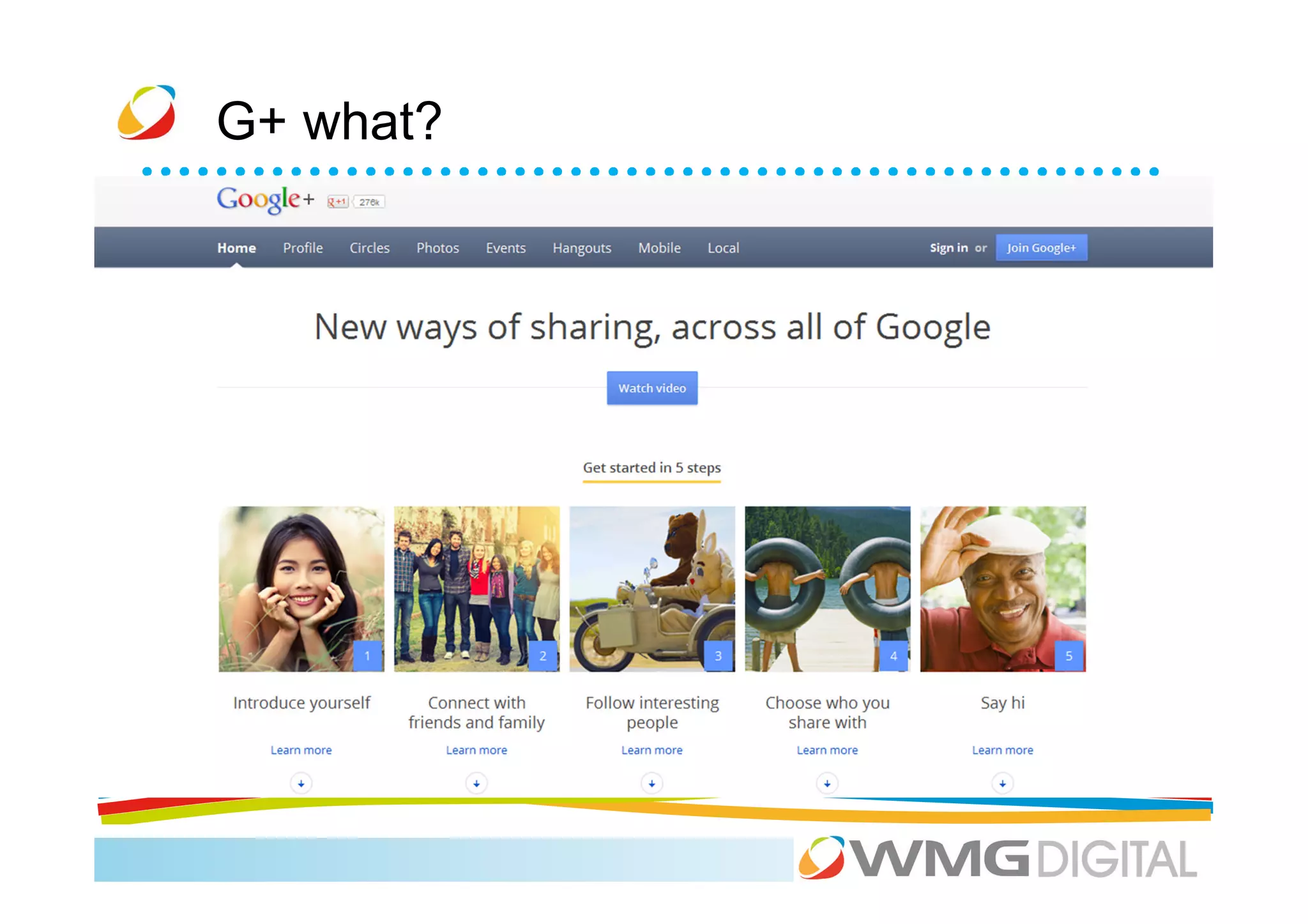
G+ what?
G+ what?
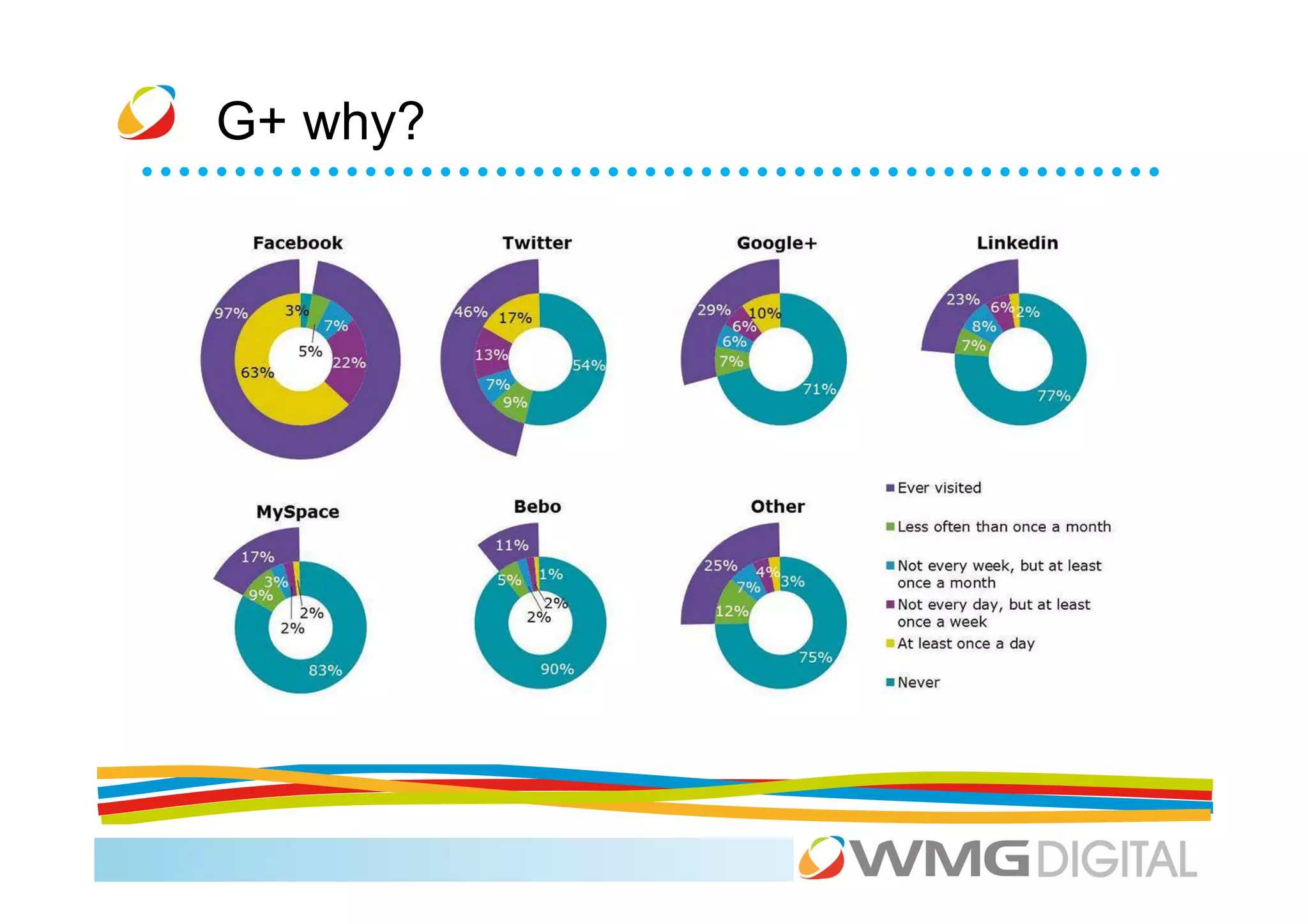
G+ why?
G+ for business
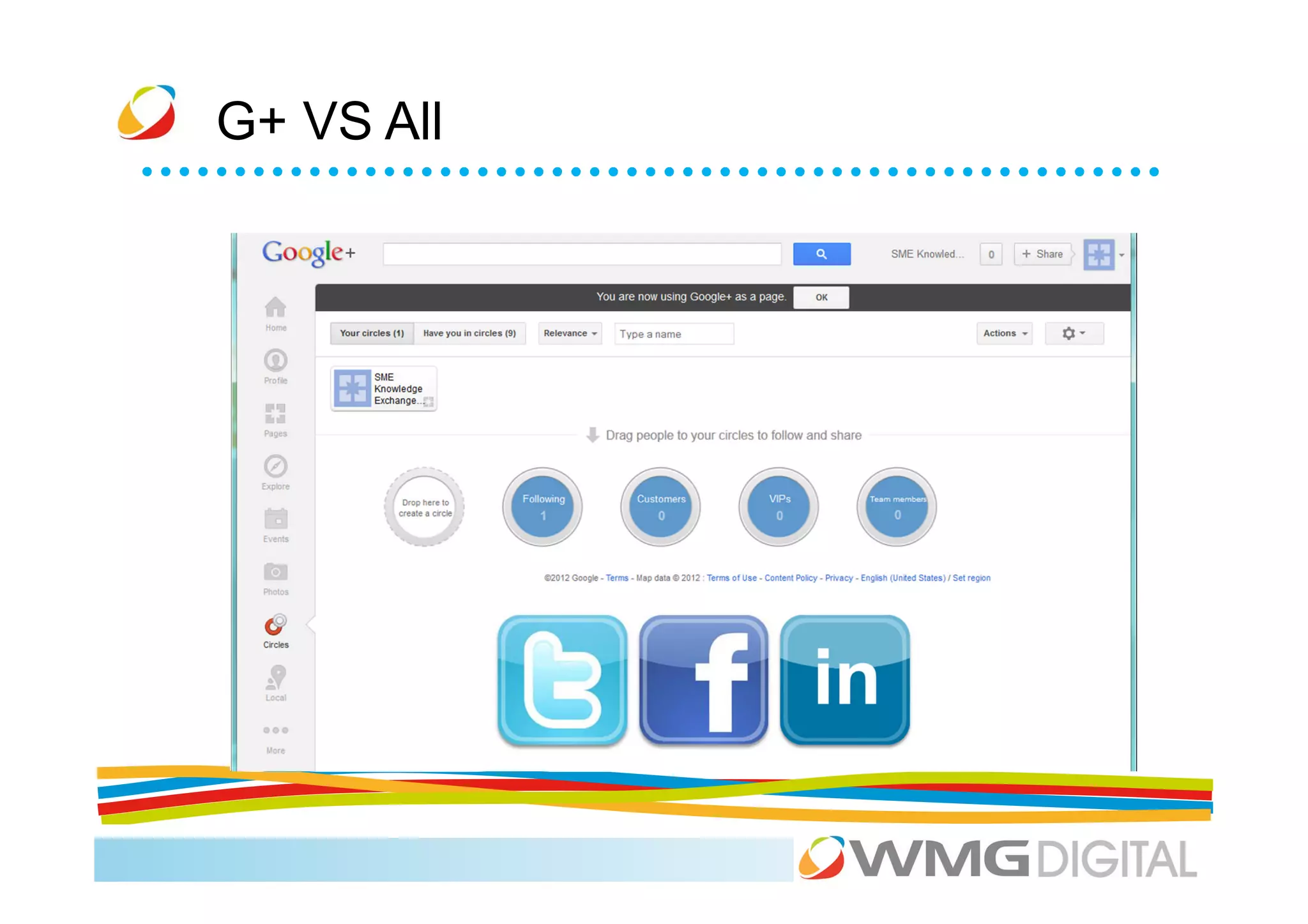
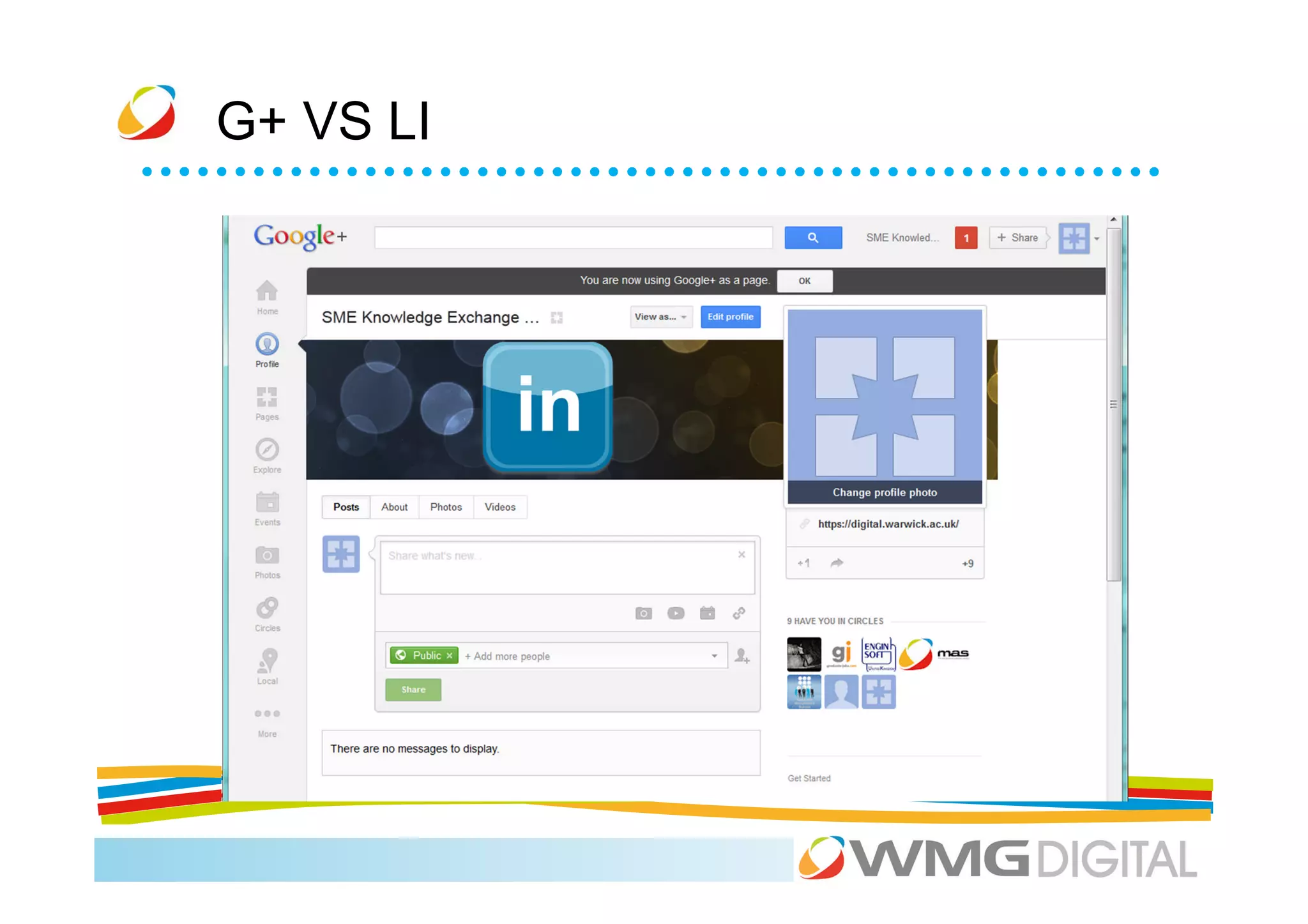
G+ VS All
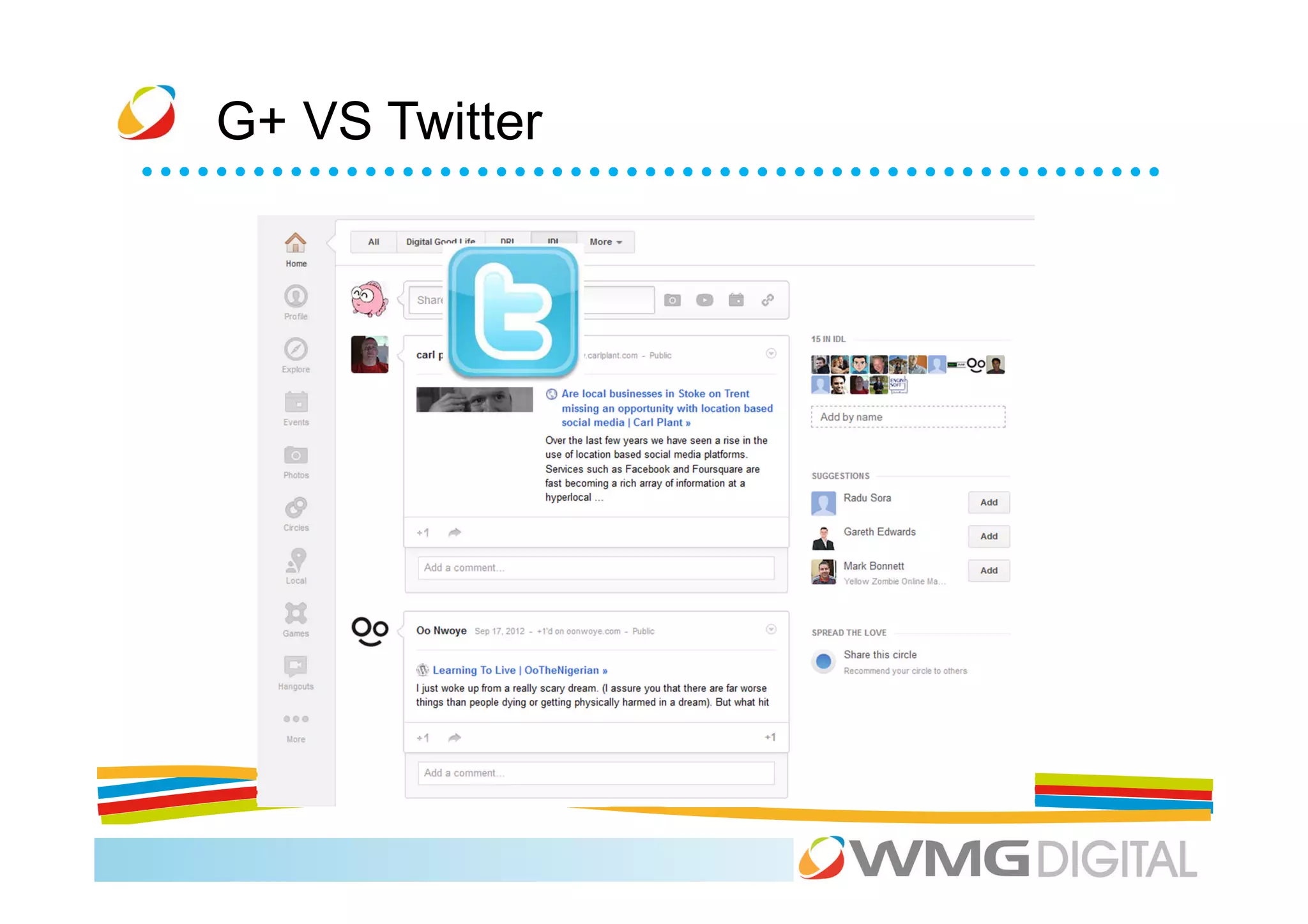
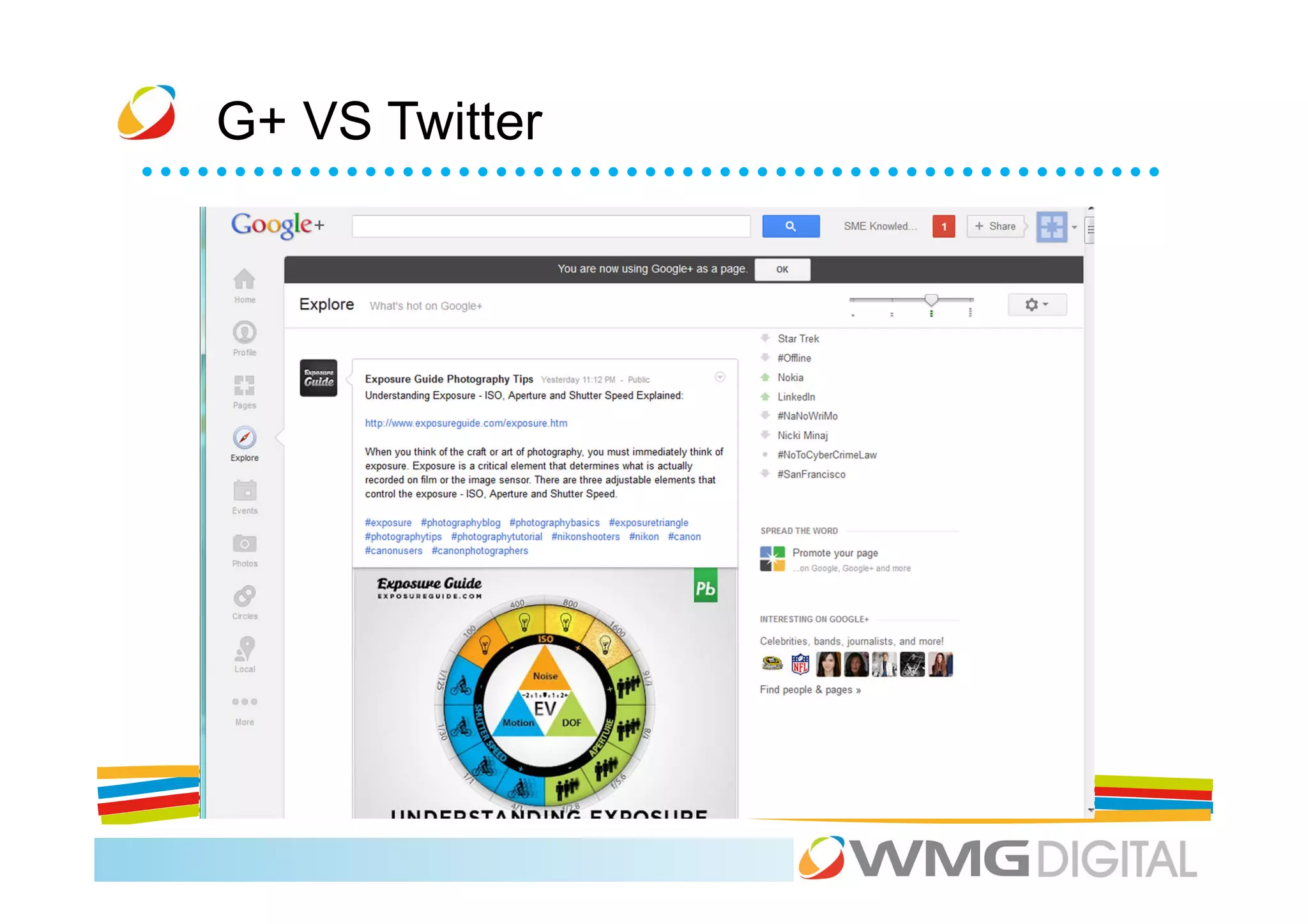
G+ VS Twitter
G+ VS Twitter
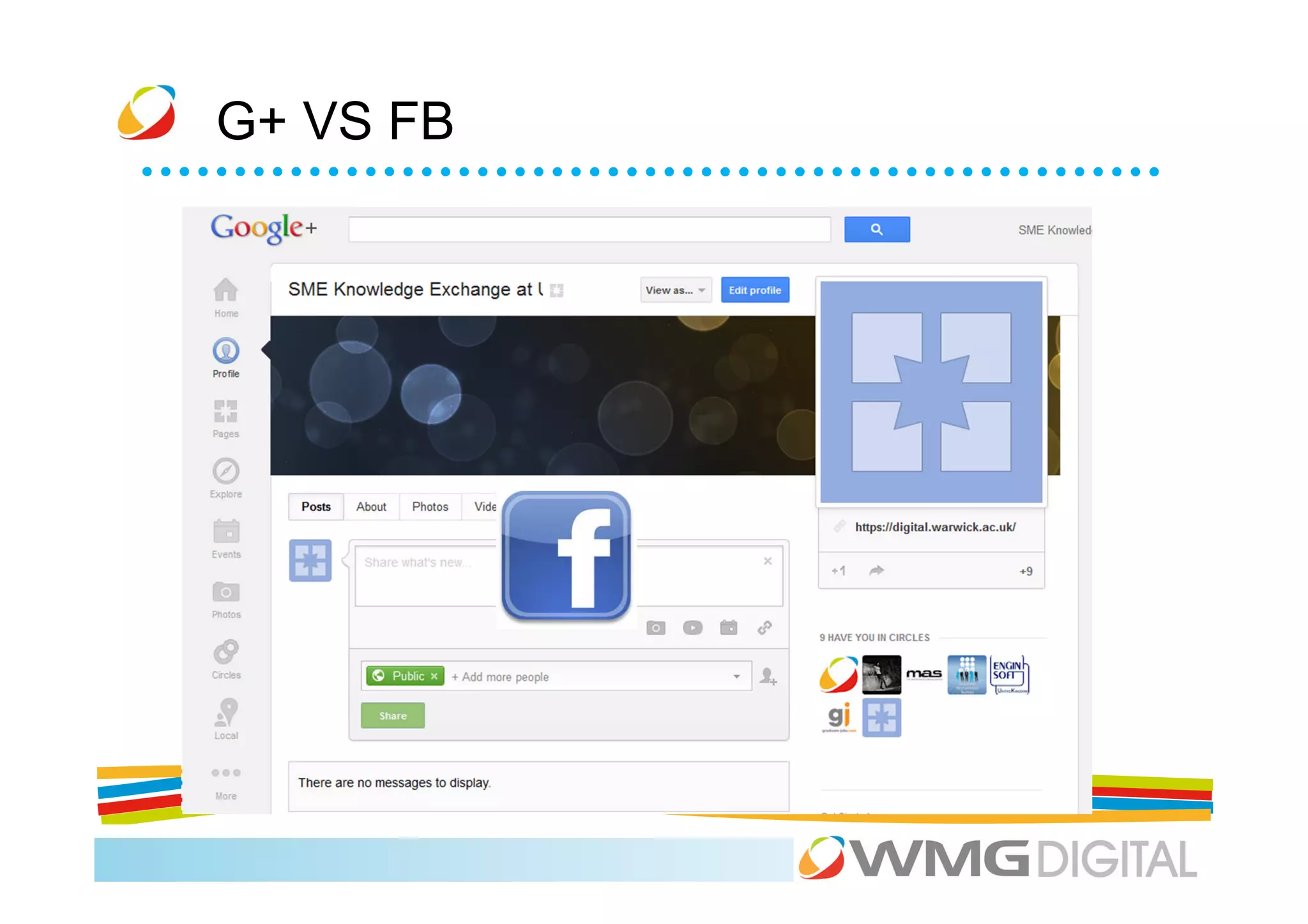
G+ VS FB
G+ VS LI
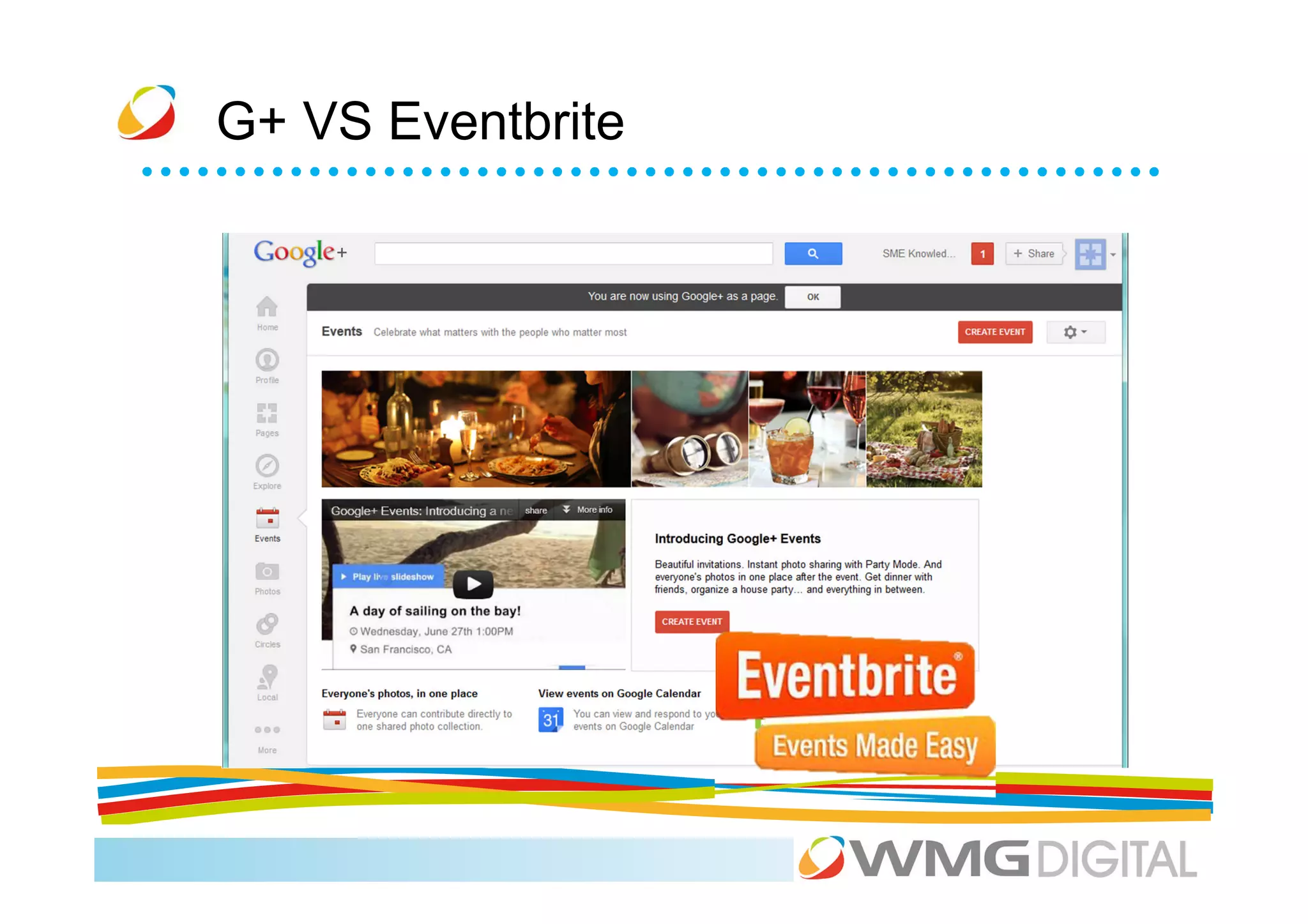
G+ VS Eventbrite
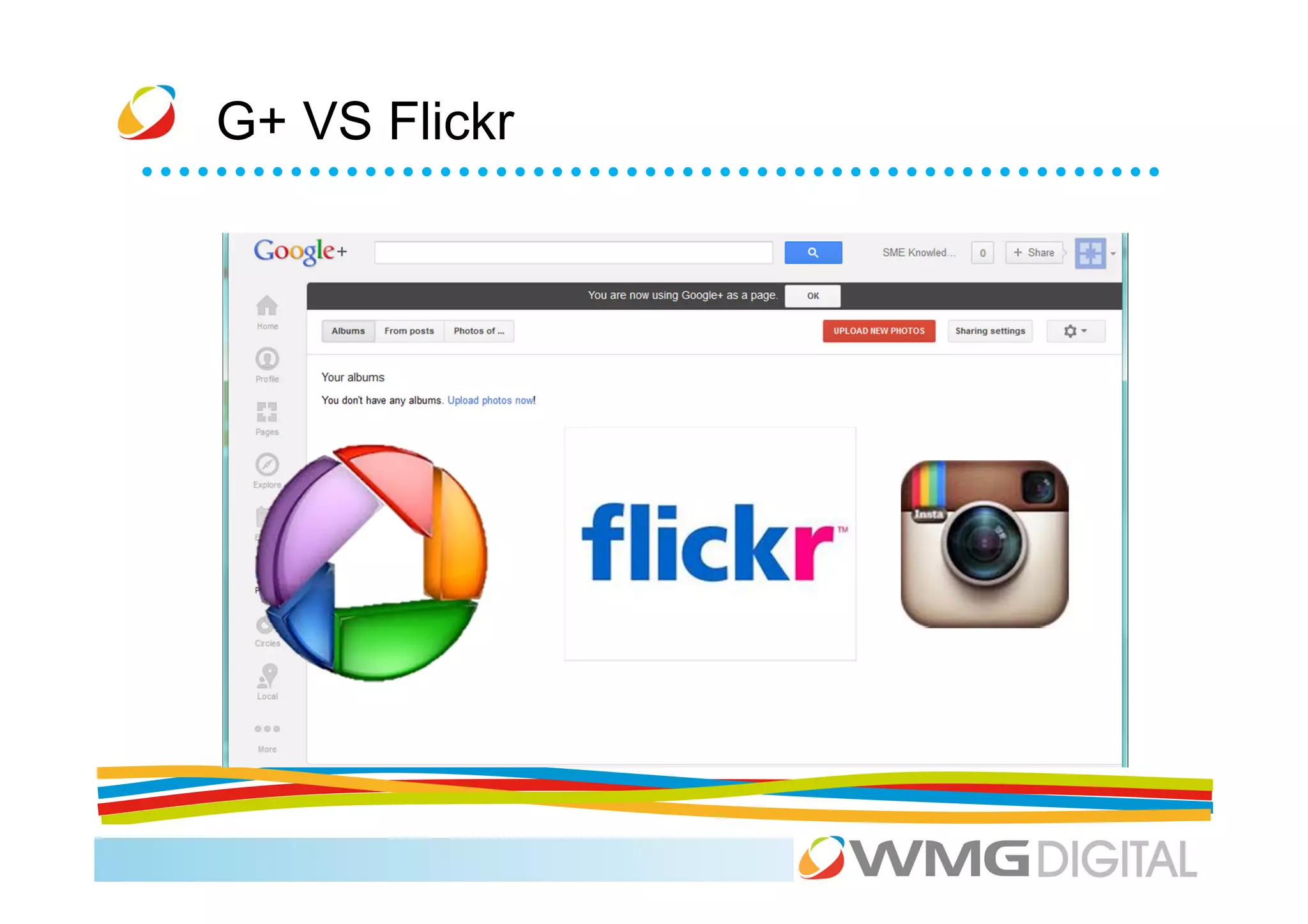
G+ VS Flickr
G+ VS Flickr
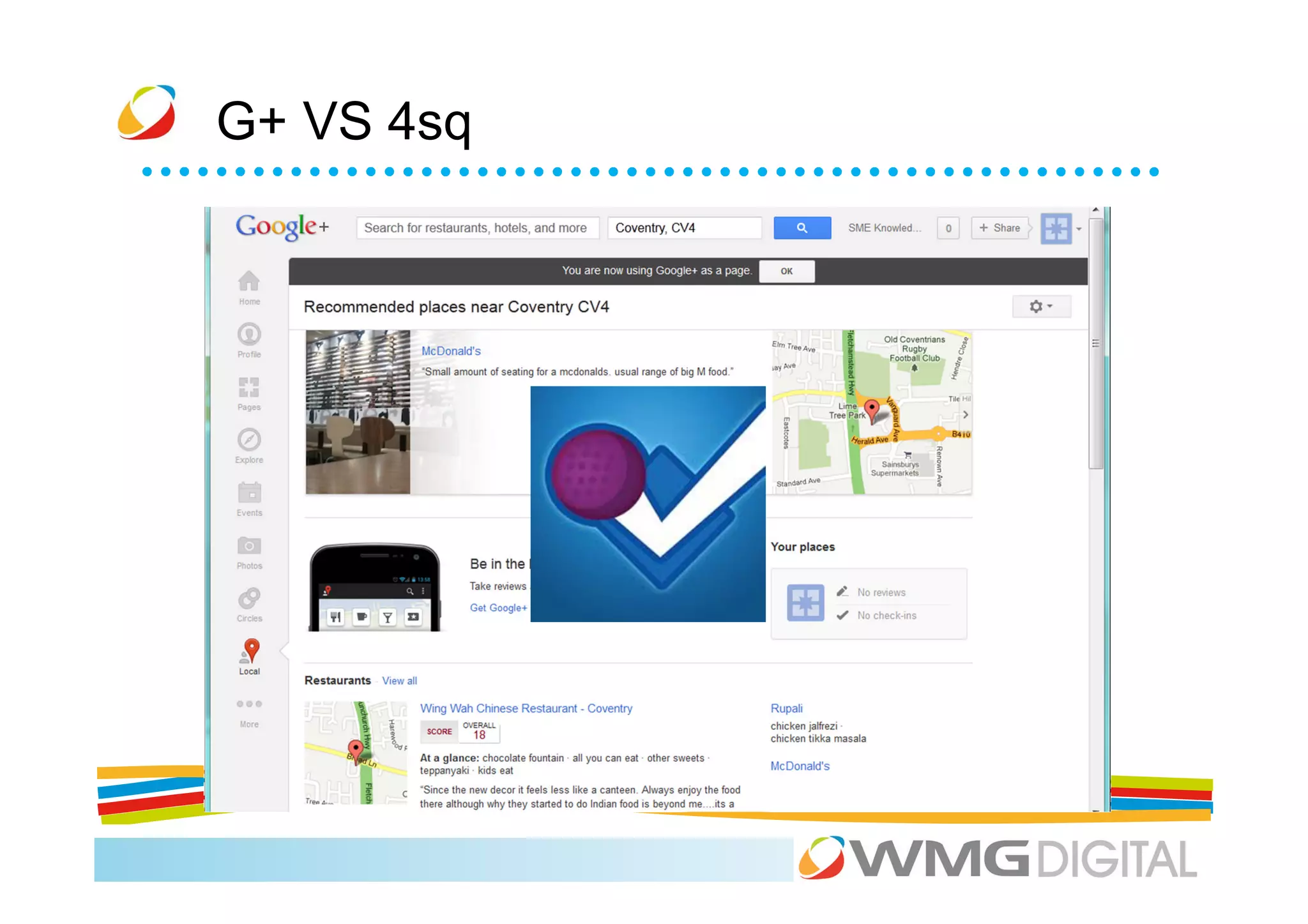
G+ VS 4sq
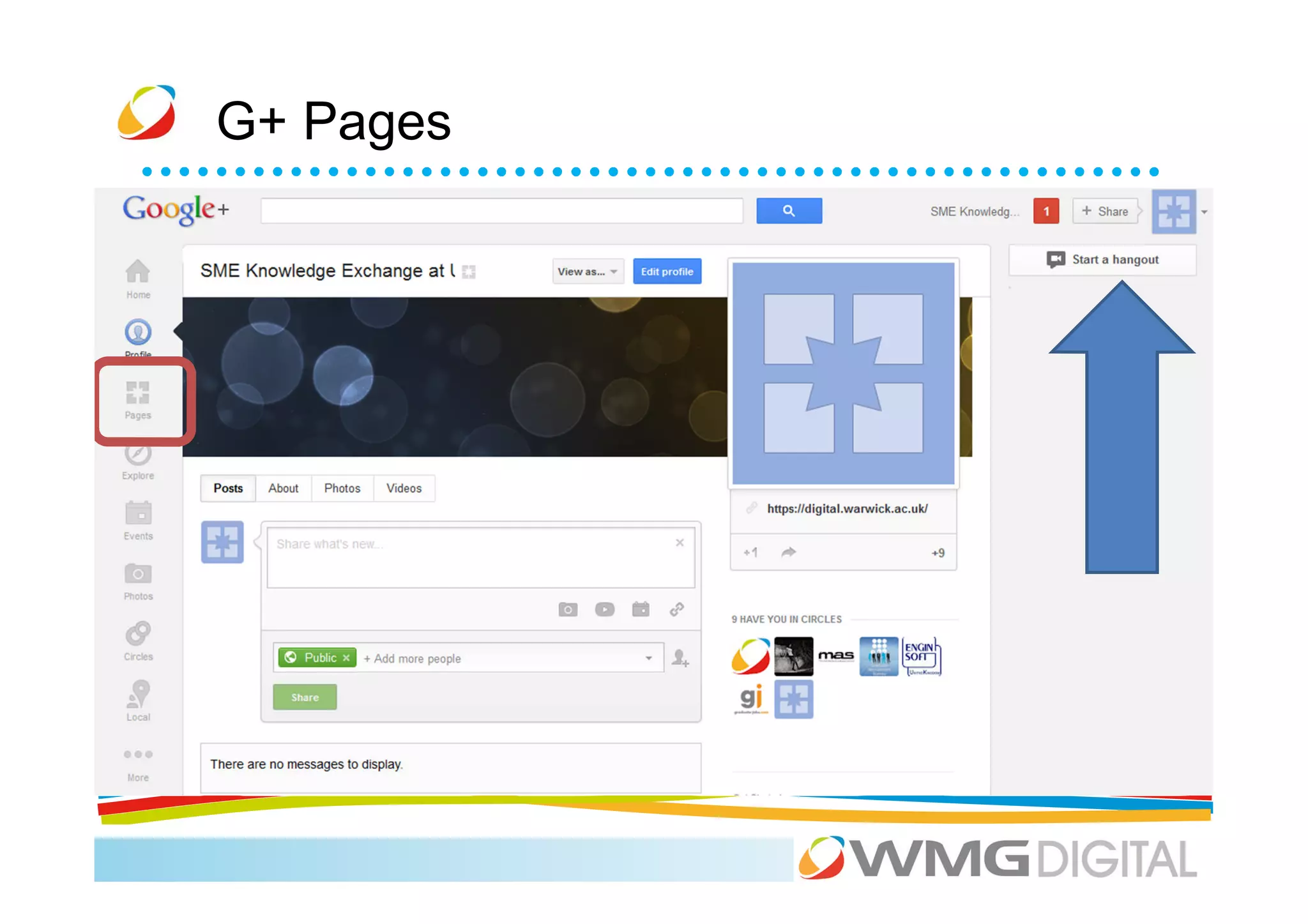
G+ Pages
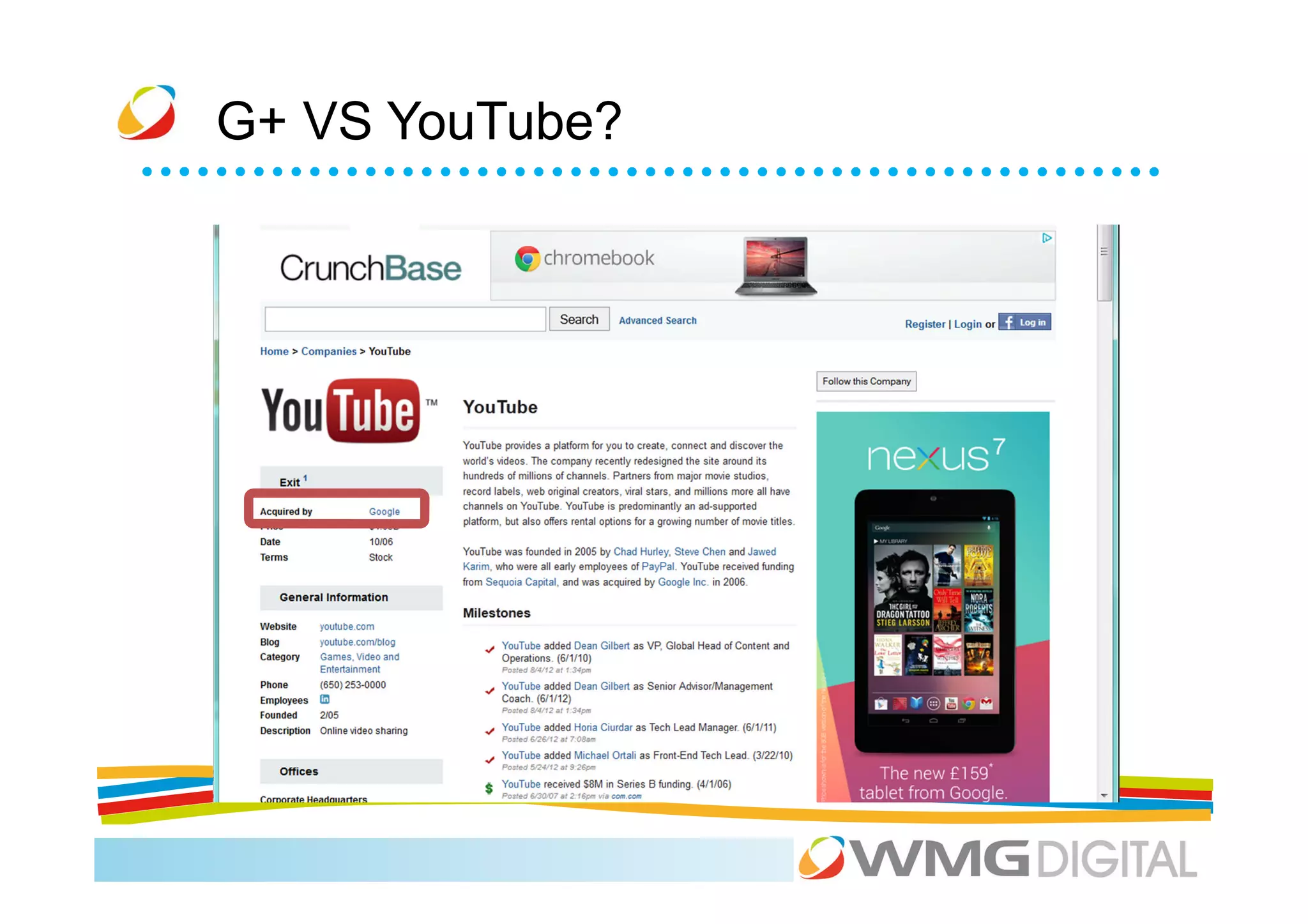
G+ VS YouTube?
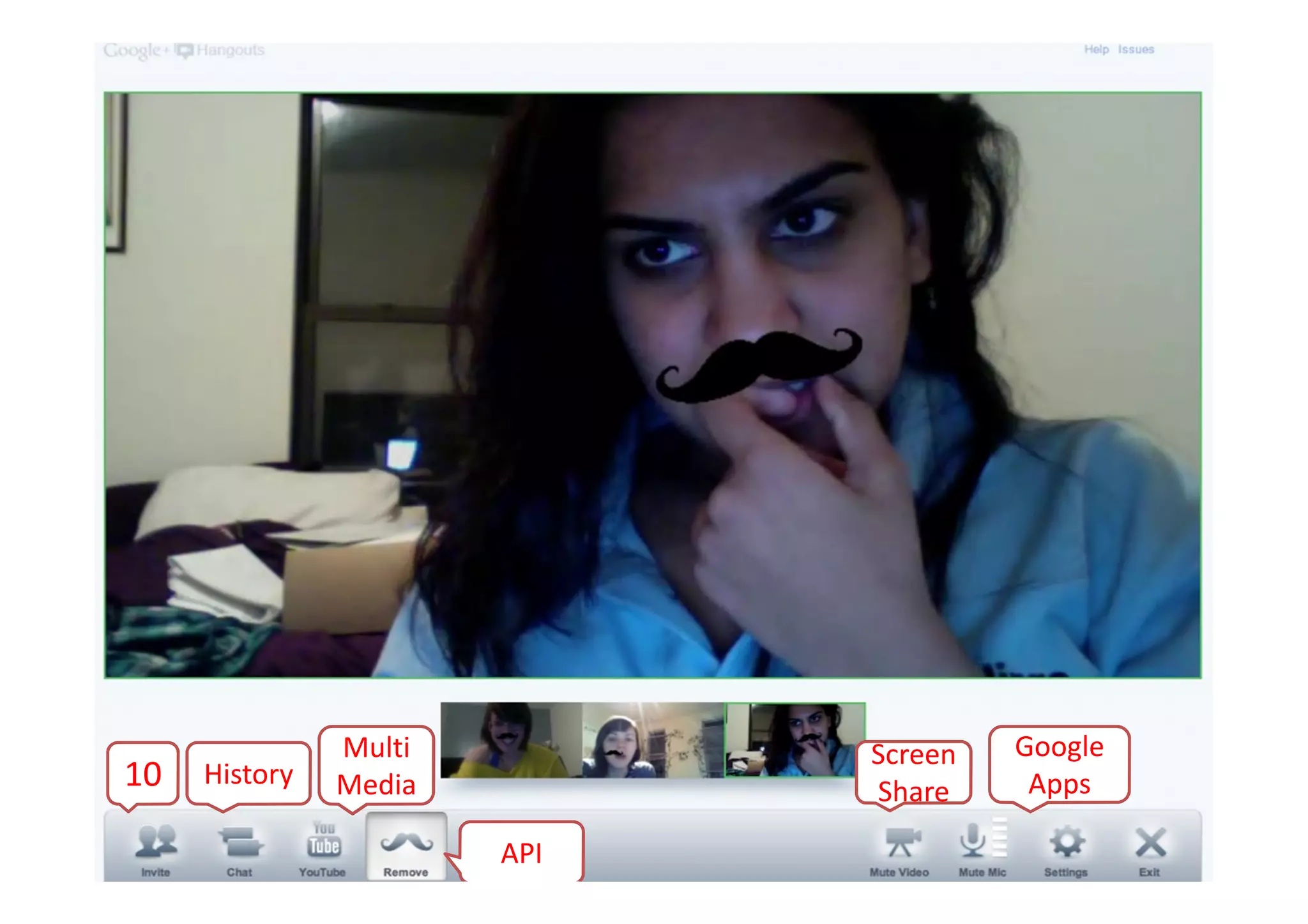
Multi         Screen   Google
10   History   Media         Share     Apps

                       API
G+ tips……


            All in One


            Google Apps
            Integration


            Its from Google
Activity


Google+ session - hold a hangout for 10 people,
where Scott and Xiao are presenting a document to
the remaining people.
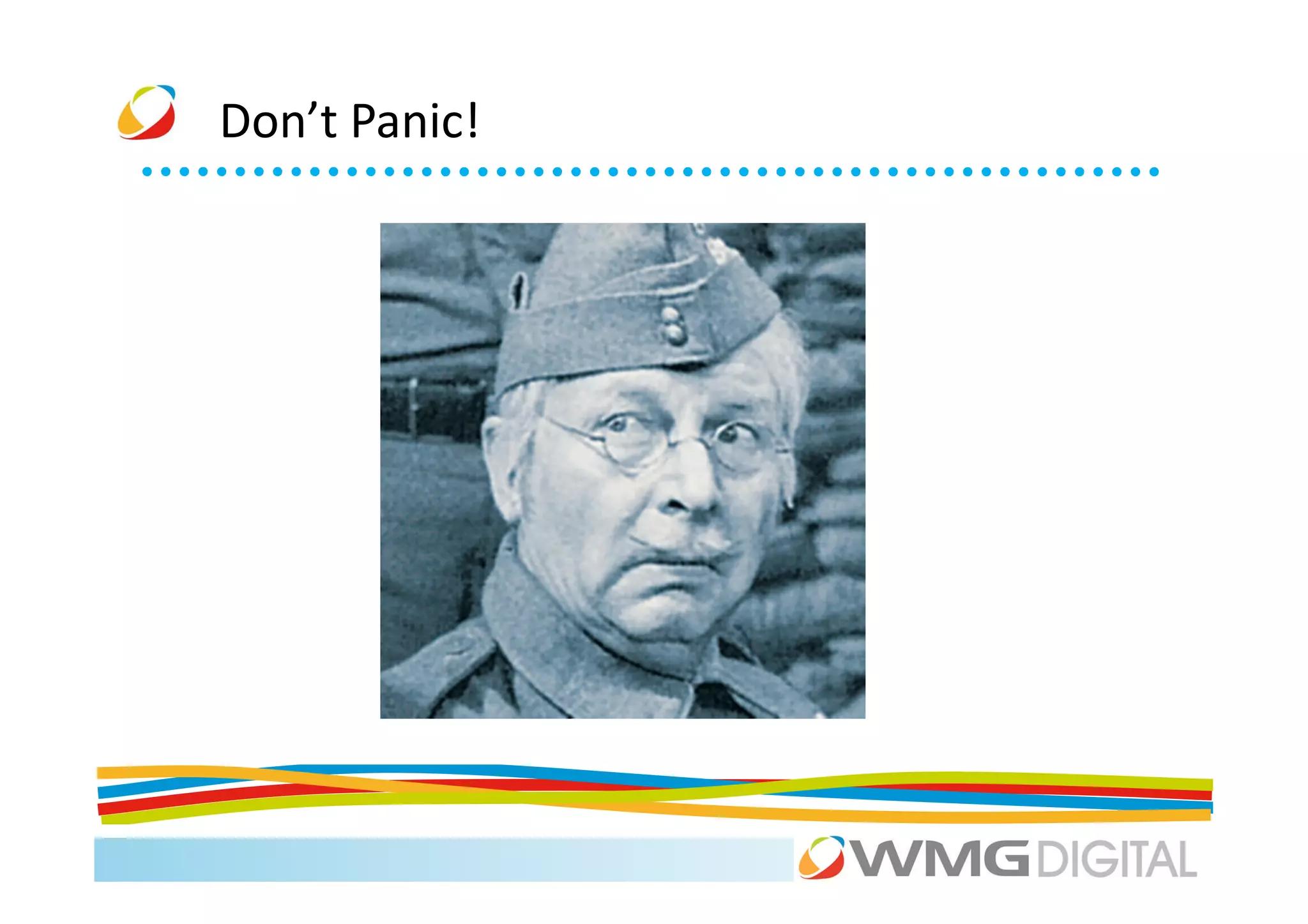
Don’t Panic!
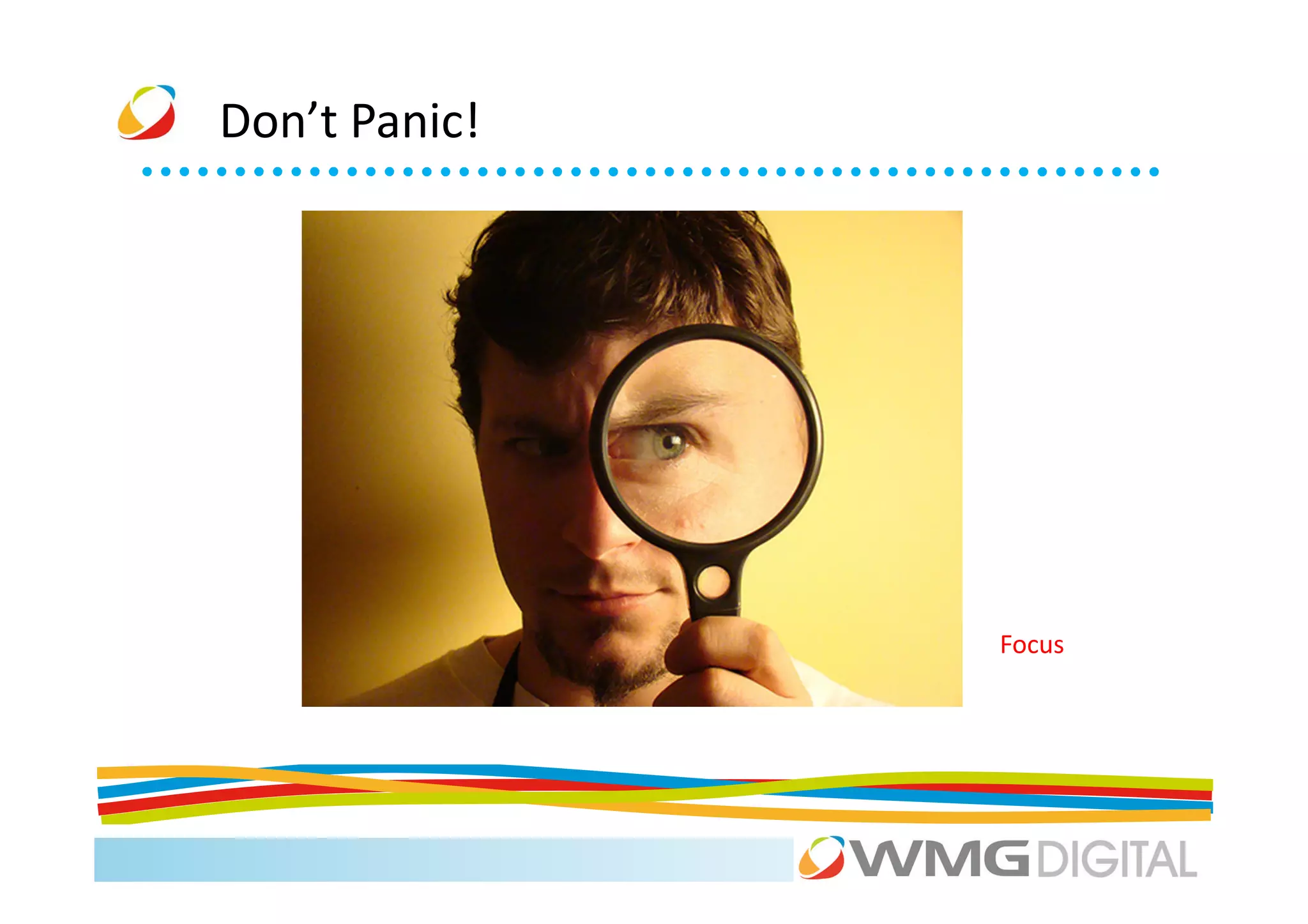
Don’t Panic!


               Focus
Don’t Panic!


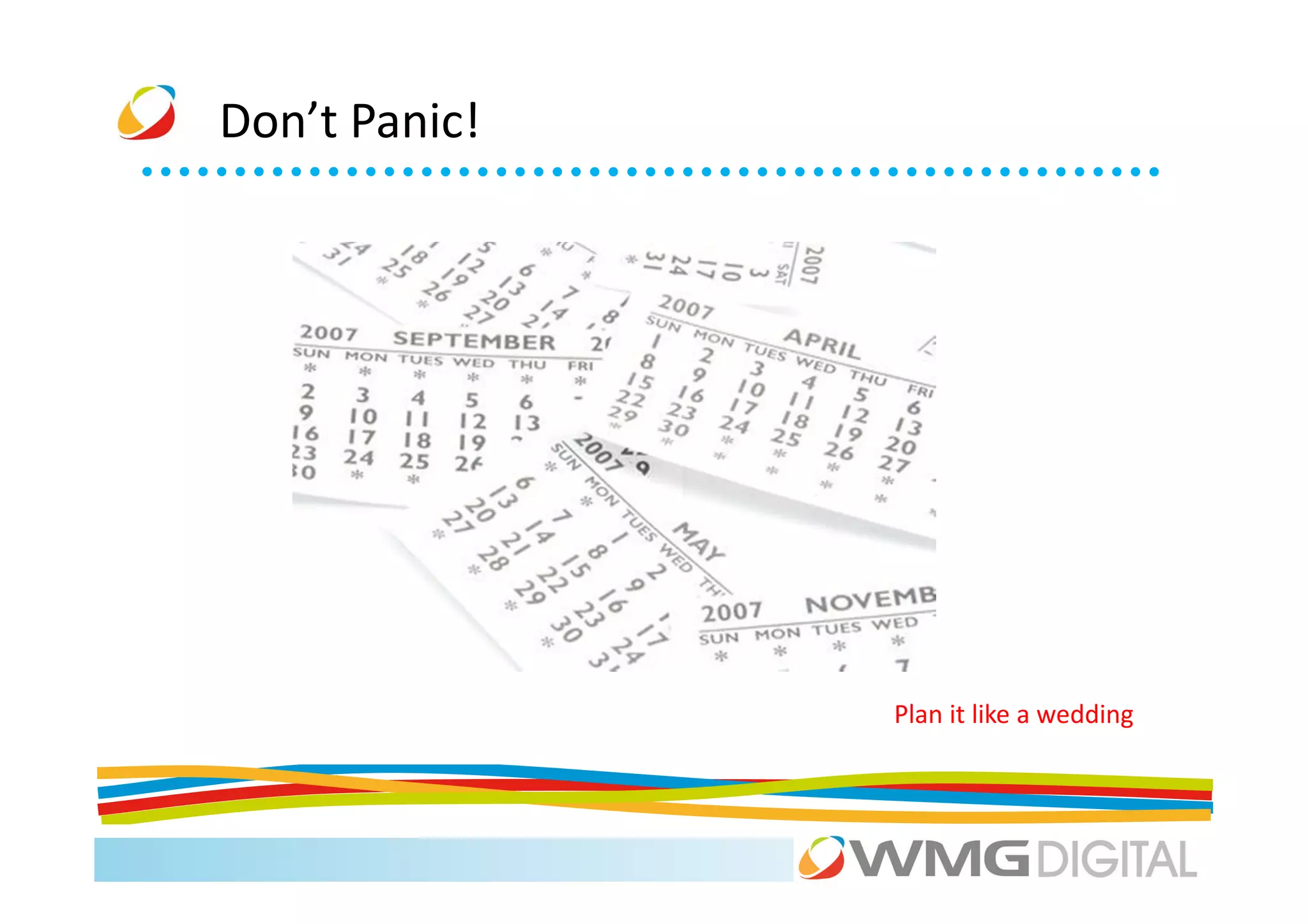
               Plan it like a wedding
Don’t Panic!


               Be time aware
Case Study
Case Study
Case Study
Activity


On paper, start writing a simple strategy for your
business.

What are your goals and objectives?
What networks do you want to work with?
What are your tactics for each?
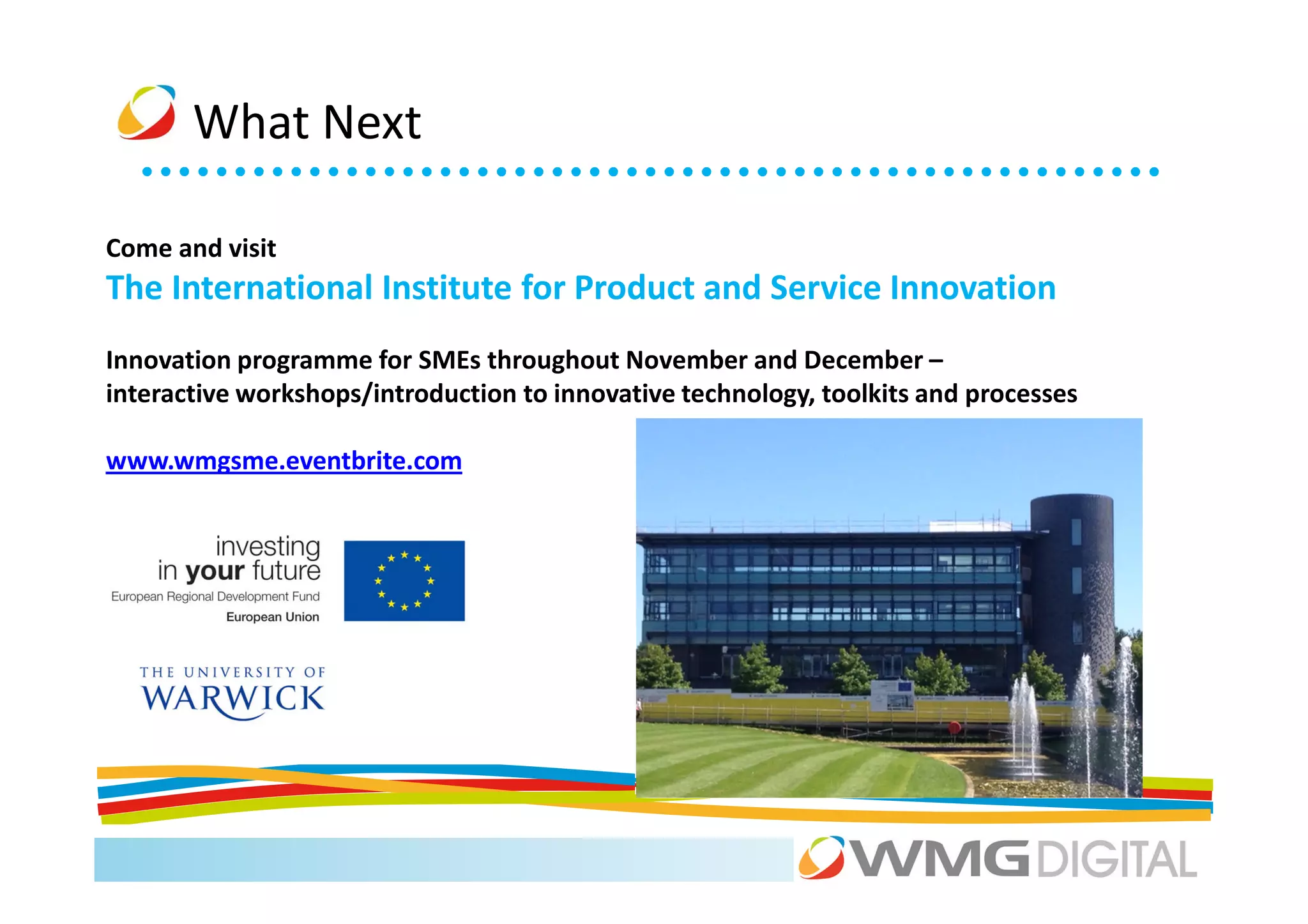
What Next

Come and visit
The International Institute for Product and Service Innovation
Innovation programme for SMEs throughout November and December –
interactive workshops/introduction to innovative technology, toolkits and processes

www.wmgsme.eventbrite.com
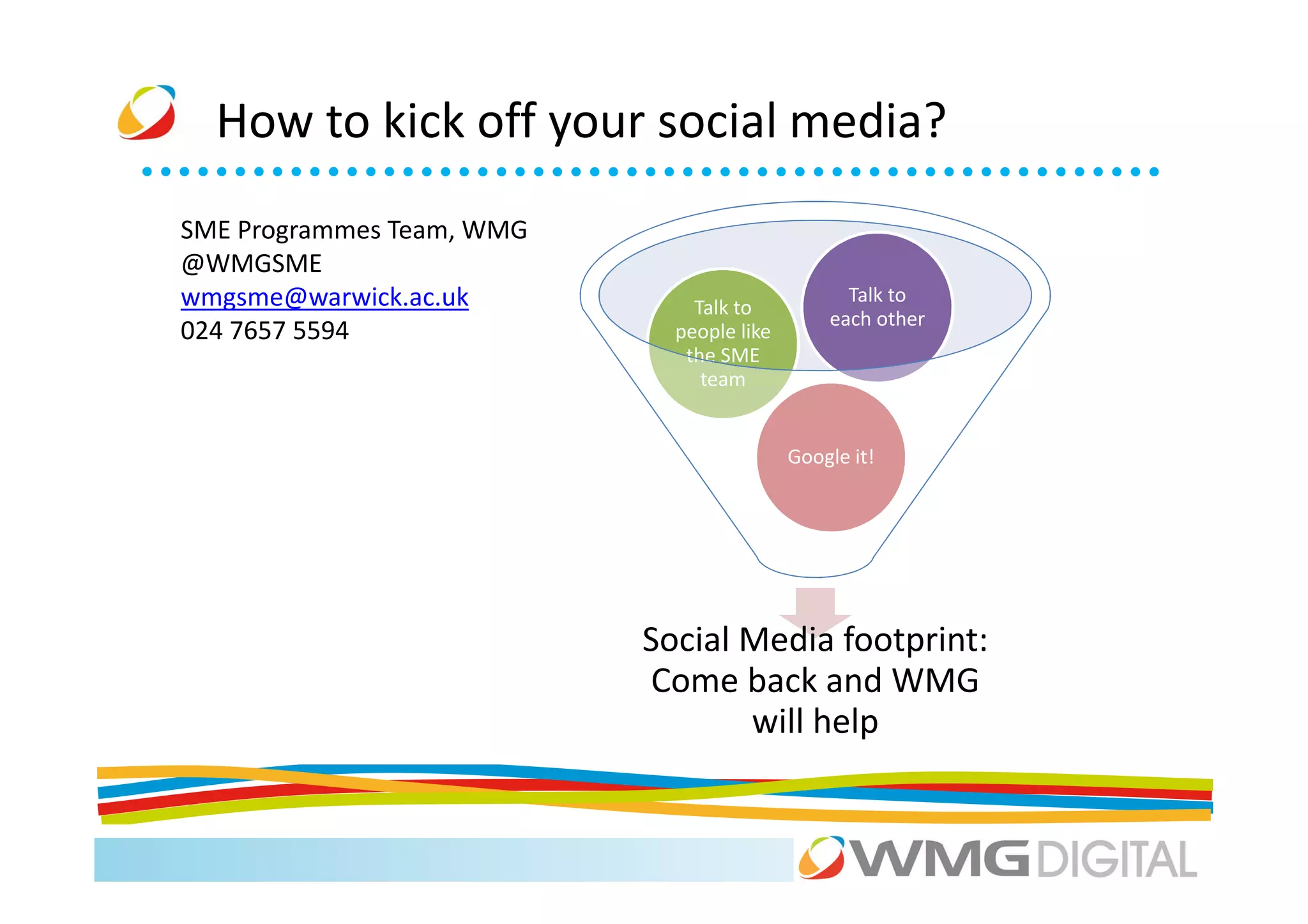
How to kick off your social media?
SME Programmes Team, WMG
@WMGSME
wmgsme@warwick.ac.uk           Talk to
                                                 Talk to
                                               each other
024 7657 5594                people like
                              the SME
                                team


                                           Google it!


                           Social Media footprint:
                            Come back and WMG
                                  will help
Thank You!

Introduction to Social Media - 141112

  • 1.
    Dr Mark Swift ScottCrowther Dr. Xiao Ma Ellie Precious
  • 2.
    Agenda 9.30 The Social Media ‘big picture’ Mark 10.00 LinkedIn: the social media everyone should use Scott 11.00 Coffee 11.15 Facebook and Twitter for your business Xiao + Scott 12.45 Lunch 1.45 Exposing your visual side: YouTube + Pinterest Ellie 2.30 Location, location, location: Foursquare. Xiao 3.00 Coffee 3.15 Google+ Xiao 4.00 Don’t Panic: managing your networks and your time. Scott
  • 3.
    Small Business Programmesat WMG • International Digital Lab: – The Digital Lab is a multi-disciplinary digital centre combining WMG’s expertise with sciences • International Institute for Product and Service Innovation (IIPSI): – Demonstrate new technology, processes and applications to enable the creation and testing of market leading products and services – Digital, Polymers, Experience led Innovation • Initiatives must have IMPACT • Funded by:
  • 4.
    How we helpbusinesses Awareness briefings, case studies, technical demonstrators Raising Awareness In-depth workshops, advanced technical Embedding capability demonstrators, horizon scanning, internships Market leading products & Company innovation projects - prototyping, services identifying markets, product/service evaluation Expansion through R&D Feasibility studies, collaborative projects, assistance with funding and grant applications
  • 5.
    IIPSI New Building& Programme • Delivery programme runs through to June 2015 • Supported by new buidling, opened September 2012: – 4 storey building, 2,400m2 – 3 open plan floors, co-locating demonstrators & experts – Dedicated technology hall/workshop – 1 seminar/meeting floor • Programme Launched – 25 October 2012
  • 6.
  • 7.
    Summary • Unique, highprofile facility for the region • Range of SME services • No such thing as a free lunch! – Short forms – Baseline monitoring • Feedback and Evaluation • Enjoy the day • Get involved
  • 8.
  • 9.
    “There's a planein the Hudson. I'm on the ferry going to pick up the people. Crazy” © 2011
  • 10.
    Social media 2011… SocialMedia in 2011… Organises the Arab spring? Activists – Cairo 31 Jan 2011 http://www.telegraph.co.uk/news/worldnews/africaandindianocean/egypt/8293551/Egypt-protests-Monday-31-January-2011-as-it-happened.html
  • 11.
    Social Media in2012 helps continue the Arab spring: Activists - Cairo - April 20, 2012 http://amandamustard.tumblr.com/post/21672119873
  • 12.
    “Marketing today isdifficult. Are 200 million people on the U.S. ‘Do Not Call’ list. Over 86% of TV viewers skip commercials. 44% of direct marketing is never opened. Roughly 99.9% of online banners are never clicked. Buyers wait until they have completed 60-80% of their research before reaching out to vendors”. Michael Brenner Senior Director of Global Marketing at SAP
  • 13.
    What does thismean for a small business? - get Creative?
  • 14.
  • 15.
    BlendTec • SME manufacturerof commercial and home blenders • Blendtec produced a video in which the CEO blended unusual products such as a garden rake, a golf club, and light bulbs. – YouTube, video had 3.9 million views (over 8-months) – The Will It Blend? campaign illustrates the potential value of connecting with consumers online versus traditional advertising • Now: – 196,565,290 views on YouTube – 700% increase in sales • BlendTec Case TIPS: – Be creative – Don’t be afraid to shout about your product’s capability
  • 16.
    What is it? Online tools that help people interact, collaborate and share content Photo sharing Video Blogging sharing Micro Podcasts Key blogging Social Message Tools RSS boards Product Widgets reviews Location based services
  • 17.
    Digital Conversation Insight Innovation Advocacy Can replace existing methods of generating enquires Natural search Customer Increased sales service
  • 18.
    How are youcurrently using social media?
  • 19.
    Summary • Significant growth • Multi channels which impact most of us • Many uses • Its not going away (at the moment) • Can be used by the majority of businesses and industries
  • 20.
    “All one needsis a computer, a network connection, and a bright spark of initiative and creativity to join the economy.” Don Tapscott - Best selling business author On social media
  • 21.
    Agenda 9.30 The Social Media ‘big picture’ Mark 10.00 LinkedIn: the social media everyone should use Scott 11.00 Coffee 11.15 Facebook and Twitter for your business Xiao + Scott 12.45 Lunch 1.45 Exposing your visual side: YouTube + Pinterest Ellie 2.30 Location, location, location: Foursquare. Xiao 3.00 Coffee 3.15 Google+ Xiao 4.00 Don’t Panic: managing your networks and your time. Scott
  • 22.
  • 23.
  • 24.
    LinkedIn 2012 Q1: 31st most visited global website 9m users 191m users 2m company pages
  • 25.
    LinkedIn 8 ways to use LinkedIn
  • 26.
    LinkedIn 1. Personal profile
  • 27.
    LinkedIn 2. Keep in touch
  • 28.
    Your network 375 (av. network) 74,100+ 4,828,600+ Look at your reach!
  • 29.
    LinkedIn 3. Company profile
  • 30.
    LinkedIn 4. Showcase your products and ask for recommendations…
  • 31.
    LinkedIn Add video…
  • 32.
    LinkedIn and a direct sales contact.
  • 33.
    LinkedIn Can also use it for your service business.
  • 34.
    LinkedIn 5. Search for potential clients…
  • 35.
    LinkedIn ...the people who work there…
  • 36.
    LinkedIn …then contact them...
  • 37.
    LinkedIn …or let them contact you.
  • 38.
    LinkedIn 6. Professional Groups. Where are your clients? Start your own?
  • 39.
    LinkedIn 7. Watch your competitors…
  • 40.
    LinkedIn …what Groups do they frequent?
  • 41.
    LinkedIn …invisibility cloak!
  • 42.
    LinkedIn 8. Recruit. Pay for a job advert or start a free discussion
  • 43.
  • 44.
  • 45.
  • 46.
  • 47.
  • 48.
  • 49.
  • 50.
    Activity Use LinkedIn toresearch one of the other people on your table (or your competition). What groups are they in? Who are the connected to? Team up if you don't have a LinkedIn account yet. We have a phone with camera on hand to take profile photos!!!
  • 51.
  • 52.
    Agenda 9.30 The Social Media ‘big picture’ Mark 10.00 LinkedIn: the social media everyone should use Scott 11.00 Coffee 11.15 Facebook and Twitter for your business Xiao + Scott 12.45 Lunch 1.45 Exposing your visual side: YouTube + Pinterest Ellie 2.30 Location, location, location: Foursquare. Xiao 3.00 Coffee 3.15 Google+ Xiao 4.00 Don’t Panic: managing your networks and your time. Scott
  • 53.
  • 54.
    Have you gota smart phone?
  • 56.
    Facebook Soon to beatIndia in Population???
  • 57.
    Facebook – Why? Over 700,000 businesses in UK have active pages 900 Million Active Users • 50% of members using Biggest source of social media traffic devices mobile • BuiltMobile and Webto friend on friend Ready connections
  • 58.
    Facebook - InterestingFacts 1 279 17 1130
  • 59.
    Facebook - InterestingFacts 69% 87% 18% 76:72
  • 60.
    Facebook - InterestingFacts 95% 52% 30% Mind jumpers
  • 61.
    Facebook for B2B •Conversation/Feedback with customers? Not just for posting news • Are your customers B2C? Then likely to be on Facebook • Facebook as Search Engine • Recruitment • Fun – Show your face to your clients, do something different
  • 62.
    Facebook for B2C •Word of mouth • Power of “Like” • Listen and Talk to Fans • Community • Facebook fans have an 80% higher propensity to buy • Advertise with precision
  • 63.
    Facebook- Likes (Pros) •Another face for the business • Personalisation of business pages with comments, sharing facilities etc • Interaction with followers Easy engagement – customers can “Like” button or add a comment to engage • Interaction with other businesses. Connect with your suppliers, distributors, or contractors.
  • 64.
    Facebook for business •Set up “Business Page” • Visuals are GREAT!! not “Profile” • Completely free, supported by advertising if required • Advocates are key – encourage feedback • Set up “Like” icon on web pages
  • 65.
  • 66.
    Facebook 2012 Updates •Timeline Feature • SEARCH!!!!! • Custom Tabs (Views & • ‘Pin’ option (posts last Apps) longer!) • Facebook Developer – developers.facebook.co m/apps e.g add your Pinterest Account • Insights
  • 67.
  • 68.
    Facebook tips B2C Interaction E-word of mouth
  • 69.
  • 70.
    Social Media Twitter “Twitter is a real-time information network that connects you to the latest stories, ideas, opinions and news about what you find interesting. Simply find the accounts you find most compelling and follow the conversations.”
  • 71.
  • 72.
  • 73.
  • 74.
  • 75.
  • 76.
  • 77.
  • 78.
  • 79.
  • 80.
  • 81.
    Twitter Business uses
  • 82.
    Twitter 1. Engage withindustry leaders…
  • 83.
    Twitter …they can give you exposure! (20k+ followers)
  • 84.
  • 85.
  • 86.
    Twitter … and by searching biographies
  • 87.
    Twitter 4. Promote your other content
  • 88.
    Twitter 5. Embed in a website https://twitter.com/about/resources/buttons Use Settings > Widgets in Twitter account
  • 89.
  • 90.
    Twitter 7. Advertising
  • 91.
    Twitter : info,tips and tricks Promote your @ID or #hashtag
  • 92.
    Twitter : info,tips and tricks A management tool
  • 93.
    Twitter : info,tips and tricks When’s best to Tweet?
  • 94.
    Twitter : info,tips and tricks Simple cleanup tools
  • 95.
    Twitter Twitter Small Business Guide: www.bit.ly/LfShmZ
  • 96.
    Activity On paper, writea quick twitter plan based around an event, e.g. product launch, networking event Think about the days, times to post, tweet content, photo or not, hashtags and IDs to use. Practice keeping to Twitter 140 (120!) character limit
  • 97.
  • 98.
    Agenda 9.30 The Social Media ‘big picture’ Mark 10.00 LinkedIn: the social media everyone should use Scott 11.00 Coffee 11.15 Facebook and Twitter for your business Xiao + Scott 12.45 Lunch 1.45 Exposing your visual side: YouTube + Pinterest Ellie 2.30 Location, location, location: Foursquare. Xiao 3.00 Coffee 3.15 Google+ Xiao 4.00 Don’t Panic: managing your networks and your time. Scott
  • 99.
  • 100.
    Image sharing isbig business! “Social Media is Video” (Social Media Examiner, 2012) £1billion of all Facebook activity revolves around photos (HBR 2012)
  • 101.
    YouTube “YouTube is a platform for uploading, viewing, sharing, discussing and rating video content online….”
  • 102.
    YouTube Stats 800 millionunique users visit YouTube each month 3 billion hours of video are watched each month 72 hours of video are uploaded every minute
  • 103.
    YouTube How it works/main features
  • 104.
  • 105.
    YouTube How it works/main features
  • 106.
  • 107.
  • 108.
    4 reasons touse YouTube Facebook YouTube Twitter Yahoo Answers Also UK’s 2nd biggest search engine! Gumtree LinkedIn Tumblr Moneysavingexpert UK Moshi Monsters Top 10 Social Media Stumble Upon December 2011 (Experian Hit Data)
  • 109.
    4 reasons touse YouTube Google rankings! Google own YouTube!!!
  • 110.
    4 reasons touse YouTube
  • 111.
    4 reasons touse YouTube
  • 112.
    Pinterest “Pinterest is aVirtual Pinboard. Pinterest lets you organize and share all the beautiful things you find on the web. People use pinboards to plan their weddings, decorate their homes, and organize their favorite recipes. Best of all, you can browse pinboards created by other people.”
  • 114.
  • 115.
  • 116.
  • 117.
    Pinterest: how youcan use it Share your products
  • 118.
    Pinterest: how youcan use it Others then follow, ‘repin’ or ‘like’
  • 119.
    Pinterest: how youcan use it Showcase your expertise
  • 120.
    Pinterest: how youcan use it Become a thought leader
  • 121.
    Pinterest: how youcan use it Not just for B2C companies
  • 122.
  • 123.
  • 124.
  • 125.
  • 126.
    Pinterest 10 million+ users 80% (fastest network to achieve this) High monthly time spent Comscore, jeff bullas, MediaPost, PookyShares.
  • 127.
    Pinterest Comscore, jeff bullas,MediaPost, PookyShares.
  • 128.
  • 129.
    “Other visual networksare available” “We want to help people make their photos available to the people who matter to them.”
  • 130.
    “Other visual networksare available” “Your videos belong here”
  • 131.
    “Other visual networksare available” “It’s a fast, beautiful and fun way to share your photos with friends and family.”
  • 133.
    Visual media applications What are customers saying about your competitors, anyone disgruntled……. Power of key clients
  • 134.
    Visual media applications Profiles on Facebook and YouTube Impact: Web enquiries up by 180% Increase in conversions and sales
  • 135.
    Visual media applications– Get Creative Provide better support
  • 136.
    Visual media applications– Get Creative Go viral!
  • 137.
    Visual media applications– Get Creative
  • 138.
    Creating your ownvisual content DIY animation tools: http://www.powtoon.com http://sparkol.com/videoscribe.php
  • 139.
    Activity Choose a companyon your table and brainstorm ways they could use video or imagery for the benefit of their business. Be prepared to share the best/wackiest idea with the group.
  • 140.
  • 141.
    4sq what? A day? - 4.16
  • 142.
    4sq what? I don't care All 4sq cares who you are Where you're WHO you are from Where you are What you did What you did What you doing
  • 143.
    4sq – whoneeds it?
  • 144.
  • 145.
  • 146.
  • 147.
    4sq why? 80% + 2/3 +
  • 148.
  • 150.
    Han Dynasty –Virtual to Physical
  • 151.
    Han Dynasty –Location! Location! Location! Social Geographical Physical
  • 152.
  • 153.
    4sq tips…… Location based promotion Simple but Smart Tracking Virtual VS Physical
  • 154.
  • 155.
    Agenda 9.30 The Social Media ‘big picture’ Mark 10.00 LinkedIn: the social media everyone should use Scott 11.00 Coffee 11.15 Facebook and Twitter for your business Xiao + Scott 12.45 Lunch 1.45 Exposing your visual side: YouTube + Pinterest Ellie 2.30 Location, location, location: Foursquare. Xiao 3.00 Coffee 3.15 Google+ Xiao 4.00 Don’t Panic: managing your networks and your time. Scott
  • 156.
  • 157.
  • 158.
  • 159.
  • 160.
  • 161.
  • 162.
  • 163.
  • 164.
  • 165.
  • 166.
  • 167.
  • 168.
  • 169.
  • 170.
  • 171.
  • 172.
    Multi Screen Google 10 History Media Share Apps API
  • 173.
    G+ tips…… All in One Google Apps Integration Its from Google
  • 174.
    Activity Google+ session -hold a hangout for 10 people, where Scott and Xiao are presenting a document to the remaining people.
  • 175.
  • 176.
  • 177.
    Don’t Panic! Plan it like a wedding
  • 178.
    Don’t Panic! Be time aware
  • 179.
  • 180.
  • 181.
  • 182.
    Activity On paper, startwriting a simple strategy for your business. What are your goals and objectives? What networks do you want to work with? What are your tactics for each?
  • 183.
    What Next Come andvisit The International Institute for Product and Service Innovation Innovation programme for SMEs throughout November and December – interactive workshops/introduction to innovative technology, toolkits and processes www.wmgsme.eventbrite.com
  • 184.
    How to kickoff your social media? SME Programmes Team, WMG @WMGSME wmgsme@warwick.ac.uk Talk to Talk to each other 024 7657 5594 people like the SME team Google it! Social Media footprint: Come back and WMG will help
  • 185.