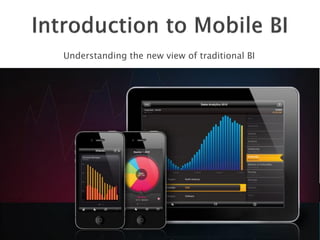
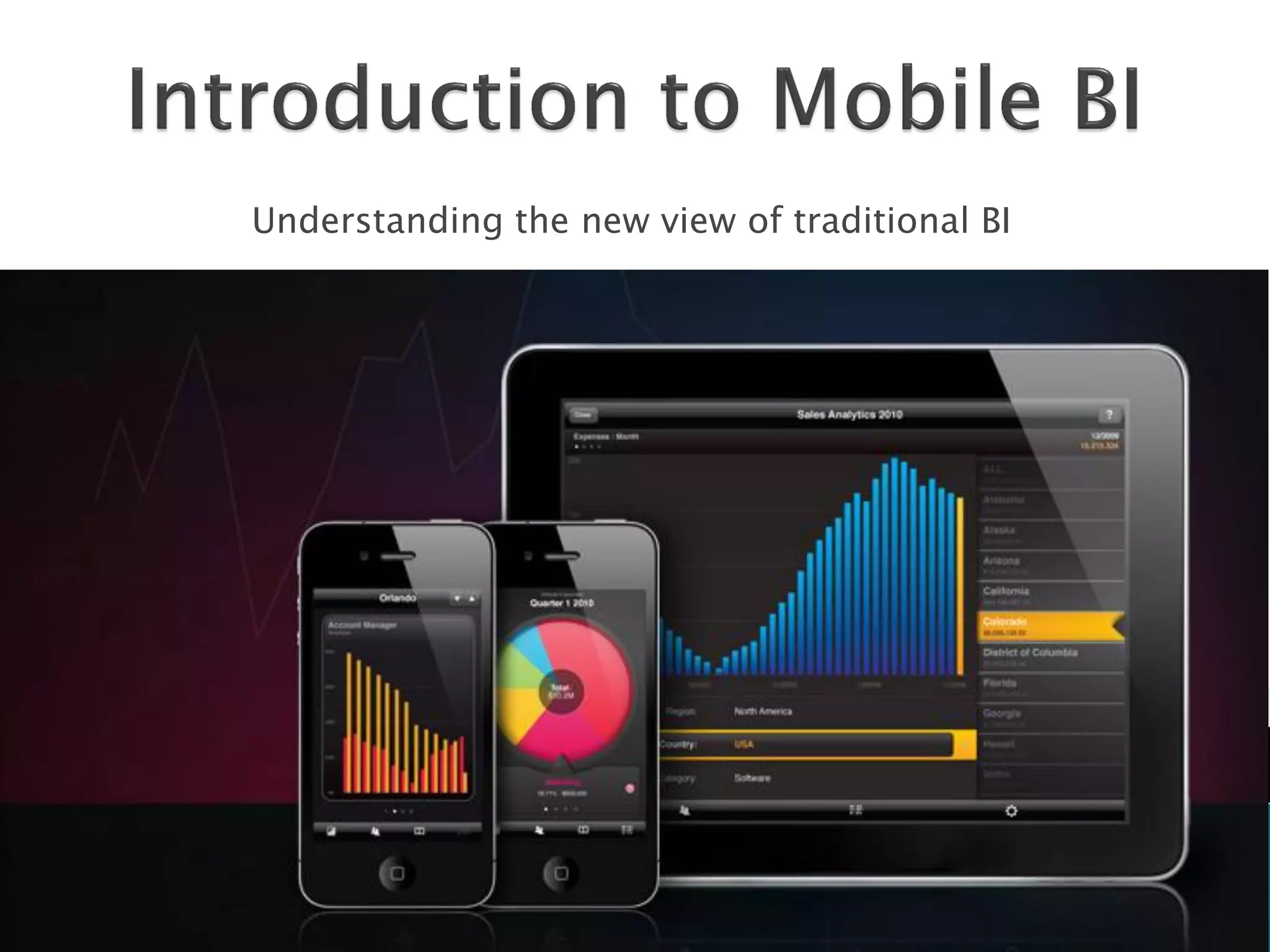
Understanding the new view of traditional BI
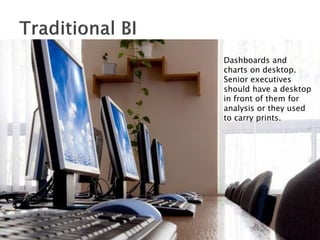
Dashboards and
charts on desktop.
Senior executives
should have a desktop
in front of them for
analysis or they used
to carry prints.
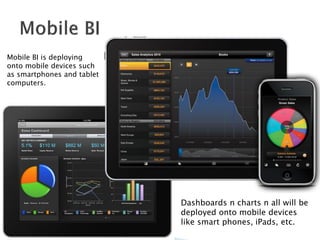
Mobile BI is deploying
onto mobile devices such
as smartphones and tablet
computers.


                            Dashboards n charts n all will be
                            deployed onto mobile devices
                            like smart phones, iPads, etc.
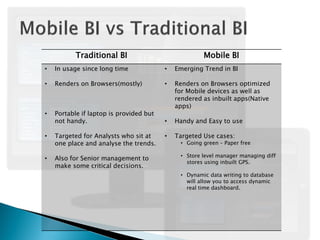
Traditional BI                             Mobile BI
•   In usage since long time             •   Emerging Trend in BI

•   Renders on Browsers(mostly)          •   Renders on Browsers optimized
                                             for Mobile devices as well as
                                             rendered as inbuilt apps(Native
                                             apps)
•   Portable if laptop is provided but
    not handy.                           •   Handy and Easy to use

•   Targeted for Analysts who sit at     •   Targeted Use cases:
    one place and analyse the trends.         • Going green – Paper free

                                              • Store level manager managing diff
•   Also for Senior management to
                                                stores using inbuilt GPS.
    make some critical decisions.
                                              • Dynamic data writing to database
                                                will allow you to access dynamic
                                                real time dashboard.
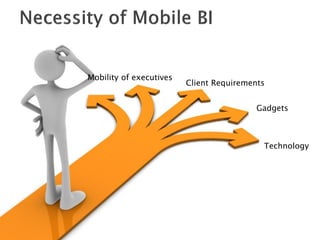
Mobility of executives
                         Client Requirements


                                          Gadgets


                                           Technology
   http://www.youtube.com/watch?v=DeS4m11
    GYWQ
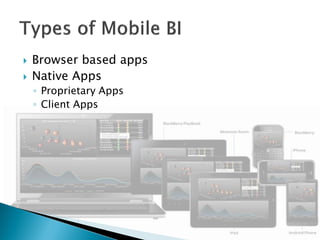
   Browser based apps
   Native Apps
    ◦ Proprietary Apps
    ◦ Client Apps
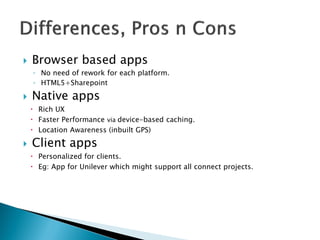
   Browser based apps
    ◦ No need of rework for each platform.
    ◦ HTML5+Sharepoint

   Native apps
     Rich UX
     Faster Performance via device-based caching.
     Location Awareness (inbuilt GPS)

   Client apps
     Personalized for clients.
     Eg: App for Unilever which might support all connect projects.
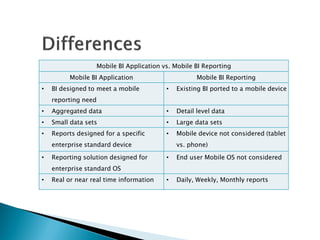
Mobile BI Application vs. Mobile BI Reporting
         Mobile BI Application                      Mobile BI Reporting
•   BI designed to meet a mobile         •   Existing BI ported to a mobile device
    reporting need
•   Aggregated data                      •   Detail level data
•   Small data sets                      •   Large data sets
•   Reports designed for a specific      •   Mobile device not considered (tablet
    enterprise standard device               vs. phone)

•   Reporting solution designed for      •   End user Mobile OS not considered
    enterprise standard OS
•   Real or near real time information   •   Daily, Weekly, Monthly reports
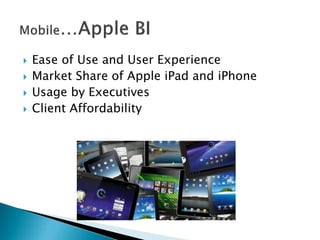
   Ease of Use and User Experience
   Market Share of Apple iPad and iPhone
   Usage by Executives
   Client Affordability
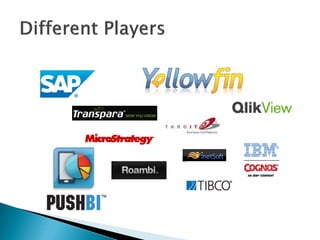
   Explore the Apps which support Sharepoint
     Ex: PushBI


   Explore the ways of integrating and porting
    Sharepoint report onto iPad

   Using Sharepoint with HTML5 to find any
    better solutions of UI.
   Explore more about Device-based caching.

   See for the optimization techniques available
    based on memory management that Apple
    architecture uses.

   See how the current practices can be ported
    to the mobile devices to speed up the
    process.
   Explore the mobile versions of corresponding
    software available

   Find the differences in implementation and
    share the knowledge among each other to
    build our skills in Mobile BI
   Since Qlikview is taking a browser based
    approach, we need to explore the ways of
    developing dashboards for mobiles.

   It would be an additional skill to see how the
    rendering is being managed across different
    screens, platforms and devices
http://vamshi.mycollect.in
Twitter: @vamshi4001

Introduction to Mobile Business Intelligence

  • 1.
    Understanding the newview of traditional BI
  • 2.
    Dashboards and charts ondesktop. Senior executives should have a desktop in front of them for analysis or they used to carry prints.
  • 3.
    Mobile BI isdeploying onto mobile devices such as smartphones and tablet computers. Dashboards n charts n all will be deployed onto mobile devices like smart phones, iPads, etc.
  • 4.
    Traditional BI Mobile BI • In usage since long time • Emerging Trend in BI • Renders on Browsers(mostly) • Renders on Browsers optimized for Mobile devices as well as rendered as inbuilt apps(Native apps) • Portable if laptop is provided but not handy. • Handy and Easy to use • Targeted for Analysts who sit at • Targeted Use cases: one place and analyse the trends. • Going green – Paper free • Store level manager managing diff • Also for Senior management to stores using inbuilt GPS. make some critical decisions. • Dynamic data writing to database will allow you to access dynamic real time dashboard.
  • 5.
    Mobility of executives Client Requirements Gadgets Technology
  • 6.
    http://www.youtube.com/watch?v=DeS4m11 GYWQ
  • 7.
    Browser based apps  Native Apps ◦ Proprietary Apps ◦ Client Apps
  • 8.
    Browser based apps ◦ No need of rework for each platform. ◦ HTML5+Sharepoint  Native apps  Rich UX  Faster Performance via device-based caching.  Location Awareness (inbuilt GPS)  Client apps  Personalized for clients.  Eg: App for Unilever which might support all connect projects.
  • 9.
    Mobile BI Applicationvs. Mobile BI Reporting Mobile BI Application Mobile BI Reporting • BI designed to meet a mobile • Existing BI ported to a mobile device reporting need • Aggregated data • Detail level data • Small data sets • Large data sets • Reports designed for a specific • Mobile device not considered (tablet enterprise standard device vs. phone) • Reporting solution designed for • End user Mobile OS not considered enterprise standard OS • Real or near real time information • Daily, Weekly, Monthly reports
  • 11.
    Ease of Use and User Experience  Market Share of Apple iPad and iPhone  Usage by Executives  Client Affordability
  • 12.
    Explore the Apps which support Sharepoint  Ex: PushBI  Explore the ways of integrating and porting Sharepoint report onto iPad  Using Sharepoint with HTML5 to find any better solutions of UI.
  • 13.
    Explore more about Device-based caching.  See for the optimization techniques available based on memory management that Apple architecture uses.  See how the current practices can be ported to the mobile devices to speed up the process.
  • 14.
    Explore the mobile versions of corresponding software available  Find the differences in implementation and share the knowledge among each other to build our skills in Mobile BI
  • 15.
    Since Qlikview is taking a browser based approach, we need to explore the ways of developing dashboards for mobiles.  It would be an additional skill to see how the rendering is being managed across different screens, platforms and devices
  • 16.