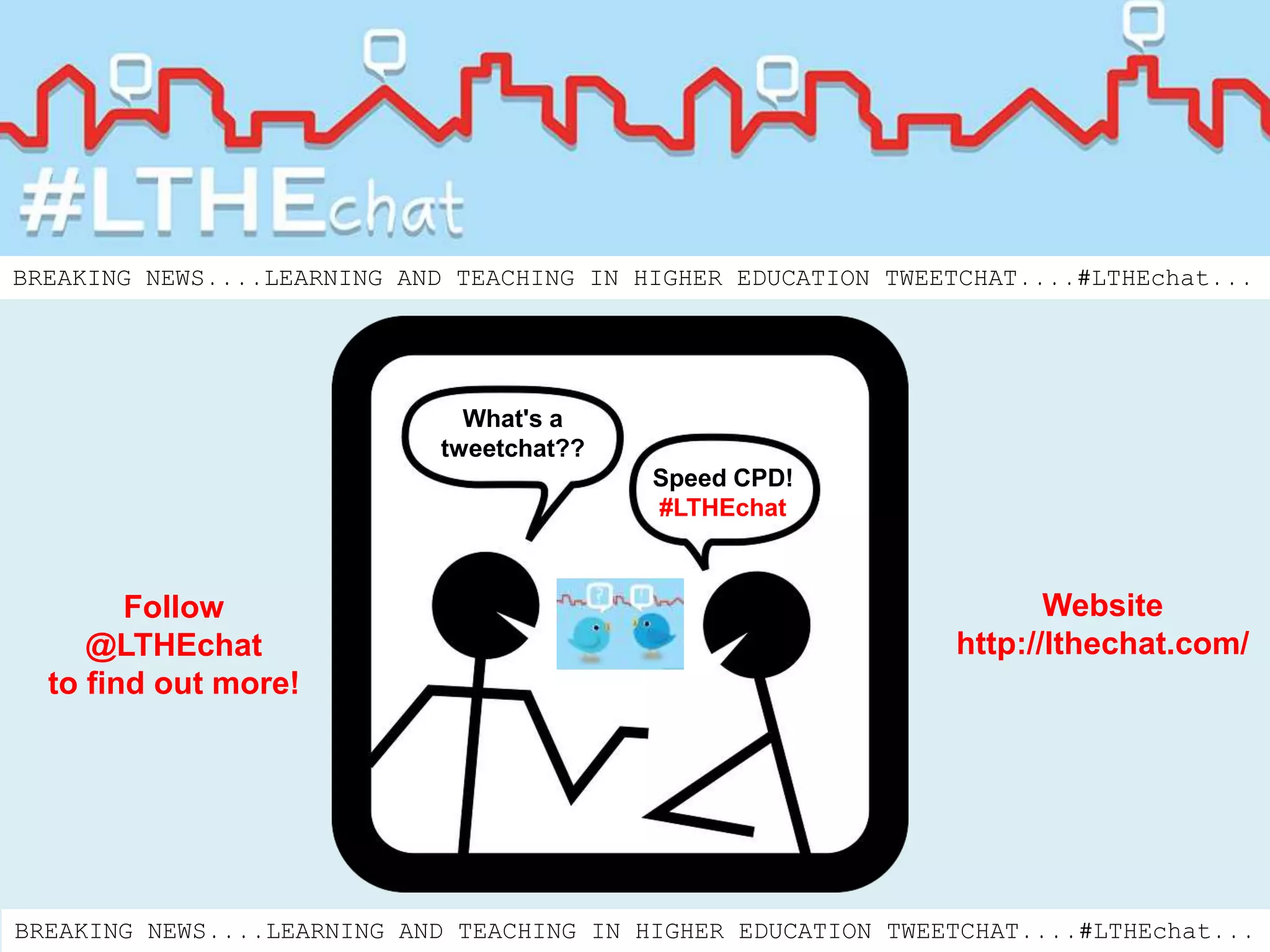

Speed CPD!
#LTHEchat
What's a
tweetchat??
Website
http://lthechat.com/
Follow
@LTHEchat
to find out more!
BREAKING NEWS....LEARNING AND TEACHING IN HIGHER EDUCATION TWEETCHAT....#LTHEchat...
So what is a Tweetchat?
A Tweetchat is a virtual meeting or gathering on Twitter to
discuss a common topic. The chat usually lasts one hour
and will include questions to stimulate discussion.
Tell me more about #LTHEchat
The Learning and Teaching in Higher Education (LTHE)
chat is a collaborative project using tweetchats as a
forum for synchronous discussion. Each will have a
specific focus and it will be up to the community to
decide what comes next. We will be inviting guest chat
facilitators too and hope that you will join us for some
speed CPD linked to learning and teaching in Higher
Education.
http://lthechat.com/
How does this work in Twitter?
In order to be able to view tweets relating to the chat, a
pre-agreed hashtag is shared. A hashtag is a word or
series of letters and/or numbers preceded by #
For example: #LTHEchat = Learning and Teaching in
Higher Education Chat
Participants in the tweetchat will include the hashtag in
all tweets.
How are Tweetchats organised?
A communication will be sent out by a tweetchat faciltator to say:
• What the chat is about - the topic that week
• What the chosen hashtag is - #LTHEchat
• When the chat will take place including the date and time
(It is useful to state GMT or your own time zone if your chat is open to a wide
and potentially international audience)
Communication about a tweetchat can be sent out as a tweet but may also be
placed on your website or blog and via any other communication channel you wish
to use.
#LTHEchat takes place on every Wednesday 8-9pm GMT
How do I find #LTHEchat?
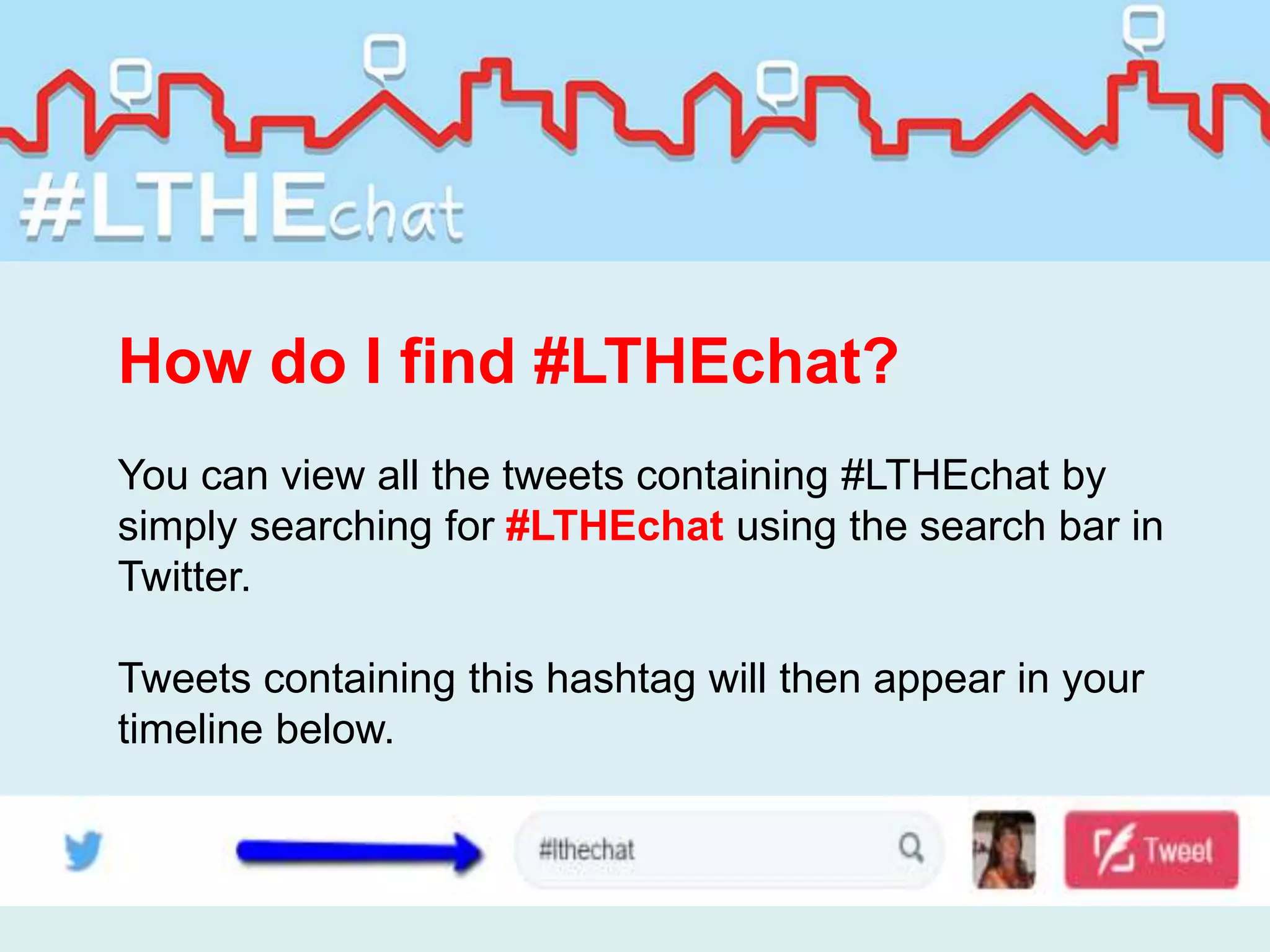
You can view all the tweets containing #LTHEchat by
simply searching for #LTHEchat using the search bar in
Twitter.
Tweets containing this hashtag will then appear in your
timeline below.
The format of a tweetchat
Tweetchats often follow the format of a Q&A. The tweetchat facilitator will
prepare a selection of questions prior to the event. To help to highlight the
questions they can be preceded with Q1, Q2, Q3 etc. For example:
Q1 How do engage with CPD to enhance your practice? #LTHEchat
If you wish to respond to a question within your tweet always include the
designated hashtag and precede your tweet with A1, A2, A3 etc. This helps
others reading see which are the questions and which are the corresponding
answers.
A1 I have made new professional connections through LinkedIn and joined a
Discussion Group #LTHEchat
Do I have to tweet to take part?
The answer is no. If you just want to ‘listen’ in that is fine and a good way to
dip your toe in the water and get a feel for how tweetchats are run.
You can read the questions raised and answers by those who respond. As
you become more confident you can then contribute to the discussions taking
place.
If you can’t make the time slot then you can still follow the tweetchat later by
searching for the designated hashtag.
It is also possible to use the search facility in Twitter without an account. If
you go to https://twitter.com/search-home you can enter the #LTHEchat (or
any search term) and bring up tweets containing this.
Multilingual participation
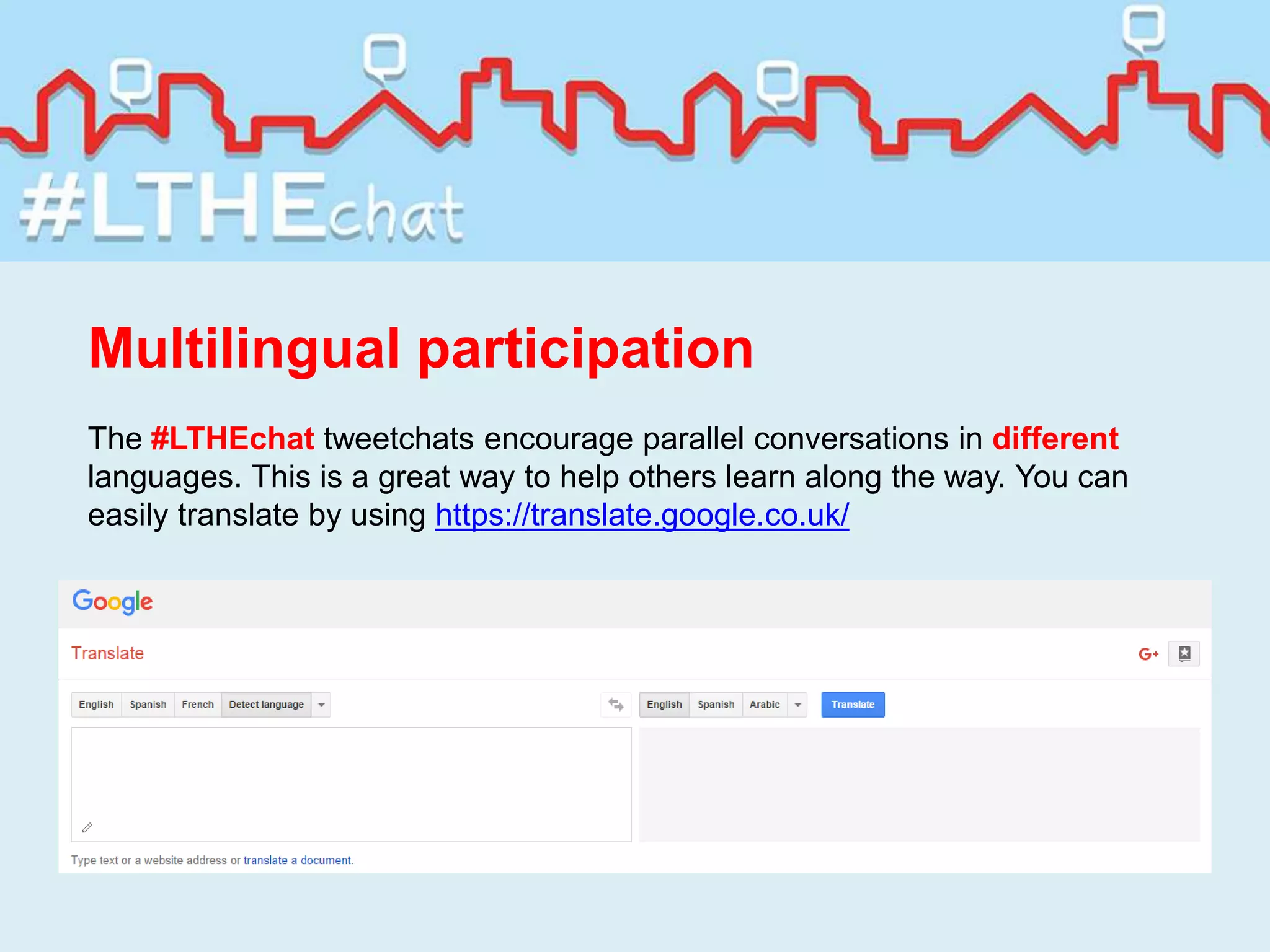
The #LTHEchat tweetchats encourage parallel conversations in different
languages. This is a great way to help others learn along the way. You can
easily translate by using https://translate.google.co.uk/
Useful tools to use in tweetchats
You can follow a tweetchat using your smartphone, tablet,
notebook, laptop or PC via www.twitter.com and on smart
devices download the Twitter app.
Some find it easier to use a laptop or PC to open up two
tabs: one to view the questions and another to watch the
Tweetchat.
There are also other tools you may wish to explore.
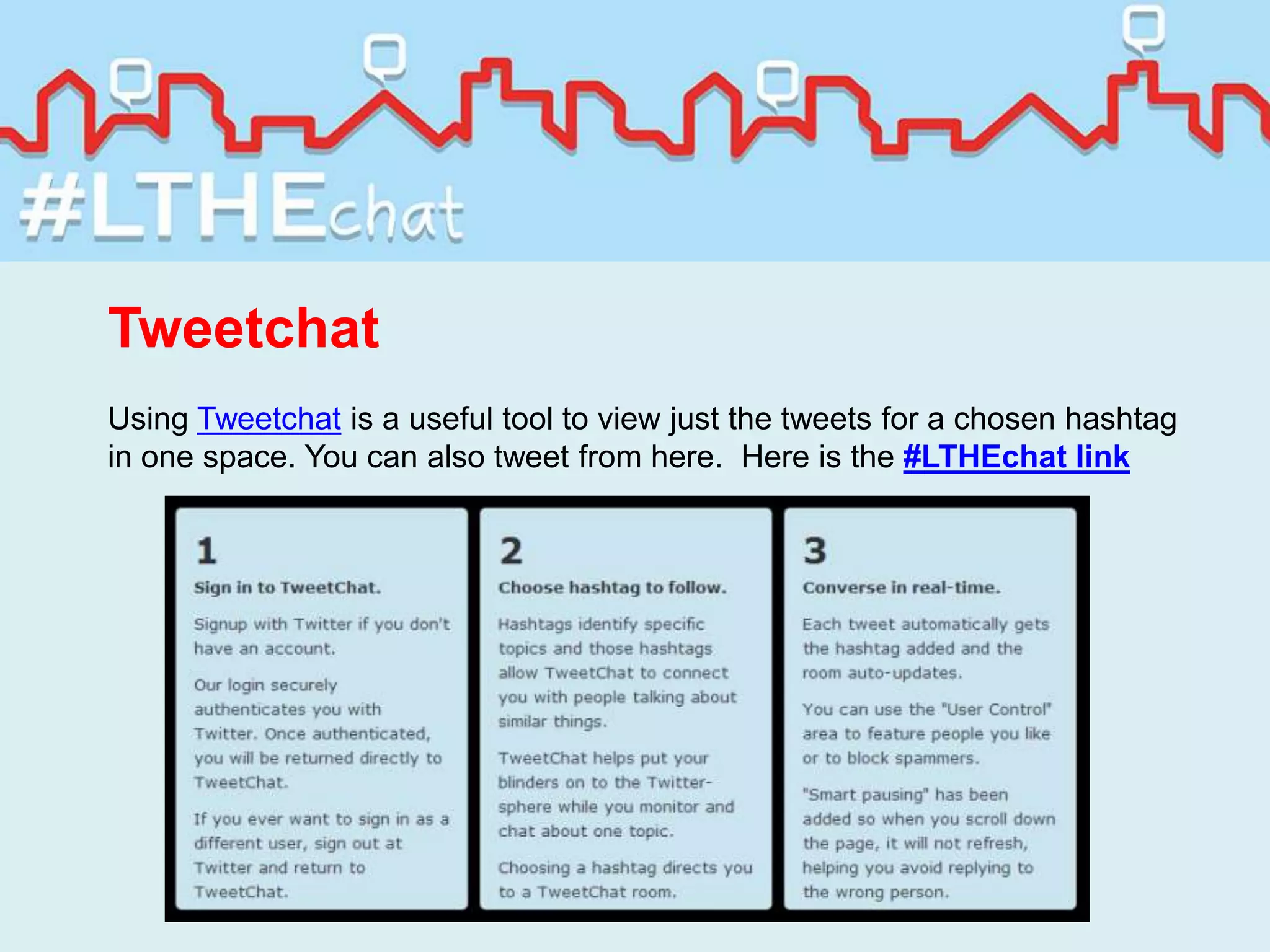
Tweetchat
Using Tweetchat is a useful tool to view just the tweets for a chosen hashtag
in one space. You can also tweet from here. Here is the #LTHEchat link
Dashboards
Dashboards enable you to view different groups of tweets in columns. You can
therefore set up a column for #LTHEchat which then shows just the tweets
containing that hashtag.
Examples of dashboards are:
Hootsuite
Tweetdeck
Tagboard
This displays tweets for any hashtag you wish to search for. Whilst you only get
a snapshot of the latest tweets, it does provide a nice view of what is being
discussed.
From the Tagboard you can reply, retweet and favourite the tweets you see (but
you do need to be signed in to Twitter)
The #LTHEchat Tagboard can be found here:
https://tagboard.com/LTHEchat/194468
Storify
Storify is a free tool to curate the tweets after a tweetchat. It allows you to
gather the tweets containing your chosen hashtag and then display these within
a storyboard.
The #LTHEchat Storify page can be found here: https://storify.com/LTHEchat
New stories will be added after each #LTHEchat takes place
To find out more about #LTHEchat
Follow @LTHEchat on Twitter
Visit the website http://lthechat.com/
Follow #LTHEchat
If you would like to be a Guest Facilitator do get in touch!
The #LTHEchat Steering Group
Chrissi Nerantzi @chrissinerantzi – Manchester Metropolitan University
Sue Beckingham @suebecks – Sheffield Hallam University
David Walker @drdjwalker – University of Sussex
Peter Reed @reedyreedles – University of Liverpool
Introducing tweetchats using #LTHEchat as an exemplar

Introducing tweetchats using #LTHEchat as an exemplar

  • 1.
    Speed CPD! #LTHEchat What's a tweetchat?? Website http://lthechat.com/ Follow @LTHEchat tofind out more! BREAKING NEWS....LEARNING AND TEACHING IN HIGHER EDUCATION TWEETCHAT....#LTHEchat... BREAKING NEWS....LEARNING AND TEACHING IN HIGHER EDUCATION TWEETCHAT....#LTHEchat...
  • 2.
    So what isa Tweetchat? A Tweetchat is a virtual meeting or gathering on Twitter to discuss a common topic. The chat usually lasts one hour and will include questions to stimulate discussion.
  • 3.
    Tell me moreabout #LTHEchat The Learning and Teaching in Higher Education (LTHE) chat is a collaborative project using tweetchats as a forum for synchronous discussion. Each will have a specific focus and it will be up to the community to decide what comes next. We will be inviting guest chat facilitators too and hope that you will join us for some speed CPD linked to learning and teaching in Higher Education. http://lthechat.com/
  • 4.
    How does thiswork in Twitter? In order to be able to view tweets relating to the chat, a pre-agreed hashtag is shared. A hashtag is a word or series of letters and/or numbers preceded by # For example: #LTHEchat = Learning and Teaching in Higher Education Chat Participants in the tweetchat will include the hashtag in all tweets.
  • 5.
    How are Tweetchatsorganised? A communication will be sent out by a tweetchat faciltator to say: • What the chat is about - the topic that week • What the chosen hashtag is - #LTHEchat • When the chat will take place including the date and time (It is useful to state GMT or your own time zone if your chat is open to a wide and potentially international audience) Communication about a tweetchat can be sent out as a tweet but may also be placed on your website or blog and via any other communication channel you wish to use. #LTHEchat takes place on every Wednesday 8-9pm GMT
  • 6.
    How do Ifind #LTHEchat? You can view all the tweets containing #LTHEchat by simply searching for #LTHEchat using the search bar in Twitter. Tweets containing this hashtag will then appear in your timeline below.
  • 7.
    The format ofa tweetchat Tweetchats often follow the format of a Q&A. The tweetchat facilitator will prepare a selection of questions prior to the event. To help to highlight the questions they can be preceded with Q1, Q2, Q3 etc. For example: Q1 How do engage with CPD to enhance your practice? #LTHEchat If you wish to respond to a question within your tweet always include the designated hashtag and precede your tweet with A1, A2, A3 etc. This helps others reading see which are the questions and which are the corresponding answers. A1 I have made new professional connections through LinkedIn and joined a Discussion Group #LTHEchat
  • 8.
    Do I haveto tweet to take part? The answer is no. If you just want to ‘listen’ in that is fine and a good way to dip your toe in the water and get a feel for how tweetchats are run. You can read the questions raised and answers by those who respond. As you become more confident you can then contribute to the discussions taking place. If you can’t make the time slot then you can still follow the tweetchat later by searching for the designated hashtag. It is also possible to use the search facility in Twitter without an account. If you go to https://twitter.com/search-home you can enter the #LTHEchat (or any search term) and bring up tweets containing this.
  • 9.
    Multilingual participation The #LTHEchattweetchats encourage parallel conversations in different languages. This is a great way to help others learn along the way. You can easily translate by using https://translate.google.co.uk/
  • 10.
    Useful tools touse in tweetchats You can follow a tweetchat using your smartphone, tablet, notebook, laptop or PC via www.twitter.com and on smart devices download the Twitter app. Some find it easier to use a laptop or PC to open up two tabs: one to view the questions and another to watch the Tweetchat. There are also other tools you may wish to explore.
  • 11.
    Tweetchat Using Tweetchat isa useful tool to view just the tweets for a chosen hashtag in one space. You can also tweet from here. Here is the #LTHEchat link
  • 12.
    Dashboards Dashboards enable youto view different groups of tweets in columns. You can therefore set up a column for #LTHEchat which then shows just the tweets containing that hashtag. Examples of dashboards are: Hootsuite Tweetdeck
  • 13.
    Tagboard This displays tweetsfor any hashtag you wish to search for. Whilst you only get a snapshot of the latest tweets, it does provide a nice view of what is being discussed. From the Tagboard you can reply, retweet and favourite the tweets you see (but you do need to be signed in to Twitter) The #LTHEchat Tagboard can be found here: https://tagboard.com/LTHEchat/194468
  • 14.
    Storify Storify is afree tool to curate the tweets after a tweetchat. It allows you to gather the tweets containing your chosen hashtag and then display these within a storyboard. The #LTHEchat Storify page can be found here: https://storify.com/LTHEchat New stories will be added after each #LTHEchat takes place
  • 15.
    To find outmore about #LTHEchat Follow @LTHEchat on Twitter Visit the website http://lthechat.com/ Follow #LTHEchat If you would like to be a Guest Facilitator do get in touch!
  • 16.
    The #LTHEchat SteeringGroup Chrissi Nerantzi @chrissinerantzi – Manchester Metropolitan University Sue Beckingham @suebecks – Sheffield Hallam University David Walker @drdjwalker – University of Sussex Peter Reed @reedyreedles – University of Liverpool

Editor's Notes