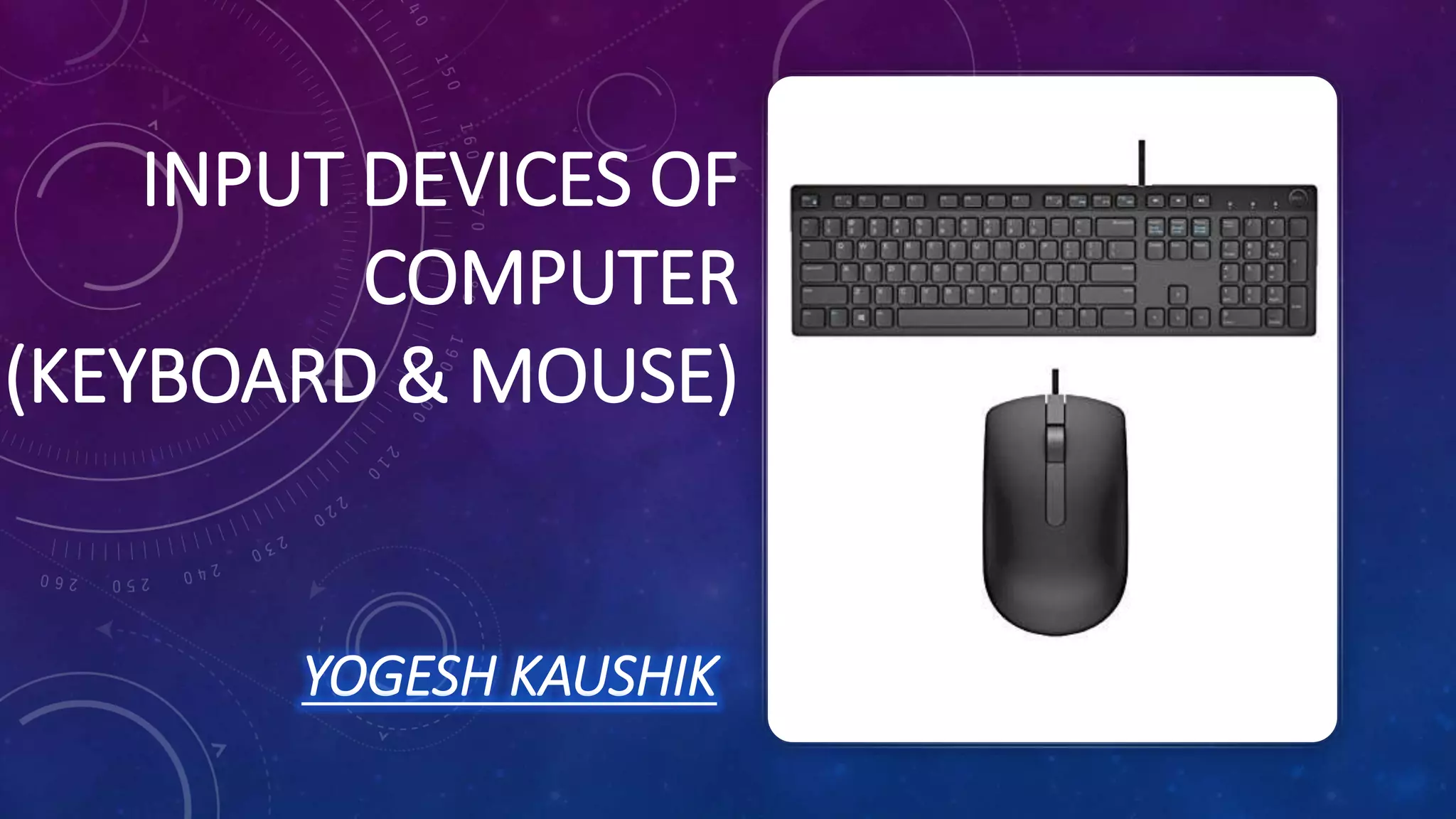
INPUT DEVICES OF
COMPUTER
(KEYBOARD & MOUSE)
YOGESH KAUSHIK
INTRODUCTION
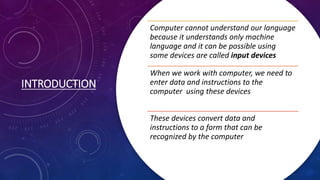
Computer cannot understand our language
because it understands only machine
language and it can be possible using
some devices are called input devices
When we work with computer, we need to
enter data and instructions to the
computer using these devices
These devices convert data and
instructions to a form that can be
recognized by the computer
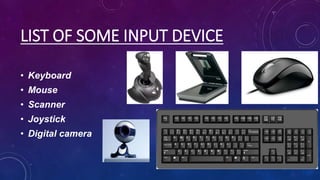
LIST OF SOME INPUT DEVICE
• Keyboard
• Mouse
• Scanner
• Joystick
• Digital camera
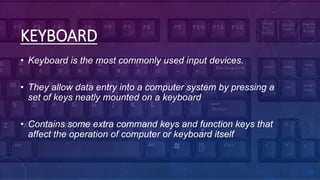
KEYBOARD
• Keyboard is the most commonly used input devices.
• They allow data entry into a computer system by pressing a
set of keys neatly mounted on a keyboard
• Contains some extra command keys and function keys that
affect the operation of computer or keyboard itself
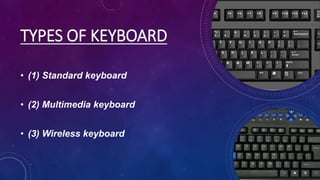
TYPES OF KEYBOARD
• (1) Standard keyboard
• (2) Multimedia keyboard
• (3) Wireless keyboard
ADVANTAGES
They can be used in
place of an
ordinary keyboard.
It creates faster
response times for
users.
It can be designed
as a waterproof
item.
There isn't a need
to learn how to
type.
It reduces the
number of
mistakes that are
made.
DISADVANTAGES
It does not work well of text-based or
numeric inputs.
Concept keyboards limit user options.
It comes at a higher overall cost to the
company.
They have been known to lead to health
problems with extended use.
It often relies on a dirty screen.
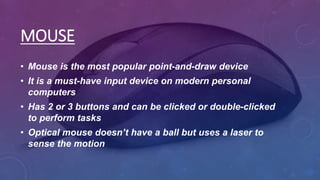
MOUSE
• Mouse is the most popular point-and-draw device
• It is a must-have input device on modern personal
computers
• Has 2 or 3 buttons and can be clicked or double-clicked
to perform tasks
• Optical mouse doesn’t have a ball but uses a laser to
sense the motion
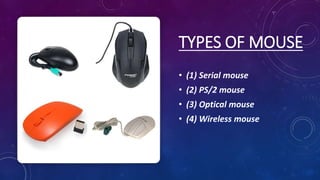
TYPES OF MOUSE
• (1) Serial mouse
• (2) PS/2 mouse
• (3) Optical mouse
• (4) Wireless mouse
ADVANTAGES
• Very fast
• Small, uses a small area on a desktop
DISADVANTAGES
Hard to use if the user has
limited wrist or finger
movement
Needs a flat surface
THANKYOU

Input devices of computer

  • 1.
    INPUT DEVICES OF COMPUTER (KEYBOARD& MOUSE) YOGESH KAUSHIK
  • 2.
    INTRODUCTION Computer cannot understandour language because it understands only machine language and it can be possible using some devices are called input devices When we work with computer, we need to enter data and instructions to the computer using these devices These devices convert data and instructions to a form that can be recognized by the computer
  • 3.
    LIST OF SOMEINPUT DEVICE • Keyboard • Mouse • Scanner • Joystick • Digital camera
  • 4.
    KEYBOARD • Keyboard isthe most commonly used input devices. • They allow data entry into a computer system by pressing a set of keys neatly mounted on a keyboard • Contains some extra command keys and function keys that affect the operation of computer or keyboard itself
  • 5.
    TYPES OF KEYBOARD •(1) Standard keyboard • (2) Multimedia keyboard • (3) Wireless keyboard
  • 6.
    ADVANTAGES They can beused in place of an ordinary keyboard. It creates faster response times for users. It can be designed as a waterproof item. There isn't a need to learn how to type. It reduces the number of mistakes that are made.
  • 7.
    DISADVANTAGES It does notwork well of text-based or numeric inputs. Concept keyboards limit user options. It comes at a higher overall cost to the company. They have been known to lead to health problems with extended use. It often relies on a dirty screen.
  • 8.
    MOUSE • Mouse isthe most popular point-and-draw device • It is a must-have input device on modern personal computers • Has 2 or 3 buttons and can be clicked or double-clicked to perform tasks • Optical mouse doesn’t have a ball but uses a laser to sense the motion
  • 9.
    TYPES OF MOUSE •(1) Serial mouse • (2) PS/2 mouse • (3) Optical mouse • (4) Wireless mouse
  • 10.
    ADVANTAGES • Very fast •Small, uses a small area on a desktop
  • 11.
    DISADVANTAGES Hard to useif the user has limited wrist or finger movement Needs a flat surface
  • 12.