Computer cannot understanding our
language because it understands only
machine language and it can be possible
using some devices are called input
devices
When we work with computer we need to
enter data and instructions to the
computer using these devices
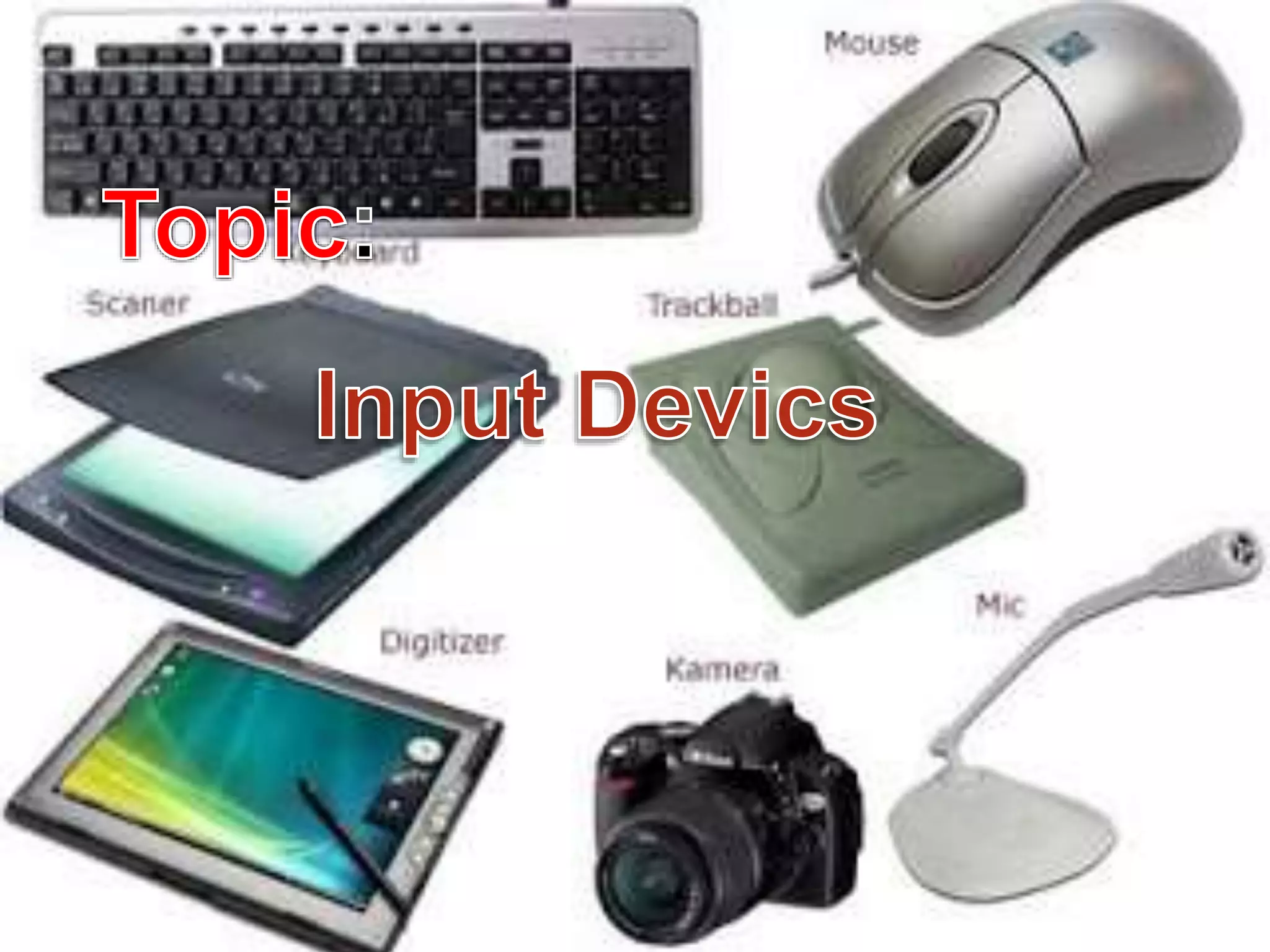
Input Device
TYPES OF INPUT DEVICE
 Keyboard
 Mouse
 Scanner
 Joystick .Joystick,Touchpad
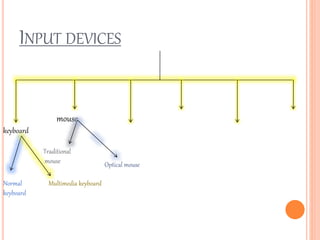
INPUT DEVICES
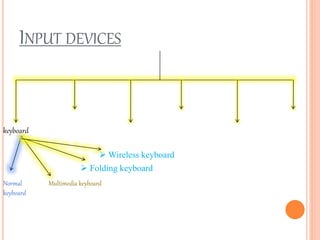
keyboard
Normal
keyboard
Multimedia keyboard
 Folding keyboard
 Wireless keyboard
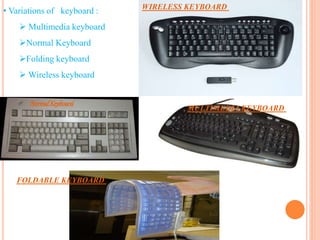
• Variations of keyboard :
 Multimedia keyboard
Normal Keyboard
Folding keyboard
 Wireless keyboard
FOLDABLE KEYBOARD
WIRELESS KEYBOARD
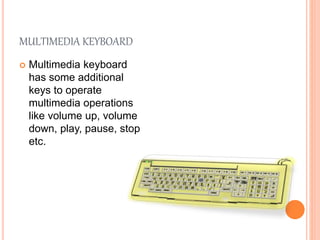
MULTIMEDIA KEYBOARD
NormalKeyboard
MULTIMEDIA KEYBOARD
 Multimedia keyboard
has some additional
keys to operate
multimedia operations
like volume up, volume
down, play, pause, stop
etc.
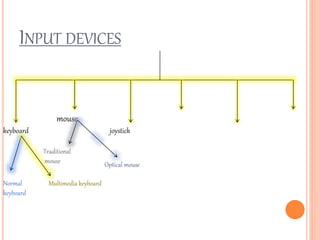
INPUT DEVICES
keyboard
mouse
Normal
keyboard
Multimedia keyboard
Traditional
mouse Optical mouse
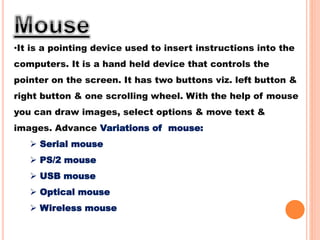
•It is a pointing device used to insert instructions into the
computers. It is a hand held device that controls the
pointer on the screen. It has two buttons viz. left button &
right button & one scrolling wheel. With the help of mouse
you can draw images, select options & move text &
images. Advance Variations of mouse:
 Serial mouse
 PS/2 mouse
 USB mouse
 Optical mouse
 Wireless mouse
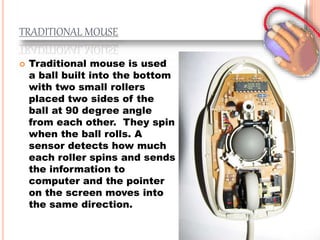
TRADITIONAL MOUSE
 Traditional mouse is used
a ball built into the bottom
with two small rollers
placed two sides of the
ball at 90 degree angle
from each other. They spin
when the ball rolls. A
sensor detects how much
each roller spins and sends
the information to
computer and the pointer
on the screen moves into
the same direction.
OPTICAL MOUSE
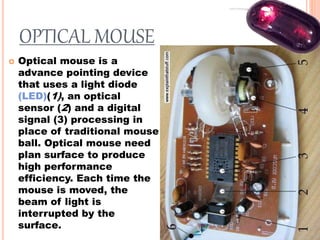
 Optical mouse is a
advance pointing device
that uses a light diode
(LED)(1), an optical
sensor (2) and a digital
signal (3) processing in
place of traditional mouse
ball. Optical mouse need
plan surface to produce
high performance
efficiency. Each time the
mouse is moved, the
beam of light is
interrupted by the
surface.
INPUT DEVICES
keyboard
mouse
joystick
Normal
keyboard
Multimedia keyboard
Traditional
mouse Optical mouse
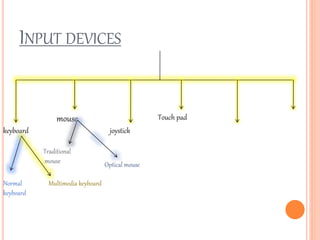
INPUT DEVICES
keyboard
mouse
joystick
Touch pad
Normal
keyboard
Multimedia keyboard
Traditional
mouse Optical mouse
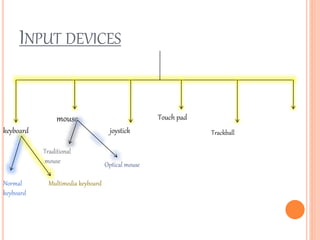
INPUT DEVICES
keyboard
mouse
joystick
Touch pad
Normal
keyboard
Multimedia keyboard
Traditional
mouse Optical mouse
Trackball
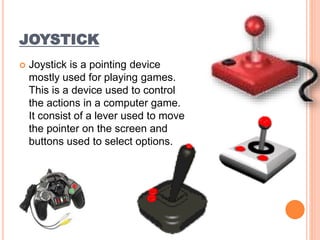
JOYSTICK
 Joystick is a pointing device
mostly used for playing games.
This is a device used to control
the actions in a computer game.
It consist of a lever used to move
the pointer on the screen and
buttons used to select options.
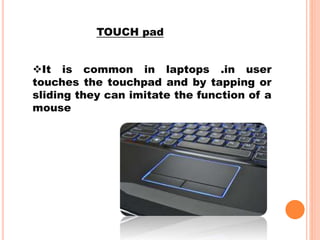
It is common in laptops .in user
touches the touchpad and by tapping or
sliding they can imitate the function of a
mouse
TOUCH pad
 It is a 2D positioning device
 It consists a ball held by a socket
containing sensors to detect the
rotation of ball about TWO axis
 User rolls the ball to move the
cursor
Trackball
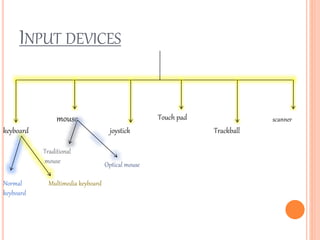
INPUT DEVICES
keyboard
mouse
joystick
Touch pad
Trackball
Normal
keyboard
Multimedia keyboard
Traditional
mouse Optical mouse
scanner
SCANNER
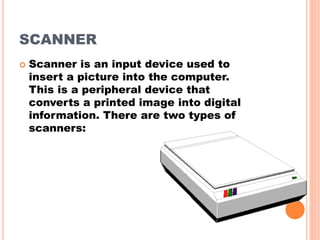
 Scanner is an input device used to
insert a picture into the computer.
This is a peripheral device that
converts a printed image into digital
information. There are two types of
scanners:
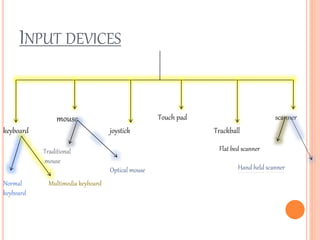
INPUT DEVICES
keyboard
mouse
joystick
Touch pad
Trackball
scanner
Normal
keyboard
Multimedia keyboard
Traditional
mouse
Optical mouse
Flat bed scanner
Hand held scanner
FLAT BED SCANNER
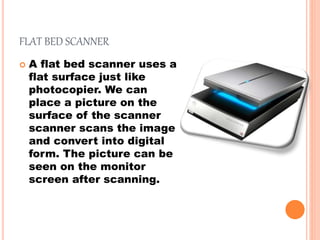
 A flat bed scanner uses a
flat surface just like
photocopier. We can
place a picture on the
surface of the scanner
scanner scans the image
and convert into digital
form. The picture can be
seen on the monitor
screen after scanning.
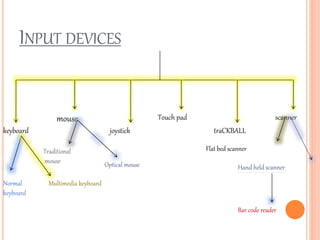
INPUT DEVICES
keyboard
mouse
joystick
Touch pad
traCKBALL
scanner
Normal
keyboard
Multimedia keyboard
Traditional
mouse Optical mouse
Flat bed scanner
Hand held scanner
Bar code reader
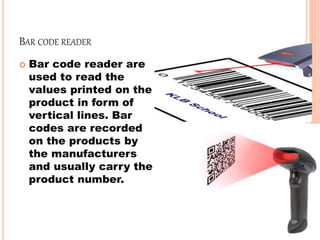
BAR CODE READER
 Bar code reader are
used to read the
values printed on the
product in form of
vertical lines. Bar
codes are recorded
on the products by
the manufacturers
and usually carry the
product number.

input devices