INPUT DEVICES
-RITESH KUMAR SIL
TABLE OF CONTENT
 INTRODUCTION
 TYPES
INTRODUCTION TO INPUT DEVICE
 The electromagnetic devices that accept data or a set
of instructions from the outside world and then translate
that data into machine-readable and understandable
form are known as input devices. Computer input
devices serve as an interface between the outside world
and the computer for proper communication. When the
users enter data using various input devices, the data
can be saved in computer memory for further
processing and preparation. Using the output devices,
the intended and calculated results can be acquired
when the processing and handling are completed. An
input device transmits data to a computer and allows
you to communicate with it and control it.
TYPES OF INPUT DEVICES
 KEYBOARD
 MOUSE
 JOYSTICK
 LIGHT PEN
KEYBOARD
 For entering data into a computer, the keyboard is the
most common and commonly used input device. It
contains various keys for entering letters, numbers,
and characters. Although there are some additional
keys for completing various activities, the keyboard
layout is identical to that of a standard typewriter.
 It is connected to a computer system with the help of
a USB or a Bluetooth device.
MOUSE
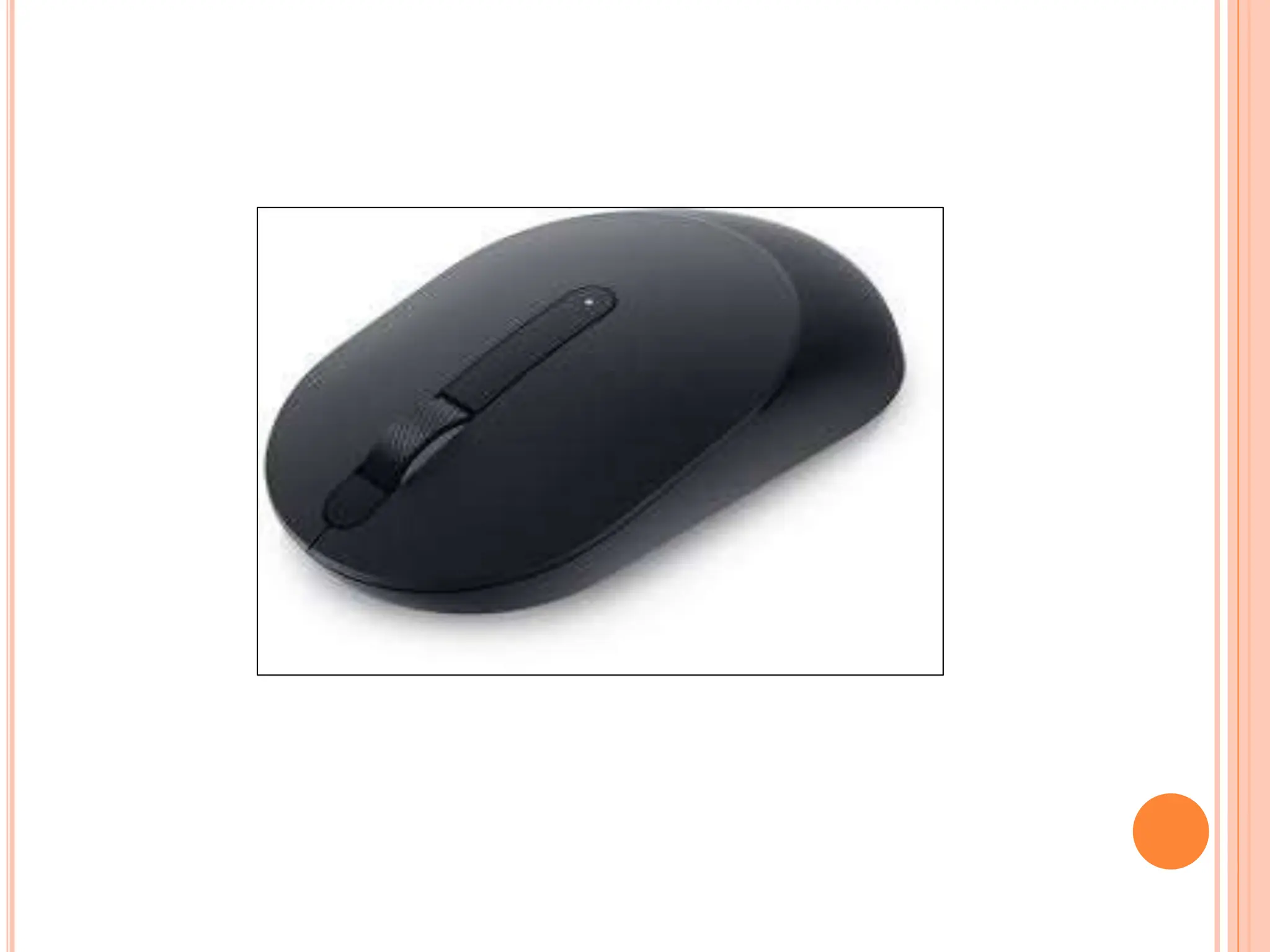
 The mouse is the most used pointing device. While
clicking and dragging, the mouse moves a little
cursor across the screen. If you let off of the mouse,
the cursor will come to a halt. You must move the
mouse for the computer to move; it will not move on
its own. As a result, it’s a device that accepts
input. Or we can say that a mouse is an input
device that allows you to control the coordinates
and movement of the on-screen cursor/pointer by
moving the mouse on a flat surface.
JOYSTICK
 A pointing device used to move the cursor around
the screen is the joystick. Both the bottom and top
ends of the stick have a spherical ball affixed to
them. A socket contains the lower spherical ball.
You can adjust the joystick in all directions.
Trackballs became quite popular in laptops and
PCs since they fit neatly inside the case and take
up less room when in use. They are more precise
and long-lasting than a mouse, which is why they
are still utilized. It is invented by C.B.Mirick.
LIGHT PEN
 A light pen is a pointing device that has the
appearance of a pen. It can be used to draw on the
monitor screen or to pick a menu item. In a small
tube, a photocell and an optical system are housed.
The photocell sensor element determines the
screen location and sends a signal to the CPU
when the tip of a light pen is moved across a
monitor screen while the pen button is pressed.
INPUT DEVICES.pptx
INPUT DEVICES.pptx

INPUT DEVICES.pptx

  • 1.
  • 2.
    TABLE OF CONTENT INTRODUCTION  TYPES
  • 3.
    INTRODUCTION TO INPUTDEVICE  The electromagnetic devices that accept data or a set of instructions from the outside world and then translate that data into machine-readable and understandable form are known as input devices. Computer input devices serve as an interface between the outside world and the computer for proper communication. When the users enter data using various input devices, the data can be saved in computer memory for further processing and preparation. Using the output devices, the intended and calculated results can be acquired when the processing and handling are completed. An input device transmits data to a computer and allows you to communicate with it and control it.
  • 4.
    TYPES OF INPUTDEVICES  KEYBOARD  MOUSE  JOYSTICK  LIGHT PEN
  • 5.
    KEYBOARD  For enteringdata into a computer, the keyboard is the most common and commonly used input device. It contains various keys for entering letters, numbers, and characters. Although there are some additional keys for completing various activities, the keyboard layout is identical to that of a standard typewriter.  It is connected to a computer system with the help of a USB or a Bluetooth device.
  • 7.
    MOUSE  The mouseis the most used pointing device. While clicking and dragging, the mouse moves a little cursor across the screen. If you let off of the mouse, the cursor will come to a halt. You must move the mouse for the computer to move; it will not move on its own. As a result, it’s a device that accepts input. Or we can say that a mouse is an input device that allows you to control the coordinates and movement of the on-screen cursor/pointer by moving the mouse on a flat surface.
  • 9.
    JOYSTICK  A pointingdevice used to move the cursor around the screen is the joystick. Both the bottom and top ends of the stick have a spherical ball affixed to them. A socket contains the lower spherical ball. You can adjust the joystick in all directions. Trackballs became quite popular in laptops and PCs since they fit neatly inside the case and take up less room when in use. They are more precise and long-lasting than a mouse, which is why they are still utilized. It is invented by C.B.Mirick.
  • 11.
    LIGHT PEN  Alight pen is a pointing device that has the appearance of a pen. It can be used to draw on the monitor screen or to pick a menu item. In a small tube, a photocell and an optical system are housed. The photocell sensor element determines the screen location and sends a signal to the CPU when the tip of a light pen is moved across a monitor screen while the pen button is pressed.