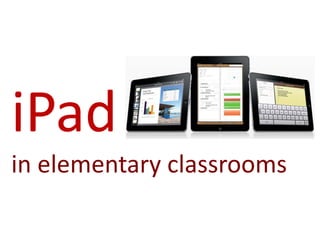
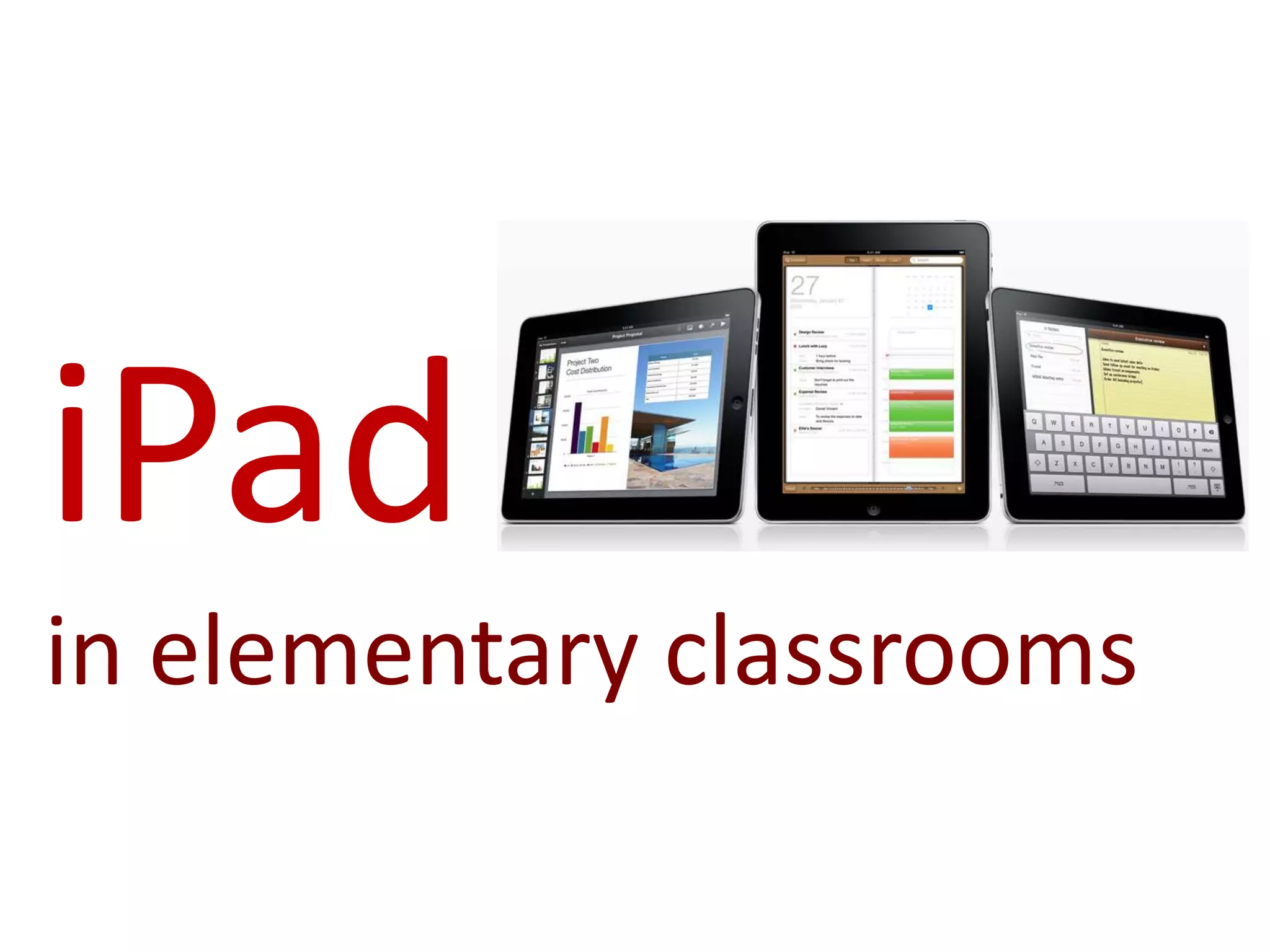
iPad
in elementary classrooms
This work is licensed under a
Creative Commons Attribution-Noncommercial-Share Alike 3.0 License.
       For more information, visit http://creativecommons.org .


    Credit info: Donna Murray, Instructional Technology Specialist
                   murraydo at hickoryschools.net
Vision of education today…


                             21st century skills
                             Engaging
                             Interactive
                             Student-centered
                             Differentiated
                             Creative learning
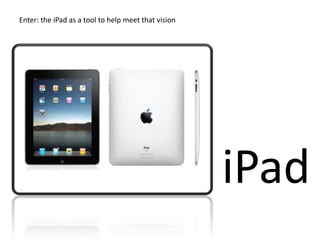
Enter: the iPad as a tool to help meet that vision


                                                     iPad
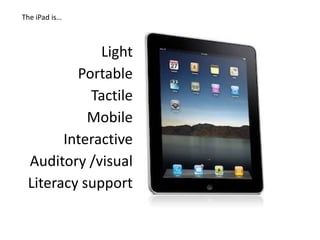
The iPad is…


             Light
         Portable
           Tactile
           Mobile
       Interactive
 Auditory /visual
 Literacy support
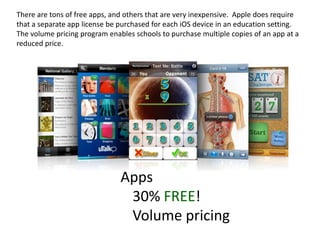
There are tons of free apps, and others that are very inexpensive. Apple does require
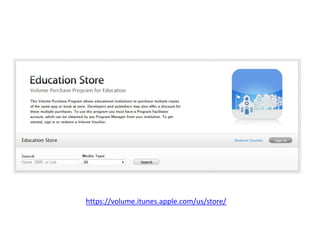
that a separate app license be purchased for each iOS device in an education setting.
The volume pricing program enables schools to purchase multiple copies of an app at a
reduced price.


                               Apps
                                30% FREE!
                                Volume pricing
https://volume.itunes.apple.com/us/store/
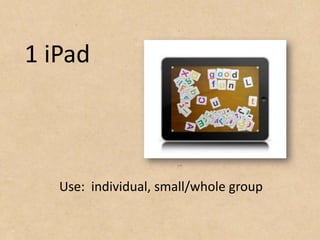
1 iPad


   Use: individual, small/whole group
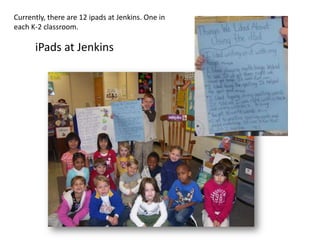
Currently, there are 12 ipads at Jenkins. One in
each K-2 classroom.

      iPads at Jenkins
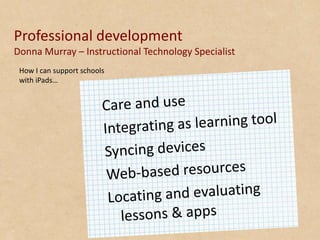
Professional development
Donna Murray – Instructional Technology Specialist
 How I can support schools
 with iPads…
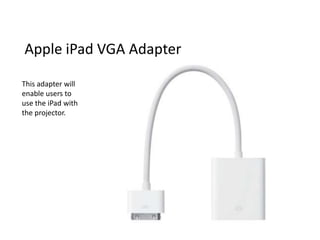
Apple iPad VGA Adapter

This adapter will
enable users to
use the iPad with
the projector.
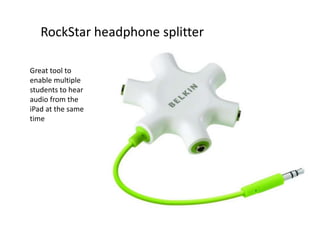
RockStar headphone splitter

Great tool to
enable multiple
students to hear
audio from the
iPad at the same
time
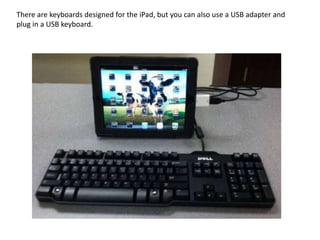
There are keyboards designed for the iPad, but you can also use a USB adapter and
plug in a USB keyboard.
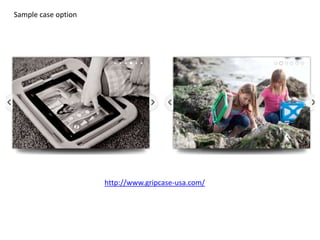
Sample case option


                     http://www.gripcase-usa.com/
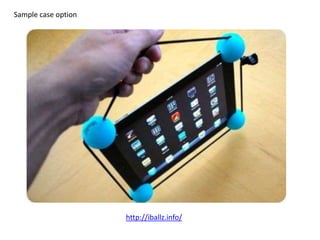
Sample case option


                     http://iballz.info/
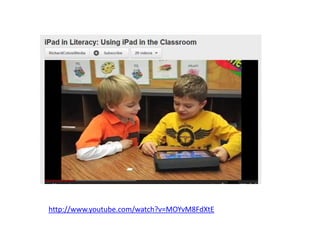
http://www.youtube.com/watch?v=MOYvM8FdXtE
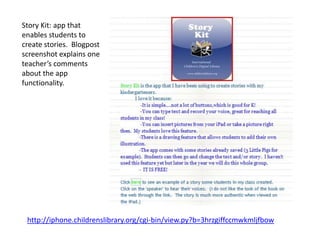
Story Kit: app that
enables students to
create stories. Blogpost
screenshot explains one
teacher’s comments
about the app
functionality.


 http://iphone.childrenslibrary.org/cgi-bin/view.py?b=3hrzgiffccmwkmljfbow
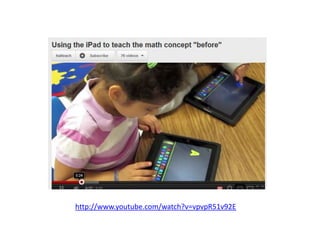
http://www.youtube.com/watch?v=vpvpR51v92E
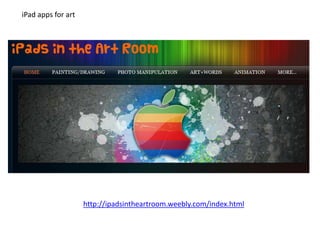
iPad apps for art


                    http://ipadsintheartroom.weebly.com/index.html
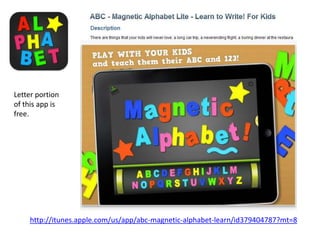
Letter portion
of this app is
free.


    http://itunes.apple.com/us/app/abc-magnetic-alphabet-learn/id379404787?mt=8
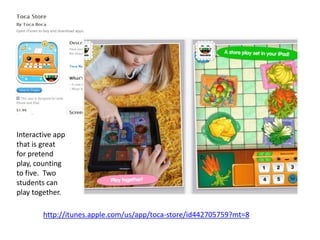
Interactive app
that is great
for pretend
play, counting
to five. Two
students can
play together.

        http://itunes.apple.com/us/app/toca-store/id442705759?mt=8
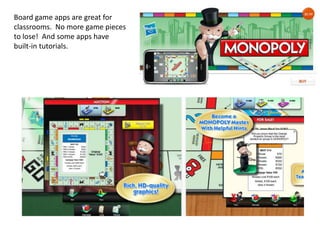
Board game apps are great for
classrooms. No more game pieces
to lose! And some apps have
built-in tutorials.
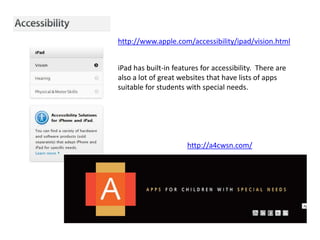
http://www.apple.com/accessibility/ipad/vision.html


iPad has built-in features for accessibility. There are
also a lot of great websites that have lists of apps
suitable for students with special needs.


                      http://a4cwsn.com/
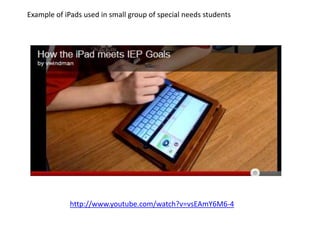
Example of iPads used in small group of special needs students


            http://www.youtube.com/watch?v=vsEAmY6M6-4
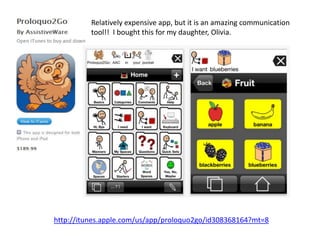
Relatively expensive app, but it is an amazing communication
          tool!! I bought this for my daughter, Olivia.


http://itunes.apple.com/us/app/proloquo2go/id308368164?mt=8
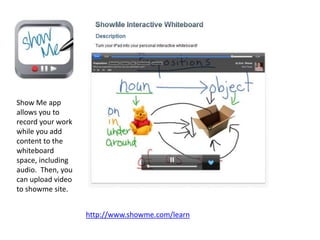
Show Me app
allows you to
record your work
while you add
content to the
whiteboard
space, including
audio. Then, you
can upload video
to showme site.


                   http://www.showme.com/learn
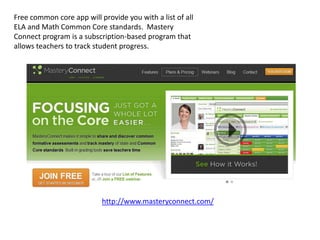
Free common core app will provide you with a list of all
ELA and Math Common Core standards. Mastery
Connect program is a subscription-based program that
allows teachers to track student progress.


                           http://www.masteryconnect.com/
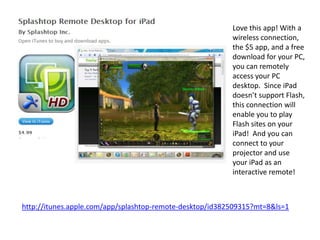
Love this app! With a
                                                          wireless connection,
                                                          the $5 app, and a free
                                                          download for your PC,
                                                          you can remotely
                                                          access your PC
                                                          desktop. Since iPad
                                                          doesn’t support Flash,
                                                          this connection will
                                                          enable you to play
                                                          Flash sites on your
                                                          iPad! And you can
                                                          connect to your
                                                          projector and use
                                                          your iPad as an
                                                          interactive remote!


http://itunes.apple.com/app/splashtop-remote-desktop/id382509315?mt=8&ls=1
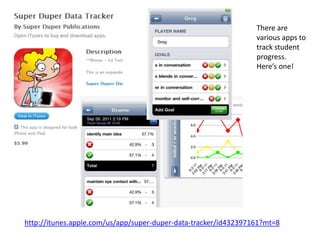
There are
                                                                 various apps to
                                                                 track student
                                                                 progress.
                                                                 Here’s one!


http://itunes.apple.com/us/app/super-duper-data-tracker/id432397161?mt=8
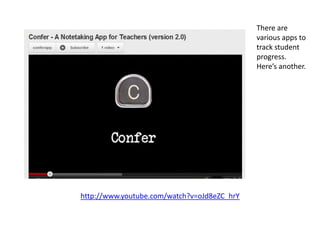
There are
                                             various apps to
                                             track student
                                             progress.
                                             Here’s another.


http://www.youtube.com/watch?v=oJd8eZC_hrY
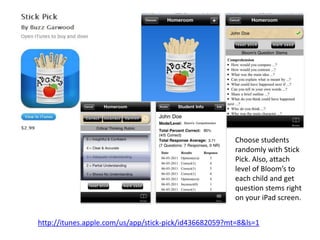
Choose students
                                                        randomly with Stick
                                                        Pick. Also, attach
                                                        level of Bloom’s to
                                                        each child and get
                                                        question stems right
                                                        on your iPad screen.


http://itunes.apple.com/us/app/stick-pick/id436682059?mt=8&ls=1
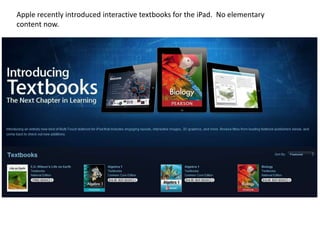
Apple recently introduced interactive textbooks for the iPad. No elementary
content now.
Apple iPad in Education site


            http://www.apple.com/education/ipad/
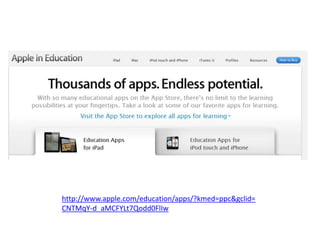
http://www.apple.com/education/apps/?kmed=ppc&gclid=
CNTMqY-d_aMCFYLt7Qodd0FlIw
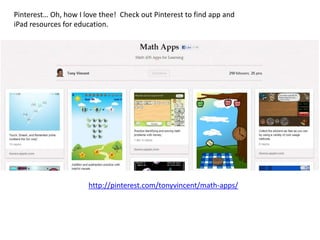
Pinterest… Oh, how I love thee! Check out Pinterest to find app and
iPad resources for education.


                      http://pinterest.com/tonyvincent/math-apps/
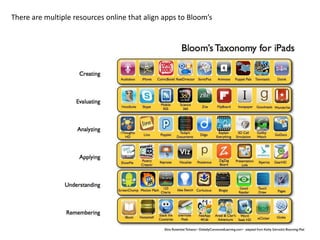
There are multiple resources online that align apps to Bloom’s
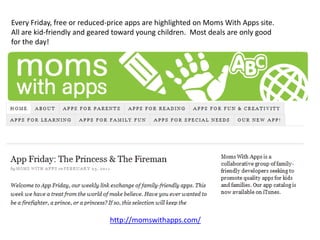
Every Friday, free or reduced-price apps are highlighted on Moms With Apps site.
All are kid-friendly and geared toward young children. Most deals are only good
for the day!


                              http://momswithapps.com/
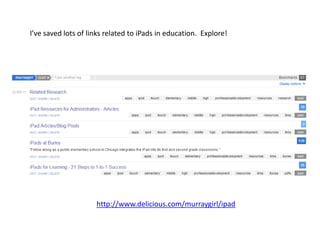
I’ve saved lots of links related to iPads in education. Explore!


                     http://www.delicious.com/murraygirl/ipad
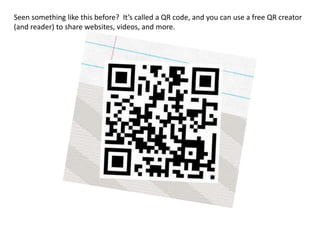
Seen something like this before? It’s called a QR code, and you can use a free QR creator
(and reader) to share websites, videos, and more.
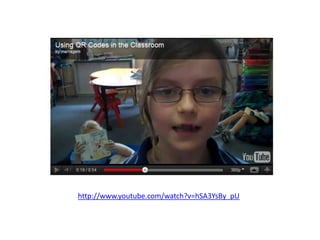
http://www.youtube.com/watch?v=hSA3YsBy_pU
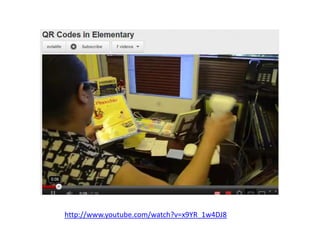
http://www.youtube.com/watch?v=x9YR_1w4DJ8

Ipads in education (elementary presentation)

  • 1.
  • 2.
    This work islicensed under a Creative Commons Attribution-Noncommercial-Share Alike 3.0 License. For more information, visit http://creativecommons.org . Credit info: Donna Murray, Instructional Technology Specialist murraydo at hickoryschools.net
  • 3.
    Vision of educationtoday… 21st century skills Engaging Interactive Student-centered Differentiated Creative learning
  • 4.
    Enter: the iPadas a tool to help meet that vision iPad
  • 5.
    The iPad is… Light Portable Tactile Mobile Interactive Auditory /visual Literacy support
  • 6.
    There are tonsof free apps, and others that are very inexpensive. Apple does require that a separate app license be purchased for each iOS device in an education setting. The volume pricing program enables schools to purchase multiple copies of an app at a reduced price. Apps 30% FREE! Volume pricing
  • 7.
  • 8.
    1 iPad Use: individual, small/whole group
  • 9.
    Currently, there are12 ipads at Jenkins. One in each K-2 classroom. iPads at Jenkins
  • 10.
    Professional development Donna Murray– Instructional Technology Specialist How I can support schools with iPads…
  • 12.
    Apple iPad VGAAdapter This adapter will enable users to use the iPad with the projector.
  • 13.
    RockStar headphone splitter Greattool to enable multiple students to hear audio from the iPad at the same time
  • 14.
    There are keyboardsdesigned for the iPad, but you can also use a USB adapter and plug in a USB keyboard.
  • 15.
    Sample case option http://www.gripcase-usa.com/
  • 16.
    Sample case option http://iballz.info/
  • 17.
  • 18.
    Story Kit: appthat enables students to create stories. Blogpost screenshot explains one teacher’s comments about the app functionality. http://iphone.childrenslibrary.org/cgi-bin/view.py?b=3hrzgiffccmwkmljfbow
  • 19.
  • 20.
    iPad apps forart http://ipadsintheartroom.weebly.com/index.html
  • 21.
    Letter portion of thisapp is free. http://itunes.apple.com/us/app/abc-magnetic-alphabet-learn/id379404787?mt=8
  • 22.
    Interactive app that isgreat for pretend play, counting to five. Two students can play together. http://itunes.apple.com/us/app/toca-store/id442705759?mt=8
  • 23.
    Board game appsare great for classrooms. No more game pieces to lose! And some apps have built-in tutorials.
  • 24.
    http://www.apple.com/accessibility/ipad/vision.html iPad has built-infeatures for accessibility. There are also a lot of great websites that have lists of apps suitable for students with special needs. http://a4cwsn.com/
  • 25.
    Example of iPadsused in small group of special needs students http://www.youtube.com/watch?v=vsEAmY6M6-4
  • 26.
    Relatively expensive app,but it is an amazing communication tool!! I bought this for my daughter, Olivia. http://itunes.apple.com/us/app/proloquo2go/id308368164?mt=8
  • 27.
    Show Me app allowsyou to record your work while you add content to the whiteboard space, including audio. Then, you can upload video to showme site. http://www.showme.com/learn
  • 28.
    Free common coreapp will provide you with a list of all ELA and Math Common Core standards. Mastery Connect program is a subscription-based program that allows teachers to track student progress. http://www.masteryconnect.com/
  • 29.
    Love this app!With a wireless connection, the $5 app, and a free download for your PC, you can remotely access your PC desktop. Since iPad doesn’t support Flash, this connection will enable you to play Flash sites on your iPad! And you can connect to your projector and use your iPad as an interactive remote! http://itunes.apple.com/app/splashtop-remote-desktop/id382509315?mt=8&ls=1
  • 30.
    There are various apps to track student progress. Here’s one! http://itunes.apple.com/us/app/super-duper-data-tracker/id432397161?mt=8
  • 31.
    There are various apps to track student progress. Here’s another. http://www.youtube.com/watch?v=oJd8eZC_hrY
  • 32.
    Choose students randomly with Stick Pick. Also, attach level of Bloom’s to each child and get question stems right on your iPad screen. http://itunes.apple.com/us/app/stick-pick/id436682059?mt=8&ls=1
  • 33.
    Apple recently introducedinteractive textbooks for the iPad. No elementary content now.
  • 34.
    Apple iPad inEducation site http://www.apple.com/education/ipad/
  • 35.
  • 36.
    Pinterest… Oh, howI love thee! Check out Pinterest to find app and iPad resources for education. http://pinterest.com/tonyvincent/math-apps/
  • 37.
    There are multipleresources online that align apps to Bloom’s
  • 38.
    Every Friday, freeor reduced-price apps are highlighted on Moms With Apps site. All are kid-friendly and geared toward young children. Most deals are only good for the day! http://momswithapps.com/
  • 39.
    I’ve saved lotsof links related to iPads in education. Explore! http://www.delicious.com/murraygirl/ipad
  • 40.
    Seen something likethis before? It’s called a QR code, and you can use a free QR creator (and reader) to share websites, videos, and more.
  • 41.
  • 42.