Internet Safety
Robert Schuetz
Fall, 2013
Cyberbullying
What is cyberbullying?
ā—

Cyberbullying is when a minor is tormented, threatened, harassed,
humiliated, embarrassed, or otherwise targeted by another minor using the
Internet, interactive & digital technologies, or mobile phones.

ā—

Cyberbullying can occur one of two ways; direct attacks, or by proxy
(using others to bully the victim, either with or without their knowledge)

Why should you care about cyberbullying?

ā—

Students have killed each other and committed suicide after having been
involved in a cyberbullying episode.

ā—

37% of students report having been bullied online, while 24% of students
admit to bullying someone else online. (Cyberbullying Research.US)

ā€œCyberbullying Charges Weighed After Suicideā€¦ā€ - Washington Post 9/15/13
Cyberbullying
Why do students resort to cyberbullying?

ā—

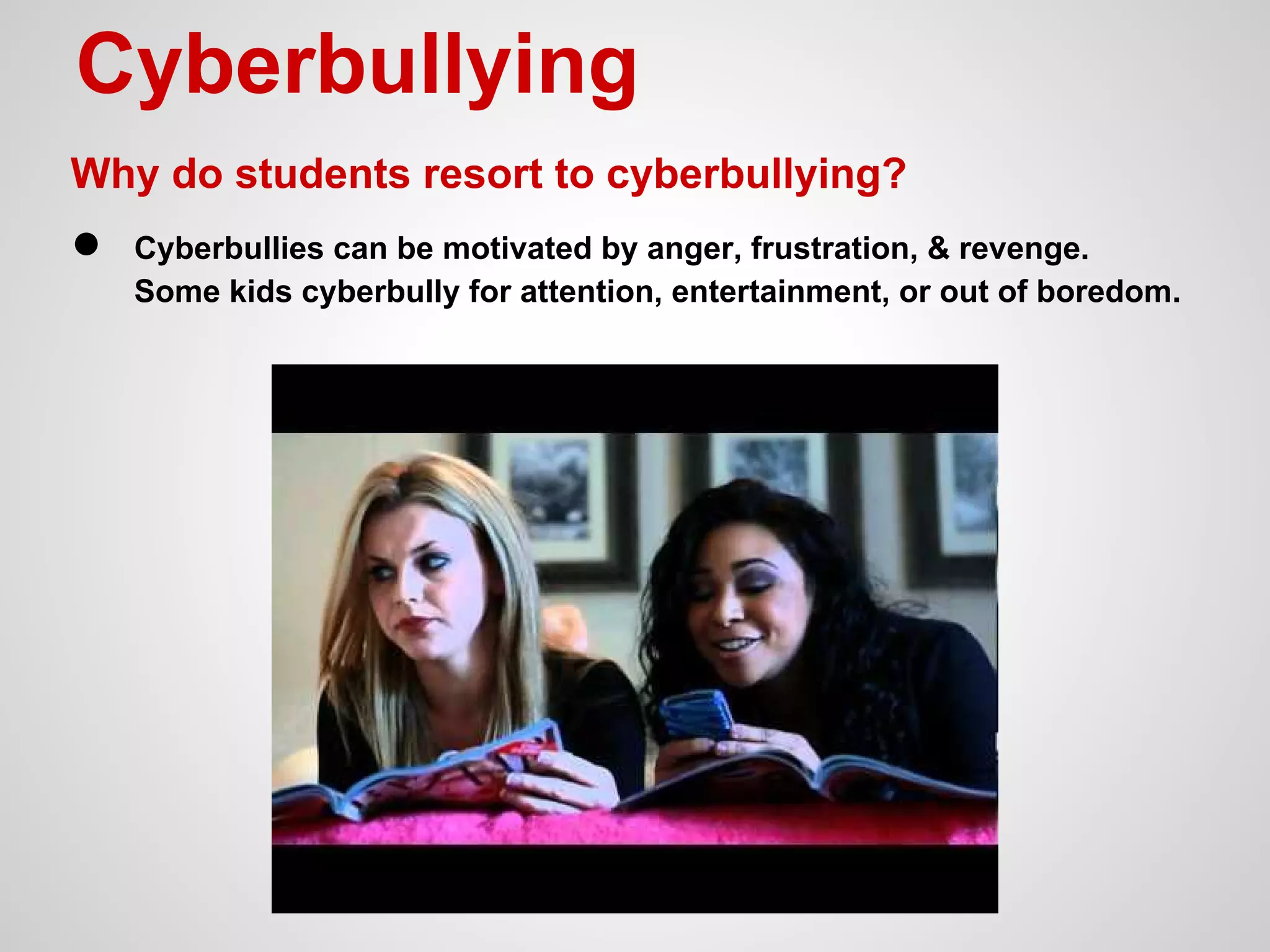
Cyberbullies can be motivated by anger, frustration, & revenge.
Some kids cyberbully for attention, entertainment, or out of boredom.
Cyberbullying
What can I do about cyberbullying?
ā— Stop, block, & tell
1. Do nothing - take a few minutes to calm down
2. Block the cyberbully, or turn off the device
3. Report the offense to a trusted adult or support agency - call 911 if you feel
that you are in eminent danger.
School Support Team: One of your teachers, your administrator, your
guidance counselor, the school technology coordinator, the school police
consultant. **Any trusted adult
More about Internet Safety
ā—
ā—

Know, understand, and frequently check social media privacy settings.

ā—

Google yourself - check your digital tracks and make sure inappropriate, or
false information is not being posted about you online.

ā—

Do not communicate with people that you haven't met "in real life".

Your digital footprints are permanent - think twice about what you share
online, in email, or in text messages.
Credits & Resources
ā—

Schoology Group - "Internet Safety" (online resources, discussion board,
videos, games, and more)

ā—

iSafe.org - Internet safety information for students, parents, and teachers.

ā—

Illinois Attorney General - Lisa Madigan's web site for Internet Safety

ā—

NetSmartz.org - Internet / Cyber safety information for schools and families

ā—

Google Family Safety Center - information and videos for staying safe
online

ā—

Common Sense Media - information and resources for educators, parents,
and students to make sound decisions about Internet and media use.

Internet safety presentation 2013

  • 1.
  • 2.
    Cyberbullying What is cyberbullying? ā— Cyberbullyingis when a minor is tormented, threatened, harassed, humiliated, embarrassed, or otherwise targeted by another minor using the Internet, interactive & digital technologies, or mobile phones. ā— Cyberbullying can occur one of two ways; direct attacks, or by proxy (using others to bully the victim, either with or without their knowledge) Why should you care about cyberbullying? ā— Students have killed each other and committed suicide after having been involved in a cyberbullying episode. ā— 37% of students report having been bullied online, while 24% of students admit to bullying someone else online. (Cyberbullying Research.US) ā€œCyberbullying Charges Weighed After Suicideā€¦ā€ - Washington Post 9/15/13
  • 3.
    Cyberbullying Why do studentsresort to cyberbullying? ā— Cyberbullies can be motivated by anger, frustration, & revenge. Some kids cyberbully for attention, entertainment, or out of boredom.
  • 4.
    Cyberbullying What can Ido about cyberbullying? ā— Stop, block, & tell 1. Do nothing - take a few minutes to calm down 2. Block the cyberbully, or turn off the device 3. Report the offense to a trusted adult or support agency - call 911 if you feel that you are in eminent danger. School Support Team: One of your teachers, your administrator, your guidance counselor, the school technology coordinator, the school police consultant. **Any trusted adult
  • 5.
    More about InternetSafety ā— ā— Know, understand, and frequently check social media privacy settings. ā— Google yourself - check your digital tracks and make sure inappropriate, or false information is not being posted about you online. ā— Do not communicate with people that you haven't met "in real life". Your digital footprints are permanent - think twice about what you share online, in email, or in text messages.
  • 6.
    Credits & Resources ā— SchoologyGroup - "Internet Safety" (online resources, discussion board, videos, games, and more) ā— iSafe.org - Internet safety information for students, parents, and teachers. ā— Illinois Attorney General - Lisa Madigan's web site for Internet Safety ā— NetSmartz.org - Internet / Cyber safety information for schools and families ā— Google Family Safety Center - information and videos for staying safe online ā— Common Sense Media - information and resources for educators, parents, and students to make sound decisions about Internet and media use.