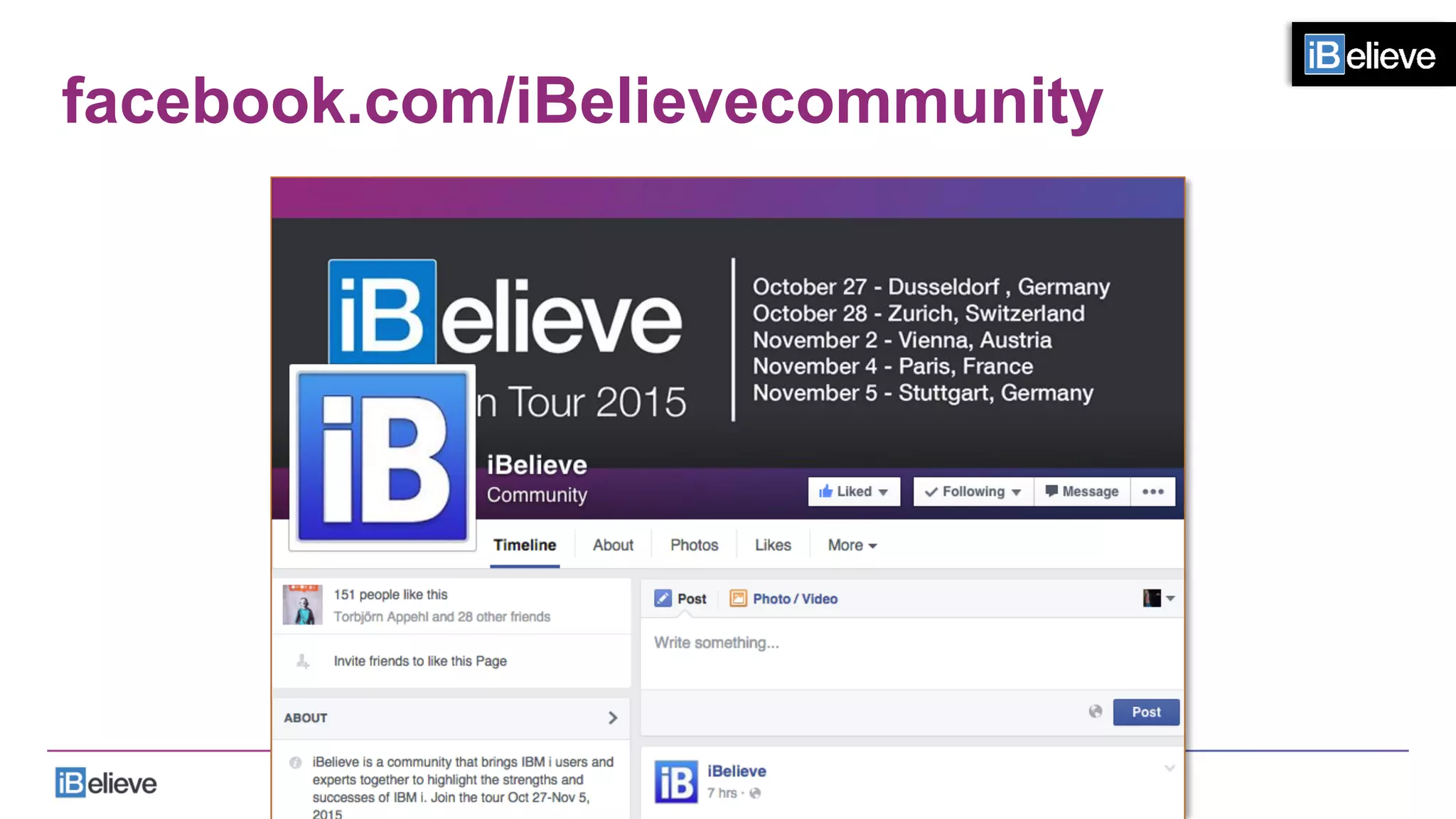

European Tour 2015
DUSSELDORF- ZURICH - VIENNA - PARIS - STUTTGART
Oct	
  27th	
  –	
  Nov	
  5th,	
  2015	
  
Implementing
Modernization
Successfulapproachesforplanningand
implementingGUI,web,mobileandbeyond.	
  
Trevor Perry
Modernization Strategist
Agenda
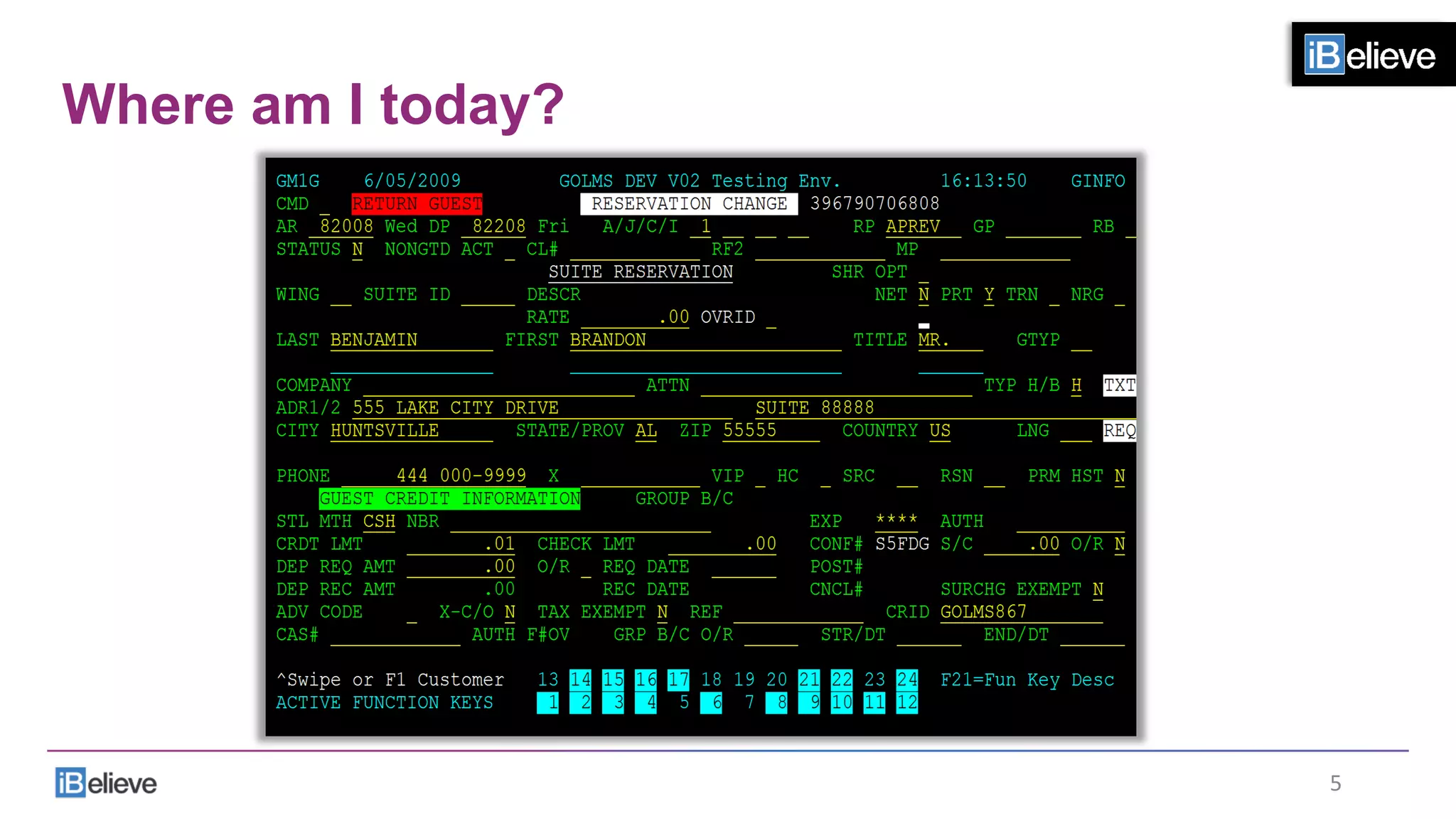
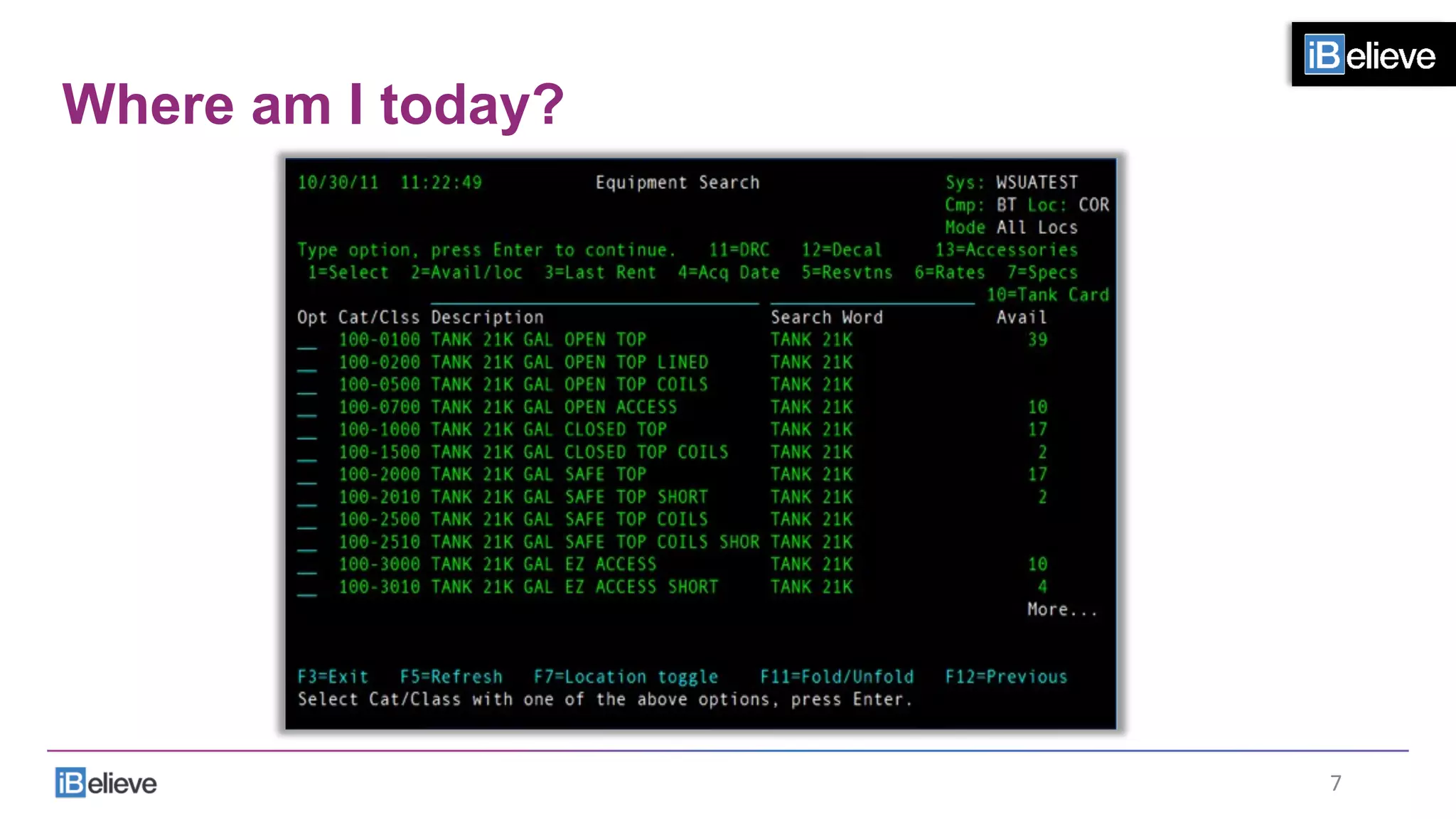
Where am I today?
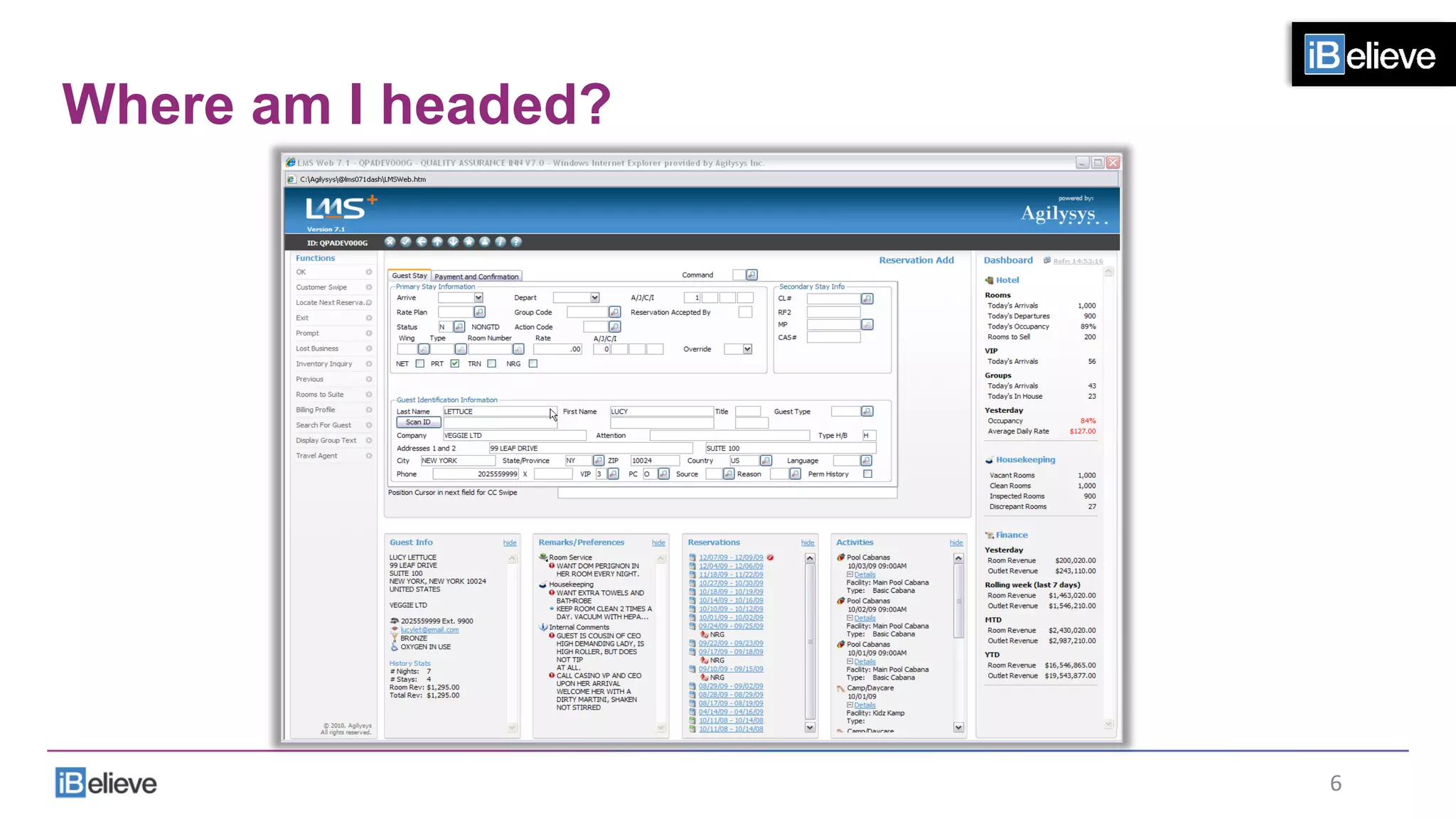
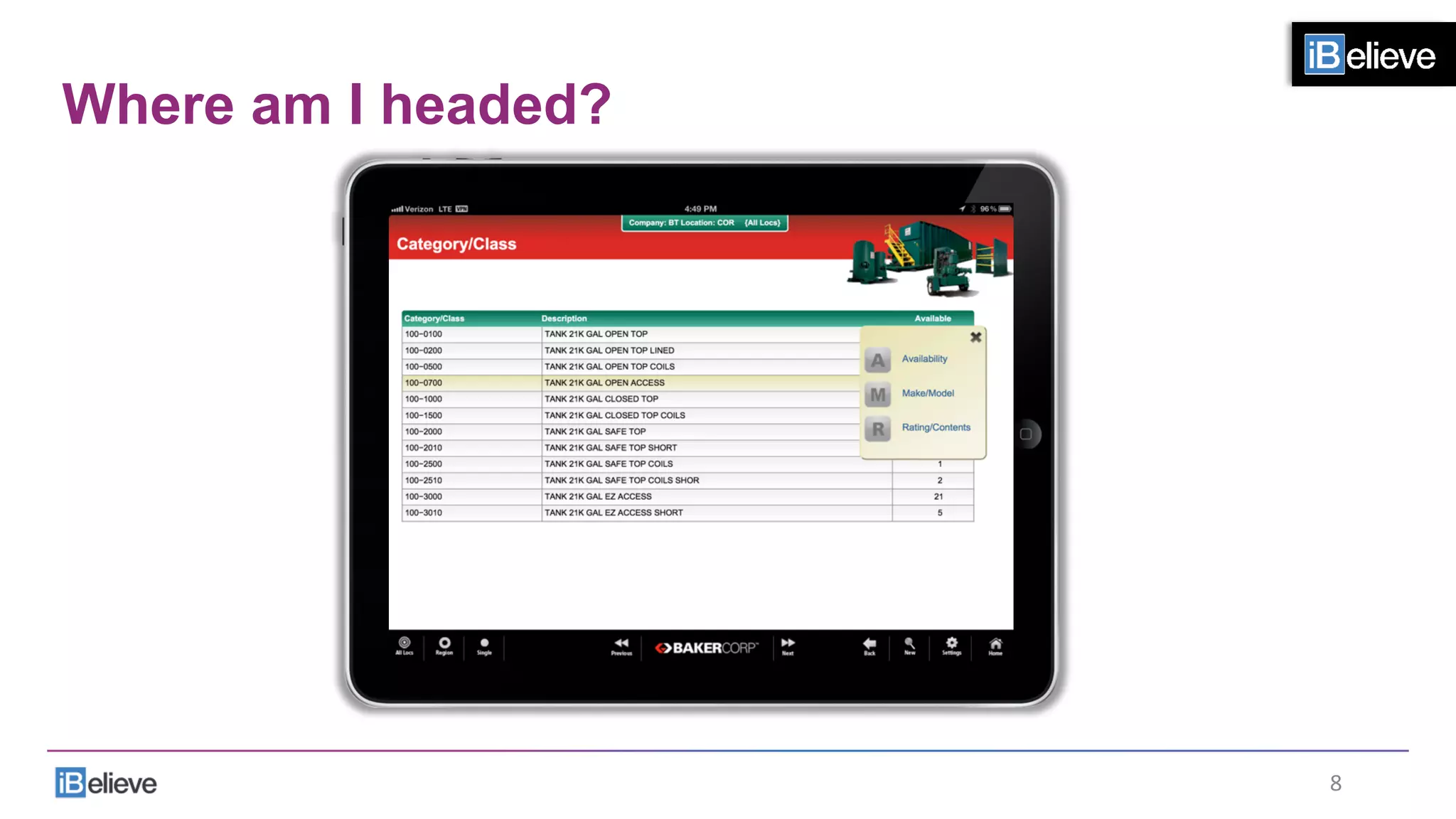
Where am I headed?
How do I get there?
You
1
2
3
4
3	
  
Strategy
What is it?
4	
  
Where am I today?
5	
  
Where am I headed?
6	
  
Where am I today?
7	
  
Where am I headed?
8	
  
How do I get there?
•  Select a small project
•  Determine the ROI
•  Develop the solution
•  Implement the project
9	
  
How do I get there?
•  Select a small project
•  Determine the ROI
•  Develop the solution
•  Multiple choices
•  Multiple developers
•  Evaluate the project
•  Implement the project
10	
  
BUT!
•  We have to start thinking in other ways.
11	
  
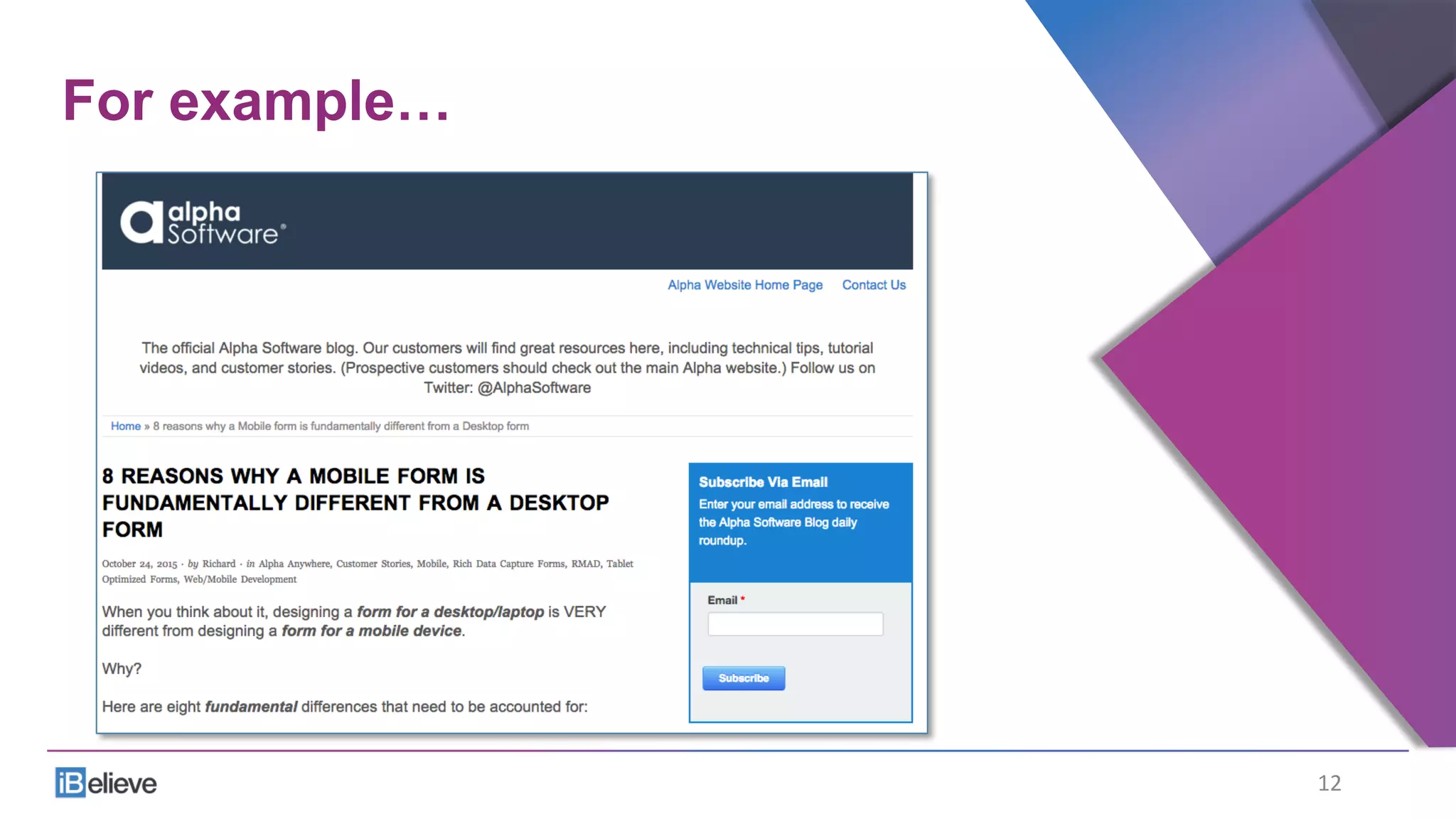
For example…
12	
  
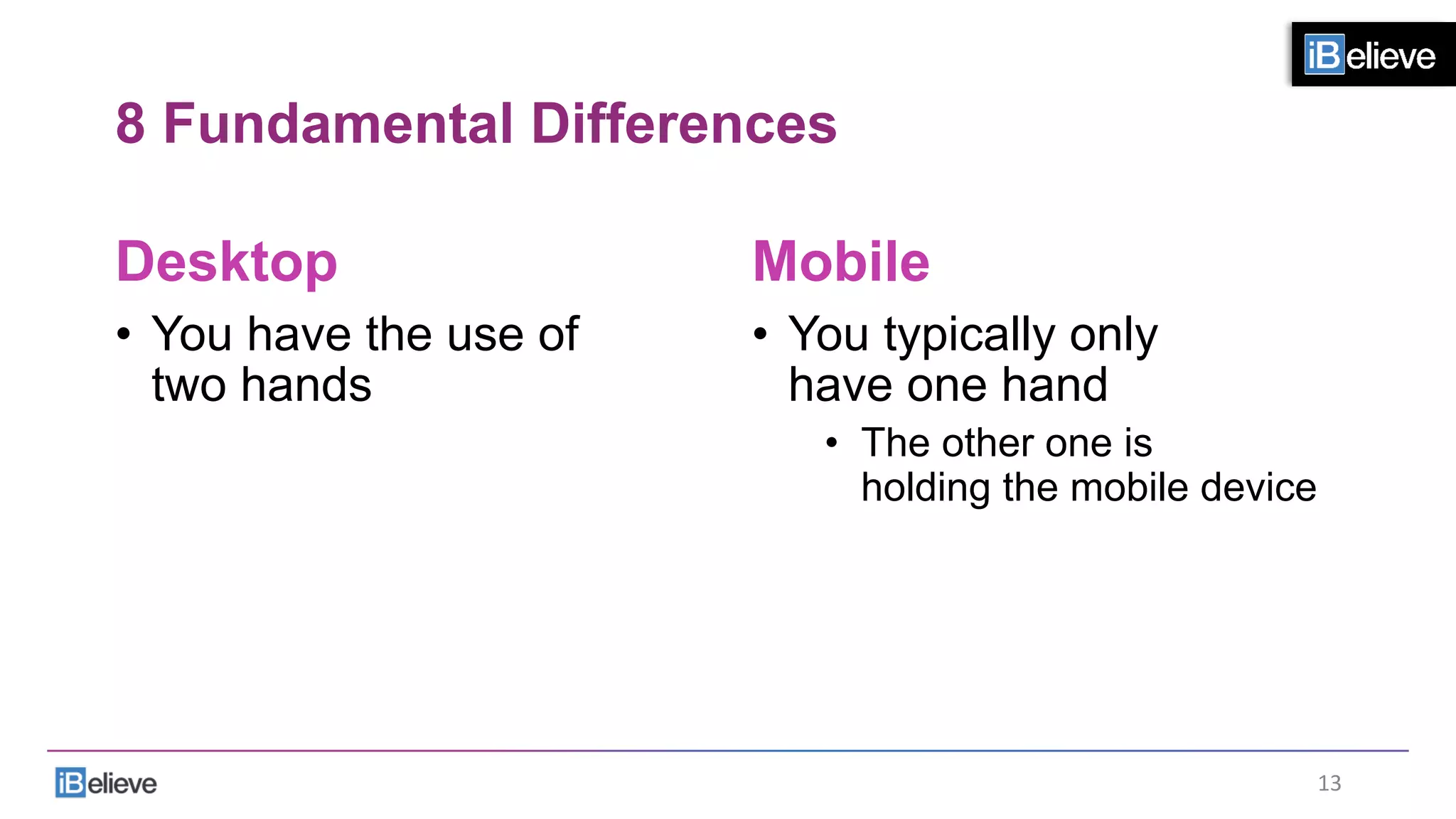
8 Fundamental Differences
Desktop
•  You have the use of
two hands
Mobile
•  You typically only
have one hand
•  The other one is
holding the mobile device
13	
  
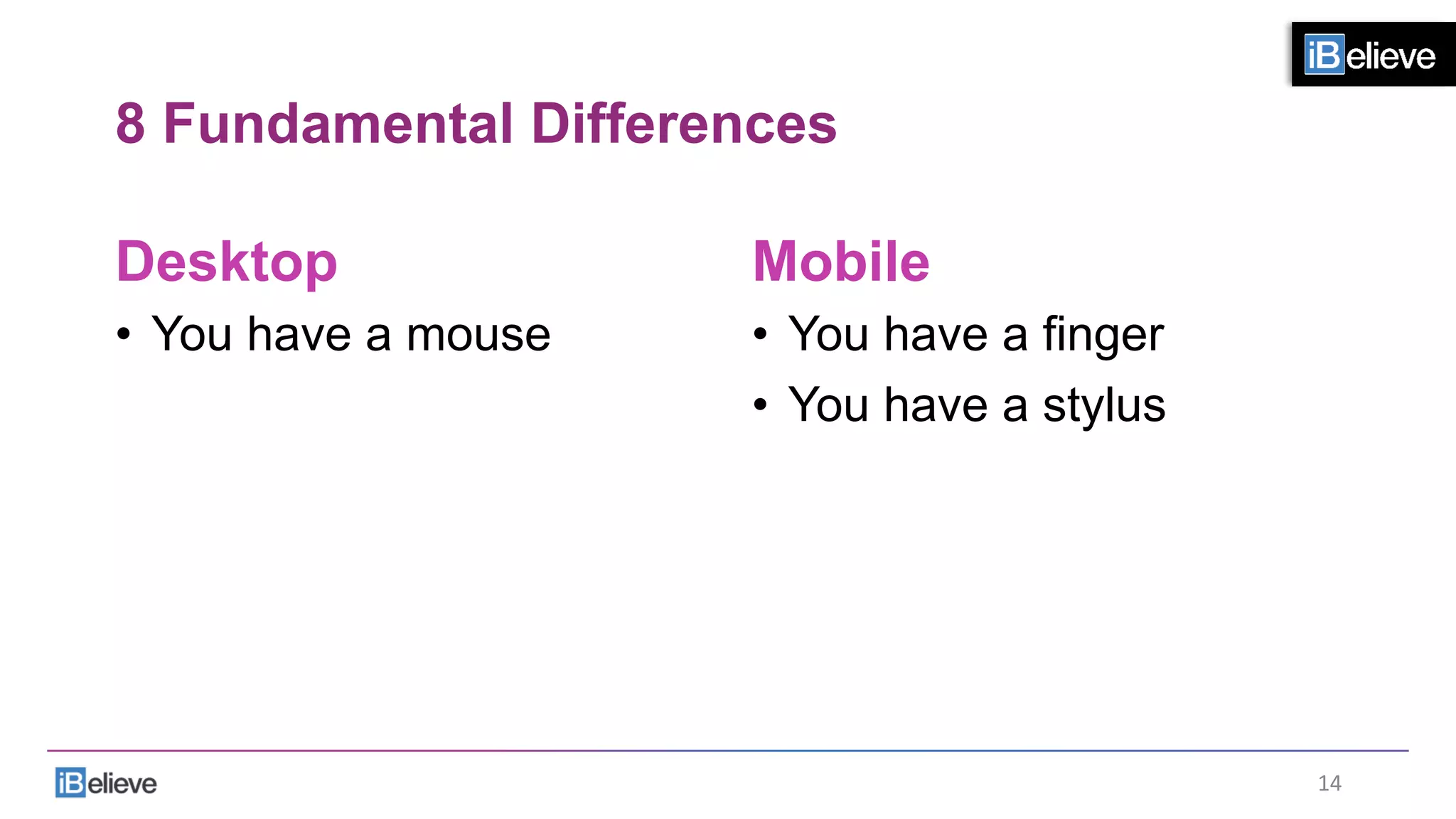
8 Fundamental Differences
Desktop
•  You have a mouse
Mobile
•  You have a finger
•  You have a stylus
14	
  
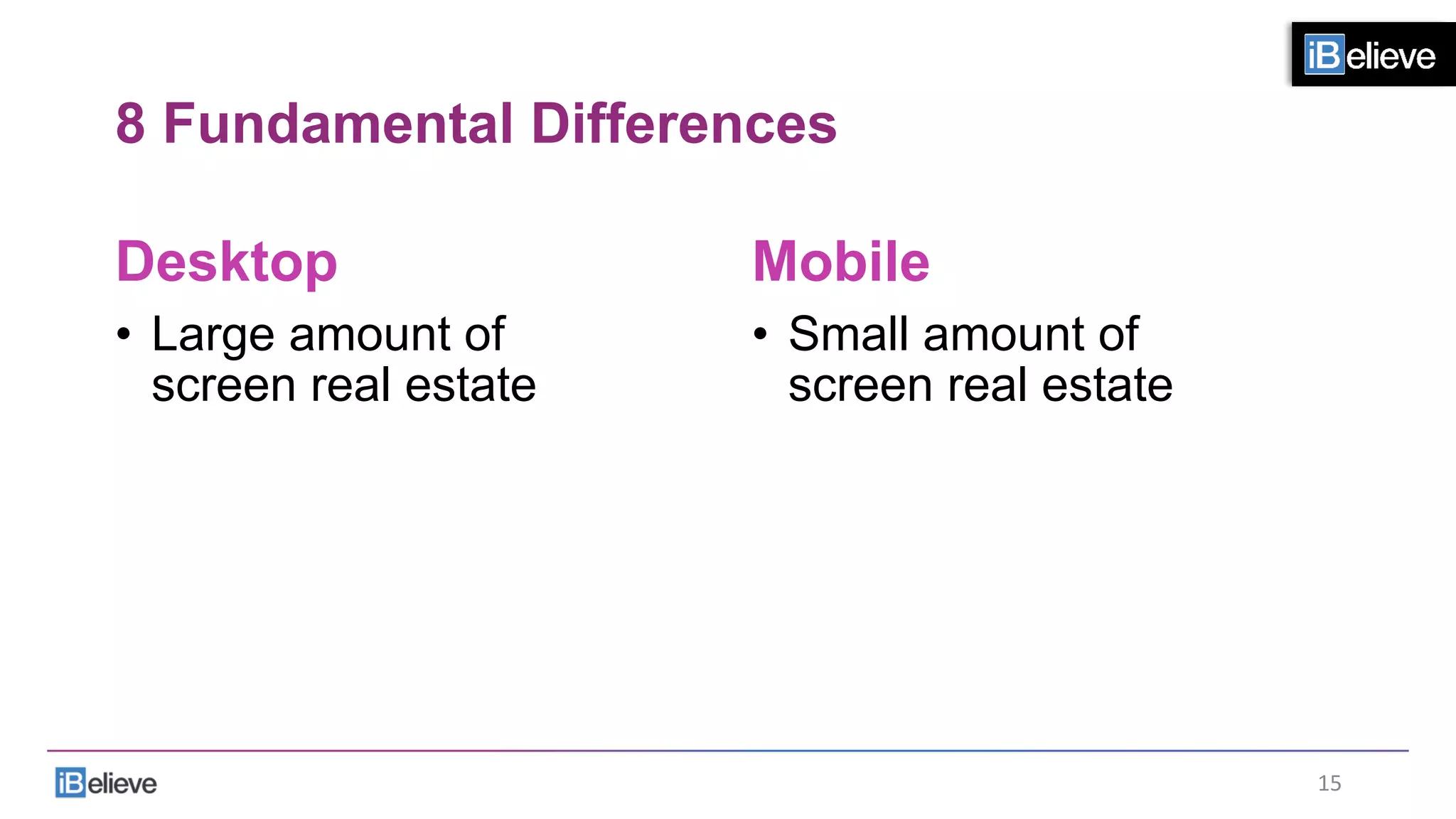
8 Fundamental Differences
Desktop
•  Large amount of
screen real estate
Mobile
•  Small amount of
screen real estate
15	
  
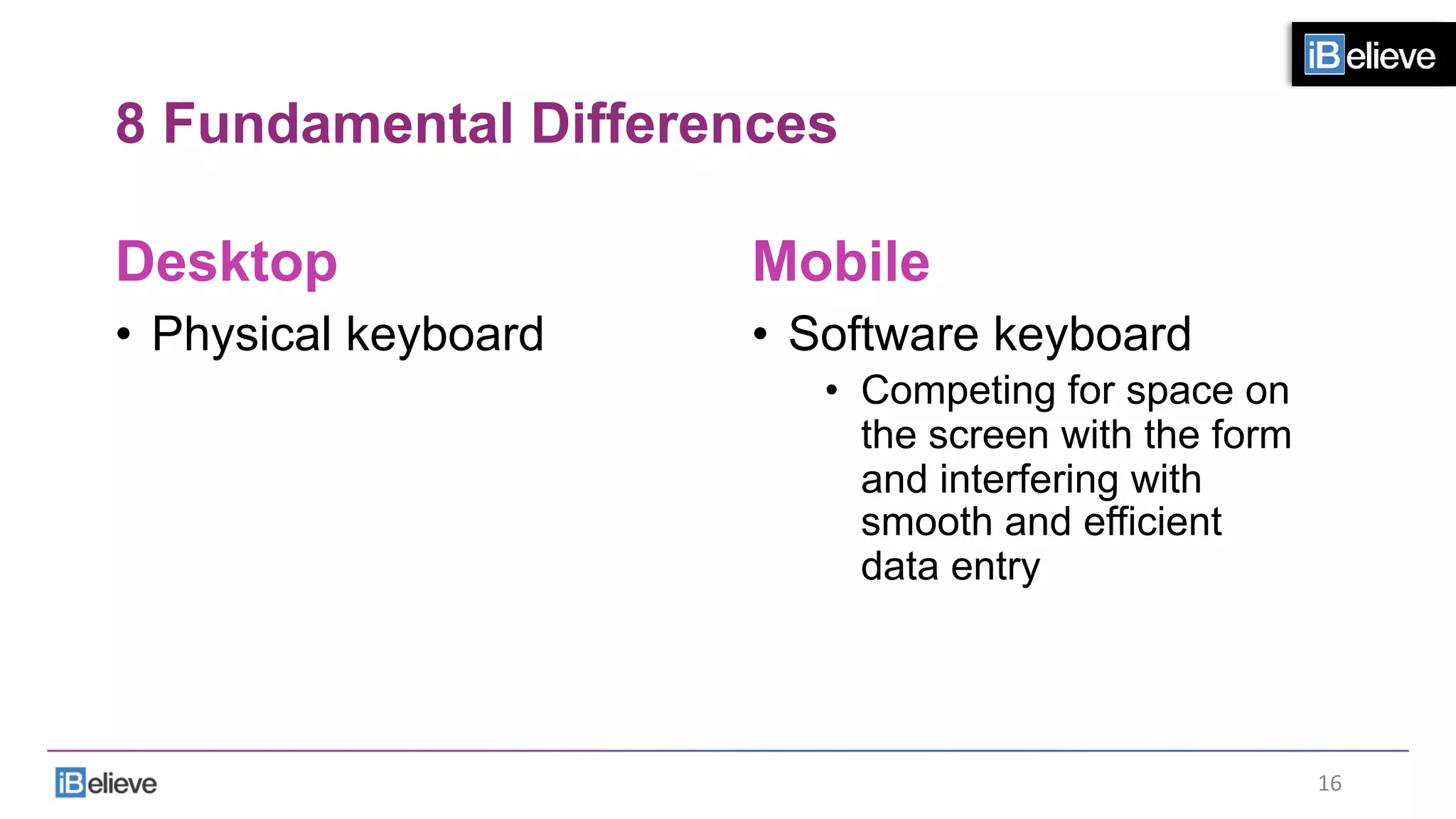
8 Fundamental Differences
Desktop
•  Physical keyboard
Mobile
•  Software keyboard
•  Competing for space on
the screen with the form
and interfering with
smooth and efficient
data entry
16	
  
8 Fundamental Differences
Desktop
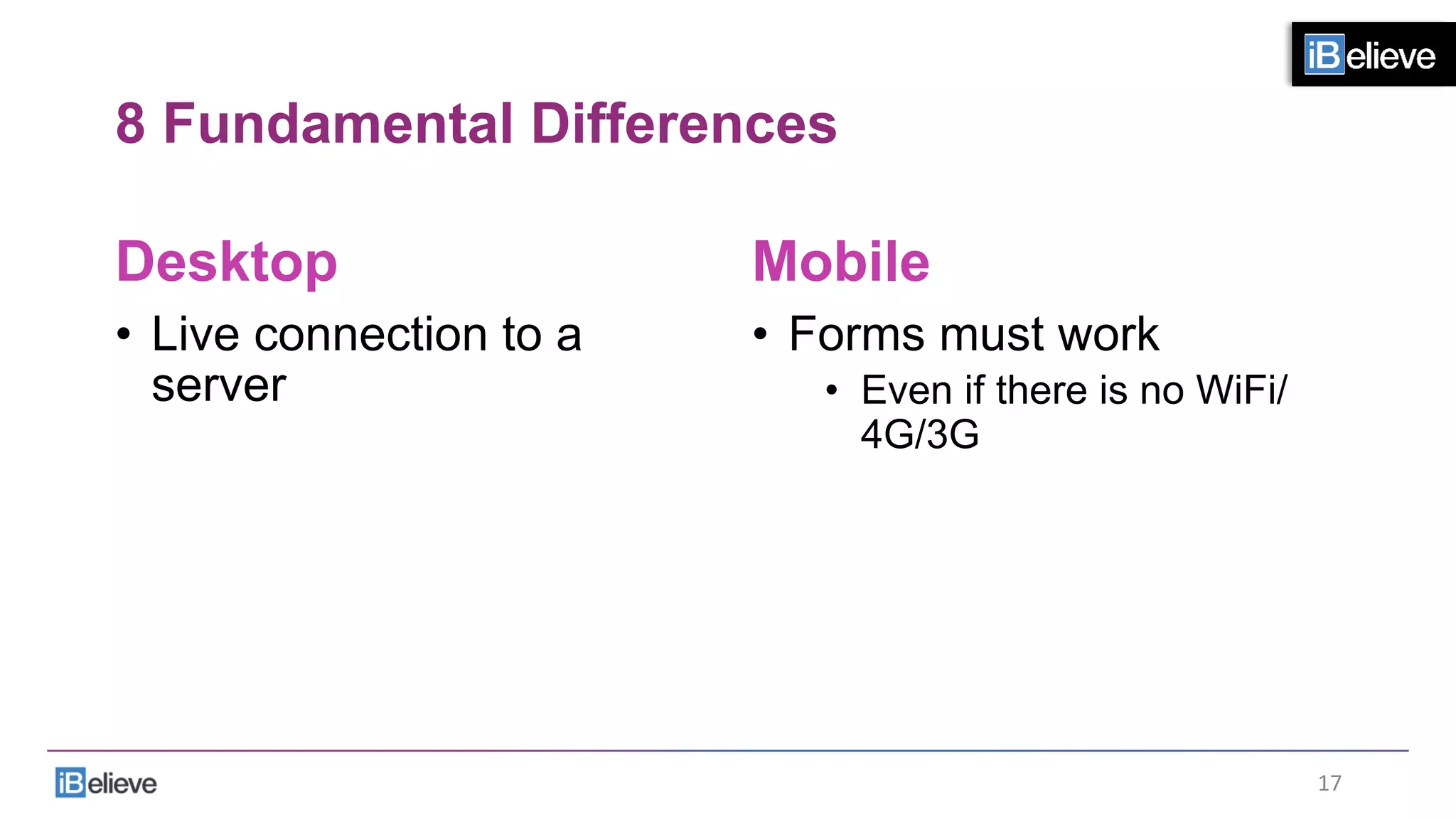
•  Live connection to a
server
Mobile
•  Forms must work
•  Even if there is no WiFi/
4G/3G
17	
  
8 Fundamental Differences
Desktop
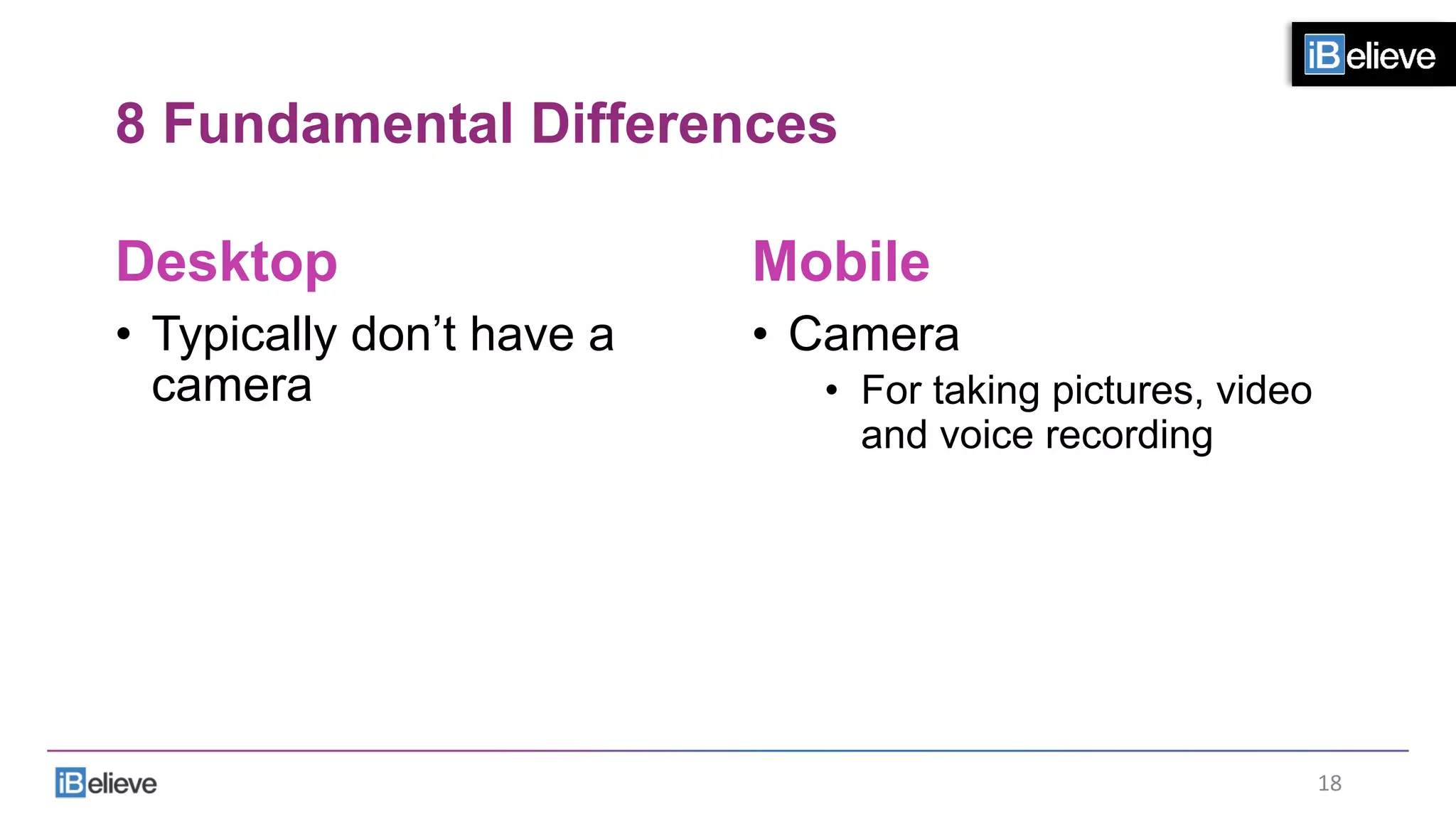
•  Typically don’t have a
camera
Mobile
•  Camera
•  For taking pictures, video
and voice recording
18	
  
8 Fundamental Differences
Desktop
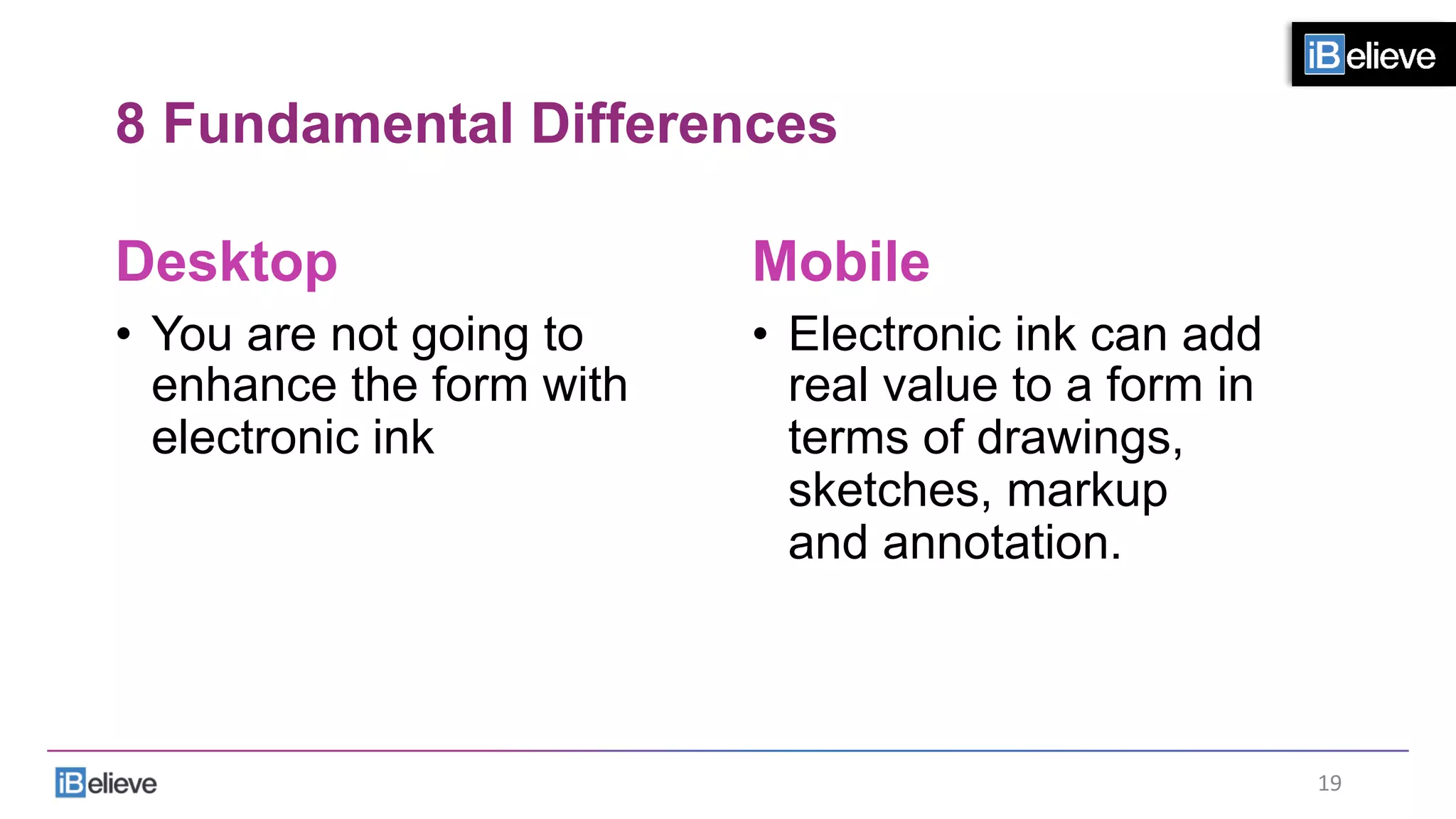
•  You are not going to
enhance the form with
electronic ink
Mobile
•  Electronic ink can add
real value to a form in
terms of drawings,
sketches, markup
and annotation.
19	
  
8 Fundamental Differences
Desktop
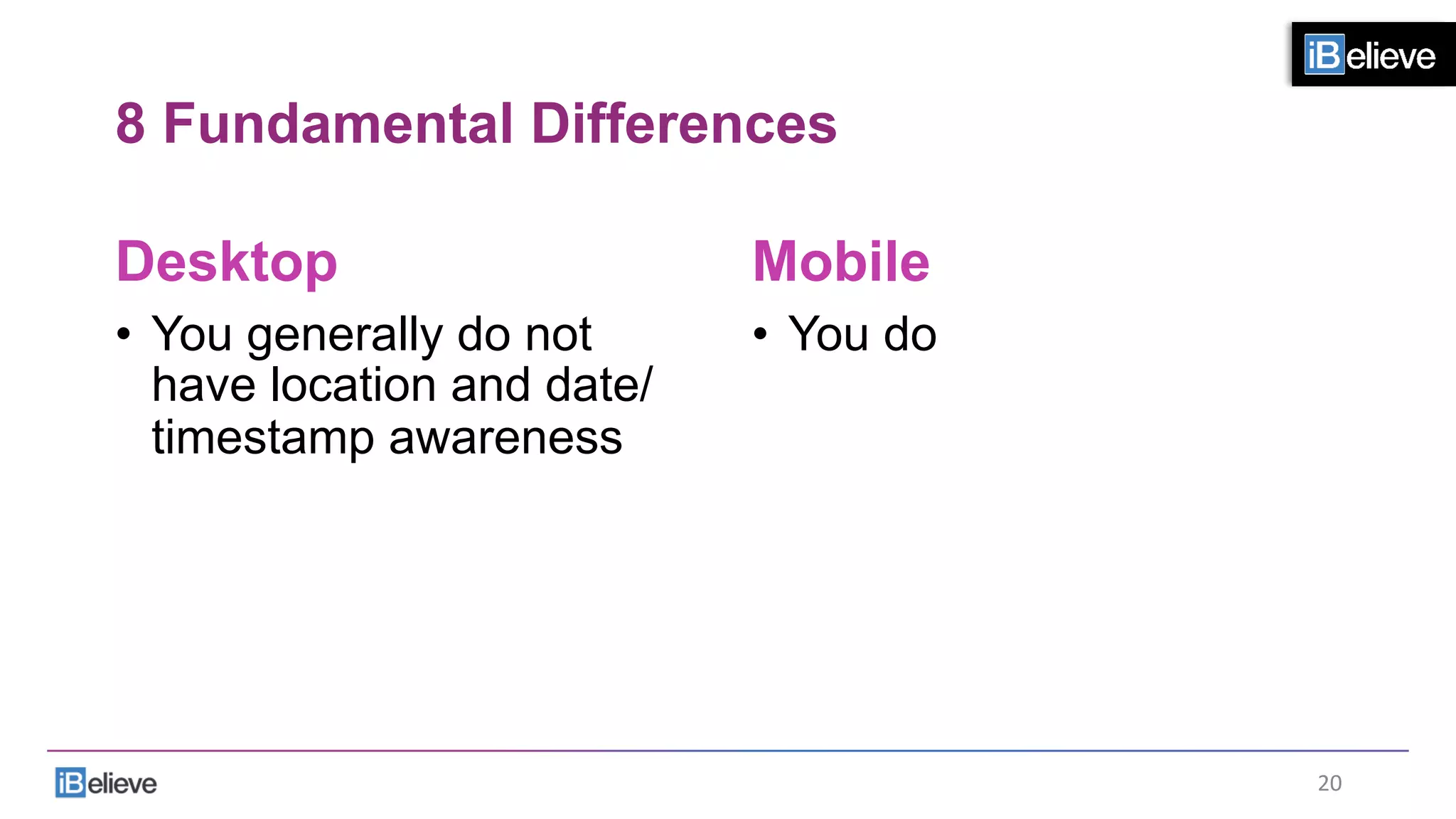
•  You generally do not
have location and date/
timestamp awareness
Mobile
•  You do
20	
  
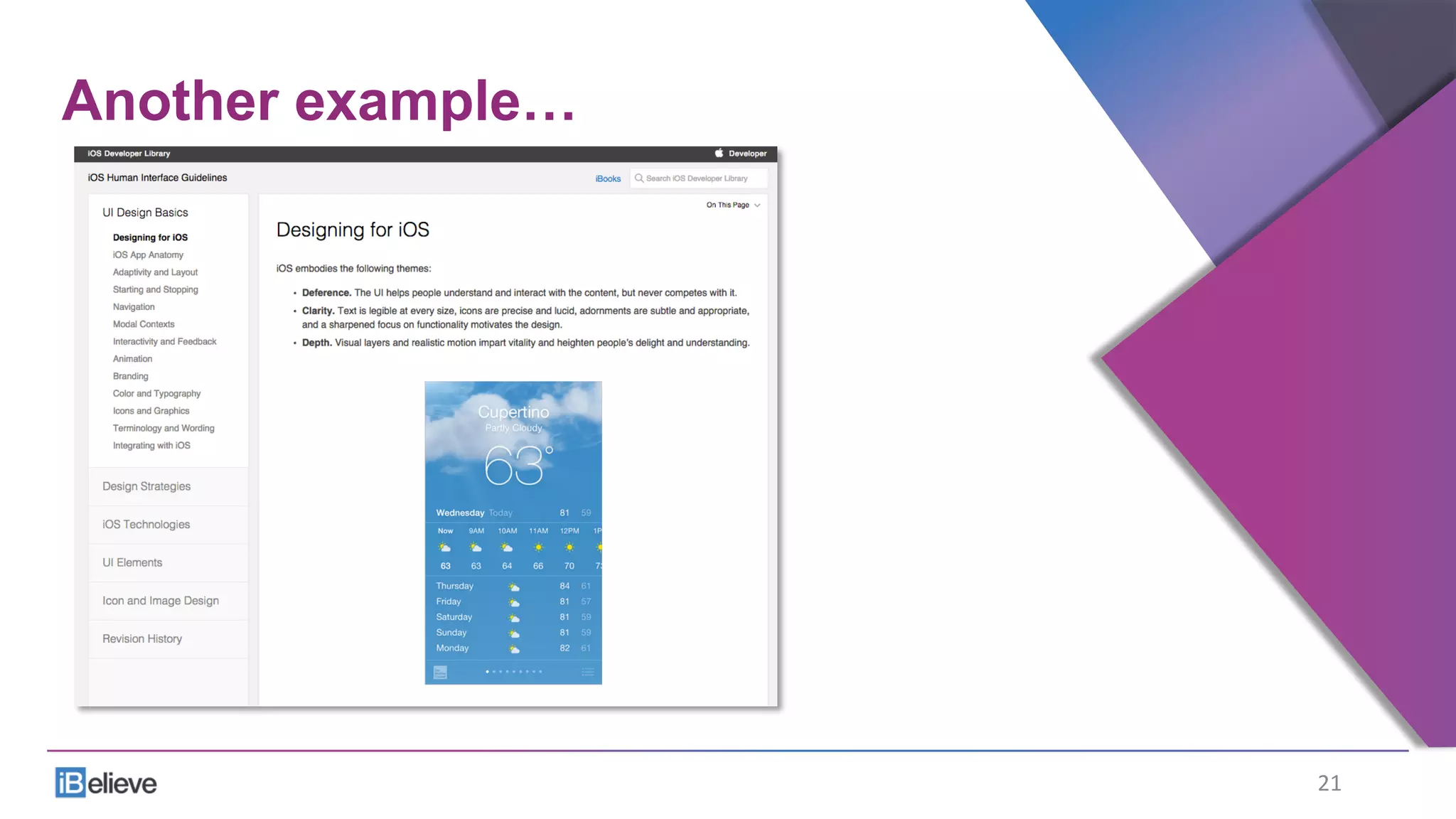
Another example…
21	
  
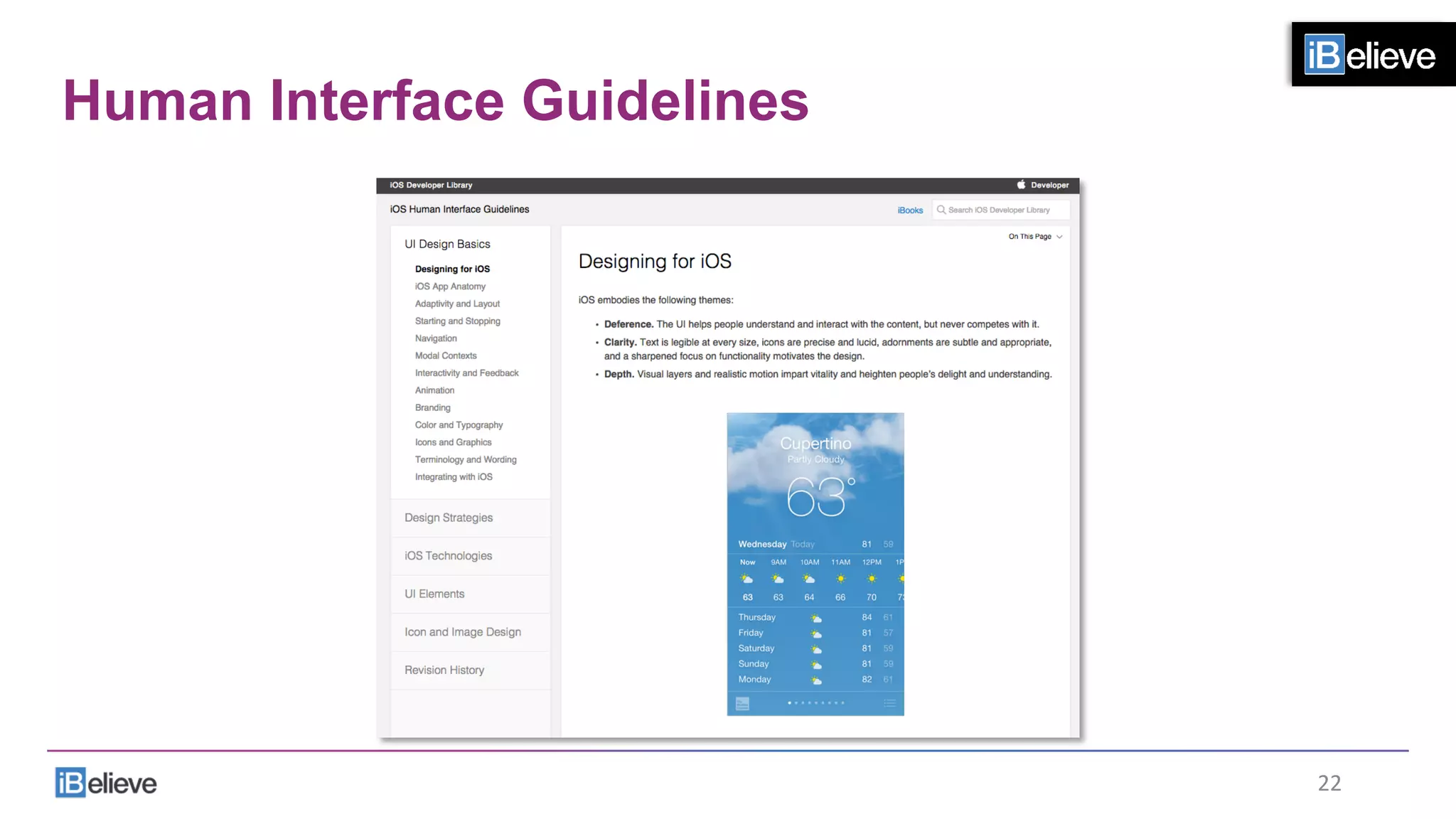
Human Interface Guidelines
22	
  
Designing for iOS
•  iOS embodies the following themes:
•  Deference.
•  The UI helps people understand and interact with the content,
but never competes with it.
•  Clarity.
•  Text is legible at every size, icons are precise and lucid, adornments are
subtle and appropriate, and a sharpened focus on functionality motivates
the design.
•  Depth.
•  Visual layers and realistic motion impart vitality and heighten people’s
delight and understanding.
Human Interface Guidelines
•  Whether you’re redesigning an older app or
creating a new one, consider approaching the
job in this way:
•  First, look past the UI to the app’s core functionality and affirm its
relevance.
•  Next, use the themes of iOS to inform the design of the UI and the user
experience.
Add details and embellishments with care and never gratuitously.
•  Finally, be sure to design your UI to adapt to various devices and modes
so that users can enjoy your app in as many contexts as possible.
Human Interface Guidelines
•  Throughout the process, be prepared to defy
precedent, question assumptions, and let a
focus on content and functionality motivate
every design decision.
Human Interface Guidelines
•  Defy precedent
•  Question assumptions
•  Let a focus on content and functionality
motivate every design decision
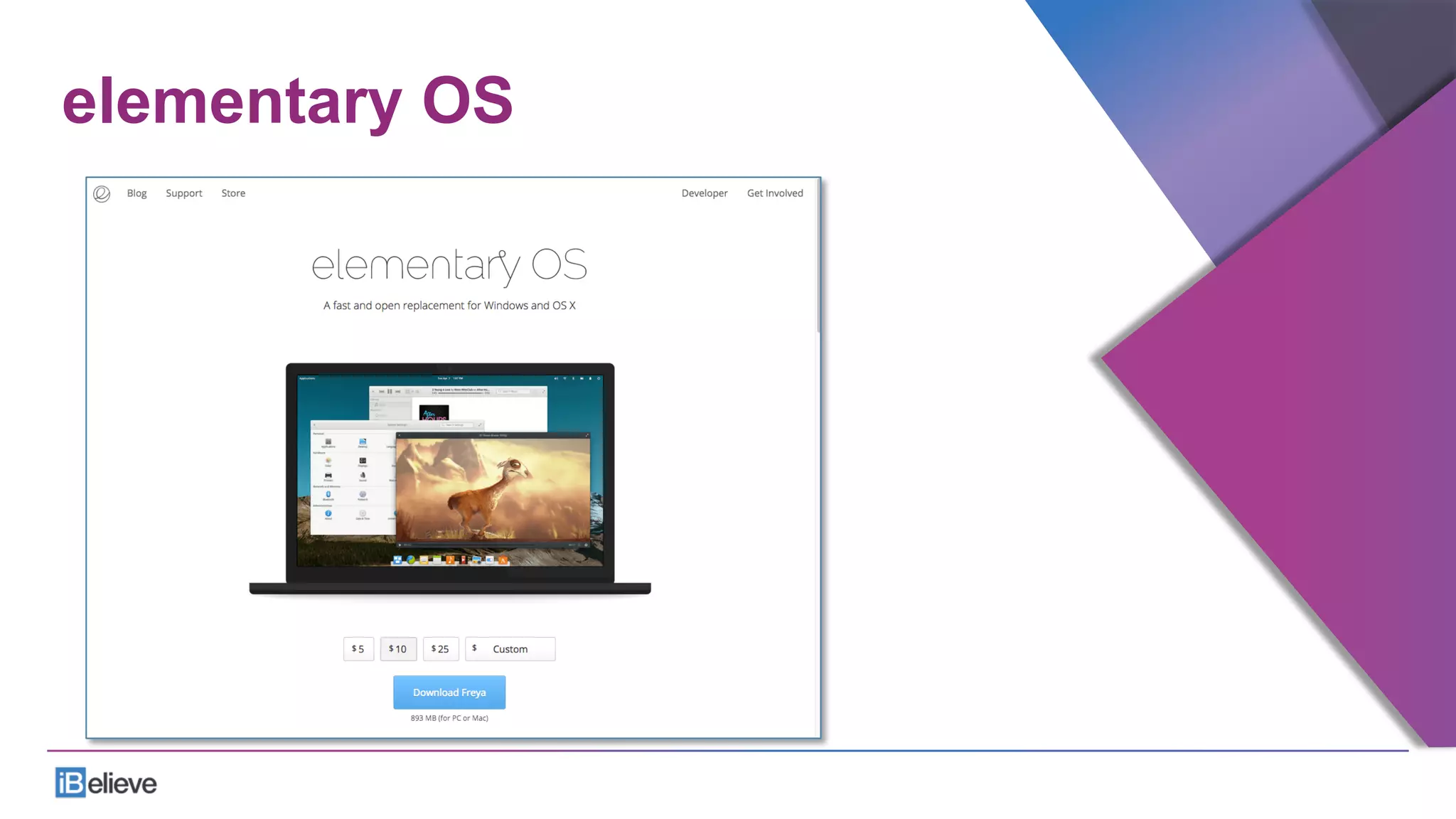
elementary OS
elementary OS
elementary OS
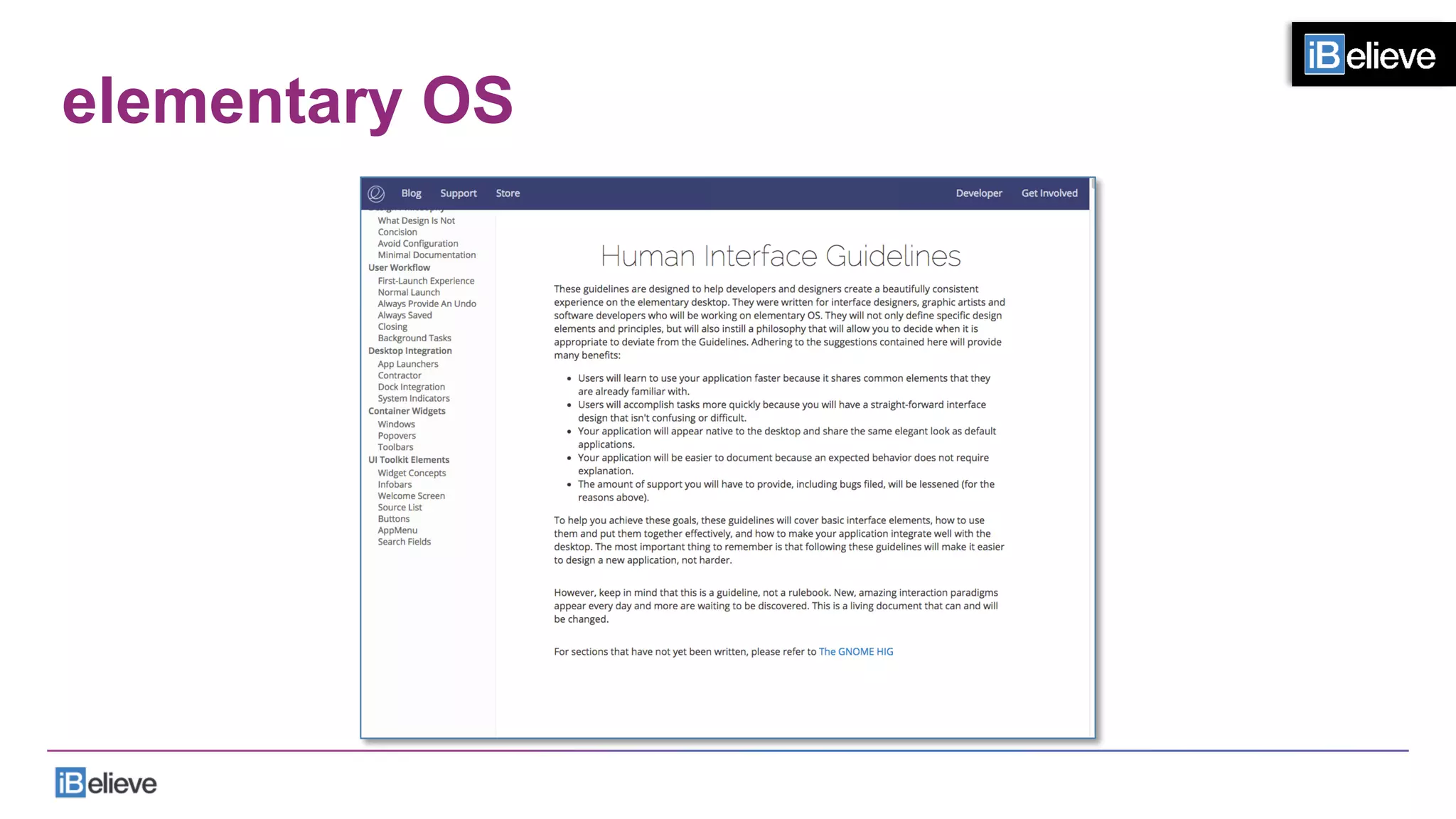
•  These guidelines are designed to help developers and
designers create a beautifully consistent experience on the
elementary desktop.
•  They were written for interface designers, graphic artists
and software developers who will be working on elementary
OS.
•  They will not only define specific design elements and
principles, but will also instill a philosophy that will allow you
to decide when it is appropriate to deviate from the
Guidelines.
•  Adhering to the suggestions contained here will provide
many benefits:
elementary OS
•  Users will learn to use your application faster because it
shares common elements that they are already familiar with.
•  Users will accomplish tasks more quickly because you will
have a straight-forward interface design that isn't confusing
or difficult.
•  Your application will appear native to the desktop and share
the same elegant look as default applications.
•  Your application will be easier to document because an
expected behavior does not require explanation.
•  The amount of support you will have to provide, including
bugs filed, will be lessened (for the reasons above).
elementary OS
•  To help you achieve these goals, these guidelines will cover basic
interface elements, how to use them and put them together
effectively, and how to make your application integrate well with
the desktop.
•  The most important thing to remember is that following these
guidelines will make it easier to design a new application, not
harder.
•  However, keep in mind that this is a guideline, not a rulebook.
•  New, amazing interaction paradigms appear every day and more
are waiting to be discovered.
•  This is a living document that can and will be changed.
elementary OS – what design is NOT
•  Design is not something you add on after you've completed a
product.
•  Whether you realize it or not, you are constantly designing
anything you build. It is an intrinsic part of creating something.
•  Design is not just what something looks like. It's not just the colors
and fonts.
•  Design is how it works.
•  When you decide to add a button that does a thing, that is design.
You made a decision to add a button with an icon or a label and
where that button went and the size and color of that button.
•  Decisions are designs.
elementary OS – what design is NOT
•  Design is not just, like, your opinion, man.
•  Design is testable.
•  One design will meet a specific goal better than another design.
•  Consider different types of bicycles. A folding bicycle has a
different set of design goals than a mountain bicycle. Things like
weight, size, and tire tread are important factors in helping the
intended user reach their goals.
•  Because we understand that design is about solving specific
problems, we must also understand that we can objectively
compare the effectiveness of two designs at solving those
problems.
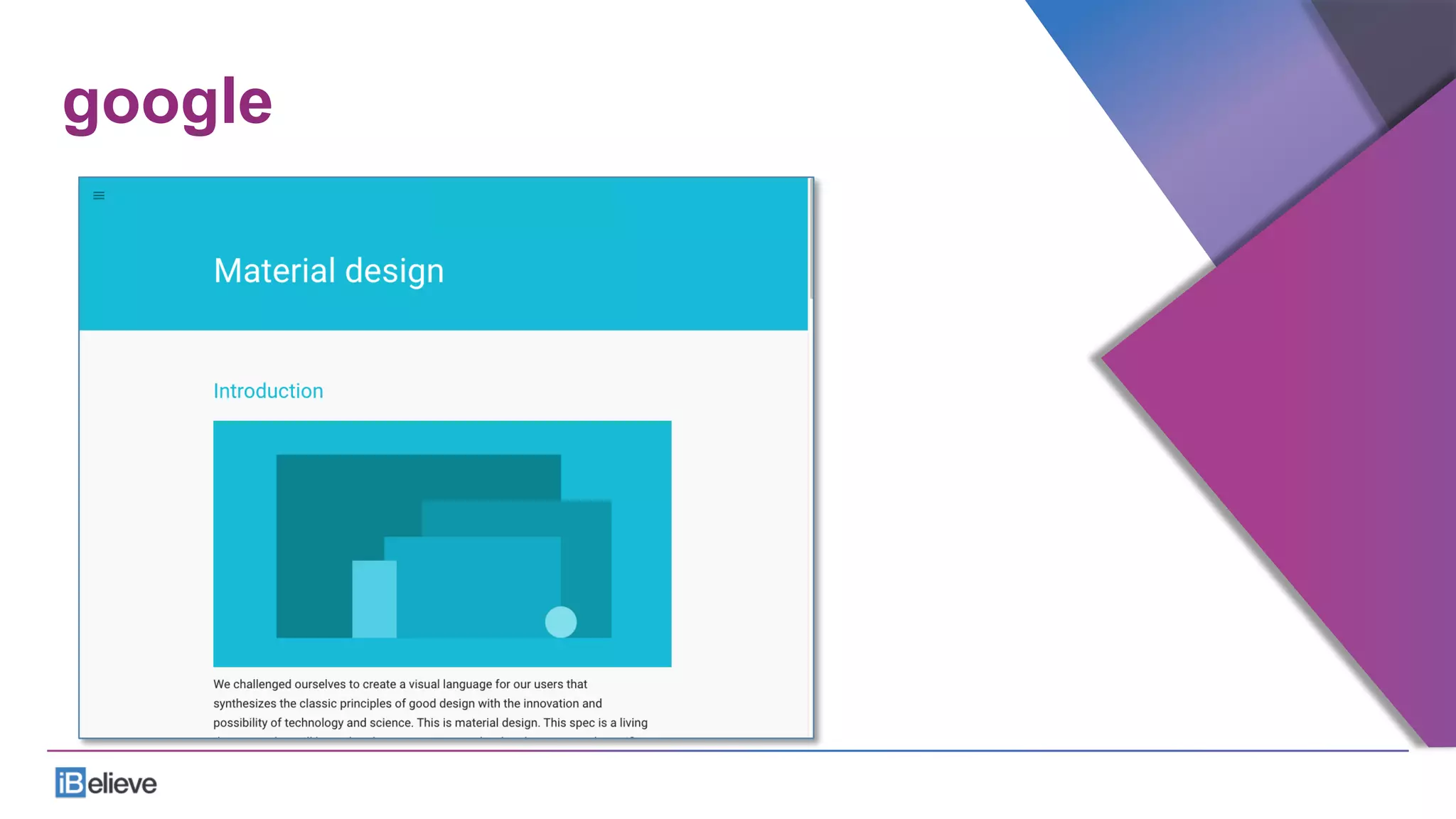
google
Material Design Goals
•  Create a visual language that synthesizes classic
principles of good design with the innovation and
possibility of technology and science.
•  Develop a single underlying system that allows for
a unified experience across platforms and device
sizes.
•  Mobile precepts are fundamental, but touch, voice,
mouse, and keyboard are all first-class input
methods.
Material Design Goals
•  All first-class input methods.
•  Touch
•  Voice
•  Mouse
•  Keyboard
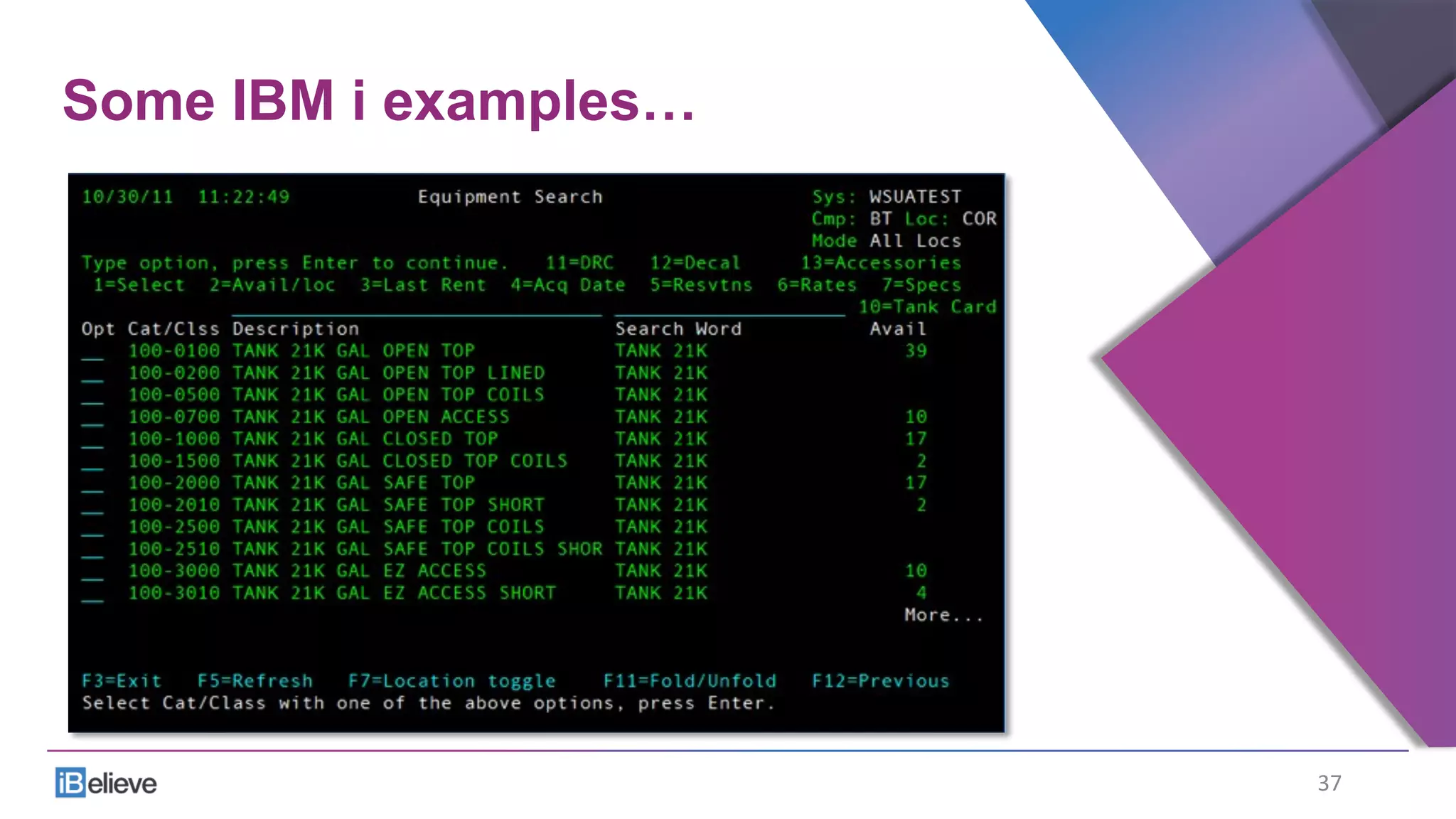
Some IBM i examples…
37	
  
Training on green screens
•  Cost
•  Constituency
•  Windows, Browser, Mobile
•  Application design
•  F13 - F24, CMD
•  “Enter something and press Enter”
•  Inconsistencies
Training on applications
•  Workflow steps
•  How many screens
•  How many applications
•  Data entry
•  Menu and program navigation
•  Shortcuts
•  Existing user workarounds
More examples…
•  What to do
•  What NOT to do
40	
  
Unexample #1
•  Just do something!
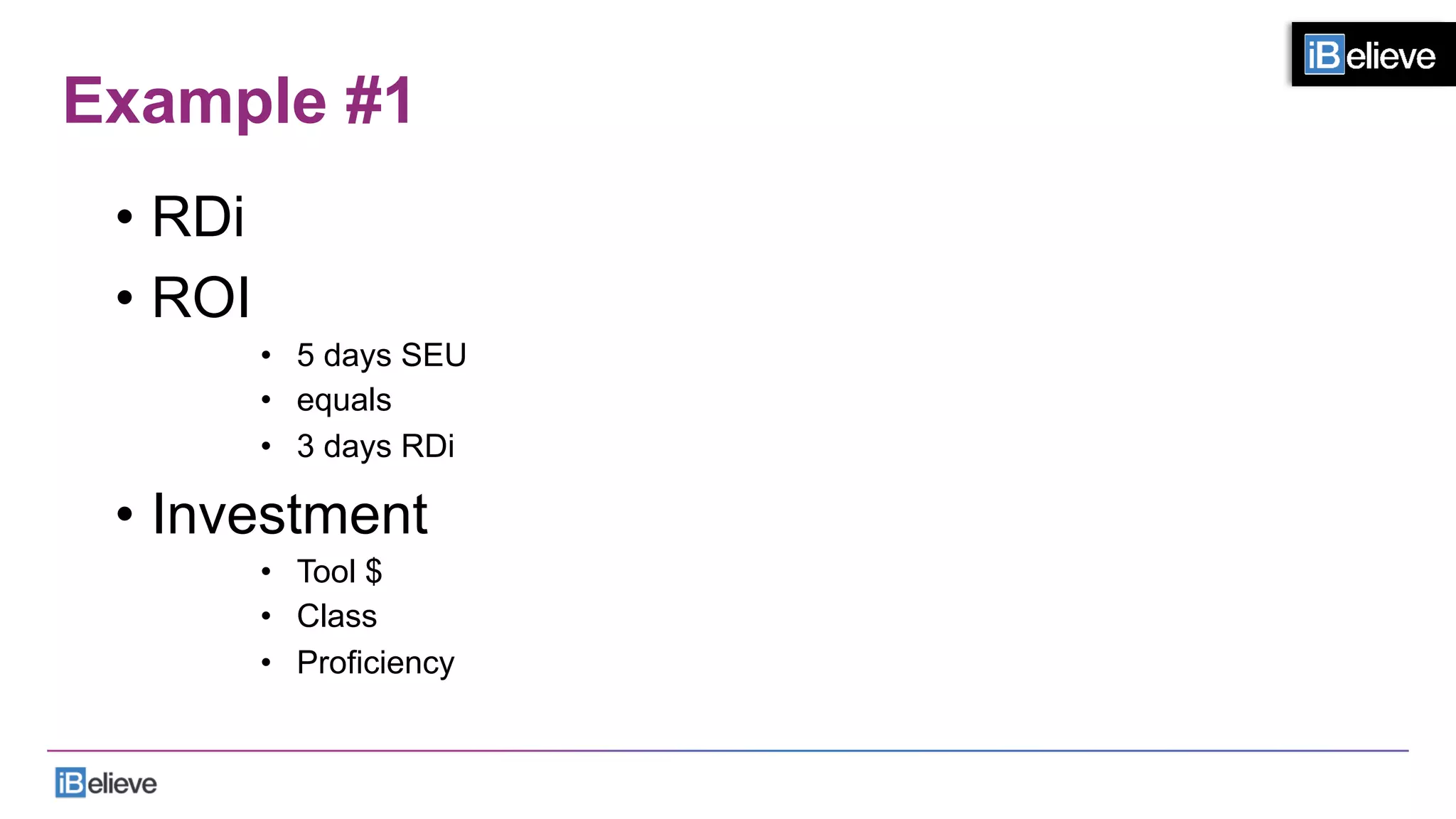
Example #1
•  RDi
•  ROI
•  5 days SEU
•  equals
•  3 days RDi
•  Investment
•  Tool $
•  Class
•  Proficiency
Unexample #2
•  Ask for forgiveness, not permission
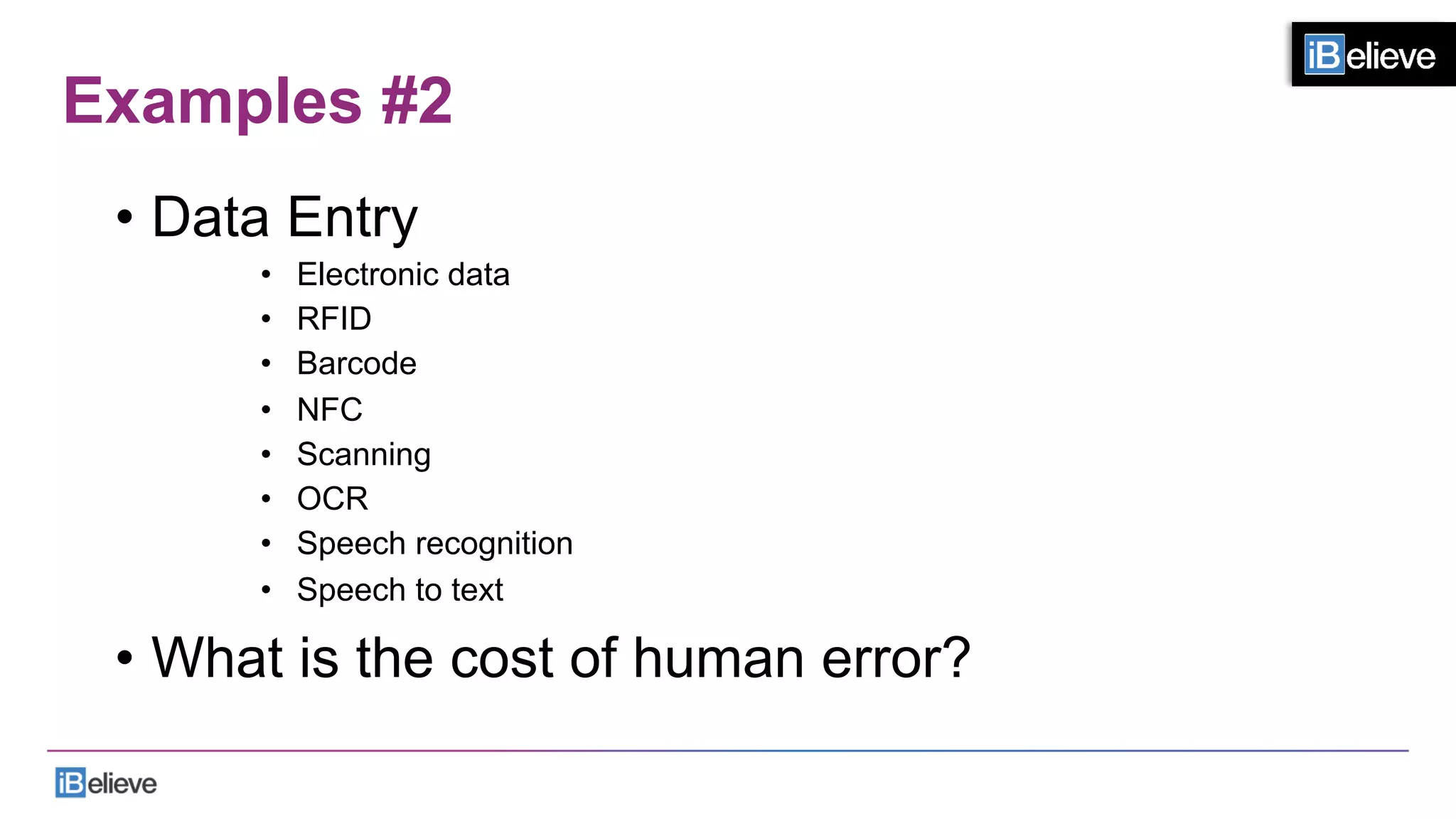
Examples #2
•  Data Entry
•  Electronic data
•  RFID
•  Barcode
•  NFC
•  Scanning
•  OCR
•  Speech recognition
•  Speech to text
•  What is the cost of human error?
Unexample #3
•  Webscraping
Example #3
•  Xmas tree web page
Unexample #4
•  Code transformation - only
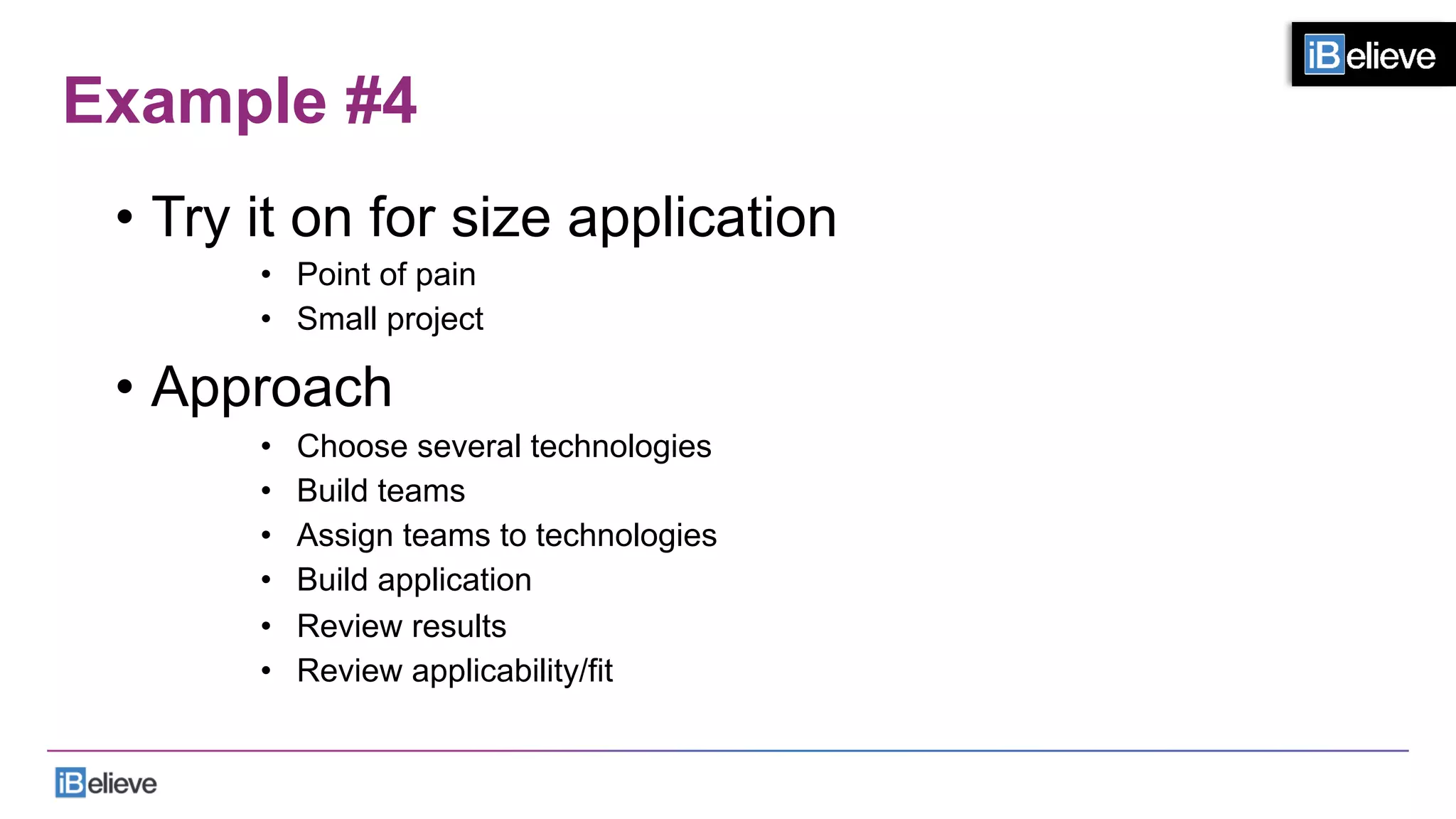
Example #4
•  Try it on for size application
•  Point of pain
•  Small project
•  Approach
•  Choose several technologies
•  Build teams
•  Assign teams to technologies
•  Build application
•  Review results
•  Review applicability/fit
Unexample #5
•  Stopping
Example #5
•  Learn IBM i
•  RPG Free Format
•  ILE
•  PHP
•  Ruby
•  Node.js
•  Python
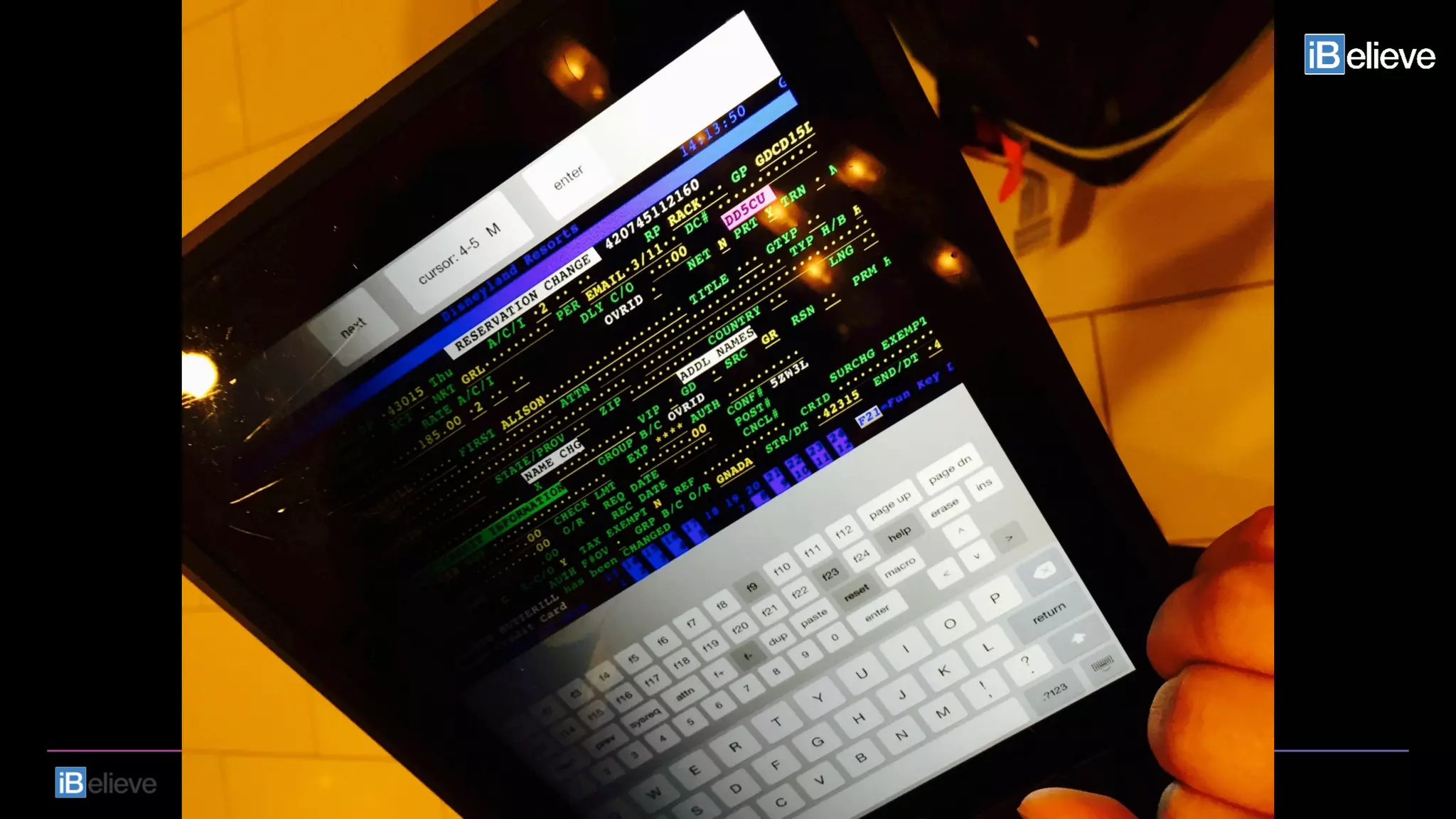
Unexample #6
•  Shoving the lipstick up the pig
And…
•  You must promote the current platform
•  You must promote the FUTURE of IBM i
53	
  
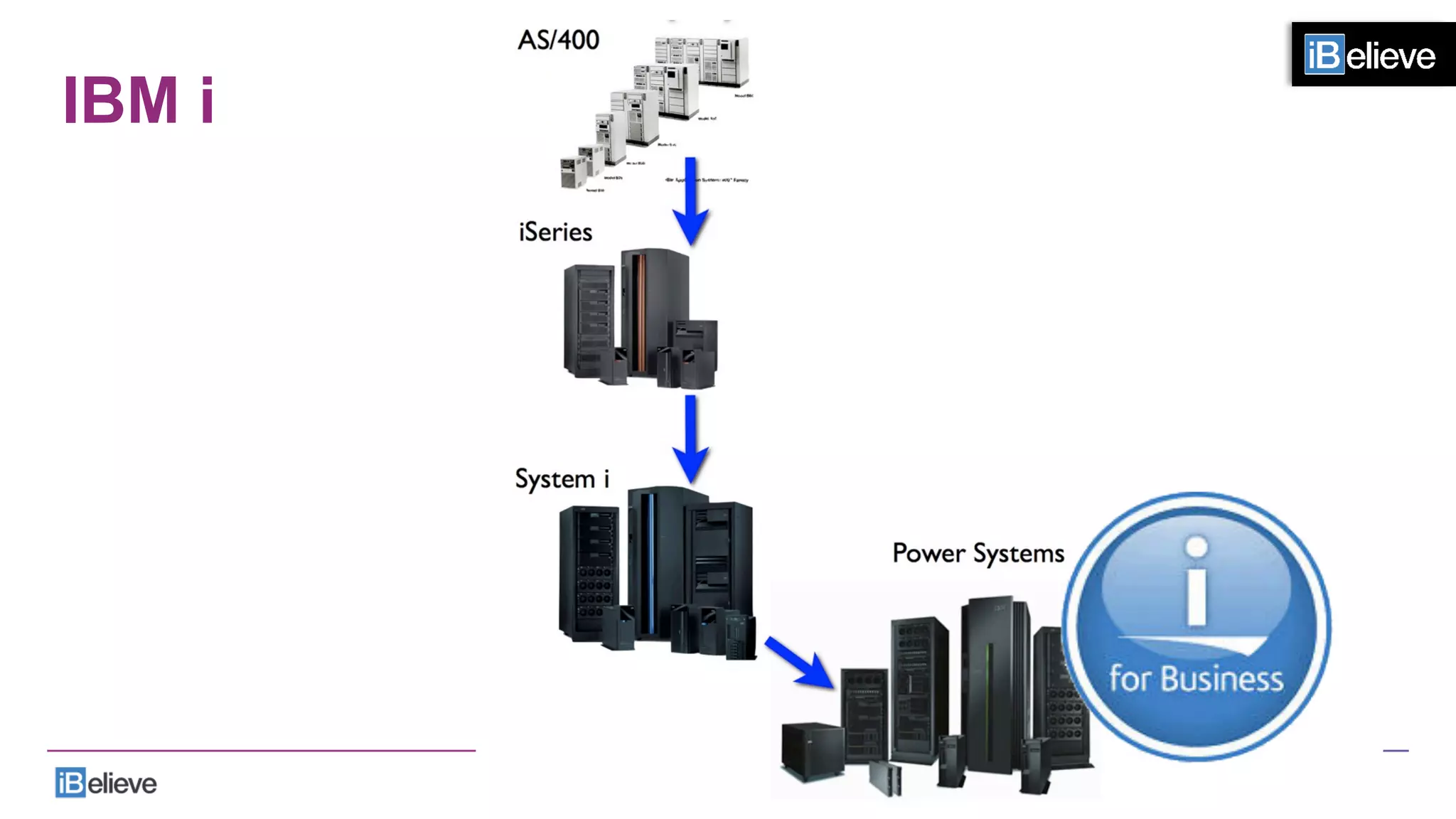
IBM i
And…
•  You must promote the current platform
•  You must promote the FUTURE of IBM i
•  You must stop promoting a glorious past
55	
  
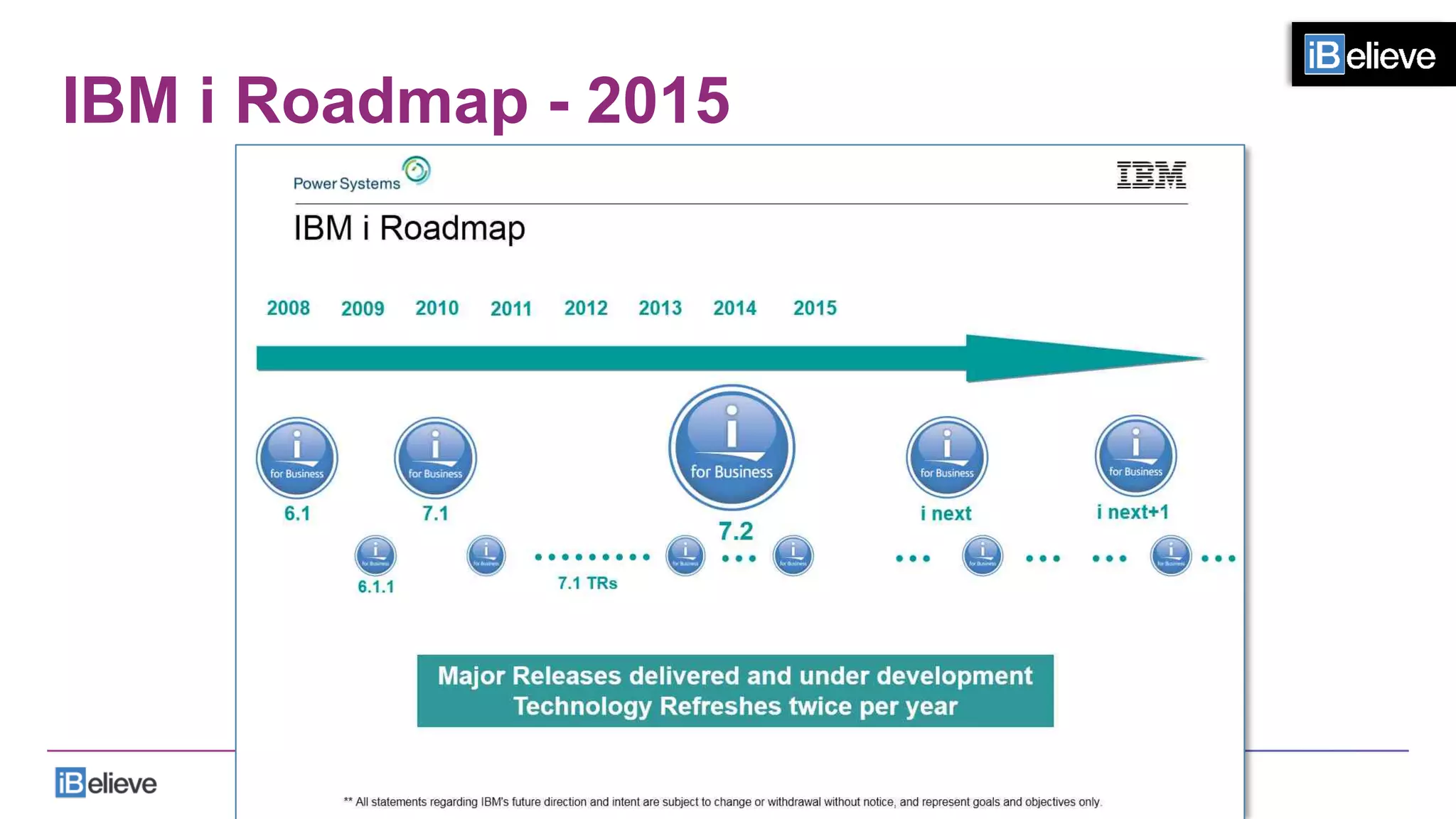
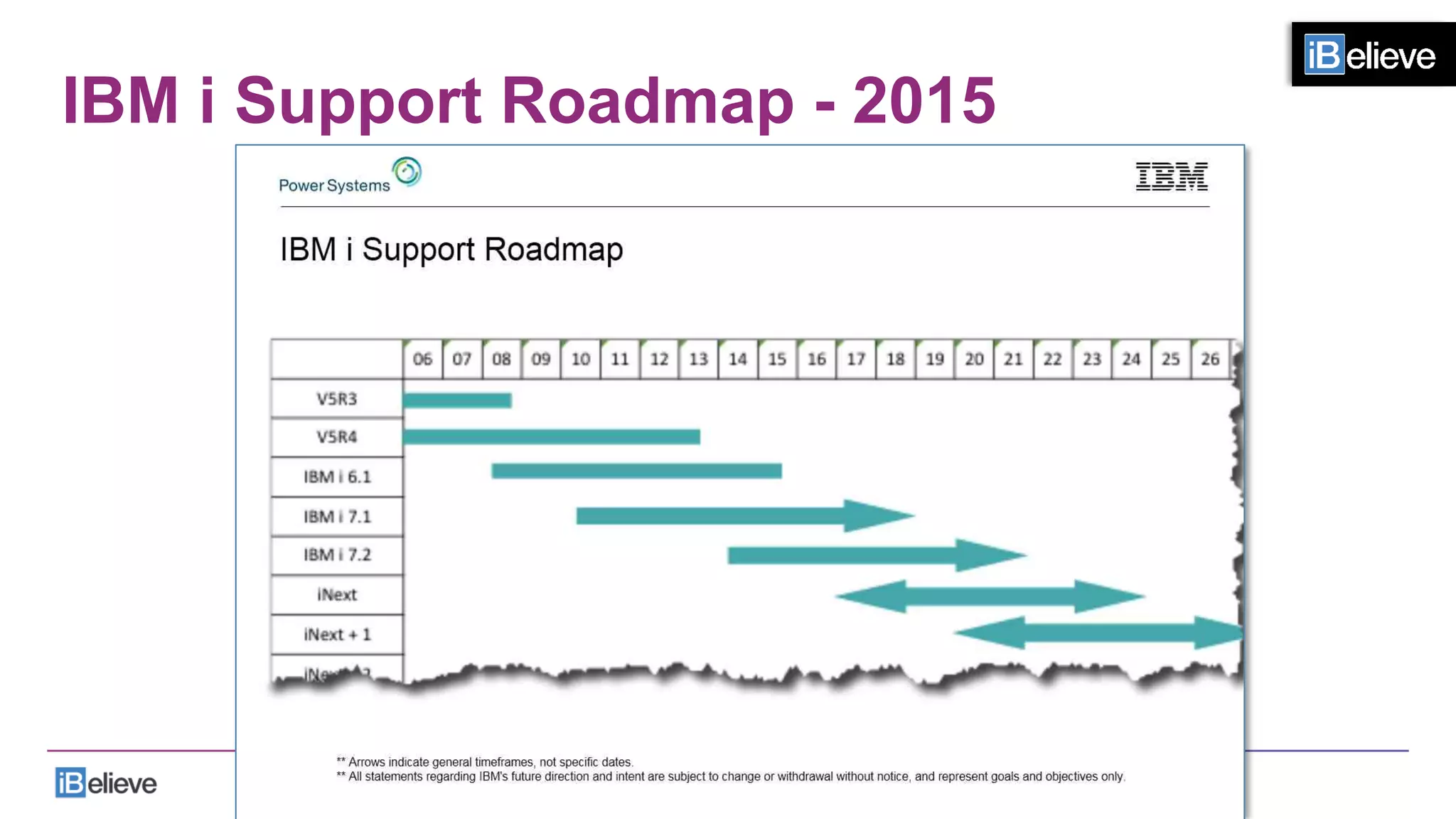
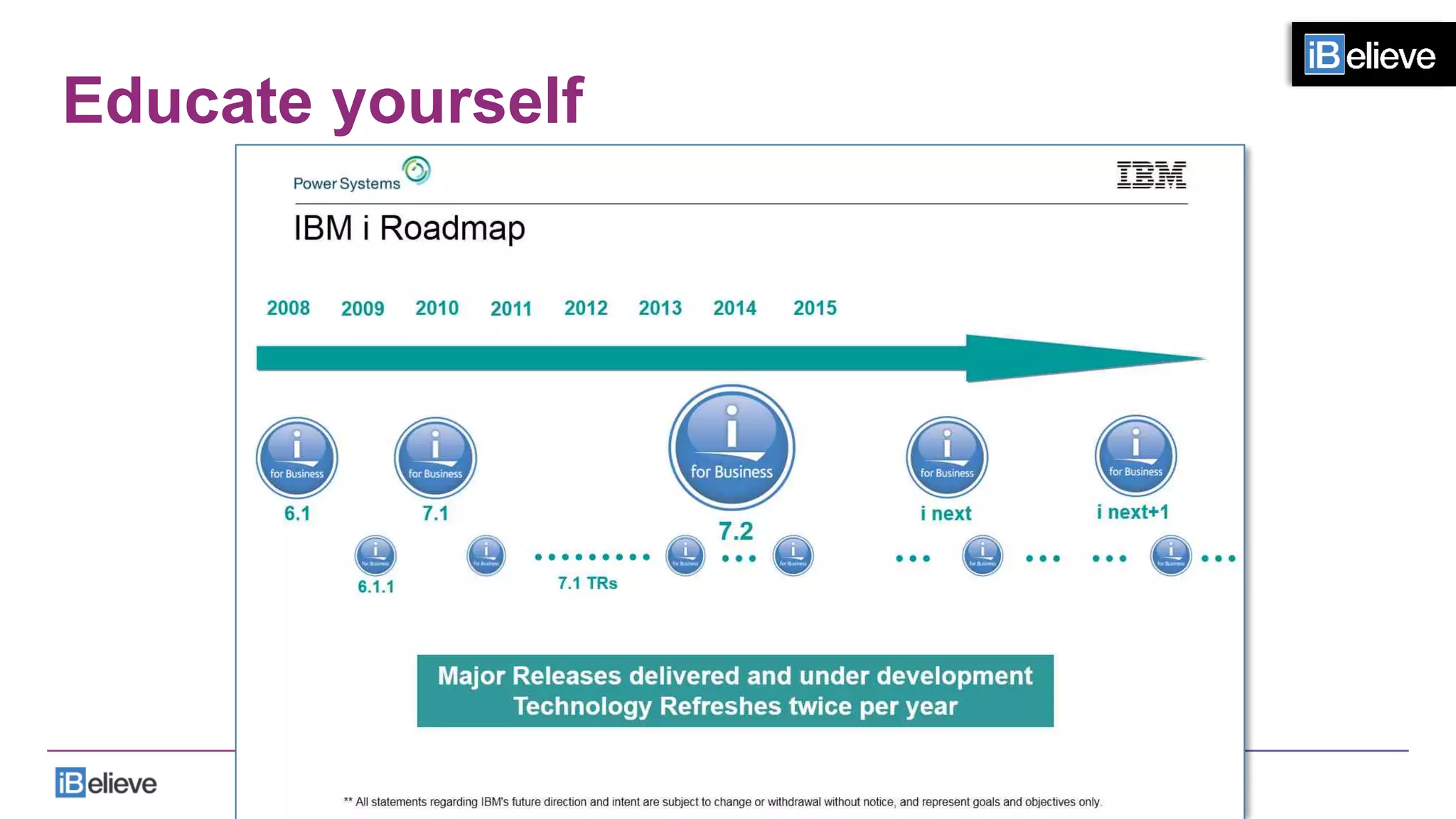
IBM i Roadmap - 2015
IBM i Support Roadmap - 2015
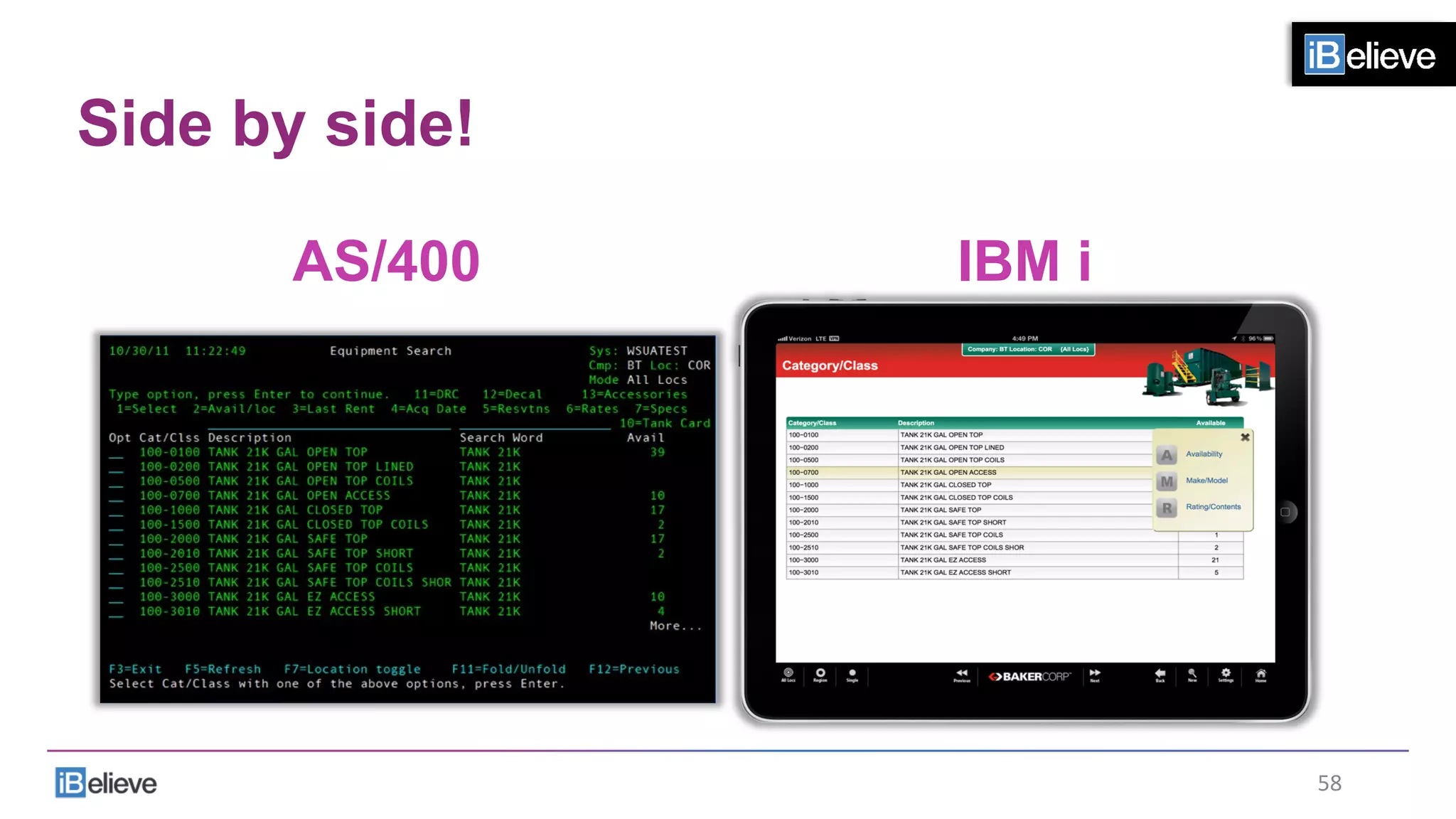
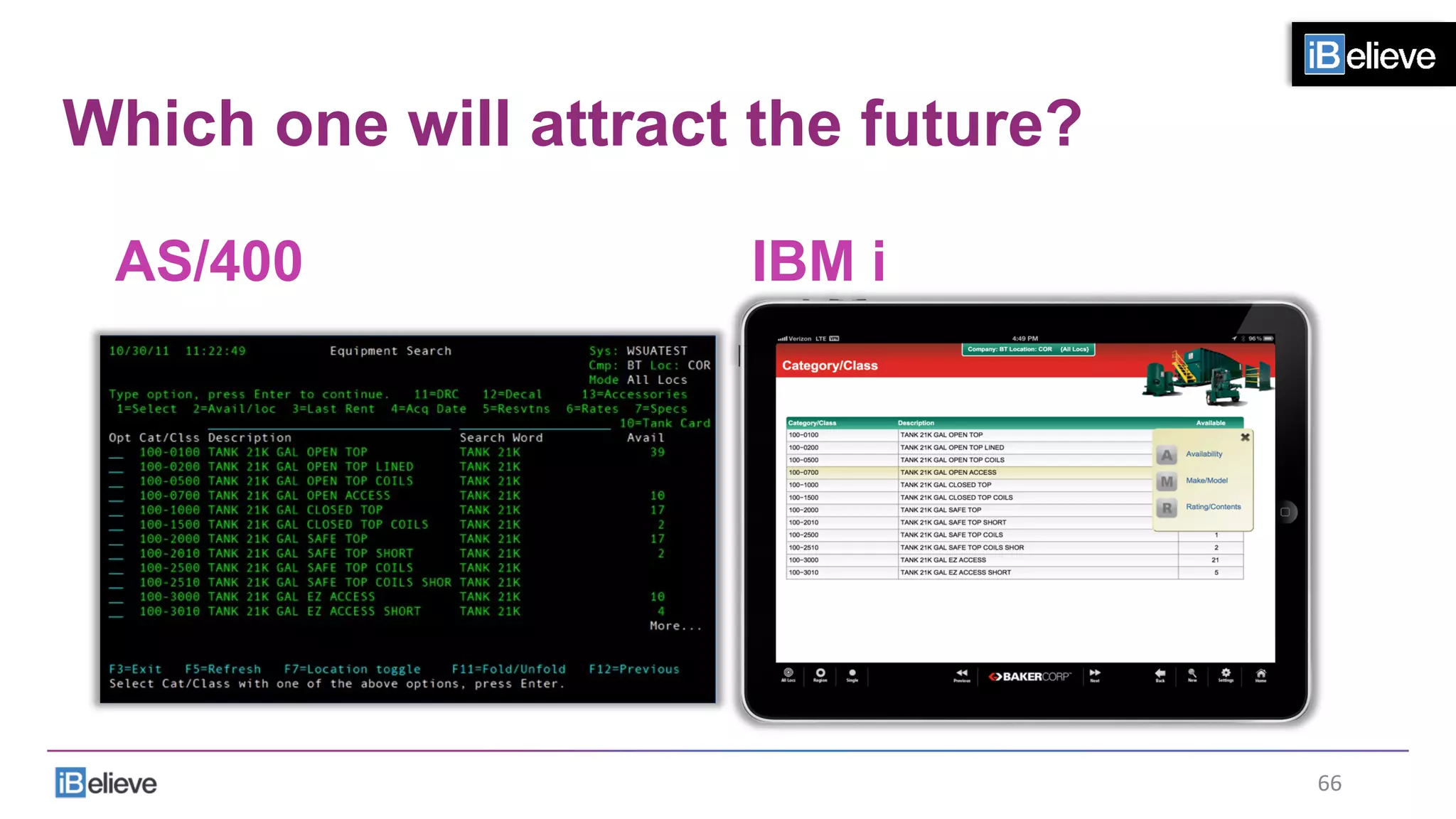
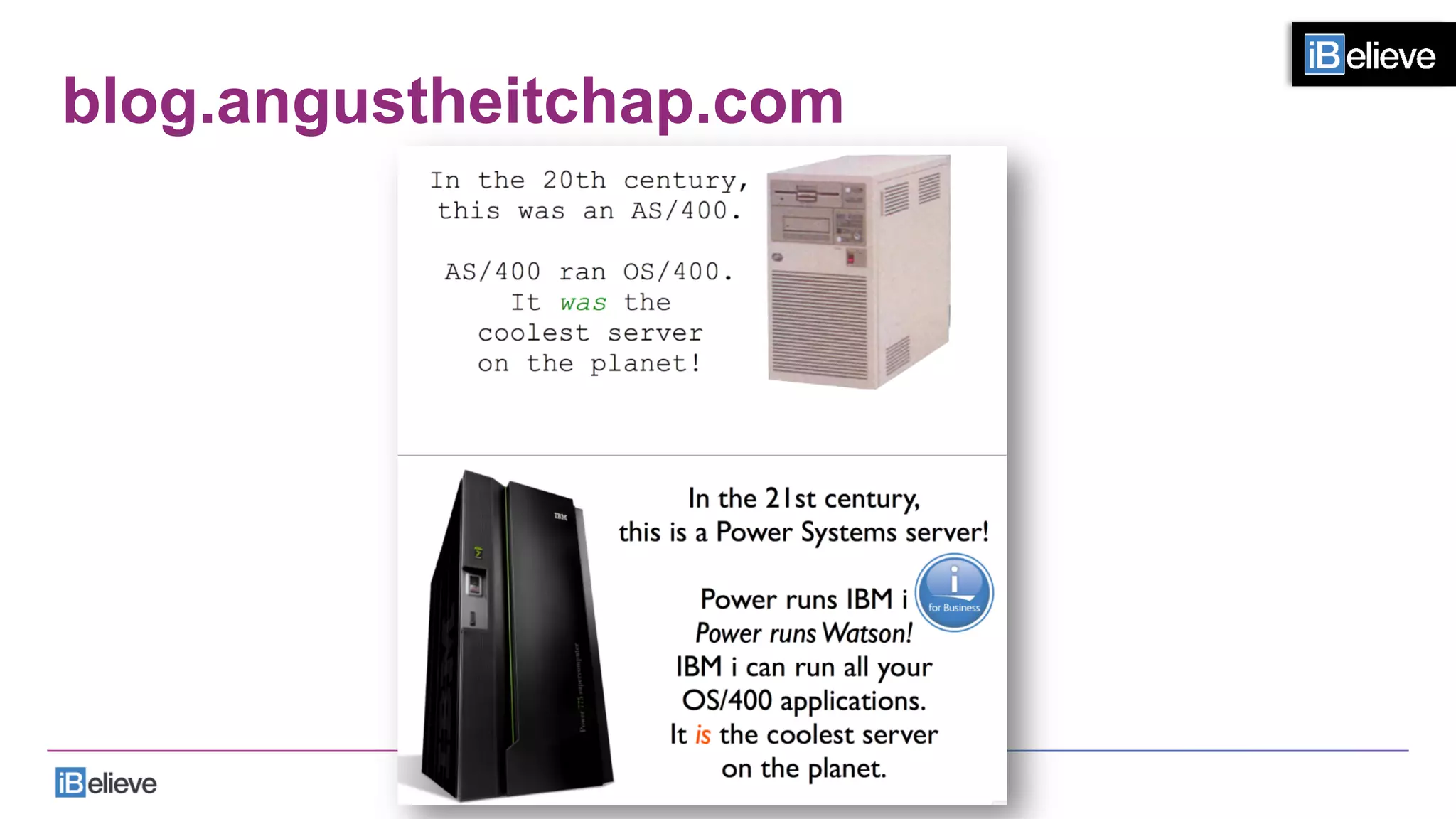
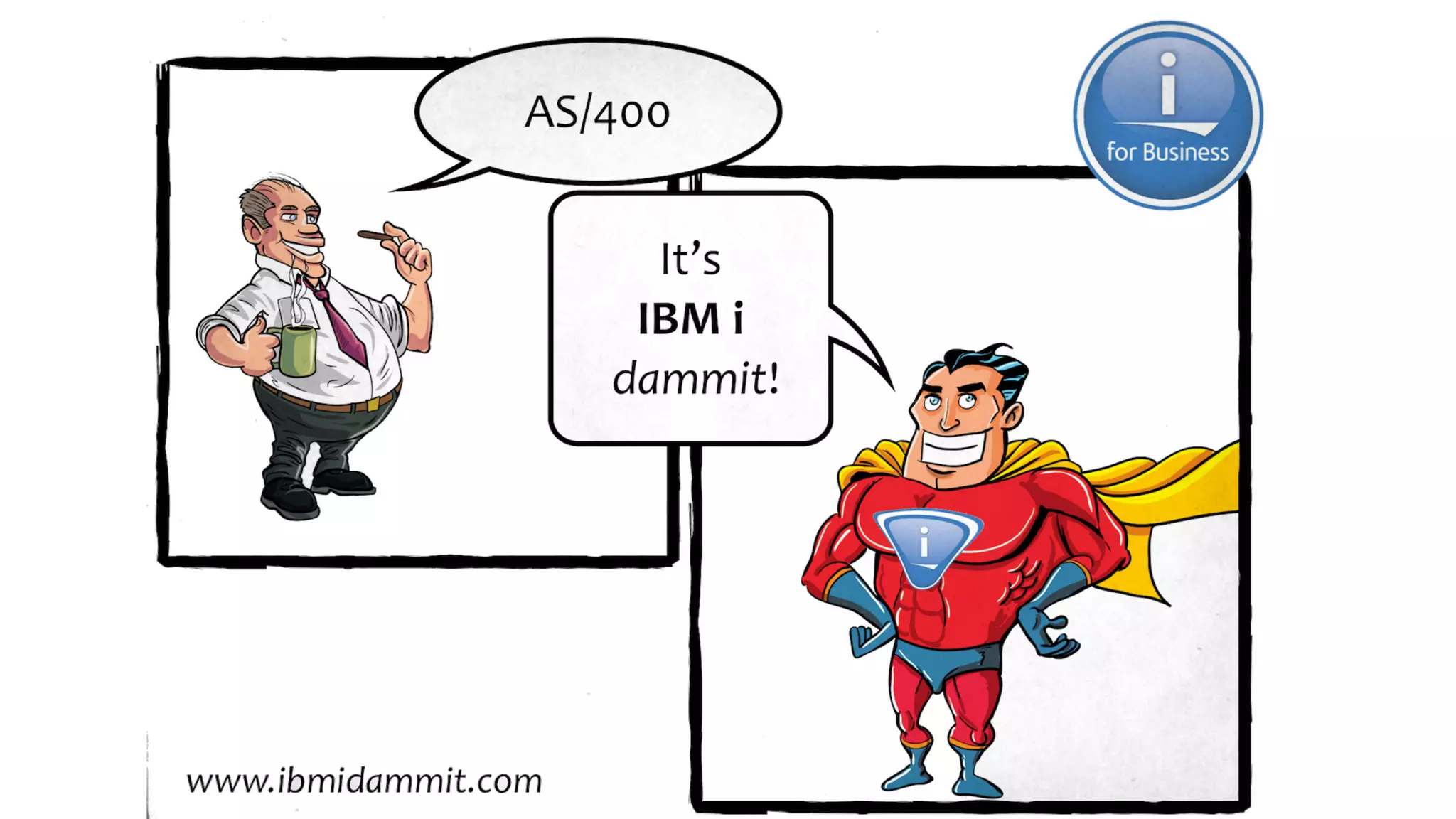
Side by side!
AS/400 IBM i
58	
  
The reason is simple…
•  For a platform to have a future
•  We have to attract the future to the platform
59	
  
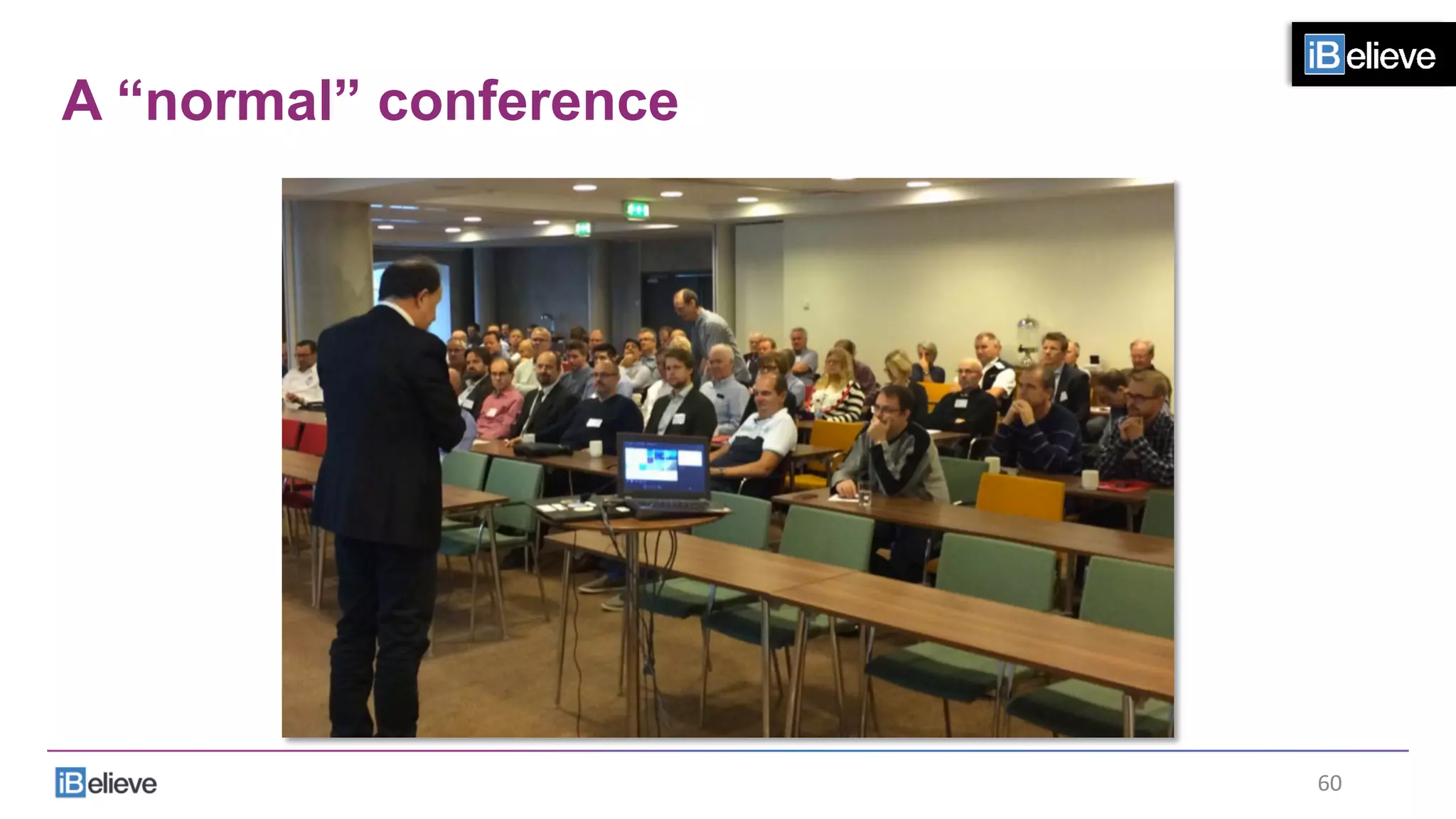
A “normal” conference
60	
  
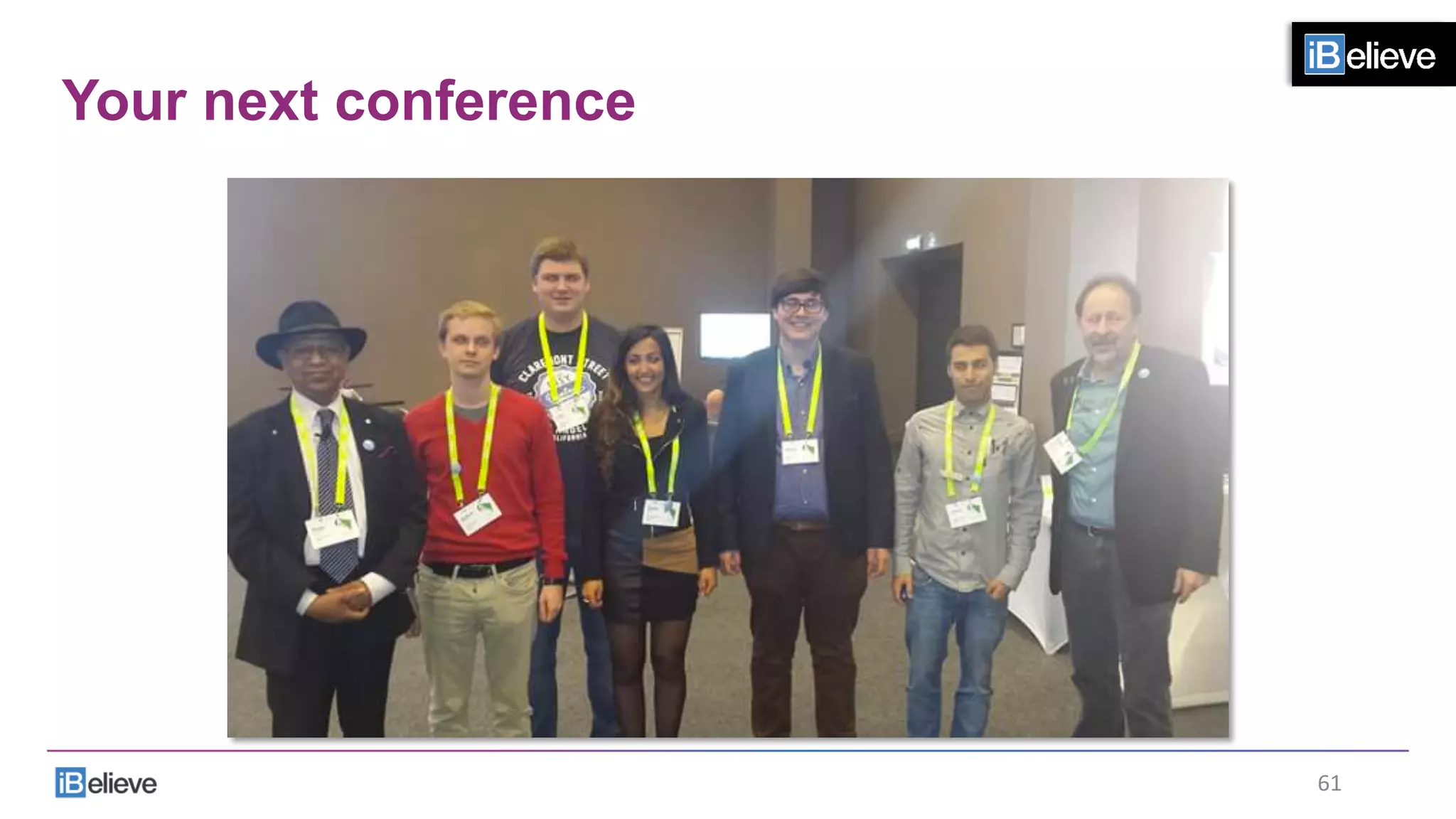
Your next conference
61	
  
Why?
•  These students can code with:
•  Modern tools
•  Modern languages
62	
  
Why?
•  These students can code in:
•  PHP
•  Python
•  Ruby
•  Javascript
•  HTML
•  CSS
•  RPG
63	
  
What does that mean?
•  These languages run on IBM i:
•  PHP
•  Python
•  Ruby
•  Javascript
•  HTML
•  CSS
•  RPG
64	
  
If you want a future with IBM i
•  You must attract the future to the platform
65	
  
Which one will attract the future?
AS/400 IBM i
66	
  
Educate yourself
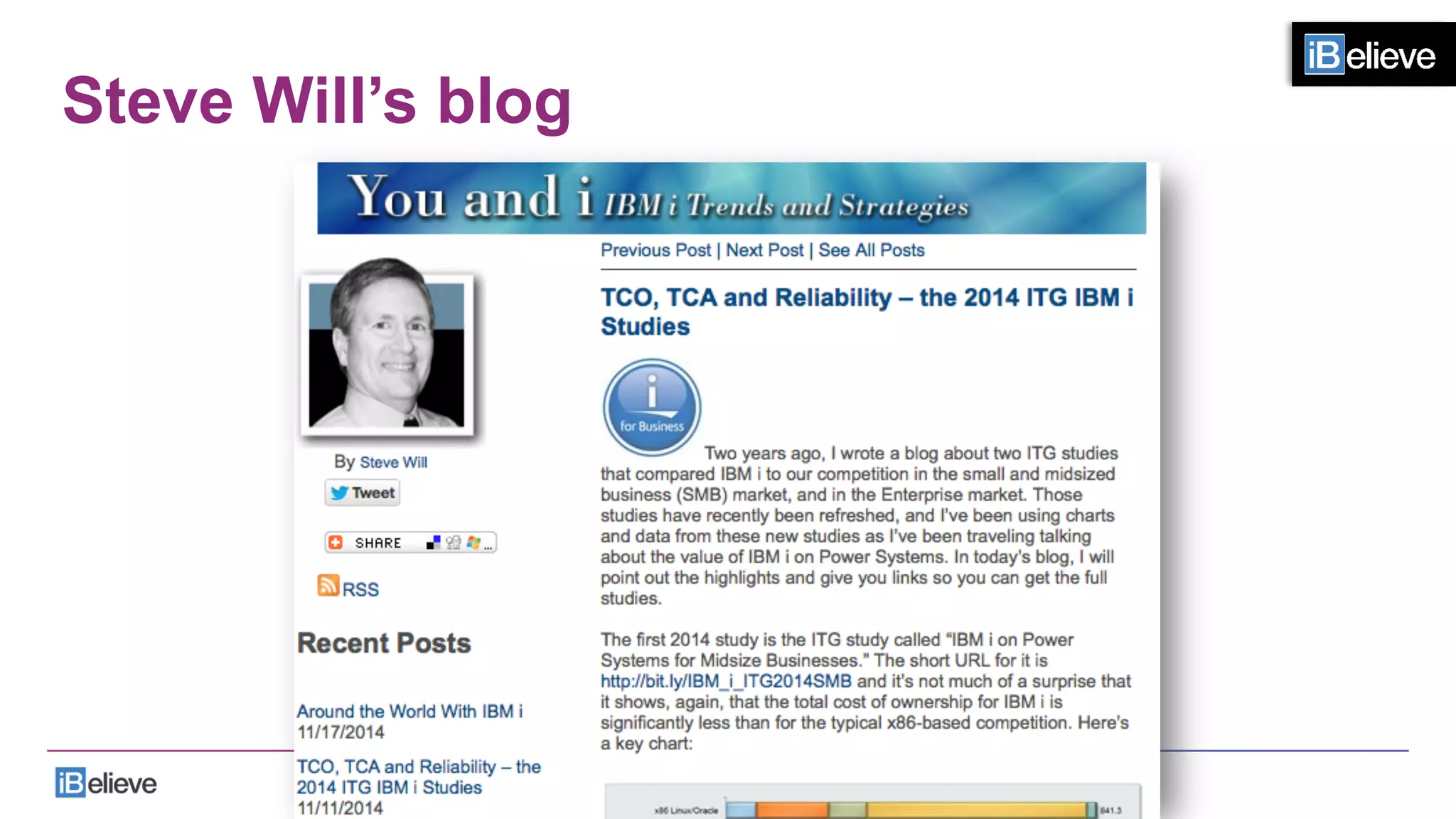
Steve Will’s blog
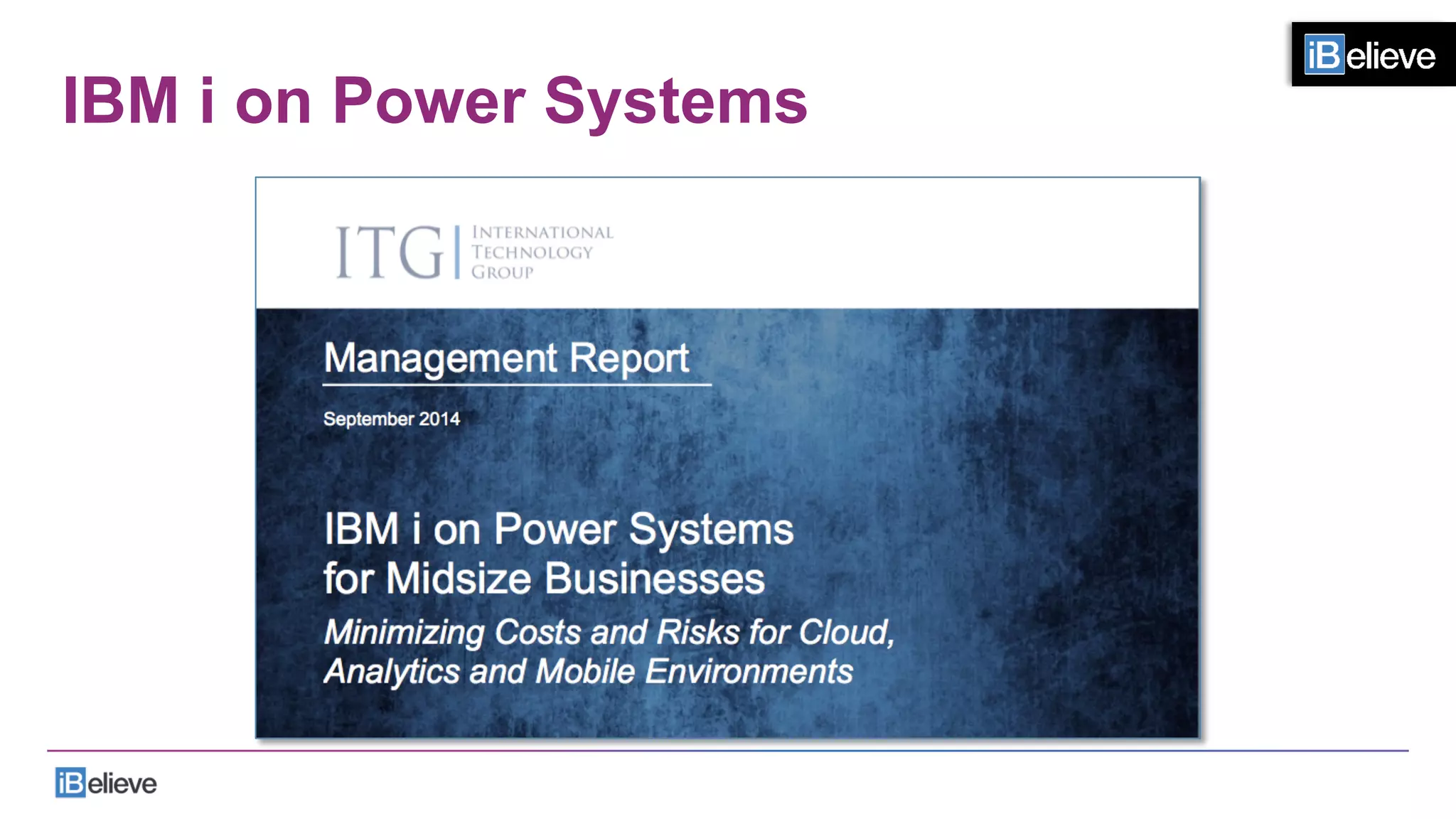
IBM i on Power Systems
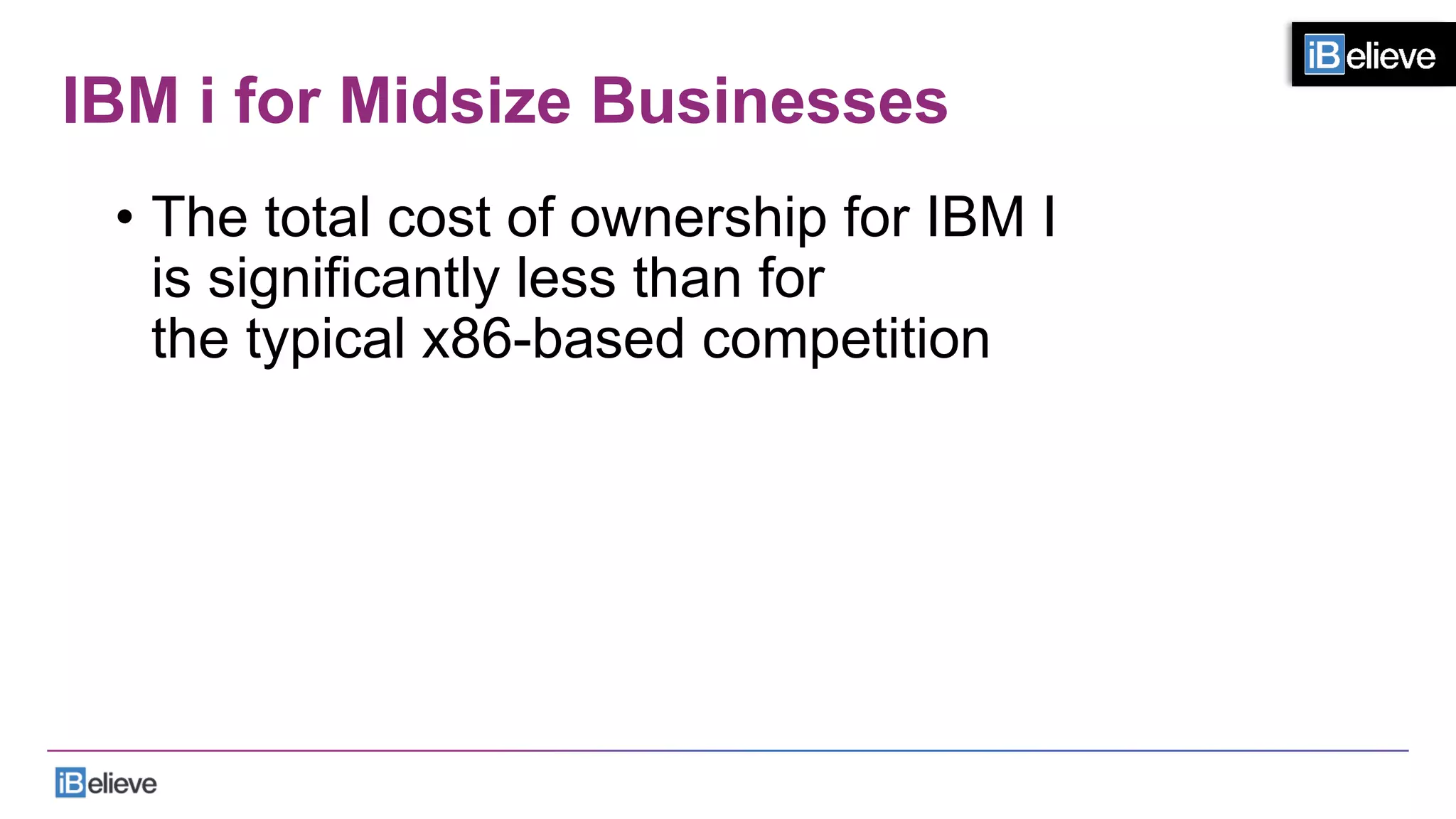
IBM i for Midsize Businesses
•  The total cost of ownership for IBM I
is significantly less than for
the typical x86-based competition
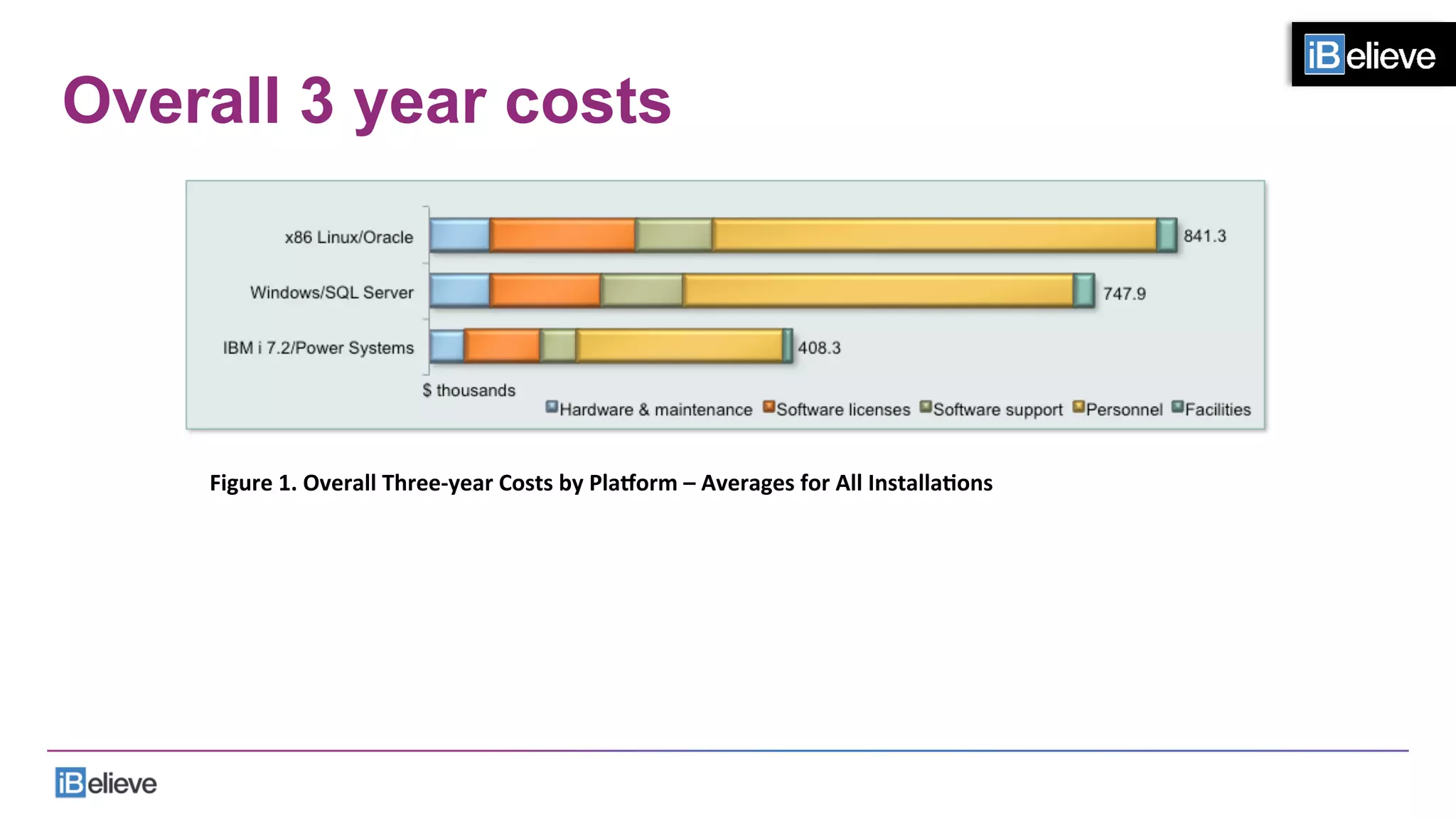
Overall 3 year costs
Figure	
  1.	
  Overall	
  Three-­‐year	
  Costs	
  by	
  Pla@orm	
  –	
  Averages	
  for	
  All	
  InstallaFons	
  	
  
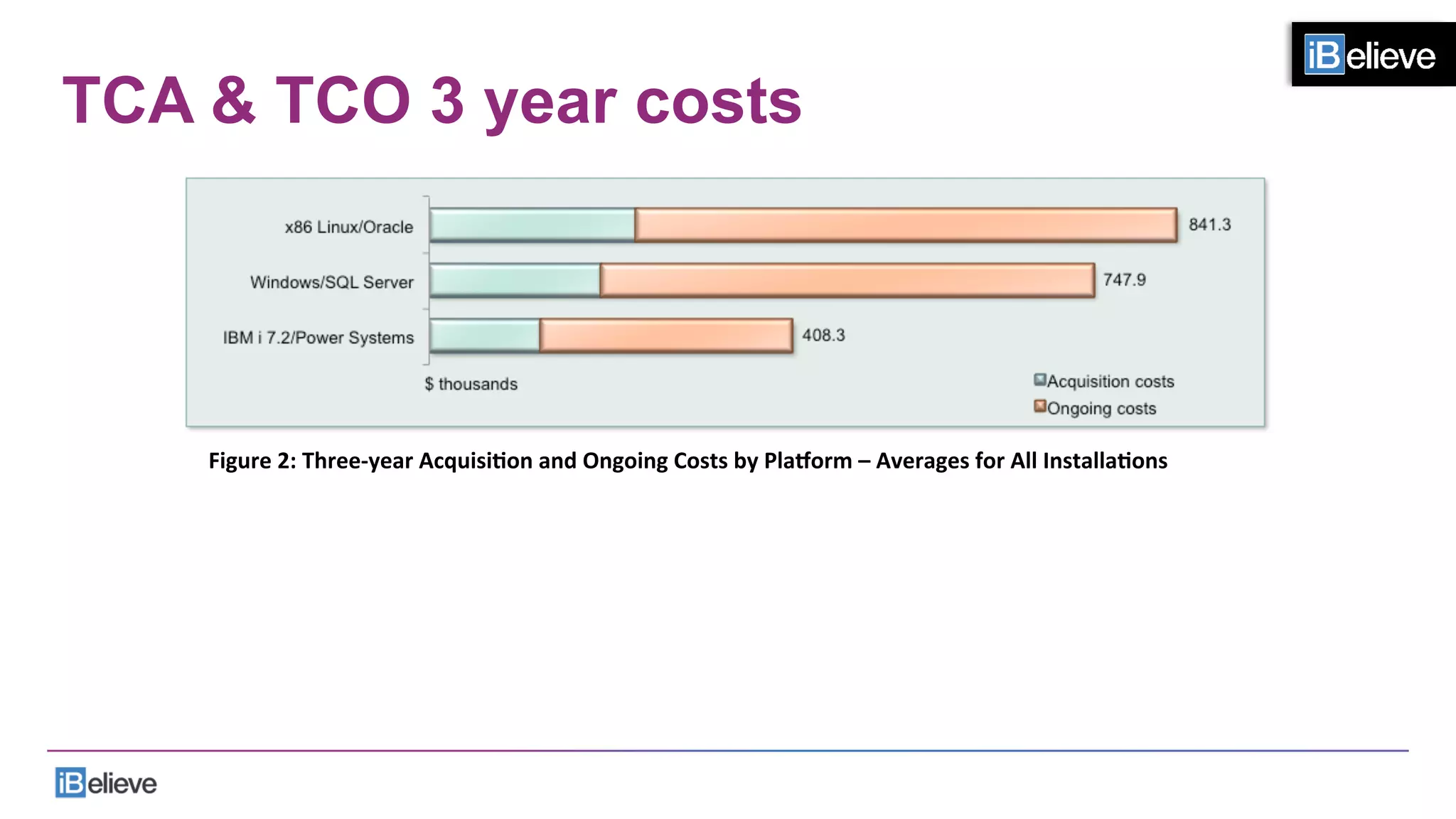
TCA & TCO 3 year costs
Figure	
  2:	
  Three-­‐year	
  AcquisiFon	
  and	
  Ongoing	
  Costs	
  by	
  Pla@orm	
  –	
  Averages	
  for	
  All	
  InstallaFons	
  
Links
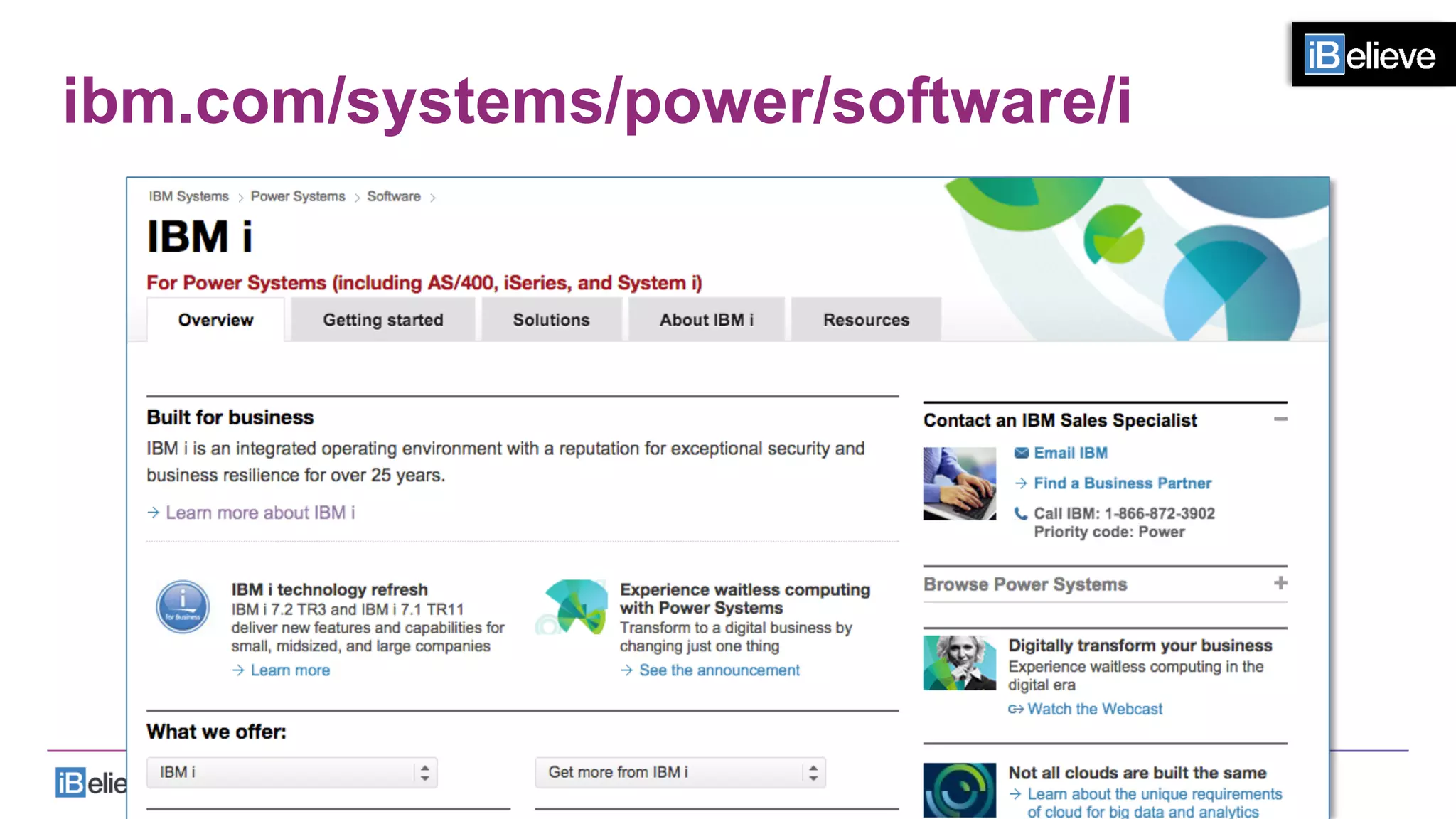
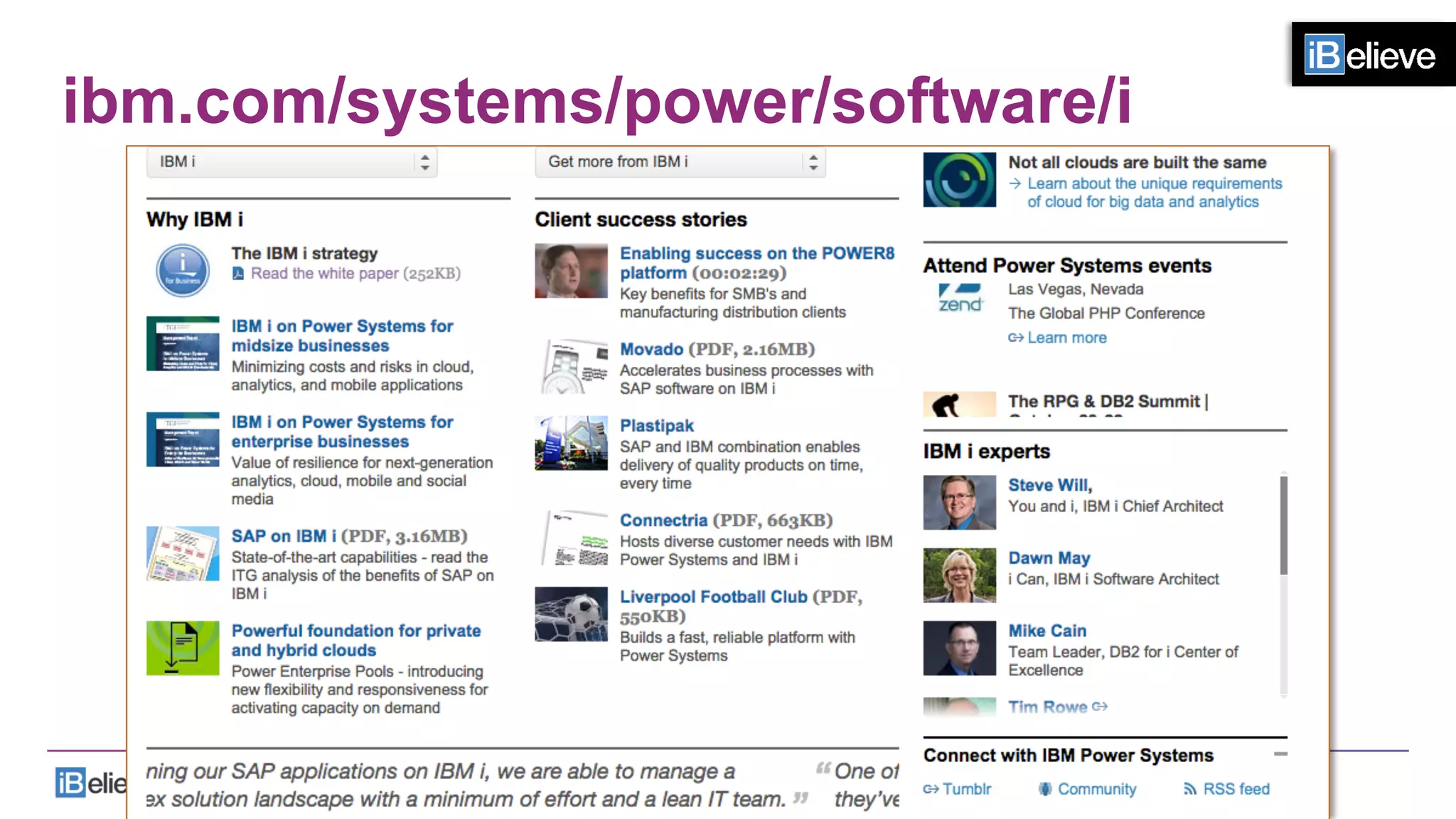
•  ibm.com/systems/power/software/i
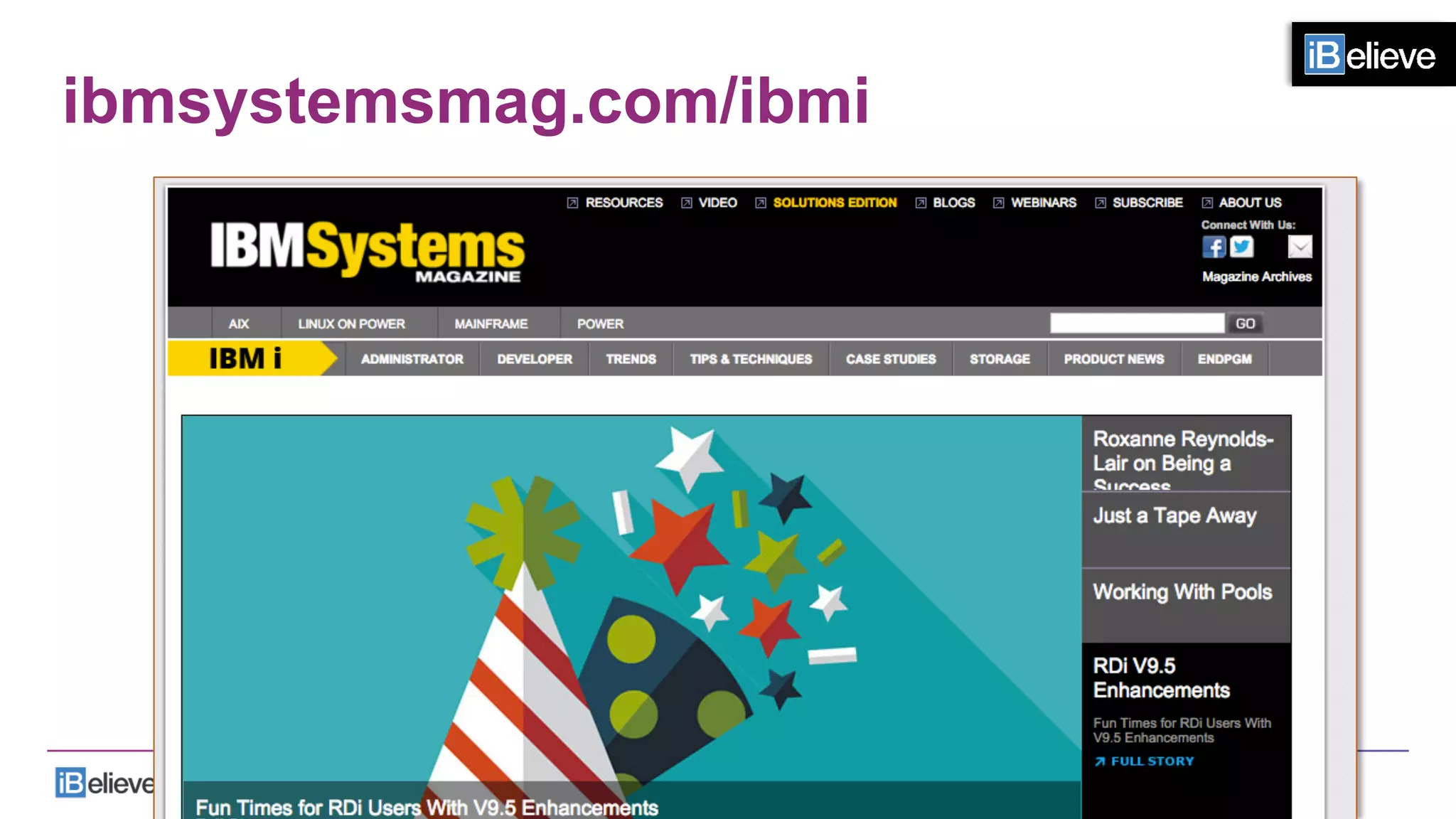
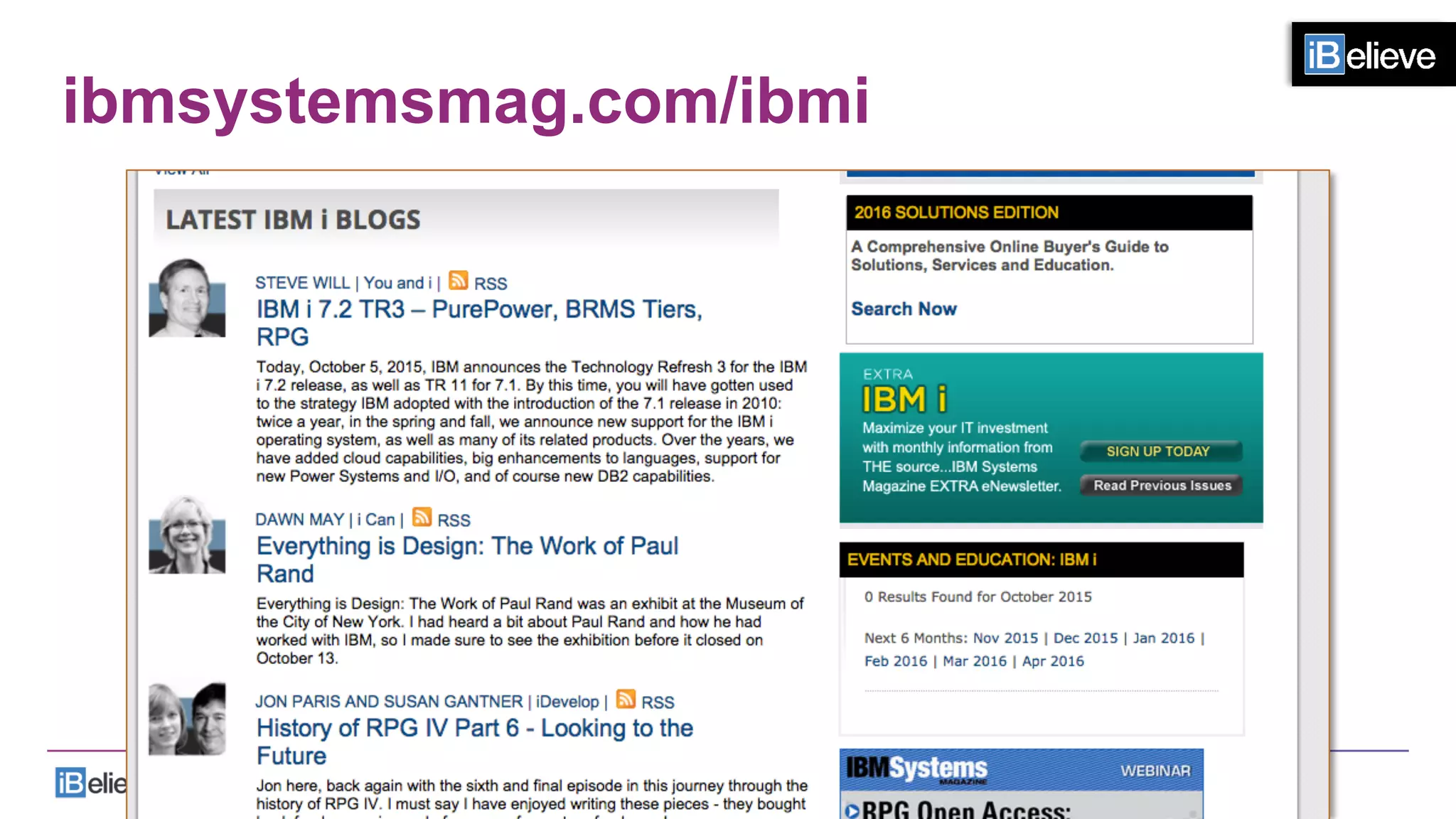
•  ibmsystemsmag.com/ibmi
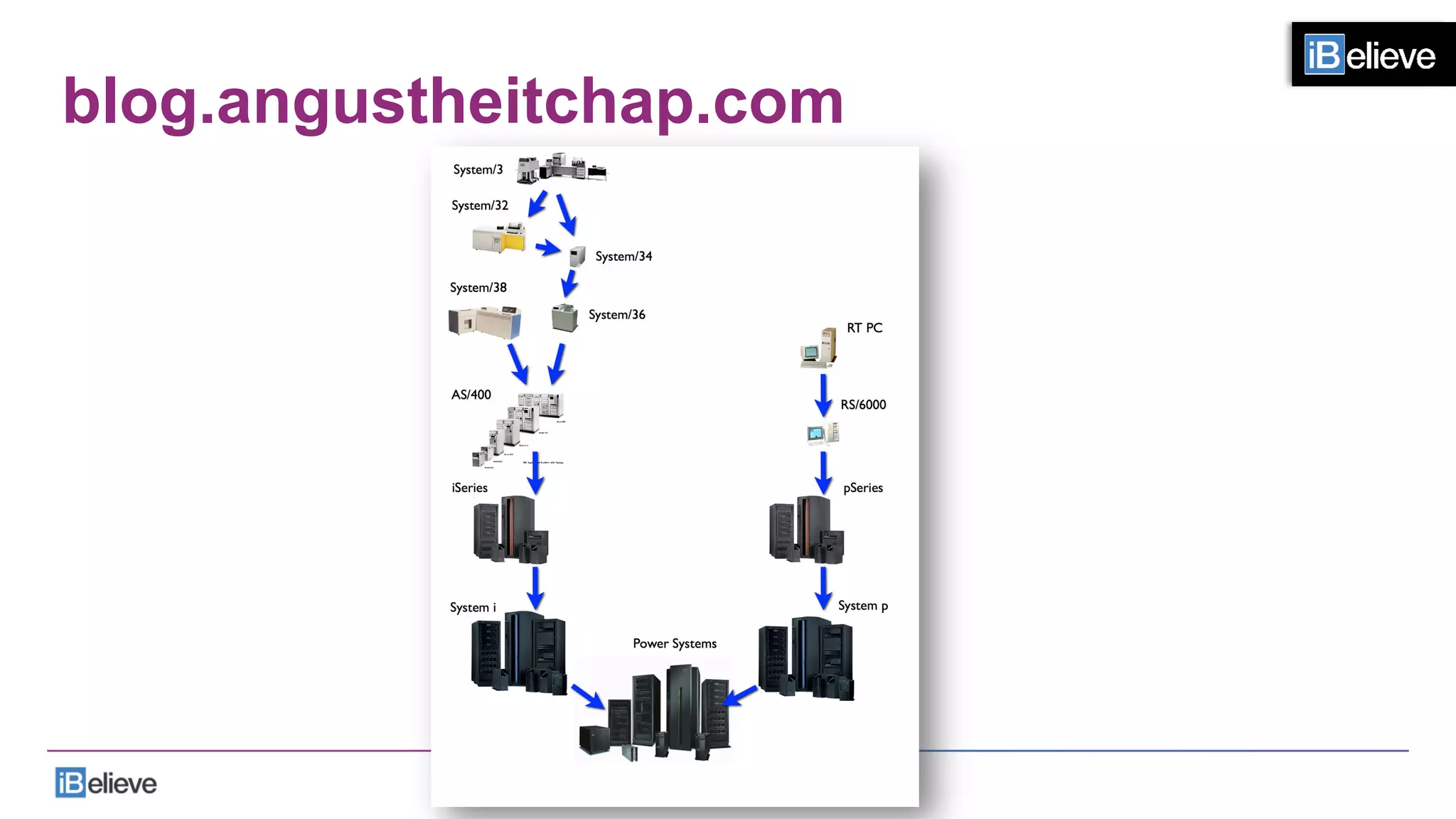
•  blog.angustheitchap.com
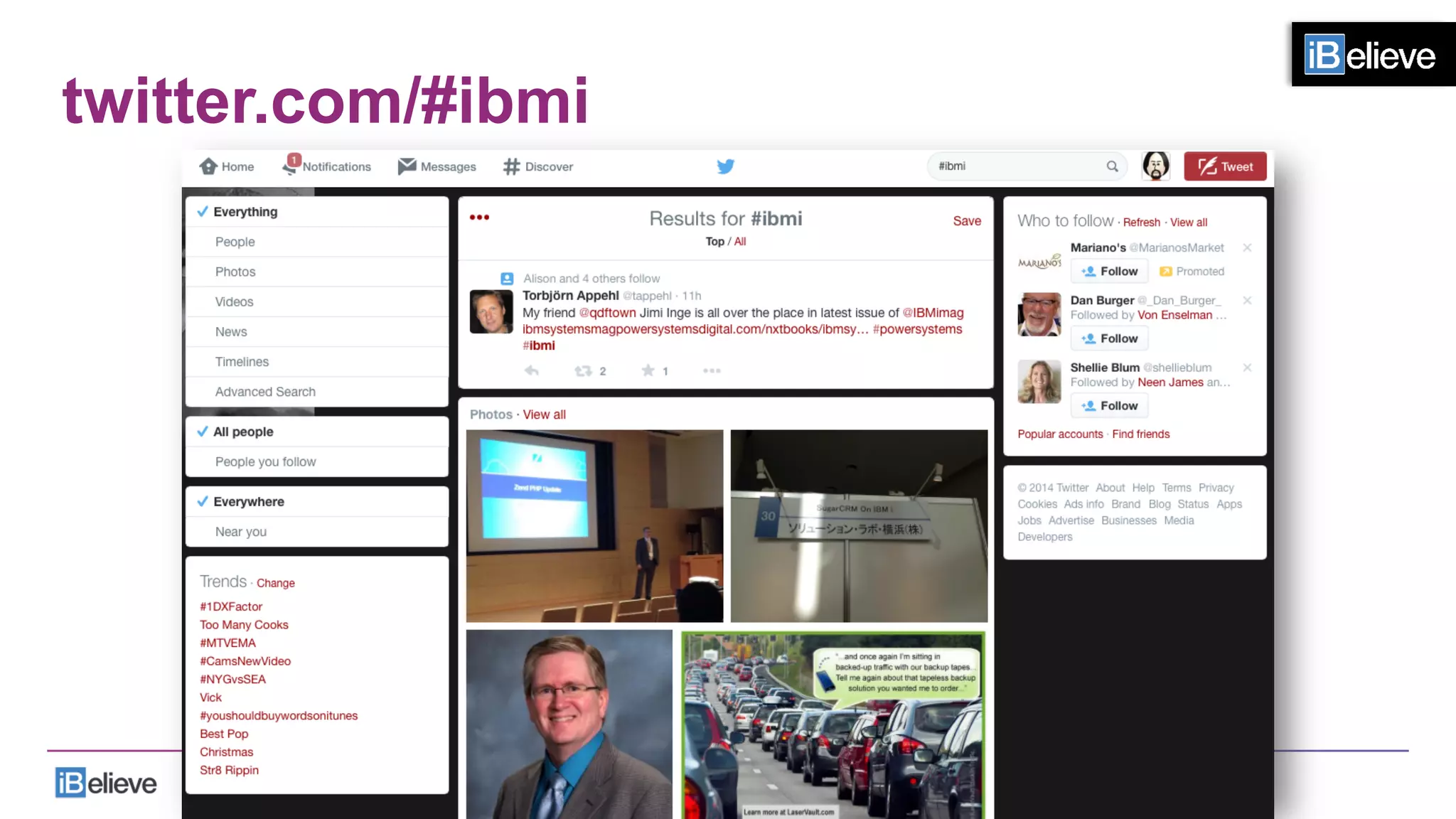
•  twitter.com/#ibmi
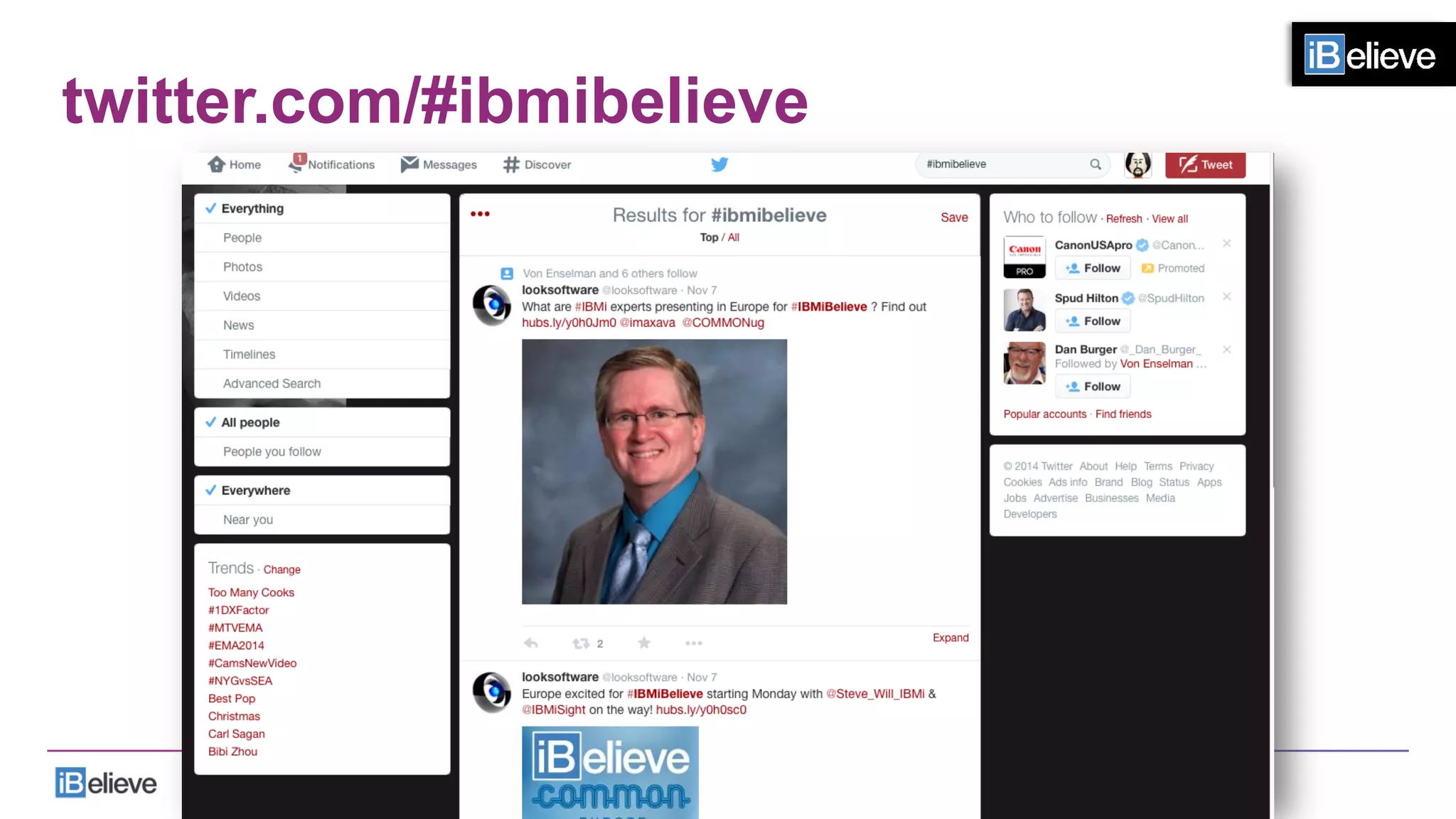
•  twitter.com/#ibmibelieve
•  facebook.com/iBelievecommunity
ibm.com/systems/power/software/i
ibmsystemsmag.com/ibmi
twitter.com/#ibmi
twitter.com/#ibmibelieve
blog.angustheitchap.com
facebook.com/iBelievecommunity
Links
•  ibm.com/systems/power/software/i
•  ibmsystemsmag.com/ibmi
•  blog.angustheitchap.com
•  twitter.com/#ibmi
•  twitter.com/#ibmibelieve
•  facebook.com/iBelievecommunity
iBelieve!
•  Celebrate our platform
•  Learn what can be done
•  Indulge in some reminiscing
•  Share our passion
•  Renew our commitment
•  Be inspired!
Stay Inspired!
86	
  

Implementing Modernization by Trevor Perry

  • 1.
    European Tour 2015 DUSSELDORF-ZURICH - VIENNA - PARIS - STUTTGART Oct  27th  –  Nov  5th,  2015  
  • 2.
  • 3.
    Agenda Where am Itoday? Where am I headed? How do I get there? You 1 2 3 4 3  
  • 4.
  • 5.
    Where am Itoday? 5  
  • 6.
    Where am Iheaded? 6  
  • 7.
    Where am Itoday? 7  
  • 8.
    Where am Iheaded? 8  
  • 9.
    How do Iget there? •  Select a small project •  Determine the ROI •  Develop the solution •  Implement the project 9  
  • 10.
    How do Iget there? •  Select a small project •  Determine the ROI •  Develop the solution •  Multiple choices •  Multiple developers •  Evaluate the project •  Implement the project 10  
  • 11.
    BUT! •  We haveto start thinking in other ways. 11  
  • 12.
  • 13.
    8 Fundamental Differences Desktop • You have the use of two hands Mobile •  You typically only have one hand •  The other one is holding the mobile device 13  
  • 14.
    8 Fundamental Differences Desktop • You have a mouse Mobile •  You have a finger •  You have a stylus 14  
  • 15.
    8 Fundamental Differences Desktop • Large amount of screen real estate Mobile •  Small amount of screen real estate 15  
  • 16.
    8 Fundamental Differences Desktop • Physical keyboard Mobile •  Software keyboard •  Competing for space on the screen with the form and interfering with smooth and efficient data entry 16  
  • 17.
    8 Fundamental Differences Desktop • Live connection to a server Mobile •  Forms must work •  Even if there is no WiFi/ 4G/3G 17  
  • 18.
    8 Fundamental Differences Desktop • Typically don’t have a camera Mobile •  Camera •  For taking pictures, video and voice recording 18  
  • 19.
    8 Fundamental Differences Desktop • You are not going to enhance the form with electronic ink Mobile •  Electronic ink can add real value to a form in terms of drawings, sketches, markup and annotation. 19  
  • 20.
    8 Fundamental Differences Desktop • You generally do not have location and date/ timestamp awareness Mobile •  You do 20  
  • 21.
  • 22.
  • 23.
    Designing for iOS • iOS embodies the following themes: •  Deference. •  The UI helps people understand and interact with the content, but never competes with it. •  Clarity. •  Text is legible at every size, icons are precise and lucid, adornments are subtle and appropriate, and a sharpened focus on functionality motivates the design. •  Depth. •  Visual layers and realistic motion impart vitality and heighten people’s delight and understanding.
  • 24.
    Human Interface Guidelines • Whether you’re redesigning an older app or creating a new one, consider approaching the job in this way: •  First, look past the UI to the app’s core functionality and affirm its relevance. •  Next, use the themes of iOS to inform the design of the UI and the user experience. Add details and embellishments with care and never gratuitously. •  Finally, be sure to design your UI to adapt to various devices and modes so that users can enjoy your app in as many contexts as possible.
  • 25.
    Human Interface Guidelines • Throughout the process, be prepared to defy precedent, question assumptions, and let a focus on content and functionality motivate every design decision.
  • 26.
    Human Interface Guidelines • Defy precedent •  Question assumptions •  Let a focus on content and functionality motivate every design decision
  • 27.
  • 28.
  • 29.
    elementary OS •  Theseguidelines are designed to help developers and designers create a beautifully consistent experience on the elementary desktop. •  They were written for interface designers, graphic artists and software developers who will be working on elementary OS. •  They will not only define specific design elements and principles, but will also instill a philosophy that will allow you to decide when it is appropriate to deviate from the Guidelines. •  Adhering to the suggestions contained here will provide many benefits:
  • 30.
    elementary OS •  Userswill learn to use your application faster because it shares common elements that they are already familiar with. •  Users will accomplish tasks more quickly because you will have a straight-forward interface design that isn't confusing or difficult. •  Your application will appear native to the desktop and share the same elegant look as default applications. •  Your application will be easier to document because an expected behavior does not require explanation. •  The amount of support you will have to provide, including bugs filed, will be lessened (for the reasons above).
  • 31.
    elementary OS •  Tohelp you achieve these goals, these guidelines will cover basic interface elements, how to use them and put them together effectively, and how to make your application integrate well with the desktop. •  The most important thing to remember is that following these guidelines will make it easier to design a new application, not harder. •  However, keep in mind that this is a guideline, not a rulebook. •  New, amazing interaction paradigms appear every day and more are waiting to be discovered. •  This is a living document that can and will be changed.
  • 32.
    elementary OS –what design is NOT •  Design is not something you add on after you've completed a product. •  Whether you realize it or not, you are constantly designing anything you build. It is an intrinsic part of creating something. •  Design is not just what something looks like. It's not just the colors and fonts. •  Design is how it works. •  When you decide to add a button that does a thing, that is design. You made a decision to add a button with an icon or a label and where that button went and the size and color of that button. •  Decisions are designs.
  • 33.
    elementary OS –what design is NOT •  Design is not just, like, your opinion, man. •  Design is testable. •  One design will meet a specific goal better than another design. •  Consider different types of bicycles. A folding bicycle has a different set of design goals than a mountain bicycle. Things like weight, size, and tire tread are important factors in helping the intended user reach their goals. •  Because we understand that design is about solving specific problems, we must also understand that we can objectively compare the effectiveness of two designs at solving those problems.
  • 34.
  • 35.
    Material Design Goals • Create a visual language that synthesizes classic principles of good design with the innovation and possibility of technology and science. •  Develop a single underlying system that allows for a unified experience across platforms and device sizes. •  Mobile precepts are fundamental, but touch, voice, mouse, and keyboard are all first-class input methods.
  • 36.
    Material Design Goals • All first-class input methods. •  Touch •  Voice •  Mouse •  Keyboard
  • 37.
    Some IBM iexamples… 37  
  • 38.
    Training on greenscreens •  Cost •  Constituency •  Windows, Browser, Mobile •  Application design •  F13 - F24, CMD •  “Enter something and press Enter” •  Inconsistencies
  • 39.
    Training on applications • Workflow steps •  How many screens •  How many applications •  Data entry •  Menu and program navigation •  Shortcuts •  Existing user workarounds
  • 40.
    More examples… •  Whatto do •  What NOT to do 40  
  • 41.
  • 42.
    Example #1 •  RDi • ROI •  5 days SEU •  equals •  3 days RDi •  Investment •  Tool $ •  Class •  Proficiency
  • 43.
    Unexample #2 •  Askfor forgiveness, not permission
  • 44.
    Examples #2 •  DataEntry •  Electronic data •  RFID •  Barcode •  NFC •  Scanning •  OCR •  Speech recognition •  Speech to text •  What is the cost of human error?
  • 45.
  • 46.
  • 47.
    Unexample #4 •  Codetransformation - only
  • 48.
    Example #4 •  Tryit on for size application •  Point of pain •  Small project •  Approach •  Choose several technologies •  Build teams •  Assign teams to technologies •  Build application •  Review results •  Review applicability/fit
  • 49.
  • 50.
    Example #5 •  LearnIBM i •  RPG Free Format •  ILE •  PHP •  Ruby •  Node.js •  Python
  • 51.
    Unexample #6 •  Shovingthe lipstick up the pig
  • 53.
    And… •  You mustpromote the current platform •  You must promote the FUTURE of IBM i 53  
  • 54.
  • 55.
    And… •  You mustpromote the current platform •  You must promote the FUTURE of IBM i •  You must stop promoting a glorious past 55  
  • 56.
  • 57.
    IBM i SupportRoadmap - 2015
  • 58.
  • 59.
    The reason issimple… •  For a platform to have a future •  We have to attract the future to the platform 59  
  • 60.
  • 61.
  • 62.
    Why? •  These studentscan code with: •  Modern tools •  Modern languages 62  
  • 63.
    Why? •  These studentscan code in: •  PHP •  Python •  Ruby •  Javascript •  HTML •  CSS •  RPG 63  
  • 64.
    What does thatmean? •  These languages run on IBM i: •  PHP •  Python •  Ruby •  Javascript •  HTML •  CSS •  RPG 64  
  • 65.
    If you wanta future with IBM i •  You must attract the future to the platform 65  
  • 66.
    Which one willattract the future? AS/400 IBM i 66  
  • 67.
  • 68.
  • 69.
    IBM i onPower Systems
  • 70.
    IBM i forMidsize Businesses •  The total cost of ownership for IBM I is significantly less than for the typical x86-based competition
  • 71.
    Overall 3 yearcosts Figure  1.  Overall  Three-­‐year  Costs  by  Pla@orm  –  Averages  for  All  InstallaFons    
  • 72.
    TCA & TCO3 year costs Figure  2:  Three-­‐year  AcquisiFon  and  Ongoing  Costs  by  Pla@orm  –  Averages  for  All  InstallaFons  
  • 73.
    Links •  ibm.com/systems/power/software/i •  ibmsystemsmag.com/ibmi • blog.angustheitchap.com •  twitter.com/#ibmi •  twitter.com/#ibmibelieve •  facebook.com/iBelievecommunity
  • 74.
  • 75.
  • 76.
  • 77.
  • 78.
  • 79.
  • 80.
  • 81.
  • 82.
  • 83.
    Links •  ibm.com/systems/power/software/i •  ibmsystemsmag.com/ibmi • blog.angustheitchap.com •  twitter.com/#ibmi •  twitter.com/#ibmibelieve •  facebook.com/iBelievecommunity
  • 85.
    iBelieve! •  Celebrate ourplatform •  Learn what can be done •  Indulge in some reminiscing •  Share our passion •  Renew our commitment •  Be inspired!
  • 86.