Magazine photographs
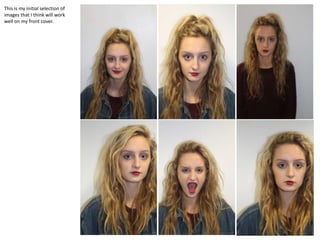
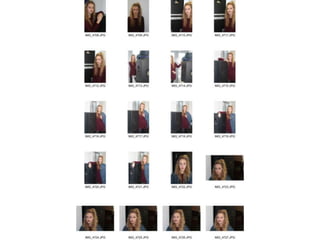
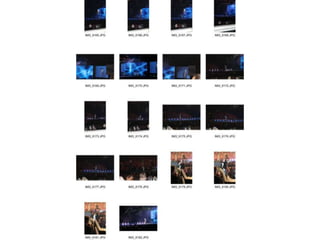
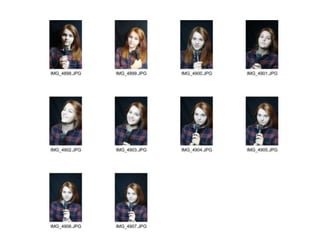
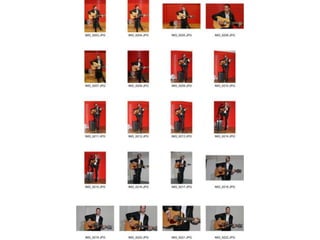
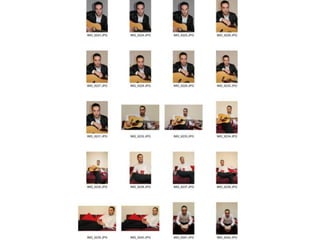
This is my initial selection of
images that I think will work
well on my front cover.
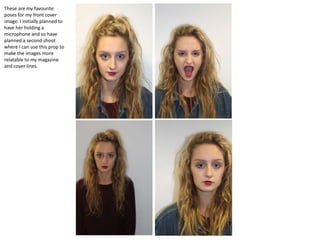
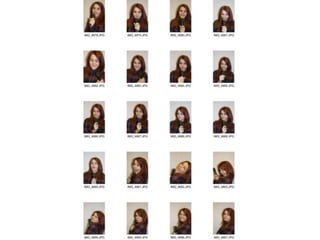
These are my favourite
poses for my front cover
image. I initially planned to
have her holding a
microphone and so have
planned a second shoot
where I can use this prop to
make the images more
relatable to my magazine
and cover lines.
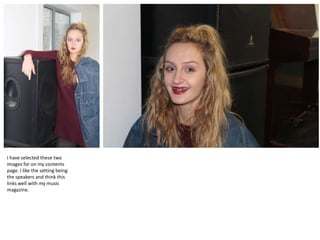
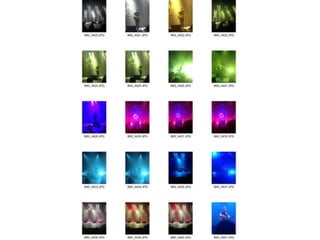
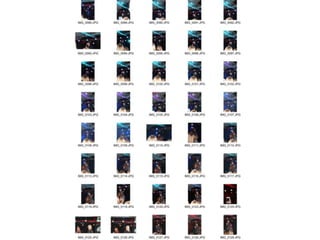
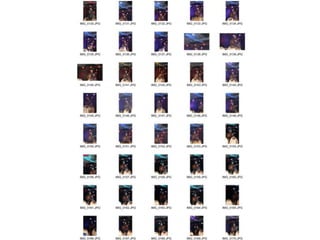
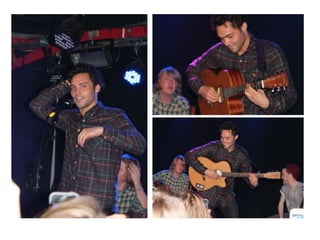
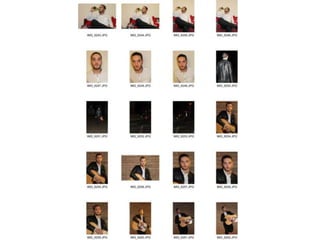
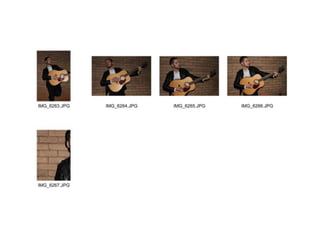
I have selected these two
images for on my contents
page. I like the setting being
the speakers and think this
links well with my music
magazine.
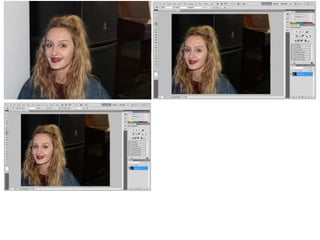
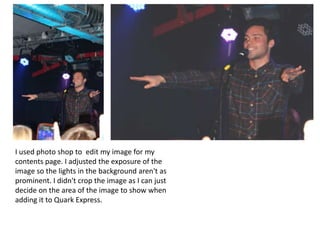
I used photo shop to edit my image for my
contents page. I adjusted the exposure of the
image so the lights in the background aren't as
prominent. I didn't crop the image as I can just
decide on the area of the image to show when
adding it to Quark Express.
•
•
•
•
•

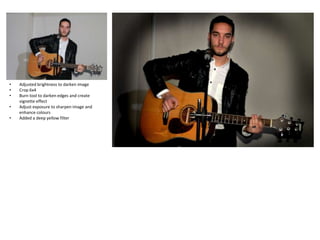
Adjusted brightness to darken image
Crop 6x4
Burn tool to darken edges and create
vignette effect
Adjust exposure to sharpen image and
enhance colours
Added a deep yellow filter
•
•
•
•

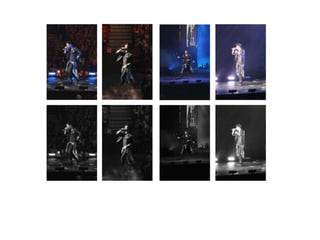
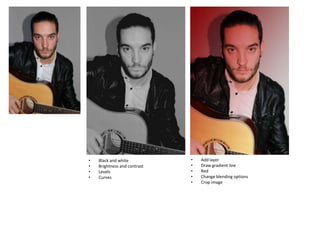
Black and white
Brightness and contrast
Levels
Curves

•
•
•
•
•

Add layer
Draw gradient line
Red
Change blending options
Crop image
•

•

•
•

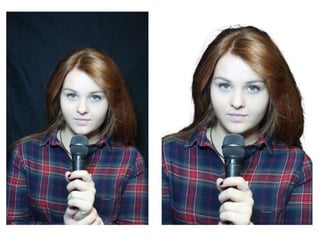
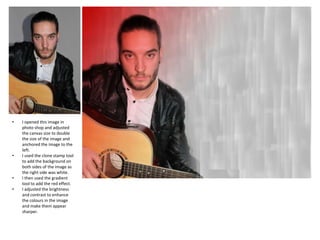
I opened this image in
photo shop and adjusted
the canvas size to double
the size of the image and
anchored the image to the
left.
I used the clone stamp tool
to add the background on
both sides of the image as
the right side was white.
I then used the gradient
tool to add the red effect.
I adjusted the brightness
and contrast to enhance
the colours in the image
and make them appear
sharper.
•
•
•

•

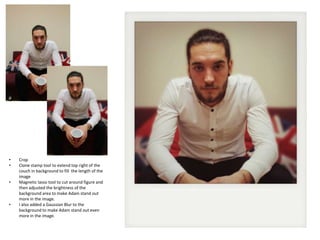
Crop
Clone stamp tool to extend top right of the
couch in background to fill the length of the
image
Magnetic lasso tool to cut around figure and
then adjusted the brightness of the
background area to make Adam stand out
more in the image.
I also added a Gaussian Blur to the
background to make Adam stand out even
more in the image.
•
•
•
•

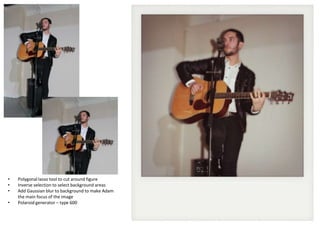
Polygonal lasso tool to cut around figure
Inverse selection to select background areas
Add Gaussian blur to background to make Adam
the main focus of the image
Polaroid generator – type 600

Images

  • 1.
  • 5.
    This is myinitial selection of images that I think will work well on my front cover.
  • 6.
    These are myfavourite poses for my front cover image. I initially planned to have her holding a microphone and so have planned a second shoot where I can use this prop to make the images more relatable to my magazine and cover lines.
  • 8.
    I have selectedthese two images for on my contents page. I like the setting being the speakers and think this links well with my music magazine.
  • 21.
    I used photoshop to edit my image for my contents page. I adjusted the exposure of the image so the lights in the background aren't as prominent. I didn't crop the image as I can just decide on the area of the image to show when adding it to Quark Express.
  • 26.
    • • • • • Adjusted brightness todarken image Crop 6x4 Burn tool to darken edges and create vignette effect Adjust exposure to sharpen image and enhance colours Added a deep yellow filter
  • 27.
    • • • • Black and white Brightnessand contrast Levels Curves • • • • • Add layer Draw gradient line Red Change blending options Crop image
  • 28.
    • • • • I opened thisimage in photo shop and adjusted the canvas size to double the size of the image and anchored the image to the left. I used the clone stamp tool to add the background on both sides of the image as the right side was white. I then used the gradient tool to add the red effect. I adjusted the brightness and contrast to enhance the colours in the image and make them appear sharper.
  • 29.
    • • • • Crop Clone stamp toolto extend top right of the couch in background to fill the length of the image Magnetic lasso tool to cut around figure and then adjusted the brightness of the background area to make Adam stand out more in the image. I also added a Gaussian Blur to the background to make Adam stand out even more in the image.
  • 30.
    • • • • Polygonal lasso toolto cut around figure Inverse selection to select background areas Add Gaussian blur to background to make Adam the main focus of the image Polaroid generator – type 600