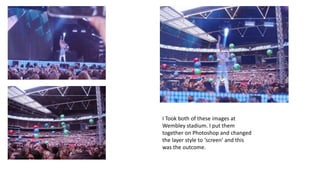
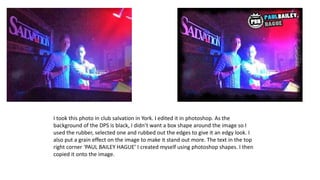
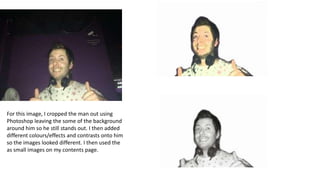
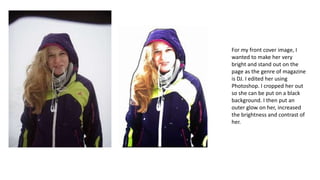
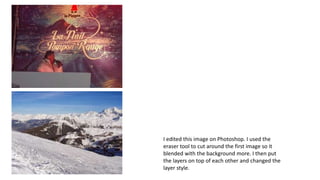
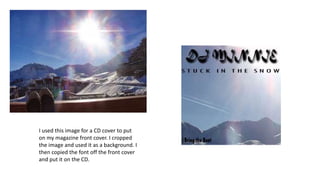
The document describes several images the author edited and created using Photoshop. For two stadium images, the author combined them and changed the layer style to "screen". For a club photo, the author used the rubber tool to remove edges and added grain to make it stand out. The author cropped a man from a background, added colors and effects, and used small versions on the contents page. To make a DJ stand out on the magazine cover, the author cropped and brightened her, adding an outer glow and increasing brightness and contrast. The author erased around one image to blend it with another background and changed the layer style when combining the images. A cropped image was used as a CD cover background with font copied from the magazine