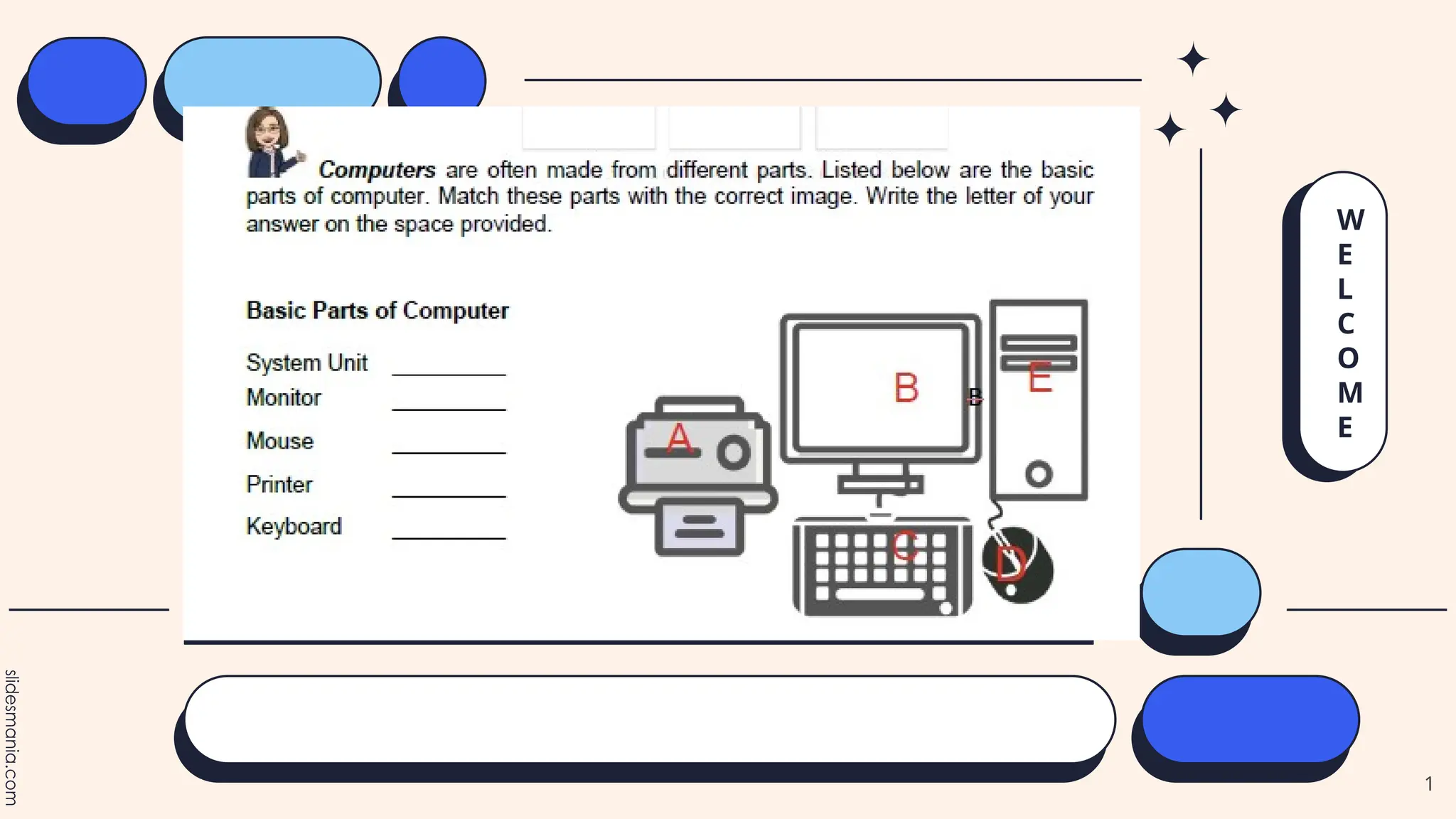
W
E
L
C
O
M
E
1
Parts of Computer
2
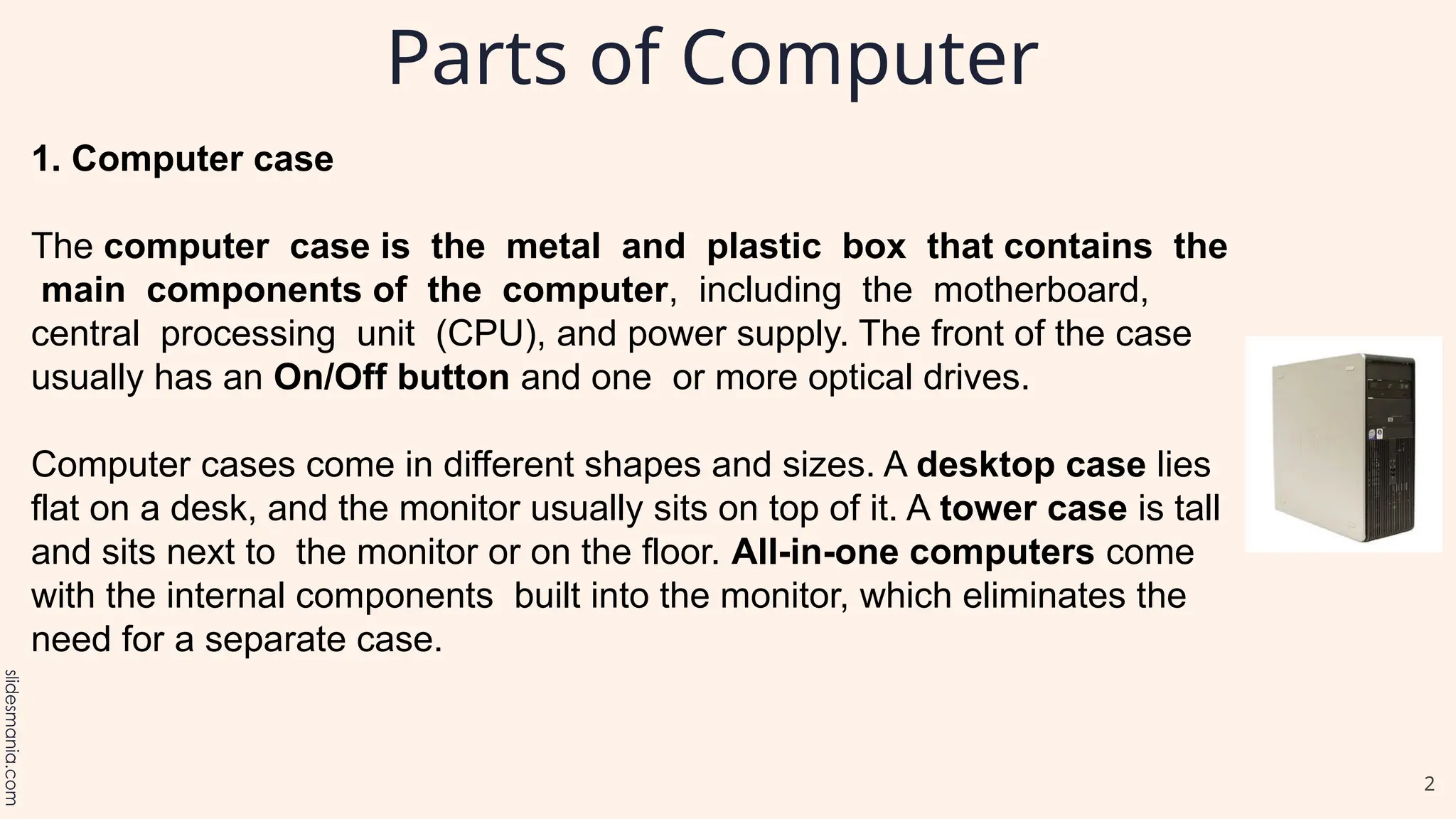
1. Computer case
The computer case is the metal and plastic box that contains the
main components of the computer, including the motherboard,
central processing unit (CPU), and power supply. The front of the case
usually has an On/Off button and one or more optical drives.
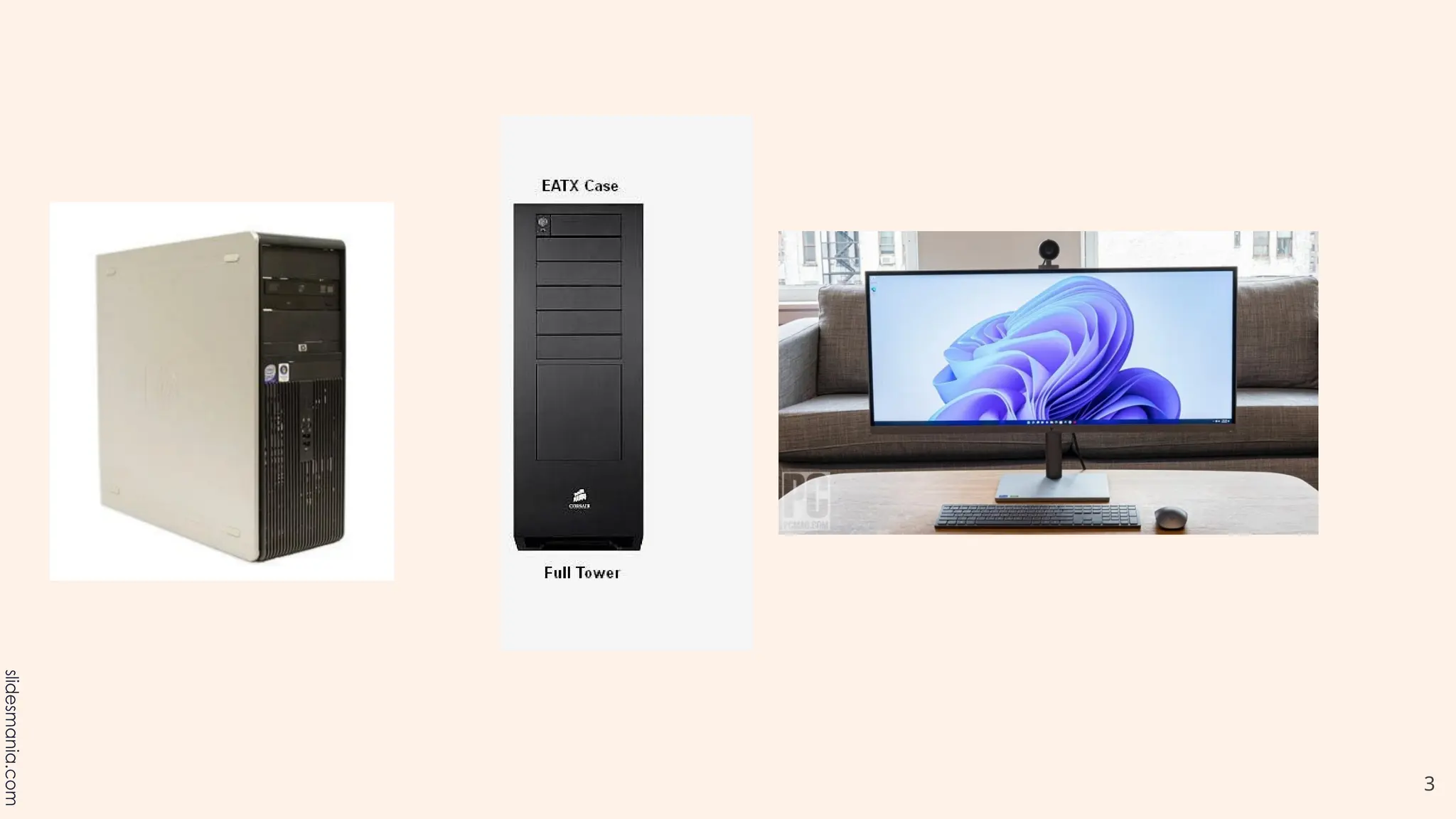
Computer cases come in different shapes and sizes. A desktop case lies
flat on a desk, and the monitor usually sits on top of it. A tower case is tall
and sits next to the monitor or on the floor. All-in-one computers come
with the internal components built into the monitor, which eliminates the
need for a separate case.
3
4
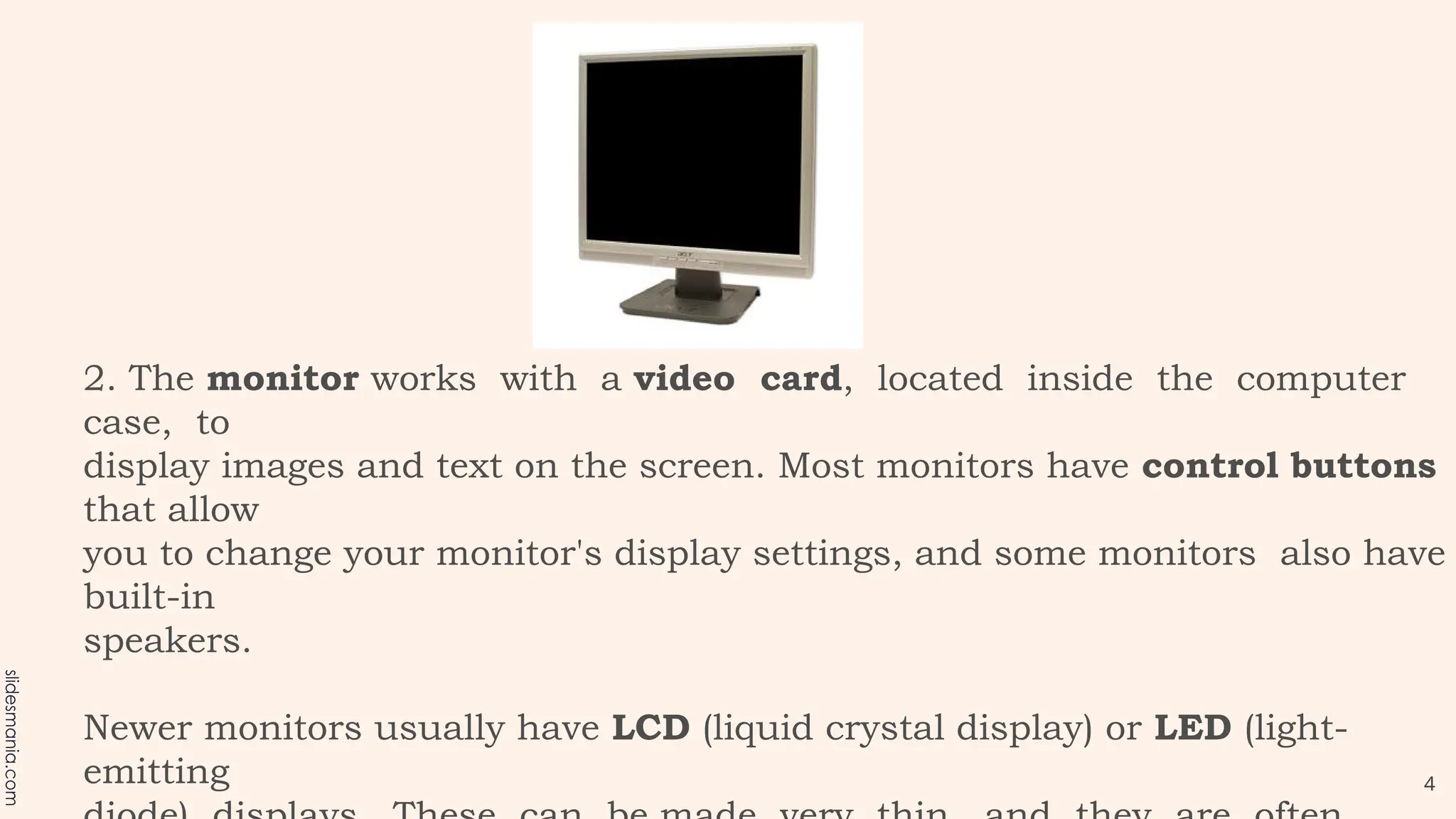
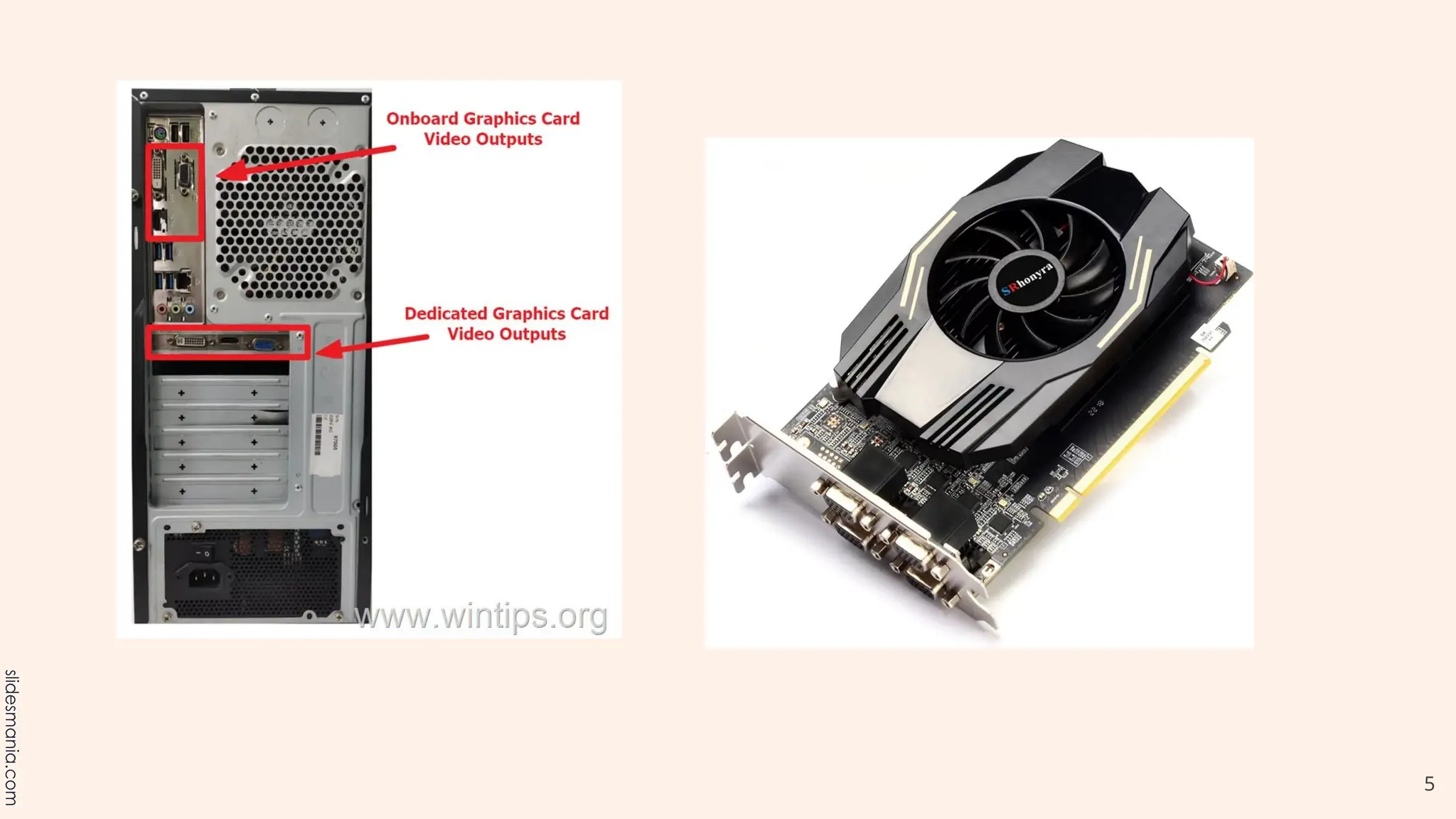
2. The monitor works with a video card, located inside the computer
case, to
display images and text on the screen. Most monitors have control buttons
that allow
you to change your monitor's display settings, and some monitors also have
built-in
speakers.
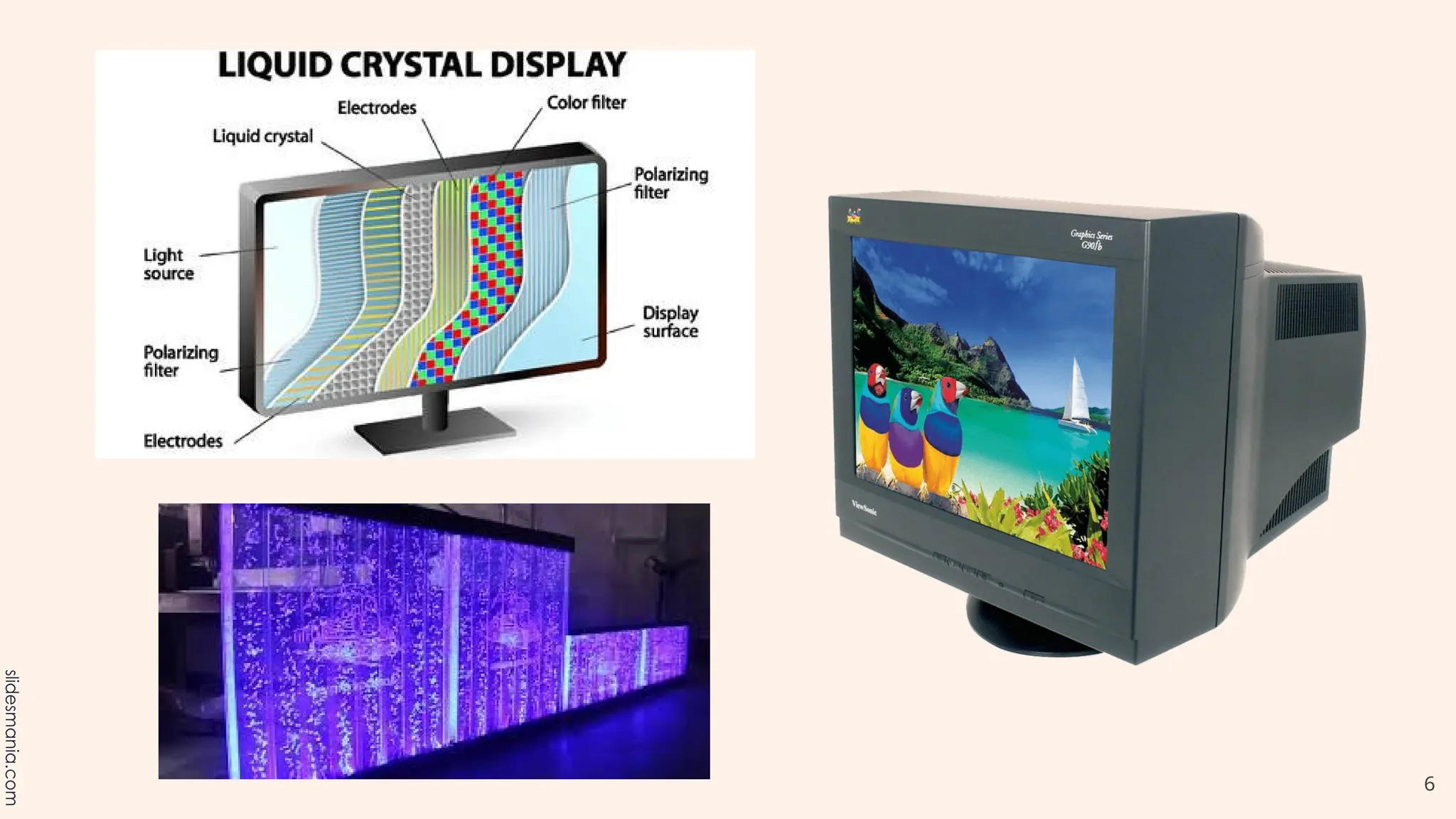
Newer monitors usually have LCD (liquid crystal display) or LED (light-
emitting
5
6
7
Keyboard
The keyboard is one of the main ways
to communicate with a computer.
There are many different types of
keyboards, but most are very similar
and allow you to accomplish the same
basic tasks.
8
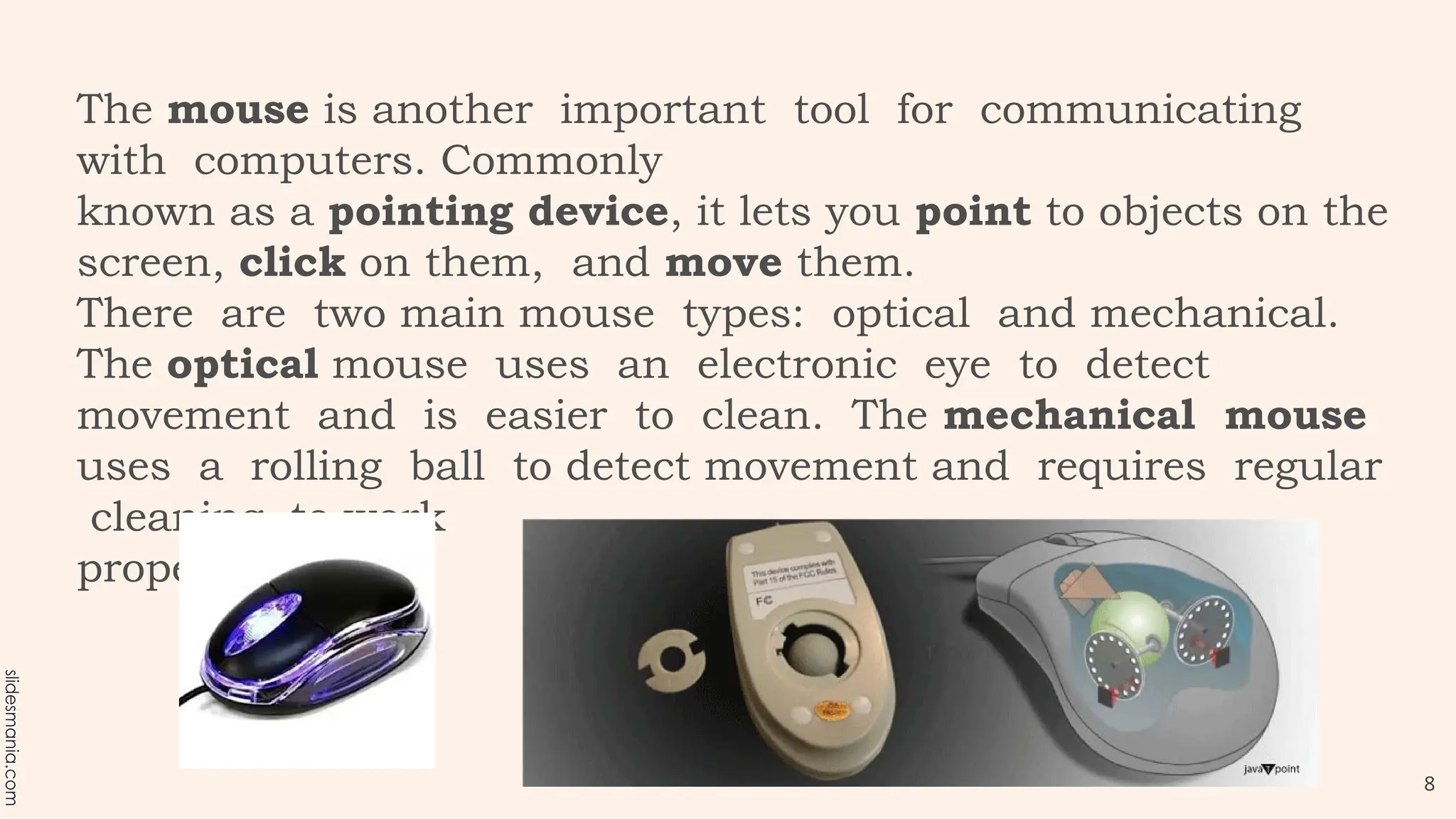
The mouse is another important tool for communicating
with computers. Commonly
known as a pointing device, it lets you point to objects on the
screen, click on them, and move them.
There are two main mouse types: optical and mechanical.
The optical mouse uses an electronic eye to detect
movement and is easier to clean. The mechanical mouse
uses a rolling ball to detect movement and requires regular
cleaning to work
properly.
9
Mouse alternatives
There are other devices that can do the same thing as a
mouse. Many people
find them easier to use, and they also require less desk
space than a traditional
mouse. The most common mouse alternatives are below.
 Trackball: A trackball has a ball that can rotate
freely. Instead of moving the device like a mouse,
you can roll the ball with your thumb to move the
pointer.
10
Touchpad: A touchpad—also called a trackpad—is
a touch-sensitive pad that lets you control the
pointer by making a drawing motion with your
finger. Touchpads are common on laptop
computers.
12
13
14
15
16
17
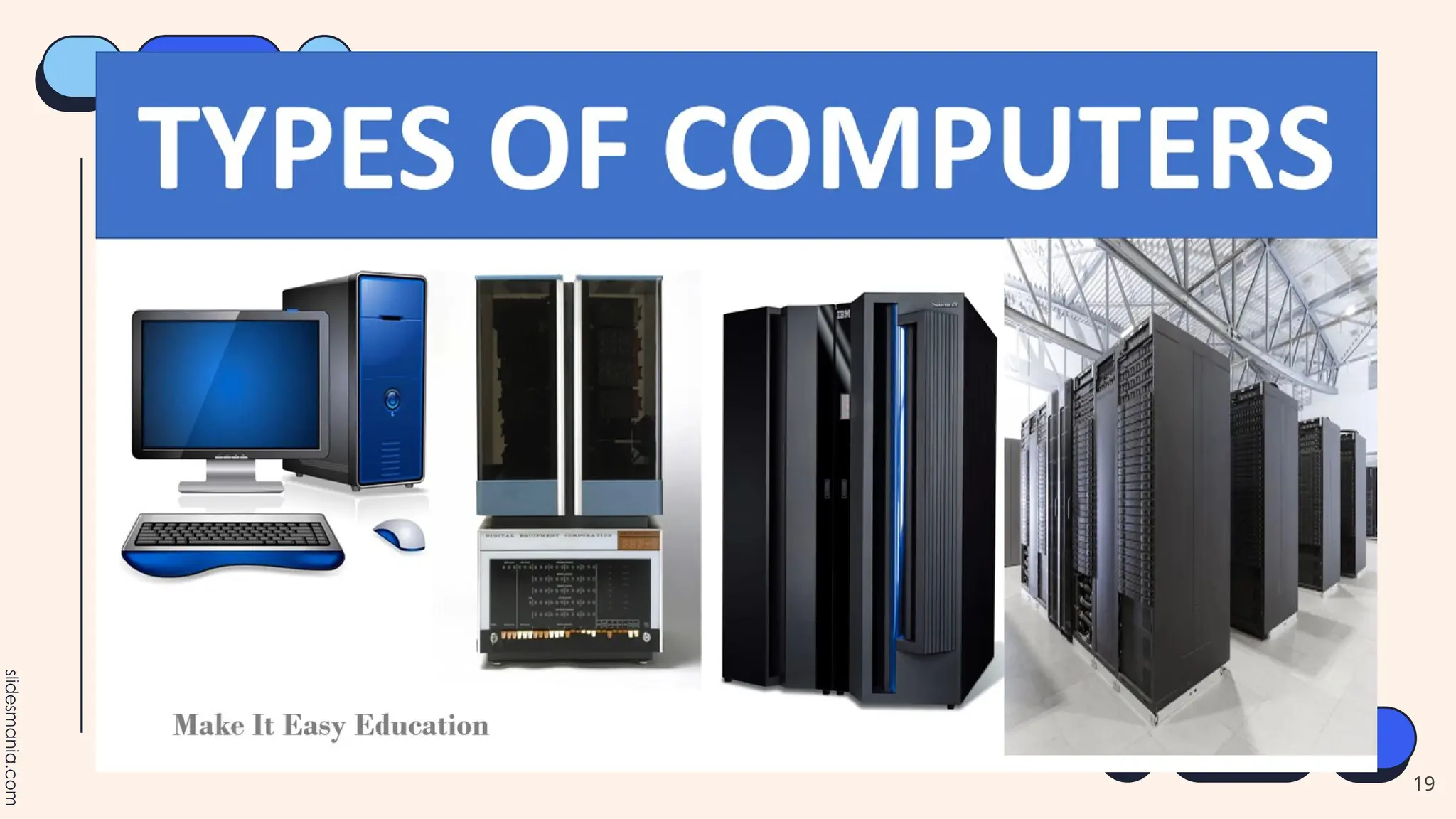
B. Based on Configuration (Size and Capability)
Computers are classified in various ways. First, they
differ according to size and power. Computers can
be supercomputers, mainframes, minicomputers
and
microcomputers.
18
19
20
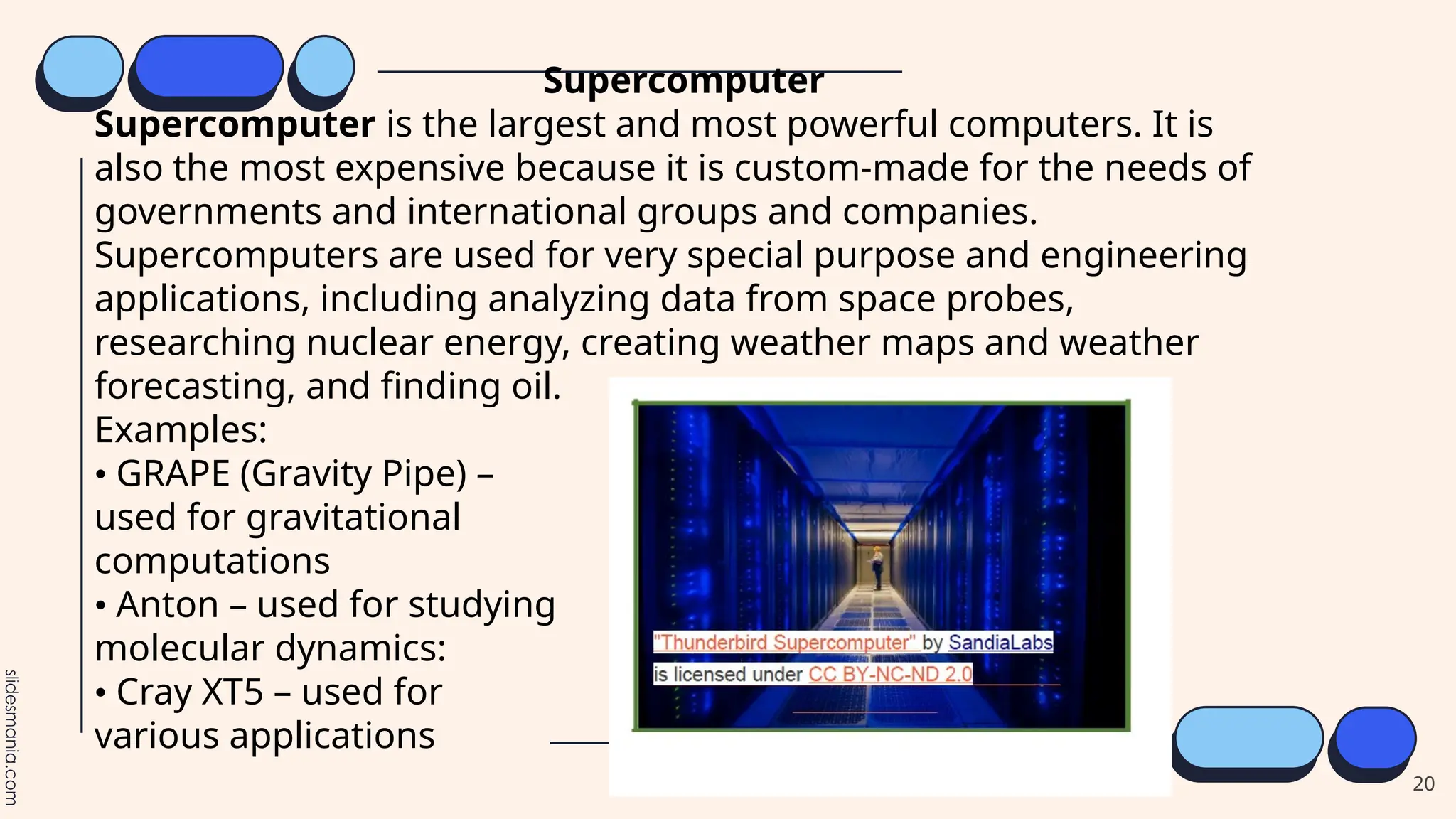
Supercomputer
Supercomputer is the largest and most powerful computers. It is
also the most expensive because it is custom-made for the needs of
governments and international groups and companies.
Supercomputers are used for very special purpose and engineering
applications, including analyzing data from space probes,
researching nuclear energy, creating weather maps and weather
forecasting, and finding oil.
Examples:
• GRAPE (Gravity Pipe) –
used for gravitational
computations
• Anton – used for studying
molecular dynamics:
• Cray XT5 – used for
various applications
21
22
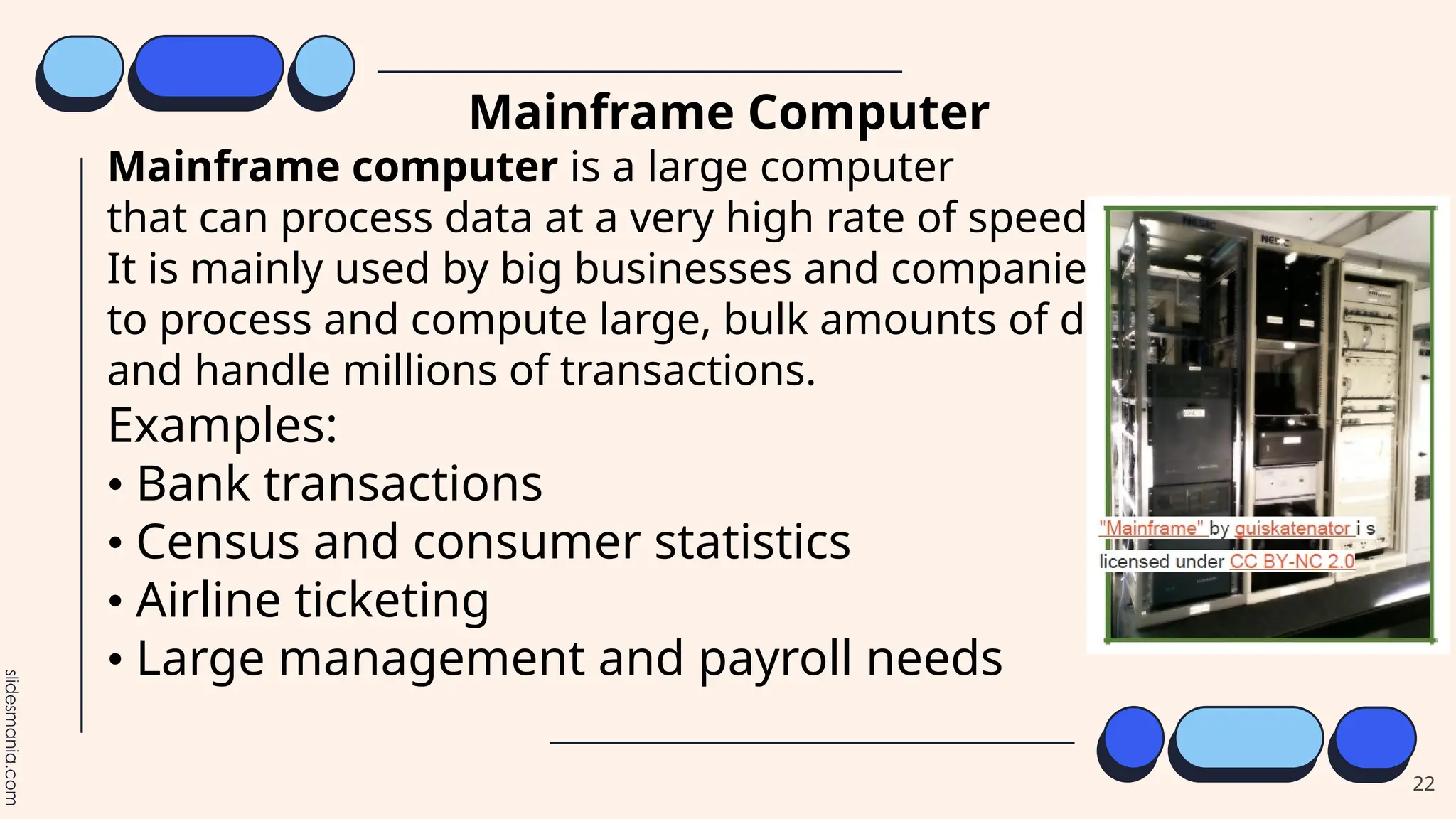
Mainframe Computer
Mainframe computer is a large computer
that can process data at a very high rate of speed.
It is mainly used by big businesses and companies
to process and compute large, bulk amounts of data
and handle millions of transactions.
Examples:
• Bank transactions
• Census and consumer statistics
• Airline ticketing
• Large management and payroll needs
23
24
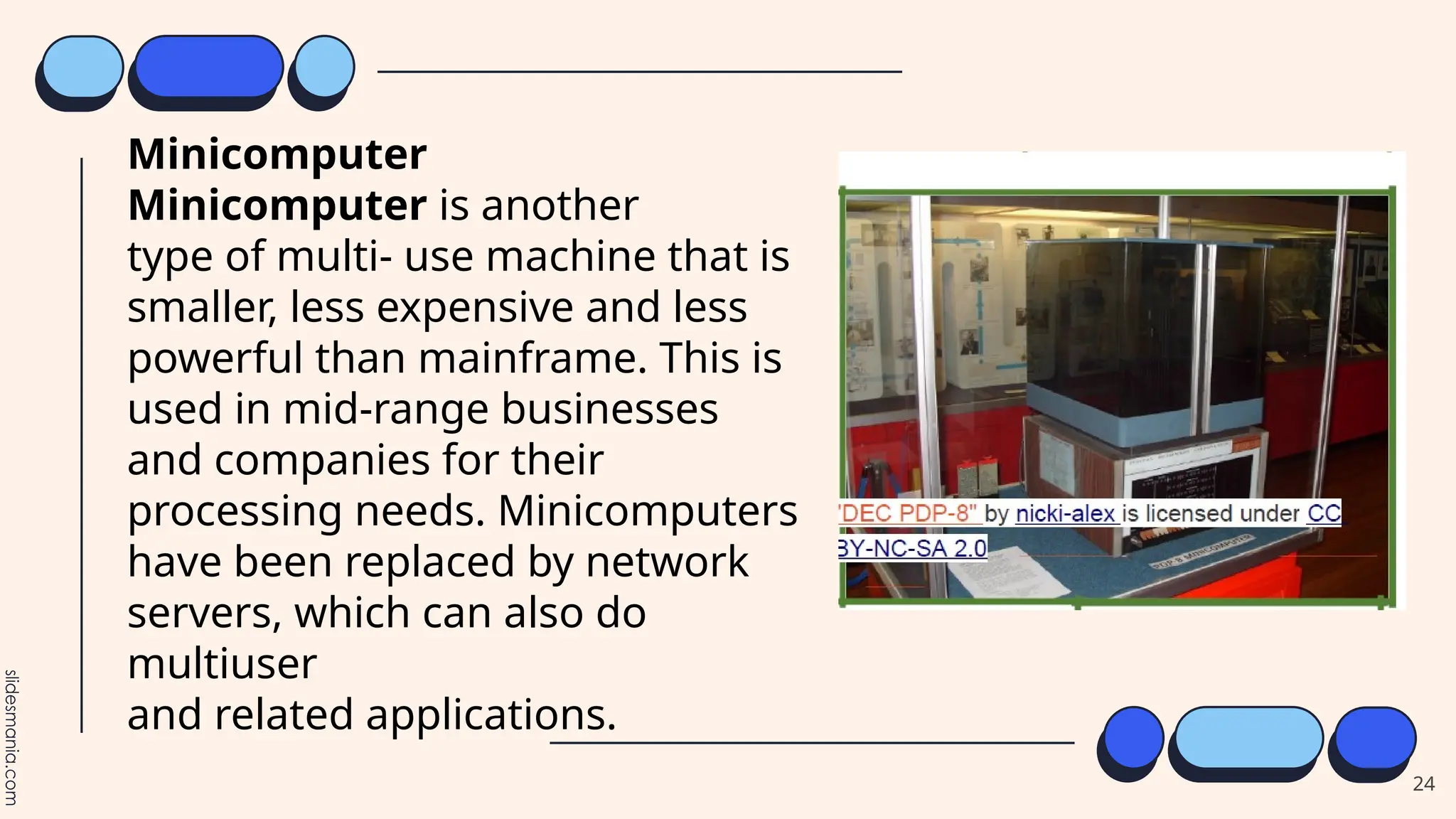
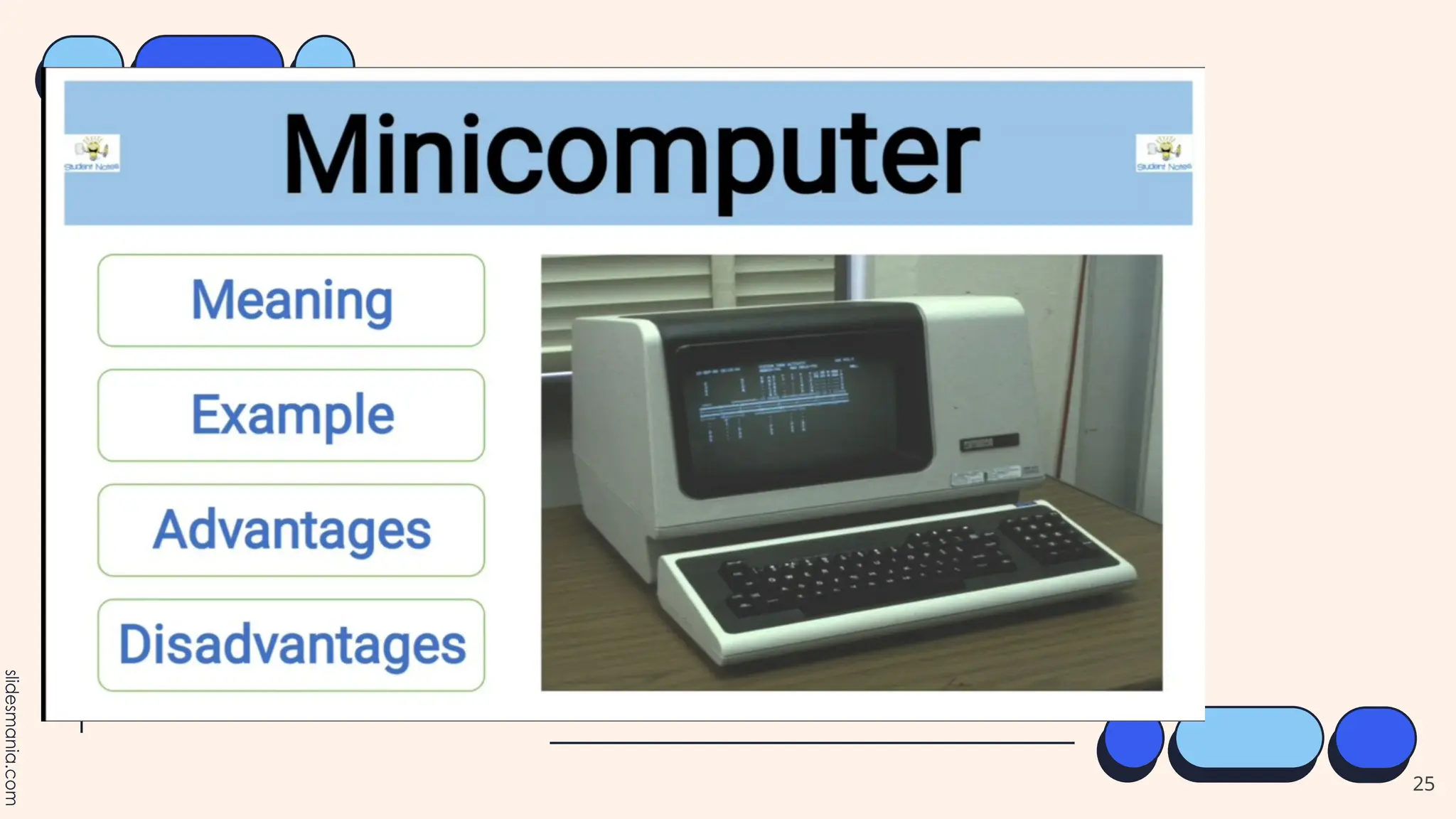
Minicomputer
Minicomputer is another
type of multi- use machine that is
smaller, less expensive and less
powerful than mainframe. This is
used in mid-range businesses
and companies for their
processing needs. Minicomputers
have been replaced by network
servers, which can also do
multiuser
and related applications.
25
26
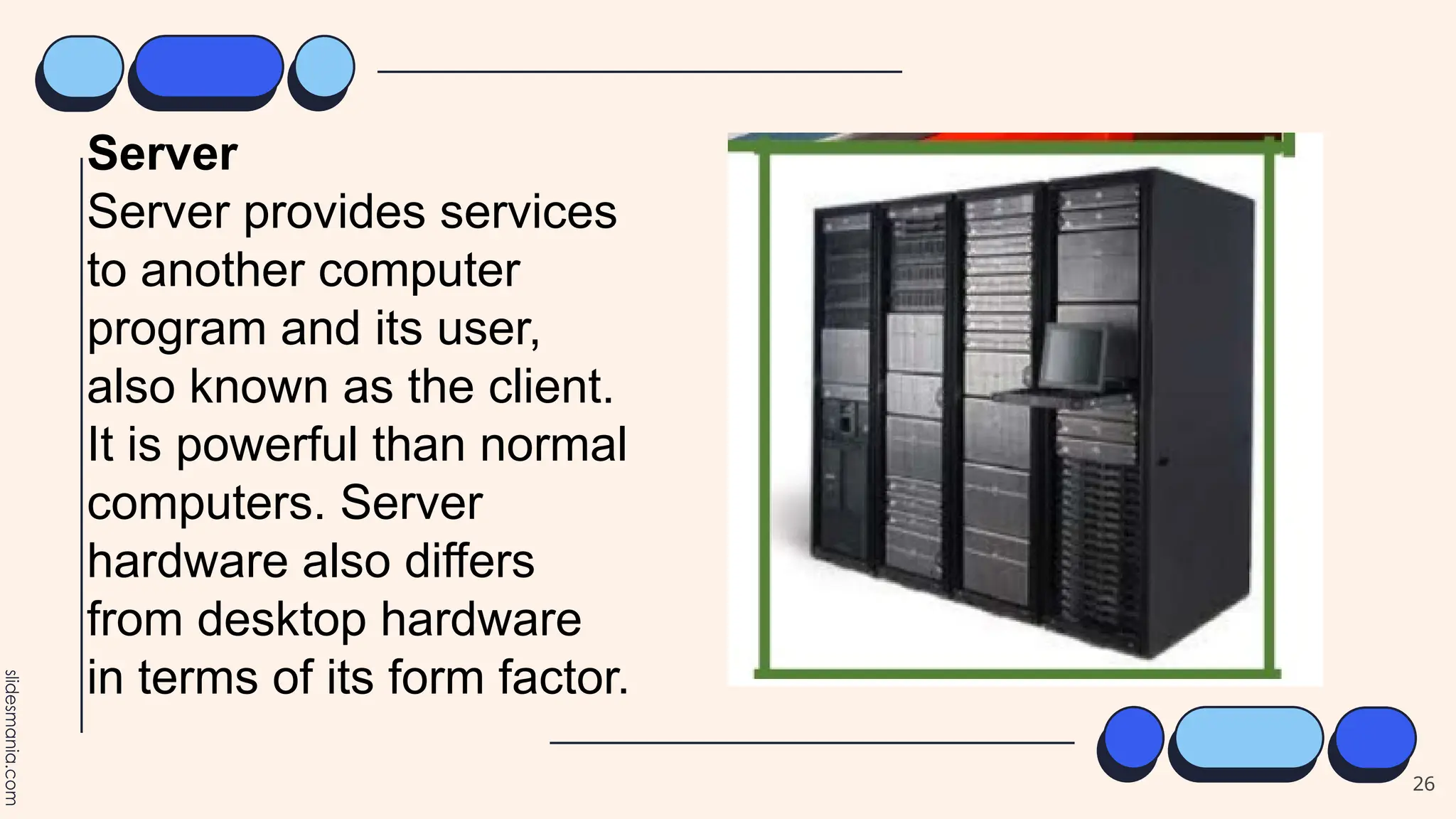
Server
Server provides services
to another computer
program and its user,
also known as the client.
It is powerful than normal
computers. Server
hardware also differs
from desktop hardware
in terms of its form factor.
27
28
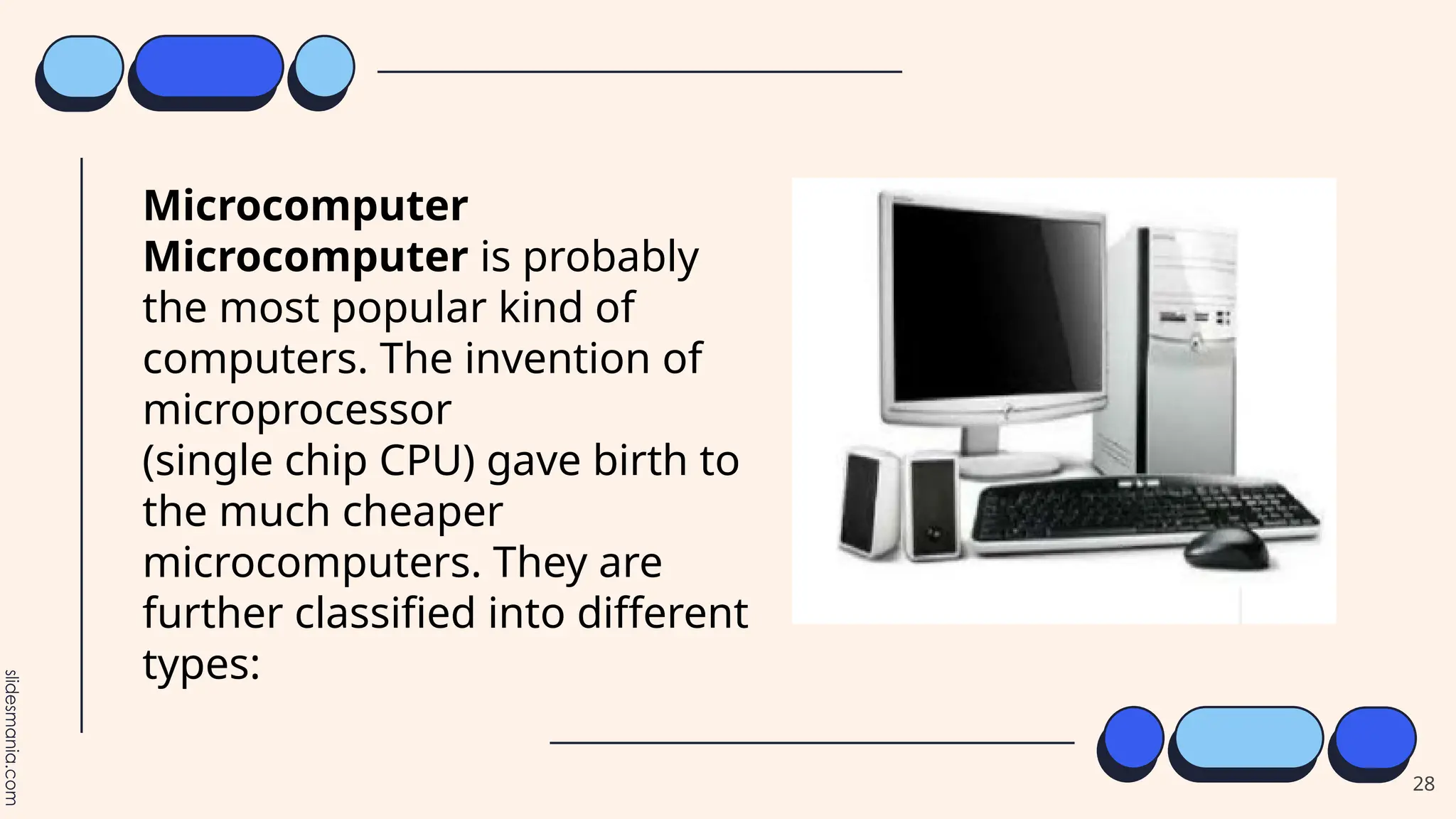
Microcomputer
Microcomputer is probably
the most popular kind of
computers. The invention of
microprocessor
(single chip CPU) gave birth to
the much cheaper
microcomputers. They are
further classified into different
types:
29
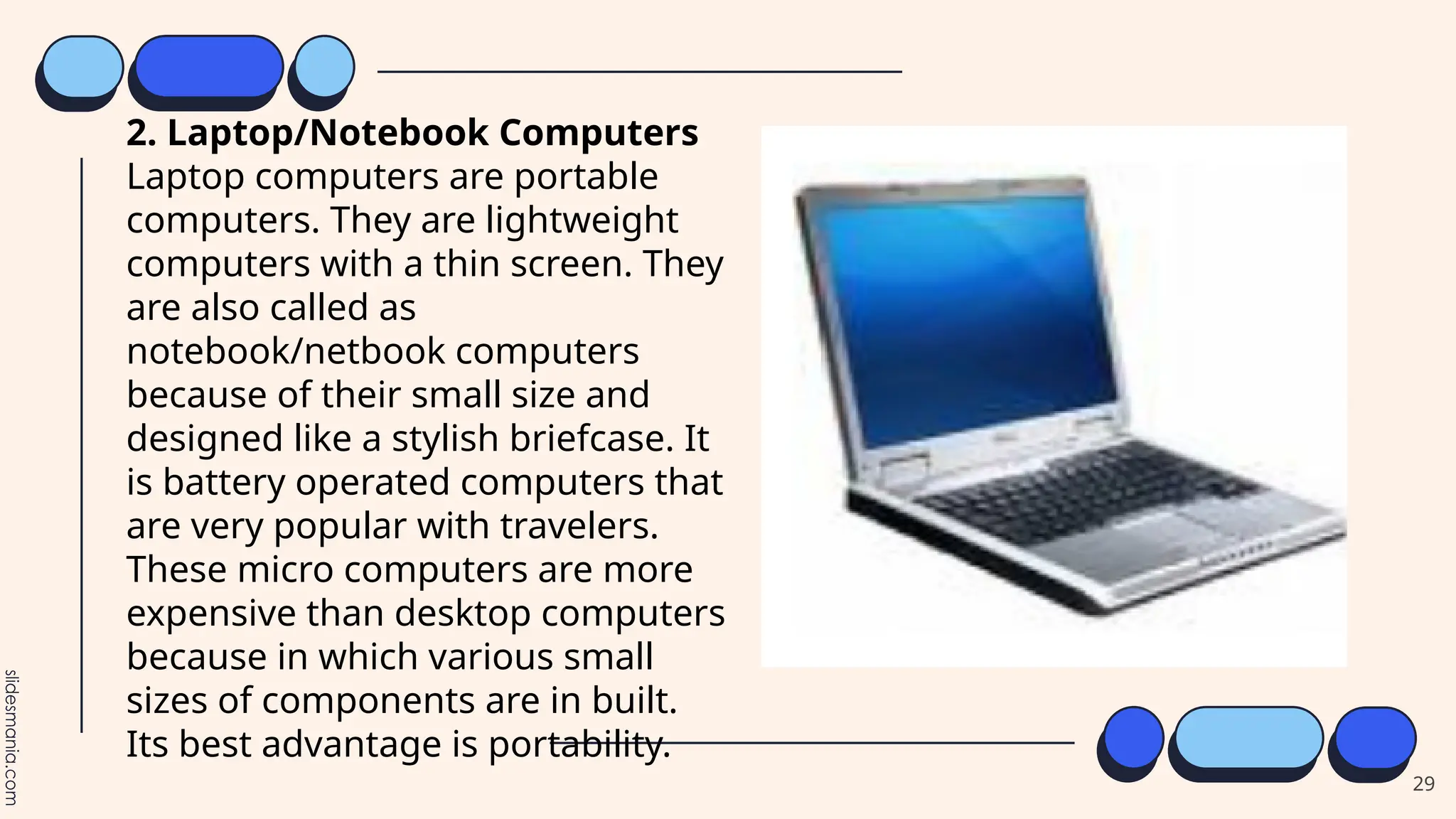
2. Laptop/Notebook Computers
Laptop computers are portable
computers. They are lightweight
computers with a thin screen. They
are also called as
notebook/netbook computers
because of their small size and
designed like a stylish briefcase. It
is battery operated computers that
are very popular with travelers.
These micro computers are more
expensive than desktop computers
because in which various small
sizes of components are in built.
Its best advantage is portability.
30
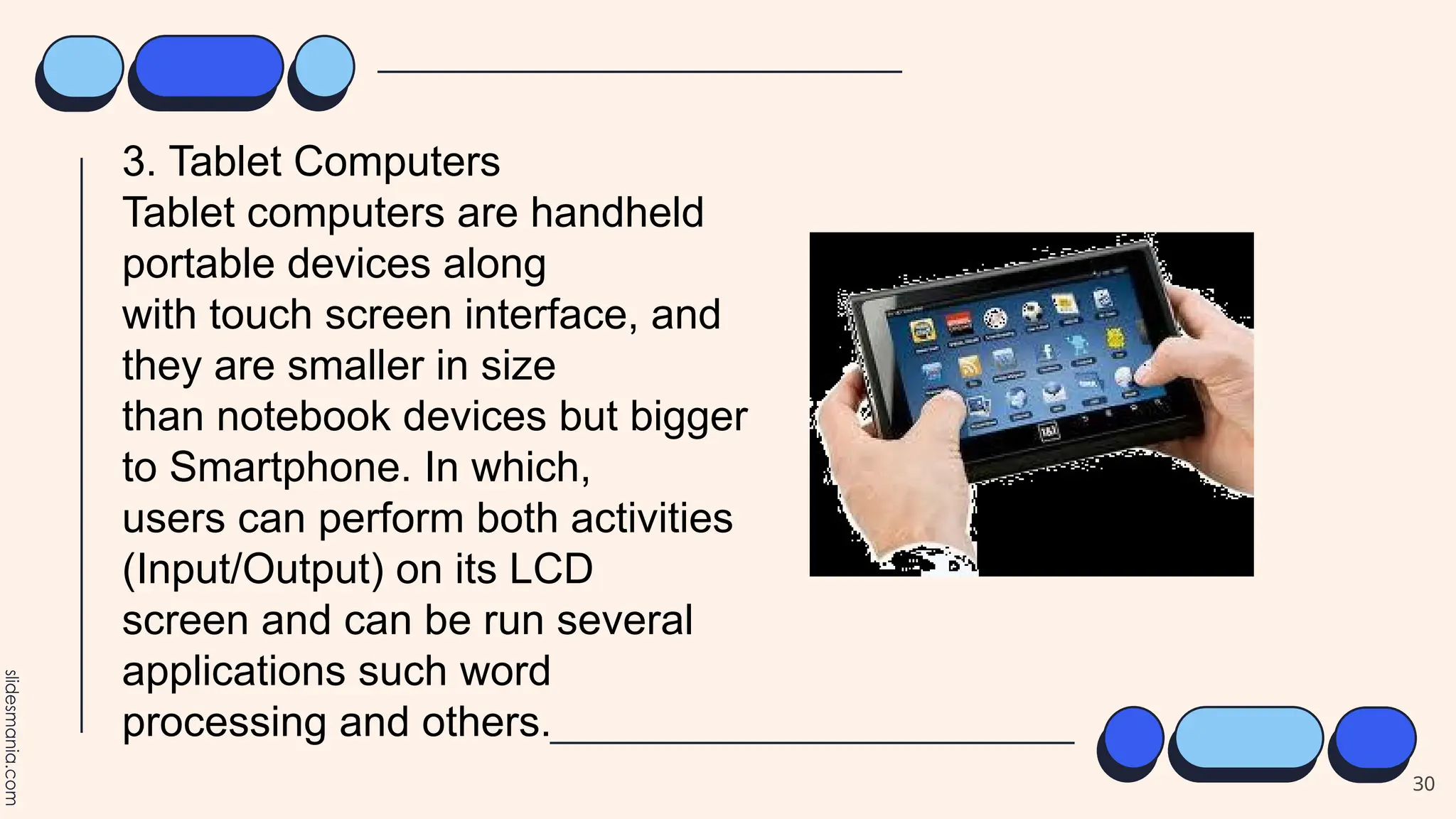
3. Tablet Computers
Tablet computers are handheld
portable devices along
with touch screen interface, and
they are smaller in size
than notebook devices but bigger
to Smartphone. In which,
users can perform both activities
(Input/Output) on its LCD
screen and can be run several
applications such word
processing and others.
31
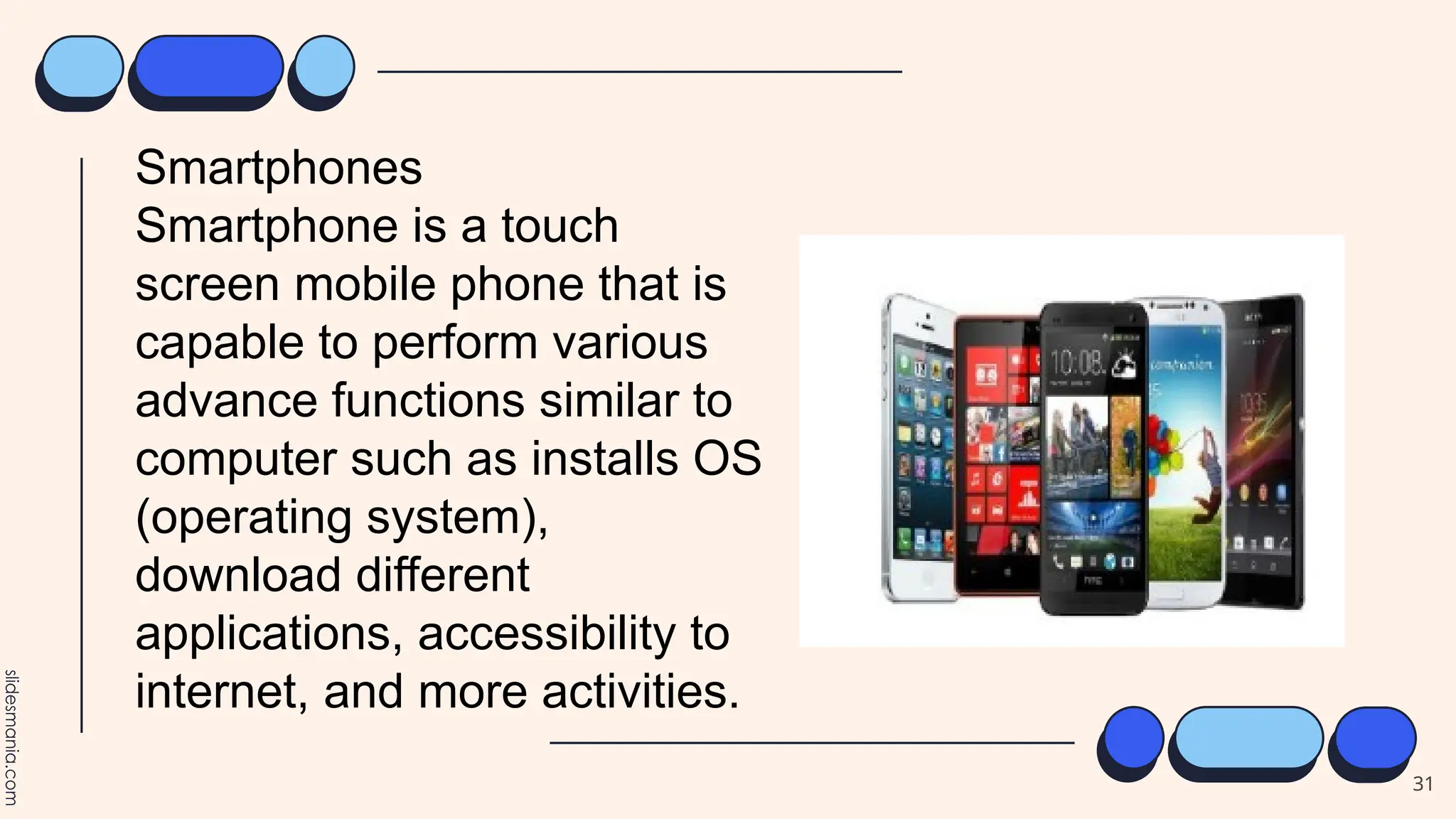
Smartphones
Smartphone is a touch
screen mobile phone that is
capable to perform various
advance functions similar to
computer such as installs OS
(operating system),
download different
applications, accessibility to
internet, and more activities.
32
PDA Computers
PDA stands for “Personal Digital Assistant”. It is a
handheld device with great portability as well as
smaller in size similar to tablet, palmtop and
smartphone. PDA is able to make communication
with other computers like laptops, desktops and
other through Wi-Fi, Bluetooth, radio
beams,infrared (IR), radio waves, and LAN cable.
Commonly used for maintaining the record to
appointment calendars, to-do lists, take down
notes, and address books.
33
Game Consoles
Game console is a special
kind of computer
primarily used for playing
video games. It is a device
that outputs a video
signal or visual image to
display a video game that
one or more people can
play. It also allows non-
gaming activities such
watching videos, viewing
pictures, or browsing the
Internet.
34
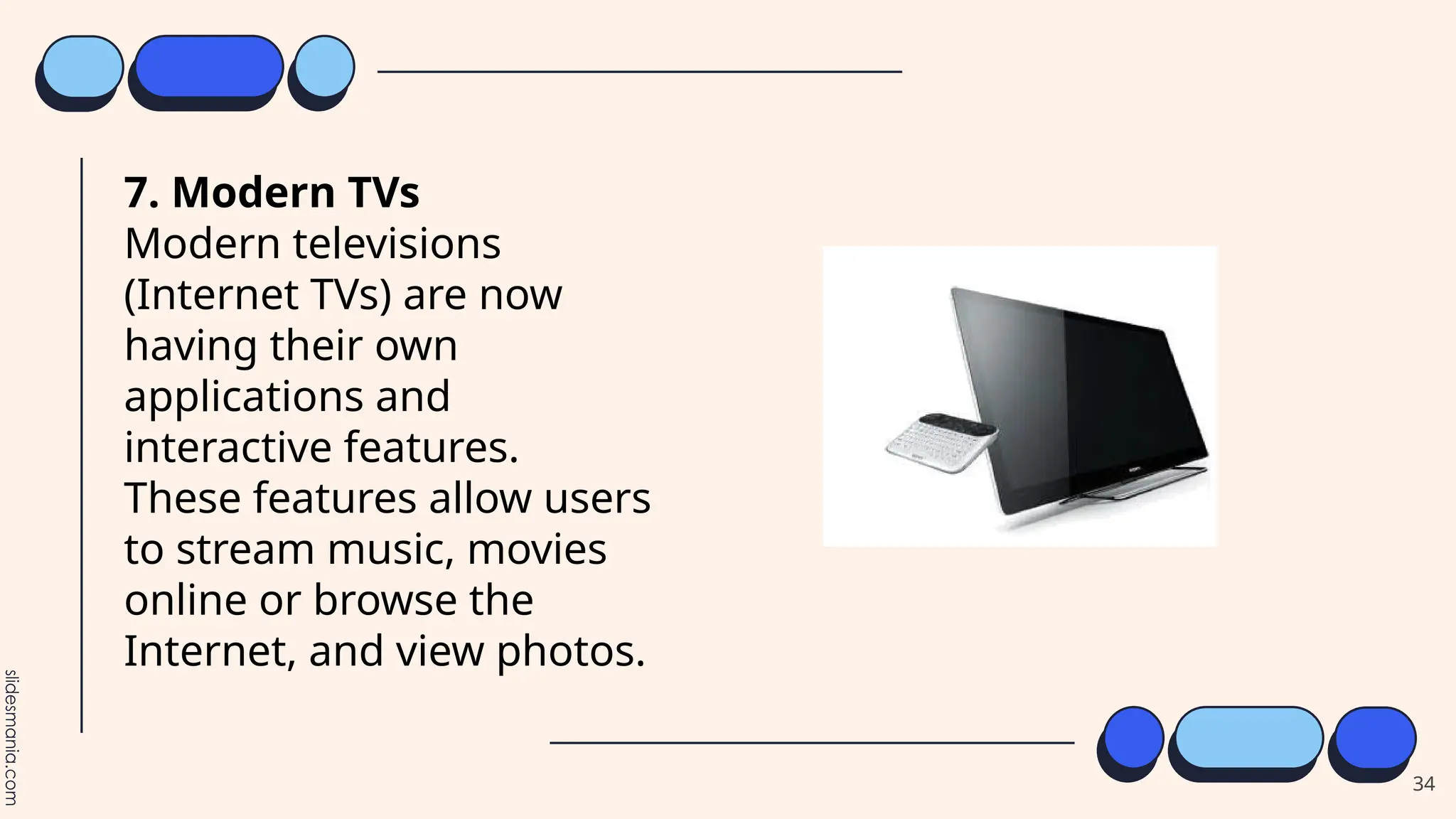
7. Modern TVs
Modern televisions
(Internet TVs) are now
having their own
applications and
interactive features.
These features allow users
to stream music, movies
online or browse the
Internet, and view photos.
35
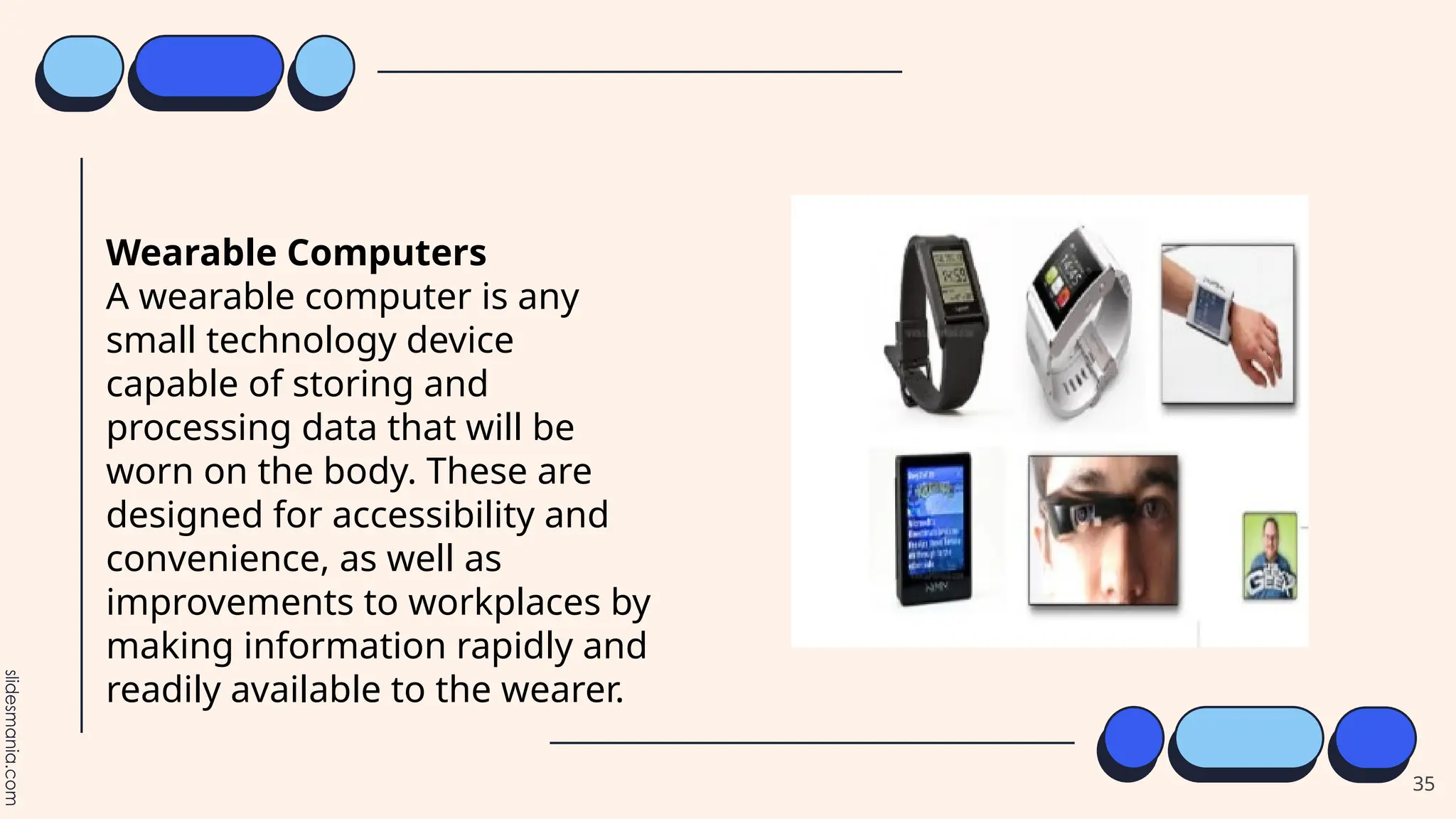
Wearable Computers
A wearable computer is any
small technology device
capable of storing and
processing data that will be
worn on the body. These are
designed for accessibility and
convenience, as well as
improvements to workplaces by
making information rapidly and
readily available to the wearer.
36
37
1. Which of the following
computer is the most powerful?
A. Mainframe Computer
B. Microcomputer
C. Server Computer
D. Supercomputer
38
2. Which type of computer is
generally used for travel?
A.Laptop
B.Mainframe
C.Supercomputer
D.Server computer
39
3.What does the acronym PDA stands
for?
A. Personal Data Account
B. Personal Digital Accountant
C. Personal Diagram Assistant
D. Personal Digital Assistant
40
4. Complex scientific research is
usually done using this computer as it
is used by researchers and scientist.
A. Mainframe Computer
B. Microcomputer
C. Server Computer
D. Supercomputer
41
5. This computer is used by touching
your finger and consider as a handheld
portable device.
A. Desktop
B. Laptop
C. Mainframe
D. Tablet
42
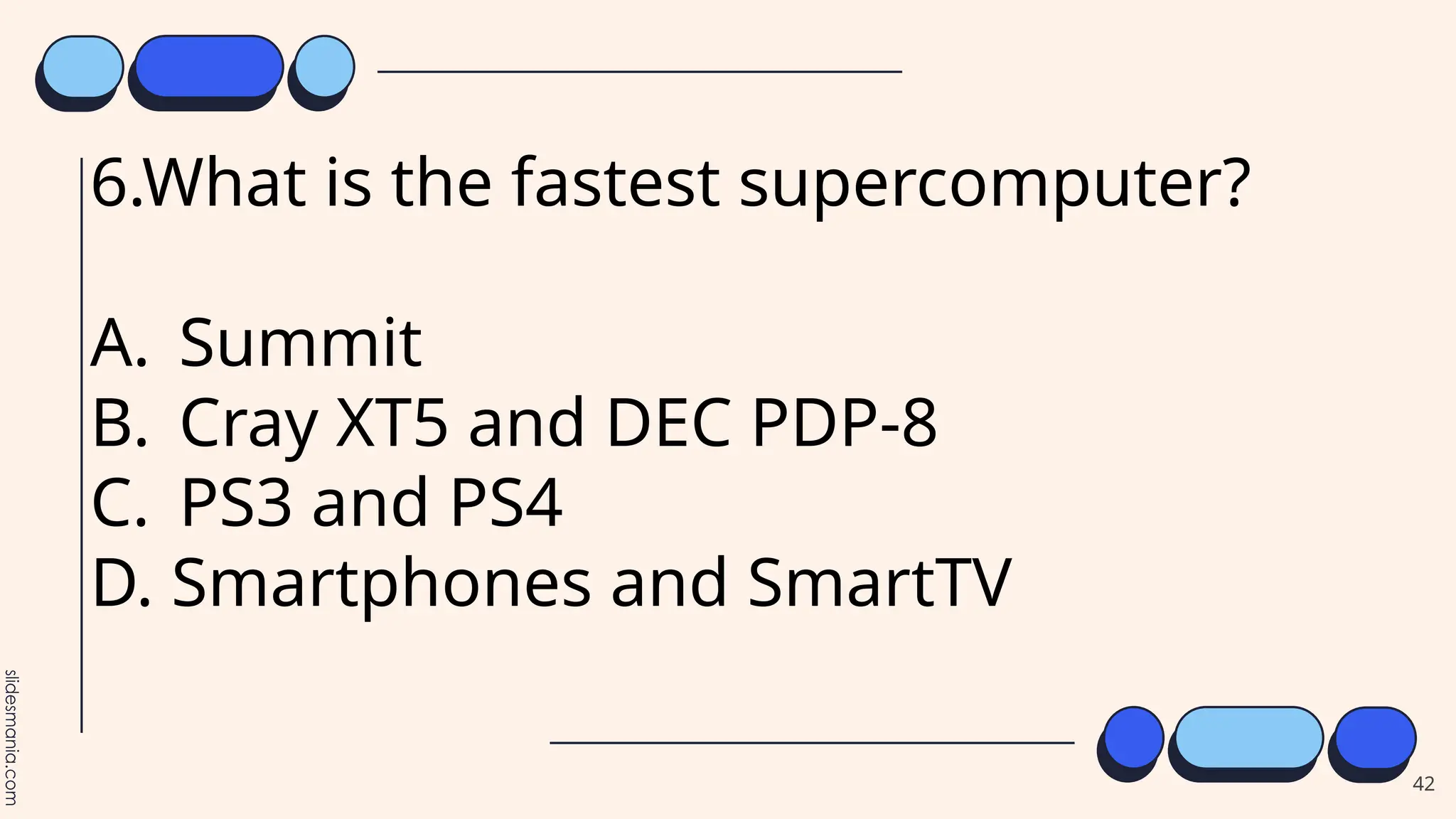
6.What is the fastest supercomputer?
A. Summit
B. Cray XT5 and DEC PDP-8
C. PS3 and PS4
D. Smartphones and SmartTV
43
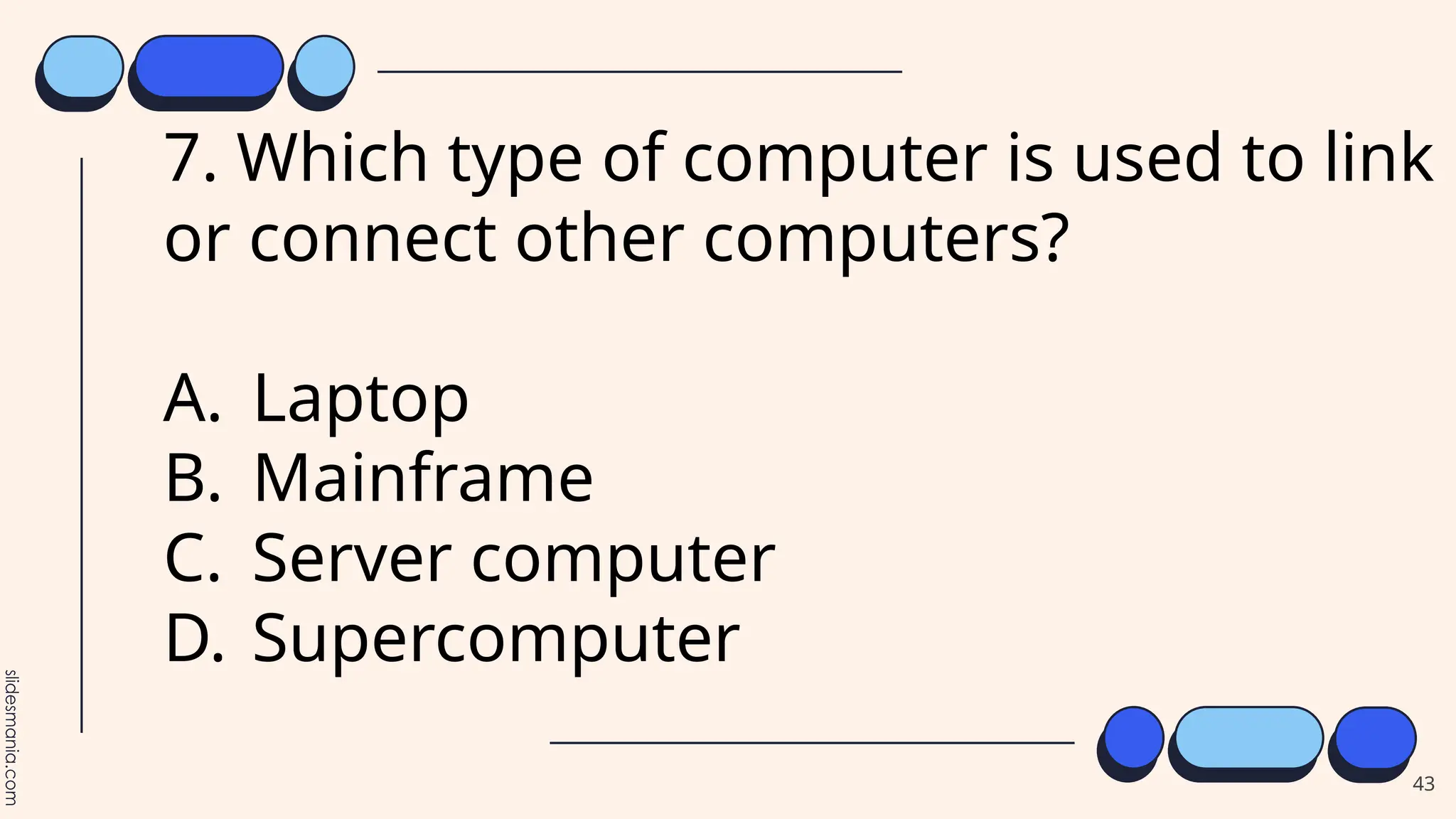
7. Which type of computer is used to link
or connect other computers?
A. Laptop
B. Mainframe
C. Server computer
D. Supercomputer
44
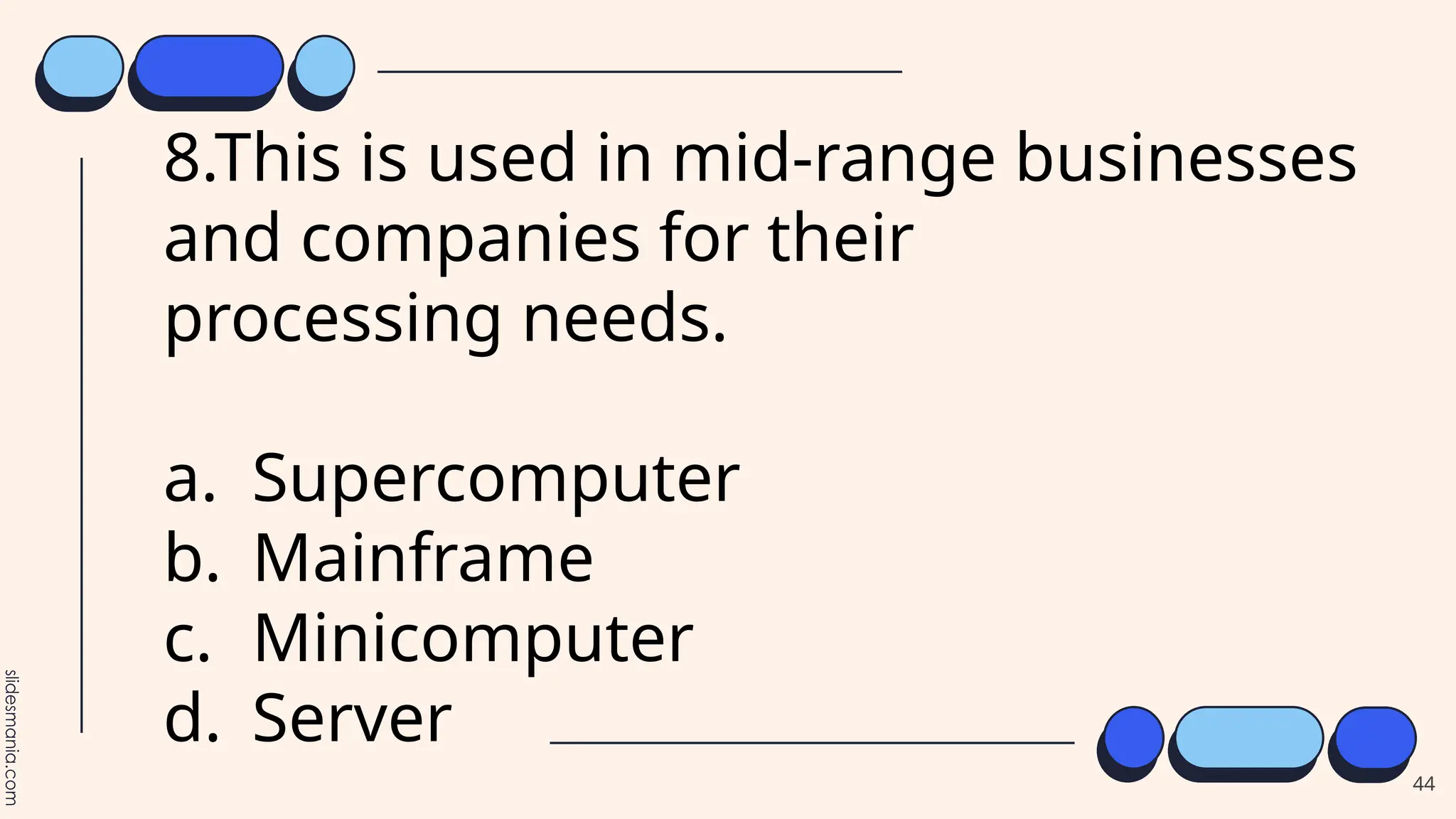
8.This is used in mid-range businesses
and companies for their
processing needs.
a. Supercomputer
b. Mainframe
c. Minicomputer
d. Server
45
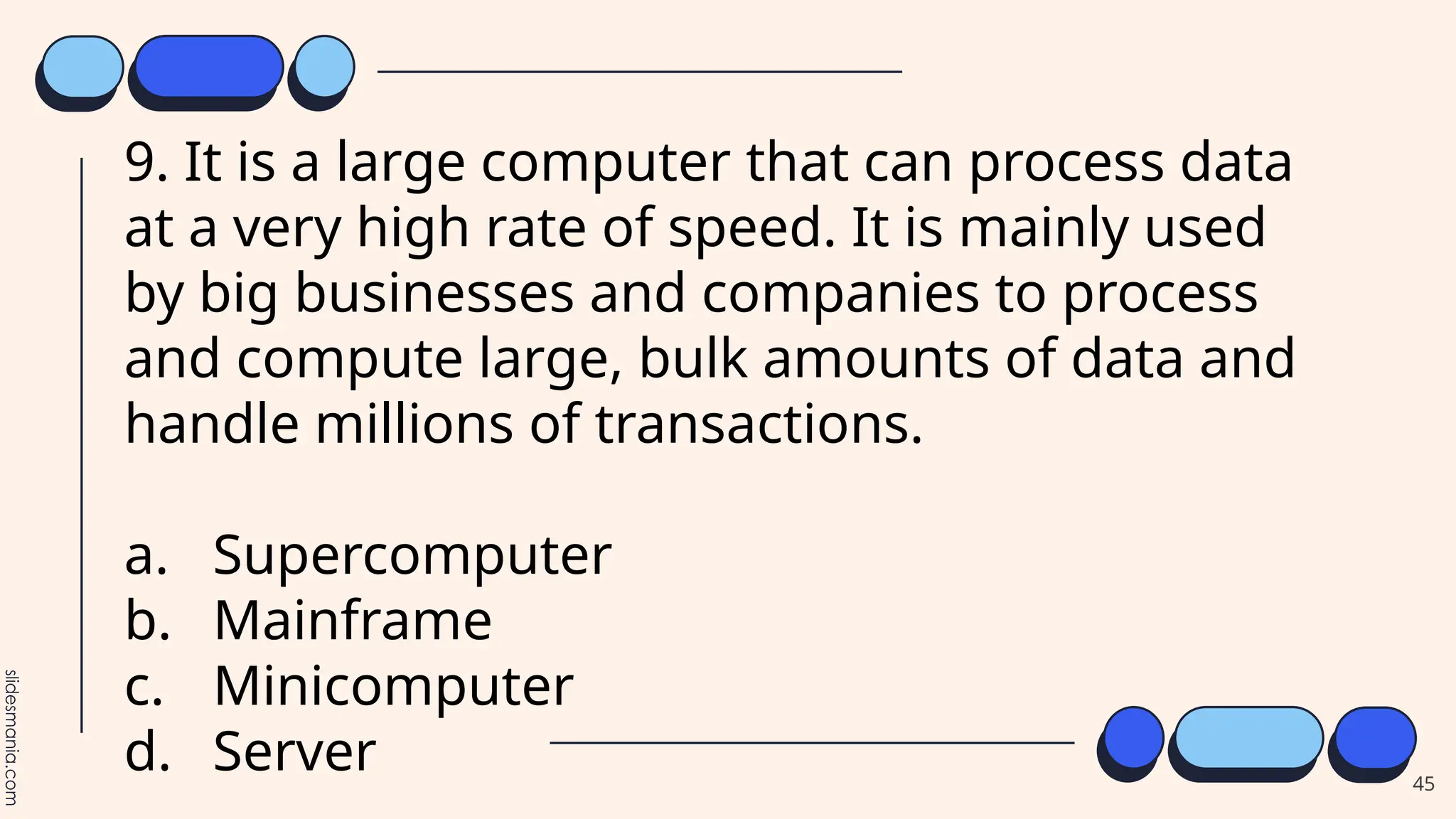
9. It is a large computer that can process data
at a very high rate of speed. It is mainly used
by big businesses and companies to process
and compute large, bulk amounts of data and
handle millions of transactions.
a. Supercomputer
b. Mainframe
c. Minicomputer
d. Server
46
10. What computers are
portable computers. They are
lightweight computers with a
thin screen?
a. Tablet
b. Laptop
c. PDA
d. Video Console
47
11. It is any small technology device capable
of storing and processing data that will be
worn on the body.
a. Wearable Device
b. Video Console
c. PDA
d. Laptop
48
12. It is a touch screen mobile phone that is
capable to perform various advance functions similar
to computer such as installs OS (operating system),
download different applications, accessibility to
internet, and more activities.
a. Wearable Device
b. Video Console
c. PDA
d. Smart Phone
49
13.Game console is a special kind of computer
primarily used for playing video games. It is a device that
outputs a video signal or visual image to display a video
game that one or more people can play. It also allows
non-gaming activities such watching videos, viewing
pictures, or browsing the Internet.
a. Wearable Device
b. Video Console
c. PDA
d. Smart Phone
50
13.Game console is a special kind of computer
primarily used for playing video games. It is a device that
outputs a video signal or visual image to display a video
game that one or more people can play. It also allows
non-gaming activities such watching videos, viewing
pictures, or browsing the Internet.
a. Wearable Device
b. Video Console
c. PDA
d. Smart Phone
51
14. Use for bank transactions, census
and consumer statistics, airline ticketing
and large management and payroll
needs
A. Mainframe Computer
B. Microcomputer
C. Server Computer
D. Supercomputer
52
15. It is a handheld device with great
portability as well as smaller in size similar
to tablet, palmtop and smartphone.
a. Wearable Device
b. Video Console
c. PDA
d. Smart Phone
53
54
55
TOPIC: PLANNING AND DESIGNING PERSONAL
COMPUTER
Objectives:
1. Identify the different factors to consider in planning and
designing a PC.
2. Plan and design a personal computer.
3. Give importance with the essential components when
designing a PC.
56
57
58
59
60
61
62
This is one of the factors to consider in relation to how much
is needed before
building your own personal computer.
A. Cost C. Operating System
B. Intended use D.Reputation
7. It is also one of the important factors in building your own
personal computer, to know if its components work properly.
A. Budget C. Lifespan
B. Compatibility D. Reputation
8. It refers to what do you plan on doing with the machine?
A. Budget C. Intended use
B. Compatibility D. Personal preferences
63
9. It refers to what people are saying
about the product you are
purchasing?
A. Budget C. Intended use
B. Compatibility D. Reputation
10. It refers to how long you want
your computer to last.
A. Budget C. Lifespan
B. Compatibility D. Reputation
64
Table of Contents.
We will talk about this
first.
We will talk about this
second.
After that we will talk
about this.
We will also talk about
this.
01 Dogs 02 Cats
04 Kangaroos 05 Pandas
Then, we will talk about
this.
And we will talk about
this last.
03 Elephants
06 Koalas
65
Add a brief introduction of your section here: Let’s
dive in and get to know some interesting facts about
animals!
We will talk
about this first.
66
Did you know?
Elephants and storms.
Did you know that elephants can sense storms?
Elephants may be able to detect a thunderstorm from hundreds of
miles away, and will head towards it, looking for water.
67
E
L
E
P
H
A
N
T
S
Did you know?
Did you know that a cat uses its whiskers
as feelers to determine if a space is too
small to squeeze through?
Also, cats love to sleep. A fifteen-year-old
cat has probably spent ten years of its life
sleeping.
Did you know that dogs can smell your
feelings?
Dogs can pick up on subtle changes in
your scent, which can help him figure out
how you are feeling, such as by smelling
your perspiration when you become
nervous or fearful.
A man's best friend... Mmm, can I fit in?...
68
Clearly, animals know more than
we think, and think a great deal
more than we know.
― Irene M. Pepperberg
69
Did you know?
Pandas don’t hibernate.
It is estimated that more than 50 million kangaroos live there. They are Australia’s national symbol and appear on
postage stamps, coins, and airplanes.
There are more kangaroos than humans in Australia.
Koalas don’t have much energy and, when not feasting on leaves, they spend their time dozing in the branches.
Believe it or not, they can sleep for up to 18 hours a day!
Koalas are even more lazy than cats.
When winter approaches, they head lower down their mountain homes to warmer temperatures, where they
continue to chomp away on bamboo!
70
Very interesting
facts!
This is where you section ends. Duplicate this set of slides as many times you need to go over all your sections. 71
Add a brief introduction of your section here: Let’s
dive in and get to know some interesting facts about
animals!
We will talk
about this now.
72
Dogs can pick up on subtle changes in your scent, which can help him figure out how you are feeling,
such as by smelling your perspiration when you become nervous or fearful.
Dogs can
smell your
feelings.
73
Pandas don’t
hibernate.
When winter approaches, they head lower
down their mountain homes to warmer
temperatures, where they continue to
chomp away on bamboo!
74
Koalas are
even more
lazy than
cats.
Koalas don’t have much energy and, when not feasting on leaves, they spend their time dozing in the
branches. Believe it or not, they can sleep for up to 18 hours a day!
75
Cats love to
sleep.
A fifteen-year-old cat has probably spent
ten years of its life sleeping.
Also, cats use their whiskers as feelers to
determine if a space is too small to
squeeze through.
76
Some facts about my cats.
Traveled by plane.
Twice!
Of my cats are
adorable.
100% 25% 75%
Are females.
77
Let’s review some facts.
Elephants
Koalas are even more lazy
than cats.
Dogs
Elephants can sense
storms.
Cats
Dogs can smell your
feelings.
Pandas
Kangaroos Koalas
Pandas don’t hibernate.
There are more kangaroos
than humans in Australia.
Cats use their whiskers as
feelers
78
This is our team.
Erika V. John S. Marie M.
Lorem ipsum dolor sit
amet, consectetuer
adipiscing elit. Aenean
commodo ligula eget
dolor.
Lorem ipsum dolor sit
amet, consectetuer
adipiscing elit. Aenean
commodo ligula eget
dolor.
Lorem ipsum dolor sit
amet, consectetuer
adipiscing elit. Aenean
commodo ligula eget
dolor.
79
This is an editable world map.
Showcase places
You can use maps to show your
offices or markets. Or as charts,
highlighting the countries and
adding your data.
80
100% Editable
You can double click on the desired
country and change fill color.
1999
And this is a timeline.
Lorem ipsum
dolor sit amet,
consectetuer
adipiscing elit.
2005
Lorem ipsum
dolor sit amet,
consectetuer
adipiscing elit.
2015
Lorem ipsum
dolor sit amet,
consectetuer
adipiscing elit.
2019 2022
Lorem ipsum
dolor sit amet,
consectetuer
adipiscing elit.
Lorem ipsum
dolor sit amet,
consectetuer
adipiscing elit.
81
Presenting a
website?
If you are presenting a website, an
internet product or an app, you can
place a screenshot of it here.
82
Presenting an
app?
If you are presenting a website, an
internet product or an app, you can place
a screenshot of it here.
83
Thank you!
Do you have any questions?
hello@mail.com
555-111-222
mydomain.com
84
T
H
A
N
K
Y
O
U
Certificate of Completion
Anna Smith.
You have successfully completed:
This course.
Date Signature
01/18/2022
C
O
N
G
R
A
T
U
L
A
T
I
O
N
S
Credits.
Presentation Template: SlidesMania
Sample Images: Unsplash
Fonts used in this presentation:Roboto Mono
86
Editable Icons
87
Free themes and templates for Google
Slides or PowerPoint
NOT to be sold as is or modified!
Read FAQ on slidesmania.com
Do not remove the slidesmania.com text on the sides.
Sharing is caring!
88

ICT - GRADE 10 - --MODULE 1: QUARTER 1

  • 1.
  • 2.
    Parts of Computer 2 1.Computer case The computer case is the metal and plastic box that contains the main components of the computer, including the motherboard, central processing unit (CPU), and power supply. The front of the case usually has an On/Off button and one or more optical drives. Computer cases come in different shapes and sizes. A desktop case lies flat on a desk, and the monitor usually sits on top of it. A tower case is tall and sits next to the monitor or on the floor. All-in-one computers come with the internal components built into the monitor, which eliminates the need for a separate case.
  • 3.
  • 4.
    4 2. The monitorworks with a video card, located inside the computer case, to display images and text on the screen. Most monitors have control buttons that allow you to change your monitor's display settings, and some monitors also have built-in speakers. Newer monitors usually have LCD (liquid crystal display) or LED (light- emitting
  • 5.
  • 6.
  • 7.
    7 Keyboard The keyboard isone of the main ways to communicate with a computer. There are many different types of keyboards, but most are very similar and allow you to accomplish the same basic tasks.
  • 8.
    8 The mouse isanother important tool for communicating with computers. Commonly known as a pointing device, it lets you point to objects on the screen, click on them, and move them. There are two main mouse types: optical and mechanical. The optical mouse uses an electronic eye to detect movement and is easier to clean. The mechanical mouse uses a rolling ball to detect movement and requires regular cleaning to work properly.
  • 9.
    9 Mouse alternatives There areother devices that can do the same thing as a mouse. Many people find them easier to use, and they also require less desk space than a traditional mouse. The most common mouse alternatives are below.  Trackball: A trackball has a ball that can rotate freely. Instead of moving the device like a mouse, you can roll the ball with your thumb to move the pointer.
  • 10.
    10 Touchpad: A touchpad—alsocalled a trackpad—is a touch-sensitive pad that lets you control the pointer by making a drawing motion with your finger. Touchpads are common on laptop computers.
  • 12.
  • 13.
  • 14.
  • 15.
  • 16.
  • 17.
  • 18.
    B. Based onConfiguration (Size and Capability) Computers are classified in various ways. First, they differ according to size and power. Computers can be supercomputers, mainframes, minicomputers and microcomputers. 18
  • 19.
  • 20.
    20 Supercomputer Supercomputer is thelargest and most powerful computers. It is also the most expensive because it is custom-made for the needs of governments and international groups and companies. Supercomputers are used for very special purpose and engineering applications, including analyzing data from space probes, researching nuclear energy, creating weather maps and weather forecasting, and finding oil. Examples: • GRAPE (Gravity Pipe) – used for gravitational computations • Anton – used for studying molecular dynamics: • Cray XT5 – used for various applications
  • 21.
  • 22.
    22 Mainframe Computer Mainframe computeris a large computer that can process data at a very high rate of speed. It is mainly used by big businesses and companies to process and compute large, bulk amounts of data and handle millions of transactions. Examples: • Bank transactions • Census and consumer statistics • Airline ticketing • Large management and payroll needs
  • 23.
  • 24.
    24 Minicomputer Minicomputer is another typeof multi- use machine that is smaller, less expensive and less powerful than mainframe. This is used in mid-range businesses and companies for their processing needs. Minicomputers have been replaced by network servers, which can also do multiuser and related applications.
  • 25.
  • 26.
    26 Server Server provides services toanother computer program and its user, also known as the client. It is powerful than normal computers. Server hardware also differs from desktop hardware in terms of its form factor.
  • 27.
  • 28.
    28 Microcomputer Microcomputer is probably themost popular kind of computers. The invention of microprocessor (single chip CPU) gave birth to the much cheaper microcomputers. They are further classified into different types:
  • 29.
    29 2. Laptop/Notebook Computers Laptopcomputers are portable computers. They are lightweight computers with a thin screen. They are also called as notebook/netbook computers because of their small size and designed like a stylish briefcase. It is battery operated computers that are very popular with travelers. These micro computers are more expensive than desktop computers because in which various small sizes of components are in built. Its best advantage is portability.
  • 30.
    30 3. Tablet Computers Tabletcomputers are handheld portable devices along with touch screen interface, and they are smaller in size than notebook devices but bigger to Smartphone. In which, users can perform both activities (Input/Output) on its LCD screen and can be run several applications such word processing and others.
  • 31.
    31 Smartphones Smartphone is atouch screen mobile phone that is capable to perform various advance functions similar to computer such as installs OS (operating system), download different applications, accessibility to internet, and more activities.
  • 32.
    32 PDA Computers PDA standsfor “Personal Digital Assistant”. It is a handheld device with great portability as well as smaller in size similar to tablet, palmtop and smartphone. PDA is able to make communication with other computers like laptops, desktops and other through Wi-Fi, Bluetooth, radio beams,infrared (IR), radio waves, and LAN cable. Commonly used for maintaining the record to appointment calendars, to-do lists, take down notes, and address books.
  • 33.
    33 Game Consoles Game consoleis a special kind of computer primarily used for playing video games. It is a device that outputs a video signal or visual image to display a video game that one or more people can play. It also allows non- gaming activities such watching videos, viewing pictures, or browsing the Internet.
  • 34.
    34 7. Modern TVs Moderntelevisions (Internet TVs) are now having their own applications and interactive features. These features allow users to stream music, movies online or browse the Internet, and view photos.
  • 35.
    35 Wearable Computers A wearablecomputer is any small technology device capable of storing and processing data that will be worn on the body. These are designed for accessibility and convenience, as well as improvements to workplaces by making information rapidly and readily available to the wearer.
  • 36.
  • 37.
    37 1. Which ofthe following computer is the most powerful? A. Mainframe Computer B. Microcomputer C. Server Computer D. Supercomputer
  • 38.
    38 2. Which typeof computer is generally used for travel? A.Laptop B.Mainframe C.Supercomputer D.Server computer
  • 39.
    39 3.What does theacronym PDA stands for? A. Personal Data Account B. Personal Digital Accountant C. Personal Diagram Assistant D. Personal Digital Assistant
  • 40.
    40 4. Complex scientificresearch is usually done using this computer as it is used by researchers and scientist. A. Mainframe Computer B. Microcomputer C. Server Computer D. Supercomputer
  • 41.
    41 5. This computeris used by touching your finger and consider as a handheld portable device. A. Desktop B. Laptop C. Mainframe D. Tablet
  • 42.
    42 6.What is thefastest supercomputer? A. Summit B. Cray XT5 and DEC PDP-8 C. PS3 and PS4 D. Smartphones and SmartTV
  • 43.
    43 7. Which typeof computer is used to link or connect other computers? A. Laptop B. Mainframe C. Server computer D. Supercomputer
  • 44.
    44 8.This is usedin mid-range businesses and companies for their processing needs. a. Supercomputer b. Mainframe c. Minicomputer d. Server
  • 45.
    45 9. It isa large computer that can process data at a very high rate of speed. It is mainly used by big businesses and companies to process and compute large, bulk amounts of data and handle millions of transactions. a. Supercomputer b. Mainframe c. Minicomputer d. Server
  • 46.
    46 10. What computersare portable computers. They are lightweight computers with a thin screen? a. Tablet b. Laptop c. PDA d. Video Console
  • 47.
    47 11. It isany small technology device capable of storing and processing data that will be worn on the body. a. Wearable Device b. Video Console c. PDA d. Laptop
  • 48.
    48 12. It isa touch screen mobile phone that is capable to perform various advance functions similar to computer such as installs OS (operating system), download different applications, accessibility to internet, and more activities. a. Wearable Device b. Video Console c. PDA d. Smart Phone
  • 49.
    49 13.Game console isa special kind of computer primarily used for playing video games. It is a device that outputs a video signal or visual image to display a video game that one or more people can play. It also allows non-gaming activities such watching videos, viewing pictures, or browsing the Internet. a. Wearable Device b. Video Console c. PDA d. Smart Phone
  • 50.
    50 13.Game console isa special kind of computer primarily used for playing video games. It is a device that outputs a video signal or visual image to display a video game that one or more people can play. It also allows non-gaming activities such watching videos, viewing pictures, or browsing the Internet. a. Wearable Device b. Video Console c. PDA d. Smart Phone
  • 51.
    51 14. Use forbank transactions, census and consumer statistics, airline ticketing and large management and payroll needs A. Mainframe Computer B. Microcomputer C. Server Computer D. Supercomputer
  • 52.
    52 15. It isa handheld device with great portability as well as smaller in size similar to tablet, palmtop and smartphone. a. Wearable Device b. Video Console c. PDA d. Smart Phone
  • 53.
  • 54.
  • 55.
    55 TOPIC: PLANNING ANDDESIGNING PERSONAL COMPUTER Objectives: 1. Identify the different factors to consider in planning and designing a PC. 2. Plan and design a personal computer. 3. Give importance with the essential components when designing a PC.
  • 56.
  • 57.
  • 58.
  • 59.
  • 60.
  • 61.
  • 62.
    62 This is oneof the factors to consider in relation to how much is needed before building your own personal computer. A. Cost C. Operating System B. Intended use D.Reputation 7. It is also one of the important factors in building your own personal computer, to know if its components work properly. A. Budget C. Lifespan B. Compatibility D. Reputation 8. It refers to what do you plan on doing with the machine? A. Budget C. Intended use B. Compatibility D. Personal preferences
  • 63.
    63 9. It refersto what people are saying about the product you are purchasing? A. Budget C. Intended use B. Compatibility D. Reputation 10. It refers to how long you want your computer to last. A. Budget C. Lifespan B. Compatibility D. Reputation
  • 64.
  • 65.
    Table of Contents. Wewill talk about this first. We will talk about this second. After that we will talk about this. We will also talk about this. 01 Dogs 02 Cats 04 Kangaroos 05 Pandas Then, we will talk about this. And we will talk about this last. 03 Elephants 06 Koalas 65
  • 66.
    Add a briefintroduction of your section here: Let’s dive in and get to know some interesting facts about animals! We will talk about this first. 66
  • 67.
    Did you know? Elephantsand storms. Did you know that elephants can sense storms? Elephants may be able to detect a thunderstorm from hundreds of miles away, and will head towards it, looking for water. 67 E L E P H A N T S
  • 68.
    Did you know? Didyou know that a cat uses its whiskers as feelers to determine if a space is too small to squeeze through? Also, cats love to sleep. A fifteen-year-old cat has probably spent ten years of its life sleeping. Did you know that dogs can smell your feelings? Dogs can pick up on subtle changes in your scent, which can help him figure out how you are feeling, such as by smelling your perspiration when you become nervous or fearful. A man's best friend... Mmm, can I fit in?... 68
  • 69.
    Clearly, animals knowmore than we think, and think a great deal more than we know. ― Irene M. Pepperberg 69
  • 70.
    Did you know? Pandasdon’t hibernate. It is estimated that more than 50 million kangaroos live there. They are Australia’s national symbol and appear on postage stamps, coins, and airplanes. There are more kangaroos than humans in Australia. Koalas don’t have much energy and, when not feasting on leaves, they spend their time dozing in the branches. Believe it or not, they can sleep for up to 18 hours a day! Koalas are even more lazy than cats. When winter approaches, they head lower down their mountain homes to warmer temperatures, where they continue to chomp away on bamboo! 70
  • 71.
    Very interesting facts! This iswhere you section ends. Duplicate this set of slides as many times you need to go over all your sections. 71
  • 72.
    Add a briefintroduction of your section here: Let’s dive in and get to know some interesting facts about animals! We will talk about this now. 72
  • 73.
    Dogs can pickup on subtle changes in your scent, which can help him figure out how you are feeling, such as by smelling your perspiration when you become nervous or fearful. Dogs can smell your feelings. 73
  • 74.
    Pandas don’t hibernate. When winterapproaches, they head lower down their mountain homes to warmer temperatures, where they continue to chomp away on bamboo! 74
  • 75.
    Koalas are even more lazythan cats. Koalas don’t have much energy and, when not feasting on leaves, they spend their time dozing in the branches. Believe it or not, they can sleep for up to 18 hours a day! 75
  • 76.
    Cats love to sleep. Afifteen-year-old cat has probably spent ten years of its life sleeping. Also, cats use their whiskers as feelers to determine if a space is too small to squeeze through. 76
  • 77.
    Some facts aboutmy cats. Traveled by plane. Twice! Of my cats are adorable. 100% 25% 75% Are females. 77
  • 78.
    Let’s review somefacts. Elephants Koalas are even more lazy than cats. Dogs Elephants can sense storms. Cats Dogs can smell your feelings. Pandas Kangaroos Koalas Pandas don’t hibernate. There are more kangaroos than humans in Australia. Cats use their whiskers as feelers 78
  • 79.
    This is ourteam. Erika V. John S. Marie M. Lorem ipsum dolor sit amet, consectetuer adipiscing elit. Aenean commodo ligula eget dolor. Lorem ipsum dolor sit amet, consectetuer adipiscing elit. Aenean commodo ligula eget dolor. Lorem ipsum dolor sit amet, consectetuer adipiscing elit. Aenean commodo ligula eget dolor. 79
  • 80.
    This is aneditable world map. Showcase places You can use maps to show your offices or markets. Or as charts, highlighting the countries and adding your data. 80 100% Editable You can double click on the desired country and change fill color.
  • 81.
    1999 And this isa timeline. Lorem ipsum dolor sit amet, consectetuer adipiscing elit. 2005 Lorem ipsum dolor sit amet, consectetuer adipiscing elit. 2015 Lorem ipsum dolor sit amet, consectetuer adipiscing elit. 2019 2022 Lorem ipsum dolor sit amet, consectetuer adipiscing elit. Lorem ipsum dolor sit amet, consectetuer adipiscing elit. 81
  • 82.
    Presenting a website? If youare presenting a website, an internet product or an app, you can place a screenshot of it here. 82
  • 83.
    Presenting an app? If youare presenting a website, an internet product or an app, you can place a screenshot of it here. 83
  • 84.
    Thank you! Do youhave any questions? hello@mail.com 555-111-222 mydomain.com 84 T H A N K Y O U
  • 85.
    Certificate of Completion AnnaSmith. You have successfully completed: This course. Date Signature 01/18/2022 C O N G R A T U L A T I O N S
  • 86.
    Credits. Presentation Template: SlidesMania SampleImages: Unsplash Fonts used in this presentation:Roboto Mono 86
  • 87.
  • 88.
    Free themes andtemplates for Google Slides or PowerPoint NOT to be sold as is or modified! Read FAQ on slidesmania.com Do not remove the slidesmania.com text on the sides. Sharing is caring! 88