 Introductions
› Me
› HCI
 HCI Overview
› Objectives
› Interfaces
› Disciplines
› Conclusion
2
3
LECTURER
DEPARTMENT OF COMPUTING,
FACULTY OF ENGINEERING SCIENCE AND TECHNOLOGY,
INDUS UNIVERSITY KARACHI.
samojaved@live.com
5
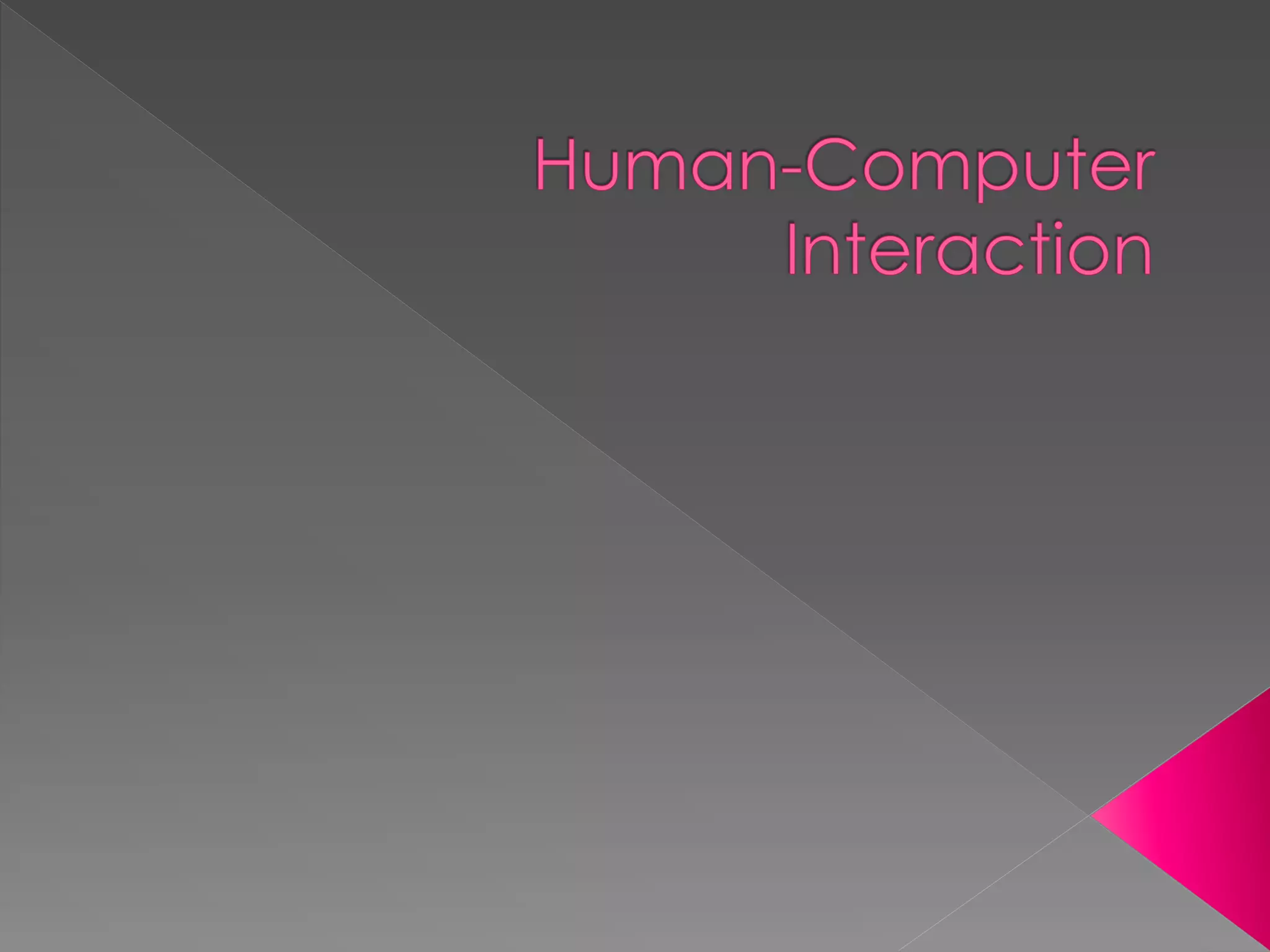
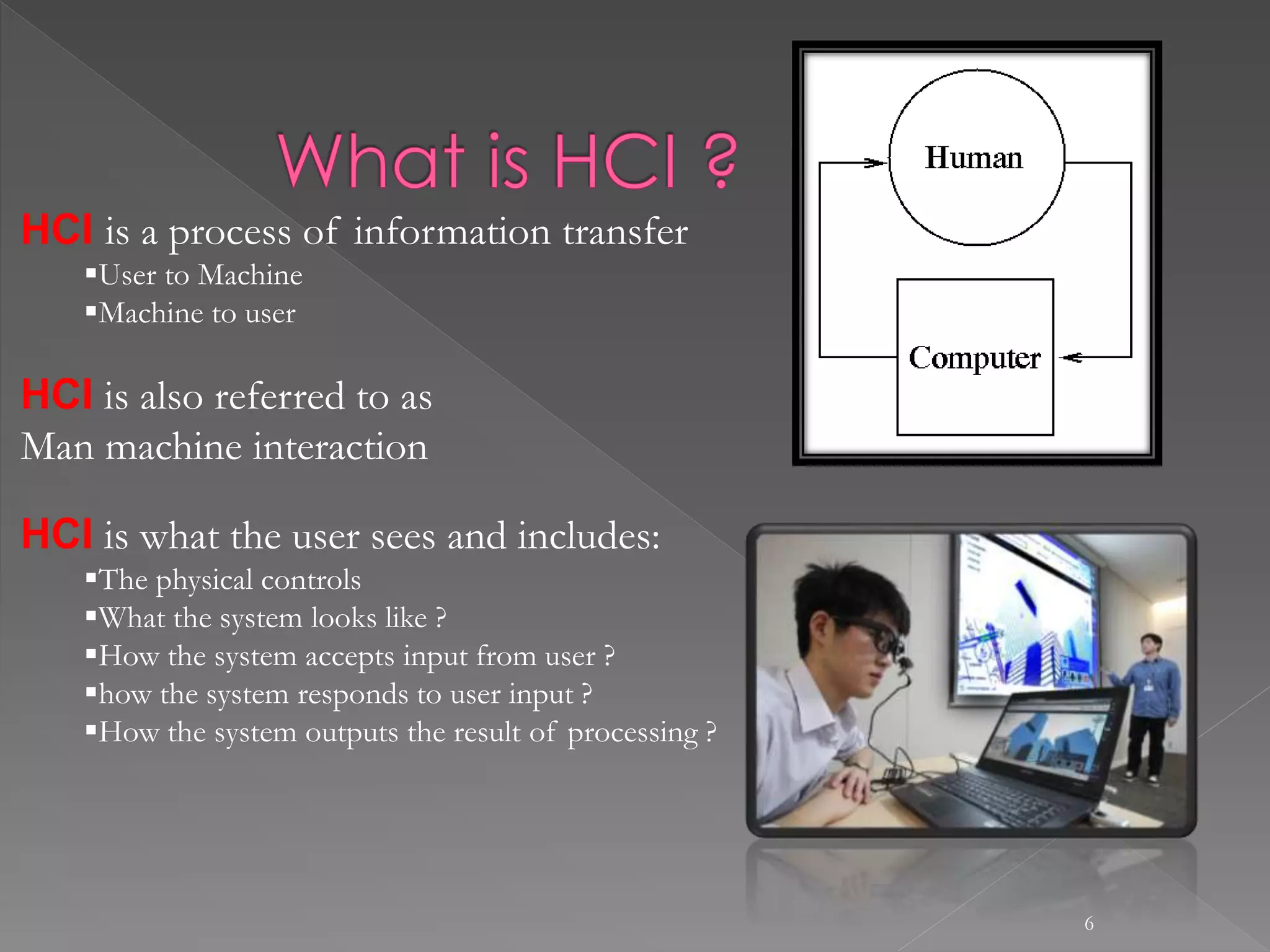
HUMAN
 The End User
 The members of organization
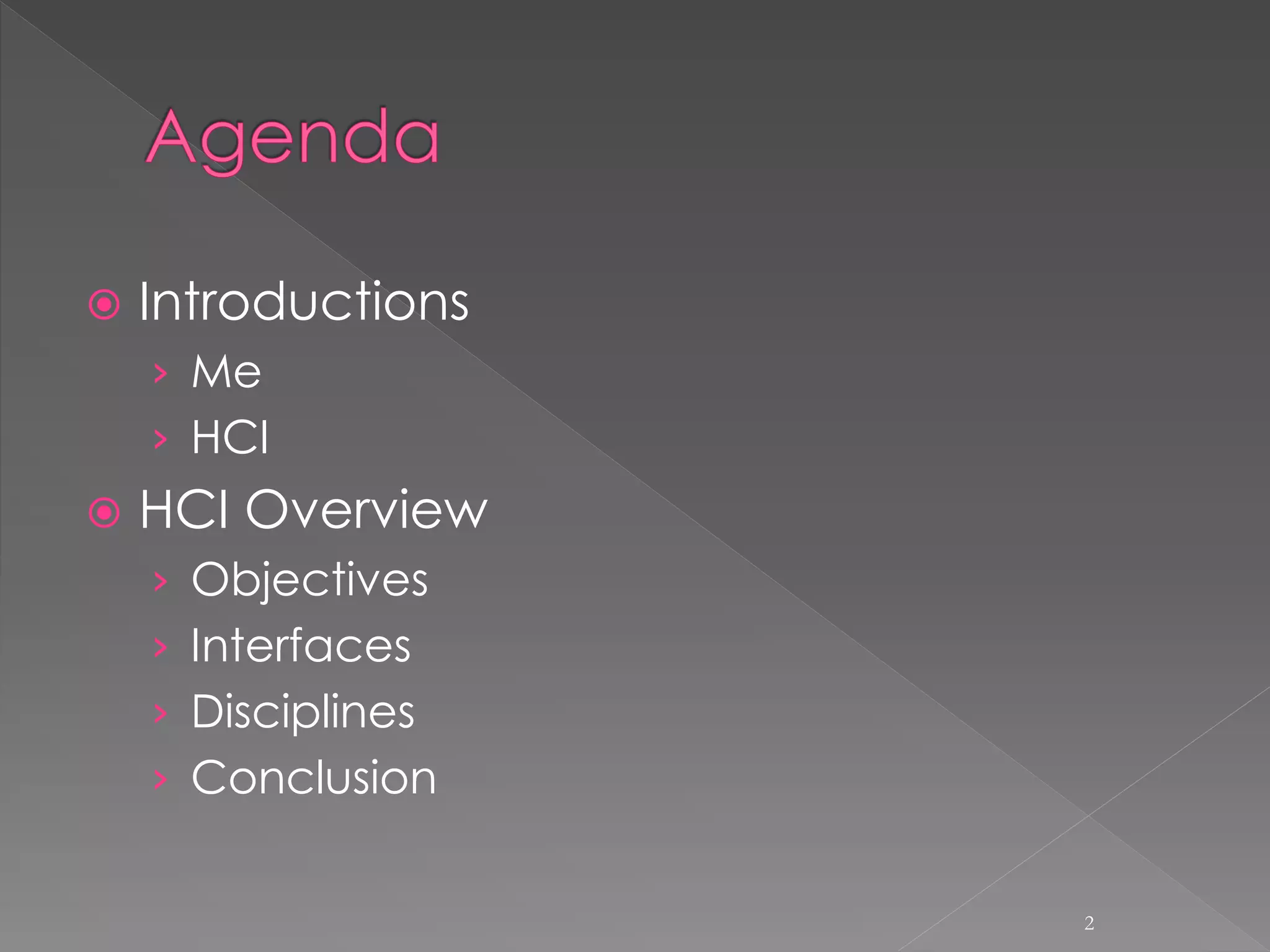
COMPUTER
 Hardware
 Software
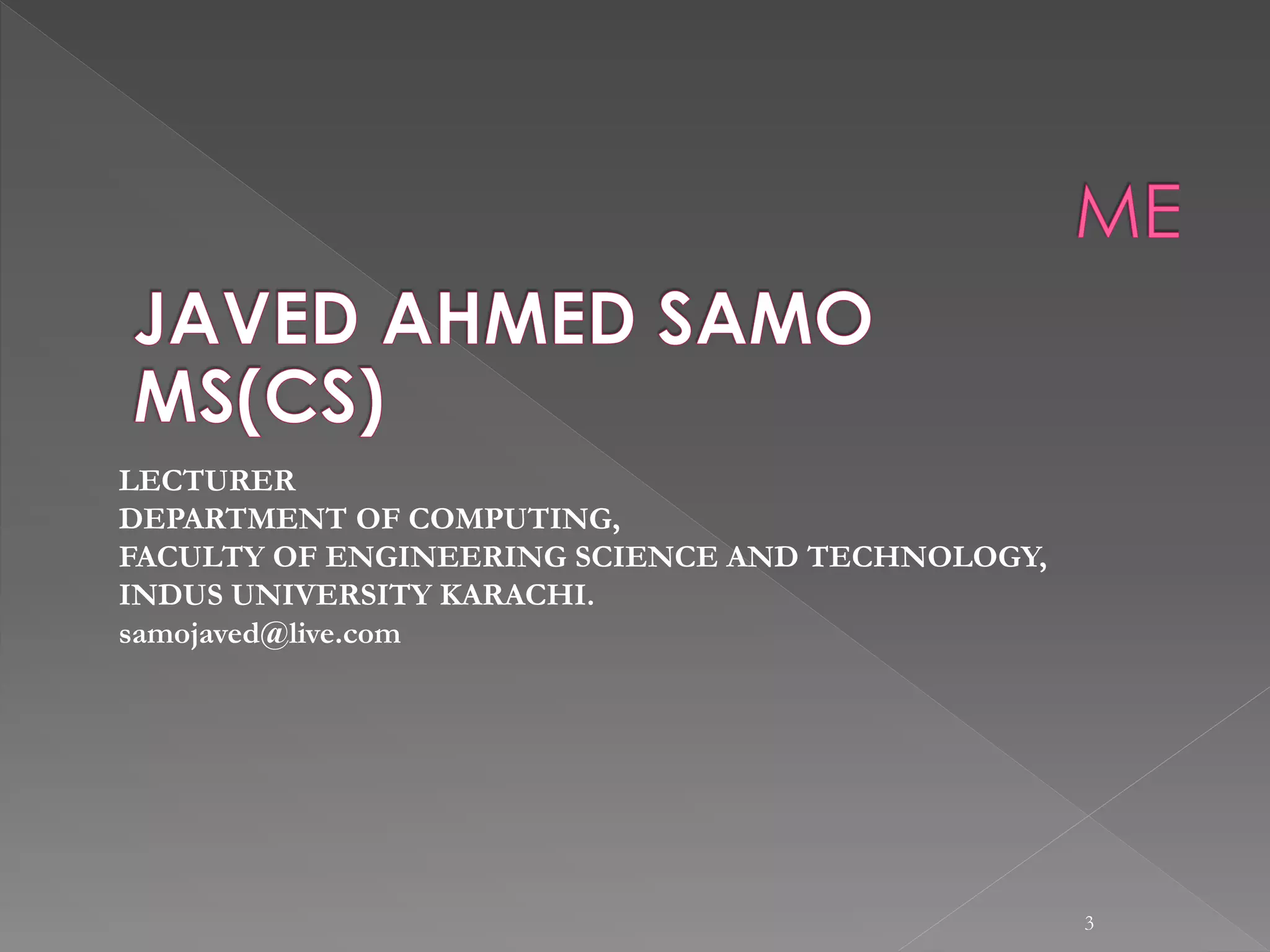
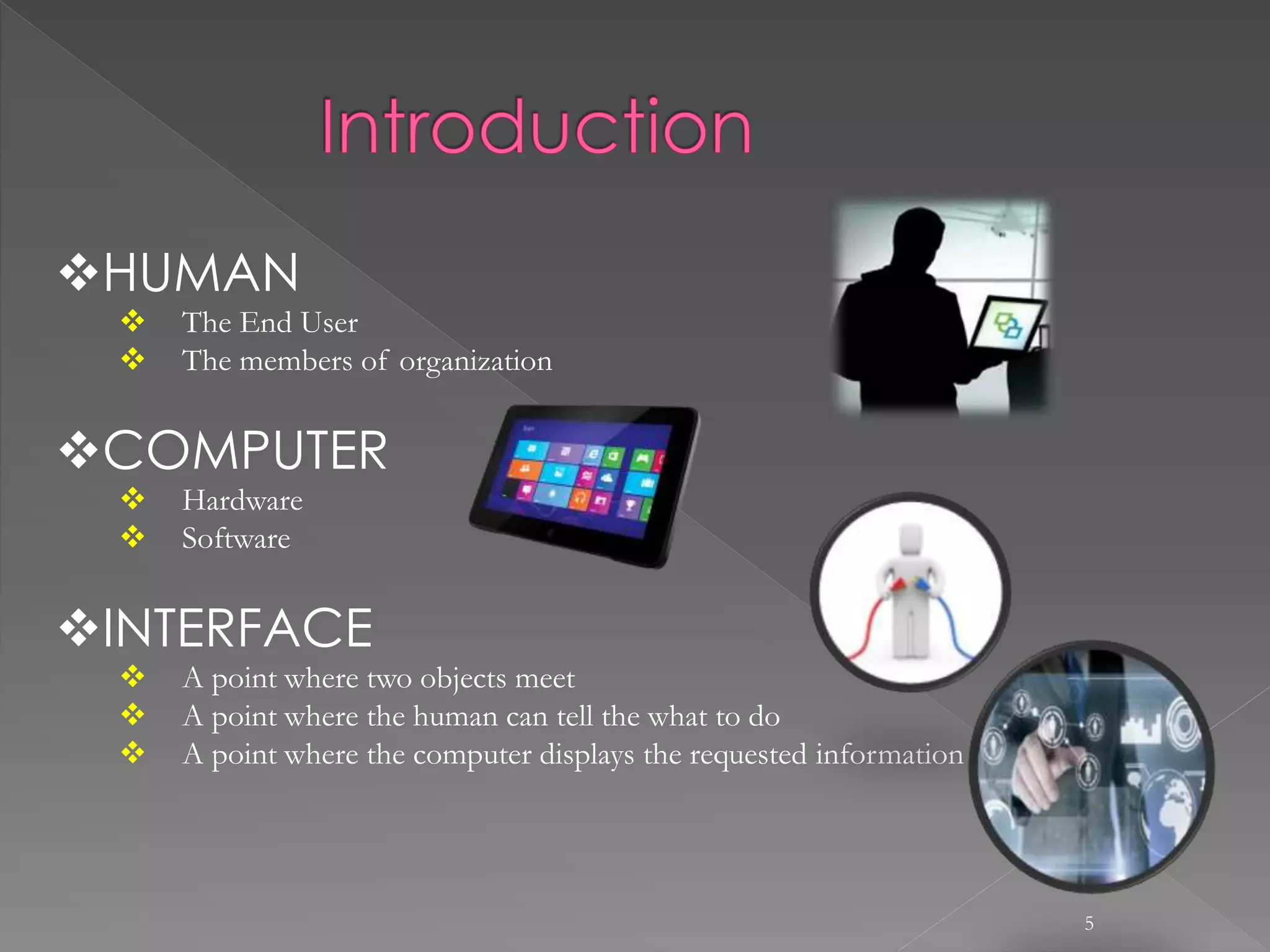
INTERFACE
 A point where two objects meet
 A point where the human can tell the what to do
 A point where the computer displays the requested information
6
HCI is a process of information transfer
User to Machine
Machine to user
HCI is also referred to as
Man machine interaction
HCI is what the user sees and includes:
The physical controls
What the system looks like ?
How the system accepts input from user ?
how the system responds to user input ?
How the system outputs the result of processing ?
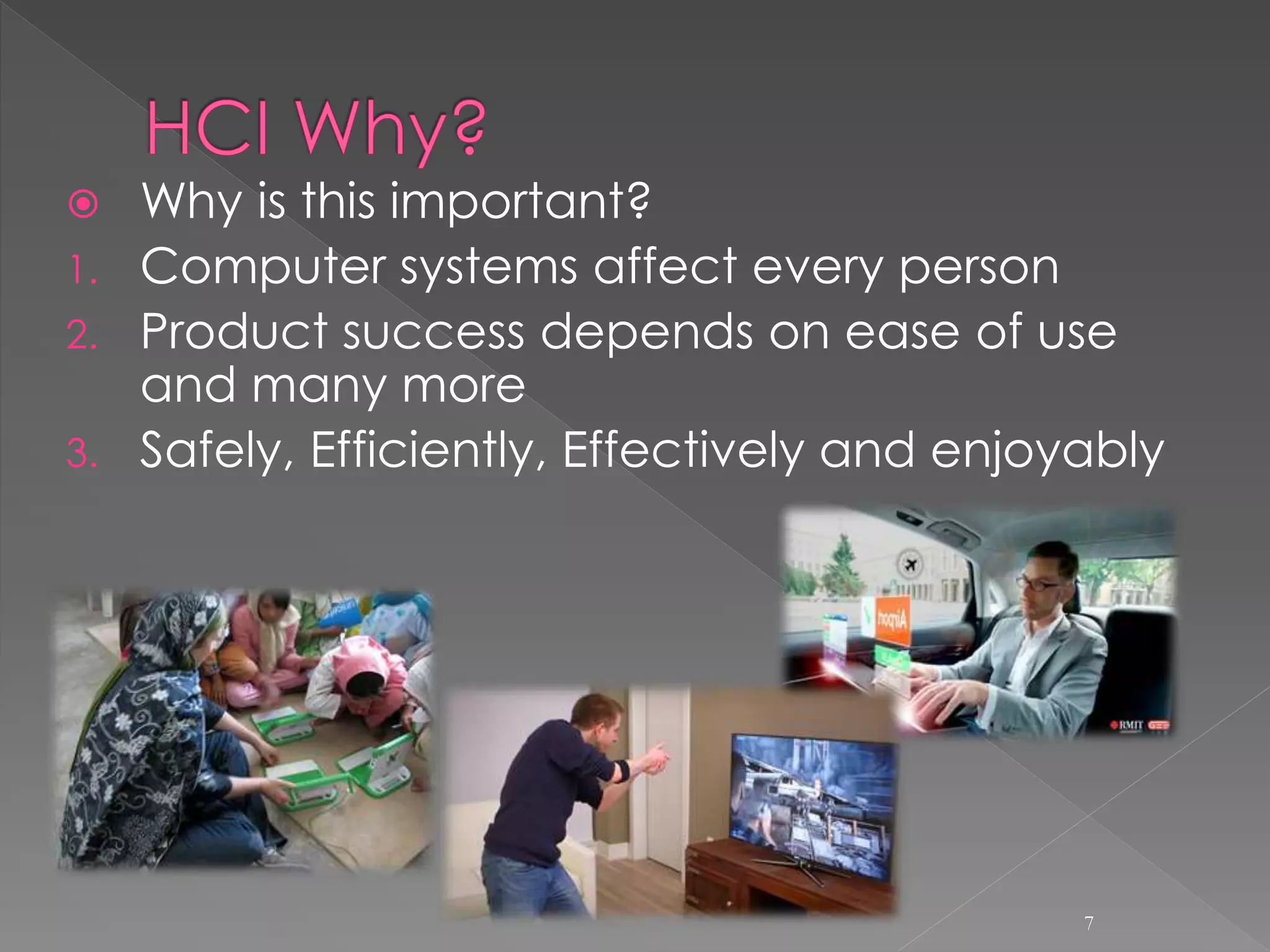
 Why is this important?
1. Computer systems affect every person
2. Product success depends on ease of use
and many more
3. Safely, Efficiently, Effectively and enjoyably
7
 How do we improve interfaces?
1. Educate software professionals
2. Draw upon fast accumulating body of knowledge
regarding H-C interface design
3. Integrate UI design methods & techniques into standard
software development methodologies now in place
8
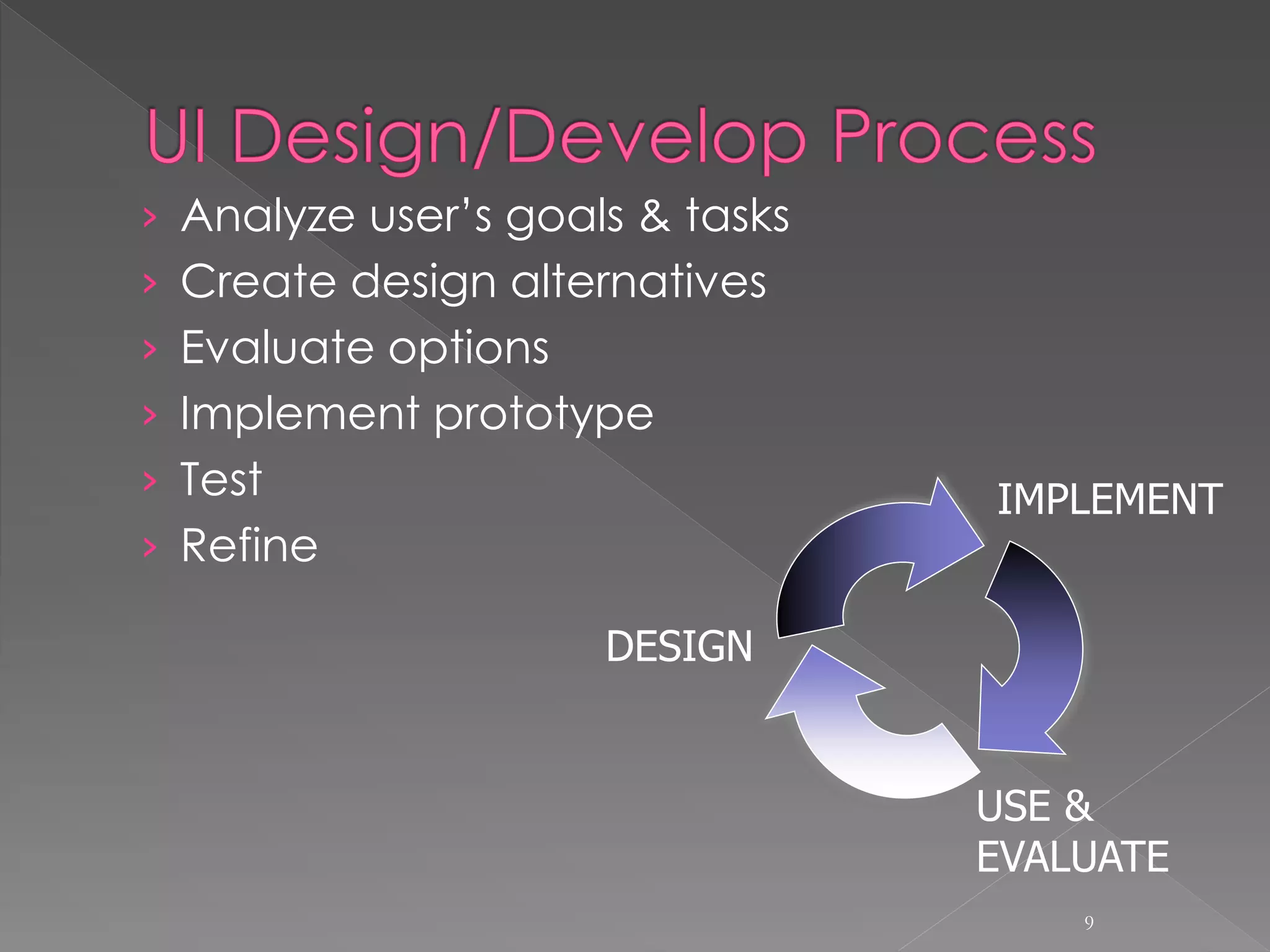
› Analyze user’s goals & tasks
› Create design alternatives
› Evaluate options
› Implement prototype
› Test
› Refine
9
DESIGN
USE &
EVALUATE
IMPLEMENT
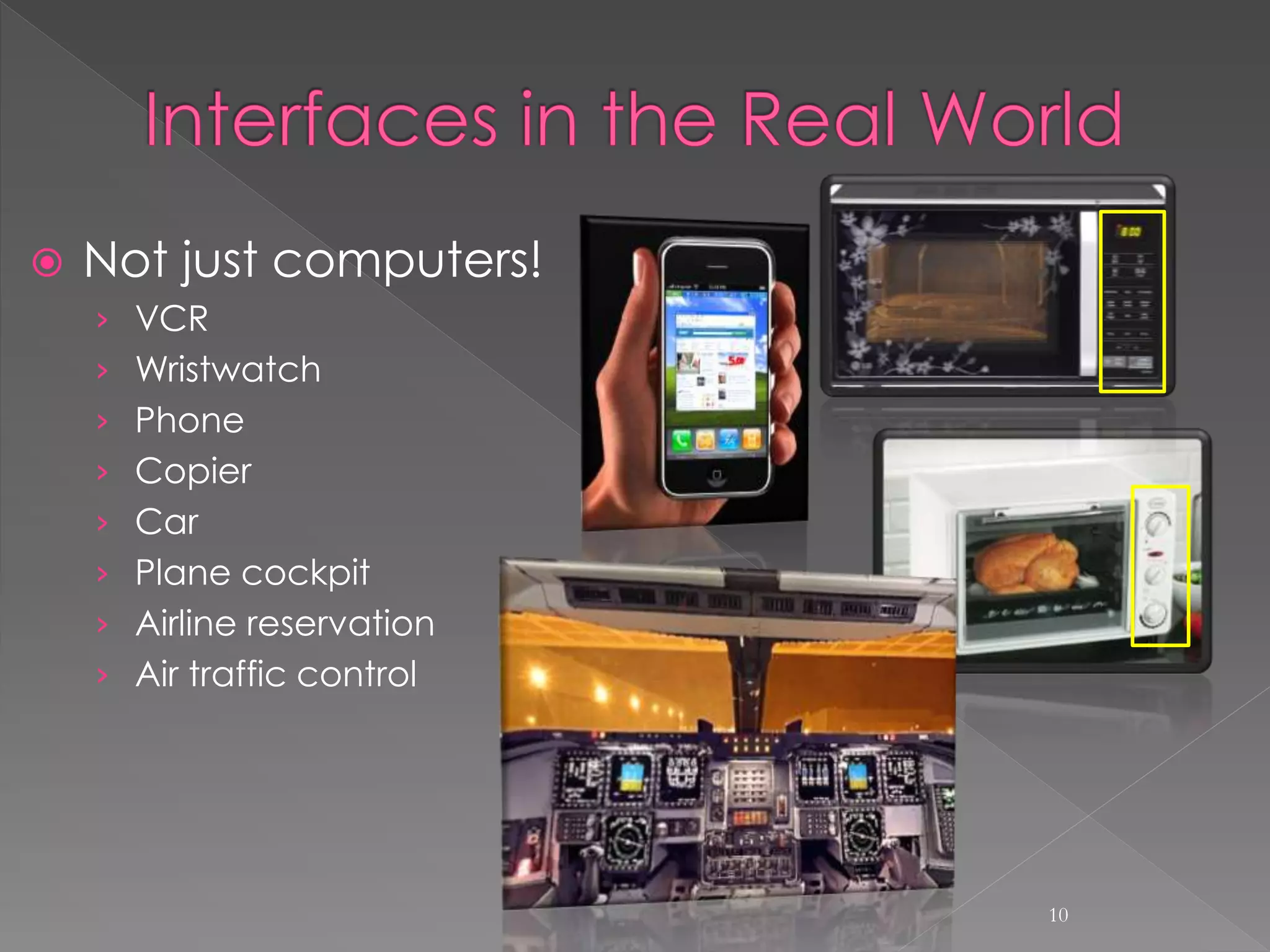
 Not just computers!
› VCR
› Wristwatch
› Phone
› Copier
› Car
› Plane cockpit
› Airline reservation
› Air traffic control
10
11
Command Line Interface (CLI)
Menu Driven Interface
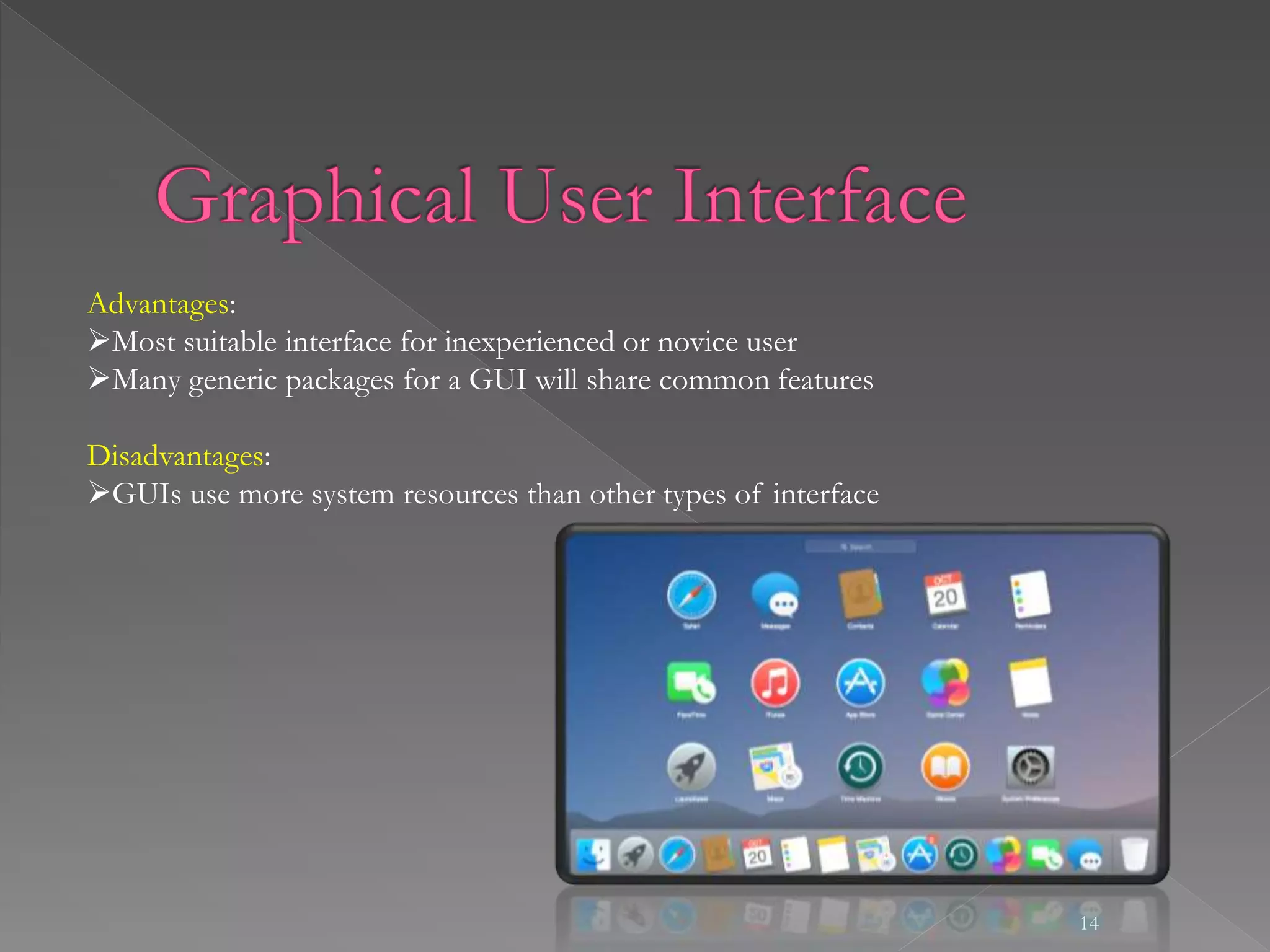
Graphical User Interface
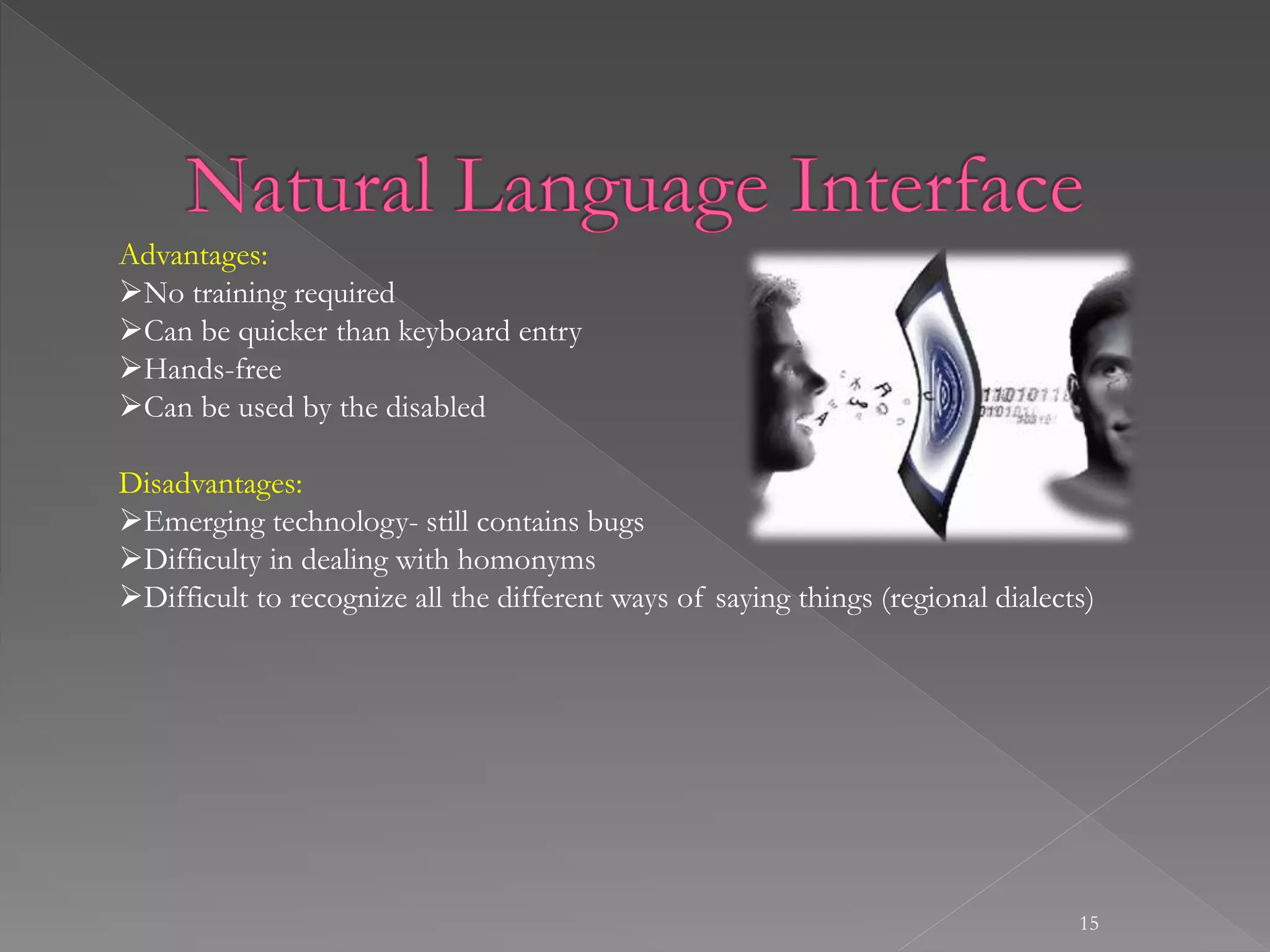
Natural Language Interface
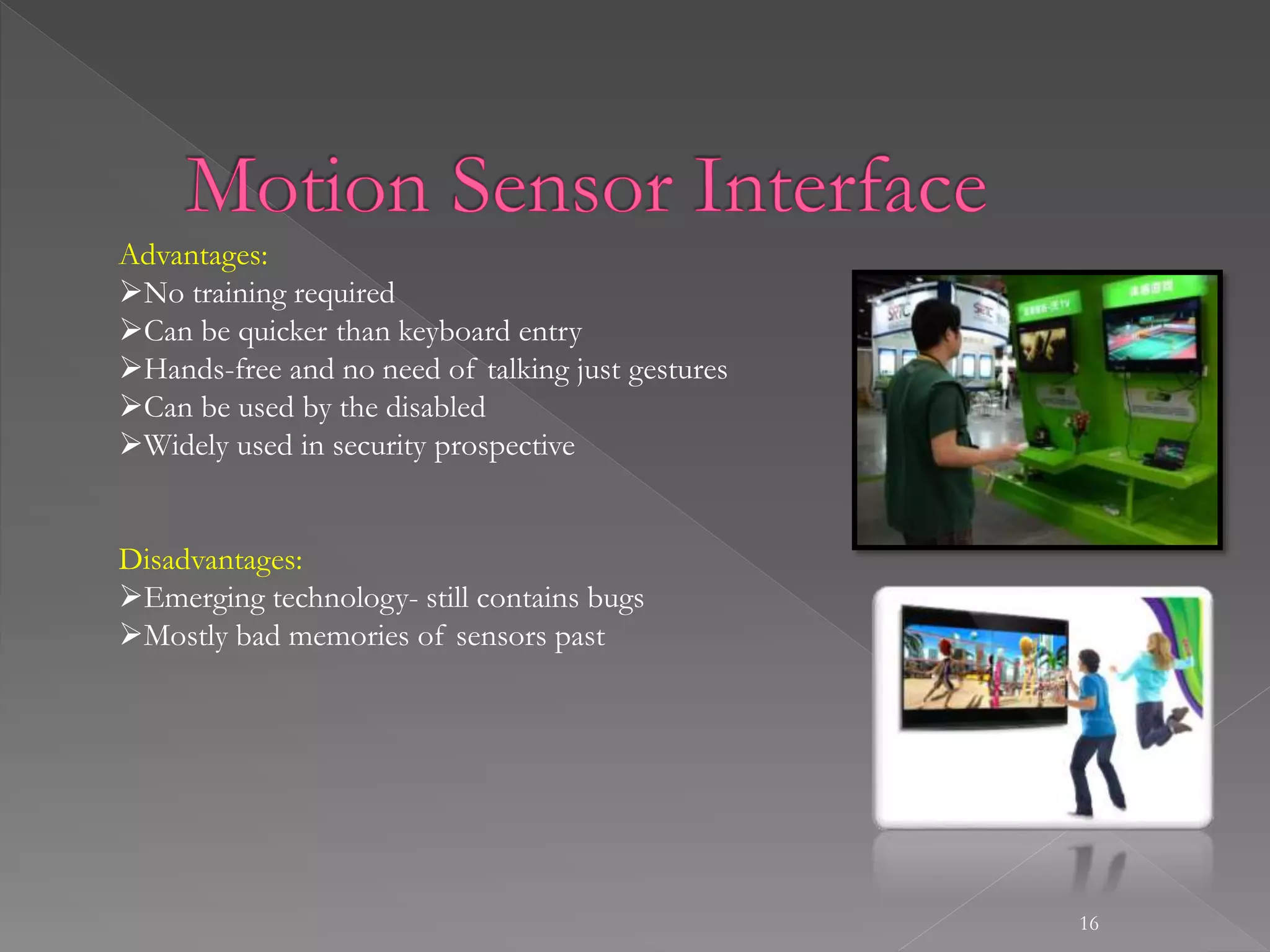
Motion Sensor Interface
12
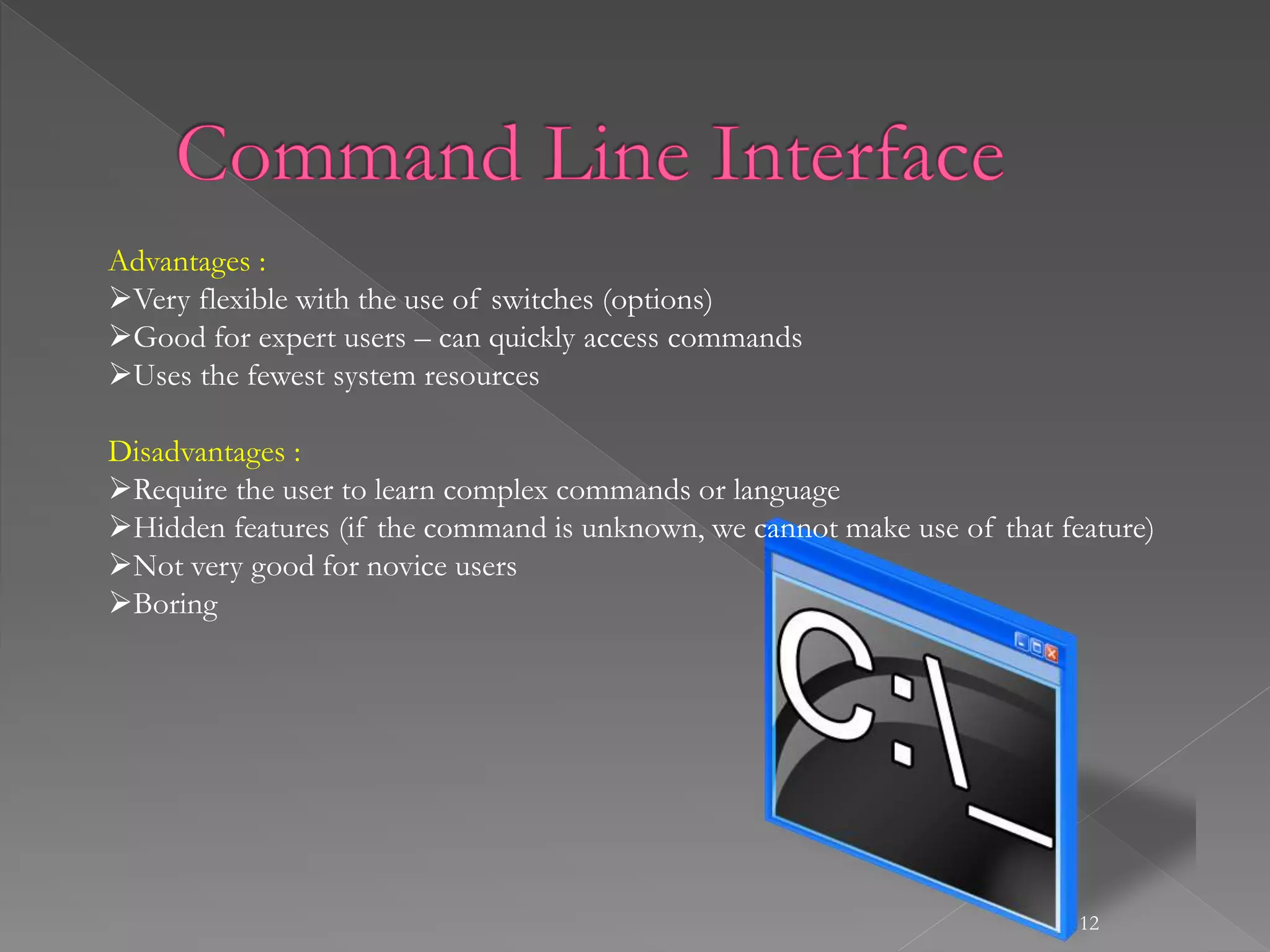
Advantages :
Very flexible with the use of switches (options)
Good for expert users – can quickly access commands
Uses the fewest system resources
Disadvantages :
Require the user to learn complex commands or language
Hidden features (if the command is unknown, we cannot make use of that feature)
Not very good for novice users
Boring
13
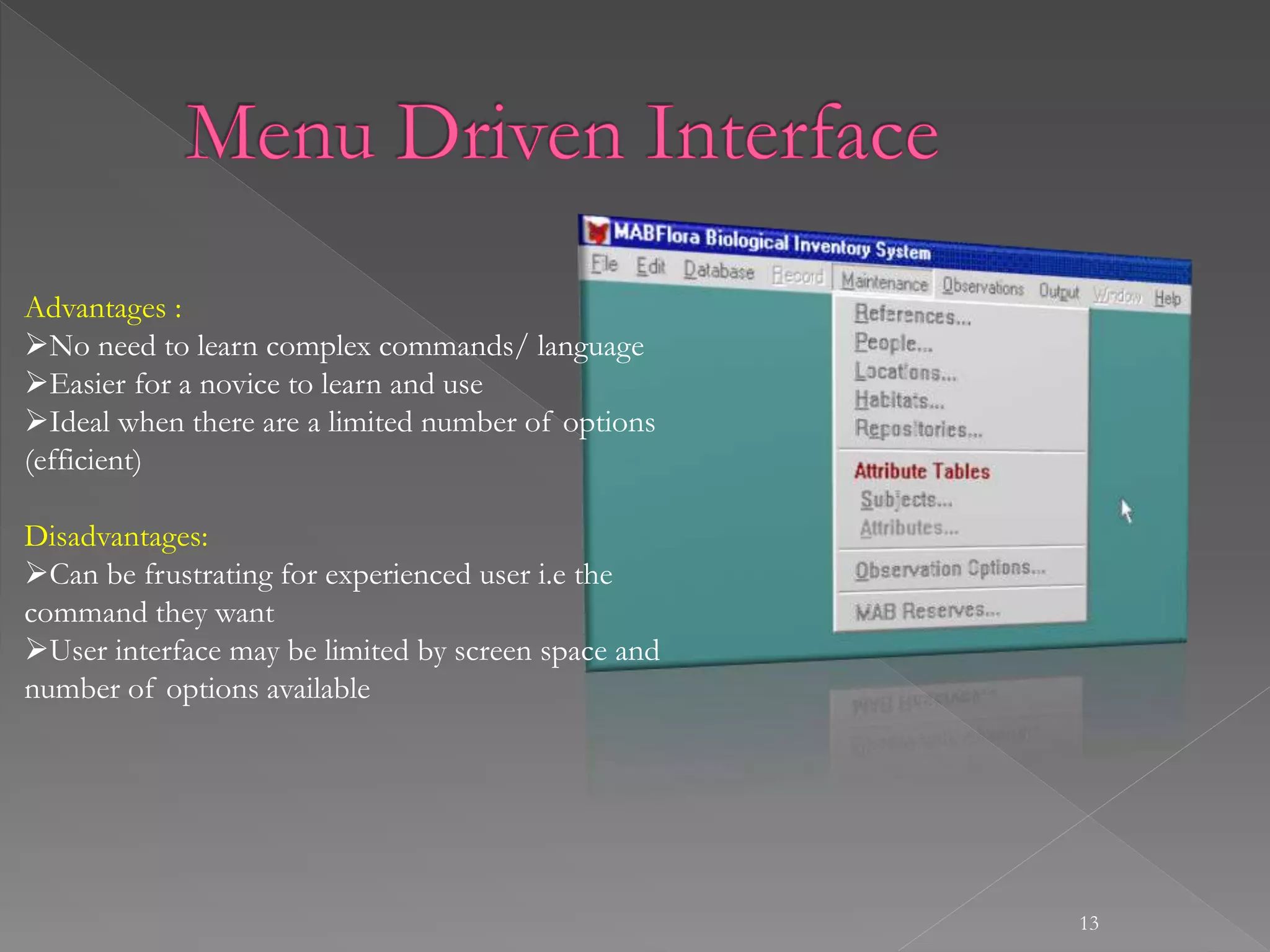
Advantages :
No need to learn complex commands/ language
Easier for a novice to learn and use
Ideal when there are a limited number of options
(efficient)
Disadvantages:
Can be frustrating for experienced user i.e the
command they want
User interface may be limited by screen space and
number of options available
14
Advantages:
Most suitable interface for inexperienced or novice user
Many generic packages for a GUI will share common features
Disadvantages:
GUIs use more system resources than other types of interface
15
Advantages:
No training required
Can be quicker than keyboard entry
Hands-free
Can be used by the disabled
Disadvantages:
Emerging technology- still contains bugs
Difficulty in dealing with homonyms
Difficult to recognize all the different ways of saying things (regional dialects)
16
Advantages:
No training required
Can be quicker than keyboard entry
Hands-free and no need of talking just gestures
Can be used by the disabled
Widely used in security prospective
Disadvantages:
Emerging technology- still contains bugs
Mostly bad memories of sensors past
 Cognitive Psychology: Understanding human
behavior and mental processes
 Neuroscience: Neuroscience enables us to build
more accurate and robust models of human
cognitive functions. These models may allow us
to evaluate usability and predict user behavior.
Has potential to close the gap between human
and computers.
 Ergonomics or Human Factors: User- Equipment
Design- Environment
 Engineering & Computer Science: faster
machines, faster systems, building better
interfaces.
 Design: Interface layout
 Anthropology: User body shape
 Sociology: Groupware, Considers
introduction of IT in society
 Philosophy: Philosophy of
technology. Create consistency.
 Linguistics: language for commands
 Artificial Intelligence: simulating
human behavior
19
HUMAN COMPUTER INTERACTION

HUMAN COMPUTER INTERACTION

  • 2.
     Introductions › Me ›HCI  HCI Overview › Objectives › Interfaces › Disciplines › Conclusion 2
  • 3.
    3 LECTURER DEPARTMENT OF COMPUTING, FACULTYOF ENGINEERING SCIENCE AND TECHNOLOGY, INDUS UNIVERSITY KARACHI. samojaved@live.com
  • 5.
    5 HUMAN  The EndUser  The members of organization COMPUTER  Hardware  Software INTERFACE  A point where two objects meet  A point where the human can tell the what to do  A point where the computer displays the requested information
  • 6.
    6 HCI is aprocess of information transfer User to Machine Machine to user HCI is also referred to as Man machine interaction HCI is what the user sees and includes: The physical controls What the system looks like ? How the system accepts input from user ? how the system responds to user input ? How the system outputs the result of processing ?
  • 7.
     Why isthis important? 1. Computer systems affect every person 2. Product success depends on ease of use and many more 3. Safely, Efficiently, Effectively and enjoyably 7
  • 8.
     How dowe improve interfaces? 1. Educate software professionals 2. Draw upon fast accumulating body of knowledge regarding H-C interface design 3. Integrate UI design methods & techniques into standard software development methodologies now in place 8
  • 9.
    › Analyze user’sgoals & tasks › Create design alternatives › Evaluate options › Implement prototype › Test › Refine 9 DESIGN USE & EVALUATE IMPLEMENT
  • 10.
     Not justcomputers! › VCR › Wristwatch › Phone › Copier › Car › Plane cockpit › Airline reservation › Air traffic control 10
  • 11.
    11 Command Line Interface(CLI) Menu Driven Interface Graphical User Interface Natural Language Interface Motion Sensor Interface
  • 12.
    12 Advantages : Very flexiblewith the use of switches (options) Good for expert users – can quickly access commands Uses the fewest system resources Disadvantages : Require the user to learn complex commands or language Hidden features (if the command is unknown, we cannot make use of that feature) Not very good for novice users Boring
  • 13.
    13 Advantages : No needto learn complex commands/ language Easier for a novice to learn and use Ideal when there are a limited number of options (efficient) Disadvantages: Can be frustrating for experienced user i.e the command they want User interface may be limited by screen space and number of options available
  • 14.
    14 Advantages: Most suitable interfacefor inexperienced or novice user Many generic packages for a GUI will share common features Disadvantages: GUIs use more system resources than other types of interface
  • 15.
    15 Advantages: No training required Canbe quicker than keyboard entry Hands-free Can be used by the disabled Disadvantages: Emerging technology- still contains bugs Difficulty in dealing with homonyms Difficult to recognize all the different ways of saying things (regional dialects)
  • 16.
    16 Advantages: No training required Canbe quicker than keyboard entry Hands-free and no need of talking just gestures Can be used by the disabled Widely used in security prospective Disadvantages: Emerging technology- still contains bugs Mostly bad memories of sensors past
  • 17.
     Cognitive Psychology:Understanding human behavior and mental processes  Neuroscience: Neuroscience enables us to build more accurate and robust models of human cognitive functions. These models may allow us to evaluate usability and predict user behavior. Has potential to close the gap between human and computers.  Ergonomics or Human Factors: User- Equipment Design- Environment  Engineering & Computer Science: faster machines, faster systems, building better interfaces.  Design: Interface layout
  • 18.
     Anthropology: Userbody shape  Sociology: Groupware, Considers introduction of IT in society  Philosophy: Philosophy of technology. Create consistency.  Linguistics: language for commands  Artificial Intelligence: simulating human behavior
  • 19.