Introduction to HCI
Human Computer Interaction
1
Class Goals
►Motivate the field of HCI
►Learn
 Basics of interface design
 Evaluation of interfaces
 HCI research problems
 HCI community (conferences and people)
2
Why take this course?
►Build your portfolio
 Work on a project you’ve always wanted
►Study a unique topic
 A computer science course focused on users
►Skill building
 Important in most research
 Burgeoning (growing) job field
3
Intro
► What is a user interface?
► Why do we care about design?
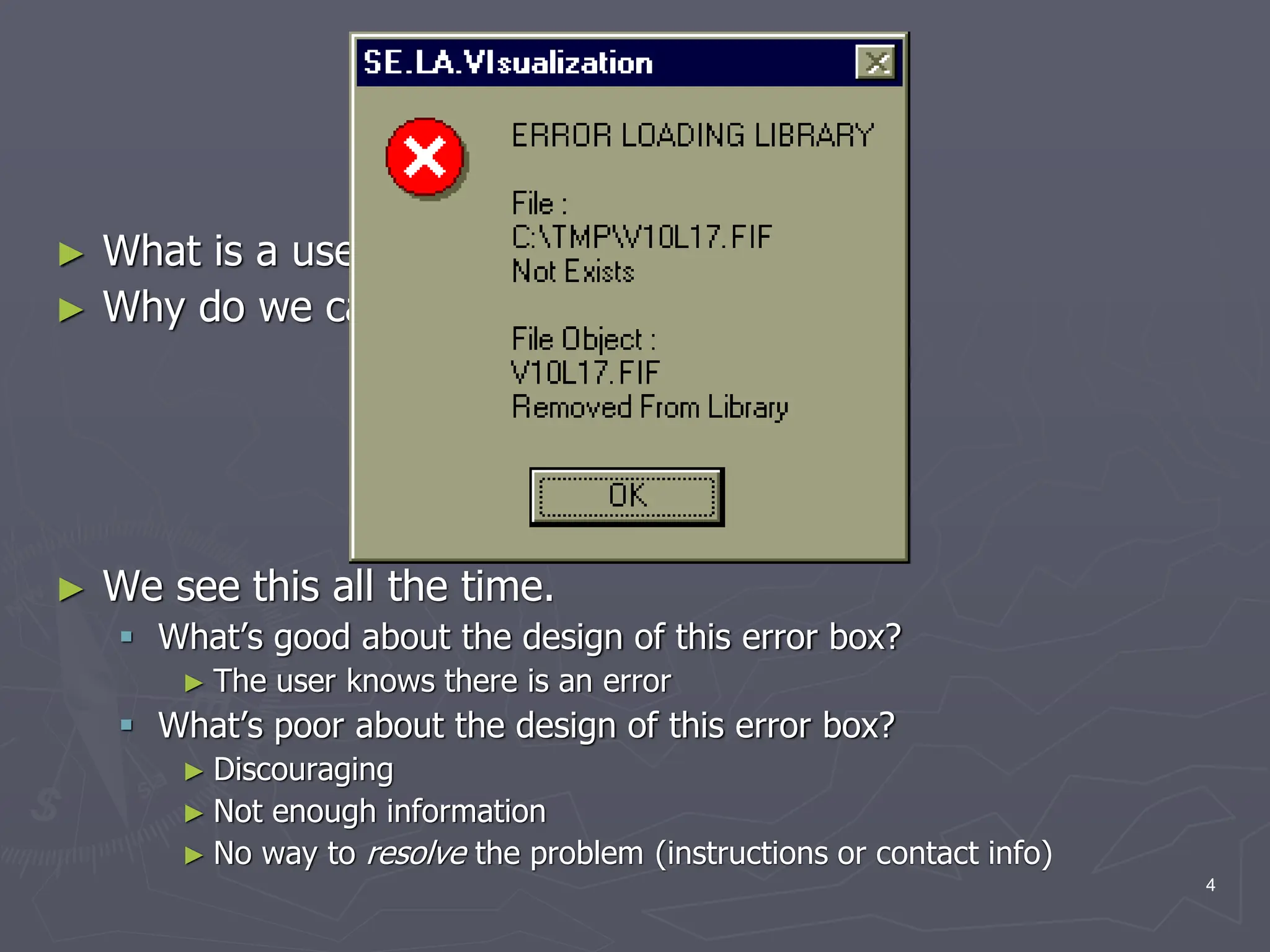
► We see this all the time.
 What’s good about the design of this error box?
► The user knows there is an error
 What’s poor about the design of this error box?
► Discouraging
► Not enough information
► No way to resolve the problem (instructions or contact info)
4
Definition of HCI
►Human-computer interaction is a discipline
concerned with the design, evaluation and
implementation of interactive computing
systems for human use and with the study
of major phenomena surrounding them.
►ACM SIGCHI Curricula for HCI (Hewett et al.
1992)
►http://sigchi.org/cdg/cdg2.html
5
Why HCI is Important
► The study of our interface with information.
► It is not just ‘how big should I make buttons’ or ‘how to
layout menu choices’
► It can affect
 Effectiveness
 Productivity
 Morale
 Safety
► Example: a car with poor HCI
► Take 5 minutes for everyone to write down one common
device with substantial HCI design choices and discuss with
the neighbor the pros and cons. How does it affect you or
other users?
6
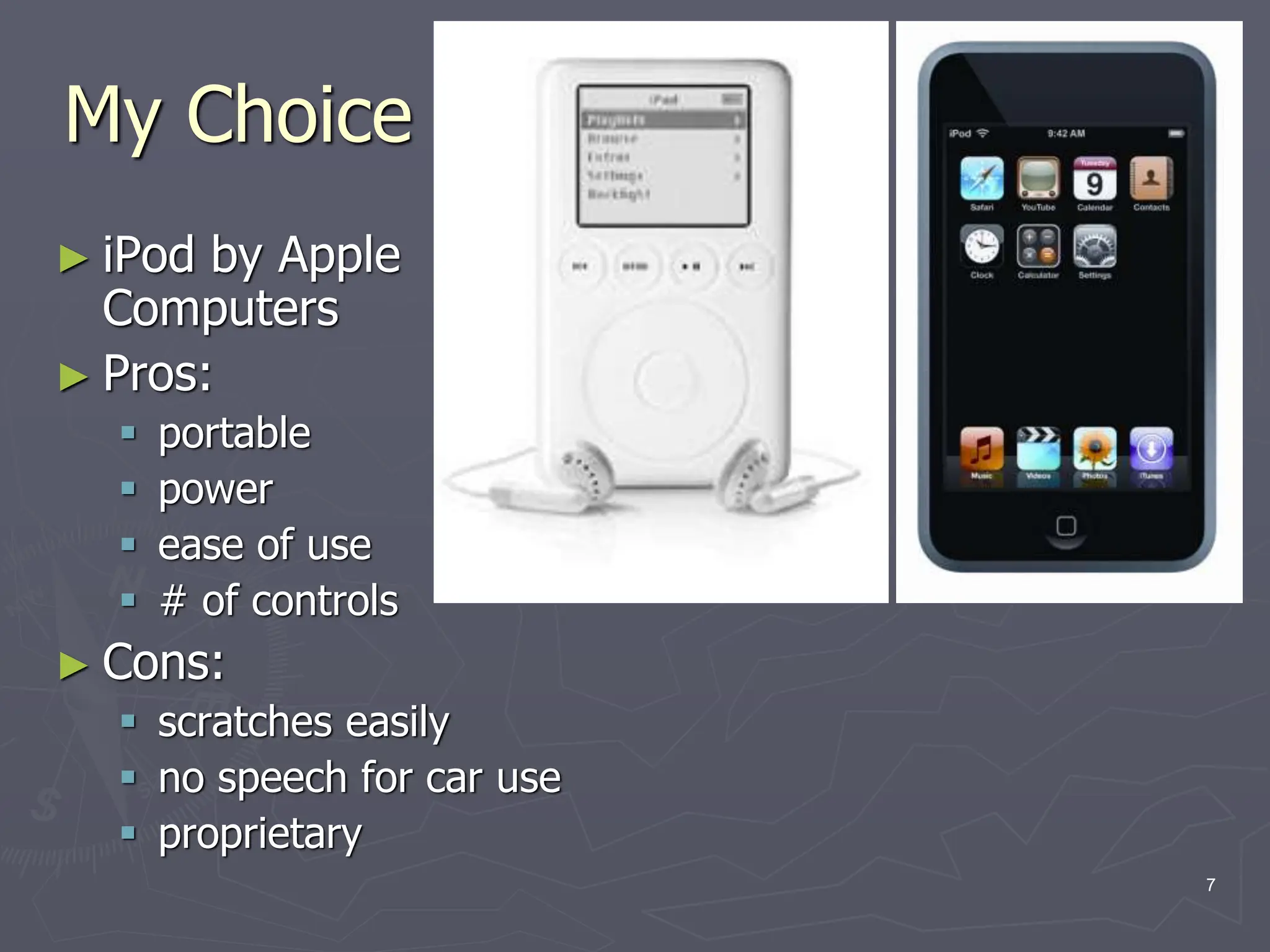
My Choice
► iPod by Apple
Computers
► Pros:
 portable
 power
 ease of use
 # of controls
► Cons:
 scratches easily
 no speech for car use
 proprietary
7
What fields does HCI cover?
►Computer Science
►Psychology (cognitive)
►Communication
►Education
►Anthropology (study of humans past and
present)
►Design (e.g. graphic and industrial)
8
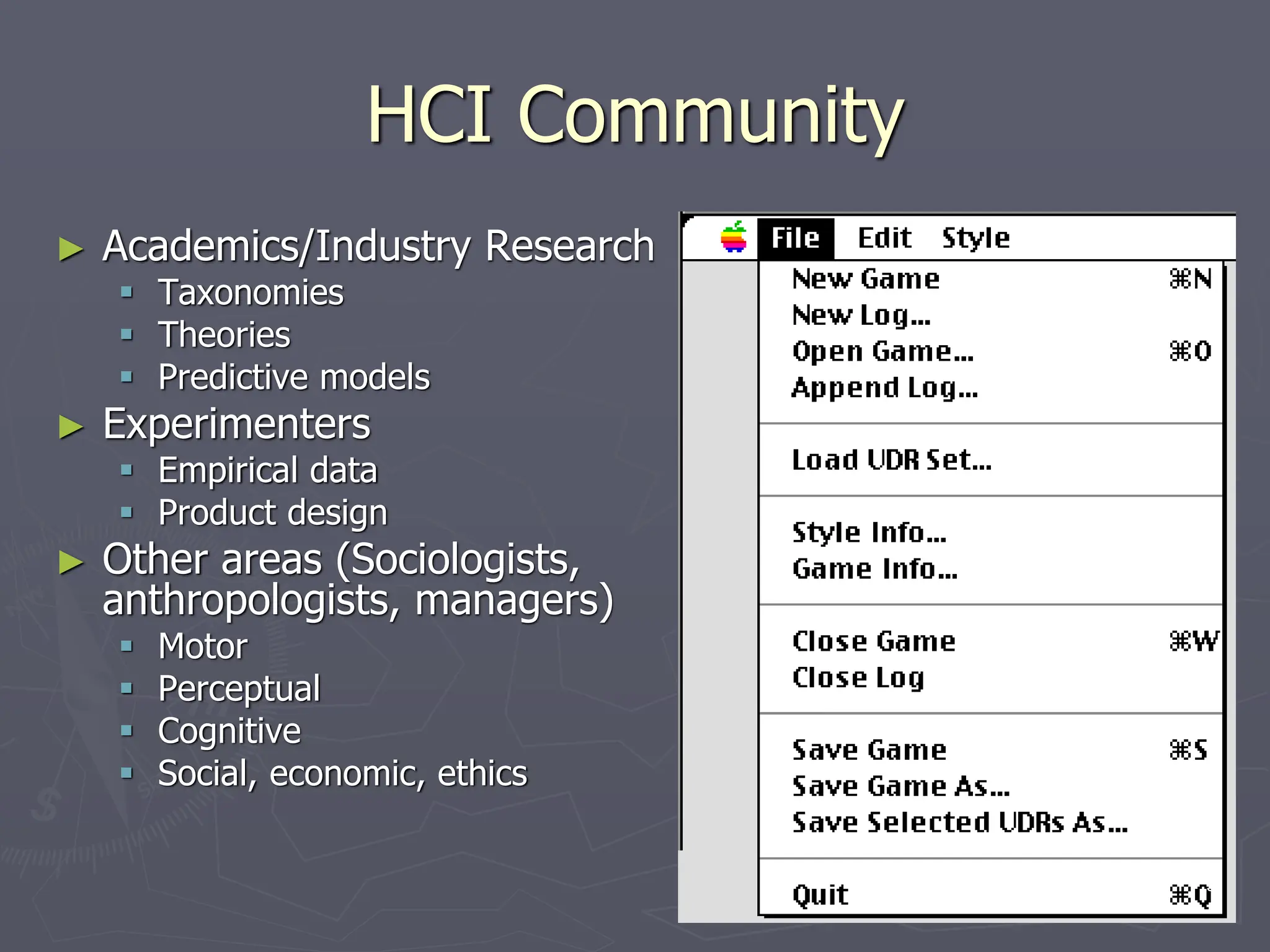
HCI Community
► Academics/Industry Research
 Taxonomies
 Theories
 Predictive models
► Experimenters
 Empirical data
 Product design
► Other areas (Sociologists,
anthropologists, managers)
 Motor
 Perceptual
 Cognitive
 Social, economic, ethics
9
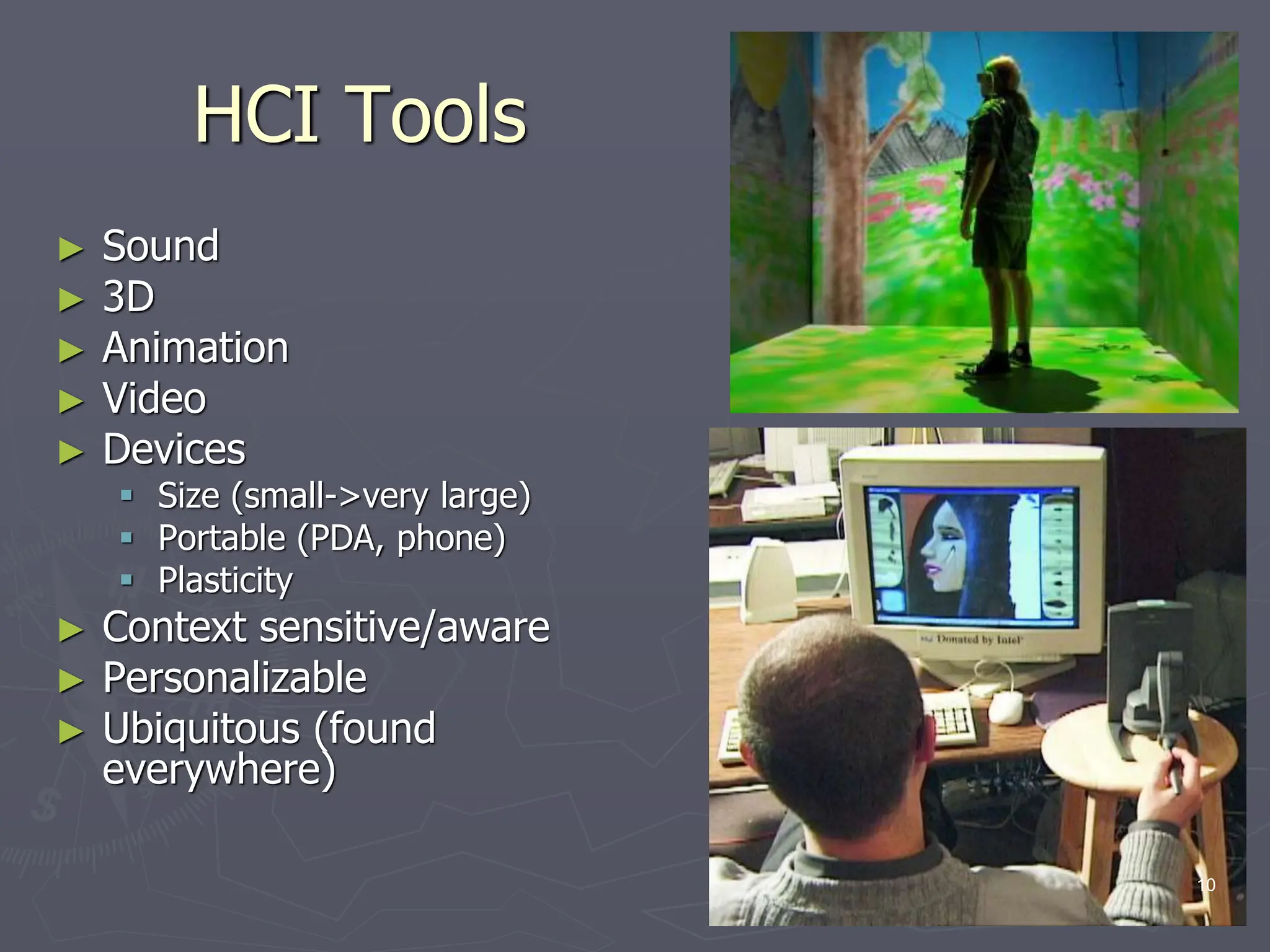
HCI Tools
► Sound
► 3D
► Animation
► Video
► Devices
 Size (small->very large)
 Portable (PDA, phone)
 Plasticity
► Context sensitive/aware
► Personalizable
► Ubiquitous (found
everywhere)
10
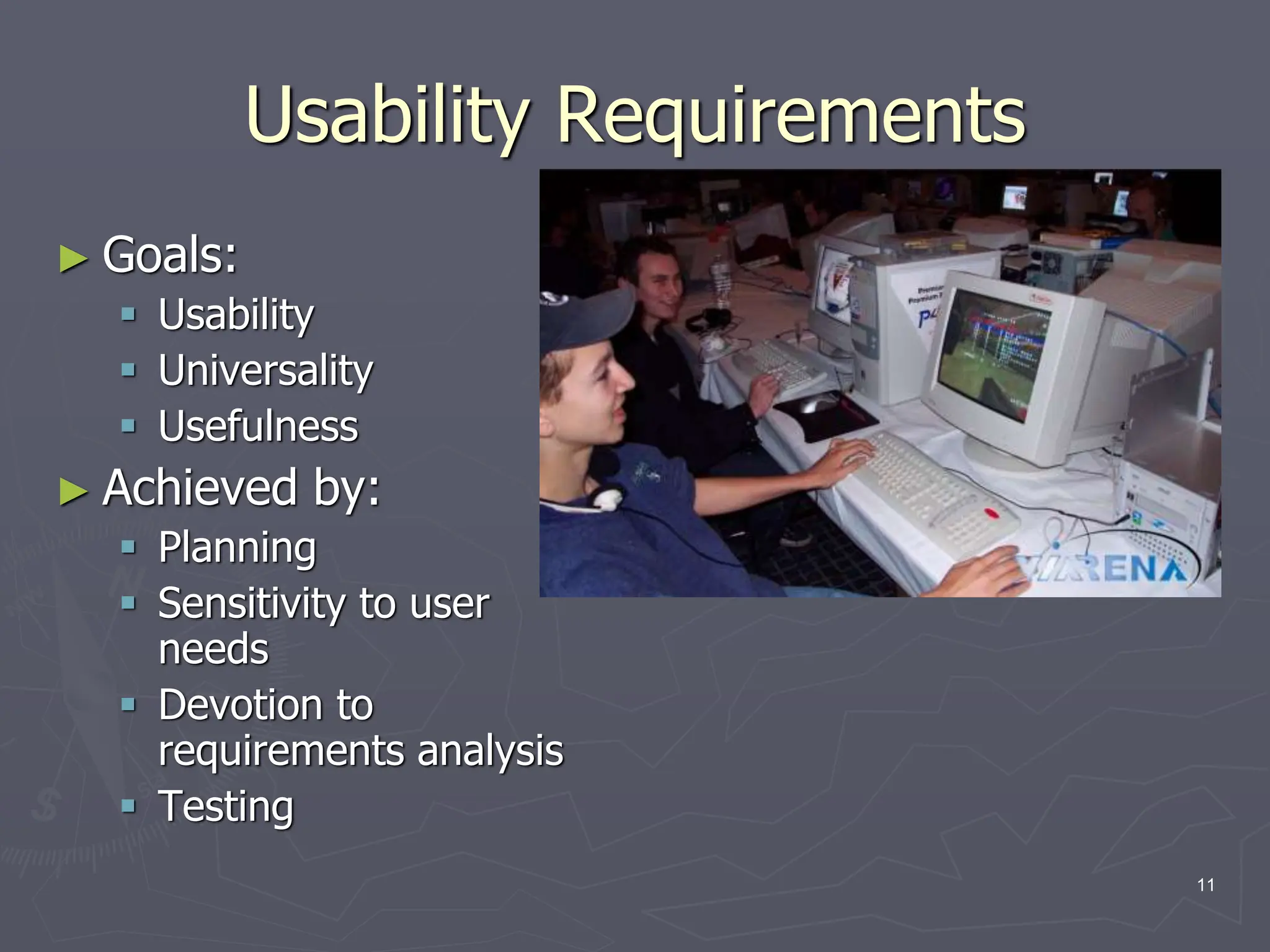
Usability Requirements
► Goals:
 Usability
 Universality
 Usefulness
► Achieved by:
 Planning
 Sensitivity to user
needs
 Devotion to
requirements analysis
 Testing
11
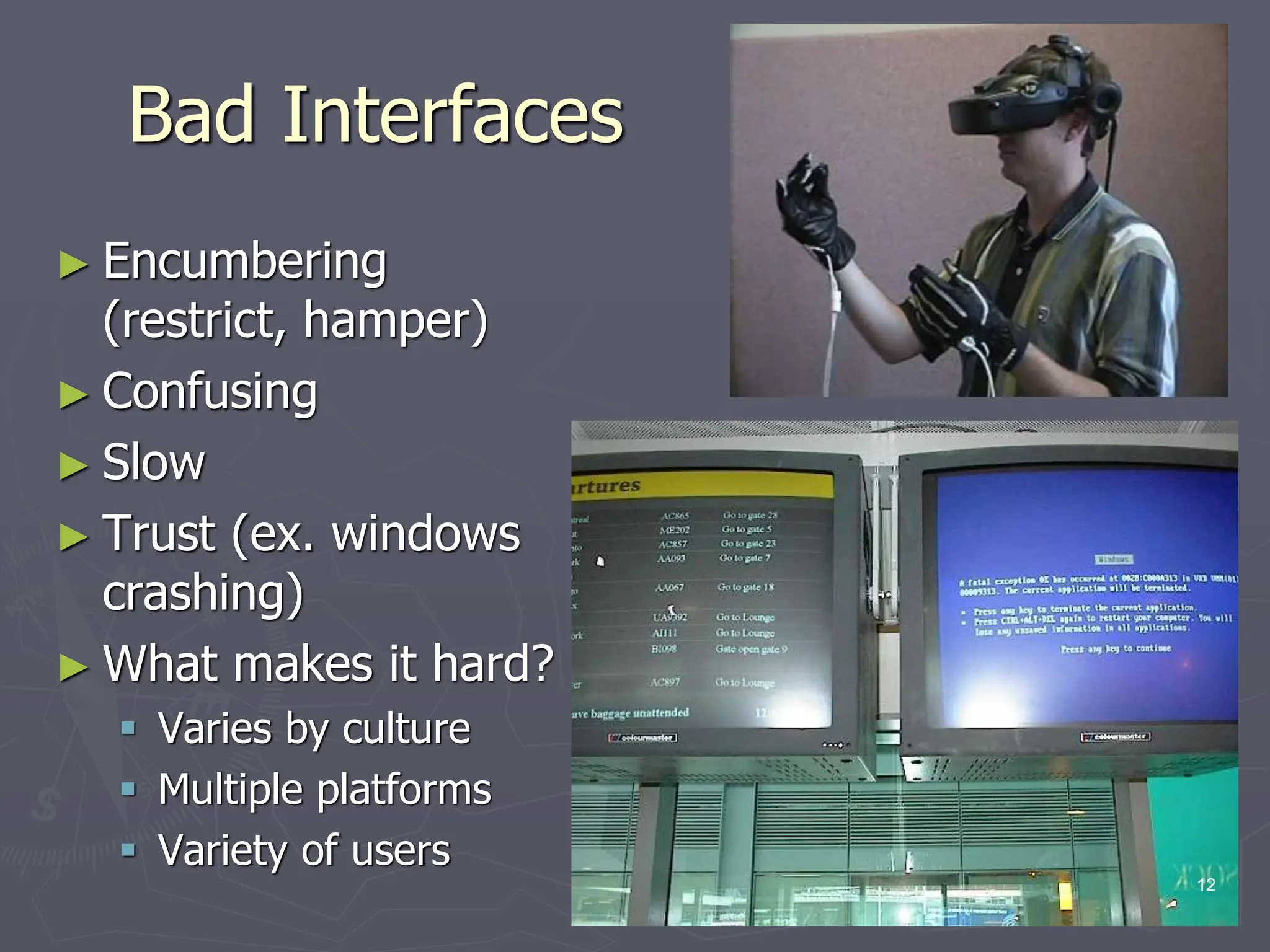
Bad Interfaces
► Encumbering
(restrict, hamper)
► Confusing
► Slow
► Trust (ex. windows
crashing)
► What makes it hard?
 Varies by culture
 Multiple platforms
 Variety of users
12
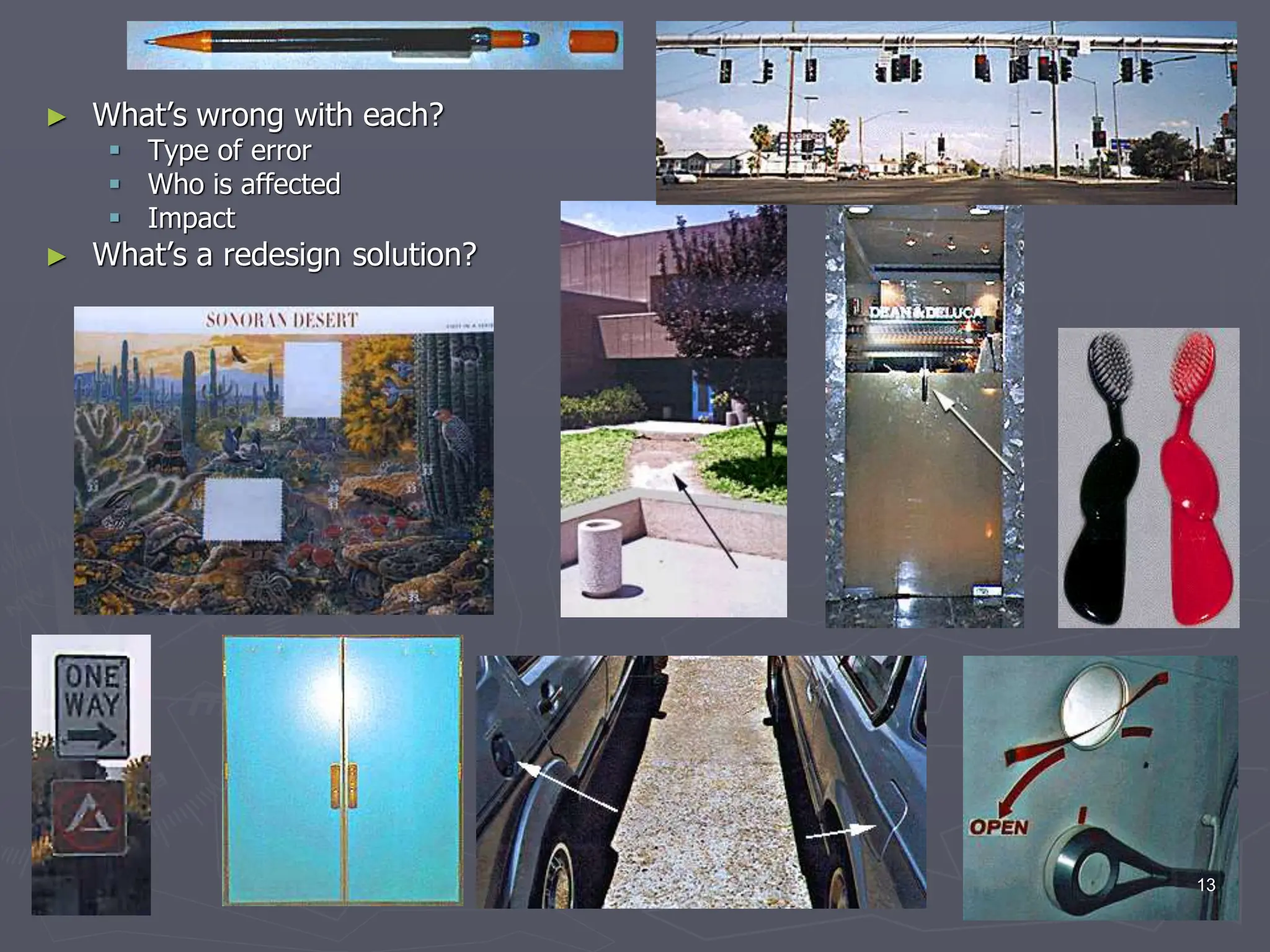
► What’s wrong with each?
 Type of error
 Who is affected
 Impact
► What’s a redesign solution?
13
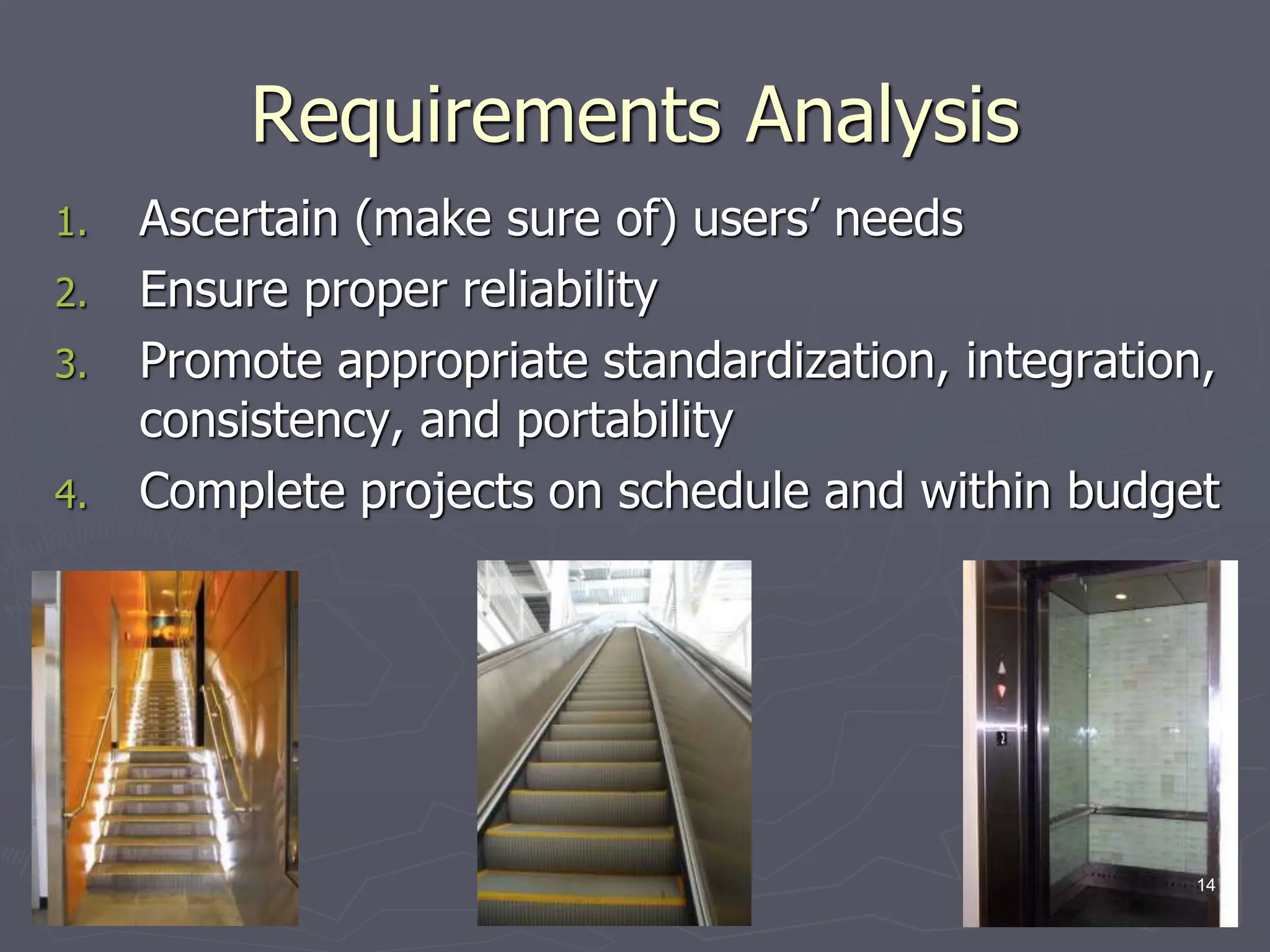
Requirements Analysis
1. Ascertain (make sure of) users’ needs
2. Ensure proper reliability
3. Promote appropriate standardization, integration,
consistency, and portability
4. Complete projects on schedule and within budget
14
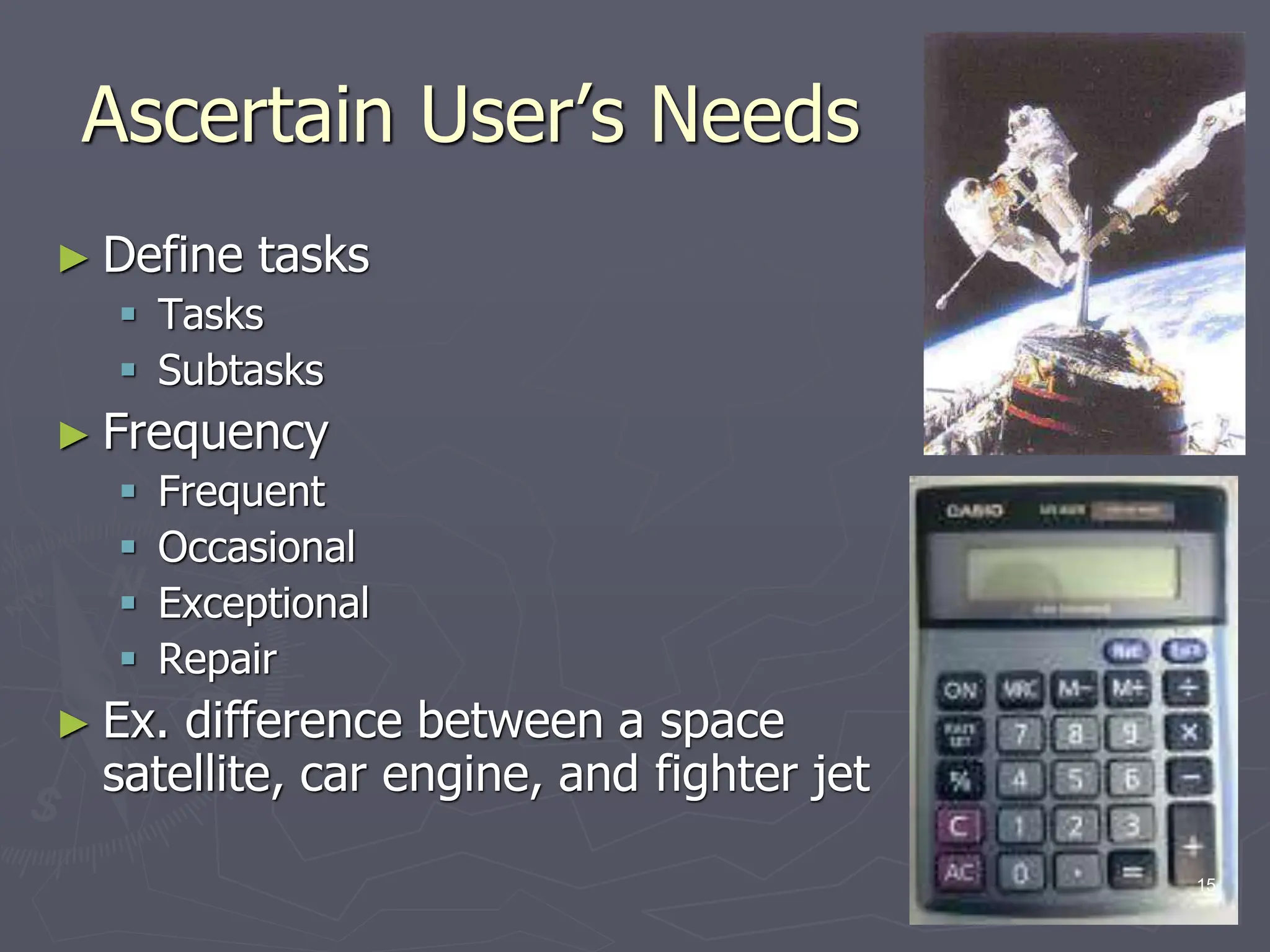
Ascertain User’s Needs
► Define tasks
 Tasks
 Subtasks
► Frequency
 Frequent
 Occasional
 Exceptional
 Repair
► Ex. difference between a space
satellite, car engine, and fighter jet
15
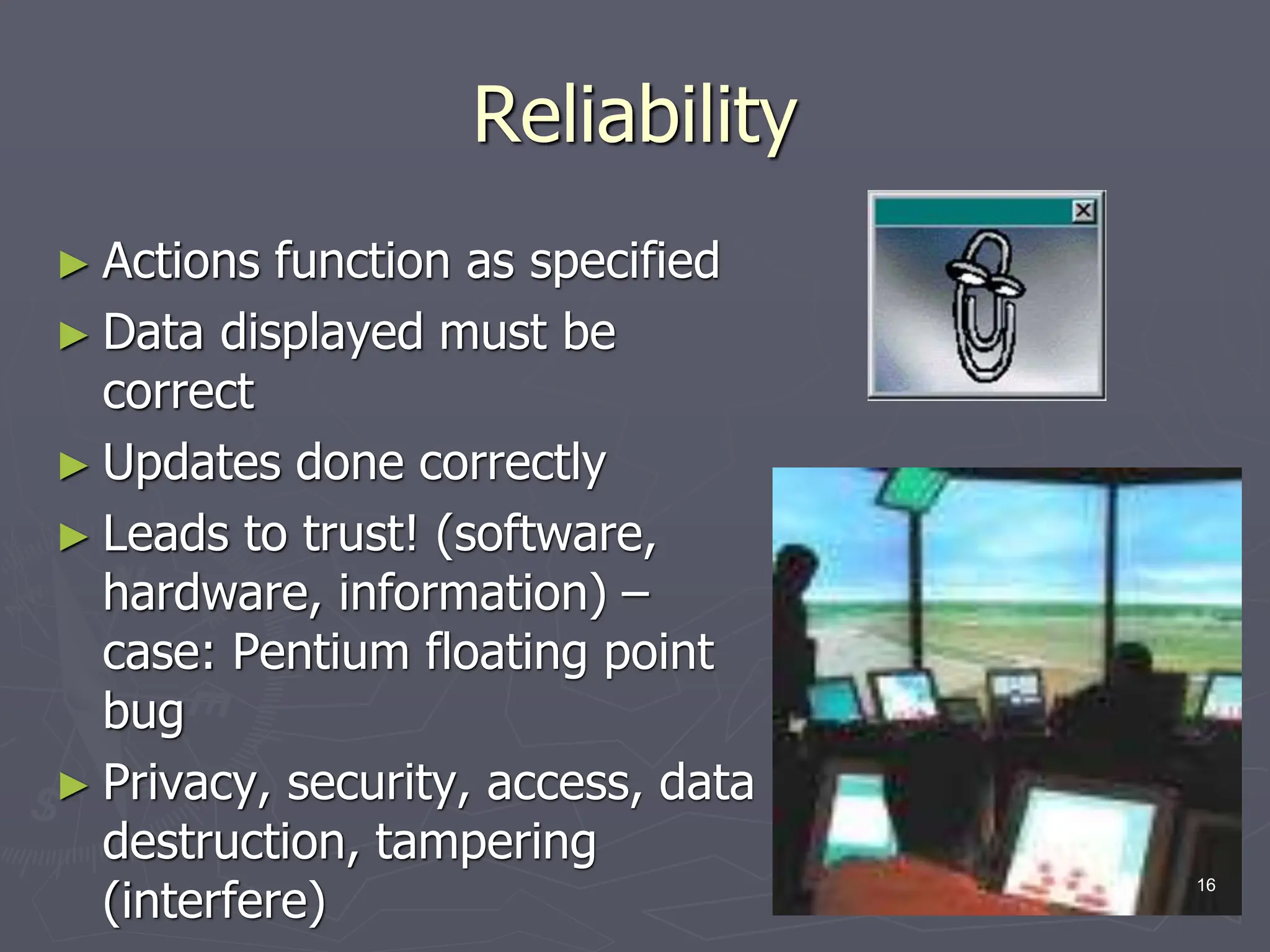
Reliability
► Actions function as specified
► Data displayed must be
correct
► Updates done correctly
► Leads to trust! (software,
hardware, information) –
case: Pentium floating point
bug
► Privacy, security, access, data
destruction, tampering
(interfere)
16
Standardization, Integration,
Consistency, Portability
► Standardization – common user-interface features
across multiple applications
 Apple
 Web
 Windows
► Integration – across application packages
 file formats
► Consistency – common action sequences, terms, units,
layouts, color, typography within an application
► Portability – convert data and interfaces across multiple
hardware and software environments
 Word/HTML/PDF/ASCII
17
Case Study: Library of Congress
Database Design
►http://catalog.loc.gov/
► Two interfaces
 Catalog New Books
► 3-6 hour training course - staffers
 Search Catalog of Books
► General public – too complex, command language and complex
cataloging rules
► Solution
 Touch screen
 Reduced functionality
 Better information presentation
► Eventually Web based interface
► Same database and services, different interfaces
18
Usability Measures
► How can we measure the
‘goodness’ of an interface?
► What are good metrics?
► ISO 9241
 Effectiveness
 Efficiency
 Satisfaction
► Schneiderman
 Time to learn
 Speed of performance
 Rate of errors
 Retention over time
 Subjective satisfaction
19
Usability Motivations
► Life-Critical systems
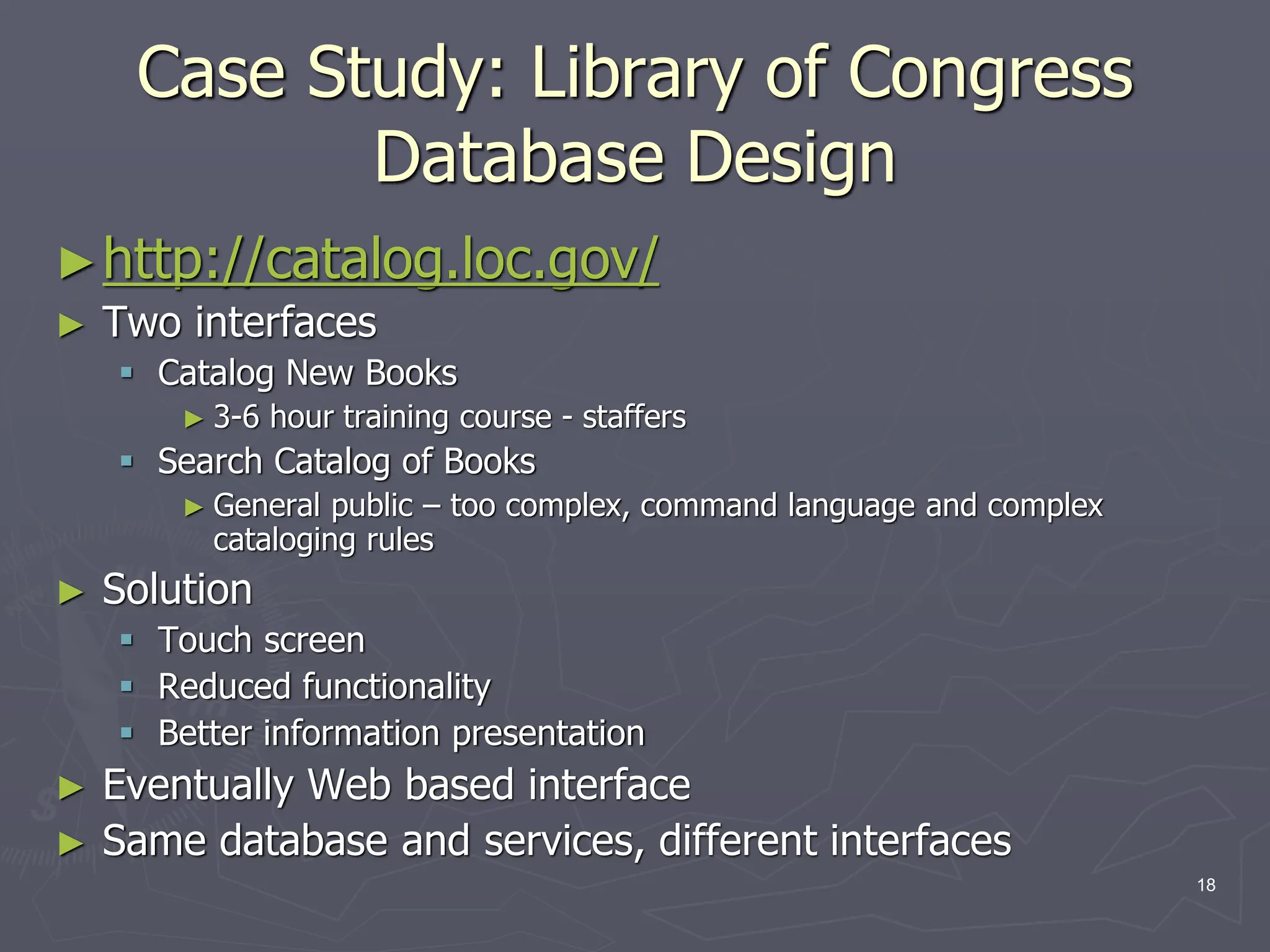
 Applications: air traffic, nuclear reactors, military, emergency
dispatch
 Requirements: reliability and effective (even under stress)
 Not as important: cost, long training, satisfaction, retention
► Industrial and Commercial Use
 Applications: banking, insurance, inventory, reservations
 Requirements: short training, ease of use/learning, multiple
languages, adapt to local cultures, multiplatform, speed
► Office, Home, and Entertainment
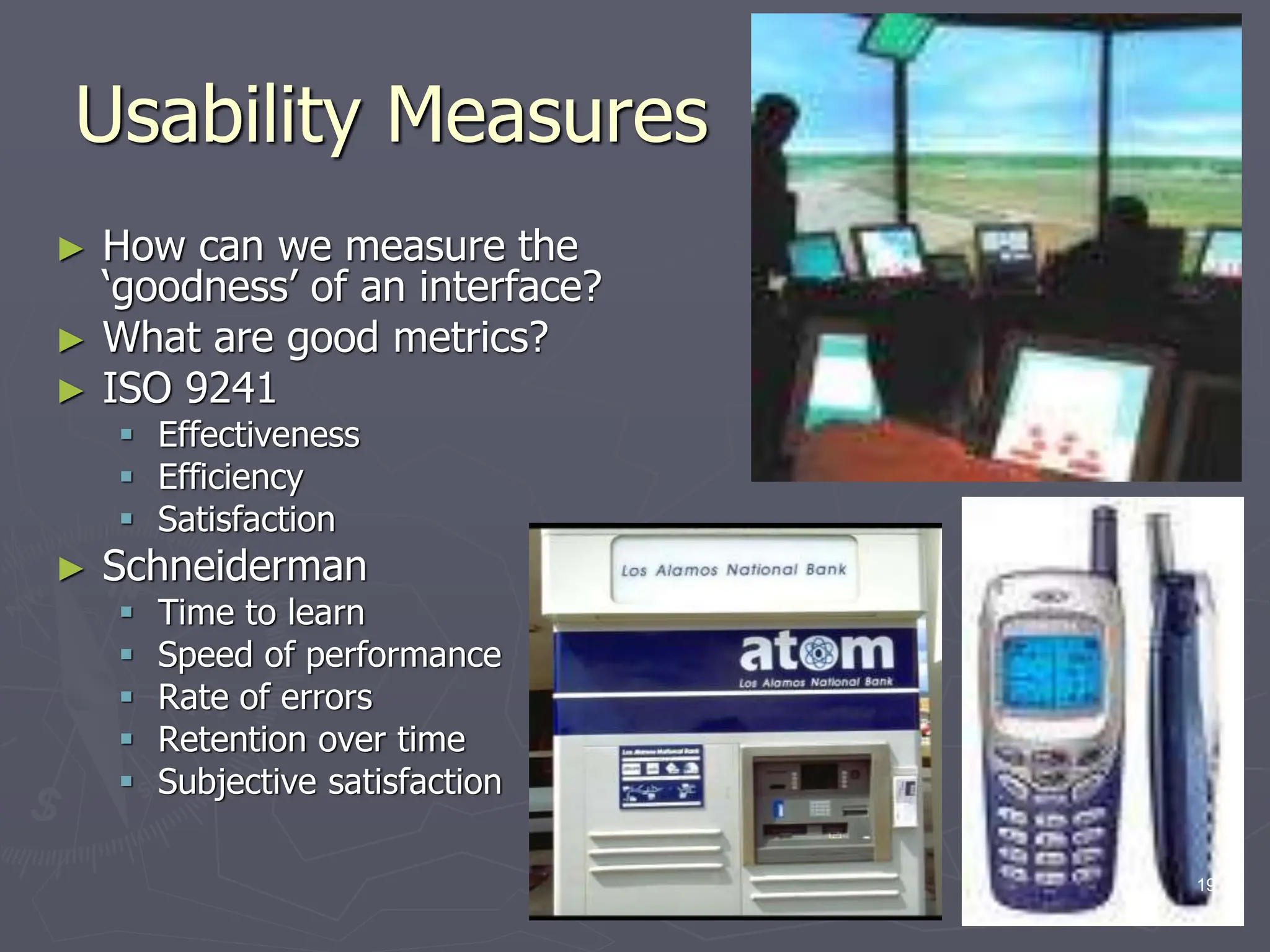
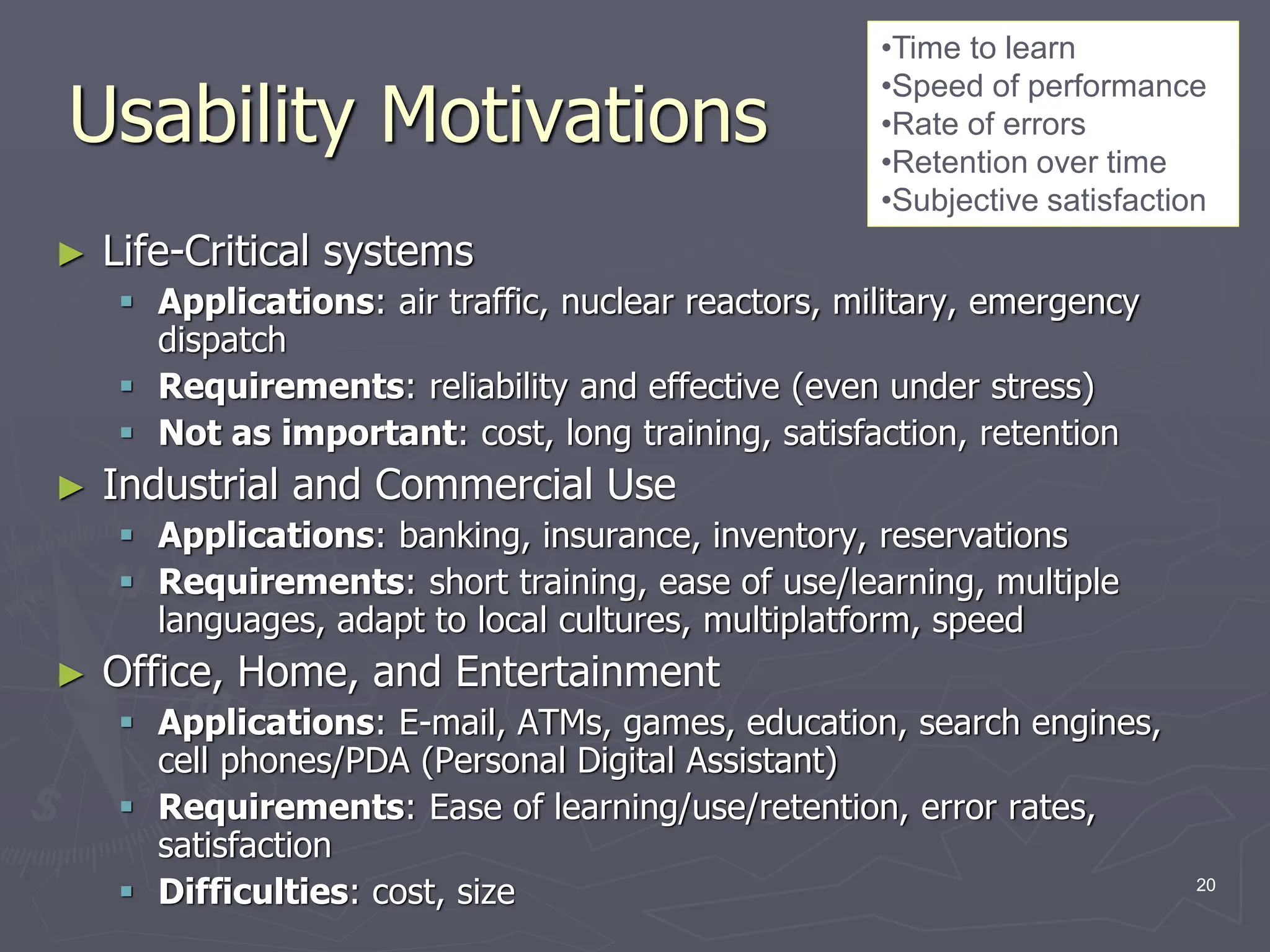
 Applications: E-mail, ATMs, games, education, search engines,
cell phones/PDA (Personal Digital Assistant)
 Requirements: Ease of learning/use/retention, error rates,
satisfaction
 Difficulties: cost, size
•Time to learn
•Speed of performance
•Rate of errors
•Retention over time
•Subjective satisfaction
20
Usability Motivations
► Exploratory, Creative, Collaborative
 Applications: Web browsing, search engines,
simulations, scientific visualization, CAD, computer
graphics, music composition/artist, photo arranger
(email photos)
 Requirements: remove the ‘computer’ from the
experience,
 Difficulties: user tech savvy-ness (apply this to
application examples)
► Socio-technical systems
 Applications: health care, voting, police
 Requirements: Trust, security, accuracy, veracity,
error handling, user tech-savy-ness (practical
understanding)
•Time to learn
•Speed of performance
•Rate of errors
•Retention over time
•Subjective satisfaction
21
Universal Usability
► Interface should handle diversity of
users
 Backgrounds
 Abilities
 Motivation
 Personalities
 Cultures
► Question, how would you design an
interface to a database differently for:
 A. right-handed female, Indian, software
engineer, technology savvy, wants rapid
interaction
 B. left-handed male, French, artist
22
Universal Usability
► Does not mean ‘dumbing down’
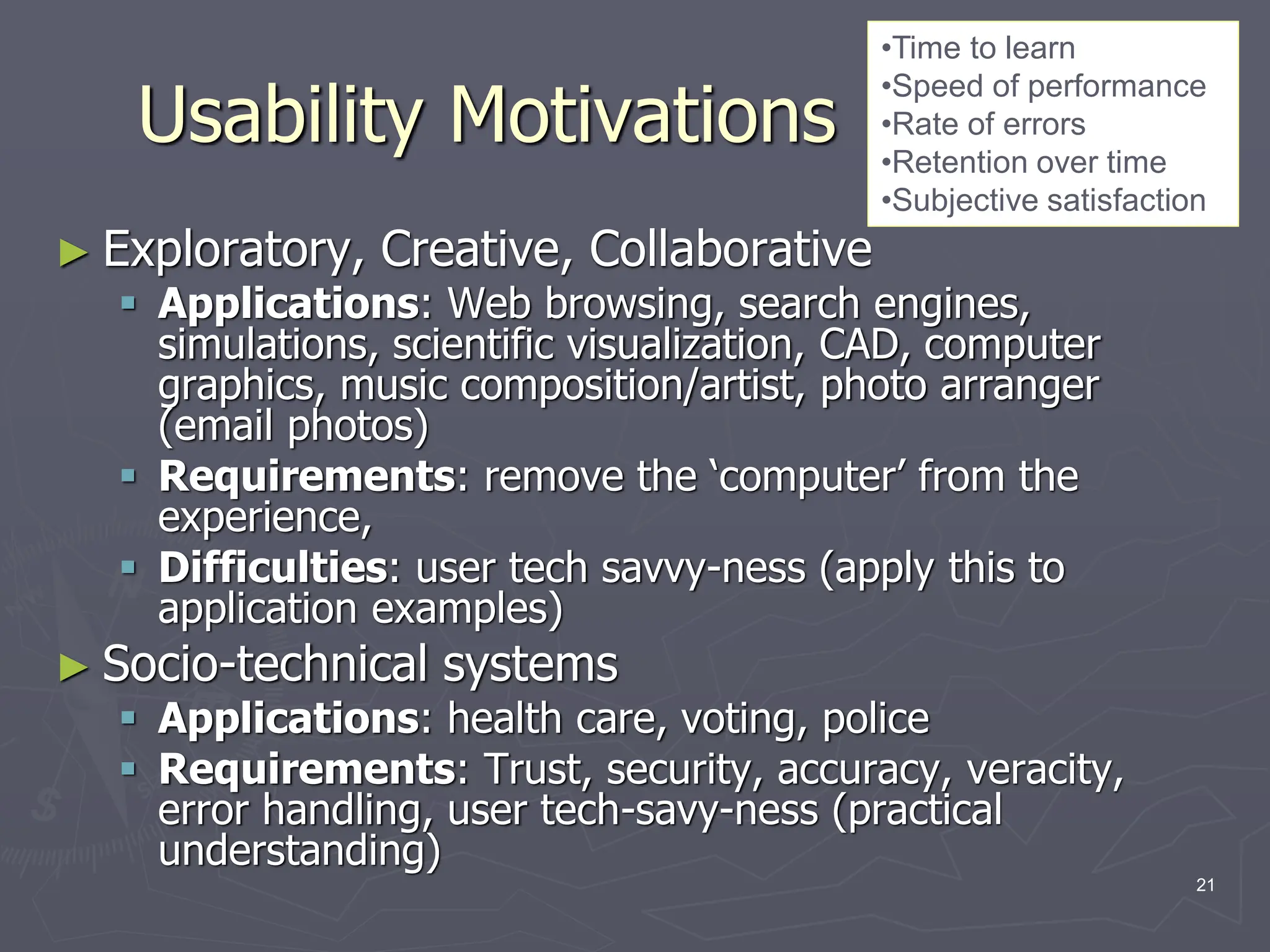
 Ex. Helping disabled has helped
others (parents w/ strollers, elderly)
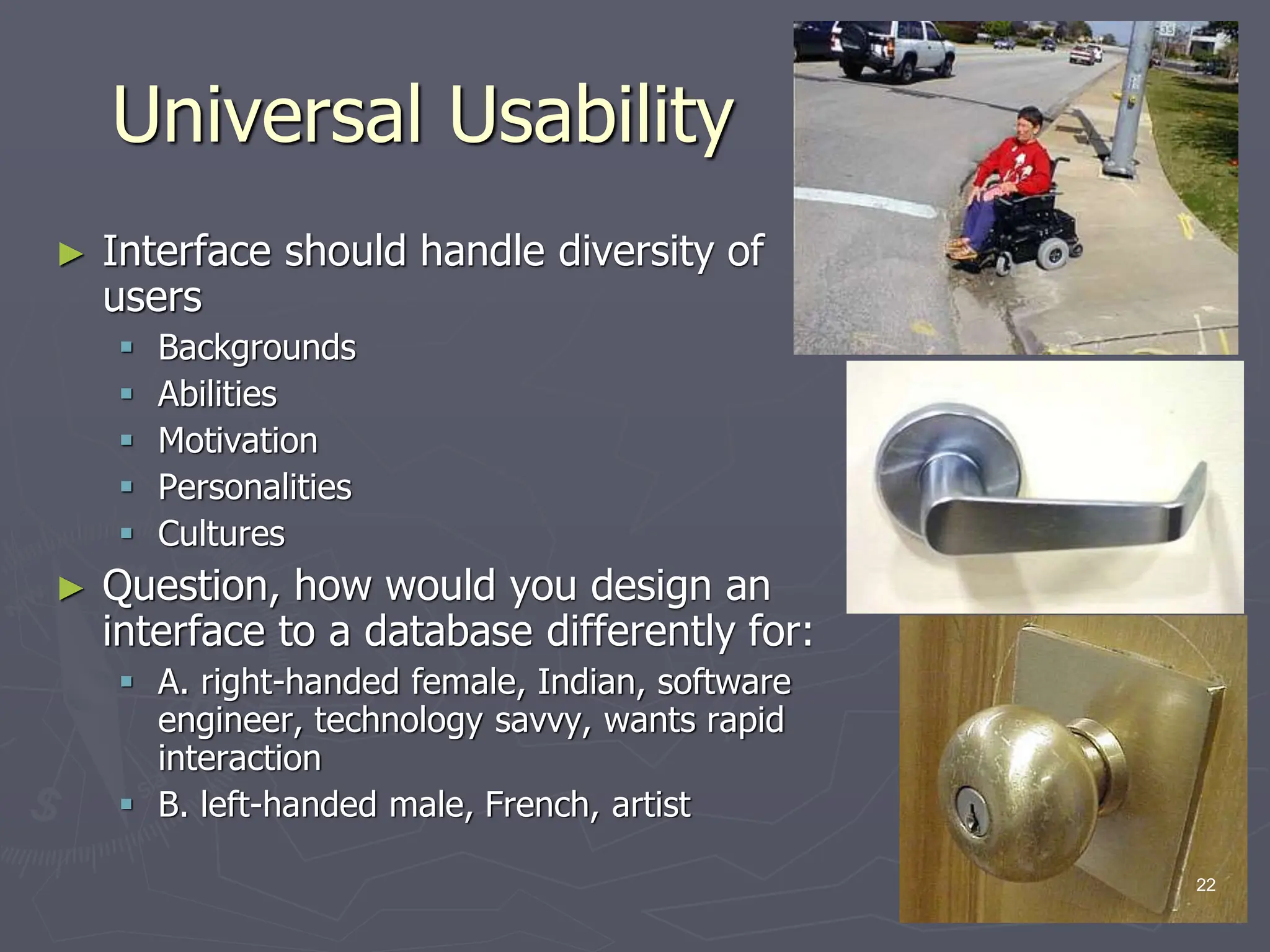
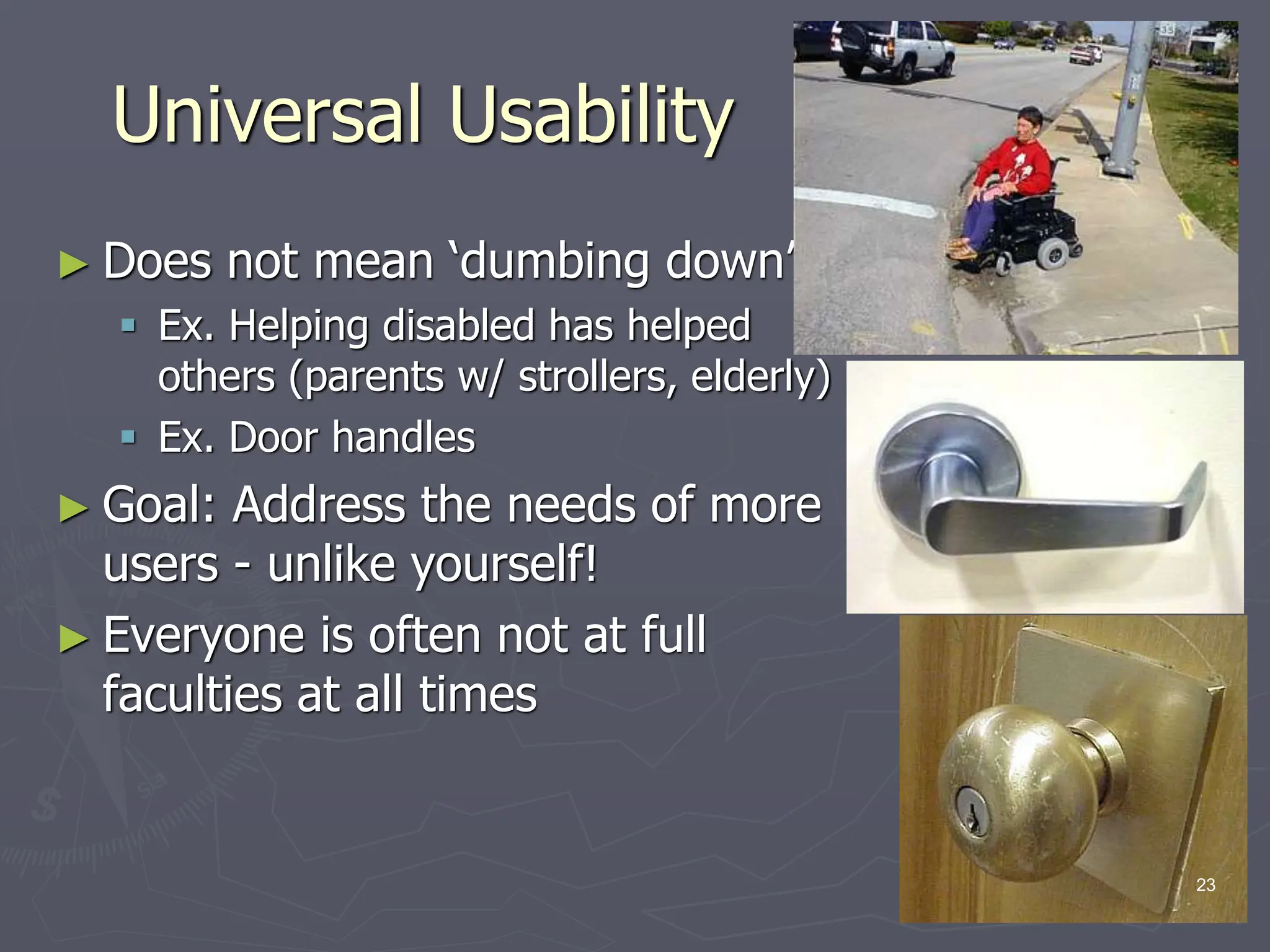
 Ex. Door handles
► Goal: Address the needs of more
users - unlike yourself!
► Everyone is often not at full
faculties at all times
23
Physical Variation
► Ability
 Disabled (elderly,
handicapped, vision,
ambidexterity, ability to see
in stereo [SUTHERLAND])
 Speed
 Color deficiency
► Workspace (science of
ergonomics (user
friendly))
 Size
 Design
► Lots of prior research
24
Physical Variation
► Field of anthropometry
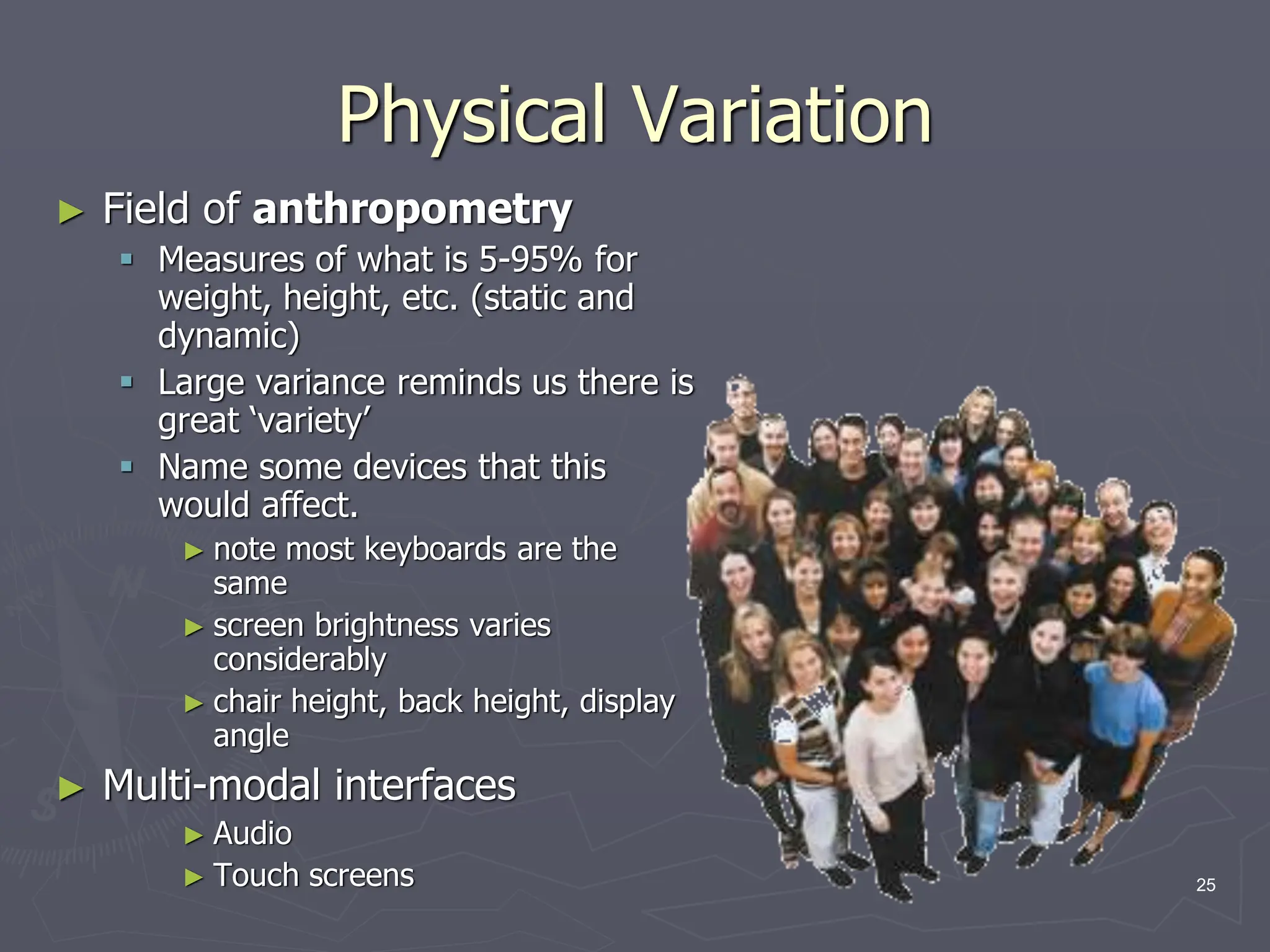
 Measures of what is 5-95% for
weight, height, etc. (static and
dynamic)
 Large variance reminds us there is
great ‘variety’
 Name some devices that this
would affect.
► note most keyboards are the
same
► screen brightness varies
considerably
► chair height, back height, display
angle
► Multi-modal interfaces
► Audio
► Touch screens 25
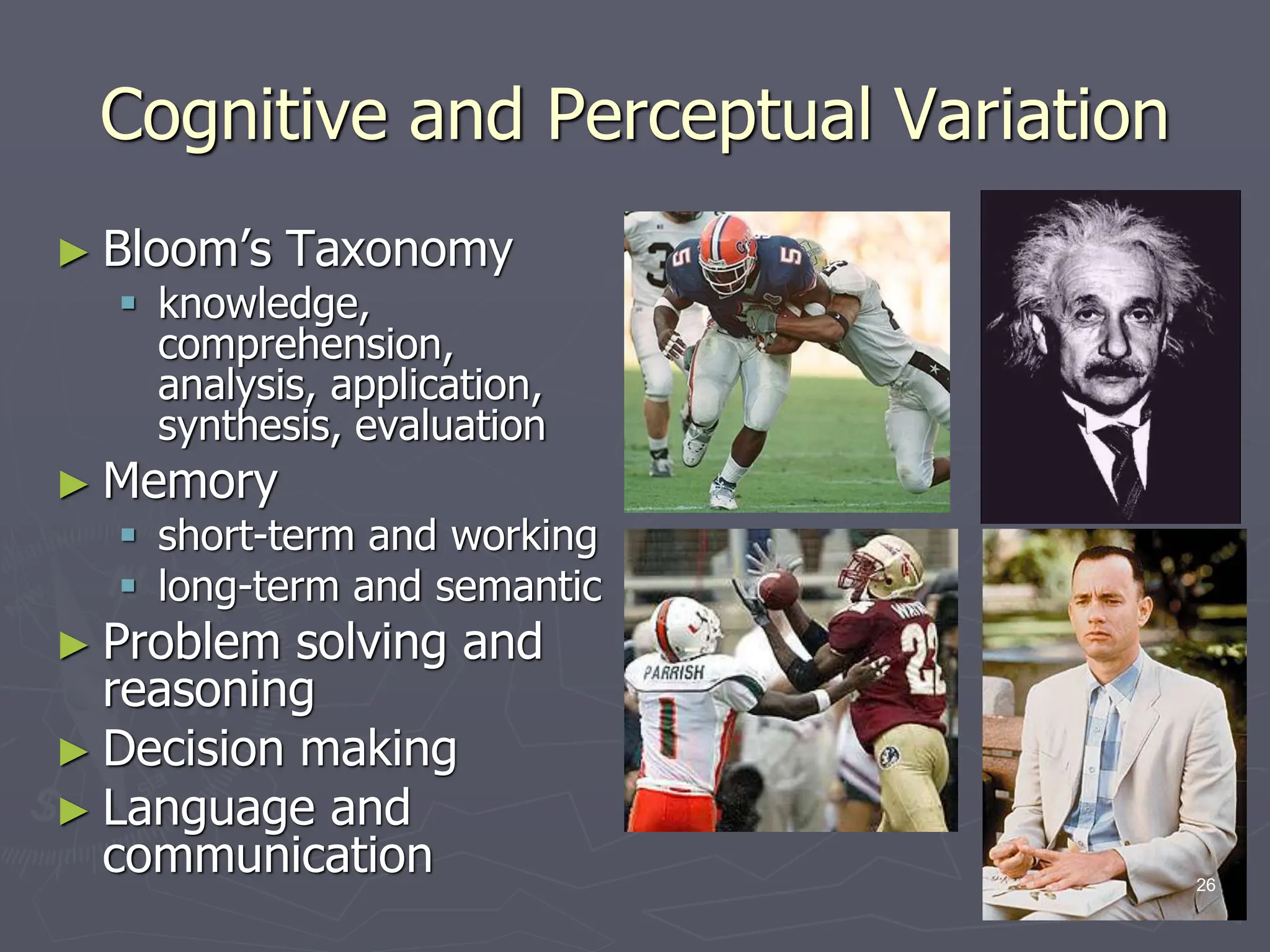
Cognitive and Perceptual Variation
► Bloom’s Taxonomy
 knowledge,
comprehension,
analysis, application,
synthesis, evaluation
► Memory
 short-term and working
 long-term and semantic
► Problem solving and
reasoning
► Decision making
► Language and
communication 26
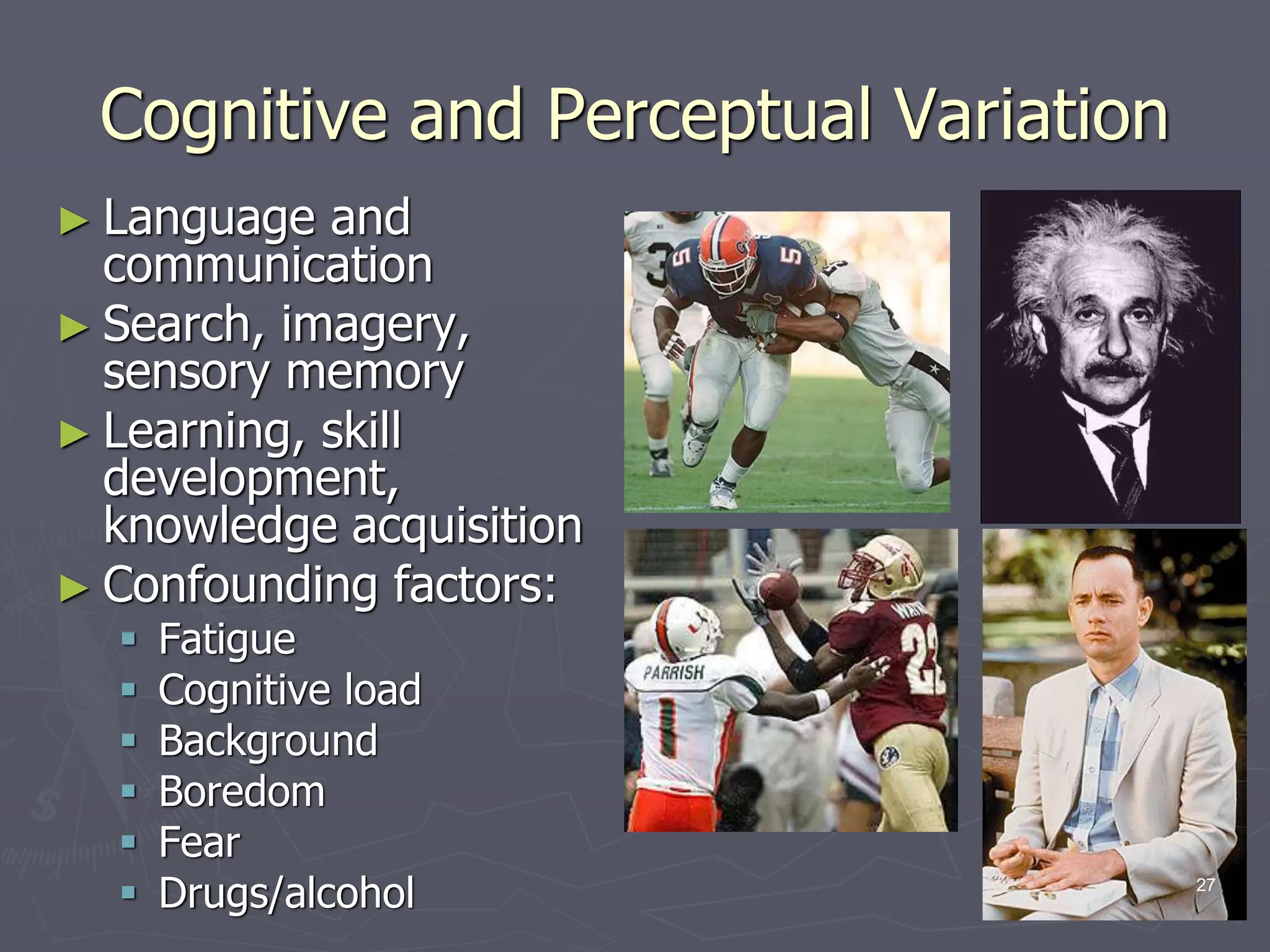
Cognitive and Perceptual Variation
► Language and
communication
► Search, imagery,
sensory memory
► Learning, skill
development,
knowledge acquisition
► Confounding factors:
 Fatigue
 Cognitive load
 Background
 Boredom
 Fear
 Drugs/alcohol 27
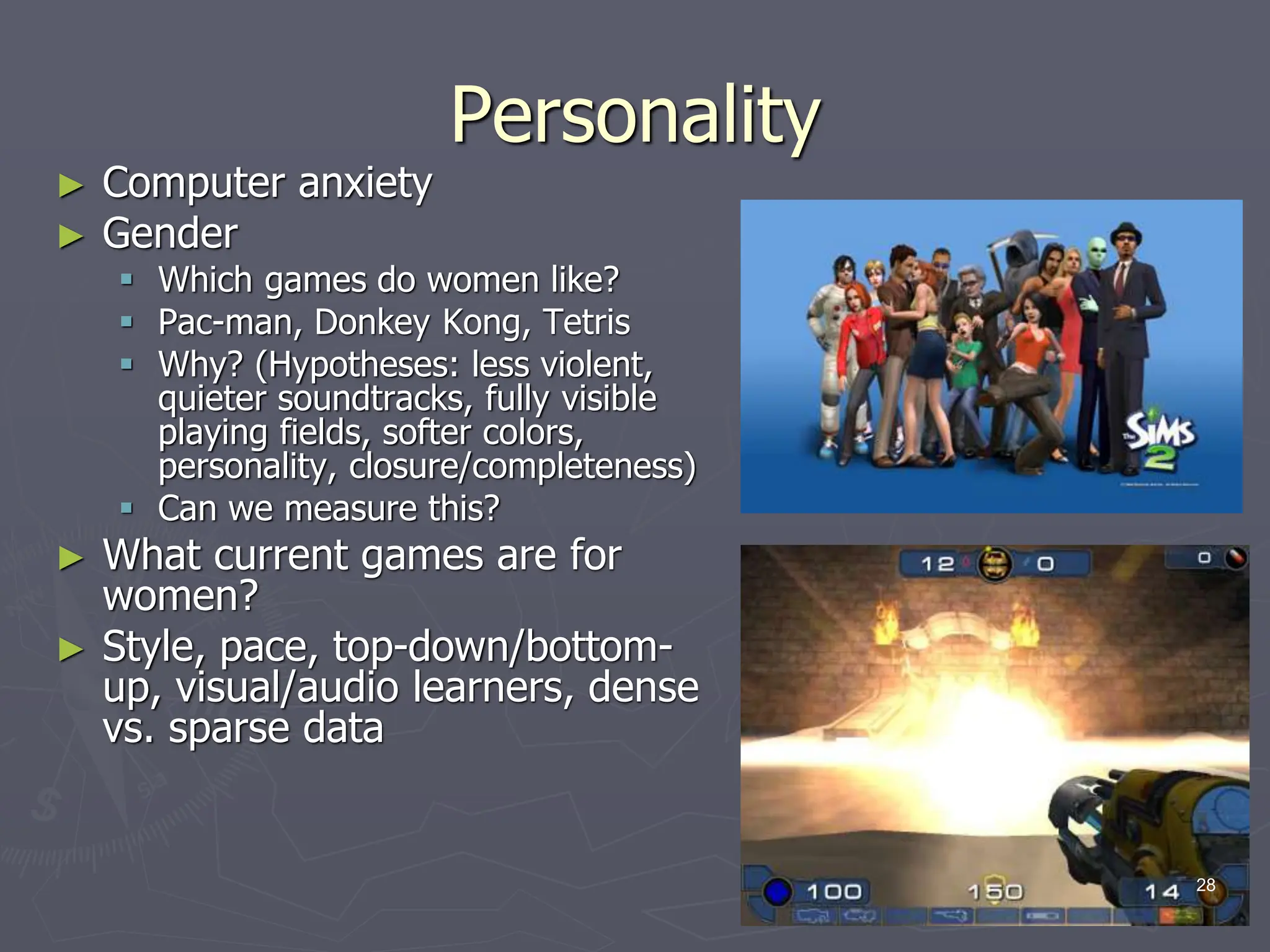
Personality
► Computer anxiety
► Gender
 Which games do women like?
 Pac-man, Donkey Kong, Tetris
 Why? (Hypotheses: less violent,
quieter soundtracks, fully visible
playing fields, softer colors,
personality, closure/completeness)
 Can we measure this?
► What current games are for
women?
► Style, pace, top-down/bottom-
up, visual/audio learners, dense
vs. sparse data
28
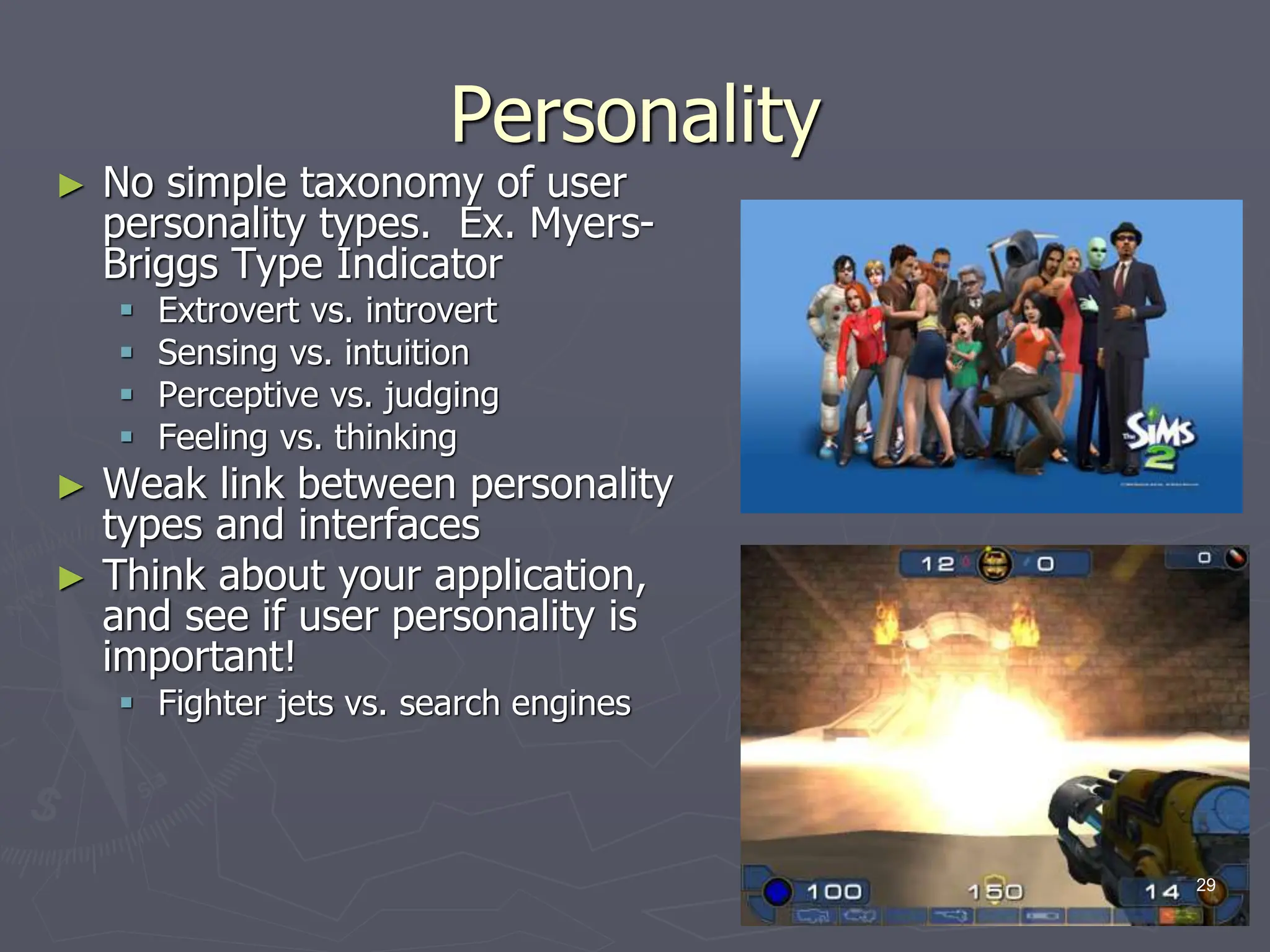
Personality
► No simple taxonomy of user
personality types. Ex. Myers-
Briggs Type Indicator
 Extrovert vs. introvert
 Sensing vs. intuition
 Perceptive vs. judging
 Feeling vs. thinking
► Weak link between personality
types and interfaces
► Think about your application,
and see if user personality is
important!
 Fighter jets vs. search engines
29
Cultural and International Diversity
► Language
► Date / Time conventions
► Weights and Measures
► Left-to-right
► Directions (!)
► Telephone #s and addresses
► Names, titles, salutations
► SSN, ID, passport
► Sorting
► Icons, buttons, colors
► Etiquette (good manners)
► Evaluation:
 Local experts/usability studies
30
Users with Disabilities
► Federal law to ensure access to IT, including computers and
web sites. (1998 Amendment to Rehabilitation Act)
► Disabilities
 Vision
► Blind (bill-reader)
► low-vision
► color-blind
 Hearing
► Deaf
► Limited hearing
 Mobility
 Learning
► Dyslexia
► Attention deficient, hemisphere specific, etc.
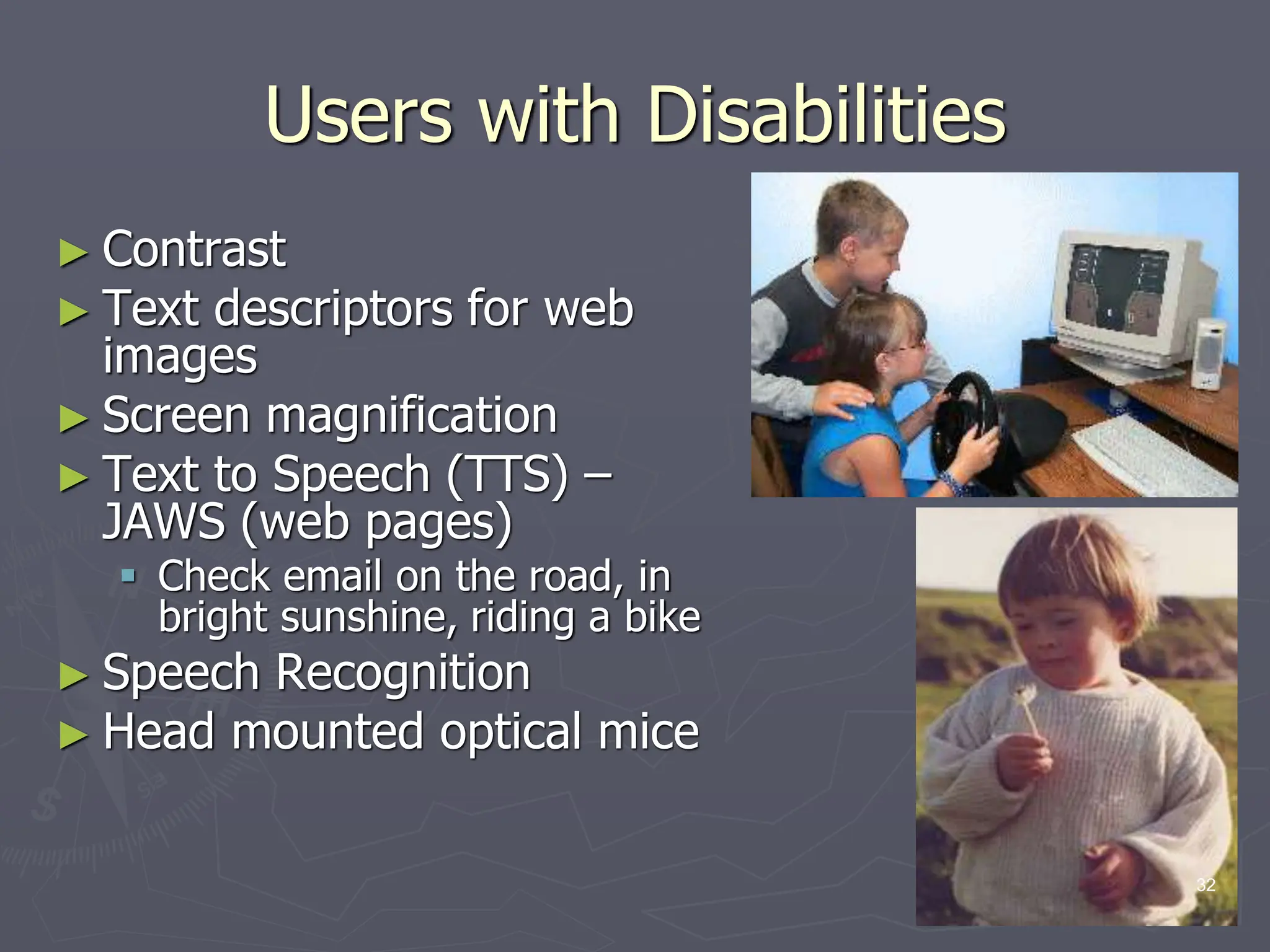
► Keyboard and mouse alternatives
► Color coding
► Font-size 31
Users with Disabilities
► Contrast
► Text descriptors for web
images
► Screen magnification
► Text to Speech (TTS) –
JAWS (web pages)
 Check email on the road, in
bright sunshine, riding a bike
► Speech Recognition
► Head mounted optical mice
32
Users with Disabilities
► Eye Gaze control
► Learning what helps those with
disabilities affects everyone
 Present procedures, directions,
and instructions accessible to even
poor readers
 Design feedback sequences that
explain the reason for error and
help put users on the right track
 Reinforcement techniques with
other devices
► Good target area for a final
project!
33
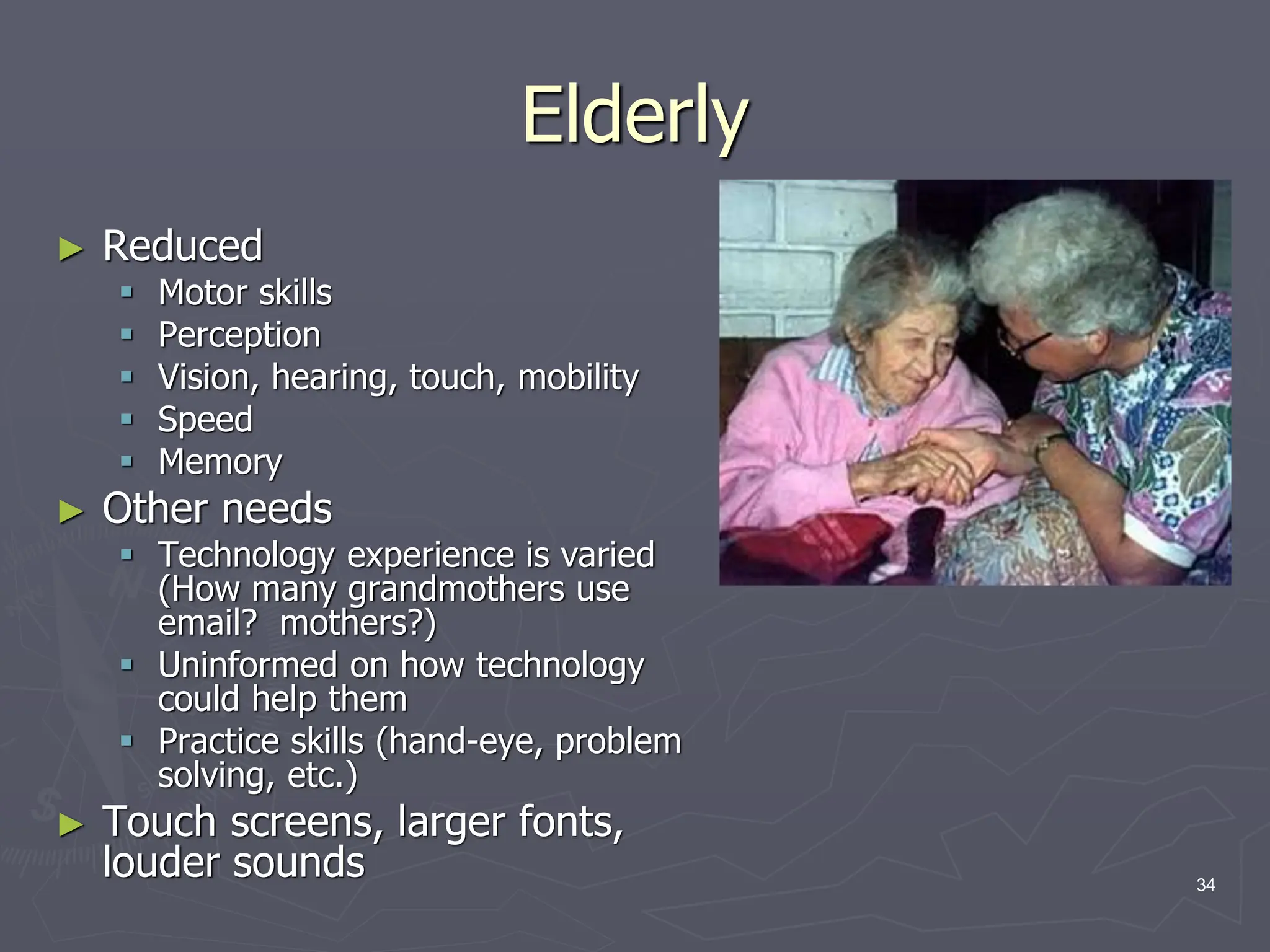
Elderly
► Reduced
 Motor skills
 Perception
 Vision, hearing, touch, mobility
 Speed
 Memory
► Other needs
 Technology experience is varied
(How many grandmothers use
email? mothers?)
 Uninformed on how technology
could help them
 Practice skills (hand-eye, problem
solving, etc.)
► Touch screens, larger fonts,
louder sounds 34
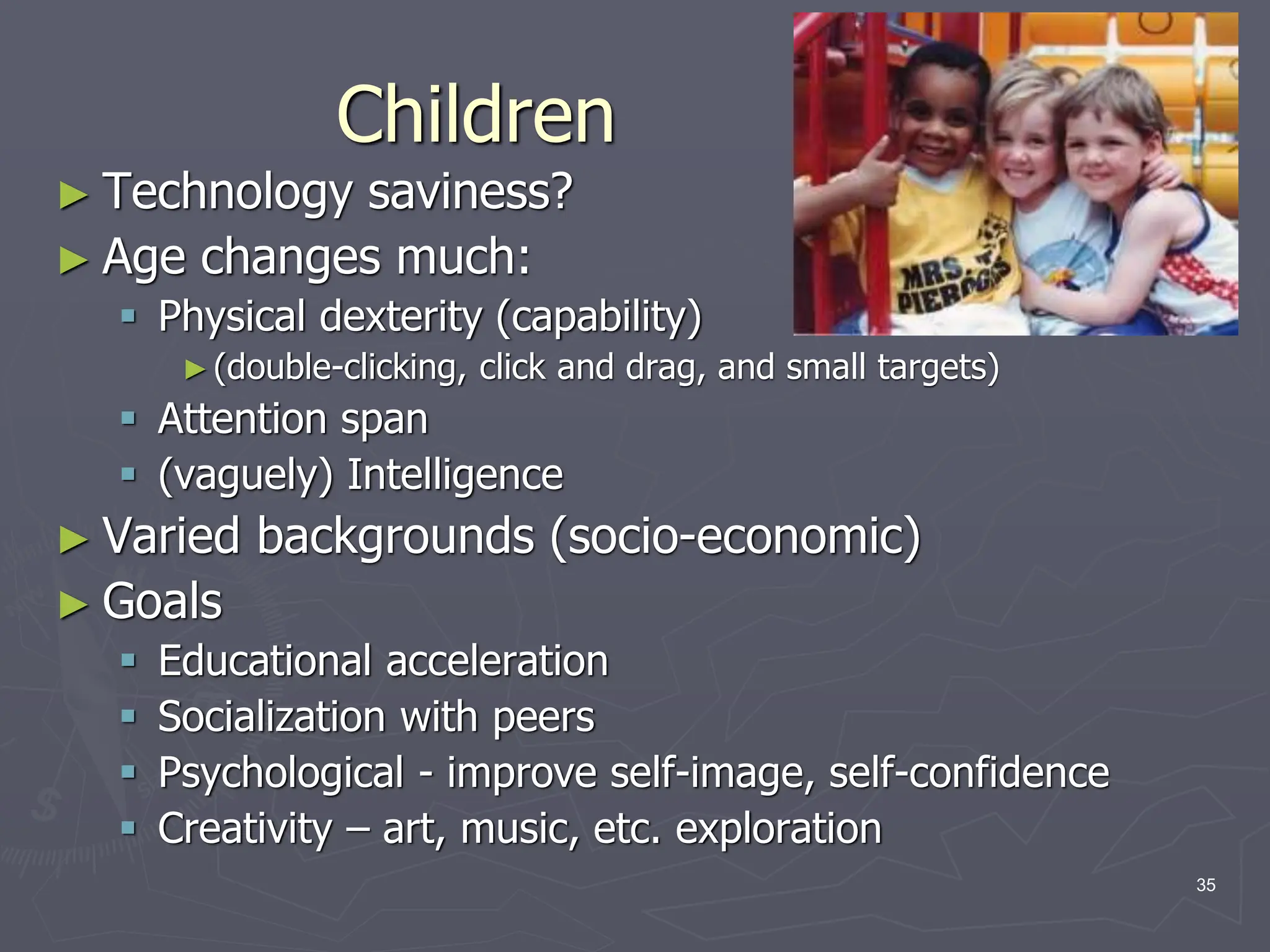
Children
► Technology saviness?
► Age changes much:
 Physical dexterity (capability)
►(double-clicking, click and drag, and small targets)
 Attention span
 (vaguely) Intelligence
► Varied backgrounds (socio-economic)
► Goals
 Educational acceleration
 Socialization with peers
 Psychological - improve self-image, self-confidence
 Creativity – art, music, etc. exploration
35
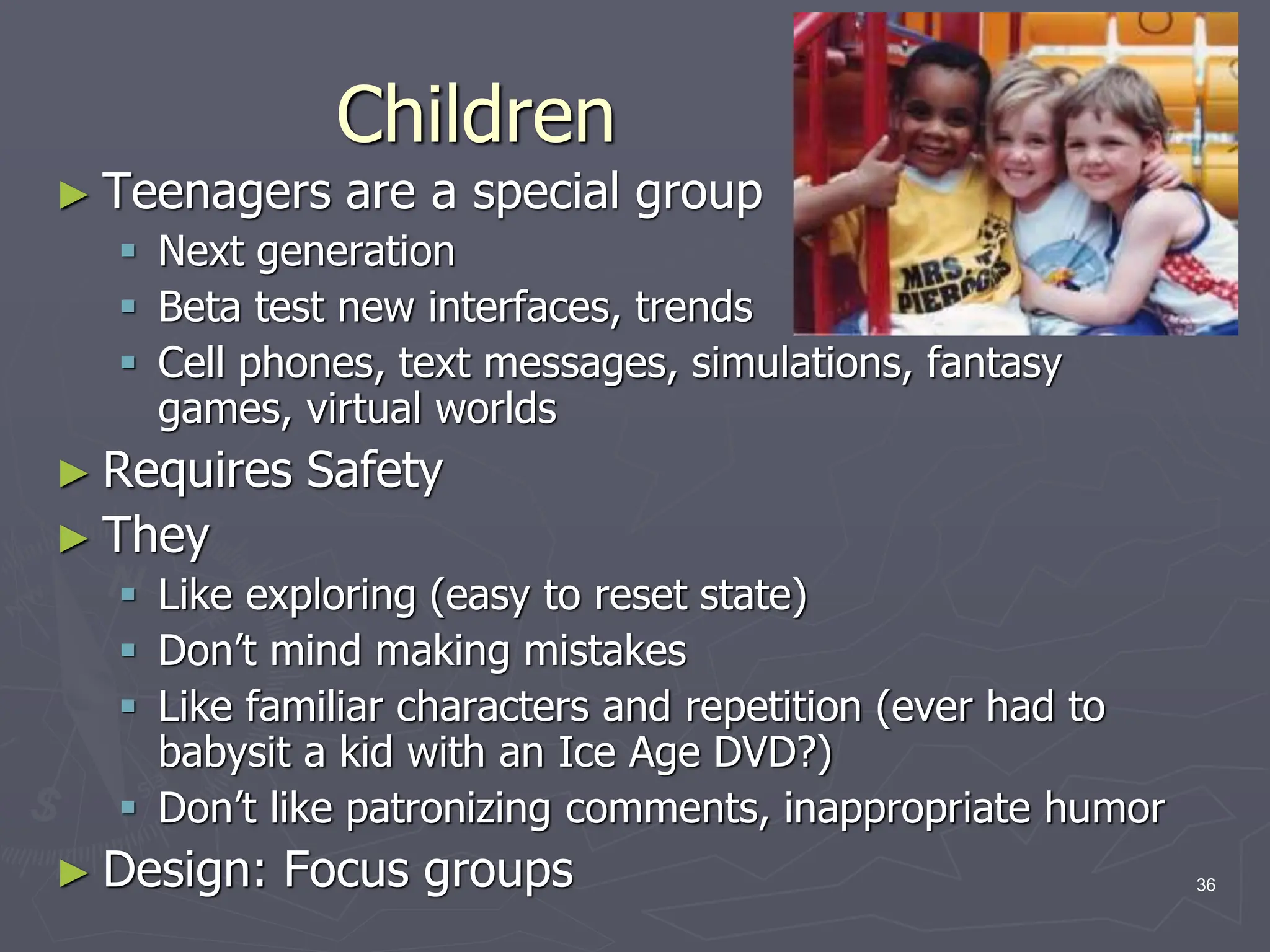
Children
► Teenagers are a special group
 Next generation
 Beta test new interfaces, trends
 Cell phones, text messages, simulations, fantasy
games, virtual worlds
► Requires Safety
► They
 Like exploring (easy to reset state)
 Don’t mind making mistakes
 Like familiar characters and repetition (ever had to
babysit a kid with an Ice Age DVD?)
 Don’t like patronizing comments, inappropriate humor
► Design: Focus groups 36
Accommodating Hardware and
Software Diversity
► Support a wide range of hardware and software
platforms
► Software and hardware evolution
 OS, application, browsers, capabilities
 backward compatibility is a good goal
► Three major technical challenges are:
 Producing satisfying and effective Internet interaction
(broadband vs. dial-up & wireless)
 Enabling web services from large to small (size and
resolution)
 Support easy maintenance of or automatic conversion
to multiple languages
37
HCI Goals
► Influence academic and industrial researchers
 Understand a problem and related theory
 Hypothesis and testing
 Study design (we’ll do this!)
 Interpret results
► Provide tools, techniques and knowledge for
commercial developers
 competitive advantage (think ipod)
► Raising the computer consciousness of the general
public
 Reduce computer anxiety (error messages)
 Common fears:
► I’ll break it
► I’ll make a mistake
► The computer is smarter than me
 HCI contributes to this!
38

01-Introduction to HCI.pdfxzcnkzdcdncnccn

  • 1.
    Introduction to HCI HumanComputer Interaction 1
  • 2.
    Class Goals ►Motivate thefield of HCI ►Learn  Basics of interface design  Evaluation of interfaces  HCI research problems  HCI community (conferences and people) 2
  • 3.
    Why take thiscourse? ►Build your portfolio  Work on a project you’ve always wanted ►Study a unique topic  A computer science course focused on users ►Skill building  Important in most research  Burgeoning (growing) job field 3
  • 4.
    Intro ► What isa user interface? ► Why do we care about design? ► We see this all the time.  What’s good about the design of this error box? ► The user knows there is an error  What’s poor about the design of this error box? ► Discouraging ► Not enough information ► No way to resolve the problem (instructions or contact info) 4
  • 5.
    Definition of HCI ►Human-computerinteraction is a discipline concerned with the design, evaluation and implementation of interactive computing systems for human use and with the study of major phenomena surrounding them. ►ACM SIGCHI Curricula for HCI (Hewett et al. 1992) ►http://sigchi.org/cdg/cdg2.html 5
  • 6.
    Why HCI isImportant ► The study of our interface with information. ► It is not just ‘how big should I make buttons’ or ‘how to layout menu choices’ ► It can affect  Effectiveness  Productivity  Morale  Safety ► Example: a car with poor HCI ► Take 5 minutes for everyone to write down one common device with substantial HCI design choices and discuss with the neighbor the pros and cons. How does it affect you or other users? 6
  • 7.
    My Choice ► iPodby Apple Computers ► Pros:  portable  power  ease of use  # of controls ► Cons:  scratches easily  no speech for car use  proprietary 7
  • 8.
    What fields doesHCI cover? ►Computer Science ►Psychology (cognitive) ►Communication ►Education ►Anthropology (study of humans past and present) ►Design (e.g. graphic and industrial) 8
  • 9.
    HCI Community ► Academics/IndustryResearch  Taxonomies  Theories  Predictive models ► Experimenters  Empirical data  Product design ► Other areas (Sociologists, anthropologists, managers)  Motor  Perceptual  Cognitive  Social, economic, ethics 9
  • 10.
    HCI Tools ► Sound ►3D ► Animation ► Video ► Devices  Size (small->very large)  Portable (PDA, phone)  Plasticity ► Context sensitive/aware ► Personalizable ► Ubiquitous (found everywhere) 10
  • 11.
    Usability Requirements ► Goals: Usability  Universality  Usefulness ► Achieved by:  Planning  Sensitivity to user needs  Devotion to requirements analysis  Testing 11
  • 12.
    Bad Interfaces ► Encumbering (restrict,hamper) ► Confusing ► Slow ► Trust (ex. windows crashing) ► What makes it hard?  Varies by culture  Multiple platforms  Variety of users 12
  • 13.
    ► What’s wrongwith each?  Type of error  Who is affected  Impact ► What’s a redesign solution? 13
  • 14.
    Requirements Analysis 1. Ascertain(make sure of) users’ needs 2. Ensure proper reliability 3. Promote appropriate standardization, integration, consistency, and portability 4. Complete projects on schedule and within budget 14
  • 15.
    Ascertain User’s Needs ►Define tasks  Tasks  Subtasks ► Frequency  Frequent  Occasional  Exceptional  Repair ► Ex. difference between a space satellite, car engine, and fighter jet 15
  • 16.
    Reliability ► Actions functionas specified ► Data displayed must be correct ► Updates done correctly ► Leads to trust! (software, hardware, information) – case: Pentium floating point bug ► Privacy, security, access, data destruction, tampering (interfere) 16
  • 17.
    Standardization, Integration, Consistency, Portability ►Standardization – common user-interface features across multiple applications  Apple  Web  Windows ► Integration – across application packages  file formats ► Consistency – common action sequences, terms, units, layouts, color, typography within an application ► Portability – convert data and interfaces across multiple hardware and software environments  Word/HTML/PDF/ASCII 17
  • 18.
    Case Study: Libraryof Congress Database Design ►http://catalog.loc.gov/ ► Two interfaces  Catalog New Books ► 3-6 hour training course - staffers  Search Catalog of Books ► General public – too complex, command language and complex cataloging rules ► Solution  Touch screen  Reduced functionality  Better information presentation ► Eventually Web based interface ► Same database and services, different interfaces 18
  • 19.
    Usability Measures ► Howcan we measure the ‘goodness’ of an interface? ► What are good metrics? ► ISO 9241  Effectiveness  Efficiency  Satisfaction ► Schneiderman  Time to learn  Speed of performance  Rate of errors  Retention over time  Subjective satisfaction 19
  • 20.
    Usability Motivations ► Life-Criticalsystems  Applications: air traffic, nuclear reactors, military, emergency dispatch  Requirements: reliability and effective (even under stress)  Not as important: cost, long training, satisfaction, retention ► Industrial and Commercial Use  Applications: banking, insurance, inventory, reservations  Requirements: short training, ease of use/learning, multiple languages, adapt to local cultures, multiplatform, speed ► Office, Home, and Entertainment  Applications: E-mail, ATMs, games, education, search engines, cell phones/PDA (Personal Digital Assistant)  Requirements: Ease of learning/use/retention, error rates, satisfaction  Difficulties: cost, size •Time to learn •Speed of performance •Rate of errors •Retention over time •Subjective satisfaction 20
  • 21.
    Usability Motivations ► Exploratory,Creative, Collaborative  Applications: Web browsing, search engines, simulations, scientific visualization, CAD, computer graphics, music composition/artist, photo arranger (email photos)  Requirements: remove the ‘computer’ from the experience,  Difficulties: user tech savvy-ness (apply this to application examples) ► Socio-technical systems  Applications: health care, voting, police  Requirements: Trust, security, accuracy, veracity, error handling, user tech-savy-ness (practical understanding) •Time to learn •Speed of performance •Rate of errors •Retention over time •Subjective satisfaction 21
  • 22.
    Universal Usability ► Interfaceshould handle diversity of users  Backgrounds  Abilities  Motivation  Personalities  Cultures ► Question, how would you design an interface to a database differently for:  A. right-handed female, Indian, software engineer, technology savvy, wants rapid interaction  B. left-handed male, French, artist 22
  • 23.
    Universal Usability ► Doesnot mean ‘dumbing down’  Ex. Helping disabled has helped others (parents w/ strollers, elderly)  Ex. Door handles ► Goal: Address the needs of more users - unlike yourself! ► Everyone is often not at full faculties at all times 23
  • 24.
    Physical Variation ► Ability Disabled (elderly, handicapped, vision, ambidexterity, ability to see in stereo [SUTHERLAND])  Speed  Color deficiency ► Workspace (science of ergonomics (user friendly))  Size  Design ► Lots of prior research 24
  • 25.
    Physical Variation ► Fieldof anthropometry  Measures of what is 5-95% for weight, height, etc. (static and dynamic)  Large variance reminds us there is great ‘variety’  Name some devices that this would affect. ► note most keyboards are the same ► screen brightness varies considerably ► chair height, back height, display angle ► Multi-modal interfaces ► Audio ► Touch screens 25
  • 26.
    Cognitive and PerceptualVariation ► Bloom’s Taxonomy  knowledge, comprehension, analysis, application, synthesis, evaluation ► Memory  short-term and working  long-term and semantic ► Problem solving and reasoning ► Decision making ► Language and communication 26
  • 27.
    Cognitive and PerceptualVariation ► Language and communication ► Search, imagery, sensory memory ► Learning, skill development, knowledge acquisition ► Confounding factors:  Fatigue  Cognitive load  Background  Boredom  Fear  Drugs/alcohol 27
  • 28.
    Personality ► Computer anxiety ►Gender  Which games do women like?  Pac-man, Donkey Kong, Tetris  Why? (Hypotheses: less violent, quieter soundtracks, fully visible playing fields, softer colors, personality, closure/completeness)  Can we measure this? ► What current games are for women? ► Style, pace, top-down/bottom- up, visual/audio learners, dense vs. sparse data 28
  • 29.
    Personality ► No simpletaxonomy of user personality types. Ex. Myers- Briggs Type Indicator  Extrovert vs. introvert  Sensing vs. intuition  Perceptive vs. judging  Feeling vs. thinking ► Weak link between personality types and interfaces ► Think about your application, and see if user personality is important!  Fighter jets vs. search engines 29
  • 30.
    Cultural and InternationalDiversity ► Language ► Date / Time conventions ► Weights and Measures ► Left-to-right ► Directions (!) ► Telephone #s and addresses ► Names, titles, salutations ► SSN, ID, passport ► Sorting ► Icons, buttons, colors ► Etiquette (good manners) ► Evaluation:  Local experts/usability studies 30
  • 31.
    Users with Disabilities ►Federal law to ensure access to IT, including computers and web sites. (1998 Amendment to Rehabilitation Act) ► Disabilities  Vision ► Blind (bill-reader) ► low-vision ► color-blind  Hearing ► Deaf ► Limited hearing  Mobility  Learning ► Dyslexia ► Attention deficient, hemisphere specific, etc. ► Keyboard and mouse alternatives ► Color coding ► Font-size 31
  • 32.
    Users with Disabilities ►Contrast ► Text descriptors for web images ► Screen magnification ► Text to Speech (TTS) – JAWS (web pages)  Check email on the road, in bright sunshine, riding a bike ► Speech Recognition ► Head mounted optical mice 32
  • 33.
    Users with Disabilities ►Eye Gaze control ► Learning what helps those with disabilities affects everyone  Present procedures, directions, and instructions accessible to even poor readers  Design feedback sequences that explain the reason for error and help put users on the right track  Reinforcement techniques with other devices ► Good target area for a final project! 33
  • 34.
    Elderly ► Reduced  Motorskills  Perception  Vision, hearing, touch, mobility  Speed  Memory ► Other needs  Technology experience is varied (How many grandmothers use email? mothers?)  Uninformed on how technology could help them  Practice skills (hand-eye, problem solving, etc.) ► Touch screens, larger fonts, louder sounds 34
  • 35.
    Children ► Technology saviness? ►Age changes much:  Physical dexterity (capability) ►(double-clicking, click and drag, and small targets)  Attention span  (vaguely) Intelligence ► Varied backgrounds (socio-economic) ► Goals  Educational acceleration  Socialization with peers  Psychological - improve self-image, self-confidence  Creativity – art, music, etc. exploration 35
  • 36.
    Children ► Teenagers area special group  Next generation  Beta test new interfaces, trends  Cell phones, text messages, simulations, fantasy games, virtual worlds ► Requires Safety ► They  Like exploring (easy to reset state)  Don’t mind making mistakes  Like familiar characters and repetition (ever had to babysit a kid with an Ice Age DVD?)  Don’t like patronizing comments, inappropriate humor ► Design: Focus groups 36
  • 37.
    Accommodating Hardware and SoftwareDiversity ► Support a wide range of hardware and software platforms ► Software and hardware evolution  OS, application, browsers, capabilities  backward compatibility is a good goal ► Three major technical challenges are:  Producing satisfying and effective Internet interaction (broadband vs. dial-up & wireless)  Enabling web services from large to small (size and resolution)  Support easy maintenance of or automatic conversion to multiple languages 37
  • 38.
    HCI Goals ► Influenceacademic and industrial researchers  Understand a problem and related theory  Hypothesis and testing  Study design (we’ll do this!)  Interpret results ► Provide tools, techniques and knowledge for commercial developers  competitive advantage (think ipod) ► Raising the computer consciousness of the general public  Reduce computer anxiety (error messages)  Common fears: ► I’ll break it ► I’ll make a mistake ► The computer is smarter than me  HCI contributes to this! 38