HTML 
HAMEDA HURMAT
HTML Attributes 
HTML elements can have attributes 
Attributes provide additional information about an element 
Attributes are always specified in the start tag 
Attributes come in name/value pairs like: name="value"
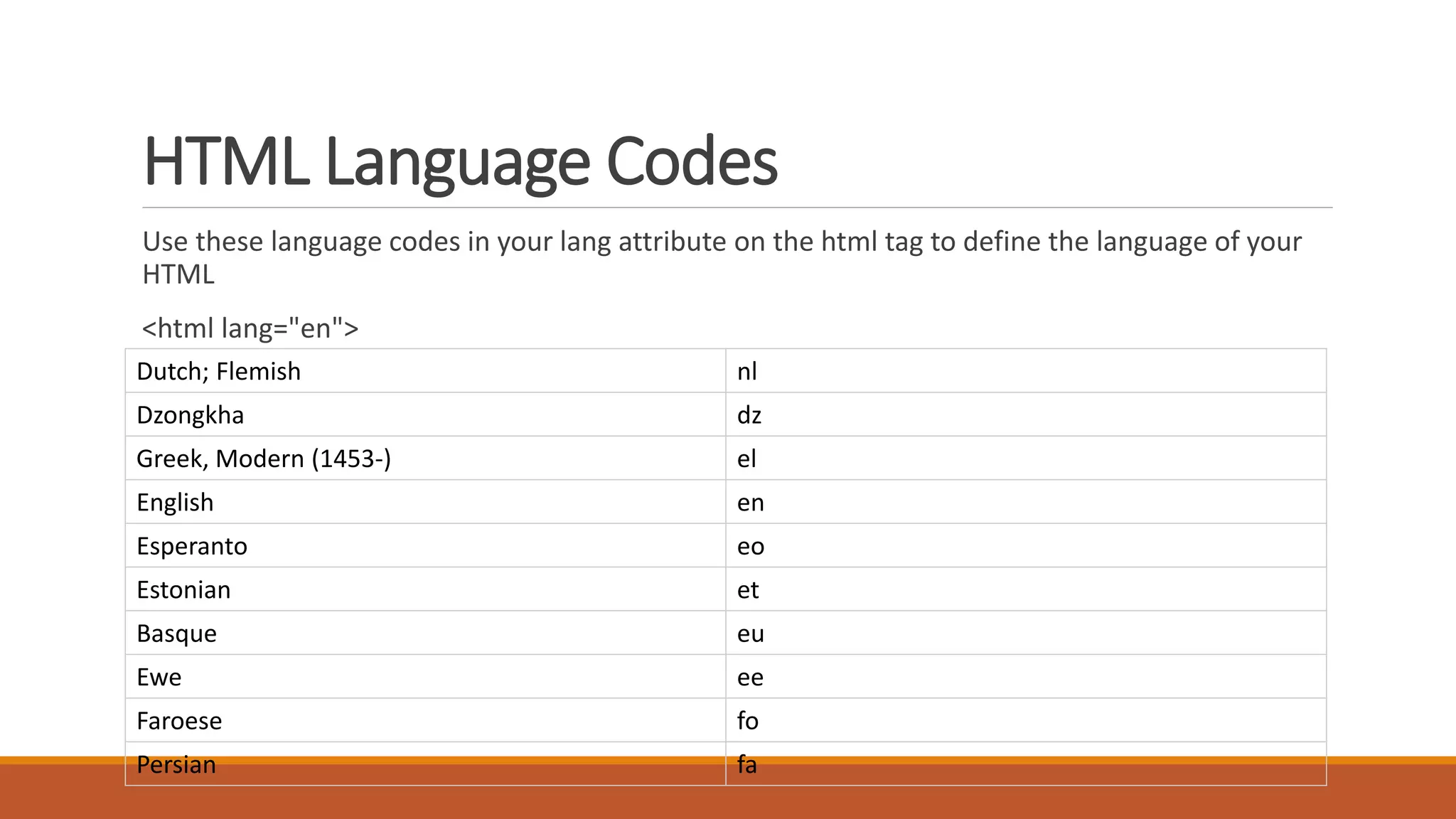
HTML Language Codes 
Use these language codes in your lang attribute on the html tag to define the language of your 
HTML 
<html lang="en"> 
Dutch; Flemish nl 
Dzongkha dz 
Greek, Modern (1453-) el 
English en 
Esperanto eo 
Estonian et 
Basque eu 
Ewe ee 
Faroese fo 
Persian fa
HTML Paragraphs 
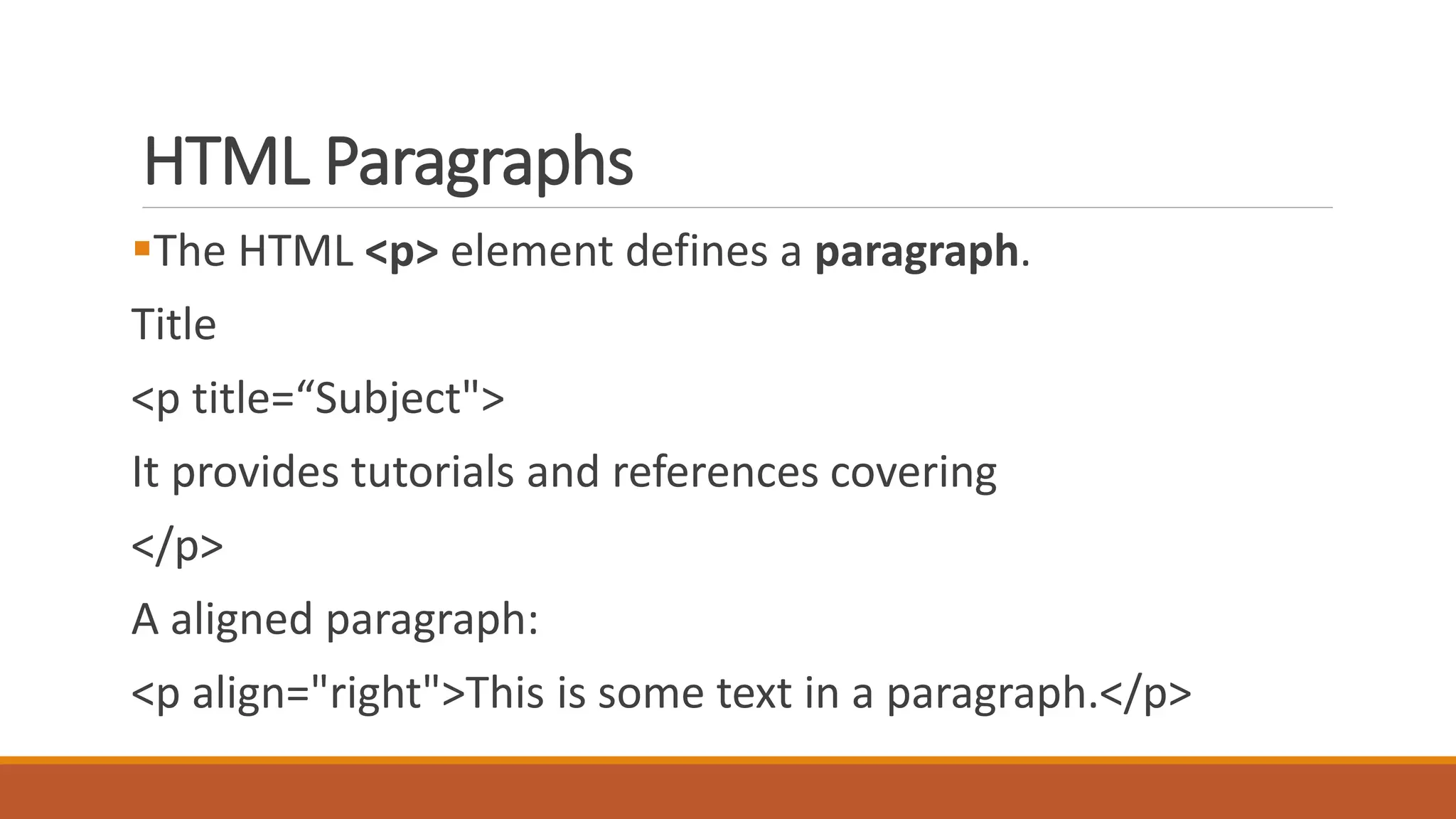
The HTML <p> element defines a paragraph. 
Title 
<p title=“Subject"> 
It provides tutorials and references covering 
</p> 
A aligned paragraph: 
<p align="right">This is some text in a paragraph.</p>
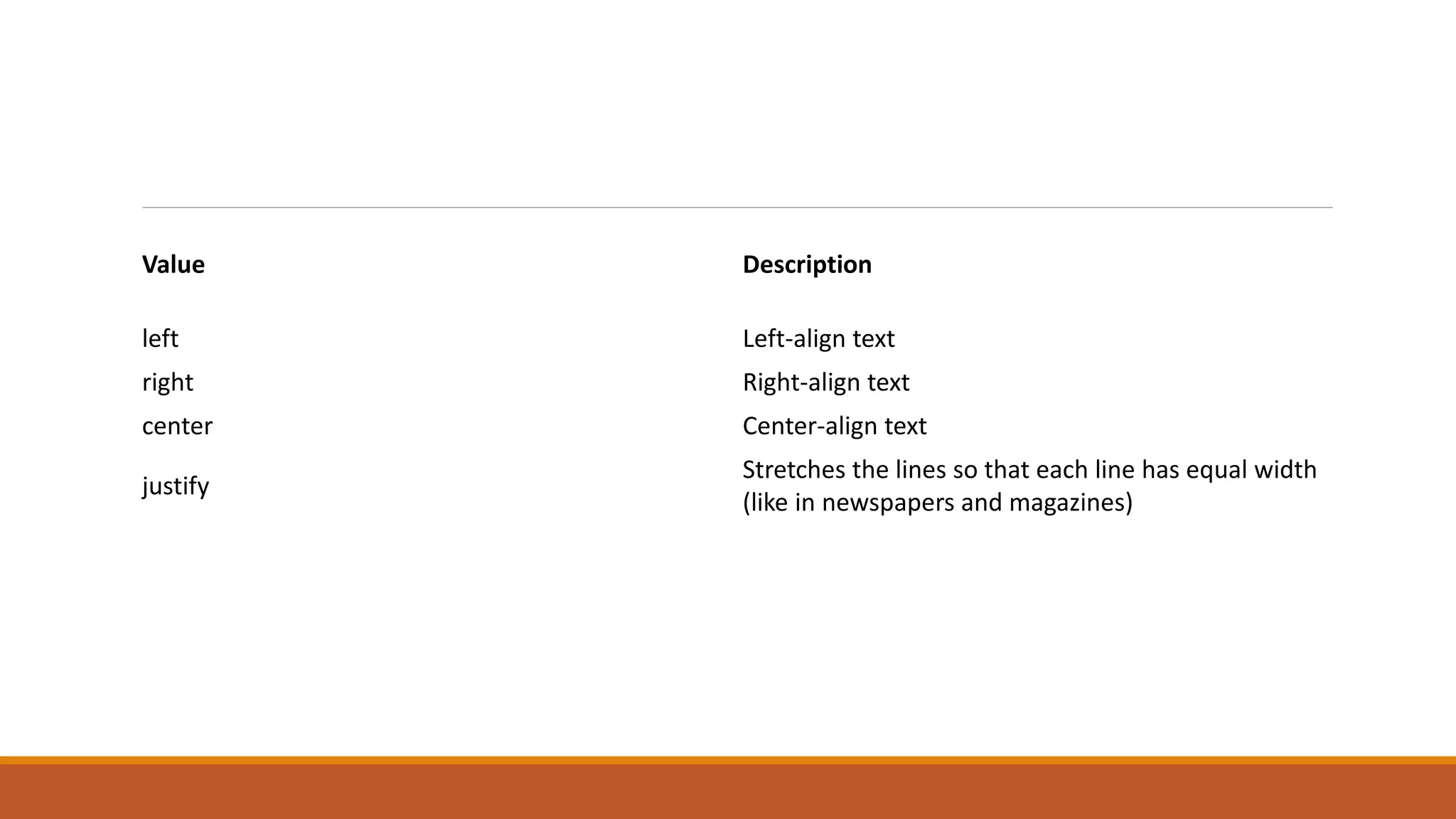
Value Description 
left Left-align text 
right Right-align text 
center Center-align text 
justify 
Stretches the lines so that each line has equal width 
(like in newspapers and magazines)
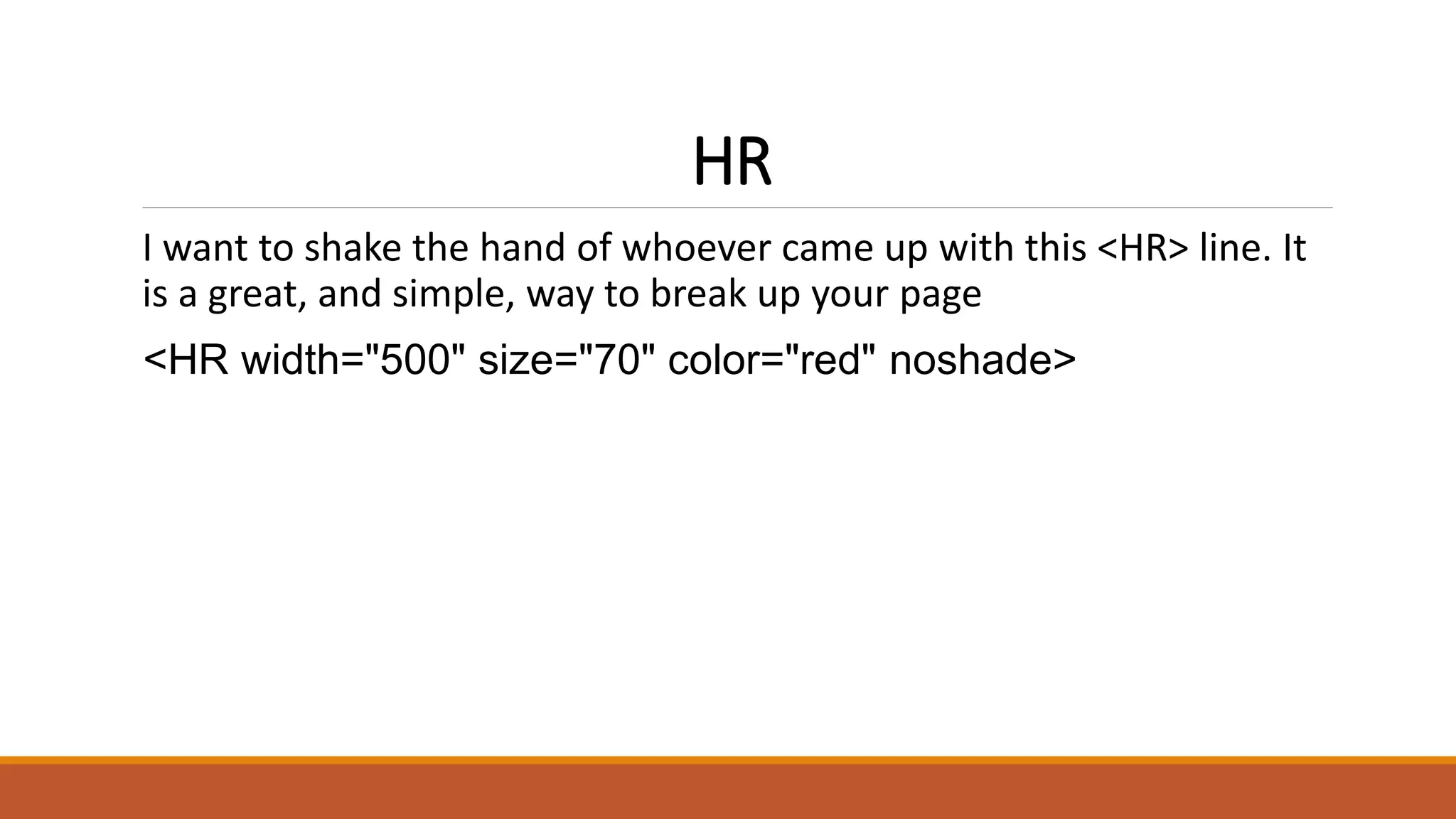
HR 
I want to shake the hand of whoever came up with this <HR> line. It 
is a great, and simple, way to break up your page 
<HR width="500" size="70" color="red" noshade>
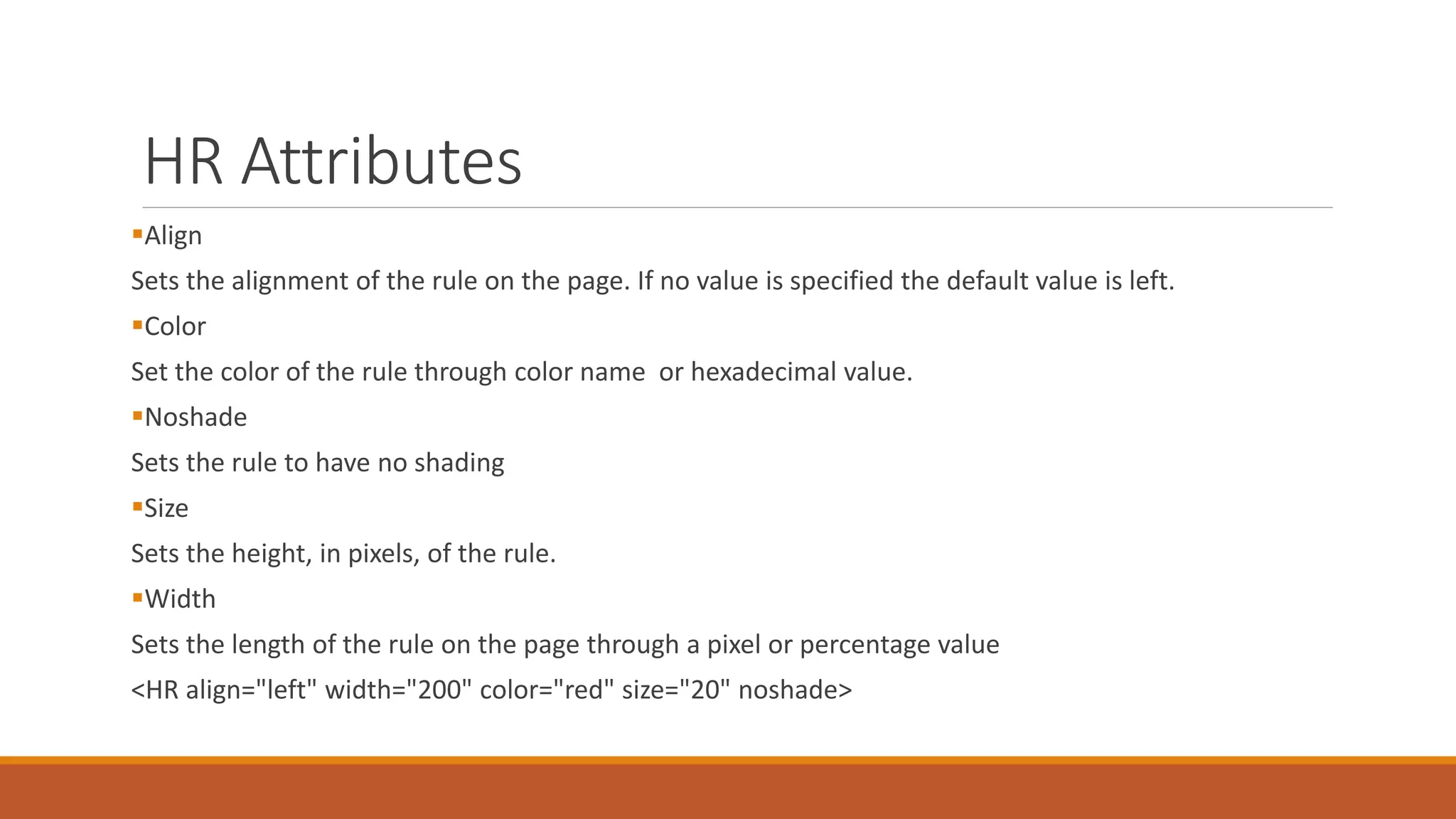
HR Attributes 
Align 
Sets the alignment of the rule on the page. If no value is specified the default value is left. 
Color 
Set the color of the rule through color name or hexadecimal value. 
Noshade 
Sets the rule to have no shading 
Size 
Sets the height, in pixels, of the rule. 
Width 
Sets the length of the rule on the page through a pixel or percentage value 
<HR align="left" width="200" color="red" size="20" noshade>
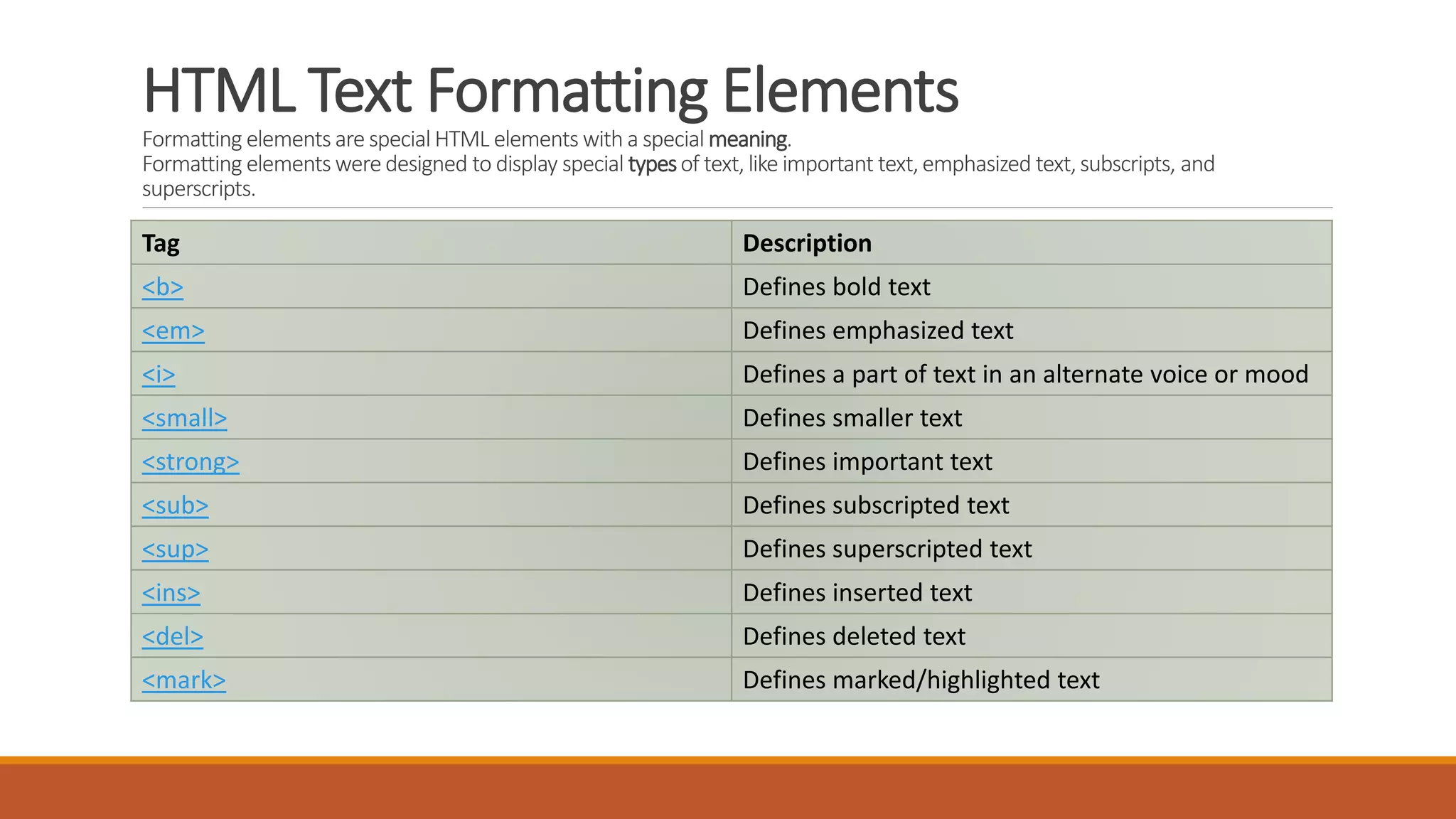
HTML Text Formatting Elements 
Formatting elements are special HTML elements with a special meaning. 
Formatting elements were designed to display special types of text, like important text, emphasized text, subscripts, and 
superscripts. 
Tag Description 
<b> Defines bold text 
<em> Defines emphasized text 
<i> Defines a part of text in an alternate voice or mood 
<small> Defines smaller text 
<strong> Defines important text 
<sub> Defines subscripted text 
<sup> Defines superscripted text 
<ins> Defines inserted text 
<del> Defines deleted text 
<mark> Defines marked/highlighted text
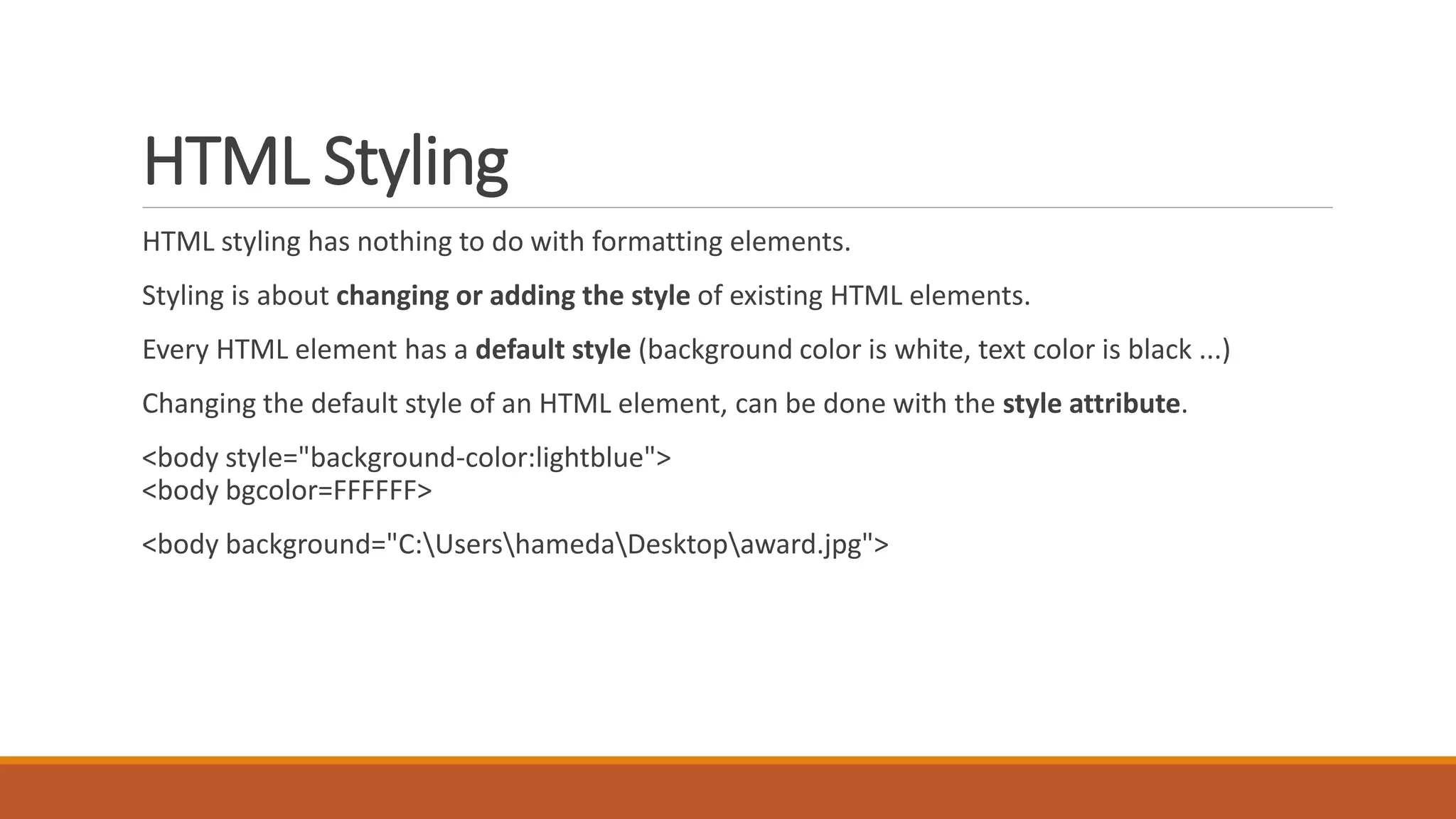
HTML Styling 
HTML styling has nothing to do with formatting elements. 
Styling is about changing or adding the style of existing HTML elements. 
Every HTML element has a default style (background color is white, text color is black ...) 
Changing the default style of an HTML element, can be done with the style attribute. 
<body style="background-color:lightblue"> 
<body bgcolor=FFFFFF> 
<body background="C:UsershamedaDesktopaward.jpg">
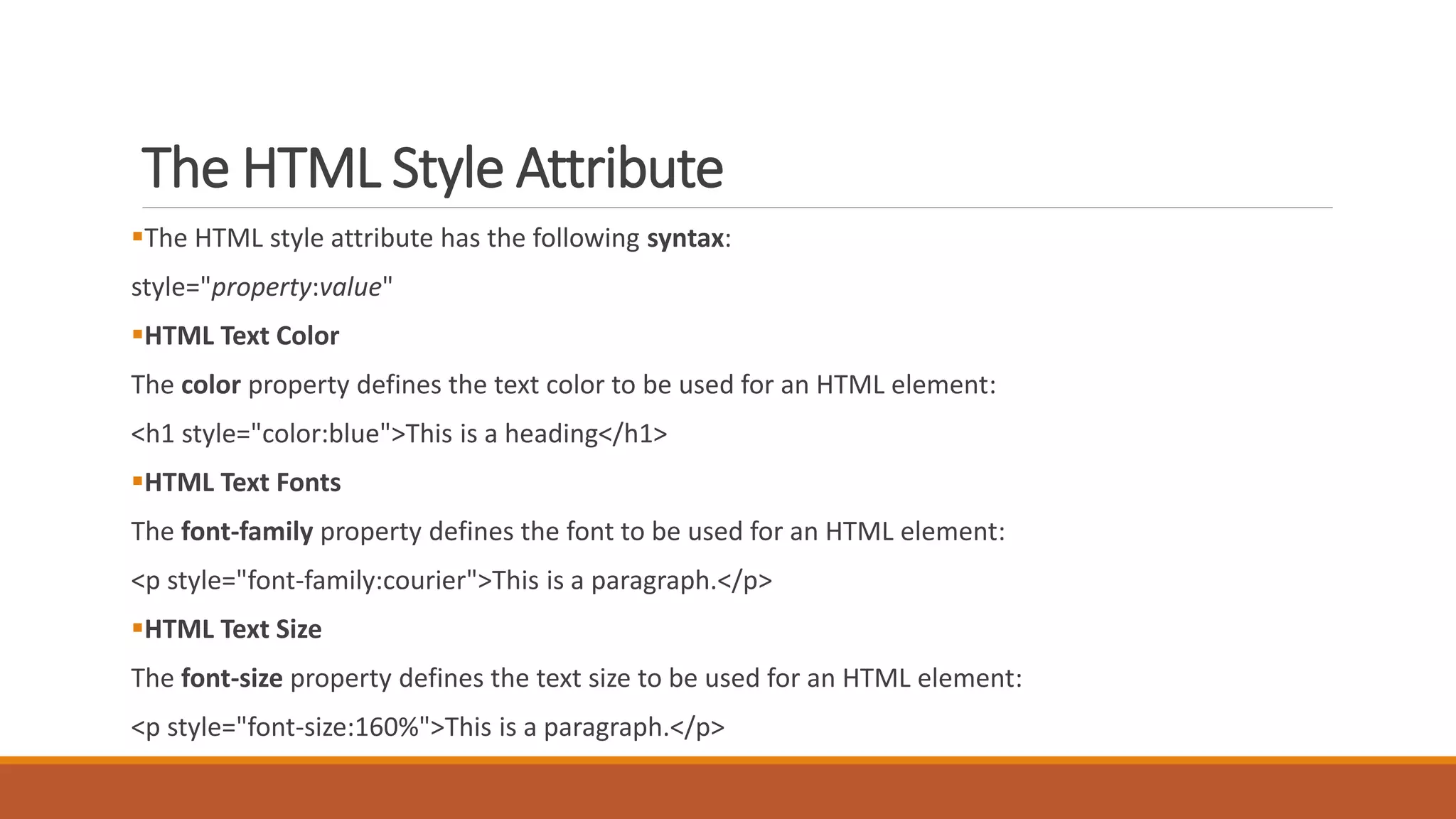
The HTML Style Attribute 
The HTML style attribute has the following syntax: 
style="property:value" 
HTML Text Color 
The color property defines the text color to be used for an HTML element: 
<h1 style="color:blue">This is a heading</h1> 
HTML Text Fonts 
The font-family property defines the font to be used for an HTML element: 
<p style="font-family:courier">This is a paragraph.</p> 
HTML Text Size 
The font-size property defines the text size to be used for an HTML element: 
<p style="font-size:160%">This is a paragraph.</p>
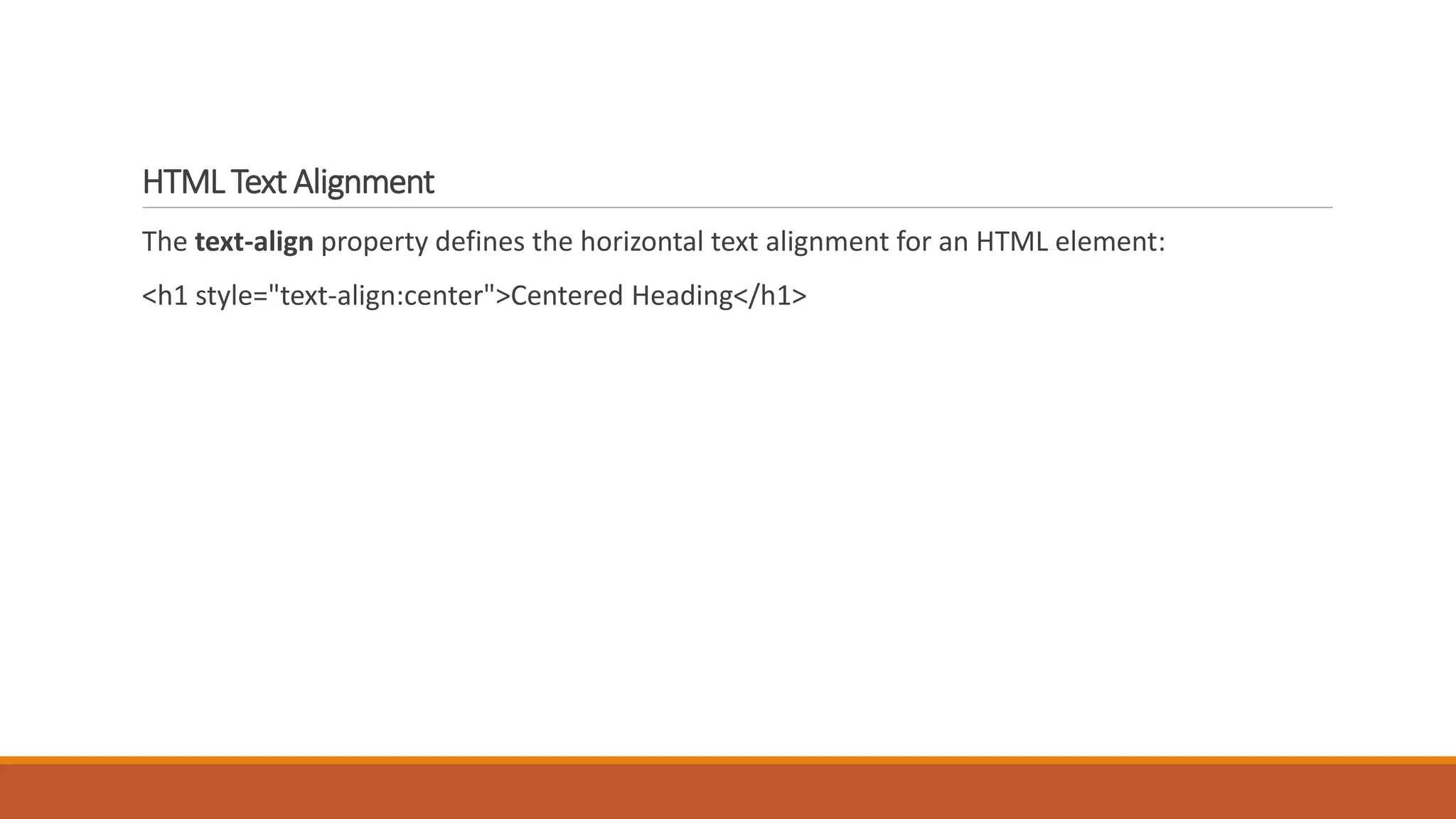
HTML Text Alignment 
The text-align property defines the horizontal text alignment for an HTML element: 
<h1 style="text-align:center">Centered Heading</h1>
Thank You

HTML HR

  • 1.
  • 2.
    HTML Attributes HTMLelements can have attributes Attributes provide additional information about an element Attributes are always specified in the start tag Attributes come in name/value pairs like: name="value"
  • 3.
    HTML Language Codes Use these language codes in your lang attribute on the html tag to define the language of your HTML <html lang="en"> Dutch; Flemish nl Dzongkha dz Greek, Modern (1453-) el English en Esperanto eo Estonian et Basque eu Ewe ee Faroese fo Persian fa
  • 4.
    HTML Paragraphs TheHTML <p> element defines a paragraph. Title <p title=“Subject"> It provides tutorials and references covering </p> A aligned paragraph: <p align="right">This is some text in a paragraph.</p>
  • 5.
    Value Description leftLeft-align text right Right-align text center Center-align text justify Stretches the lines so that each line has equal width (like in newspapers and magazines)
  • 6.
    HR I wantto shake the hand of whoever came up with this <HR> line. It is a great, and simple, way to break up your page <HR width="500" size="70" color="red" noshade>
  • 7.
    HR Attributes Align Sets the alignment of the rule on the page. If no value is specified the default value is left. Color Set the color of the rule through color name or hexadecimal value. Noshade Sets the rule to have no shading Size Sets the height, in pixels, of the rule. Width Sets the length of the rule on the page through a pixel or percentage value <HR align="left" width="200" color="red" size="20" noshade>
  • 8.
    HTML Text FormattingElements Formatting elements are special HTML elements with a special meaning. Formatting elements were designed to display special types of text, like important text, emphasized text, subscripts, and superscripts. Tag Description <b> Defines bold text <em> Defines emphasized text <i> Defines a part of text in an alternate voice or mood <small> Defines smaller text <strong> Defines important text <sub> Defines subscripted text <sup> Defines superscripted text <ins> Defines inserted text <del> Defines deleted text <mark> Defines marked/highlighted text
  • 9.
    HTML Styling HTMLstyling has nothing to do with formatting elements. Styling is about changing or adding the style of existing HTML elements. Every HTML element has a default style (background color is white, text color is black ...) Changing the default style of an HTML element, can be done with the style attribute. <body style="background-color:lightblue"> <body bgcolor=FFFFFF> <body background="C:UsershamedaDesktopaward.jpg">
  • 10.
    The HTML StyleAttribute The HTML style attribute has the following syntax: style="property:value" HTML Text Color The color property defines the text color to be used for an HTML element: <h1 style="color:blue">This is a heading</h1> HTML Text Fonts The font-family property defines the font to be used for an HTML element: <p style="font-family:courier">This is a paragraph.</p> HTML Text Size The font-size property defines the text size to be used for an HTML element: <p style="font-size:160%">This is a paragraph.</p>
  • 11.
    HTML Text Alignment The text-align property defines the horizontal text alignment for an HTML element: <h1 style="text-align:center">Centered Heading</h1>
  • 12.