#atlassian
How to implement SLAs and metrics 
in JIRA Service Desk 
Lucas Dussurget • Director • Valiantys • @ValiantysEN
Why IT managers don’t like SLAs: 
• Need to calculate everything in Excel 
• Can’t change them my 
self 
• Is not helping me improve 
• No flexibility in reports
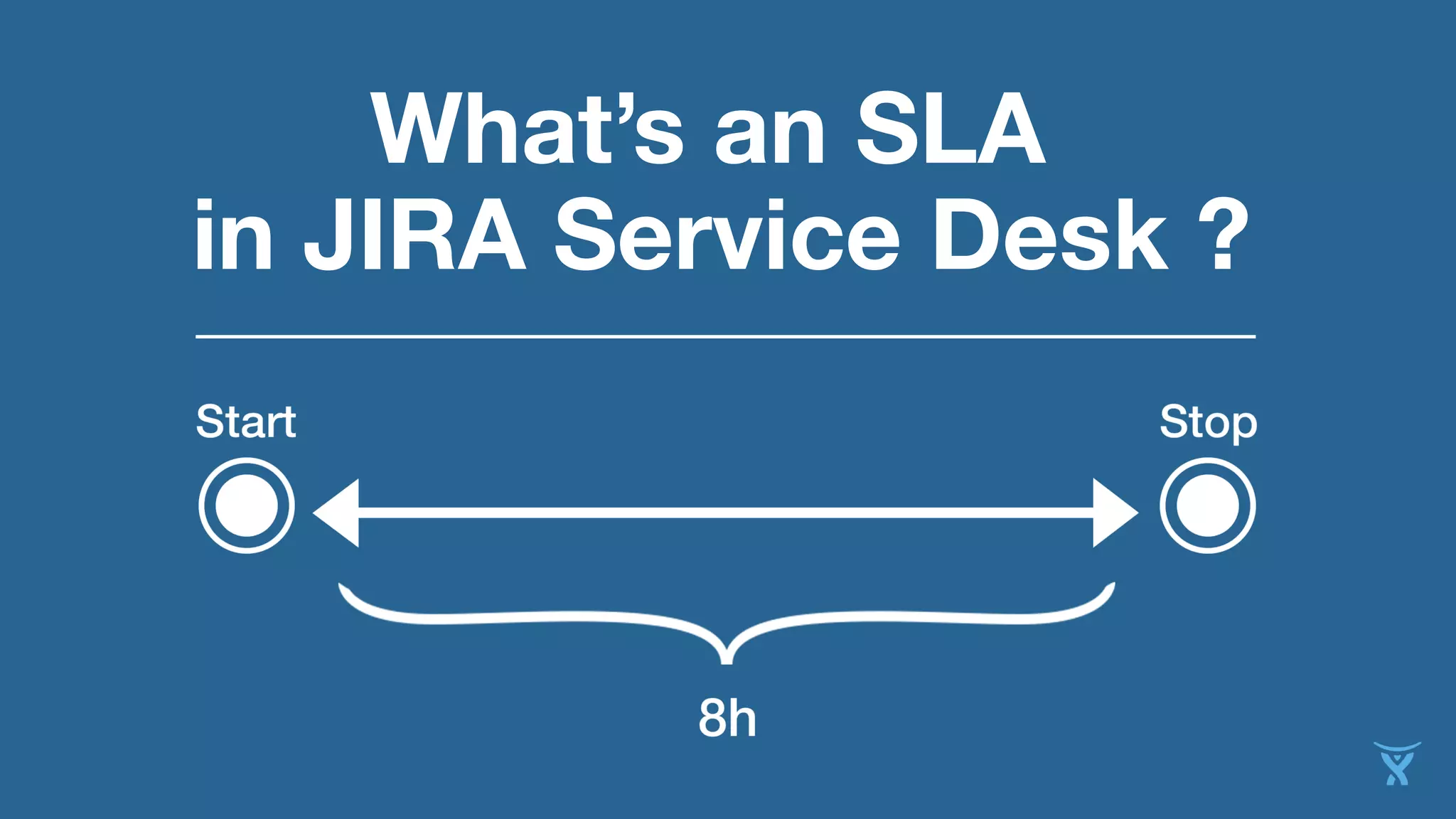
What’s an SLA 
in JIRA Service Desk ?
Let’s get started and 
build some SLAs
An international development charity: 
“How I can set a resolution SLA that 
won’t run when I’m waiting for my 
customer?”
DO 
N’T 
D 
O 
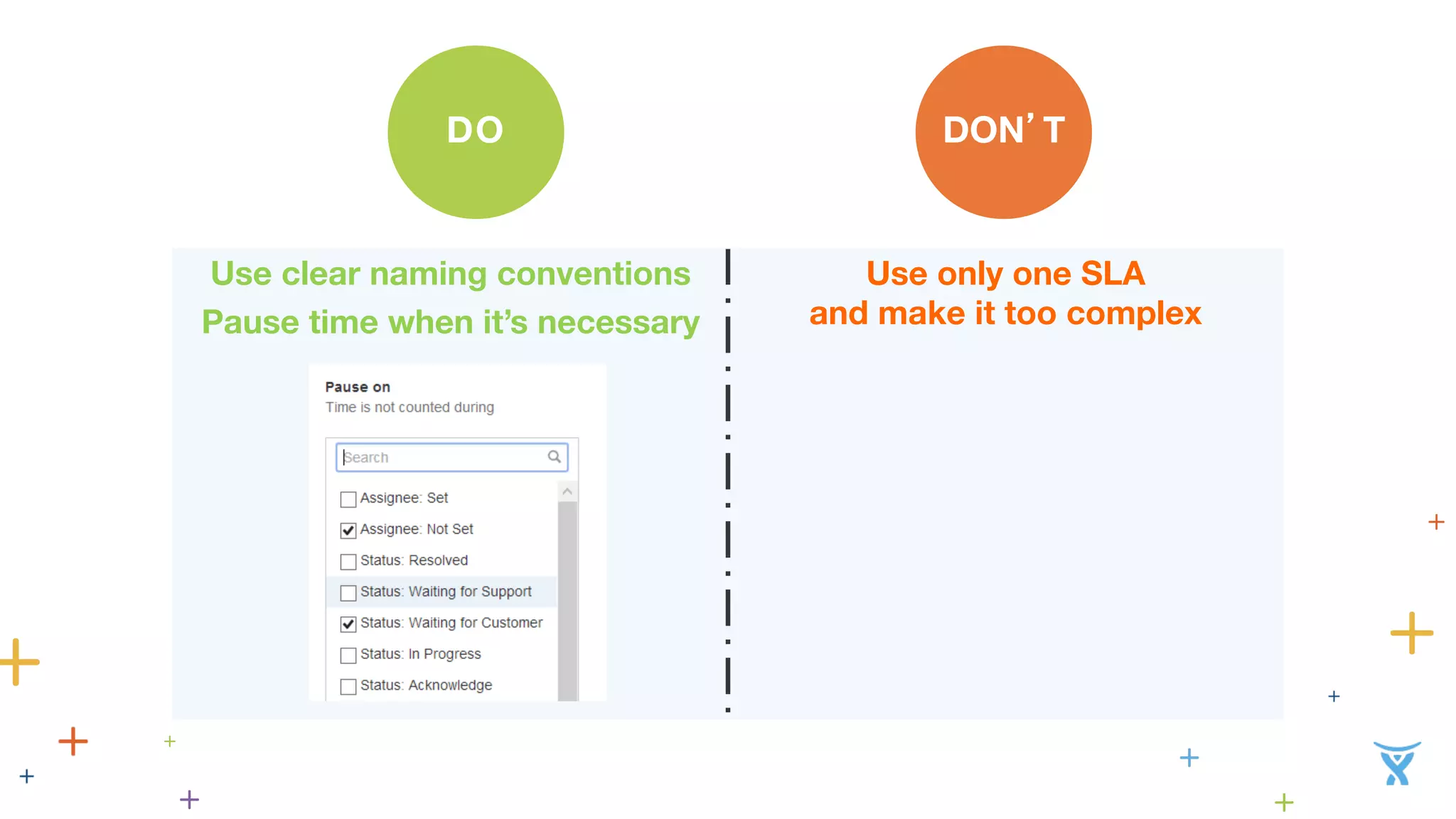
Use clear naming conventions 
Pause time when it’s necessary 
Use only one SLA 
and make it too complex
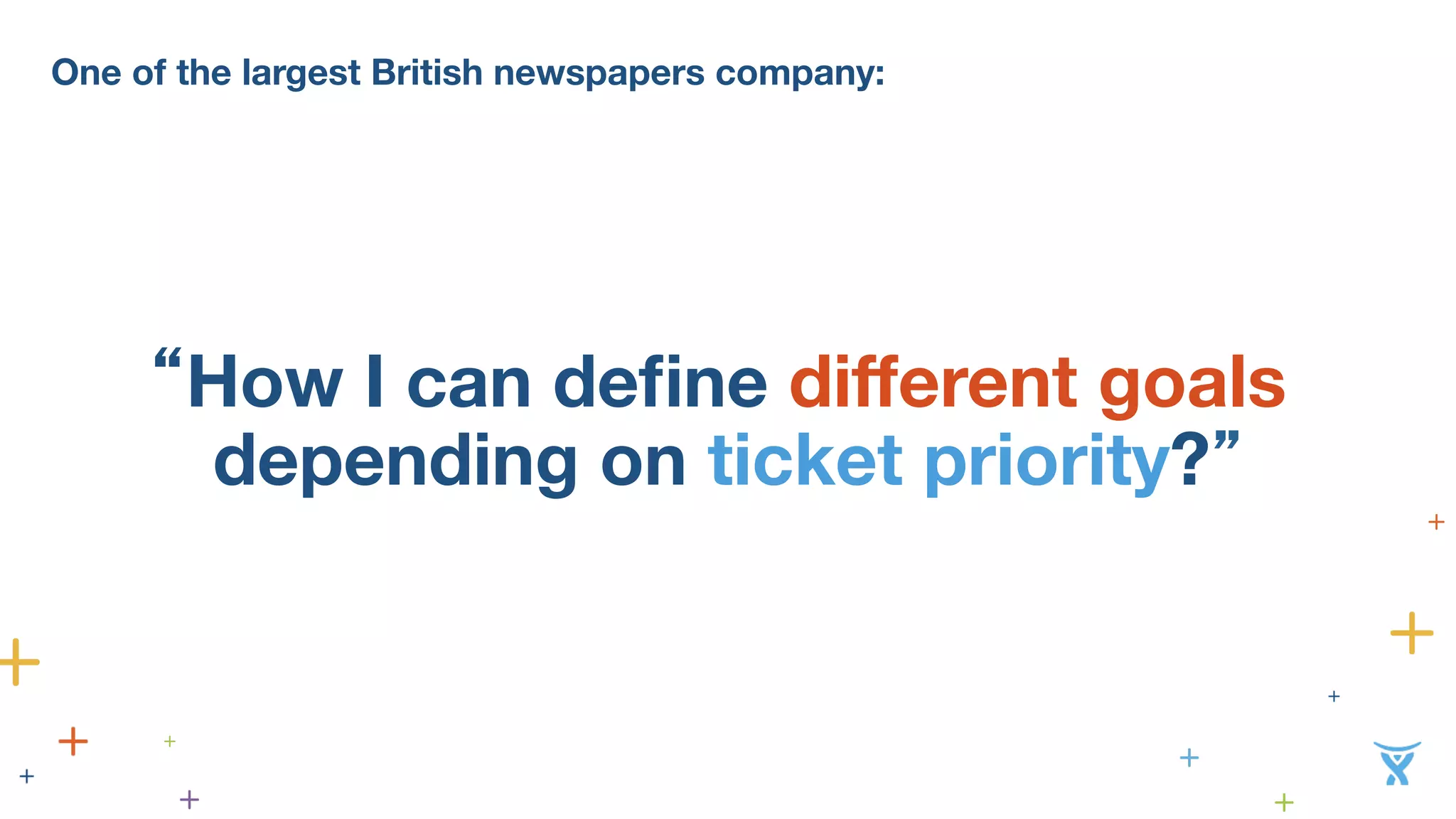
One of the largest British newspapers company: 
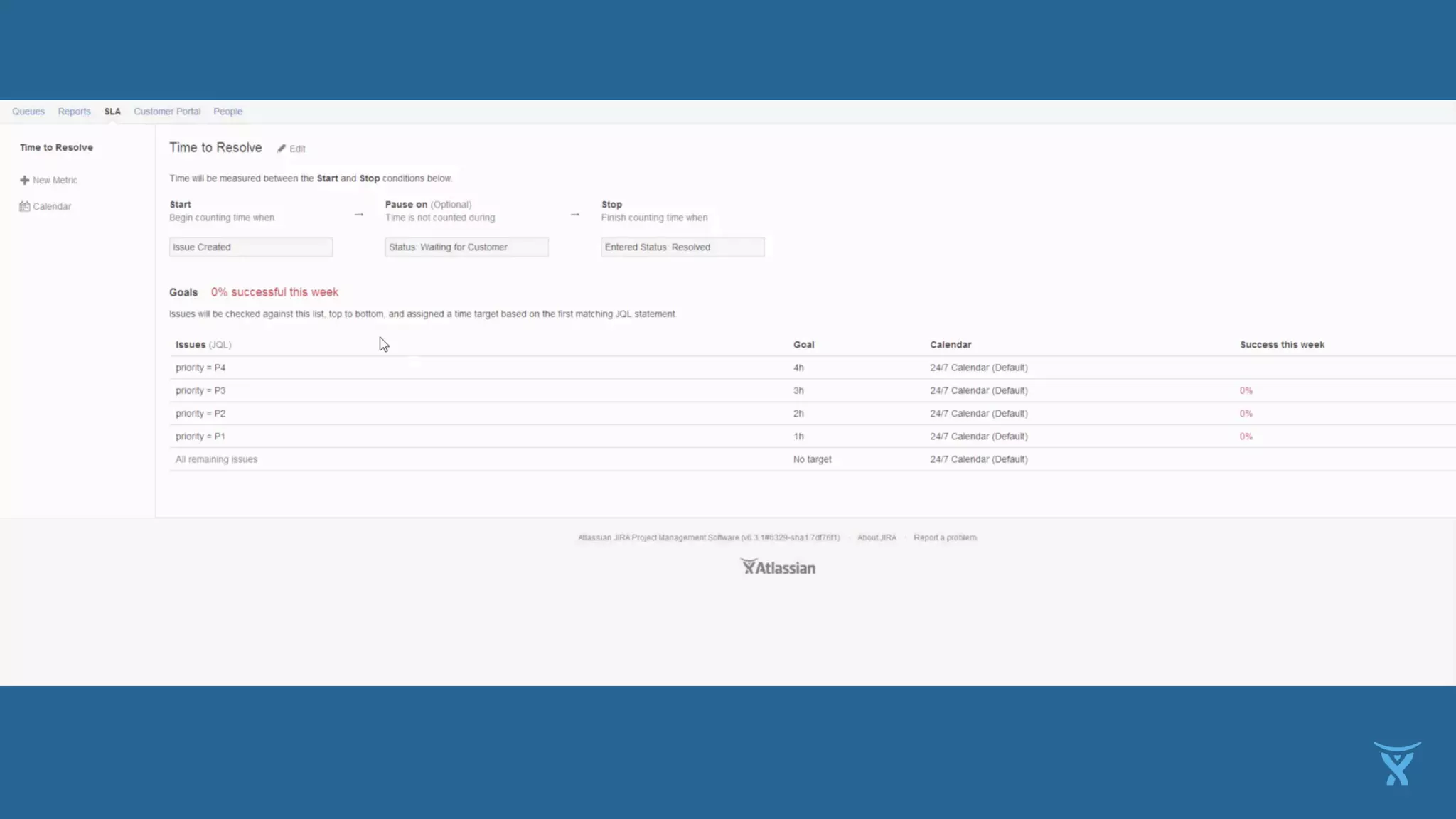
“How I can define different goals 
depending on ticket priority?”
DO 
N’T 
D 
O 
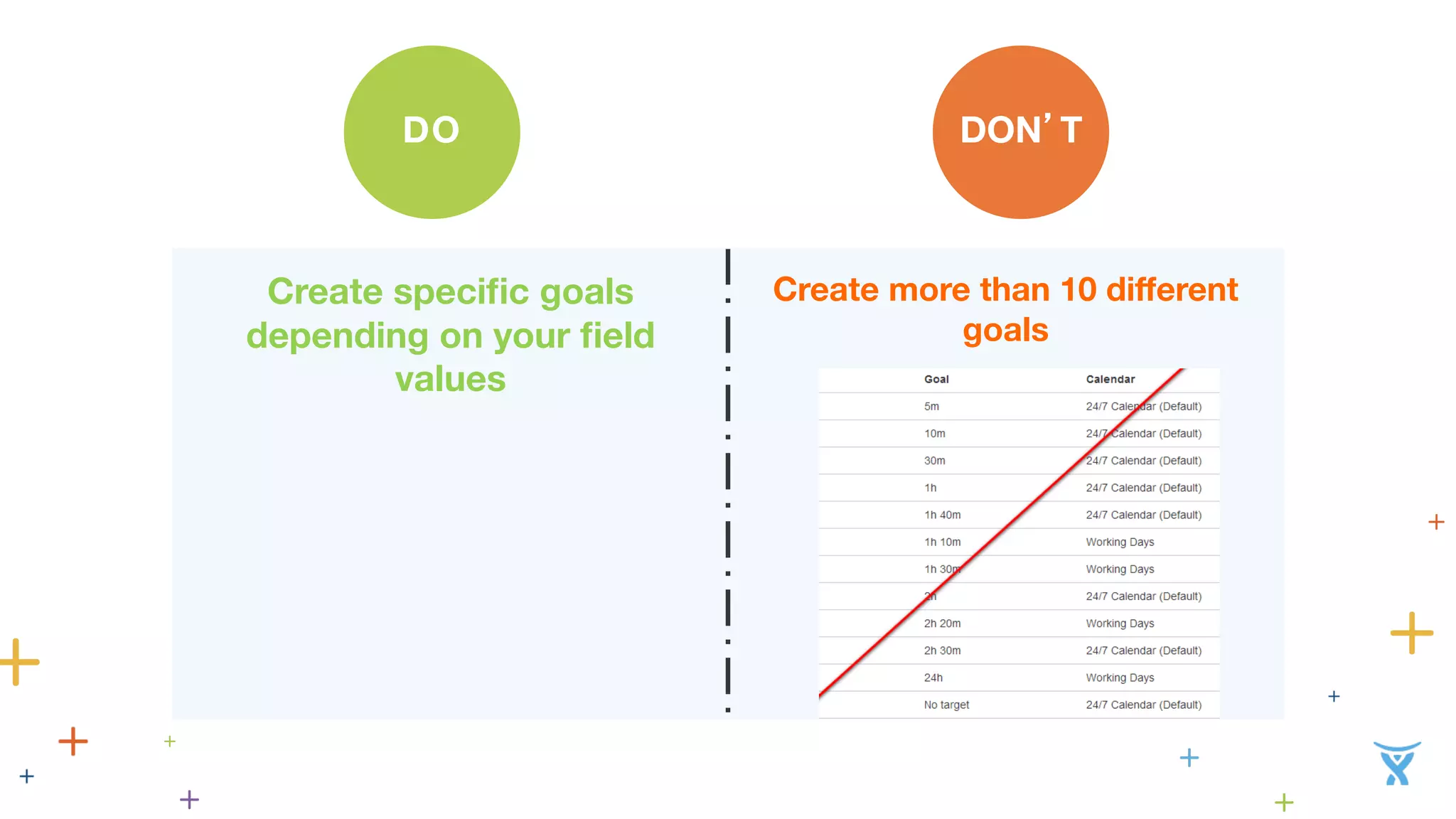
Create specific goals 
depending on your field 
values 
Create more than 10 different 
goals
One of the top UK insurance firms: 
“How can I have my SLA running 
24/7 if the ticket is a P1 but not if it’s 
a lower priority?”
DO 
N’T 
D 
O 
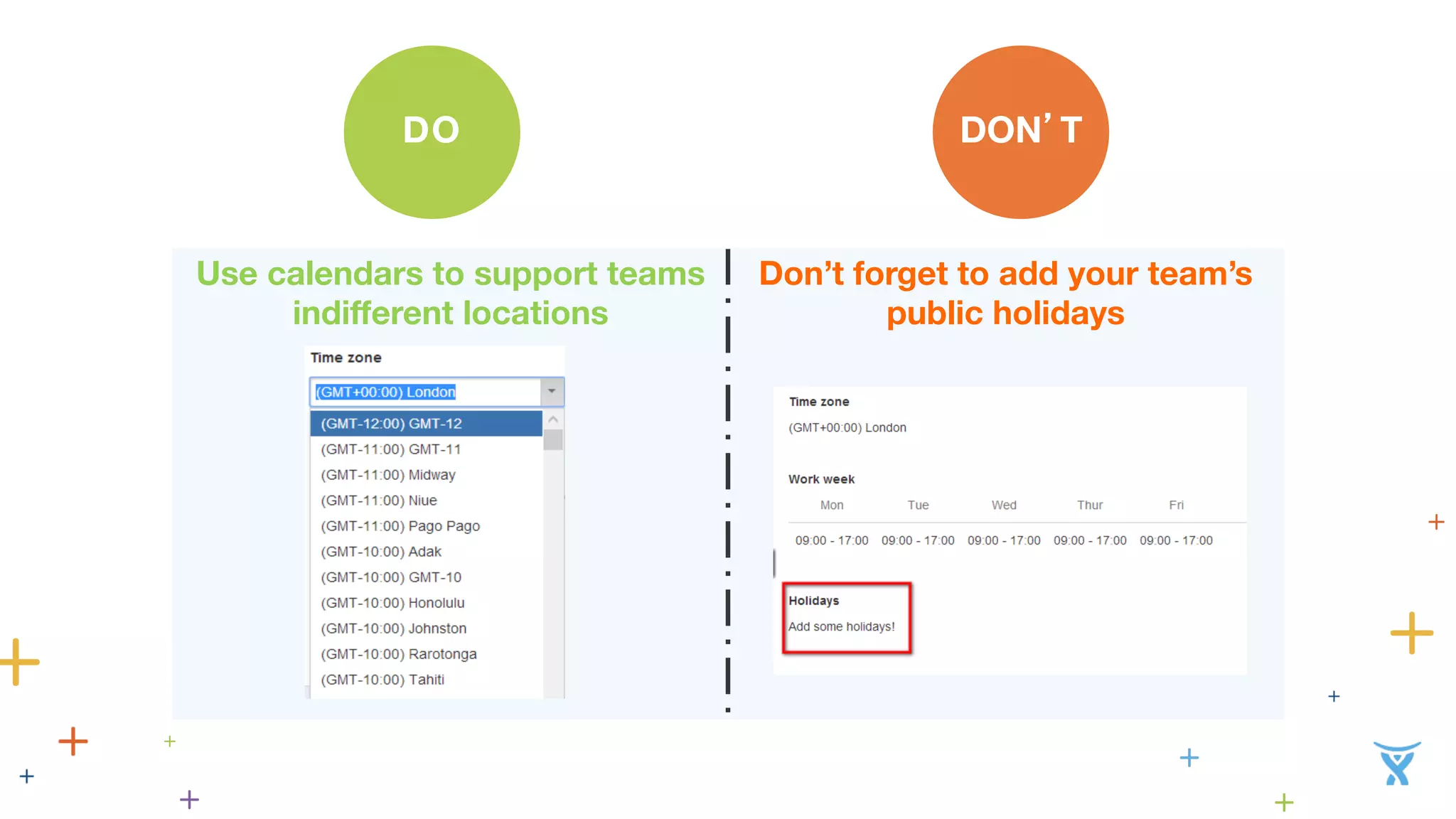
Use calendars to support teams 
indifferent locations 
Don’t forget to add your team’s 
public holidays
“What else can I do with SLAs in 
JIRA ?”
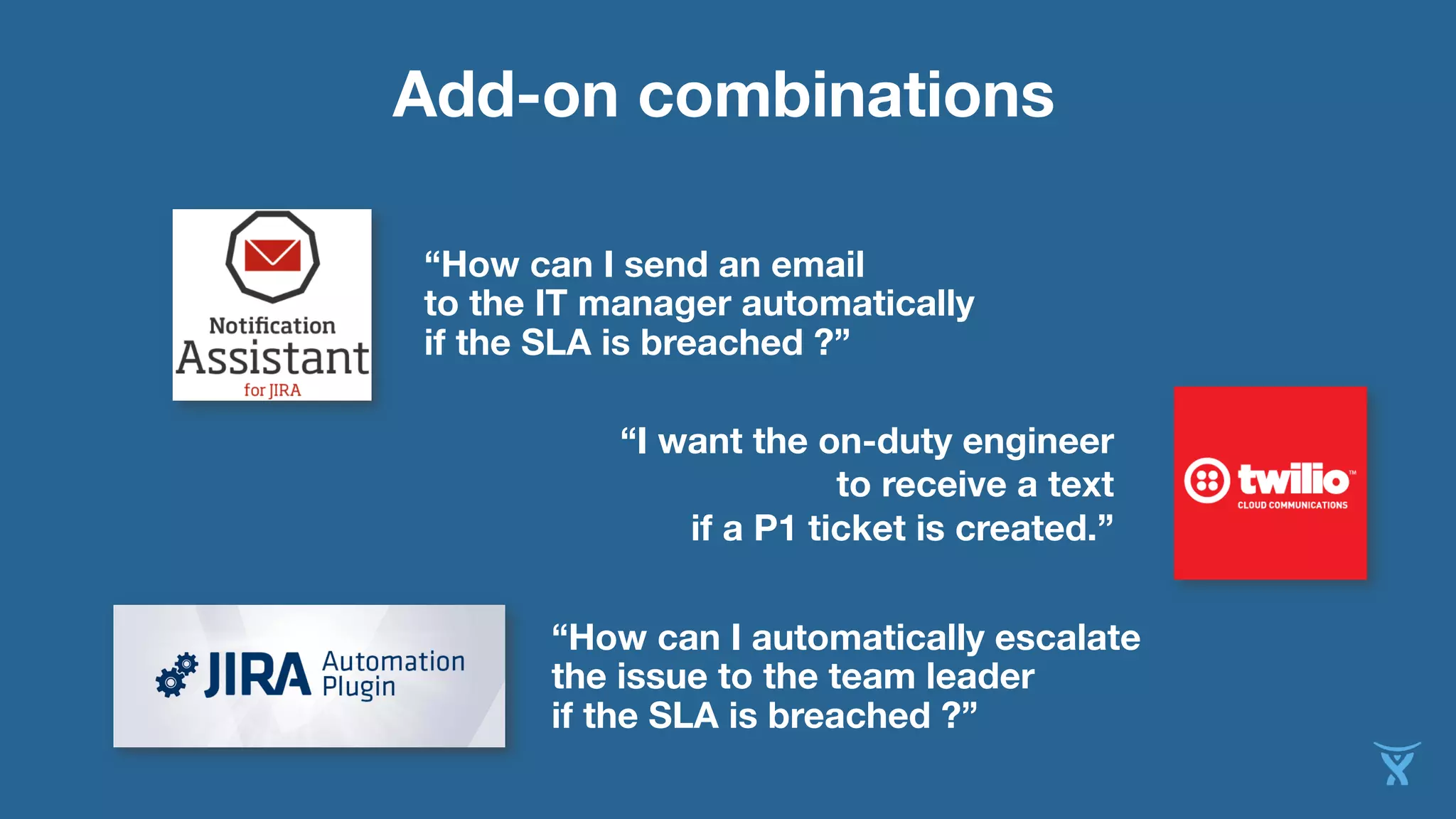
Add-on combinations 
“How can I send an email 
to the IT manager automatically 
if the SLA is breached ?” 
“I want the on-duty engineer 
to receive a text 
if a P1 ticket is created.” 
“How can I automatically escalate 
the issue to the team leader 
if the SLA is breached ?”
Specific Use–case 
I want to have a standard 8h SLA 
With a 9-5pm Monday to Friday calendar 
So my SLA is suspended on the Weekend 
Except … 
If a ticket is raised by one of my Gold Customers 
Between 4 and 5pm on Friday 
Then it should keep running on Saturday 
But if it’s raised after 5pm, the SLA should be suspended till Monday.
How we did it 
Set a standard resolution time SLA 
Create two calendars, one 9-5 Monday to Friday and another 9-5 Monday to Saturday 
Goals are set to be running with my first calendar by default 
Using the Automation plugin, a hidden custom field is updated to mark if the ticket was 
raised on a Friday between 4 and 5pm 
Add a new goal which will only be applied if the customer is a Gold Customer and if 
the value of the hidden field is set to Yes 
Mark this goal as using the Monday to Saturday calendar
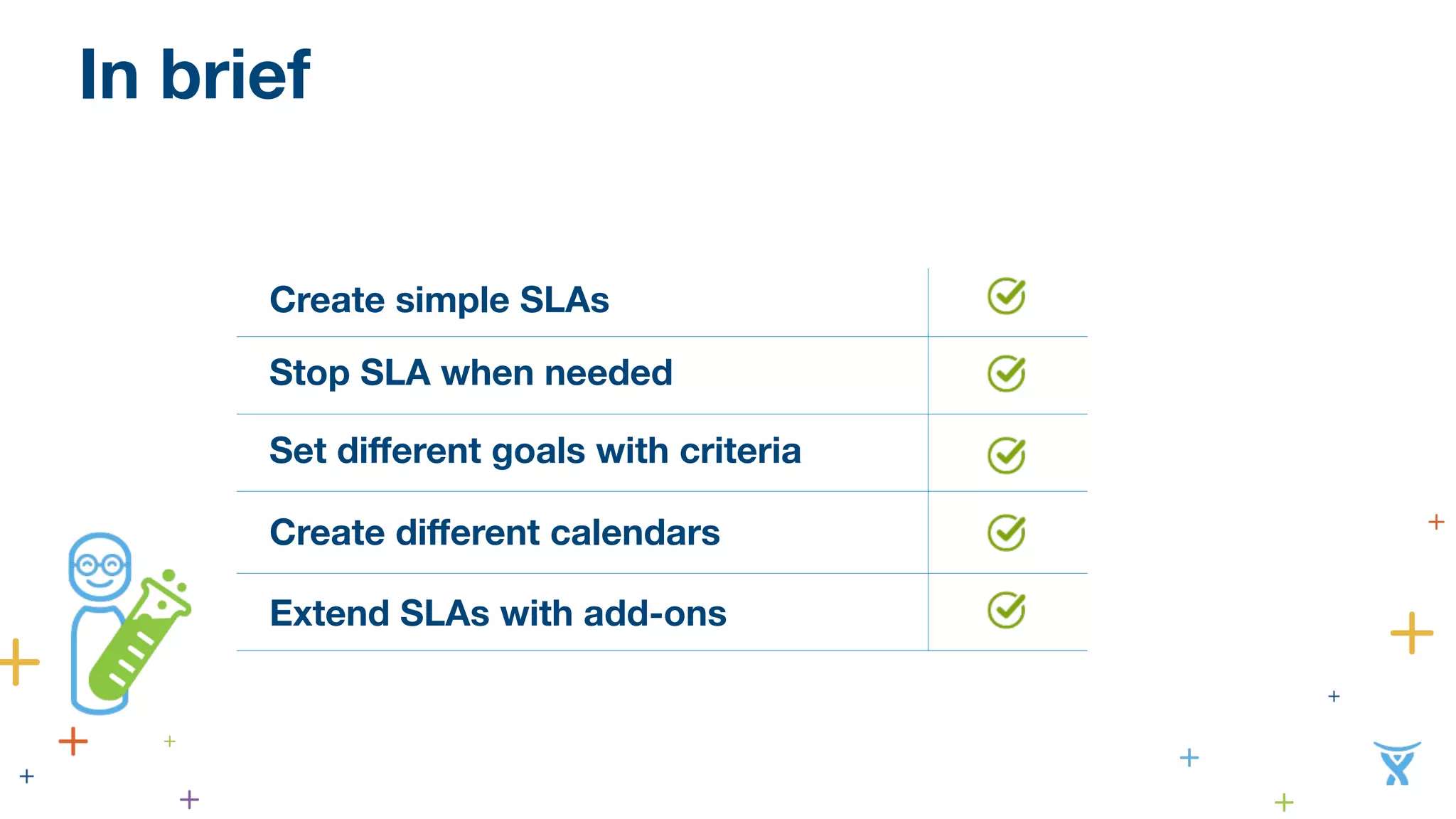
In brief 
Create simple SLAs 
Stop SLA when needed 
Set different goals with criteria 
Create different calendars 
Extend SLAs with add-ons
Thank you! 
Questions: visit us at booth G5 
Lucas Dussurget • Director • Valiantys • @ValiantysEN

How to Implement SLAs and Metrics in JIRA Service Desk - Lucas Dussurget

  • 1.
  • 2.
    How to implementSLAs and metrics in JIRA Service Desk Lucas Dussurget • Director • Valiantys • @ValiantysEN
  • 3.
    Why IT managersdon’t like SLAs: • Need to calculate everything in Excel • Can’t change them my self • Is not helping me improve • No flexibility in reports
  • 4.
    What’s an SLA in JIRA Service Desk ?
  • 5.
    Let’s get startedand build some SLAs
  • 6.
    An international developmentcharity: “How I can set a resolution SLA that won’t run when I’m waiting for my customer?”
  • 8.
    DO N’T D O Use clear naming conventions Pause time when it’s necessary Use only one SLA and make it too complex
  • 9.
    One of thelargest British newspapers company: “How I can define different goals depending on ticket priority?”
  • 11.
    DO N’T D O Create specific goals depending on your field values Create more than 10 different goals
  • 12.
    One of thetop UK insurance firms: “How can I have my SLA running 24/7 if the ticket is a P1 but not if it’s a lower priority?”
  • 14.
    DO N’T D O Use calendars to support teams indifferent locations Don’t forget to add your team’s public holidays
  • 15.
    “What else canI do with SLAs in JIRA ?”
  • 16.
    Add-on combinations “Howcan I send an email to the IT manager automatically if the SLA is breached ?” “I want the on-duty engineer to receive a text if a P1 ticket is created.” “How can I automatically escalate the issue to the team leader if the SLA is breached ?”
  • 17.
    Specific Use–case Iwant to have a standard 8h SLA With a 9-5pm Monday to Friday calendar So my SLA is suspended on the Weekend Except … If a ticket is raised by one of my Gold Customers Between 4 and 5pm on Friday Then it should keep running on Saturday But if it’s raised after 5pm, the SLA should be suspended till Monday.
  • 18.
    How we didit Set a standard resolution time SLA Create two calendars, one 9-5 Monday to Friday and another 9-5 Monday to Saturday Goals are set to be running with my first calendar by default Using the Automation plugin, a hidden custom field is updated to mark if the ticket was raised on a Friday between 4 and 5pm Add a new goal which will only be applied if the customer is a Gold Customer and if the value of the hidden field is set to Yes Mark this goal as using the Monday to Saturday calendar
  • 19.
    In brief Createsimple SLAs Stop SLA when needed Set different goals with criteria Create different calendars Extend SLAs with add-ons
  • 20.
    Thank you! Questions:visit us at booth G5 Lucas Dussurget • Director • Valiantys • @ValiantysEN