
drtamil@gmail.com
Get your course listed onGet your course listed on 
UKM MOOC
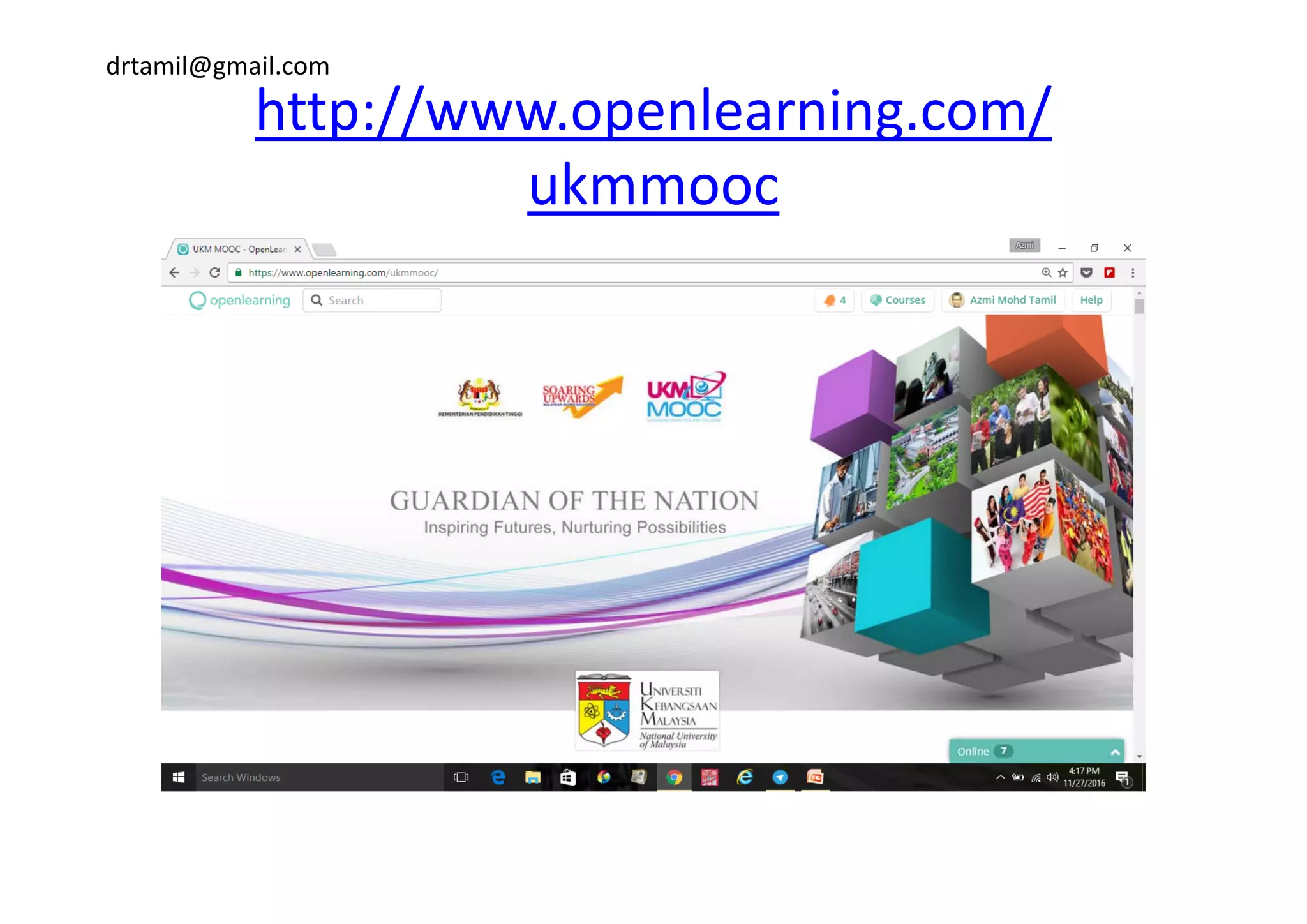
http://www.openlearning.com/http://www.openlearning.com/
ukmmooc
drtamil@gmail.com
http://www.openlearning.com/
ukmmooc
drtamil@gmail.com
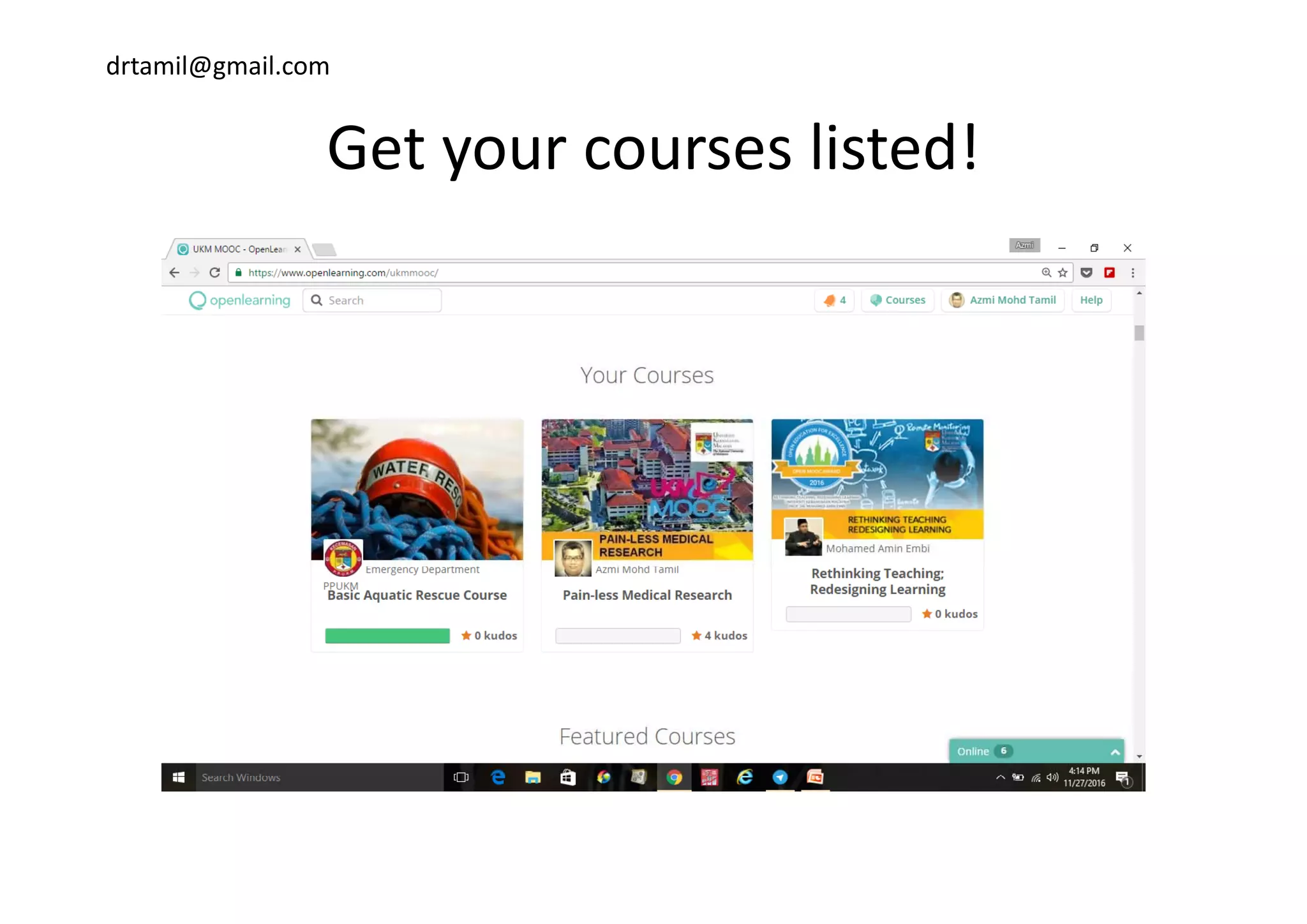
Get your courses listed!Get your courses listed!
drtamil@gmail.com
Criteria to be listed at UKM MOOC:Criteria to be listed at UKM MOOC:
b h OOC l• Your course banner must have UKM MOOC logo.
• Your course thumbnail must have UKM MOOC 
logo.
• Your promo video must start with UKM MOOC p
animation
• Must add admin UKMMOOC as course admin inMust add admin UKMMOOC as course admin in 
your course.
• Inform the secretariat (UKM MOOC) via emailInform the secretariat (UKM MOOC) via email 
about your course.
drtamil@gmail.com
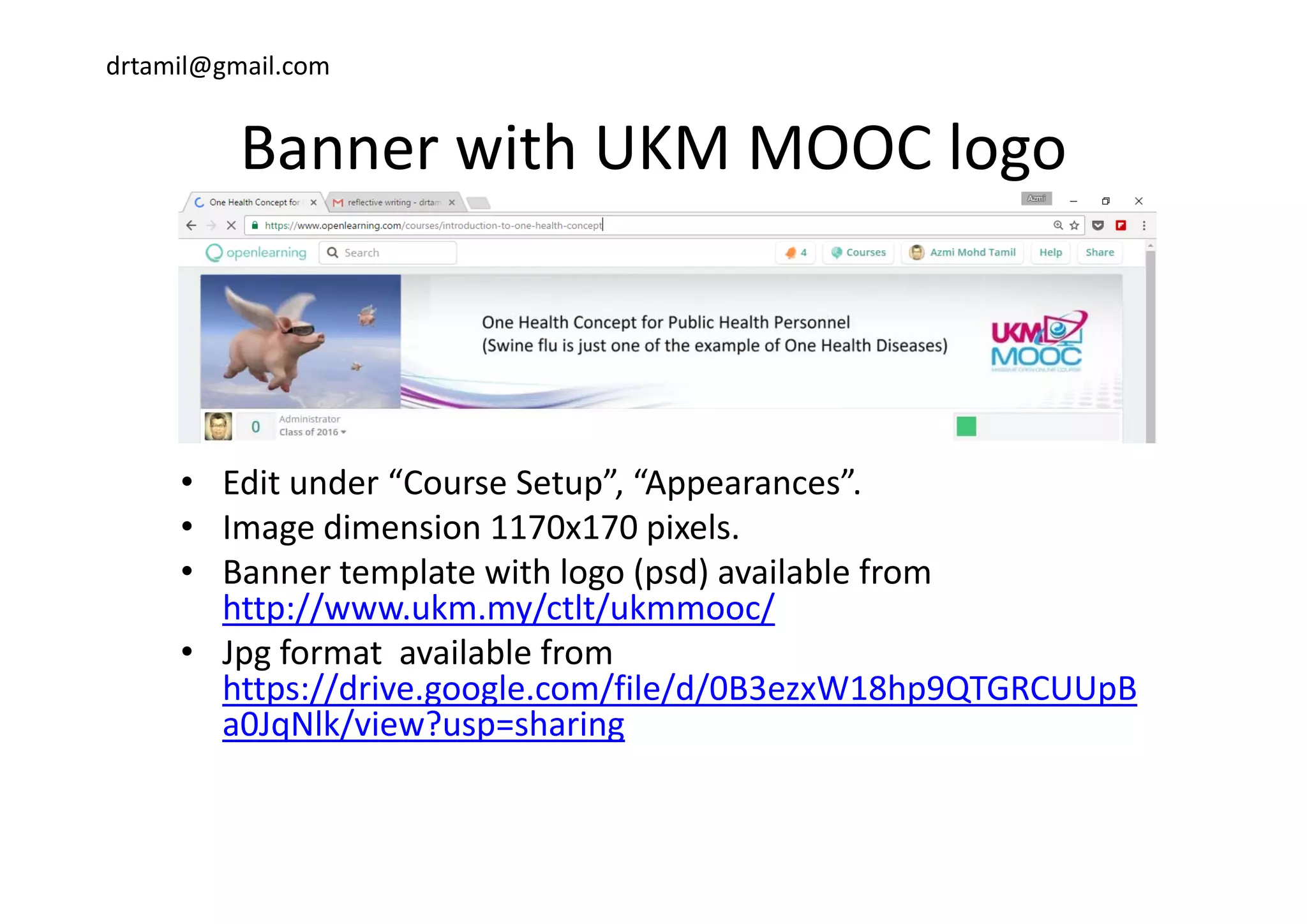
Banner with UKM MOOC logoBanner with UKM MOOC logo
• Edit under “Course Setup”, “Appearances”. 
• Image dimension 1170x170 pixels.
• Banner template with logo (psd) available from• Banner template with logo (psd) available from 
http://www.ukm.my/ctlt/ukmmooc/
• Jpg format  available from 
https://drive.google.com/file/d/0B3ezxW18hp9QTGRCUUpB
a0JqNlk/view?usp=sharing 
drtamil@gmail.com
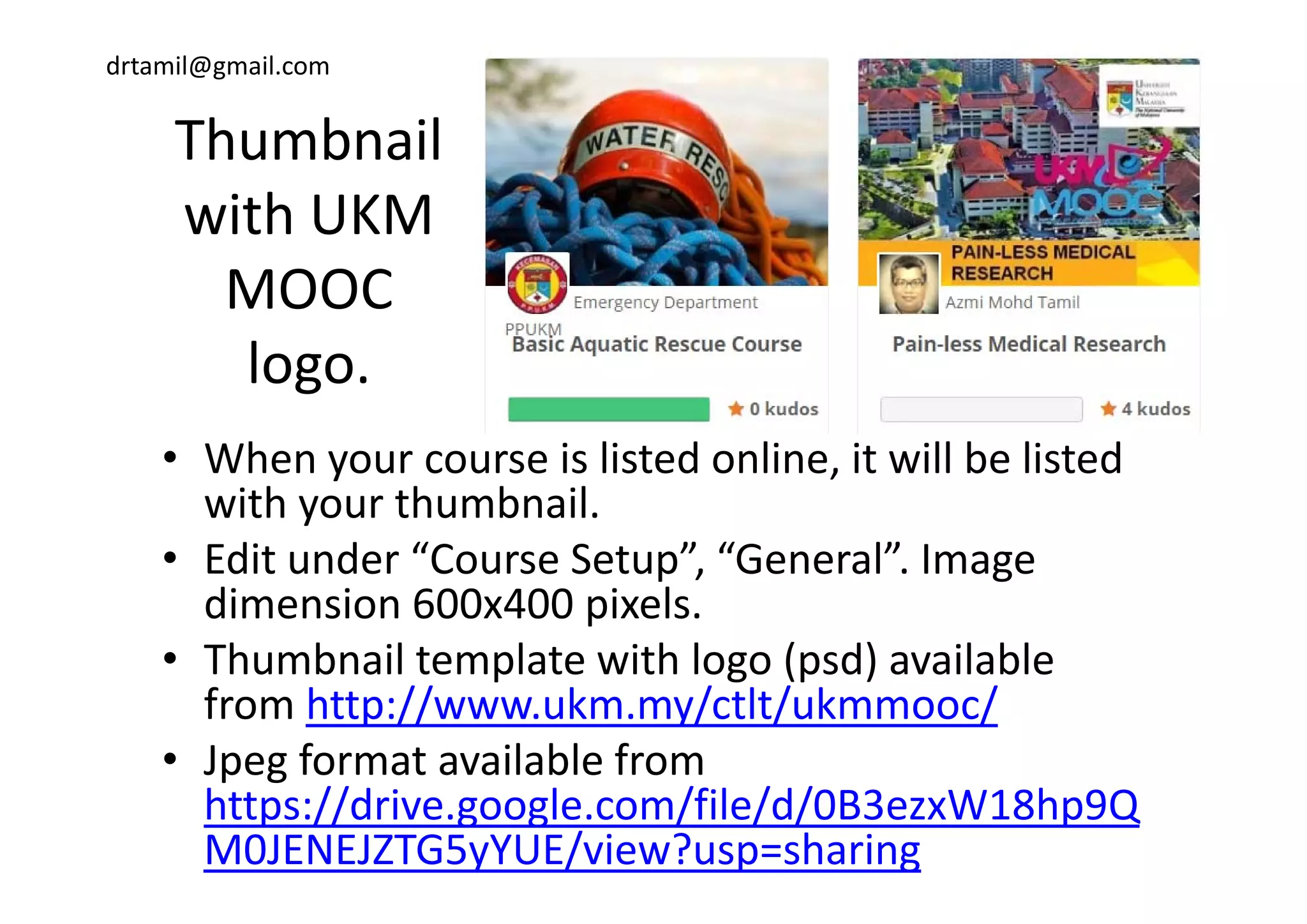
ThumbnailThumbnail 
with UKM 
MOOC 
logologo.
• When your course is listed online it will be listed• When your course is listed online, it will be listed 
with your thumbnail.
• Edit under “Course Setup” “General” ImageEdit under  Course Setup ,  General . Image 
dimension 600x400 pixels.
• Thumbnail template with logo (psd) availableThumbnail template with logo (psd) available 
from http://www.ukm.my/ctlt/ukmmooc/
• Jpeg format available from p g
https://drive.google.com/file/d/0B3ezxW18hp9Q
M0JENEJZTG5yYUE/view?usp=sharing
drtamil@gmail.com
drtamil@gmail.com
https://youtu.be/CG8_U0n9o2wp y _
Video clip available from http://www.ukm.my/ctlt/ukmmooc/
drtamil@gmail.com
MOOC UKM Promo VideoMOOC UKM Promo Video
M id b i d h• My promo video can be viewed here; 
https://www.youtube.com/watch?v=qTPAuJiF90g 
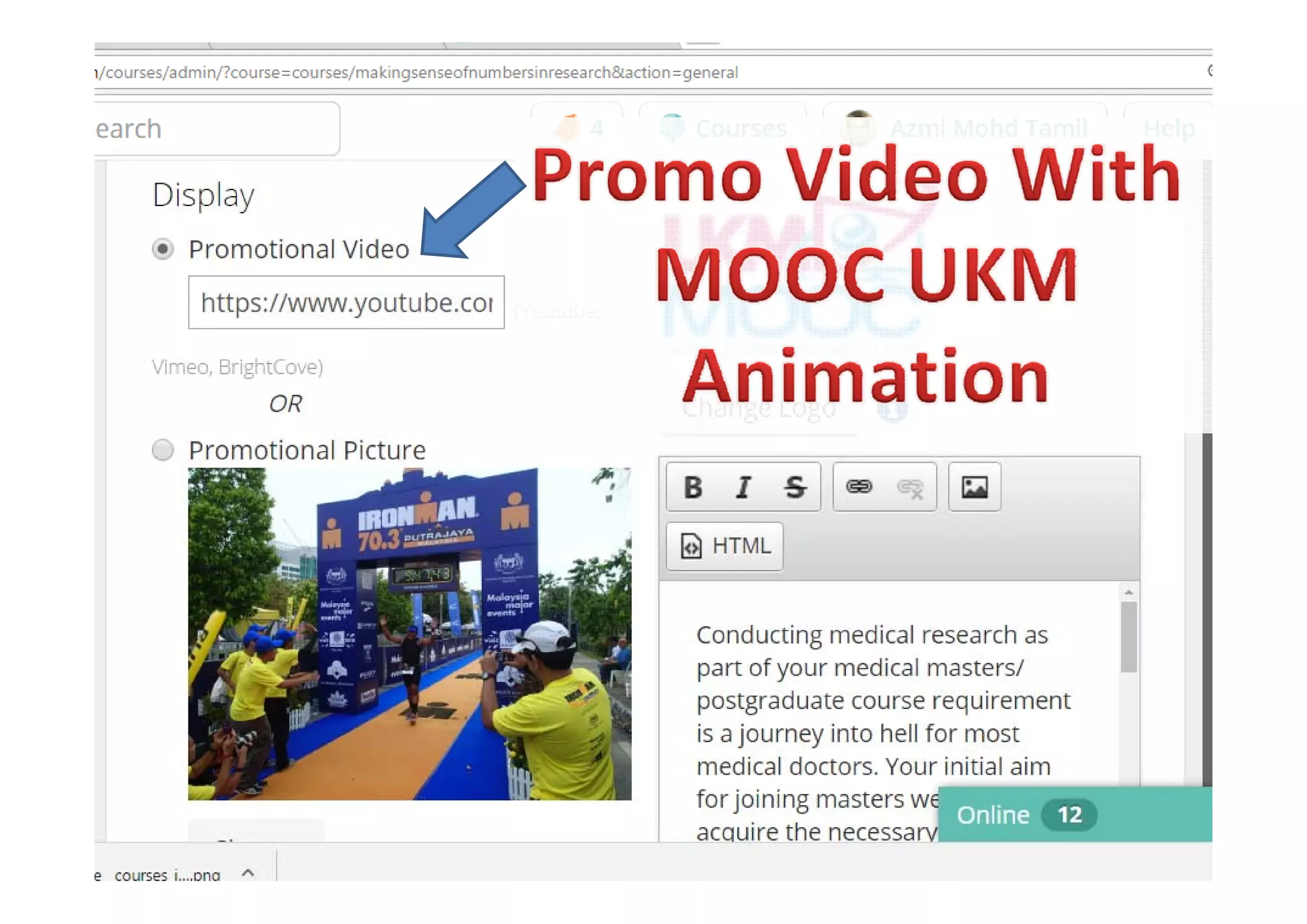
• Edit under “Course Setup” “General” Just need• Edit under  Course Setup ,  General . Just need 
the YouTube video URL i.e. 
https://youtu.be/CG8 U0n9o2whttps://youtu.be/CG8_U0n9o2w
• Please also edit the institution logo here. Image 
dimension 100x930 pixels. Image available from p g
http://www.ukm.my/ctlt/ukmmooc/
• Logo PNG format available from here; g ;
https://drive.google.com/file/d/0B3ezxW18hp9Q
aXNEZU1qN196MWs/view?usp=sharing
drtamil@gmail.com
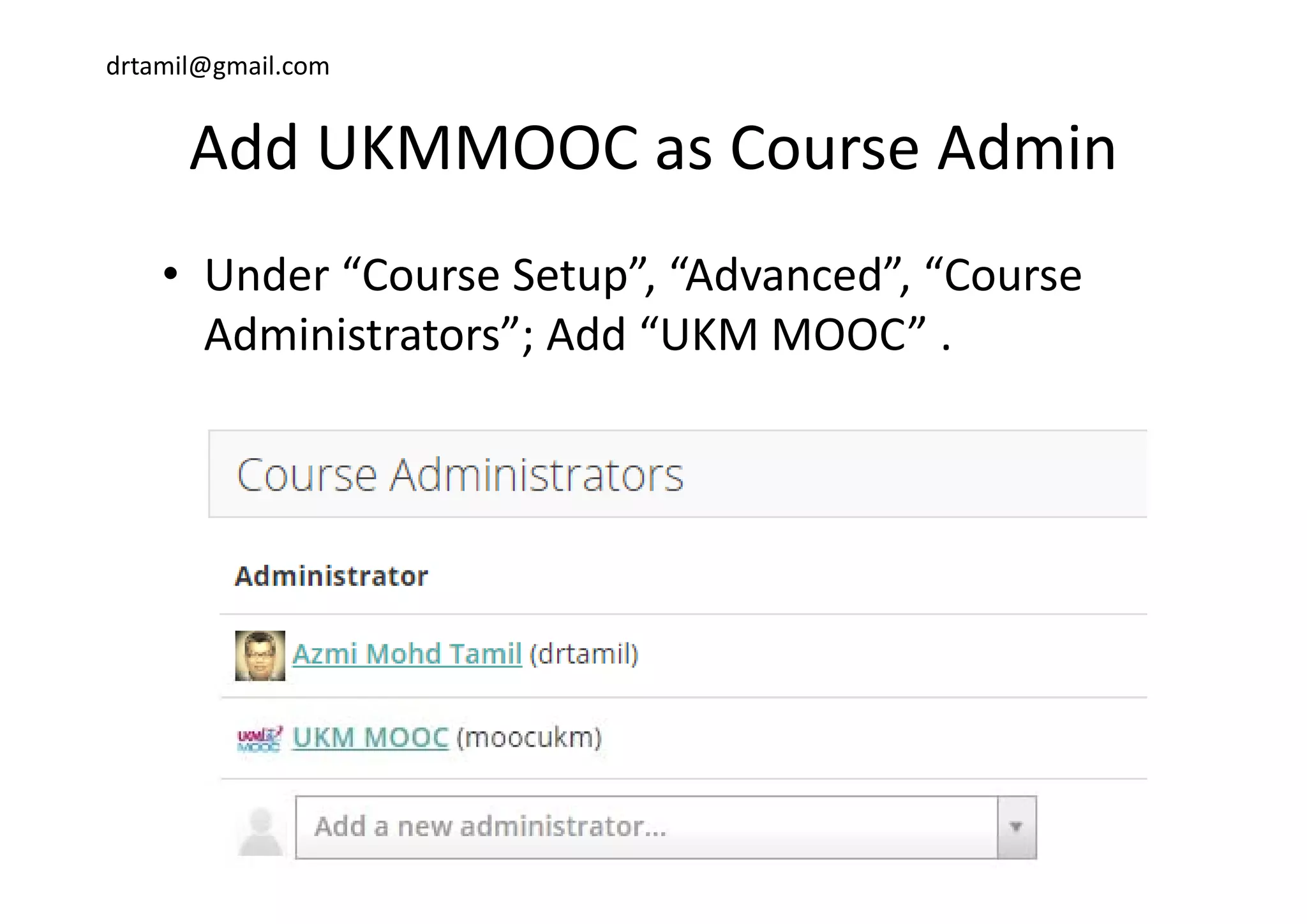
Add UKMMOOC as Course AdminAdd UKMMOOC as Course Admin
• Under “Course Setup”, “Advanced”, “Course 
Administrators”; Add “UKM MOOC” .
drtamil@gmail.com
Inform URL to UKM MOOC via EmailInform URL to UKM MOOC via Email 
• Please email the course URL to 
hashimuda@ukm edu my c chashimuda@ukm.edu.my, c.c. 
salini@ukm.edu.my, 
lil @ k d i hrnorlila@ukm.edu.my, using the 
following subject header; g j ;
”PERMOHONAN PENYENARAIAN KURSUS 
DALAM UKM MOOC”DALAM UKM MOOC”
drtamil@gmail.com
Thank you

How to get your courses listed on UKM MOOC (OpenLearning)

  • 1.
    drtamil@gmail.com Get your courselisted onGet your course listed on  UKM MOOC http://www.openlearning.com/http://www.openlearning.com/ ukmmooc
  • 2.
  • 3.
    drtamil@gmail.com Get your courseslisted!Get your courses listed!
  • 4.
    drtamil@gmail.com Criteria to belisted at UKM MOOC:Criteria to be listed at UKM MOOC: b h OOC l• Your course banner must have UKM MOOC logo. • Your course thumbnail must have UKM MOOC  logo. • Your promo video must start with UKM MOOC p animation • Must add admin UKMMOOC as course admin inMust add admin UKMMOOC as course admin in  your course. • Inform the secretariat (UKM MOOC) via emailInform the secretariat (UKM MOOC) via email  about your course.
  • 5.
    drtamil@gmail.com Banner with UKMMOOC logoBanner with UKM MOOC logo • Edit under “Course Setup”, “Appearances”.  • Image dimension 1170x170 pixels. • Banner template with logo (psd) available from• Banner template with logo (psd) available from  http://www.ukm.my/ctlt/ukmmooc/ • Jpg format  available from  https://drive.google.com/file/d/0B3ezxW18hp9QTGRCUUpB a0JqNlk/view?usp=sharing 
  • 6.
    drtamil@gmail.com ThumbnailThumbnail  with UKM  MOOC  logologo. • When yourcourse is listed online it will be listed• When your course is listed online, it will be listed  with your thumbnail. • Edit under “Course Setup” “General” ImageEdit under  Course Setup ,  General . Image  dimension 600x400 pixels. • Thumbnail template with logo (psd) availableThumbnail template with logo (psd) available  from http://www.ukm.my/ctlt/ukmmooc/ • Jpeg format available from p g https://drive.google.com/file/d/0B3ezxW18hp9Q M0JENEJZTG5yYUE/view?usp=sharing
  • 7.
  • 8.
  • 9.
    drtamil@gmail.com MOOC UKM PromoVideoMOOC UKM Promo Video M id b i d h• My promo video can be viewed here;  https://www.youtube.com/watch?v=qTPAuJiF90g  • Edit under “Course Setup” “General” Just need• Edit under  Course Setup ,  General . Just need  the YouTube video URL i.e.  https://youtu.be/CG8 U0n9o2whttps://youtu.be/CG8_U0n9o2w • Please also edit the institution logo here. Image  dimension 100x930 pixels. Image available from p g http://www.ukm.my/ctlt/ukmmooc/ • Logo PNG format available from here; g ; https://drive.google.com/file/d/0B3ezxW18hp9Q aXNEZU1qN196MWs/view?usp=sharing
  • 10.
    drtamil@gmail.com Add UKMMOOC asCourse AdminAdd UKMMOOC as Course Admin • Under “Course Setup”, “Advanced”, “Course  Administrators”; Add “UKM MOOC” .
  • 11.
    drtamil@gmail.com Inform URL toUKM MOOC via EmailInform URL to UKM MOOC via Email  • Please email the course URL to  hashimuda@ukm edu my c chashimuda@ukm.edu.my, c.c.  salini@ukm.edu.my,  lil @ k d i hrnorlila@ukm.edu.my, using the  following subject header; g j ; ”PERMOHONAN PENYENARAIAN KURSUS  DALAM UKM MOOC”DALAM UKM MOOC”
  • 12.